Product Image Workflow Comparisons
Compare product-image workflows by control, evidence, repeatability, review effort, and where the work happens.
- One clear source
- Review before publishing
- No credit card required
Curated directions
Compare production options by tradeoffs, not invented promises.
Compare the evidence, output needs, and review process.


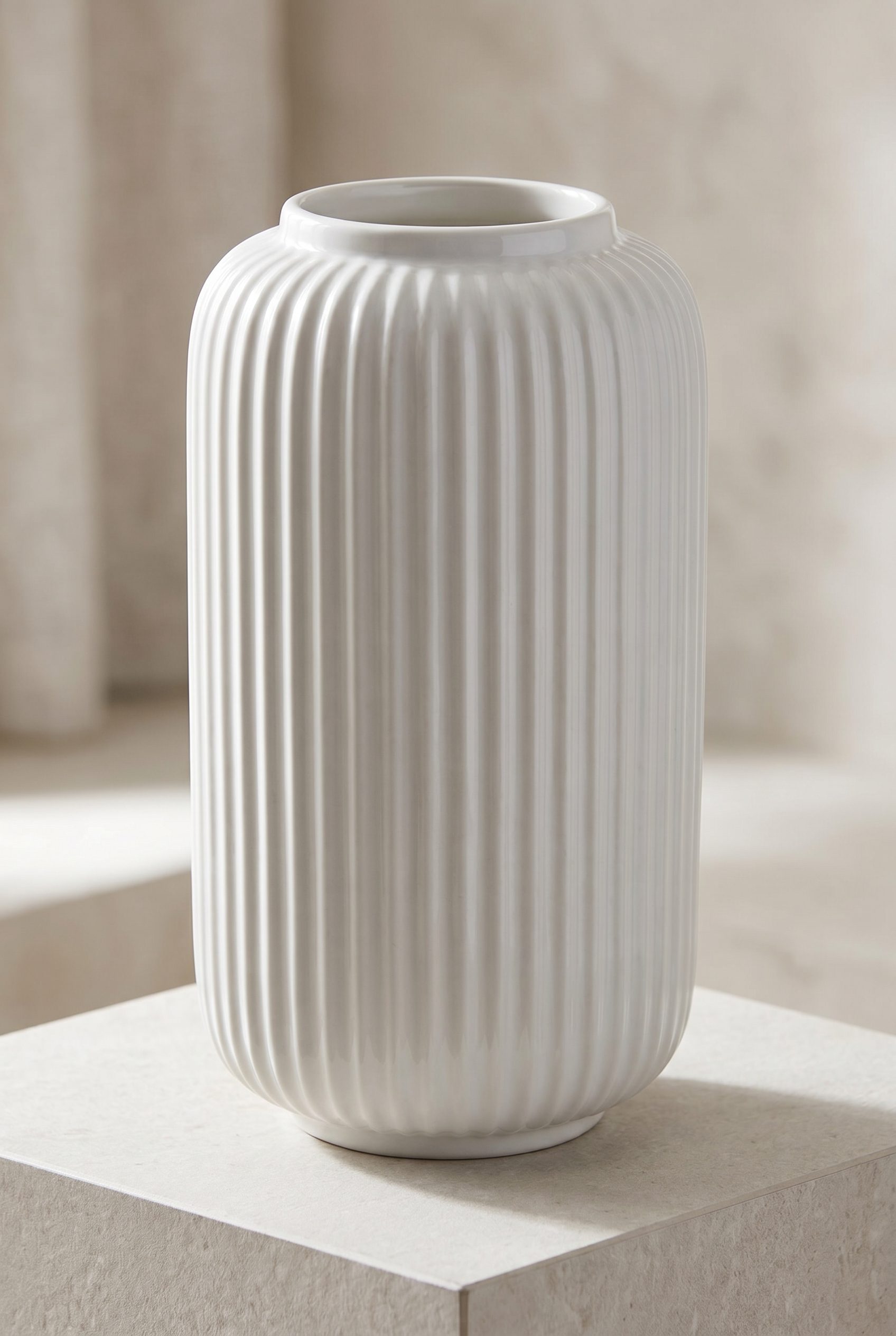


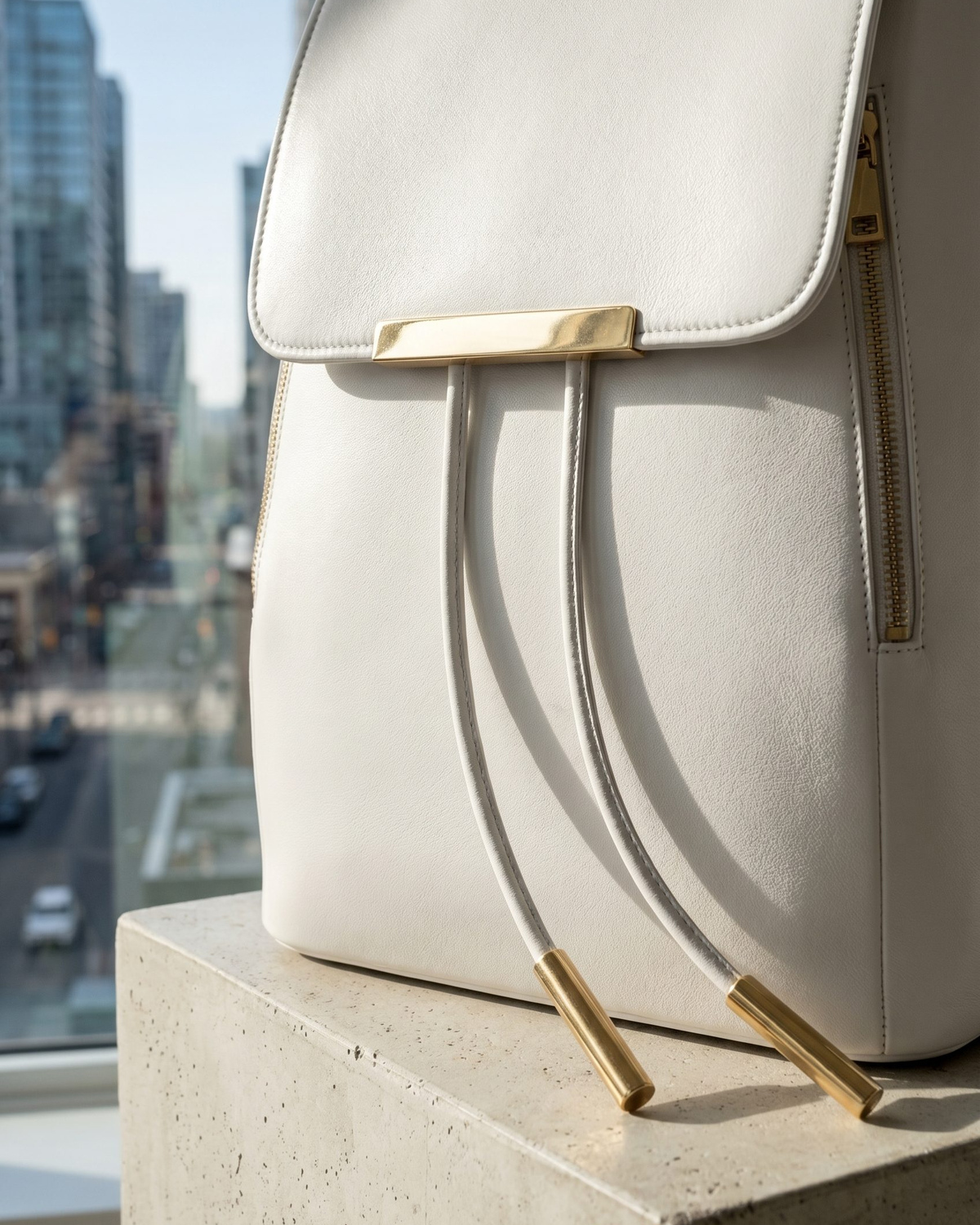
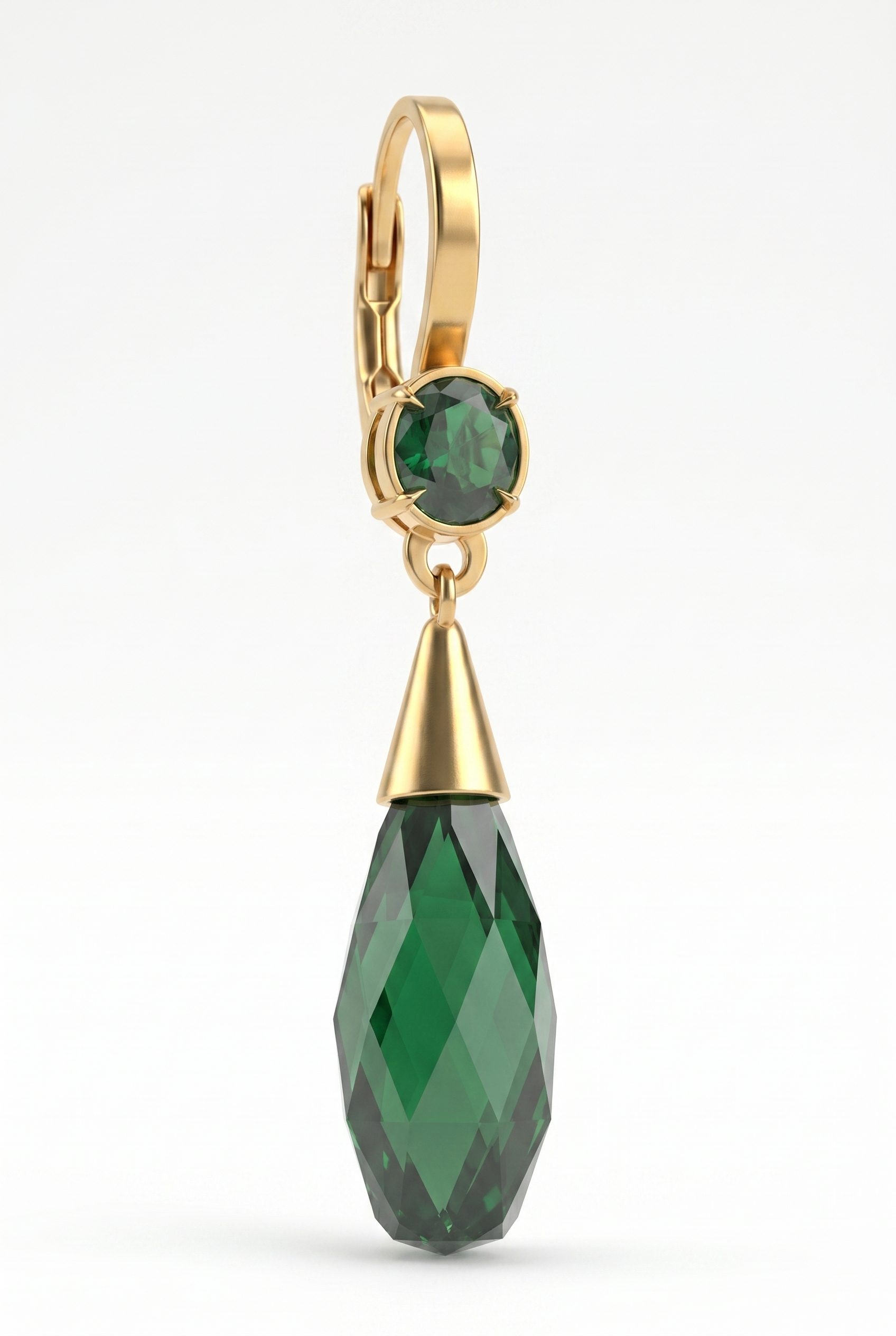
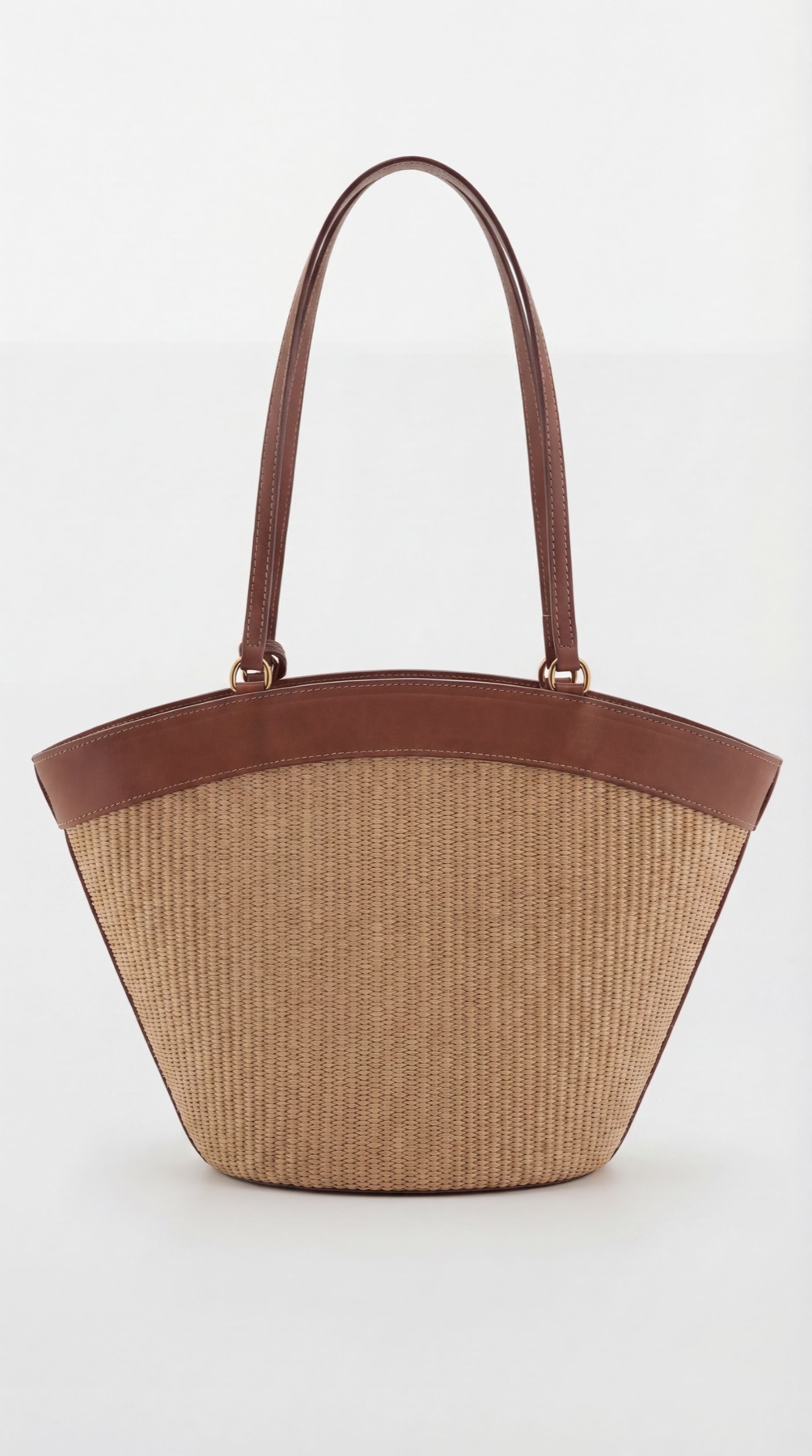
How to use this collection
Compare the evidence, output needs, and review process.
The best option can differ by product and image job; use a mixed workflow when exact evidence and creative scale have different needs.

Choose the next surface
Choose your next workflow.
Find the product tool, category, or use case that matches what you want to create.
Planning and review
Product Image Workflow Comparisons FAQs
Compare source evidence, creative control, repeatability, review effort, turnaround uncertainty, and the product details that must remain exact.
Test the workflow
Compare the options for one product before choosing the production path.
Use one representative product, define the intended output, and review every generated option before expanding the direction.
- Use your own product
- Review every output
- No credit card required