Product image guides and playbooks.
Use practical guides when you need marketplace requirements, white-background decisions, ecommerce photography basics, and channel-ready image planning.
- Examples
- Workflow
- Ecommerce-ready
Guide examples
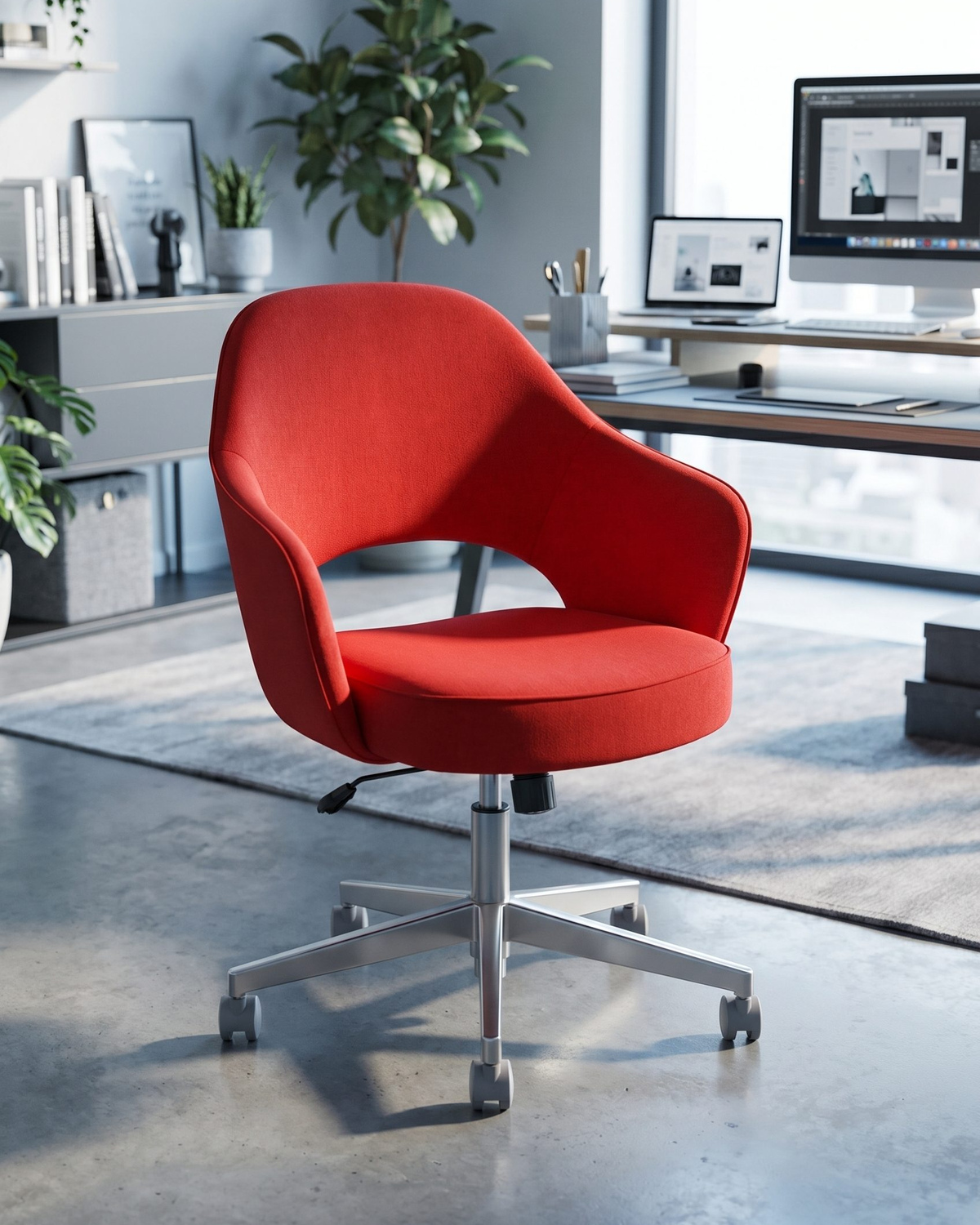
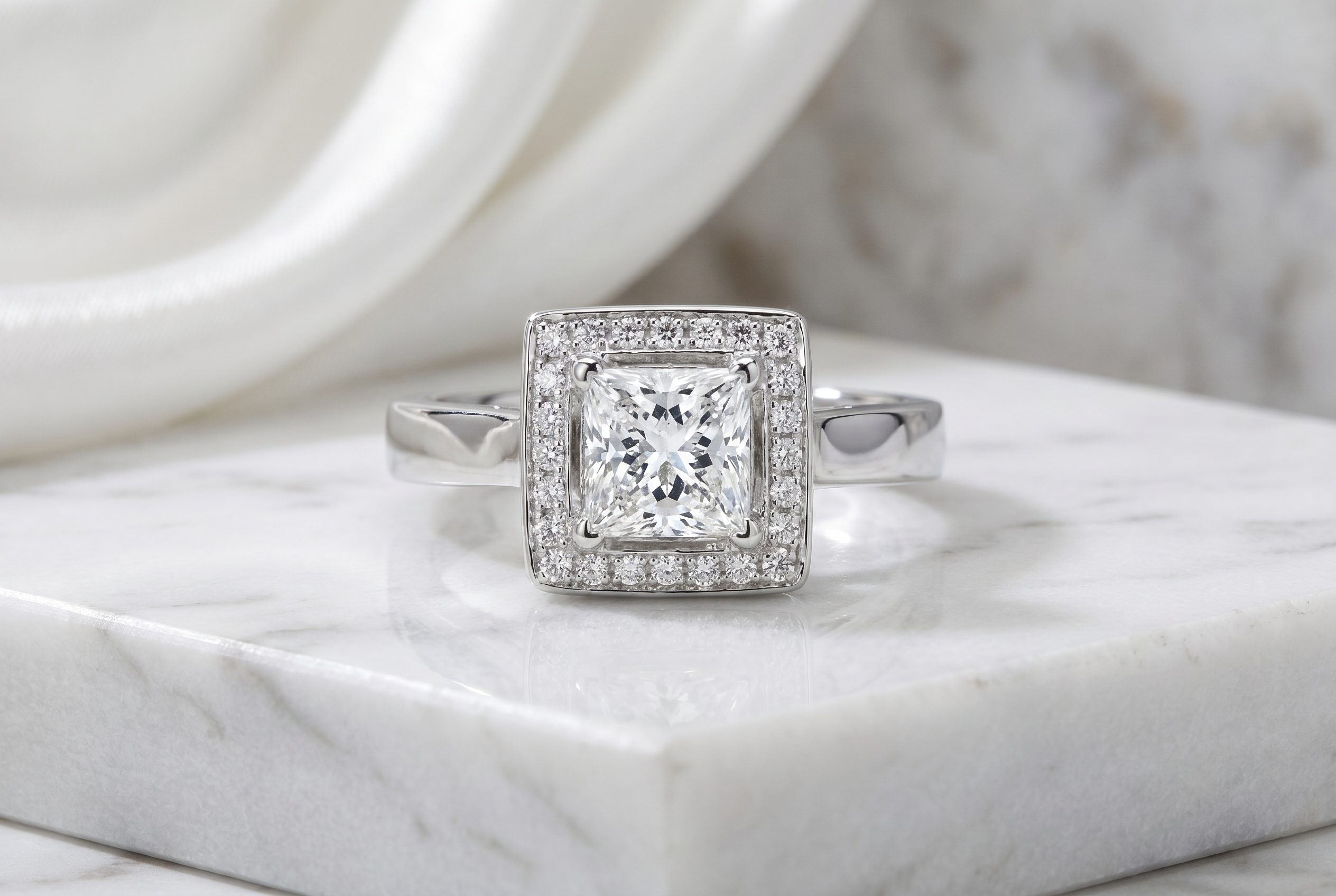
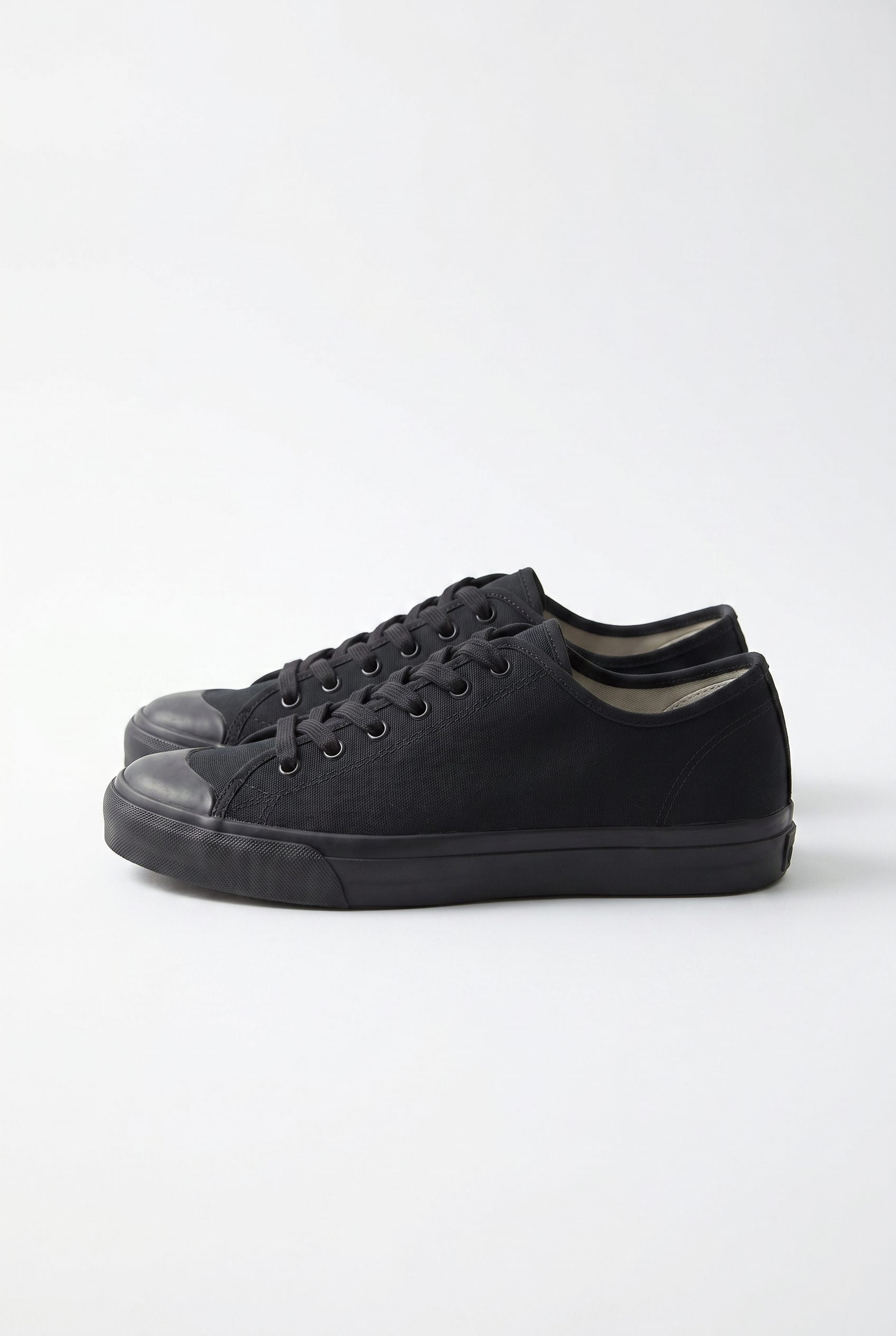
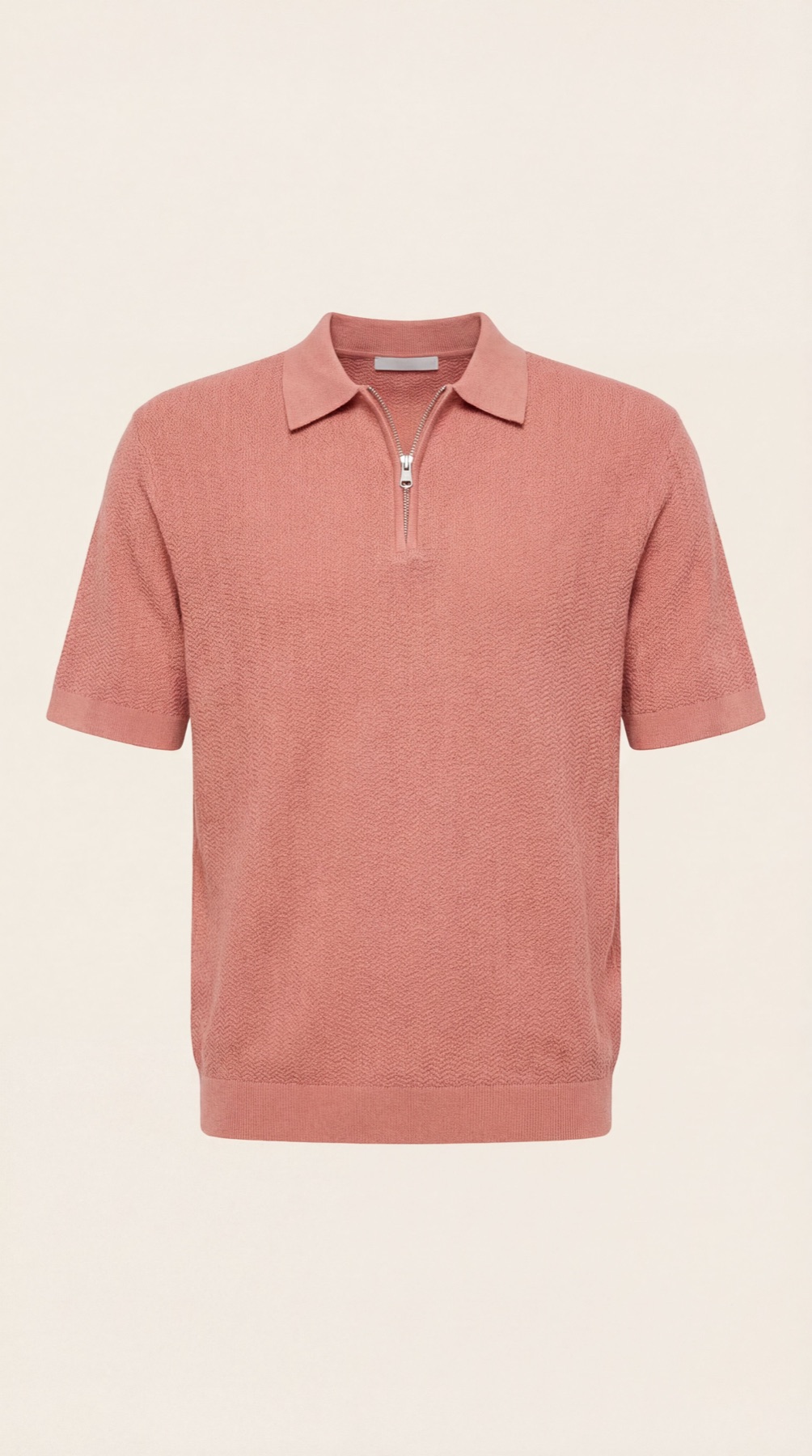
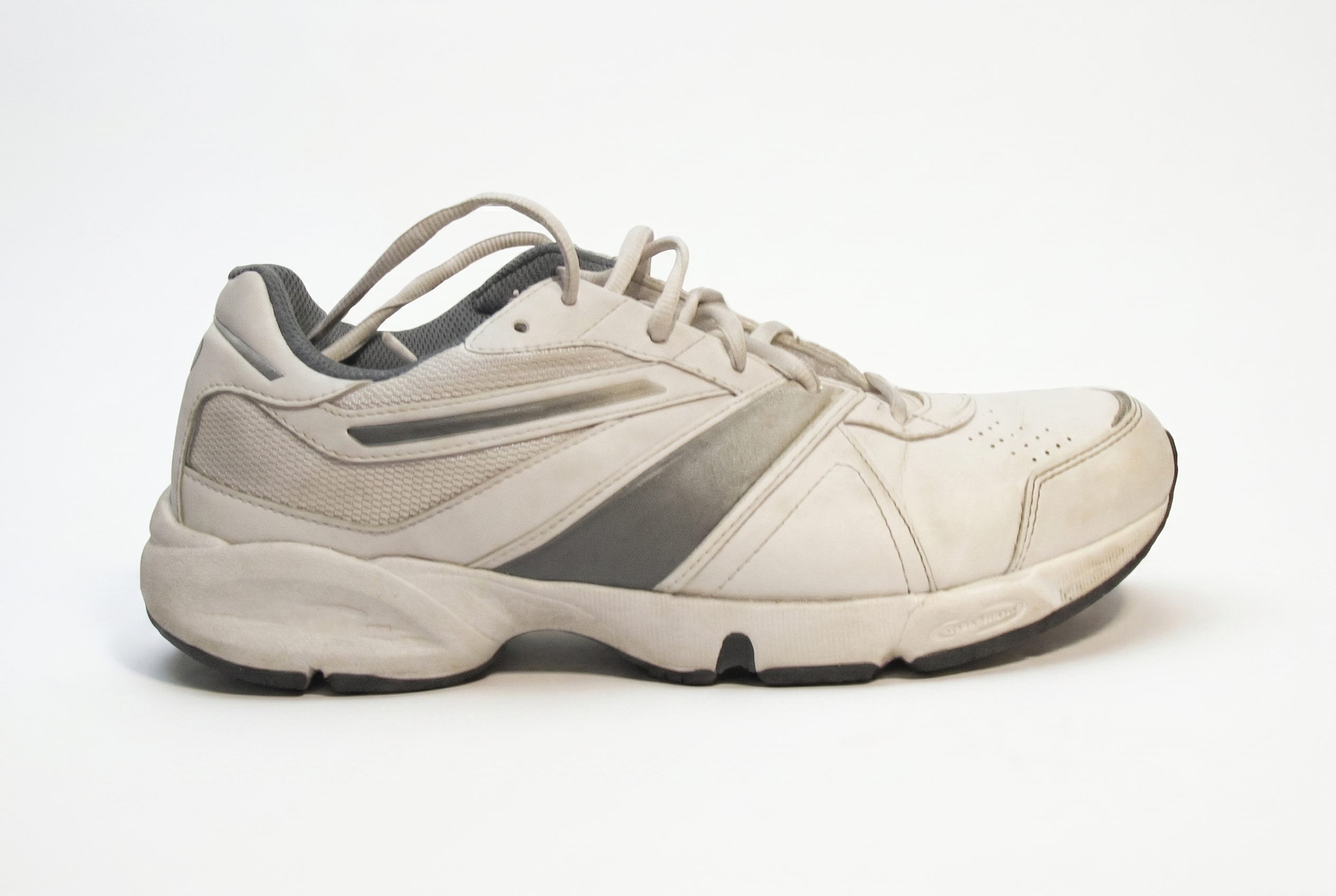
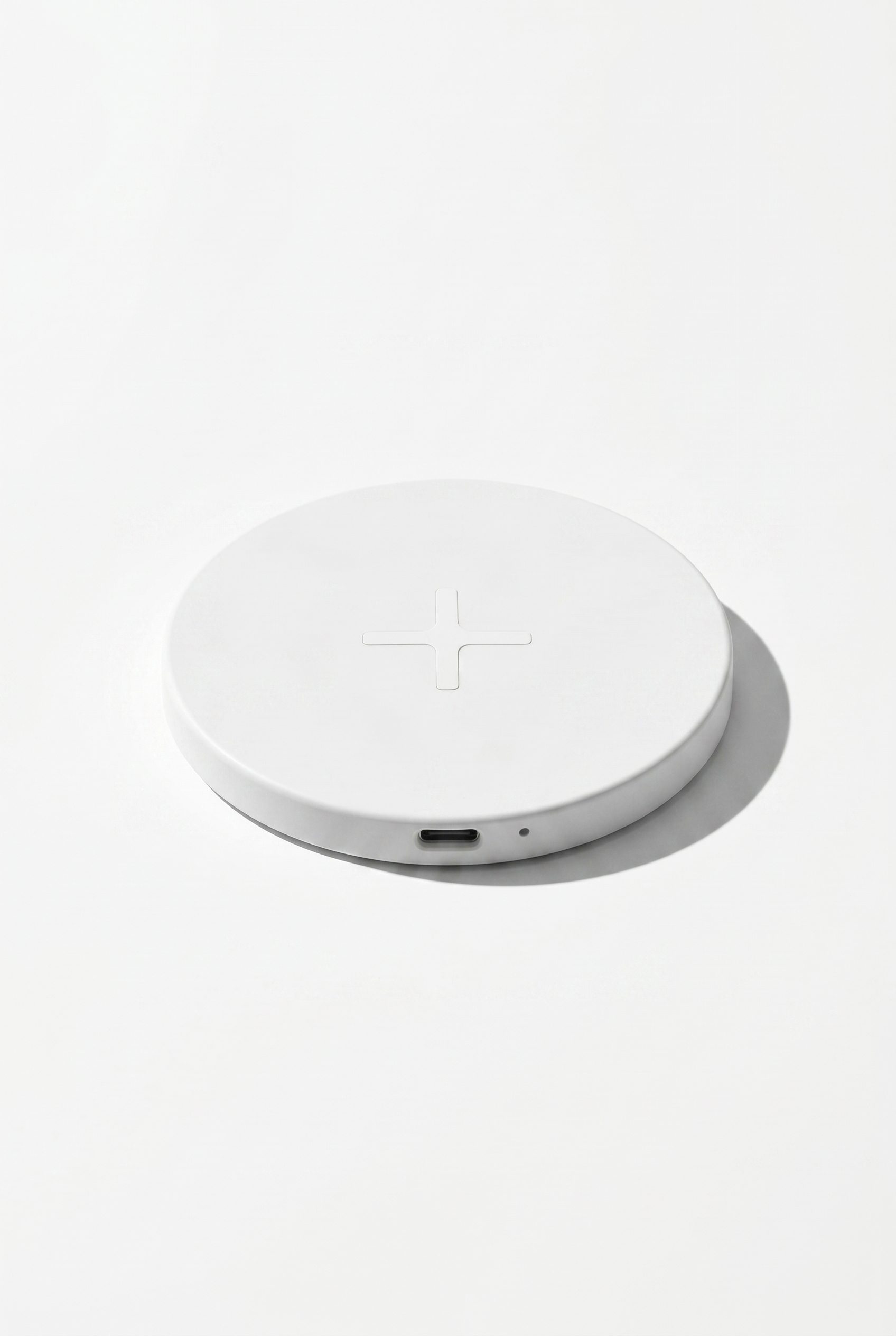
Browse product visuals that fit practical image guides.
Use this neutral example board before opening a guide for channel rules, listing checks, or catalog planning.
Decision guide
Match the workflow to the job.
The right product image workflow depends on channel, speed, visual control, and how many SKUs need consistent output.
| Need | Fotogenic AI workflow | Traditional production |
|---|---|---|
| Catalog refresh | Reuse an approved direction across a batch | Repeat shoot or edit per SKU |
| Ad creative | Generate campaign scenes from the product input | Create a separate concept and shoot |
| WooCommerce store | Use the app or plugin depending on workflow location | Upload and edit externally |
Guide paths
Use rules and playbooks before generating assets.
Guide pages should answer what is allowed, what is useful, and what should be checked before publishing.
Related hubs
Use this resource with the rest of the Fotogenic AI library.
FAQ
Product Image Guides And Playbooks questions, answered.
Use guides when the image has rules or quality checks: marketplace listings, white-background requirements, catalog consistency, or channel-specific expectations.
Yes. Examples help you choose a visual direction. Guides help you understand what the output should satisfy before it is published.
Yes. Marketplace sellers should review white-background and platform-specific guides before generating large batches.
Yes. Guides can define image quality and structure before a WooCommerce or WordPress product image workflow is used.
No. Guides help the team know what to check, but every final image should still be reviewed for product accuracy and channel fit.
Start with a small test set, confirm the requirements are met, then scale the approved direction to more SKUs.
A useful guide has clear rules, examples, FAQs, internal links, and structured schema that match the actual user decision.
Create the next set
Turn product image guides and playbooks into generated product visuals.
Use this resource as the planning layer, then generate product photos, catalog visuals, ad creatives, and campaign assets in Fotogenic AI.
- Product photos
- Ads
- Catalogs