For apparel sellers
AI clothing Photography
Generate AI clothing photos from your product images, with on-model looks and studio shots for your store.
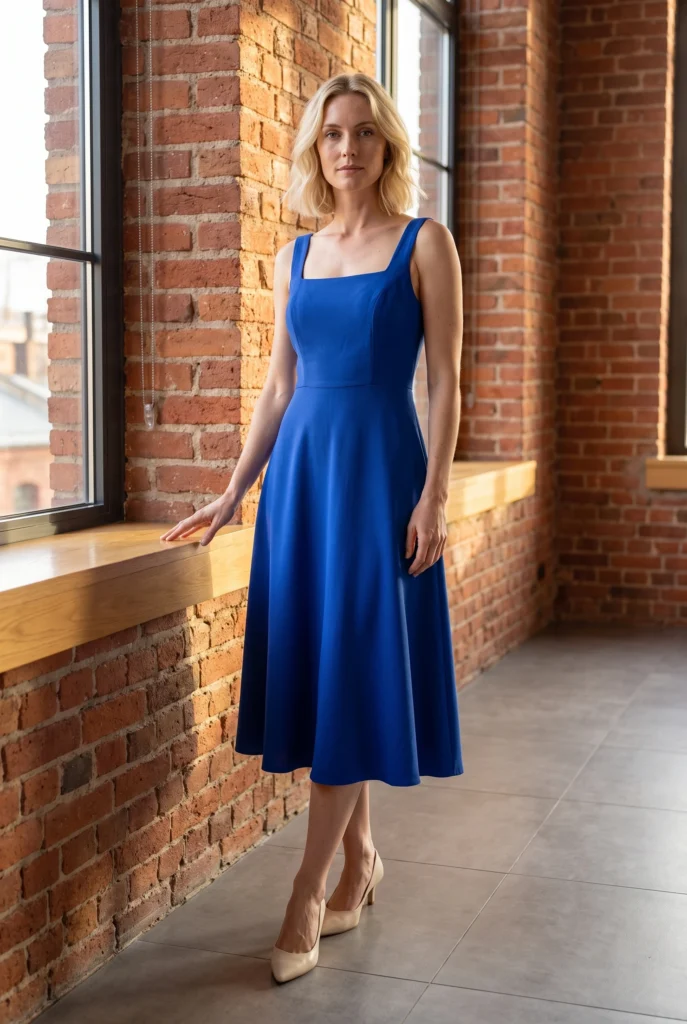
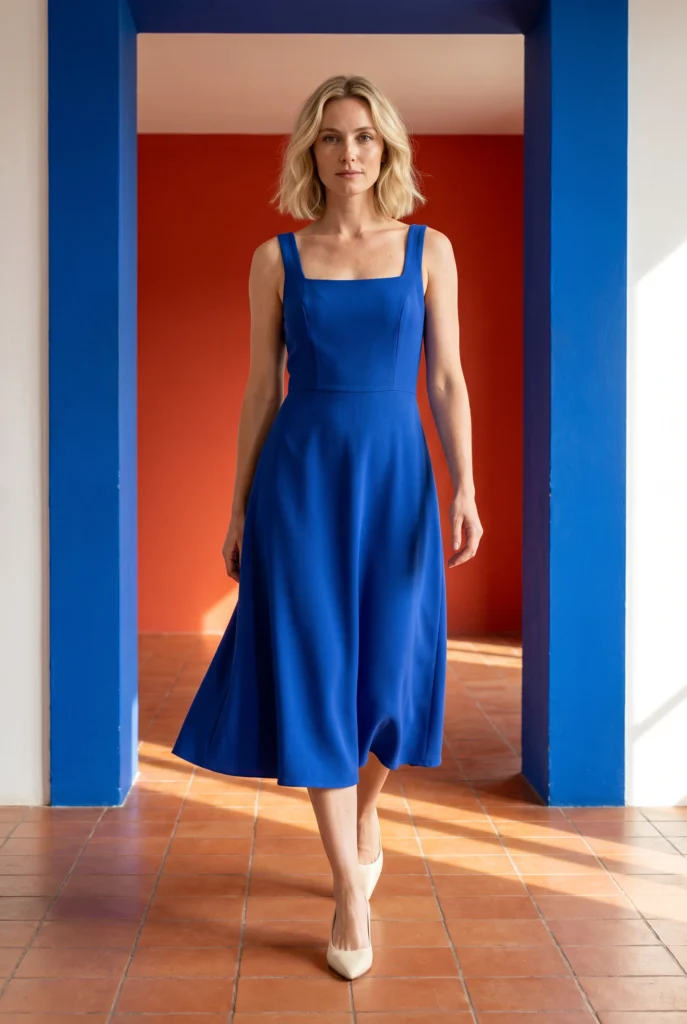
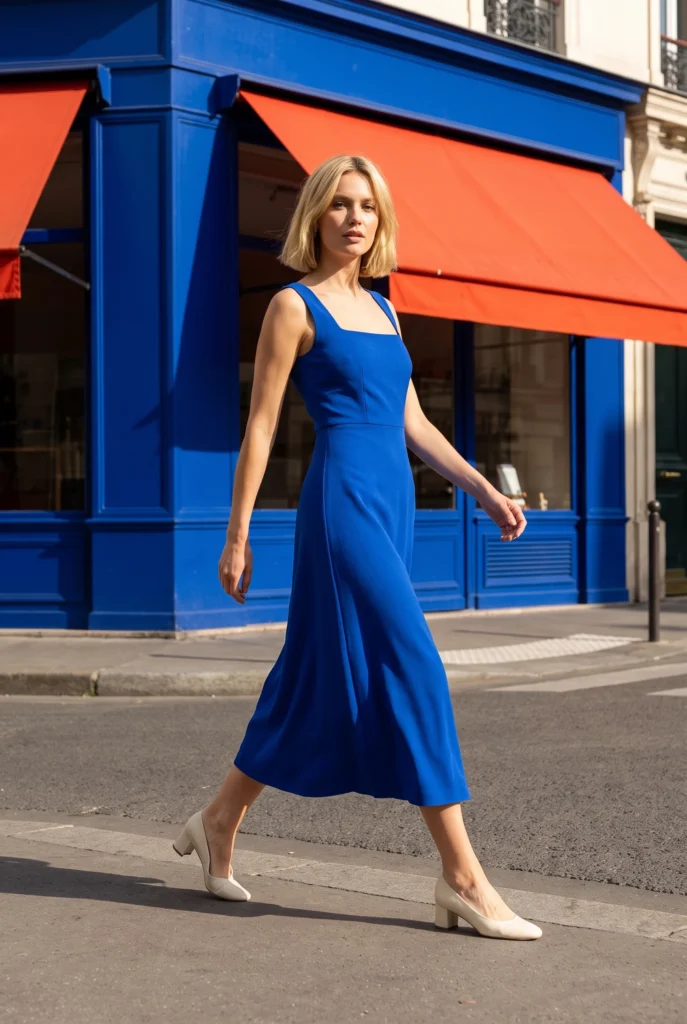
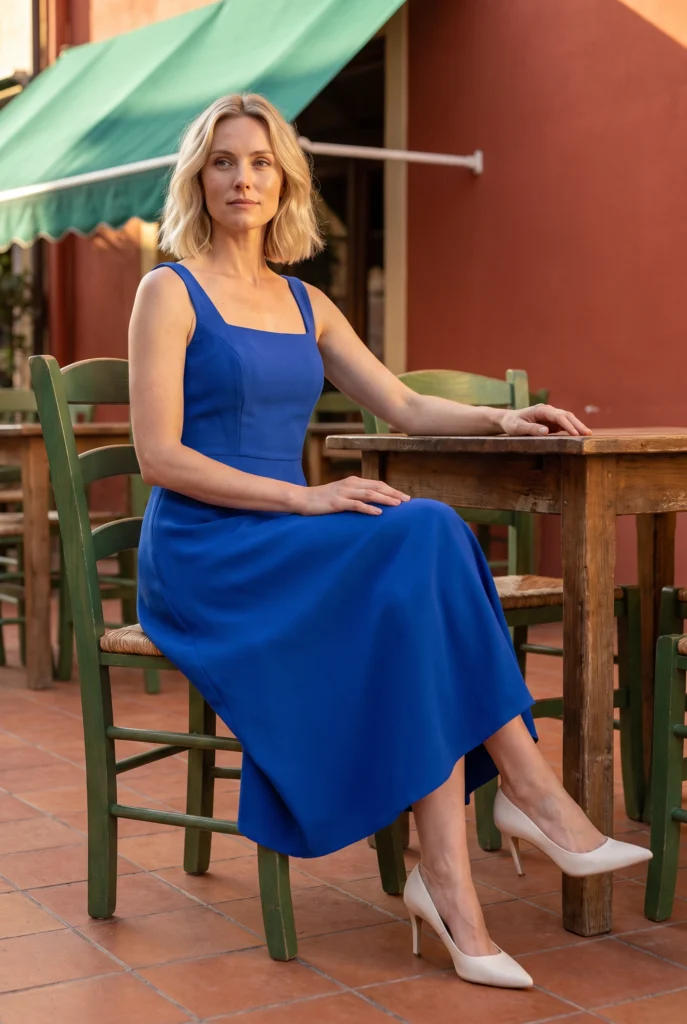
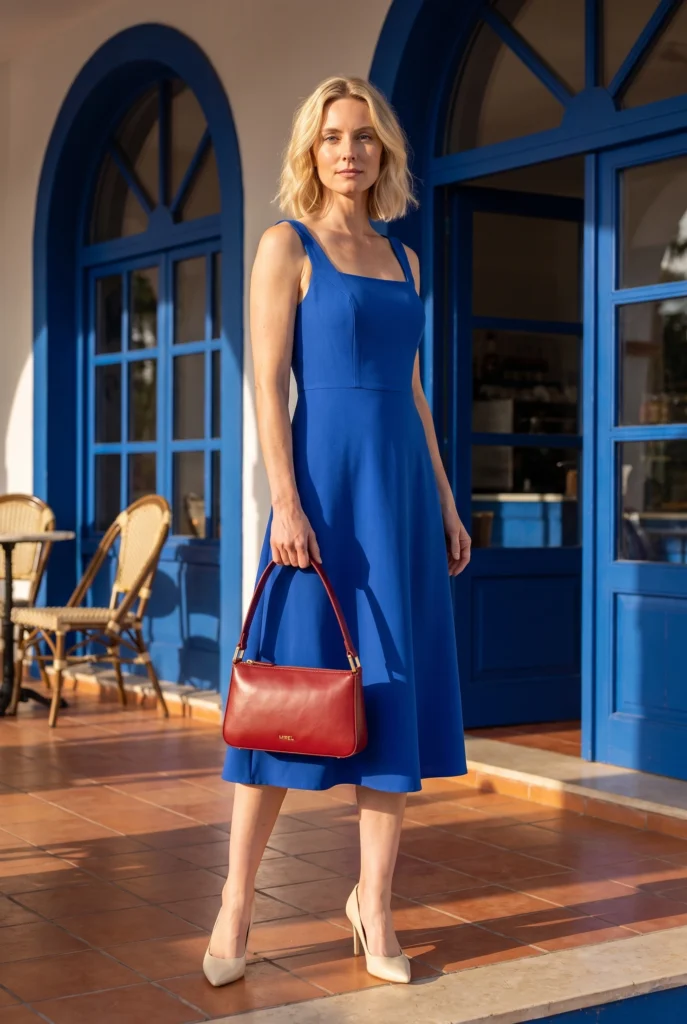
Examples
Apparel Product Photography examples
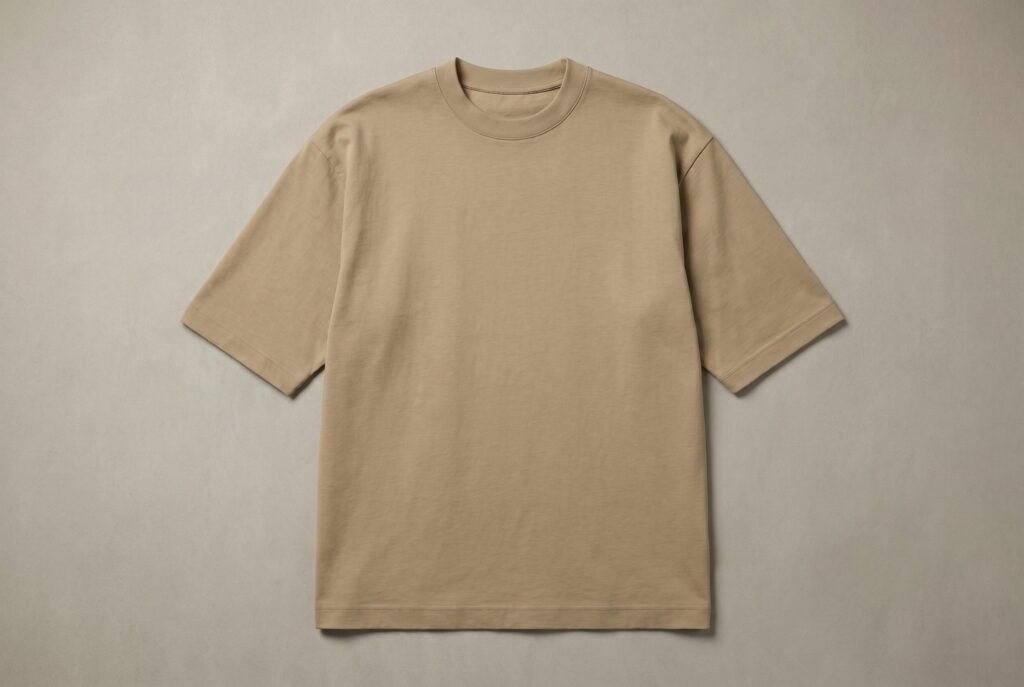
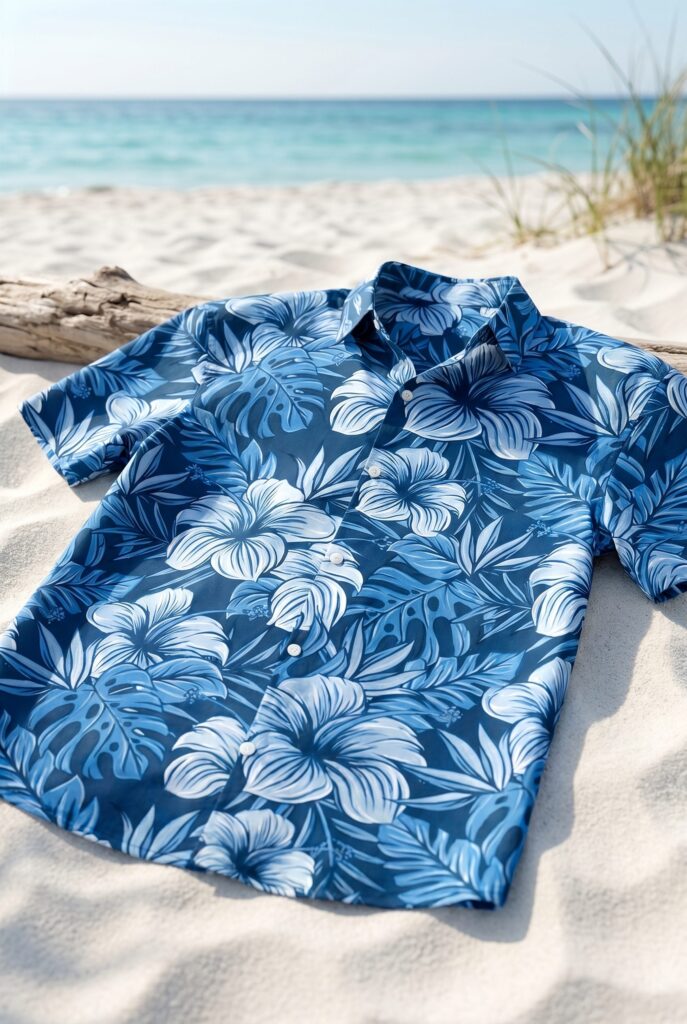
Review front, back, detail, flat-lay, on-model, and lifestyle examples according to the apparel question each image answers.
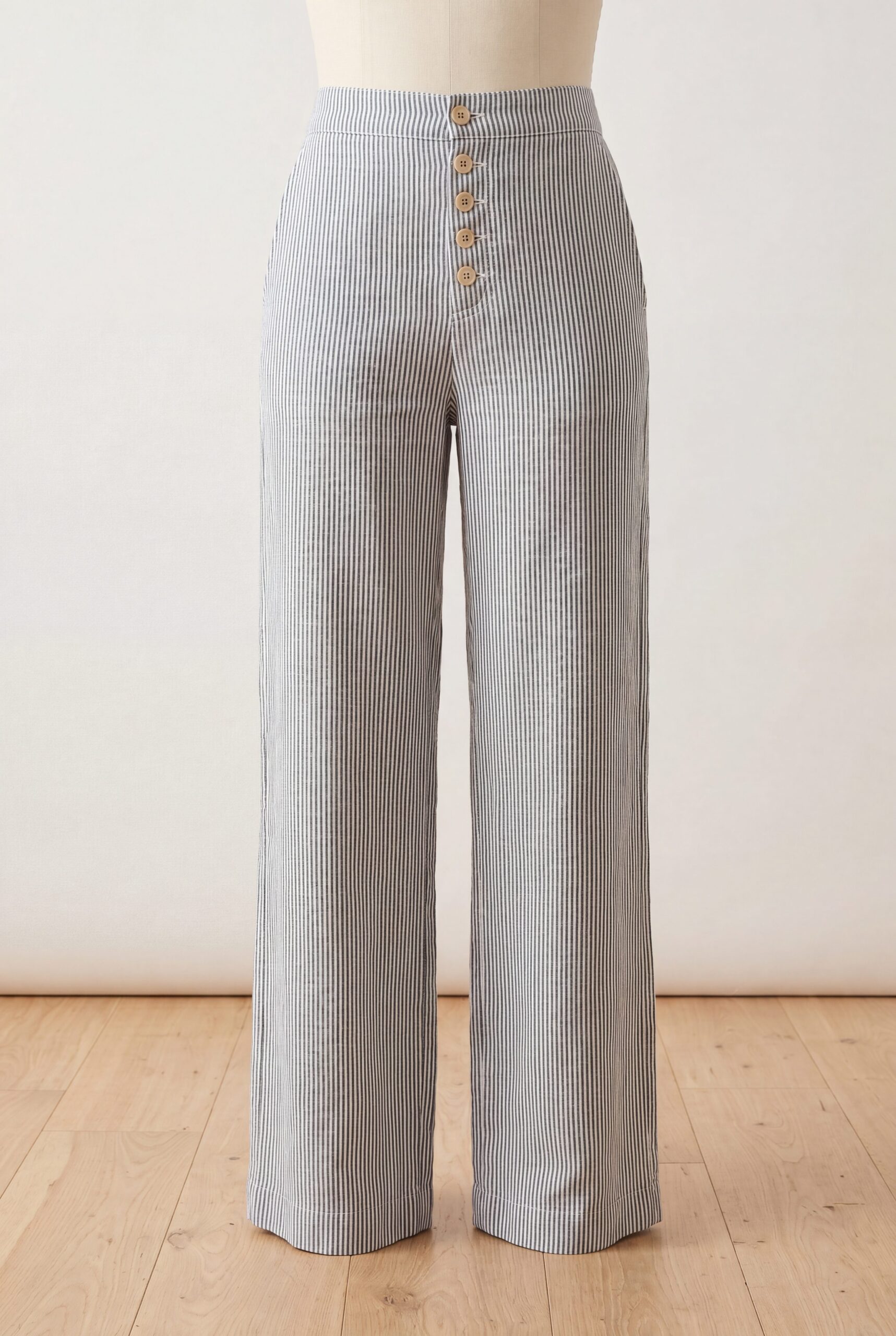
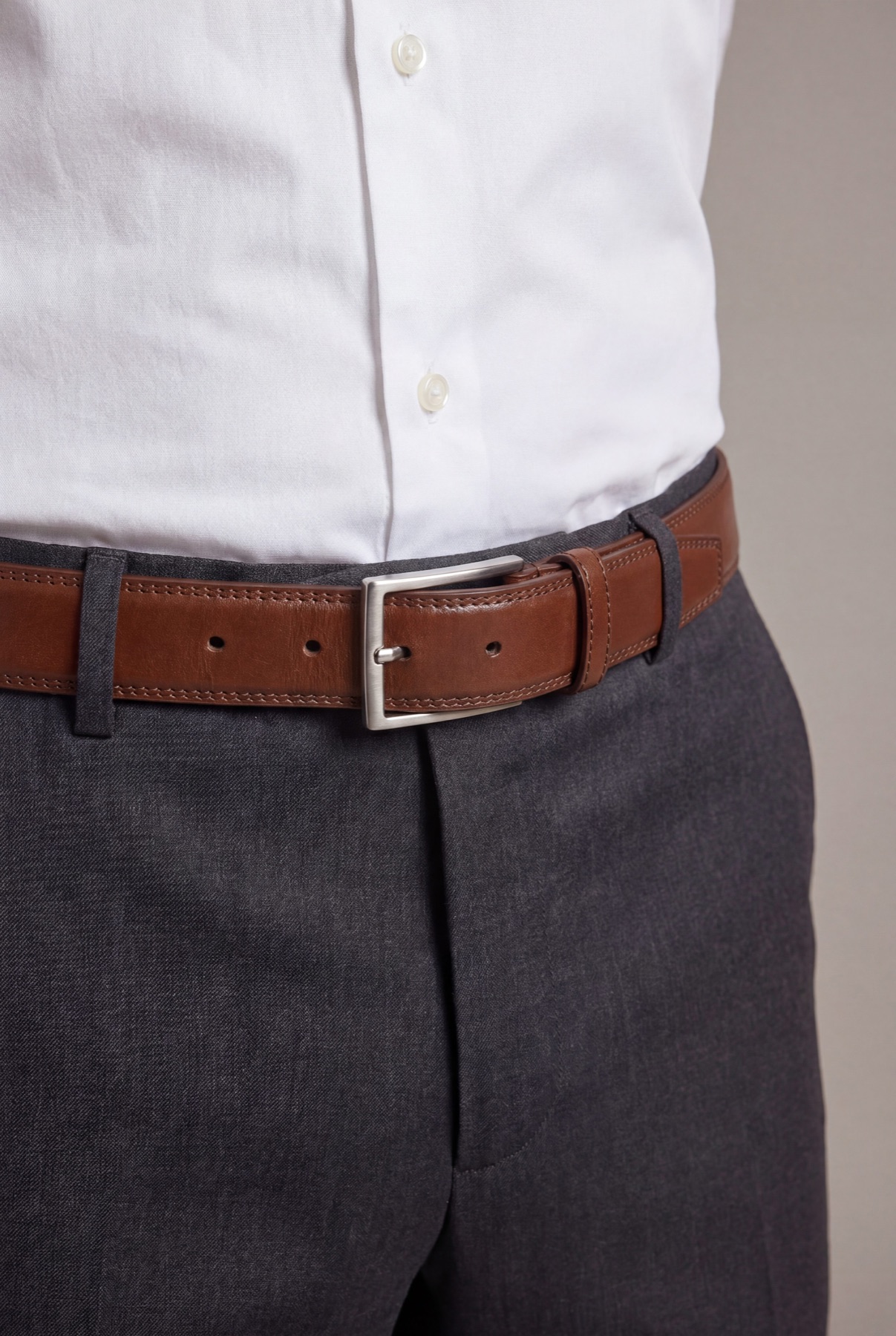
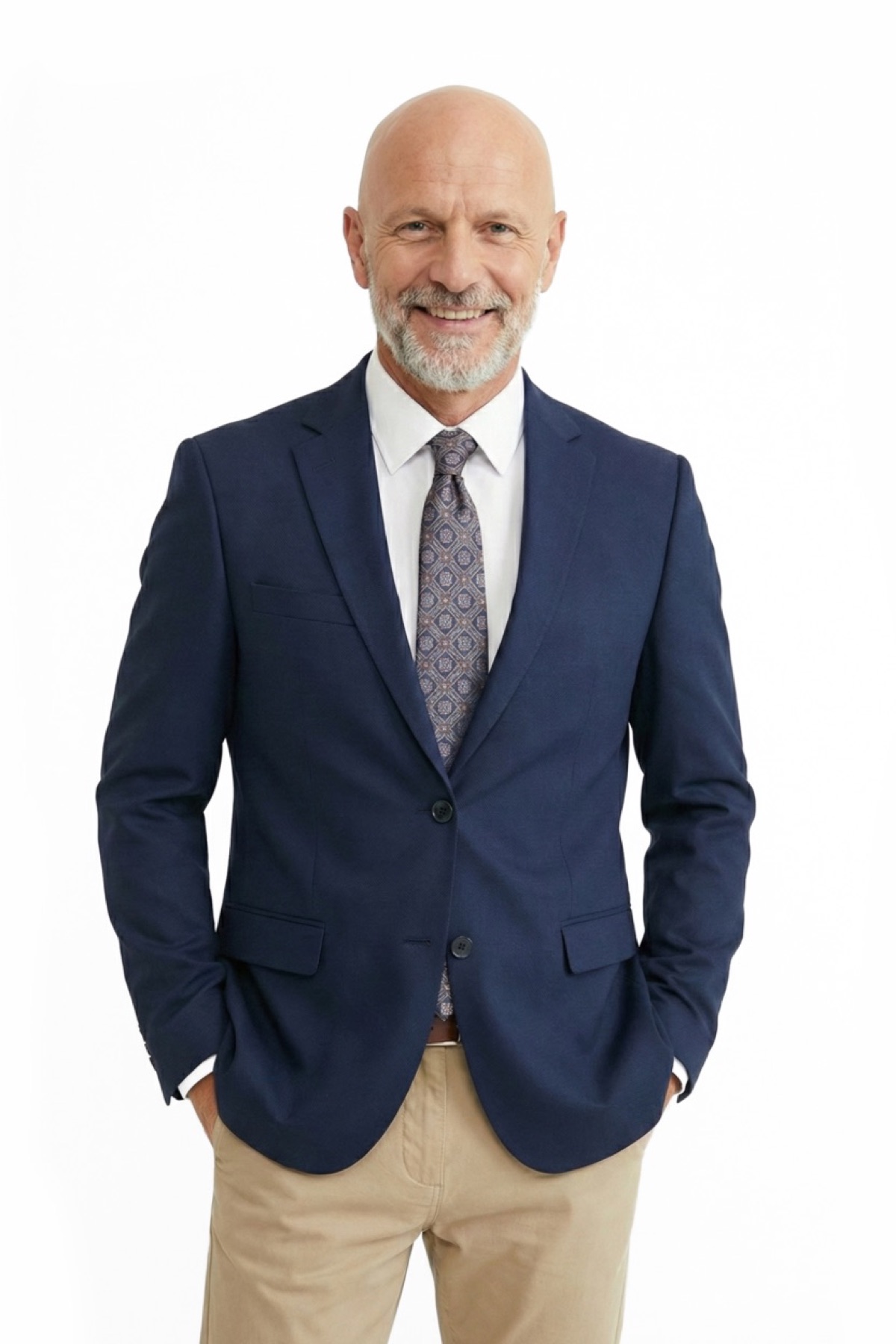
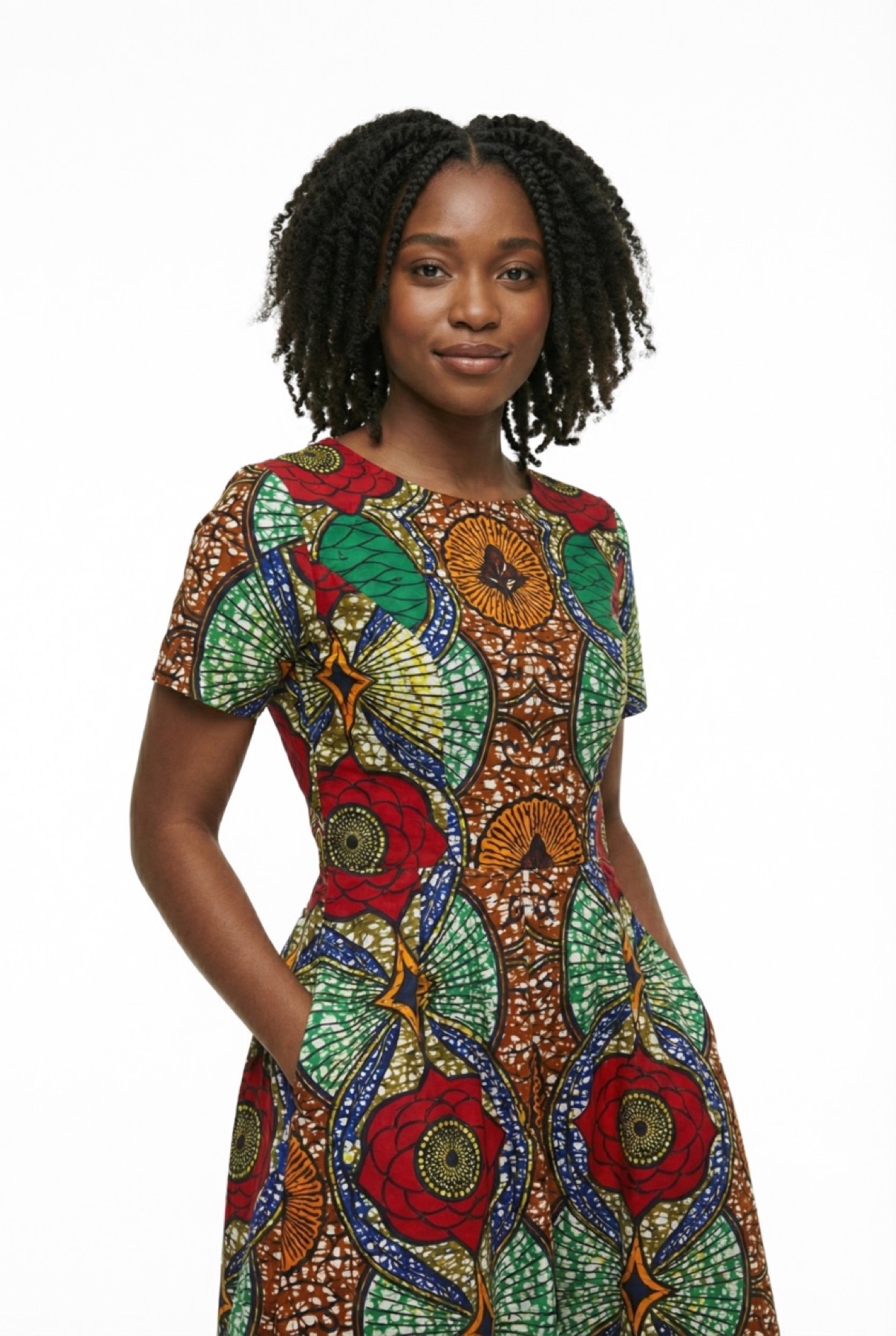
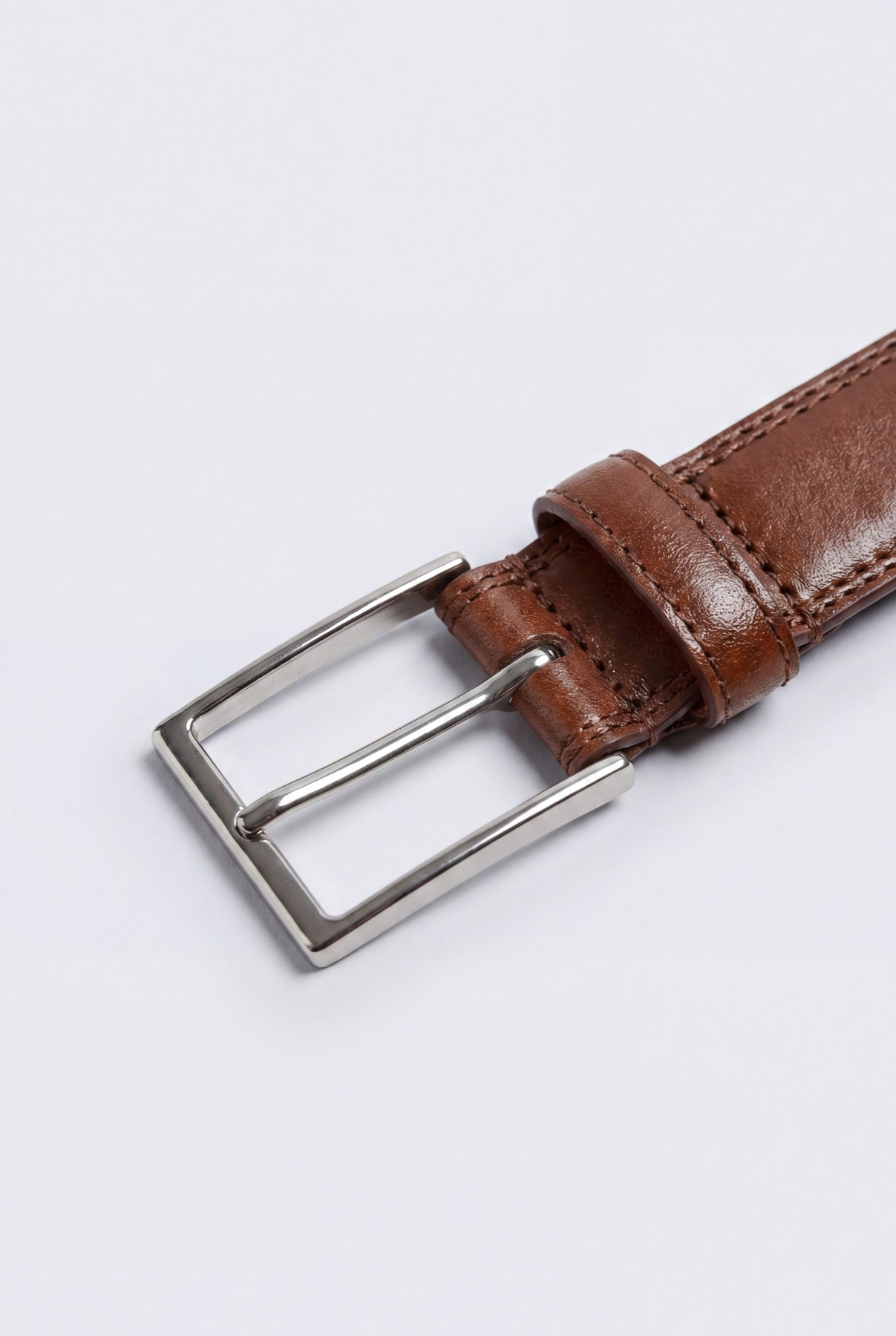
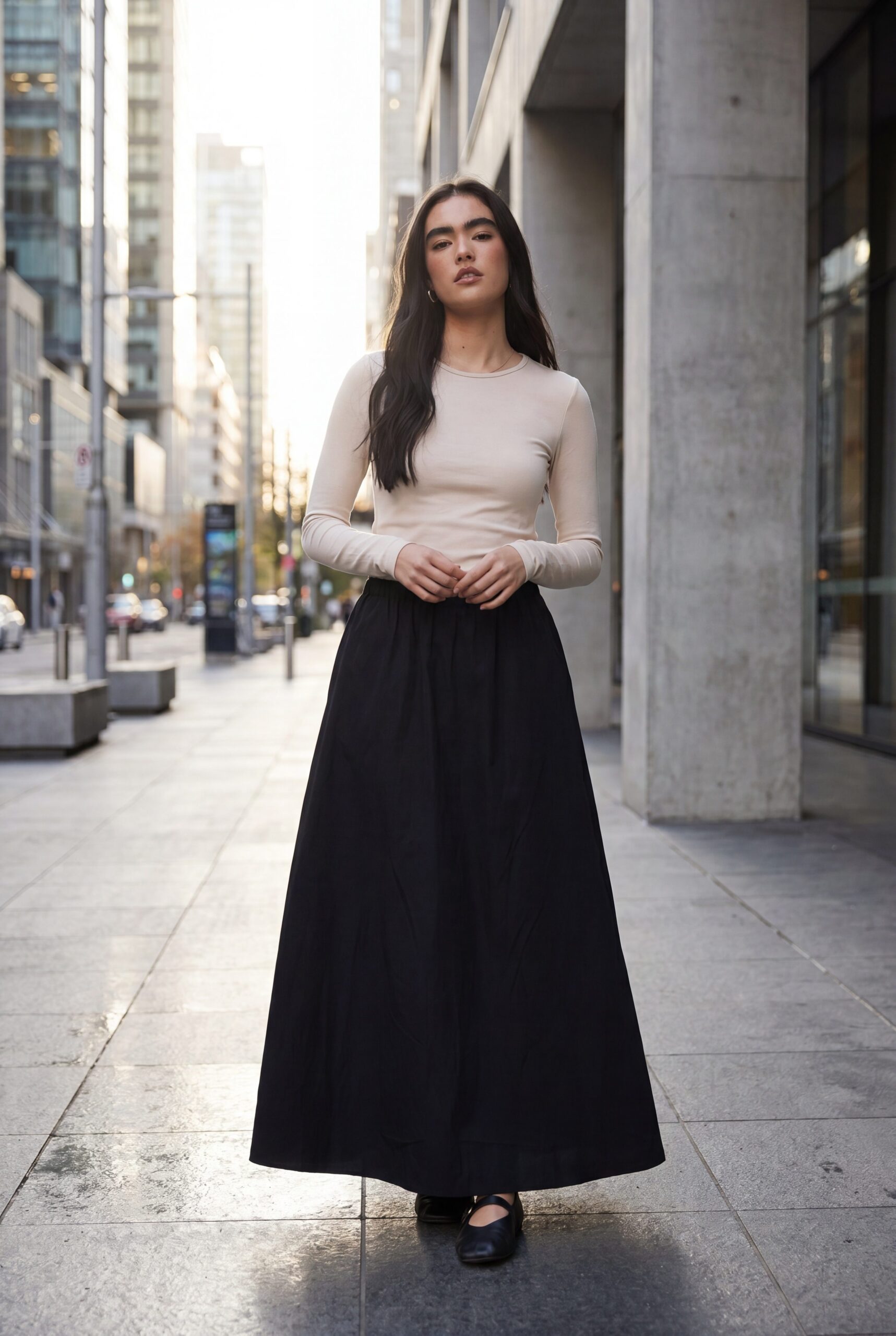
Show fit and construction before adding lifestyle context
Apparel shoppers need front, back, fabric, seam, closure, and fit evidence before styling becomes useful. Build that PDP foundation first, then extend the approved product into lifestyle and campaign frames.
Apply one PDP direction across selected garments, then review fit, construction, and color exceptions.
Choose the images you need, review the results, then reuse the direction for other products.
Explore studio, lifestyle and campaign scenes for the places you sell.
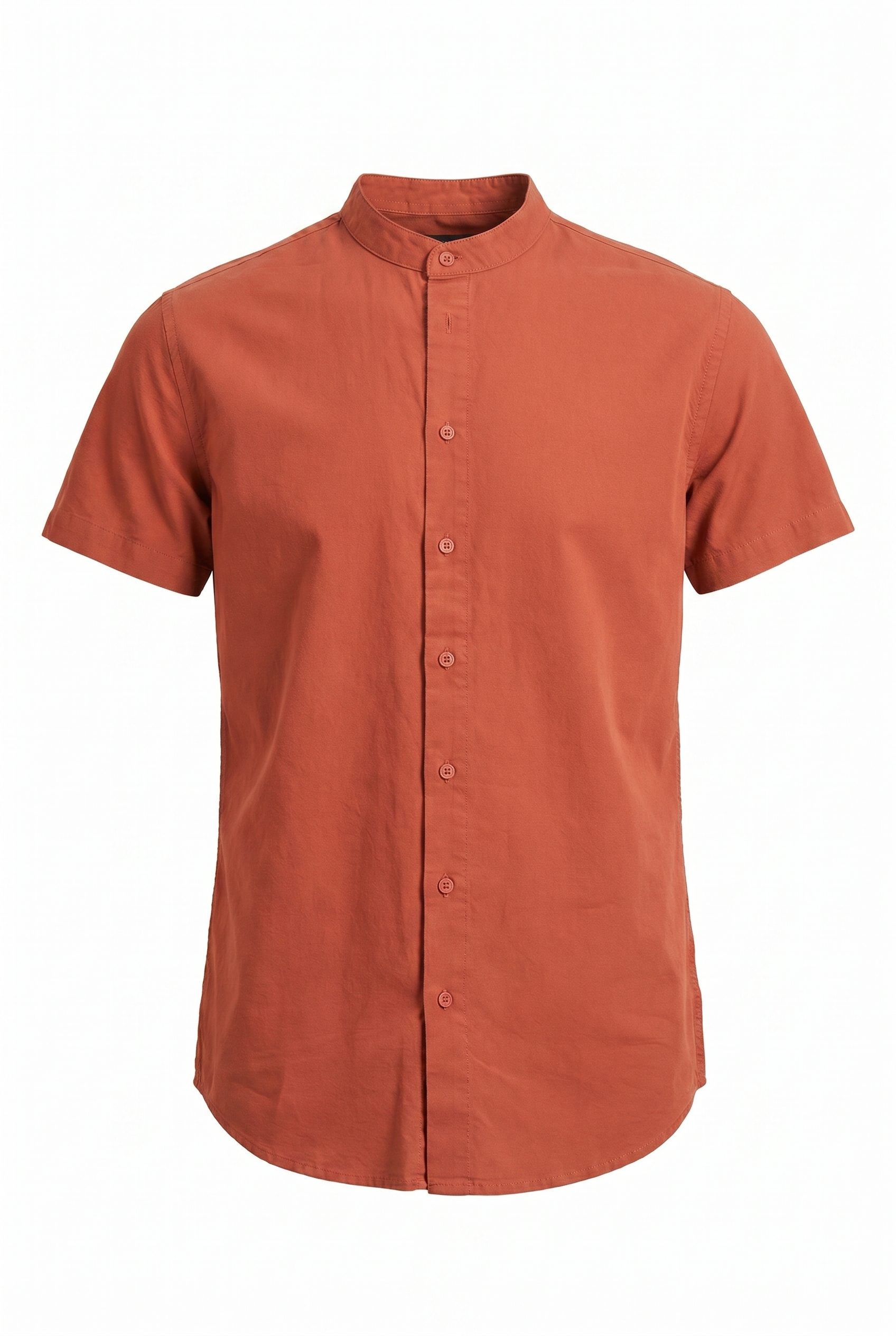
Cover front, back, detail, flat-lay, and on-model views
Plan the views that explain fit, drape, fabric, seams, and closures. Keep flat-lay and on-model outputs consistent with the garment.
- 1Hero / main imageShow the complete product clearly, with its real color and shape.
- 2Gallery anglesAdd references for the angles and details you need.
- 3Lifestyle / in contextShow the product in a setting that suits its use.
- 4Scale / size referenceUse a reference that shows the actual product size.
- 5Product detailsUse verified materials and dimensions in your page copy.
- 6Variant swatchesUse a reference for each actual color or variant.
Build a PDP set around fit, fabric, and construction
- Step 01
Bring in your products
Upload a clear source photo, choose the visual direction, generate options, then review fit, fabric texture, drape, color, styling, anatomy, and garment details before exporting or publishing.
- Step 02
Pick a preset or scene
Choose a marketplace-focused image direction or a lifestyle scene, then review the result against the current requirements of the destination channel.
- Step 03
Generate variants in one pass
Export the selected image, then prepare its crop, file type, and dimensions for each destination channel.
- Step 04
Export to your store
Download the images you approve, then add them to the store or channel you use.
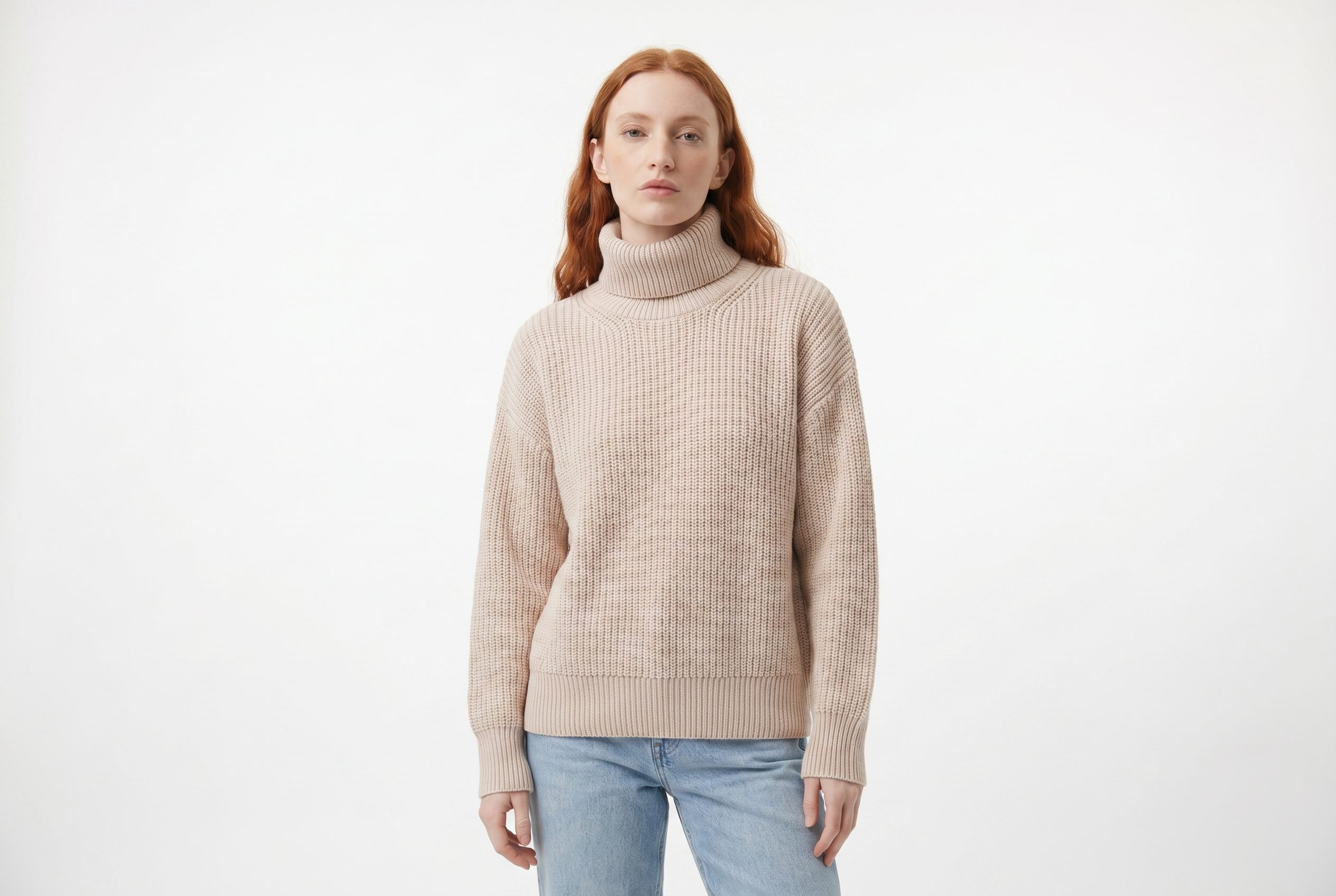
One upload. Every shot your store needs.
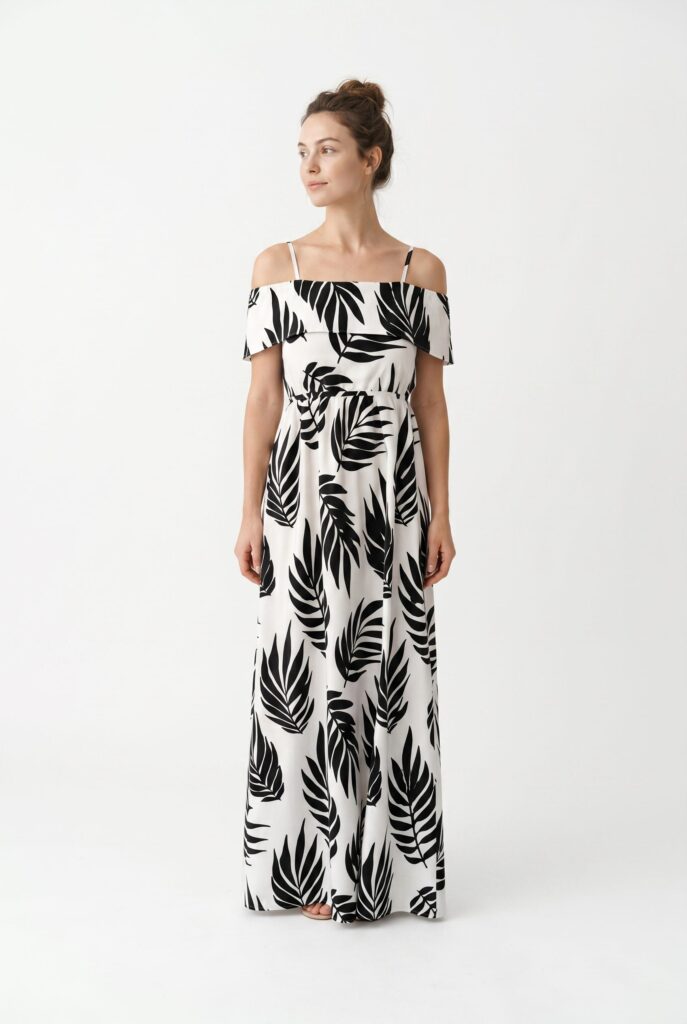
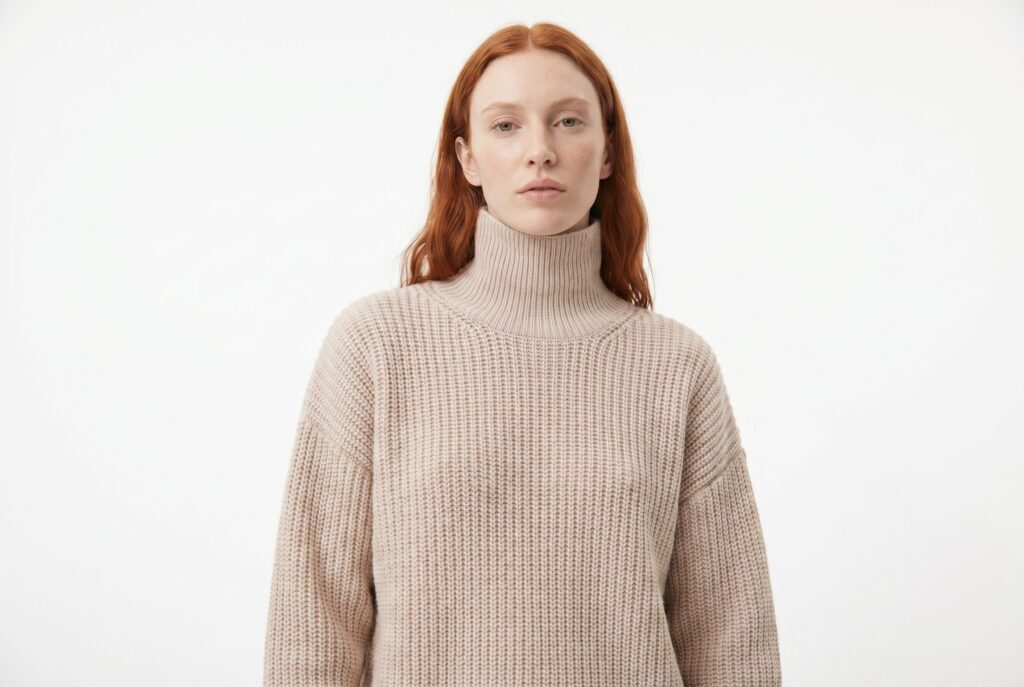
Turn one apparel source into polished PDP hero shots for storefronts, feeds, and marketplace galleries.
Give the product a clear main image for your store.
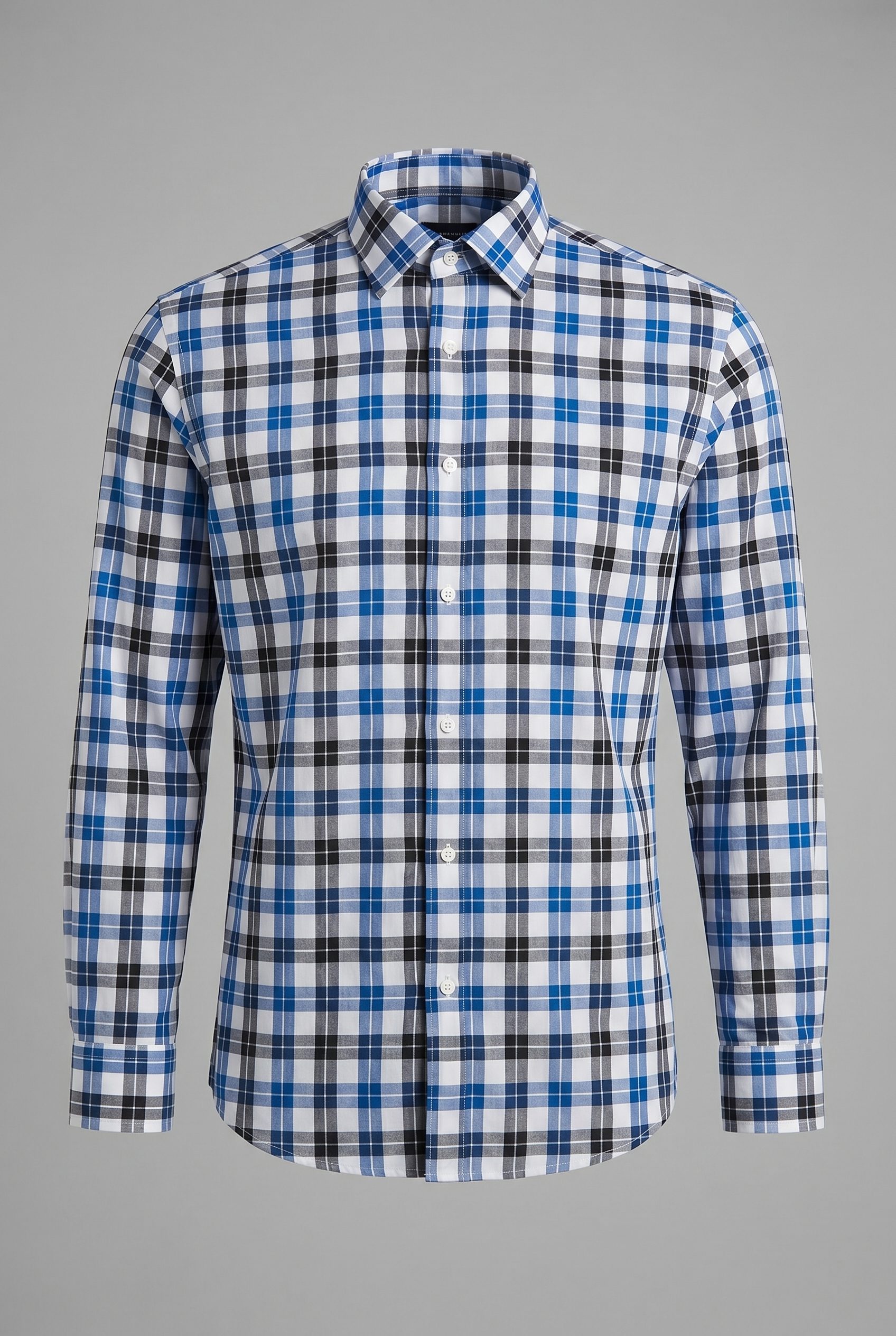
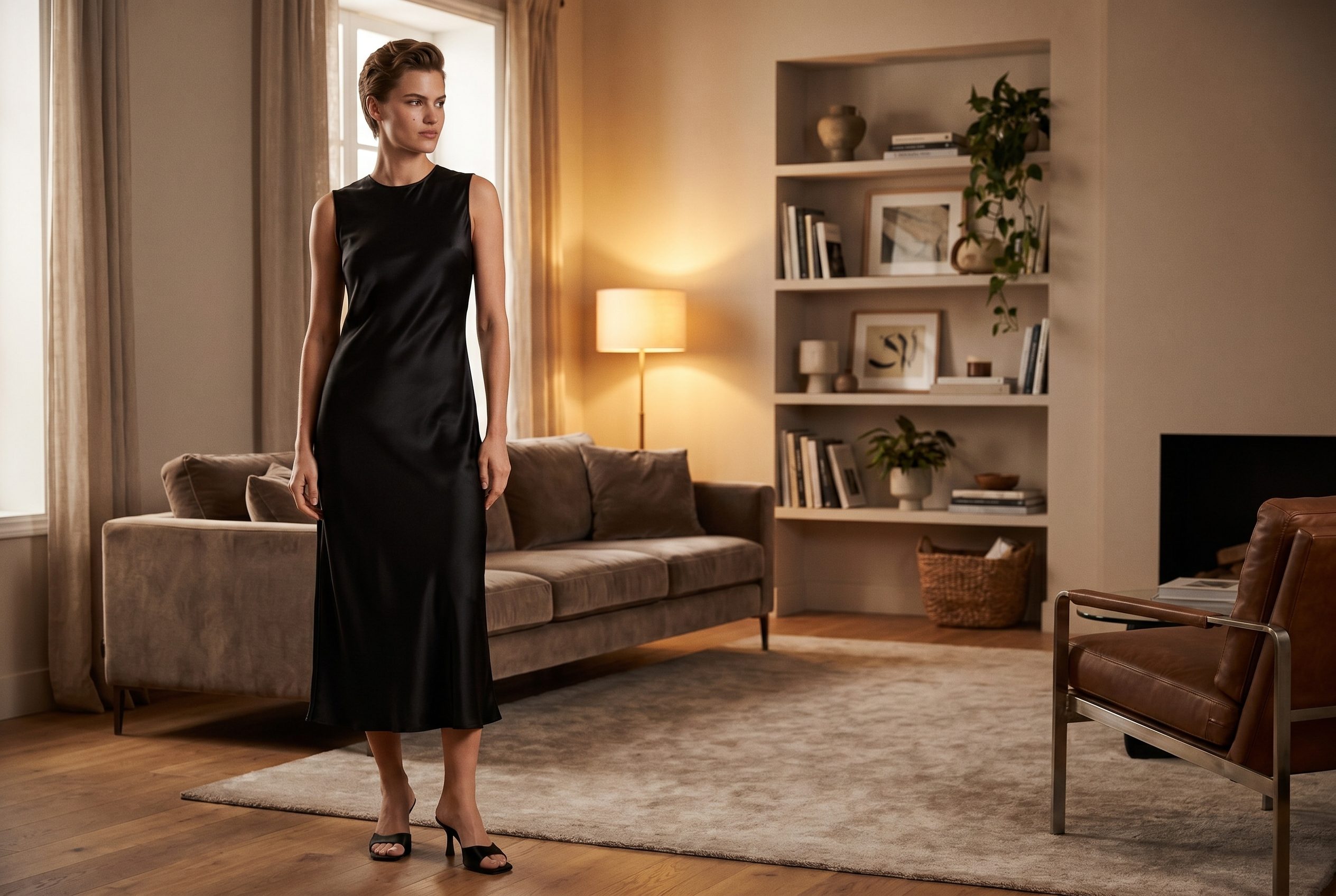
Place garments in believable lifestyle scenes without losing fit, fabric, or product clarity.
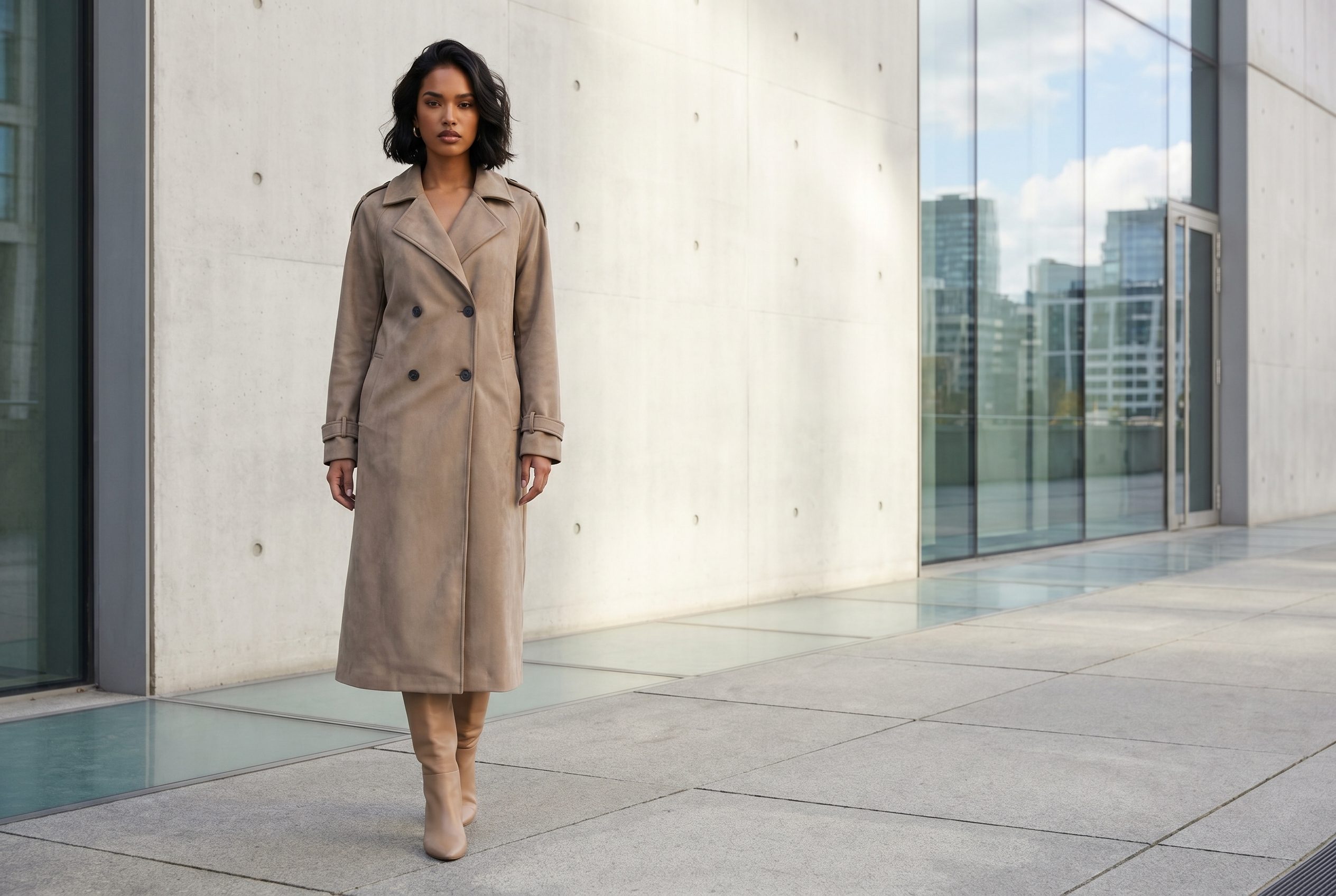
Export campaign crops for grids, stories, and paid social without rebuilding the shoot.
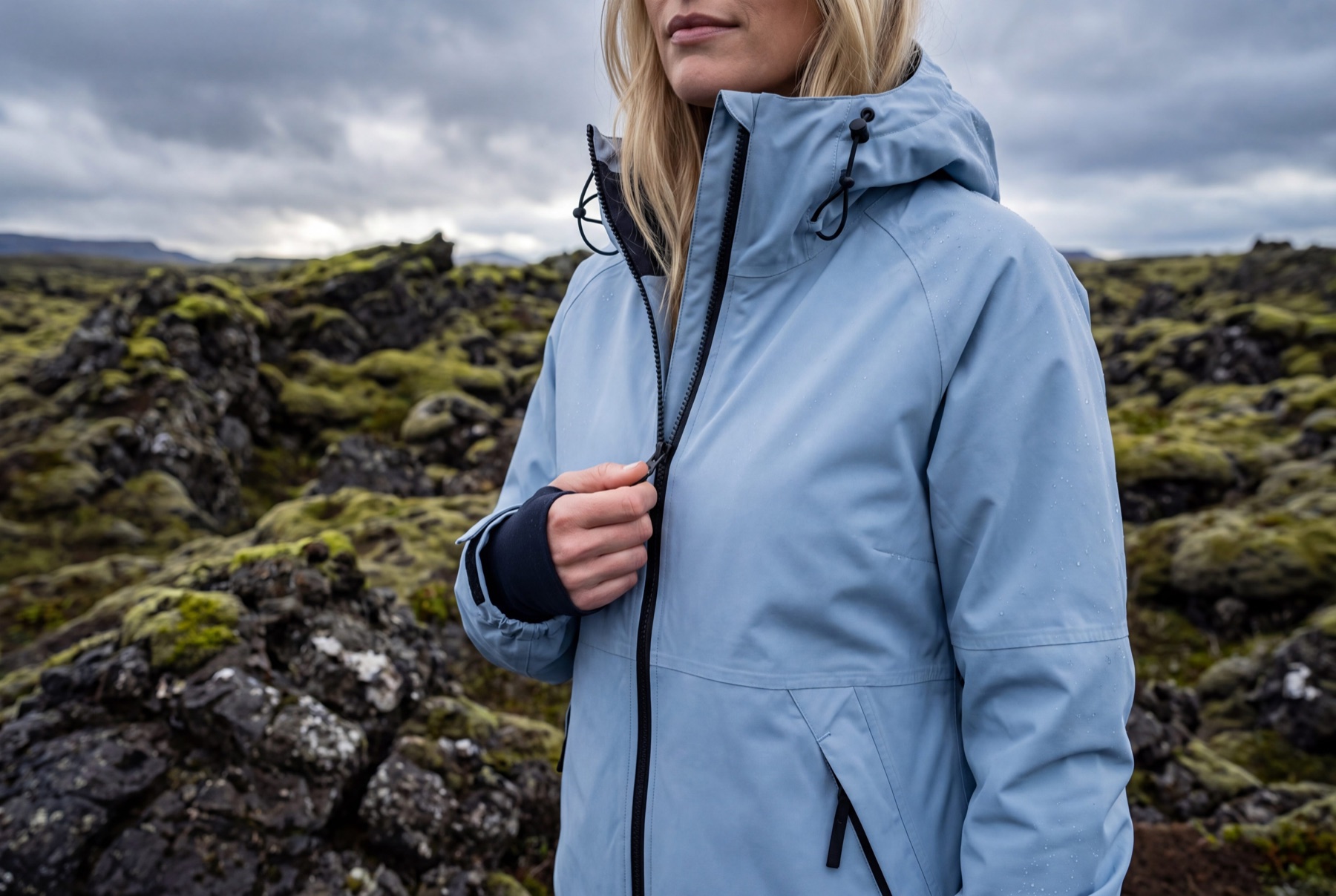
Create cohesive carousel sets that keep styling, crop, and color direction consistent.
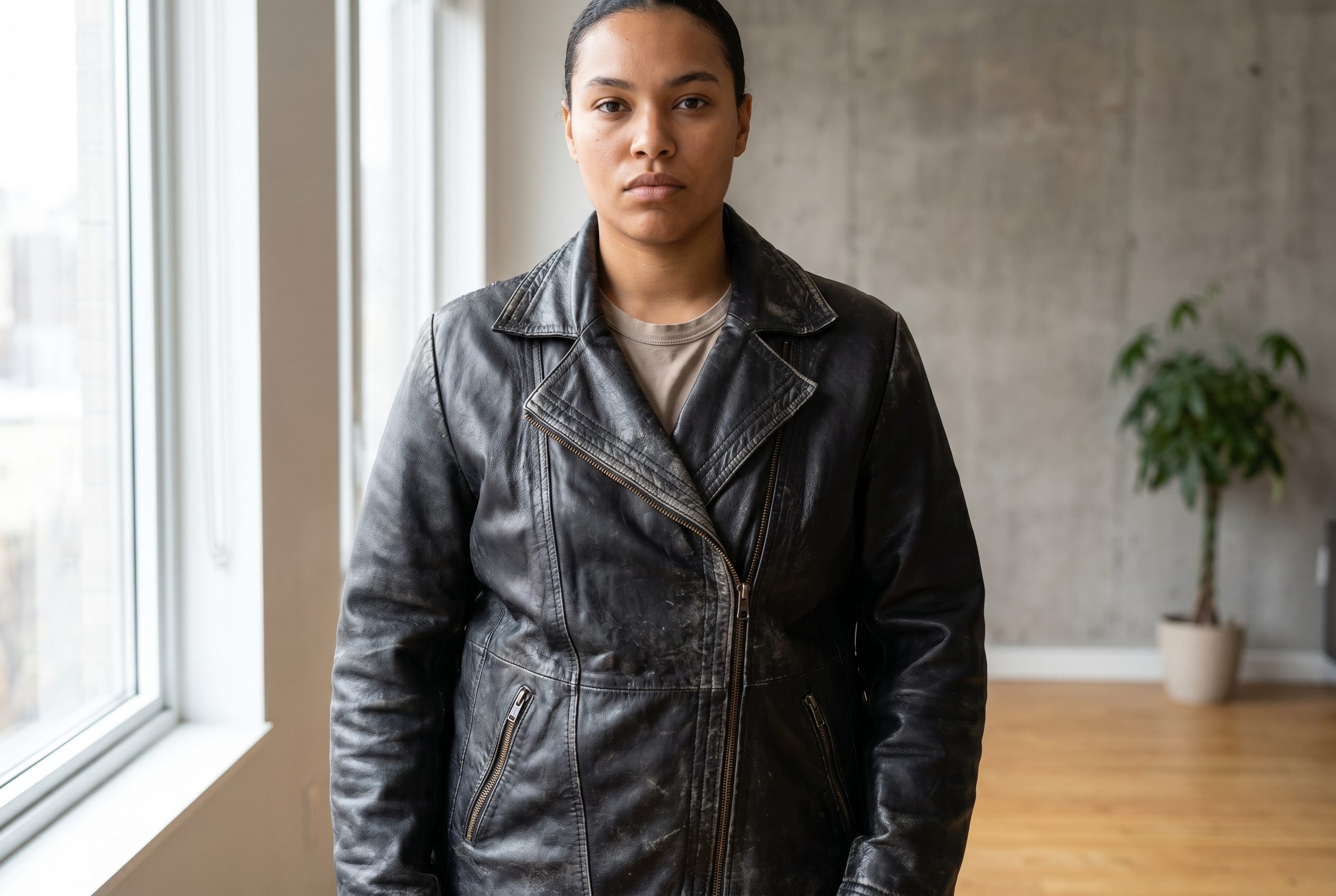
Refresh launches, promos, and seasonal drops with new scene direction from the same garment.
FAQ
Apparel Product Photography FAQs
Use a clear garment source that shows front shape, fabric, seams, closures, color, and enough structure to judge fit.
Try it on your product
Try this workflow on your product.
Start with a clear product photo and explore a new scene for your store or campaign.