Bulk Product Image Generator
Refresh product families, SKU batches, and catalog visuals with a consistent direction instead of repeating one manual image workflow again and again.
- SKU batches
- Catalog refreshes
- Consistent direction
What it creates
Refresh many product visuals with one clear direction.
Use this feature when the challenge is volume, consistency, and review across a product group.
Inputs
Group the products before you generate.
Bulk work needs product grouping, shared rules, and a clear review process before images move into the catalog.
How it works
From product batch to reviewed catalog set.
The workflow helps larger stores and agencies keep batch work consistent and reviewable.
-
Step 1
Prepare the product group
Collect the products, variants, or category set that should share the same visual direction.
-
Step 2
Choose the batch rule
Define background, crop, style, and channel expectations before generating.
-
Step 3
Apply brand context
Use BrandDNA or a written visual rule so the batch does not feel mixed together from random scenes.
-
Step 4
Review the full set
Check the group as a collection, not only as separate images.
Visual direction
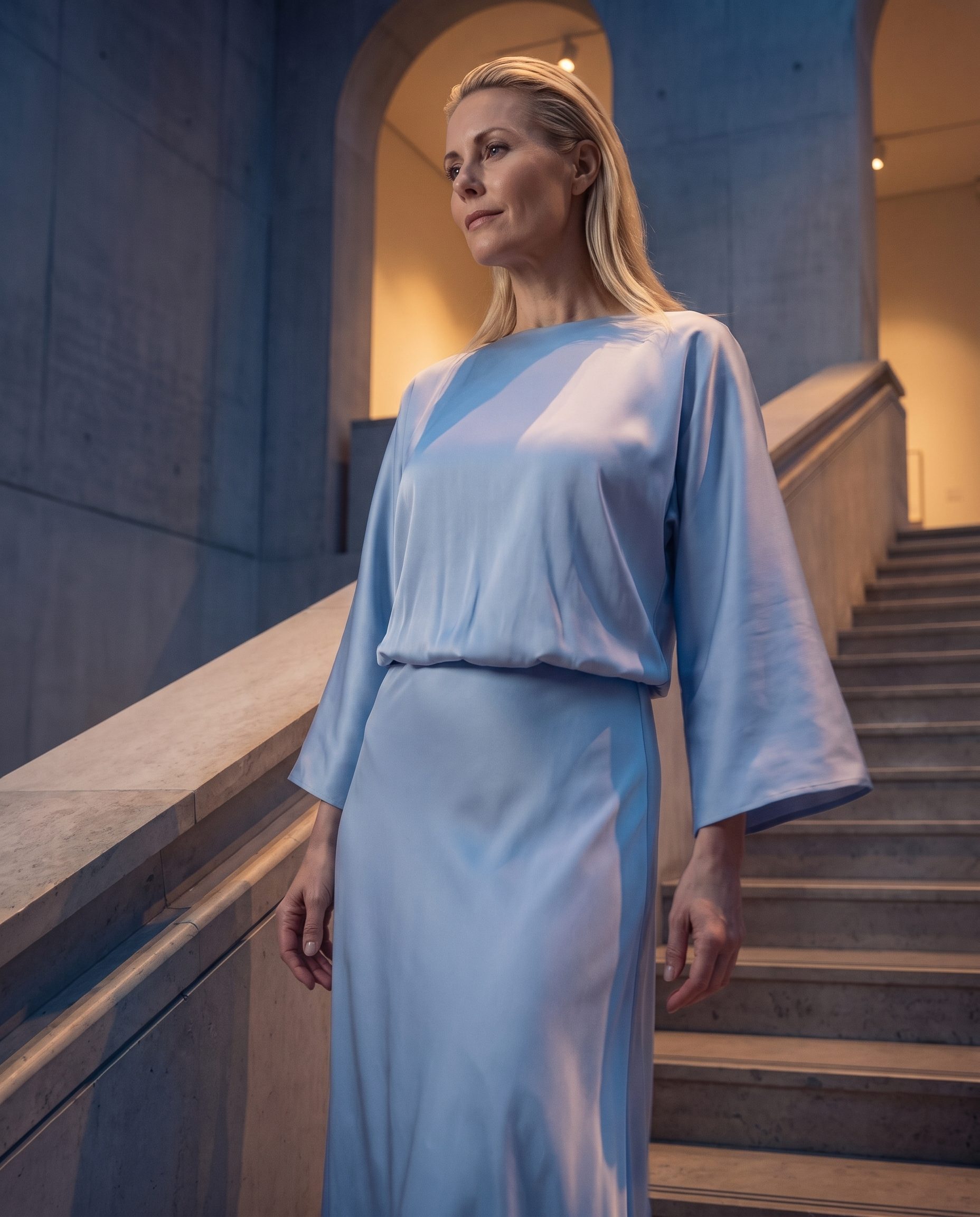
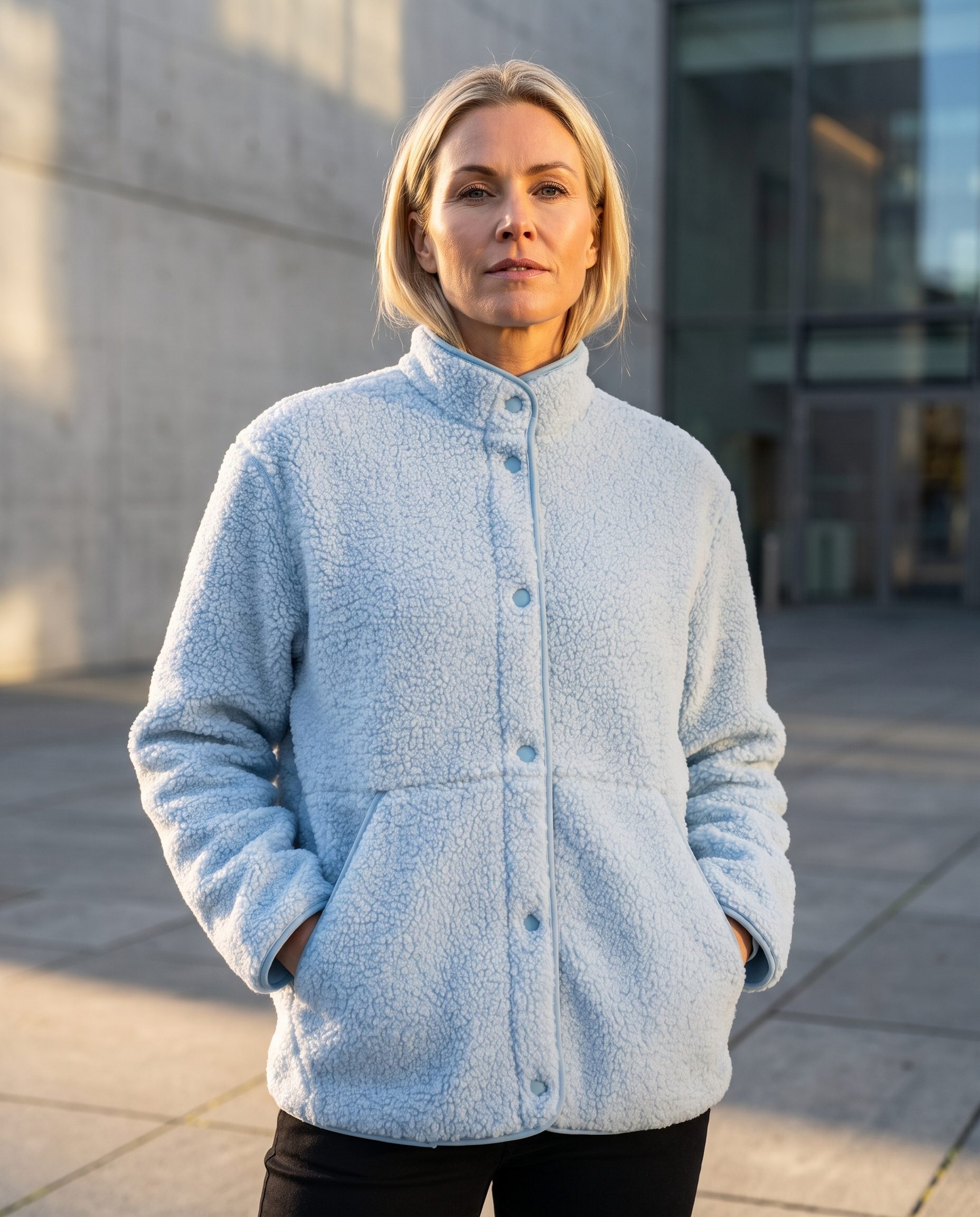
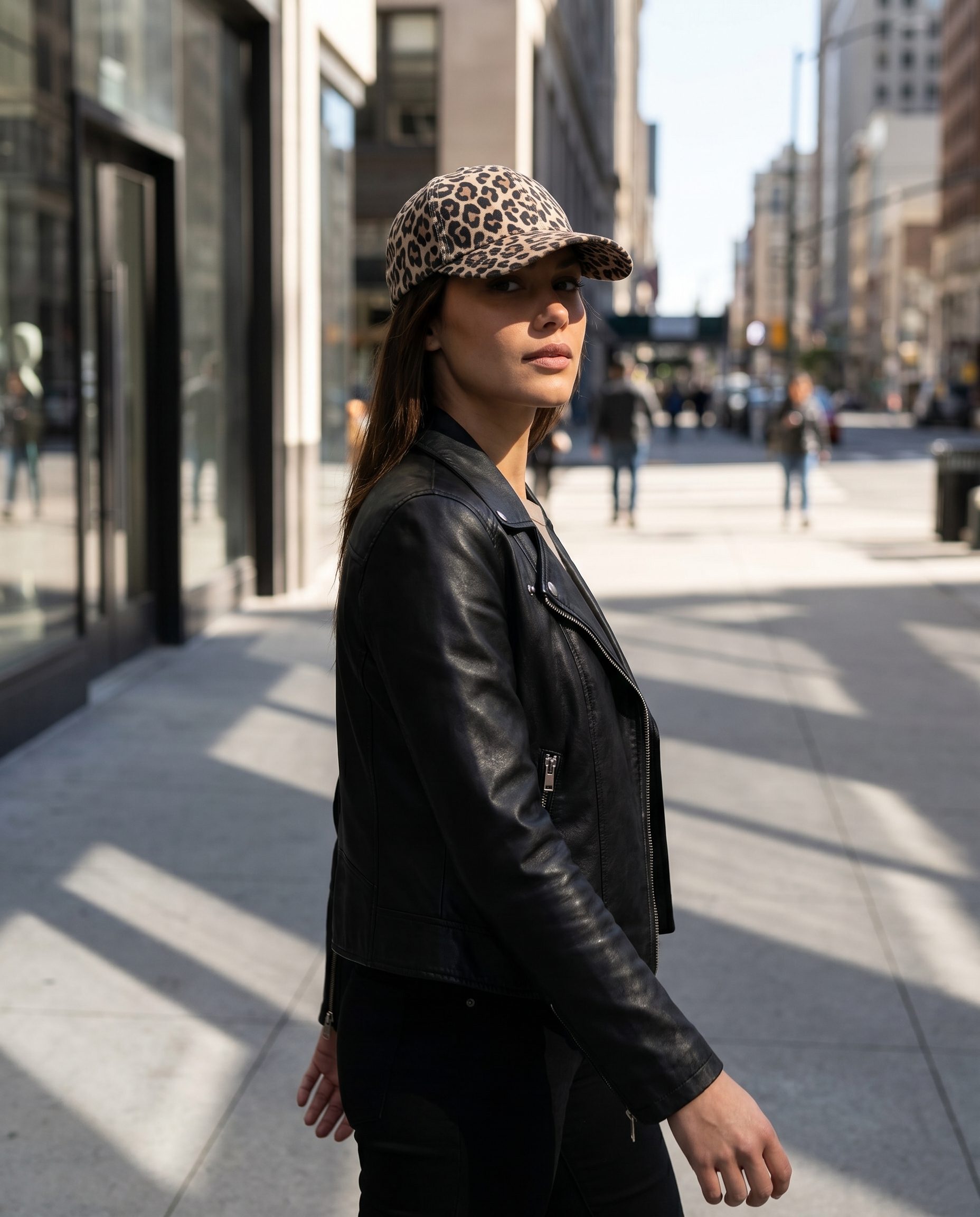
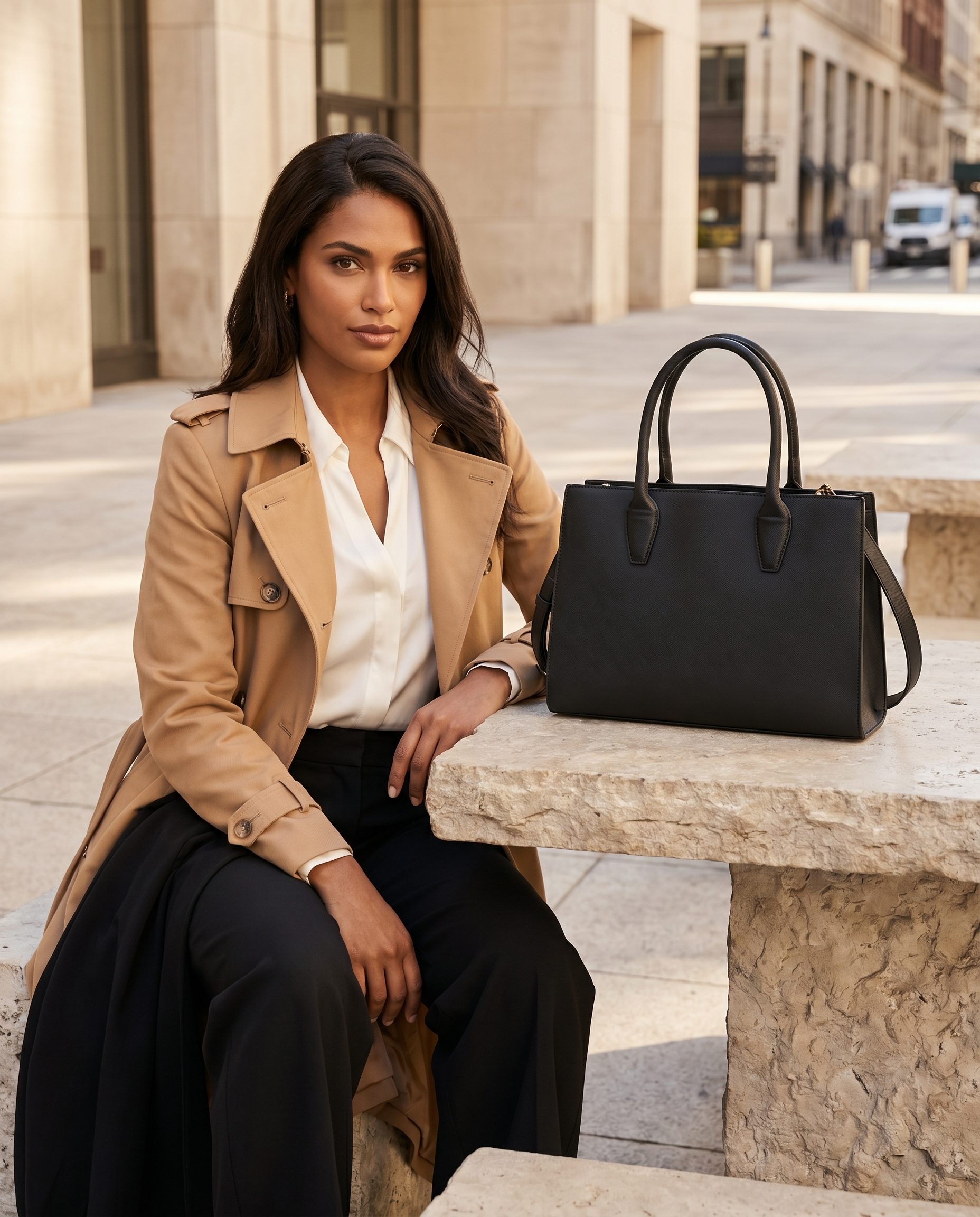
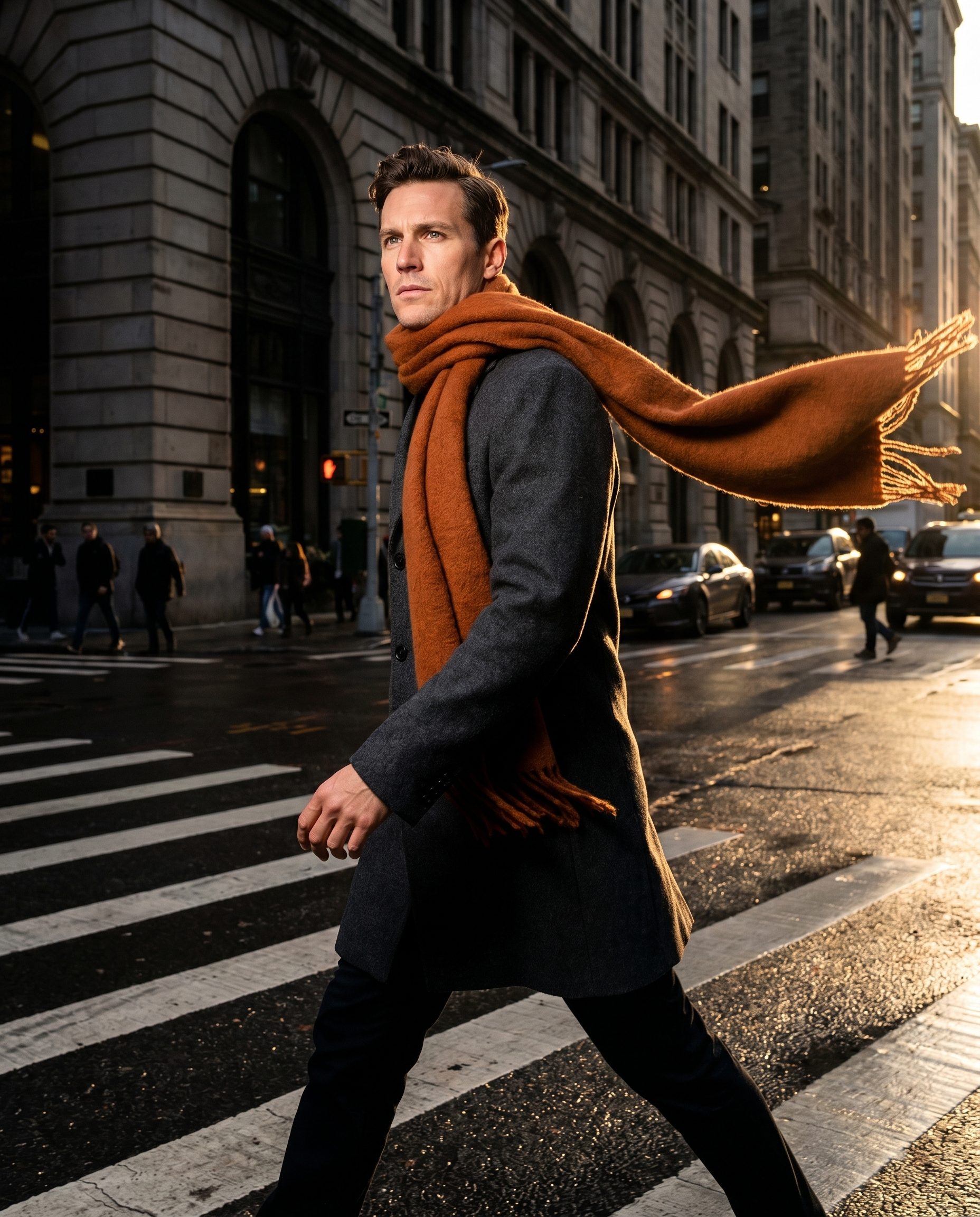
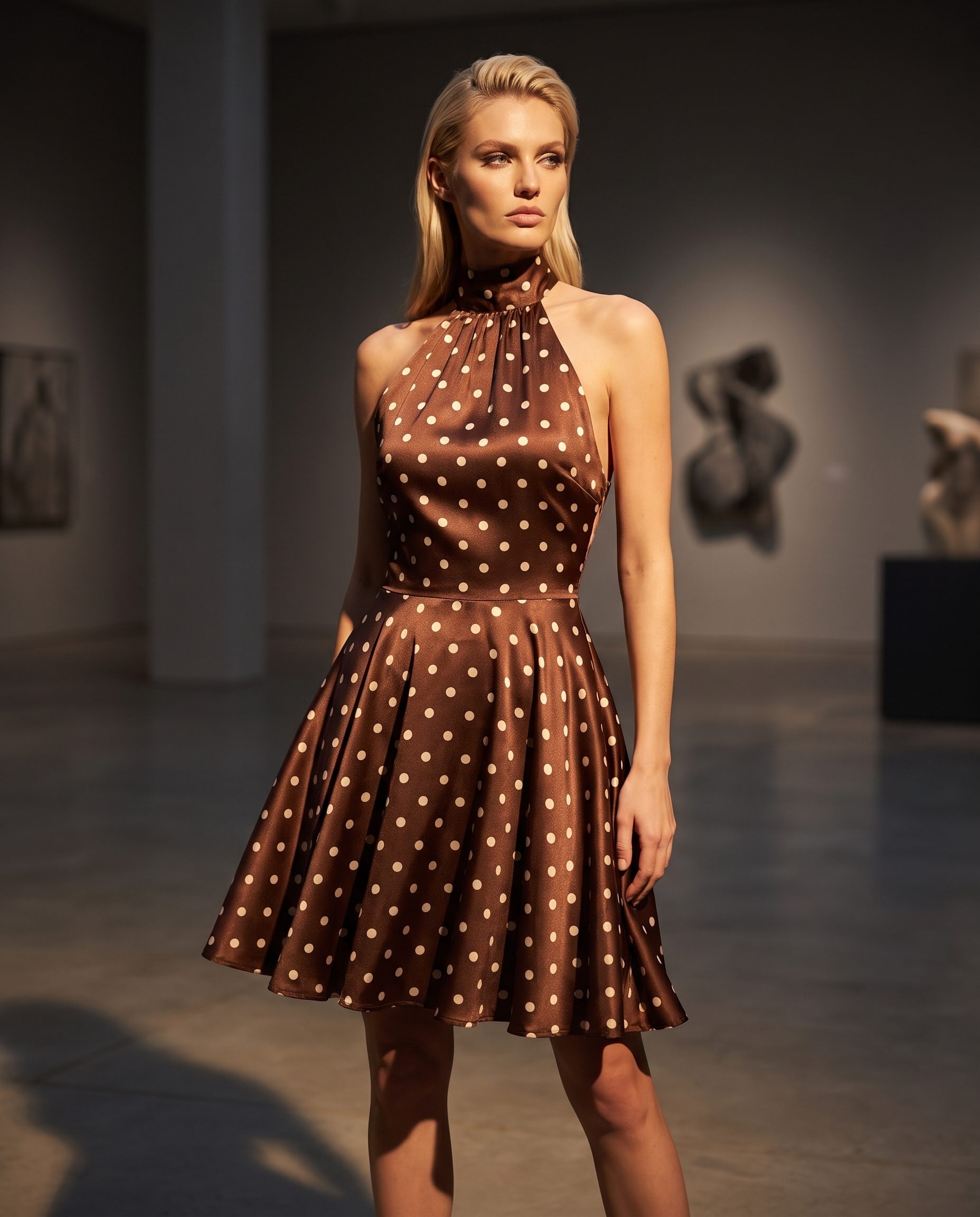
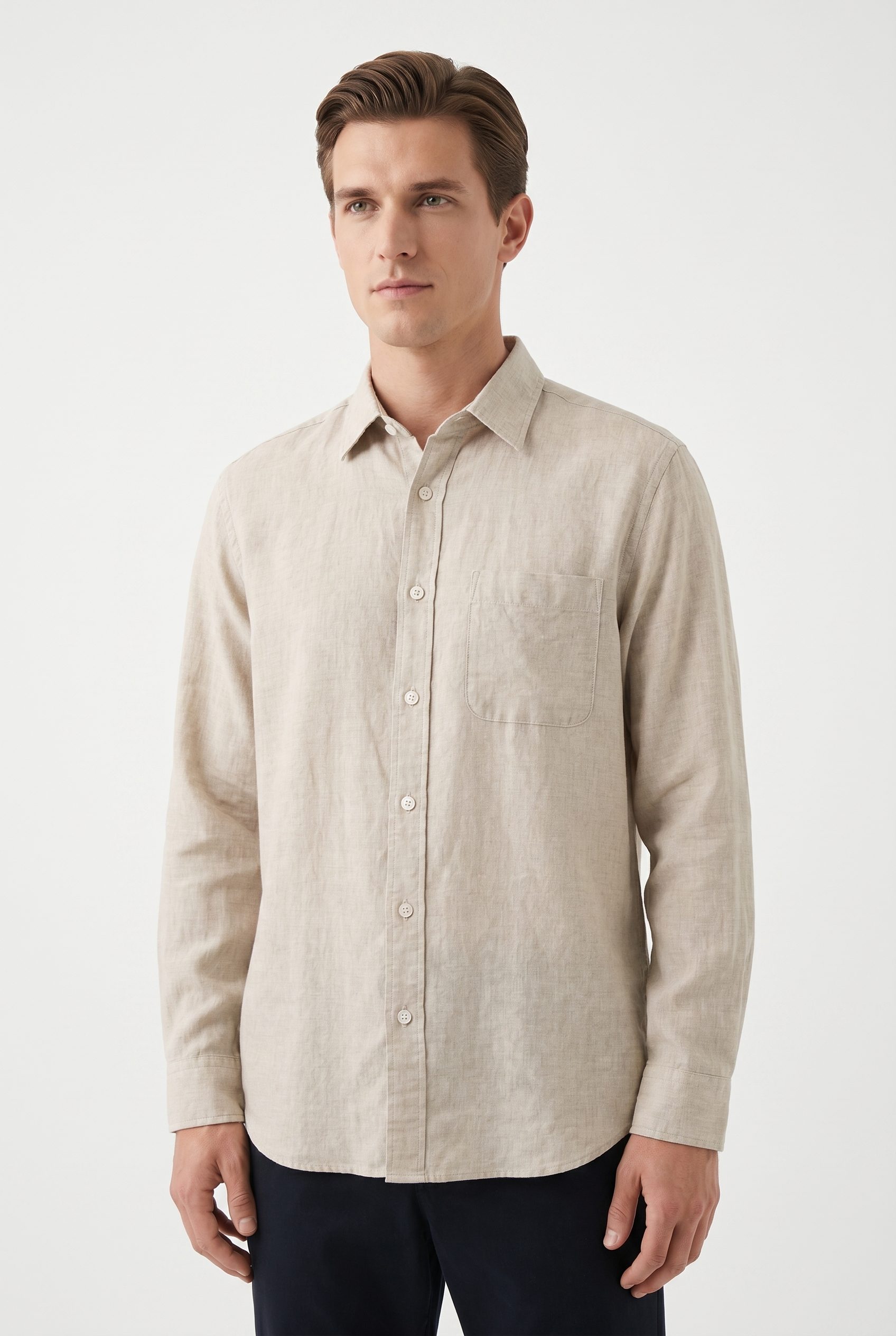
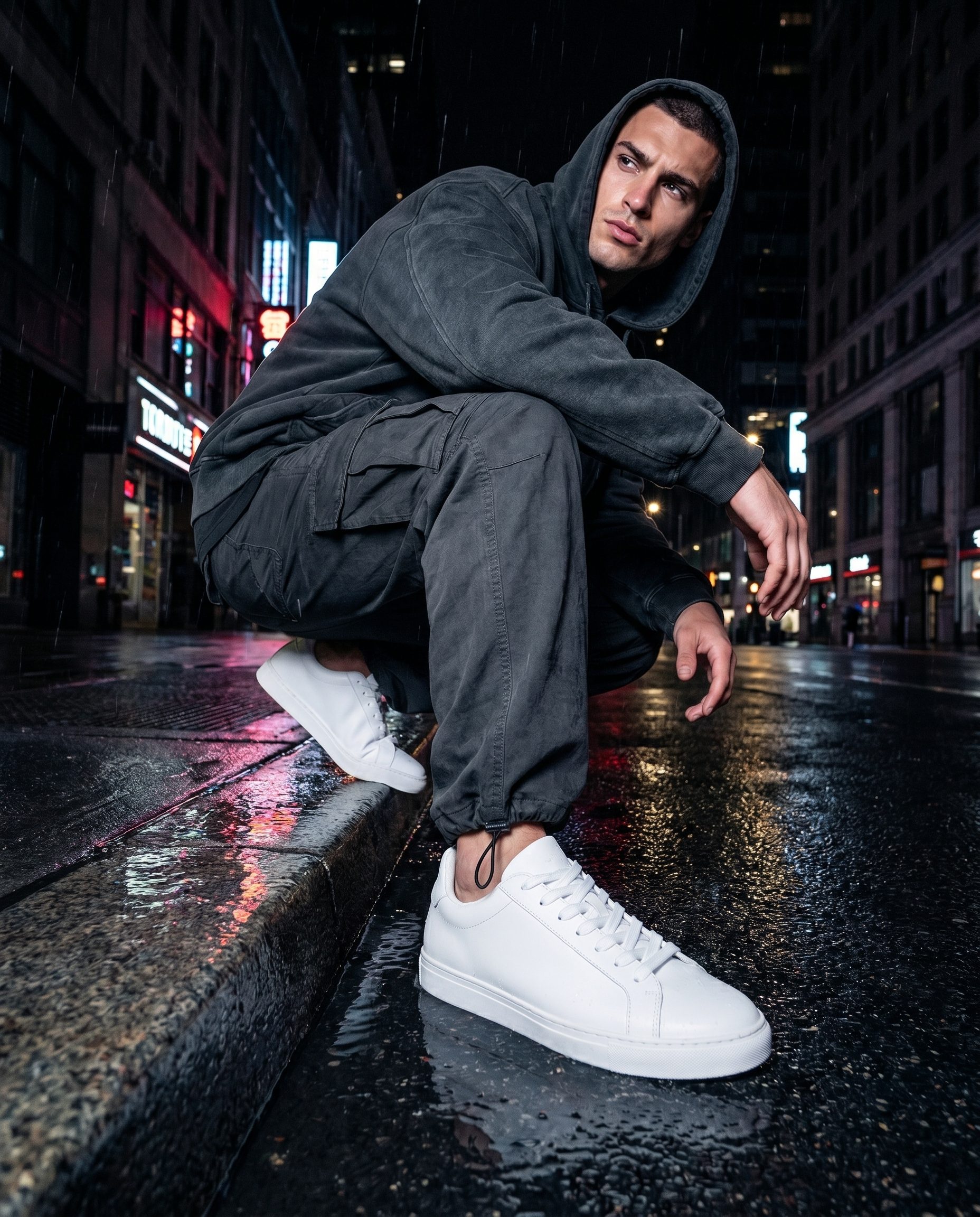
Bulk Product Image Generator output directions.
These slots are prepared for feature specific Fotogenic MCP images, so the final visuals can match this page instead of a generic gallery.
Where it fits
Use bulk output where consistency matters.
Bulk generation is strongest when many assets need to feel connected across a catalog or client account.
Use case
Decision guide
Choose Bulk Product Image Generator when the catalog is the job.
Use this feature when many products need consistent output rules instead of one isolated image at a time.
Team workflow
Built for teams that manage more than one product.
Use the same approach for seasonal refreshes, category updates, and client catalog work.
Controls
Control the batch before it grows.
Good bulk work starts with one direction that can survive across many products.
More examples
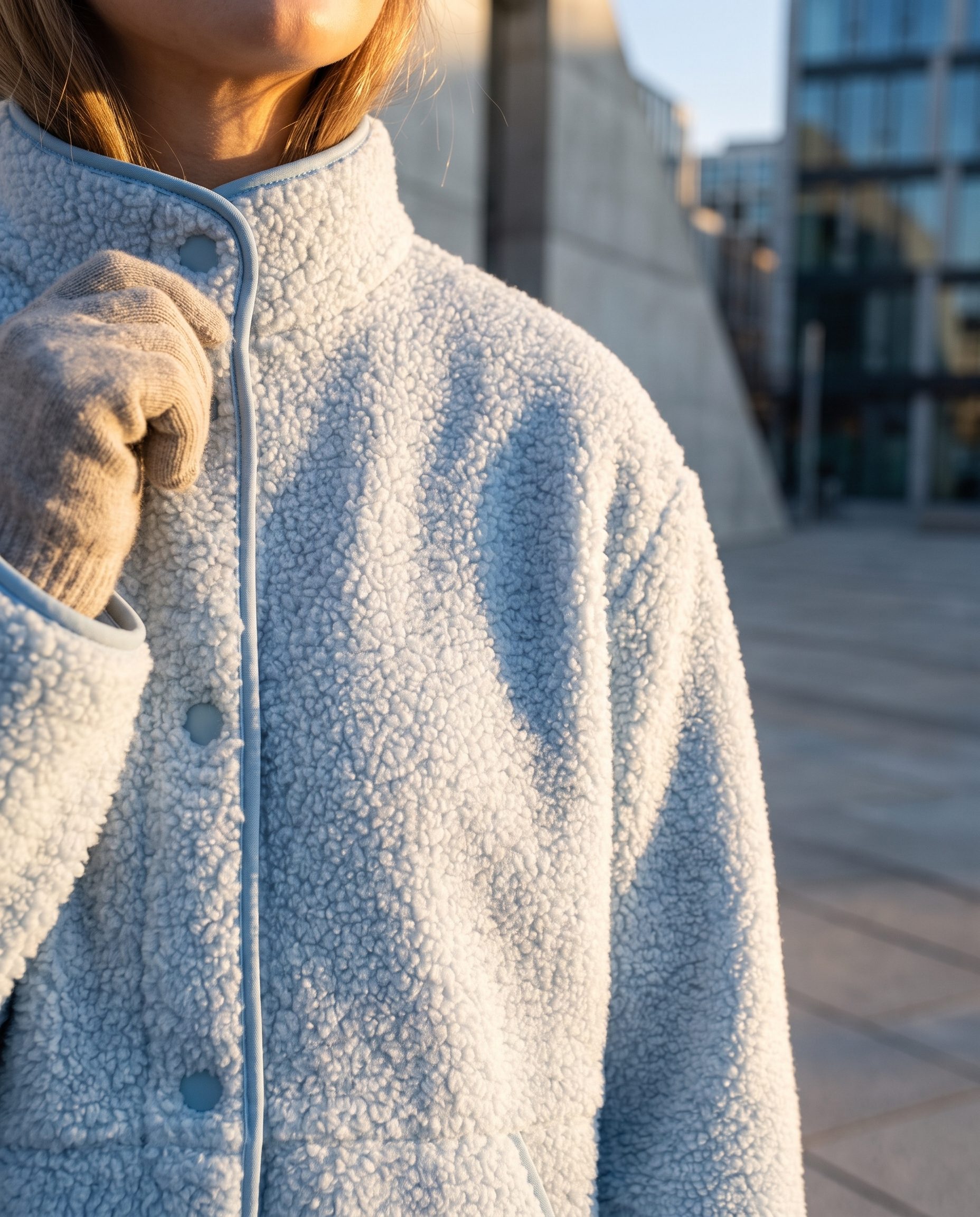
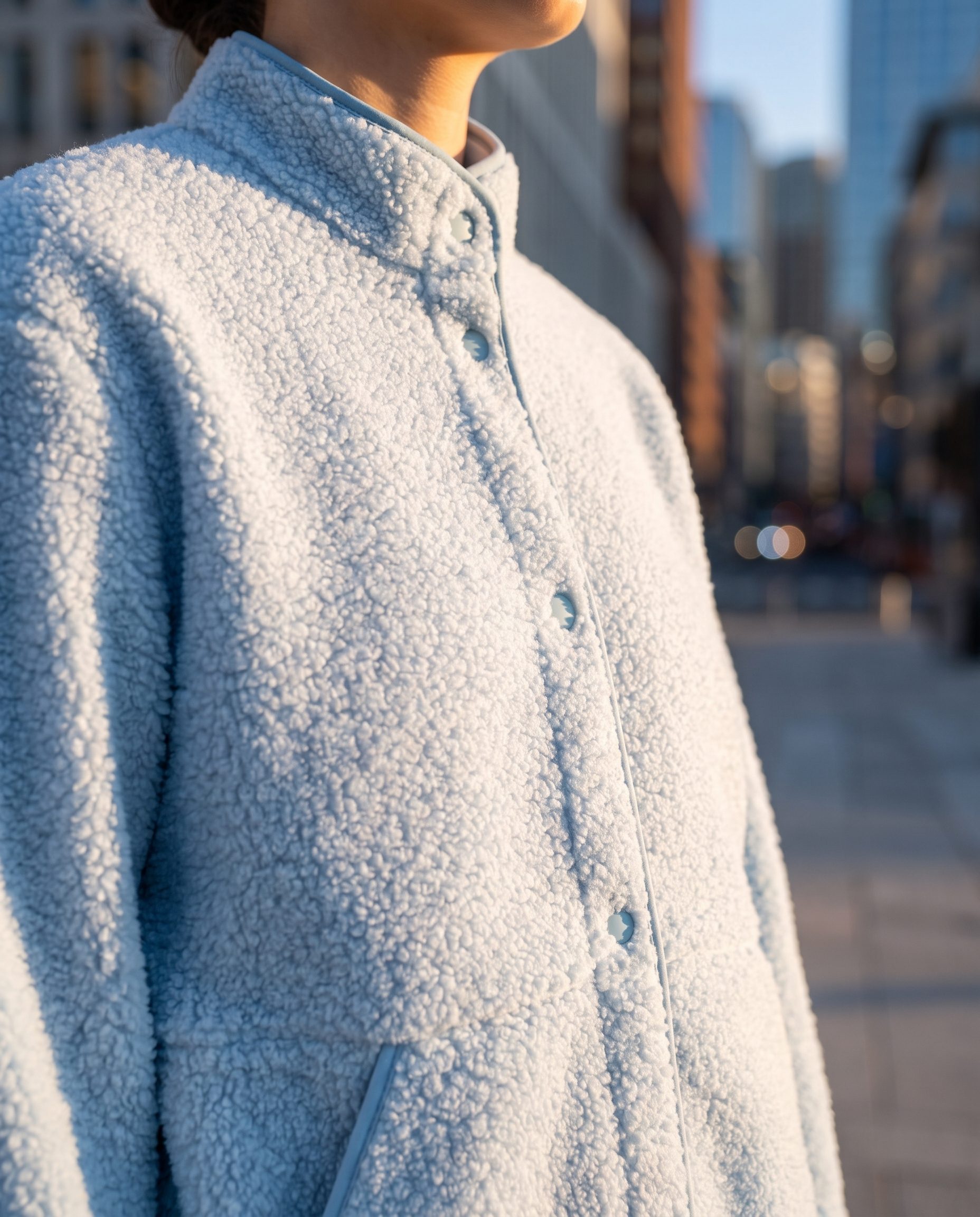
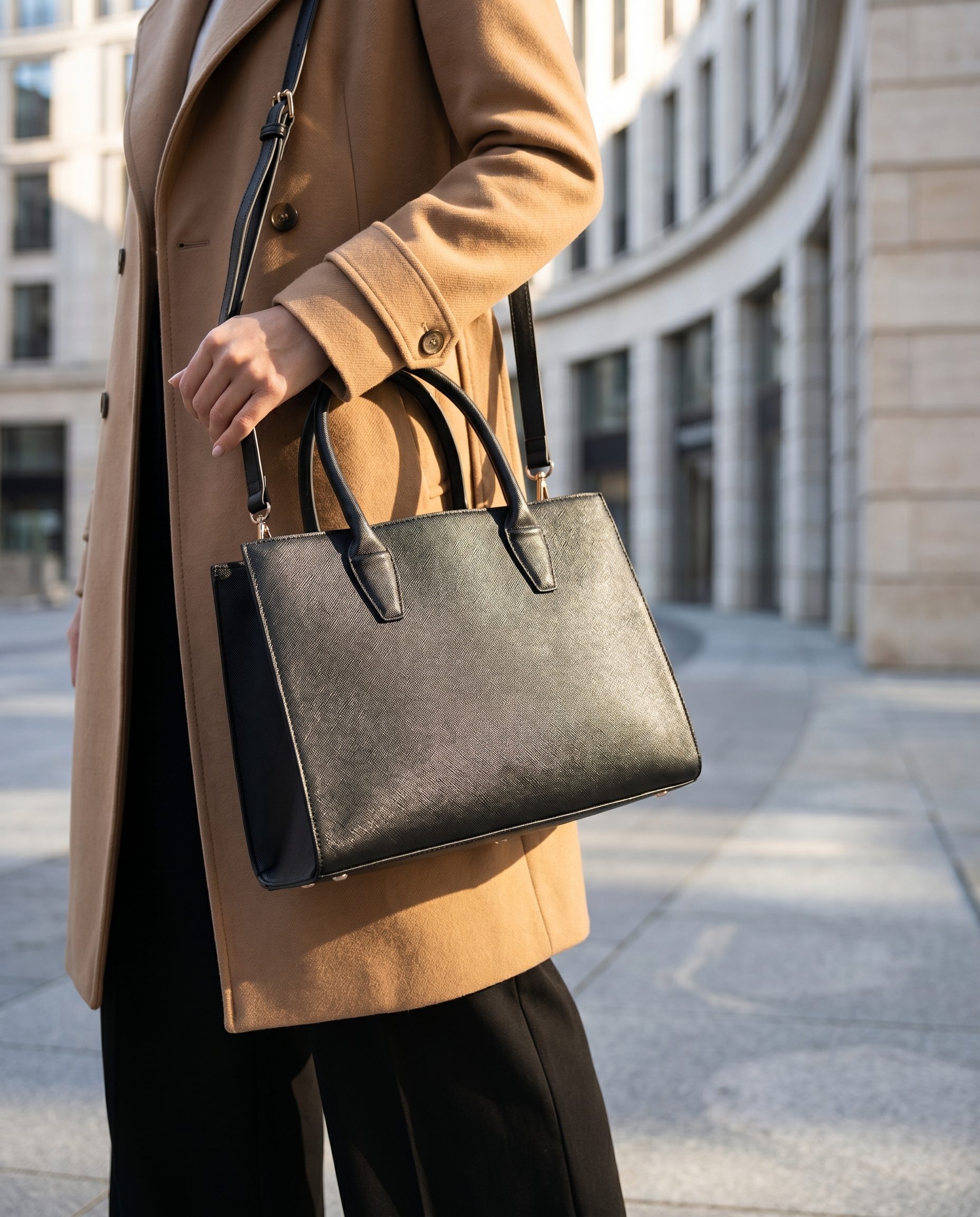
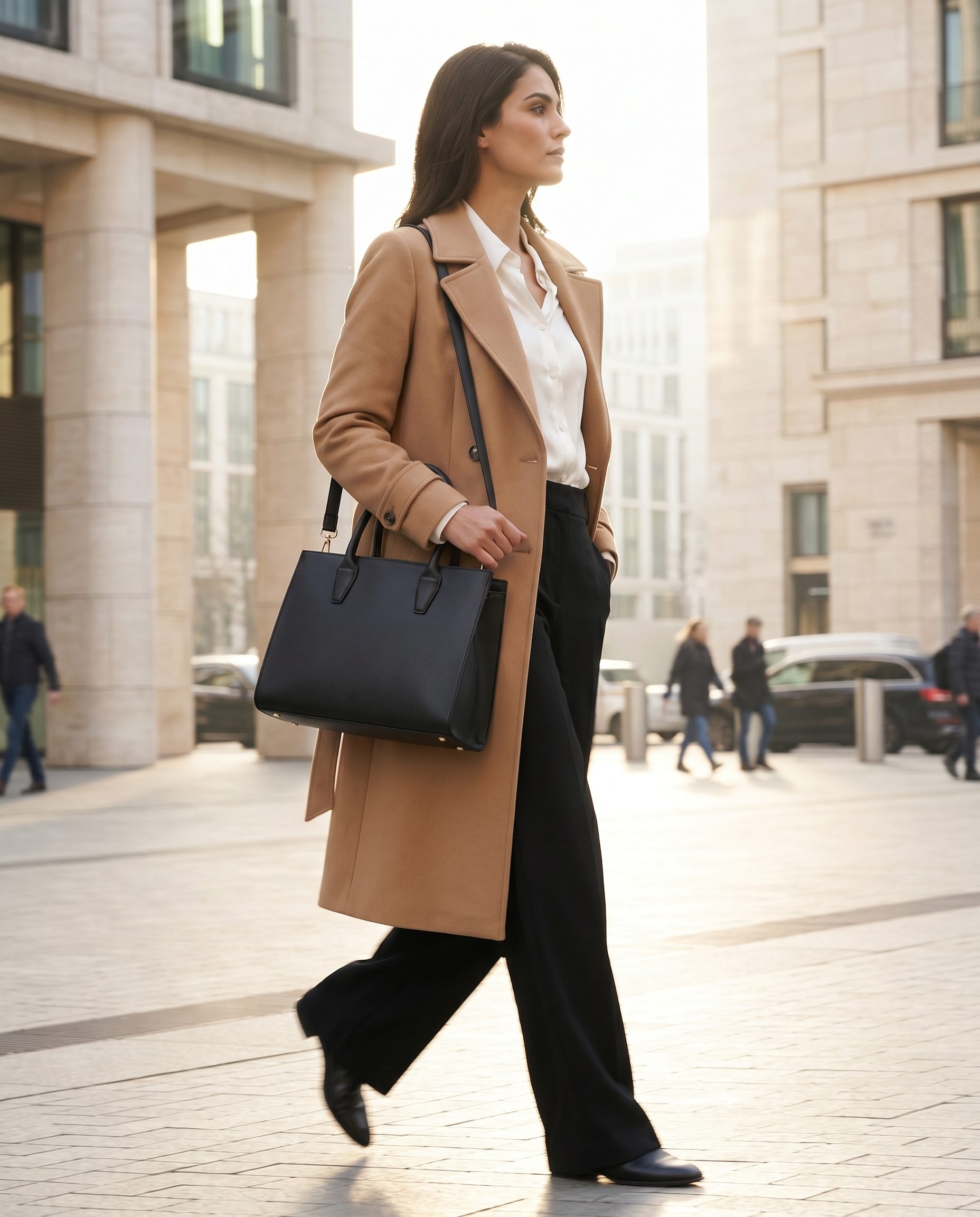
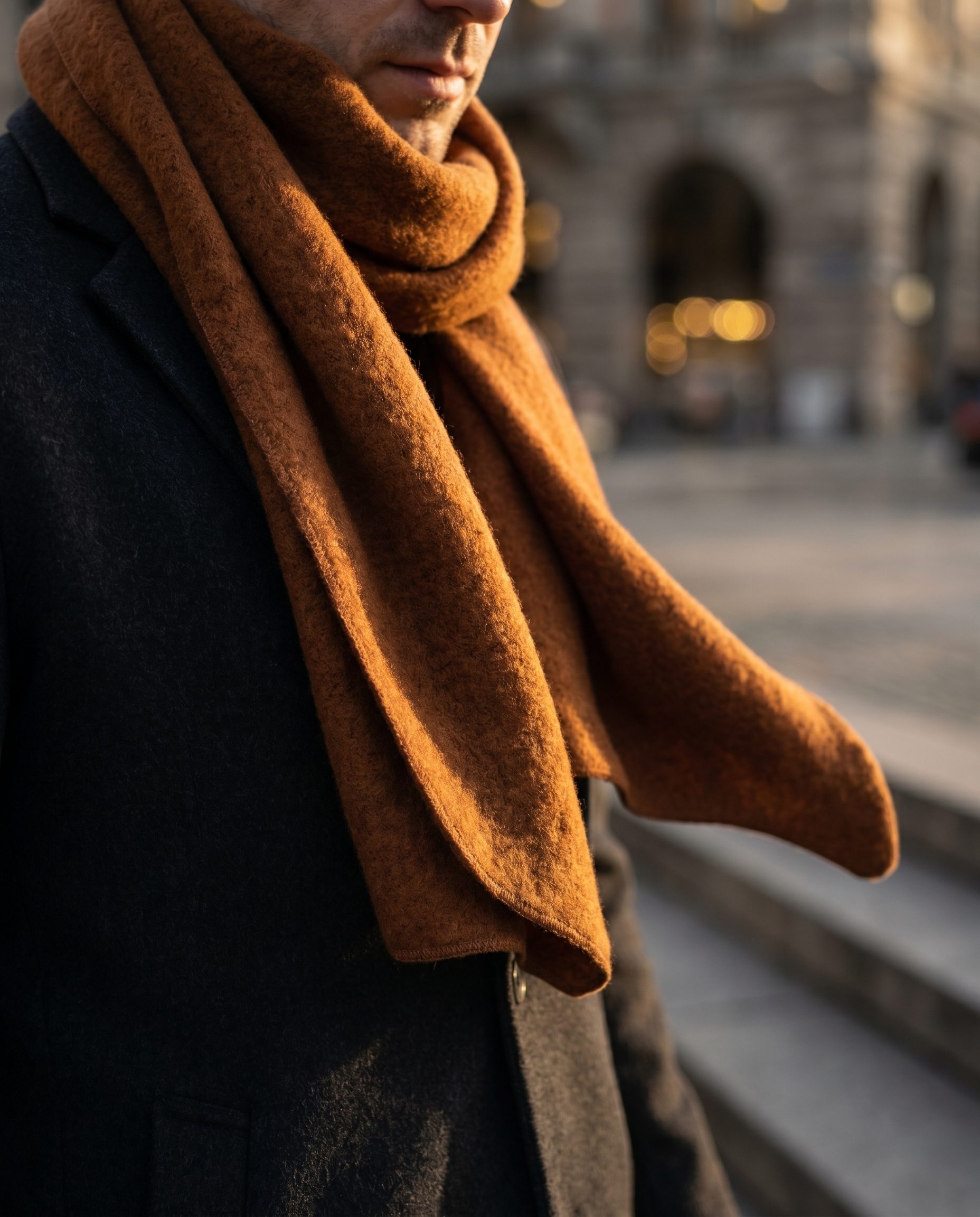
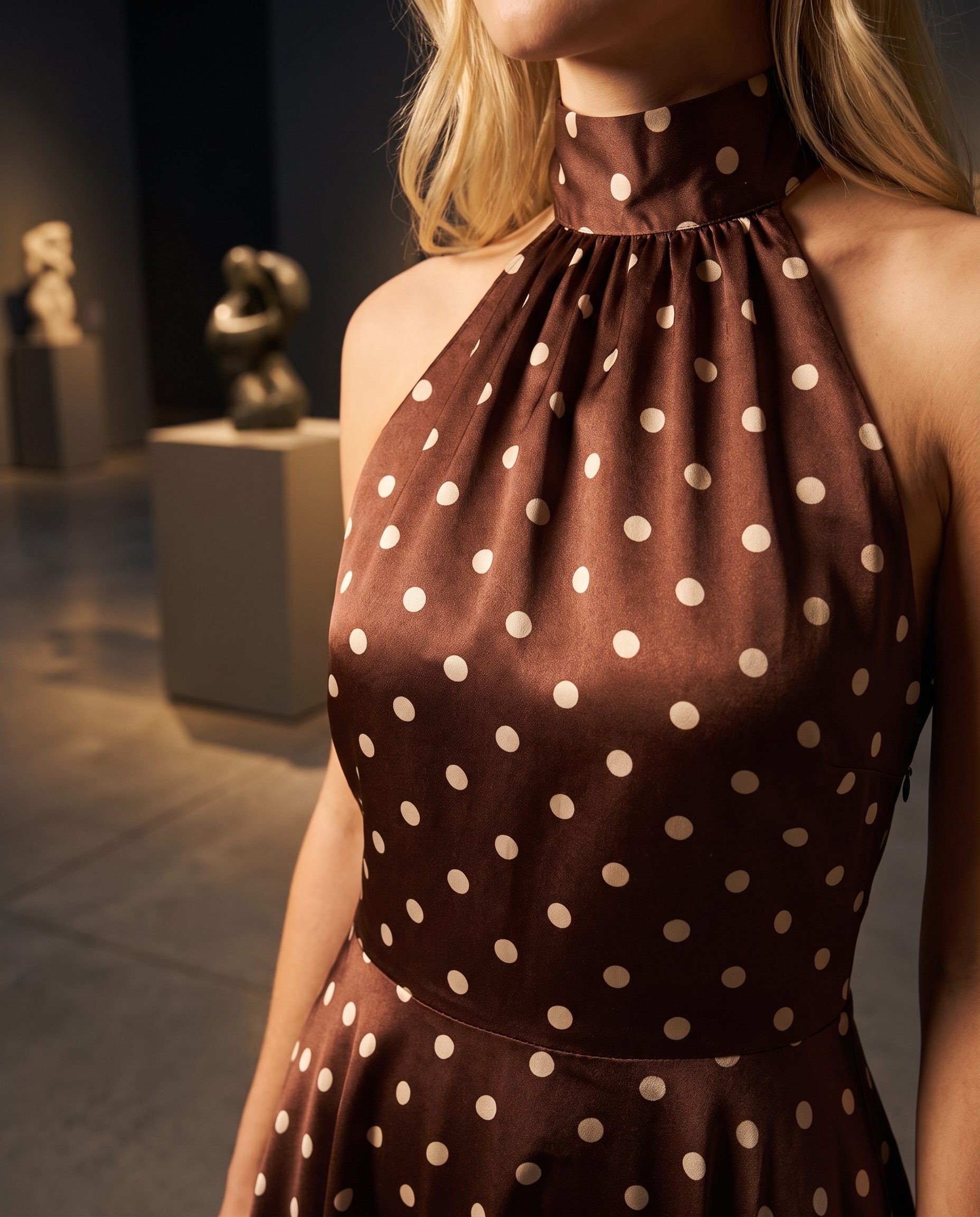
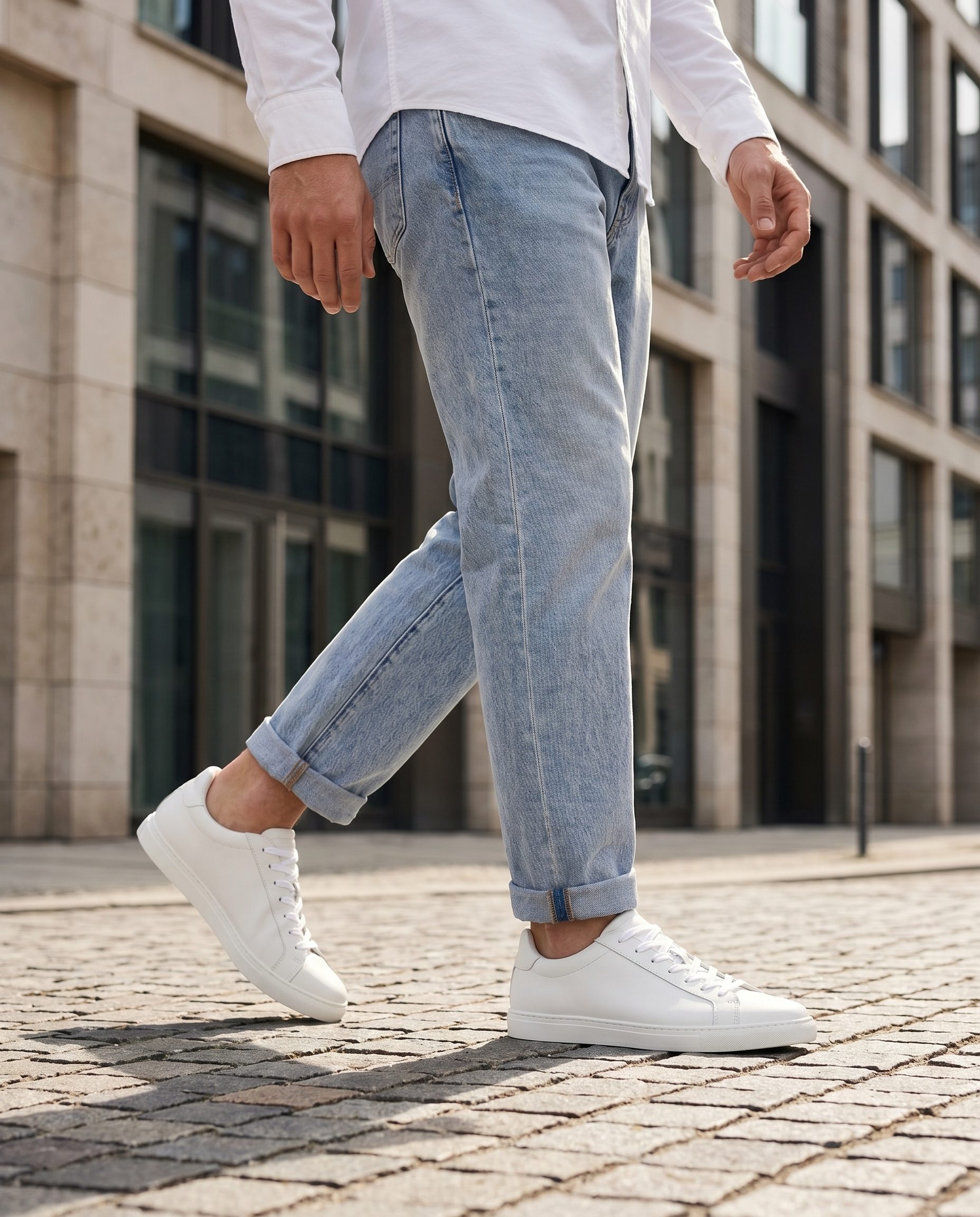
More Bulk Product Image Generator output directions.
Use this second visual row for a different angle on the same feature, not for unrelated product categories.
FAQ
Bulk Product Image Generator questions, answered.
Clear answers for buyers deciding where this feature fits in a real ecommerce workflow.
It means preparing a group of products, variants, or SKUs so they can share a consistent visual direction and review process.
Start with a focused group that belongs together, such as one product category, a variant family, or a small launch batch.
Yes. That is the main reason to use this feature instead of treating every image as a separate creative task.
BrandDNA gives the batch a saved visual system so lighting, backgrounds, mood, and tone do not drift between products.
Review the group together for crop, color, product accuracy, consistency, and channel fit.
Yes. Agencies can use batch rules to support ecommerce clients with more repeatable catalog refreshes.
Use Image Upscaler first when source images are too small or soft to support a clean generation workflow.
The main image generator is best for individual product outputs. Bulk generation is about product groups and operational consistency.
Ready when your next product is
Refresh the next catalog batch with Fotogenic AI.
Start with a small product group, set the visual direction, review the batch, then apply the winning approach to more SKUs and variants.
- Product context
- Human review
- Brand controls
- Pricing path