For footwear brands and sellers
AI shoe Photography
Generate AI shoe photos for your online store, with studio shots, on-foot looks and lifestyle scenes.
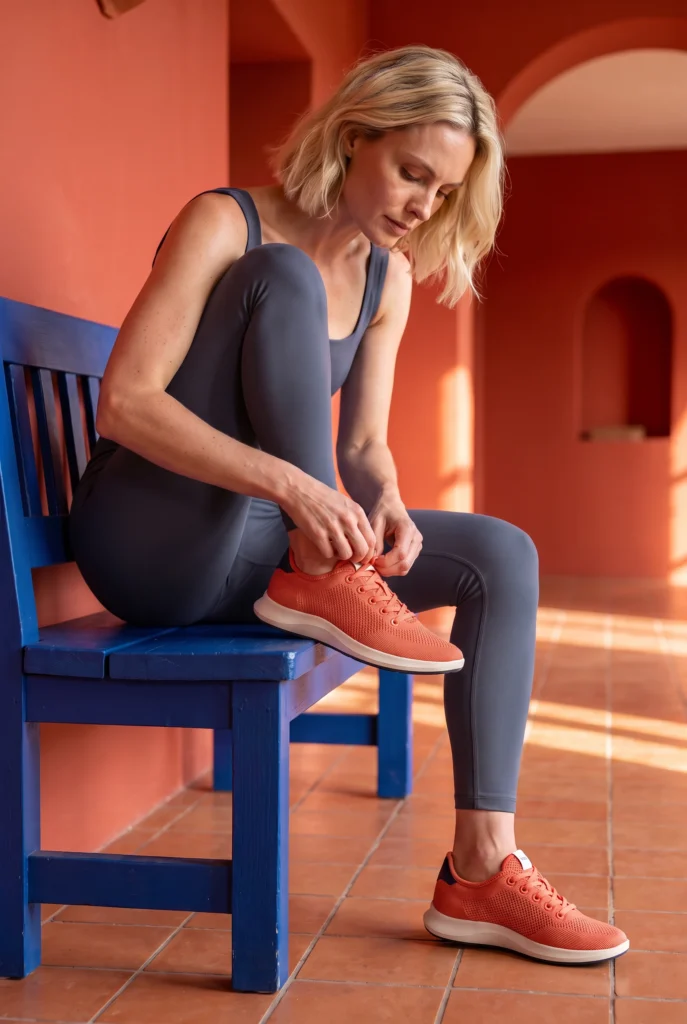
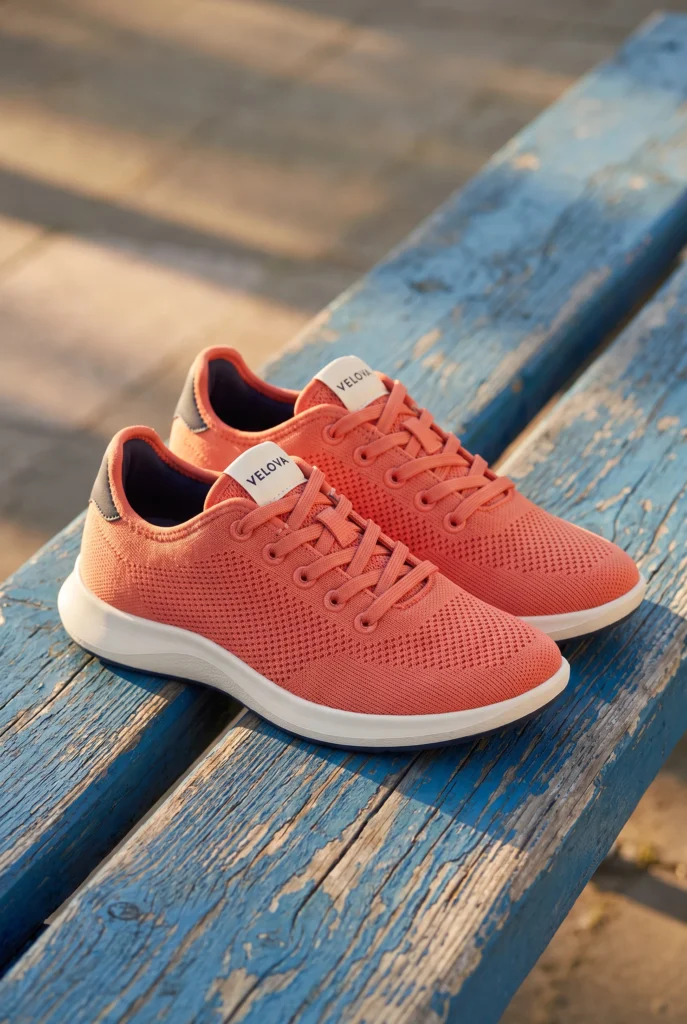
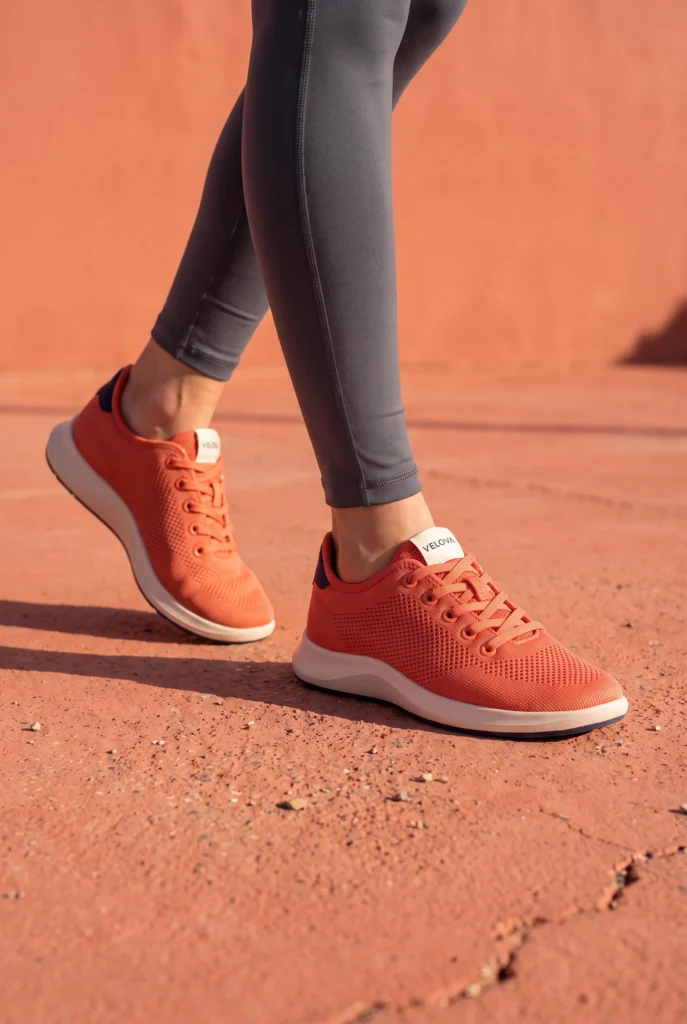
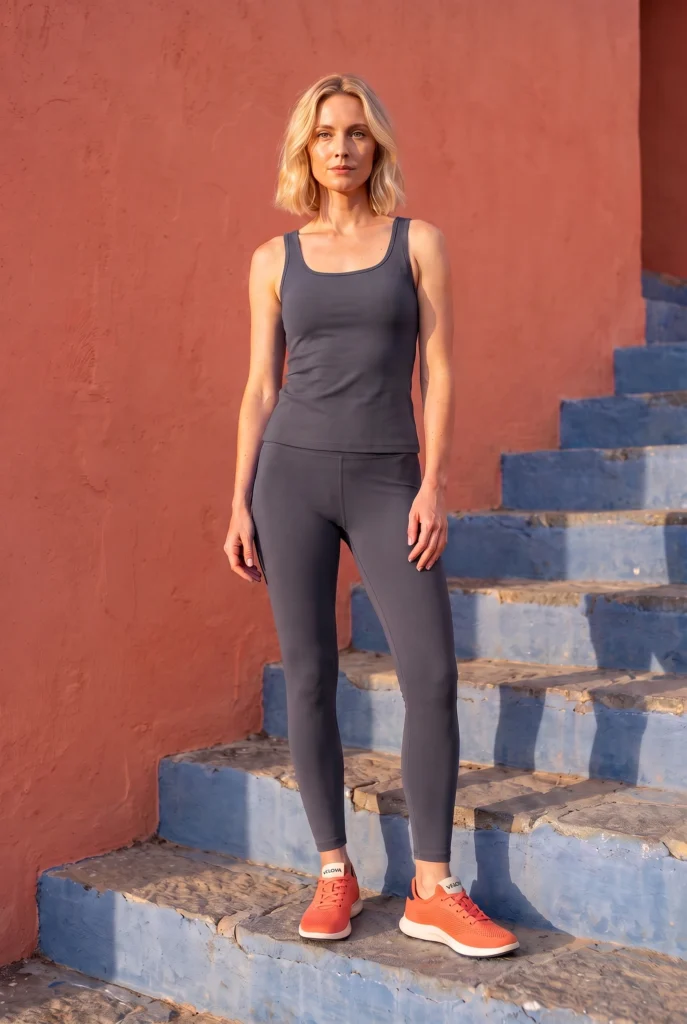
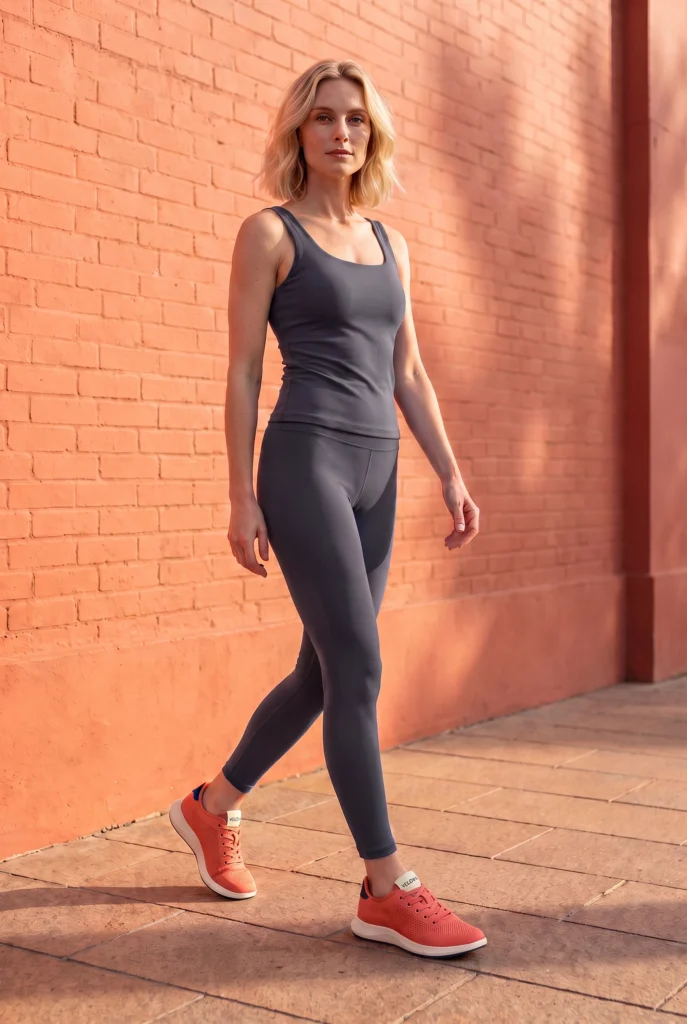
Examples
Footwear Product Photography examples
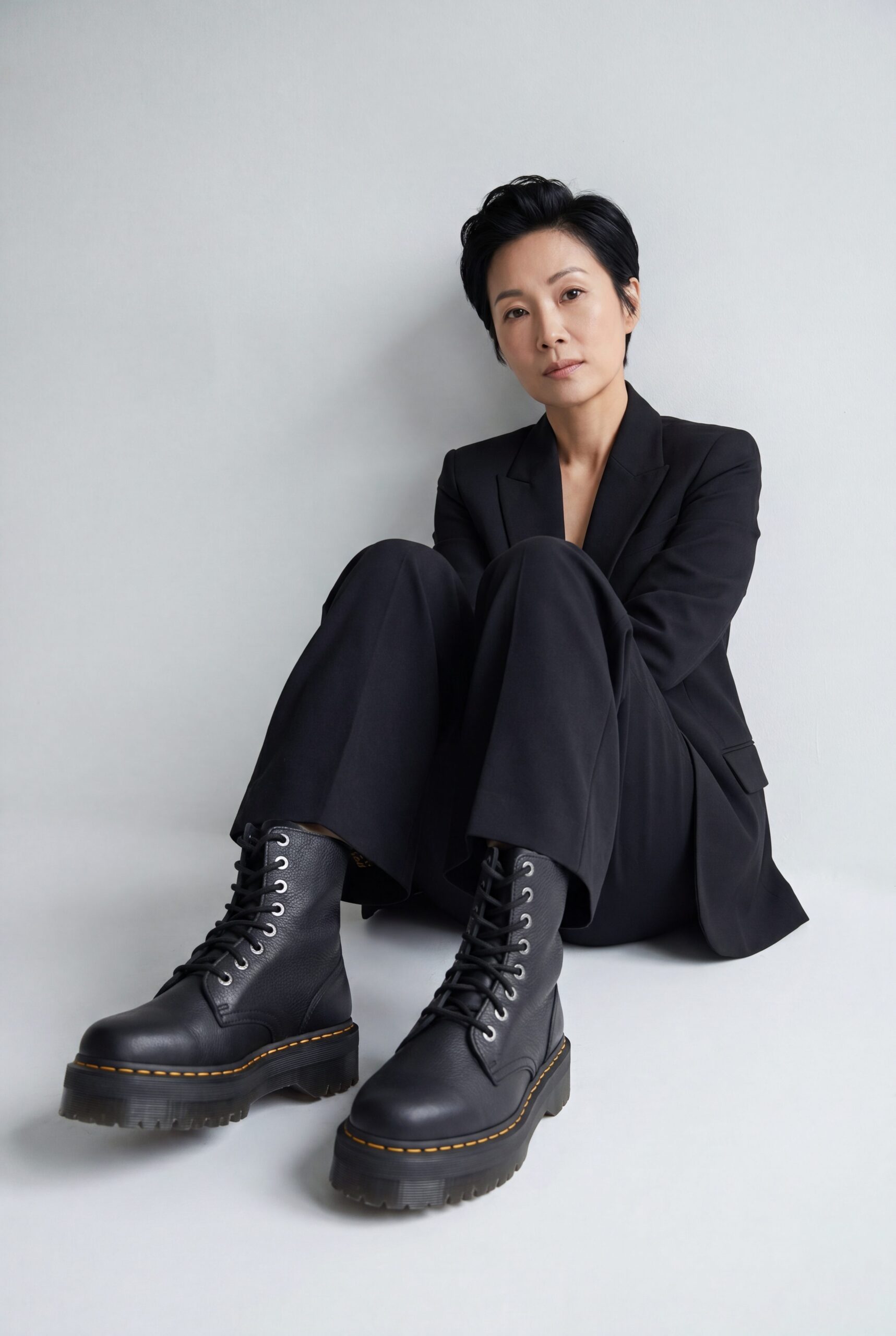
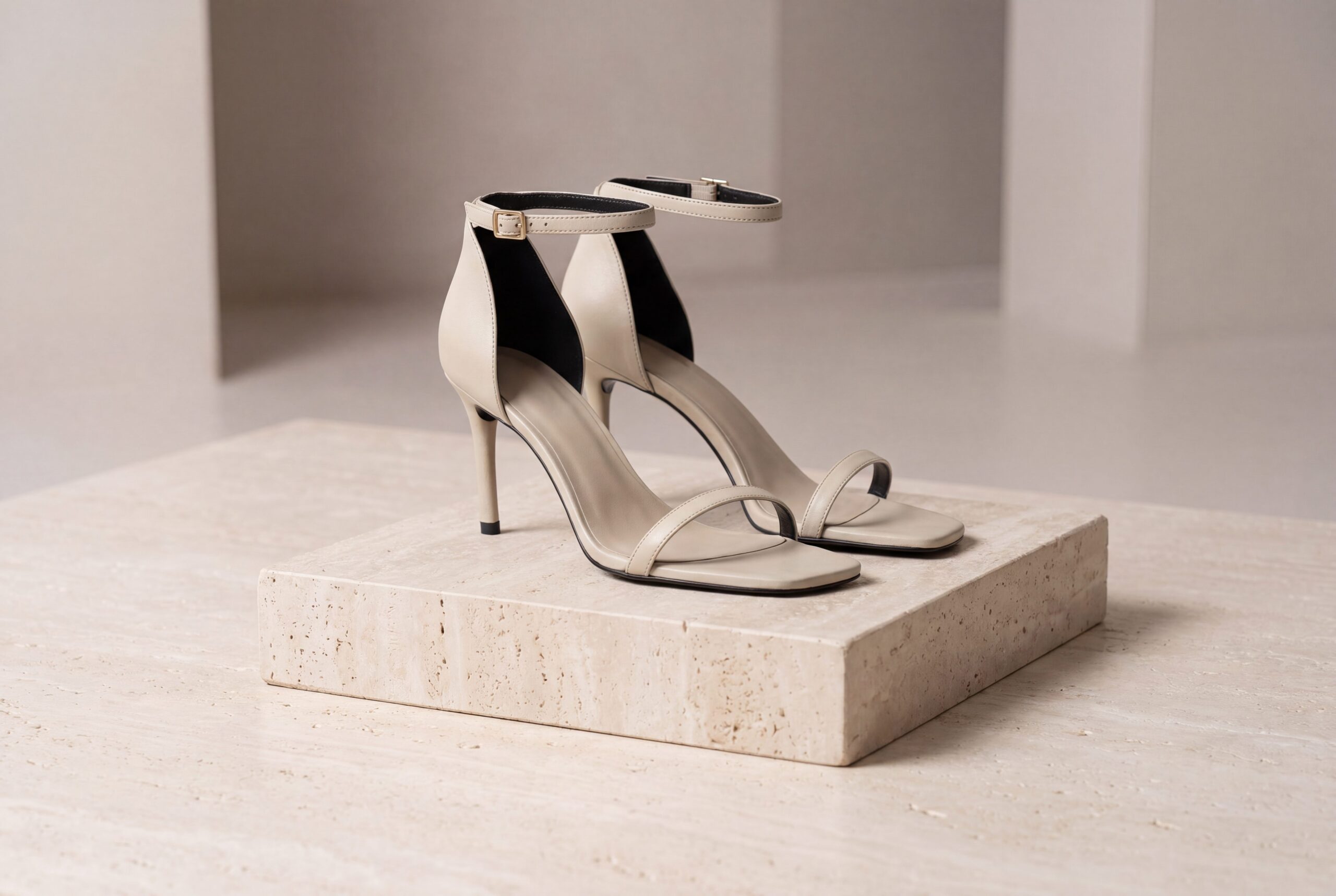
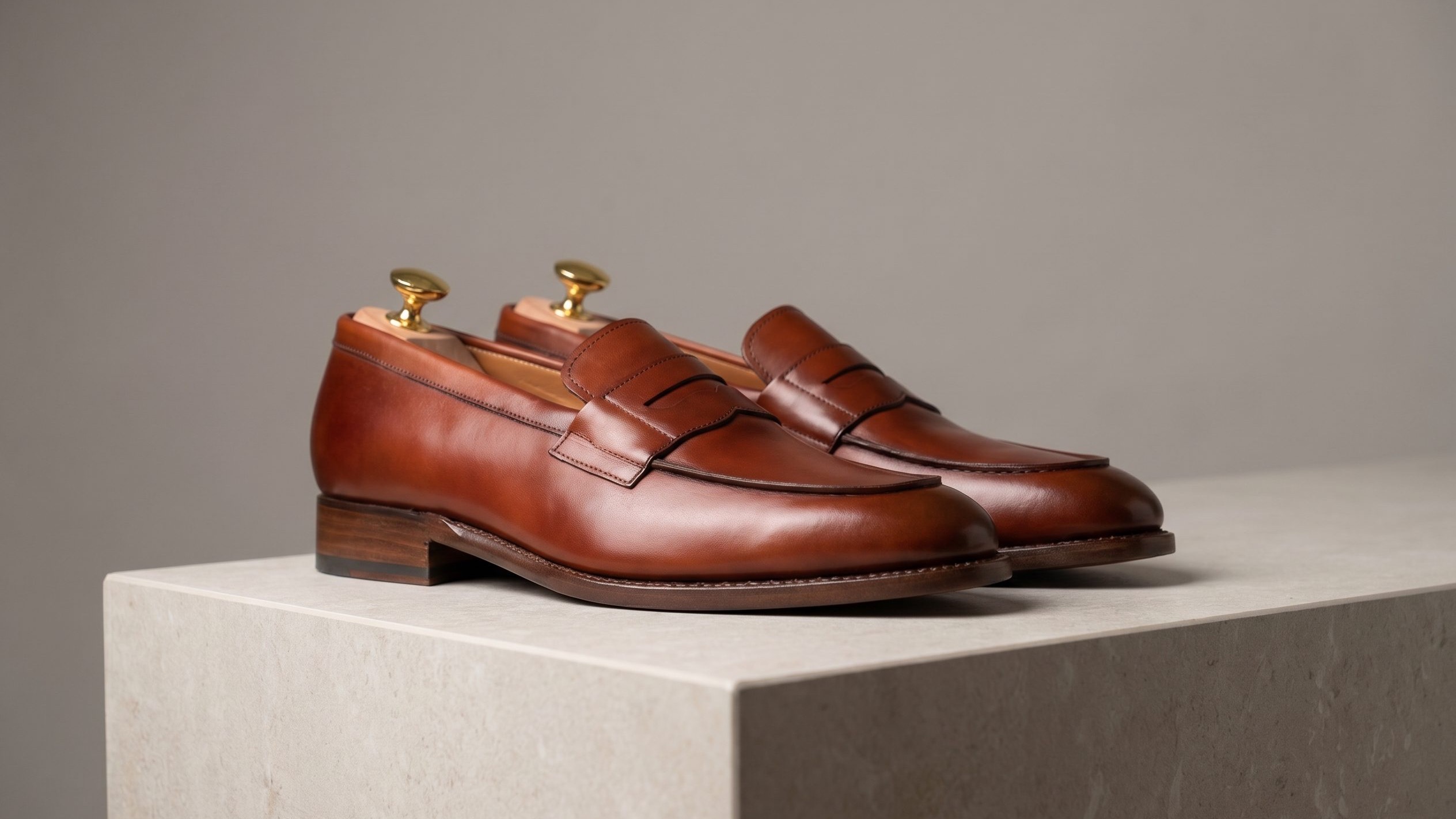
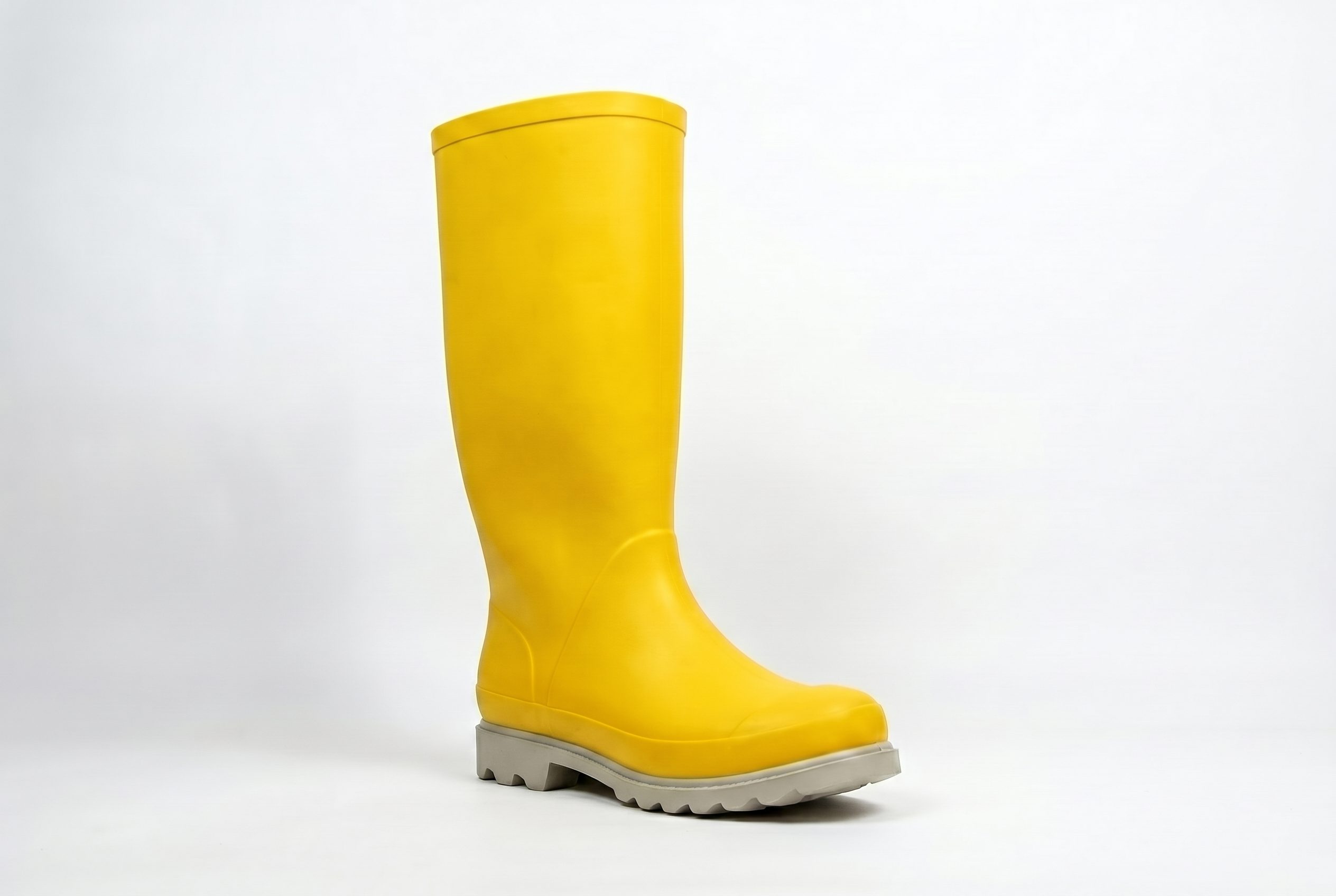
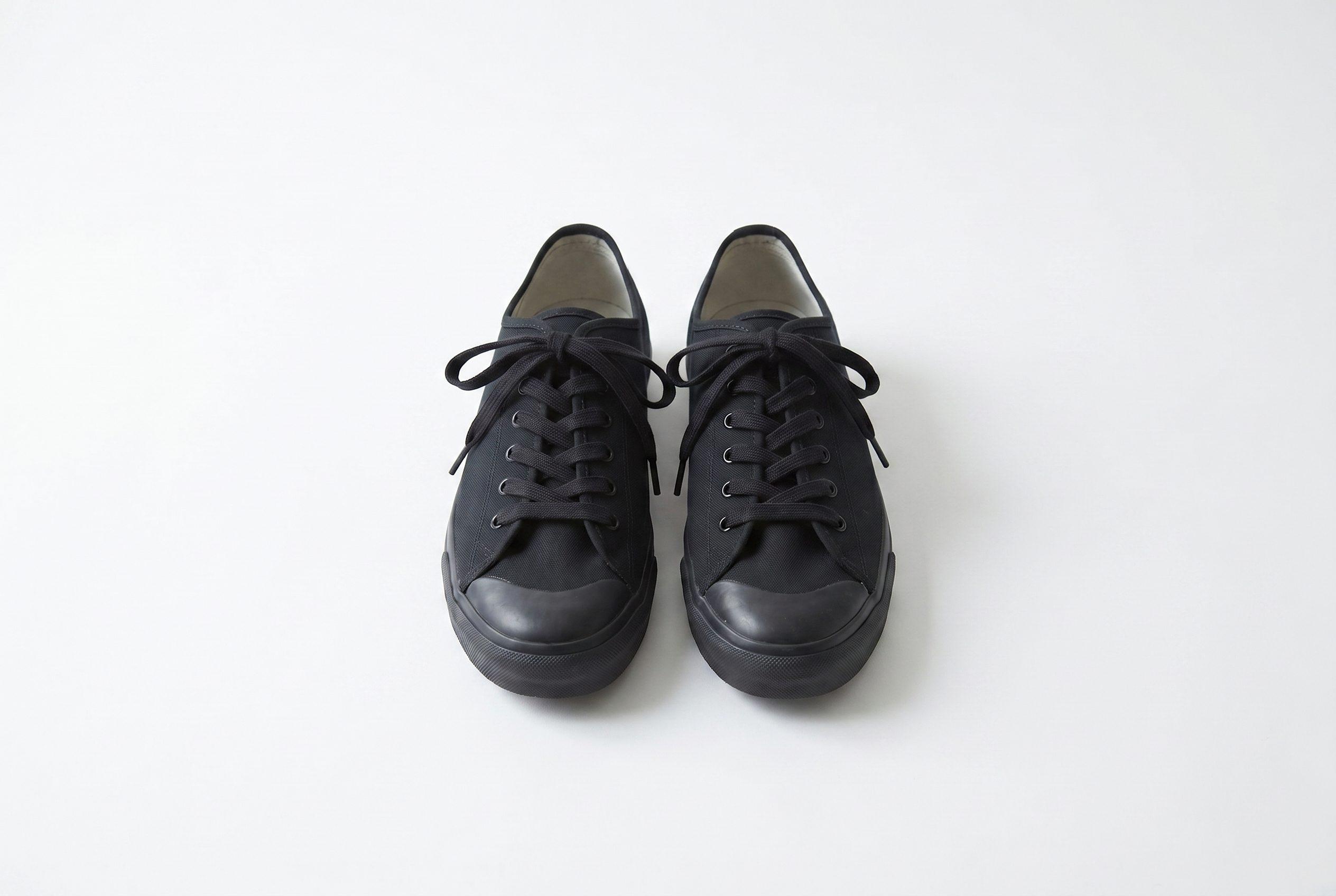
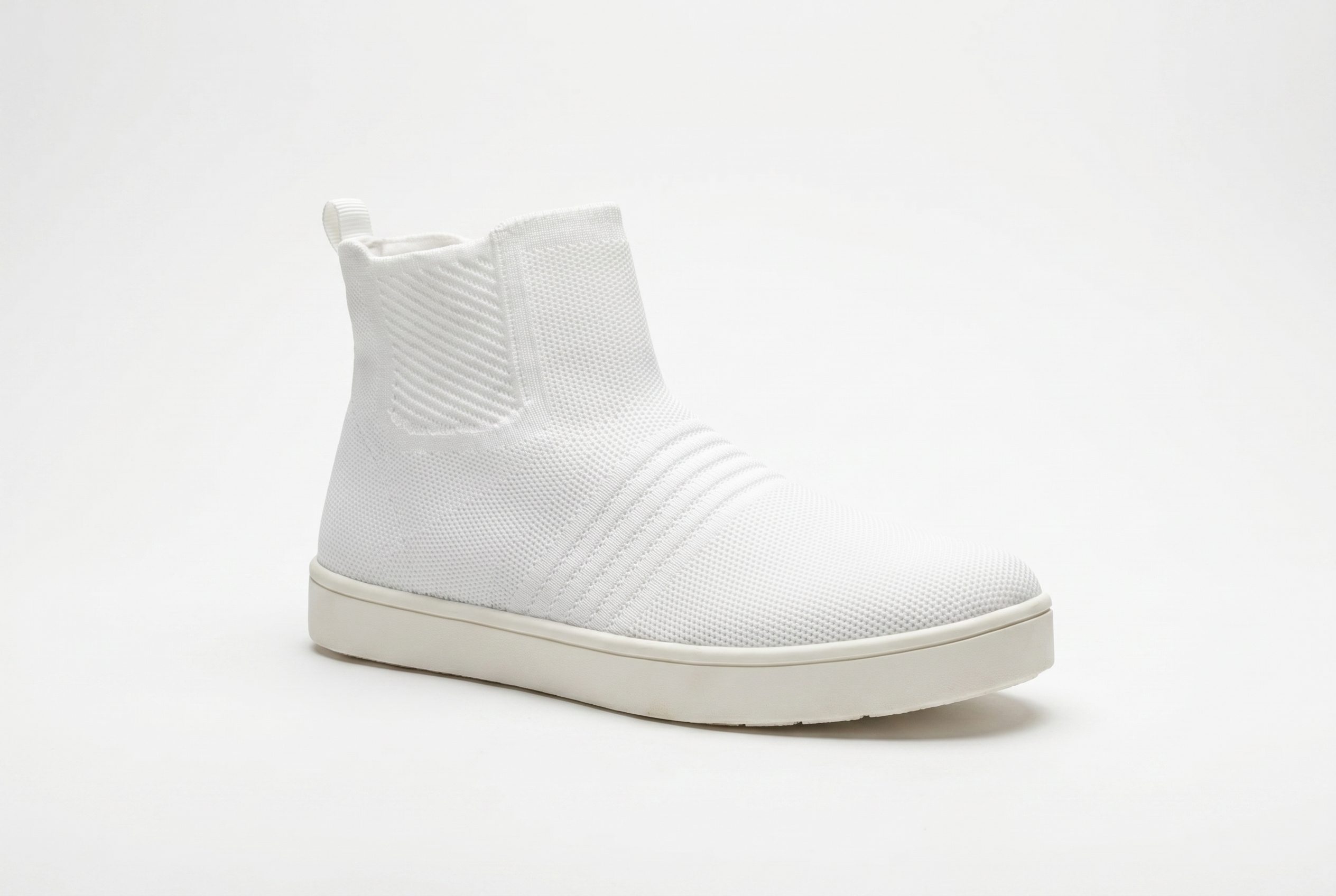
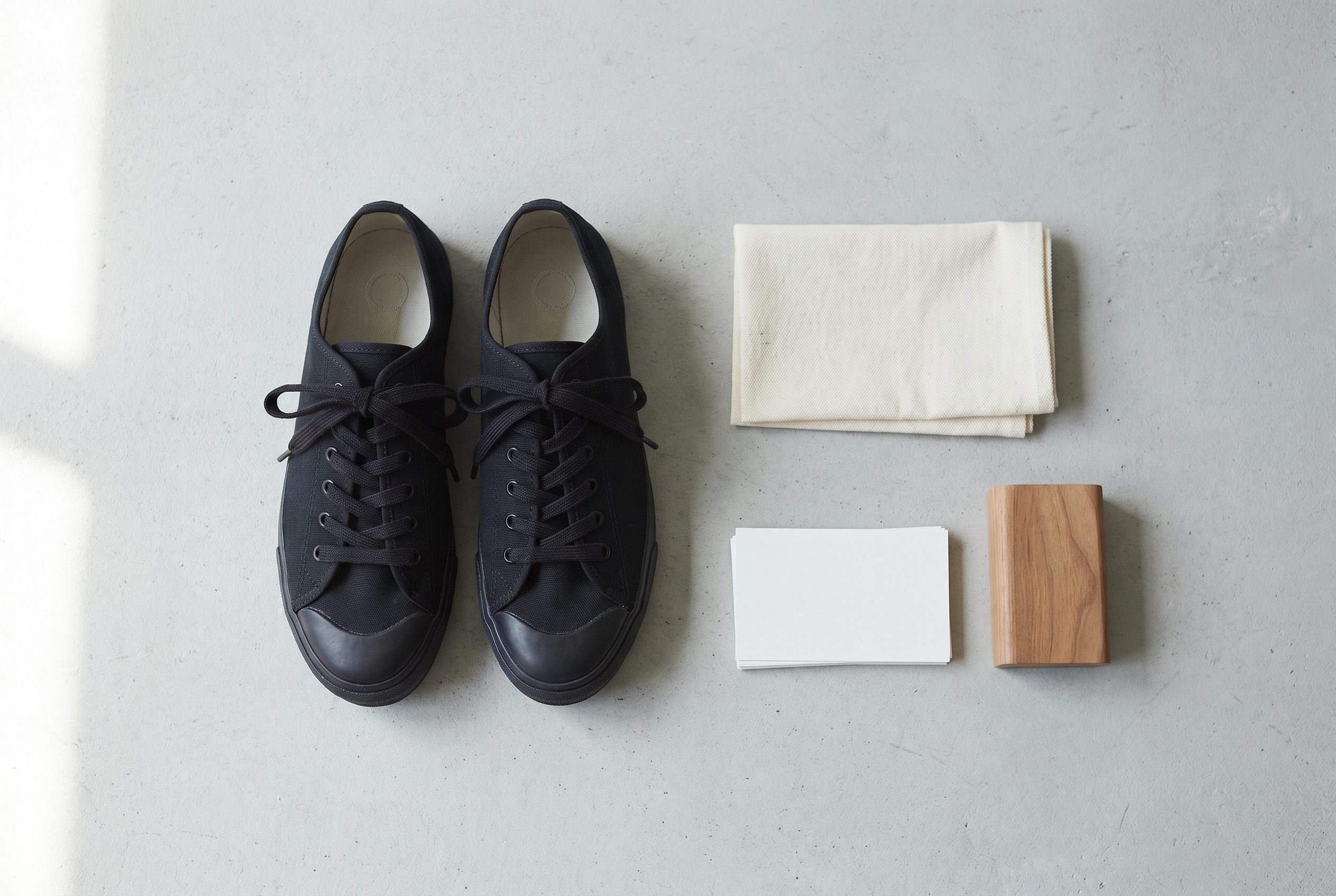
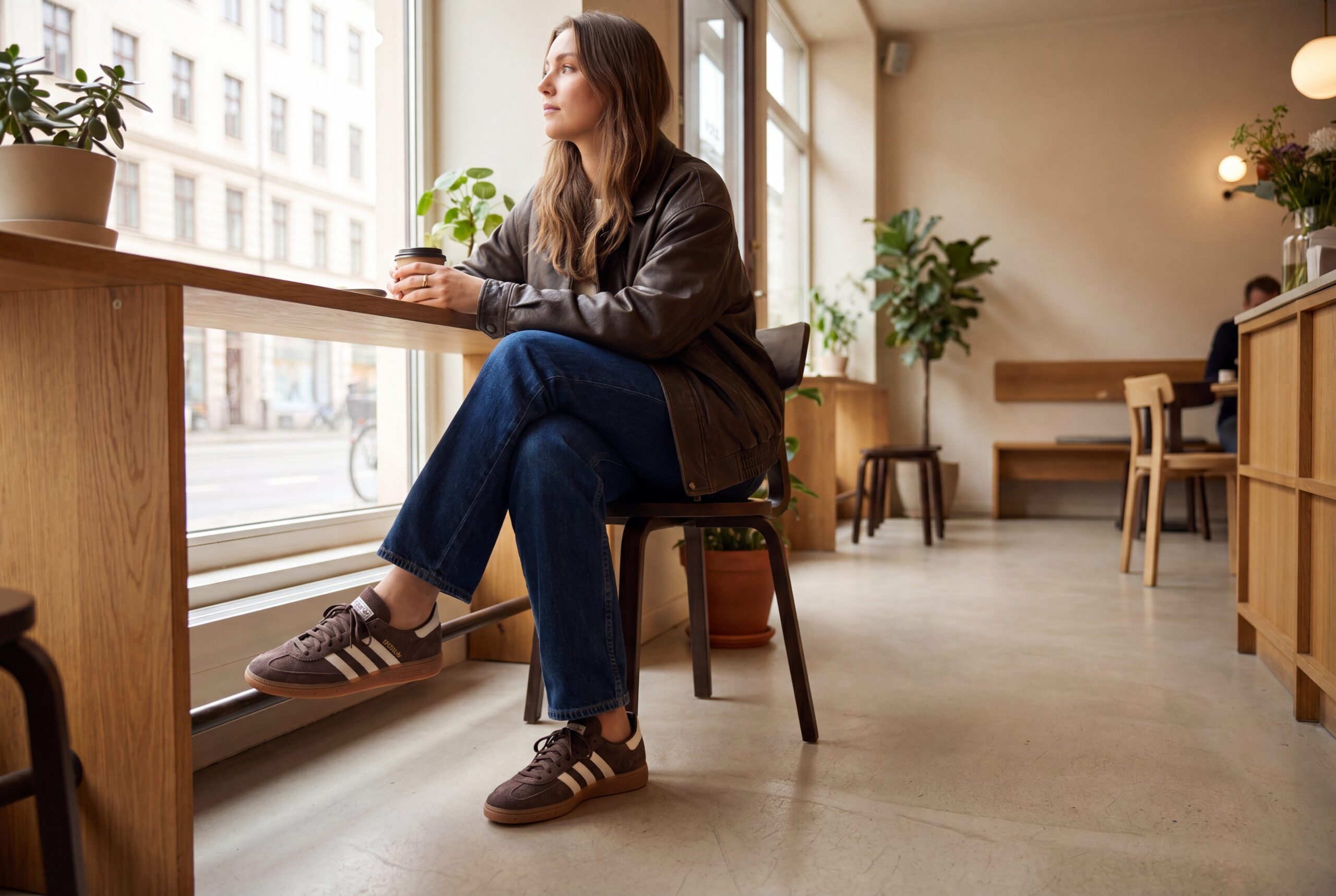
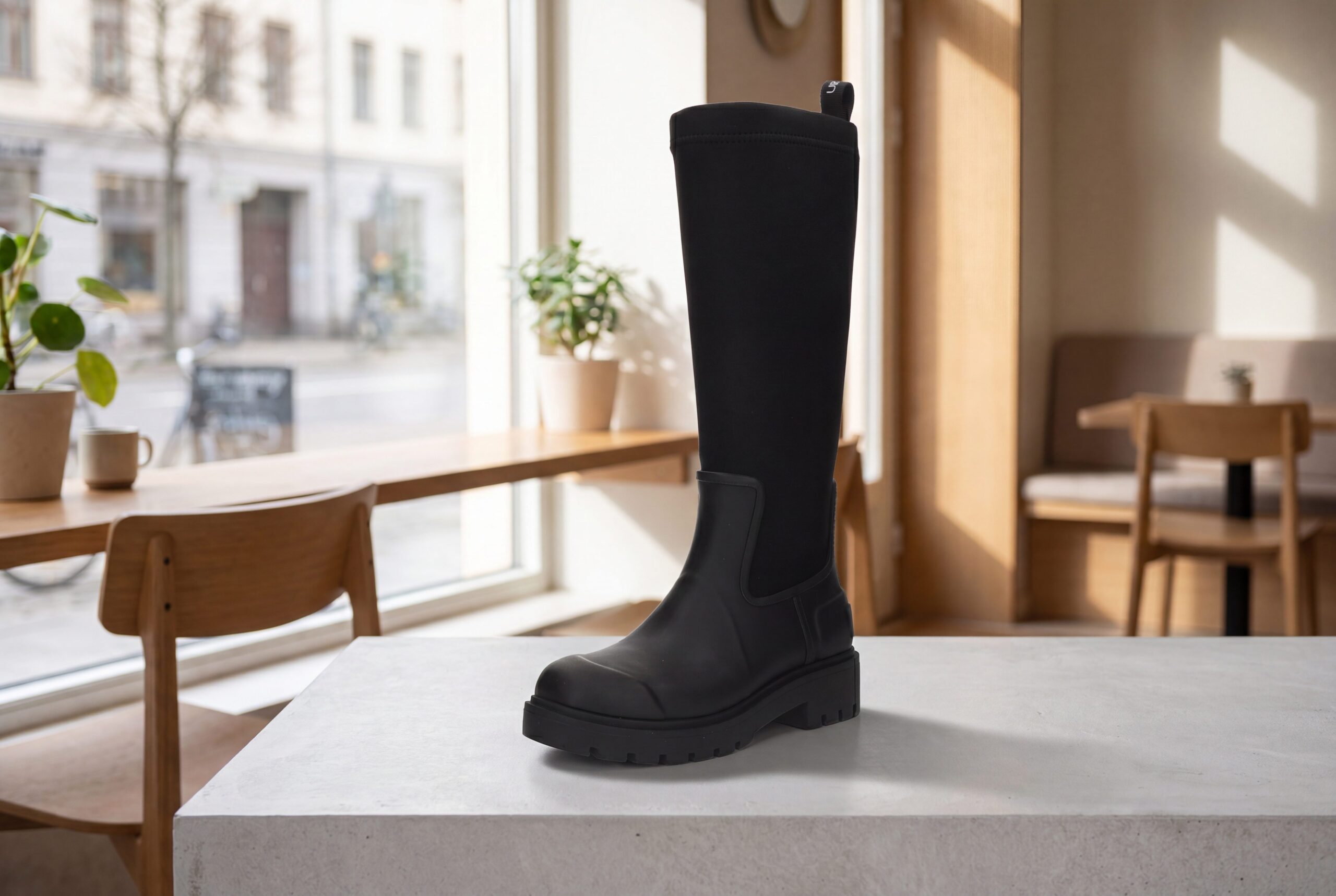
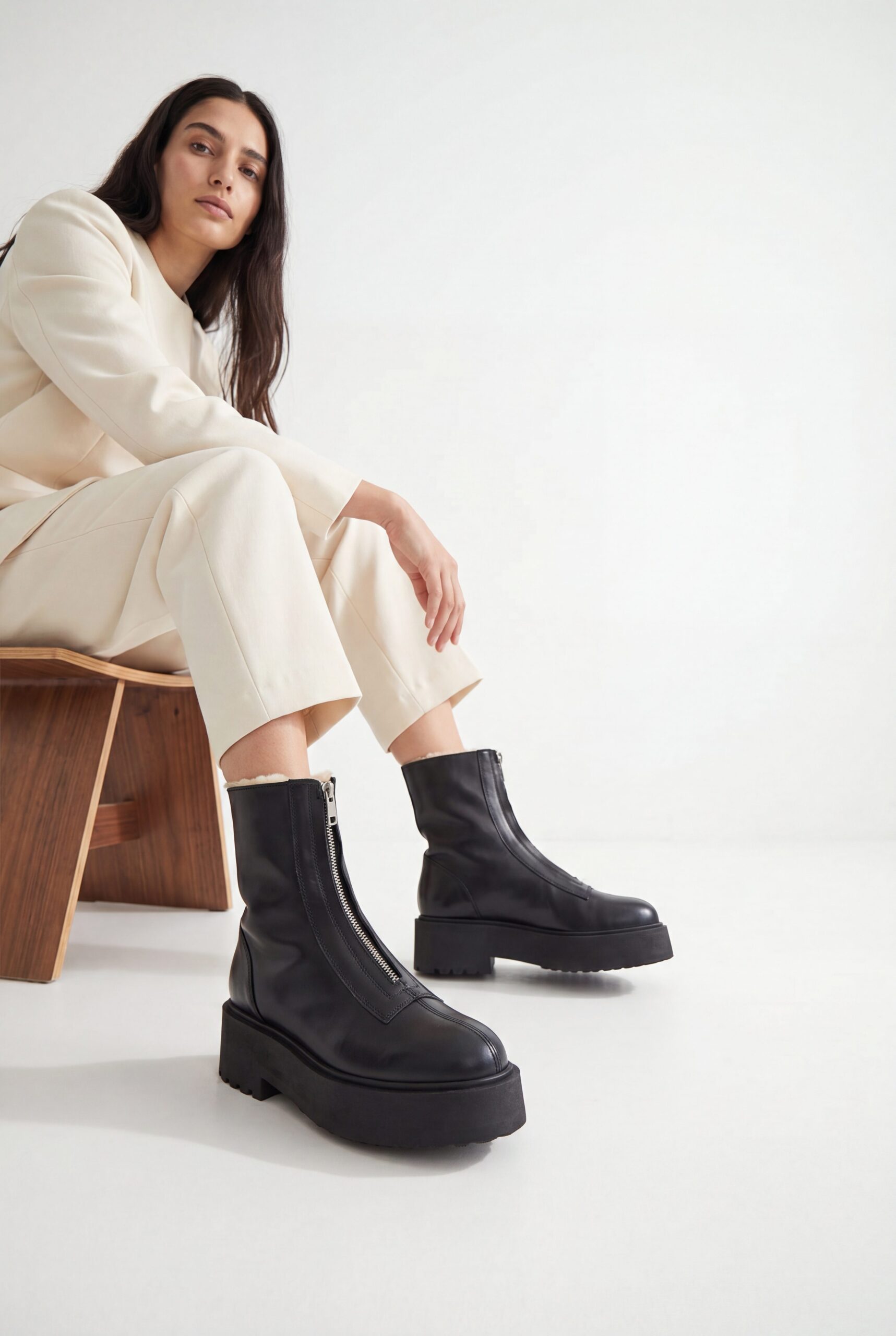
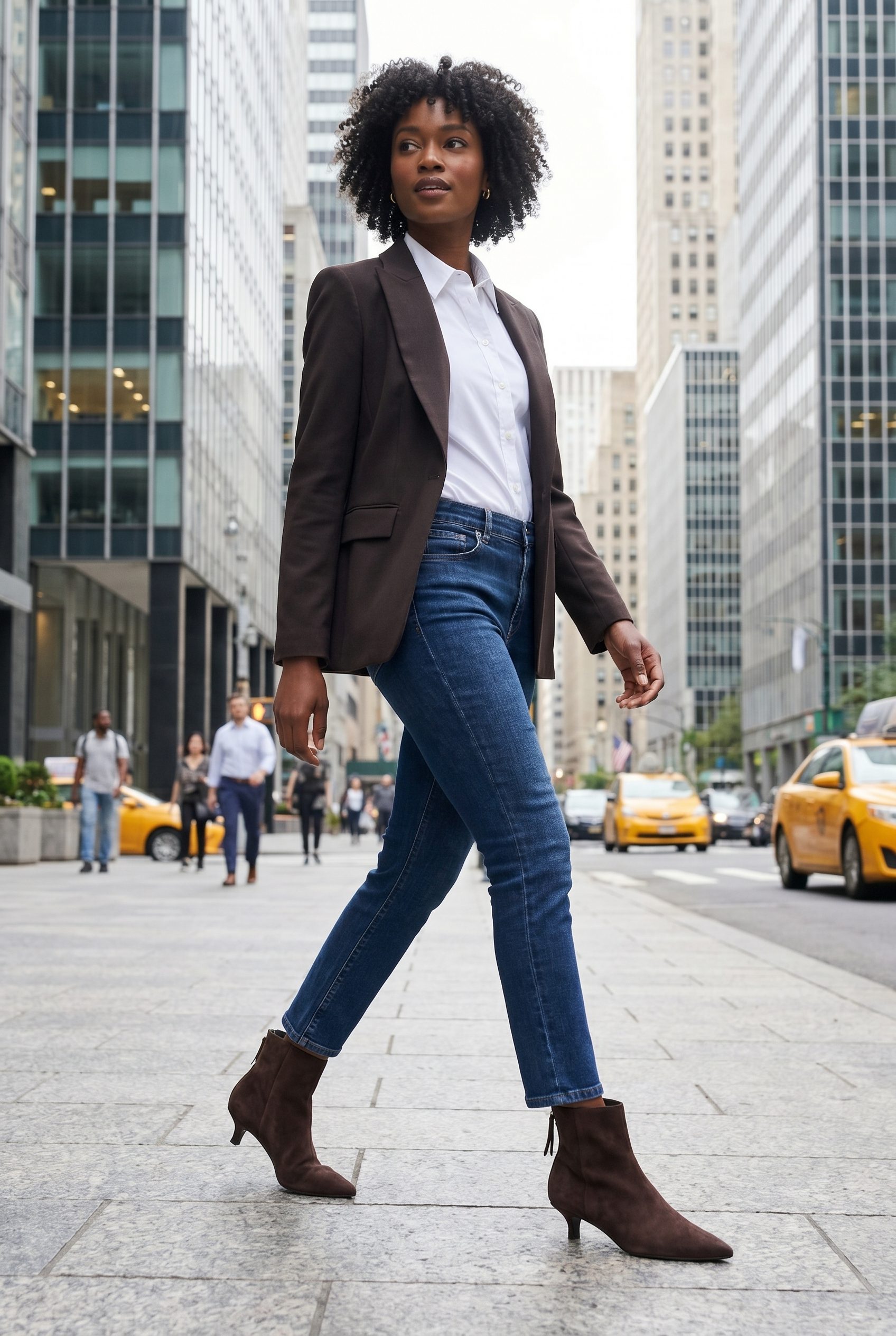
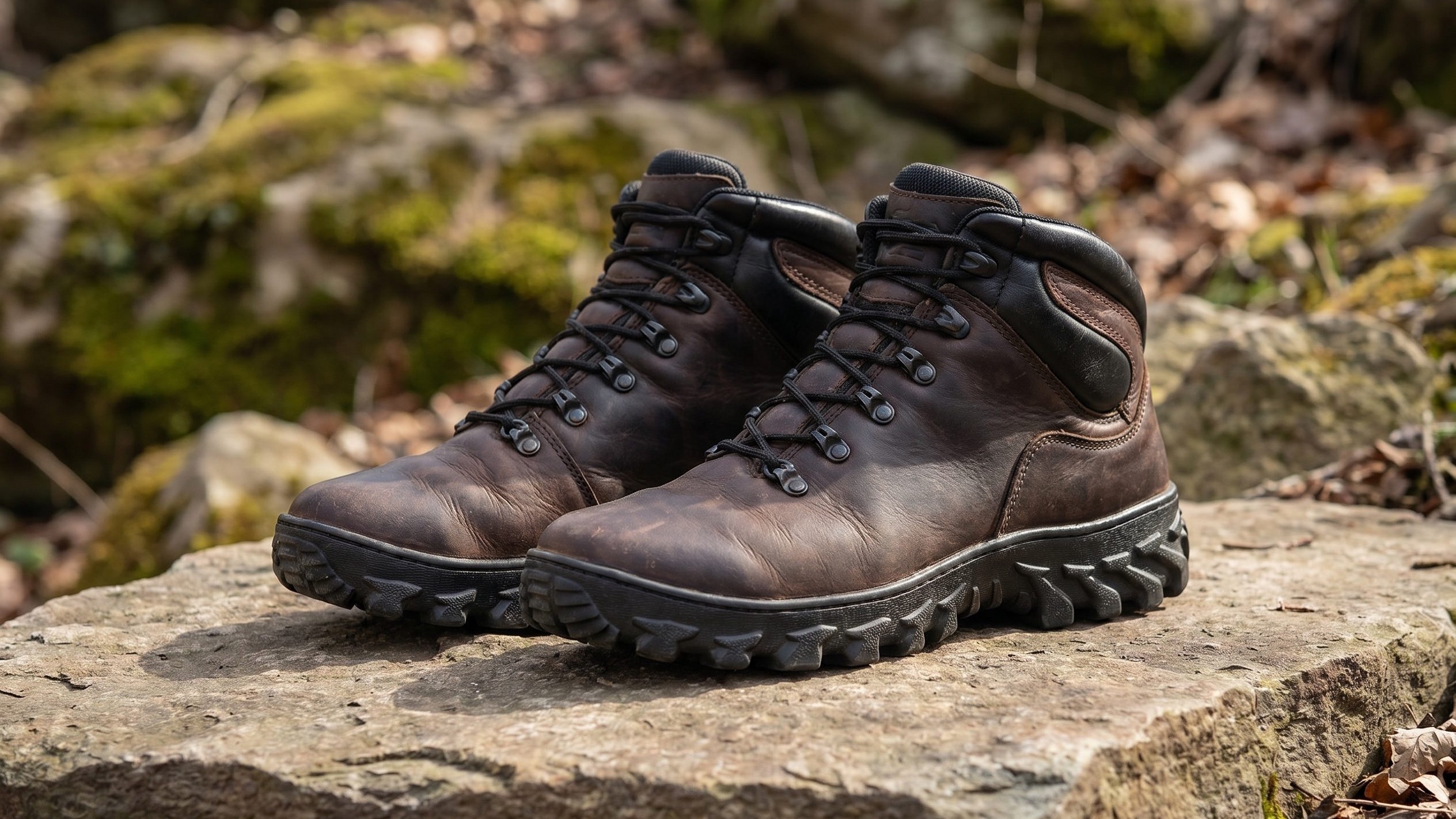
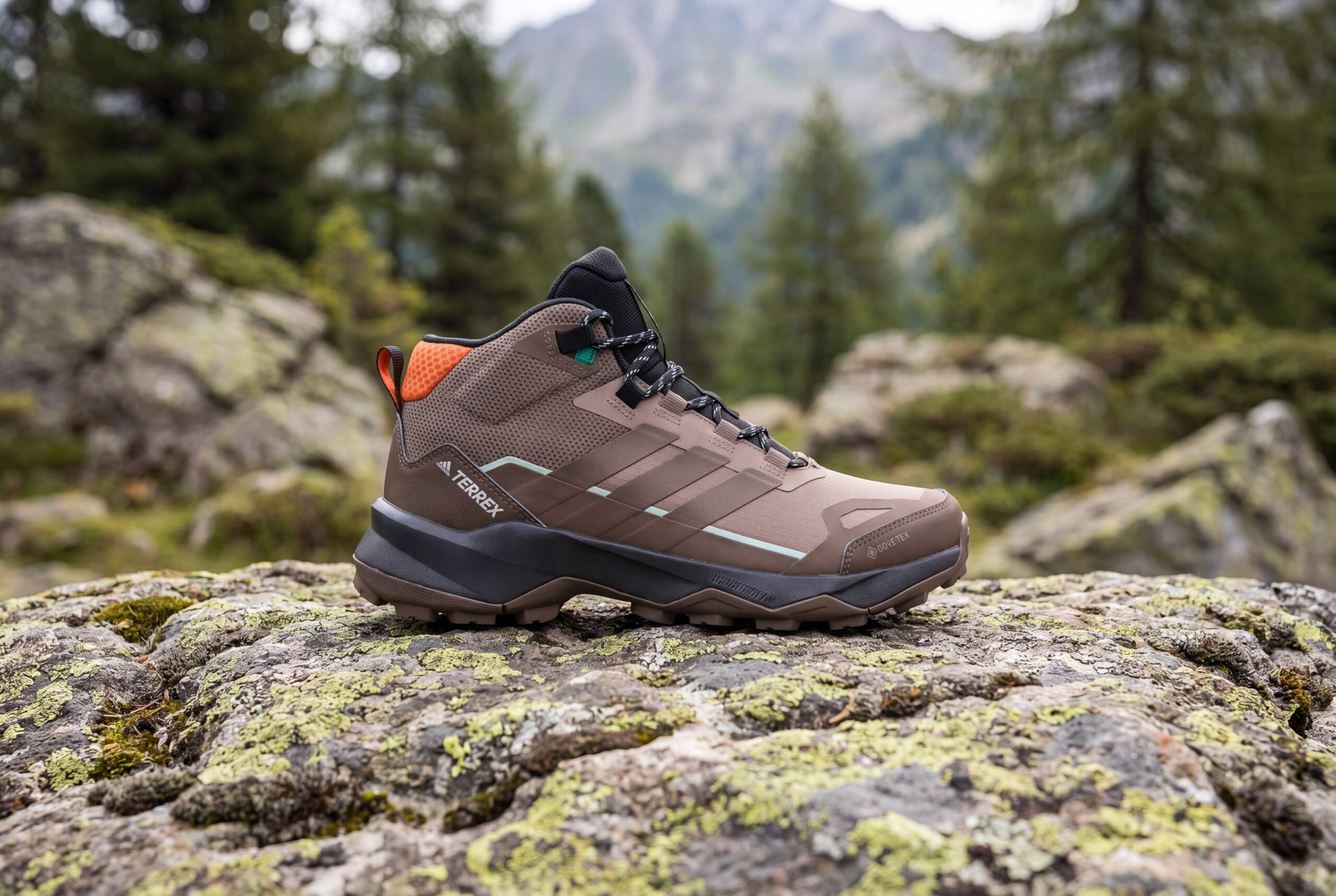
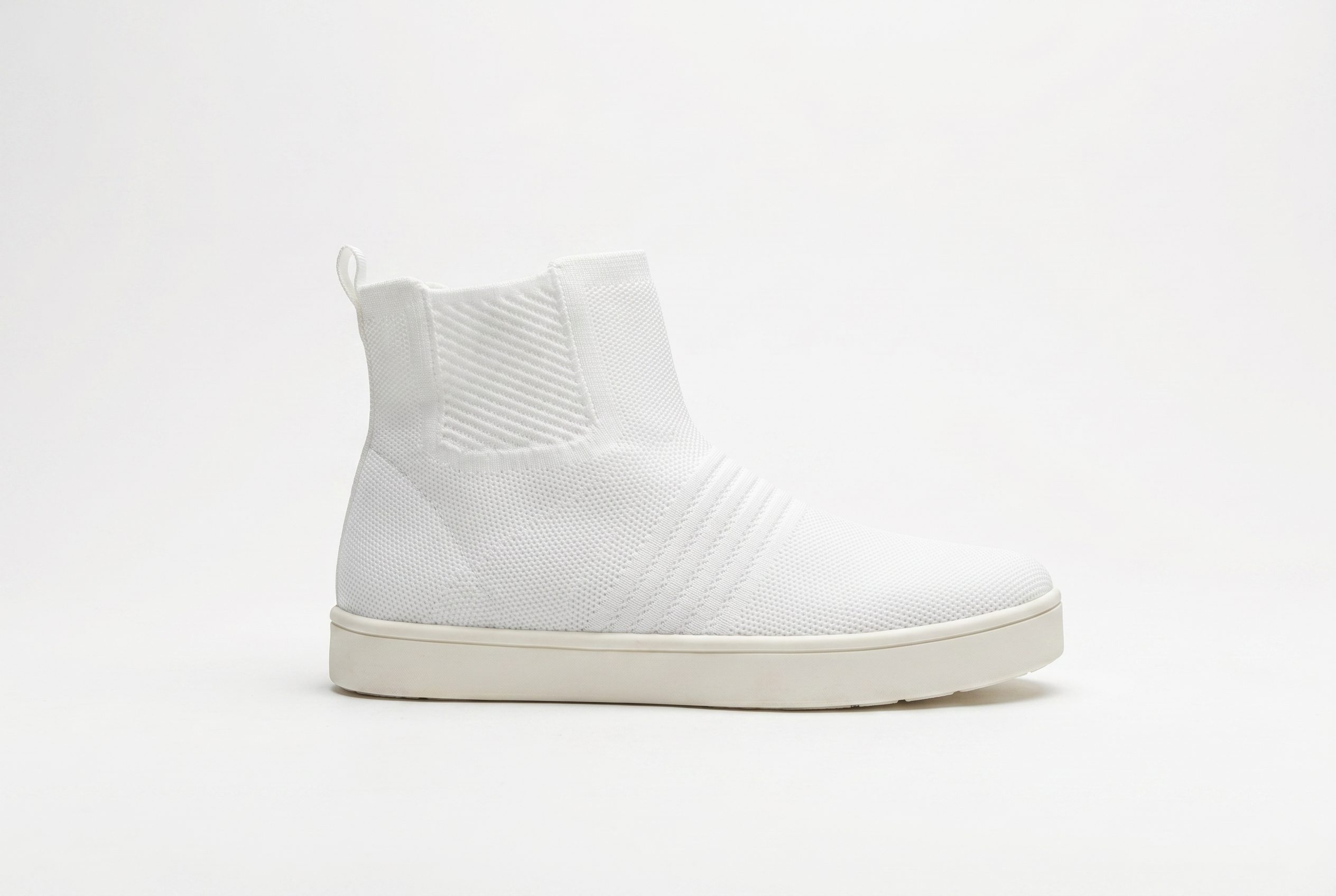
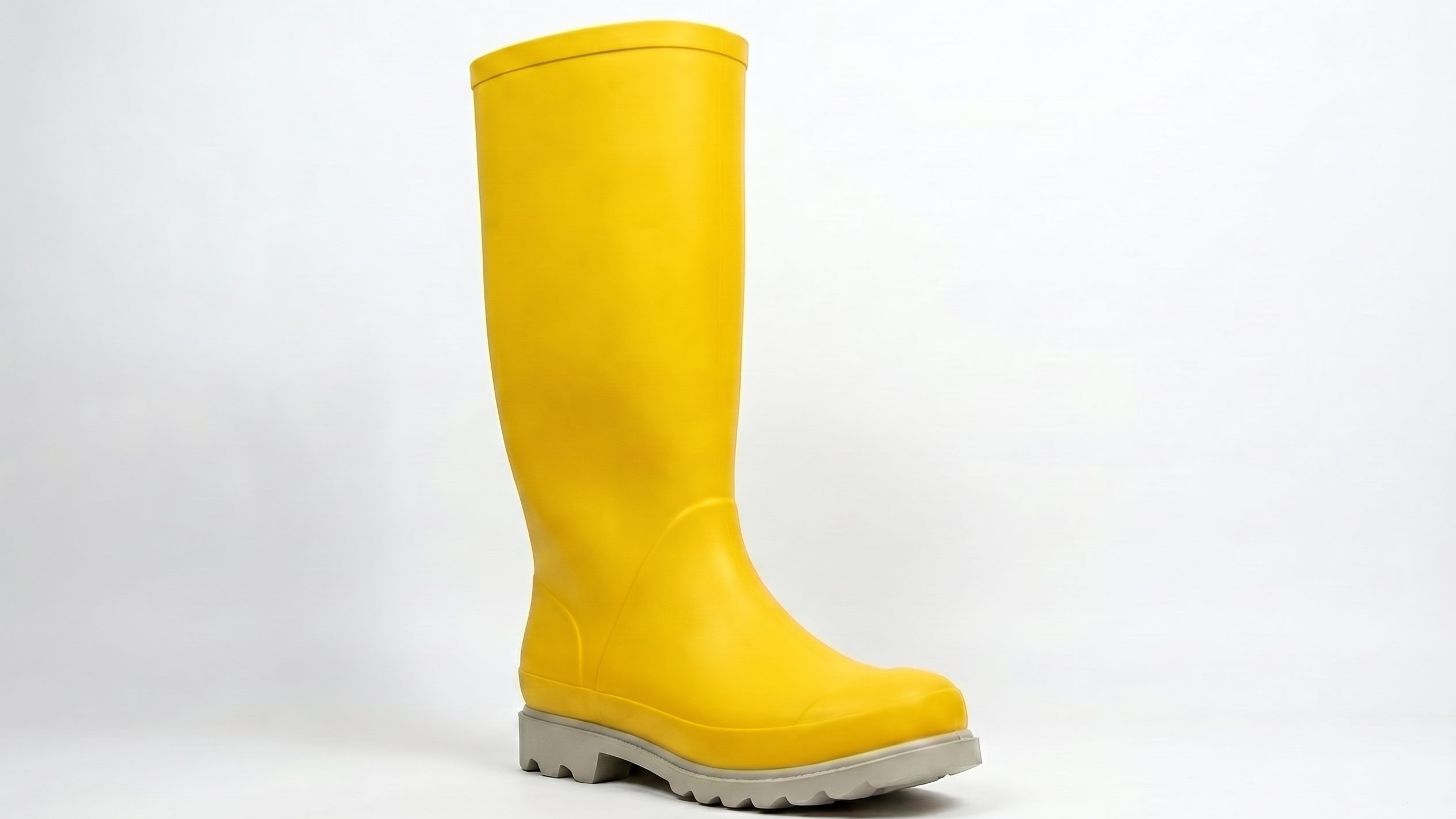
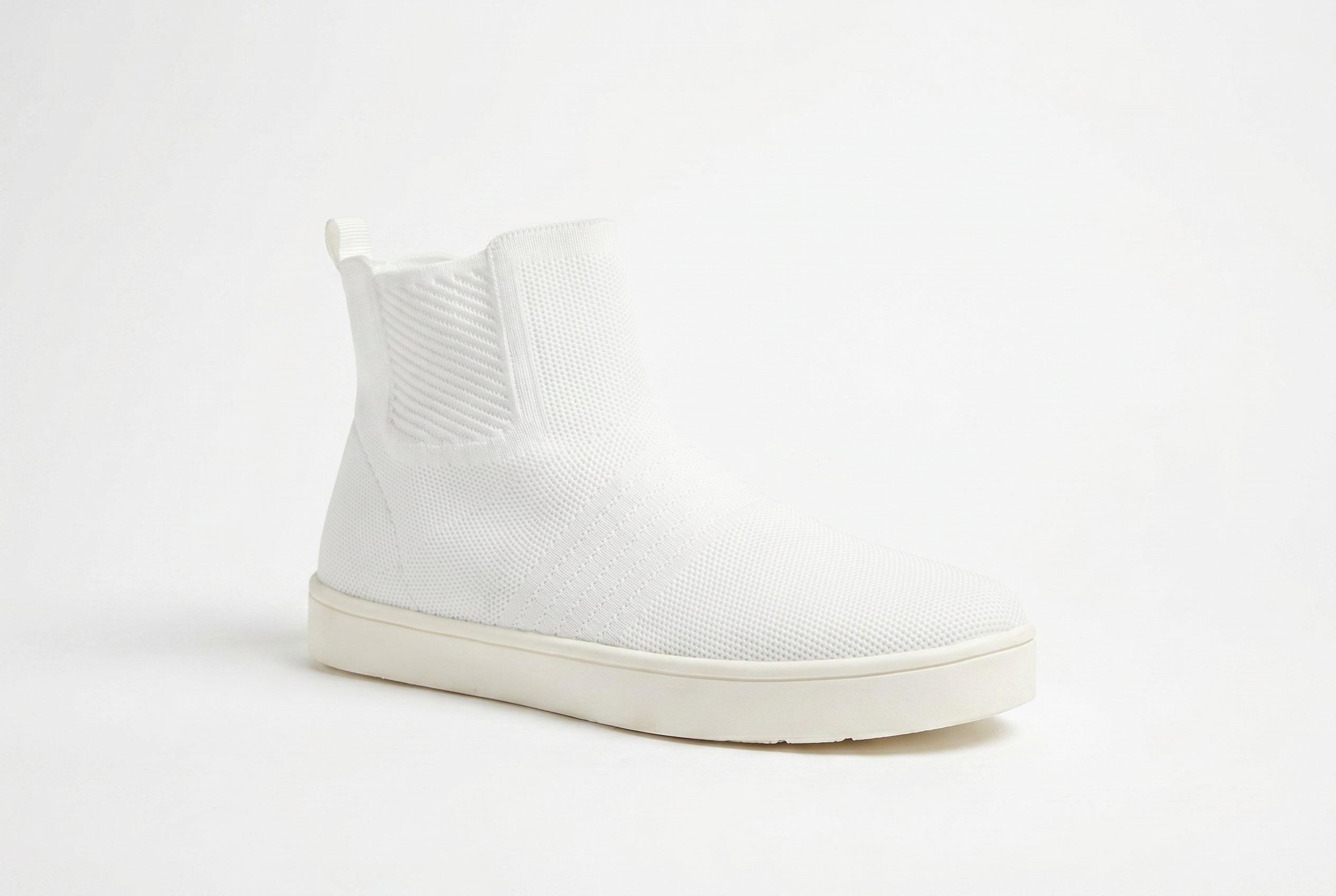
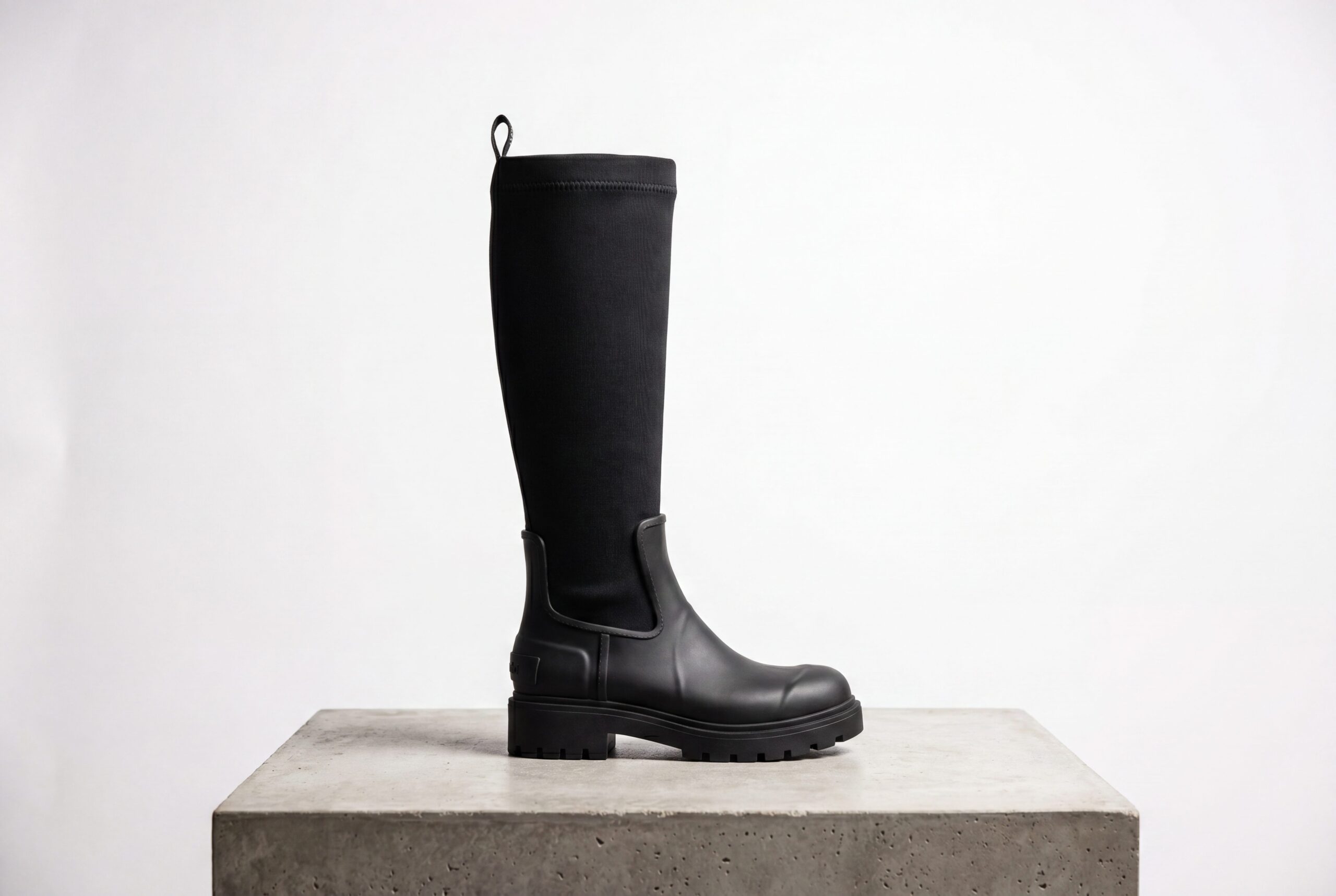
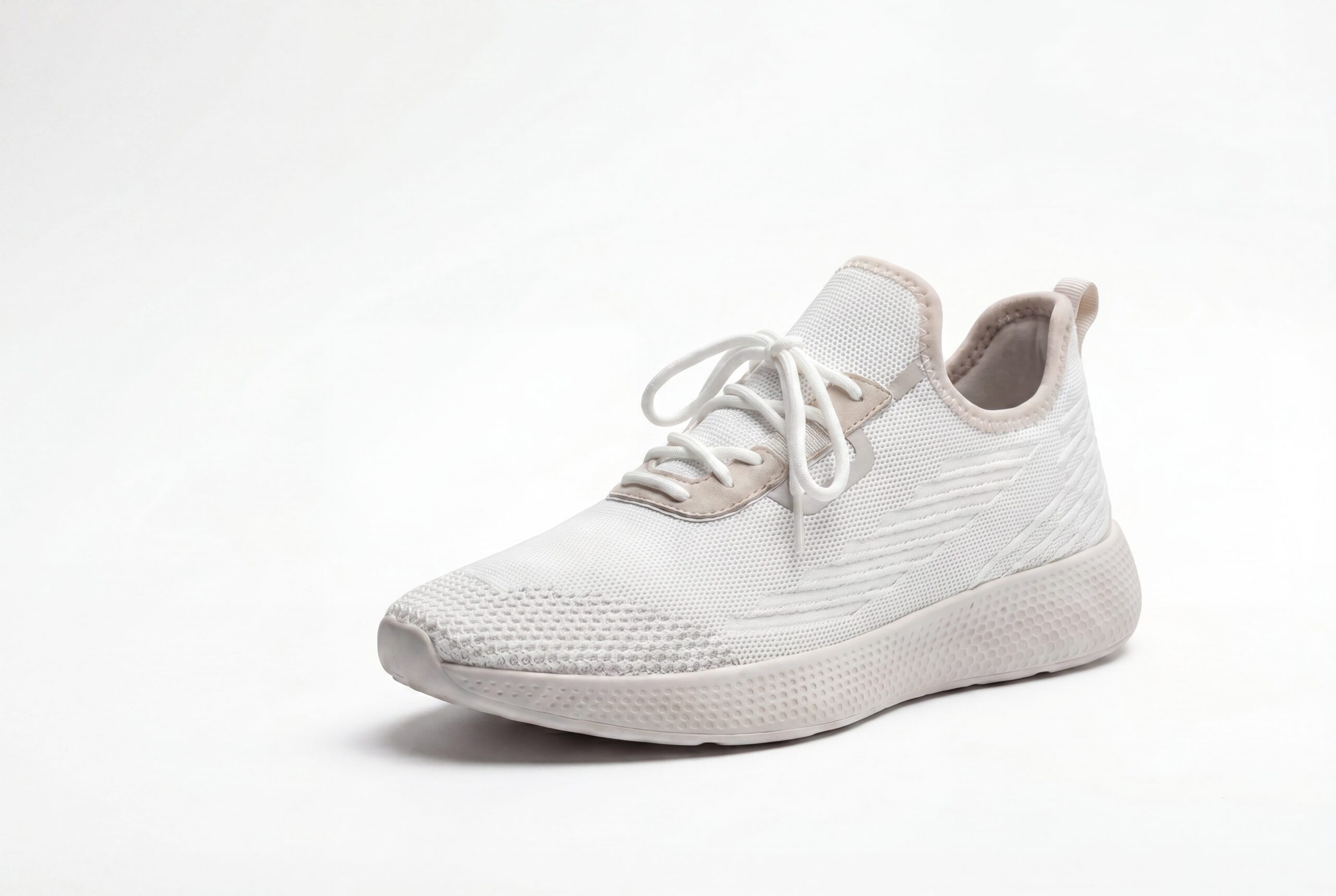
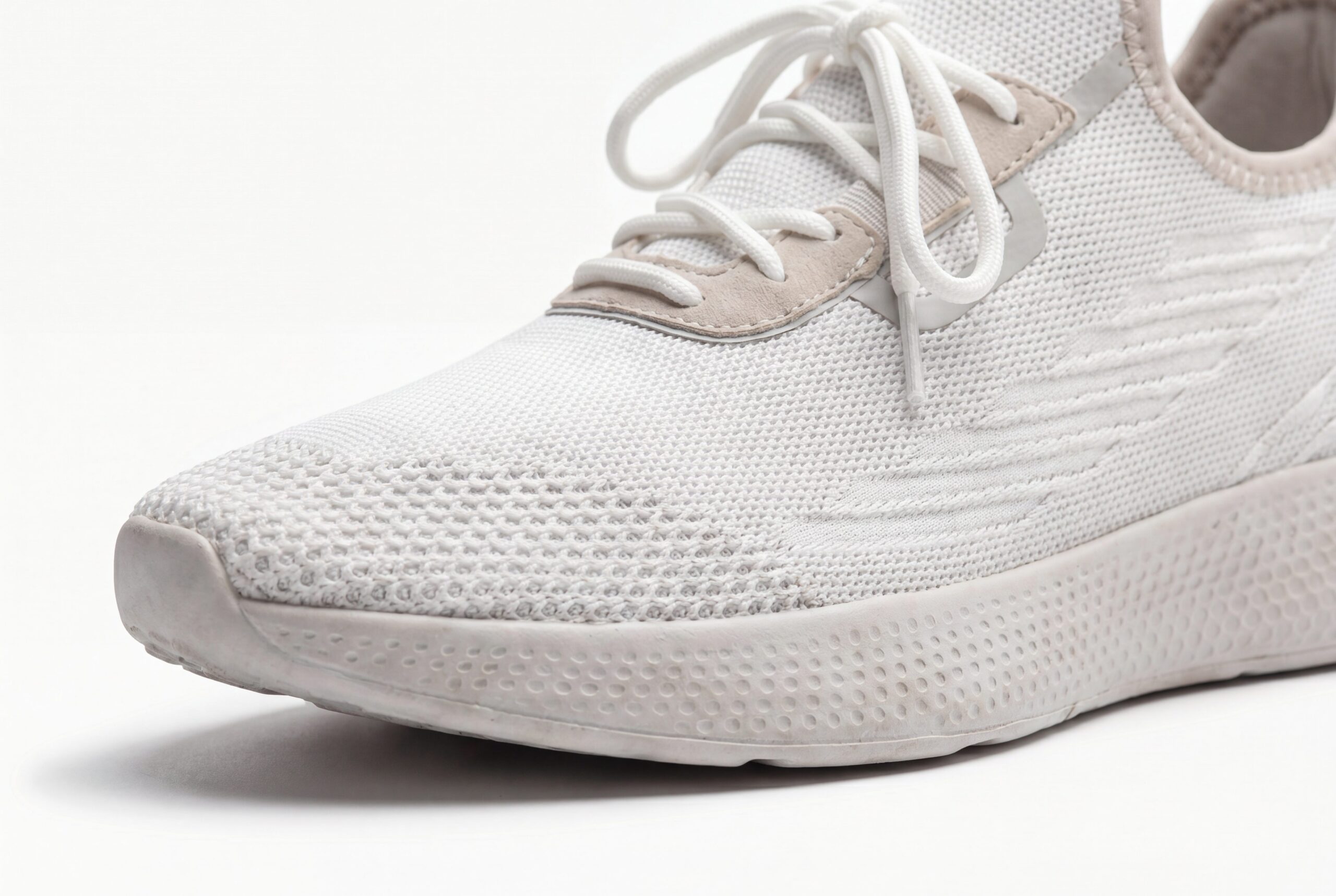
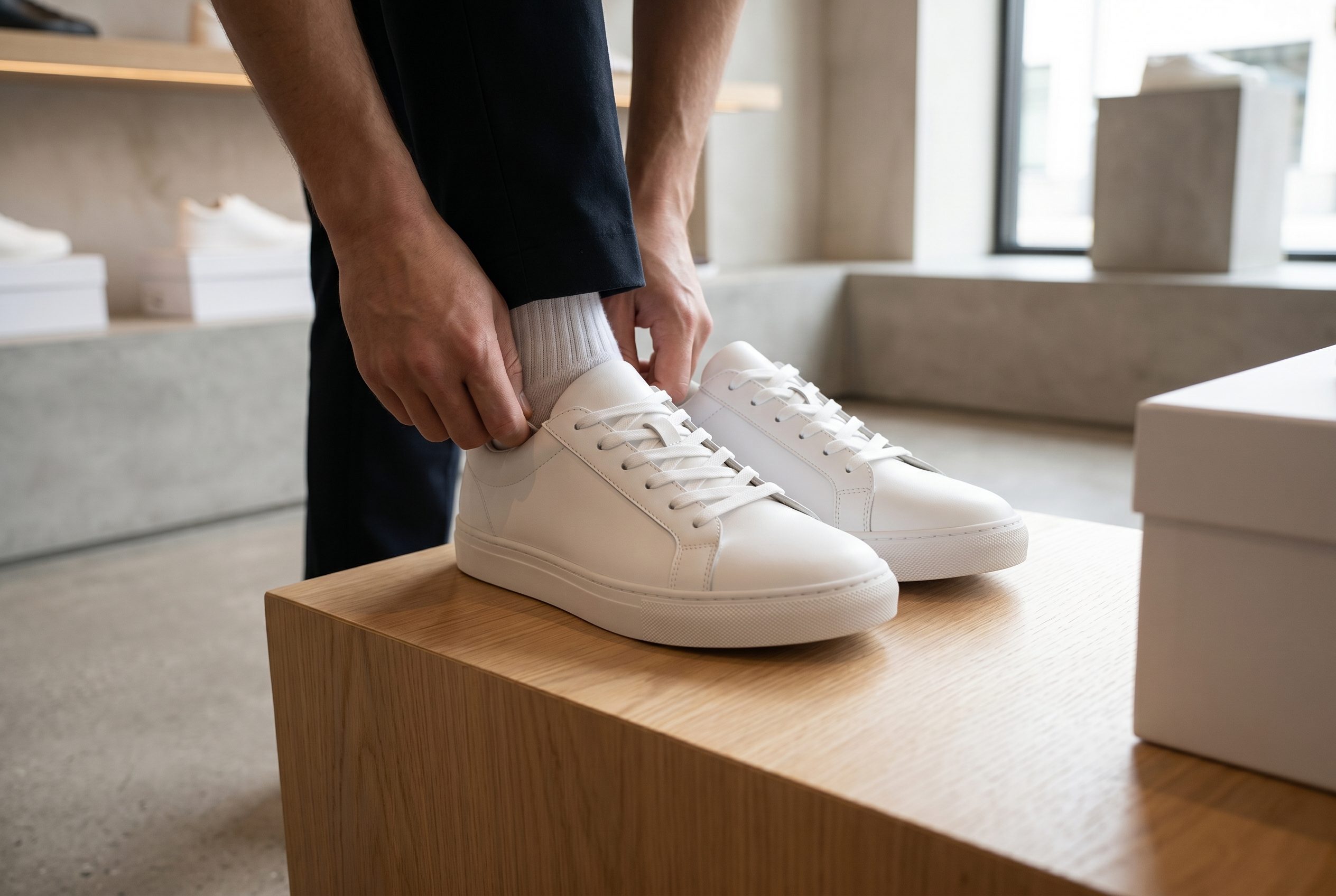
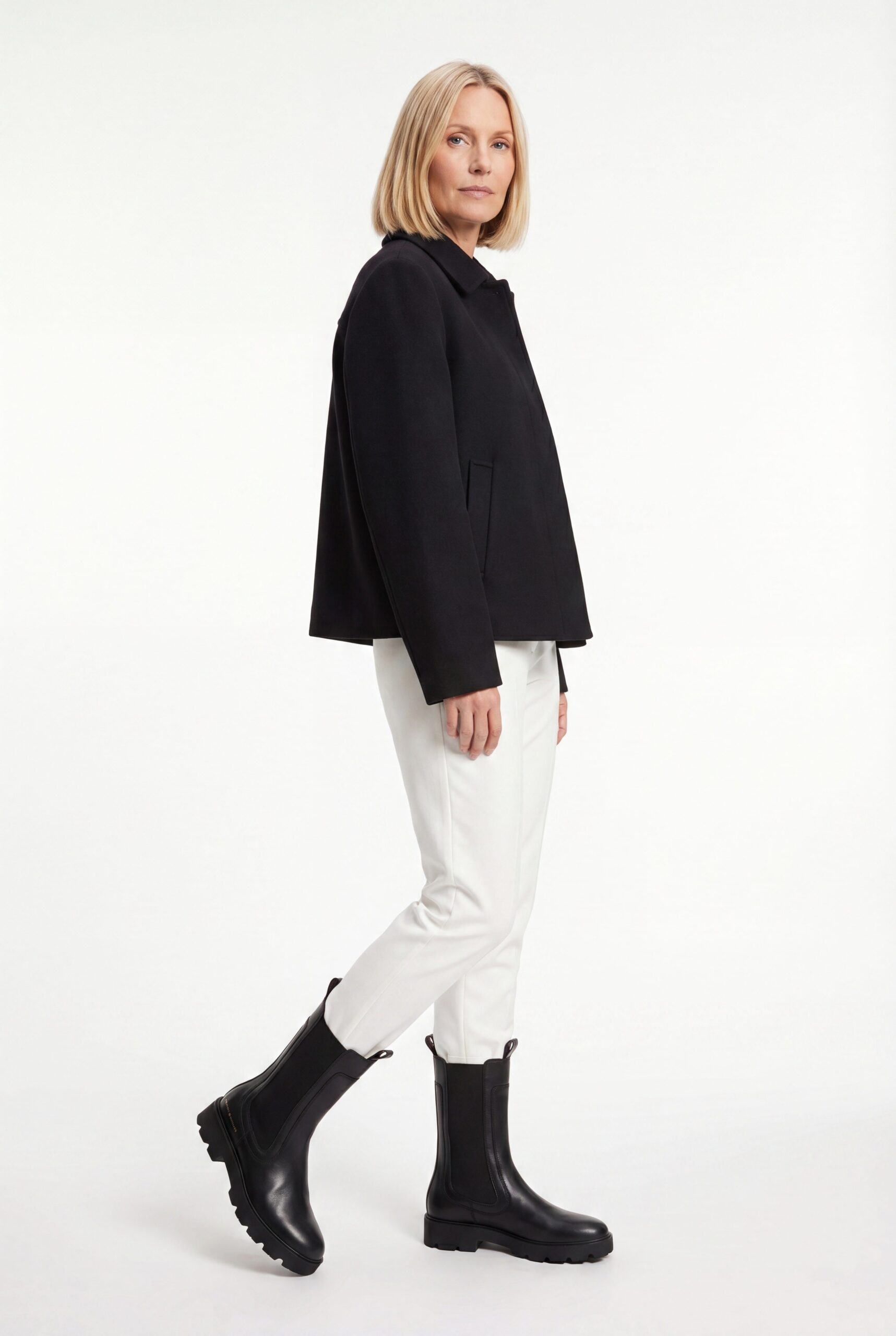
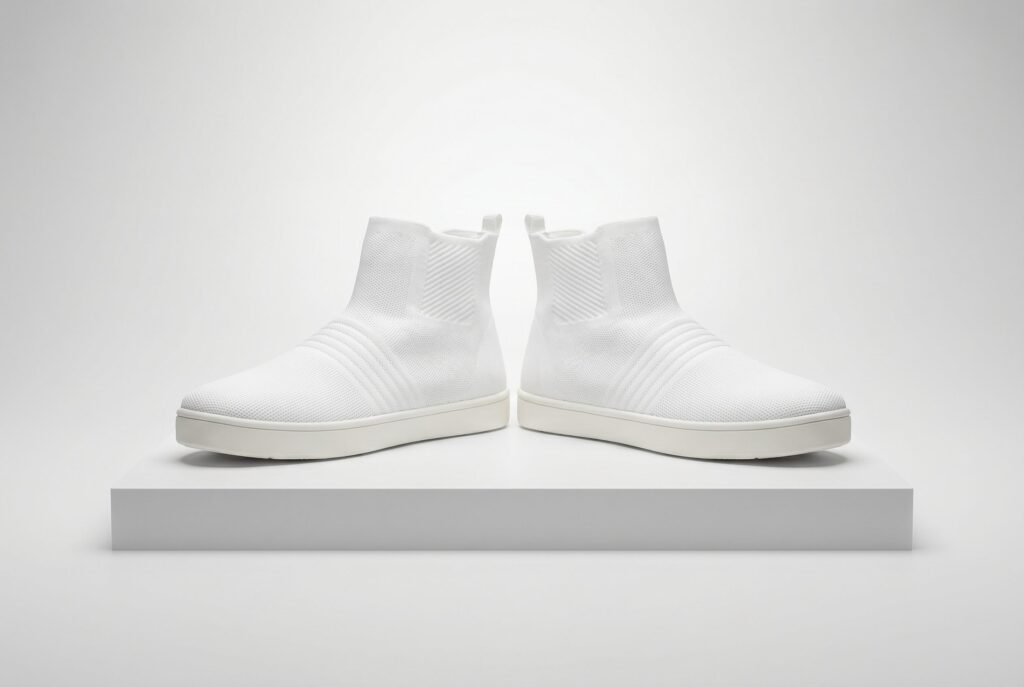
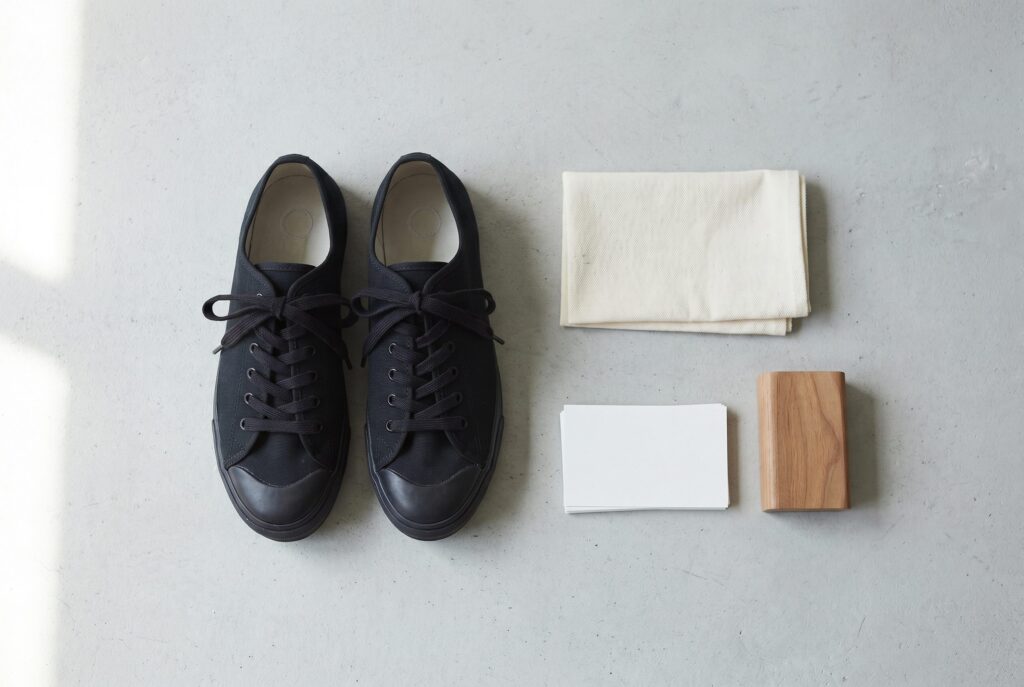
Review profile, sole, toe, heel, closure, pair, on-foot, and lifestyle examples by the footwear detail each image needs to show.
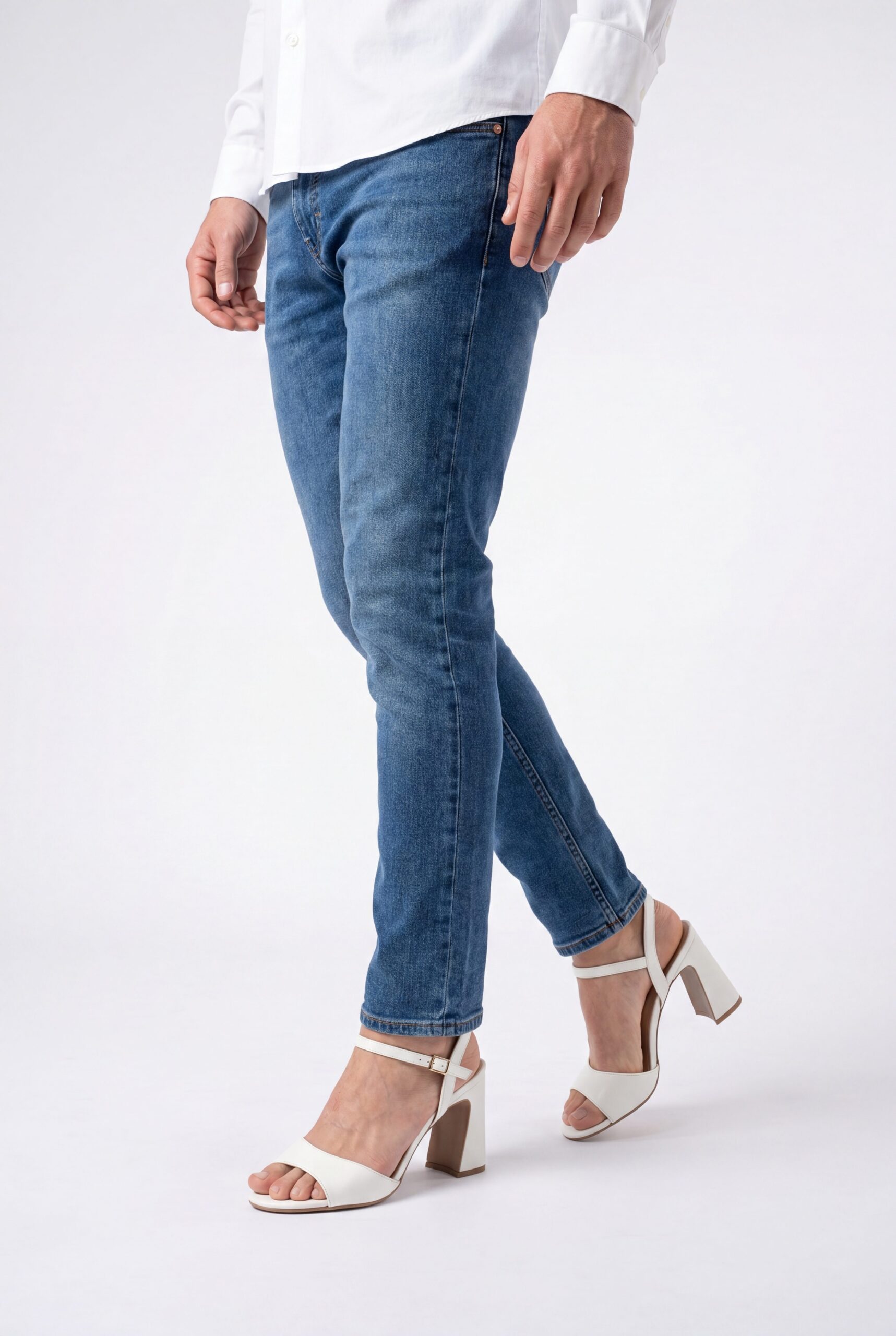
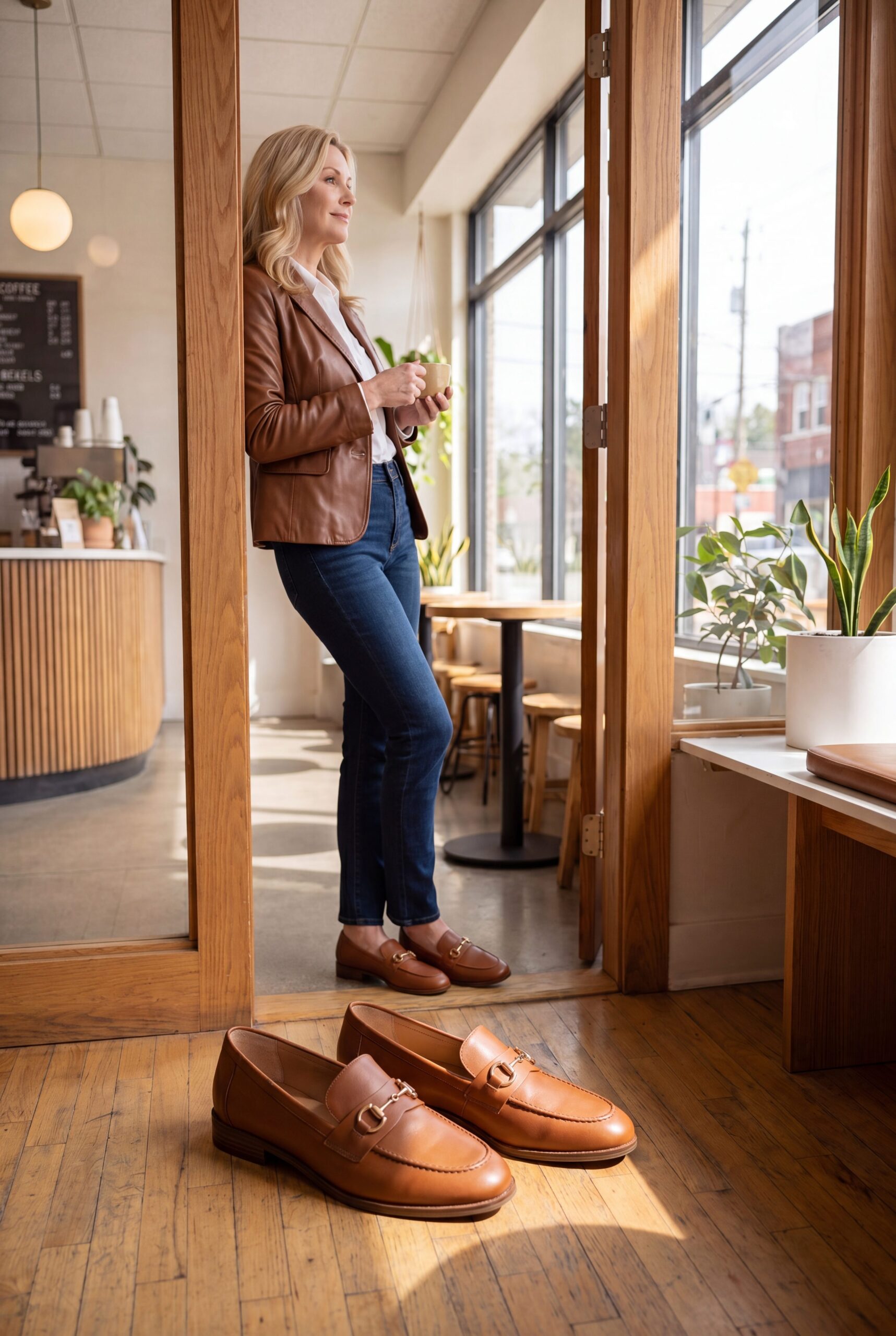
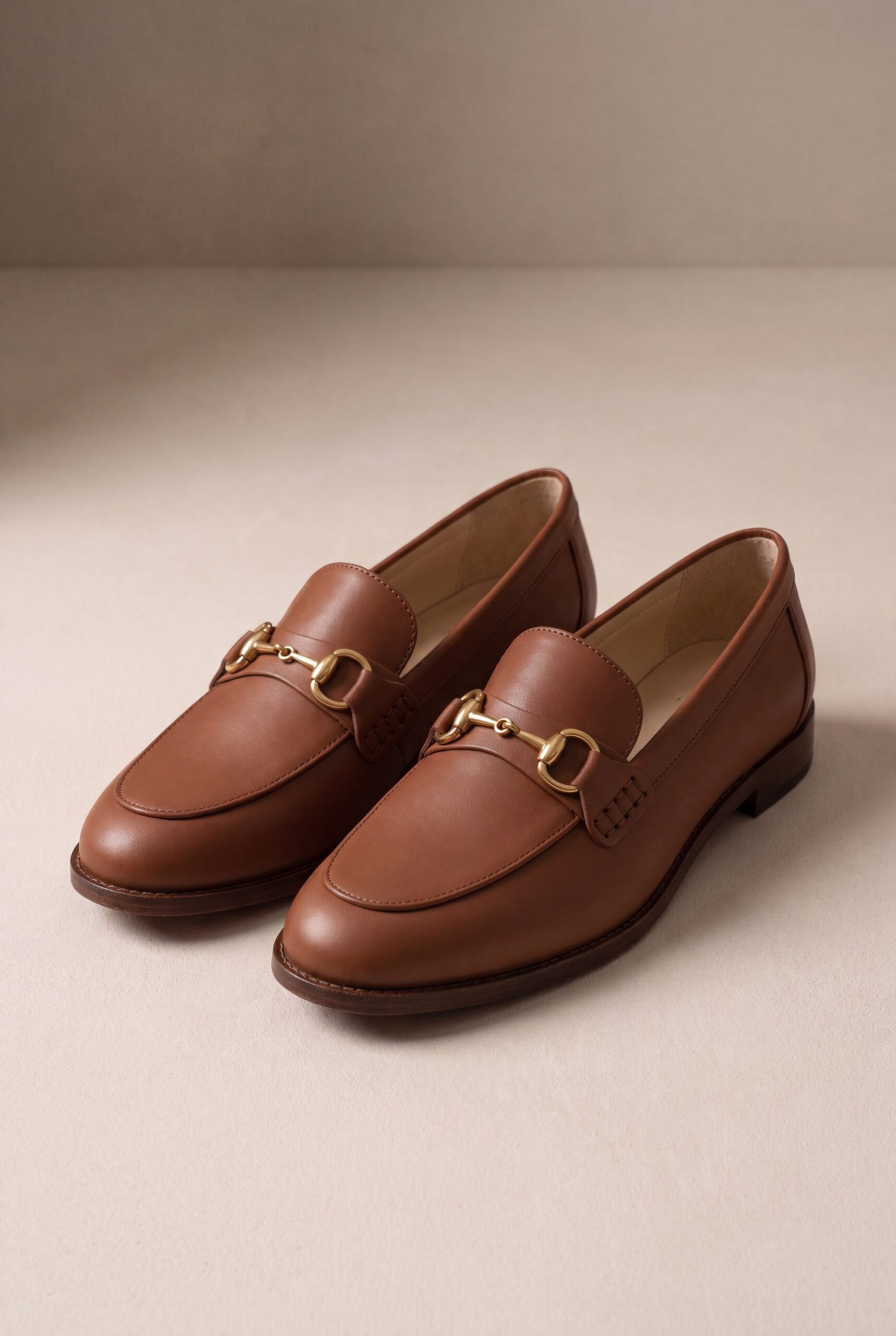
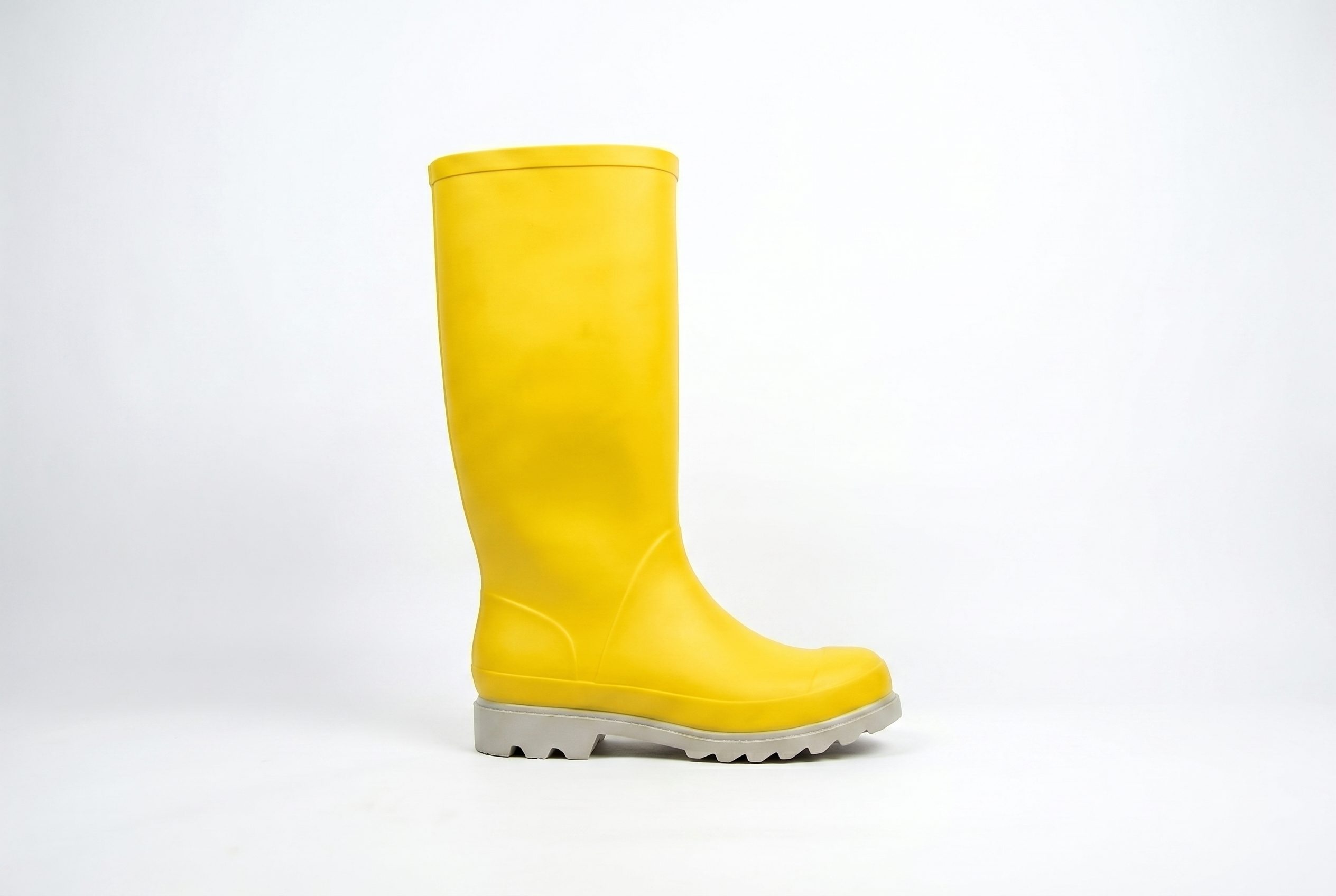
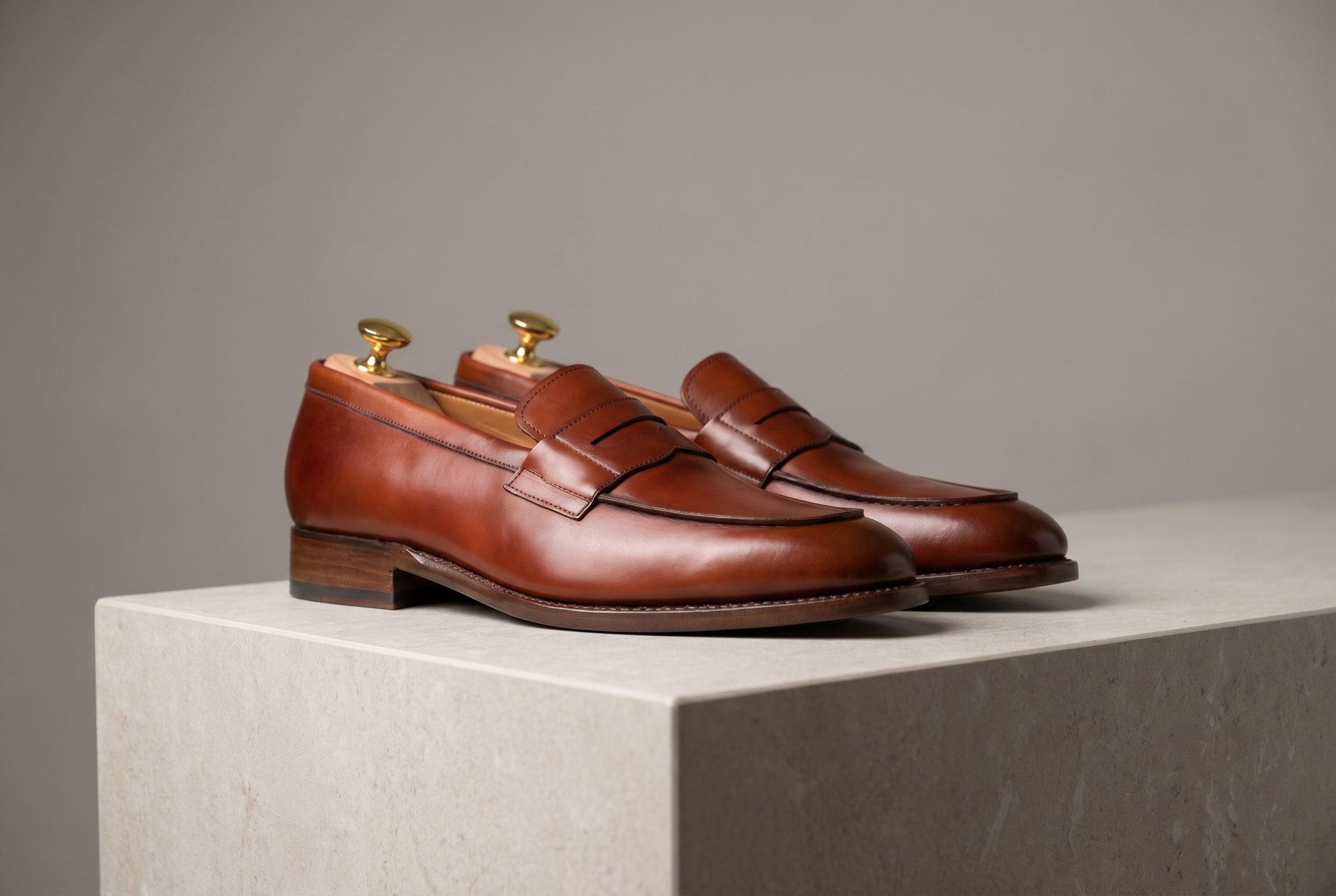
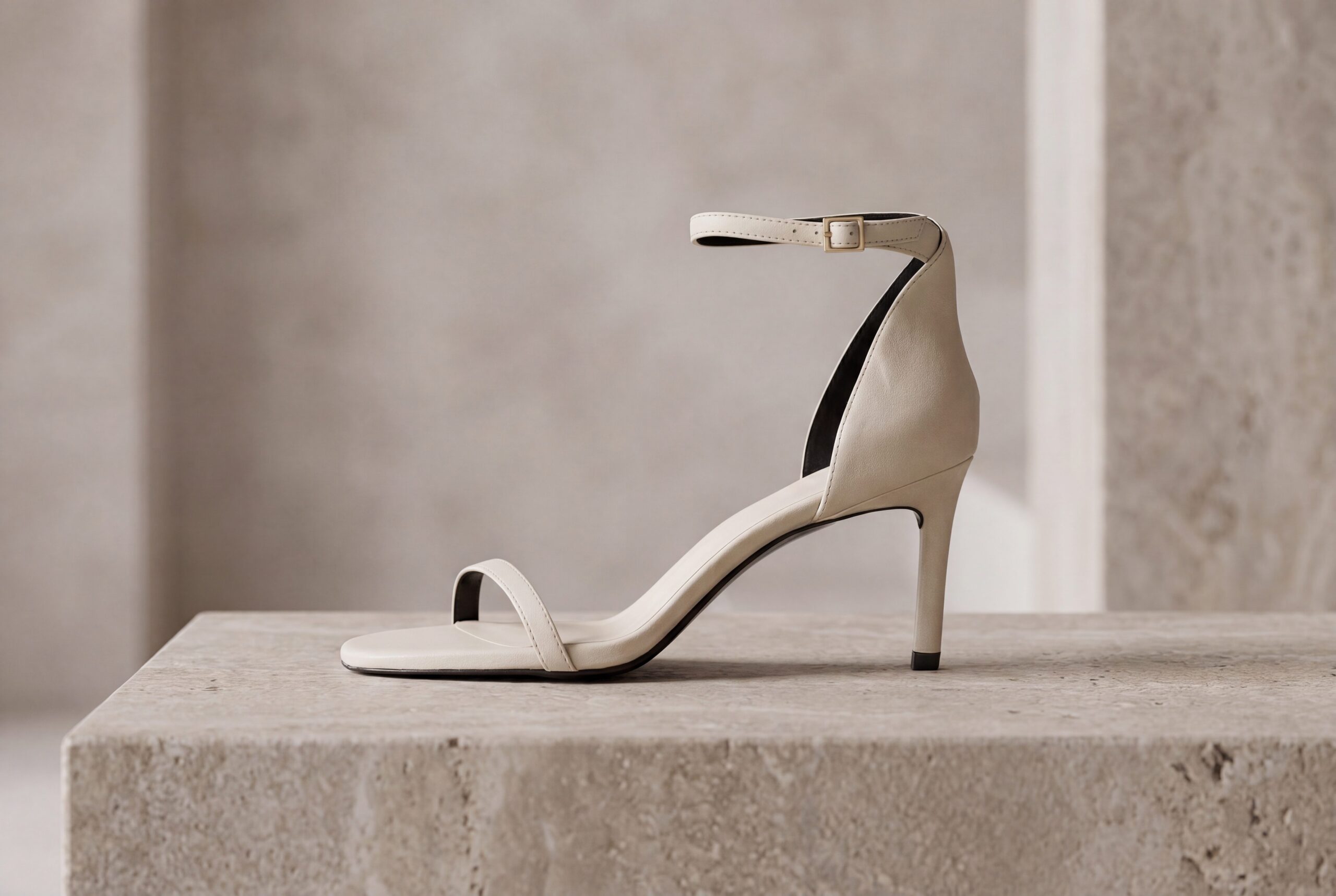
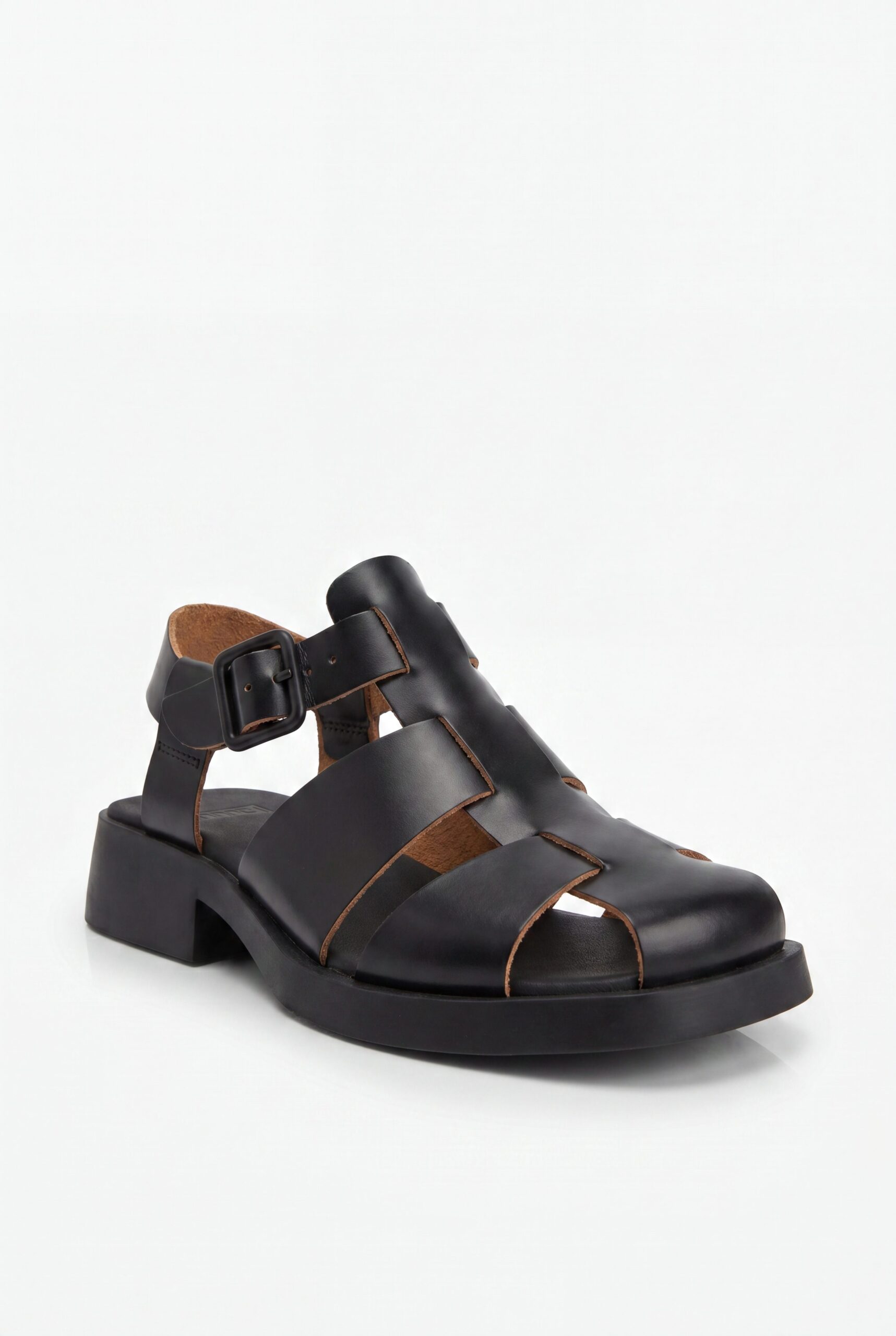
Works with the channels your customers shop on
Export the selected image, then prepare its crop, file type, and dimensions for each destination channel.
- Amazon
- Etsy
- eBay
- Walmart
- Mercado Libre
- Shopify
- WooCommerce
- BigCommerce
- Wix
- Squarespace
- TikTok Shop
- Instagram Shop
- Facebook Shop
- Google Shopping
Cover profile, sole, toe, closures, and on-foot scale
Show silhouette, sole, toe shape, material, laces or closures, pair consistency, and on-foot scale without changing the source footwear.
- 1Hero / main imageShow the complete product clearly, with its real color and shape.
- 2Gallery anglesAdd references for the angles and details you need.
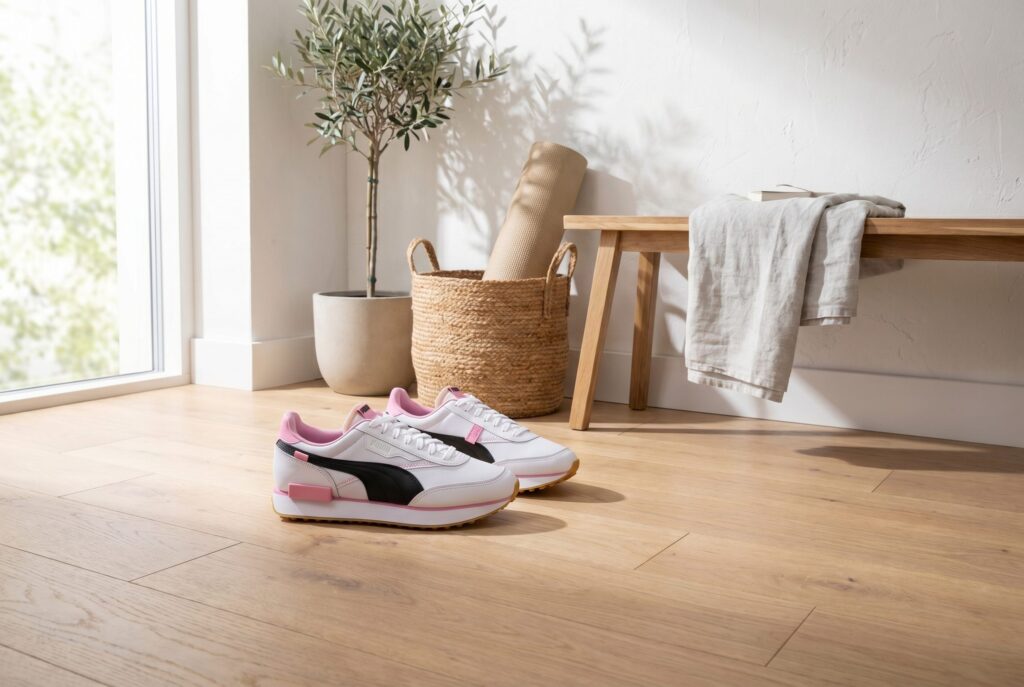
- 3Lifestyle / in contextShow the product in a setting that suits its use.
- 4Scale / size referenceUse a reference that shows the actual product size.
- 5Product detailsUse verified materials and dimensions in your page copy.
- 6Variant swatchesUse a reference for each actual color or variant.
Build a footwear set from packshot to on-foot context
Start with profile, sole, toe, heel, and pair views. Add on-foot and lifestyle context only after shape, material, and closures remain accurate.
Give the product a clear main image for your store.
Place the same shoe into polished scenes without losing material, profile, or sole detail.
Create compositions with room for your campaign message.
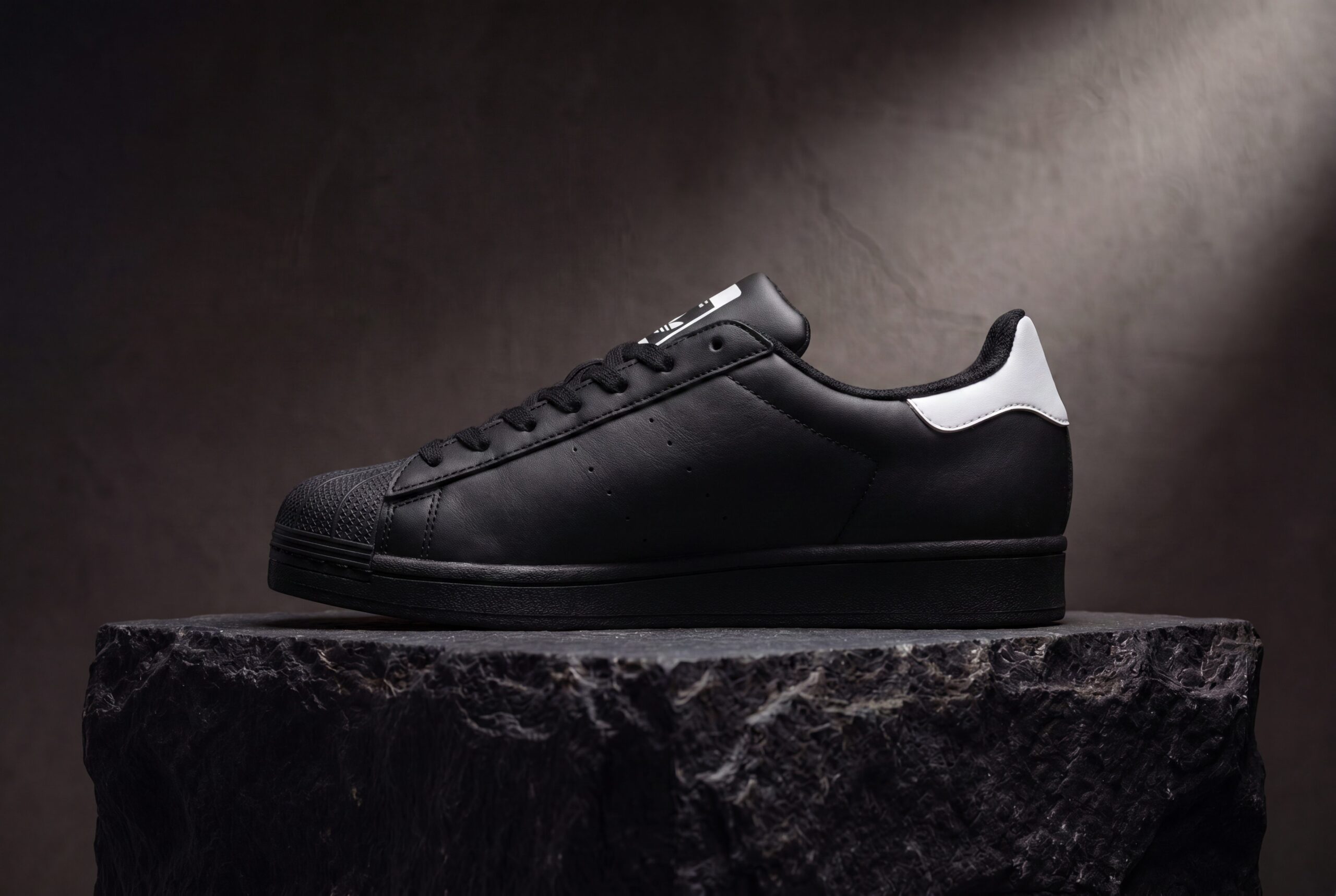
Build on-brand grids and carousel crops for launches, lookbooks, and product page storytelling.
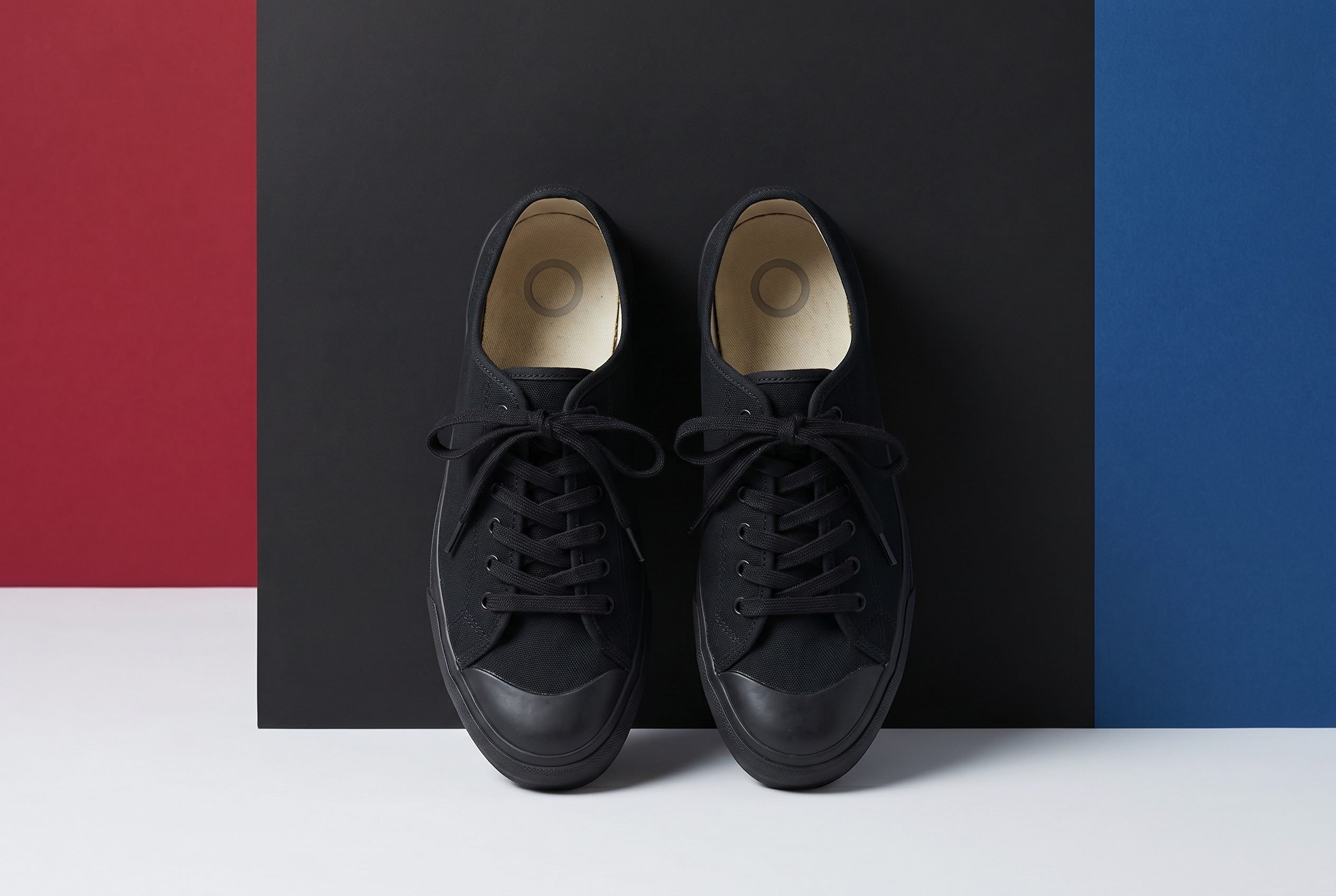
Refresh footwear for holiday, sale, and campaign drops while keeping the shoe recognizable.
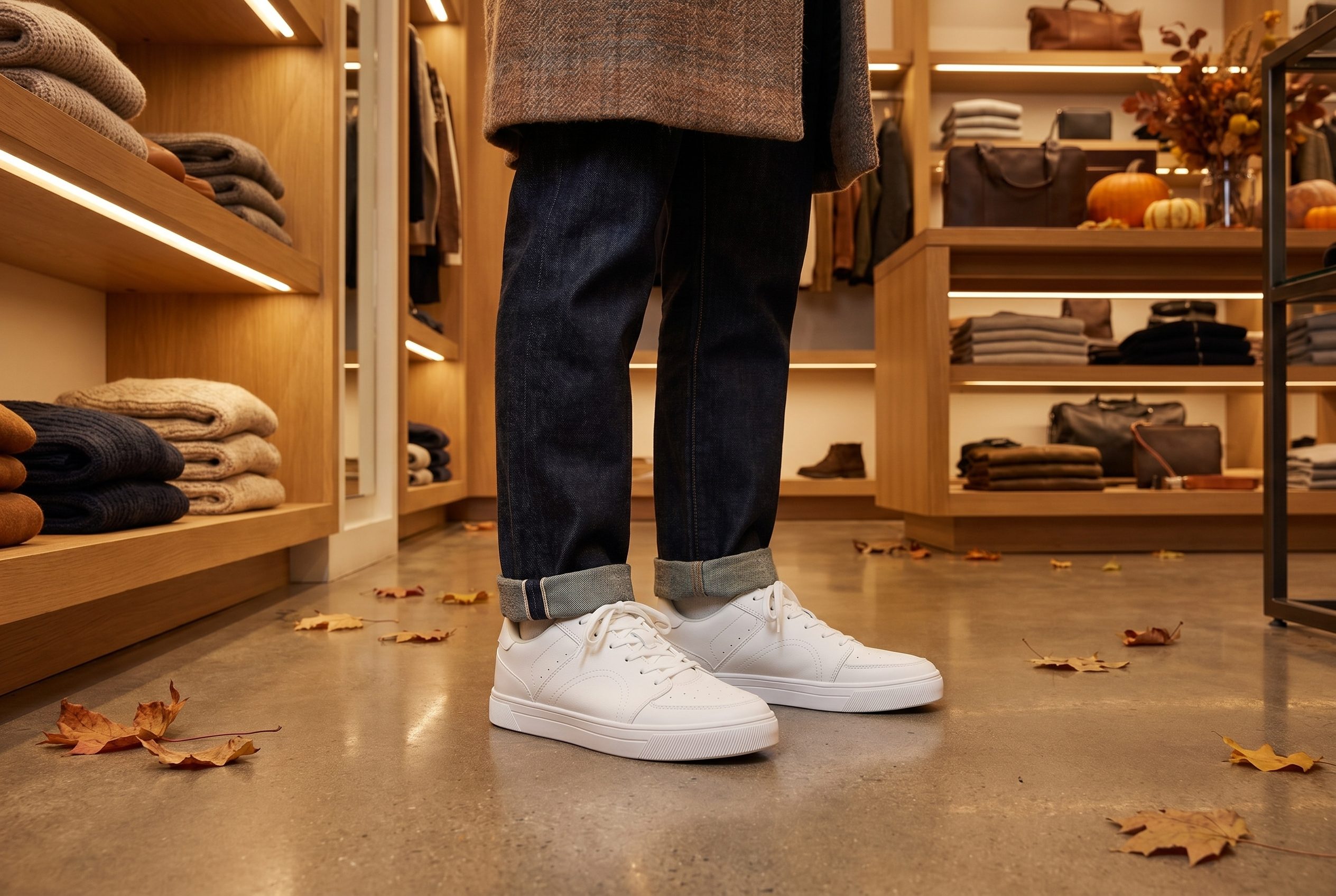
Best for footwear catalogs with material and pair consistency
Create a complete footwear image set.
For independent footwear sellers with a clear source image who want more product-page and campaign options while staying responsible for final review.
- Start with one clear product photo.
- Create white-background, detail, and lifestyle options.
- Compare results against the source product before publishing.
- Choose a plan based on the credits and workflows you need.
Generate options in one workspace, then review and export the images that fit.
You decide which images accurately represent the product.

FAQ
Footwear Product Photography FAQs
Use a clear footwear source that shows silhouette, sole, toe, heel, material, stitching, laces or closures, and both items where relevant.
Try it on your product
Try this workflow on your product.
Start with a clear product photo and explore a new scene for your store or campaign.