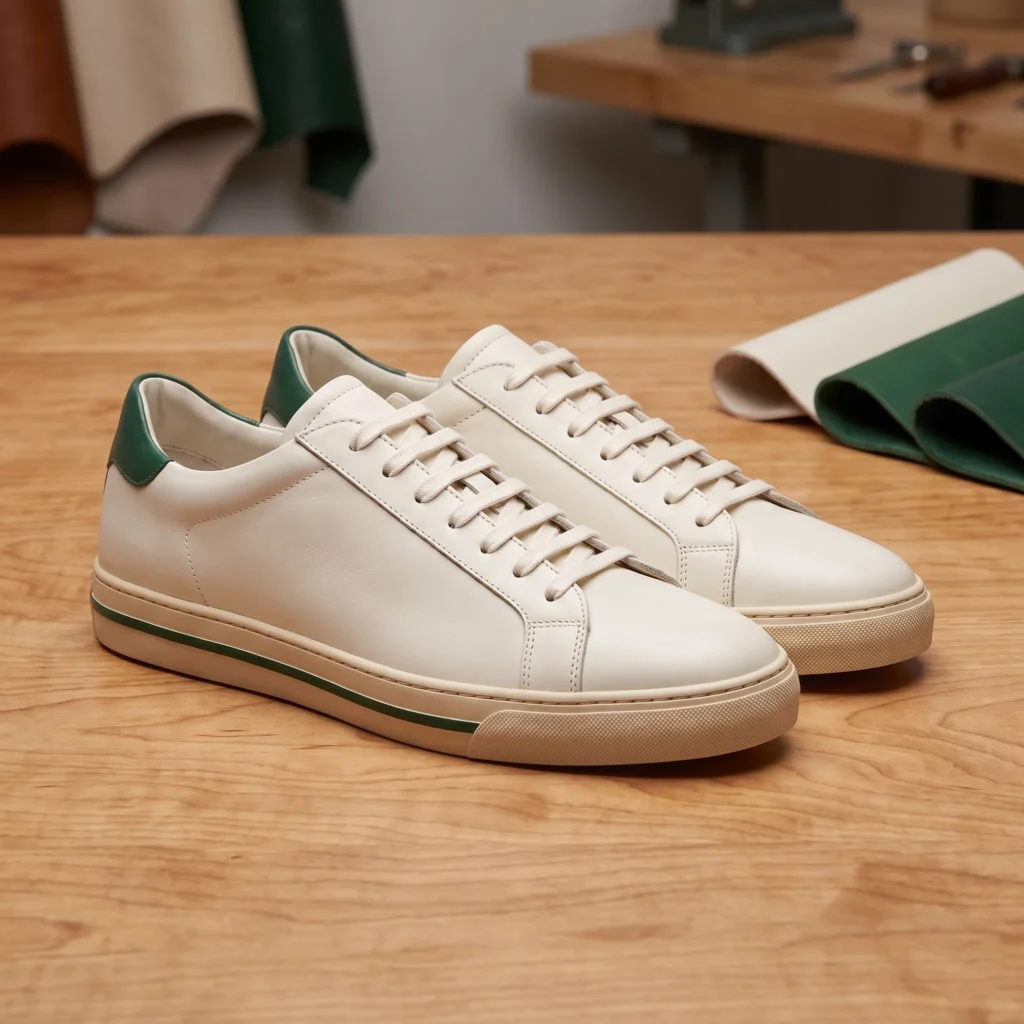
Product photo examples
Choose the missing view. Give every product photo a useful job.
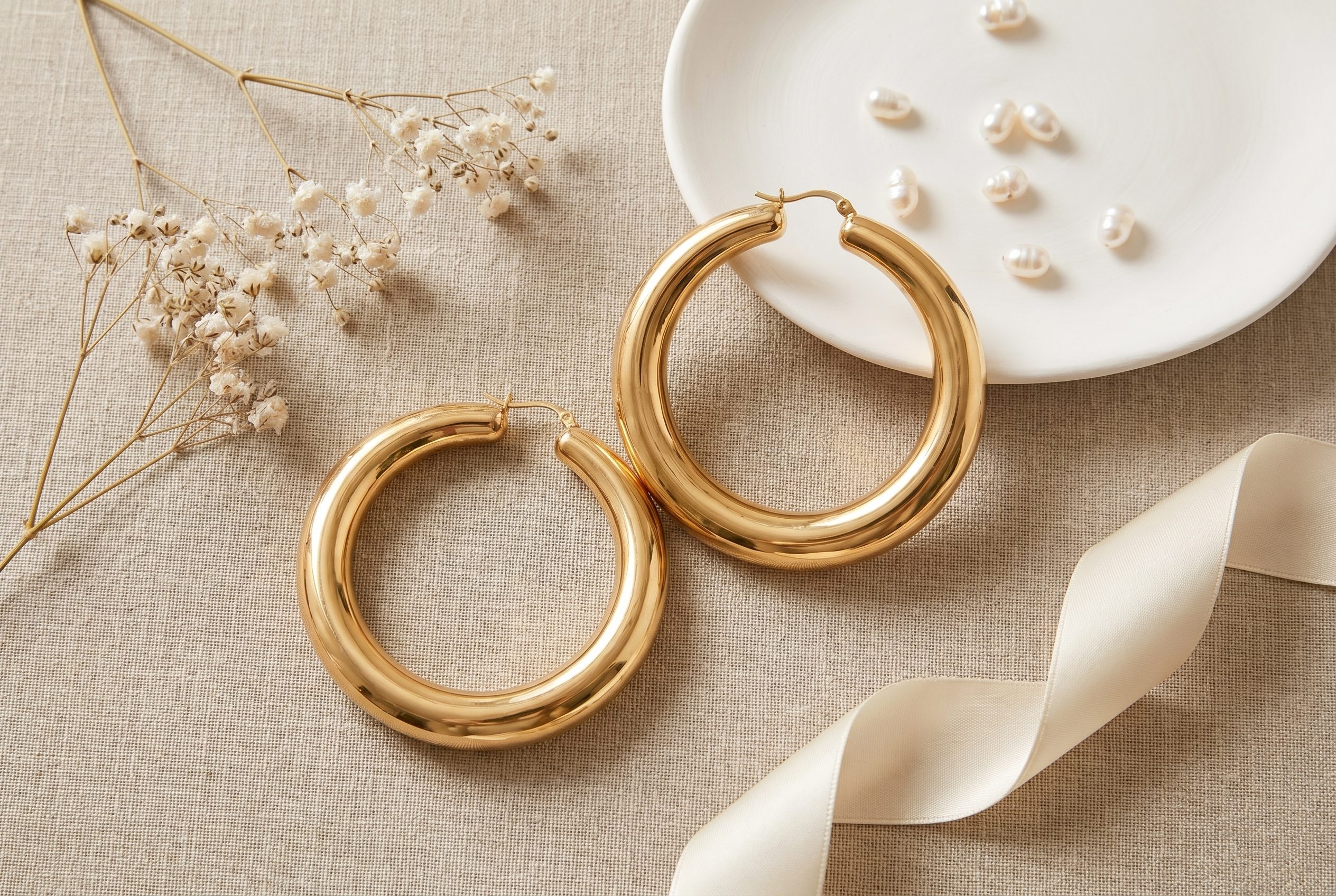
Product photography works best when each image answers a different question. A clear product view identifies the item. A worn view shows styling and proportion. A close-up explains a detail. A lifestyle scene gives the product an occasion. Choose the question your gallery leaves unanswered before creating another image.
For clothing, these jobs often overlap. One full-length photo can show the whole outfit and still leave the waistband hard to inspect. Another attractive street scene will not fill that gap. A closer, unobstructed view might.
Five product-photo examples and when to use them
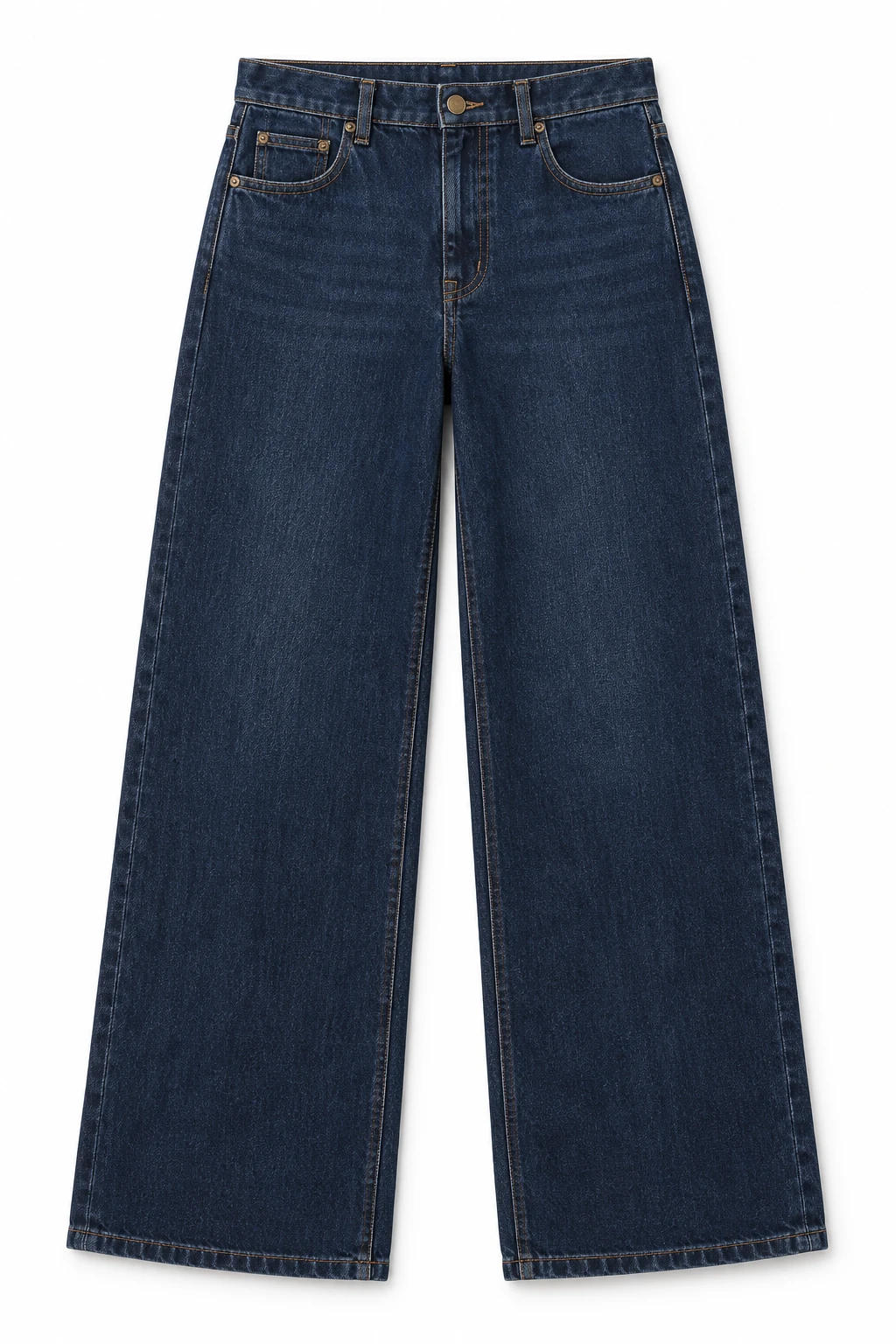
The product view: what am I buying? Show the complete item with as little distraction as possible. For the dark indigo jeans below, the front reference establishes the wide legs, waistband and visible pocket layout. It does not supply a back view. Keep that distinction when deciding what to create next.
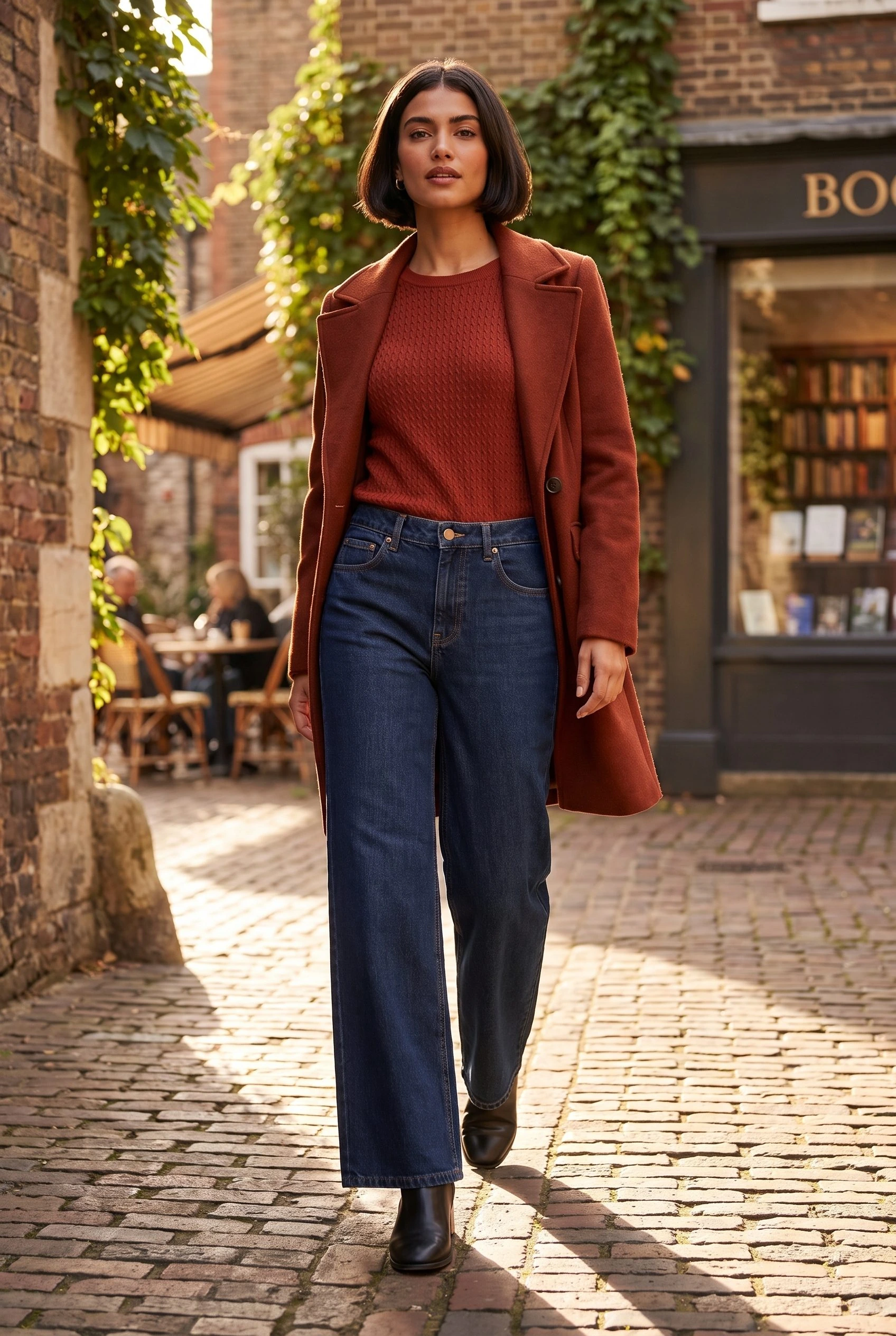
The worn view: how does it look in an outfit? Show the garment with a person and useful surrounding context. The full-length street result at the end makes the wide-leg silhouette easier to read as part of an outfit. A generated person does not establish a real model's measurements or the fit of a physical sample.
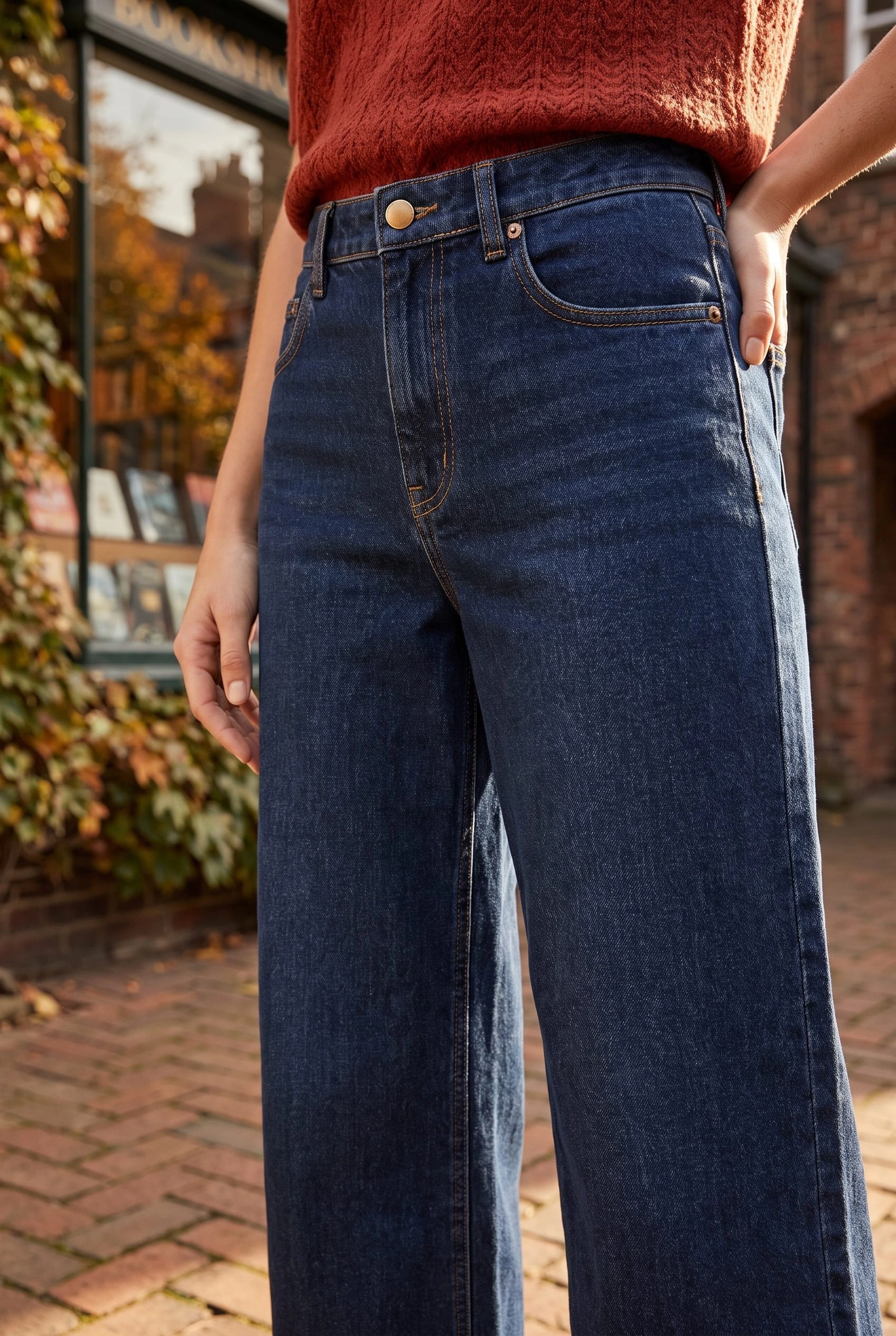
The detail view: what deserves a closer look? Move closer to a visible feature, such as the waistband or front pocket. If the question concerns stitch quality, fabric composition or an exact printed design, use an accurate photograph of that feature. An AI close-up cannot supply reliable physical detail that the source does not show.
The variant view: which version will arrive? Show the actual colour or style selected by the buyer. A new lighting direction is not a new colour variant. Use the matching product reference and keep variant assignment separate from creative image generation.
The lifestyle view: where would I wear or use it? Give the item a believable setting. A shopping street can support everyday denim styling. It does not establish weather resistance, comfort or another performance property. Let product information carry those claims when you can support them.
Shopify's ecommerce photography guide distinguishes plain-background, lifestyle, packaging, close-up and group photos. Choose from these roles to answer your buyer's question, rather than filling a gallery with every possible style.
Find the missing image in this jeans gallery
Start with the front reference and map what the existing images can tell the reader:
- Item identity: the front reference shows which jeans the imagery starts from. Keep it available while choosing the supporting scenes.
- Outfit context: the full-length street result shows a styled wearing direction. This role is covered.
- Waistband emphasis: the closer result gives the upper section more space. Use it when that is the feature you want the reader to notice.
- Rear construction: neither a front reference nor a front-facing scene supplies this information. Photograph the actual back before using it as product evidence.
- Size selection: these scenes do not answer it. Supply the garment measurements and an accurate size guide.
The useful next addition depends on the unanswered question. If shoppers cannot inspect the back, commission or take a back photograph. If the gallery already explains the garment but lacks a wearing occasion, brief a lifestyle scene. These are different production jobs.
Use this short request with your team: Missing question: what does the back look like? Existing coverage: front reference and two styled front views. Next asset: an accurate rear photograph. Keep: the current front and styling images. That request is more useful than asking for five more variations.
Create a missing supporting scene in Fotogenic AI
For a WordPress image-file workflow, open Fotogenic AI → Studio, choose Media source and select the complete garment reference. Continue to Generate Images.
Open Configure → Guidance. In Instructions for this run, describe the missing role before the setting. For an outfit-context image, adapt this brief:
Show an adult wearing the referenced wide-leg jeans outside an ordinary clothing shop. Use a full-length standing composition with both hems and the waistband visible. Soft side daylight, natural styling and a quiet brick storefront. The image should explain the outfit silhouette rather than focus on the shop.
Open Results settings and check that this Media source task saves new images to Media Library for review. Review the selected quality, image count and current credit estimate before starting. In Summary, use Open image to inspect a saved result.
Follow the WordPress image-generator walkthrough for the complete configuration screens and page-insertion steps. If the task is an update to a WooCommerce product, use the product-image workflow instead of assuming a new Media Library file changes the product gallery.
Choose the image that adds information
The two jeans results below give the same reference different emphasis: the full-length scene shows the outfit, while the closer view brings attention to the upper part of the garment. They complement the source because they supply different views of a creative direction.
For printed garments, follow the printed-clothing guide before relying on an output to represent artwork. For the full clothing shot plan, continue to clothing product photography. Keep useful images because of the question they answer, not because they were generated together.
Give your next image a clear job
Choose the missing view. Create the scene that helps.
Your next product image starts here.
Turn a product photo into a new scene for your store.