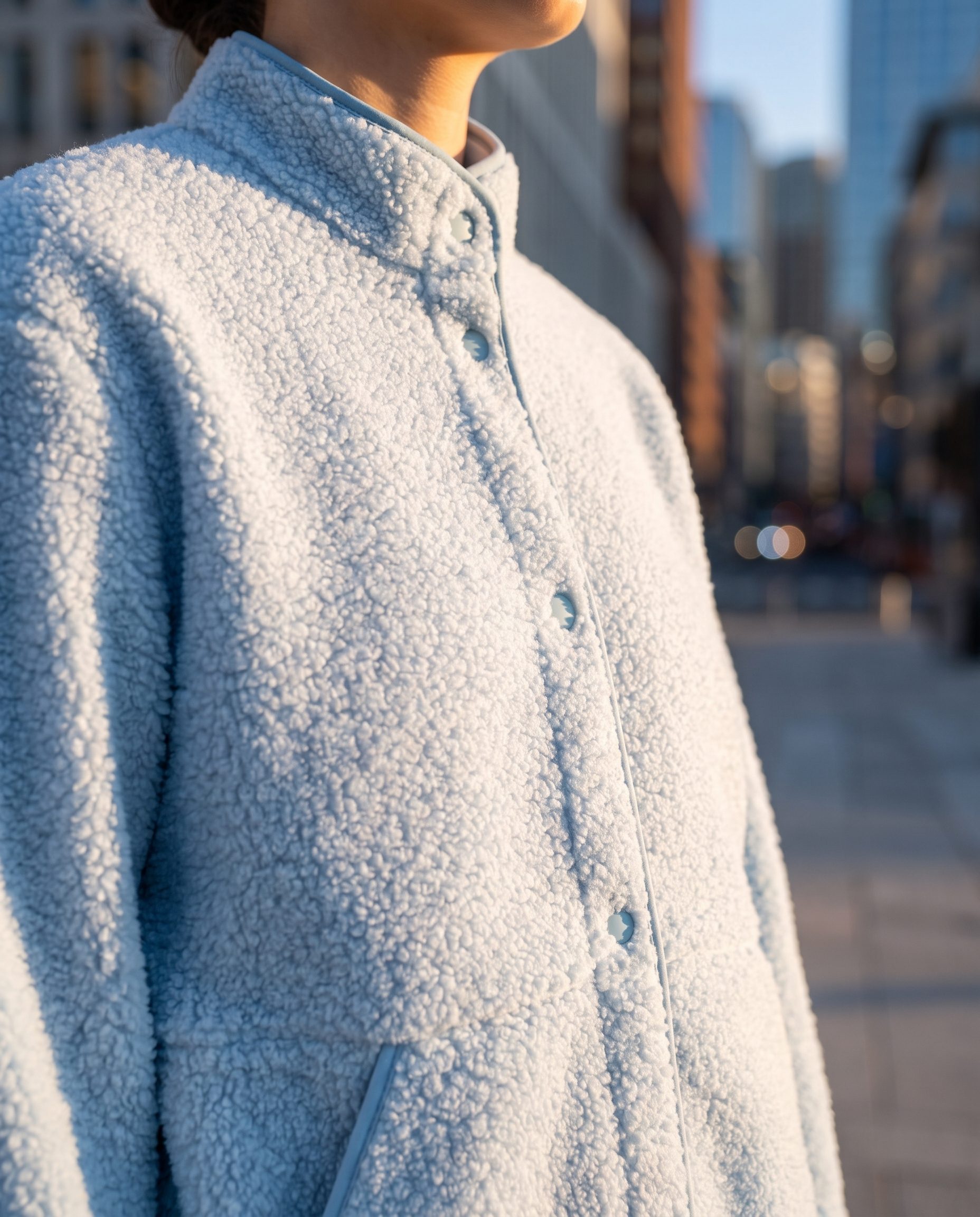
 Stable
 01
Keep the product recognizable
Use new scenes and crops without losing the product shape, material, or details buyers need.
- Product identity
- Material detail
- Clear review
Save your approved visual direction and reuse it in supported generation jobs through Fotogenic MCP.
Saved brand context · Supported MCP jobs
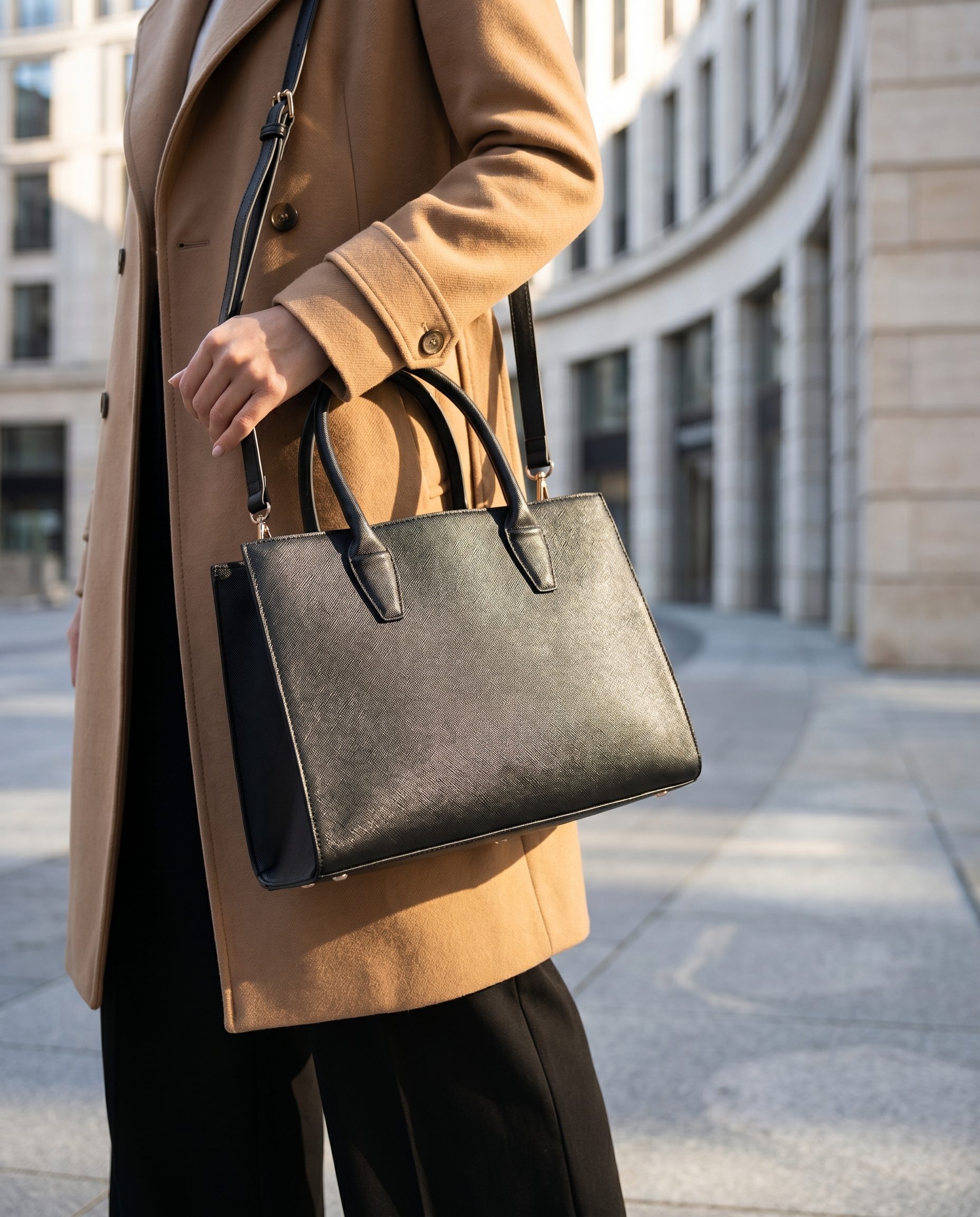

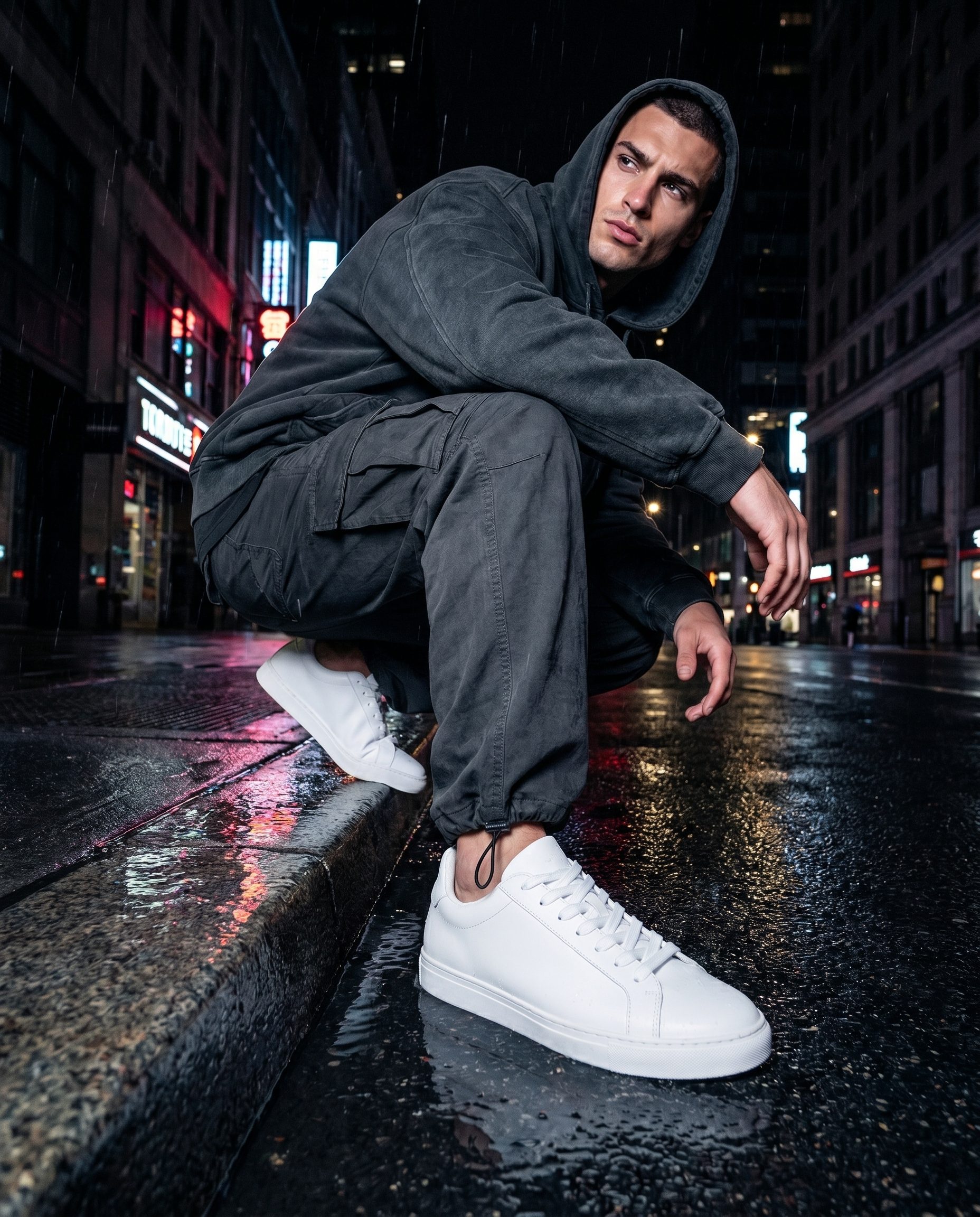
Saved direction in practice
A campaign view, lifestyle scene, and studio image can share the same palette, lighting, and product treatment.
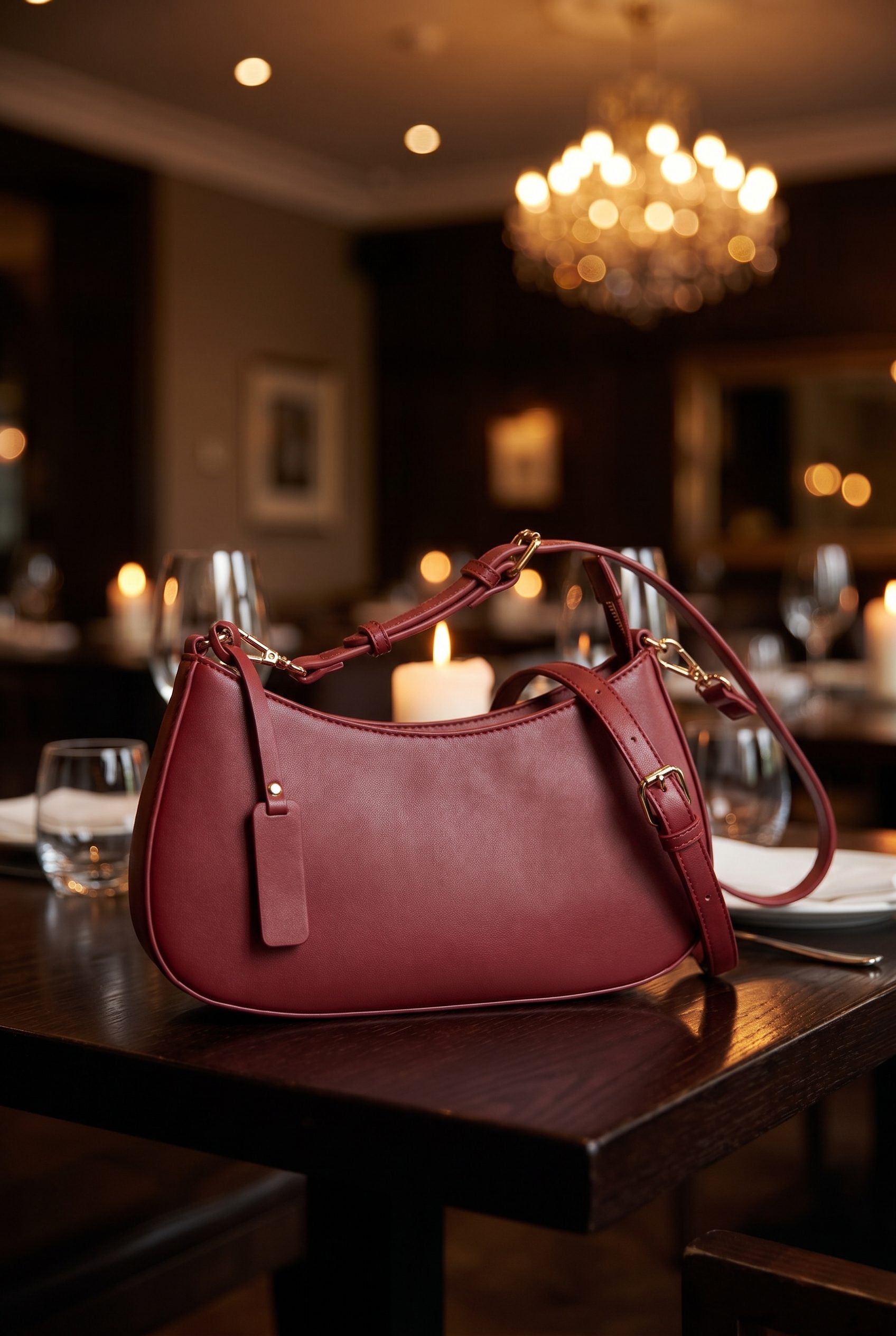
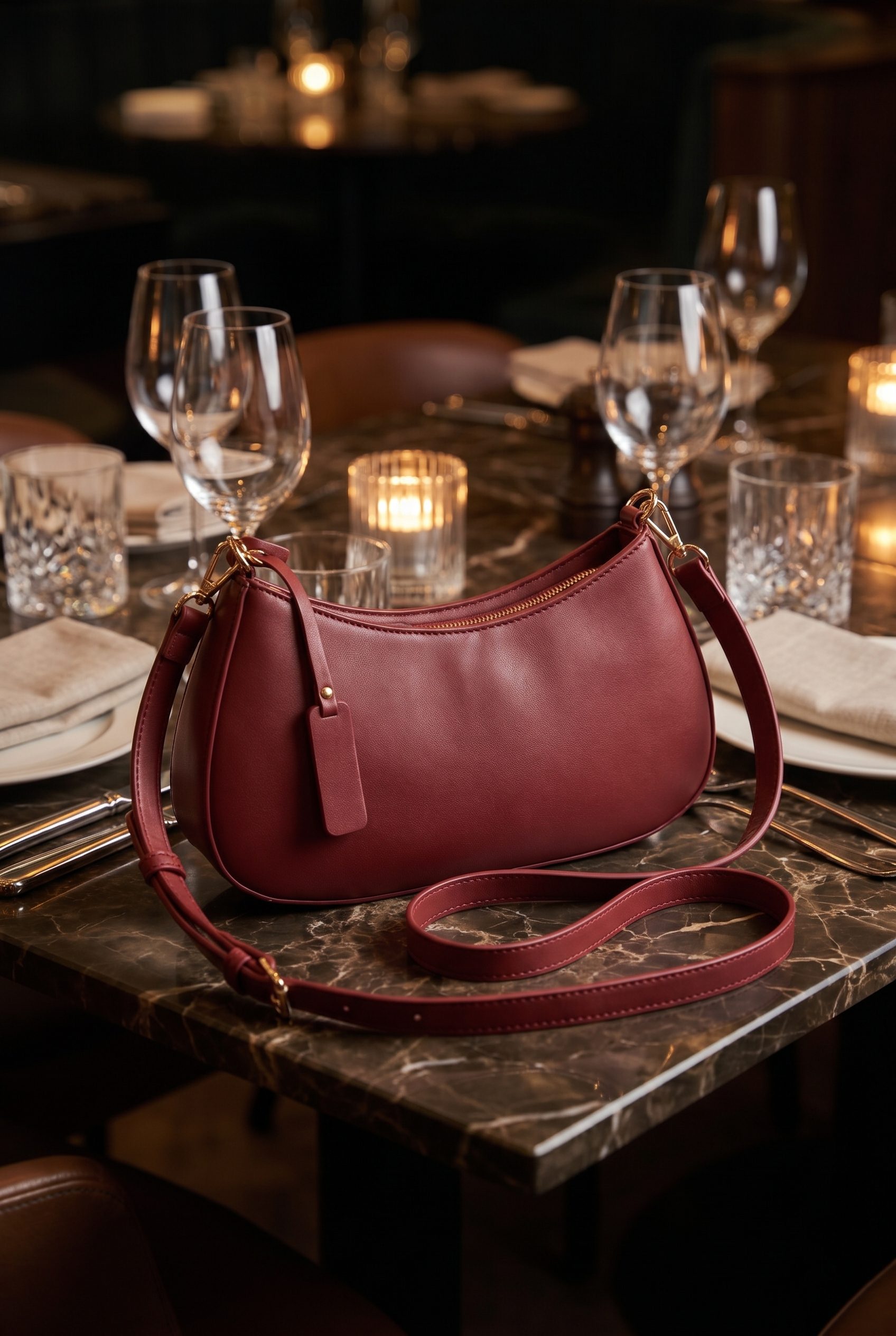
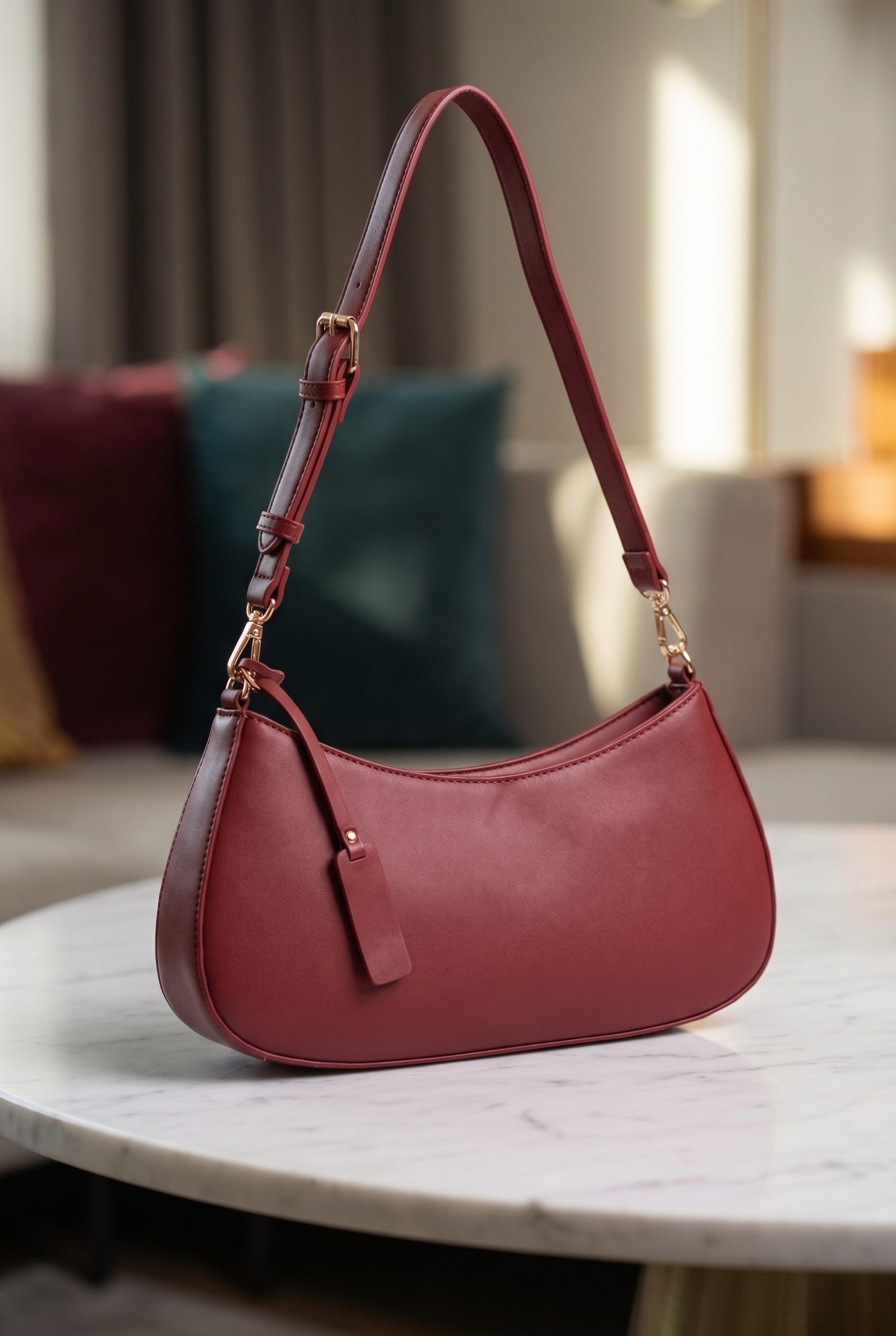
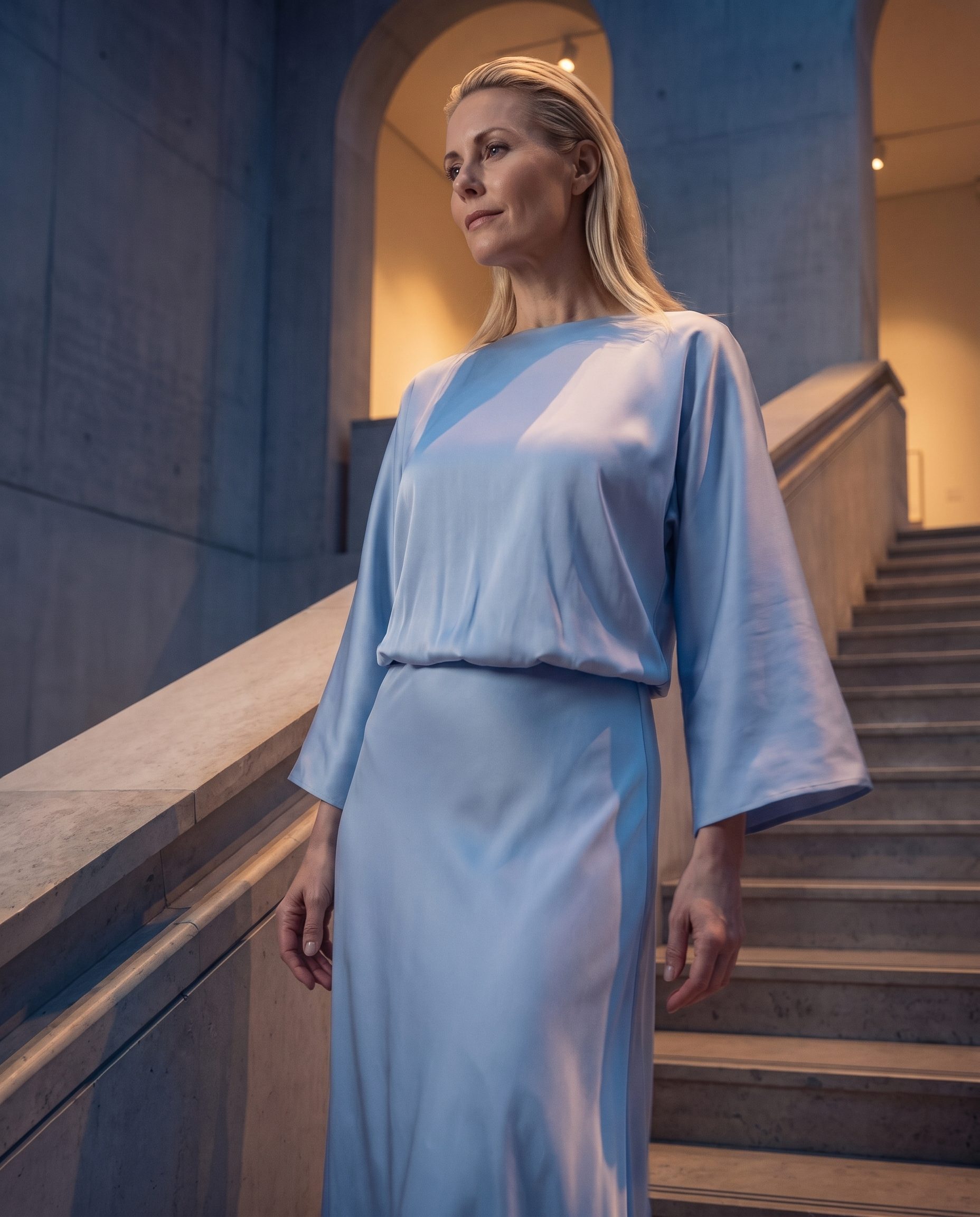
Store the lighting, mood, color, and composition that define the brand.
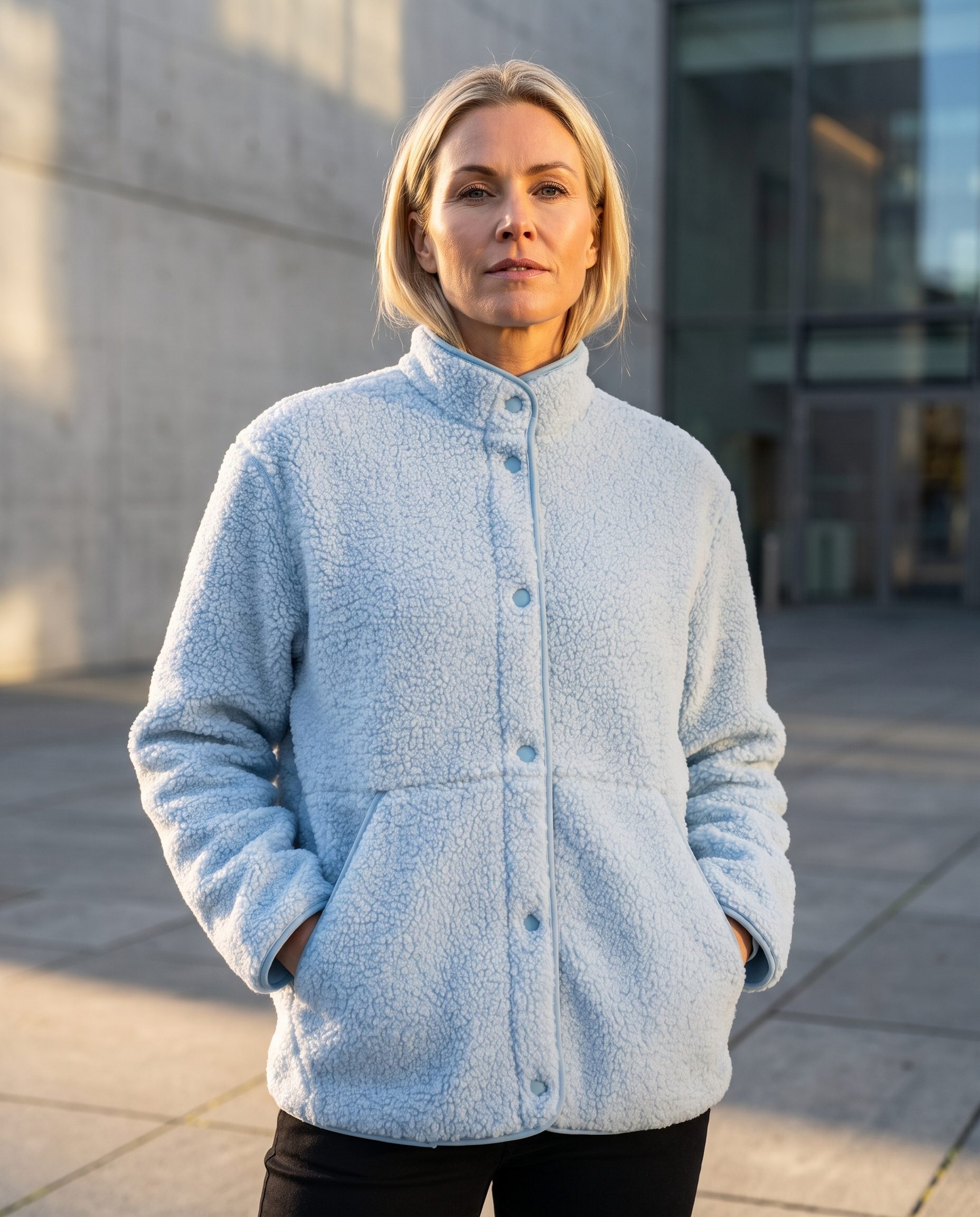
Apply the same direction to PDP, catalog, ads, social, and campaign images.
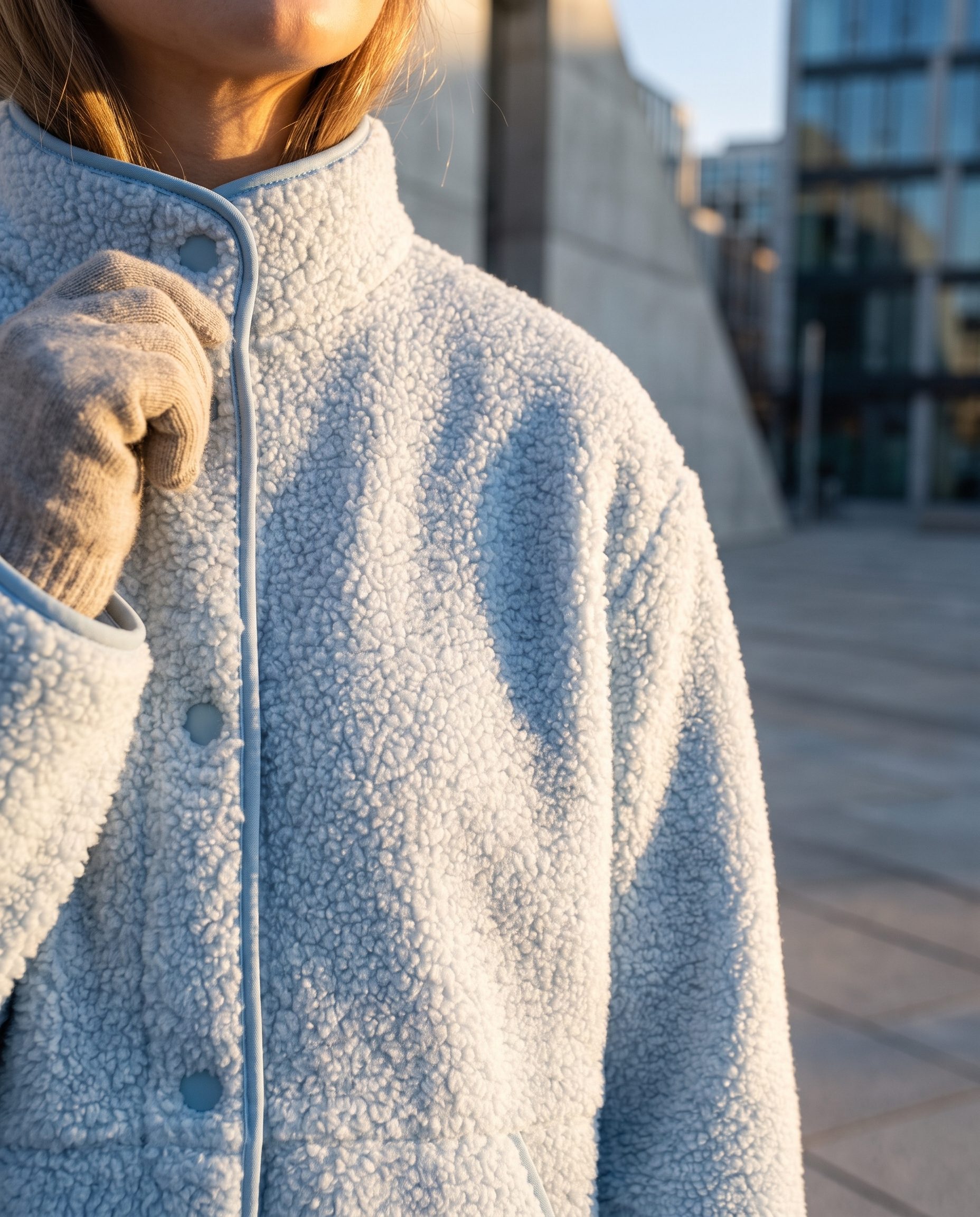
Keep product accuracy and brand fit together before publishing.
How it works
Create a brand profile through MCP, apply it to a supported job and review the result.
Use your connected assistant to create a profile from your brand details or brand kit.
Store colors, mood, crop, and styling guidance in one brand profile.
Supply the saved brand profile to generation jobs that support BrandDNA.
Keep improving the shared direction after each output set.
Details
BrandDNA reduces repeated briefing by carrying approved visual direction into supported workflows; it does not replace final human review.
Stable Use new scenes and crops without losing the product shape, material, or details buyers need.
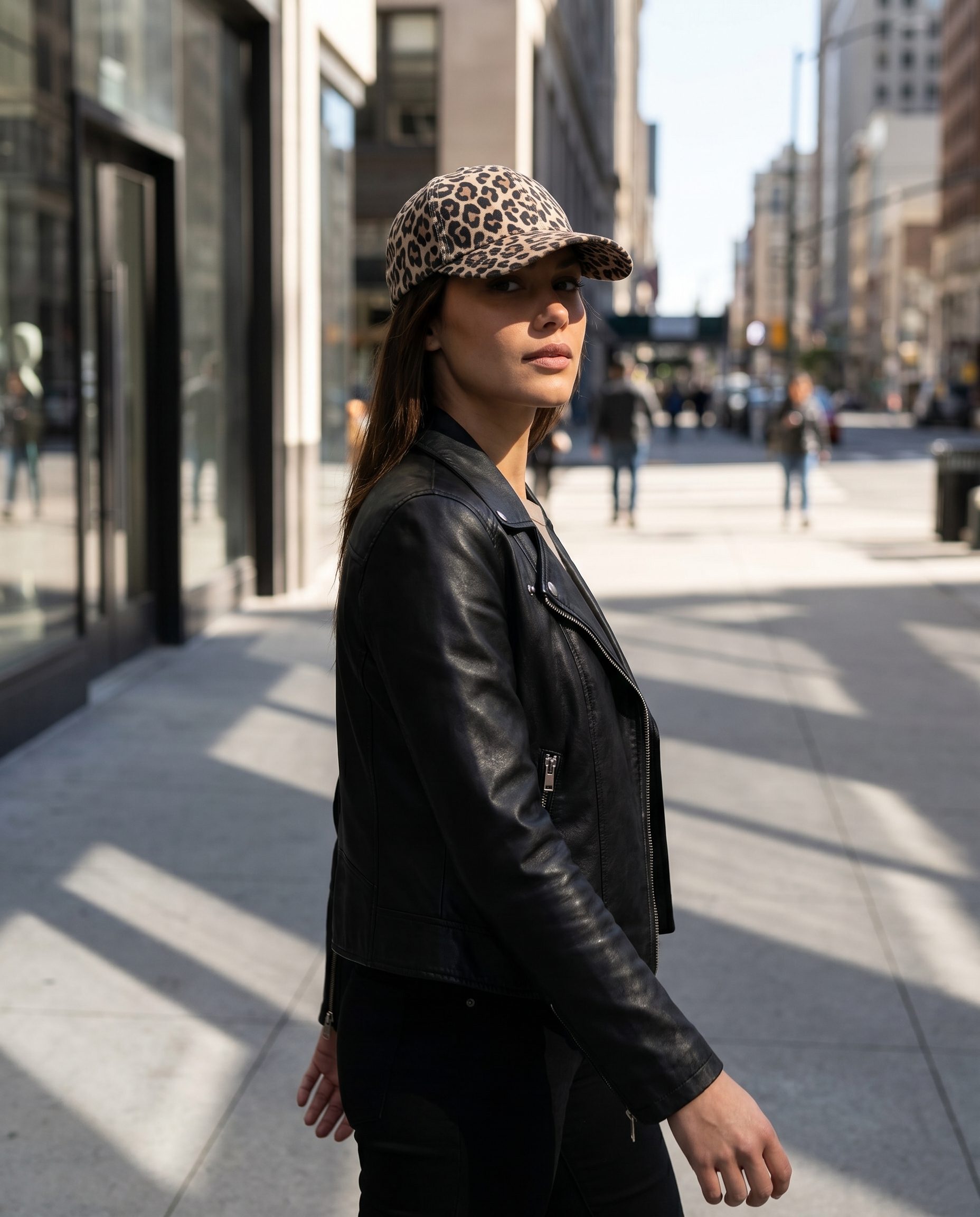 Useful
 Create outputs for product pages, catalog, ads, email, and social without treating every slot the same.
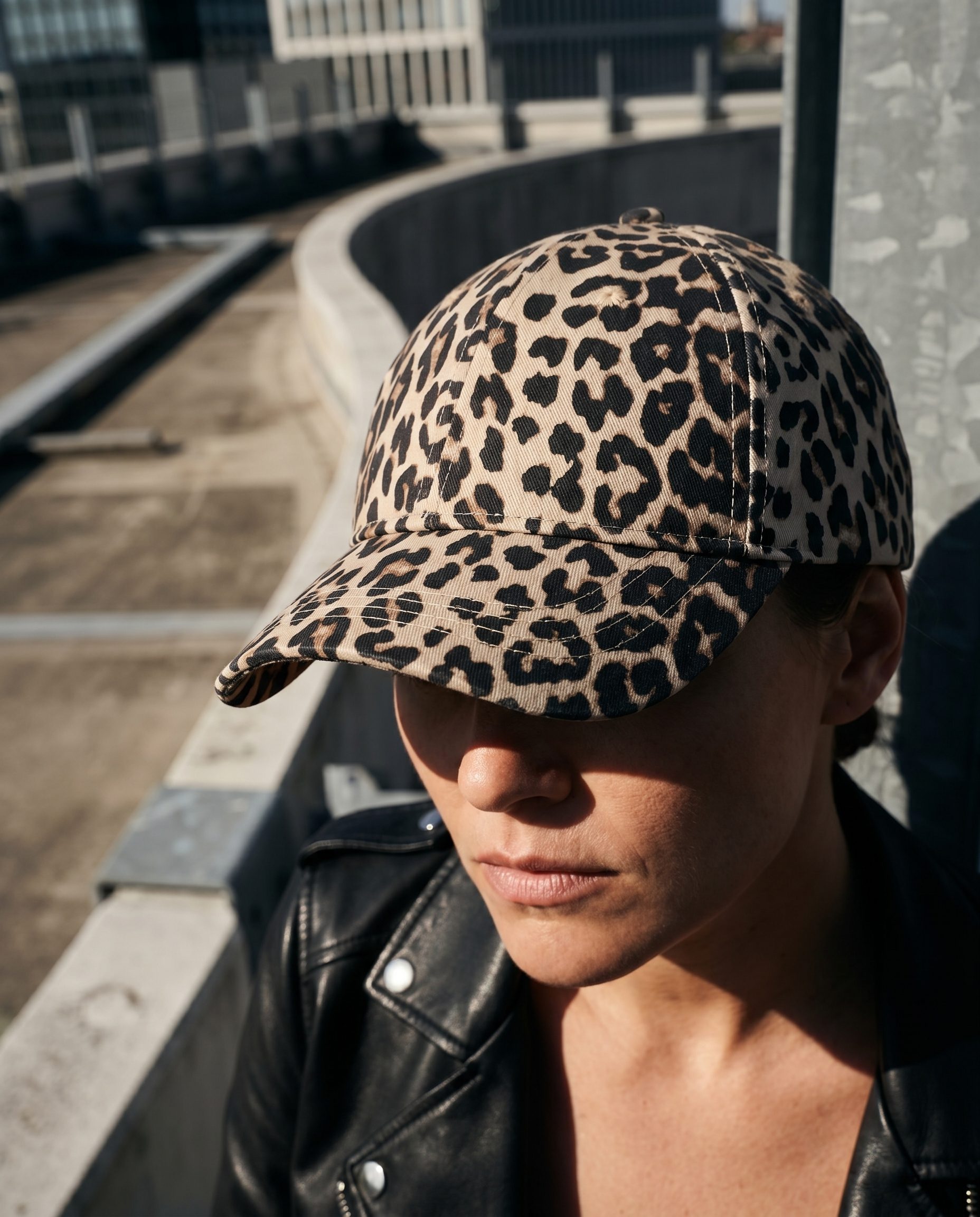 Ready
Ready Choose the strongest images, check product accuracy, and keep only the visuals that belong in the set.
FAQ
Answers about setup, supported workflows, account context, and human review.
BrandDNA is saved brand direction used by supported Fotogenic generation jobs through MCP. It carries your approved context into the next brief.
Test it on your product
Connect your assistant, save one profile and review a result using that direction.