Product Photo Examples
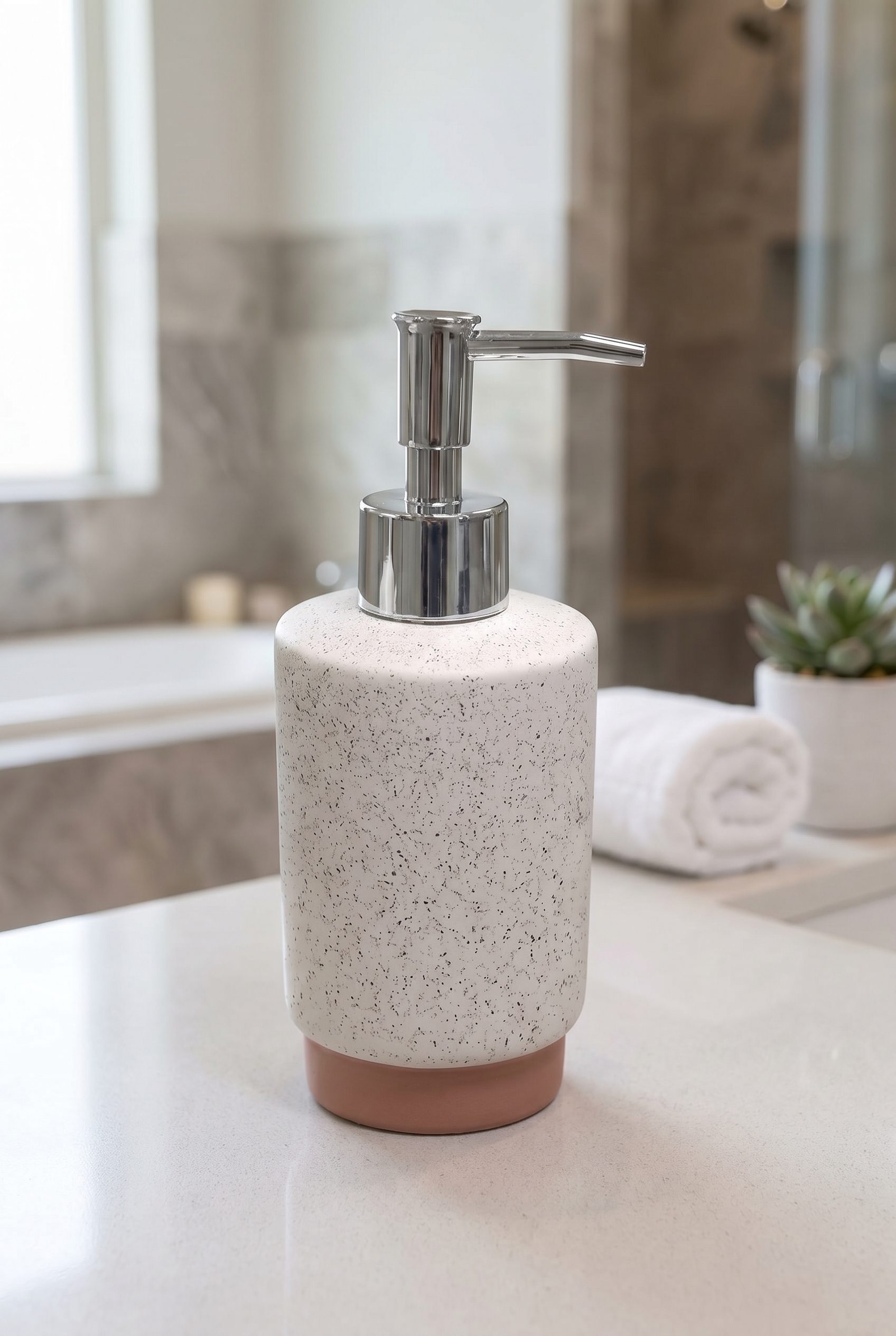
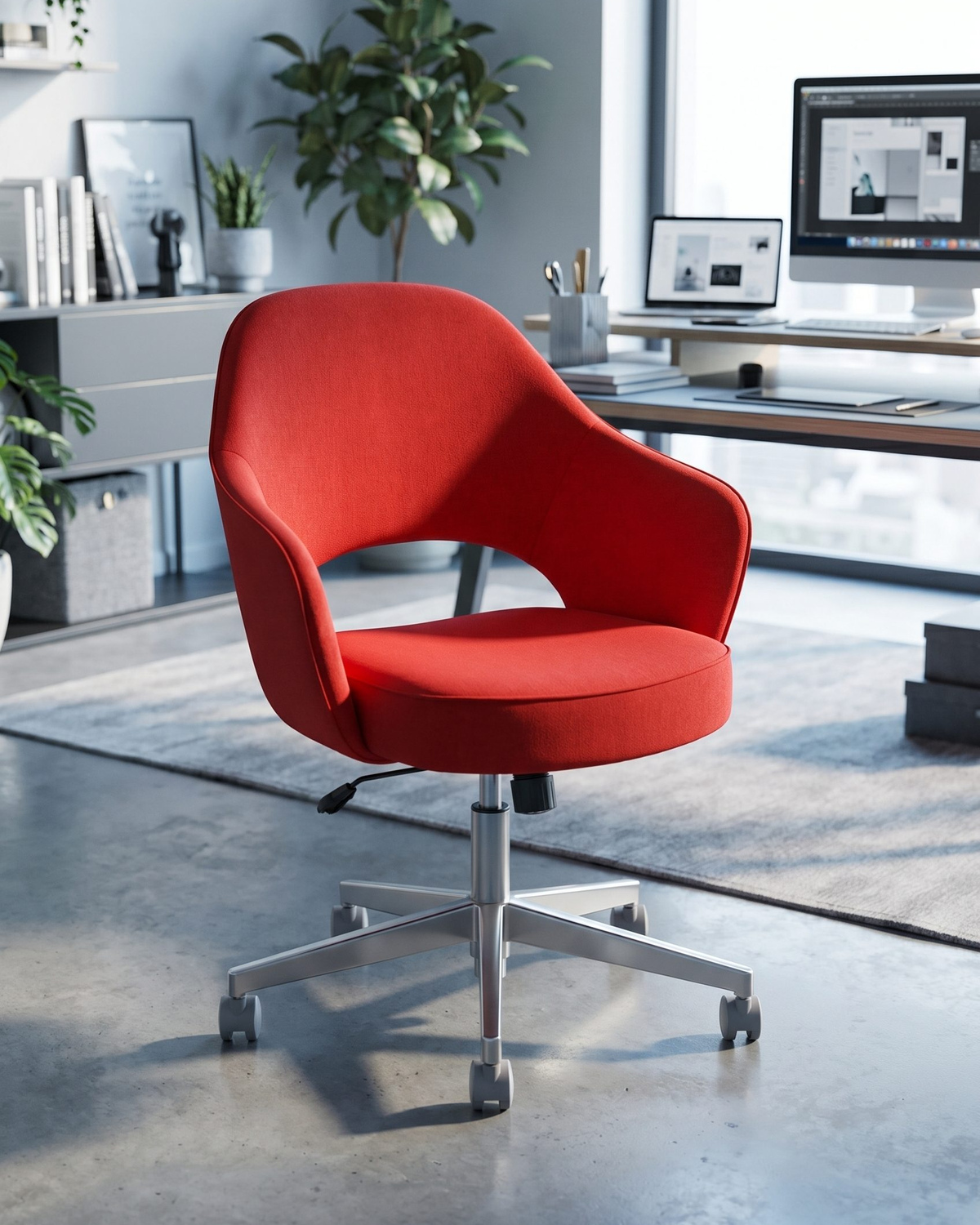
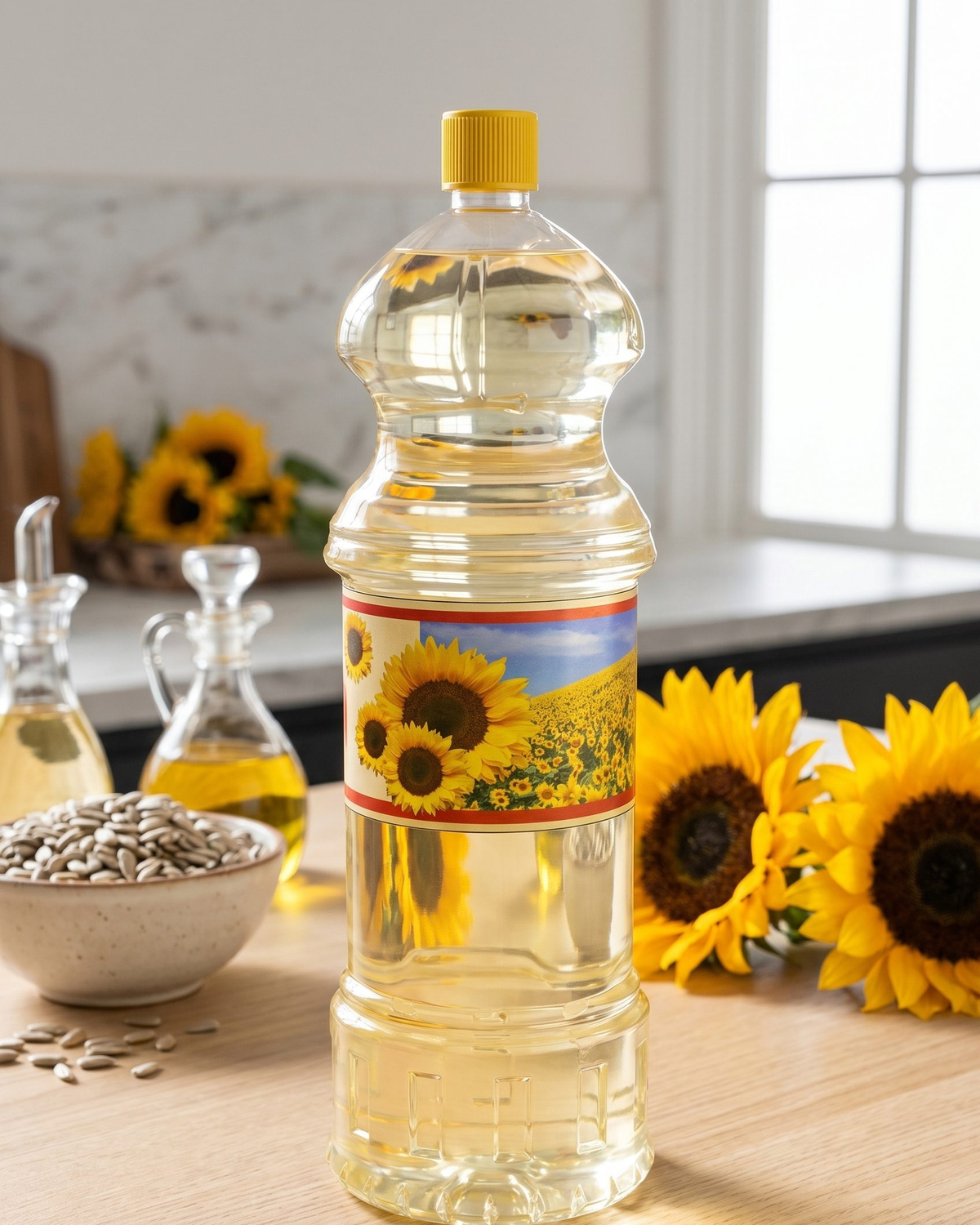
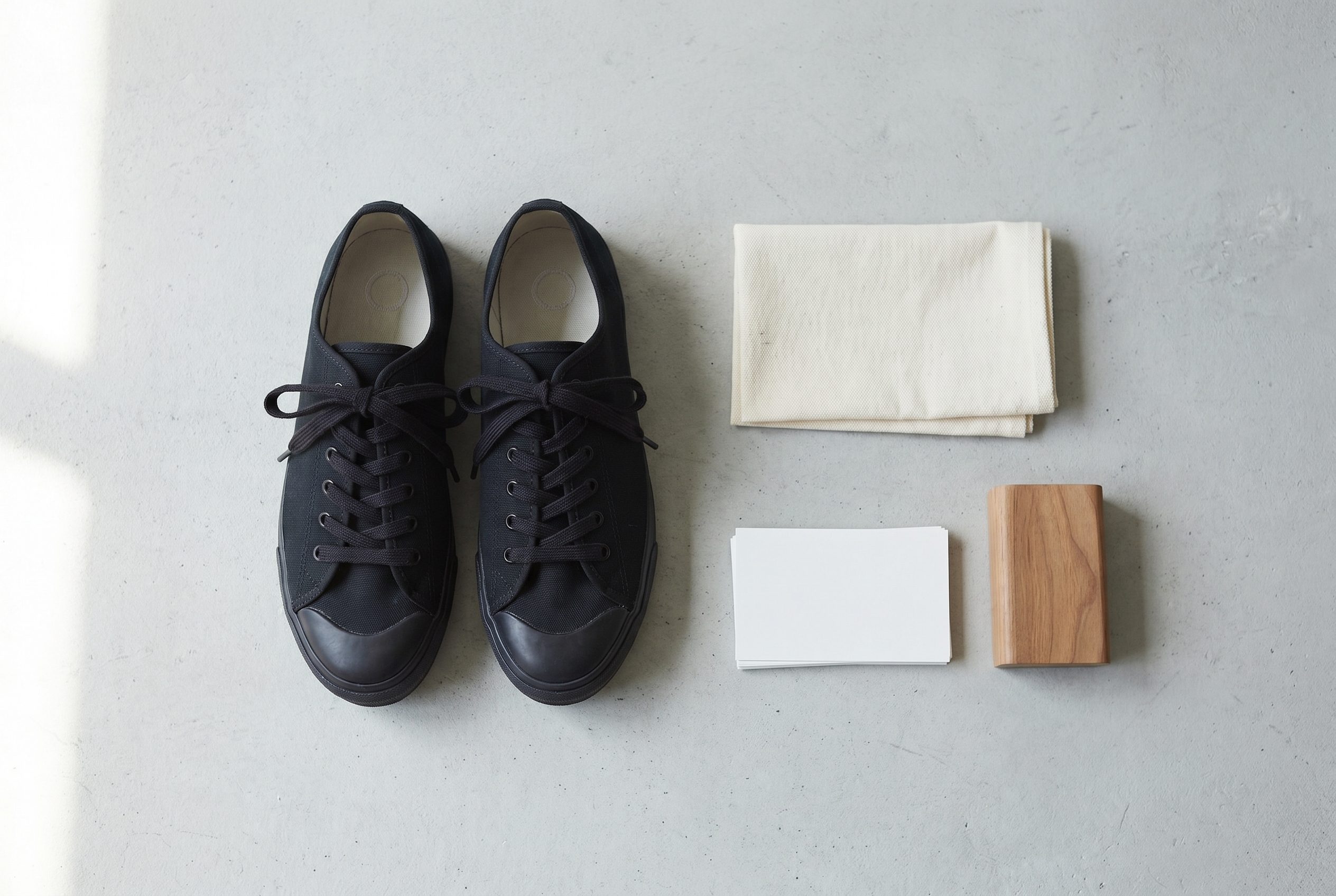
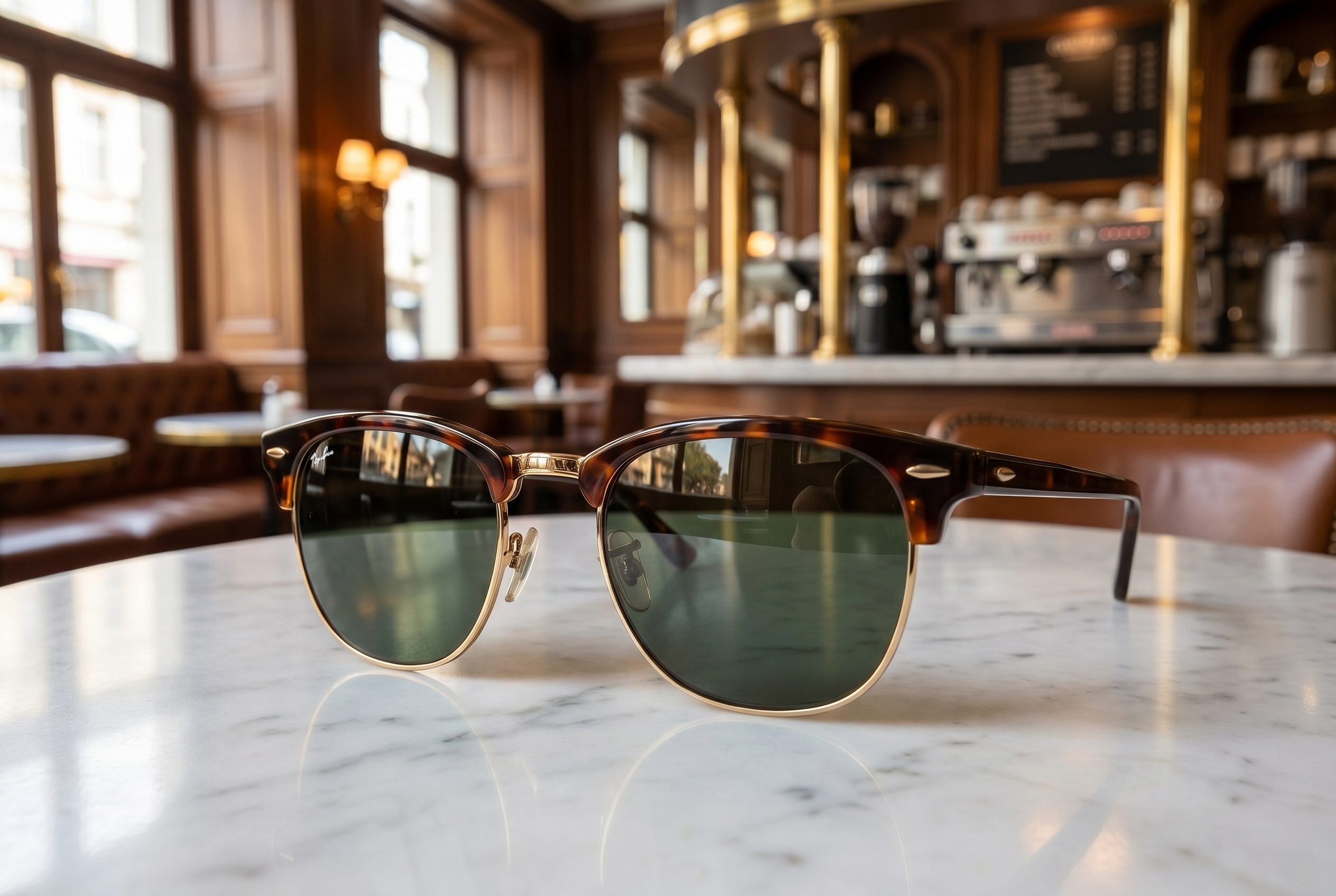
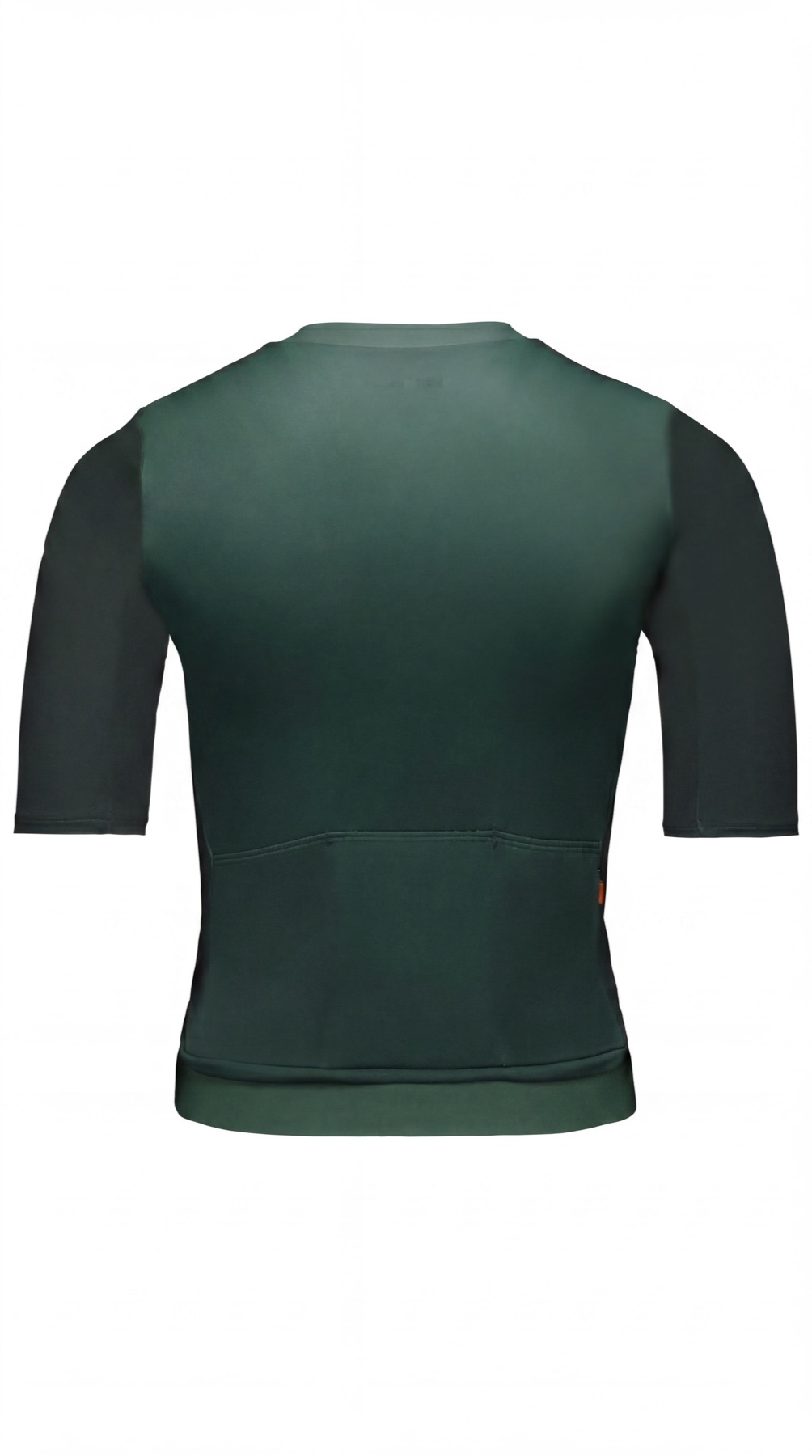
Browse product image examples by the shopper question they help answer, not just by visual style.
- One clear source
- Review before publishing
- No credit card required
Curated directions
Compare product views before choosing an output direction.
Use examples to define the image job and review criteria.



How to use this collection
Use examples to define the image job and review criteria.
Treat every example as inspiration. Your output still needs product, brand, channel, and claims review.
Choose the next surface
Choose your next workflow.
Find the product tool, category, or use case that matches what you want to create.
Planning and review
Product Photo Examples FAQs
Choose an image whose job matches a shopper question or channel need, then create a distinct direction for your own product.
Test the workflow
Choose one useful example direction and test it on your own product.
Use one representative product, define the intended output, and review every generated option before expanding the direction.
- Use your own product
- Review every output
- No credit card required