 Stable
 01
Keep the product recognizable
Use new scenes and crops without losing the product shape, material, or details buyers need.
- Product identity
- Material detail
- Clear review
Create product-led options for launch pages, product pages, ads, email, and social while keeping one campaign direction consistent.





One product, one campaign
See the same dress carried through a clean product view, a campaign image, and a closer detail without mixing products in the story.


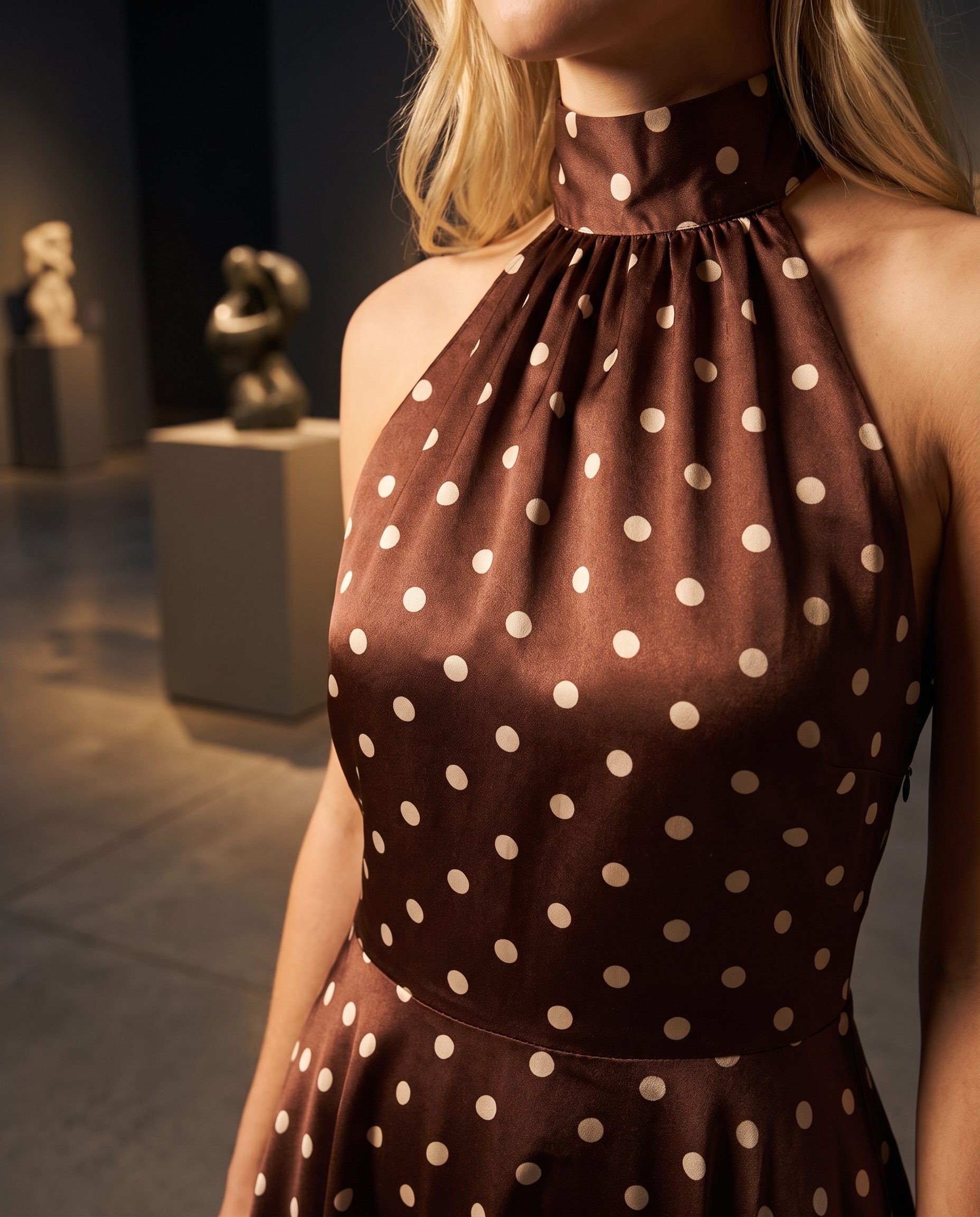
Show the hero image, product-page crop, ad visual, social post, email crop, and detail image as one usable set.

Lead with a strong product scene for launch and promotion.

Keep a clean product crop for shopper inspection, channel review, and publishing.
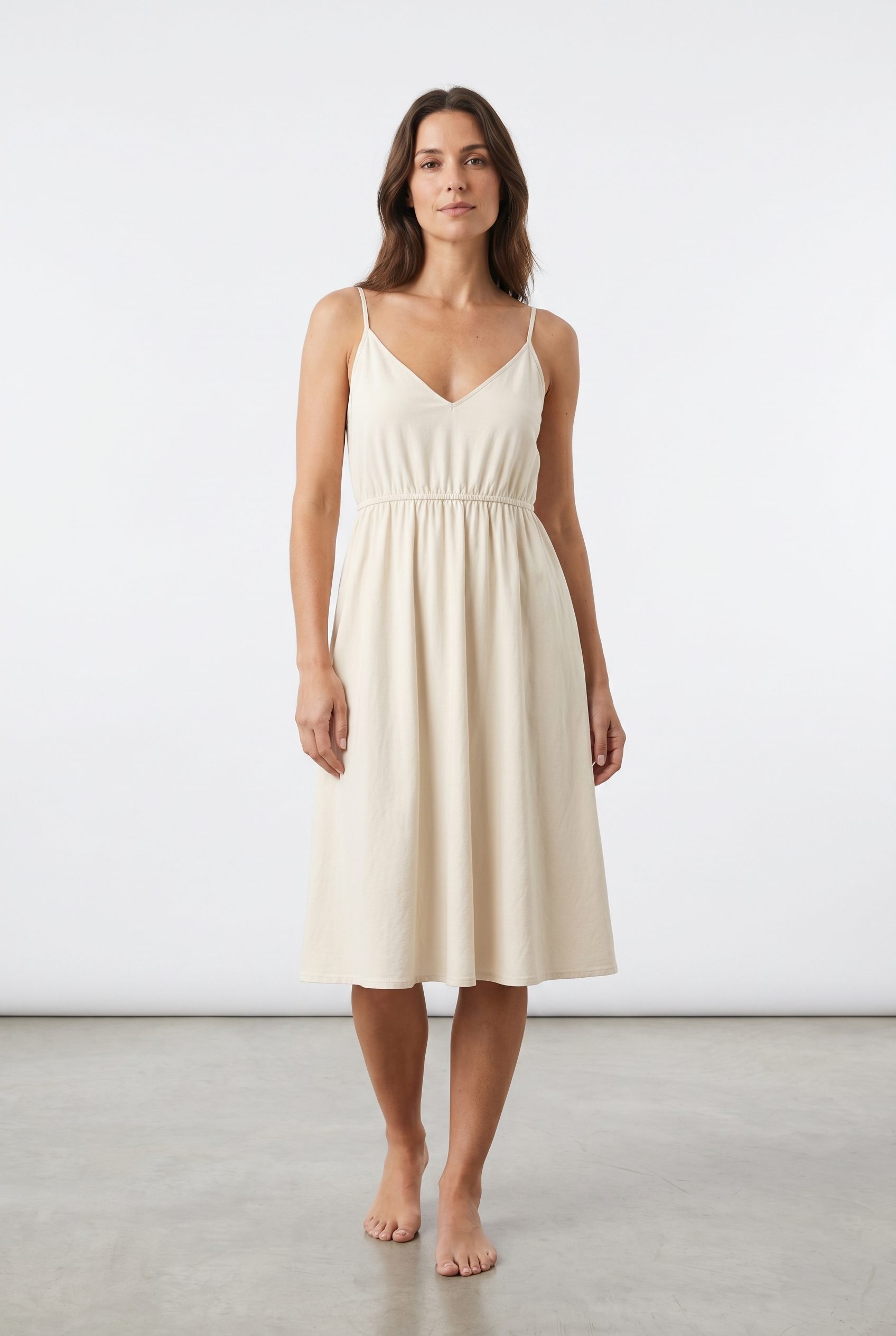
Create scroll-ready options for paid and organic ads.

Use a simple crop with space for text and layout.

Show product shape and material clearly.
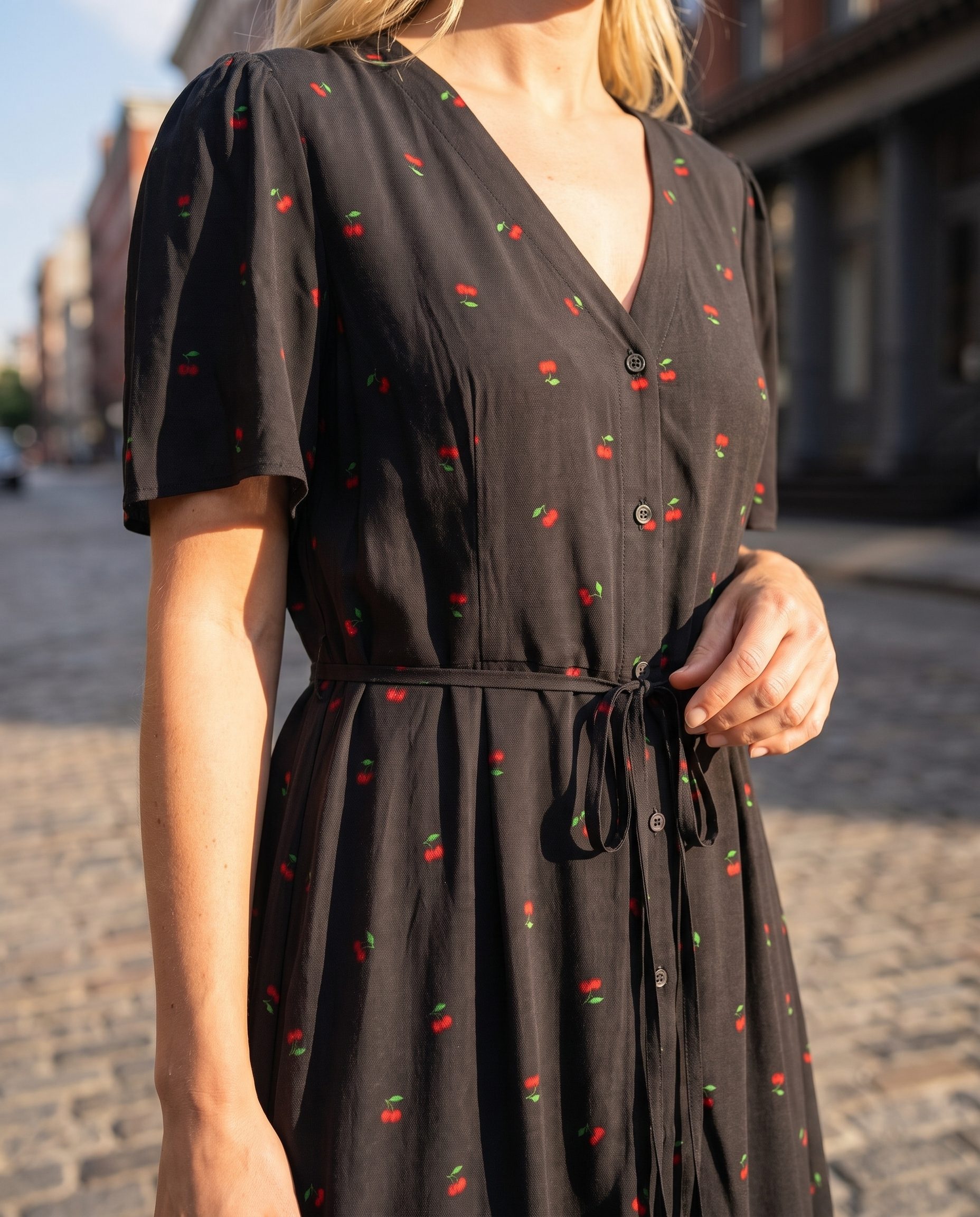
Keep the same campaign mood across every channel output.
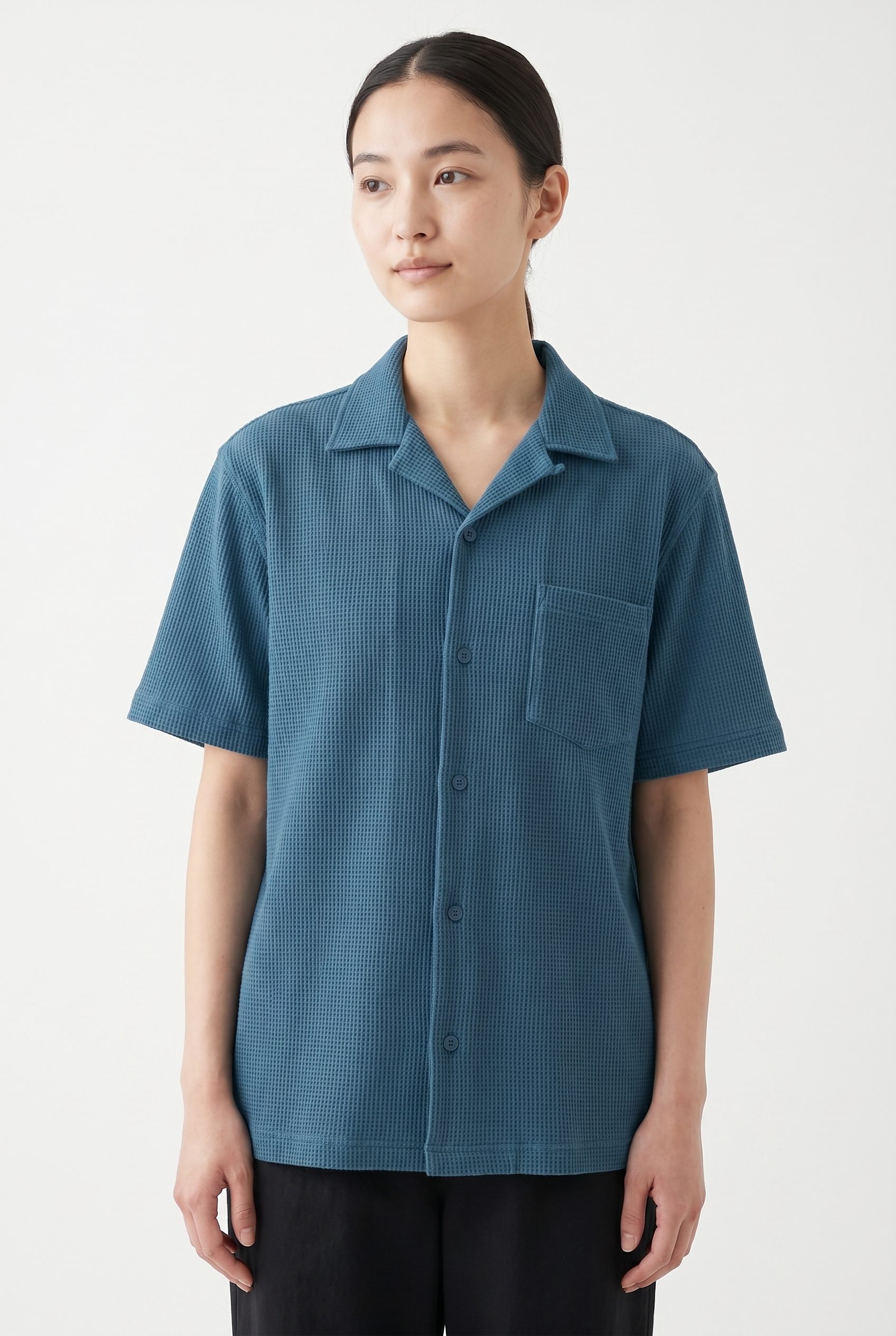
Eyewear carousel image
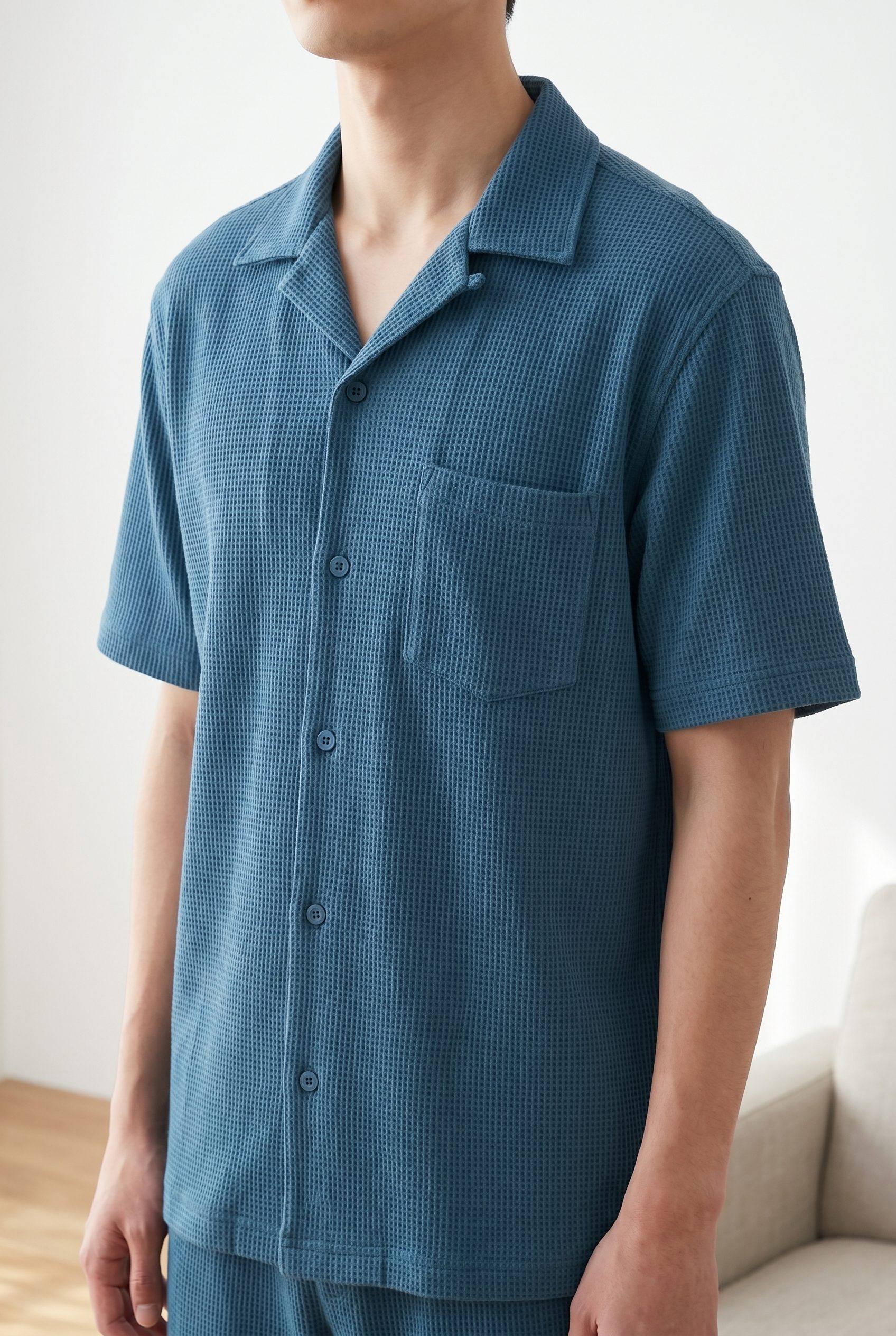
Footwear campaign image

Apparel gallery image

Seasonal apparel image
How it works
Use the product that should anchor the launch or promo.
Pick the launch, sale, season, or campaign goal.
Create product page, ad, social, email, and promo options.
Keep the images that look accurate, connected and ready for final channel review.
Campaign set workflow
Lock the product details, style, and launch direction before the visuals move into each channel.
Stable Use new scenes and crops without losing the product shape, material, or details buyers need.
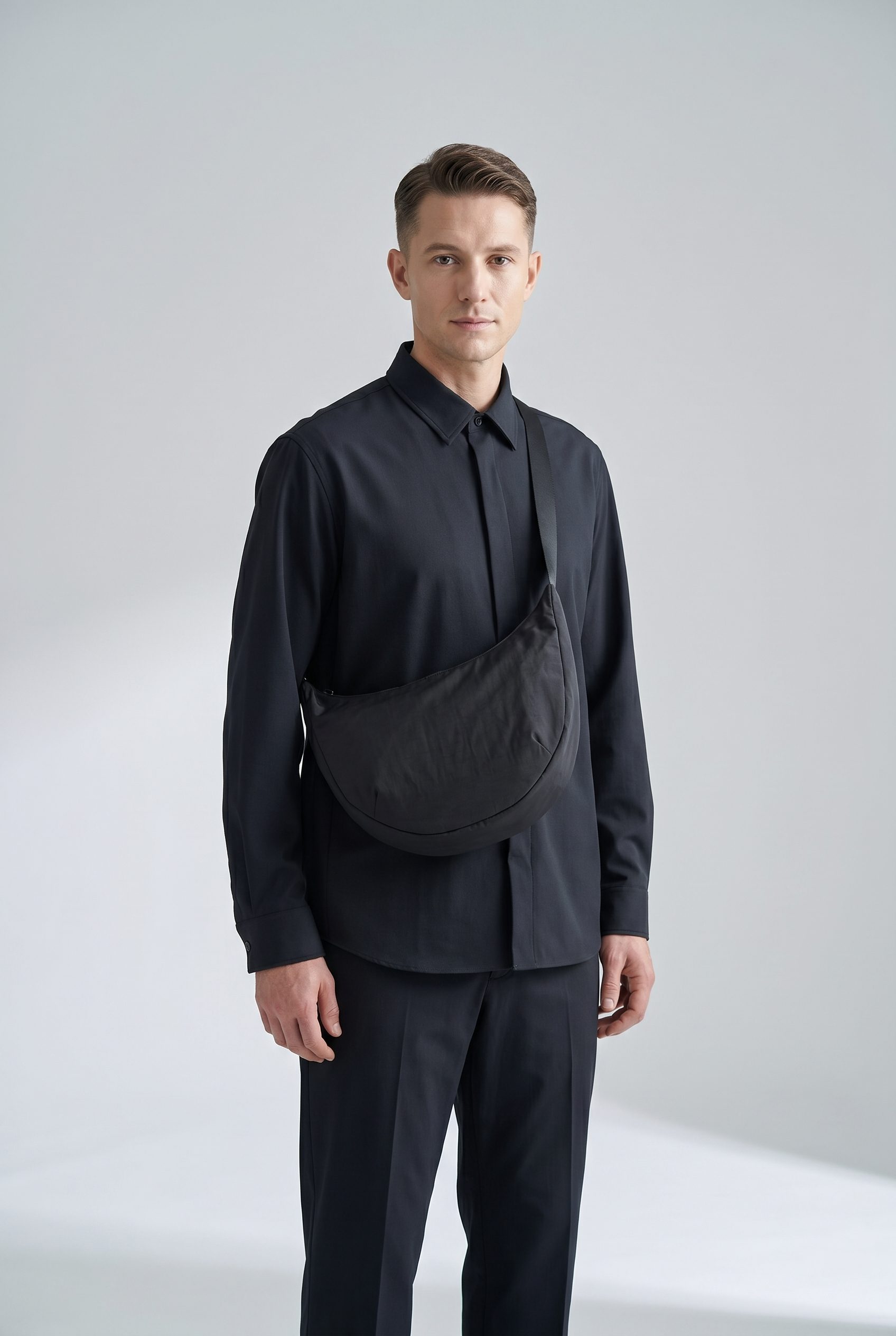 Useful
 Create outputs for product pages, catalog, ads, email, and social without treating every slot the same.
 Ready
Ready Choose the strongest images, check product accuracy, and keep only the visuals that belong in the set.
FAQ
Answers about campaign inputs, connected outputs, consistency, review, and related workflows.
It is a group of connected product visuals created around one launch, promotion, sale, or seasonal moment for your store.
Test it on your product
Open Fotogenic AI with a product and build campaign visuals ready for review.