Upscale product images for clearer review
Start with the clearest available source and improve resolution or sharpness before publishing, reviewing a batch, or using the image in another workflow.
Start free · No credit card required
- Sharper product detail
- Cleaner inputs
- Better reuse



Detail proof
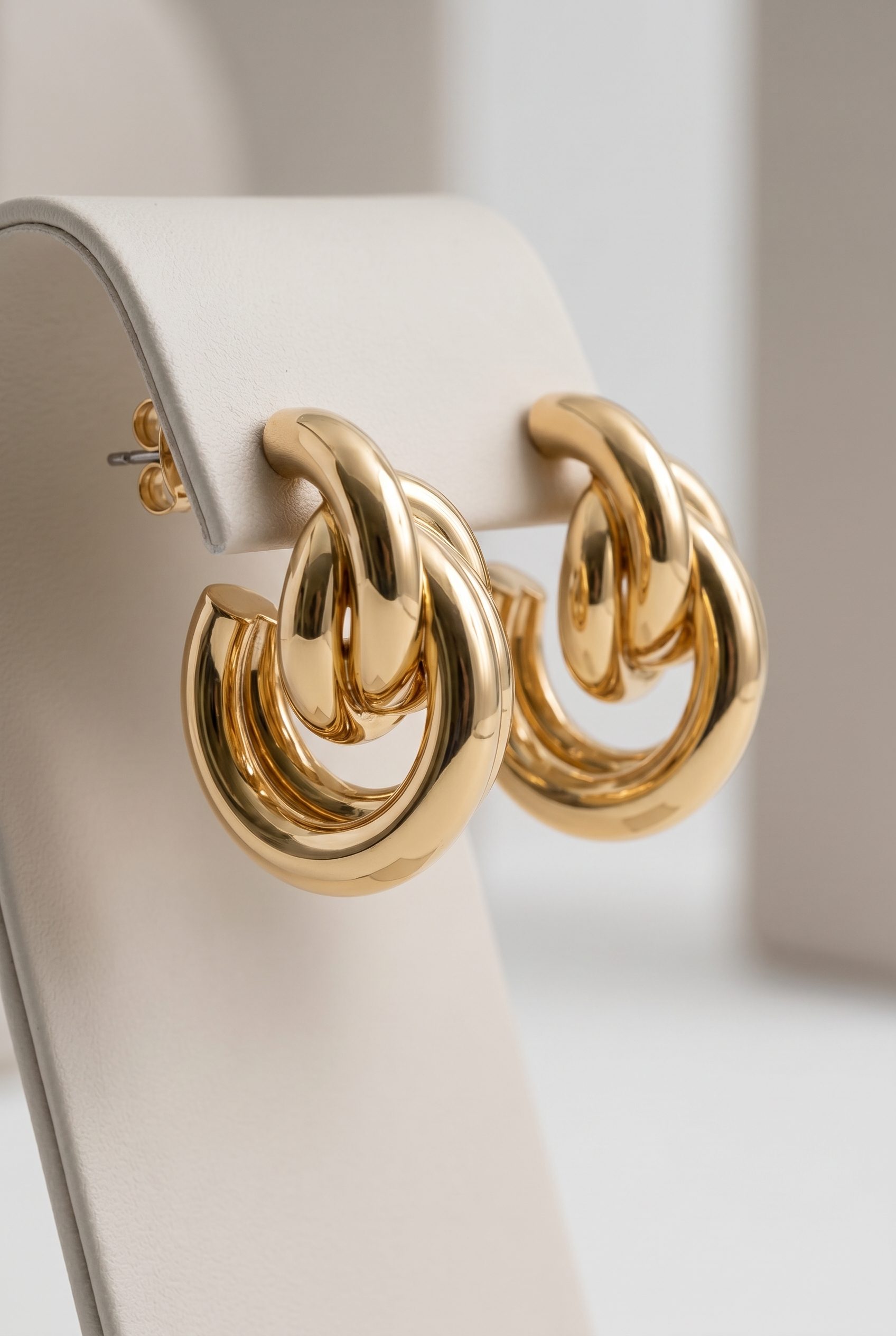
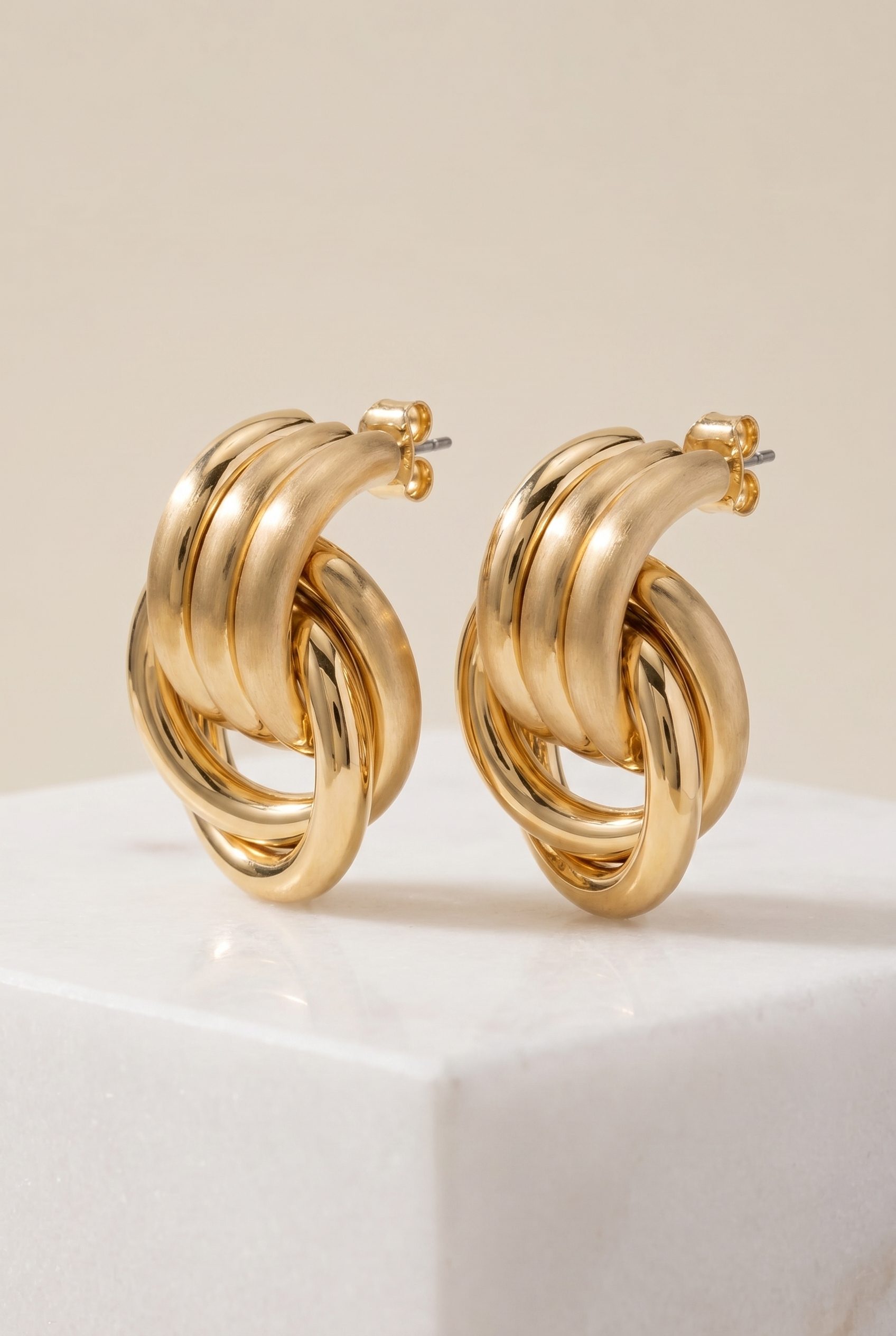
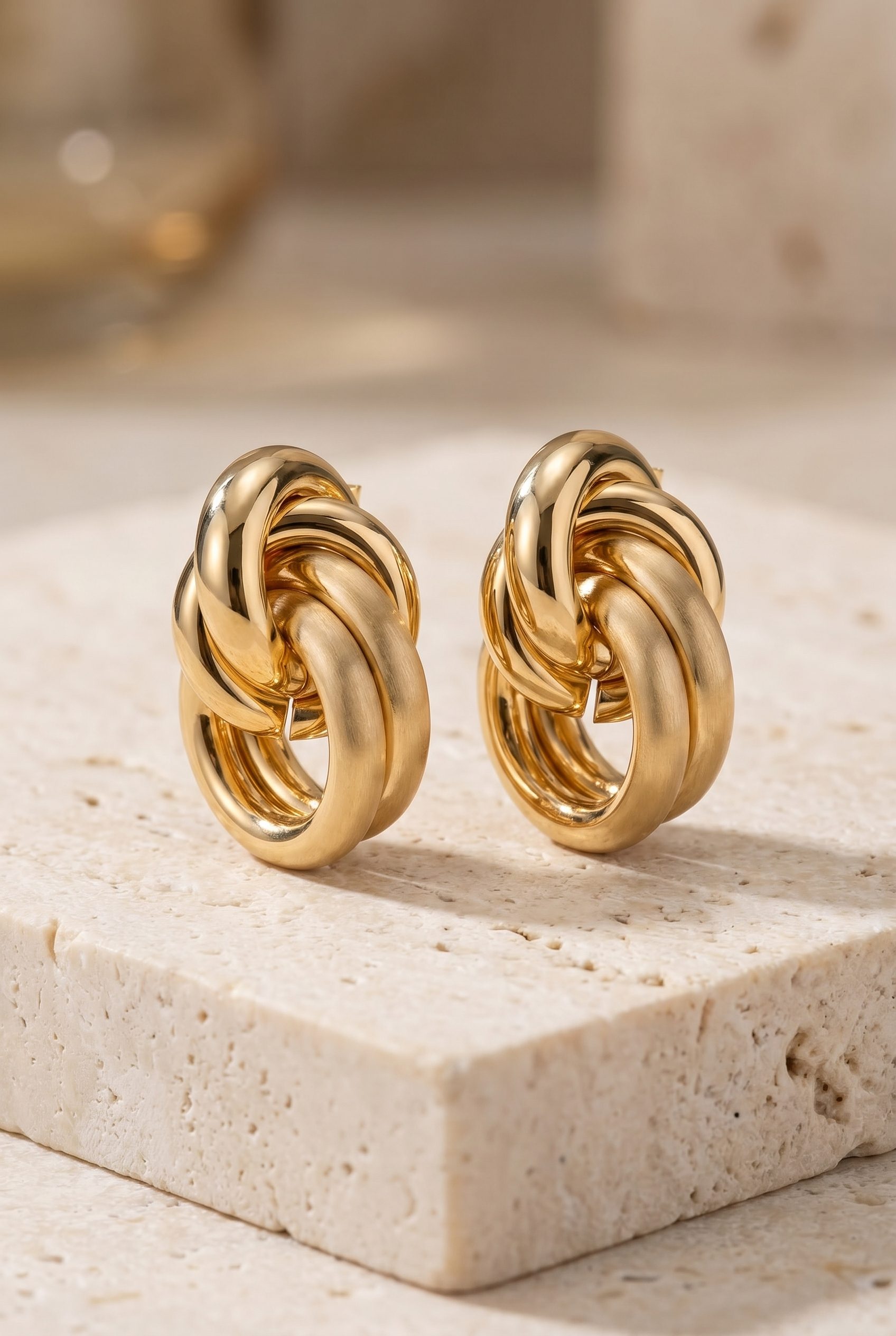
See one product from hero image to fine detail.
Use connected earring views to judge clarity, material, and texture before the improved asset moves into another workflow.

Sharper product page image
Make detail easier to inspect before publishing.
- Better detail
- Clearer shape
- PDP ready

Better review input
Give your team a cleaner asset to evaluate.
- Review detail
- Check material
- Catch limits

Cleaner generation input
Improve the source before using it in another workflow.
- Better input
- Less guesswork
- Reusable source
How it works
From a weak source to a reviewed improvement.
Choose the detail that needs help, generate an improved version, and decide honestly whether it is publishable or needs a new source.
-
Step 1
Add the weak image
Start from the product asset that needs a cleaner final version.
-
Step 2
Choose the improvement goal
Focus on detail, sharpness, or reuse.
-
Step 3
Generate improved version
Create a cleaner output for review.
-
Step 4
Review detail and limits
Check what improved and what still needs a new image.
FAQ
Image upscaler questions
Answers about suitable source images, recoverable detail, downstream use, and rejection criteria.
It improves sharpness and resolution when enough product detail remains in the source.
Test it on your product
Test the clearest weak product image you have.
Improve one source, compare it with the reference image, and use it only if the product details remain accurate.
- Start free
- No credit card required
- Review before publishing
- See pricing