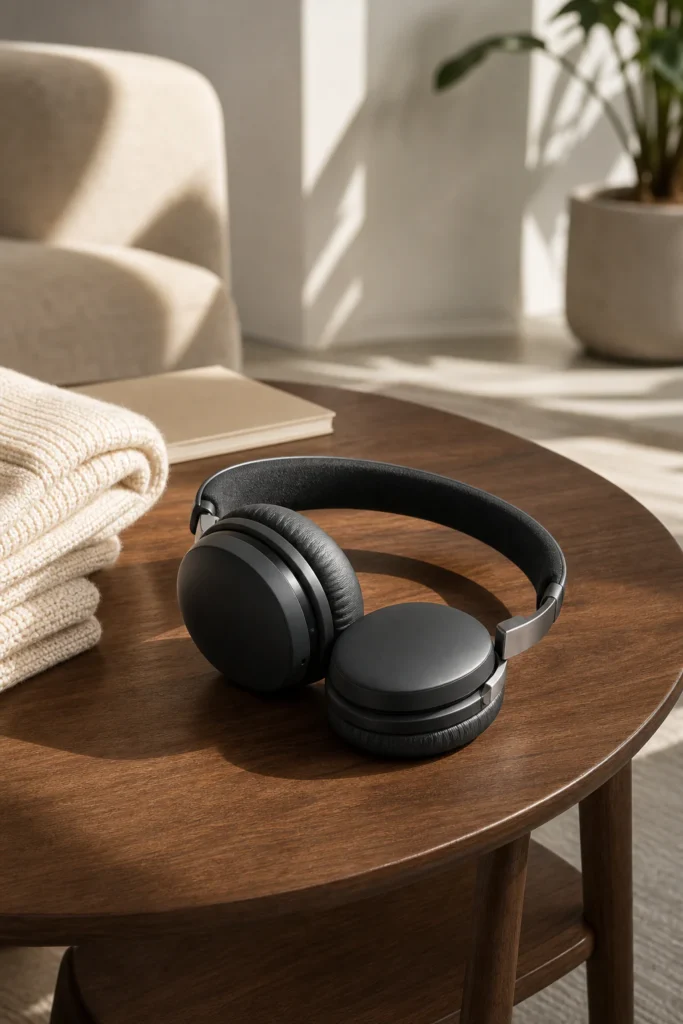
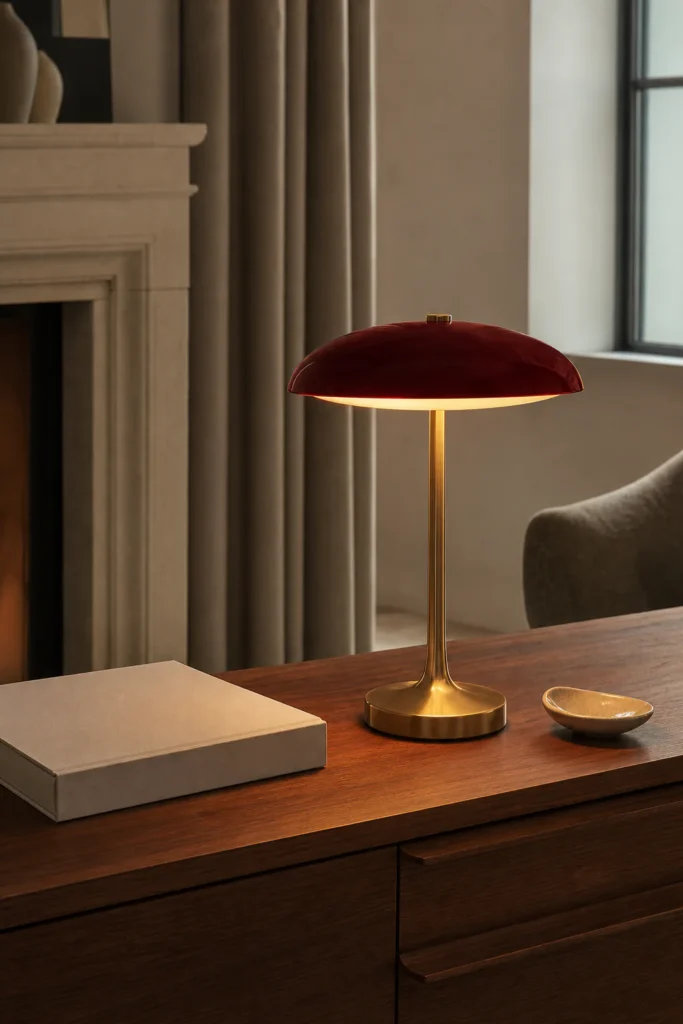
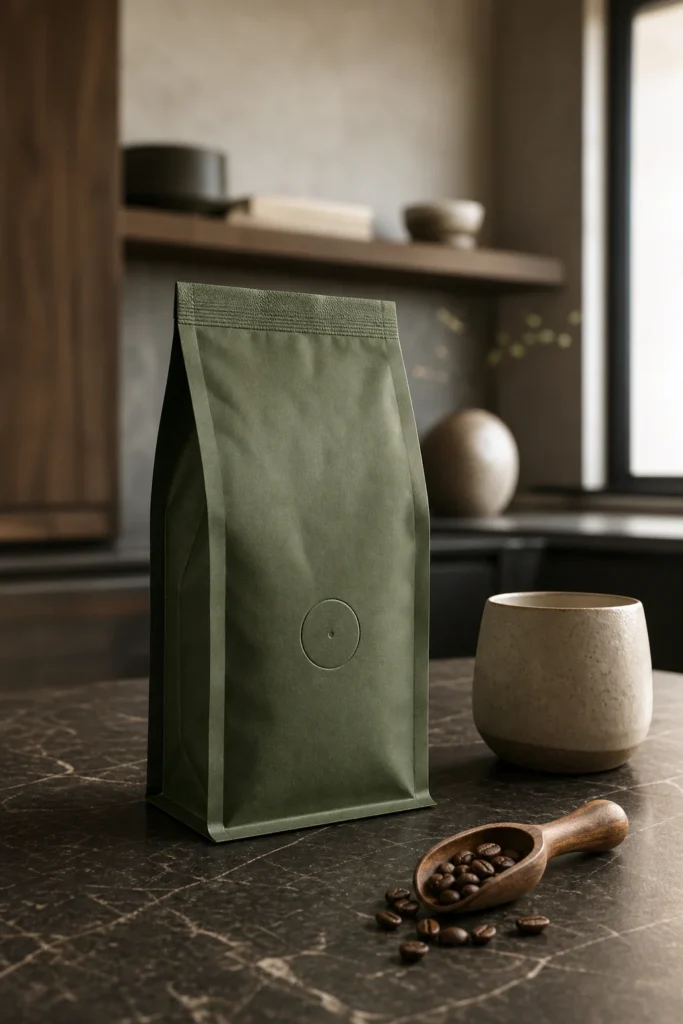
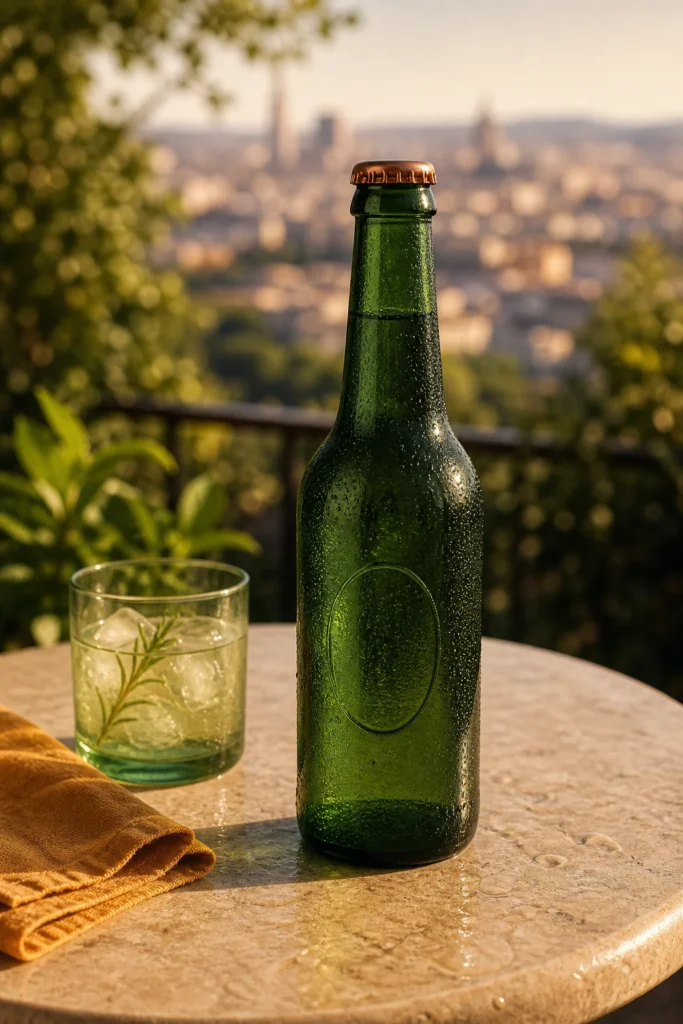
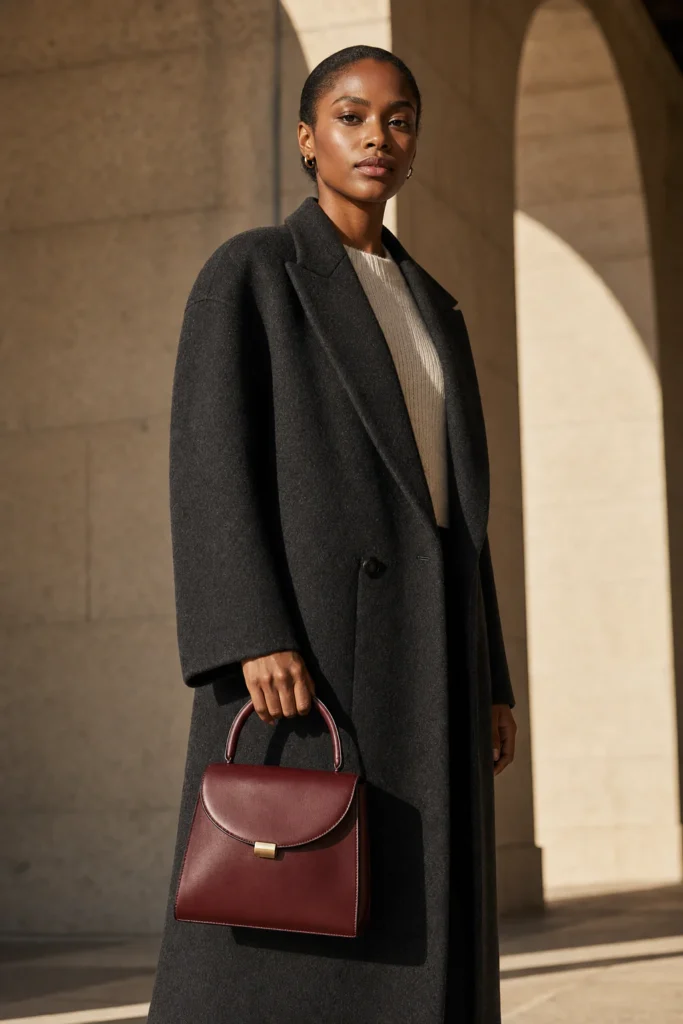
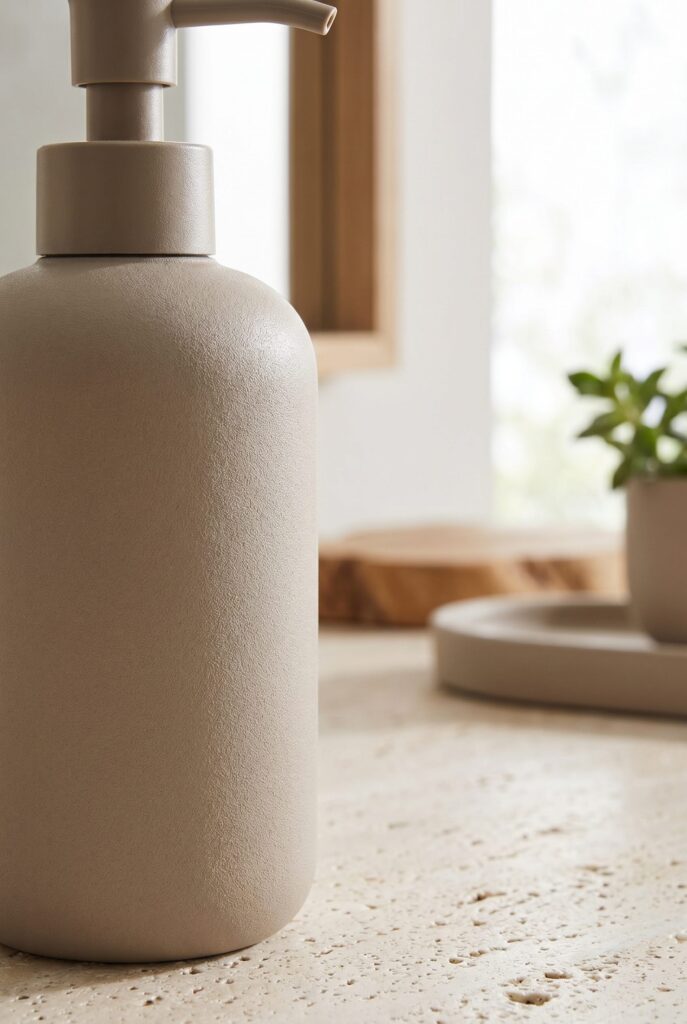
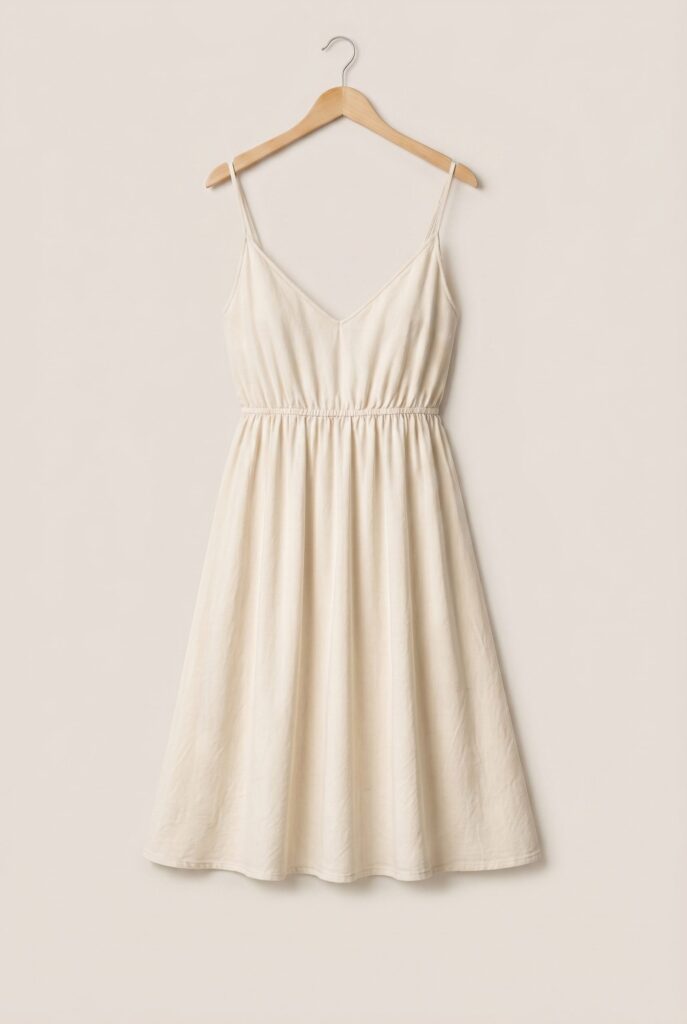
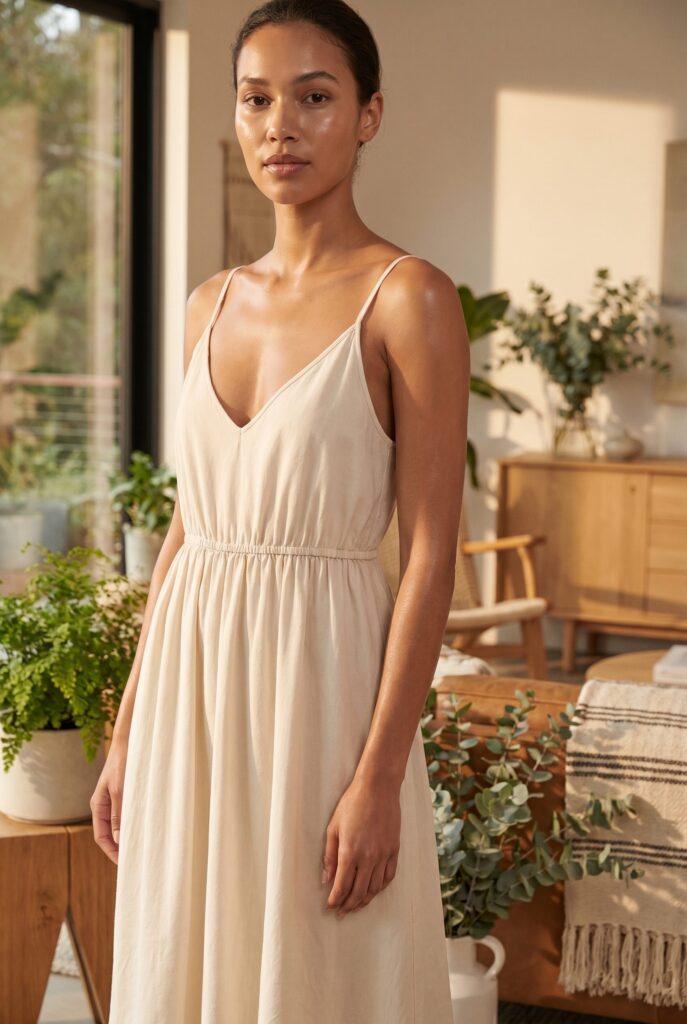
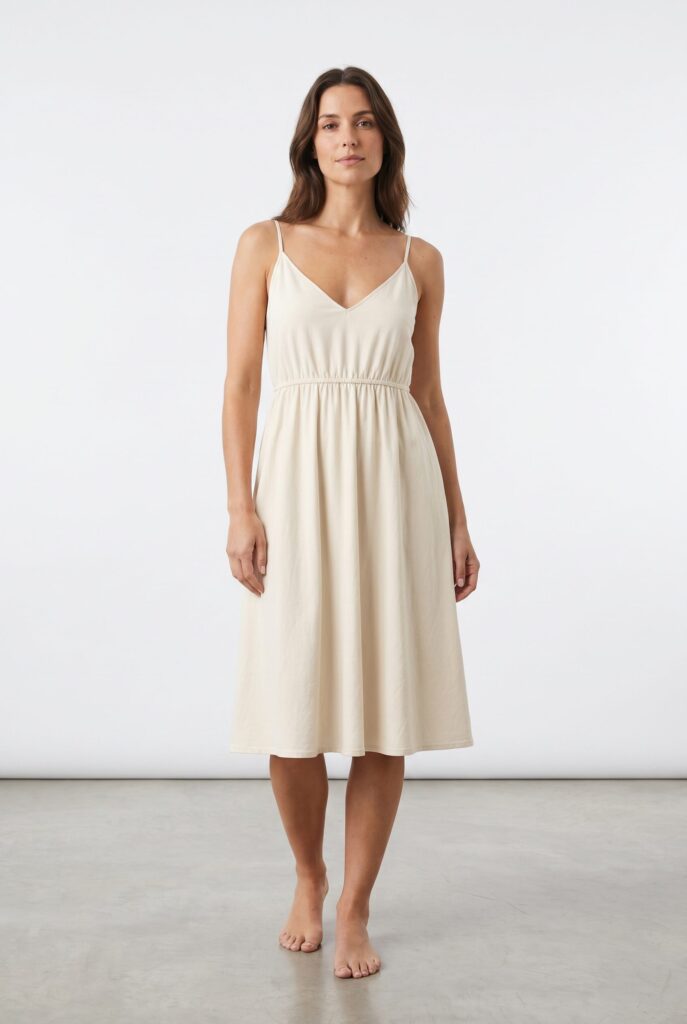
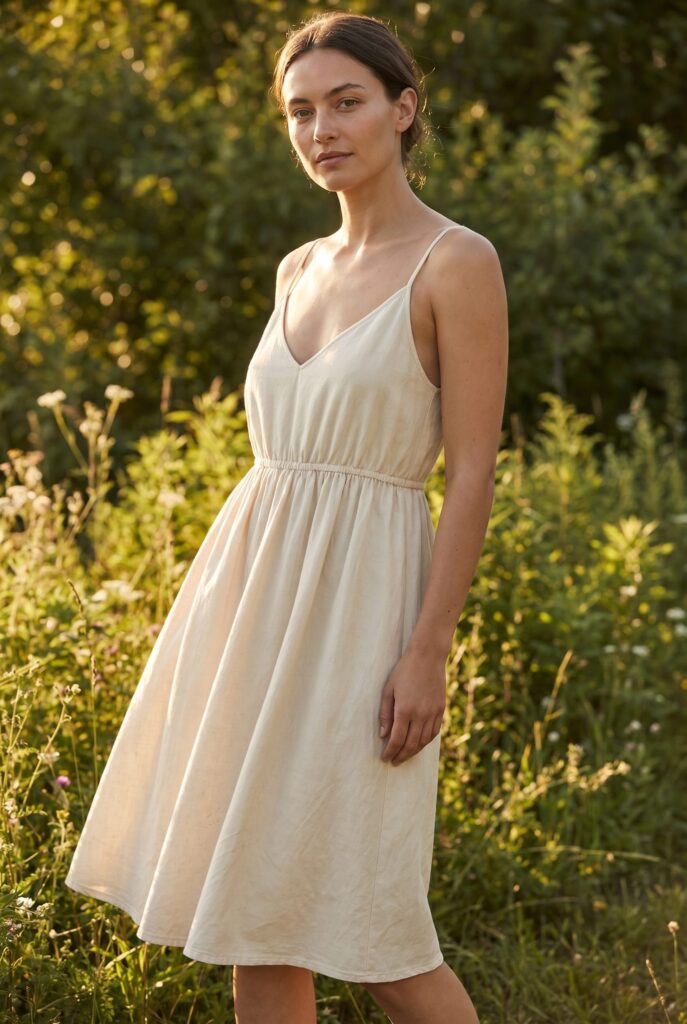
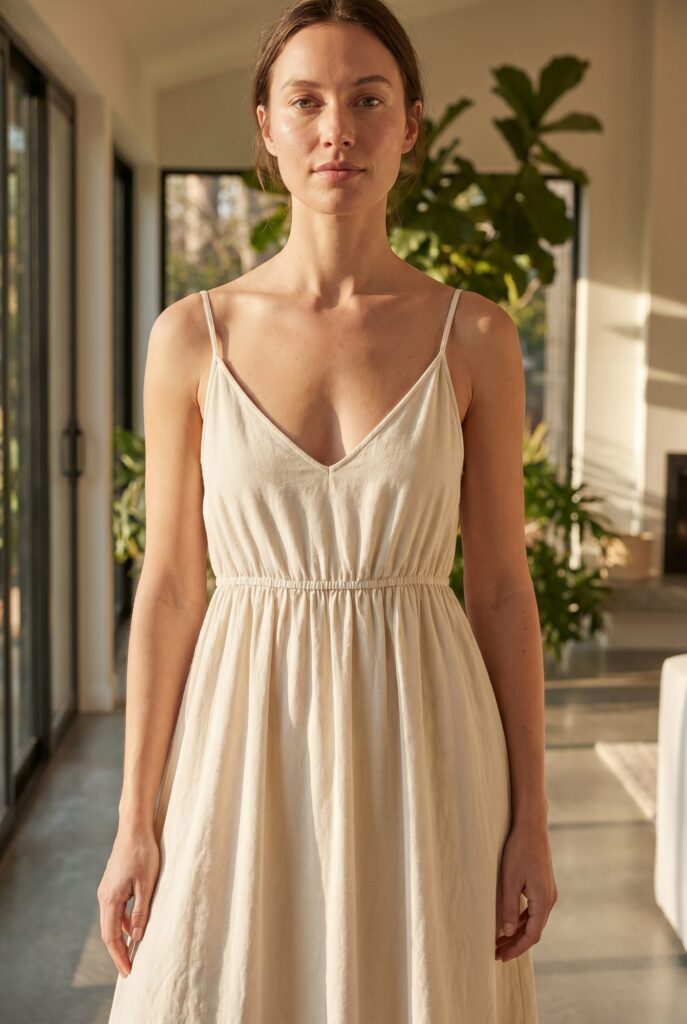
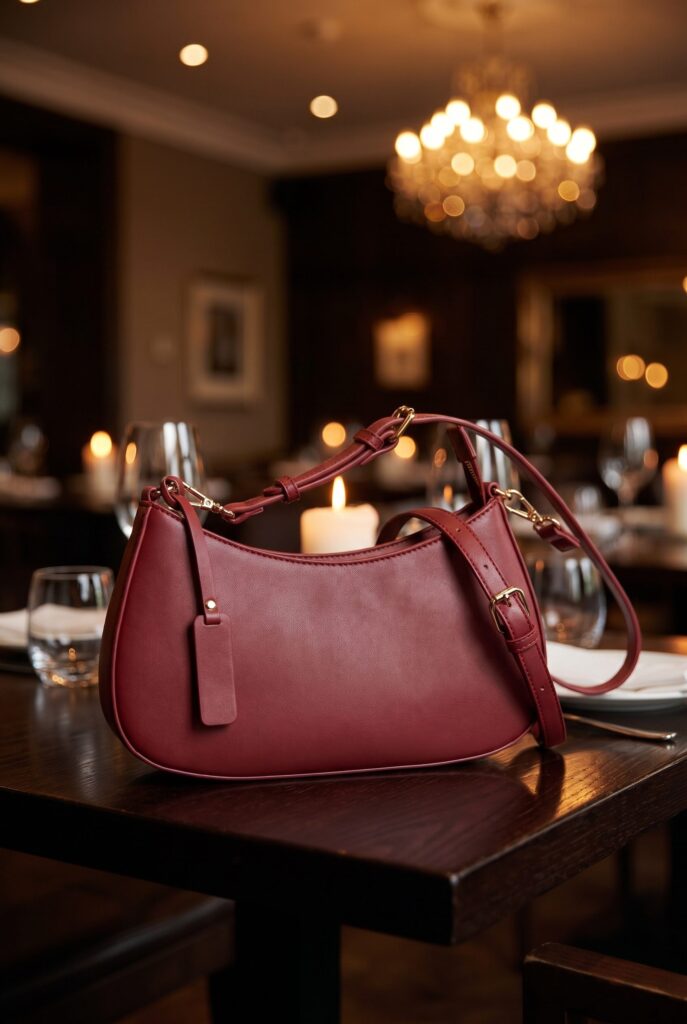
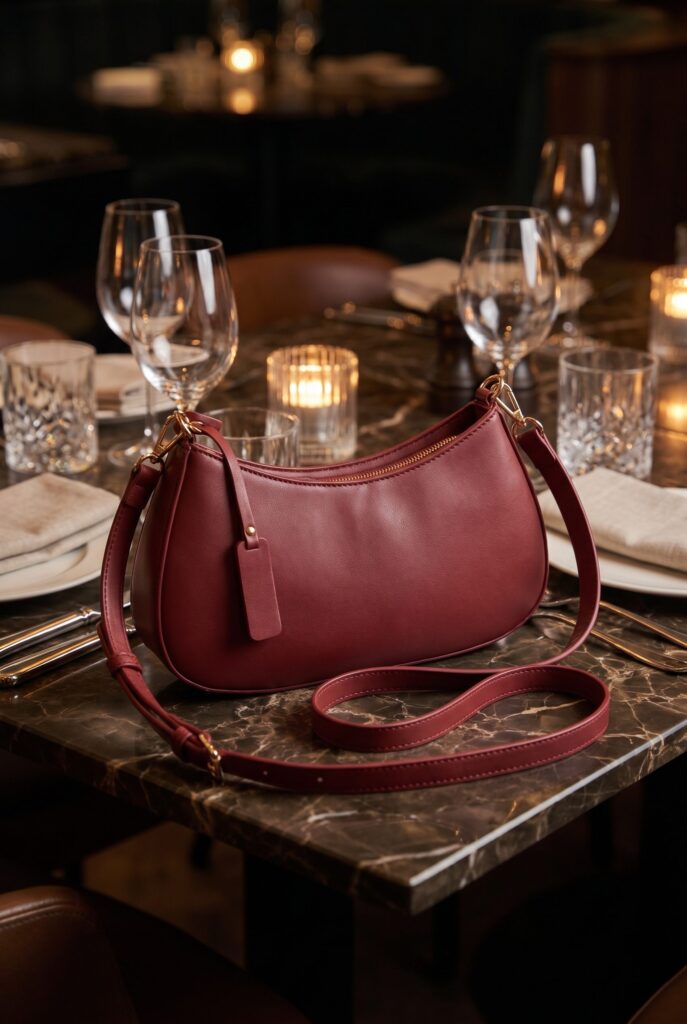
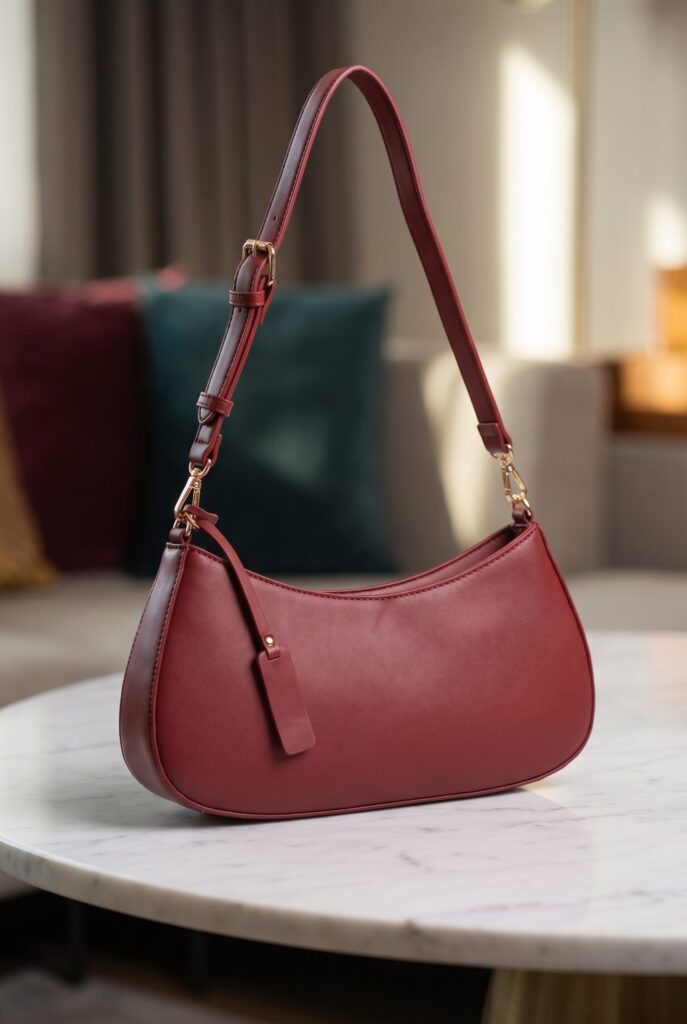
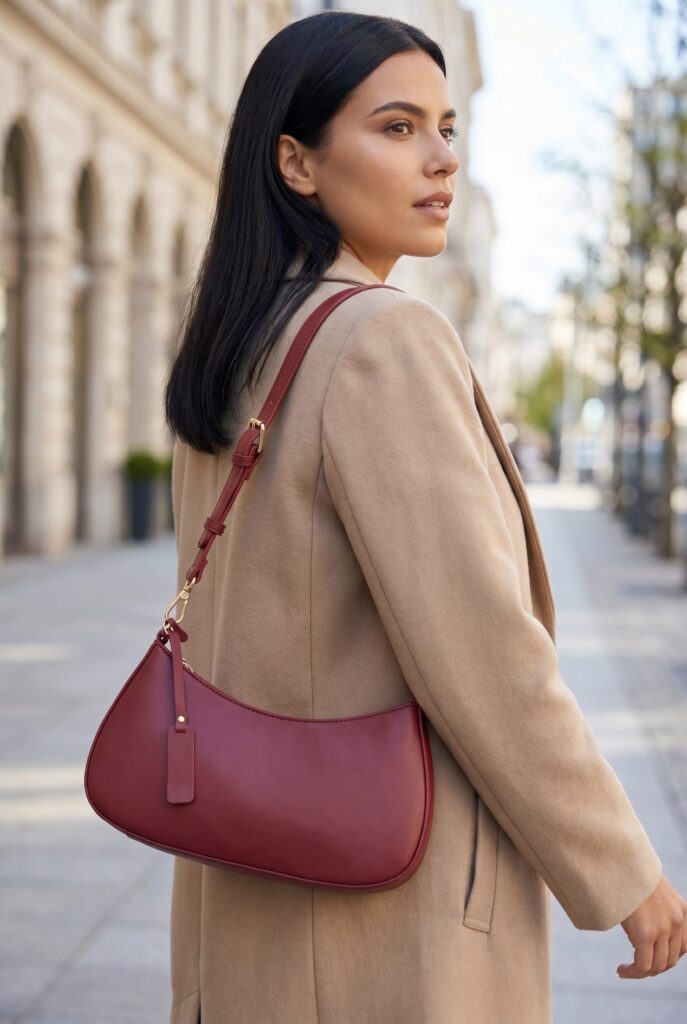
Start with product photos, choose the direction and create ecommerce visuals, short videos, ads and campaign assets. Review every result before you use it.
One product photo becomes a complete visual story.
Start with one clear product image, then create the views needed for a product page, marketplace listing, social post or campaign.
Keep the product recognizable across every image.Create clean product views, lifestyle scenes and detail crops.Review the set and keep only the results that fit.
Keep the work organized from the first result to the final file.
Keep selected images, video previews and campaign files together by product and campaign. Download the approved files or continue through the WordPress and WooCommerce plugin workflow.
01
Organize
Keep each product set together
Group selected images, video previews and campaign files by the product and campaign they belong to.
02
Review
Compare before you approve
Check the generated options and keep only the files that fit the product and creative direction.
03
Export
Download the approved files
Download final assets or continue through the WordPress and WooCommerce plugin workflow.
FAQ
Frequently asked questions.
You can create product images, short product videos, ad visuals, social assets and coordinated campaign sets from product source images.
A clear product photo with the full product visible is the best starting point. Clean product-only images make it easier to preserve shape, material and important details.
Yes. Generated results stay available for review so you can compare options, keep the useful files and leave out the rest.
BrandDNA stores visual direction such as palette, lighting, product treatment and model direction so you can reuse the same setup across related outputs.
Yes. The Web App supports short product video workflows based on a selected product, scene direction and output format.
Yes. You can create product visuals and campaign sets for ads, social posts and related launch formats while keeping the product story connected.
Yes. Batch workflows let you apply a repeatable direction to a selected group of products, then review the outputs before export.
Yes. The plugin lets you generate product visuals from WordPress and WooCommerce, then add approved images to Products, Posts, Pages and Media.
Commercial usage depends on your plan and the current terms. Review the applicable plan and terms before using outputs in storefronts, ads, catalogues or print.
Open the studio
Create your next product campaign from one photo.
Upload a product, choose the direction, generate the set and review every result before you use it.



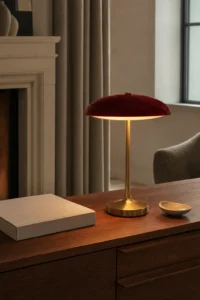

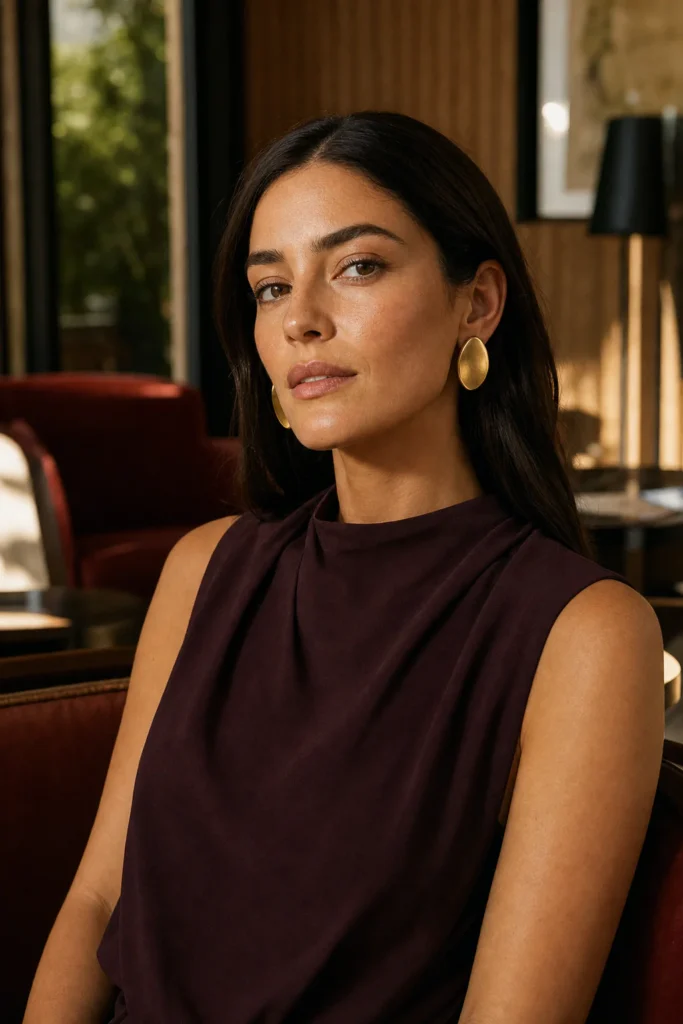 Jewelry editorial