White Background Product Photo Guide
Make your product easy to inspect on white: keep its edges, color and shadow clear, then check the final crop.
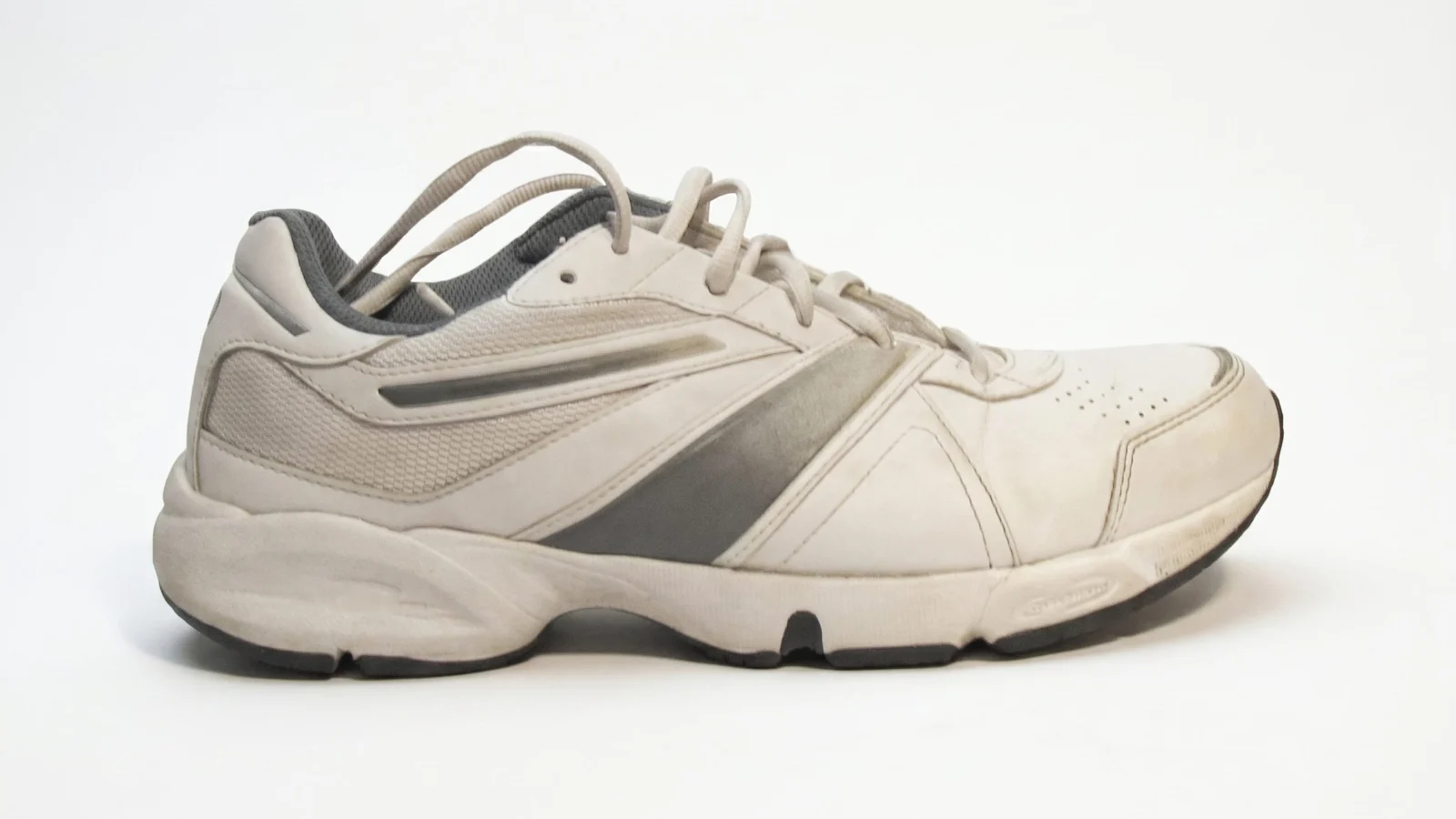
Three details a plain background reveals
A simple backdrop puts more attention on the product. Use these existing examples to identify what needs close inspection, not as proof of marketplace approval.
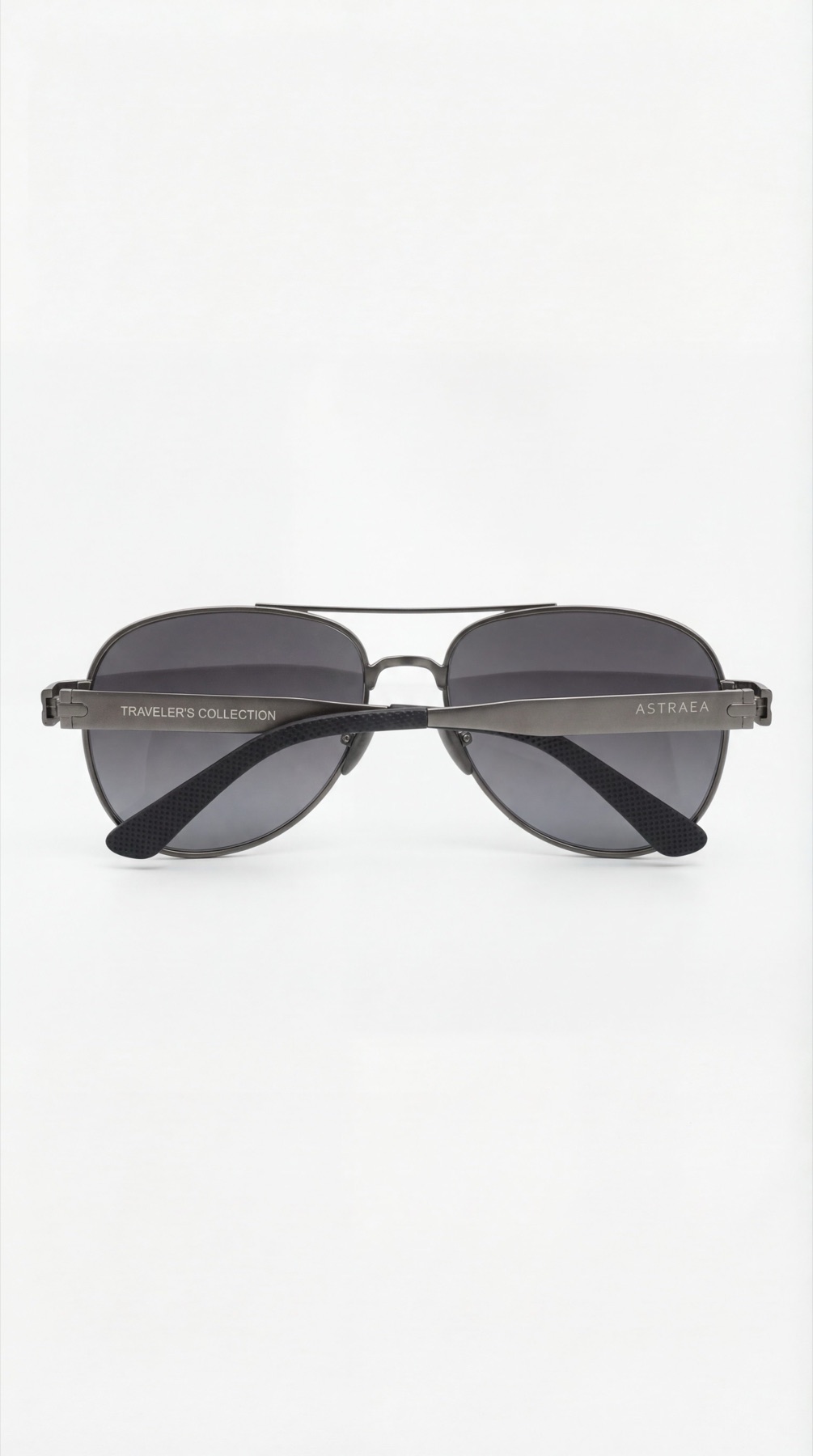
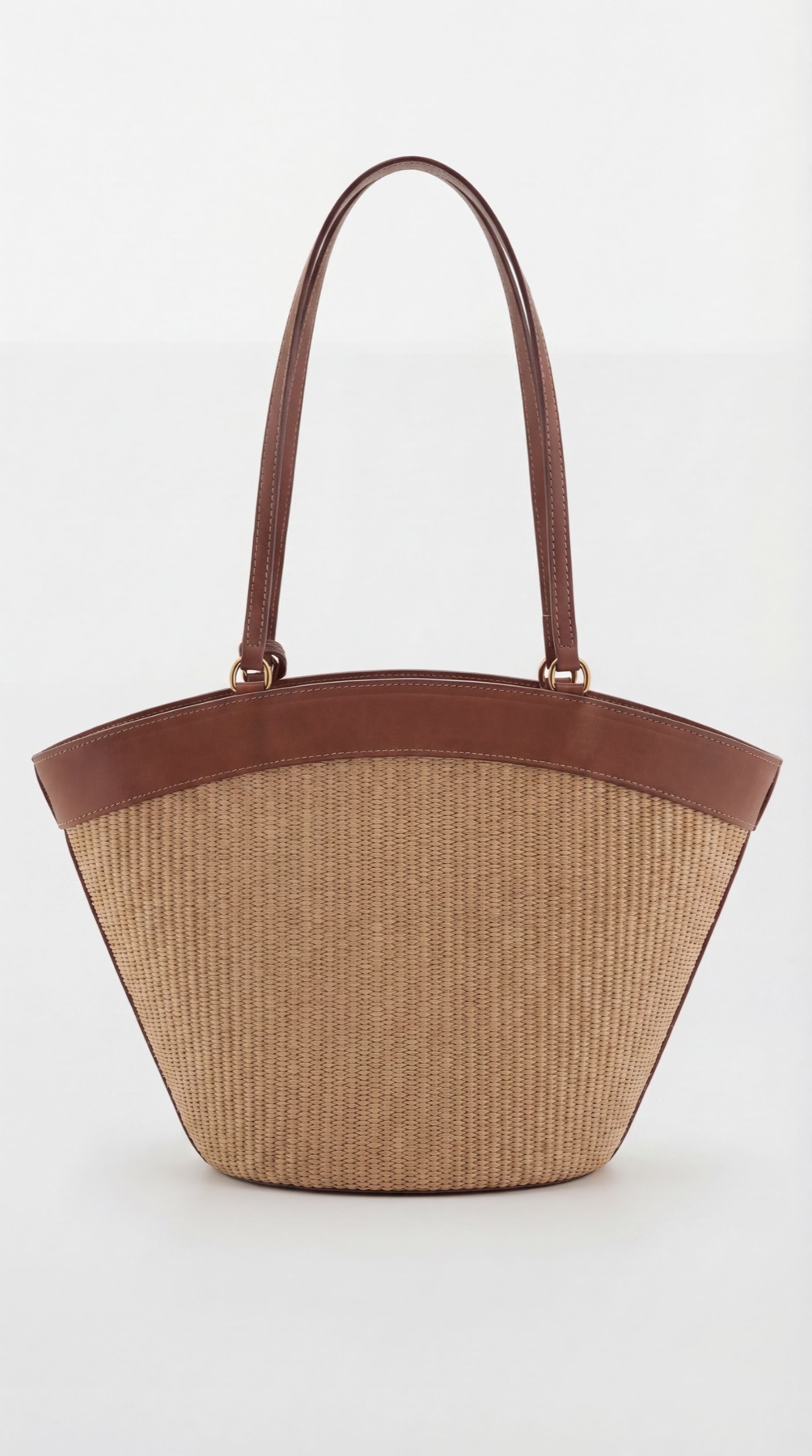
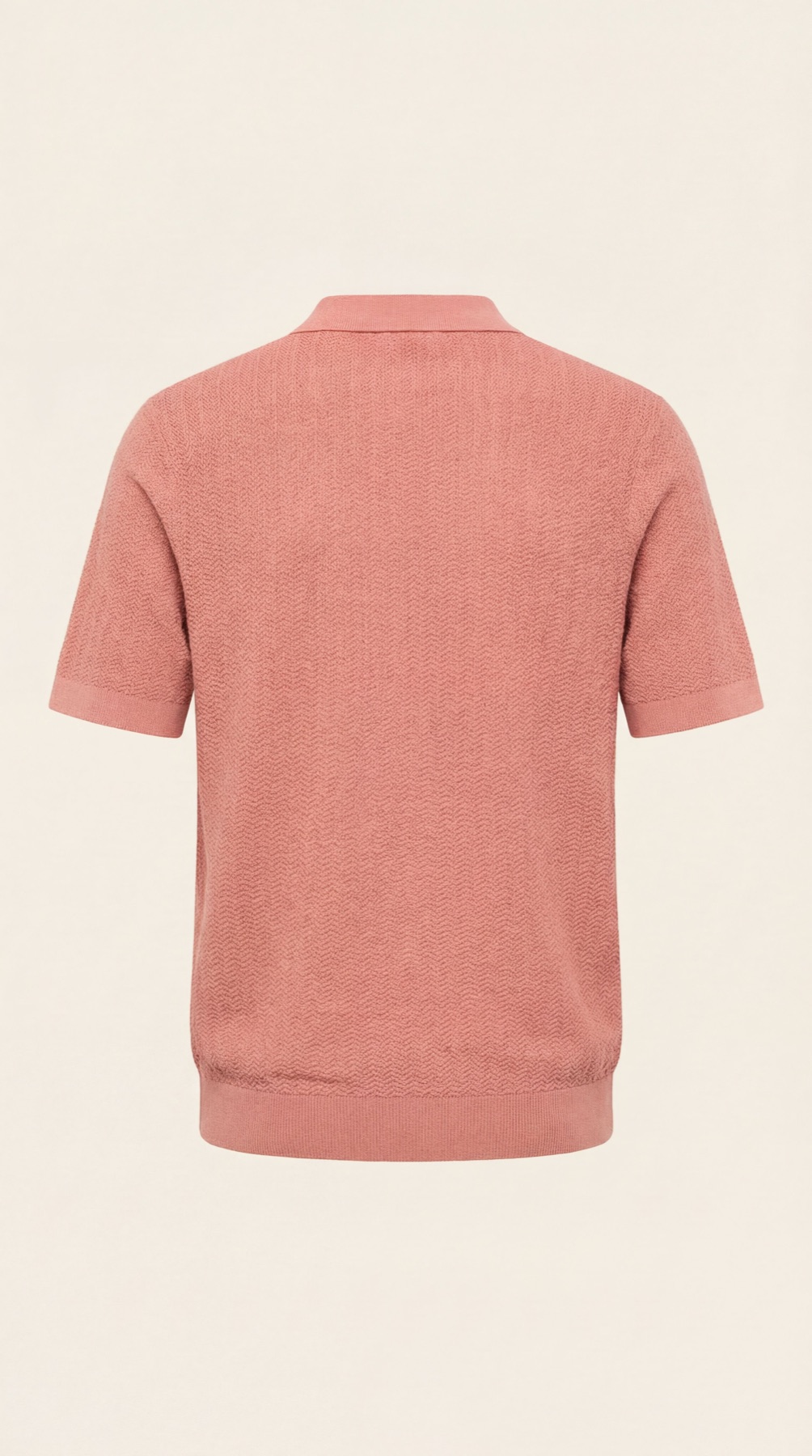
Choose a method that keeps the product accurate
If your existing photo shows the product well and only the backdrop is distracting, background removal or careful retouching may be enough. A new photograph is useful when the original is blurred, cropped or missing an important view.
To explore a new clean scene, try Fotogenic’s white-background workflow. Compare the result with the original: AI generation can change small details, even when the background looks simple.
For a photographed source, use a plain backdrop, steady framing and soft, even light. Keep the whole item in view. A readable source makes it easier to notice any differences later.
Separate the white background from the product
A light background is not necessarily pure white. A warm tint, grey gradient or heavy shadow can be useful in a store gallery but may not suit a channel’s main-image requirements. If an exact white is required, inspect the exported background with an image editor’s color sampler.
For a white product, keep enough edge contrast to see its shape. Do not brighten the entire image until seams, texture or pale packaging disappear. A subtle contact shadow can help it feel grounded where the destination permits it.
Glass and polished metal need extra attention. Check that removing the old background has not left colored edges, broken transparency or reflections that no longer make sense.
Try a simple scene brief
For a product that stands upright, adapt this starting point:
Plain white background, front three-quarter view and soft even light. The entire product is visible, with space around the edges and a light contact shadow beneath the base.
Match the angle to your reference and remove the shadow instruction if your destination requires a different treatment. This is a suggested starting brief; it does not guarantee exact background values or preservation of every product detail.
Check the file you will actually upload
- Product: compare color, quantity, labels and construction with the source.
- Edges: look for halos, missing openings, clipped handles or jagged transparent areas.
- Framing: keep the complete item visible and its apparent size consistent with neighboring catalog images.
- File: check sharpness after compression and confirm the destination’s format and size requirements.
- Store preview: inspect the grid, product gallery and mobile crop after upload.
Keep the original and the approved export together, named for the right product and variant. A good desktop preview does not guarantee that a store theme will use the same crop on mobile.
Check the destination before publishing
Your own product gallery and a marketplace’s main image can have different rules. Read the Amazon image guide or Google Shopping image guide for the relevant destination.
Google’s official image-link guidance requires accurate product imagery and preservation of AI-source metadata. Check the final served file rather than assuming a white background makes it eligible.
For a supporting lifestyle scene after the clean product view, explore background examples and scene briefs. Give each image a distinct purpose.
Test the workflow
Try a clean background for your product.
Use your own product photo, explore a plain scene and check the details before adding it to your store.