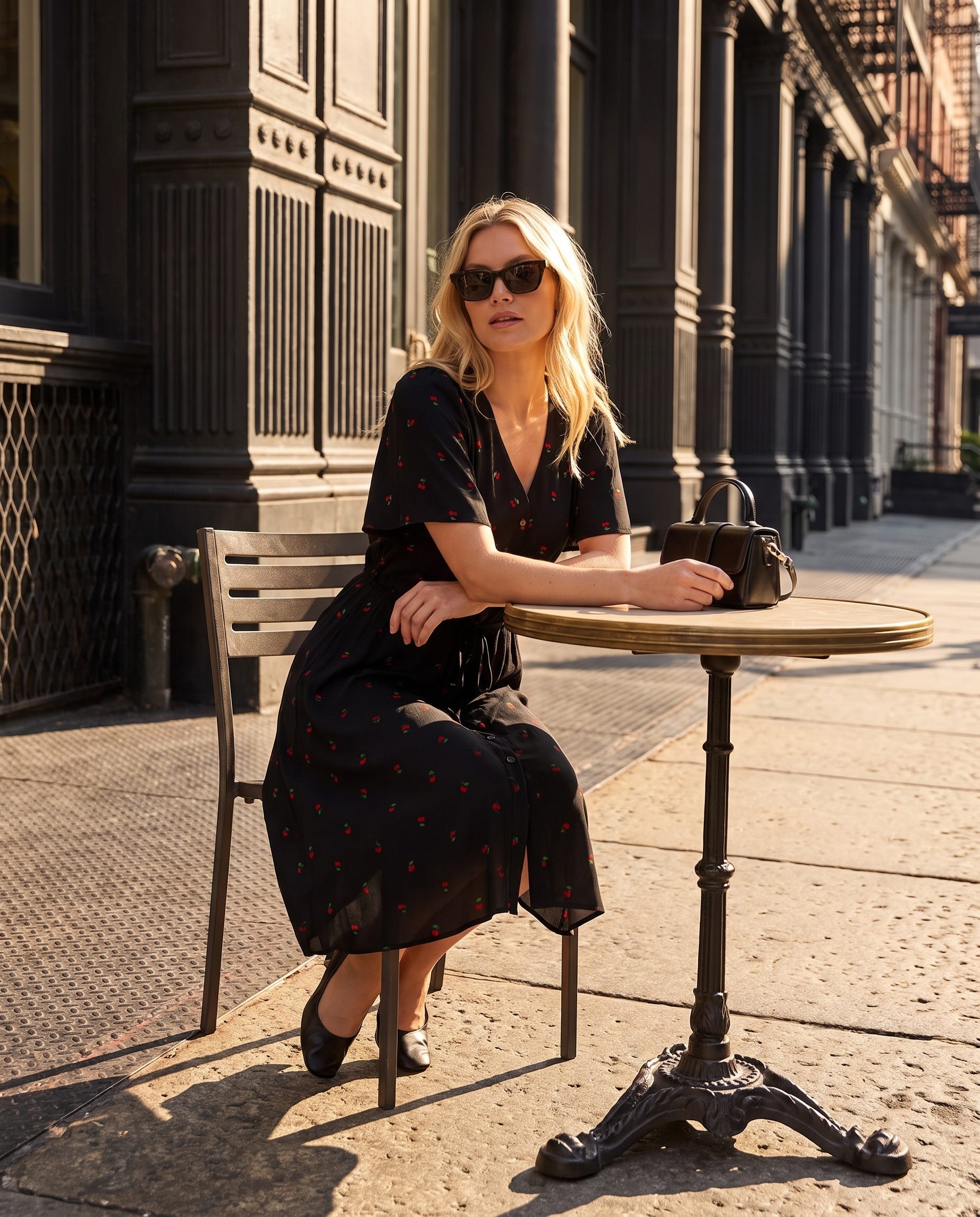
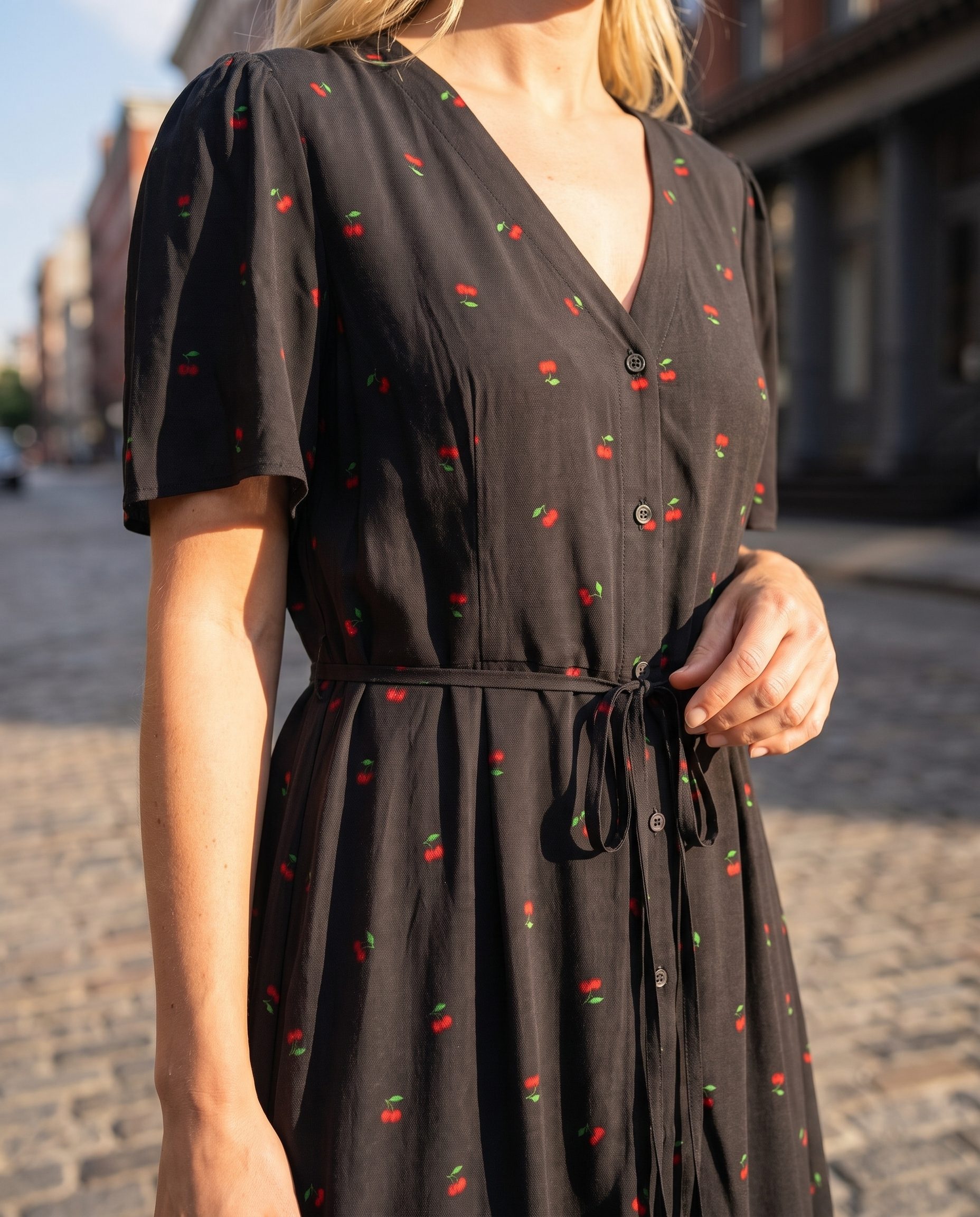
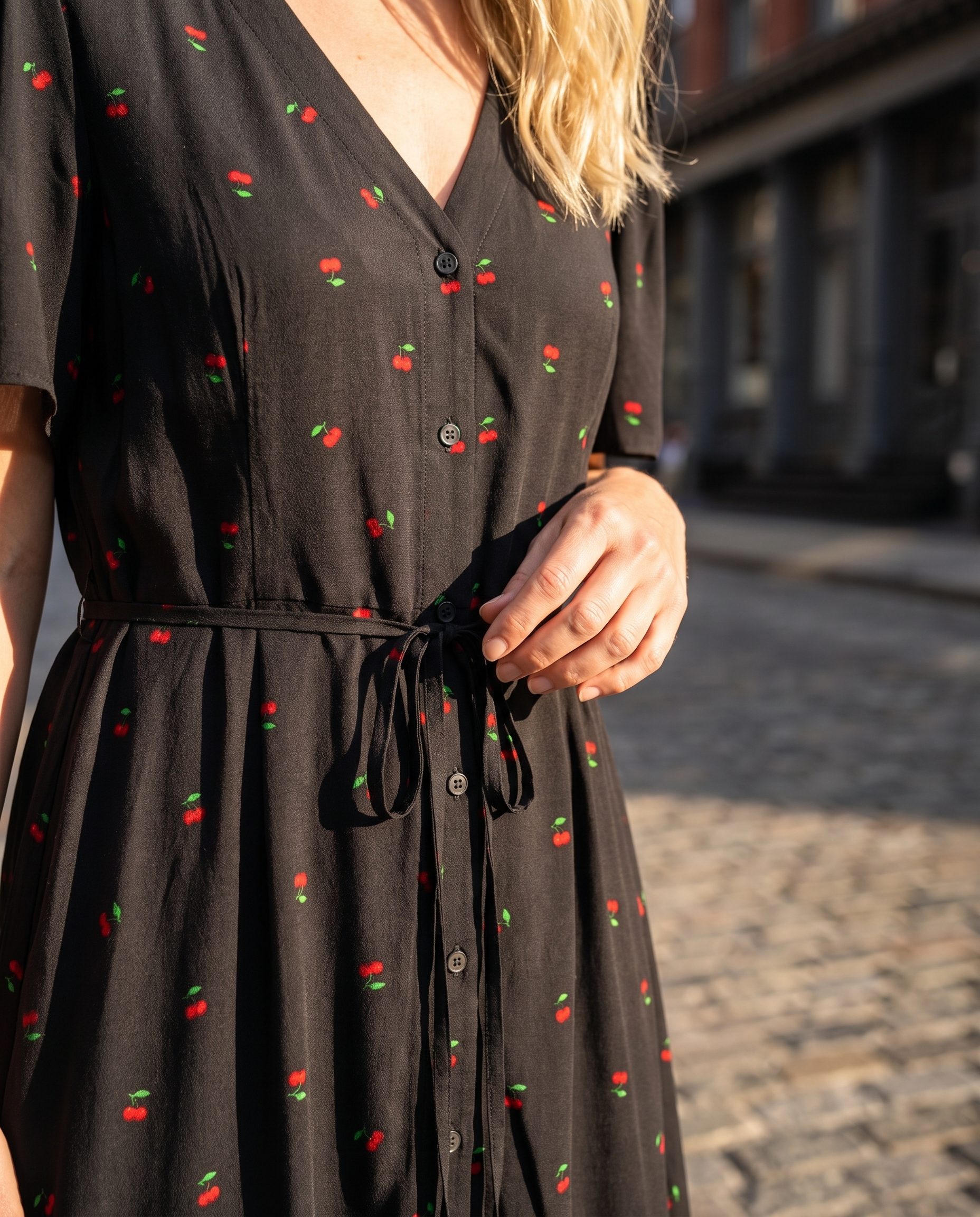
AI Ad Creative Generator
Create clean product scenes prepared for ad layouts, creative testing, retargeting, and promo pages while keeping text editable outside the image.
- Ad scenes
- Creative testing
- No text in images
What it creates
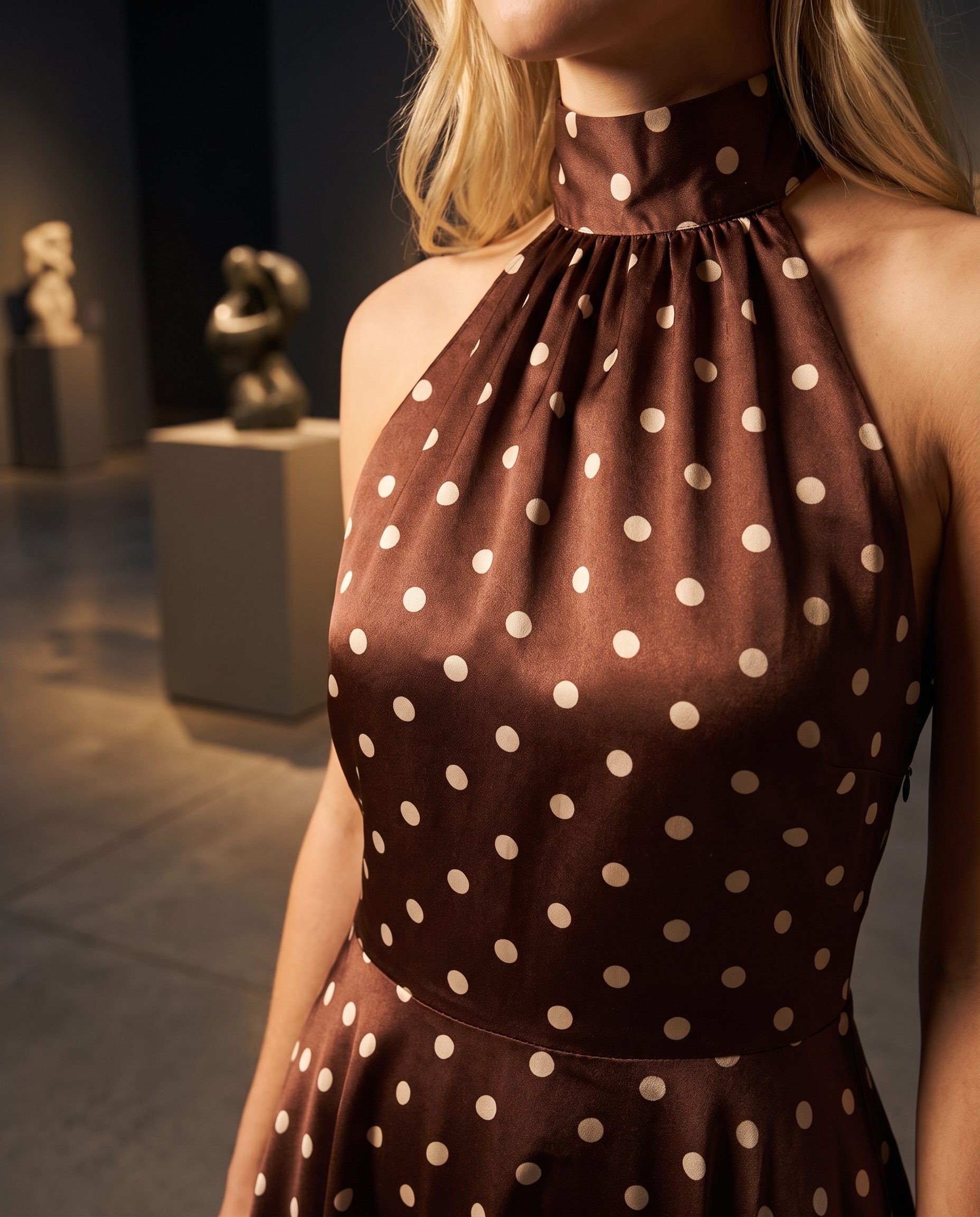
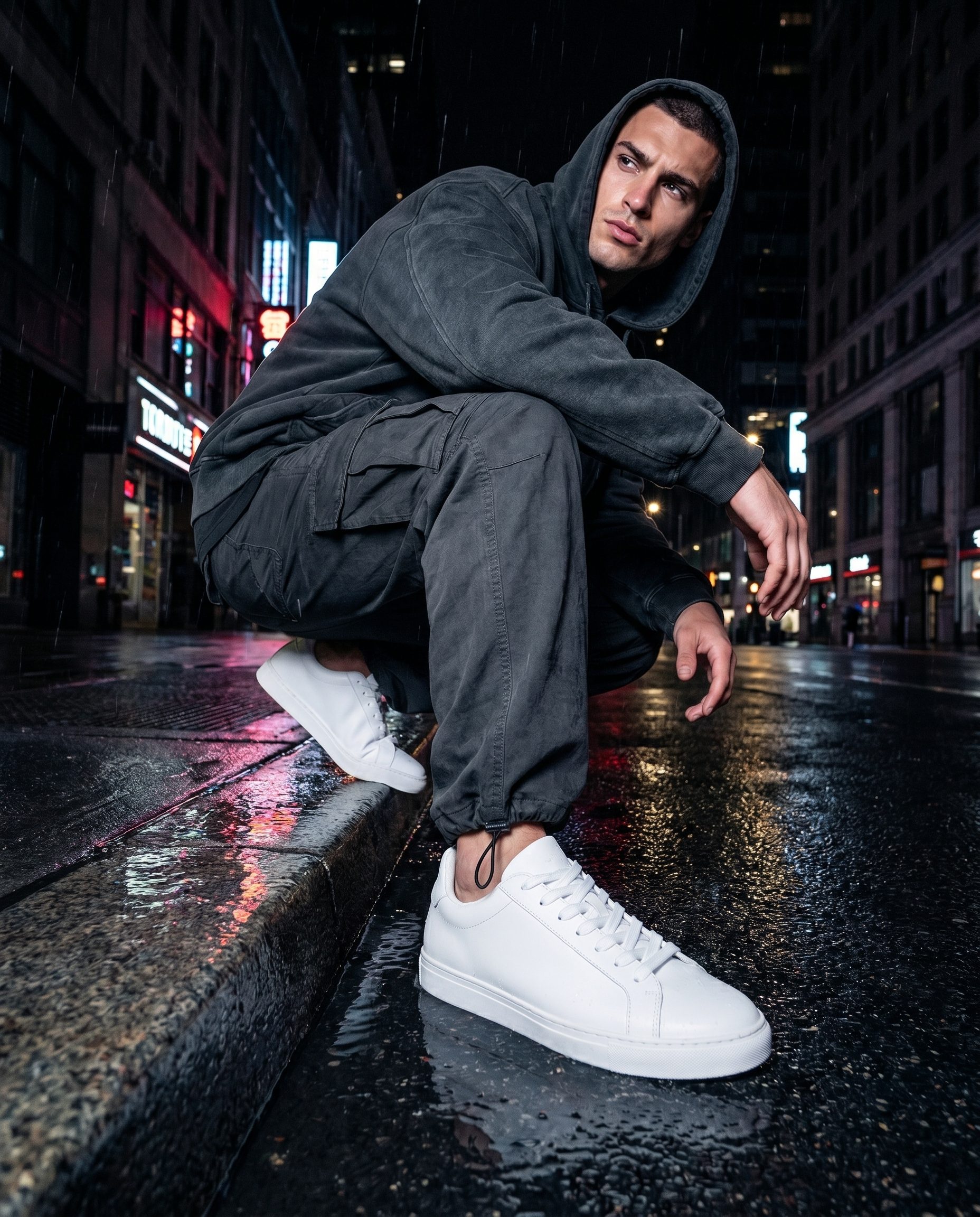
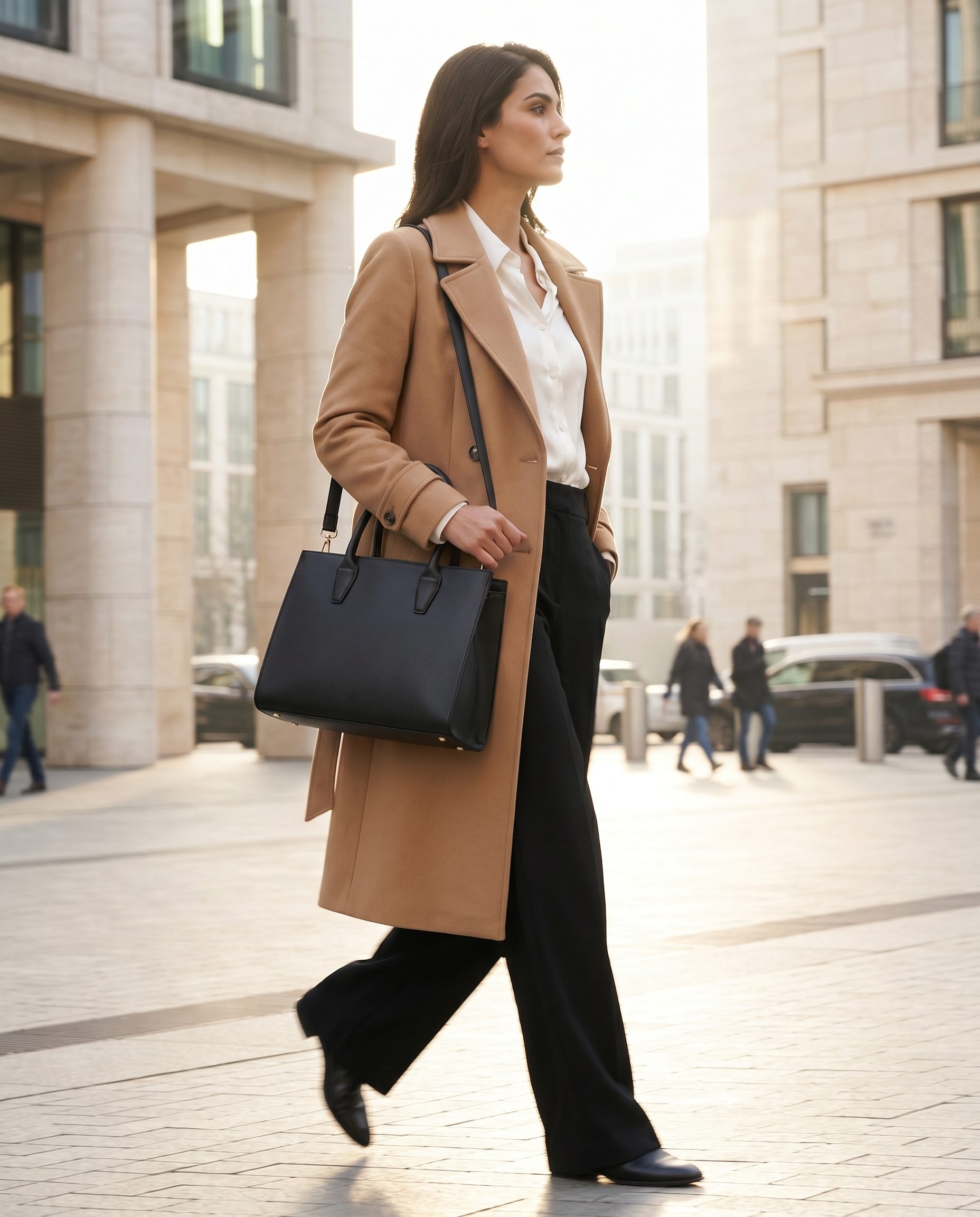
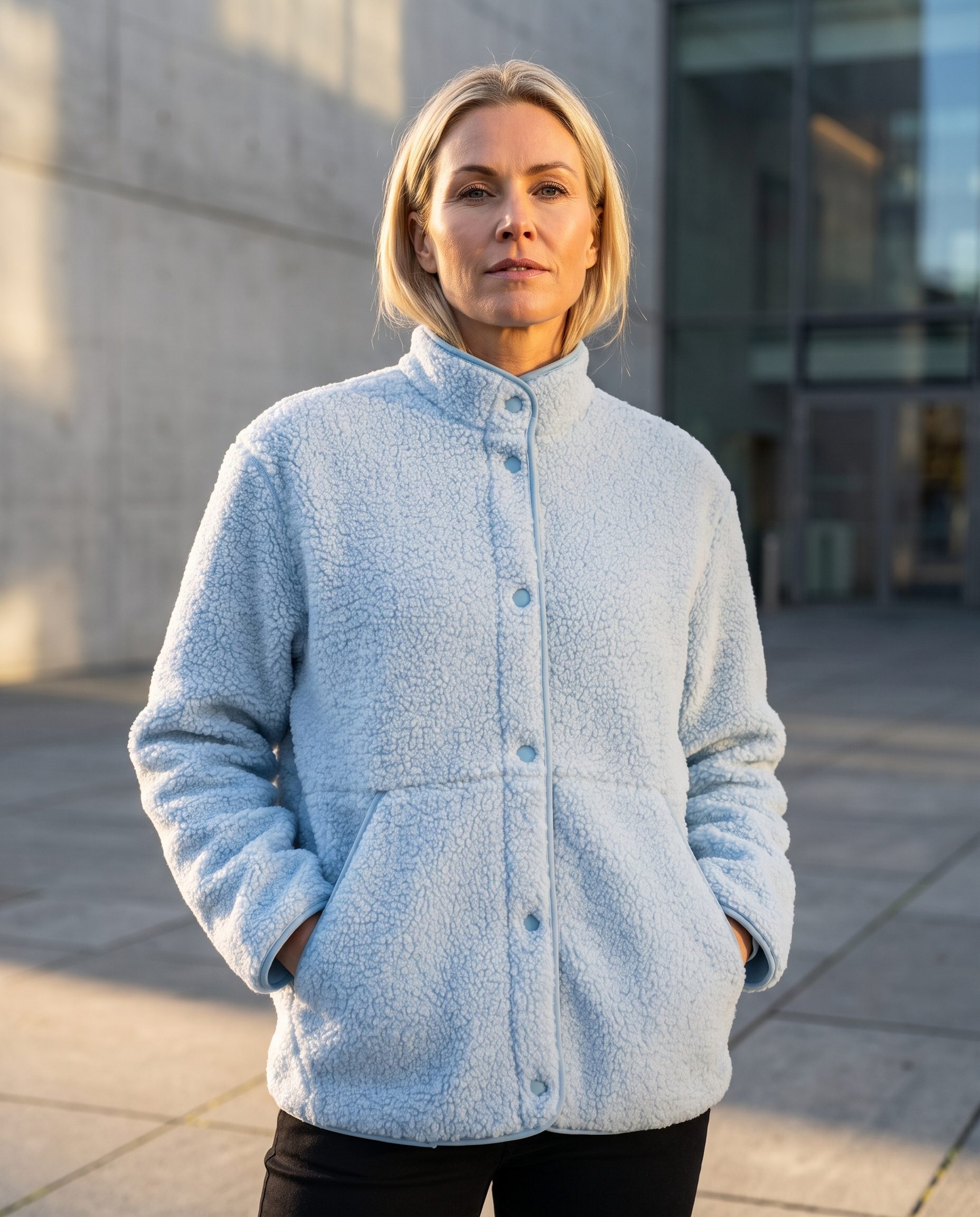
Create product scenes that a marketer can use in ad layouts.
The visual should give designers and media buyers a strong product scene without baking claims or slogans into the image.
Visual direction
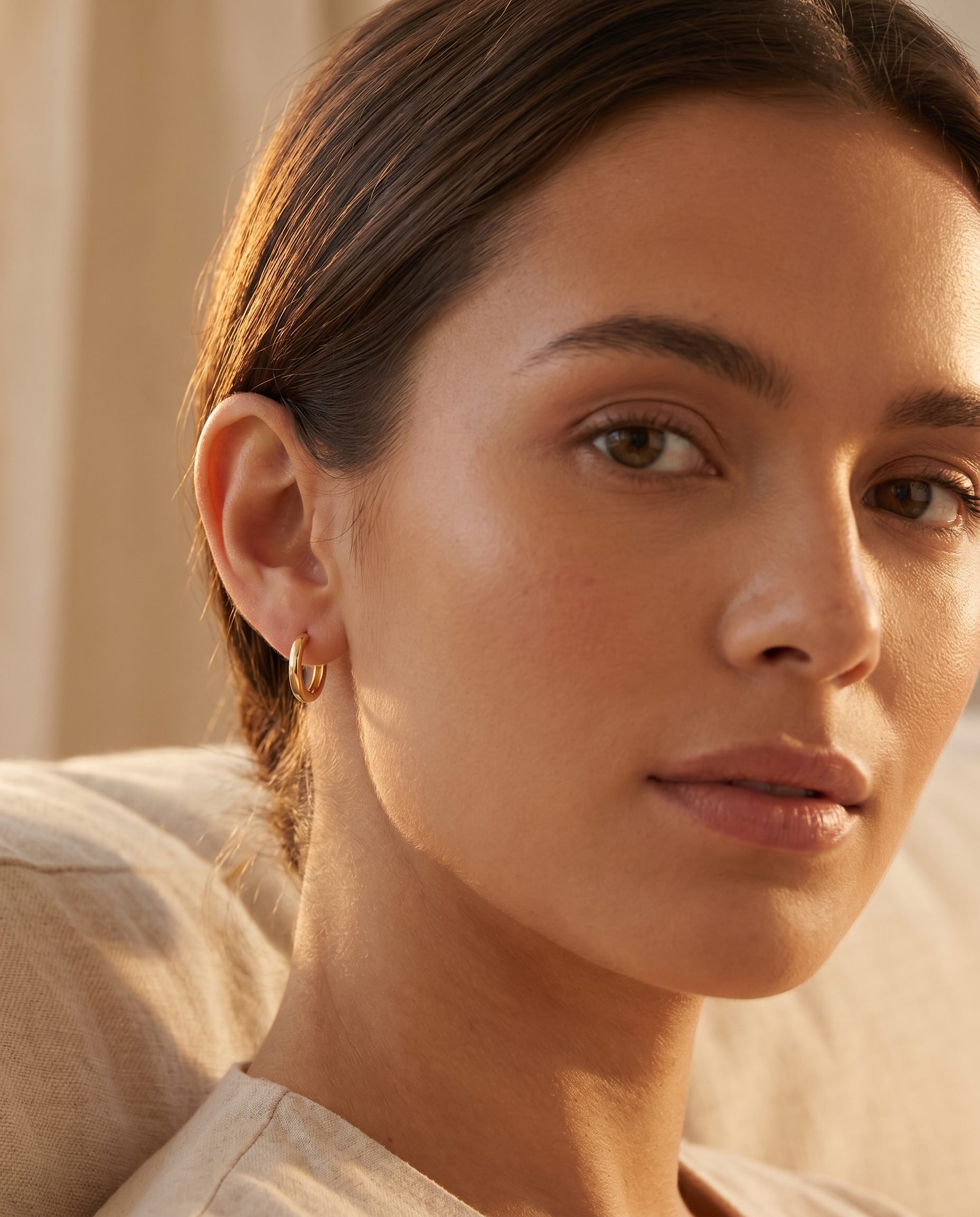
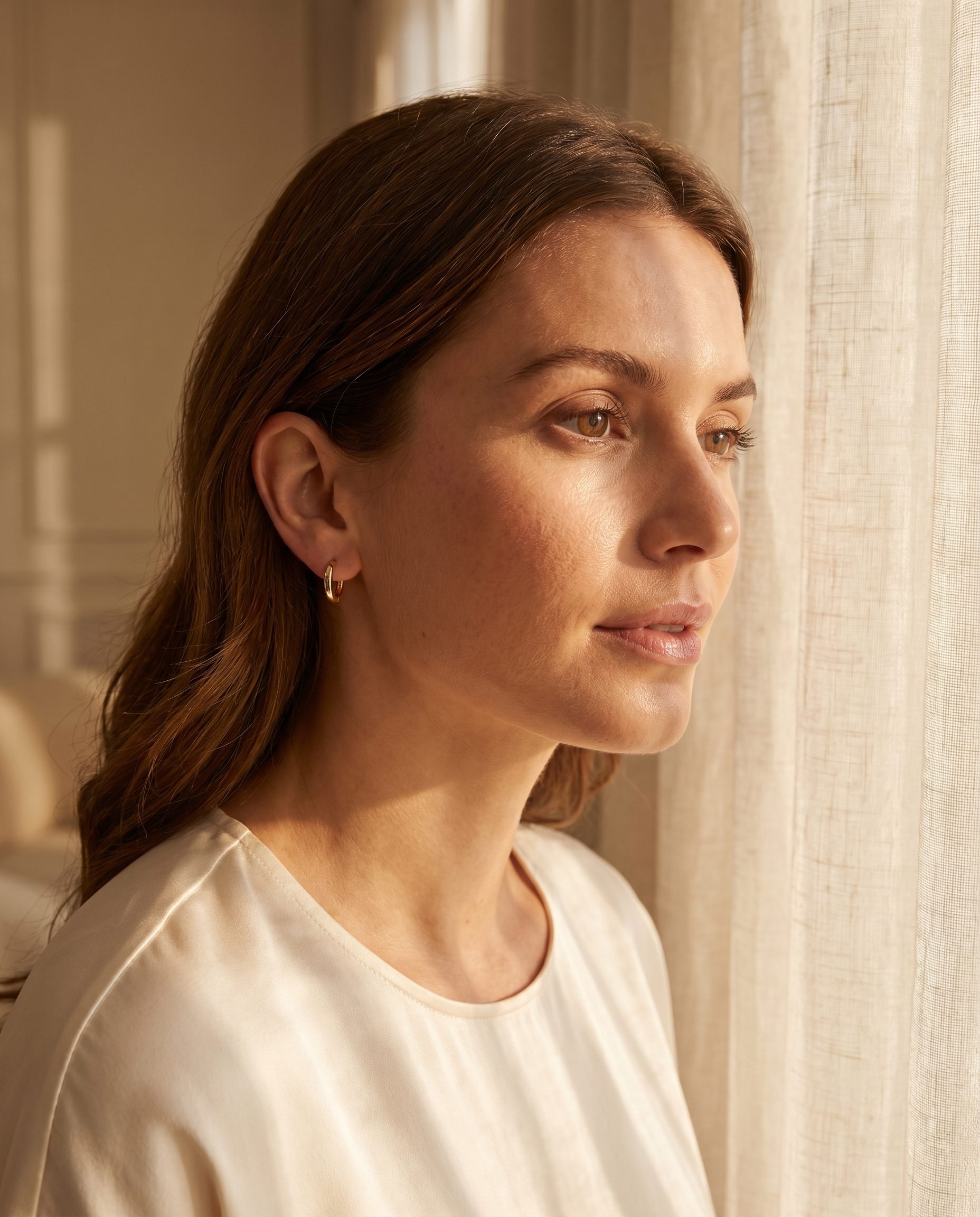
AI Ad Creative Generator output directions.
These slots are prepared for feature specific Fotogenic MCP images, so the final visuals can match this page instead of a generic gallery.
Inputs
Start with product truth and channel intent.
Ad visuals need accurate product context, intended placement, and enough space for editable design elements outside the generated image.
How it works
From product source to ad layout support.
The feature helps create visual material for ads, while copy, offers, and compliance stay editable in your design or ad tool.
-
Step 1
Add the product source
Start with the product image or URL so the result stays tied to the item.
-
Step 2
Choose the ad context
Pick feed, story, retargeting, promo, or landing page support.
-
Step 3
Leave text outside the image
Generate visual space for copy but keep claims and offers editable.
-
Step 4
Review before testing
Check product fit, brand fit, and ad policy concerns before using the visual.
Where it fits
Use ad visuals where flexible layout matters.
The strongest output is a clean product scene that your team can adapt in the final ad design.
Use case
Decision guide
Choose Ad Creative Generator when the goal is paid creative.
Use this feature when the product image needs to become a clean visual for testing, promotion, or campaign layouts.
Controls
Keep claims and copy outside the generated image.
Clean ad visuals are easier to edit, review, localize, and test.
Team workflow
Support creative testing without rebuilding every scene.
Once a visual direction works, create new options for different angles, audiences, and placements.
More examples
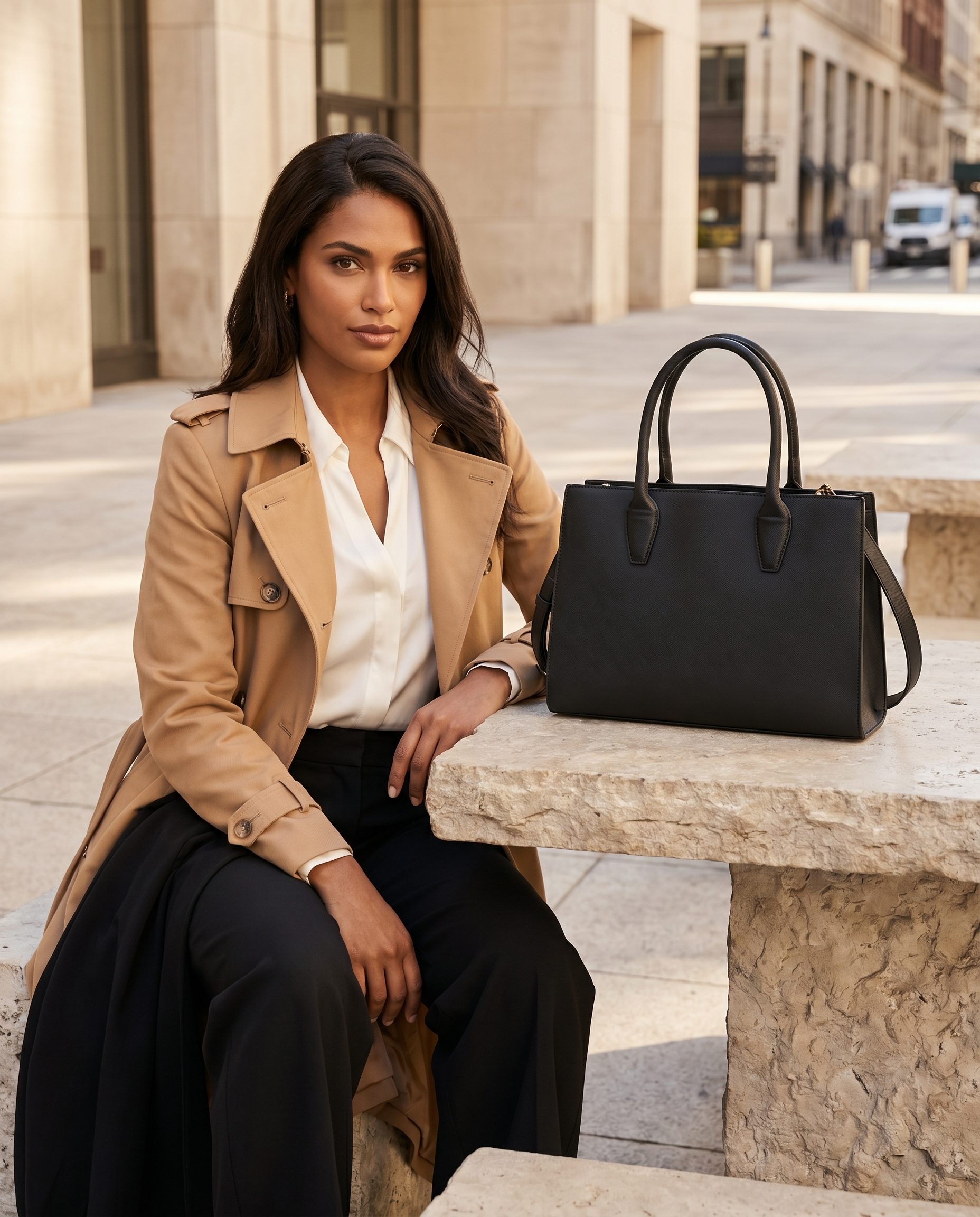
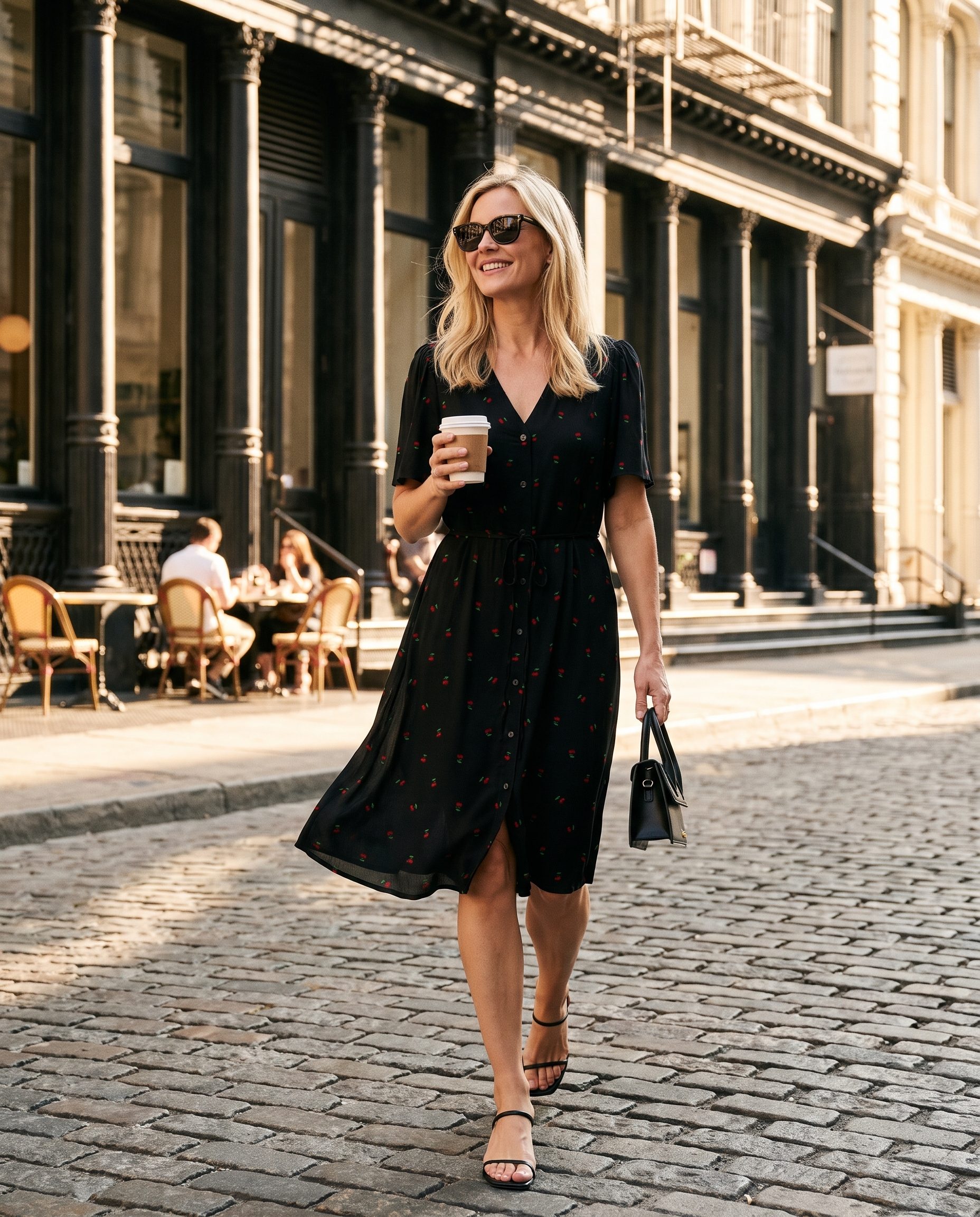
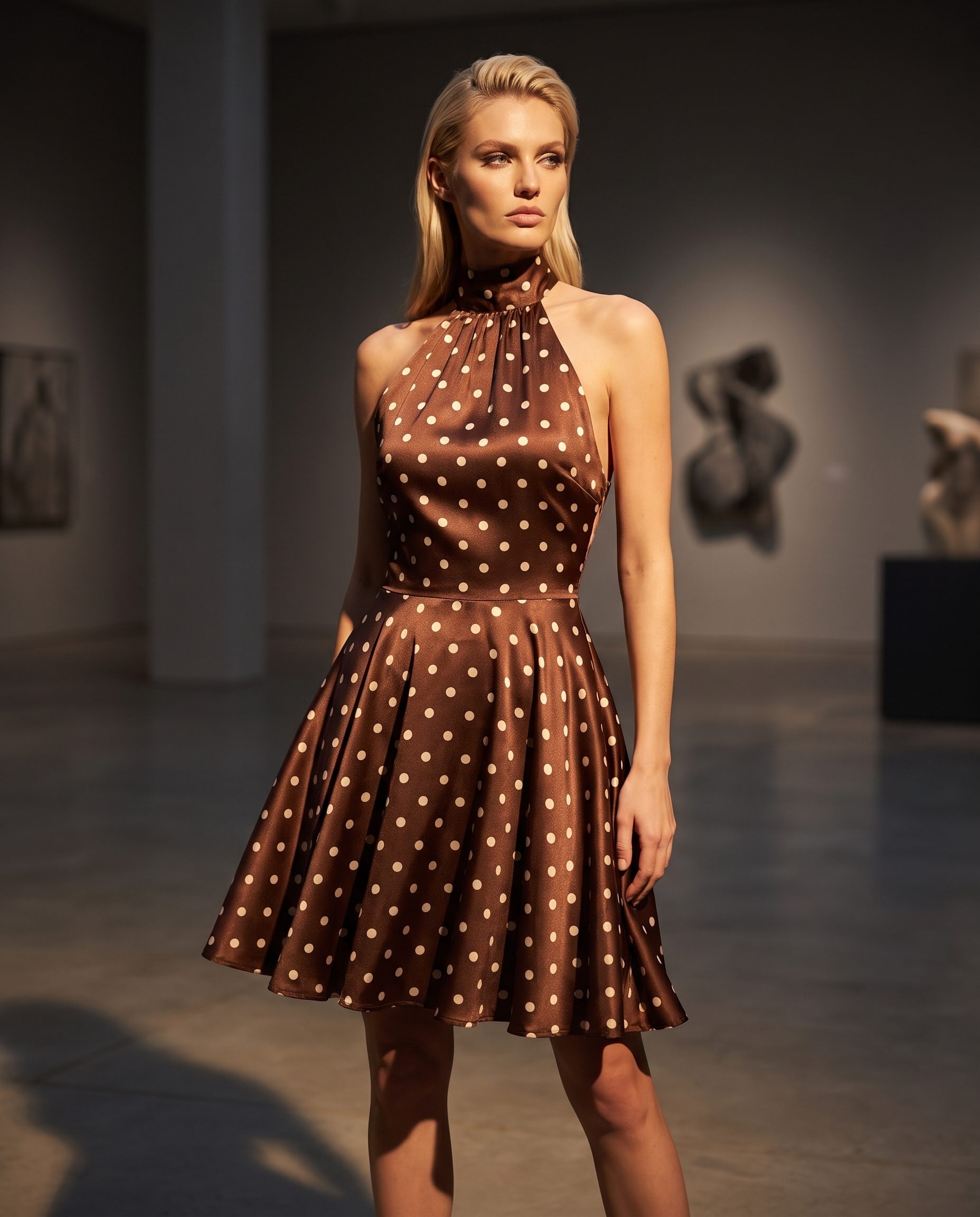
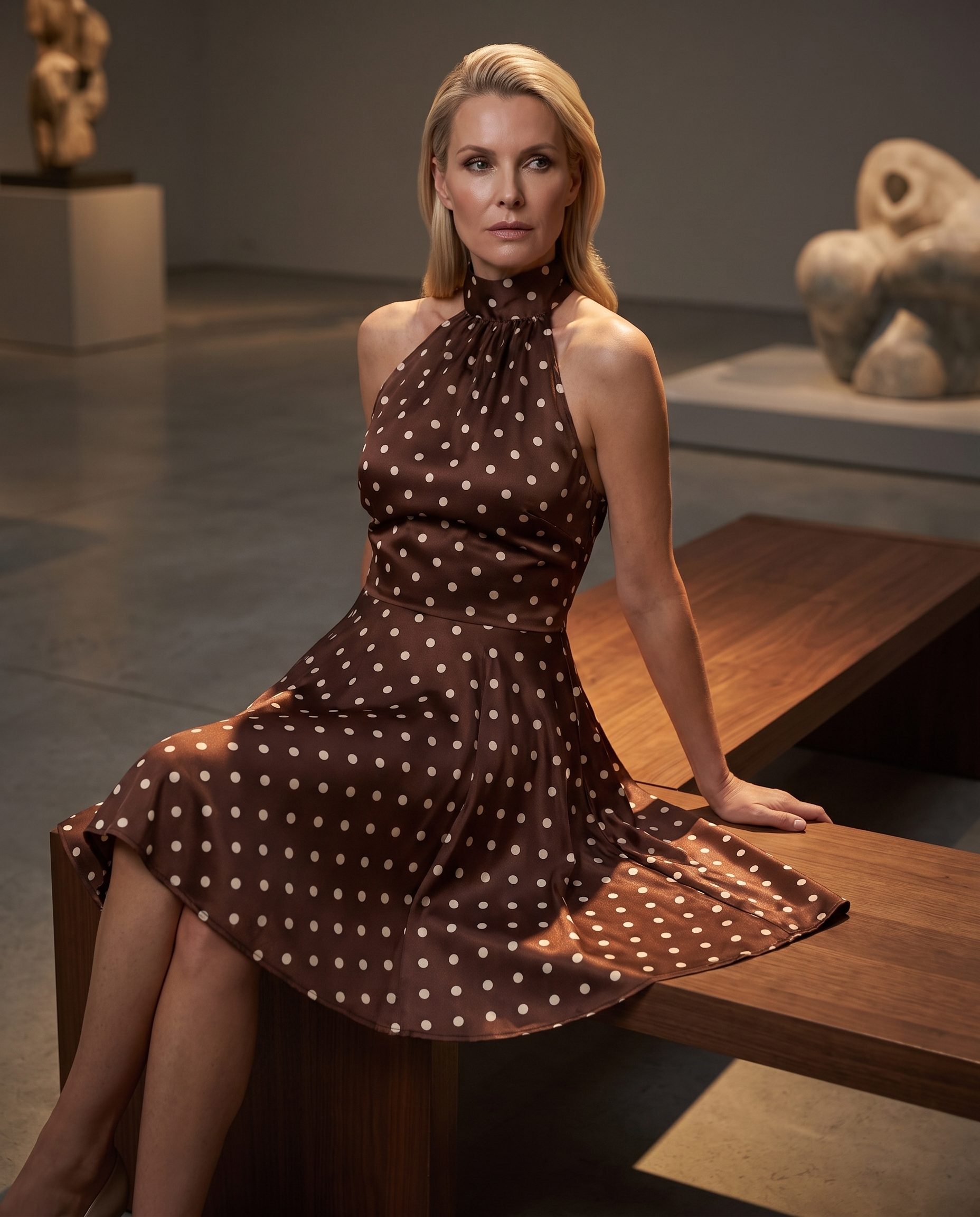
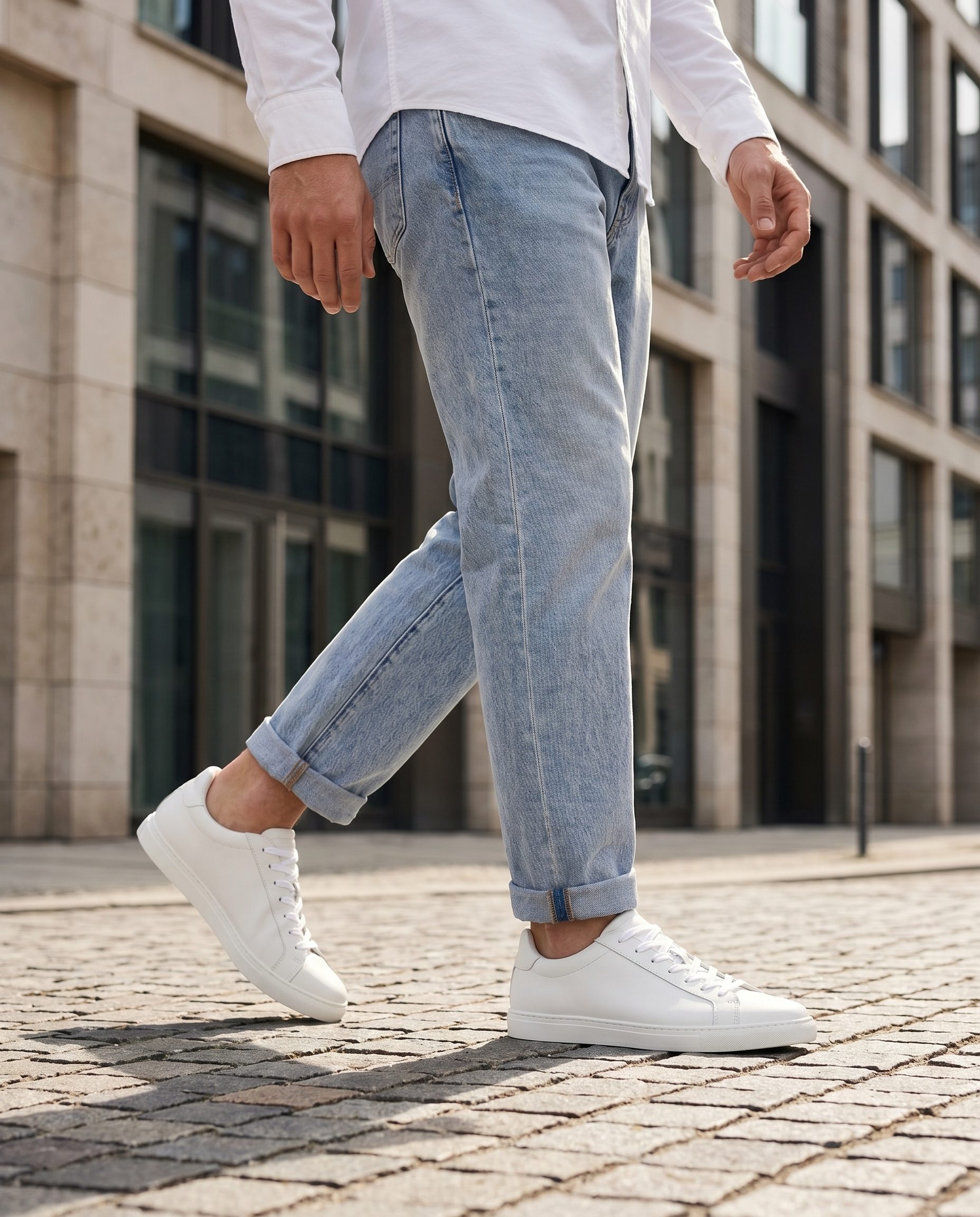
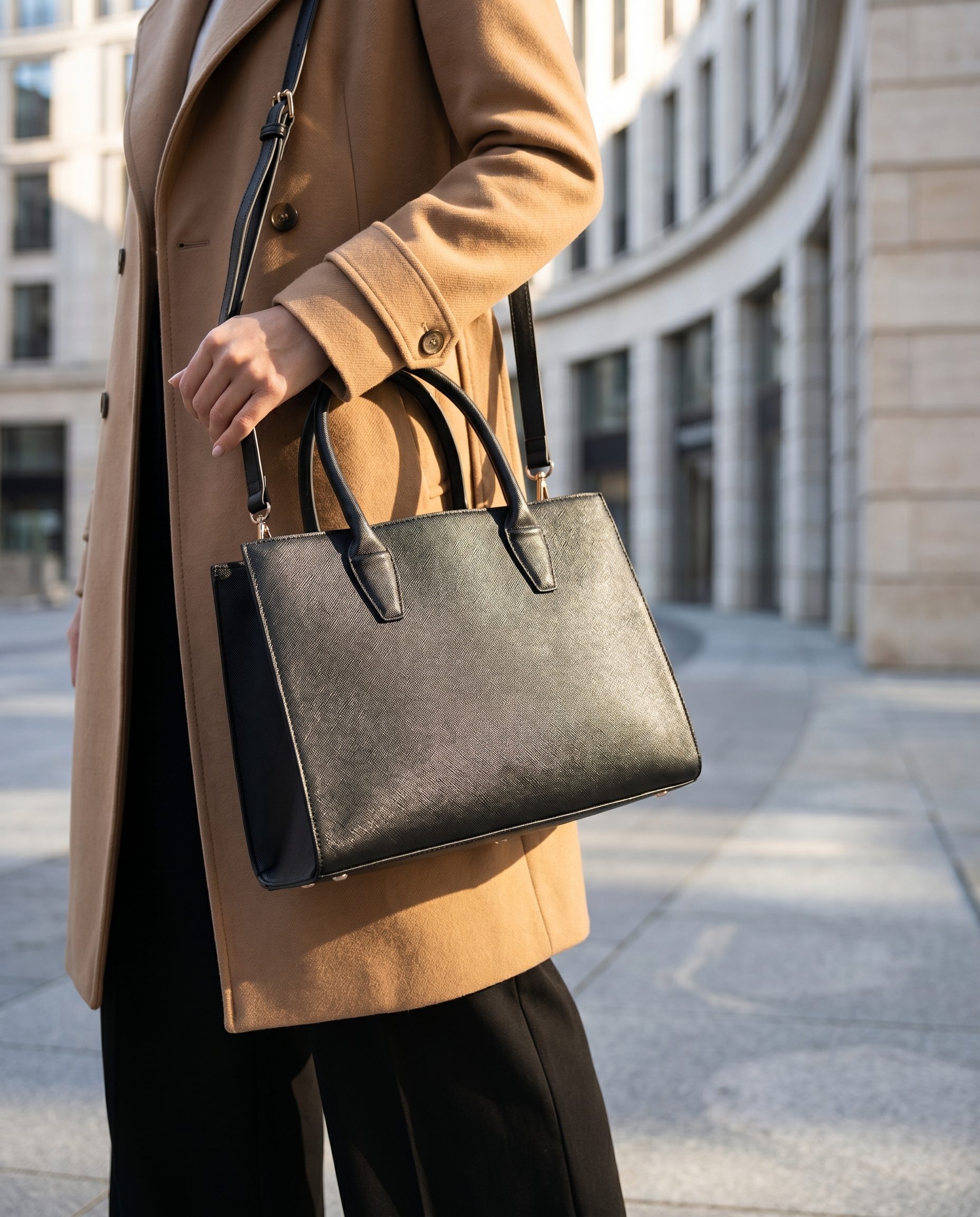
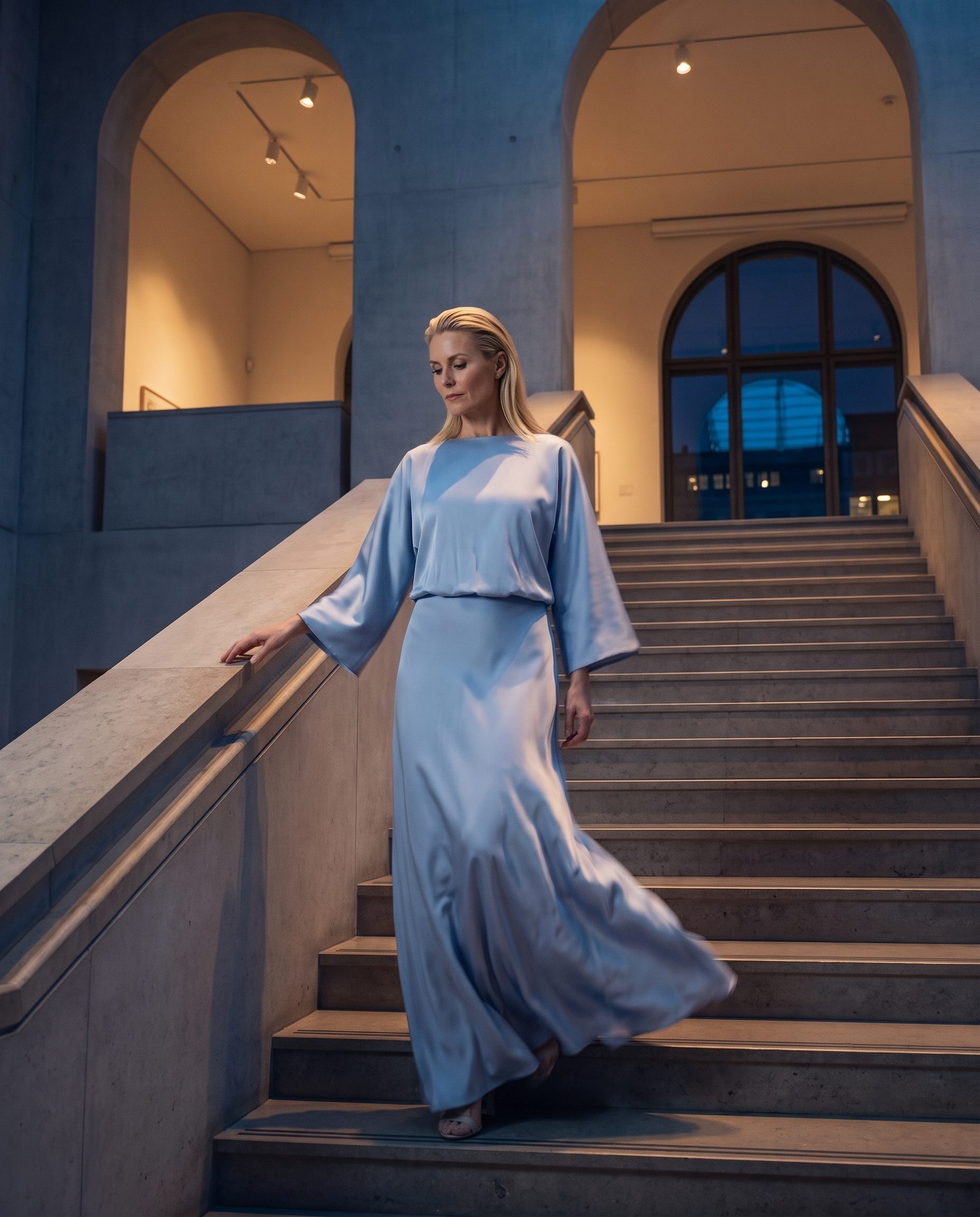
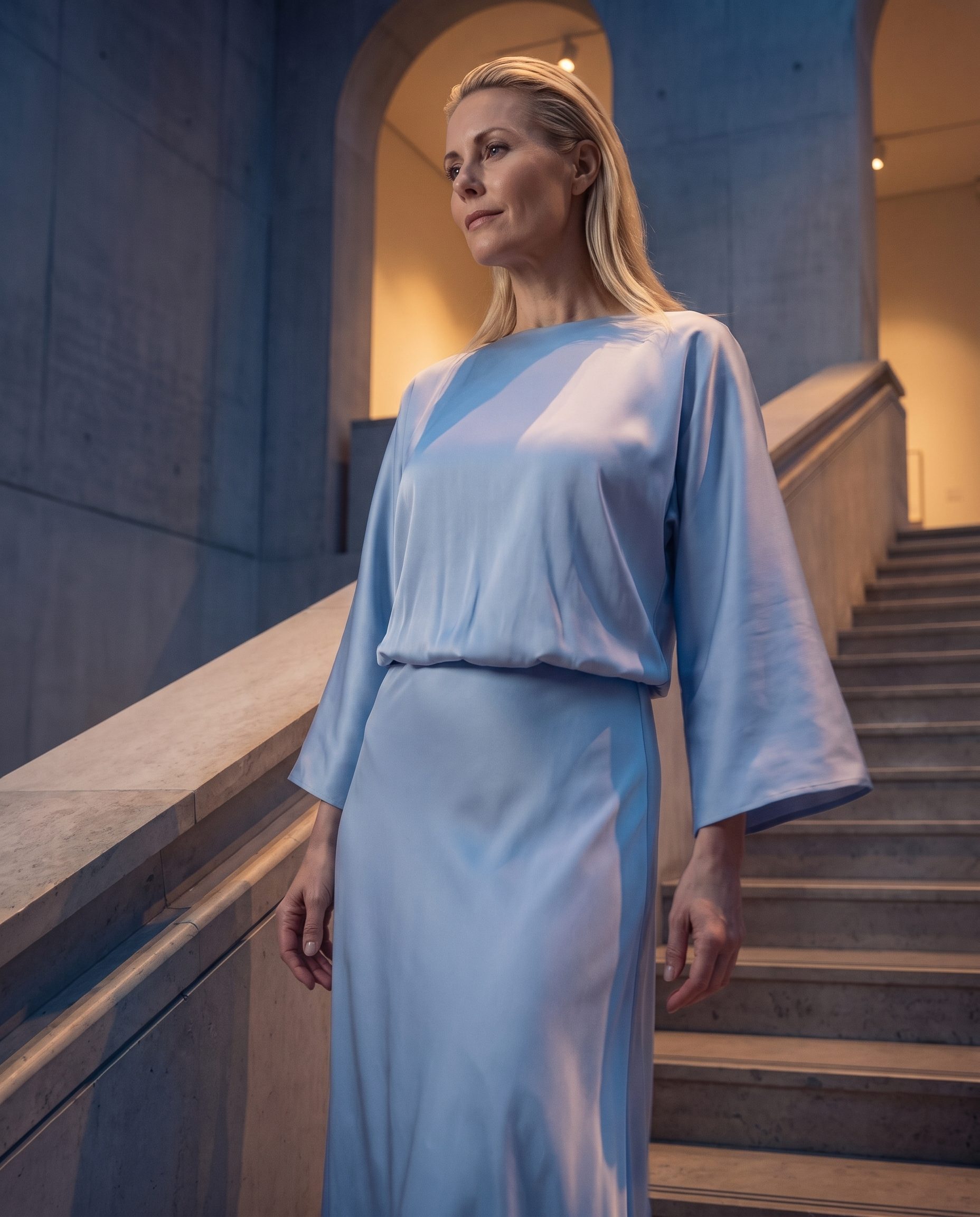
More AI Ad Creative Generator output directions.
Use this second visual row for a different angle on the same feature, not for unrelated product categories.
FAQ
AI Ad Creative Generator questions, answered.
Clear answers for buyers deciding where this feature fits in a real ecommerce workflow.
It means the generated product scene is useful for ad layouts, creative tests, promo pages, or retargeting, while final copy stays editable elsewhere.
Editable text is easier to change, localize, review, and test. It also avoids fake offers or claims being baked into the visual.
Use a clear product photo, product URL, or prepared product asset with enough detail to preserve the item.
Yes. Guide the output toward the placement you need, then finish copy and layout in your ad or design workflow.
AI Ad Creative Generator focuses on ad layout visuals. Campaign Set Generator creates a broader connected set for a launch or promo.
Yes. BrandDNA can help keep ad scenes closer to your established visual system.
They should add final copy, offers, compliance text, crop decisions, and platform specific layout outside the generated image.
Avoid unsupported performance, medical, pricing, discount, or guarantee claims. Keep claims in editable copy where they can be reviewed.
Ready when your next product is
Create product visuals ready for ad testing.
Start with a product and campaign angle, generate clean visual options, keep copy editable outside the image, and test the strongest creative.
- Product context
- Human review
- Brand controls
- Pricing path