For home-goods brands and sellers
Home decor AI product photos
Generate AI photos of home decor and furniture, with styled interiors and product close-ups.
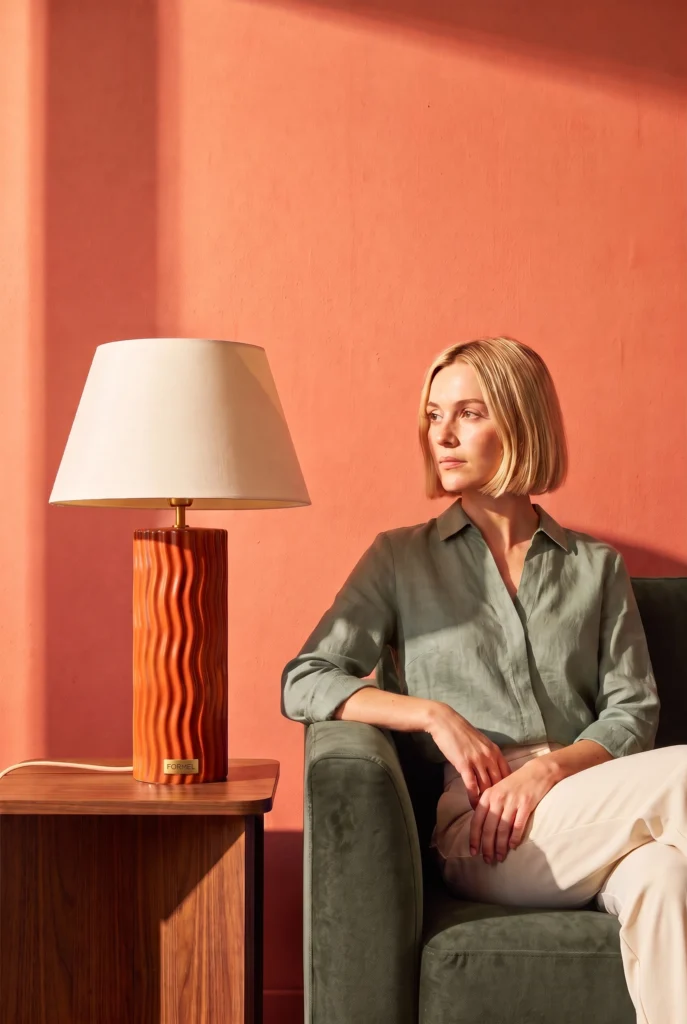
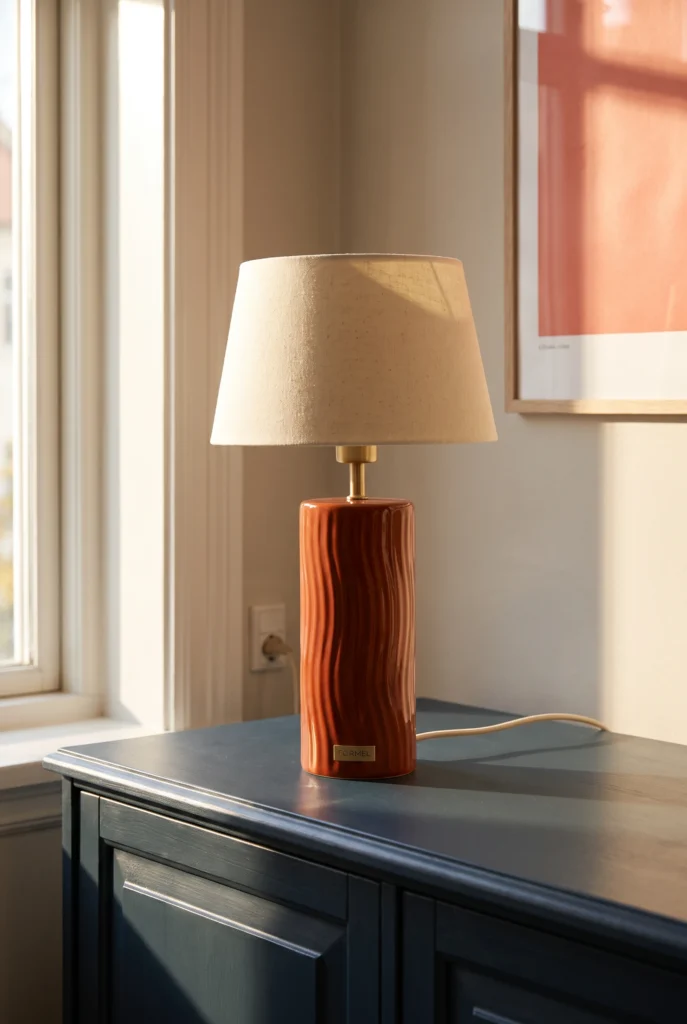
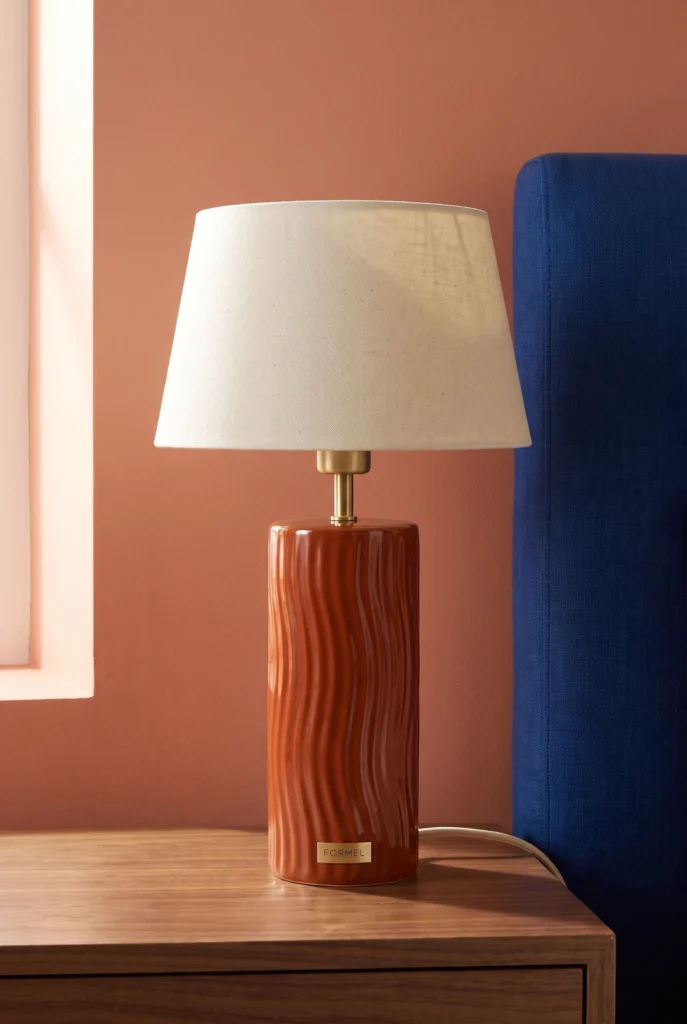
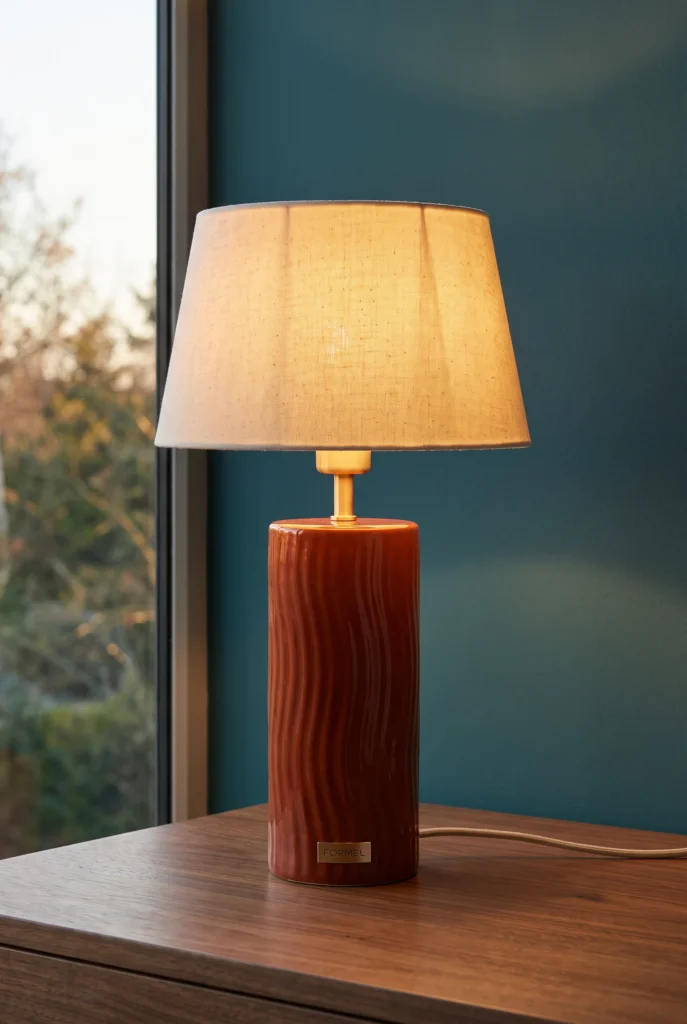
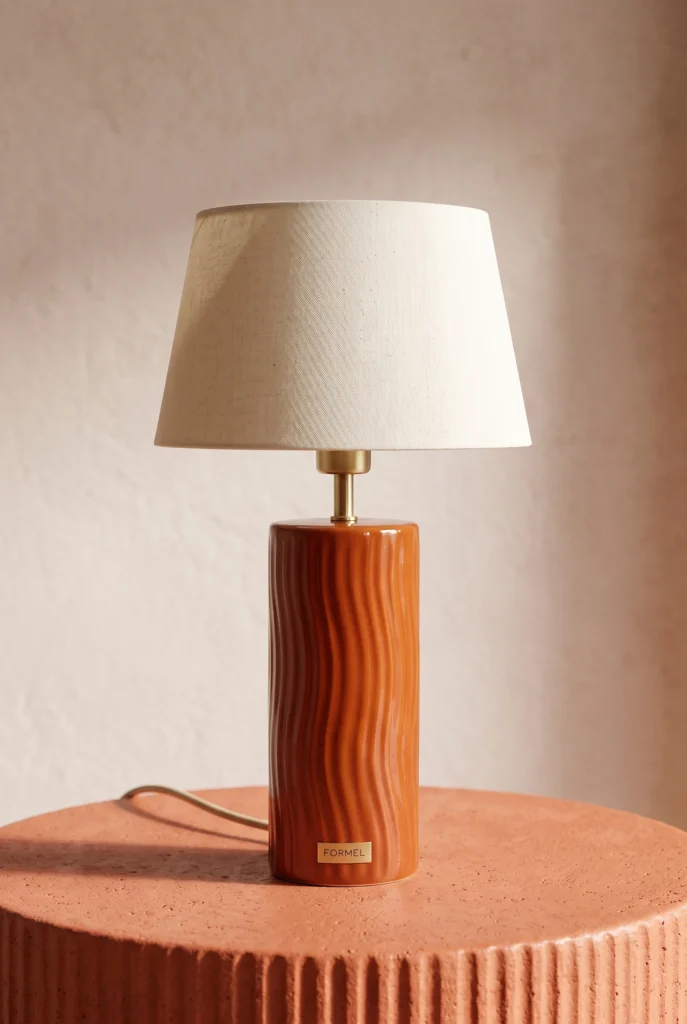
Examples
Home Goods Product Photography examples
Review product, material, assembly, function, dimension, room-scale, and campaign examples by the home-goods fact each image must show.
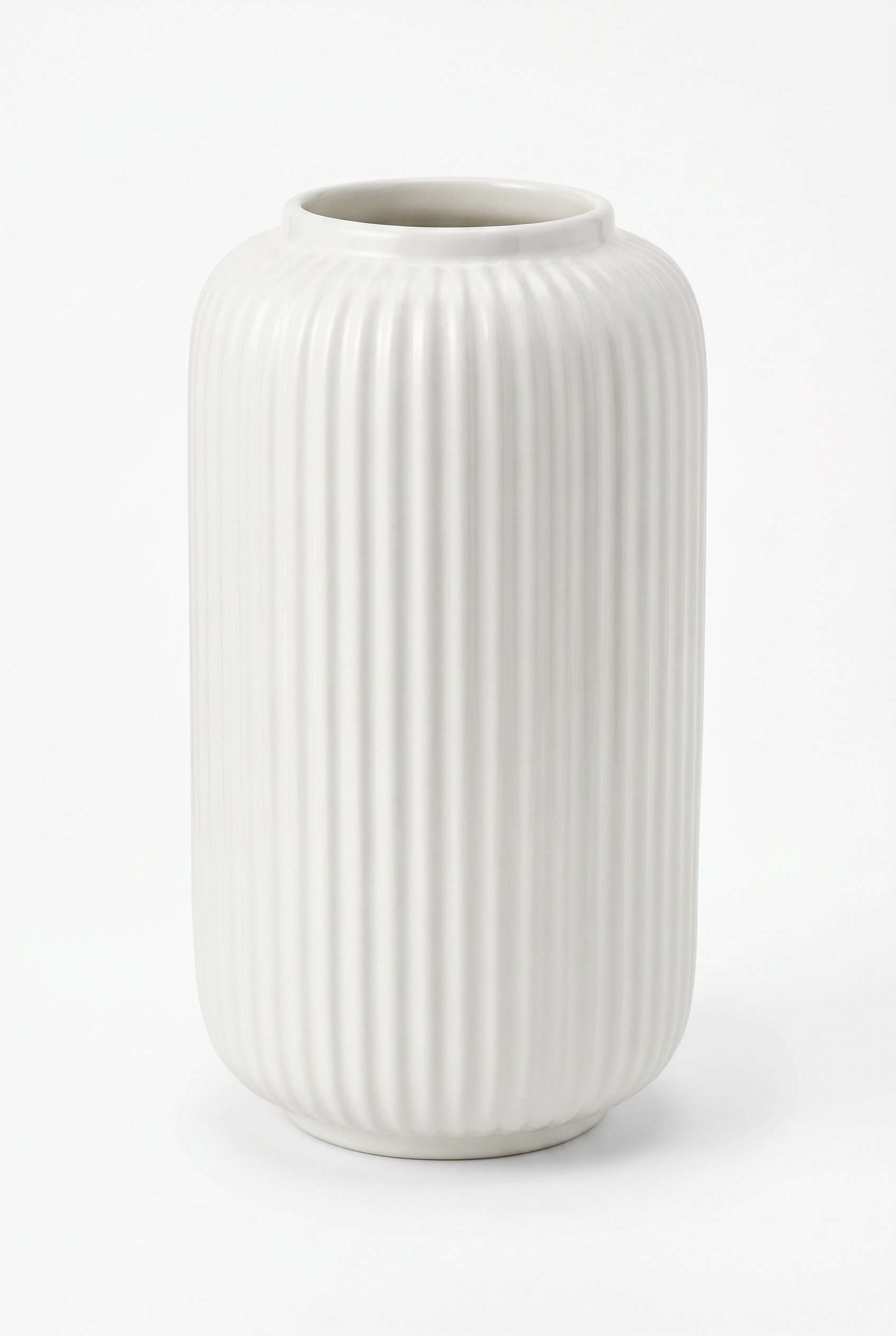
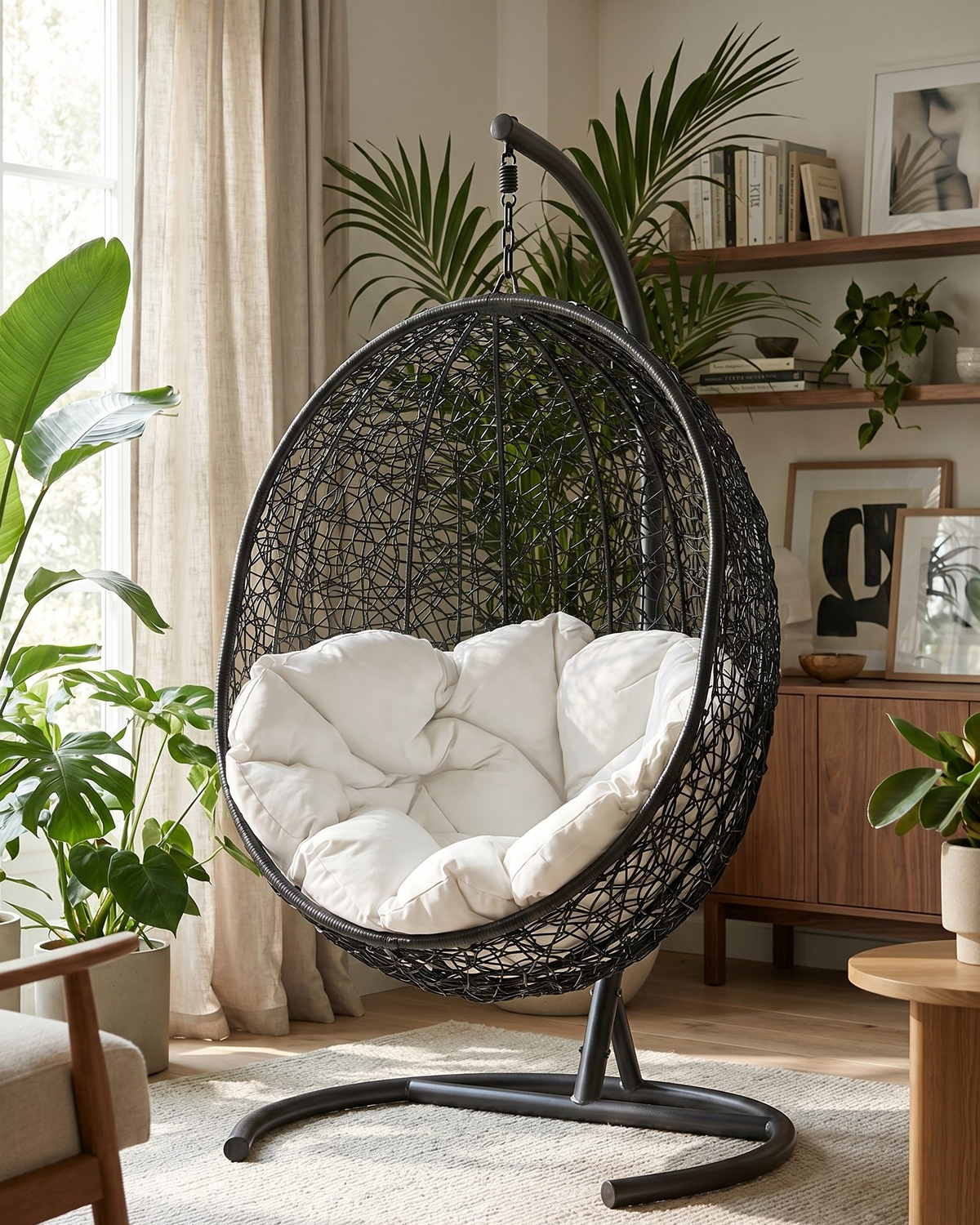
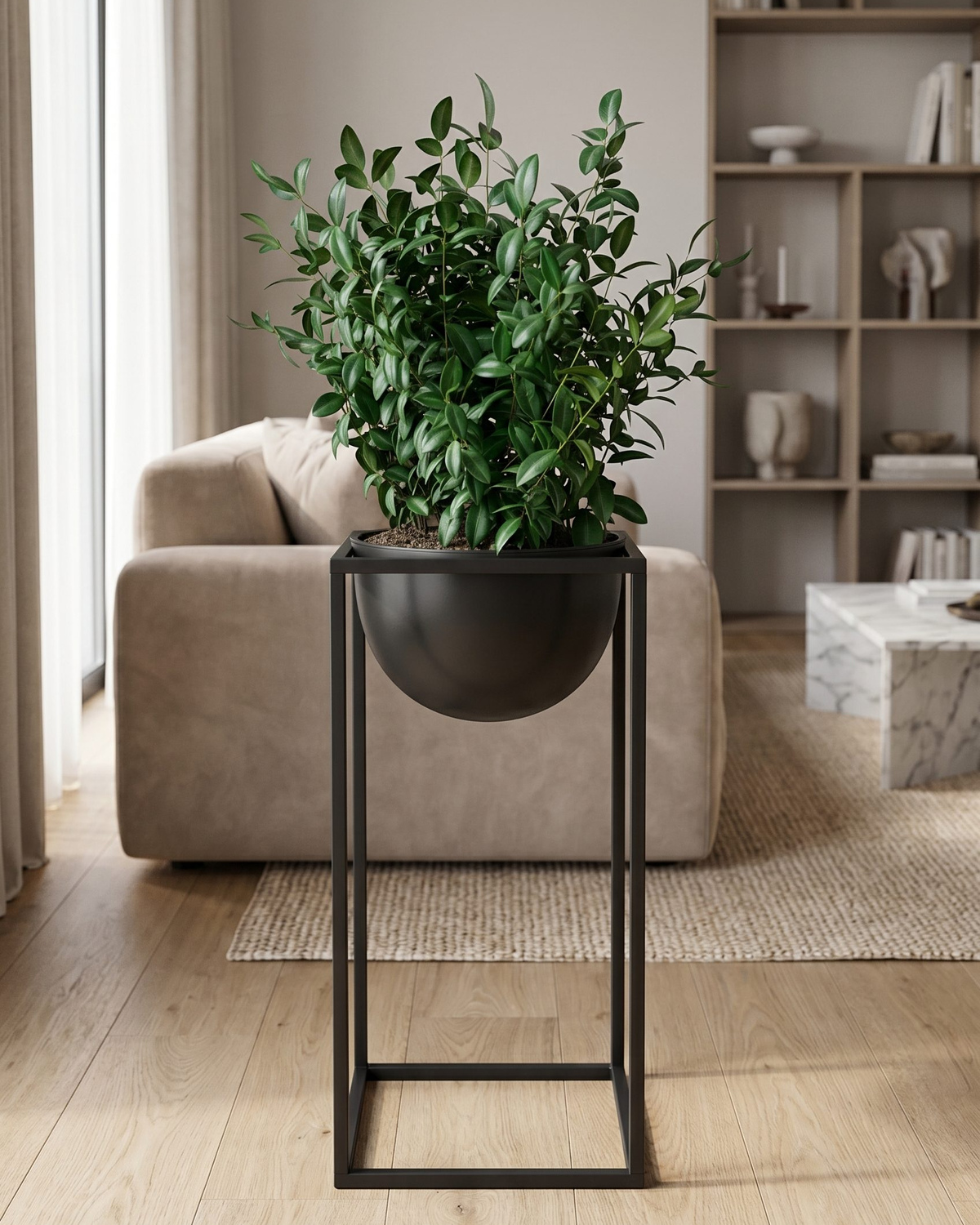
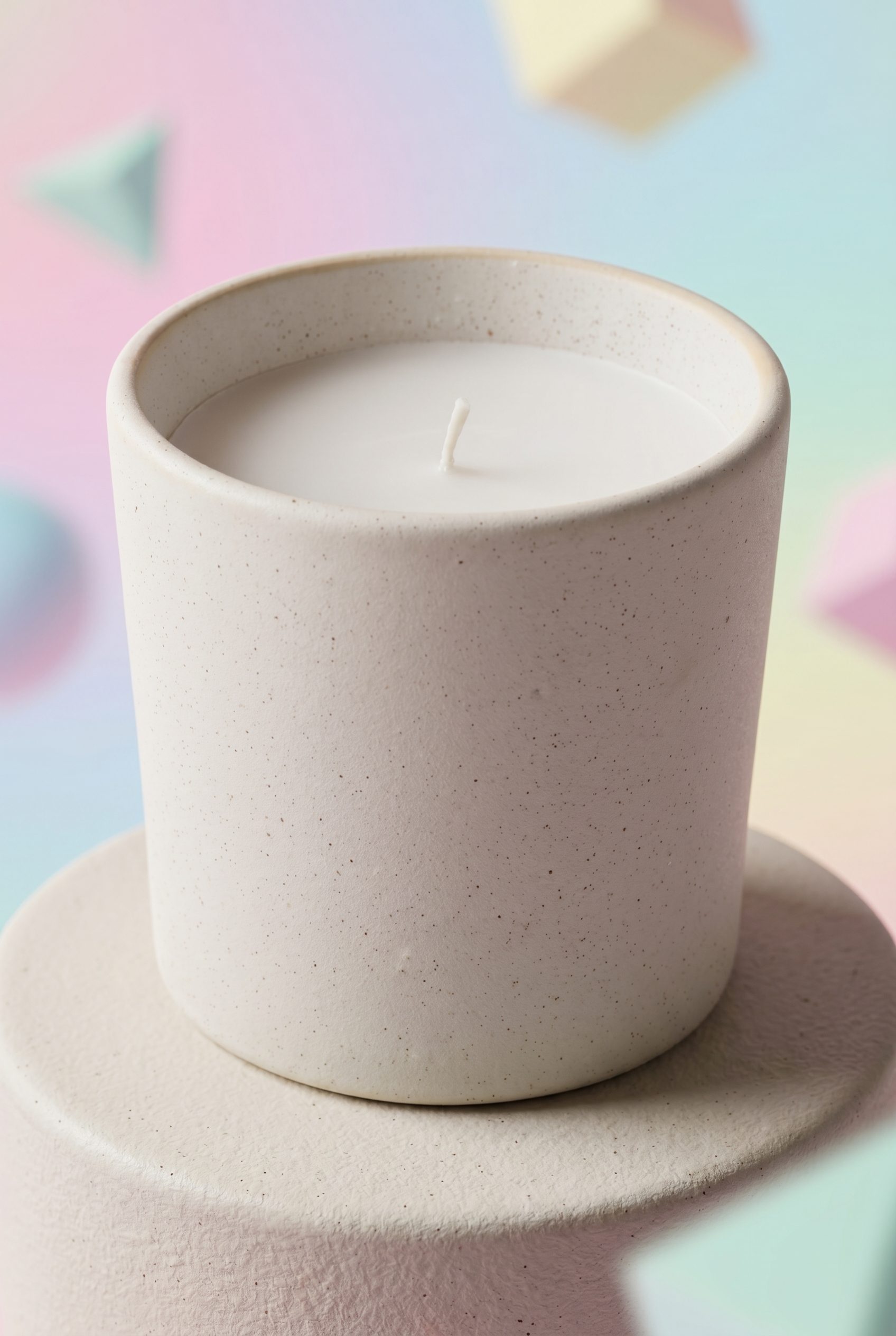
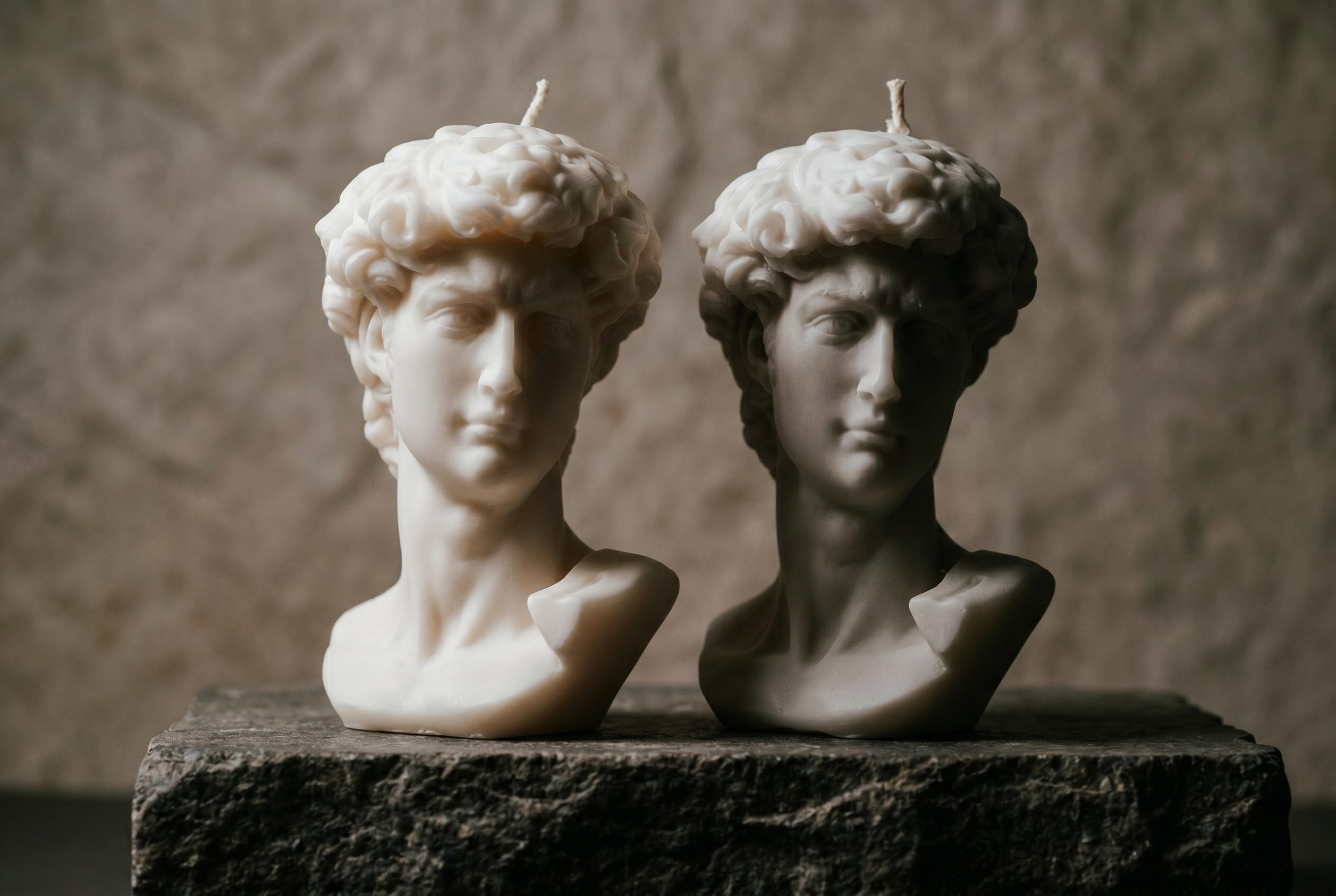
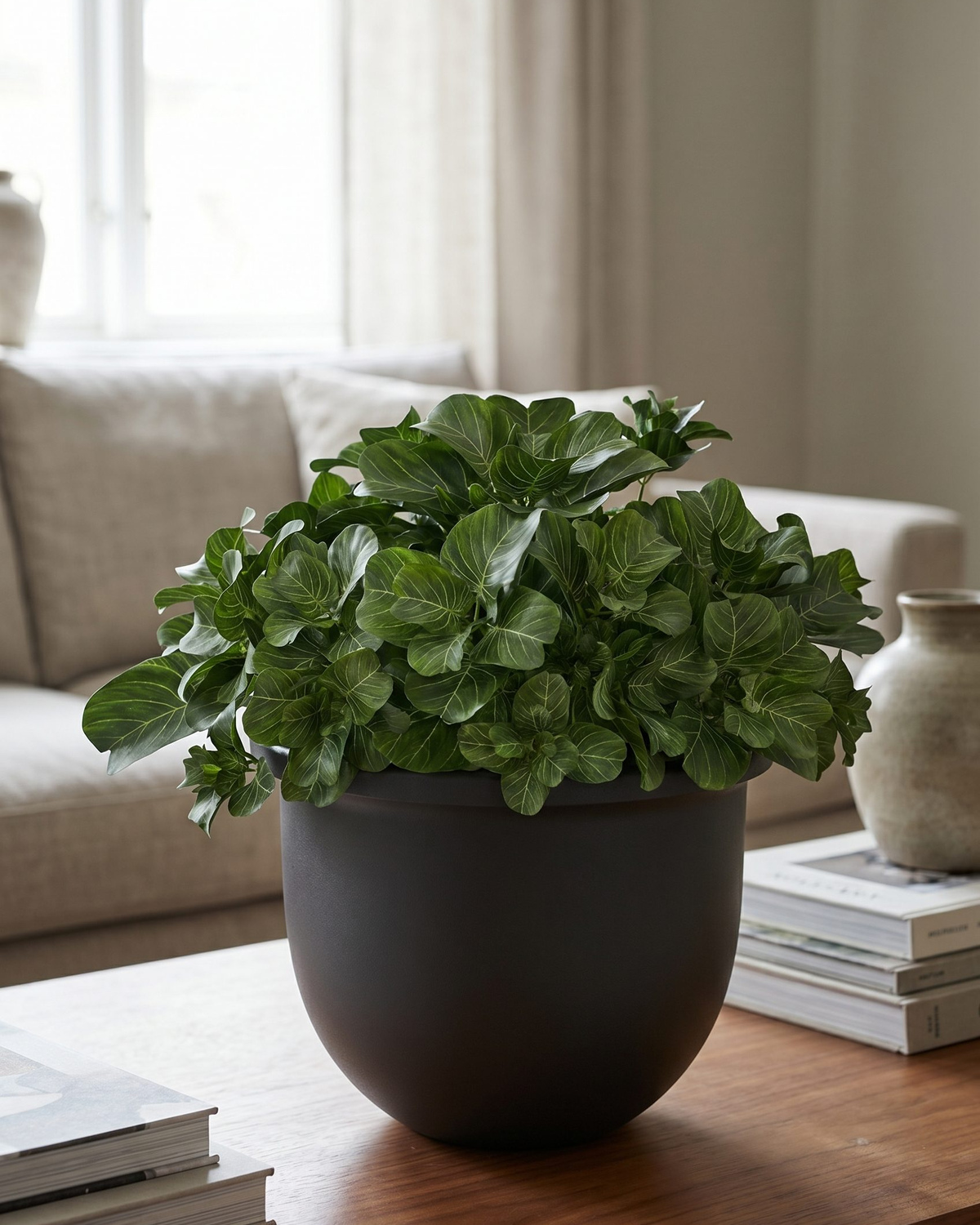
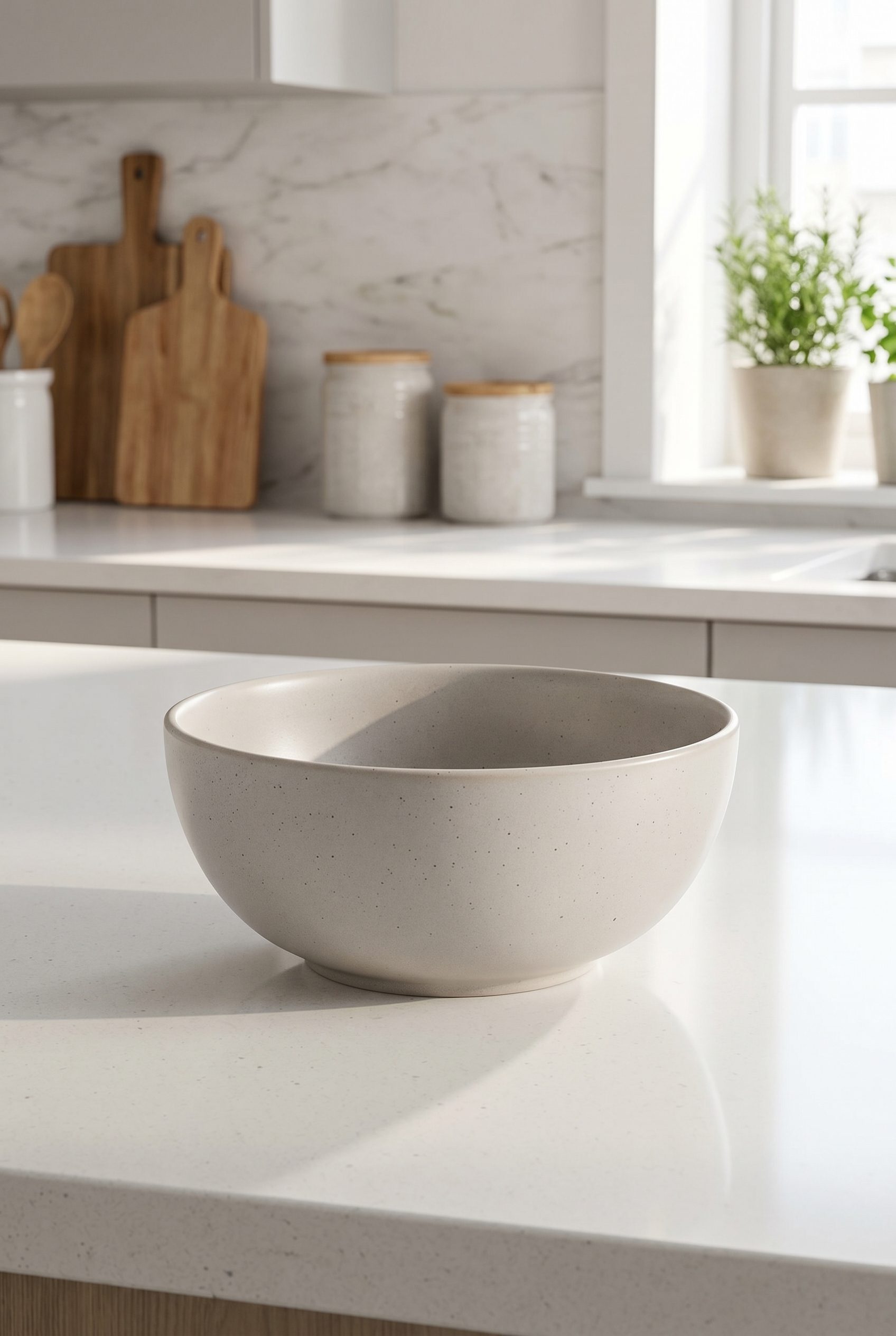
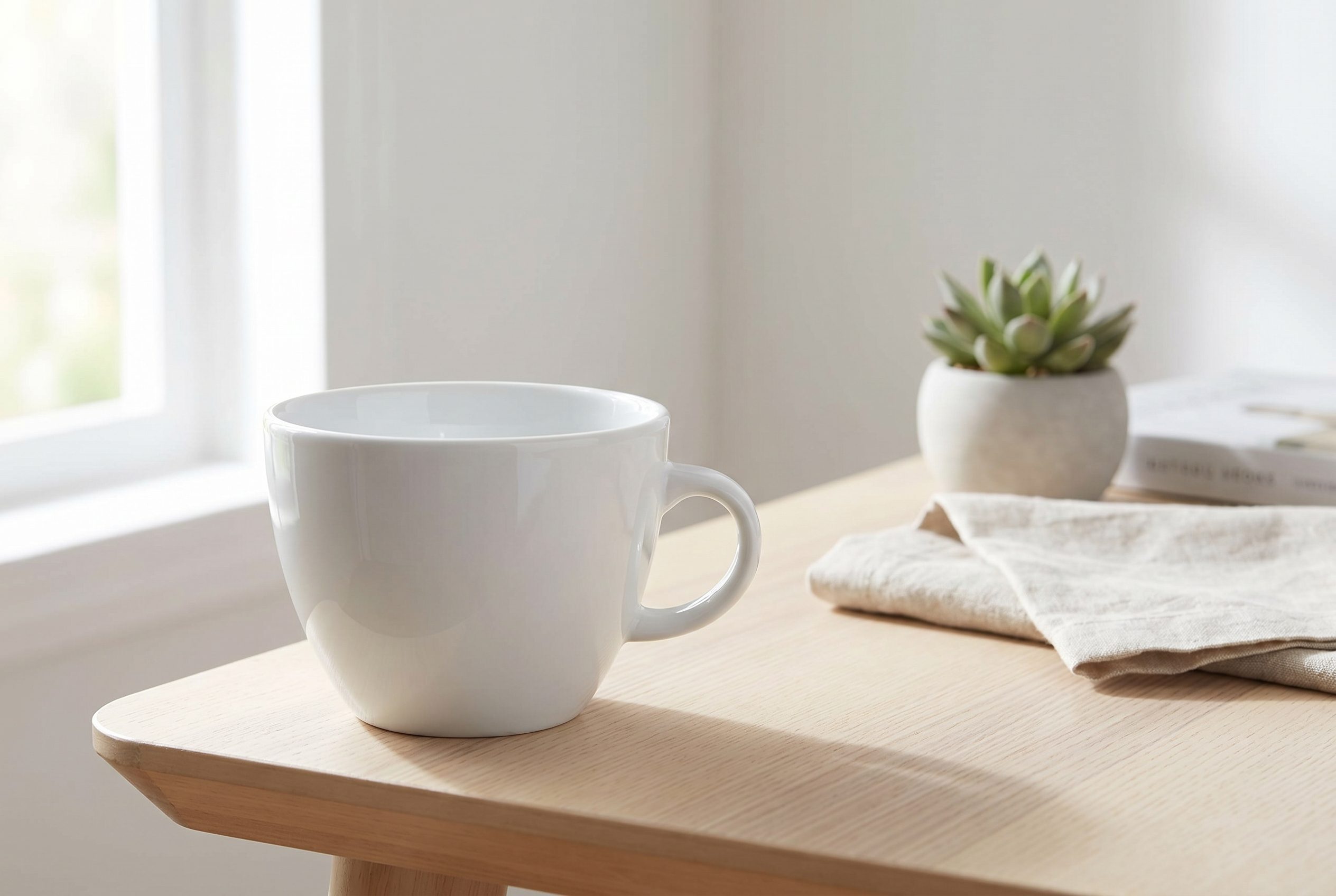
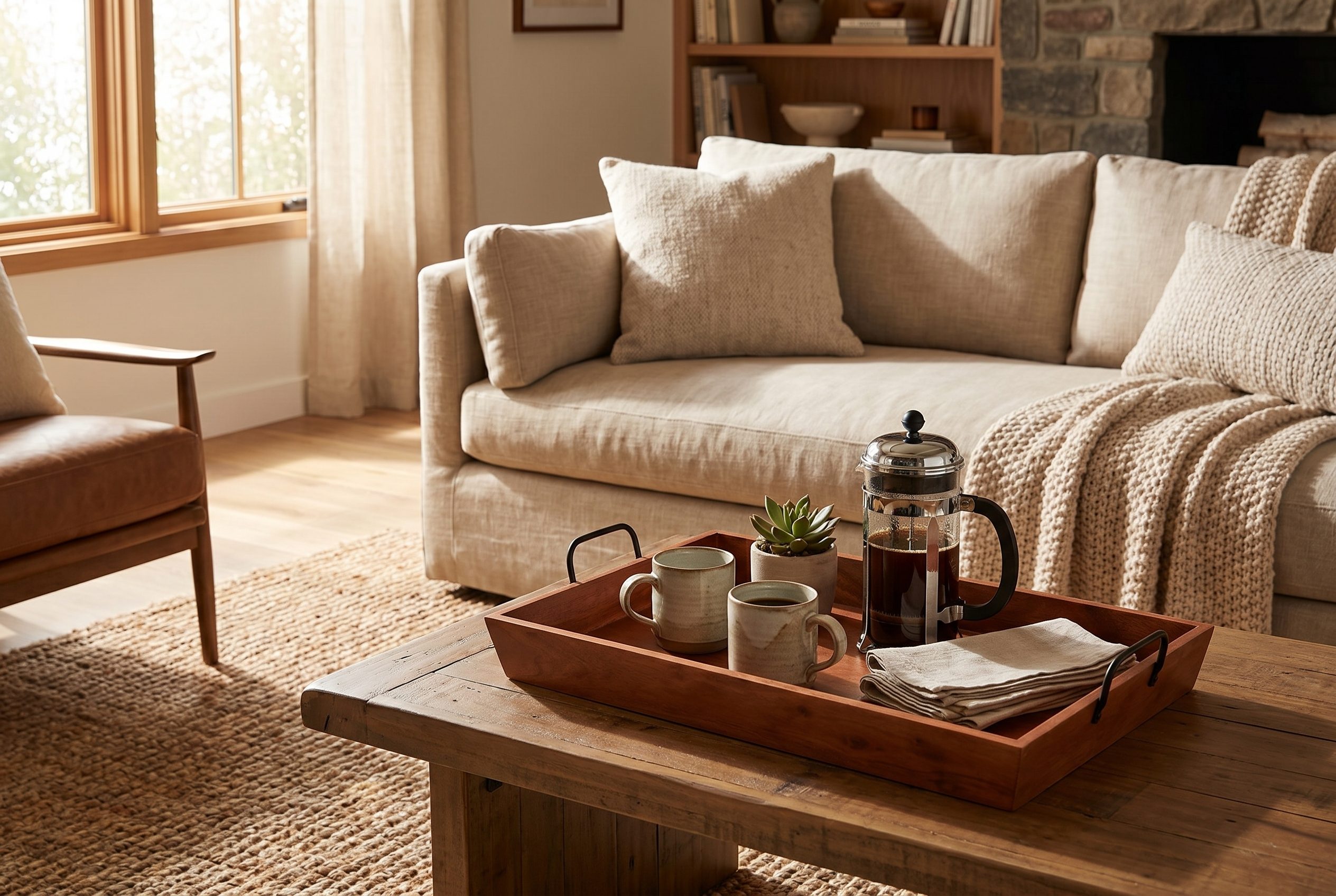
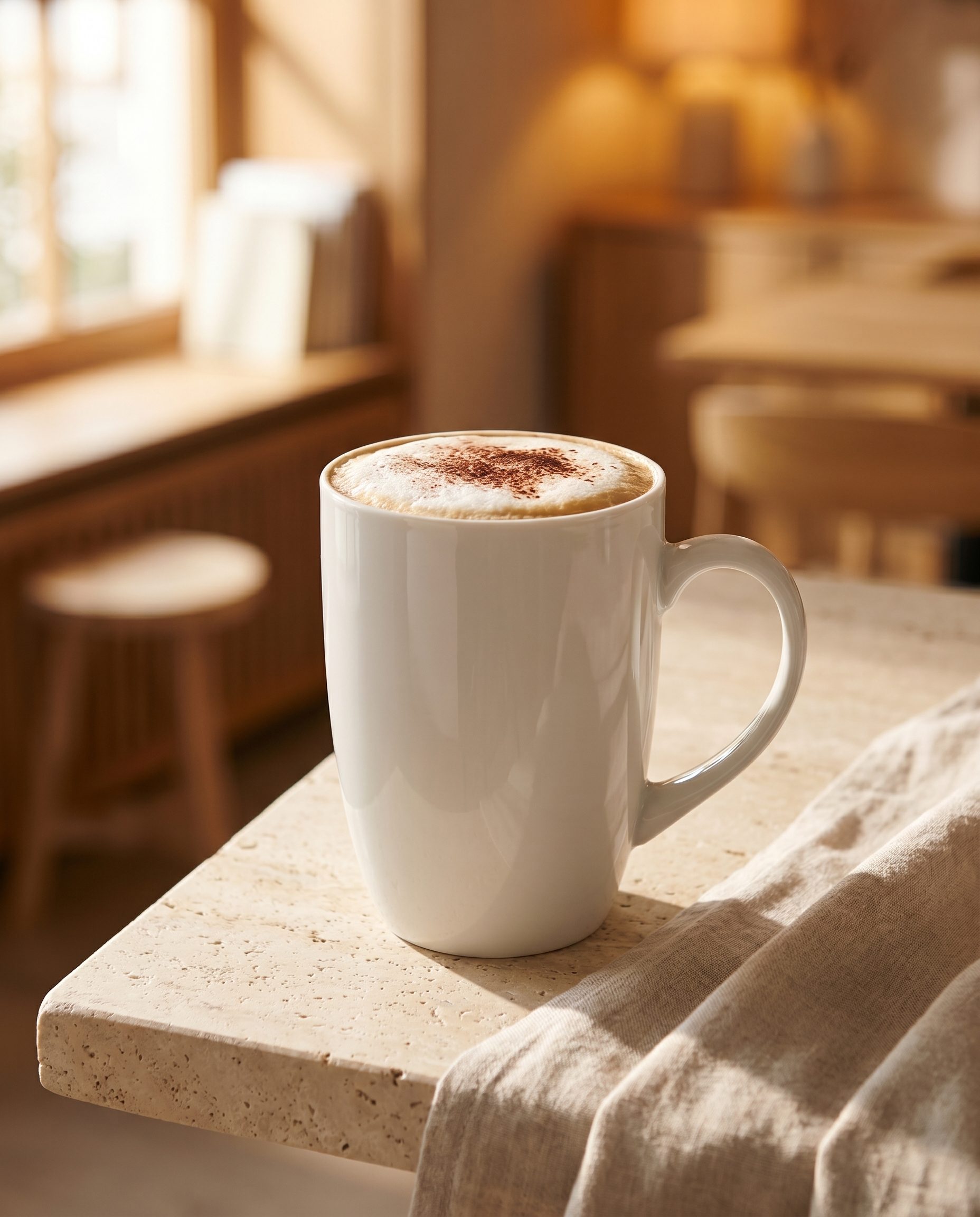
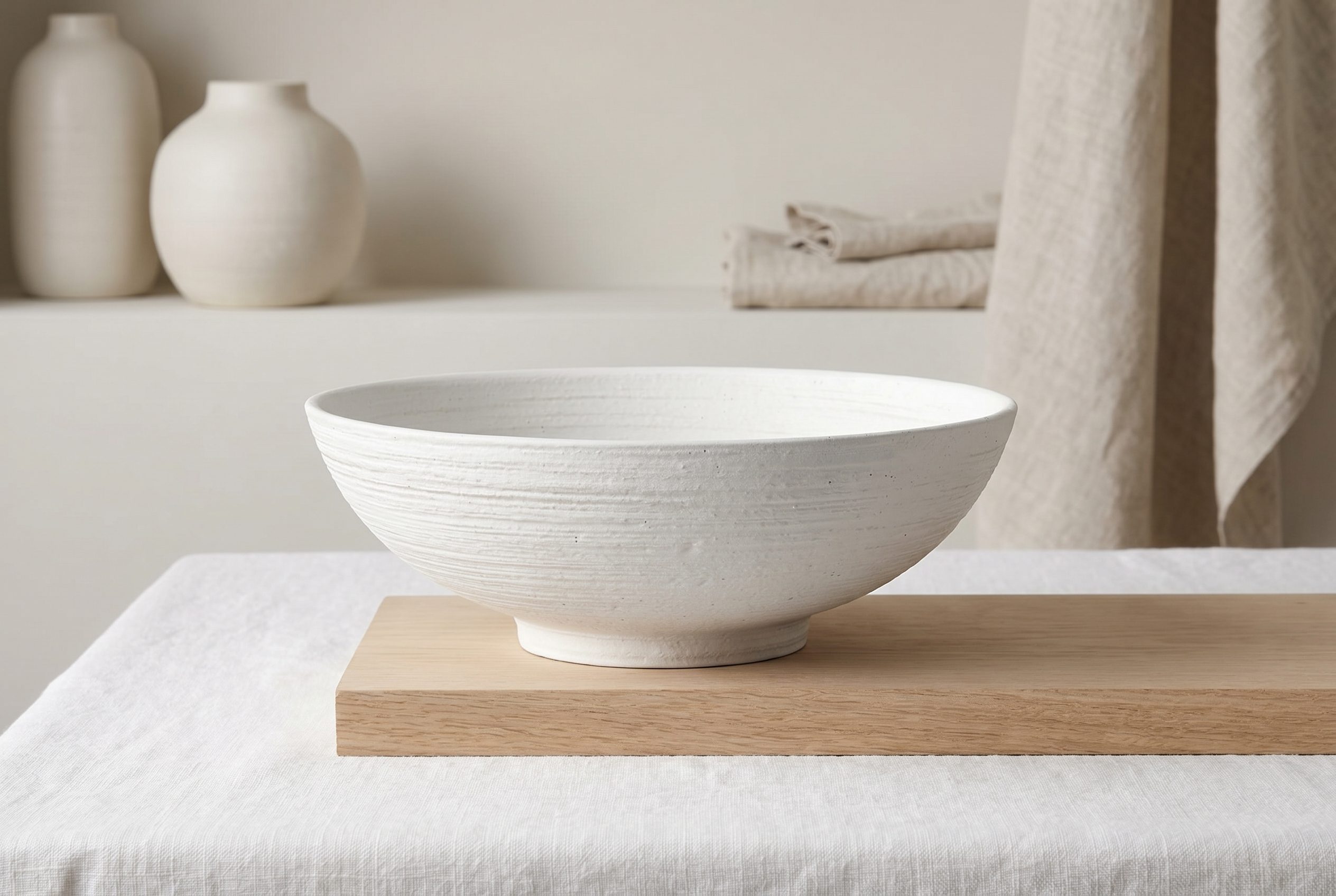
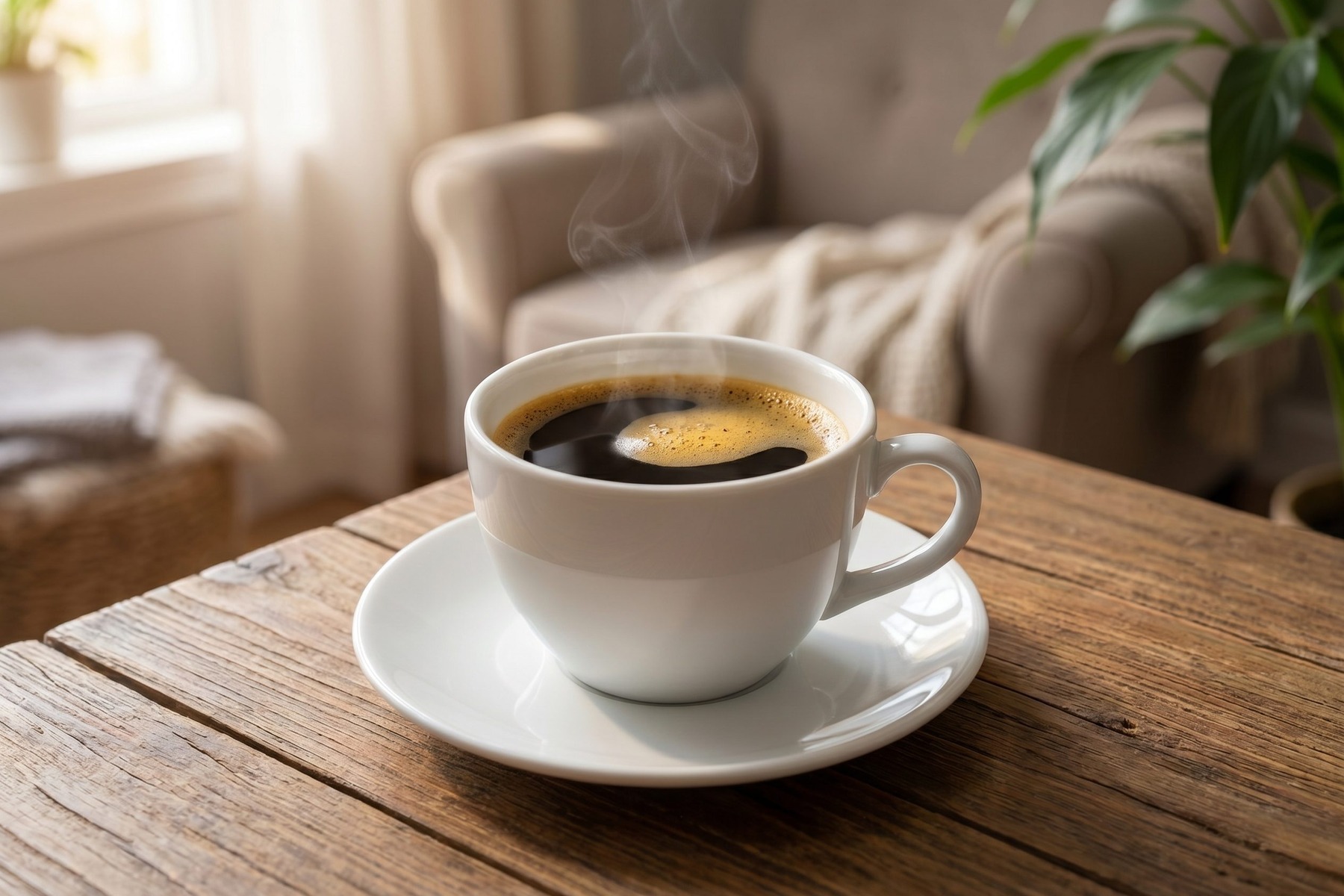
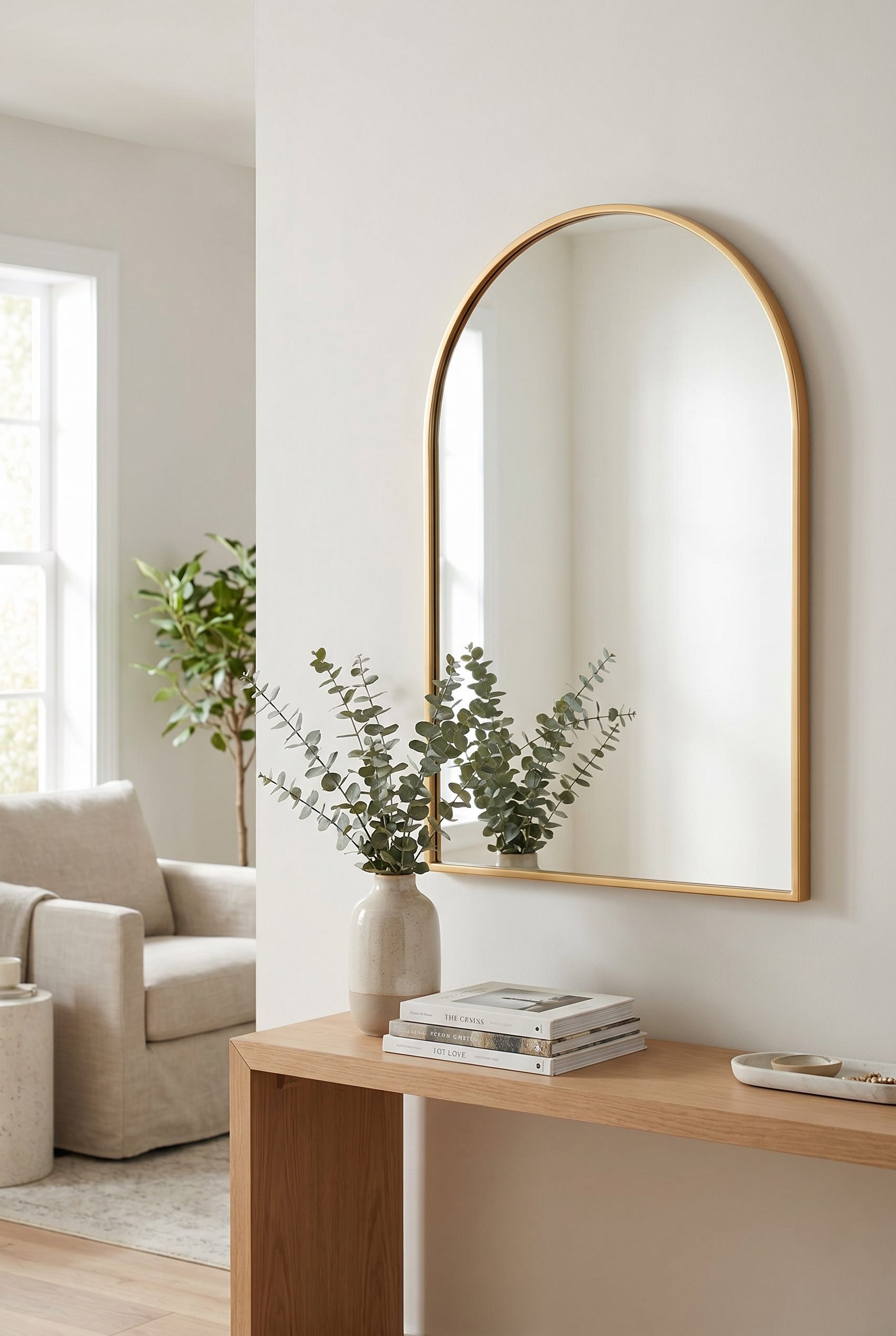
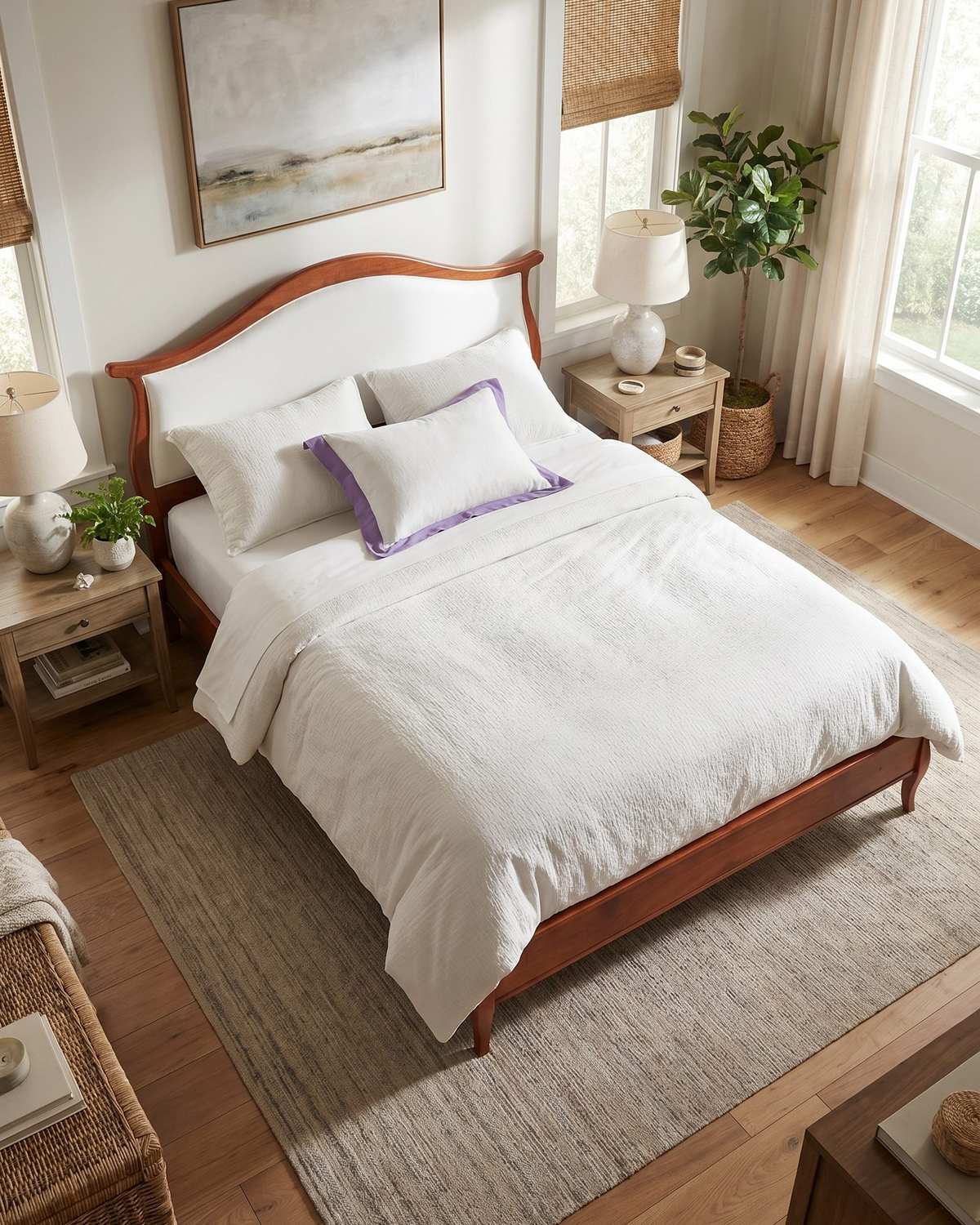
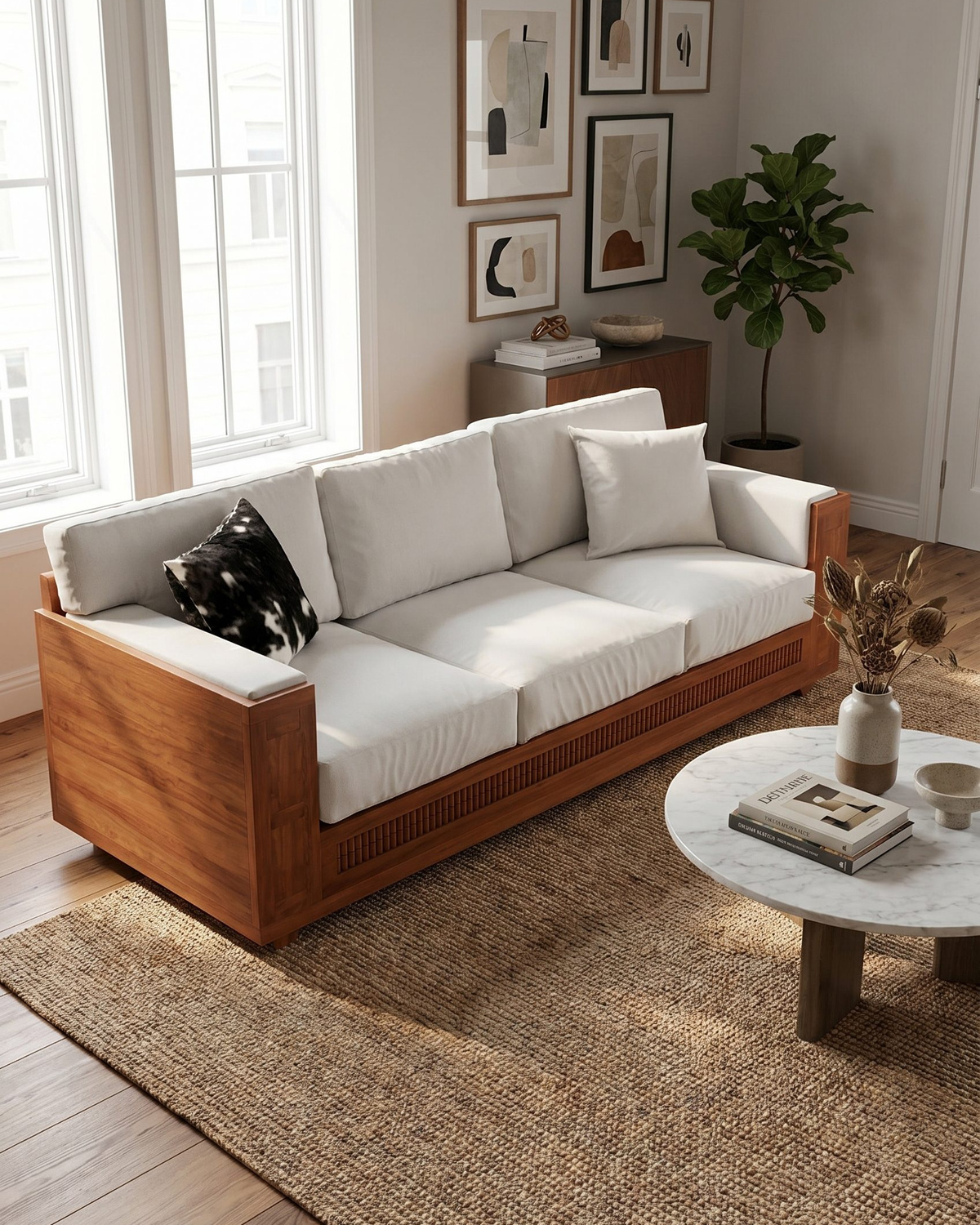
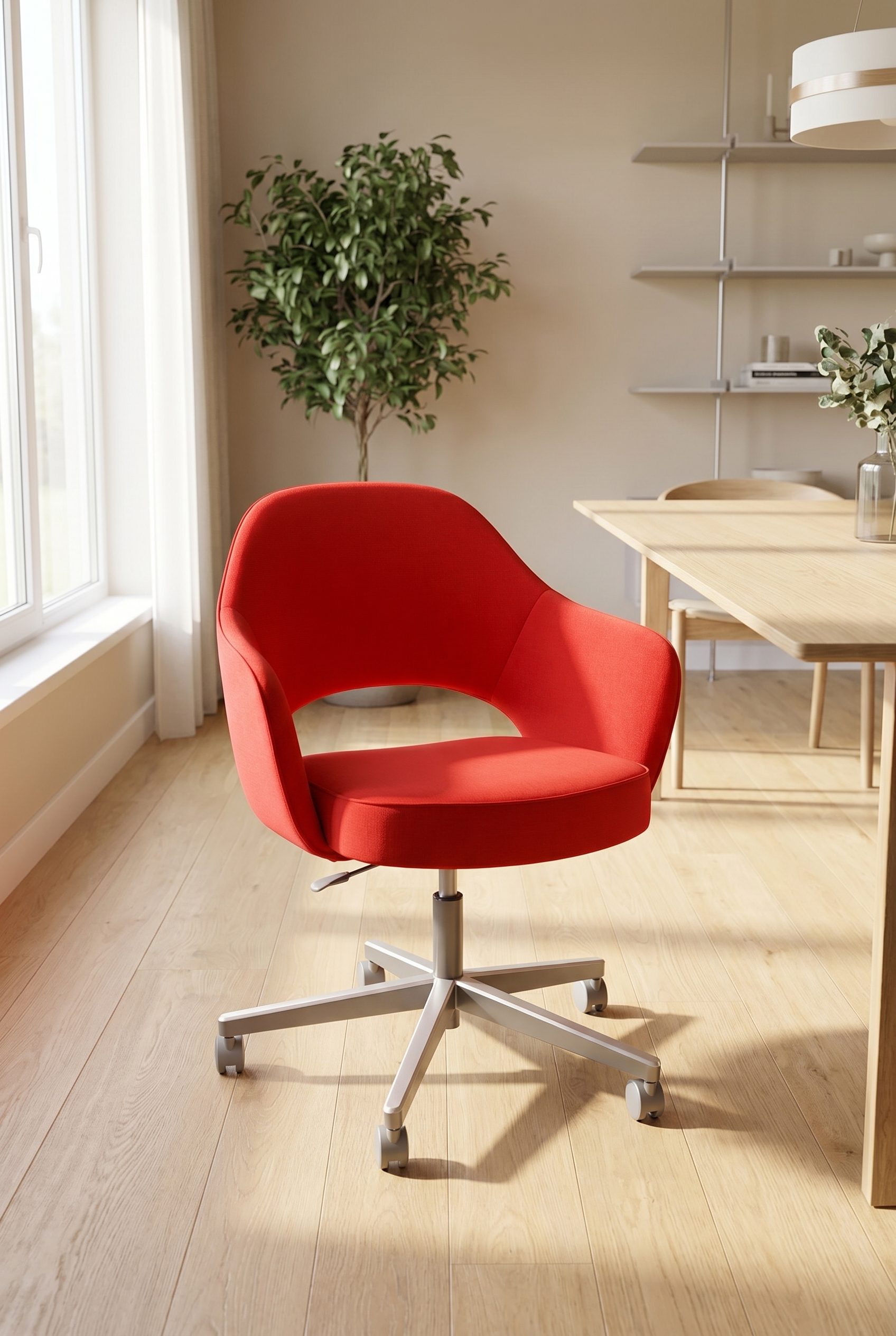
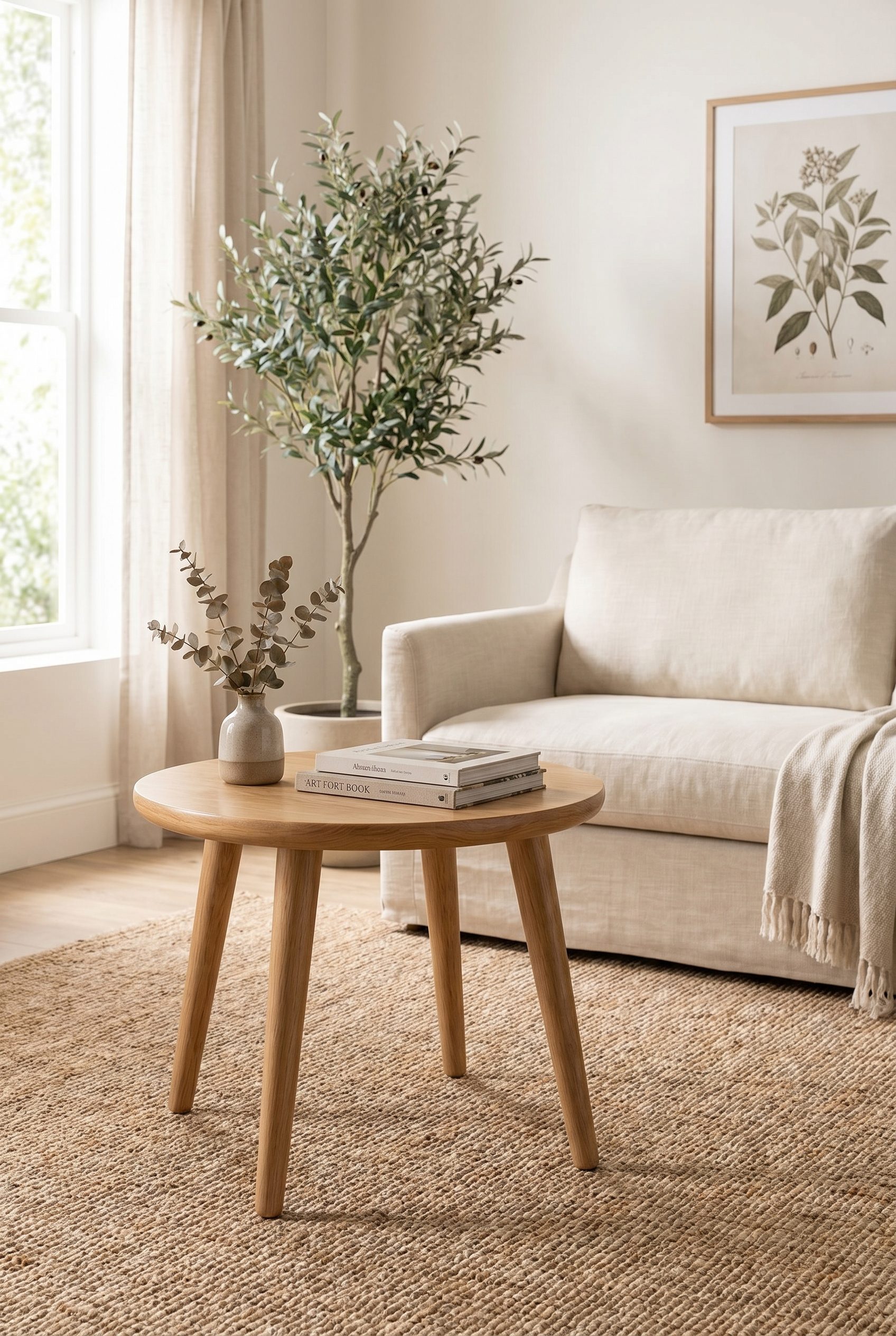
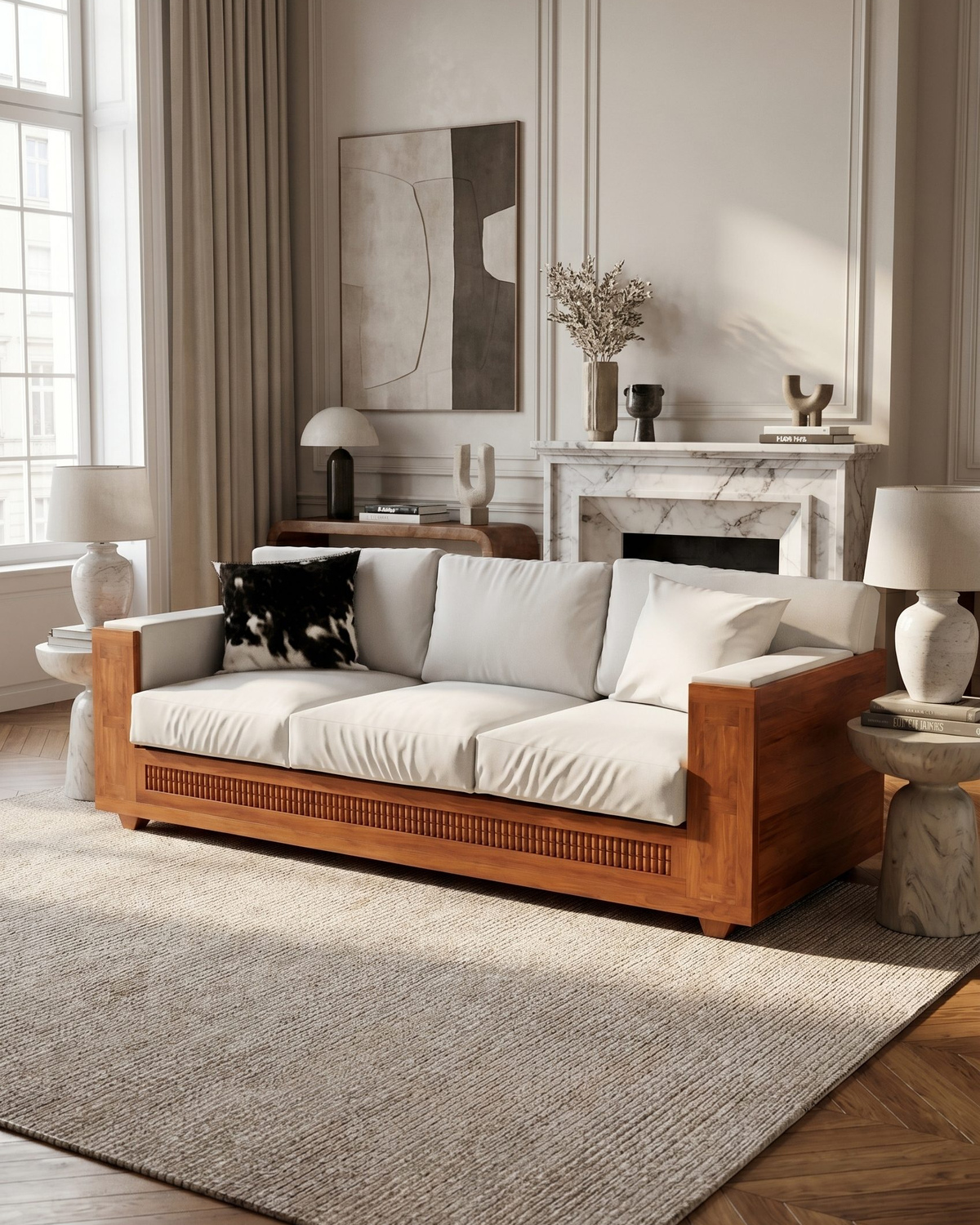
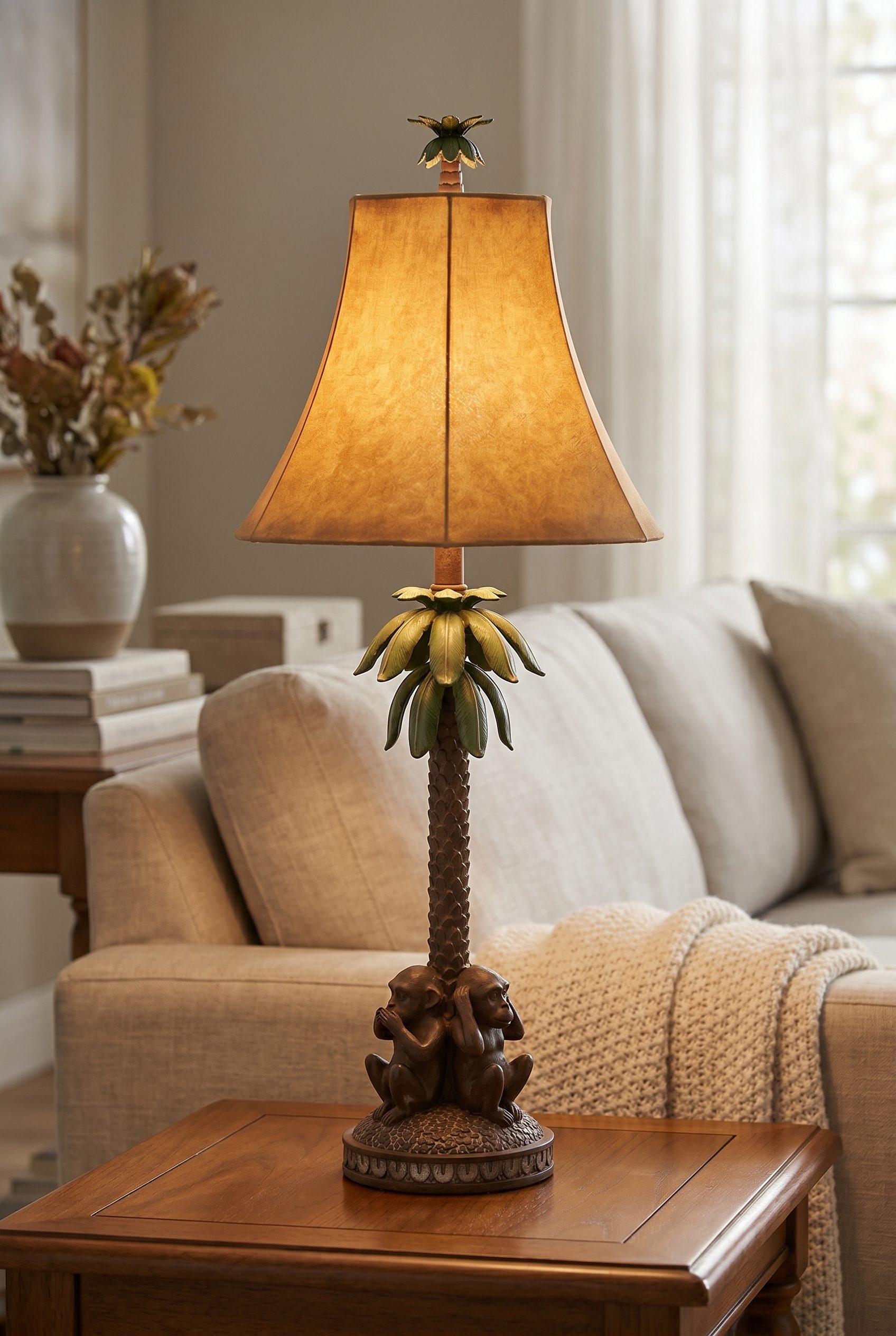
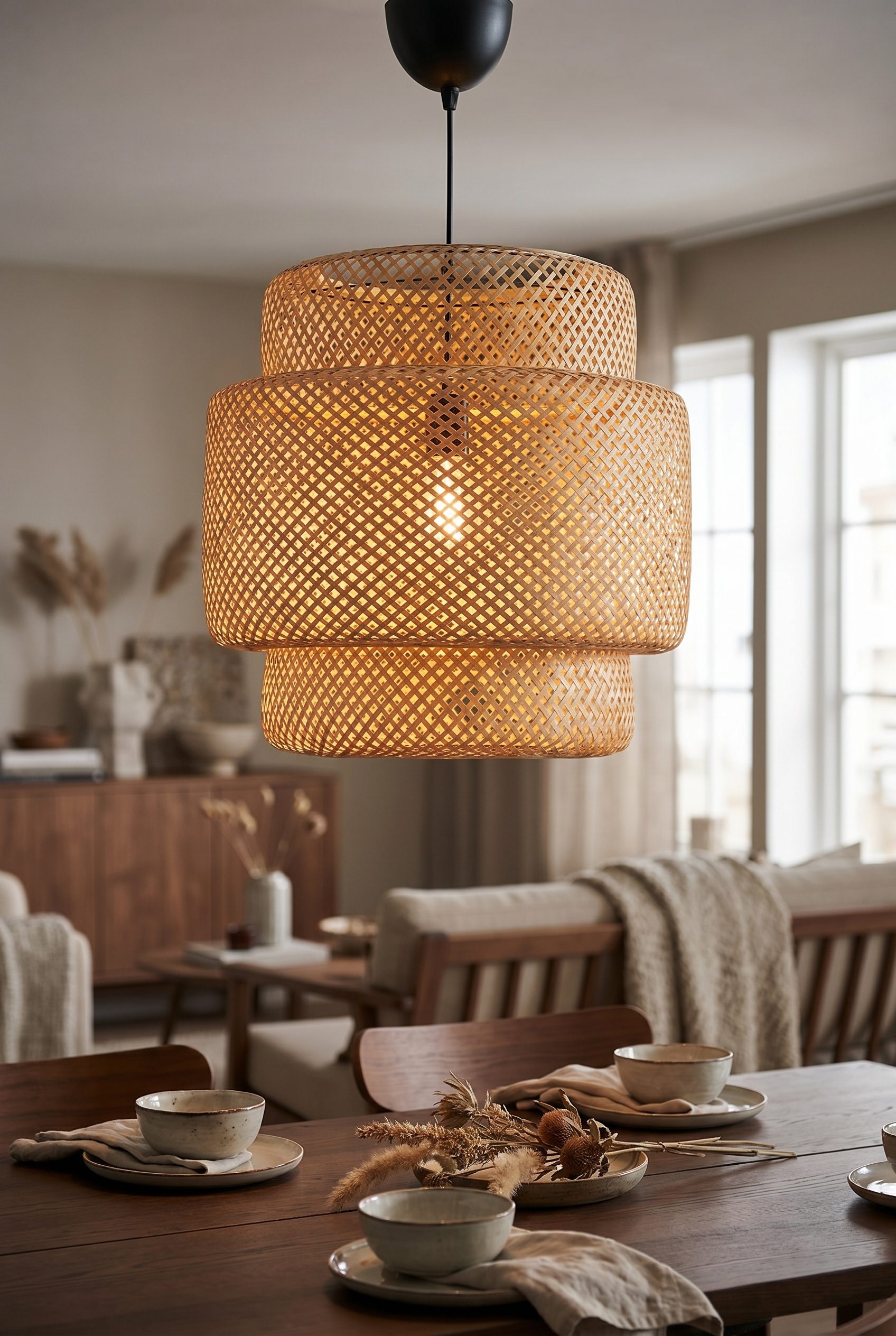
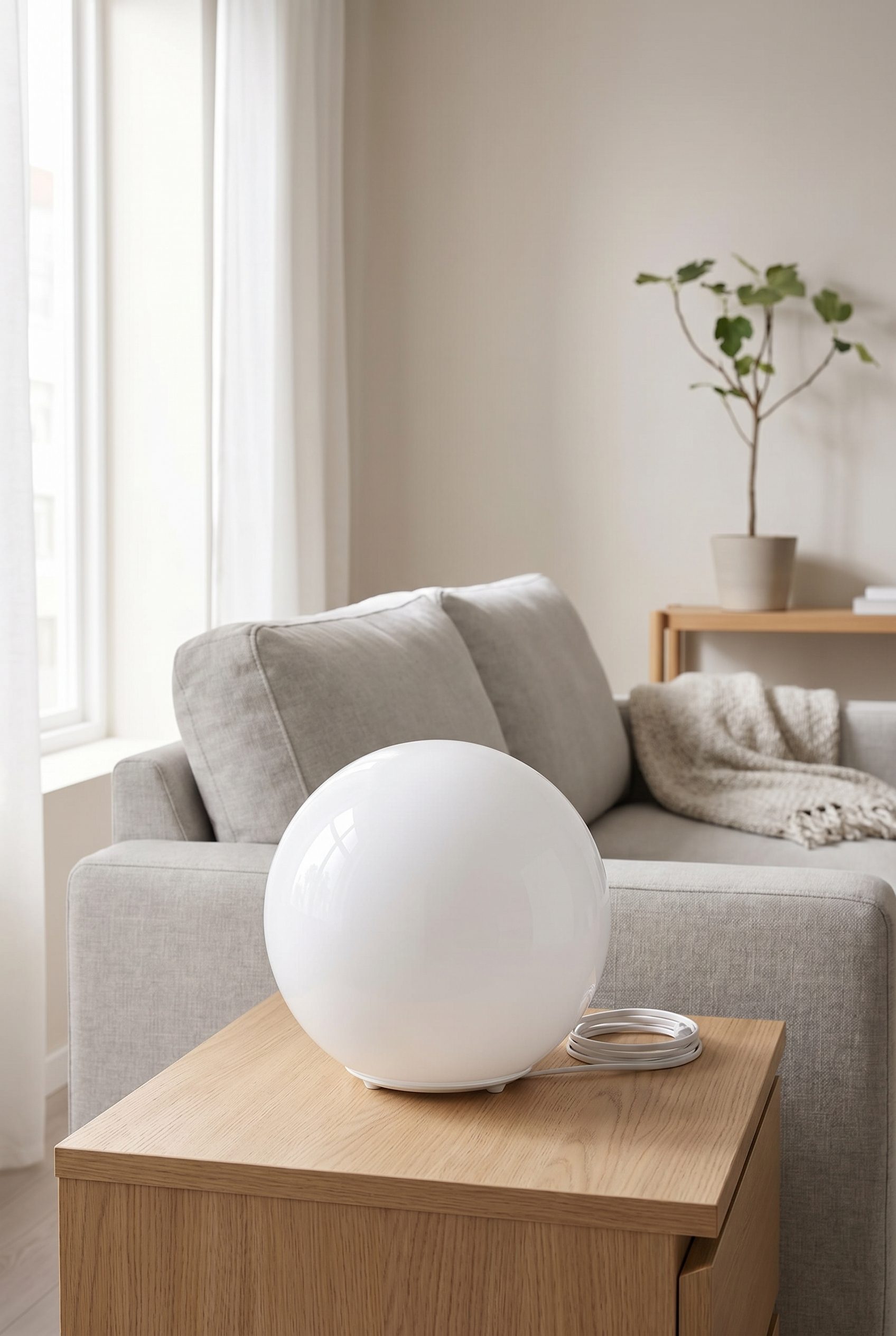
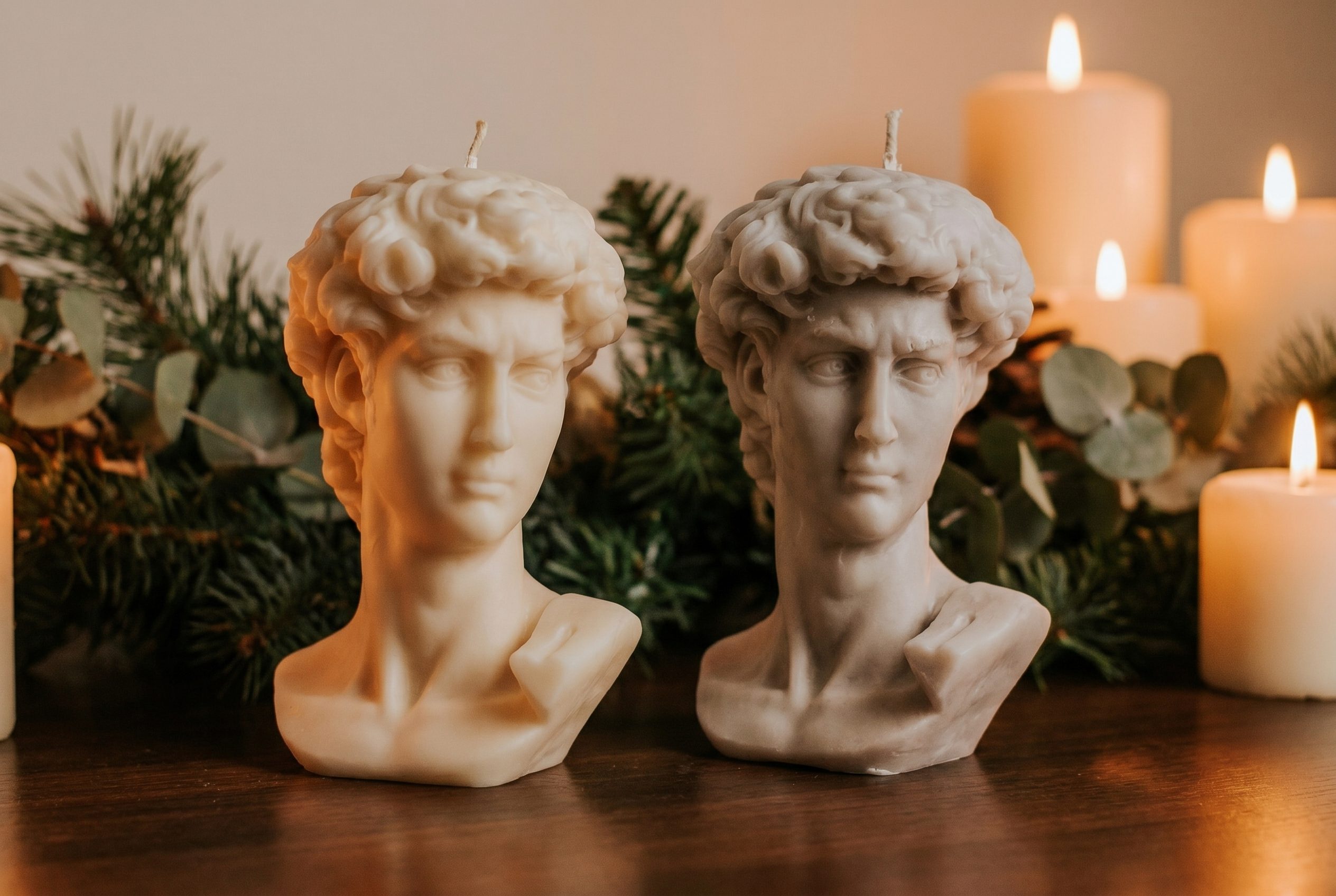
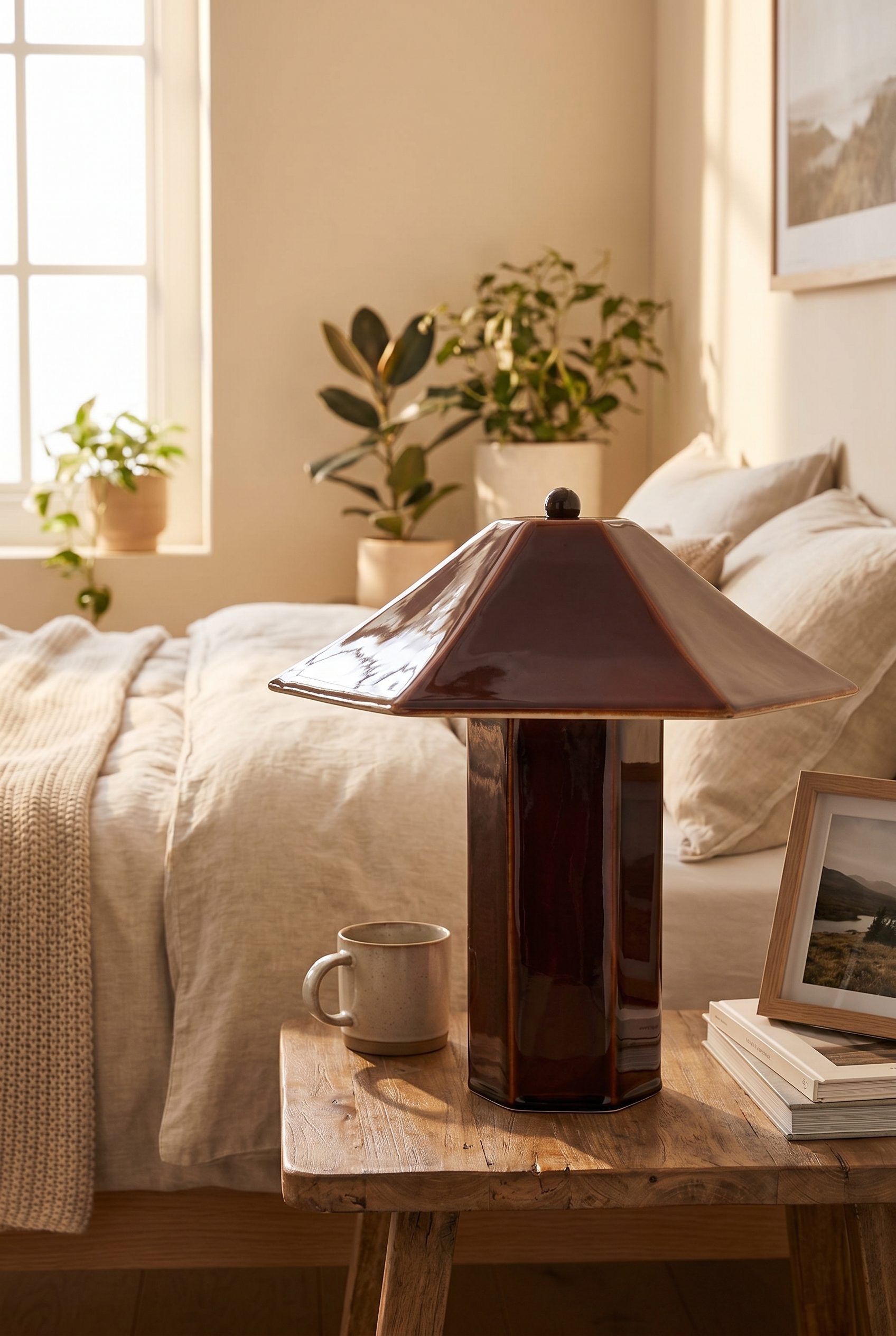
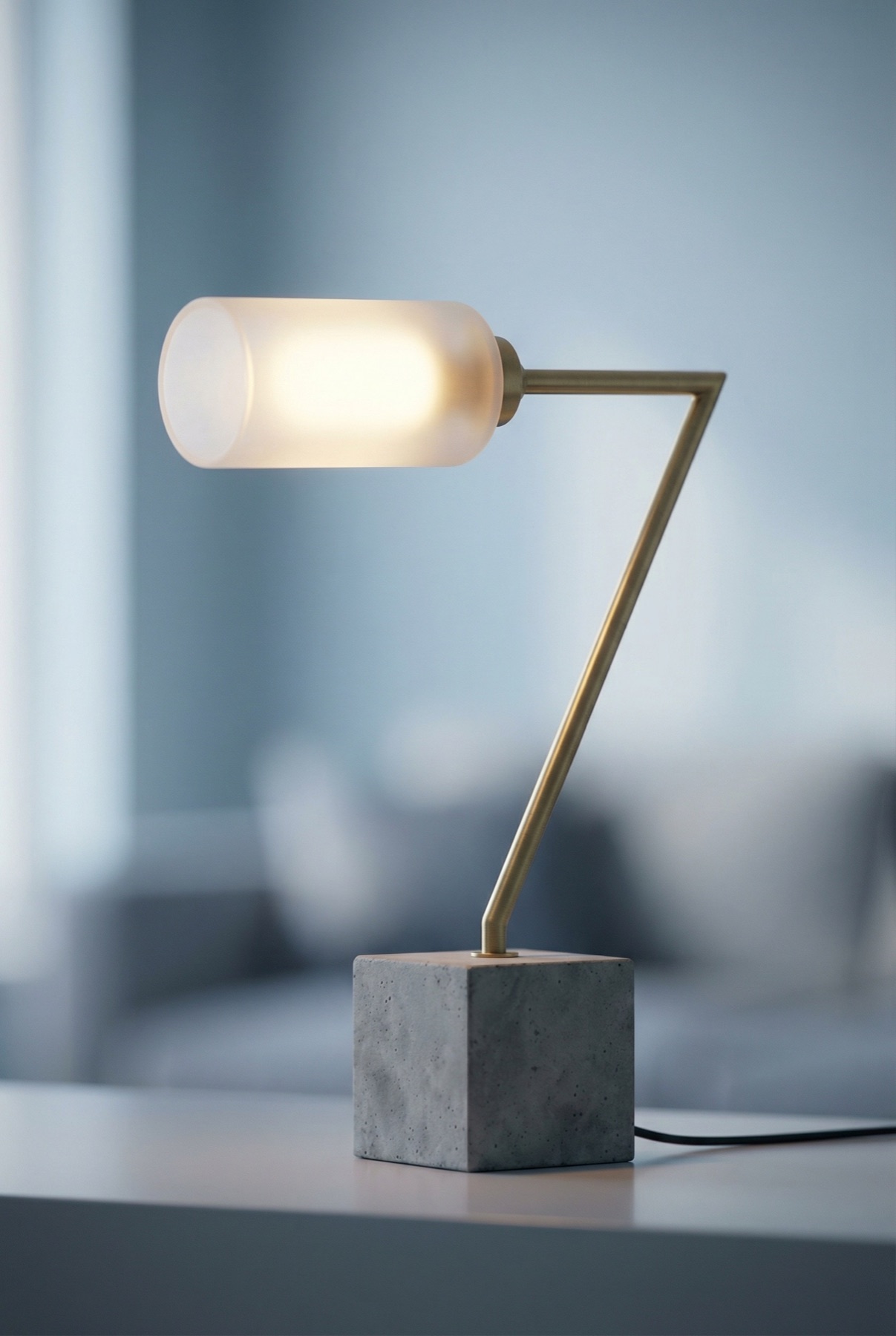
Show room scale without changing the product
Home products need believable dimensions, materials, finish, assembly, function, and room scale. Build those product facts first, then extend the item into coherent interior scenes.
Apply one interior direction across selected products, then review dimensions, material, function, and room scale.
Choose the images you need, review the results, then reuse the direction for other products.
Explore studio, lifestyle and campaign scenes for the places you sell.
Build a home-goods set around function, finish, and room scale
- Step 01
Bring in your products
Upload a clear source photo, choose the visual direction, generate options, then review dimensions, materials, proportions, assembly details, reflections, and room scale before exporting or publishing.
- Step 02
Pick a preset or scene
Choose a marketplace-focused image direction or a lifestyle scene, then review the result against the current requirements of the destination channel.
- Step 03
Generate variants in one pass
Export the selected image, then prepare its crop, file type, and dimensions for each destination channel.
- Step 04
Export to your store
Download the images you approve, then add them to the store or channel you use.
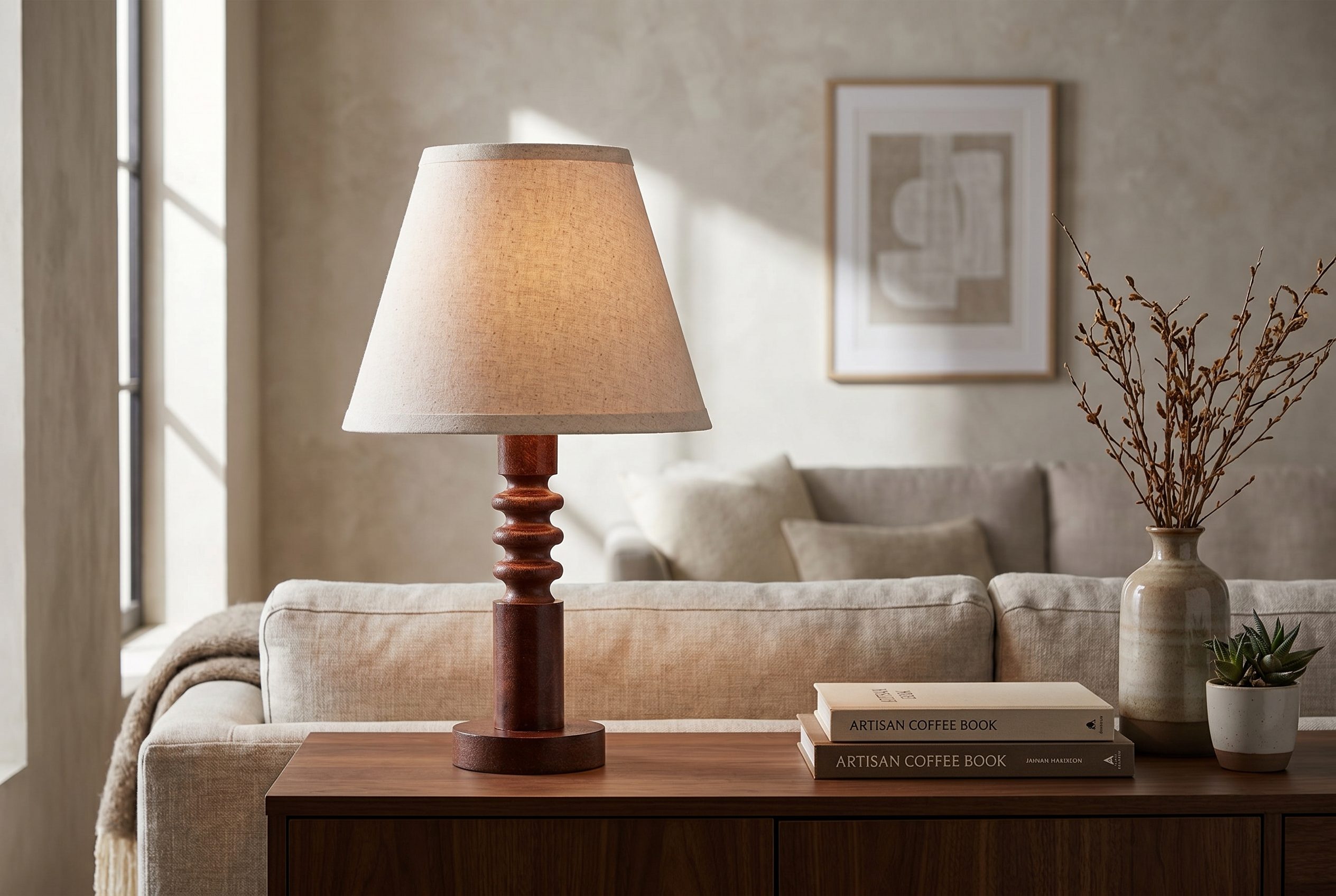
Explain materials, function, and scale in the room
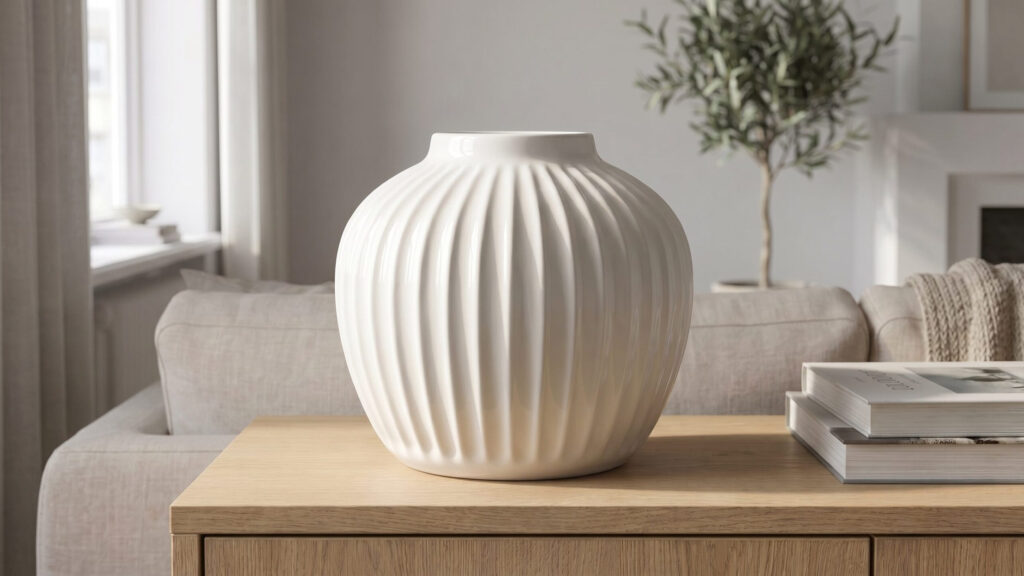
Build clear product views, material and finish details, assembly or function context, dimension support, and coherent room scenes that preserve the source item.
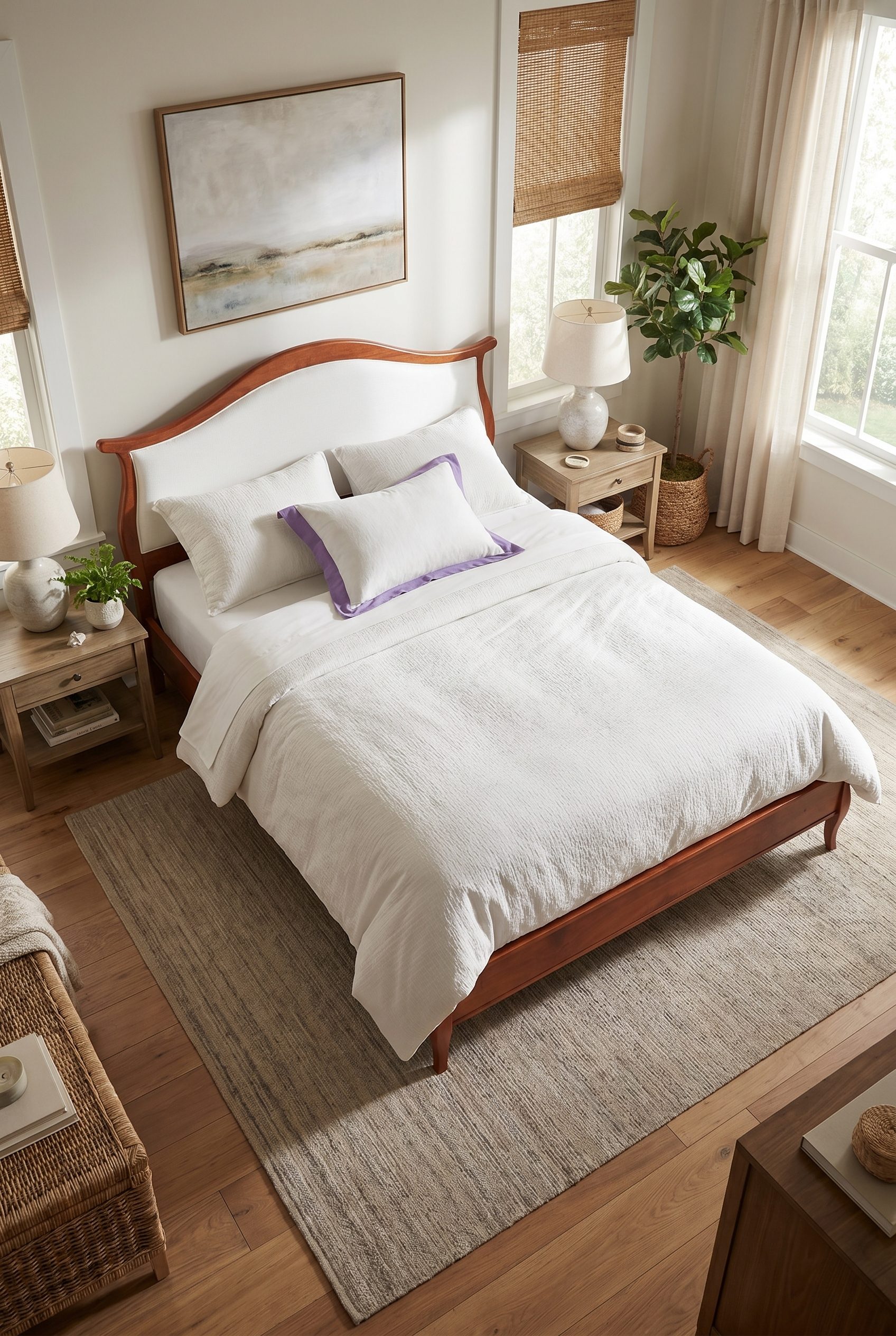
Decor PDP heroes
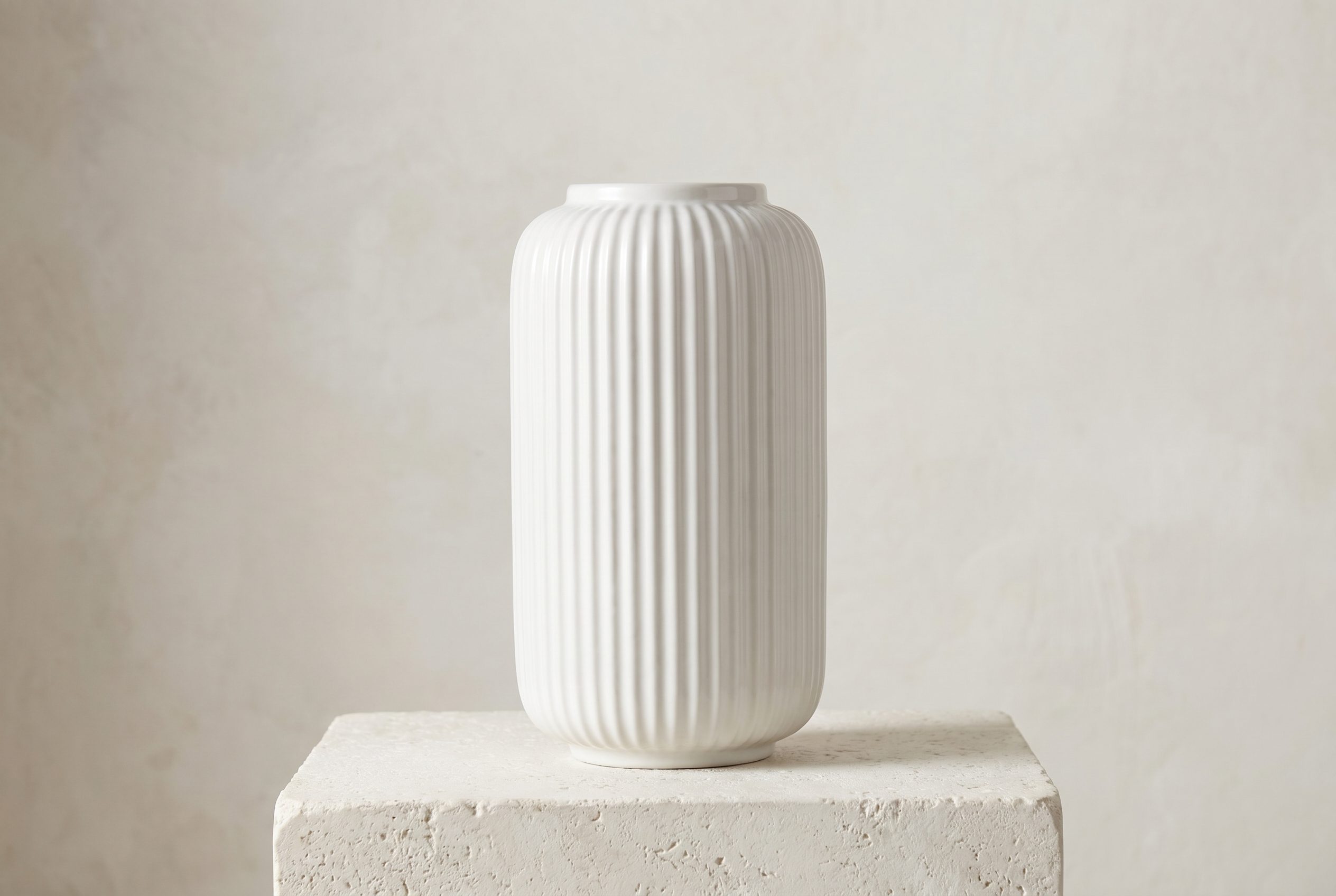
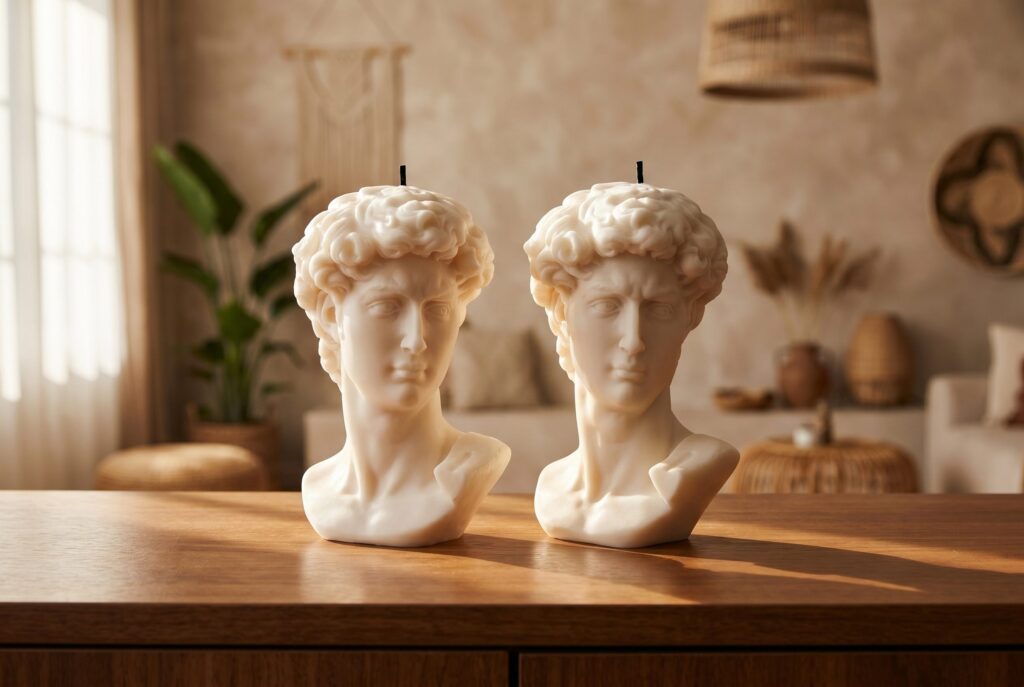
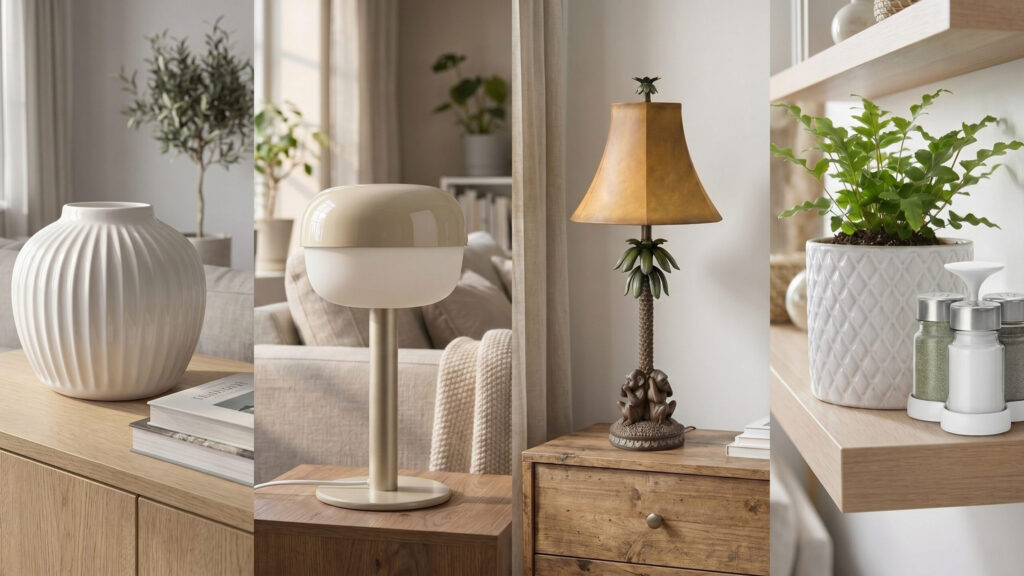
Clean catalog images for vases, candles, planters, sculptures, and tabletop objects.
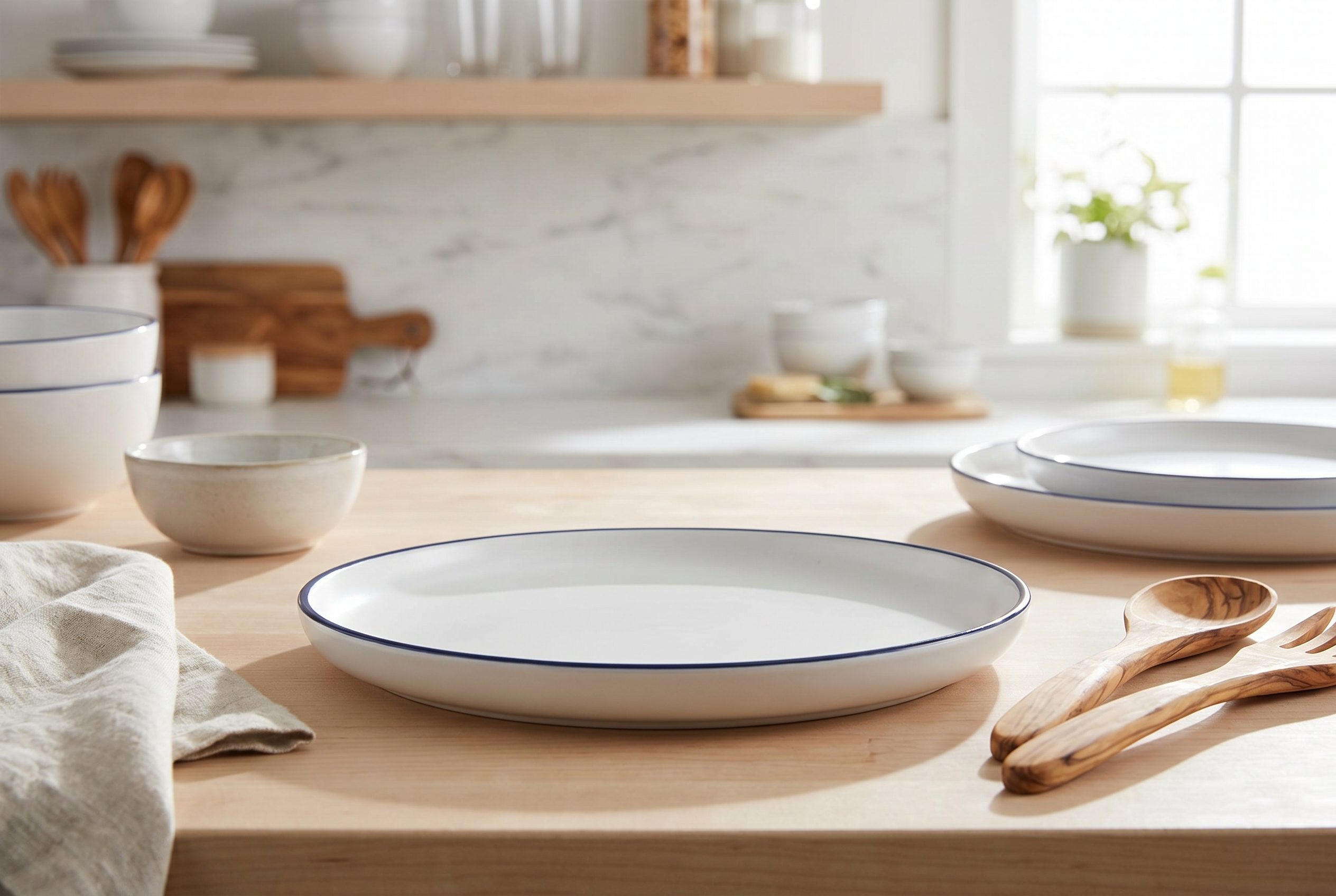
Kitchen and dining product scenes
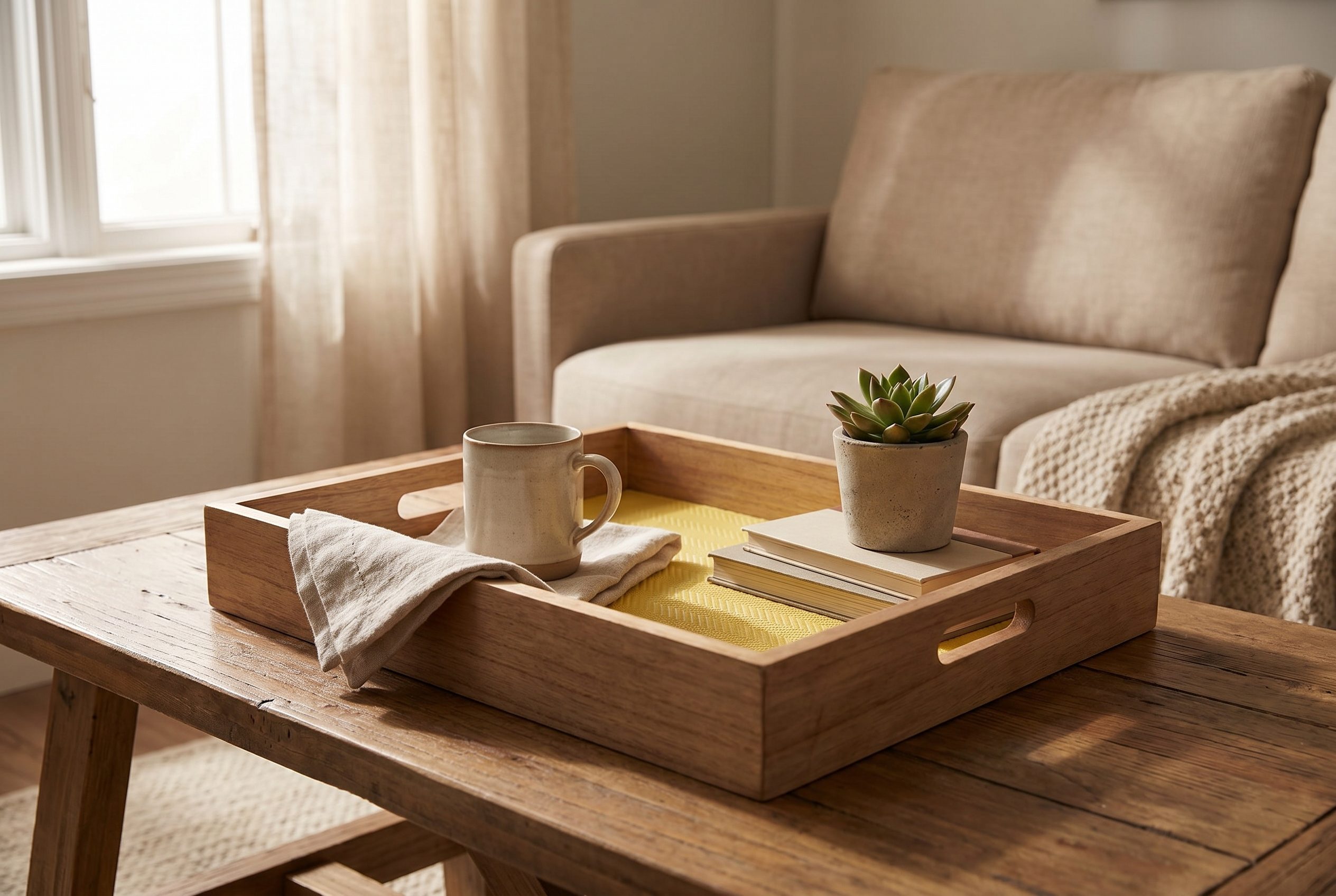
Turn plates, bowls, mugs, and serveware into polished catalog images with scale, material, and table context ready for PDPs and feeds.
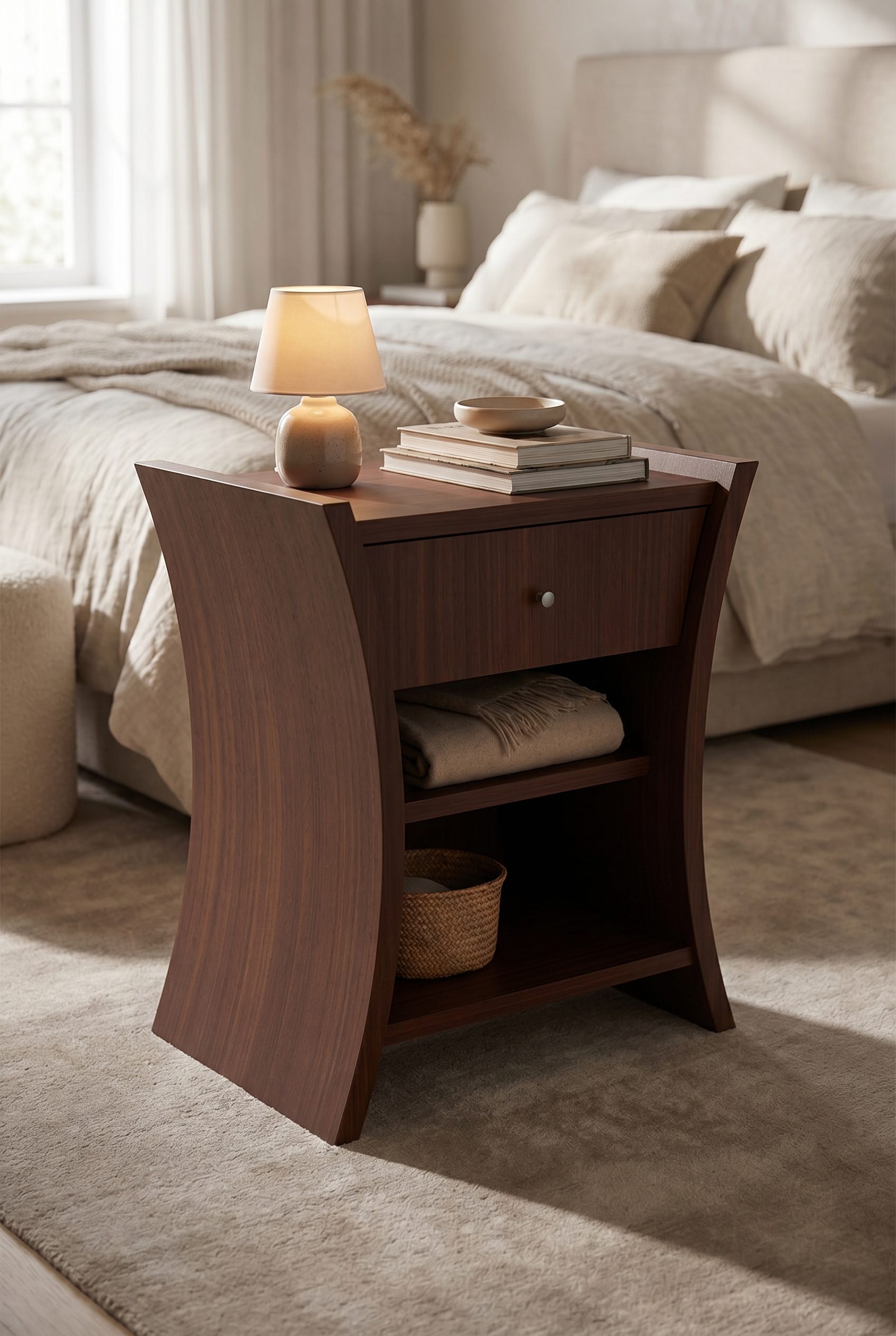
Furniture room scenes
Place tables, chairs, storage, and soft goods in rooms without a set build.
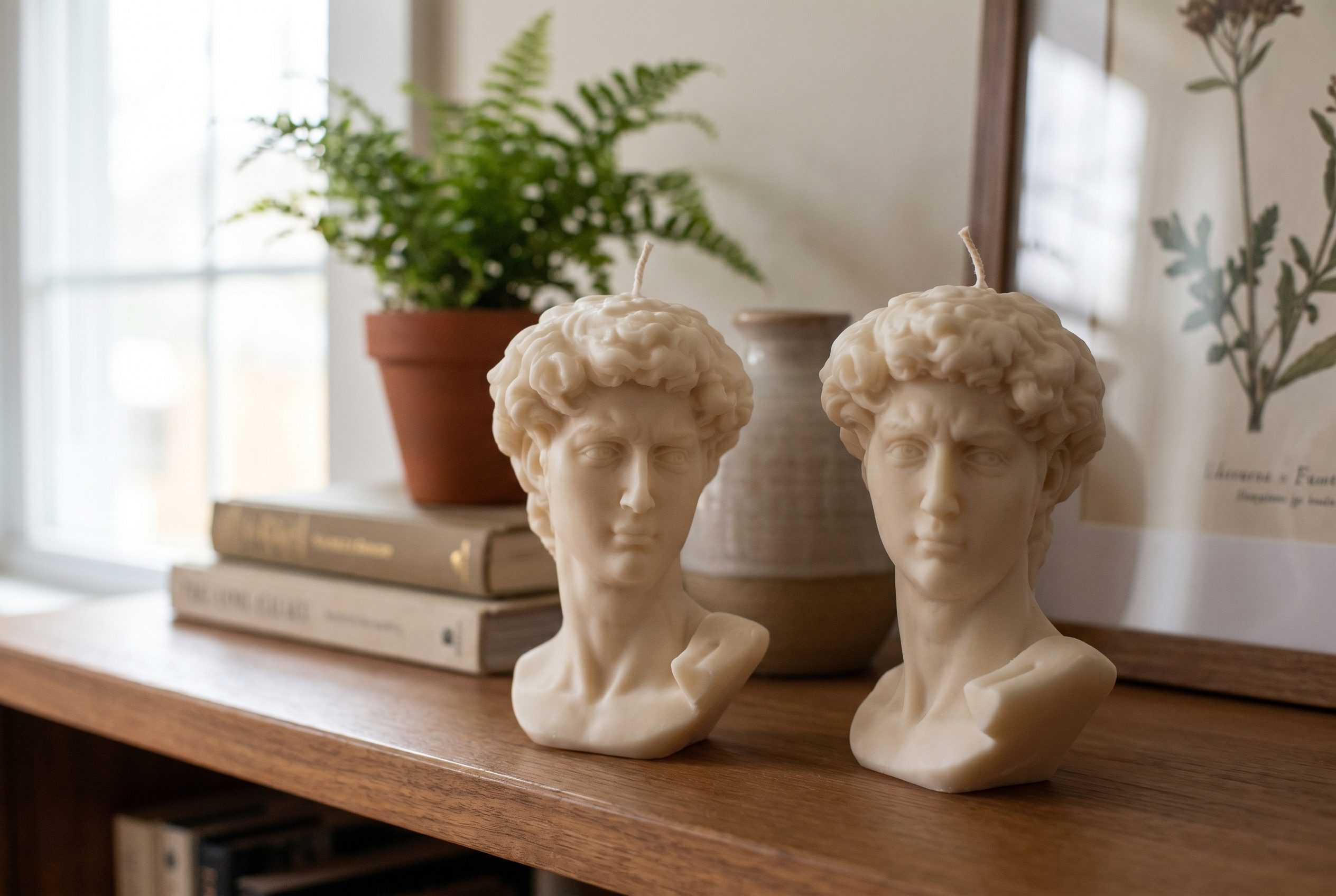
Candle and ambient lighting shots
Create warm candle and tabletop scenes that show texture, scale, and finish without rebuilding a styled room.
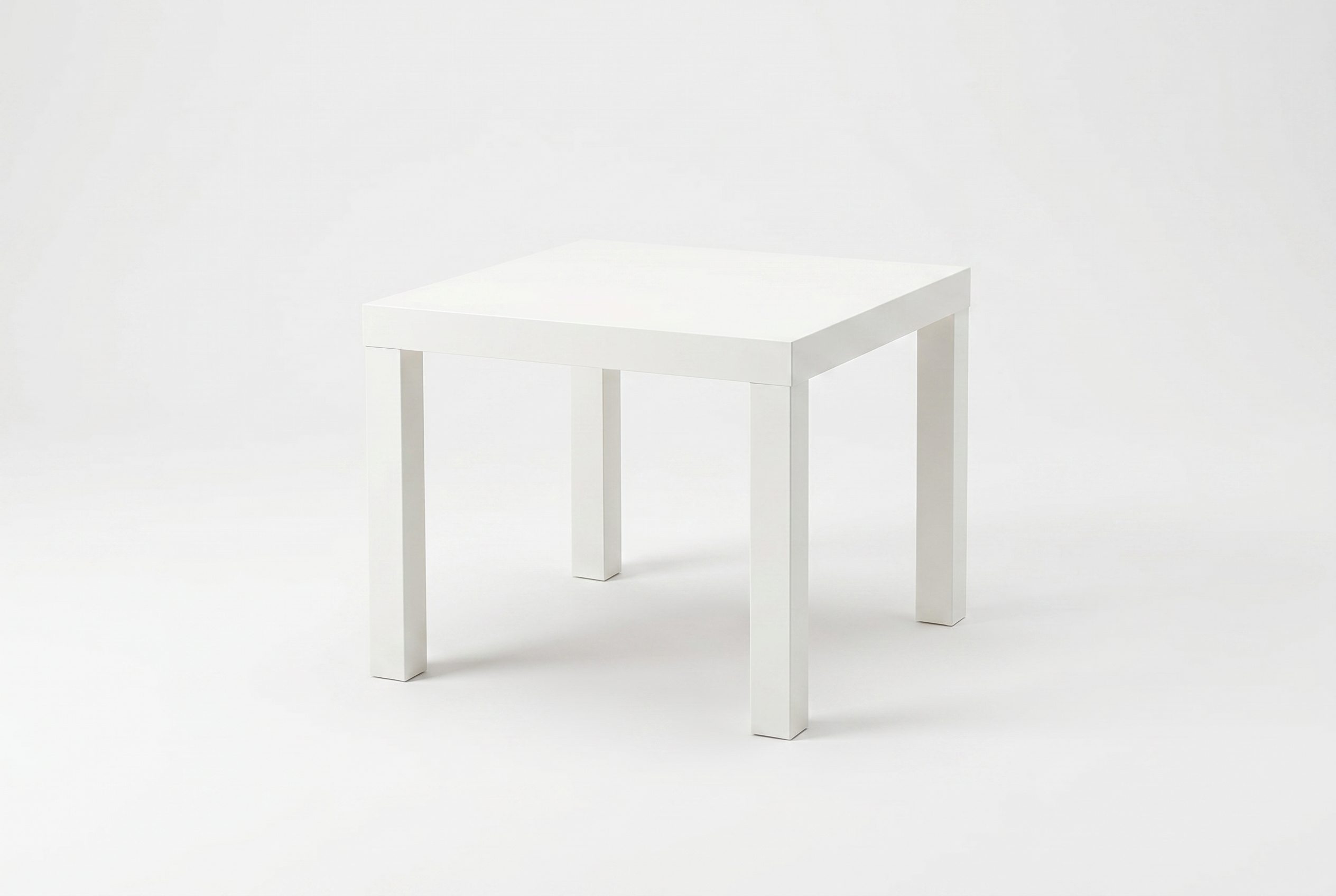
Material and finish details
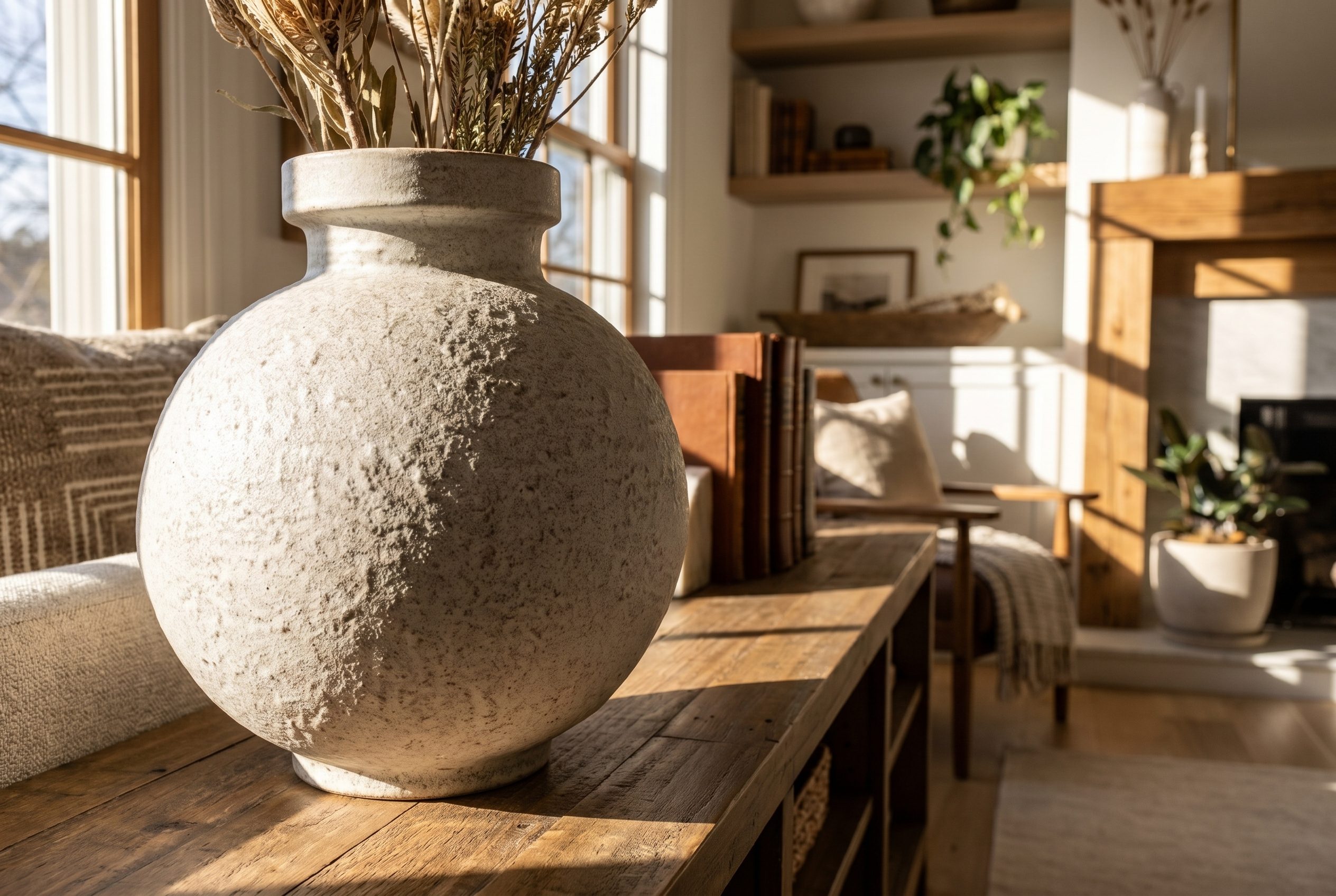
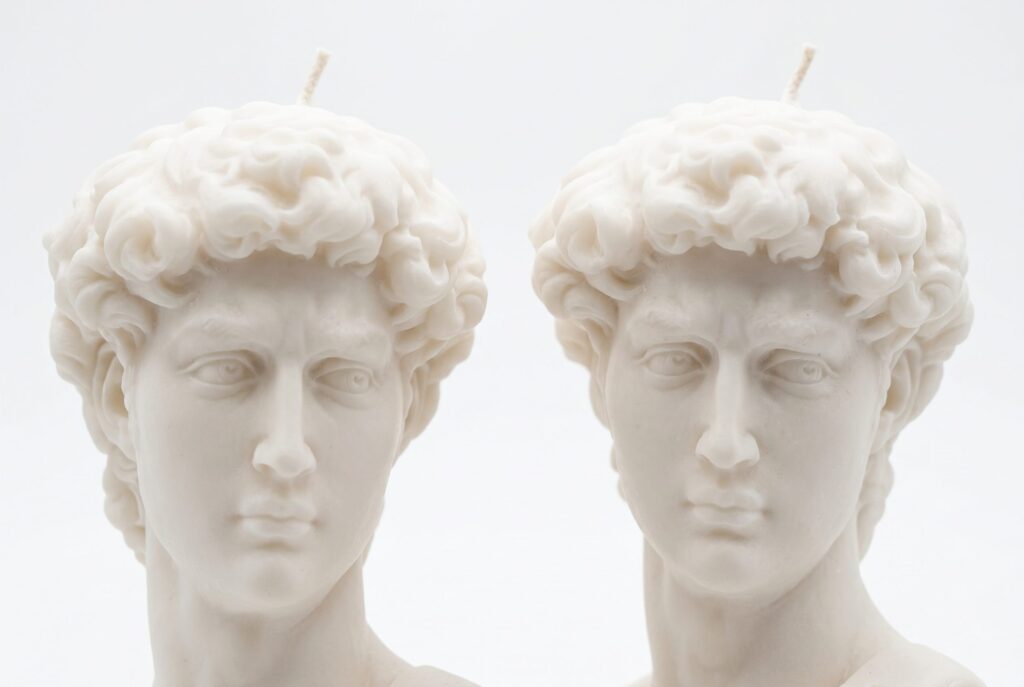
Highlight ceramic, glass, wood, metal, fabric, and surface texture up close.
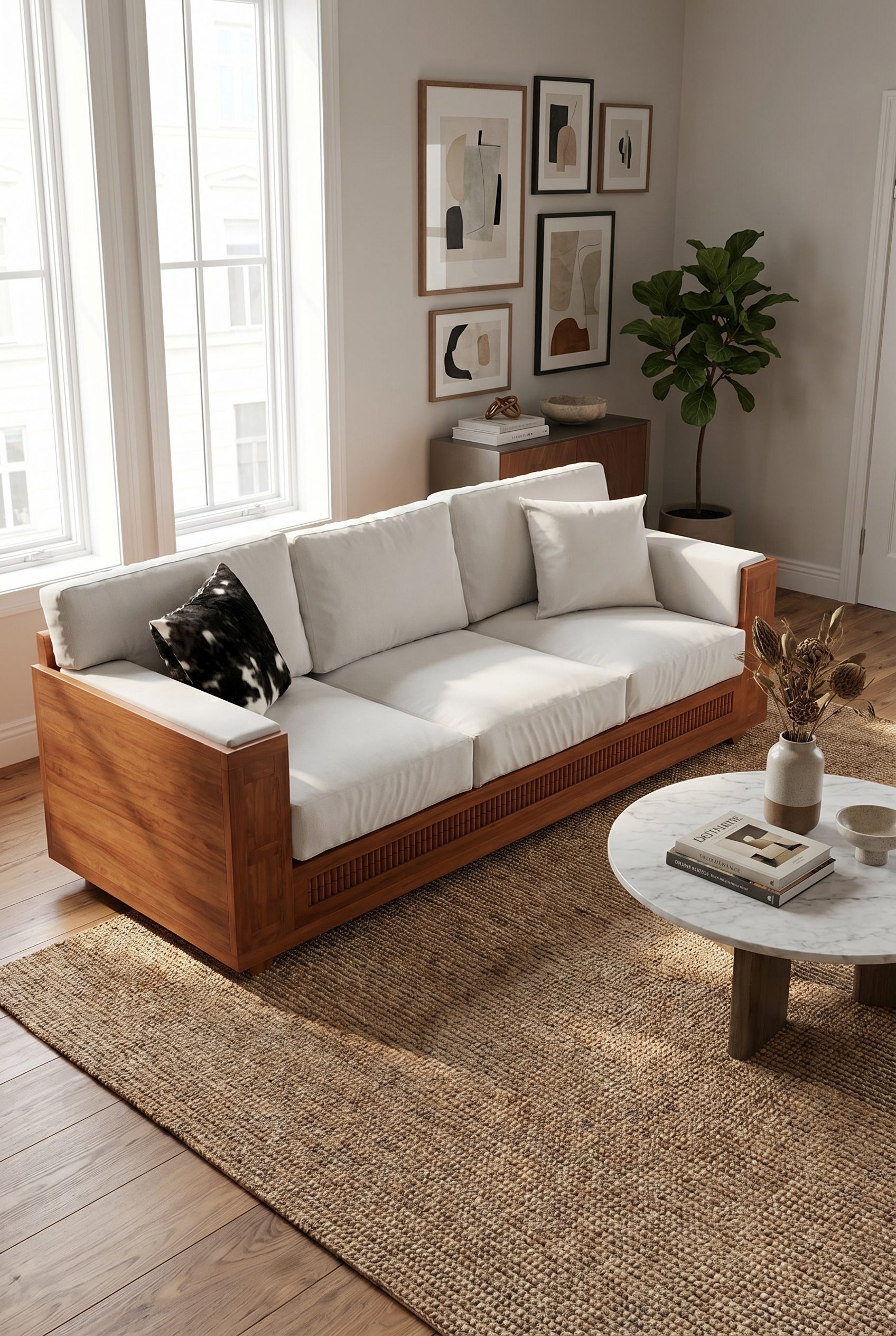
Furniture and room-scene sets
Generate coordinated room images for sofas, rugs, tables, and decor, then crop them for PDP galleries, social ads, and marketplace listings.
Best for home products that need scale and material context
Create a complete home goods image set.
For independent home goods sellers with a clear source image who want more product-page and campaign options while staying responsible for final review.
- Start with one clear product photo.
- Create white-background, detail, and lifestyle options.
- Compare results against the source product before publishing.
- Choose a plan based on the credits and workflows you need.
Generate options in one workspace, then review and export the images that fit.
You decide which images accurately represent the product.
FAQ
Home Goods Product Photography FAQs
Use a clear home-goods source that shows dimensions, material, finish, assembly, reflections, and enough context to understand product function.
Try it on your product
Try this workflow on your product.
Start with a clear product photo and explore a new scene for your store or campaign.