Bulk AI product images: a WooCommerce clothing workflow
Plan the selection before generation. Keep completed results when a run needs attention.
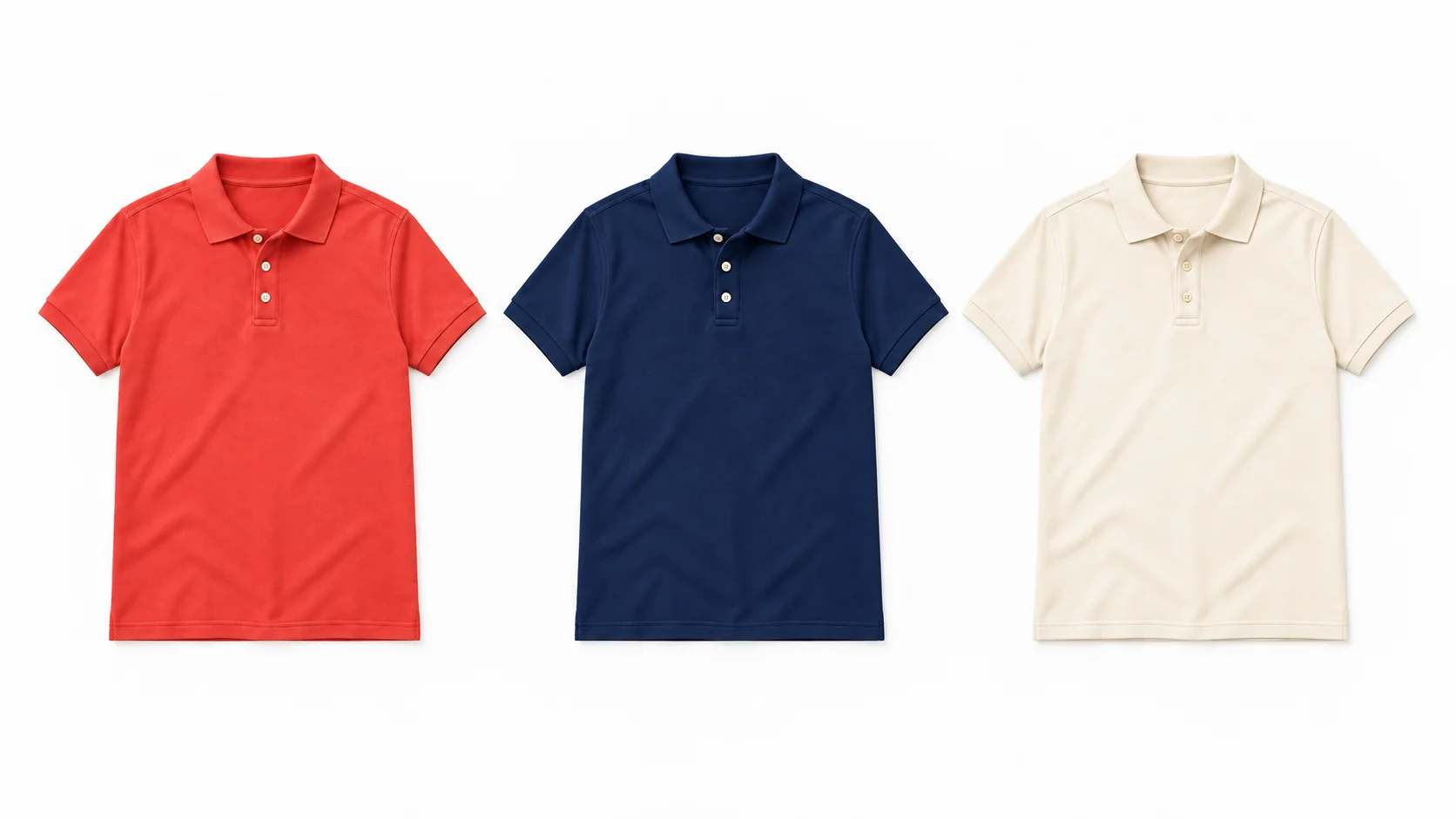
To generate product images in bulk in WooCommerce, open Fotogenic AI → Studio, choose Product source and select the exact products or variations. Use Generate Images, configure the shared direction and check the total output count and estimated credits before starting. Choose Review images first when you want to inspect results before changing your store.
The important distinction is between items, reference photos and outputs. Several photos of one garment can explain that garment; they are not several products. A completed file also needs its own approval, even when other items in the run fail.
Count products, reference photos and outputs separately
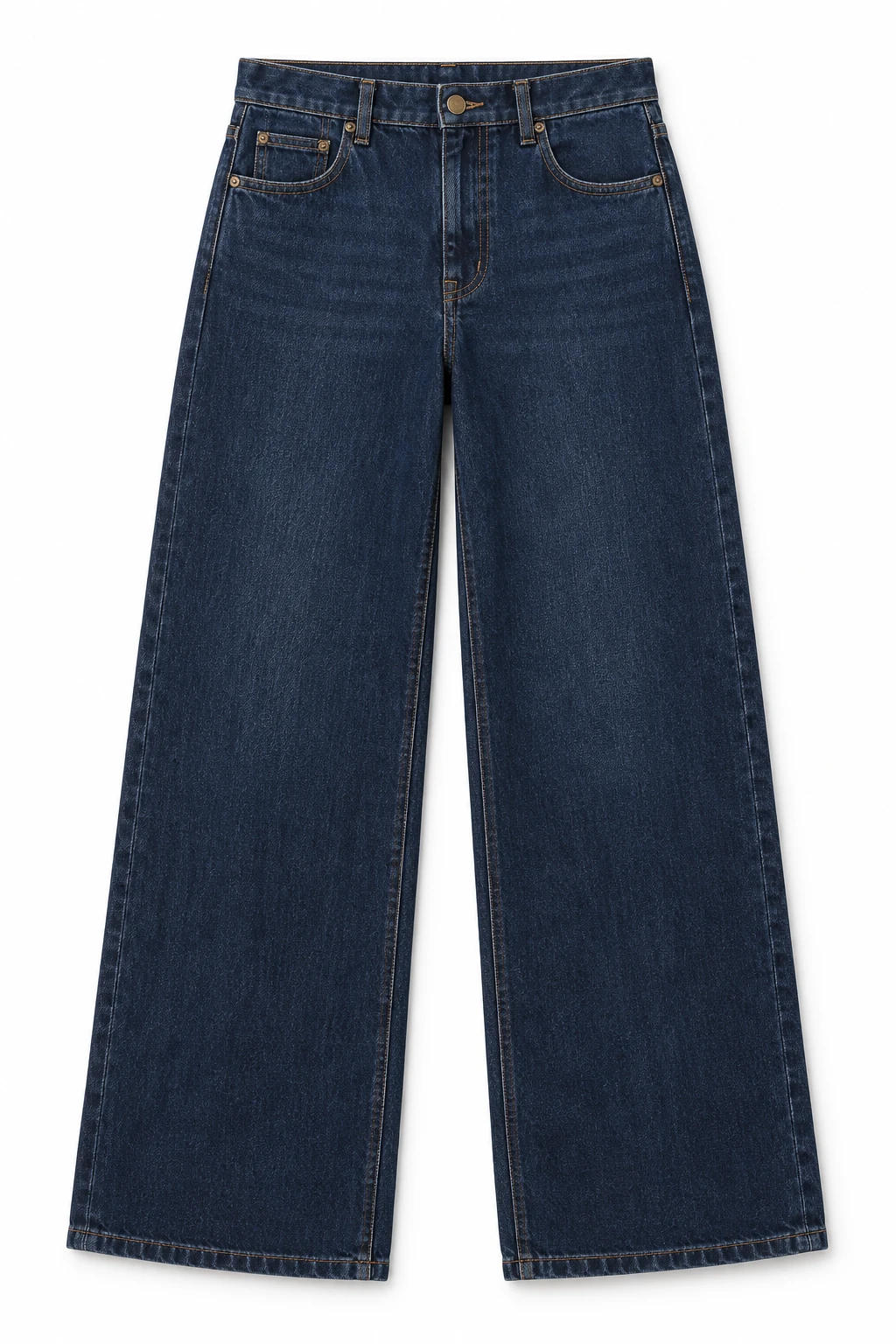
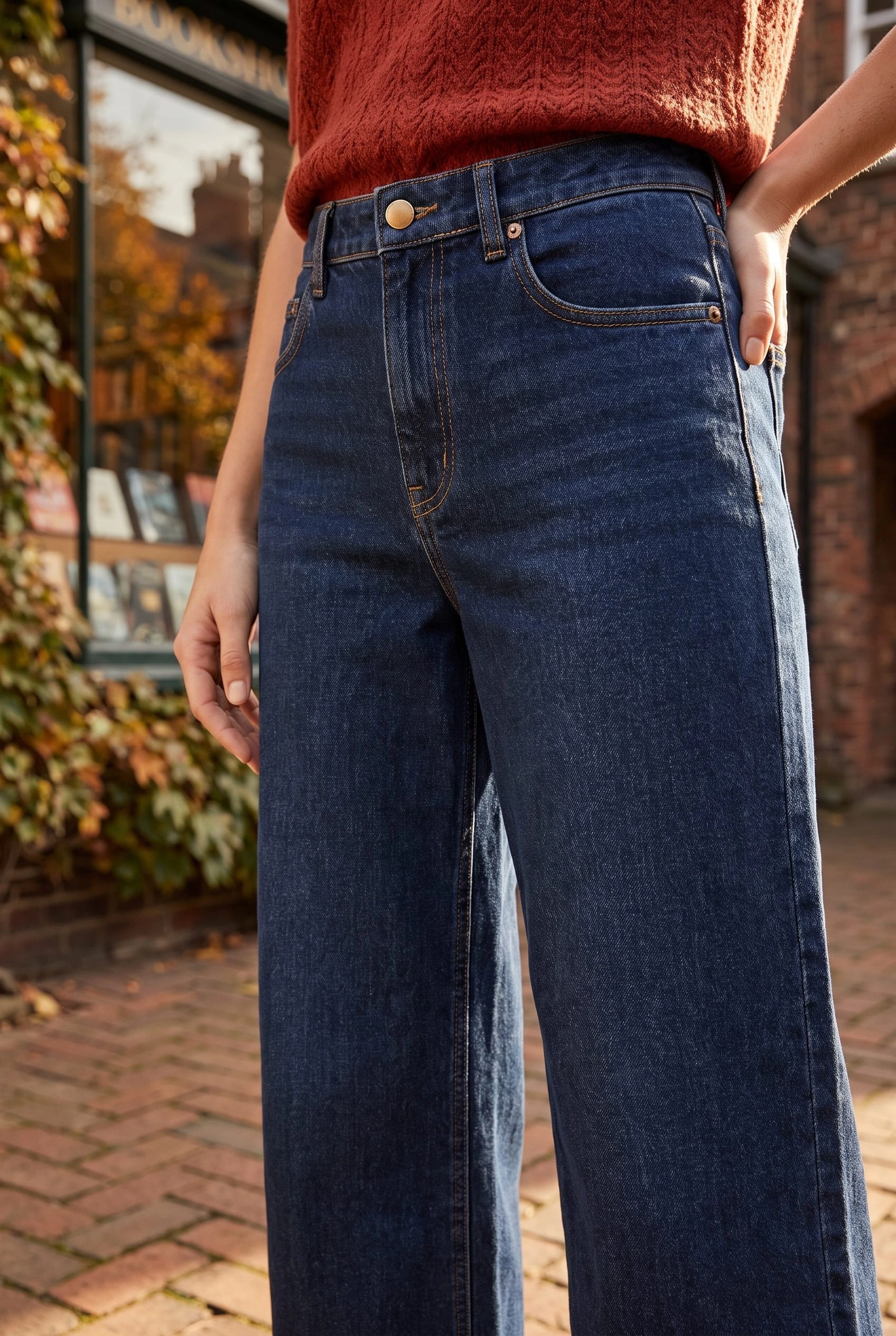
The dark indigo jeans below are one product reference. A front photo plus a back photo of that same item can supply more information. Selecting a second product or an exact variation creates a different item to process.
For Generate Images, use this planning calculation: selected items × Images per item = requested outputs. Two selected items with one image per item request two outputs. Selecting three reference photos for each item does not turn that into six requested outputs.
Keep the photos for each product accurate. A gallery that mixes colours or includes another garment can introduce ambiguity. A reference selection cannot establish an unseen back view, measured fit or physical fabric detail.
1. Select the exact clothing items
In Fotogenic AI → Studio → Select, choose Product source. Search by product name, SKU or ID, or narrow the list by category and stock status. Select the intended products or variations and check the selected count before continuing.
Use Select all matching Products only when the filtered selection is the batch you intend to process. A search result count and your selected count are different. For a colour-specific job, select the exact variation rather than assuming a parent product will update every colour.
Continue to Generate Images. For the individual product-image and gallery controls, keep the WooCommerce image tutorial beside you.
2. Set the reference policy and delivery
In Configure → Results settings, open Which product photos should we use? Choose Featured Image only for the main product photo, Featured Image + Gallery Images when additional views help explain the item, or Gallery Images only when the main photo should be excluded. These are input choices, not the number of new images to create.
Under What should happen to the new images?, select Review images first. This saves results for inspection while keeping the current product photos. Update my store automatically is a separate choice that applies the image changes selected during setup to eligible completed results.
Set Images per item to the number of new views each item needs and choose the available Quality. Then use Guidance → Instructions for this run for the shared scene direction. A sentence in the prompt does not replace the source or delivery controls.
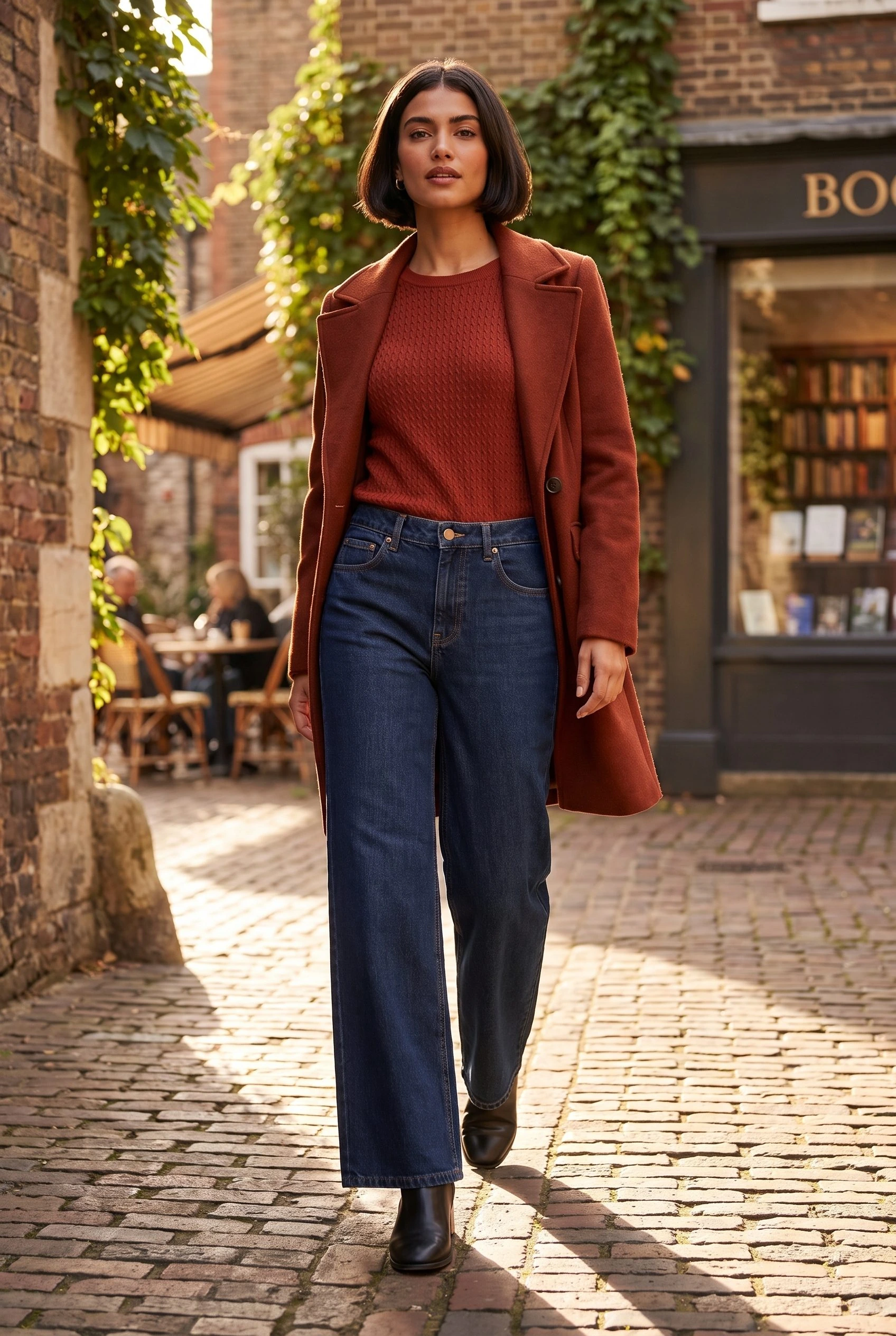
Show an adult wearing the selected garment on a real brick shopping street in soft afternoon light. Keep the garment unobstructed and the full outfit in frame. Use natural standing poses and a calm background.
This direction supplies an everyday setting without asking every item to become the same garment or colour. A shared setup guides the batch; it does not guarantee identical model identity, crop or product fidelity.
For a coordinated visual direction across garments, use the clothing catalog guide rather than treating the batch settings as a consistency lock.
3. Reconcile the count before starting
Continue to the generation review screen. Check the exact item rows, requested outputs and estimated credit total. If the count differs from your plan, return to the selection or Images per item before submitting. Read the current estimate rather than multiplying an old credit price.
Use this filled planning example for a two-item clothing run:
- Selected items: dark indigo jeans and a second, separately photographed product.
- Reference policy: Featured Image only, using each product’s own main photo.
- Images per item: 1. Expected outputs: 2.
- Delivery: Review images first. Current product photos stay in place.
- Release decision: inspect each completed result and apply only the accepted image to its matching item.
If you need two views for each of those items, the requested total becomes four. If you need several coordinated scenes of one product instead, Campaign Set is the relevant next workflow; do not add duplicate product selections merely to obtain more scenes.
4. Keep finished work when a row fails
Return through History and open the saved run. Read the status of each item, not just the overall progress. A queued or processing item is still unfinished; a failed item has stopped. Avoid submitting a second copy of the entire selection while work is still processing.
For the two-item example, suppose one output completes and the other fails. There is one completed file to inspect and one unresolved item. This is not a reason to regenerate the completed item. A visually unsuitable completed image is also a different problem from a failed generation.
Open the completed result. When it is Ready to apply, Use image lets you choose an eligible product-image update. Confirm the product or variation and destination before applying it. If you keep the result without using it, the existing store photo remains in place under review-first delivery.
If you start another run for the failed item, select only that item and check its new estimate. Do not assume a failed attempt was refunded or that another attempt is free; inspect the run’s displayed charges and account balance.
Start a new run can appear for a fully failed run with no completed outputs. It is not a promise of one-click recovery for every partially completed batch. Keep the completed files available and resolve only the missing work.
Use the clothing-image approval workflow for the visual decision. After applying an accepted result, open the matching product and variation on desktop and mobile to confirm the correct file and crop.
From one input to a campaign
The closing images develop the jeans reference into a full-length street scene and a closer styled view. They show two different creative uses of the same input product. For this kind of coordinated set, choose Campaign Set and give it a shared scene direction.
Use these views alongside the real product photographs that establish construction and fit. When the task is a larger product selection, return to the exact-item count and review-first workflow above before applying any store changes.
Explore the Fotogenic AI WooCommerce plugin to create and review images from your existing catalog.
Turn the reference into usable images
Plan the run. Review the result.
Your next product image starts here.
Turn a product photo into a new scene for your store.