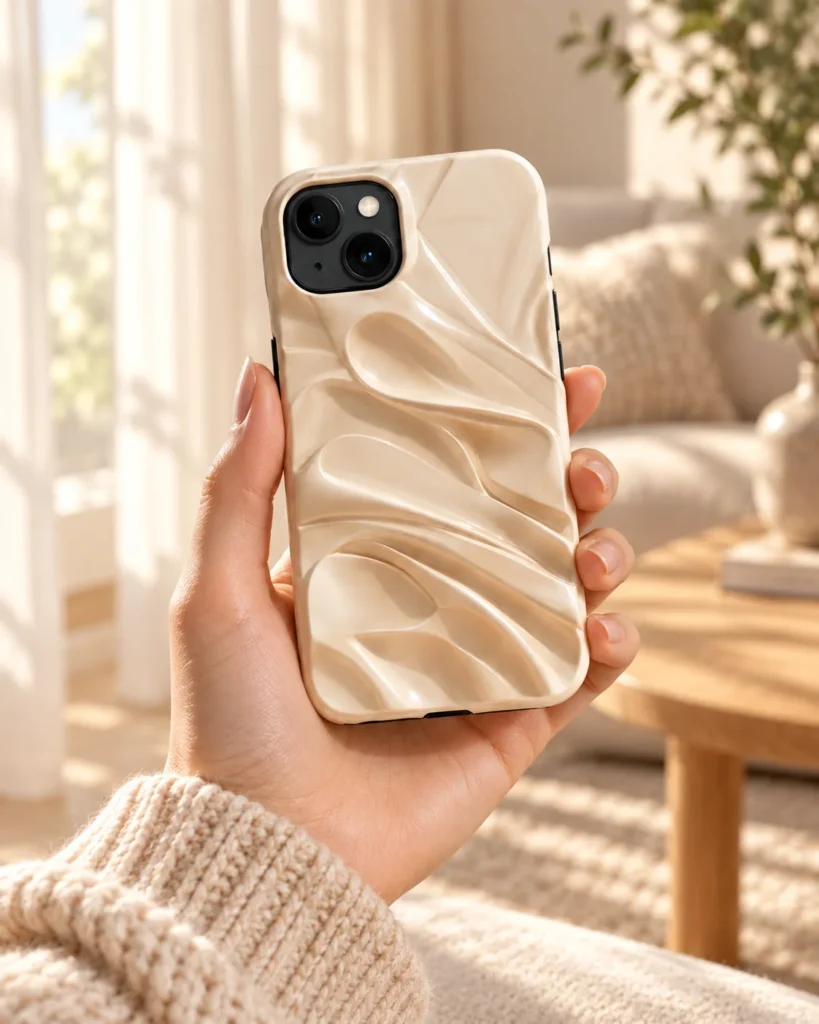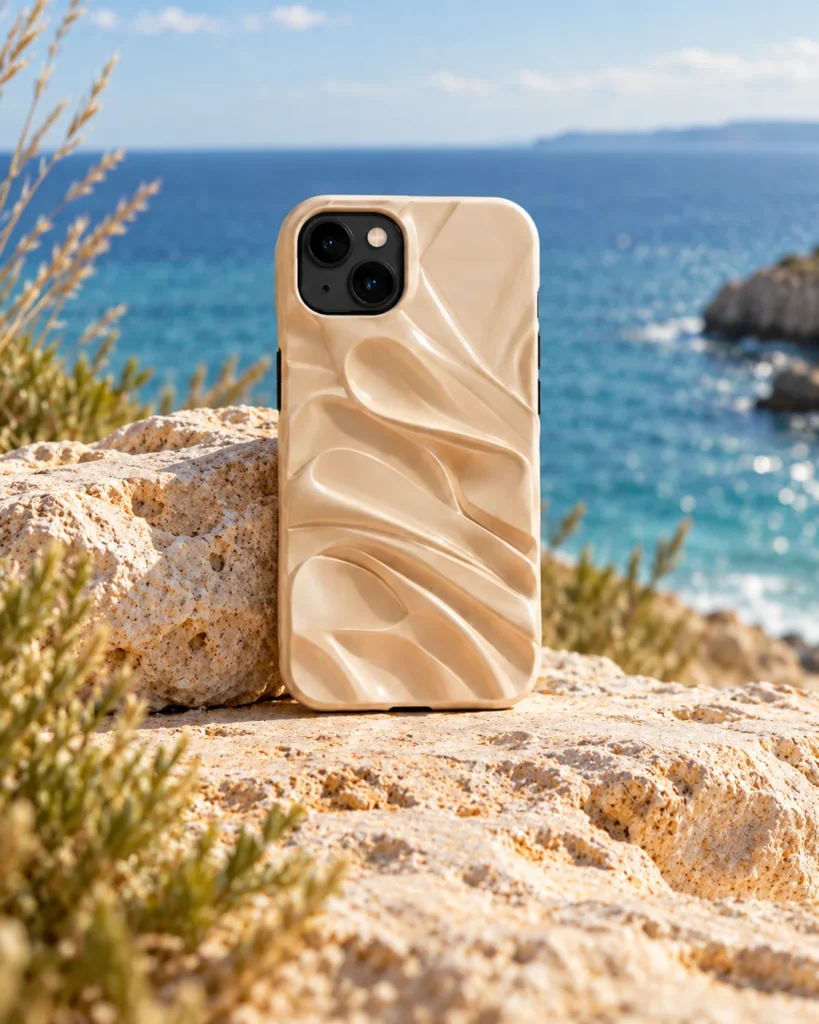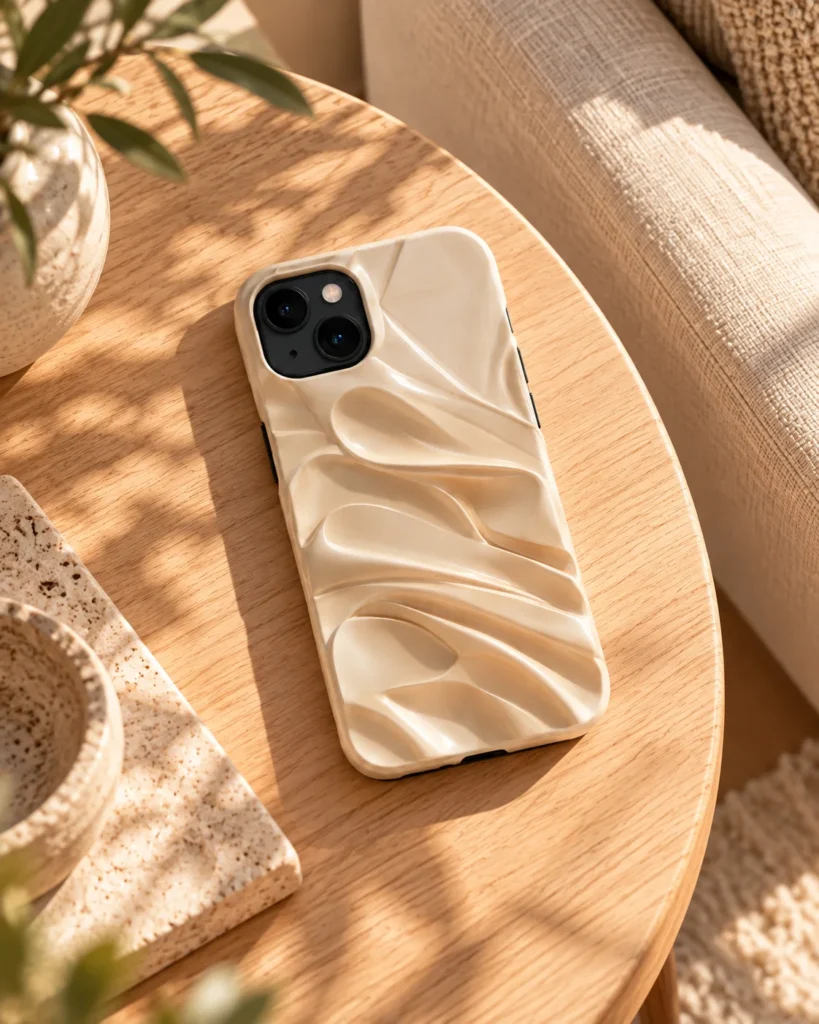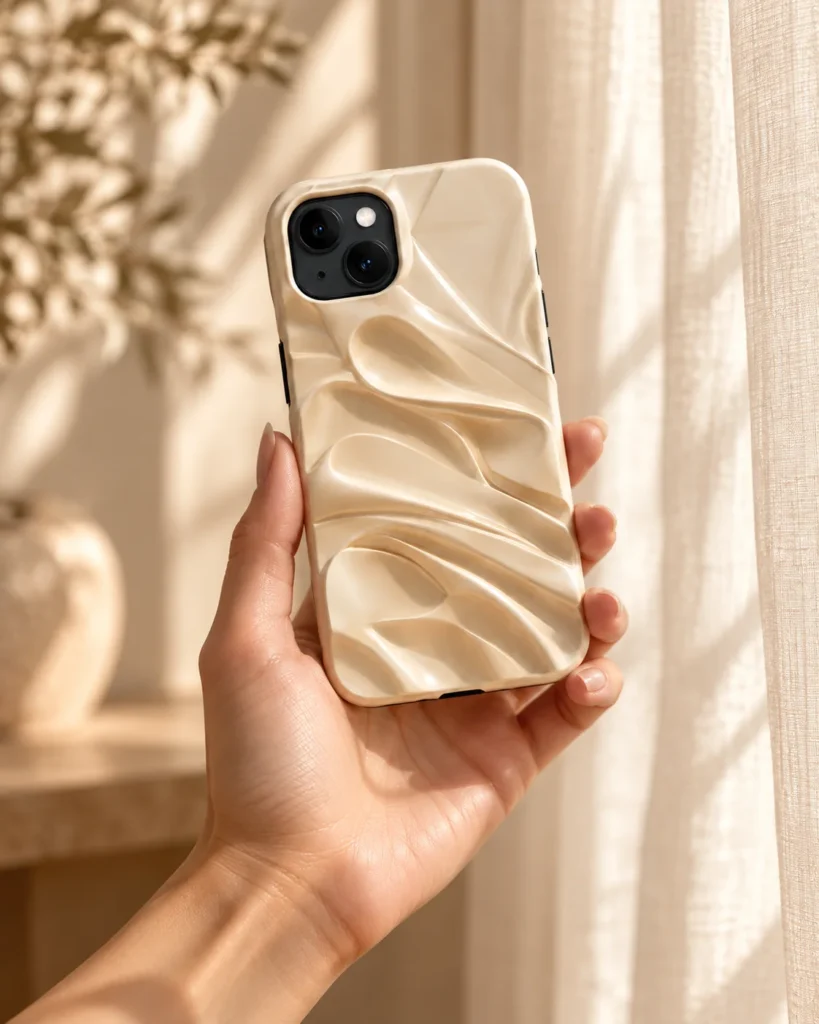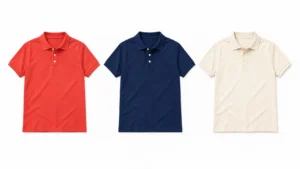

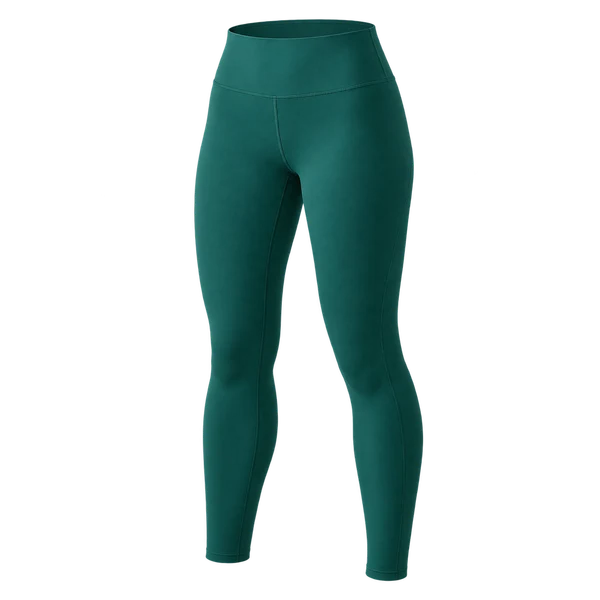
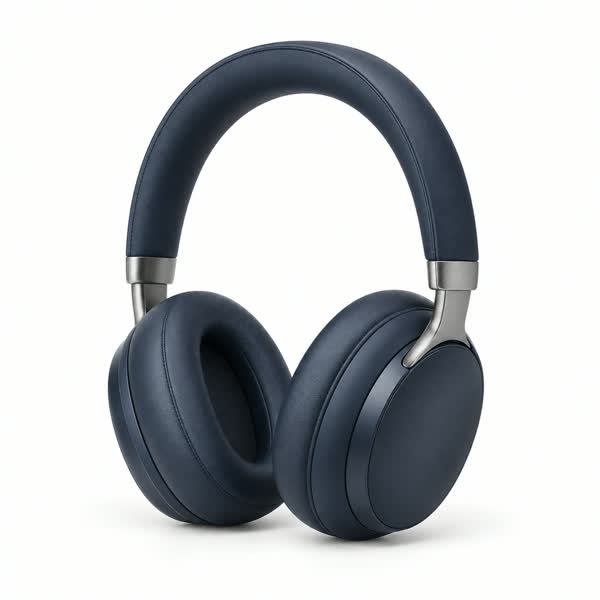
 Drop your product here
 Your Product
01
Upload your product.
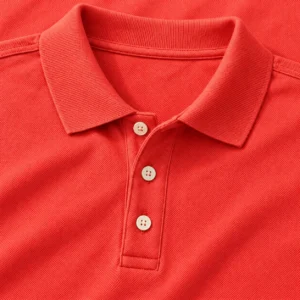
Use a clear photo that shows the full product, its color and important details.
Create product photos and videos from your own product photo.
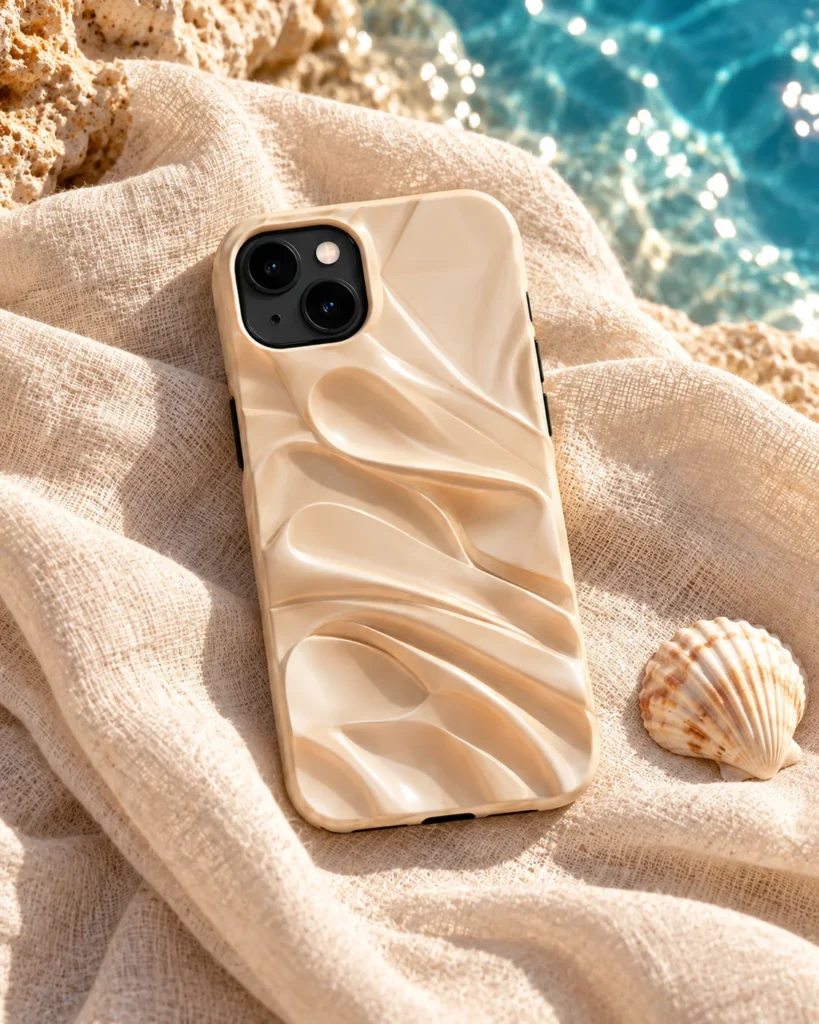
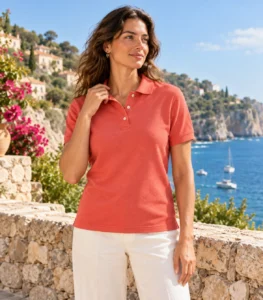
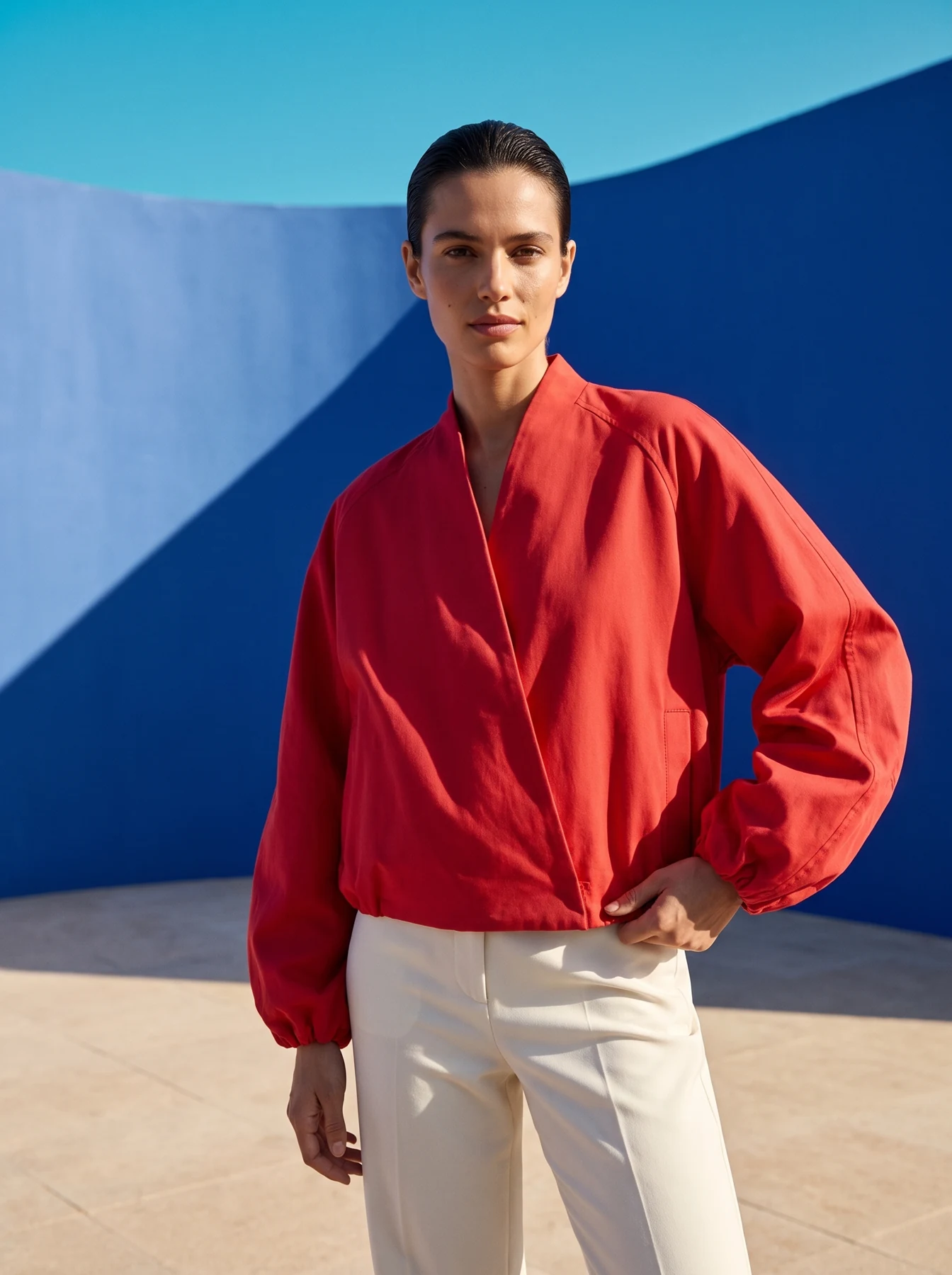 Fotogenic AI image
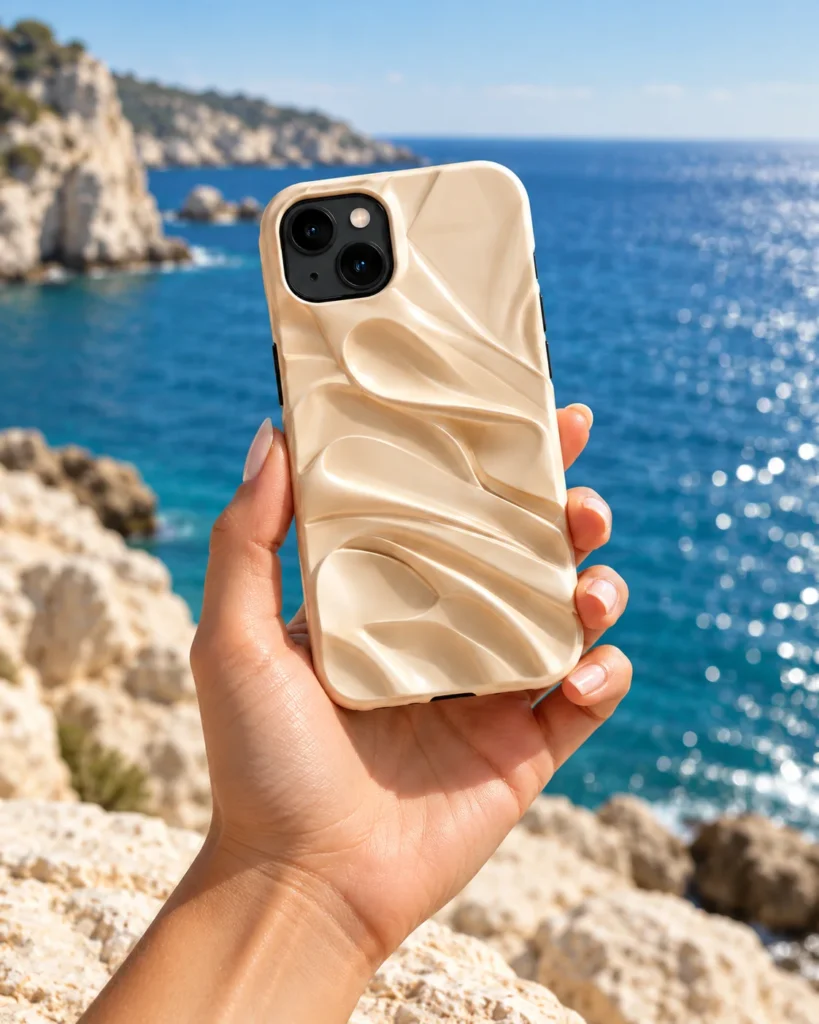
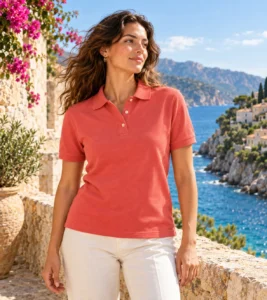
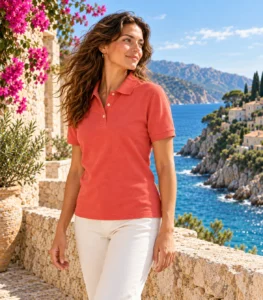
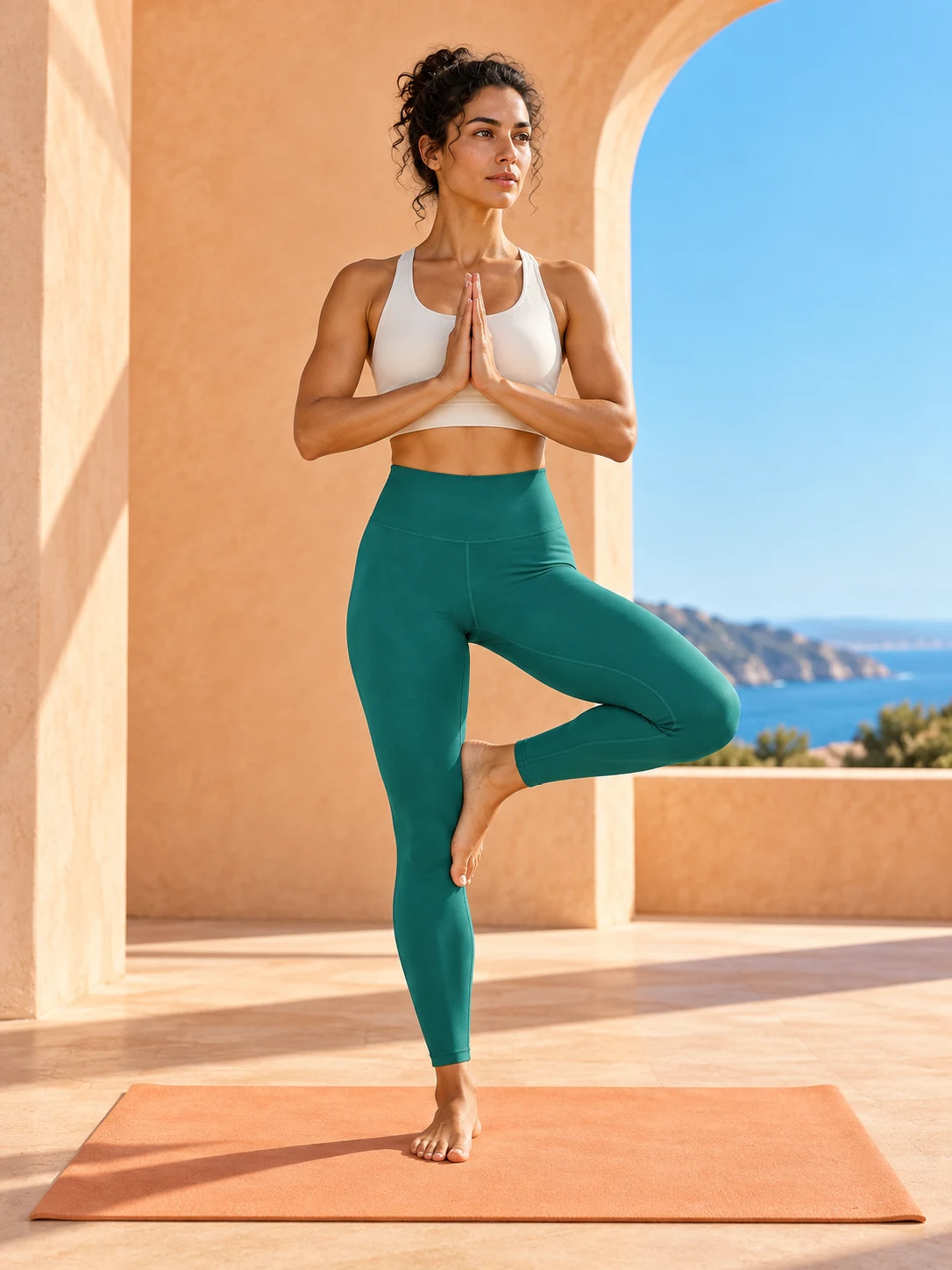 Fotogenic AI image
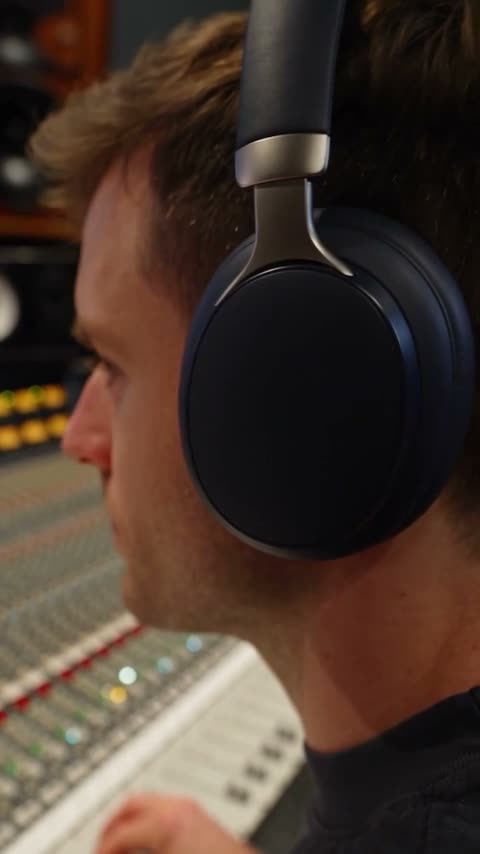 Fotogenic AI video
Create coordinated photos for your store and next launch.
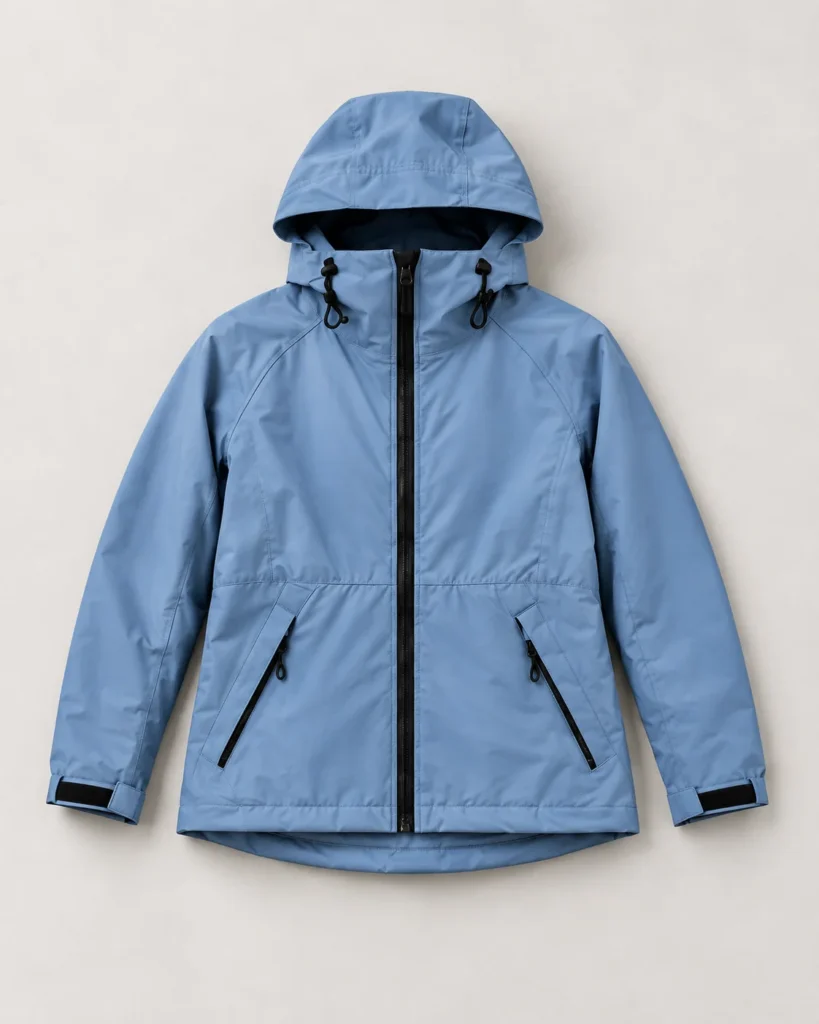
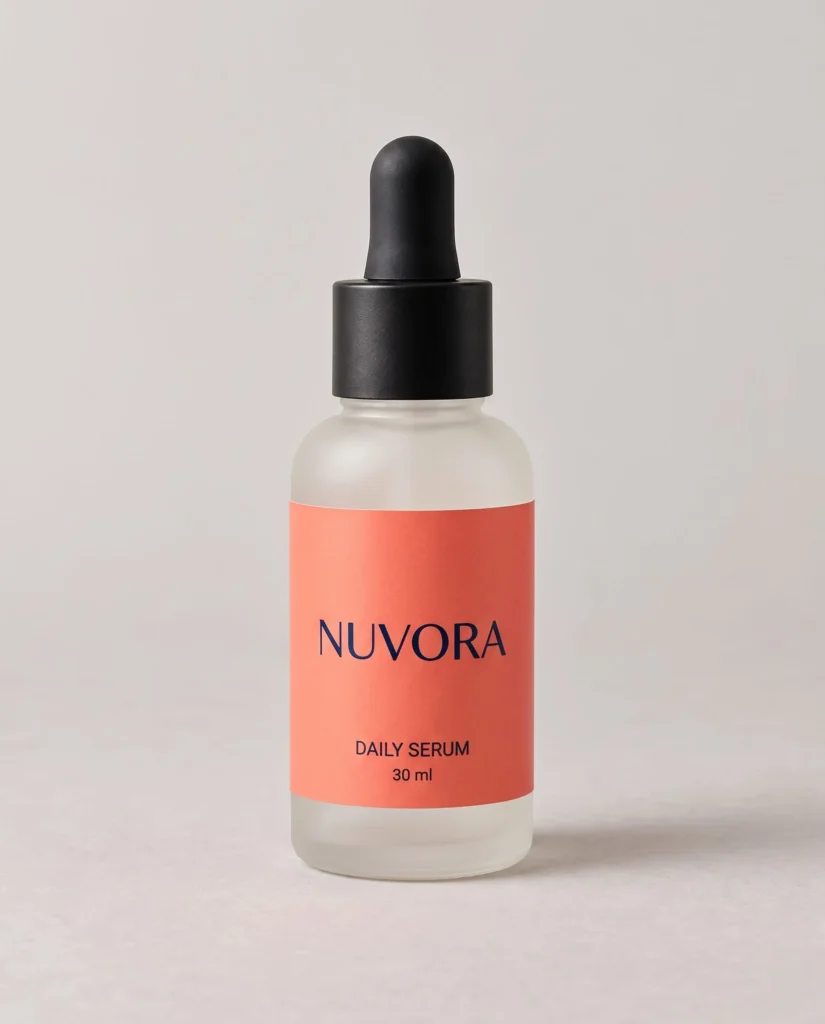
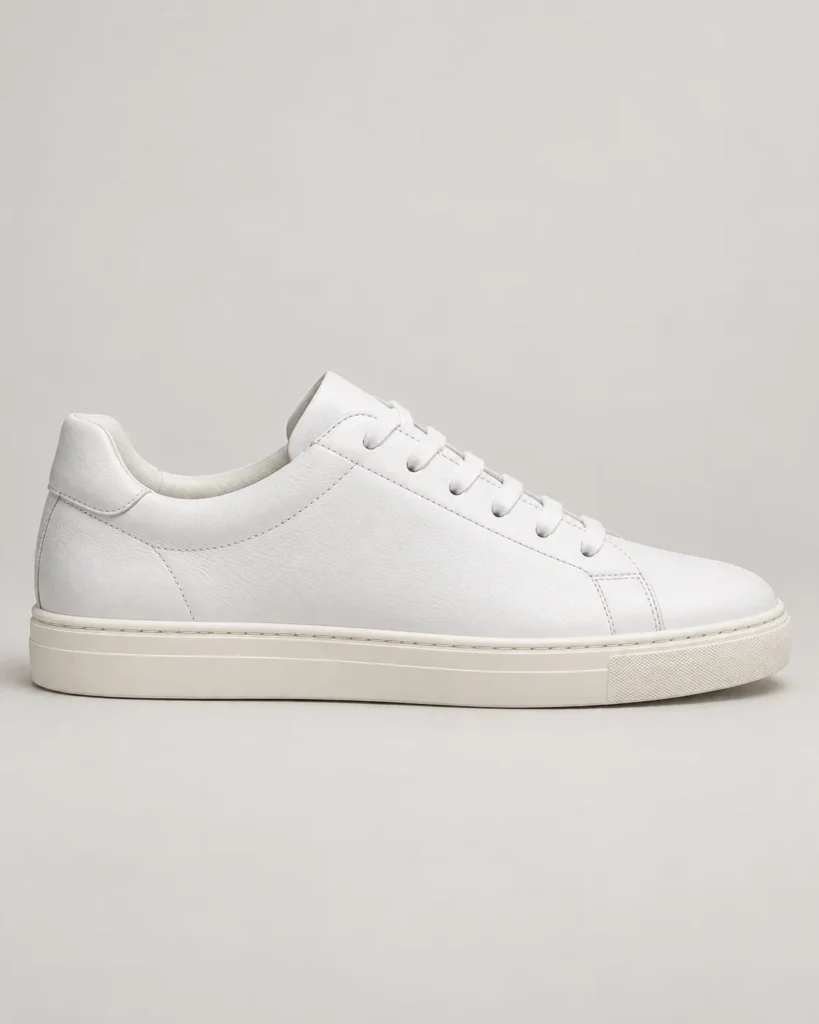
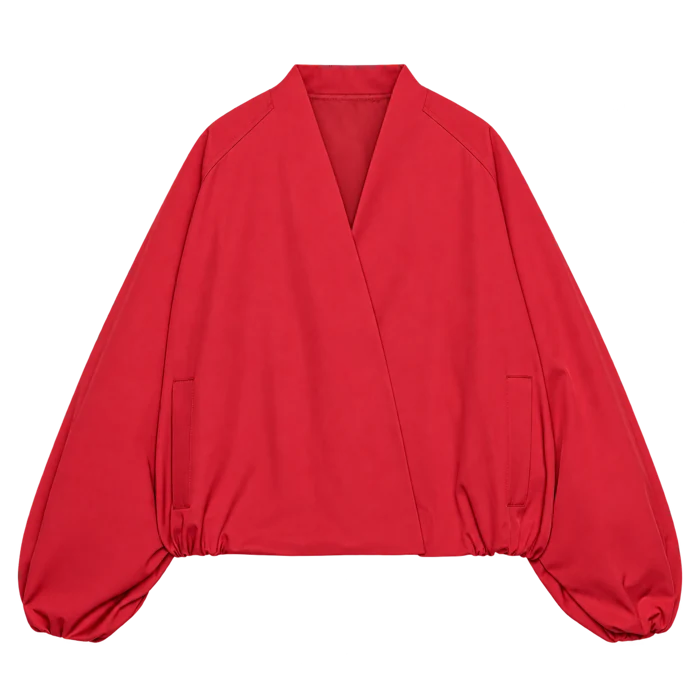
Explore another product
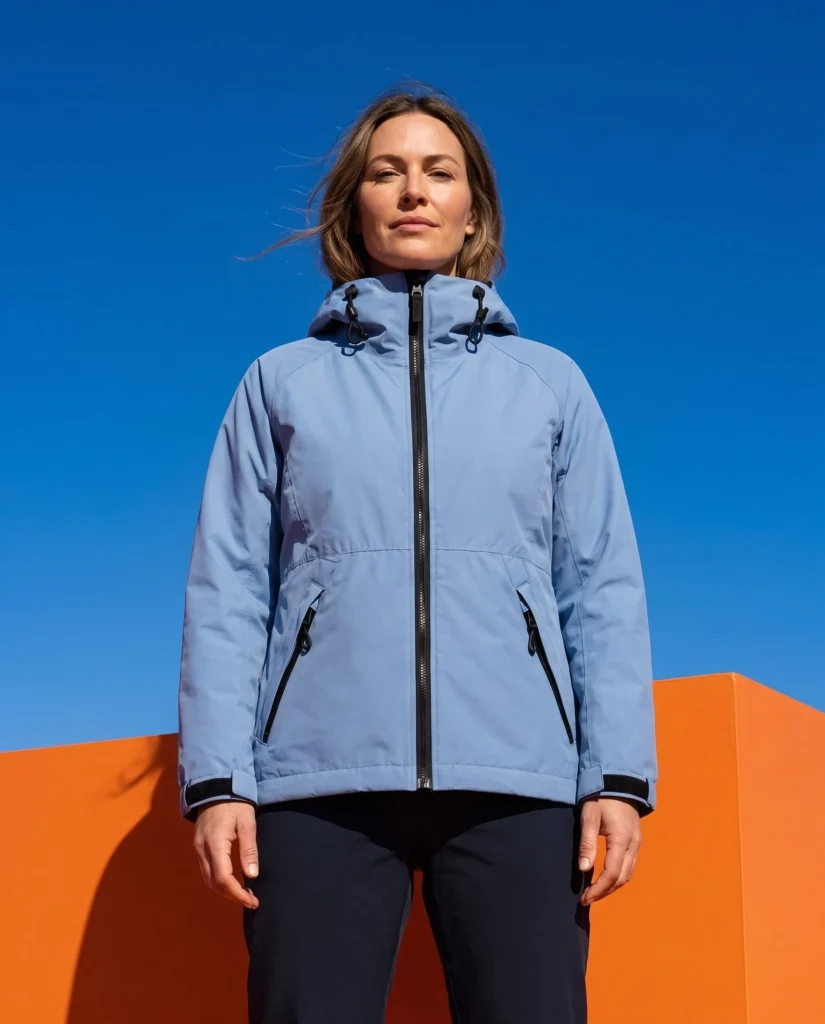
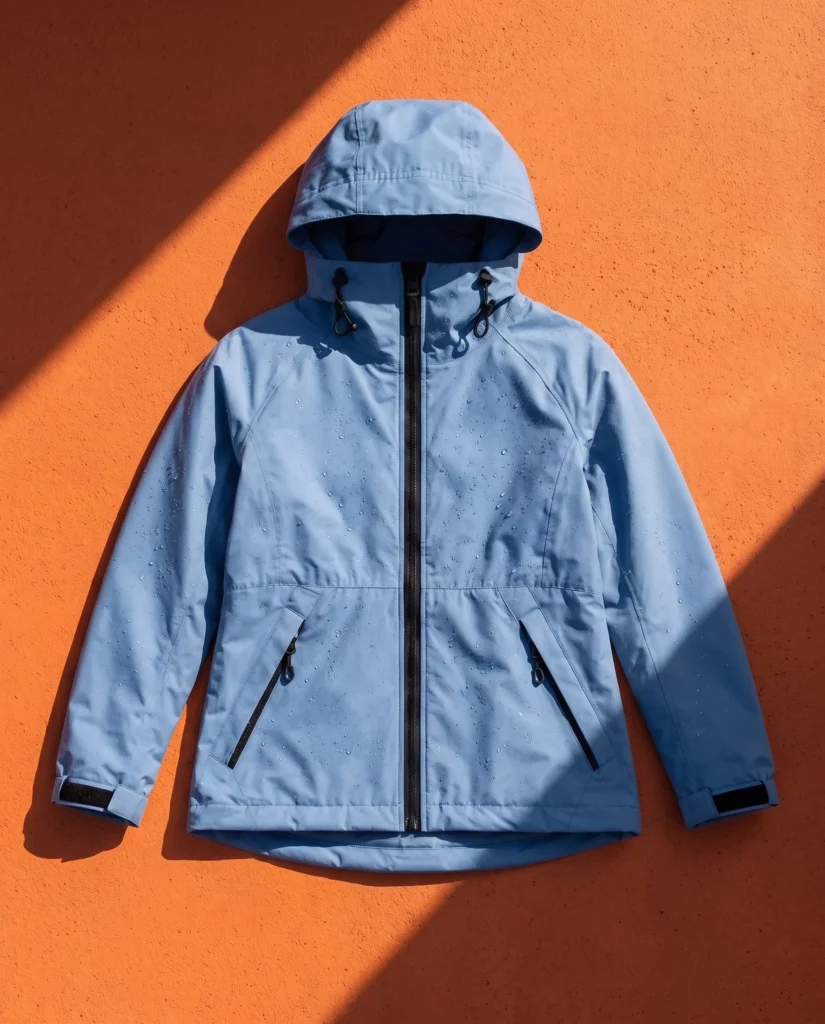
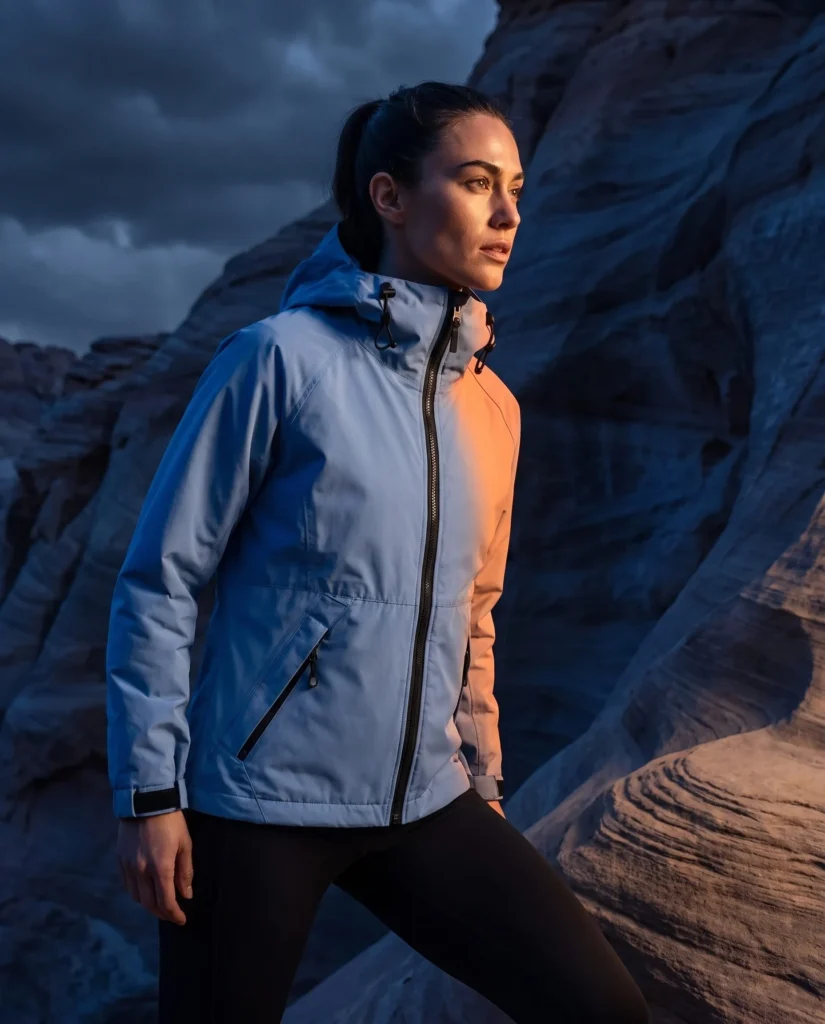
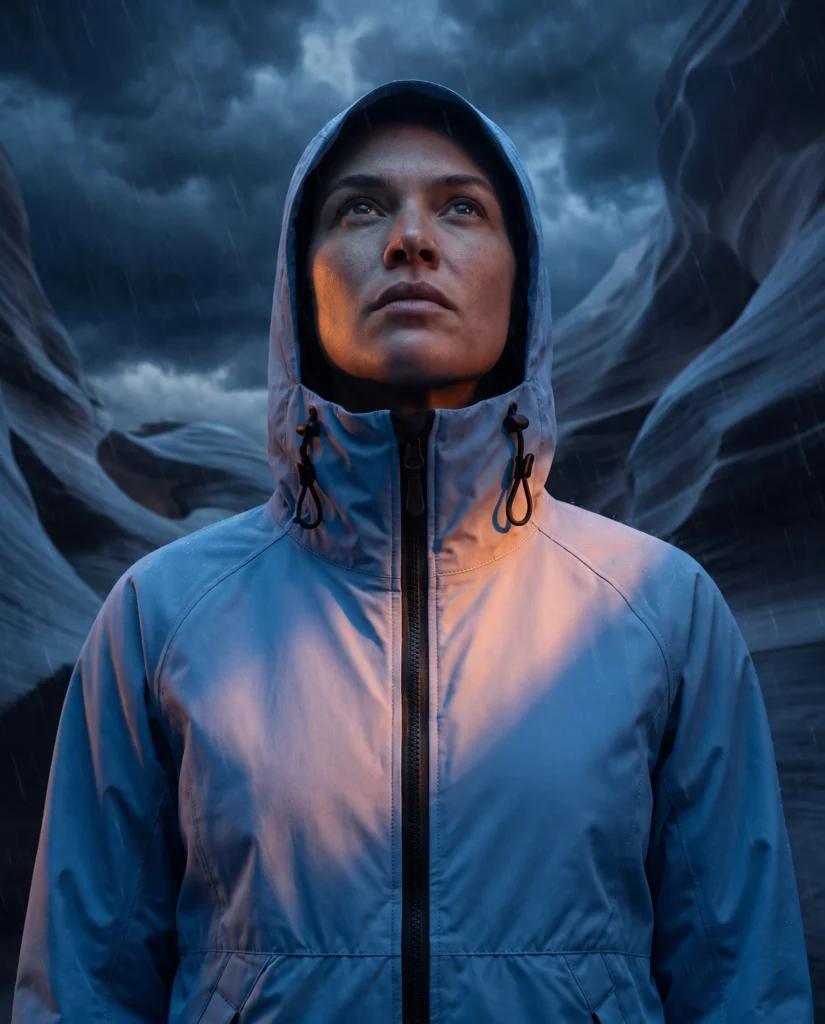
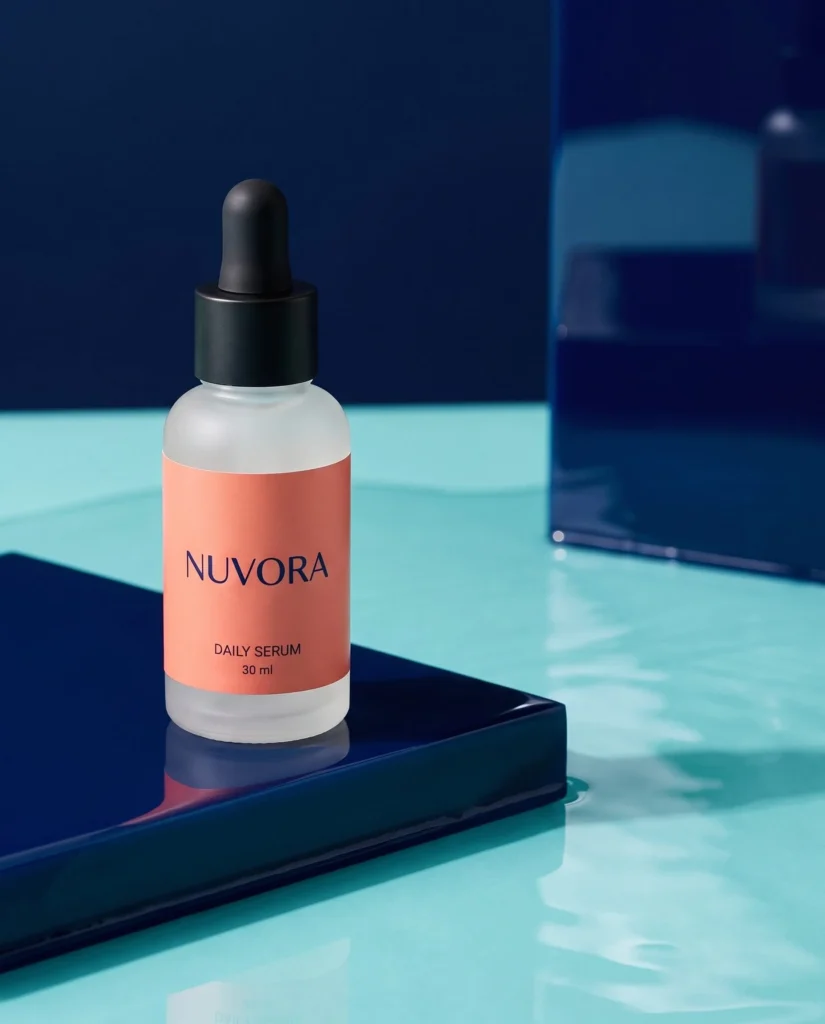
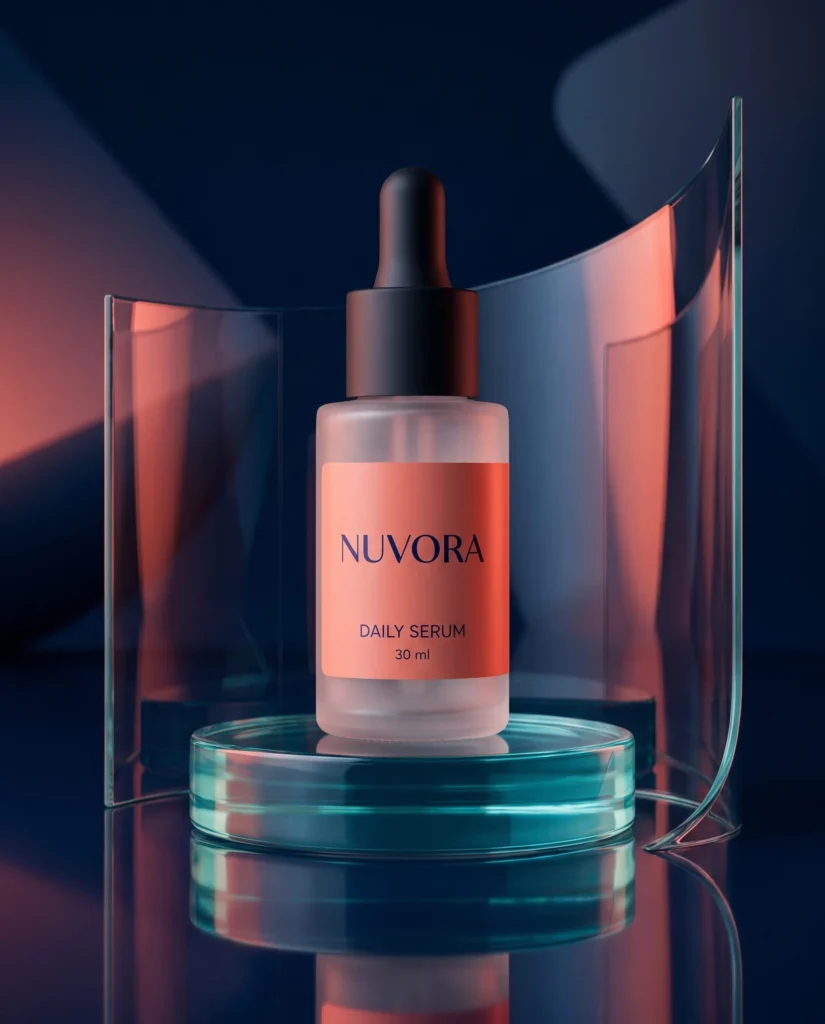
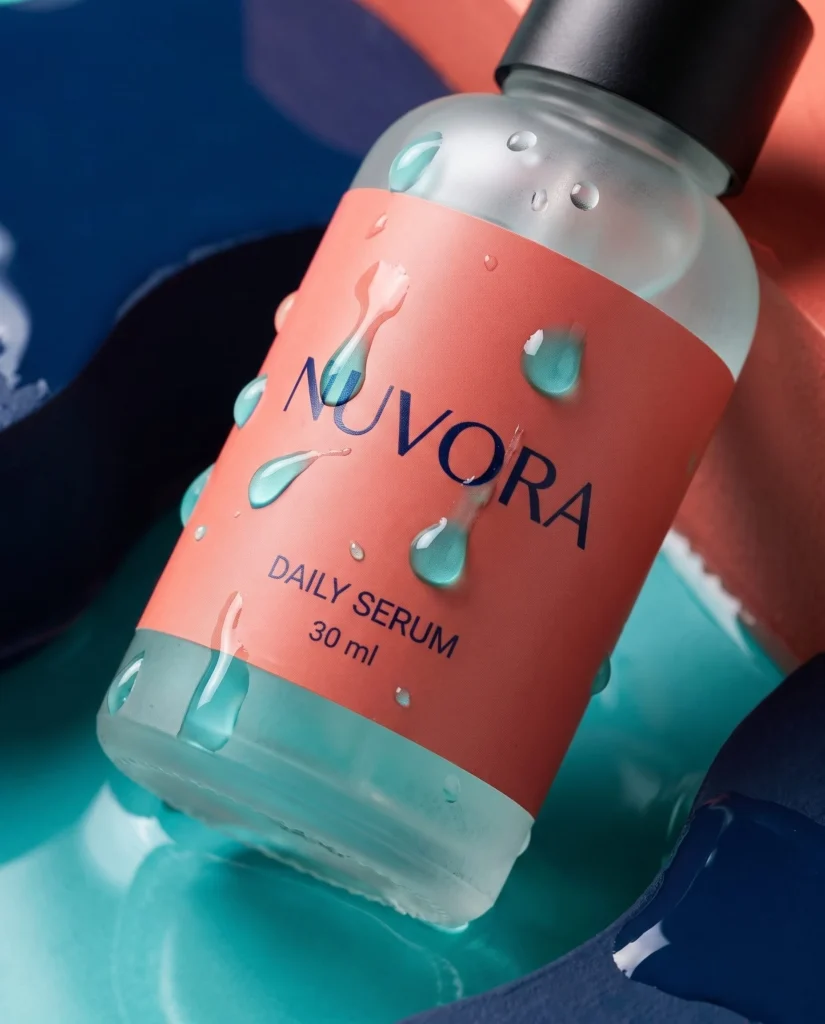
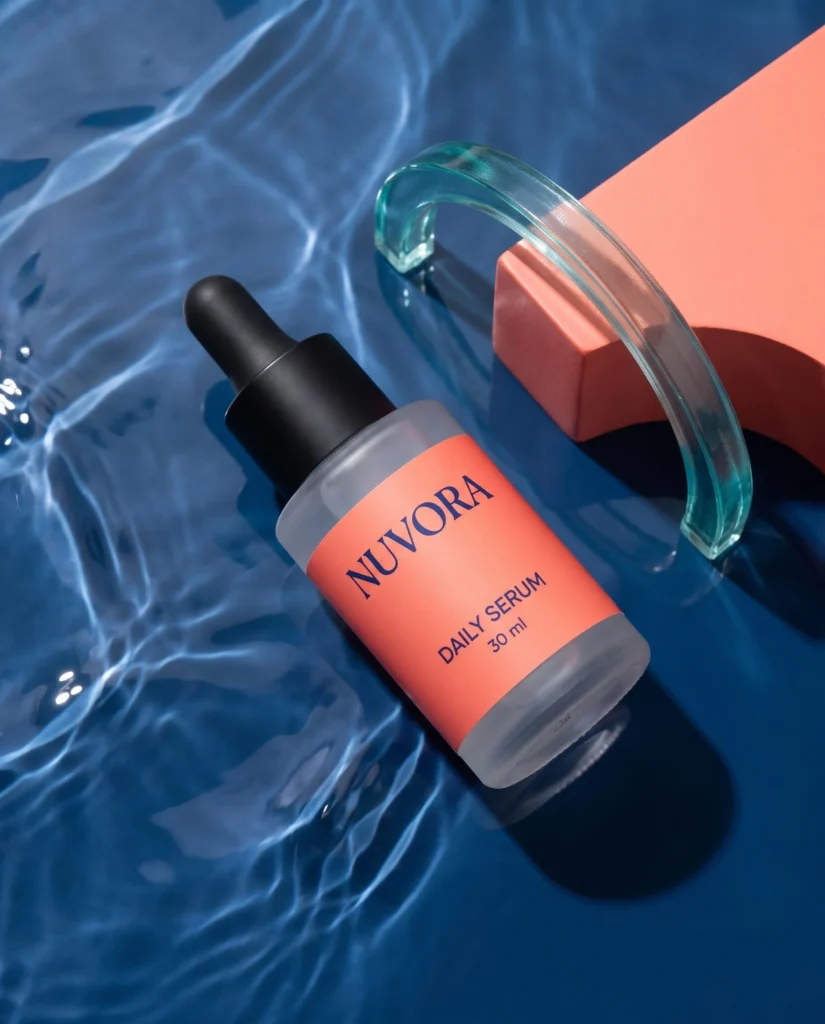
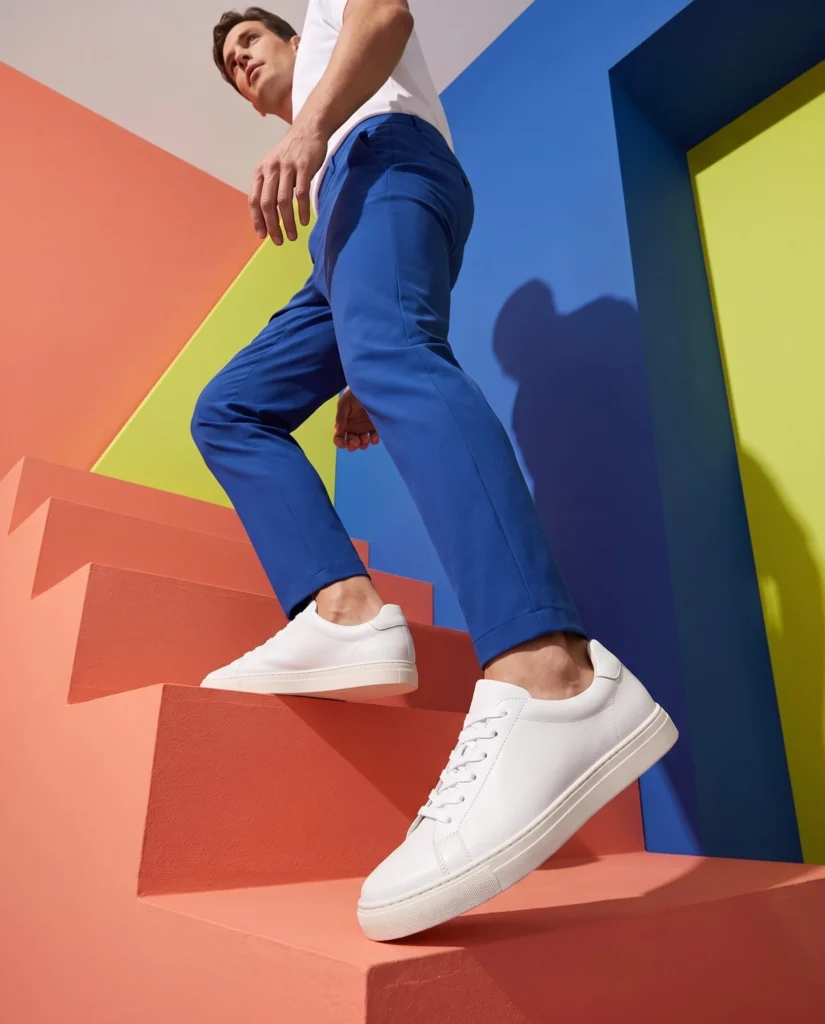
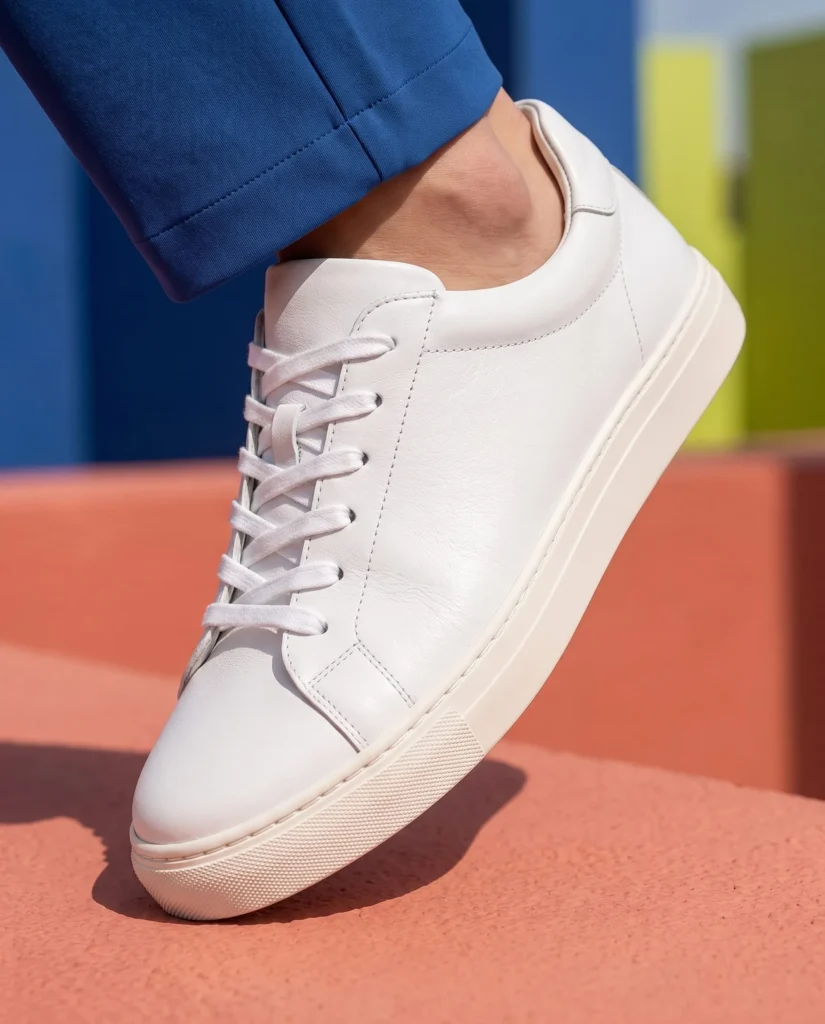
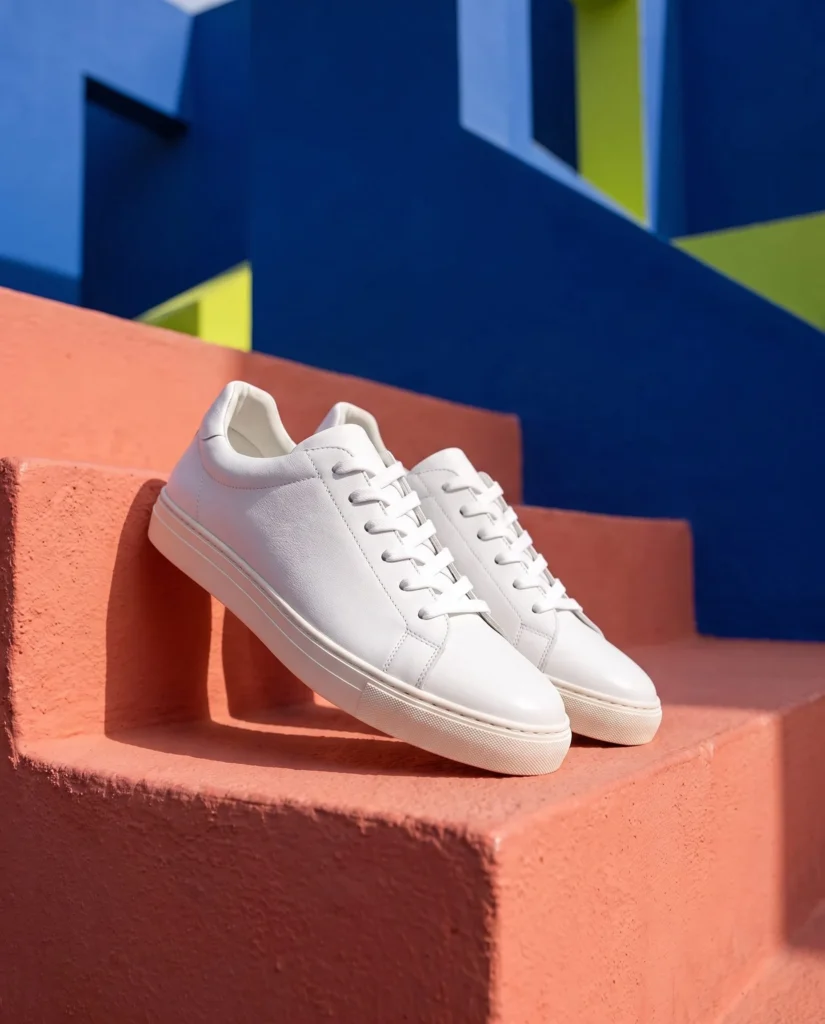
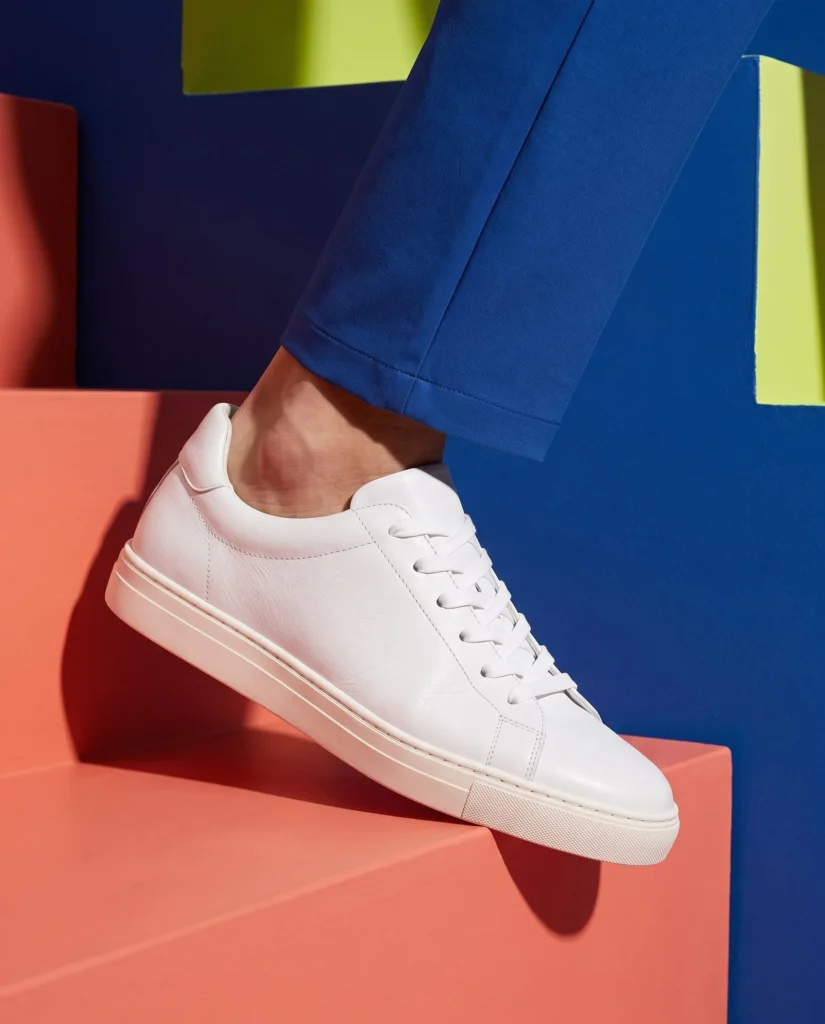
From your next product launch to everyday marketing, keep content moving. Create new visuals and videos from product photos and explore campaign directions.
Show your product on a model, in scenes shoppers relate to.
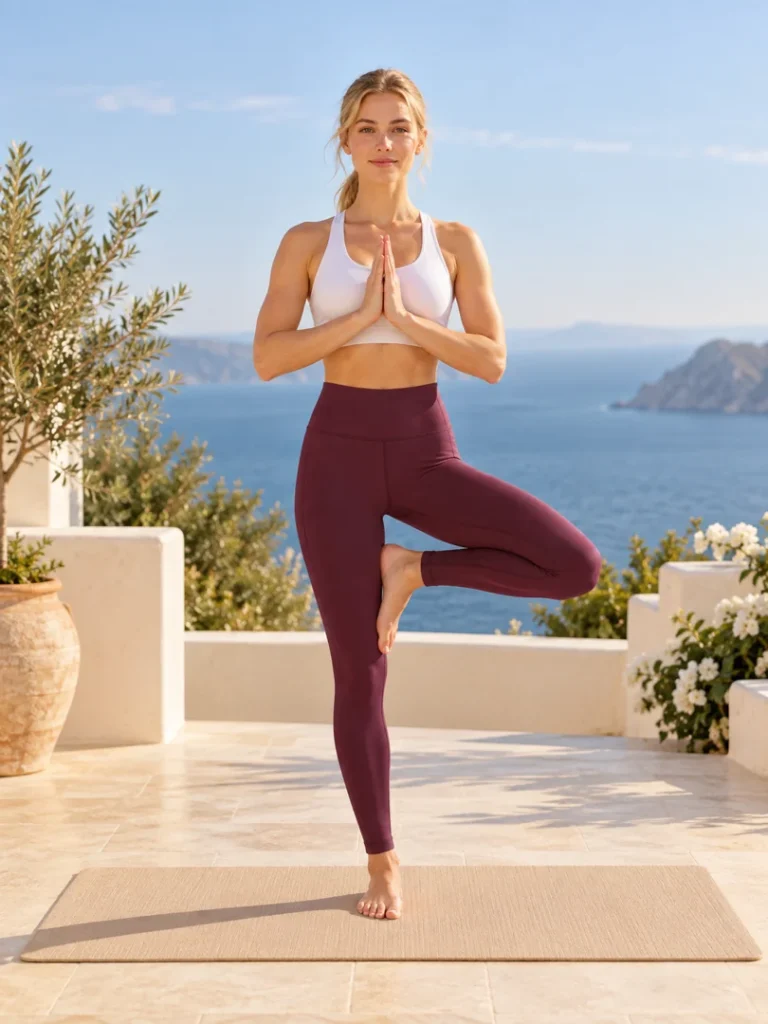
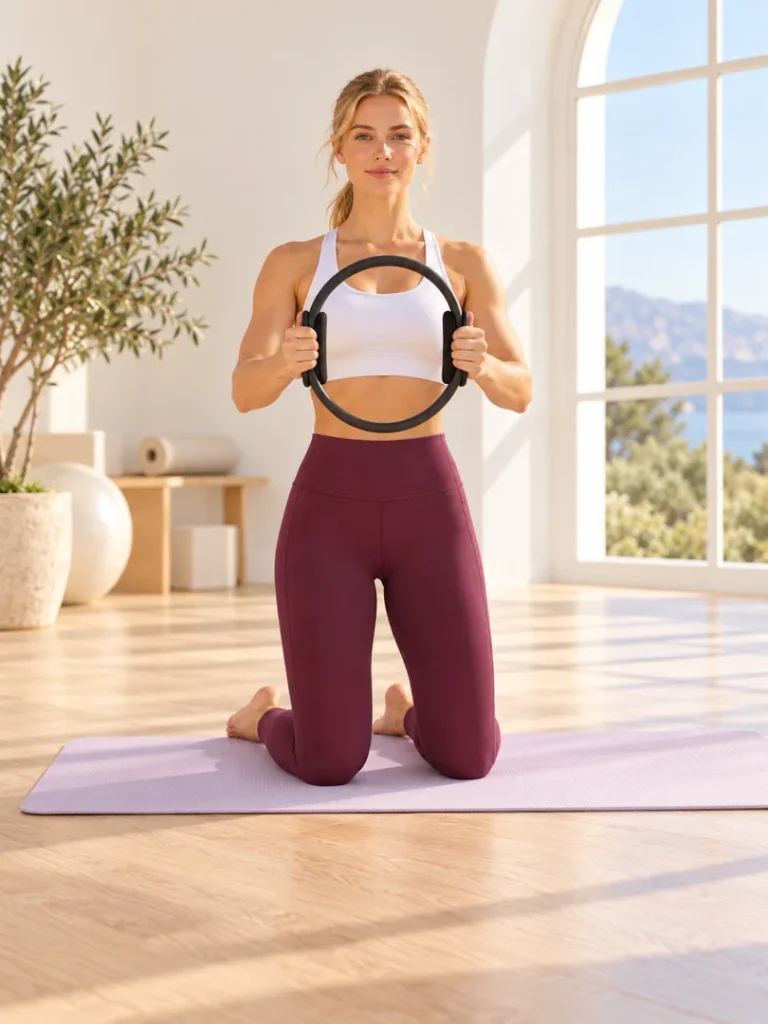
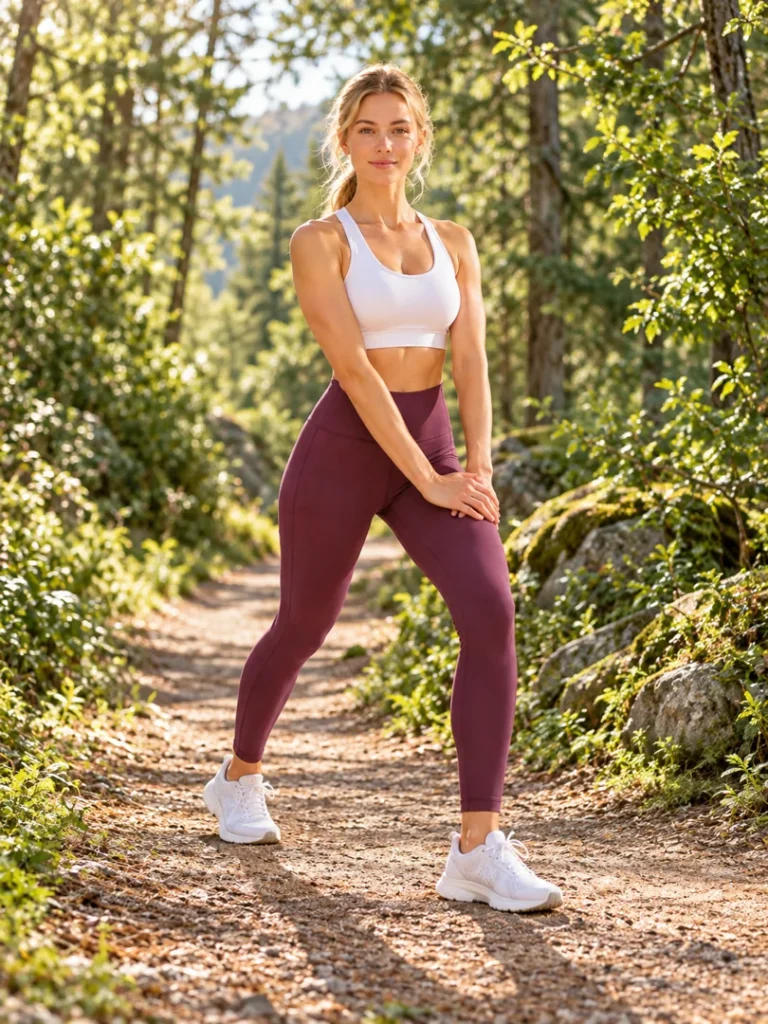
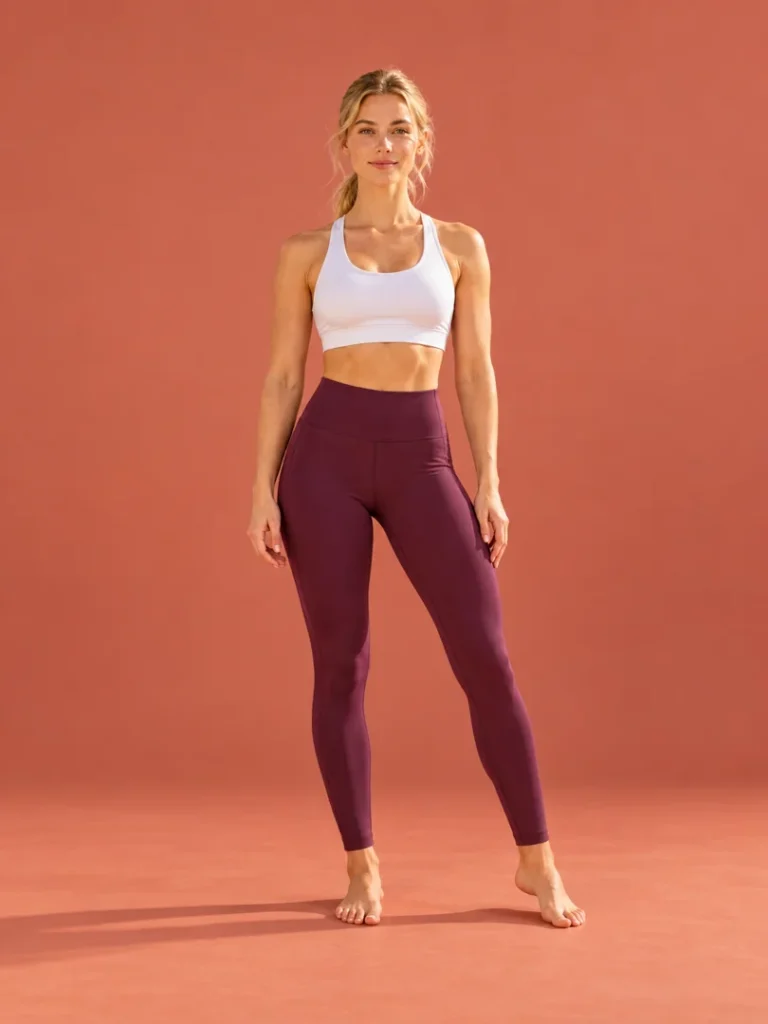
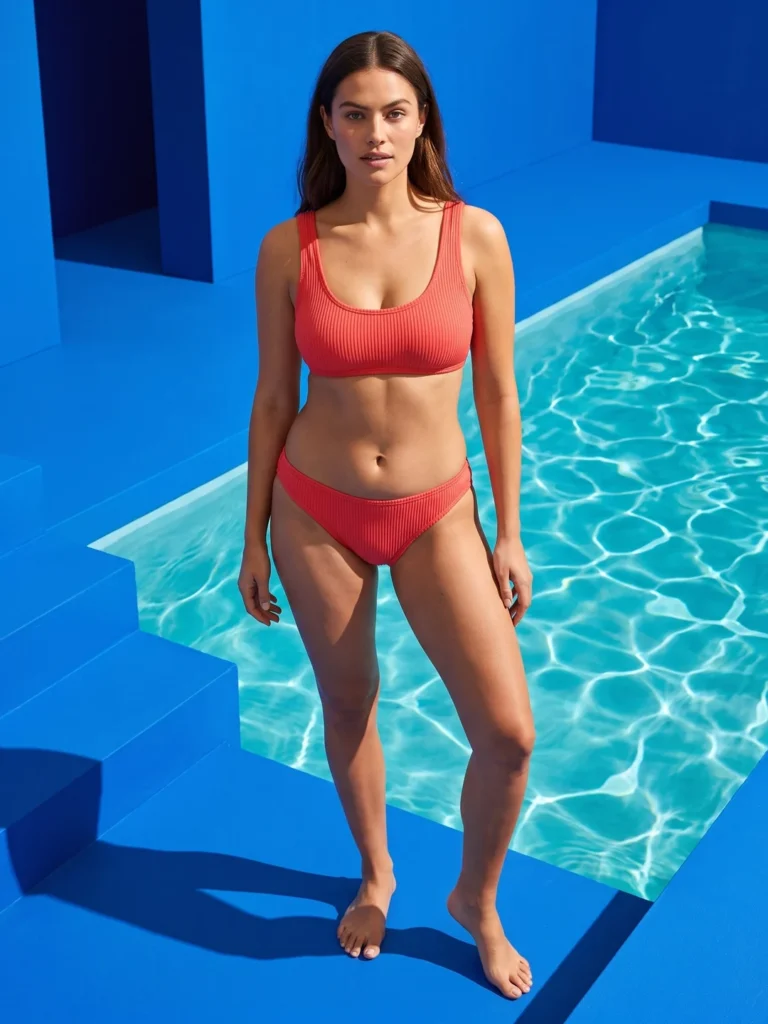
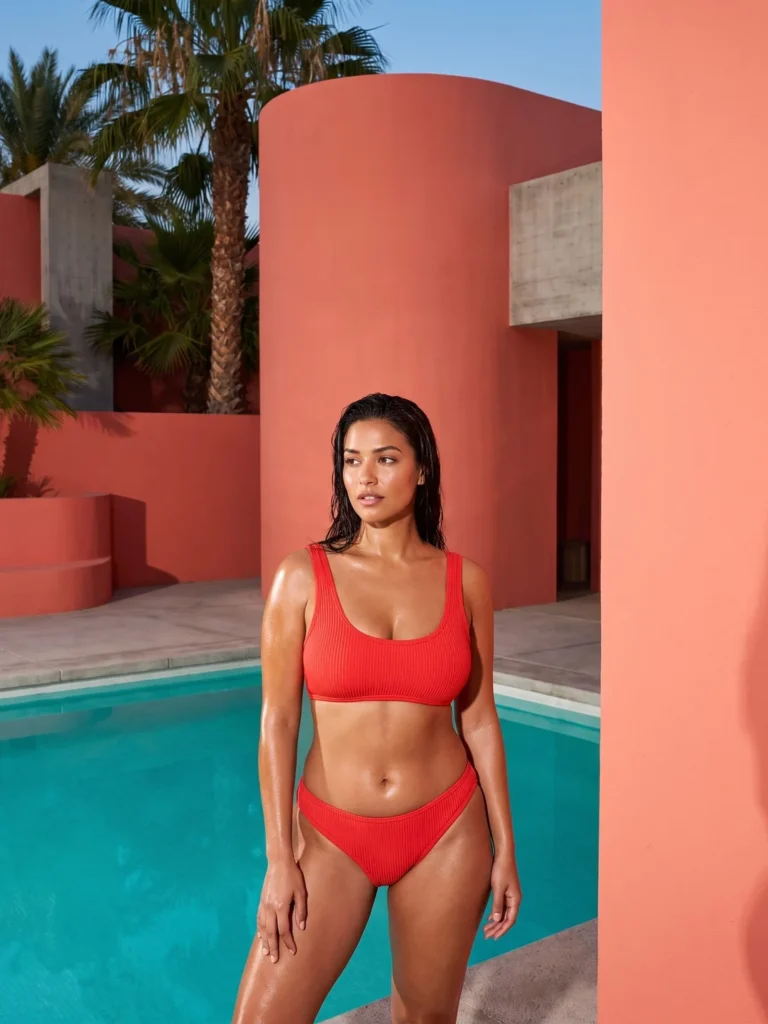
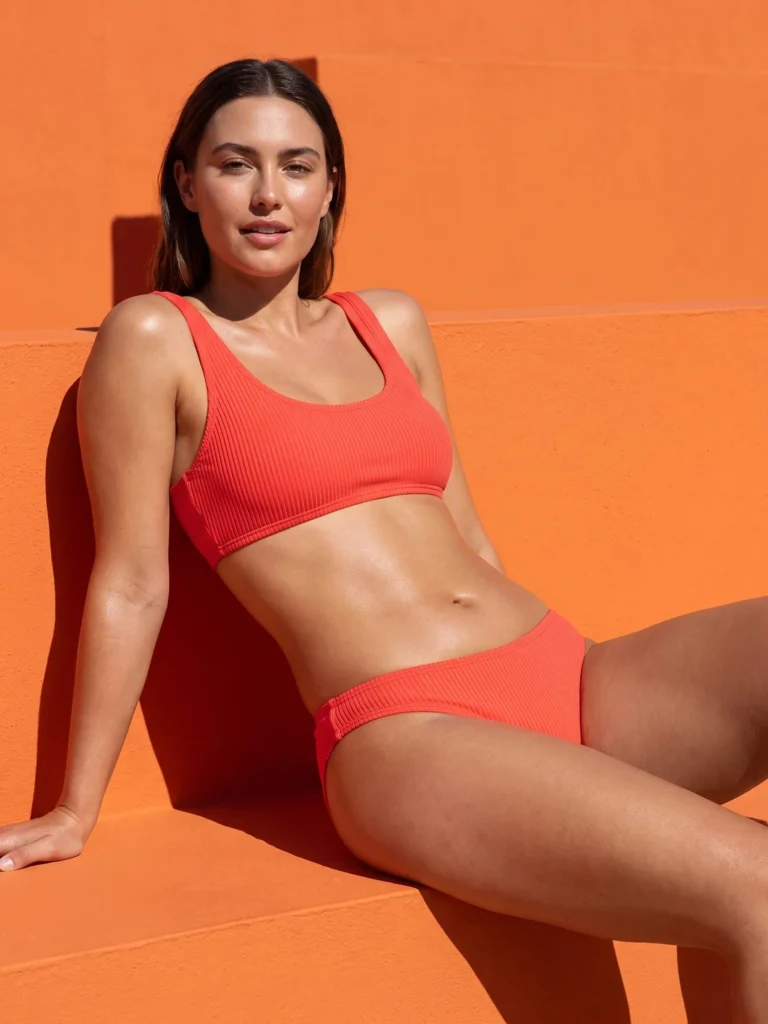
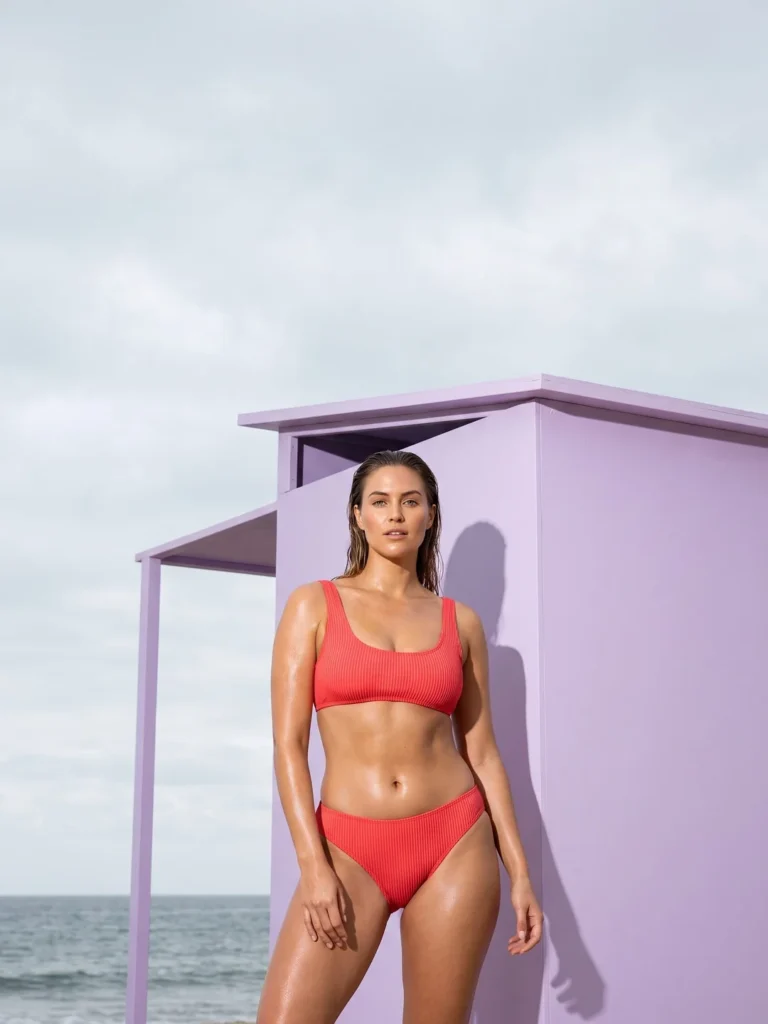
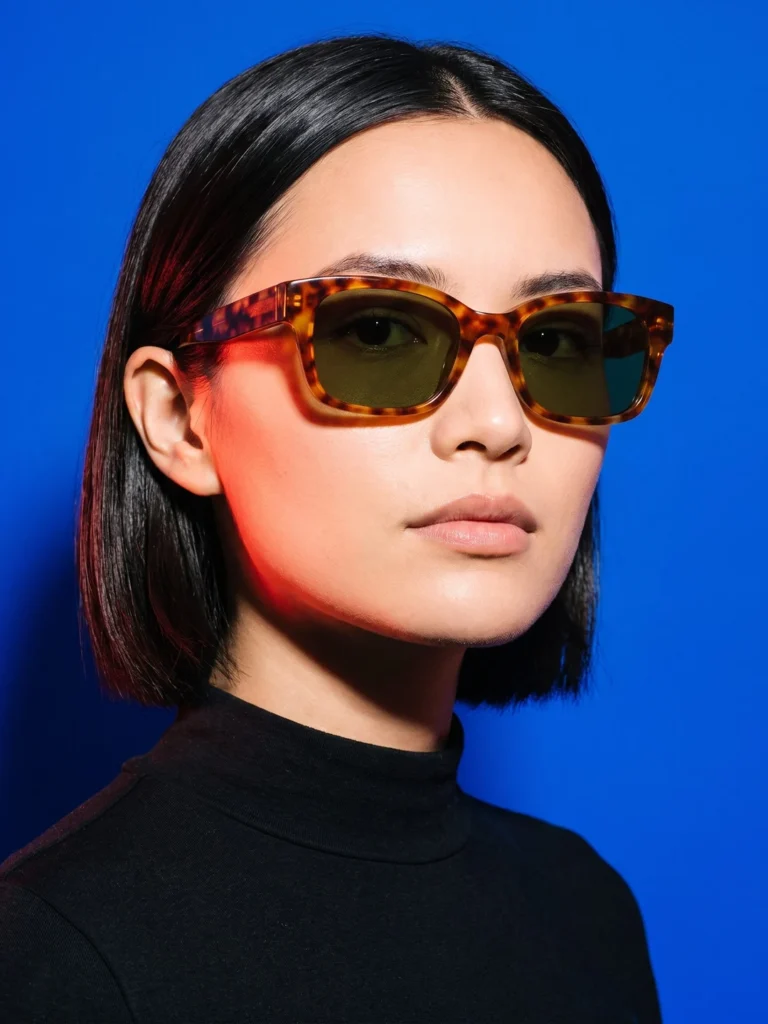
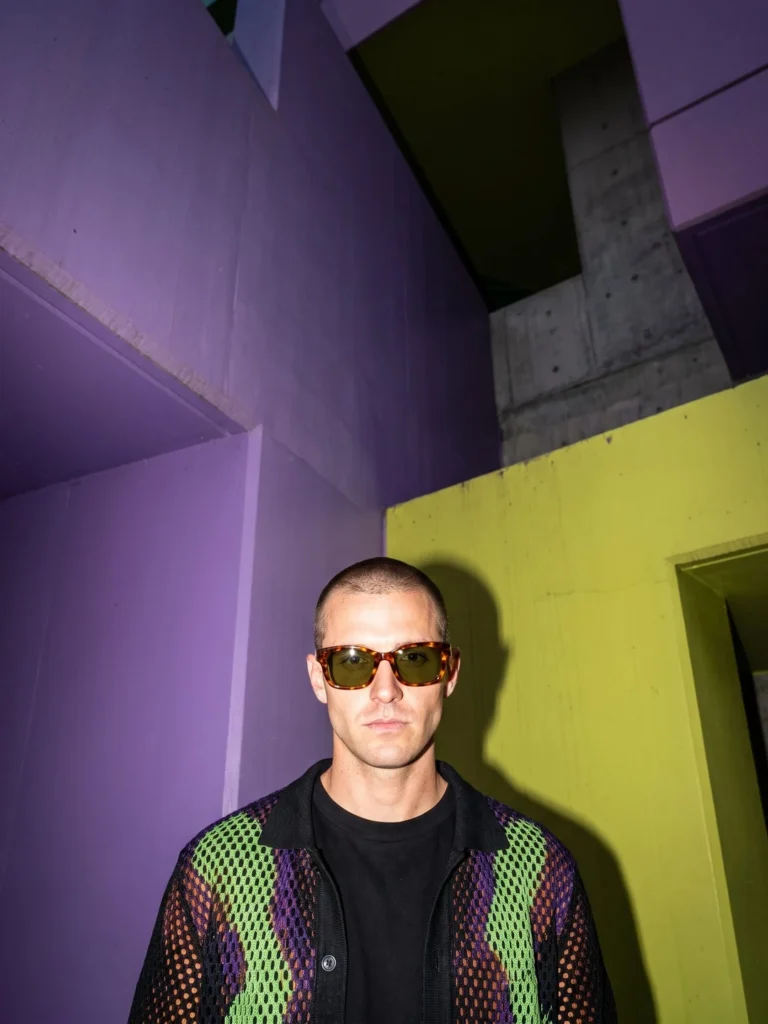
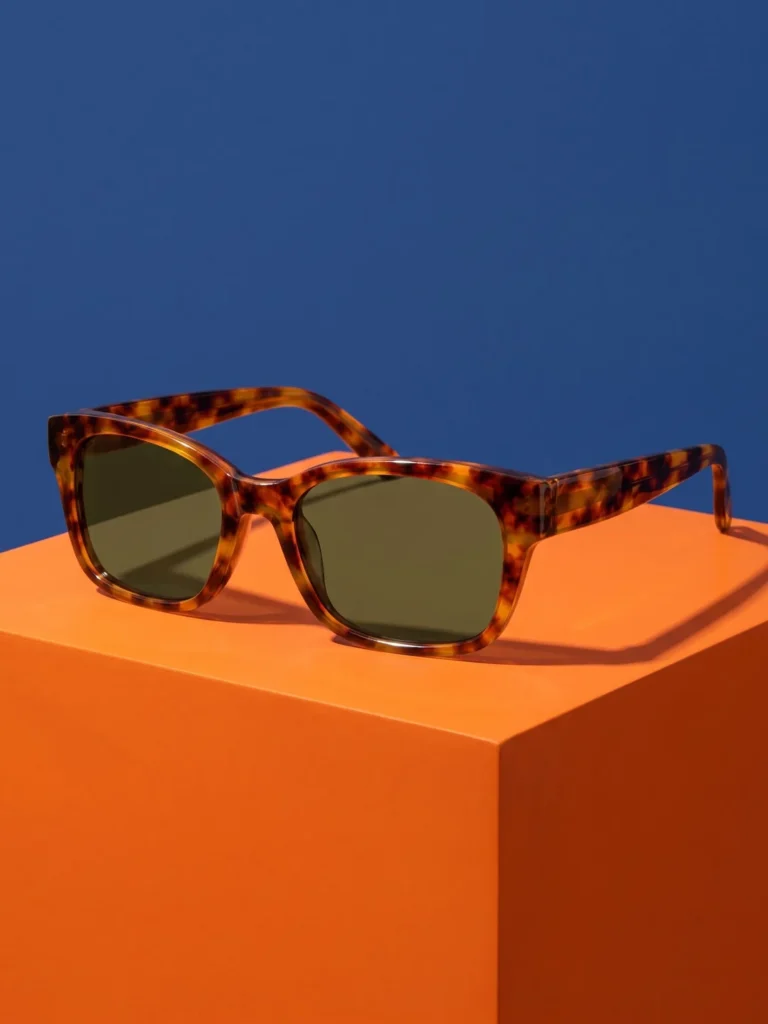
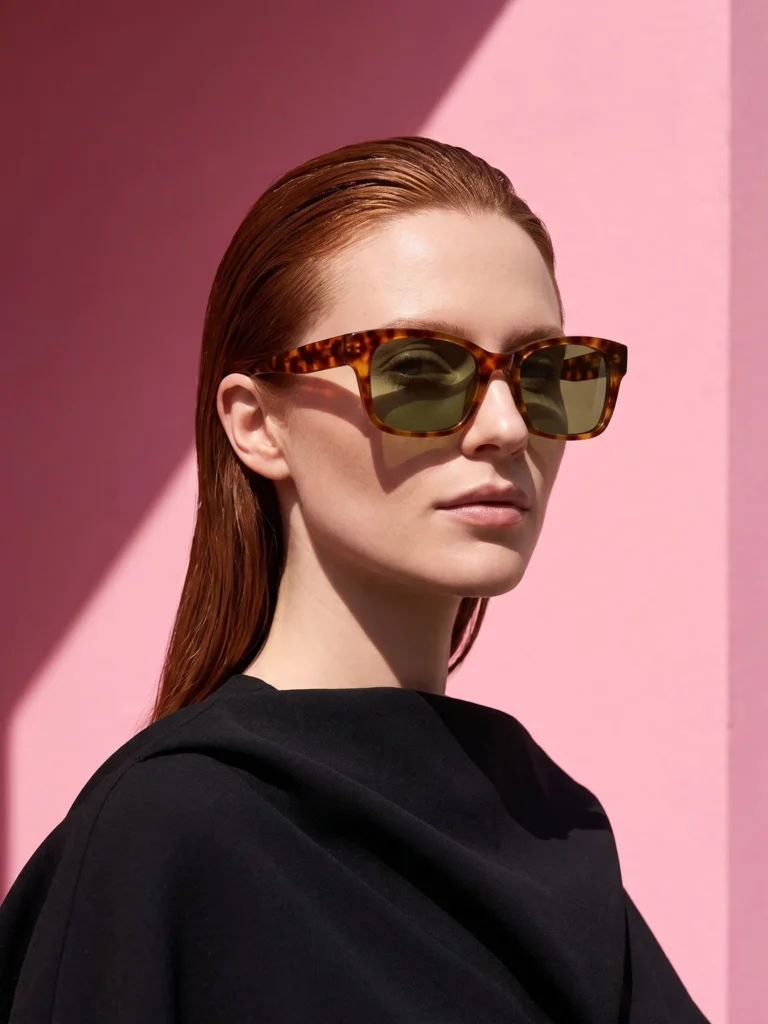
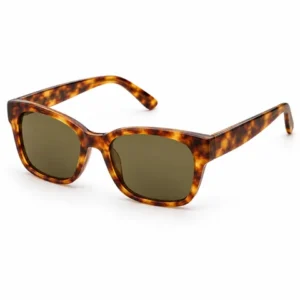
Start with a photo. Choose a look. Keep the results you love.
Your Product
Use a clear photo that shows the full product, its color and important details.
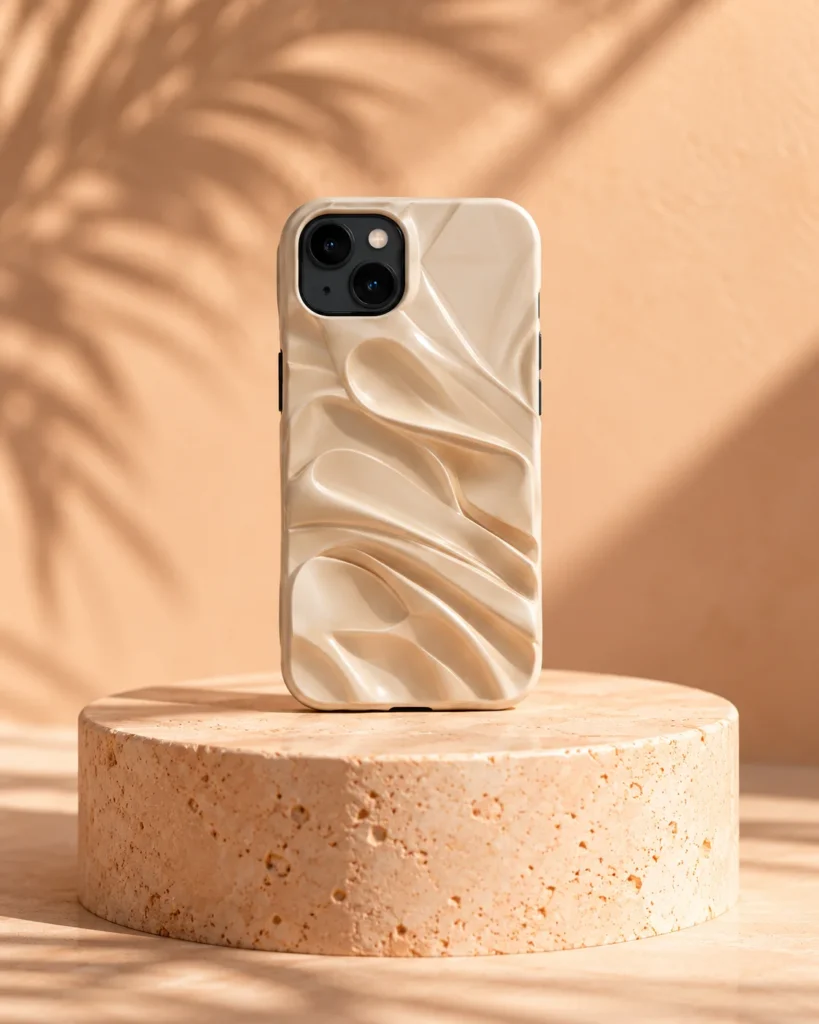
Choose your scene, model, lighting and camera angle.
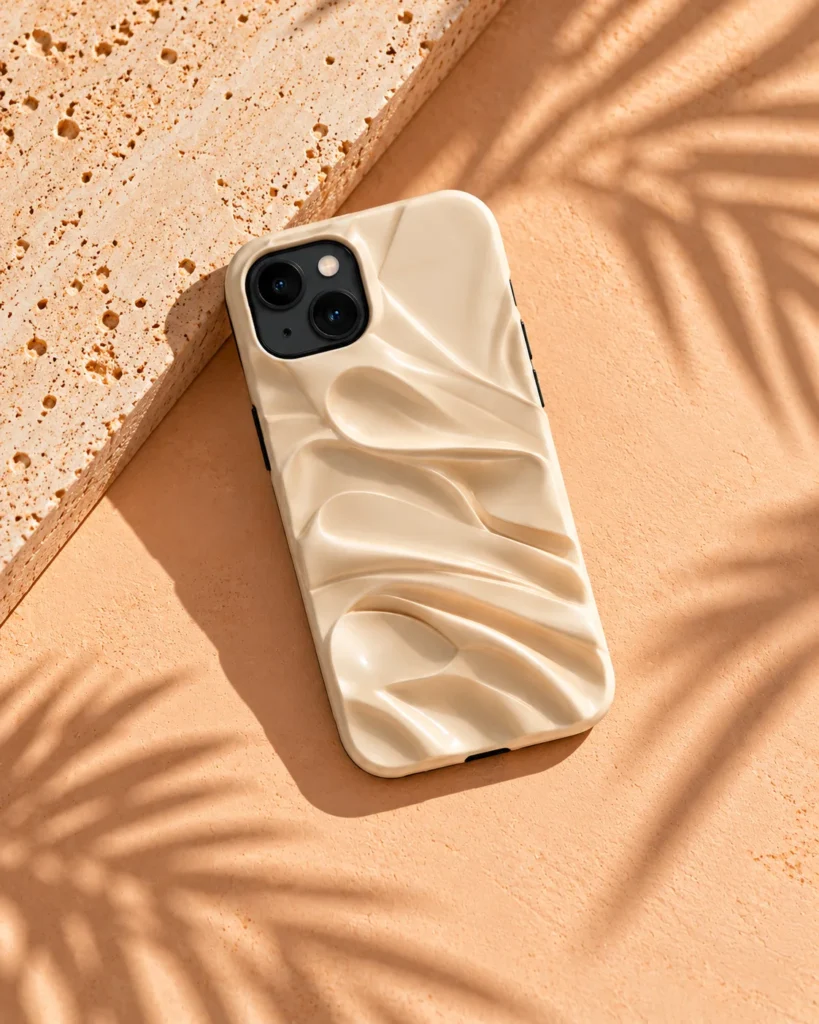
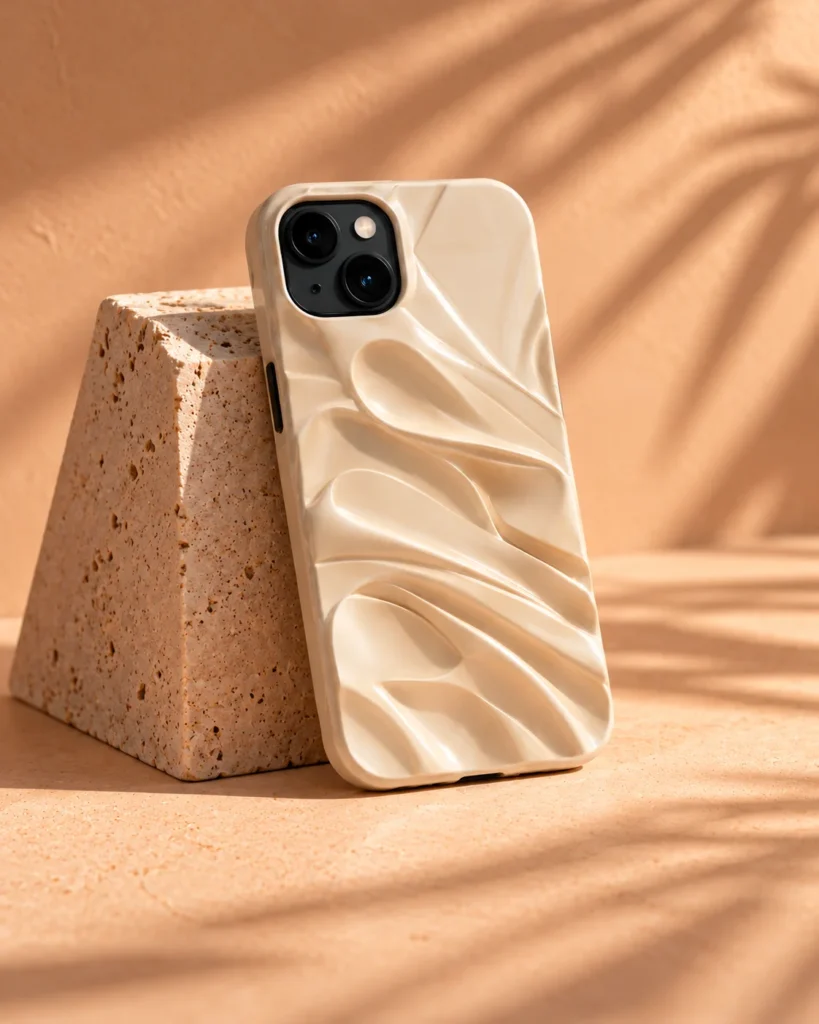
Check the product details, choose your favorites and download them for your store.

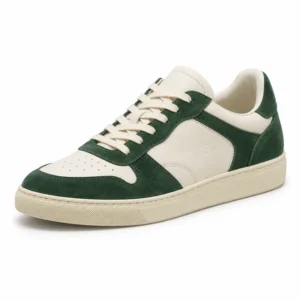
Bring your product to life with short videos for ads and social.
Explore lighting and weather for your product.

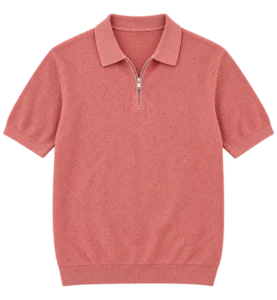
Explore color, composition and styling.
Campaign concepts for inspiration.


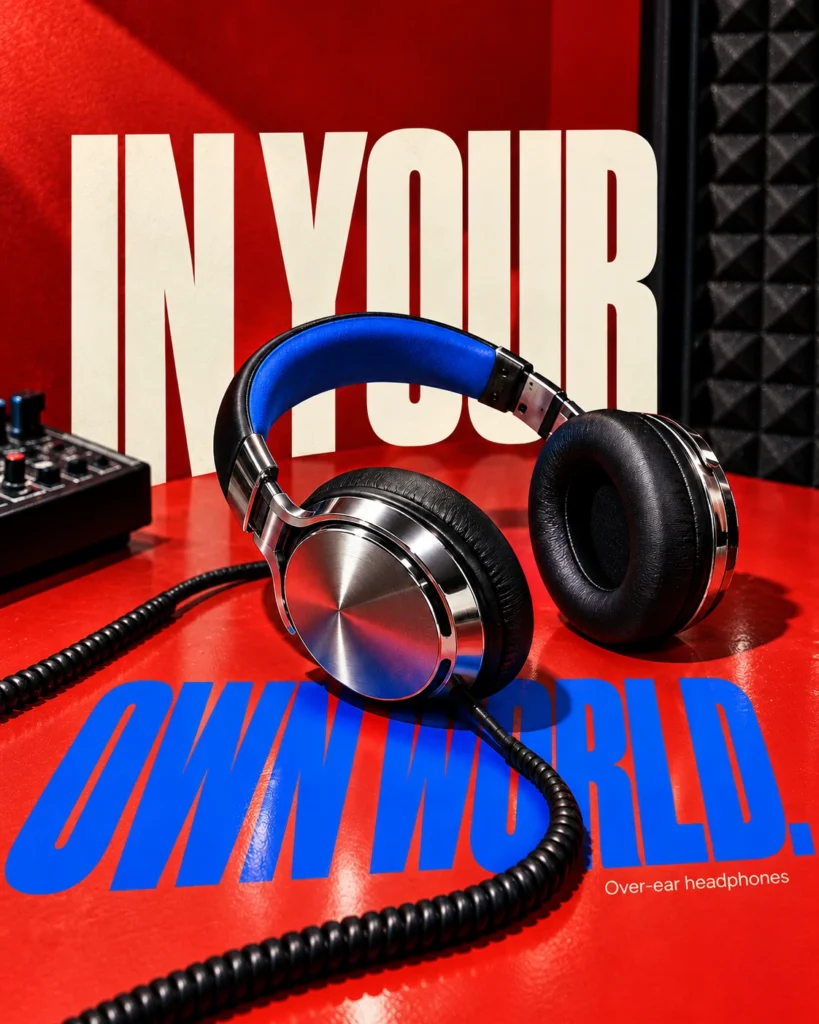

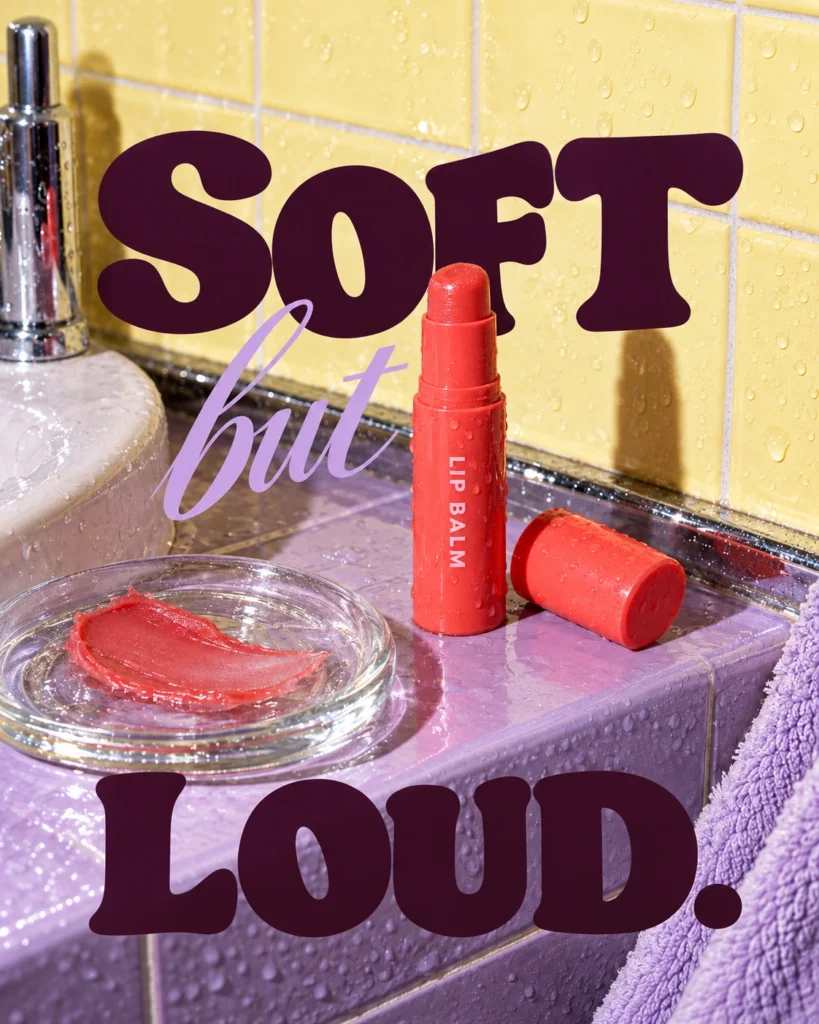
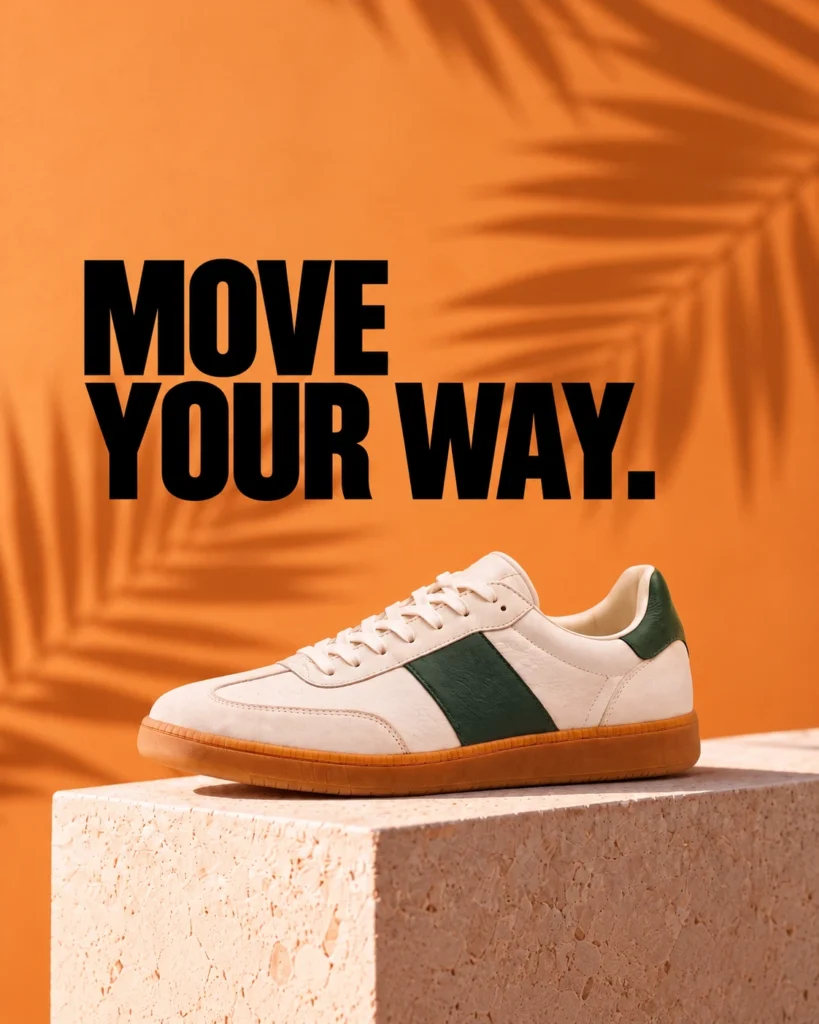
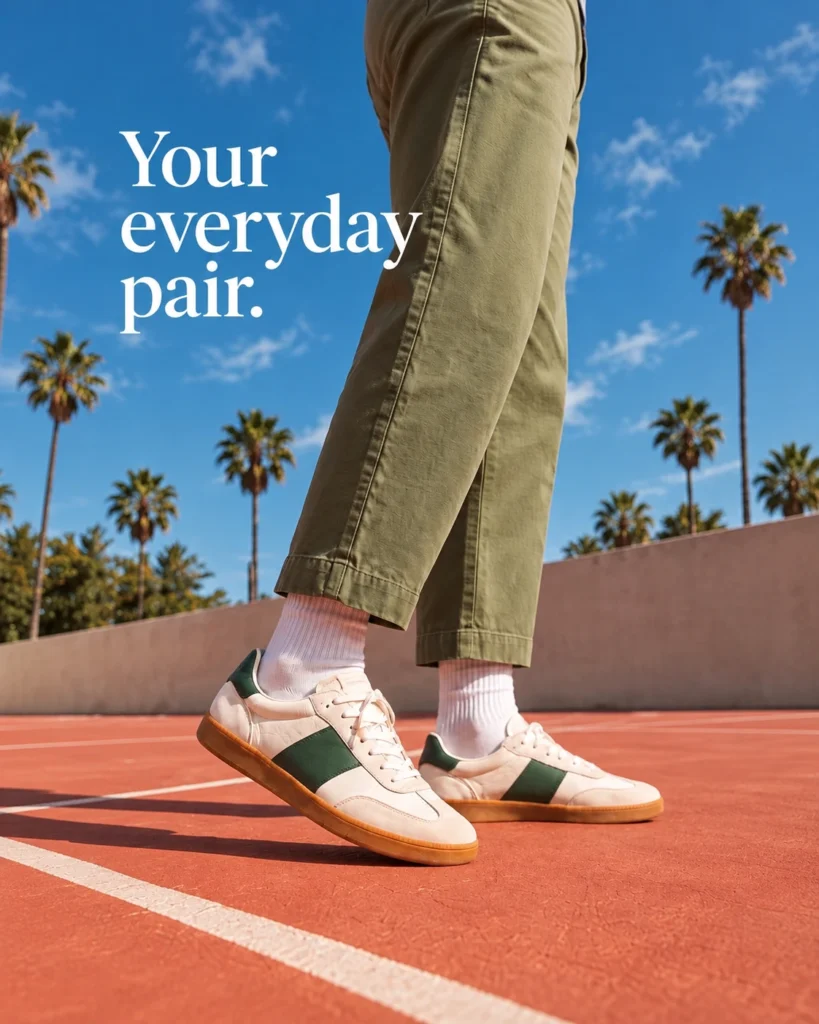
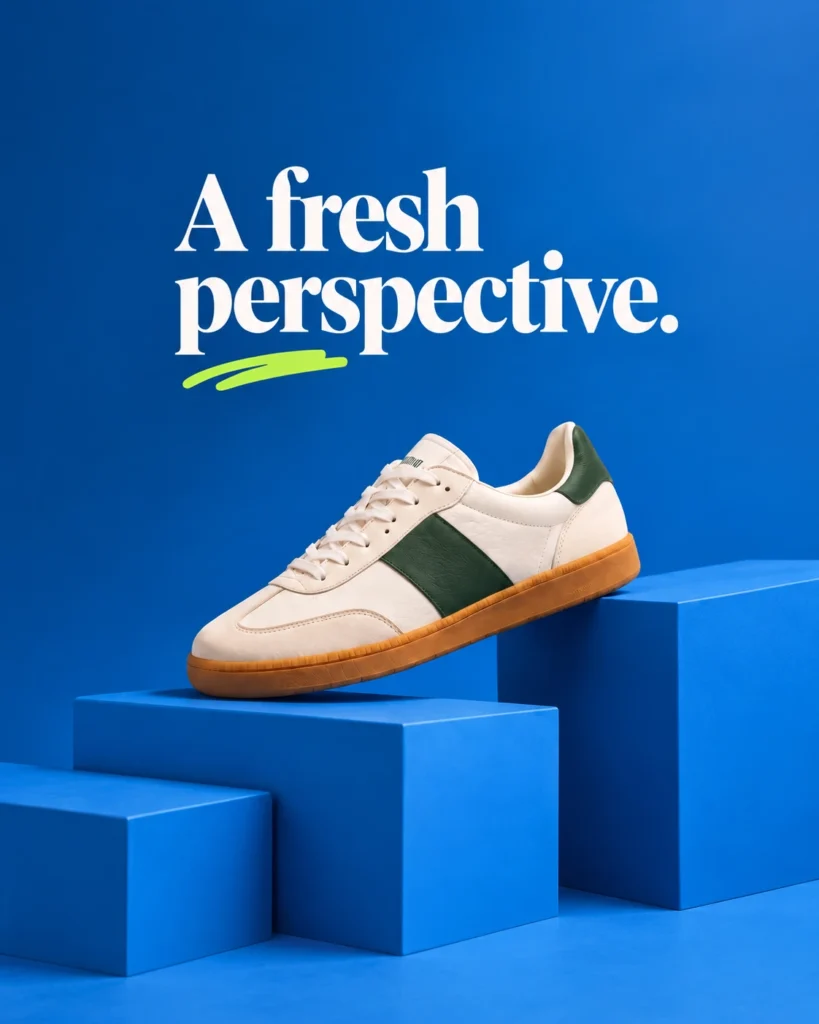
Fotogenic AI Studio
Choose a Studio workflow, create images and review your results.
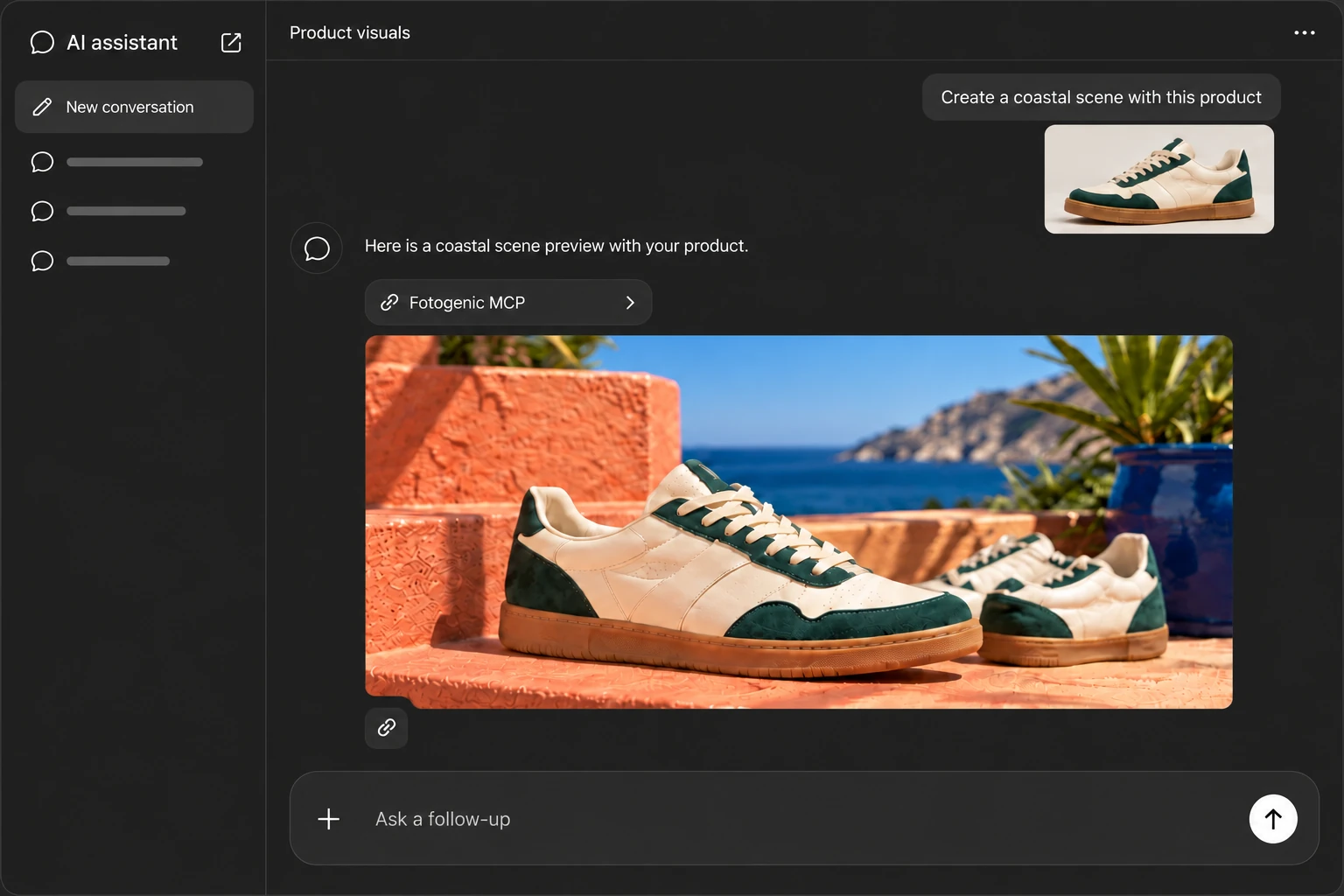
Explore Fotogenic AI StudioFotogenic MCP
Create with Fotogenic AI through a supported AI assistant.
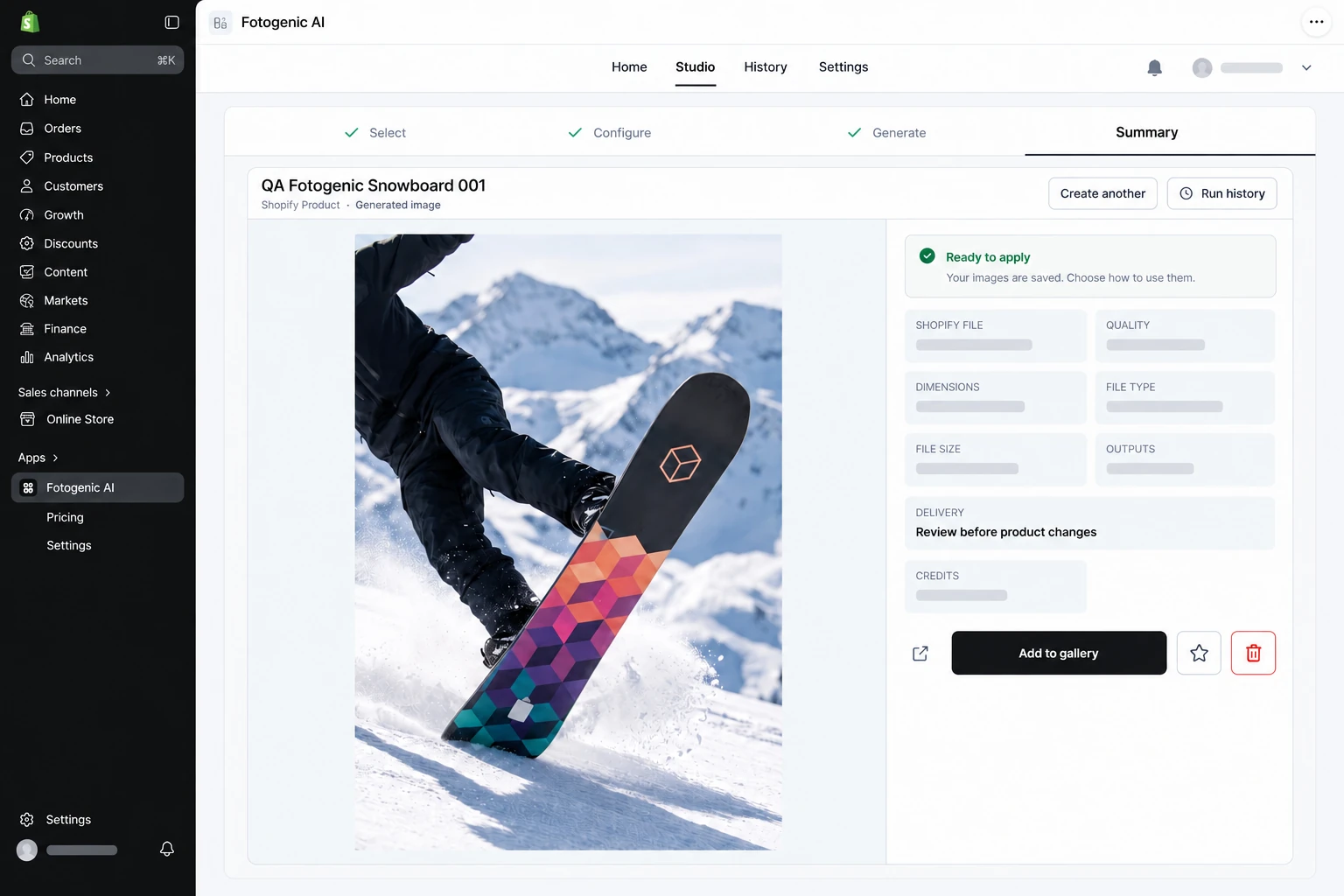
Explore Fotogenic AI MCPShopify Coming soon
Bring the Studio workflow to your storefront catalog.
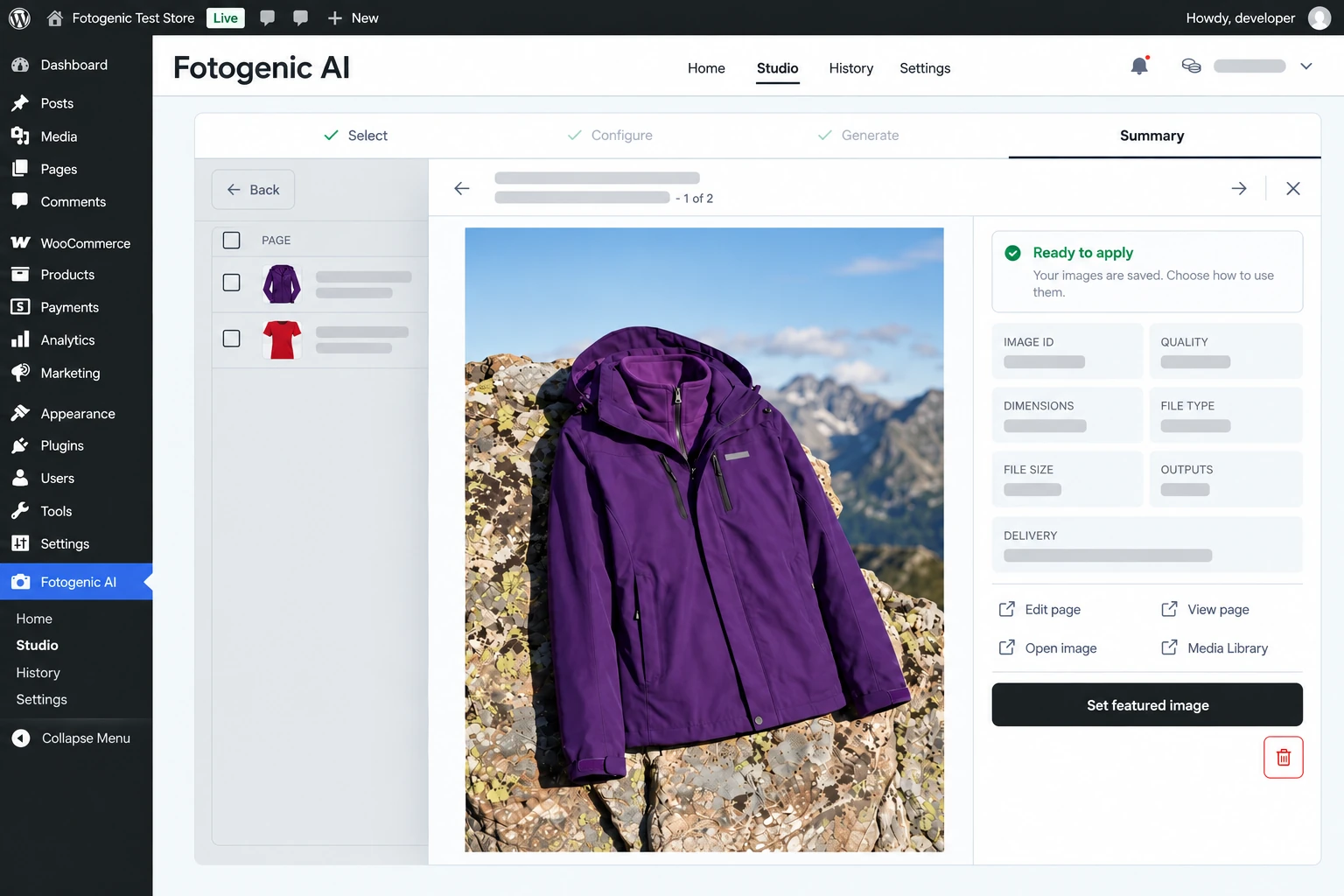
WordPress
Create and review product images inside WooCommerce.
Get the WooCommerce plugin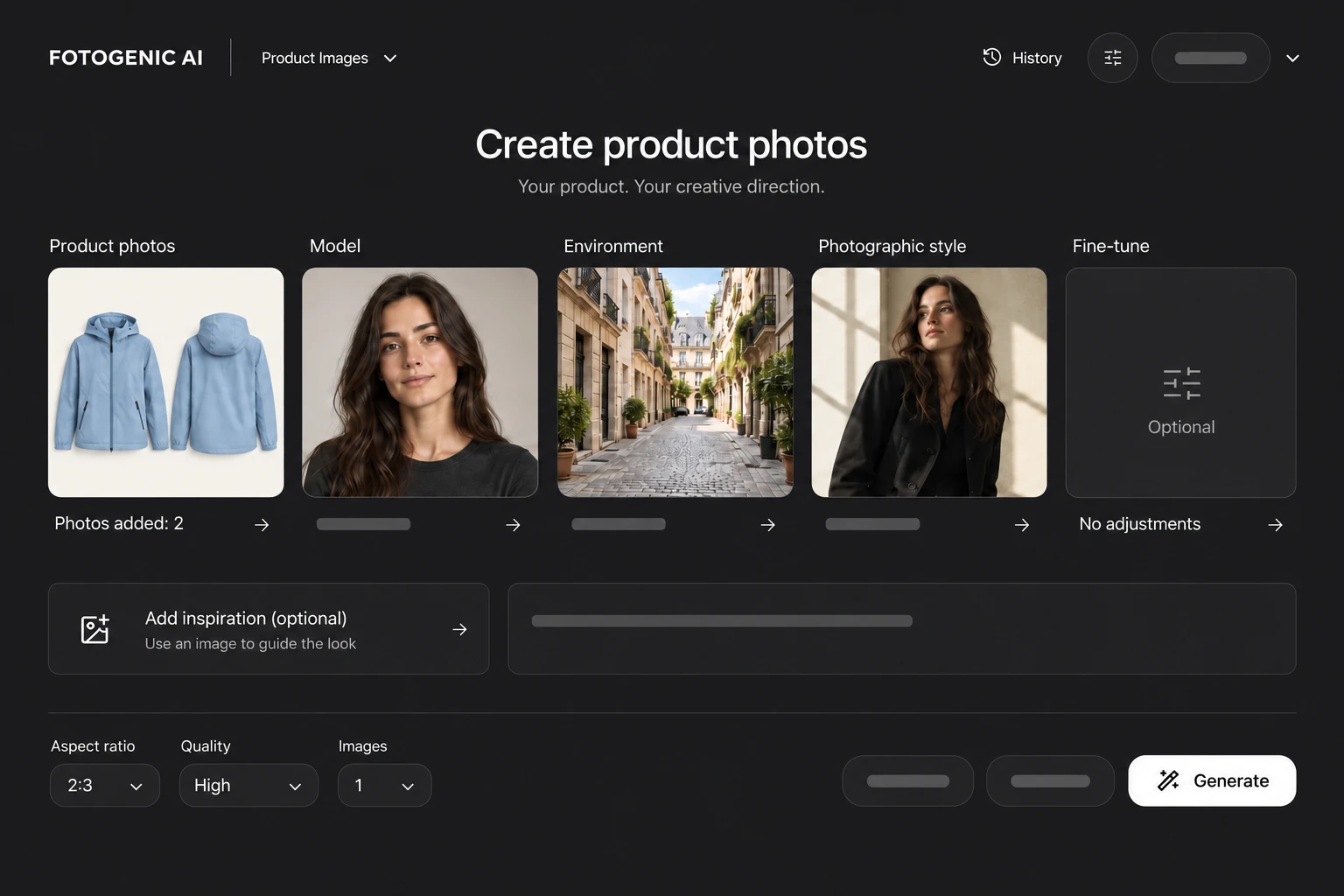
Explore the choices that shape a visual, then review and reuse your direction.
Explore scenes that suit your product.
Choose your model. Set the styling.
Choose the angle, focus and framing.
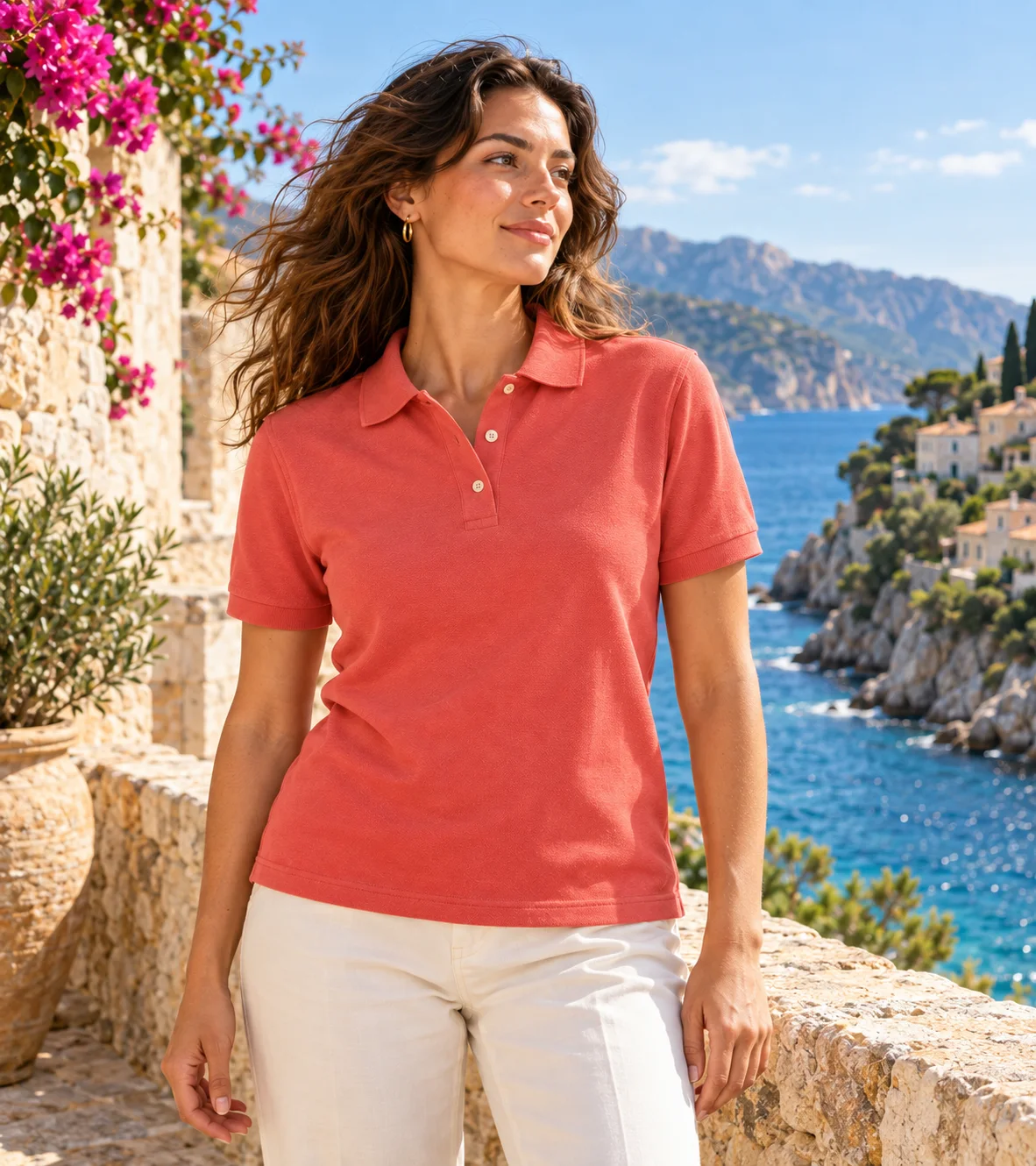
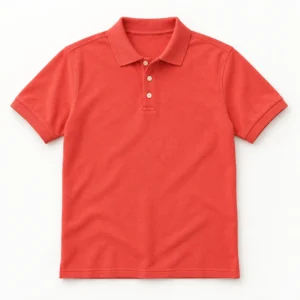
Guide how a model holds, wears or uses your product.
Check product details against your source.
Reuse your scene and brand direction.
Explore new angles, crops and campaigns.
Reuse approved setups for more products.
Prepare visuals for product pages, ads and social.
For business
Keep your store and marketing supplied with fresh visuals.

Keep more budget for your business.
Spend less time preparing new content.
Create more content for more channels.
FAQ
Start with a clear, well-lit product photo that shows the full item, its color, shape, materials, labels, and any details shoppers need to see. A clean front or three-quarter view is a strong starting point. Add more source views when important details are hidden in one image.
Start with one clear product photo
Try a new look with your product. Create photos and videos for your store.