From Upload to Campaign Workflow
For small ecommerce teams turning one approved source into a connected launch set: move from a single upload to product-page and campaign assets without losing the product identity between formats. See the input, output set, review points, and limits before creating anything.
- One clear source
- Review before publishing
- No credit card required
Visual directions
From Upload to Campaign Workflow: outputs with a clear job
Plan a product-first master image, supporting scenes, ad crops, social variations, and an email or launch visual. Each approved image should answer a shopper question or fill a defined channel role.
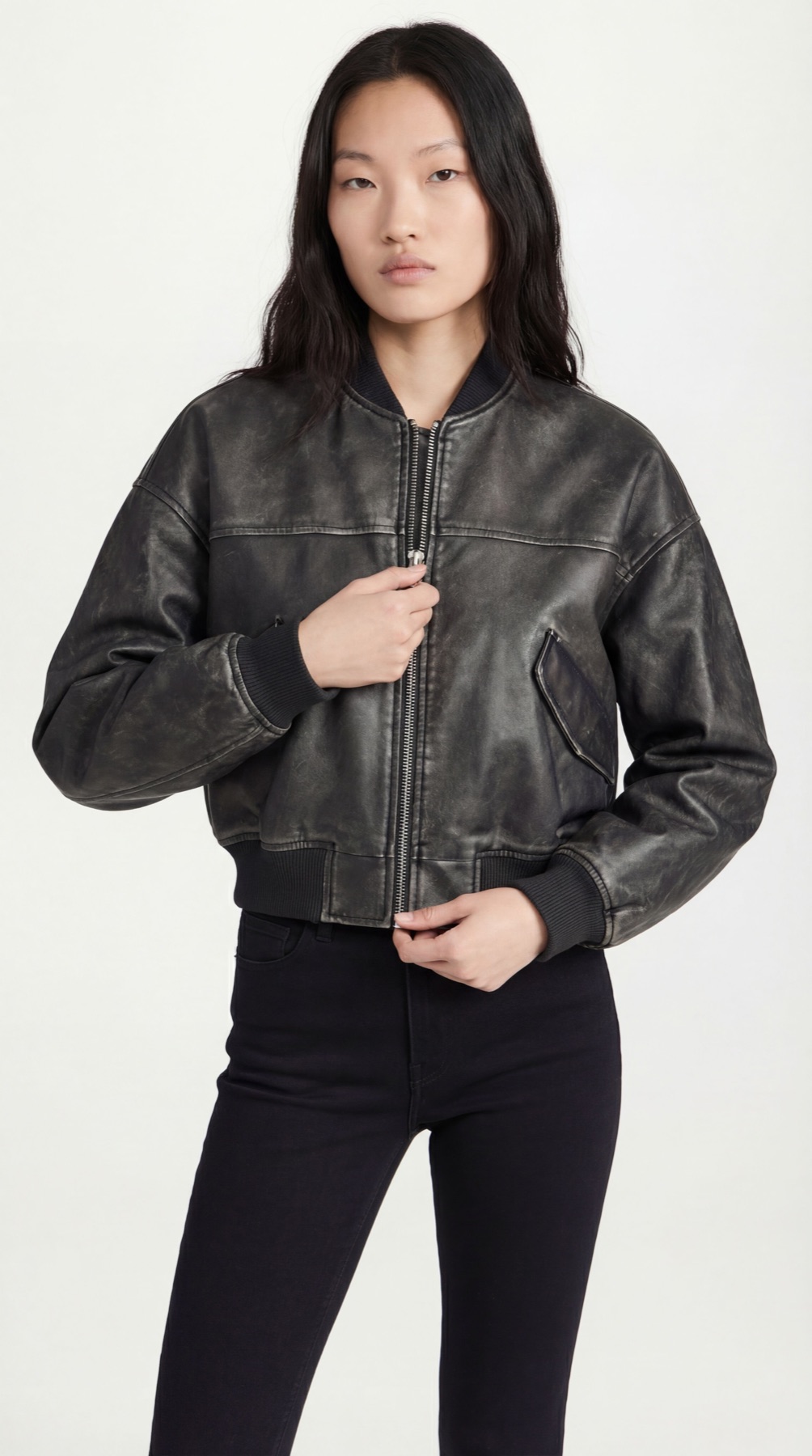


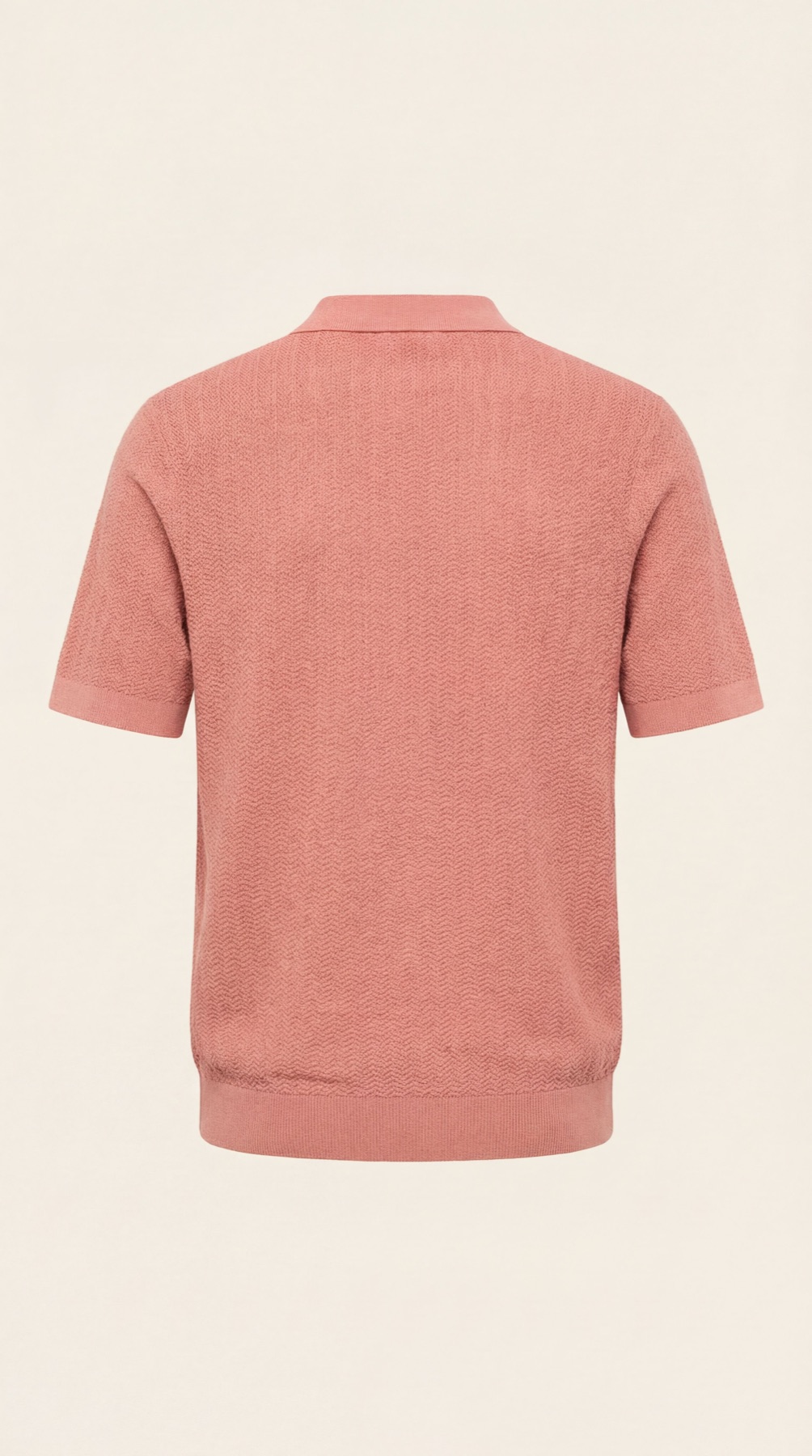





Plan the image set
Solve the buying problem before choosing the scene.
The core decision is to move from a single upload to product-page and campaign assets without losing the product identity between formats. Start with the product-page need, then add context and campaign formats.
How it works
Create and review upload-to-campaign image sets.
Start with an approved source image, a short do-not-change list, the campaign idea, and required channel crops. Approve one focused direction before applying it to more products or formats.
-
Step 1
Prepare the exact product input
an approved source image, a short do-not-change list, the campaign idea, and required channel crops
-
Step 2
Choose the image jobs
Plan a product-first master image, supporting scenes, ad crops, social variations, and an email or launch visual.
-
Step 3
Review against the source product
Check product identity, campaign continuity, crop-safe areas, text-safe space, and channel-specific details.
-
Step 4
Expand only the approved direction
Reuse the accepted treatment for additional products and crops, while reviewing each new output.
Choose the next surface
Choose your next workflow.
Find the product tool, category, or use case that matches what you want to create.
Planning and review
From Upload to Campaign Workflow FAQs
Use this resource to move from a single upload to product-page and campaign assets without losing the product identity between formats. The goal is an useful image set, not more decorative variations.
Test the workflow
Try the upload-to-campaign workflow on your own product.
Use a clear source, generate a focused set, and publish only the outputs that pass the product and channel review. Do not scale to every channel until one master direction and its product details have been approved.
- Use your own product
- Review every output
- No credit card required