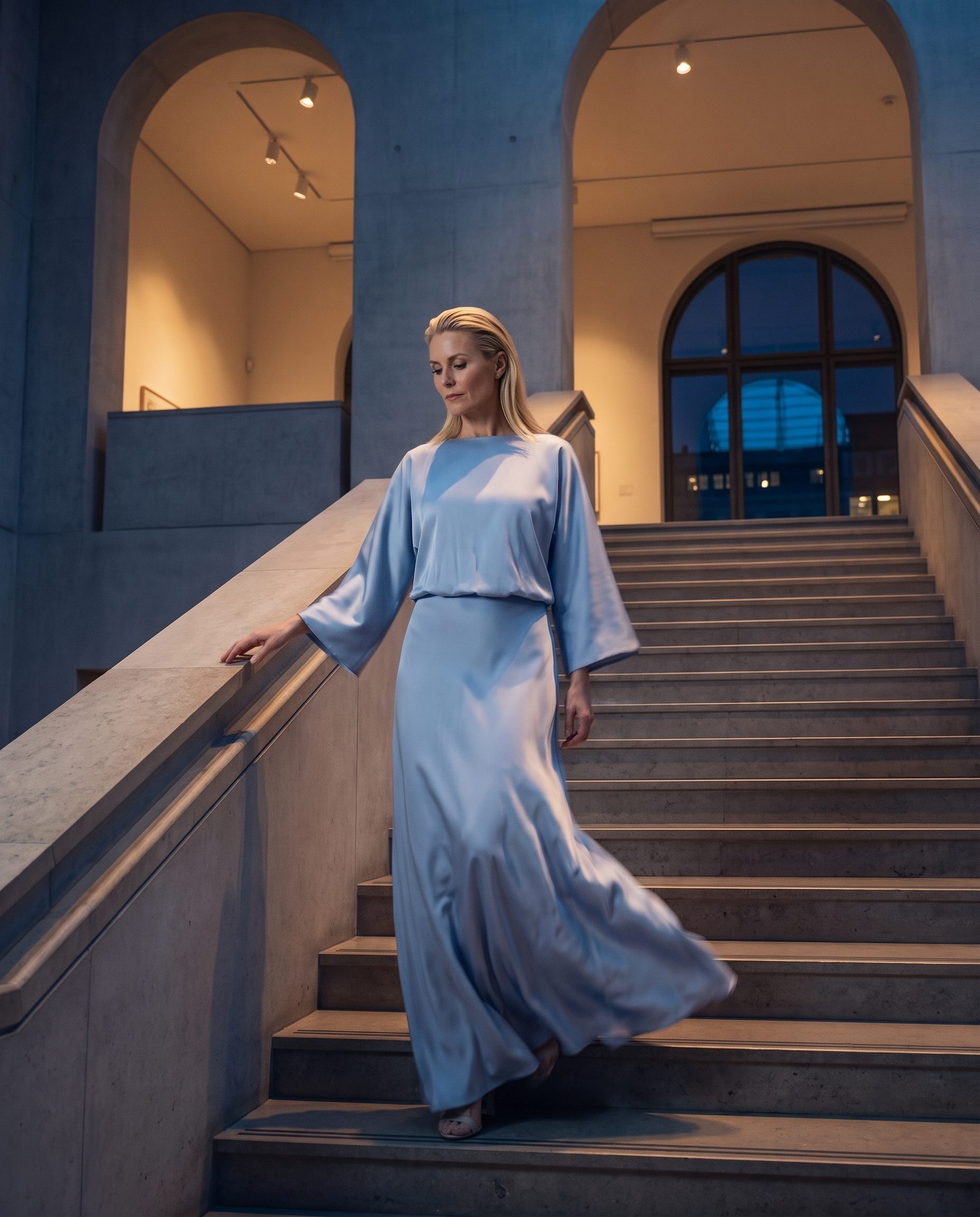
 On-model image
Show the product in use
Create model-led product images for PDPs, ads, and launch pages.
On-model image
Show the product in use
Create model-led product images for PDPs, ads, and launch pages.
Inside Fotogenic
Build a complete product image set in Fotogenic
Use Fotogenic to create product-page, detail, lifestyle, catalog, and campaign options from one source. Review and keep only the images that match the product.
Commercial-use outputs · Cancel anytime
- Product page images
- Catalog visuals
- Lifestyle scenes

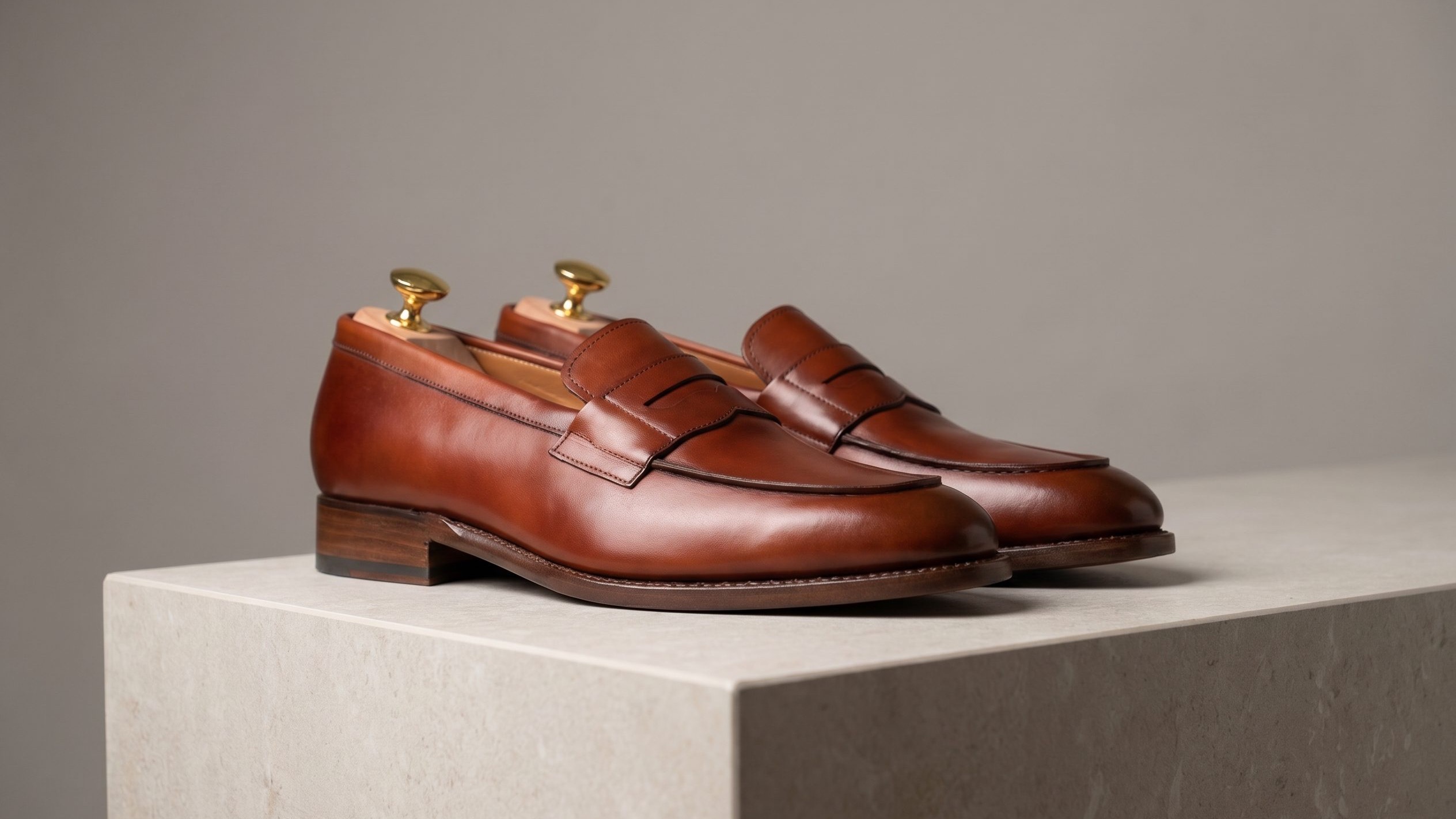
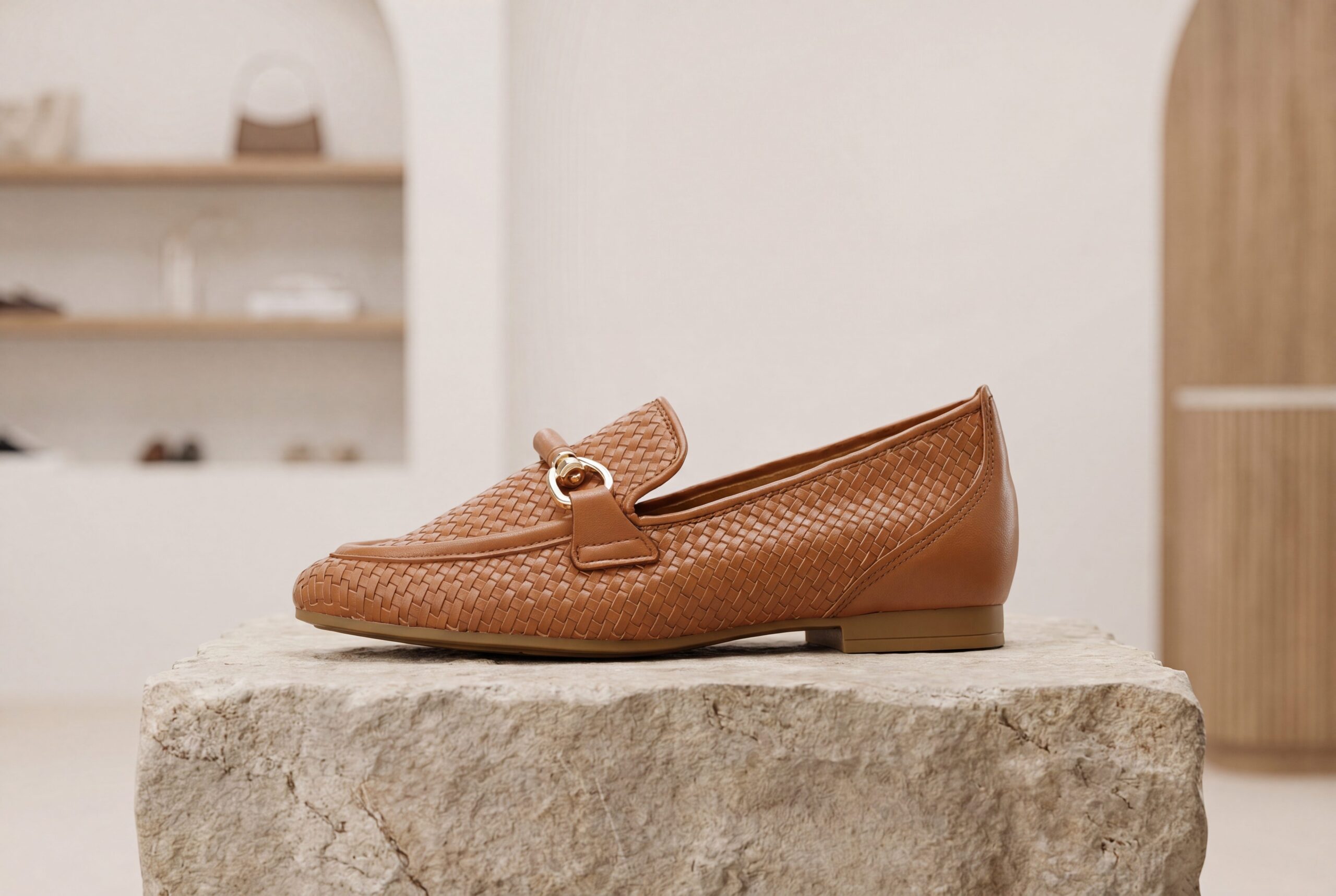
Campaign support
Examples
Choose the image set to build in Fotogenic.
Different product jobs need different images, from clean catalog crops to lifestyle scenes and campaign assets.
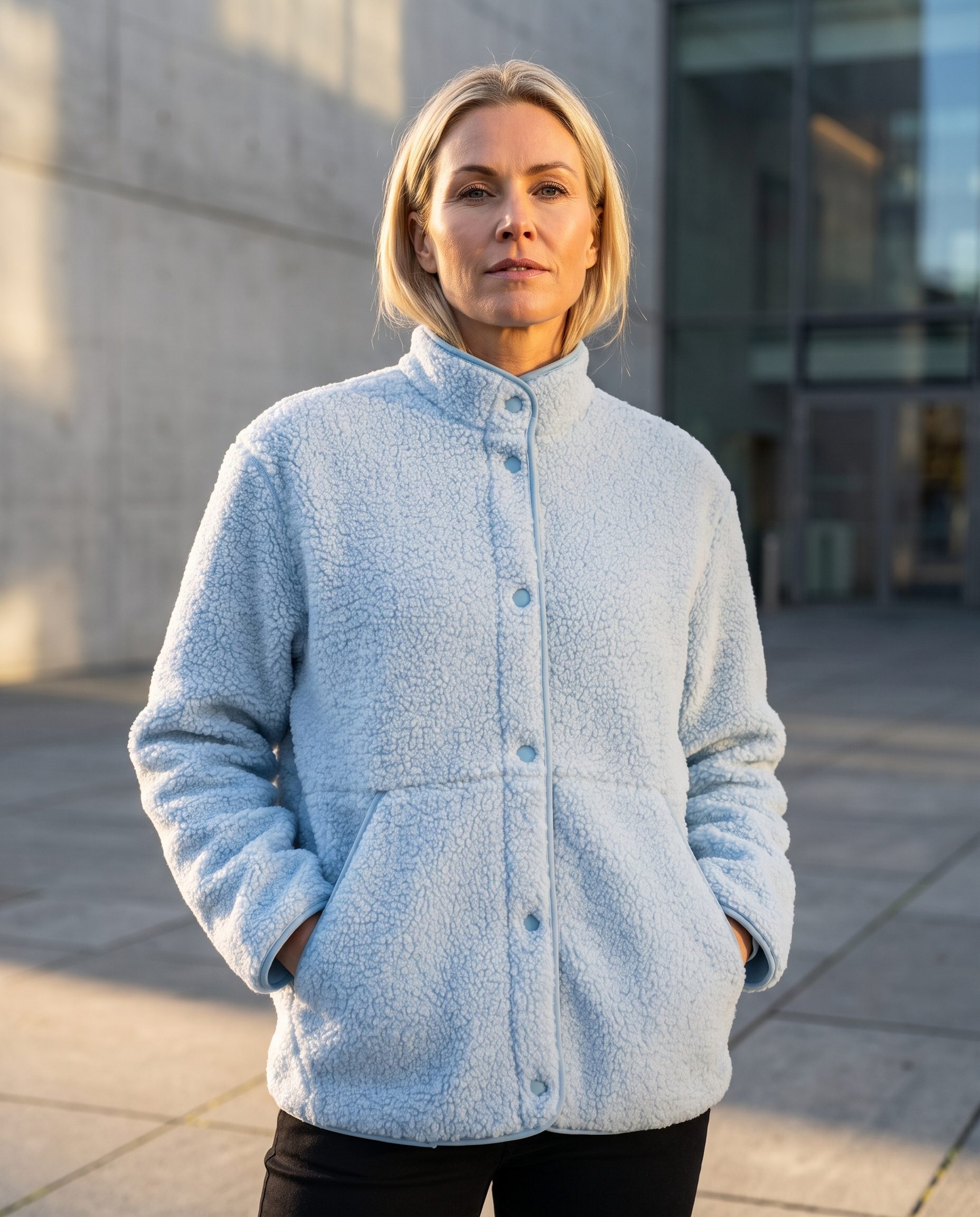


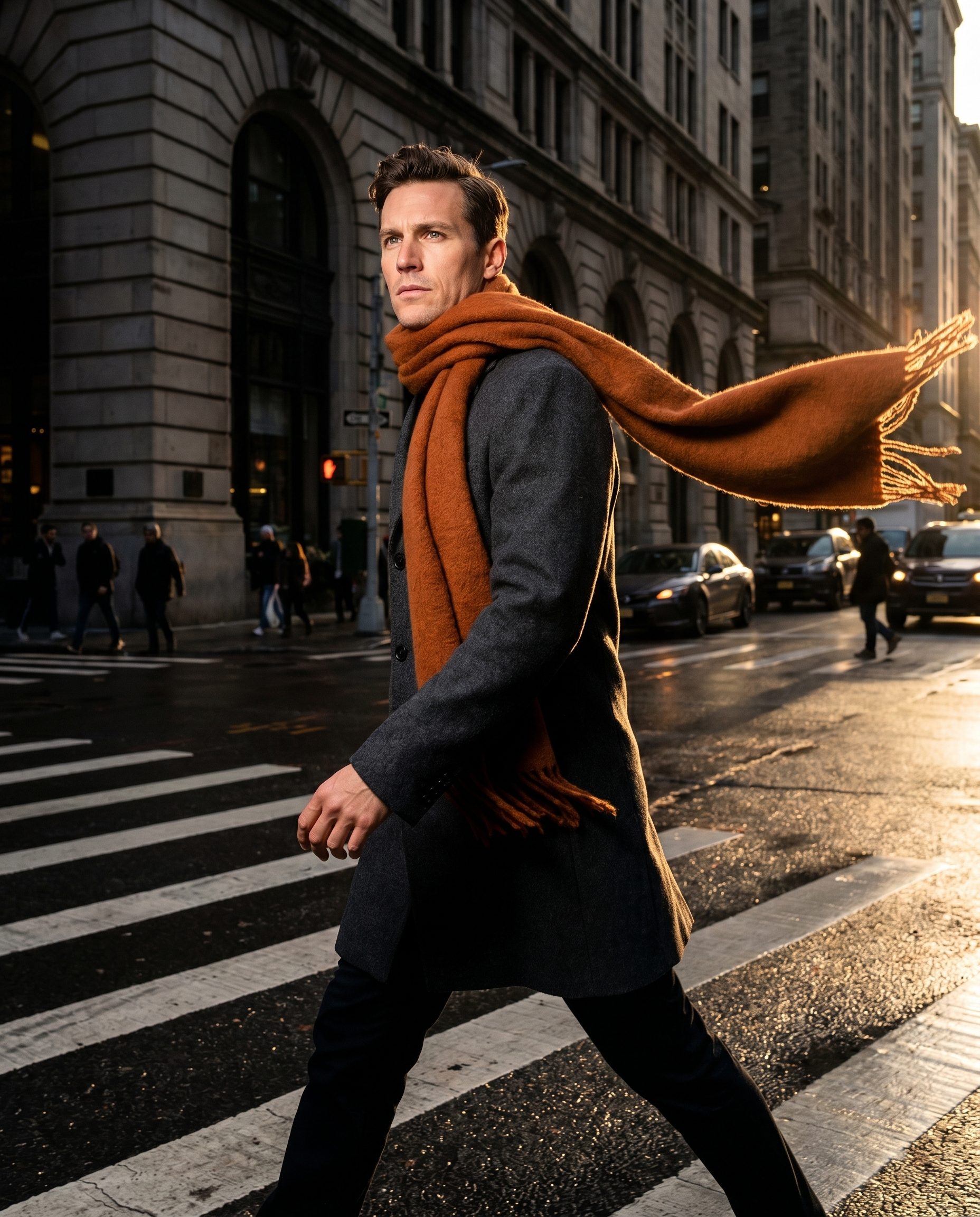

Product image examples
Build each product-page image around a shopper question.
Turn one upload into model shots, details, lifestyle, ads, and social assets.
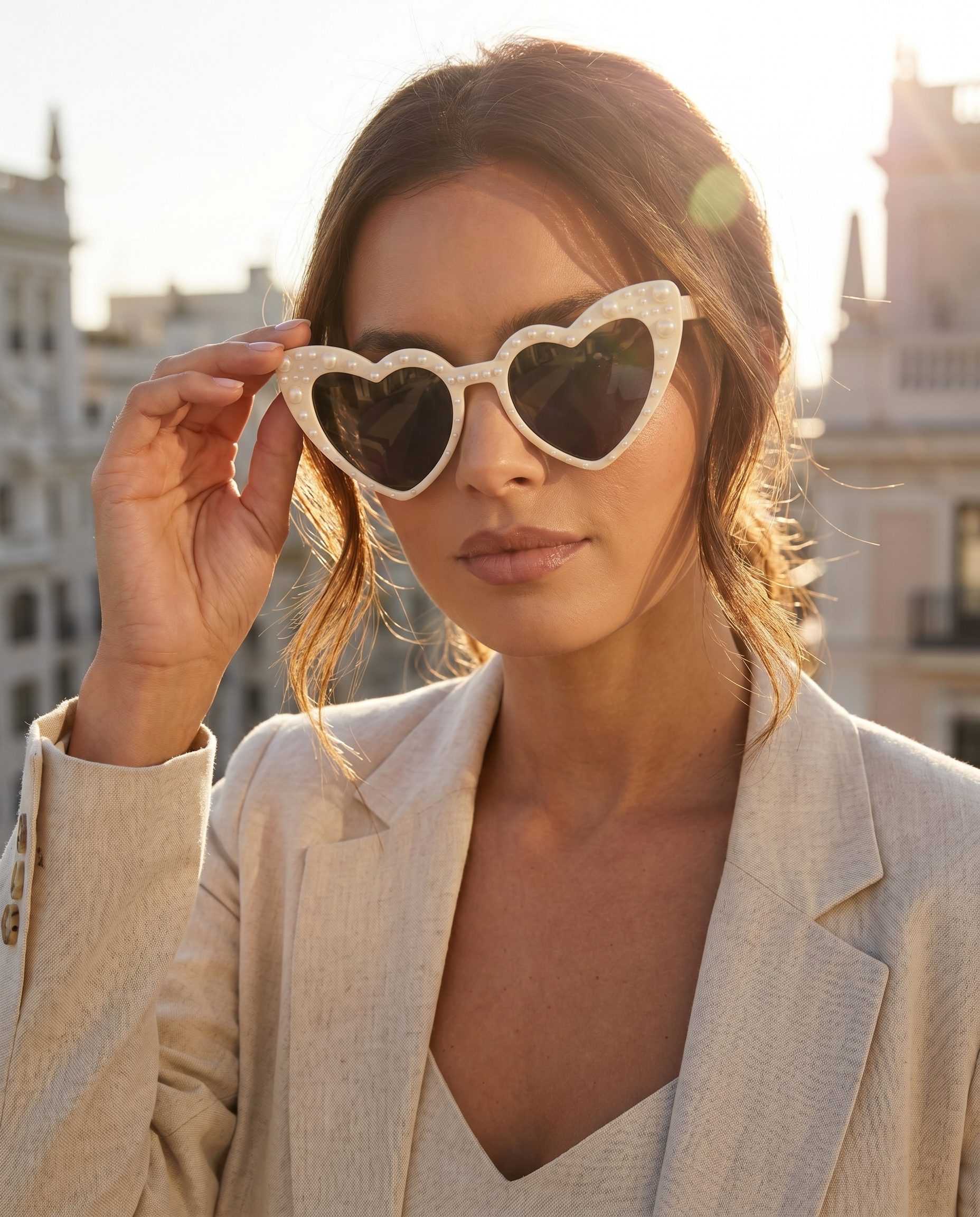
On-model image
Show the product in use
Create model-led product images for PDPs, ads, and launch pages.
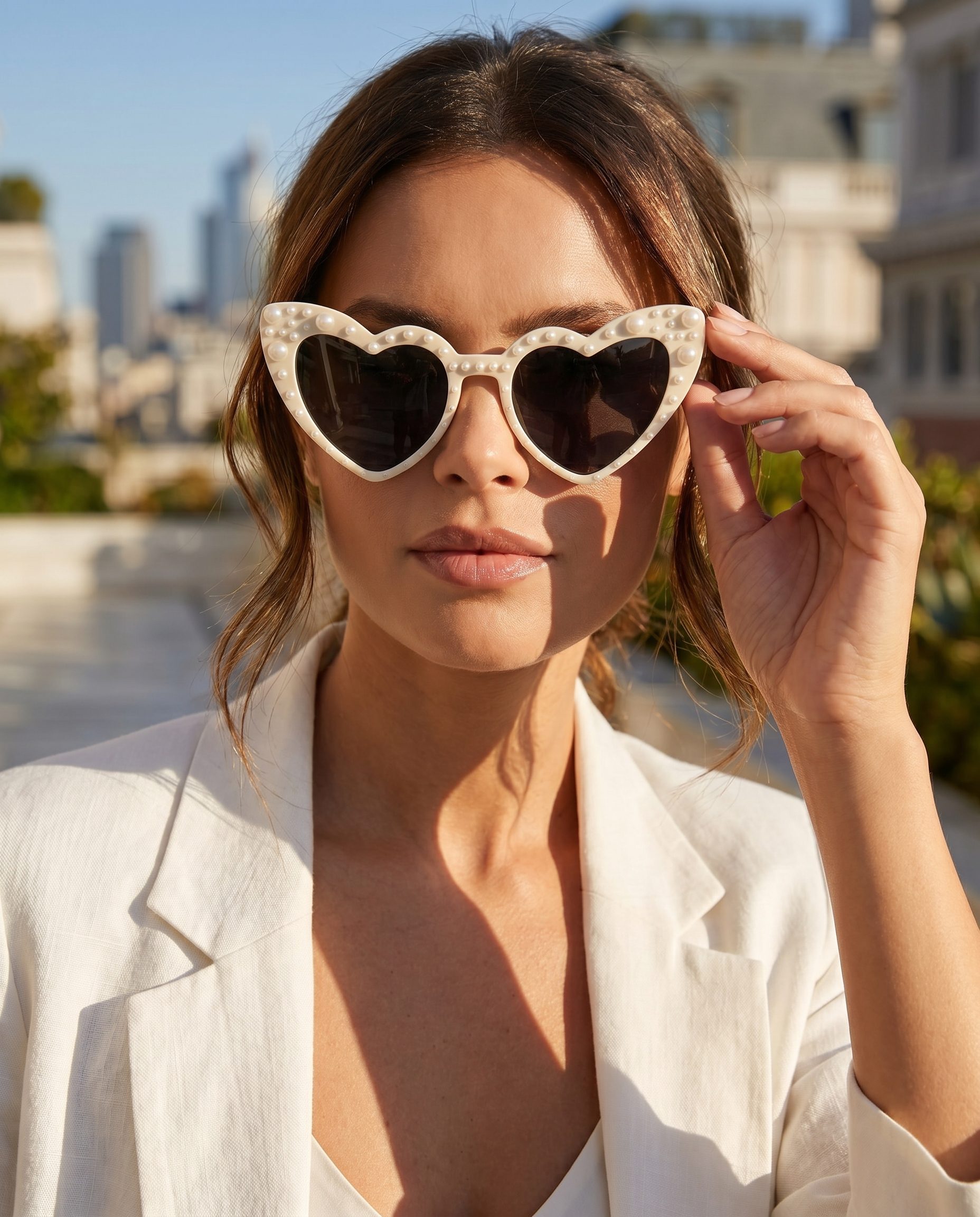
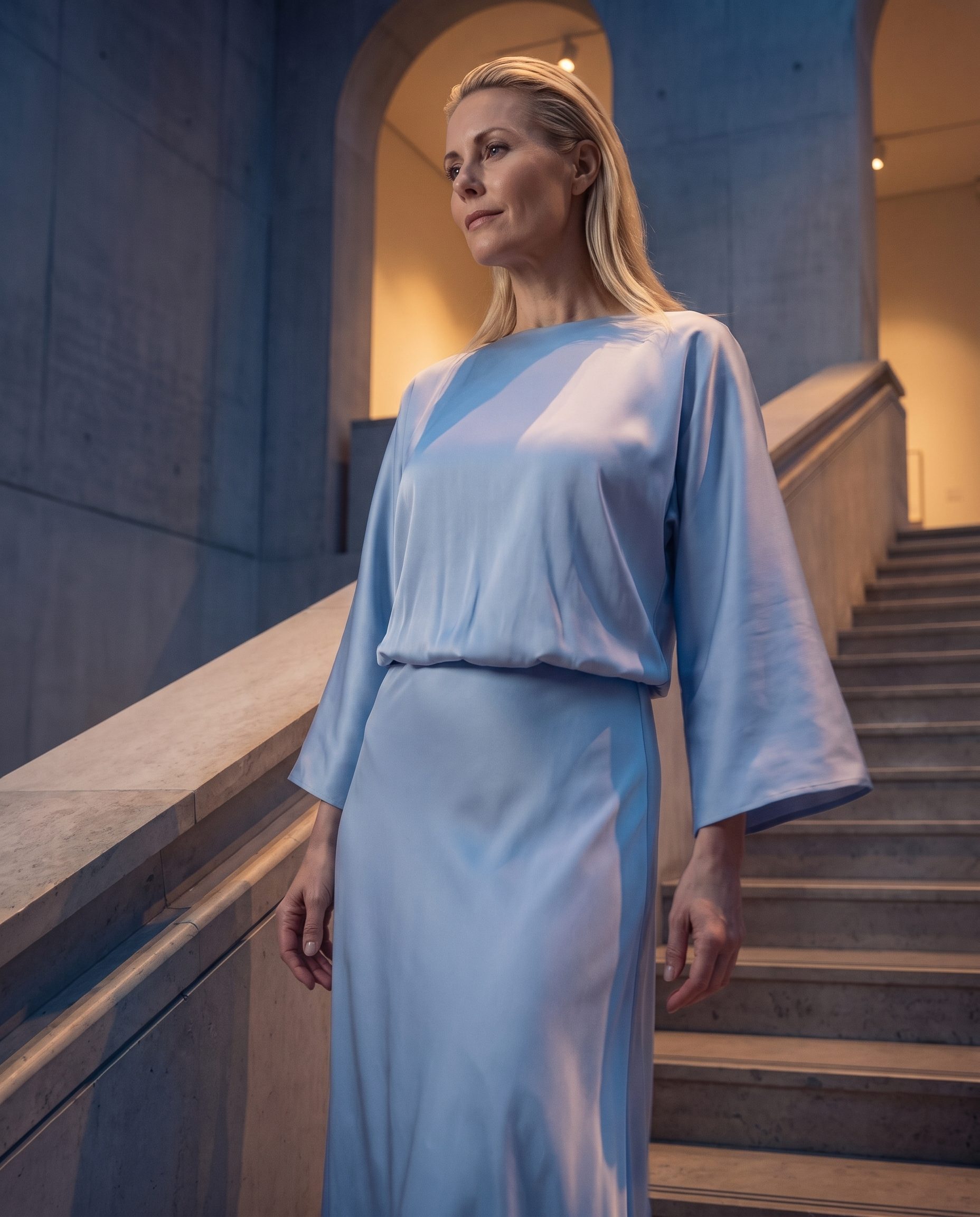 Campaign image
Show the product in a stronger scene
Use a campaign-style setting while keeping the product easy to recognize.
Campaign image
Show the product in a stronger scene
Use a campaign-style setting while keeping the product easy to recognize.
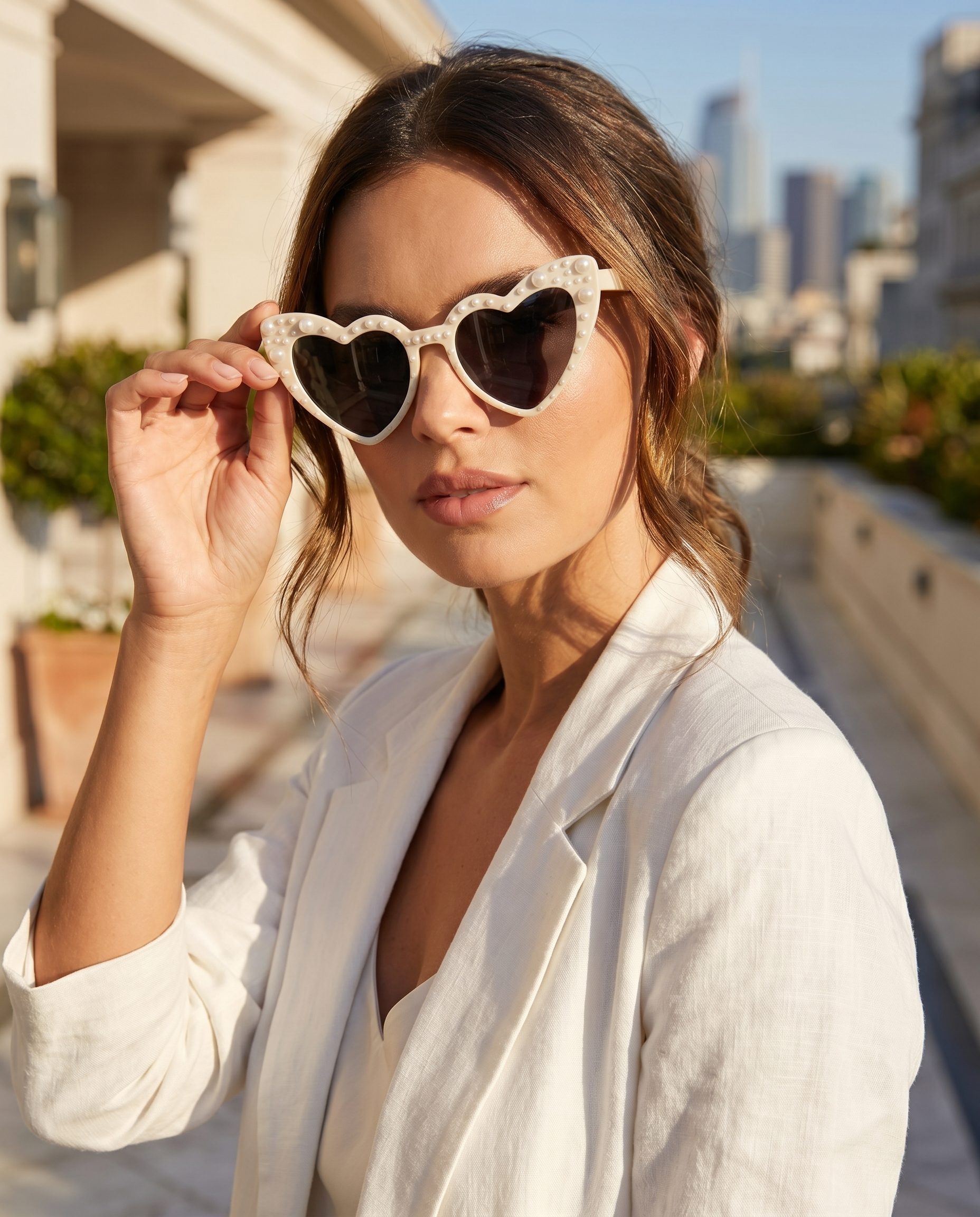
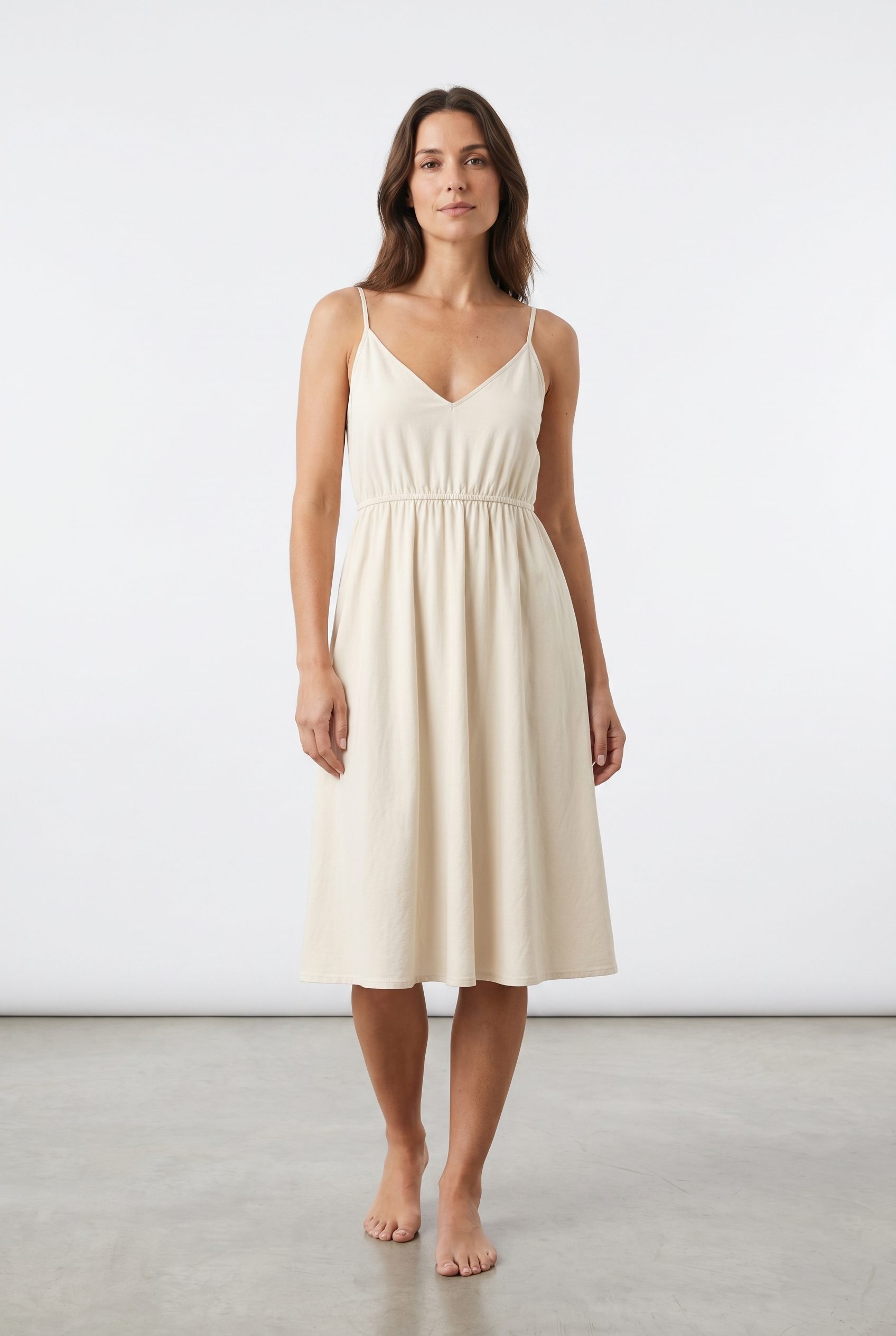 Seasonal image
Adapt the visual direction
Create a new product scene for campaigns, collections, and seasonal drops.
Seasonal image
Adapt the visual direction
Create a new product scene for campaigns, collections, and seasonal drops.
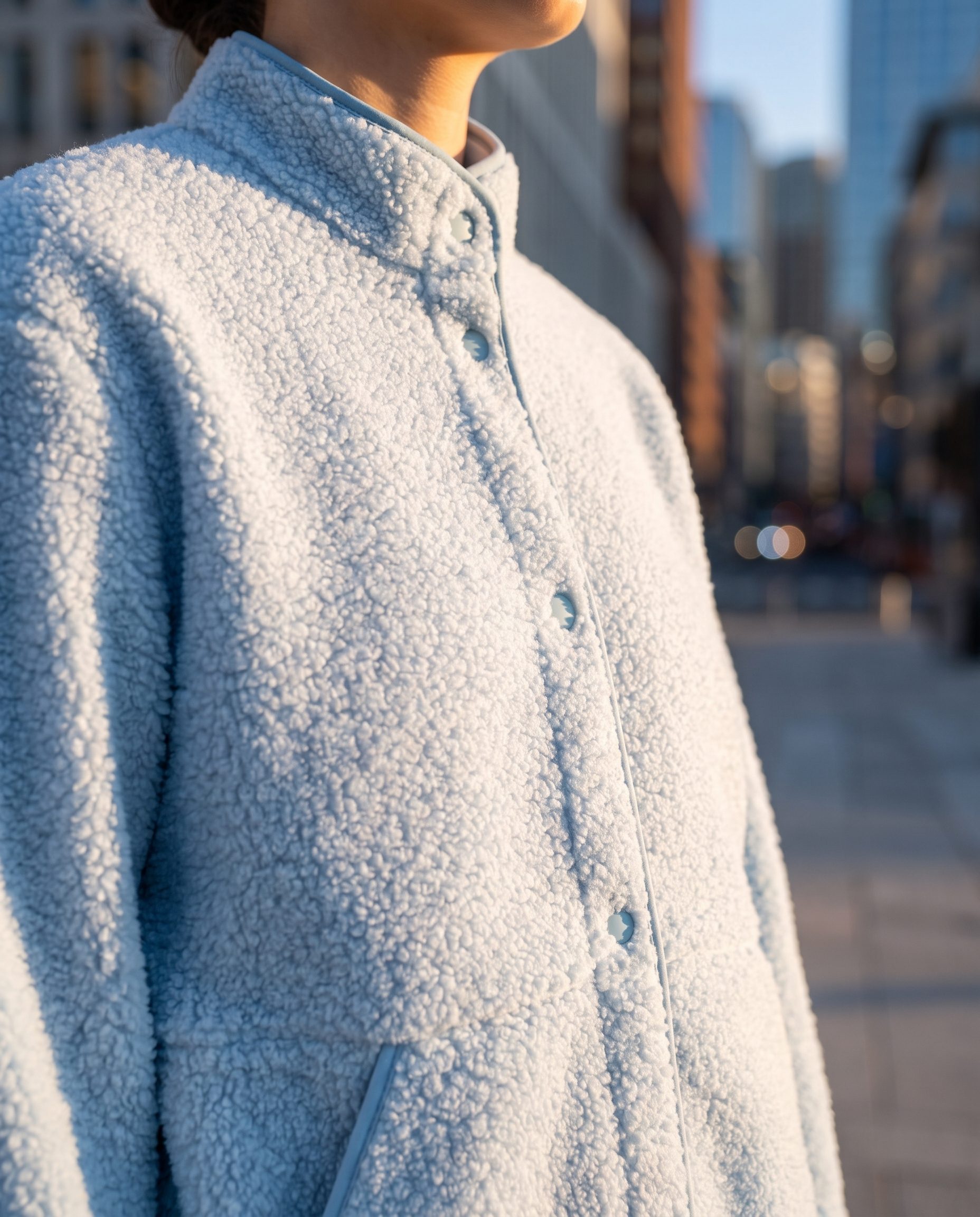
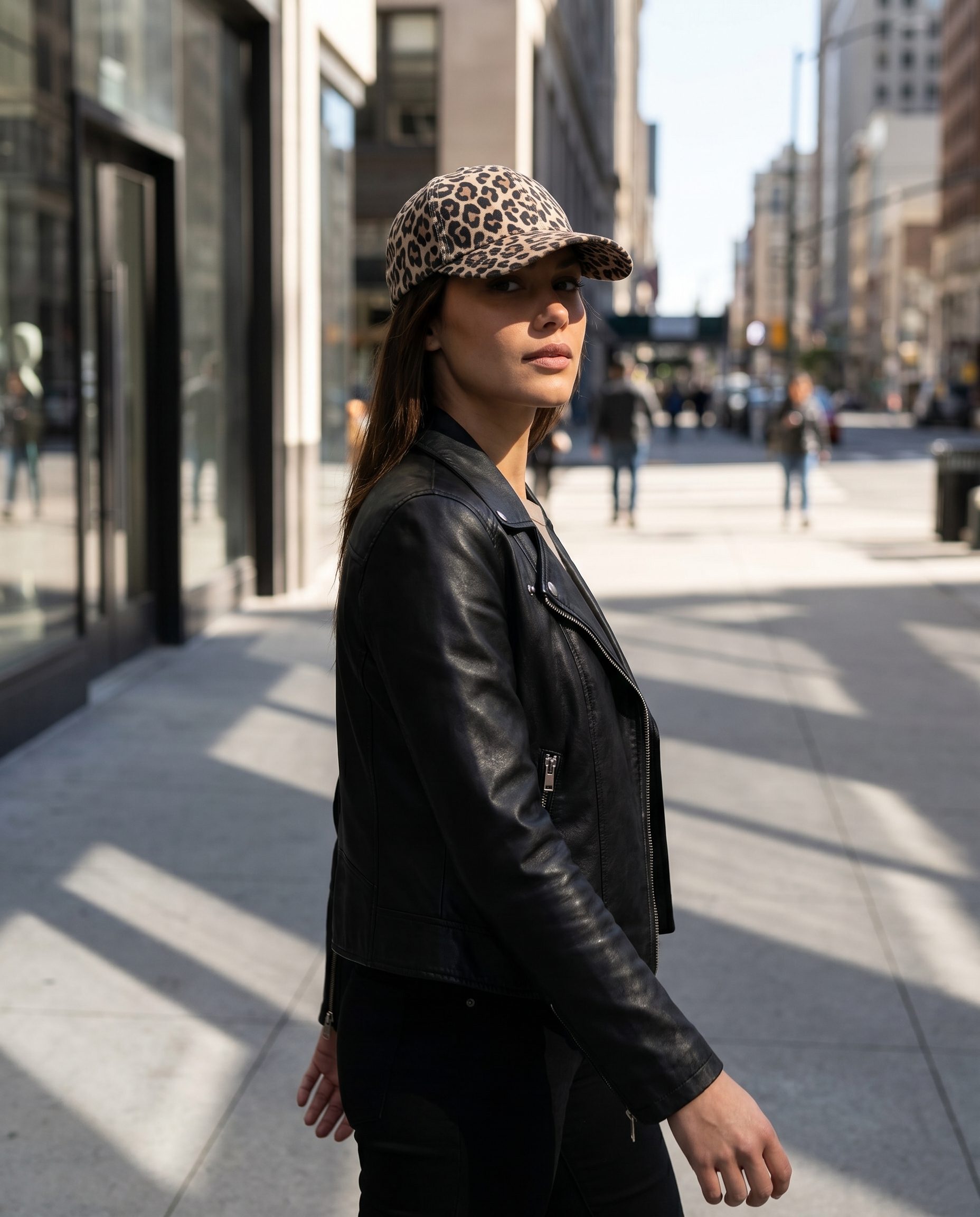 Detail image
Make the product easy to inspect
Show material, shape, scale, and finish in a clean product crop.
Detail image
Make the product easy to inspect
Show material, shape, scale, and finish in a clean product crop.
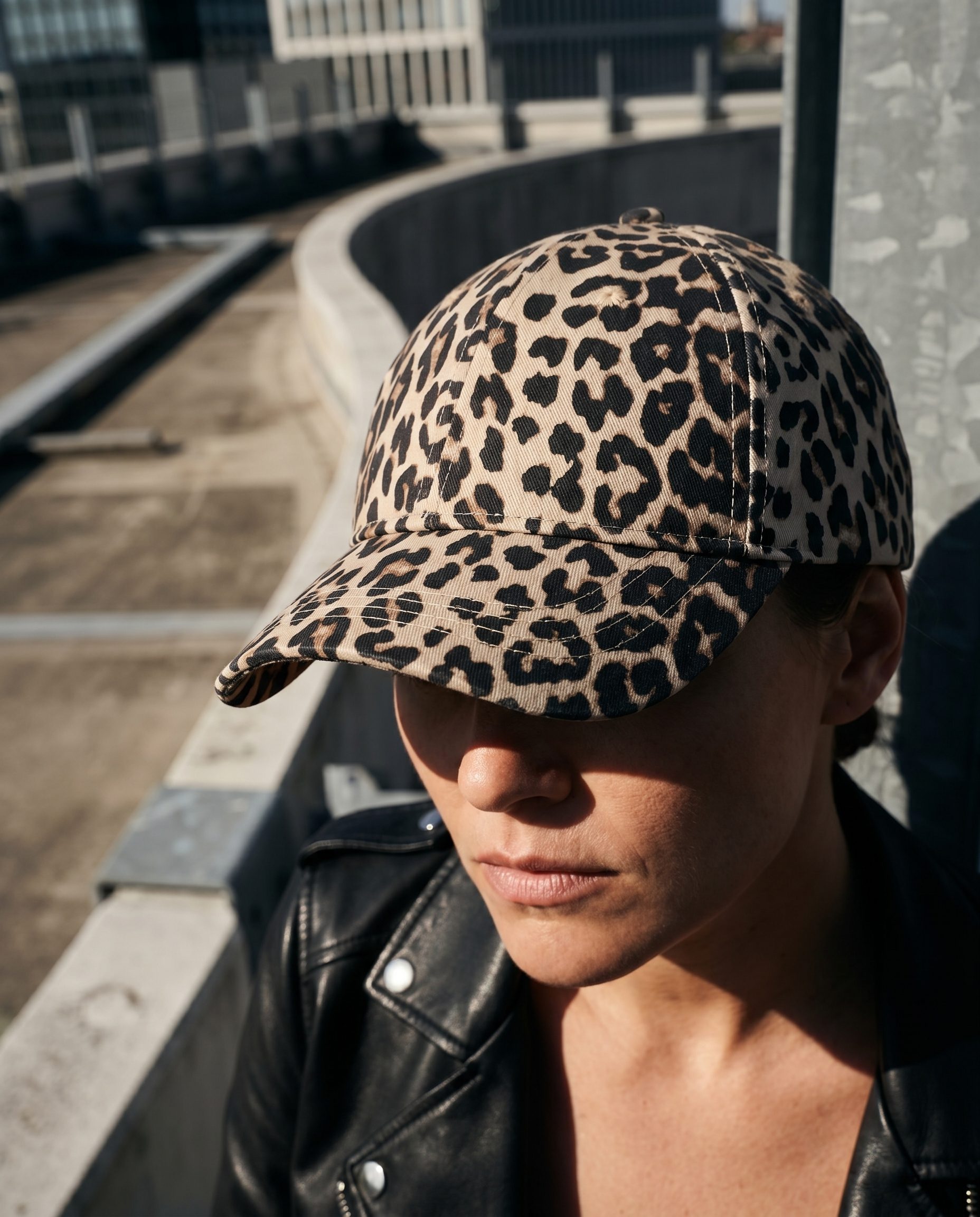 Catalog image
Keep the item clear and sellable
Prepare consistent product images for listings and collections.
Catalog image
Keep the item clear and sellable
Prepare consistent product images for listings and collections.
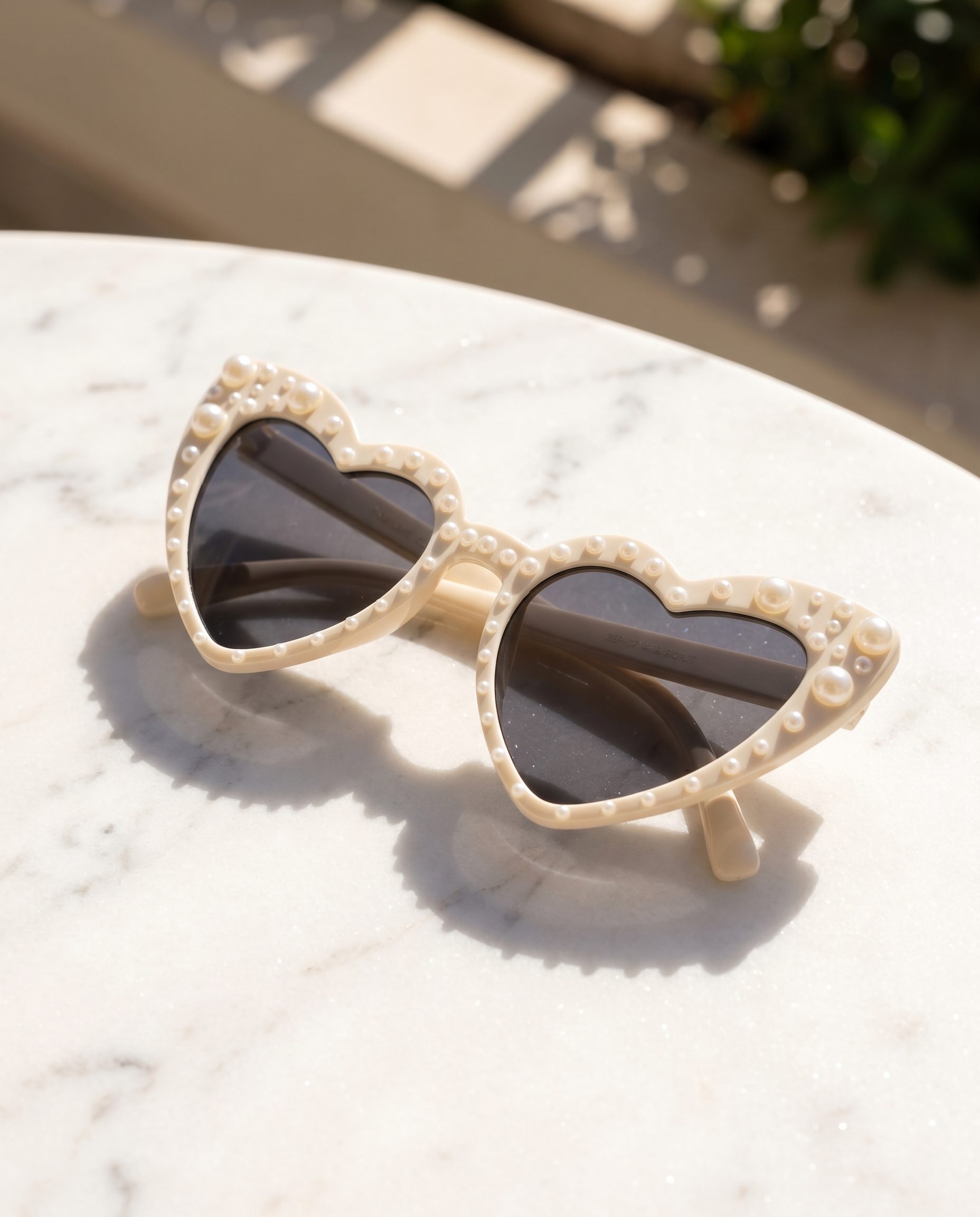 Social image
Create scroll-ready variations
Generate crops that still keep the product visible and understandable.
Social image
Create scroll-ready variations
Generate crops that still keep the product visible and understandable.
How it works
Use one Fotogenic workflow from upload to final selection.
-
Step 1
Add the product source
Upload the product image or context to preserve.
-
Step 2
Choose the image job
Choose product page, catalog, lifestyle, or campaign images.
-
Step 3
Generate options
Create options while keeping product details intact.
-
Step 4
Review and export
Select the strongest images for the right channel.
FAQ
Using the Fotogenic product image feature
Answers about source photos, output review, credits, and choosing the right product-image workflow.
It creates ecommerce product images such as main product page visuals, catalog shots, lifestyle scenes, and extra campaign support images from a product source.
Test it on your product
Build your first product image set in Fotogenic.
Bring a product into Fotogenic for product-page, catalog, lifestyle, and campaign visual review.
- Product context
- Human review
- Brand controls
- No credit card required