For bag and accessory sellers
AI bag Photography
Create AI bag photos from your product images, with studio shots, lifestyle scenes and campaign images.
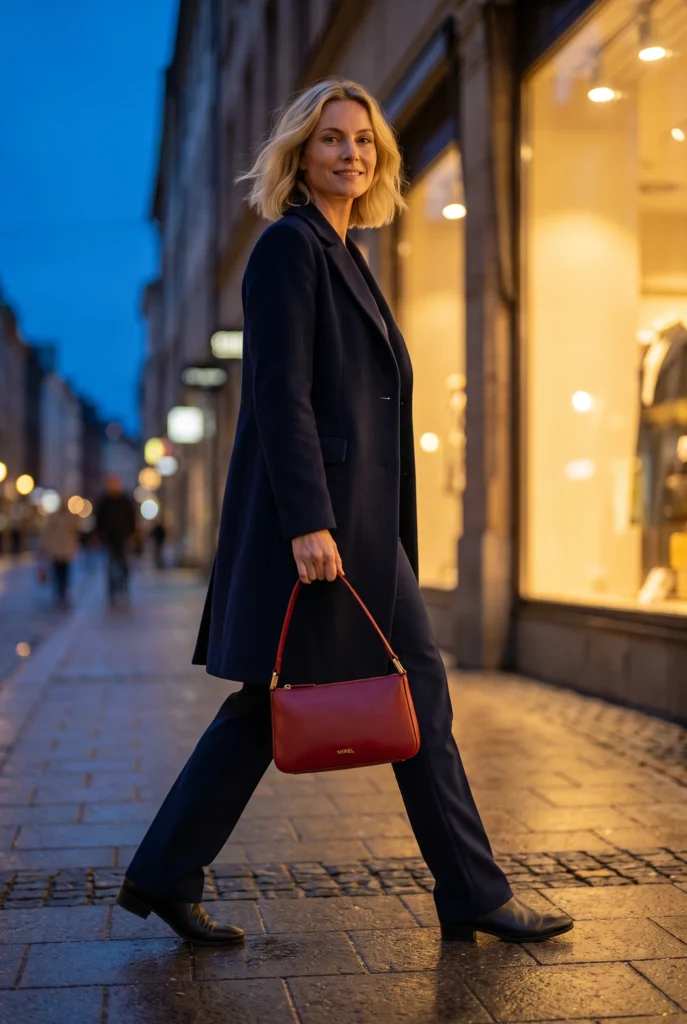
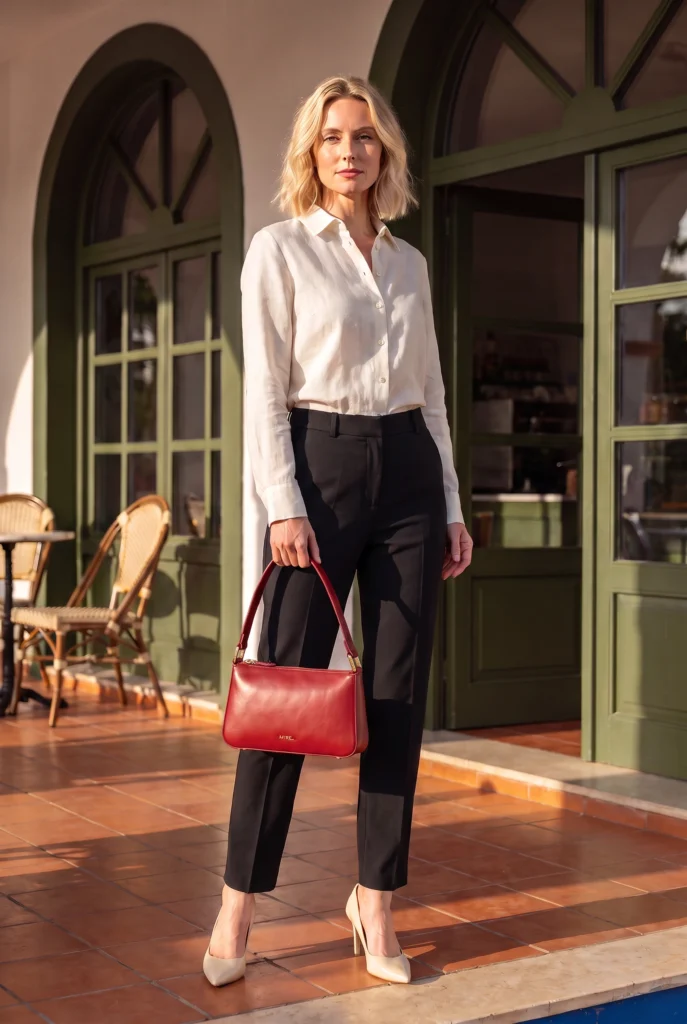

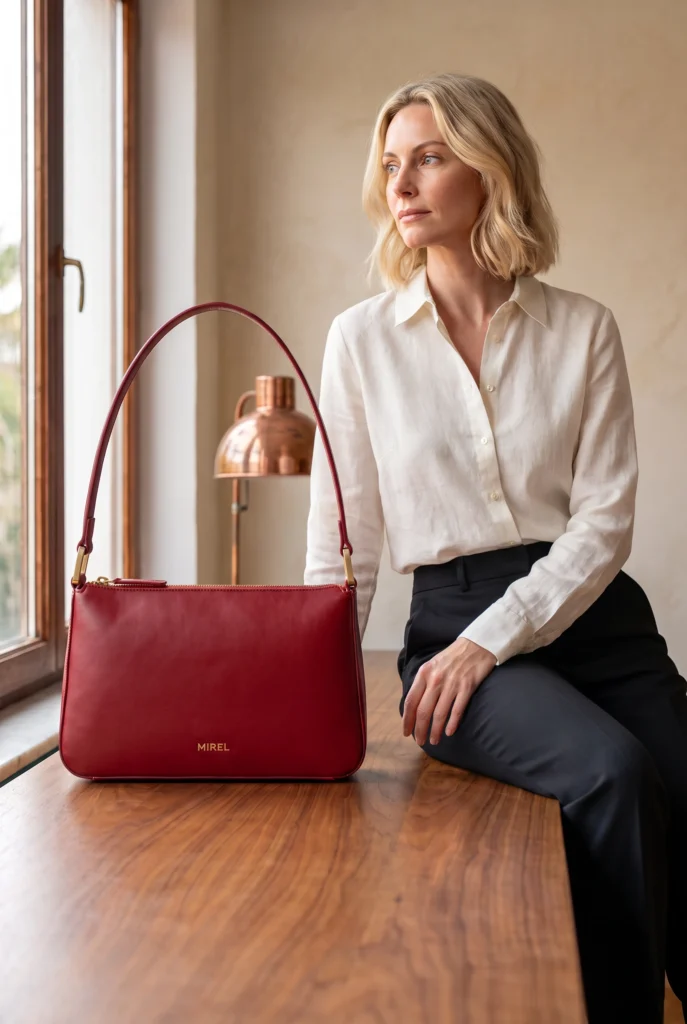
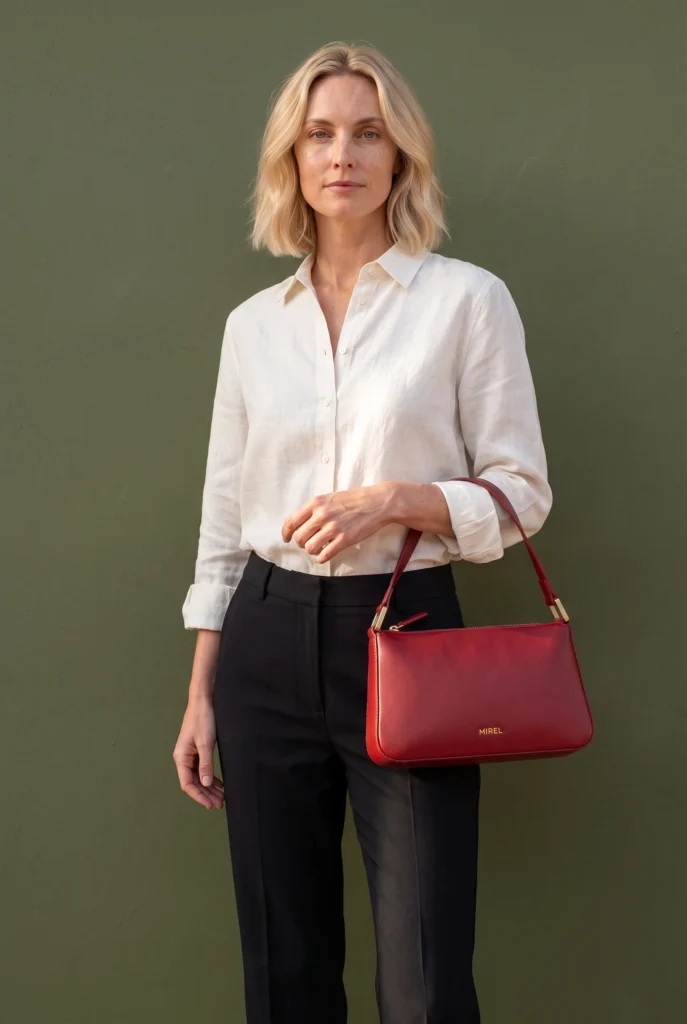
Examples
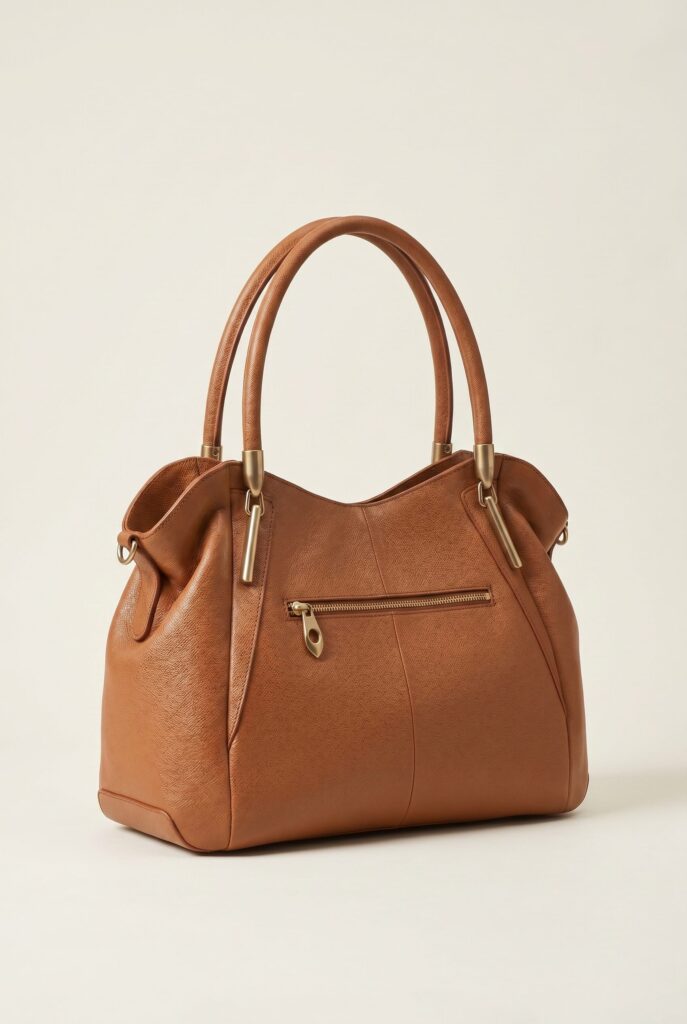
Bags Product Photography examples
Explore bag images for product pages, carry context and campaigns.
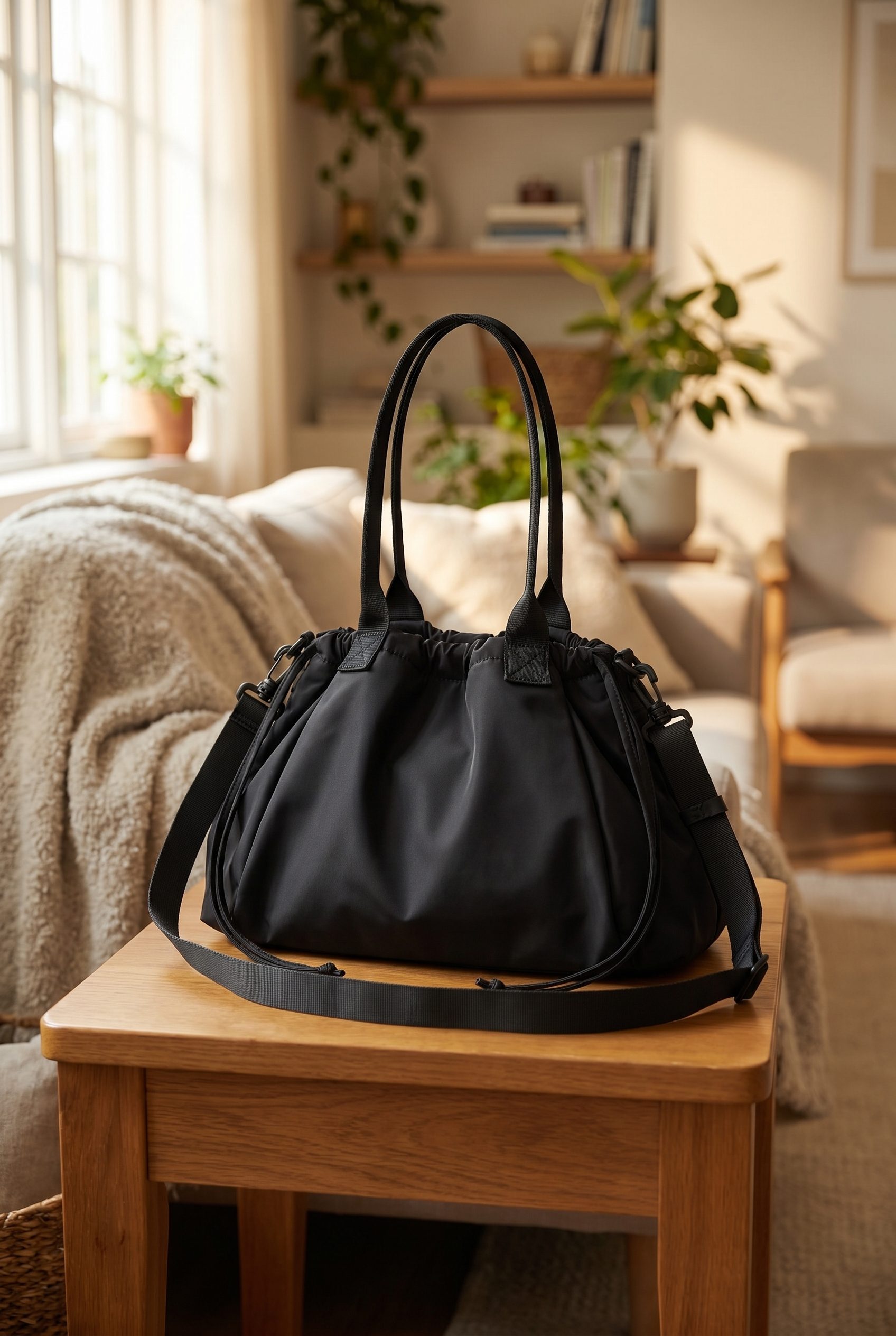
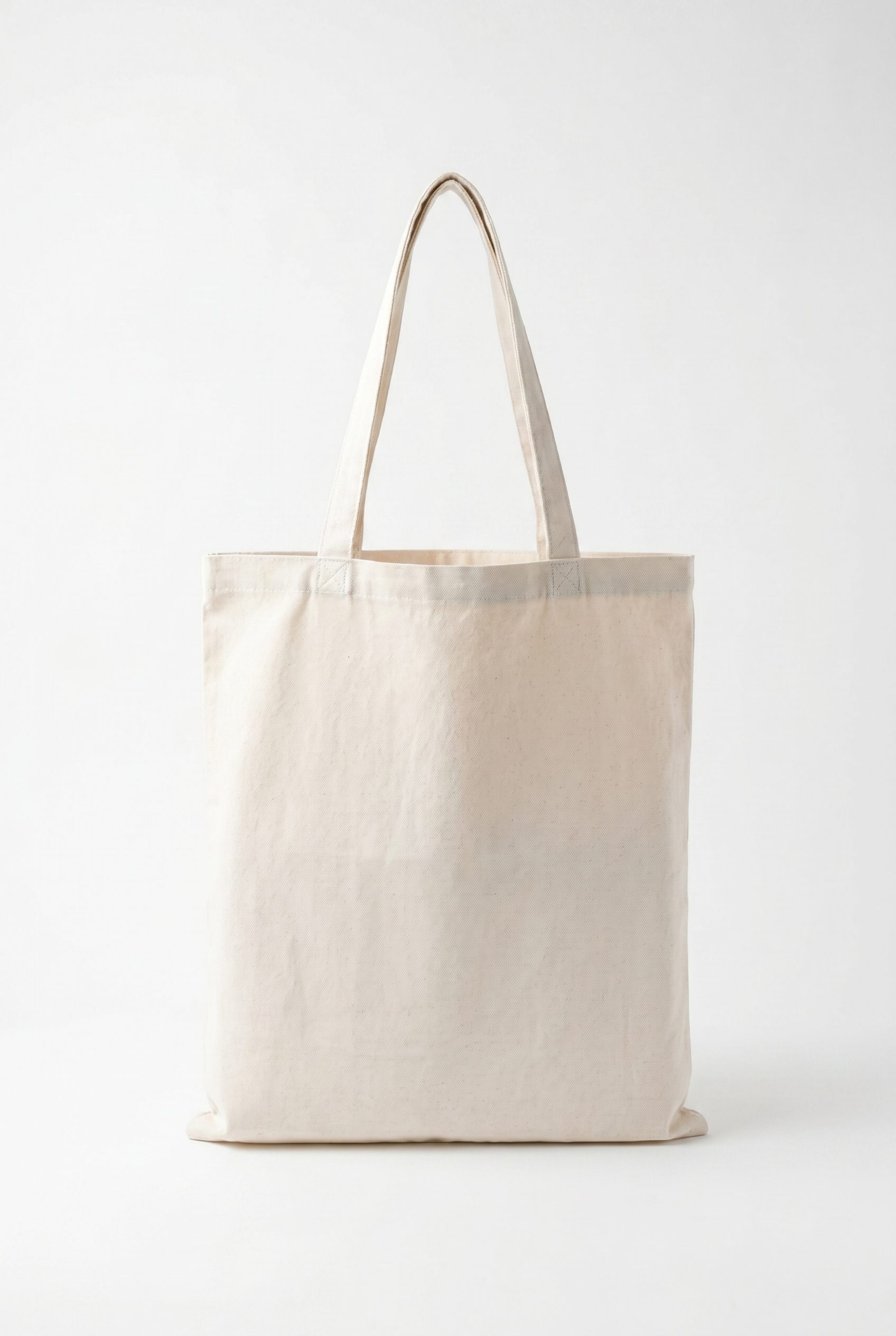
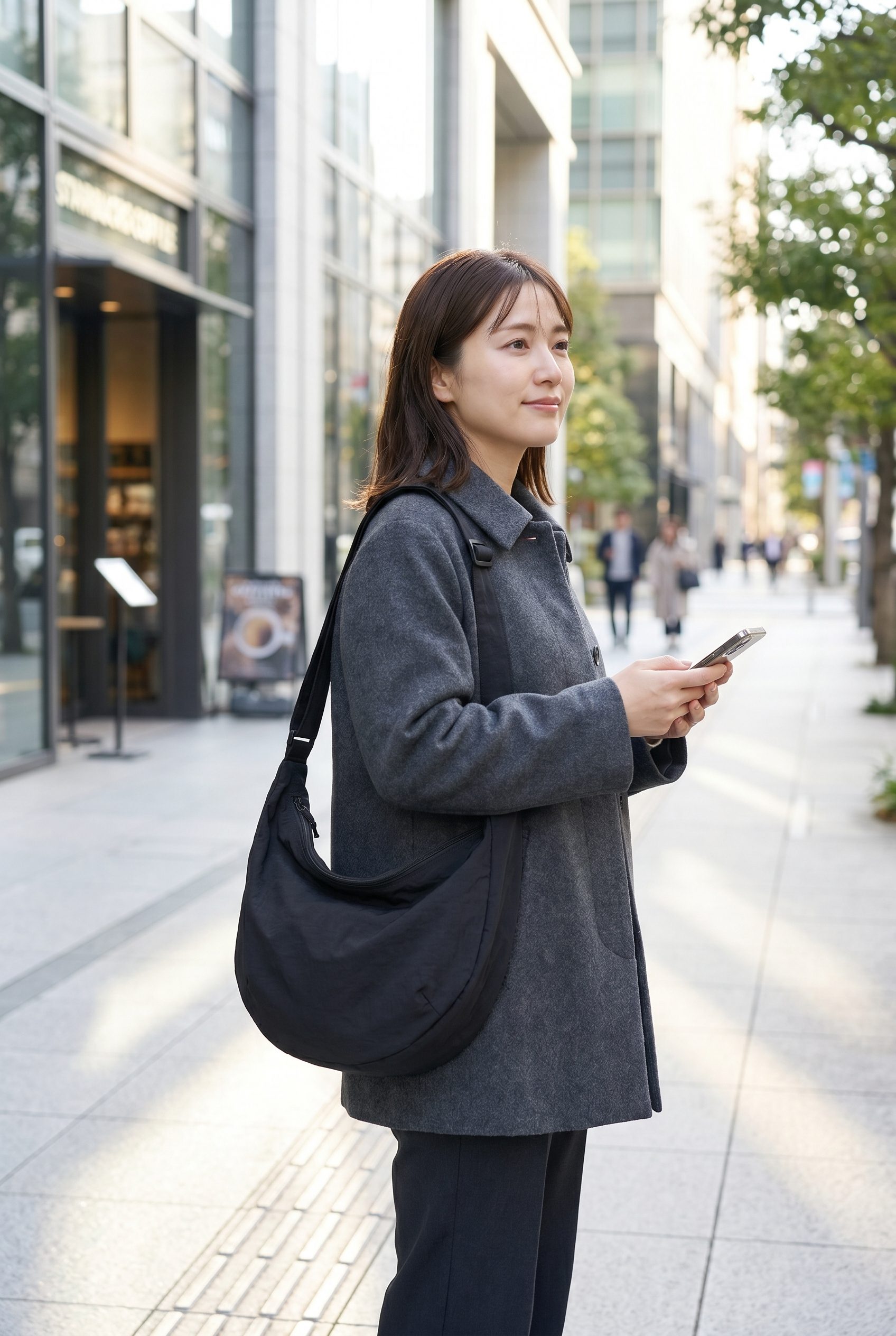
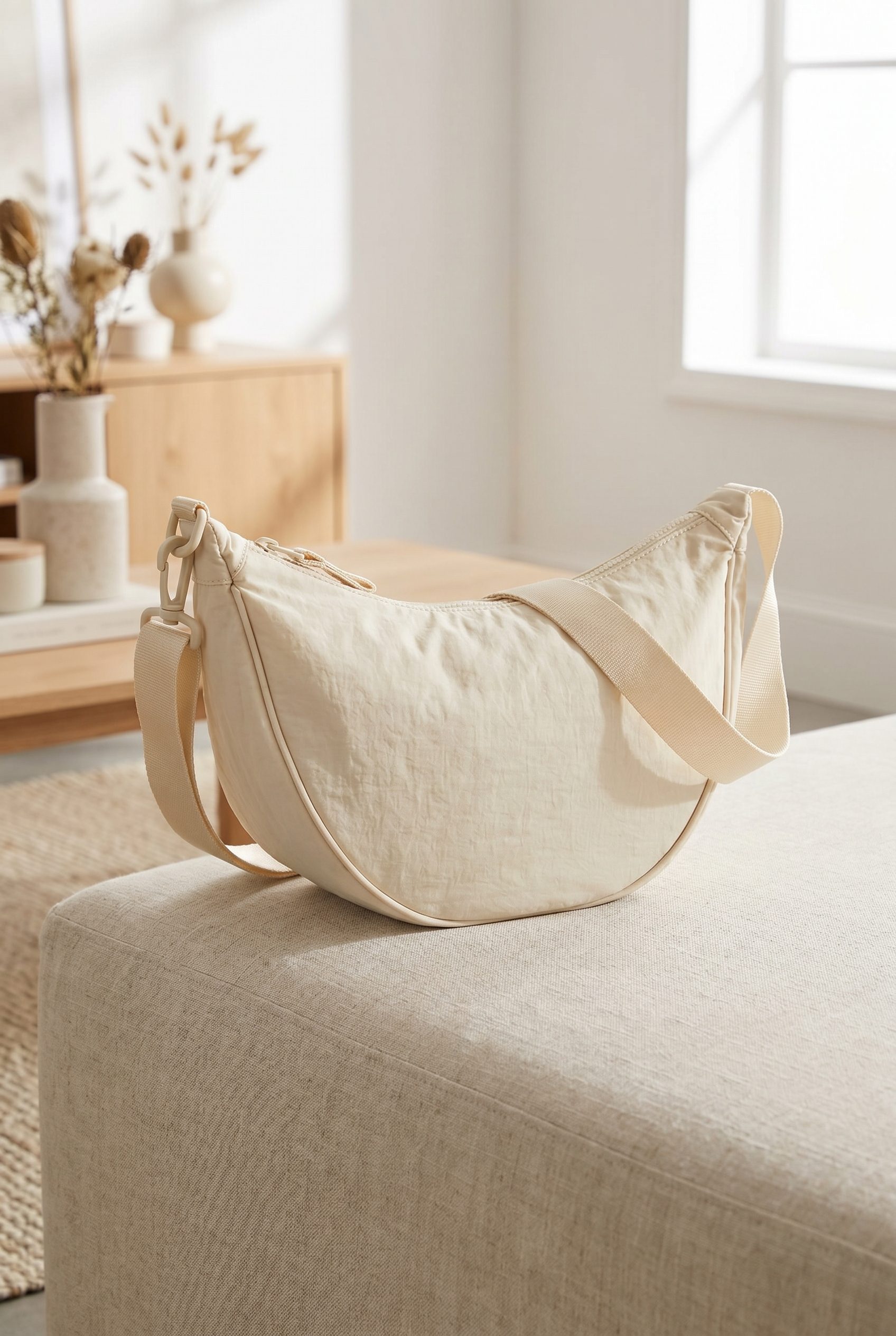
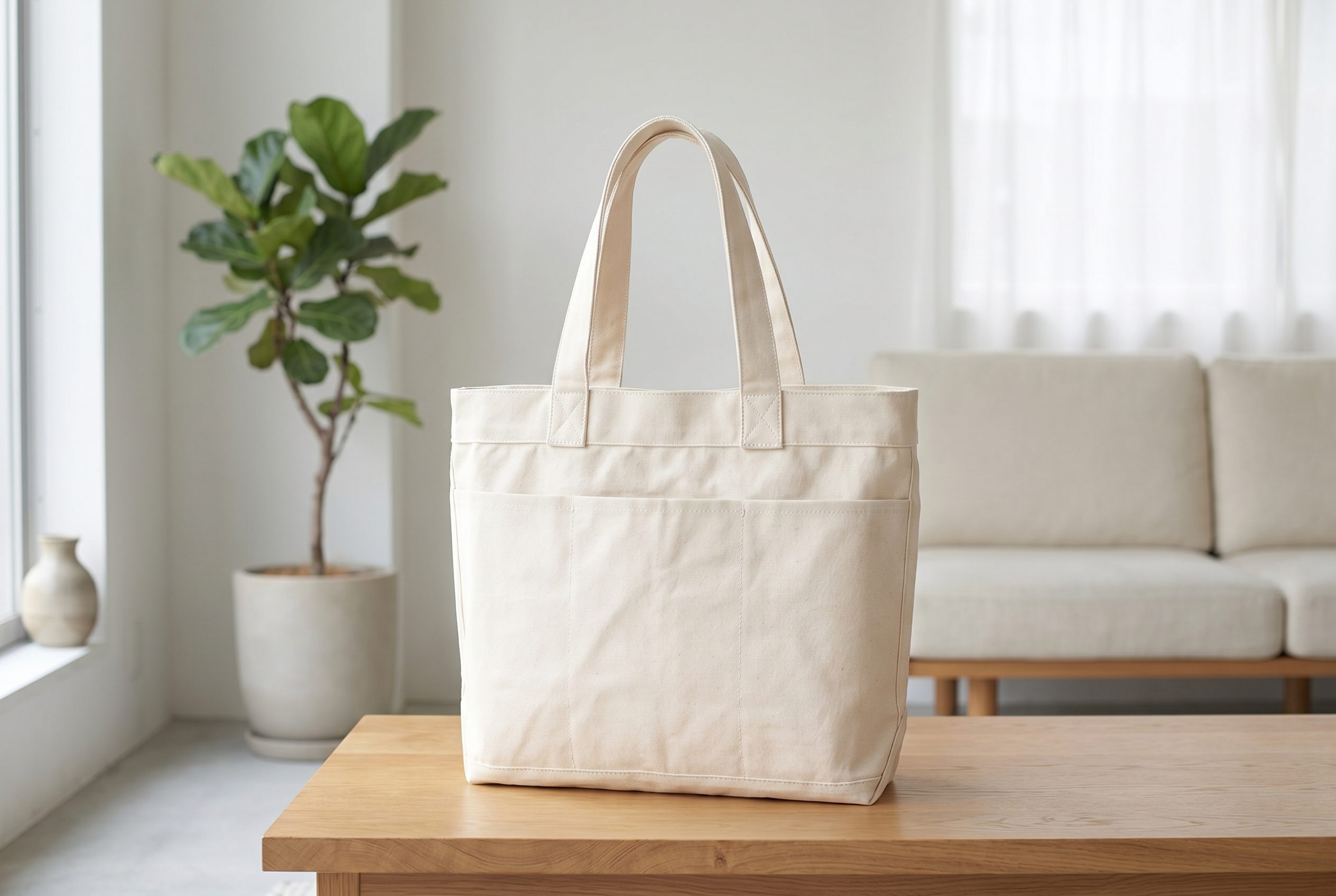
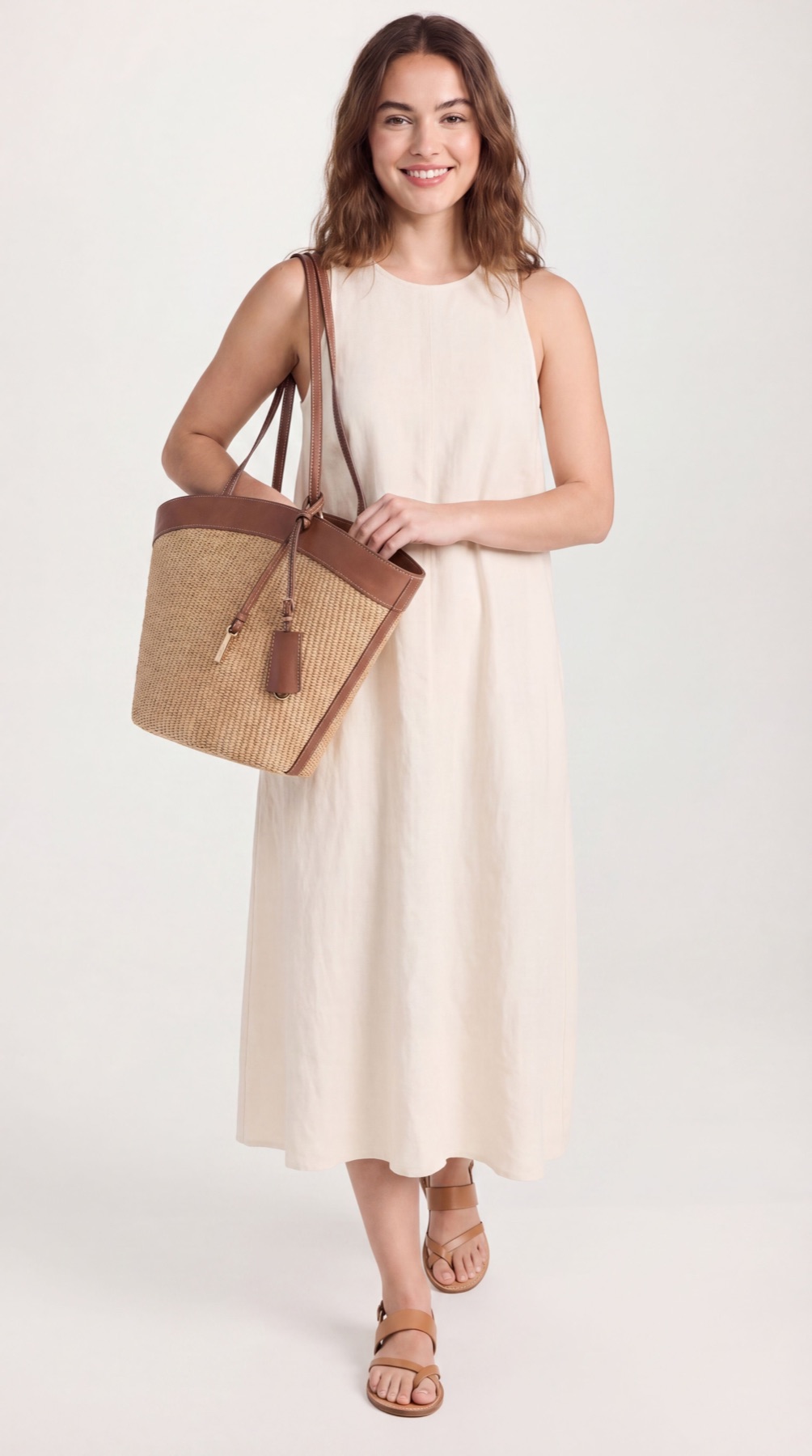
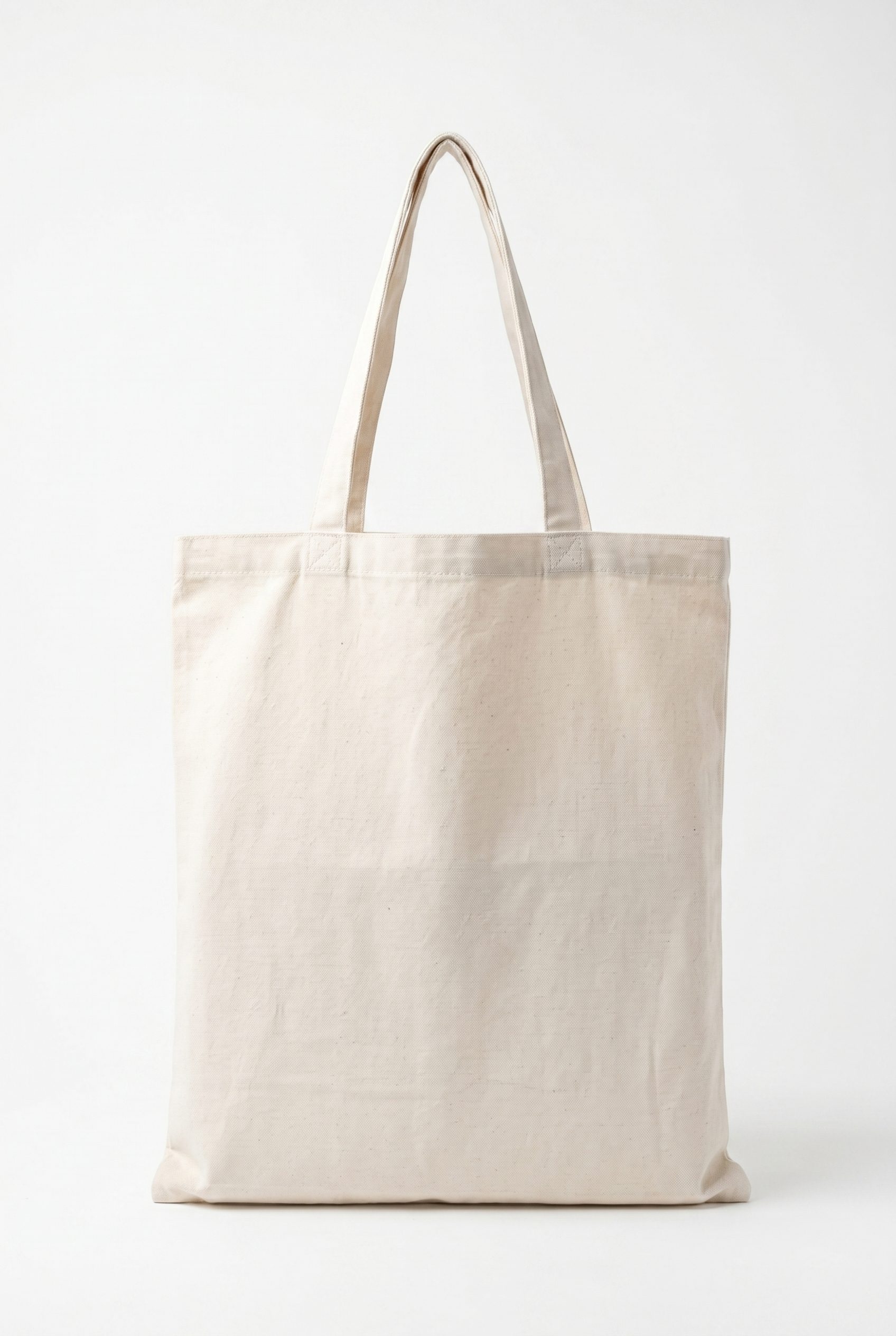
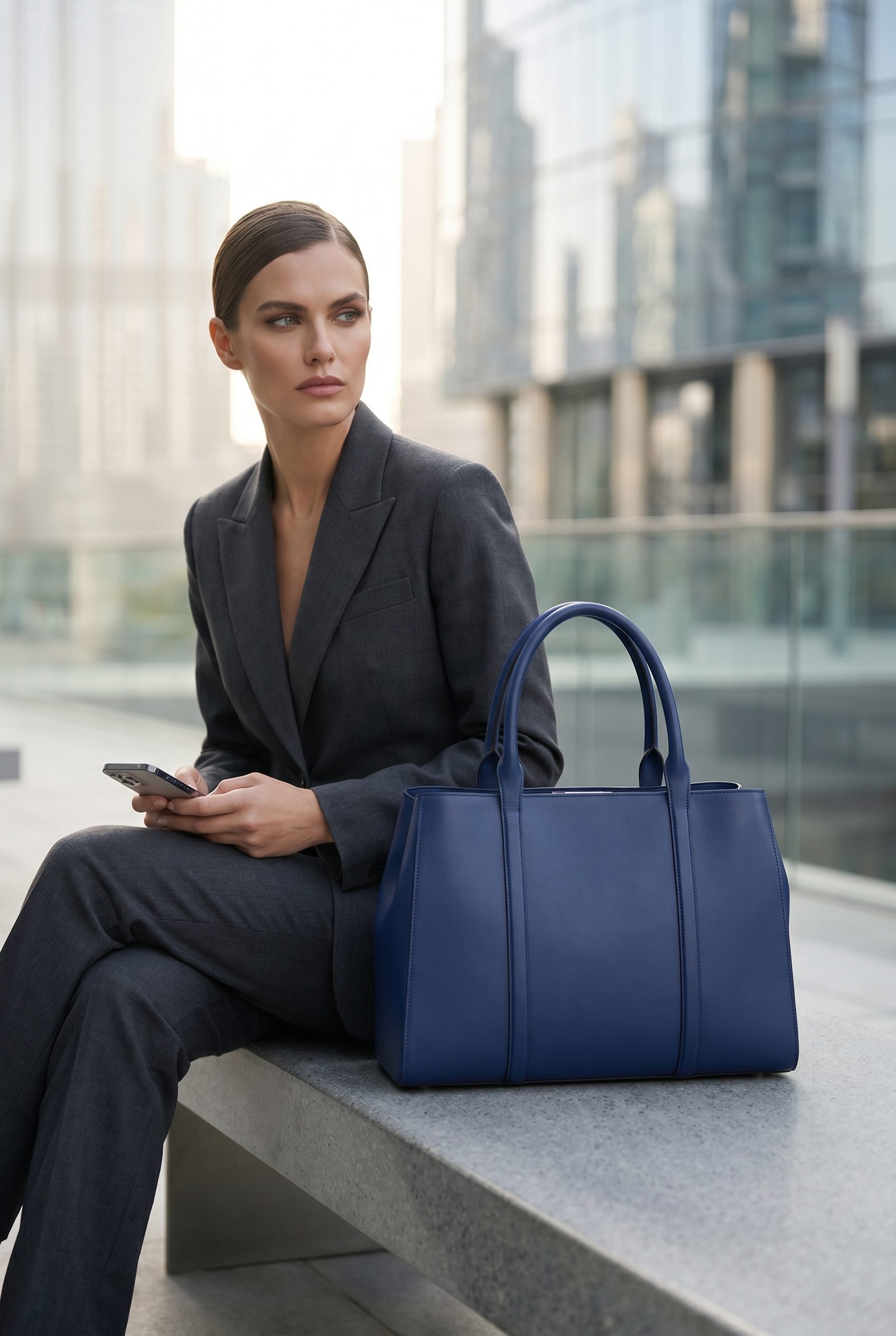
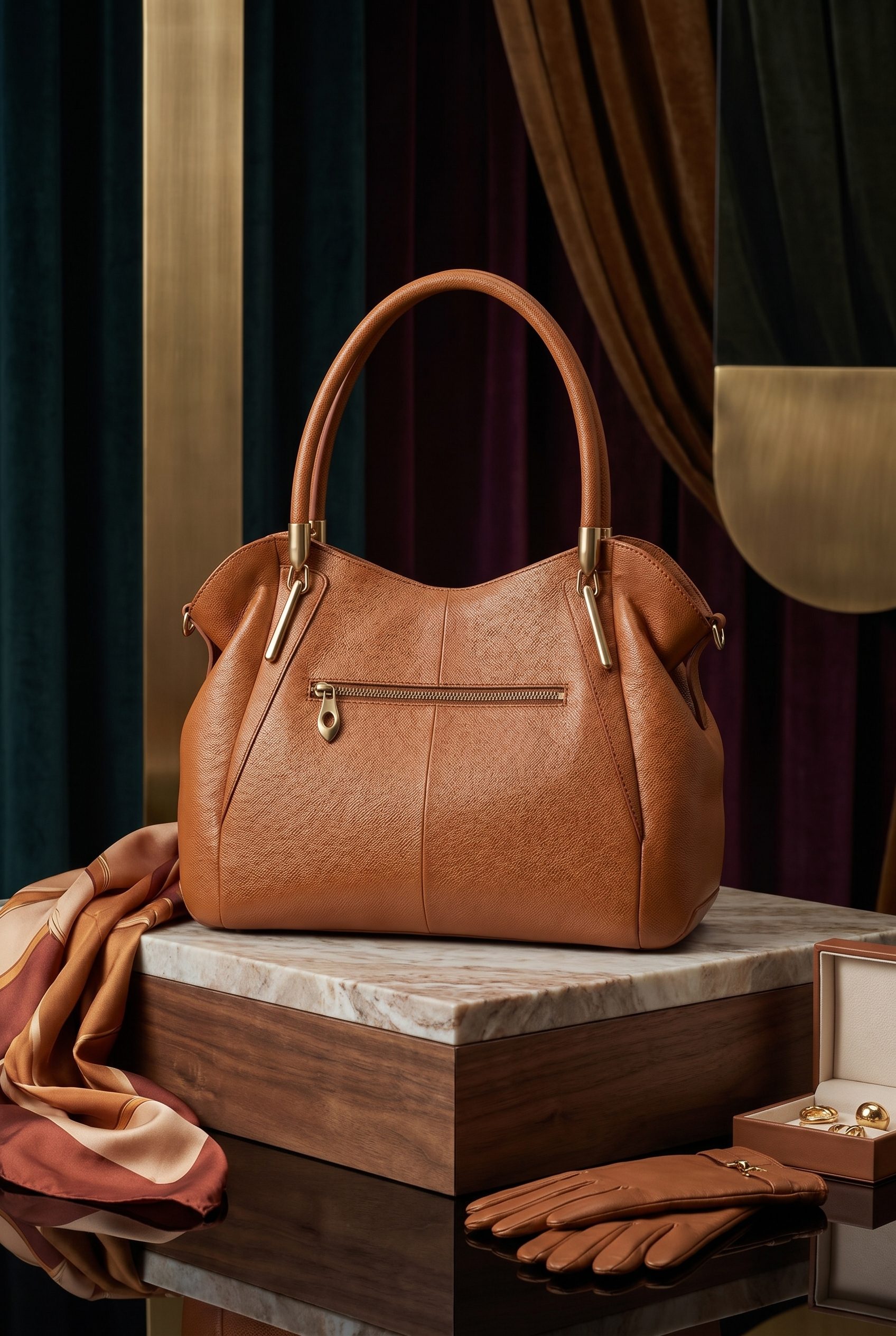
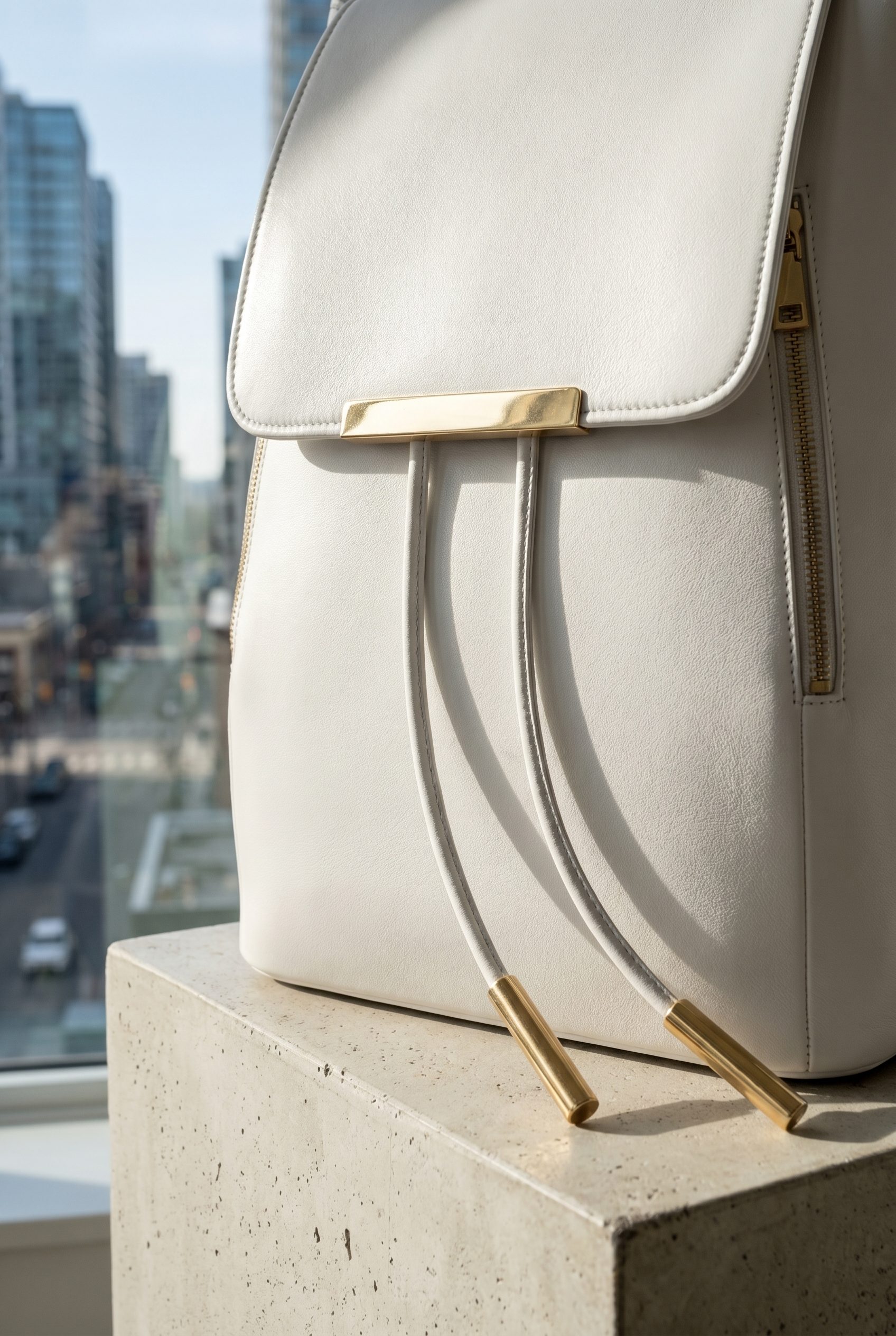
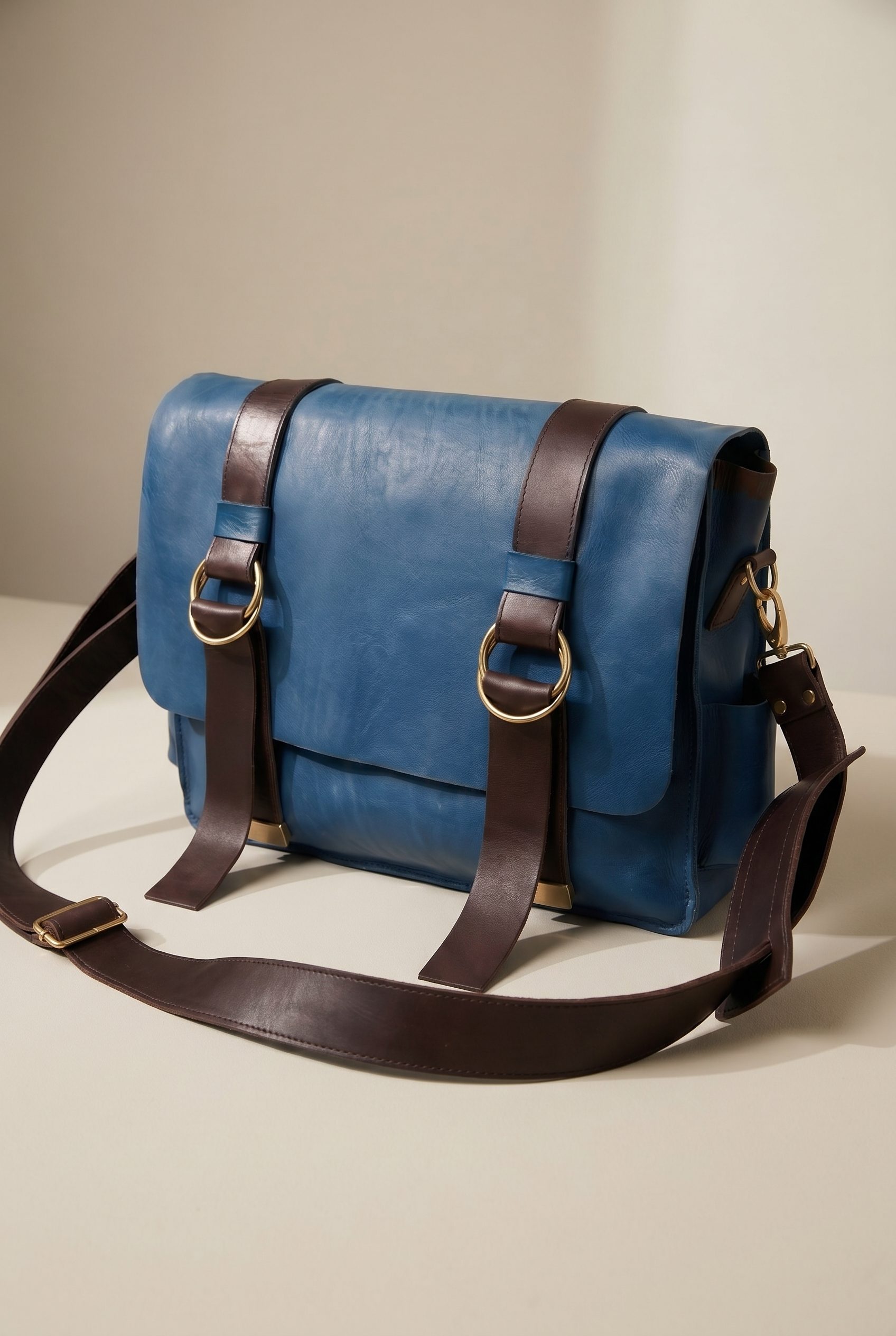
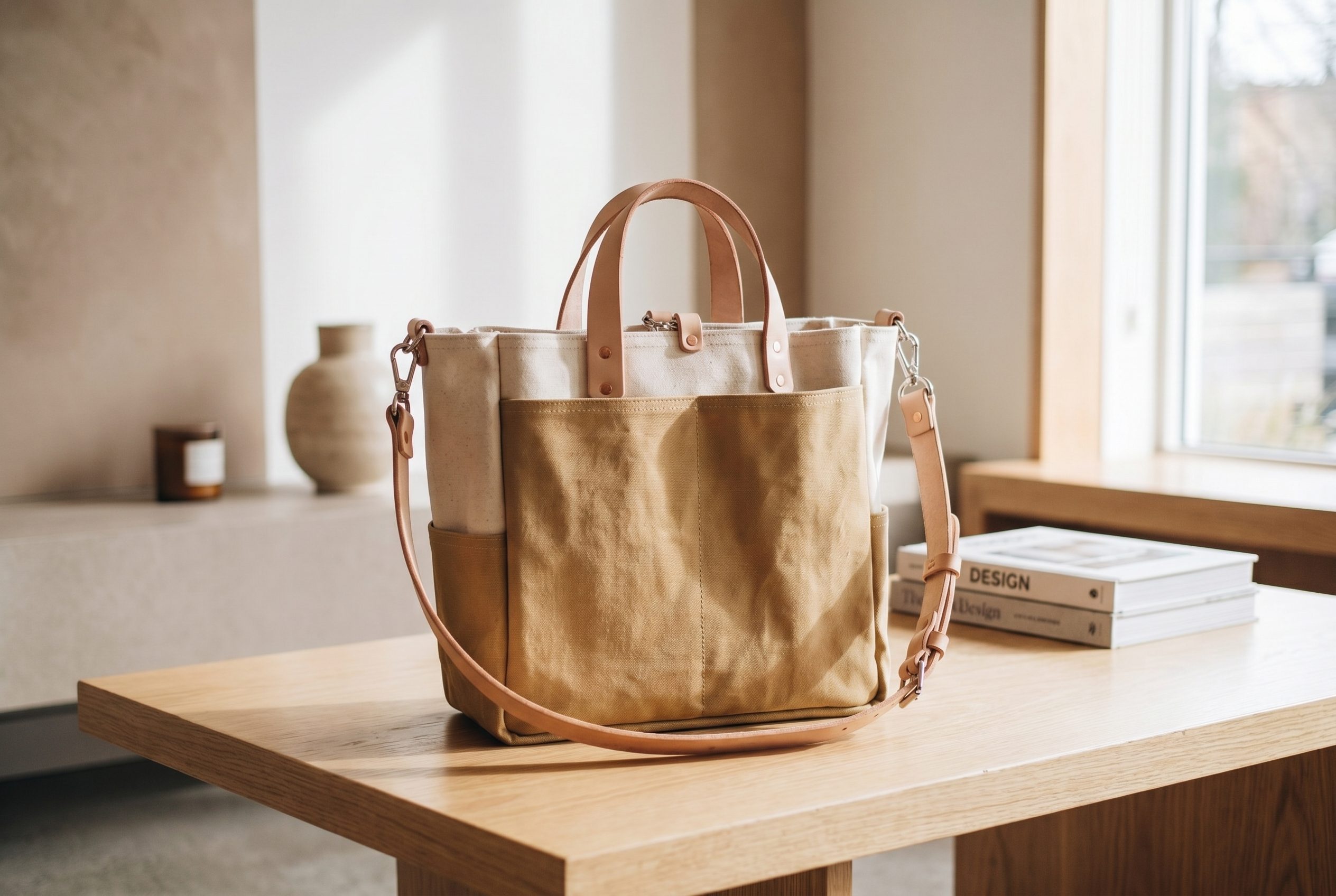
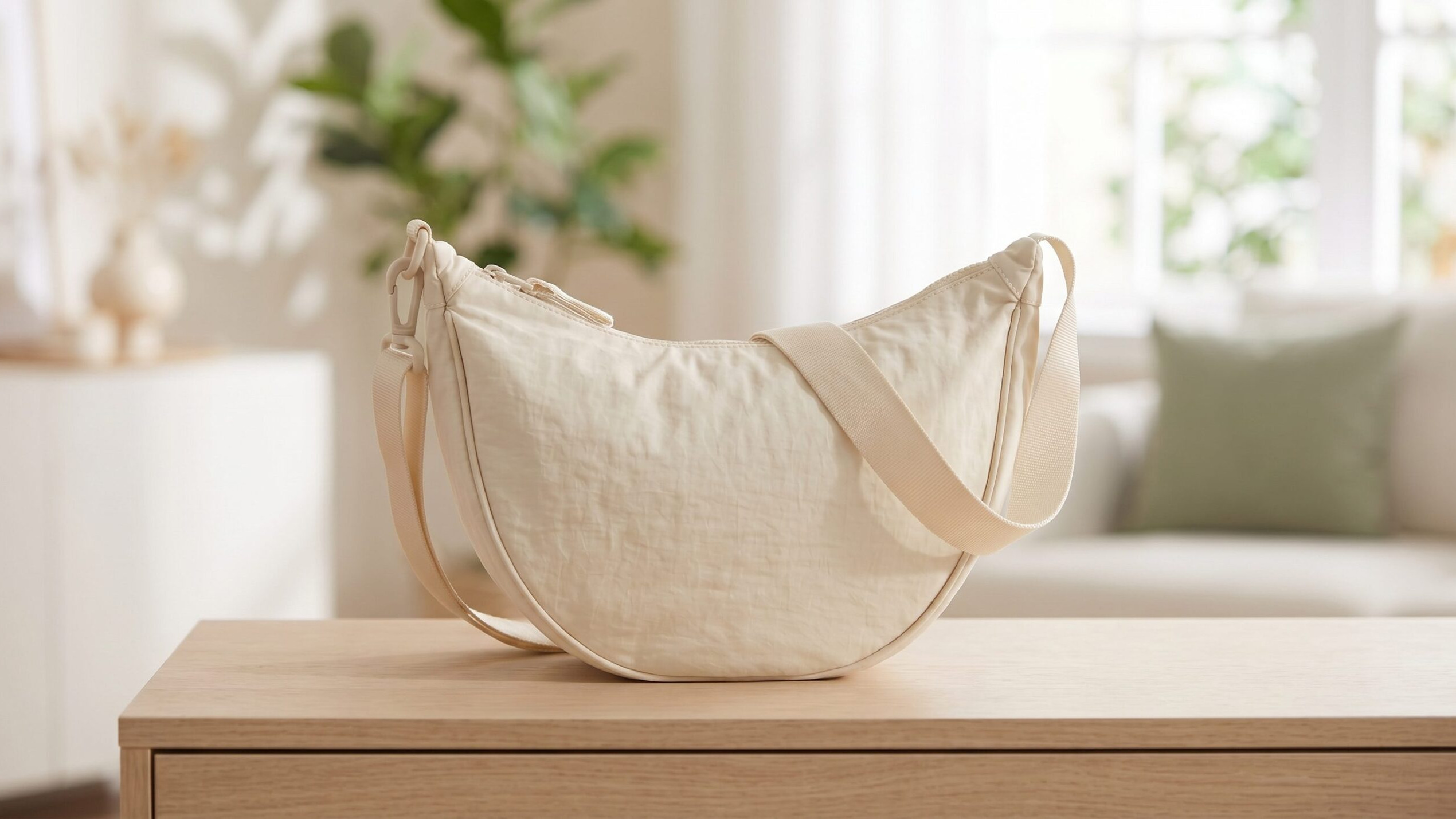
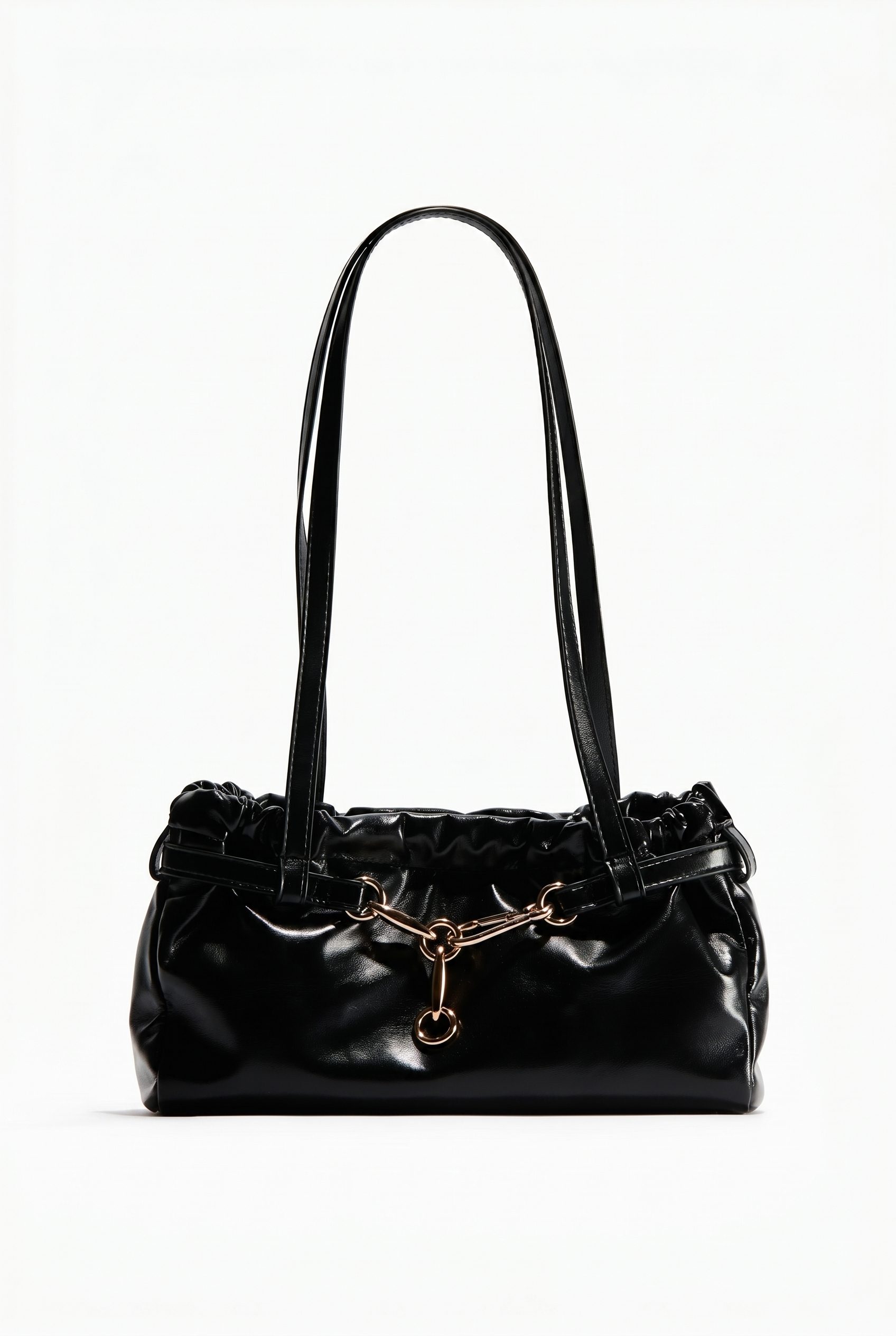
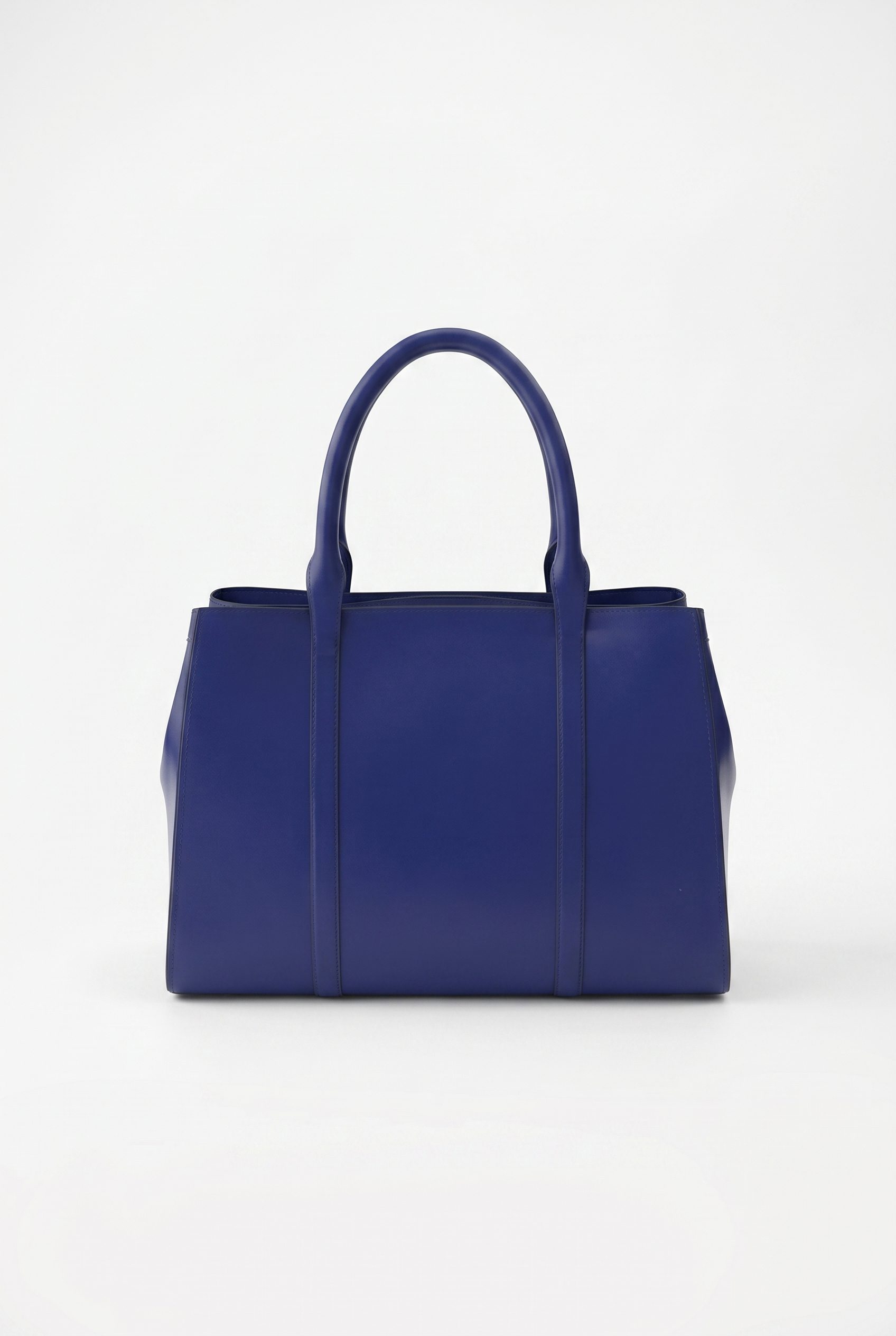
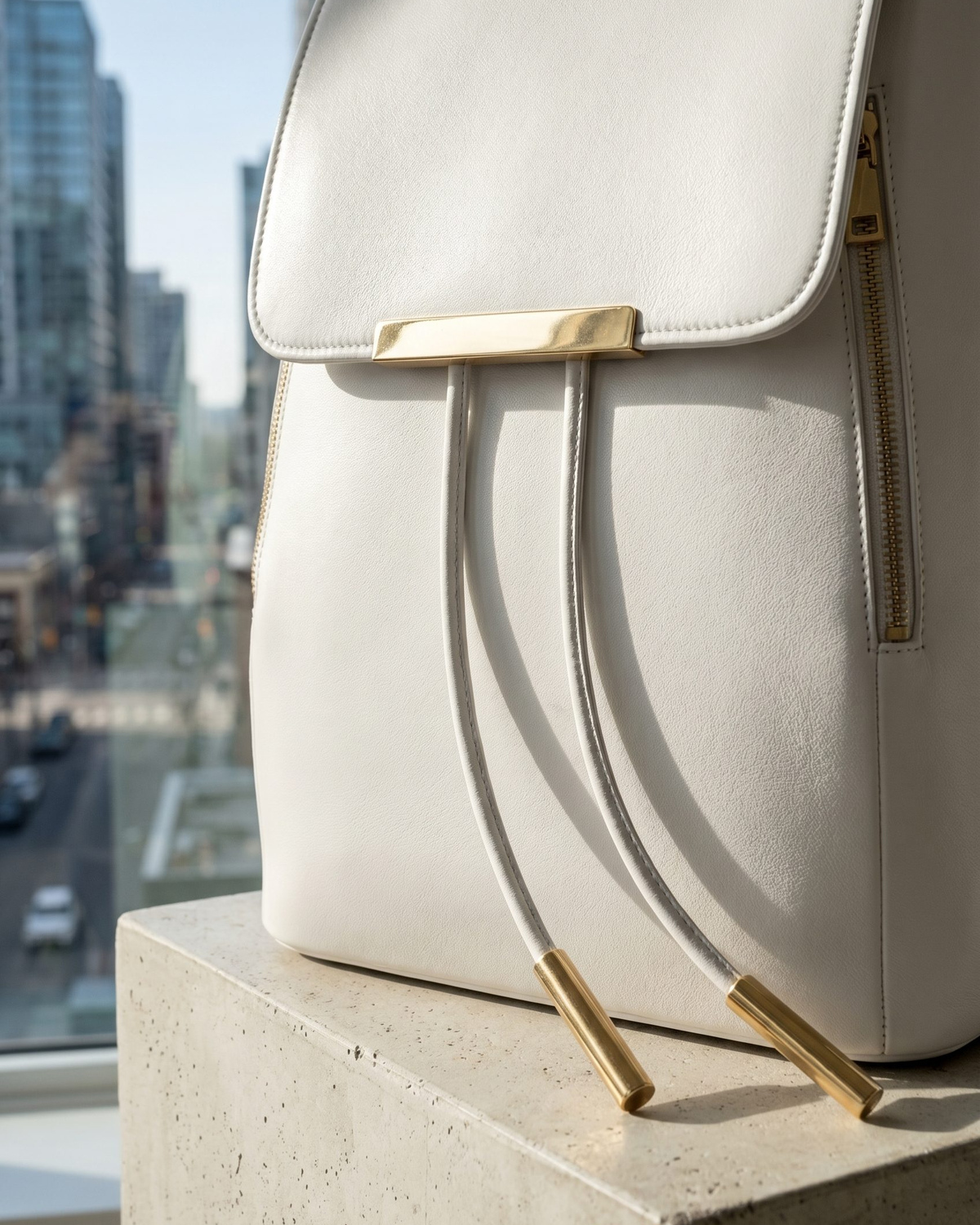
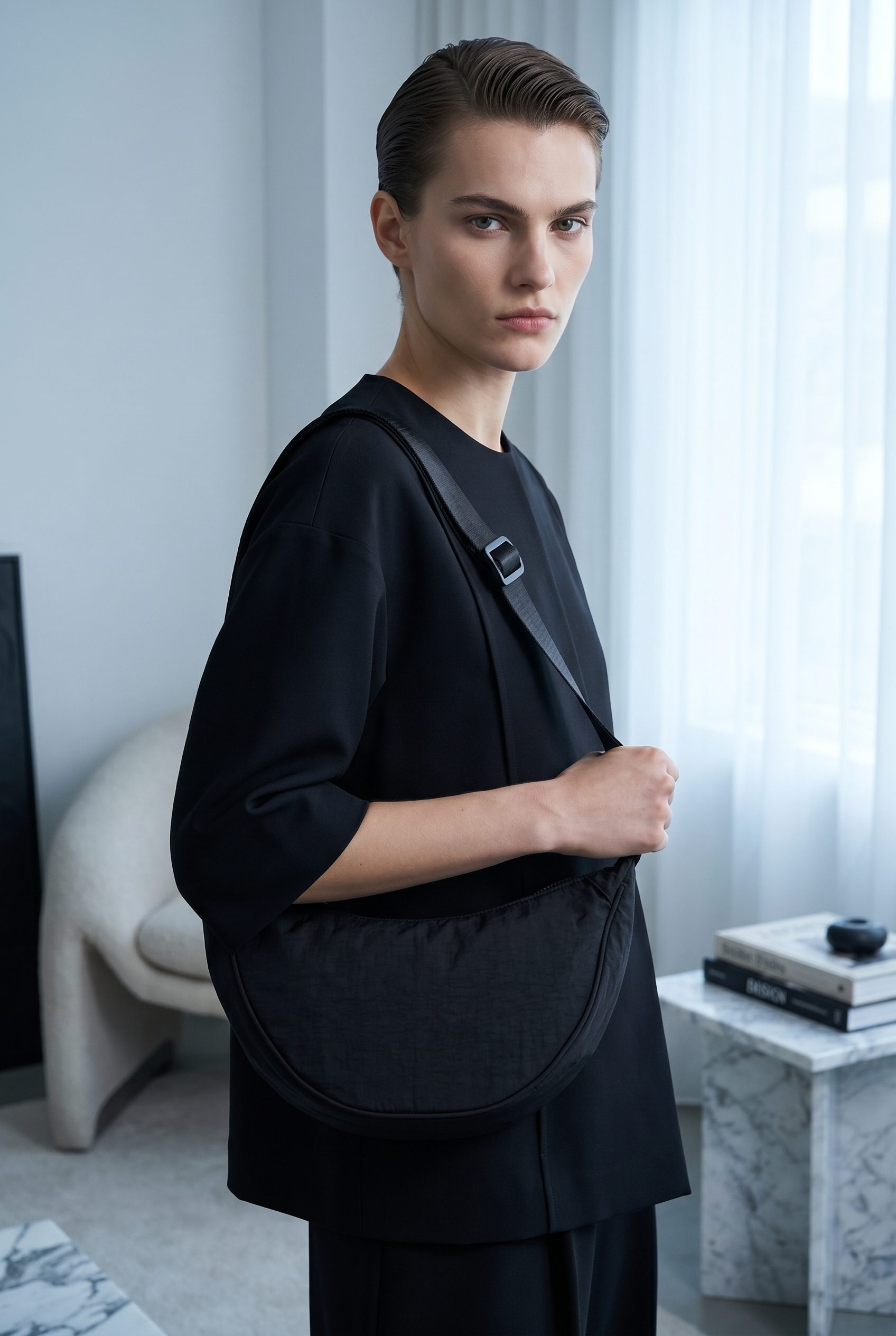
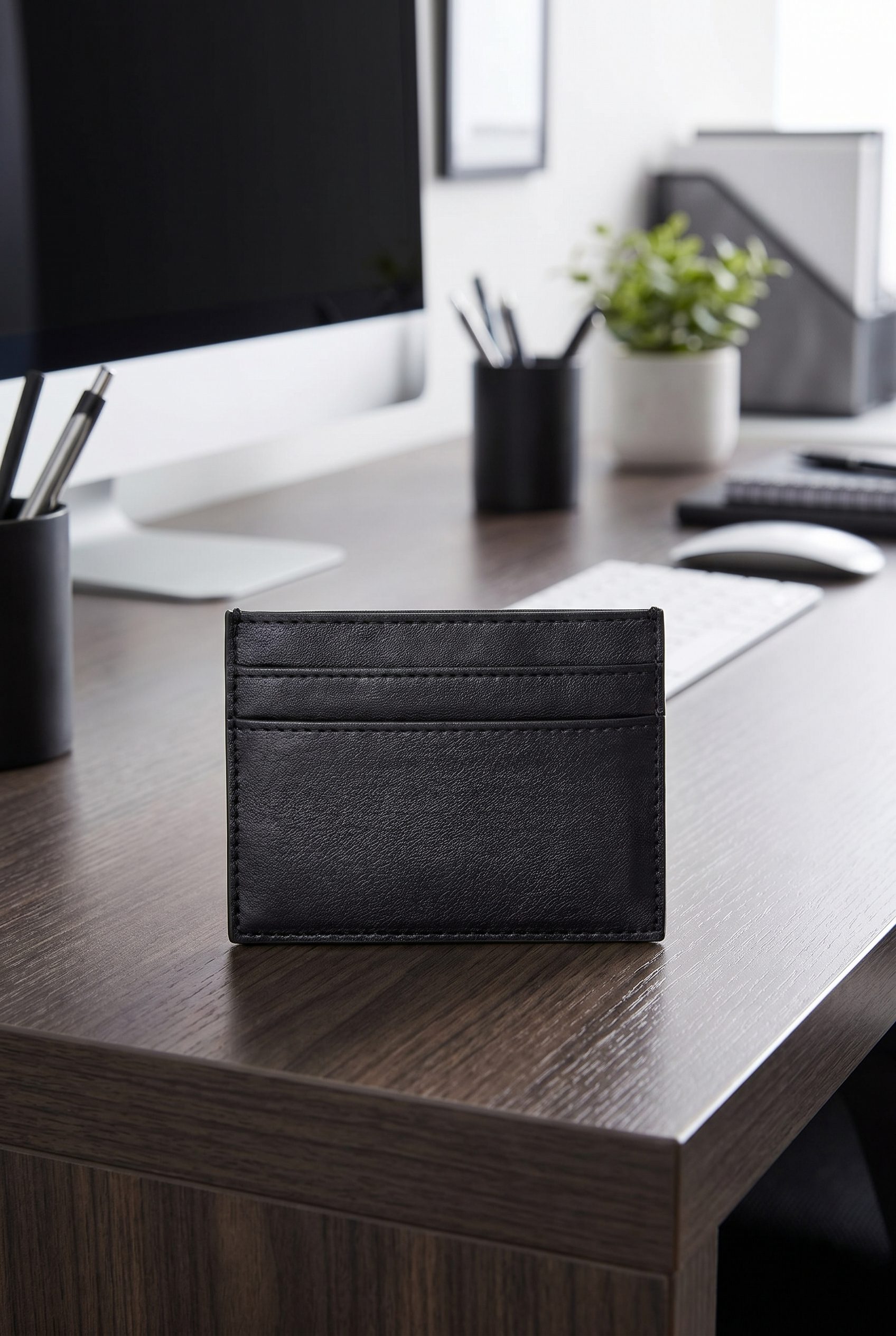
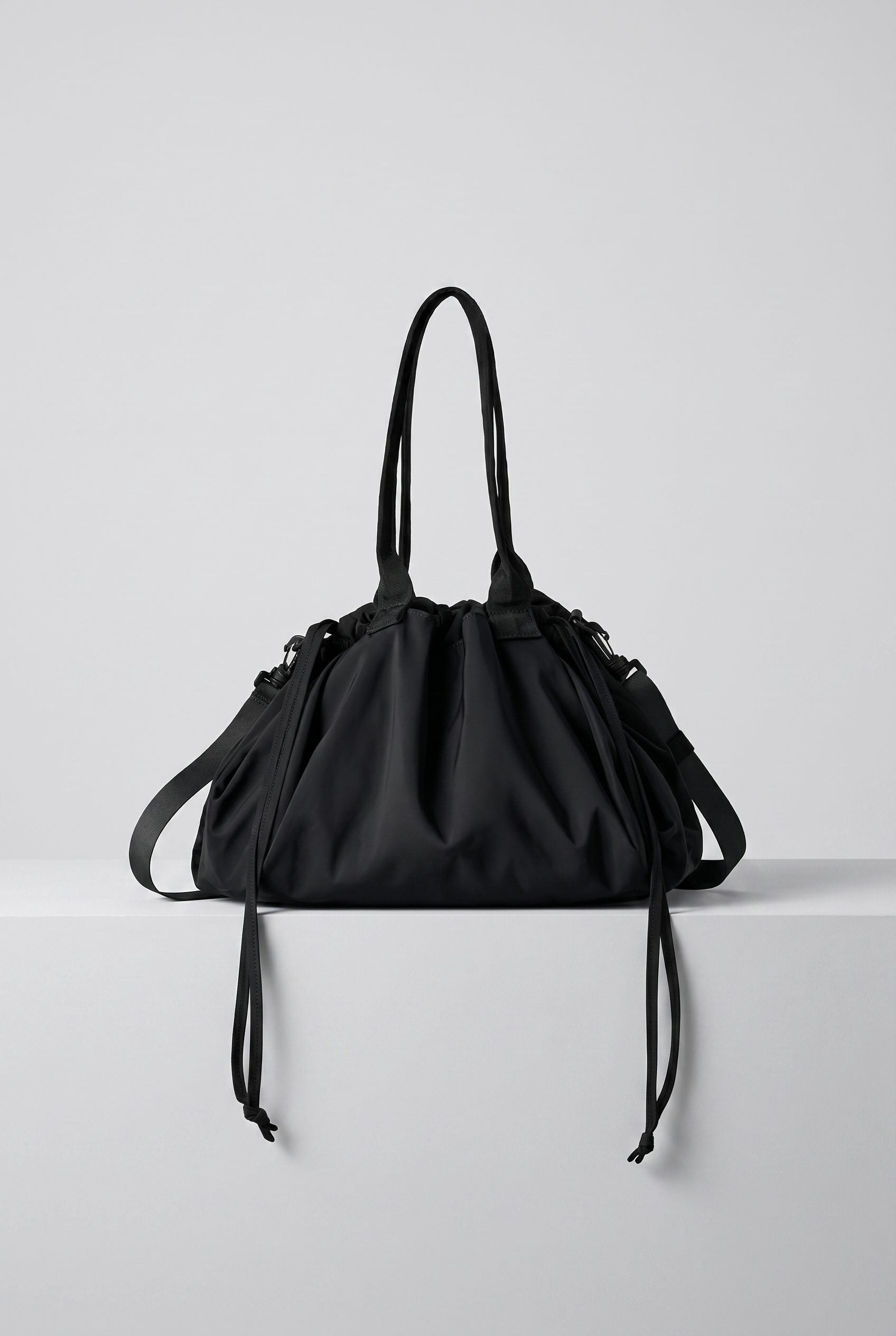
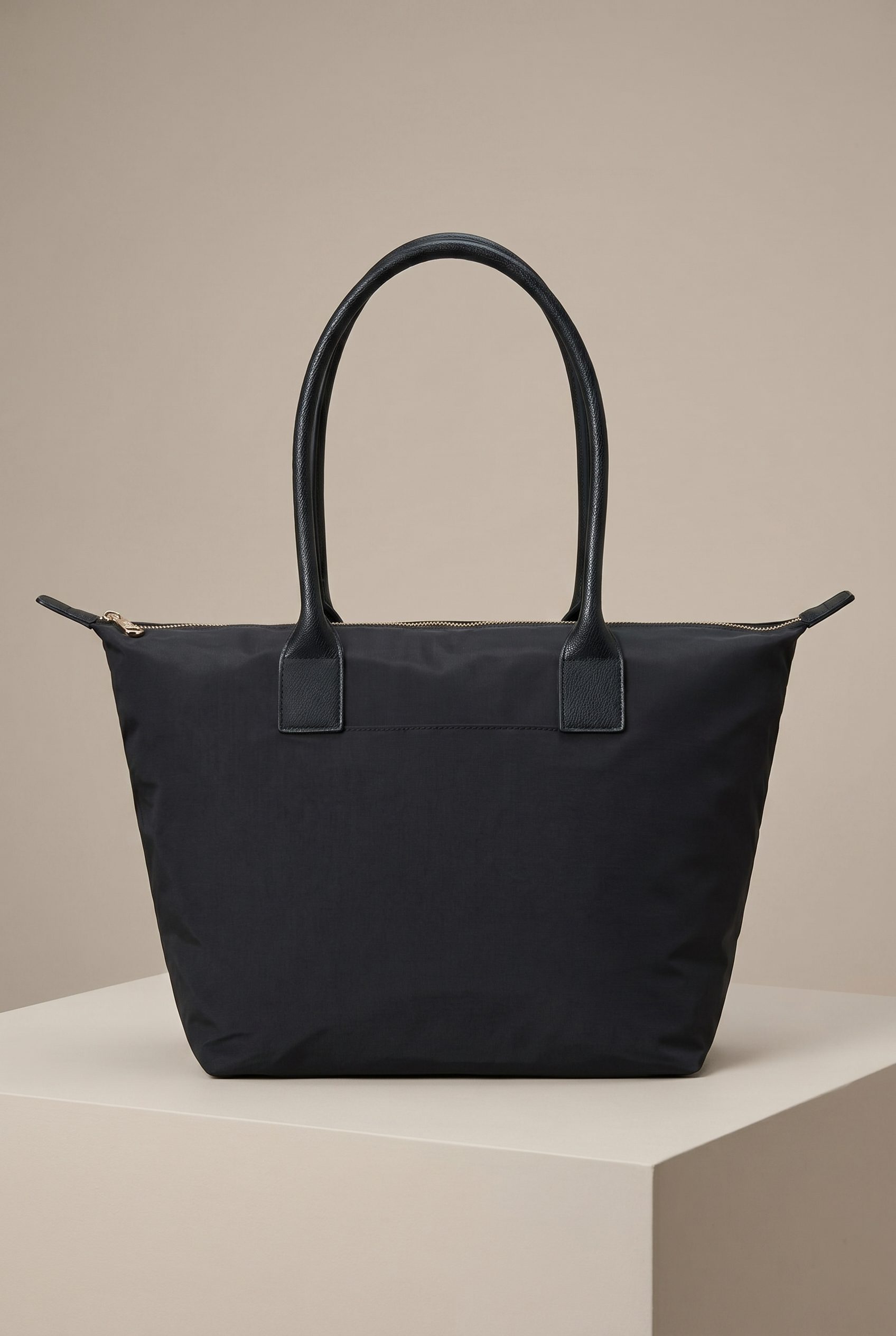
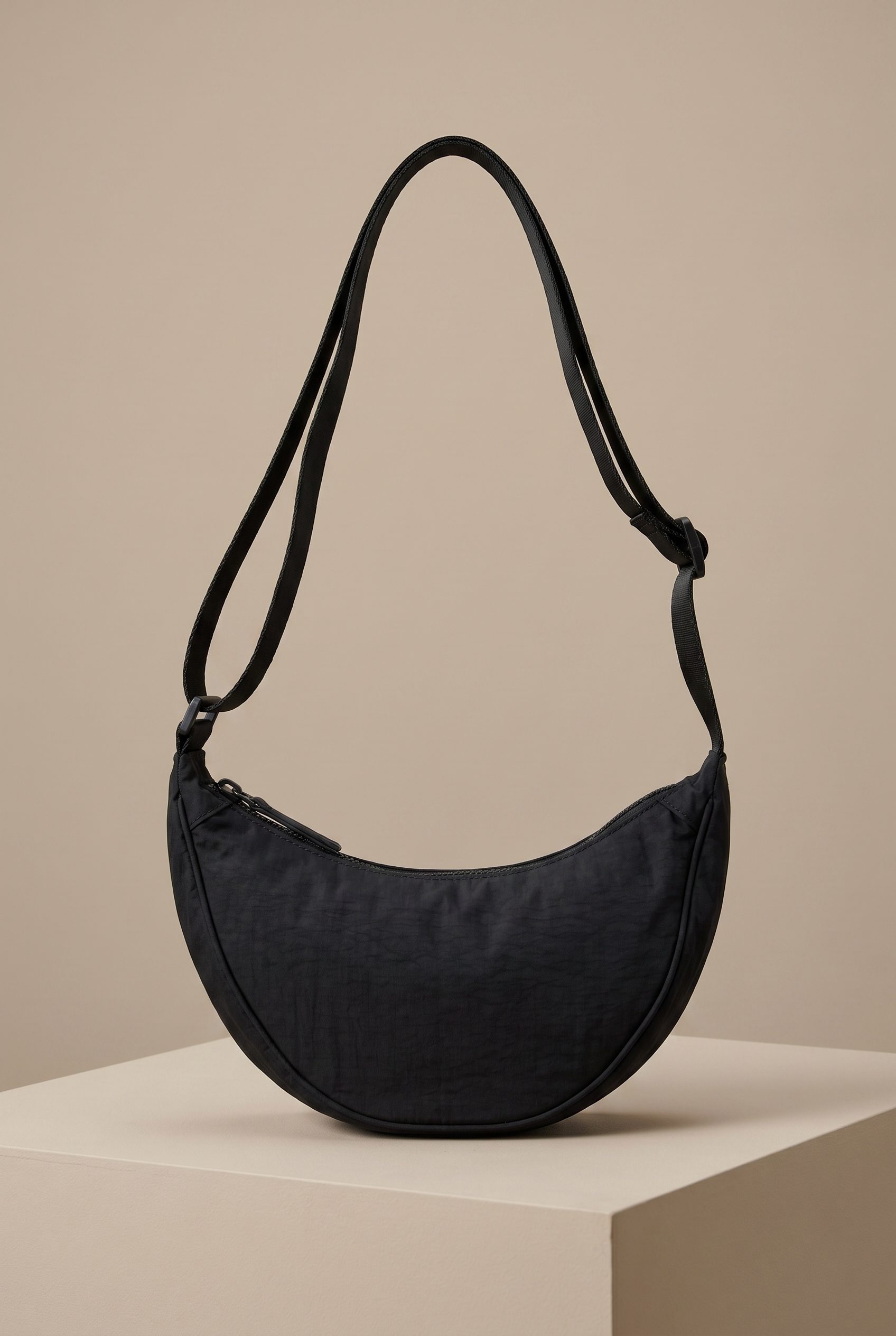
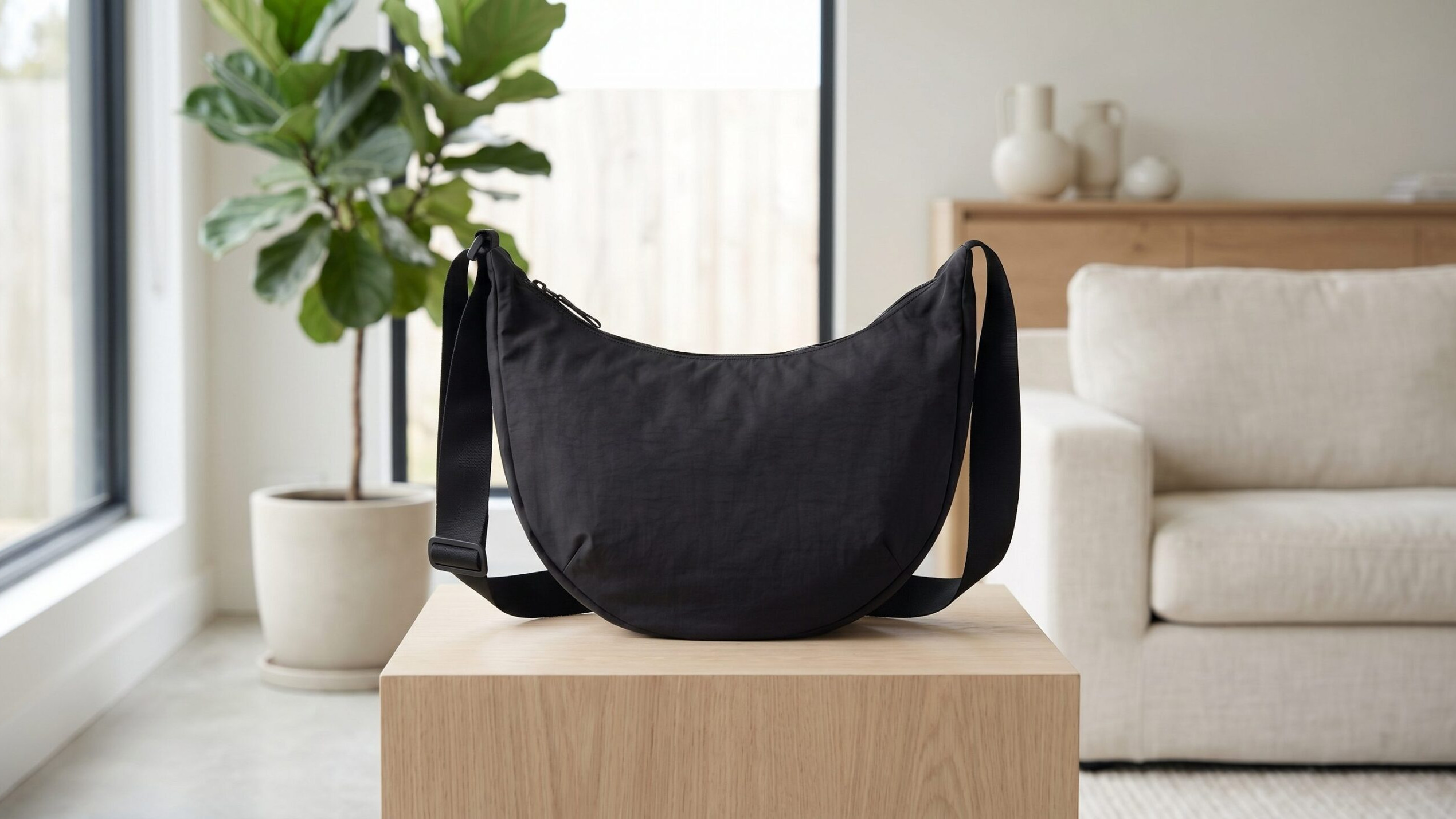
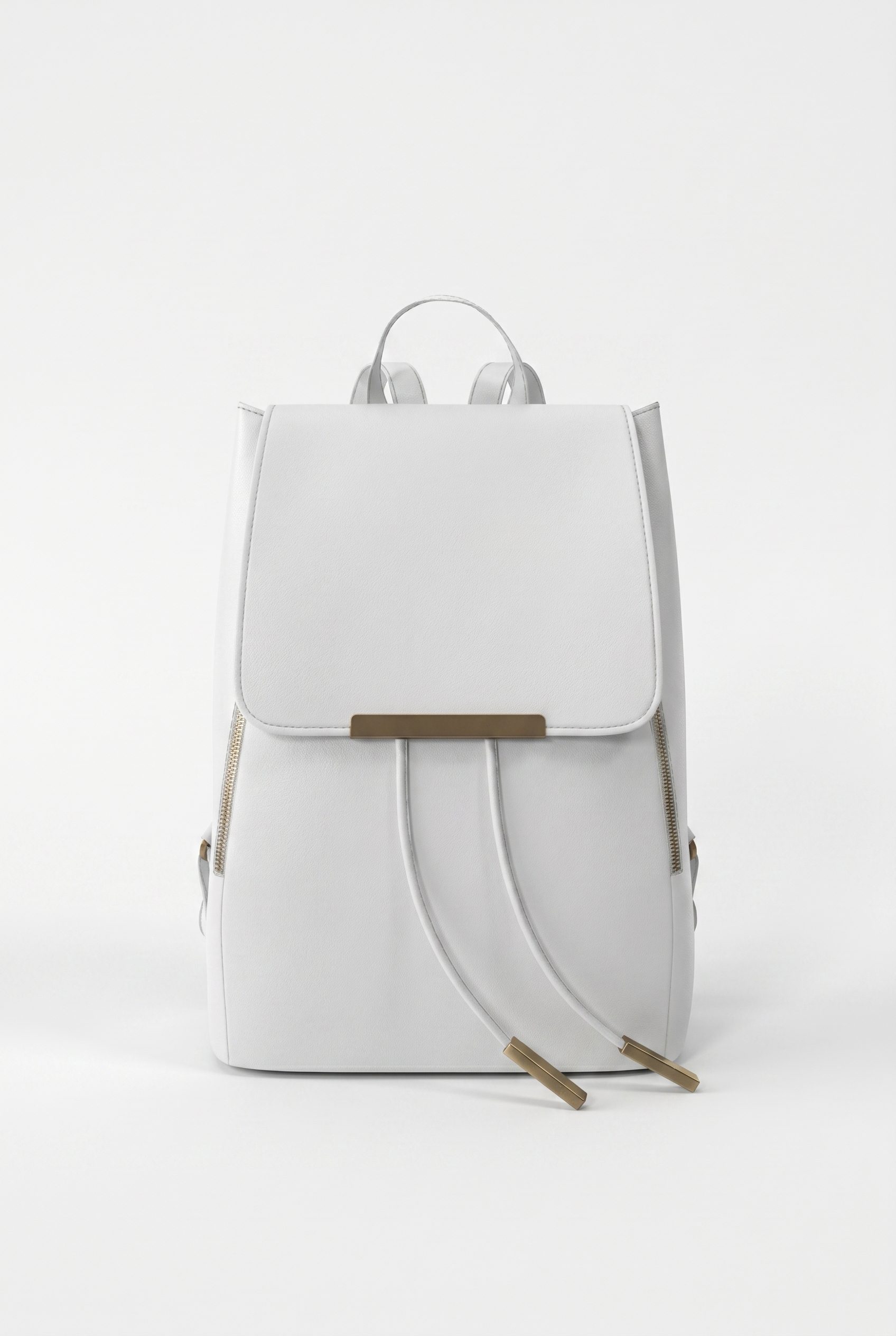
Show construction, capacity, hardware, and carry scale
Show the bag clearly, then add the details and carry context that help shoppers choose.
Explore new scenes from the bag photos you already have.
Choose the images you need, review the results, then reuse the direction for other products.
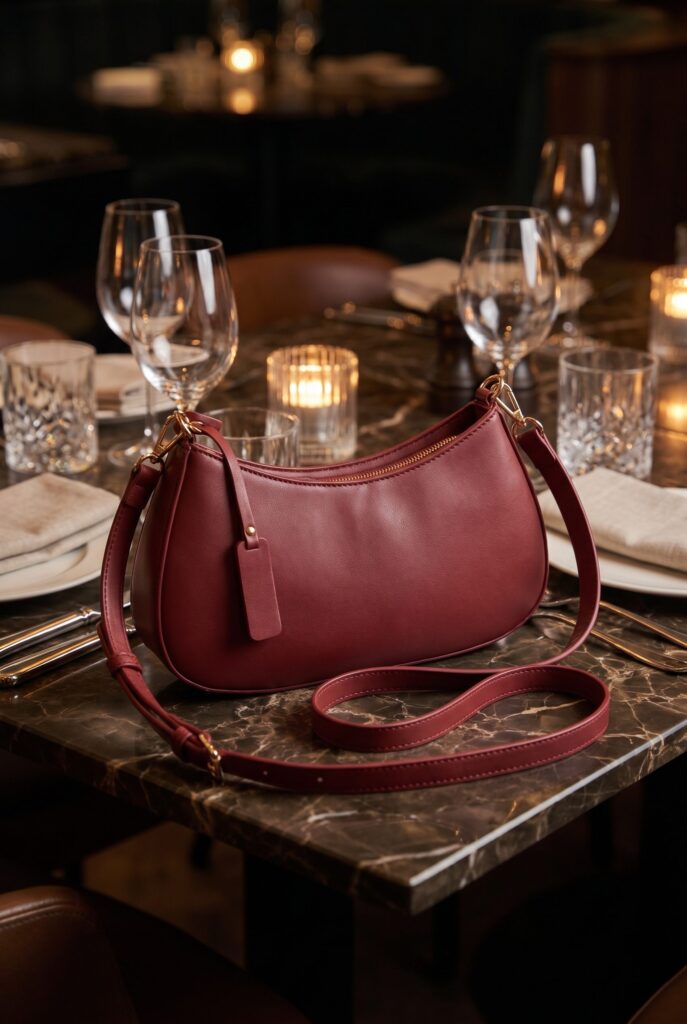
Explore studio, lifestyle and campaign scenes for the places you sell.
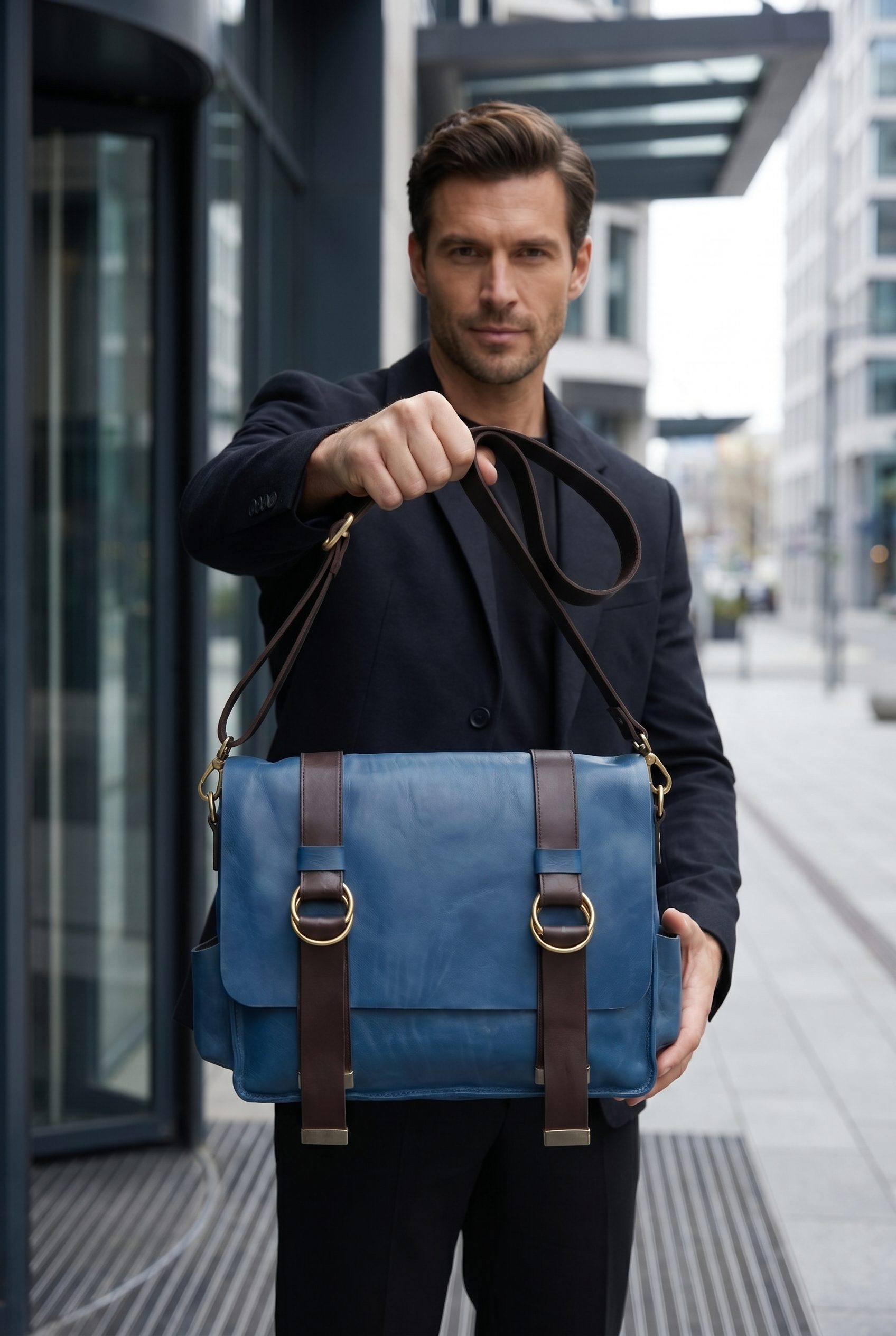
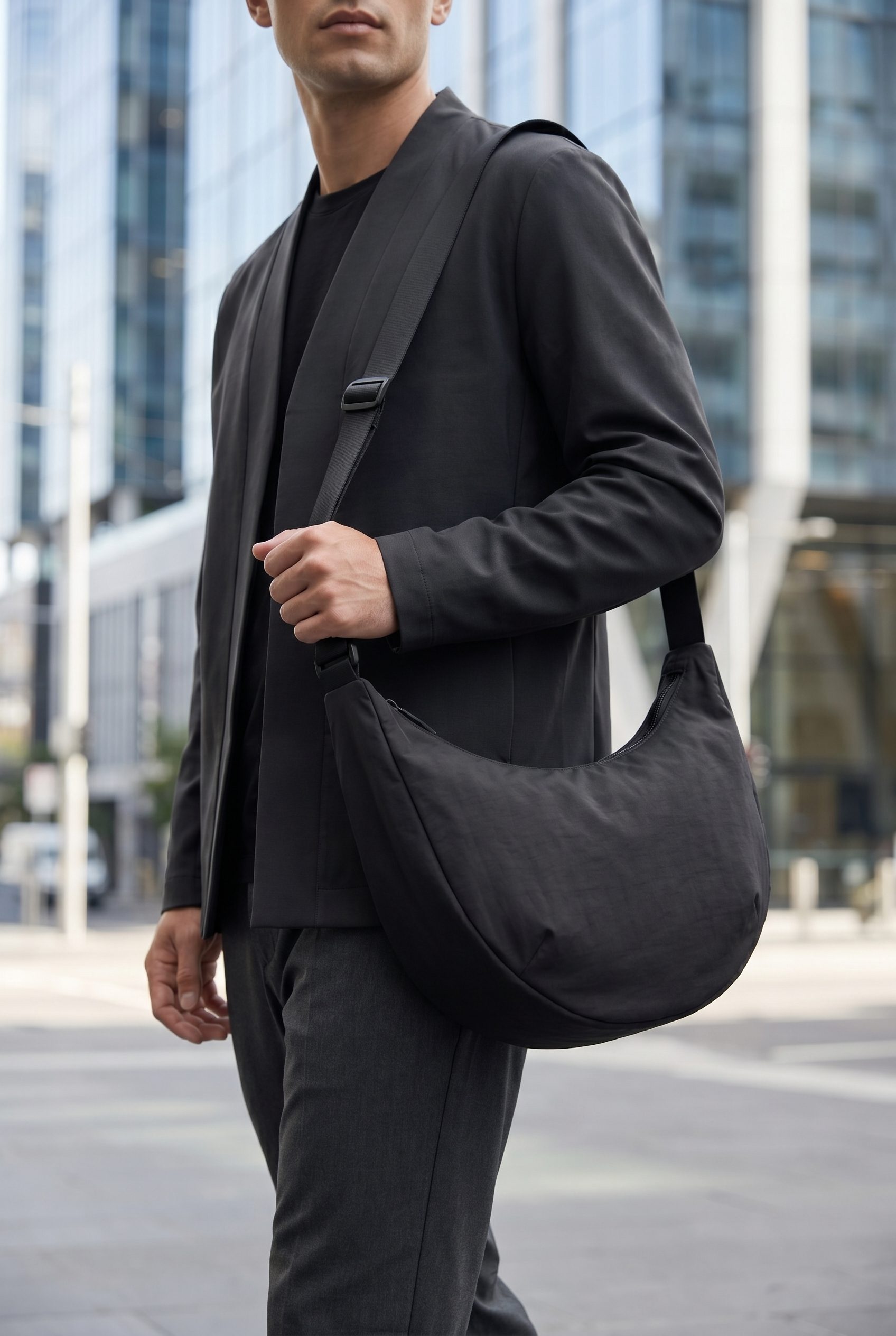
Cover exterior, interior, pockets, closures, and worn scale
Combine clear product views with real interior and detail references. Use carry scenes to add context.
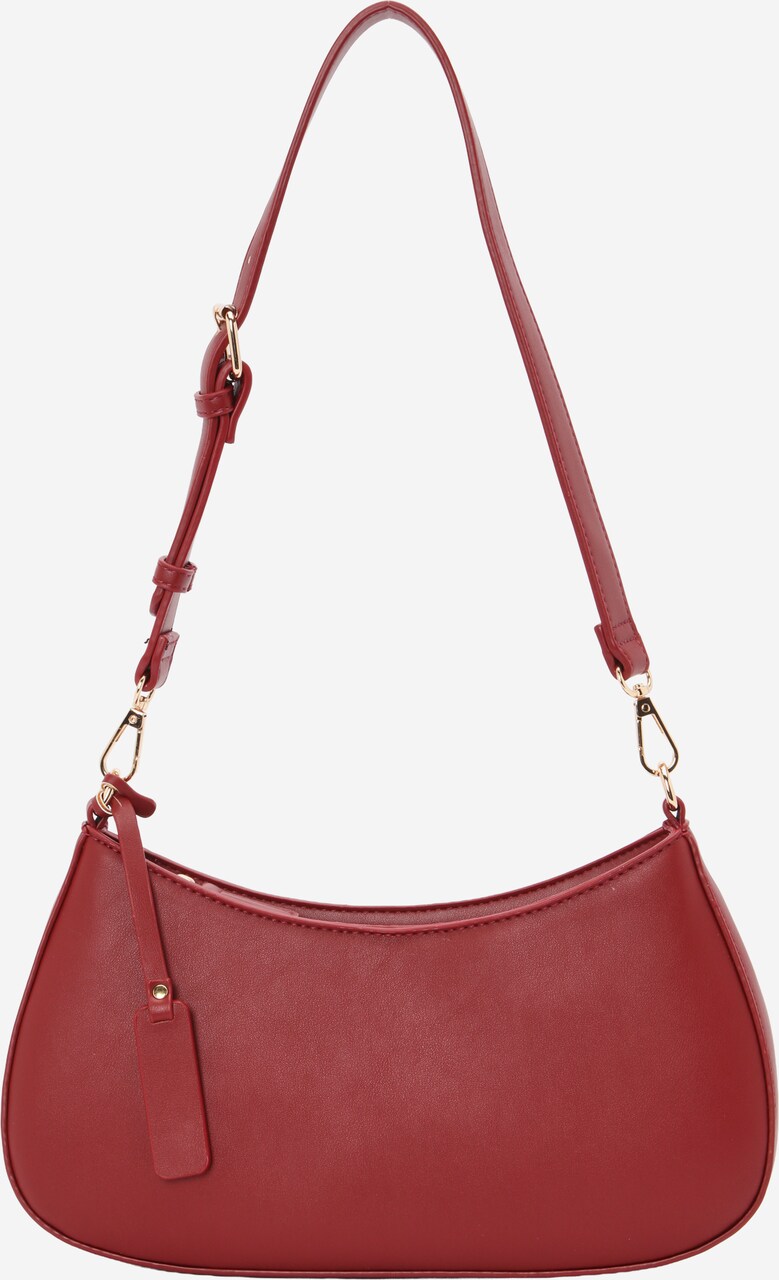
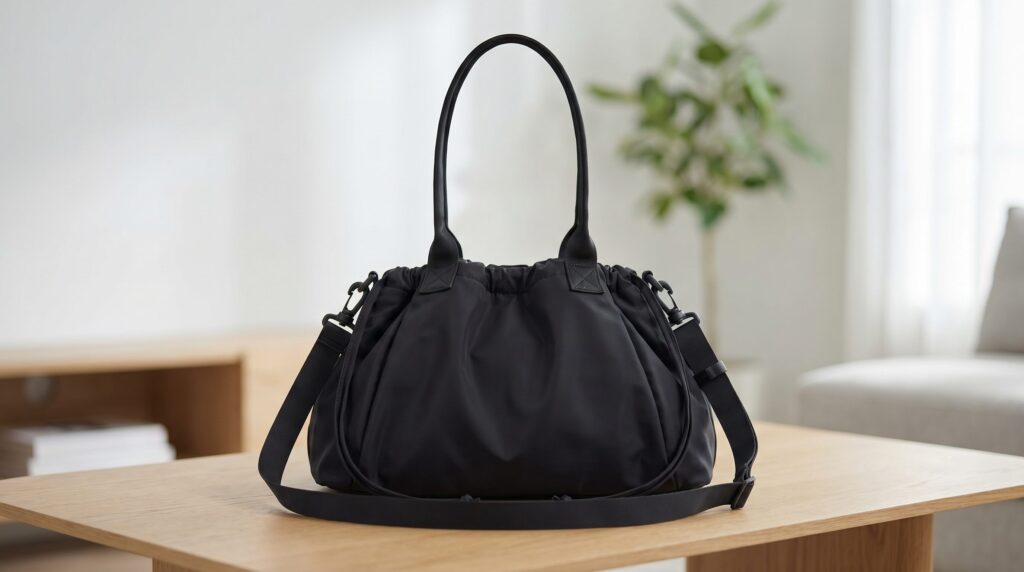
- 1Hero / main imageShow the complete product clearly, with its real color and shape.
- 2Gallery anglesAdd references for the angles and details you need.
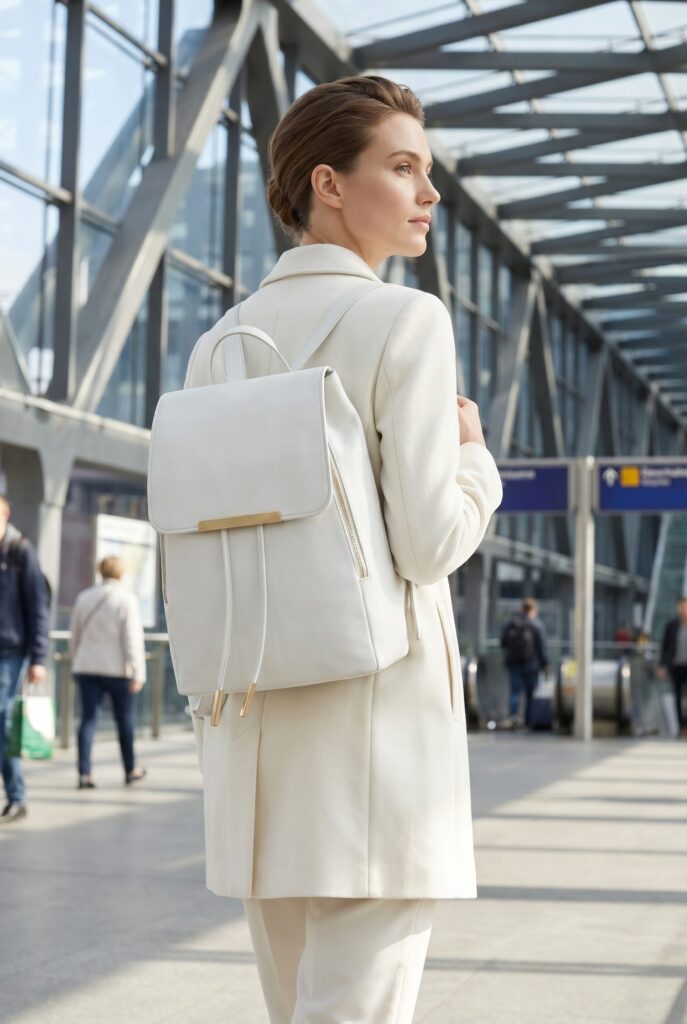
- 3Lifestyle / in contextShow the product in a setting that suits its use.
- 4Scale / size referenceUse a reference that shows the actual product size.
- 5Product detailsUse verified materials and dimensions in your page copy.
- 6Variant swatchesUse a reference for each actual color or variant.
Build a bag set from detail views to carry context
Start with the bag views you already have, then explore a setting for your store or campaign.
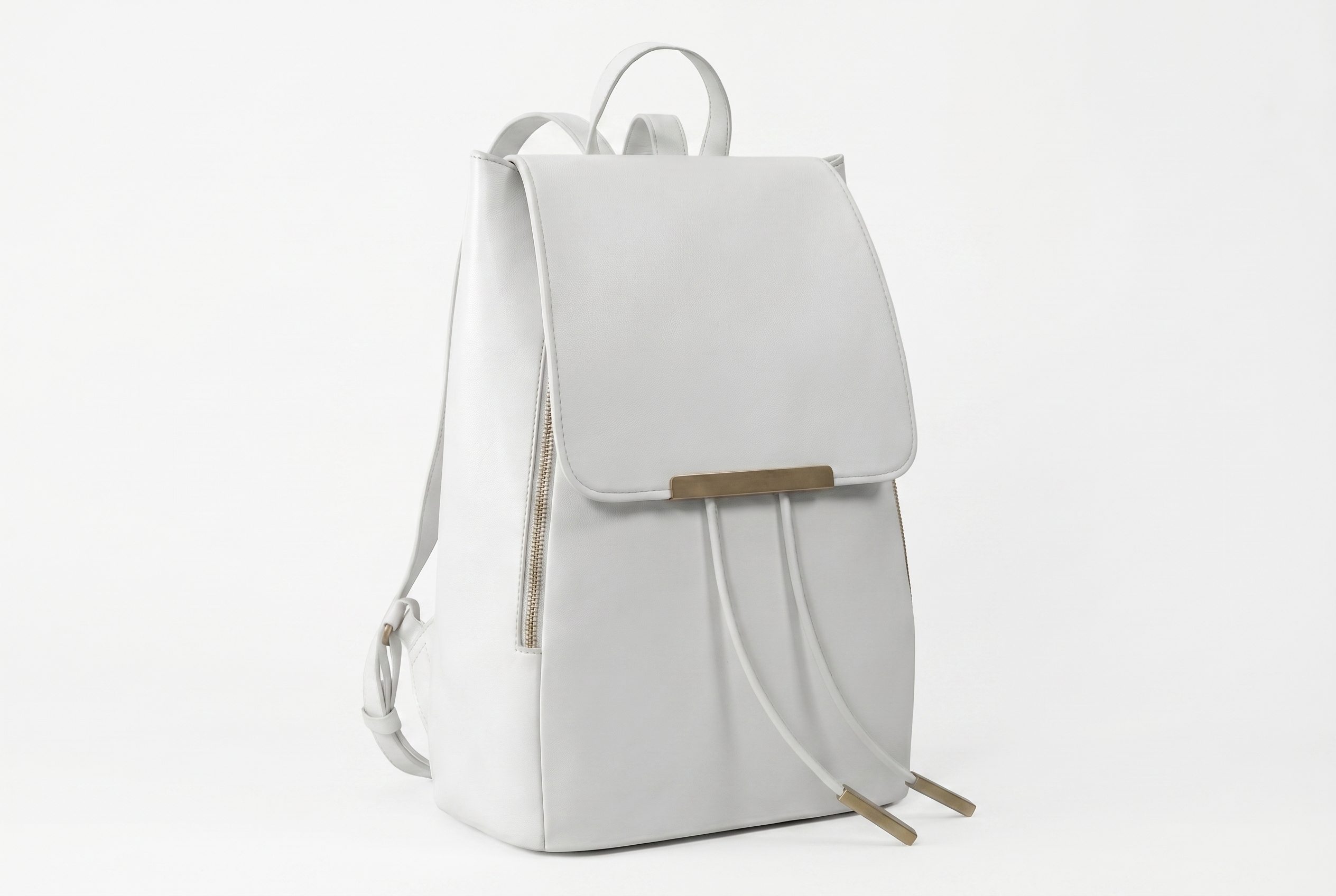
Give the product a clear main image for your store.
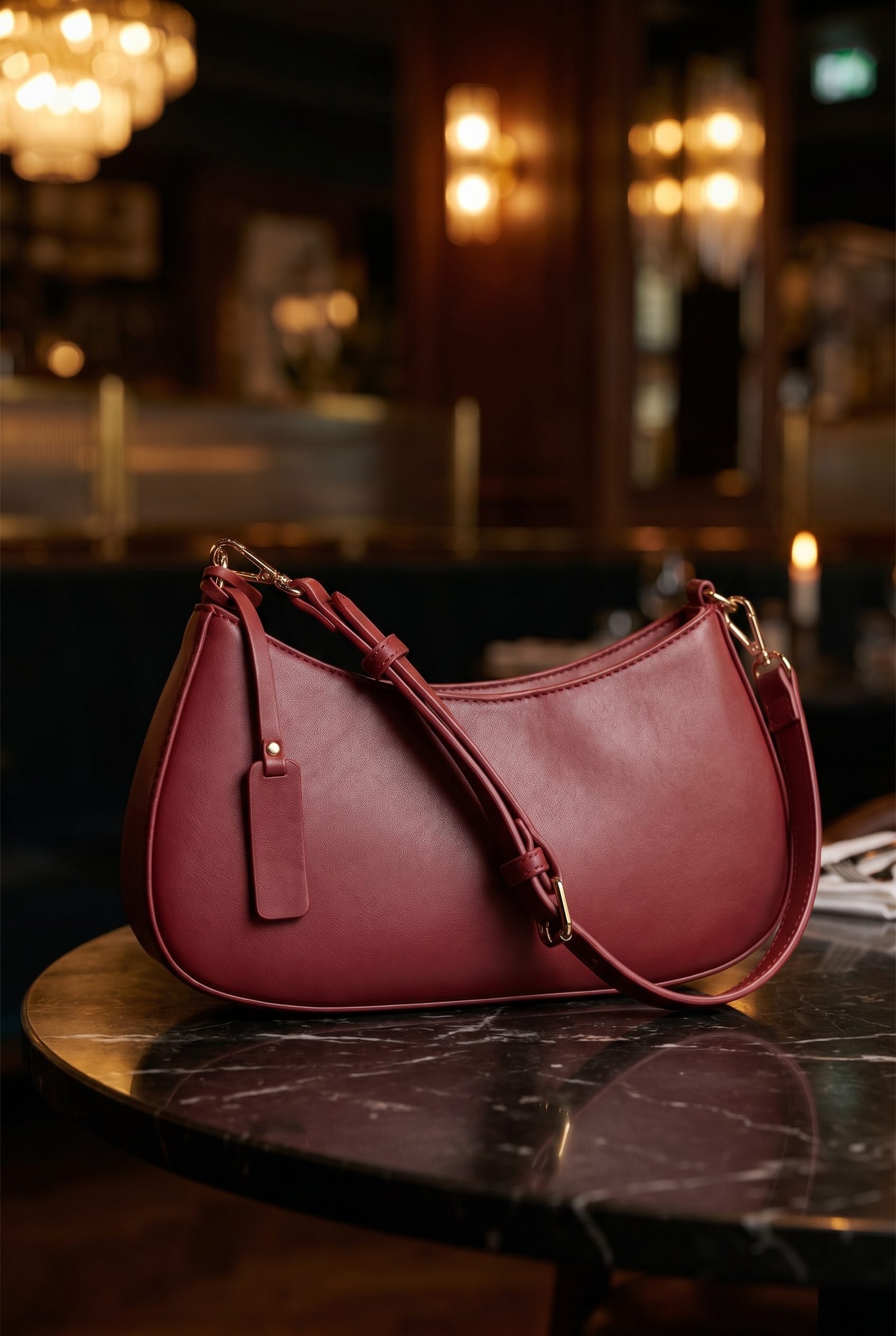
Explore a setting that fits the product and its use.
Create compositions with room for your campaign message.
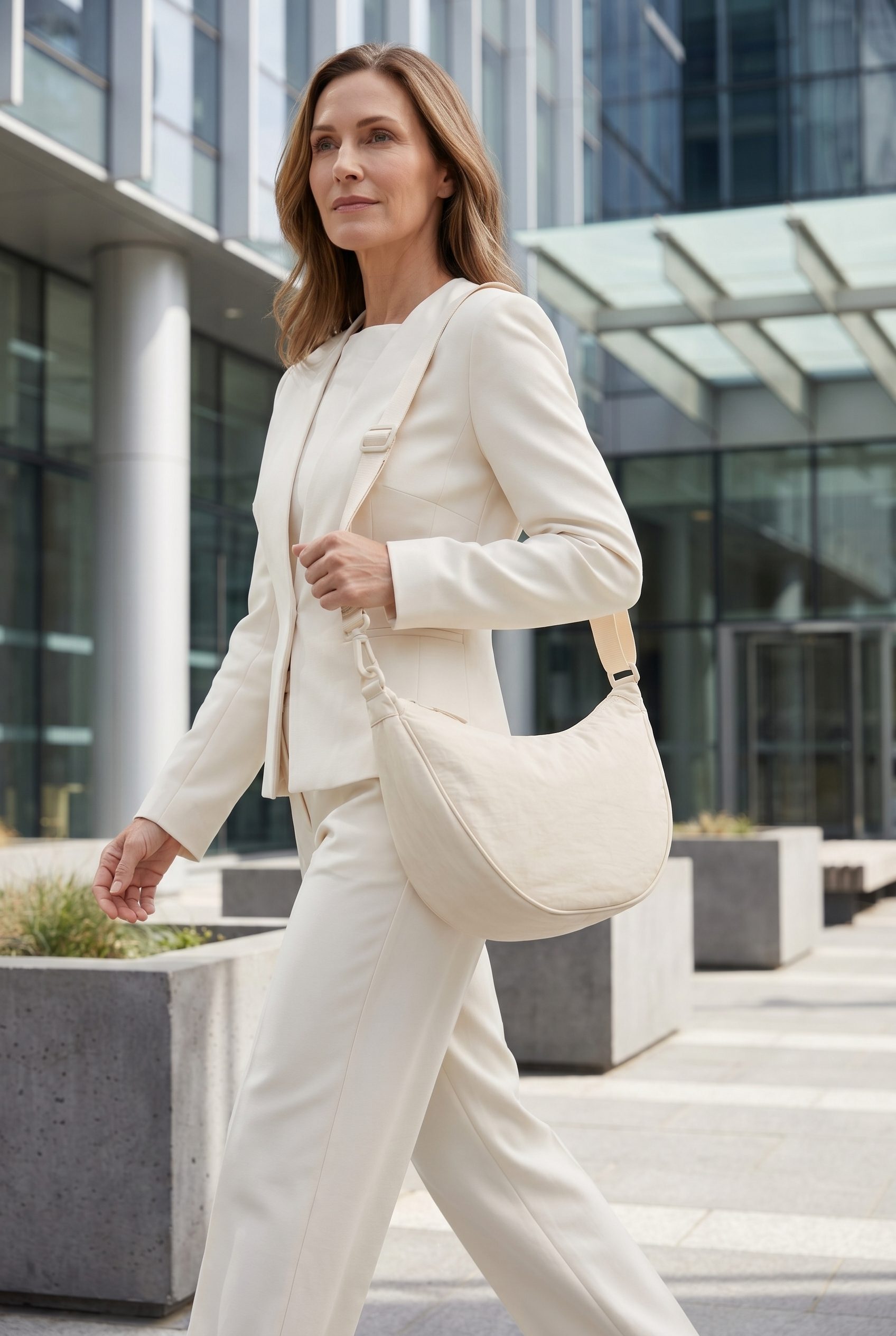
Choose a consistent look for a connected image set.
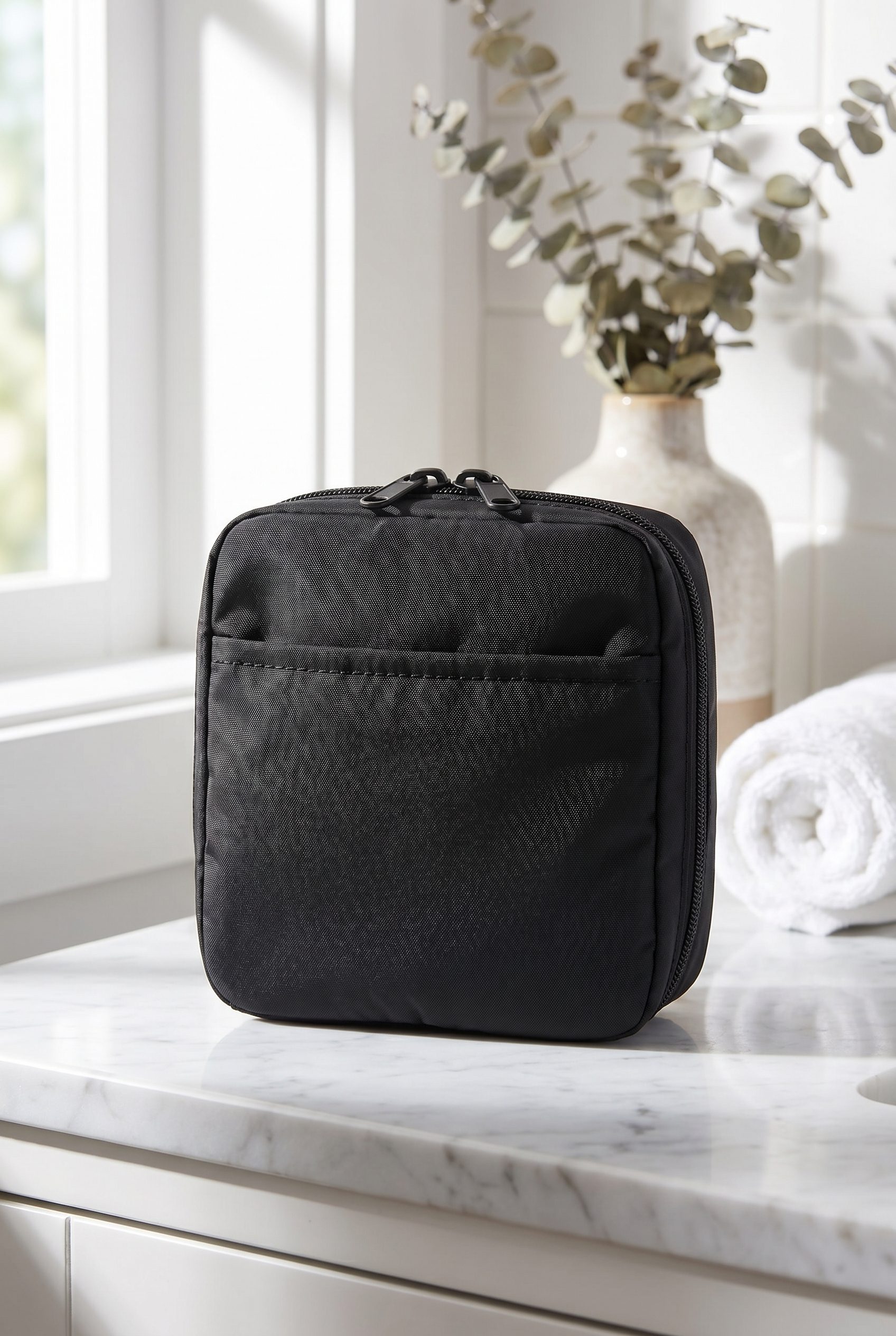
Holiday, sale, and campaign refreshes from one bag source.
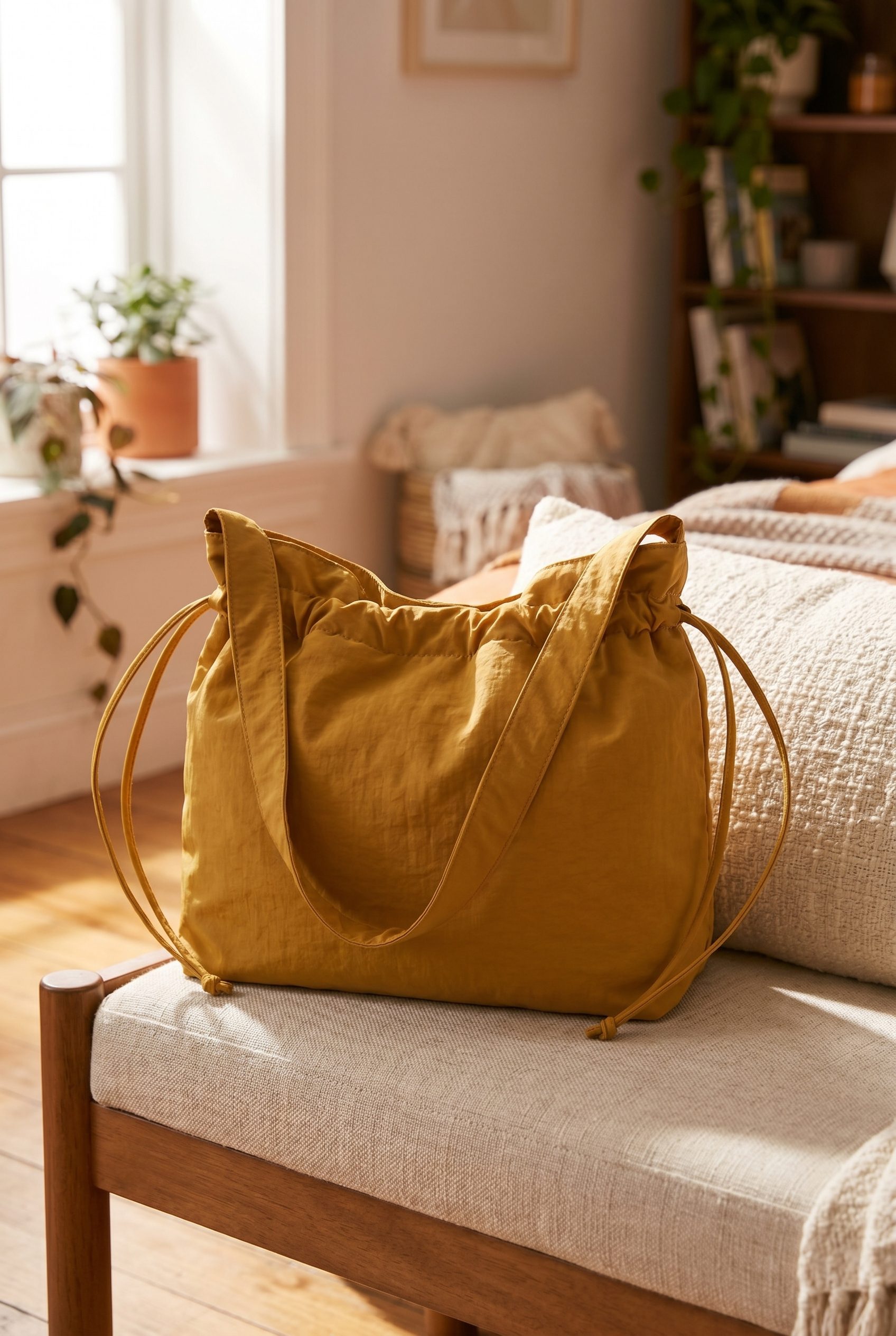
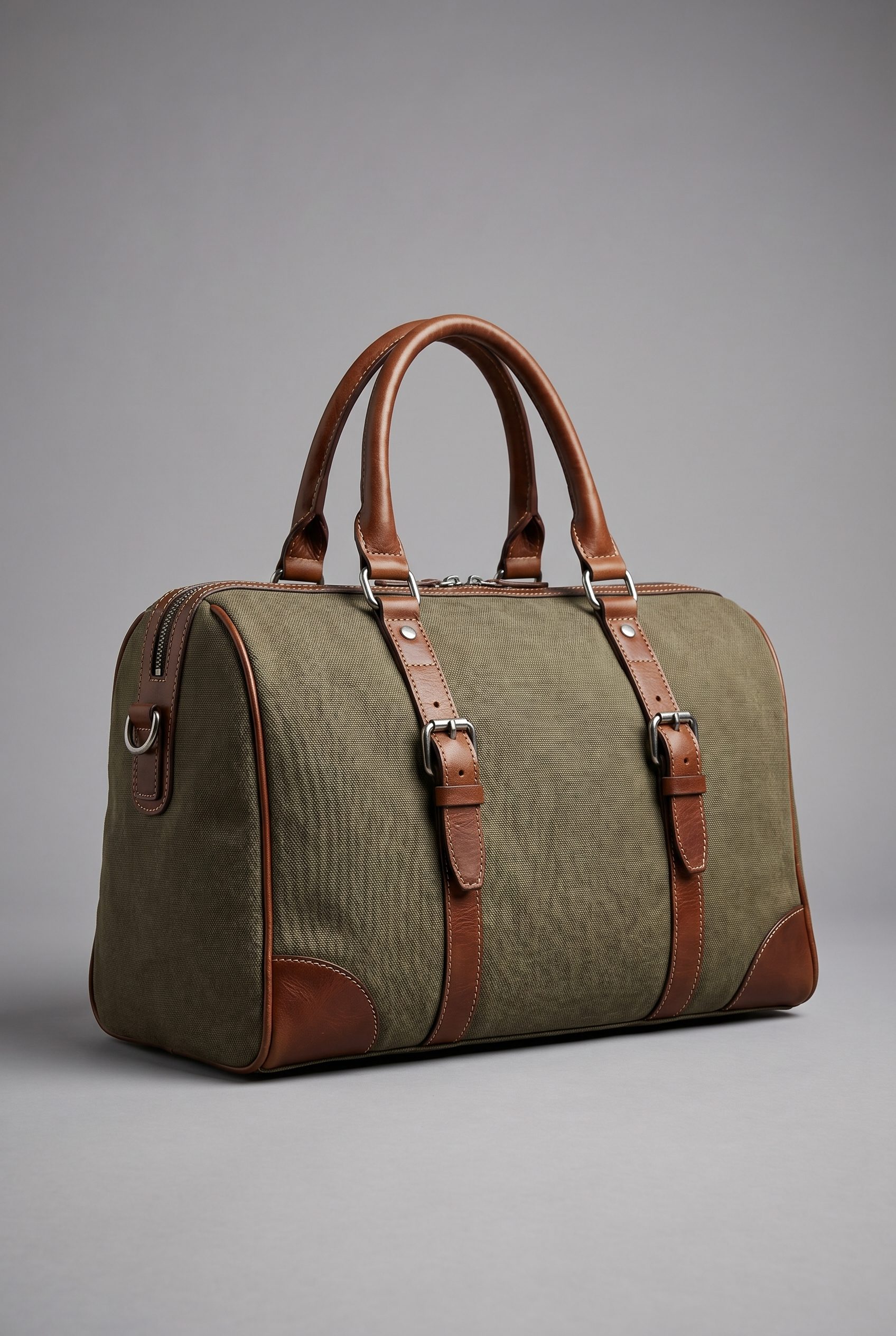
Best for bags where construction and capacity drive the sale
Create a complete bag image set.
For independent bags sellers with a clear source image who want more product-page and campaign options while staying responsible for final review.
- Start with one clear product photo.
- Create white-background, detail, and lifestyle options.
- Compare results against the source product before publishing.
- Choose a plan based on the credits and workflows you need.
Generate options in one workspace, then review and export the images that fit.
You decide which images accurately represent the product.
FAQ
Bags Product Photography FAQs
Start with a clear exterior photo. Add actual interior, pocket and hardware photos when those details matter; an exterior image cannot establish what is inside the bag.
Try it on your product
Try this workflow on your product.
Start with a clear product photo and explore a new scene for your store or campaign.