Campaign Image Ideas
Plan campaign image ideas around one product truth, one audience problem, and the formats you actually need.
- One clear source
- Review before publishing
- No credit card required
Curated directions
Explore campaign ideas across ads, email, and social.
Choose an idea after the product brief is clear.

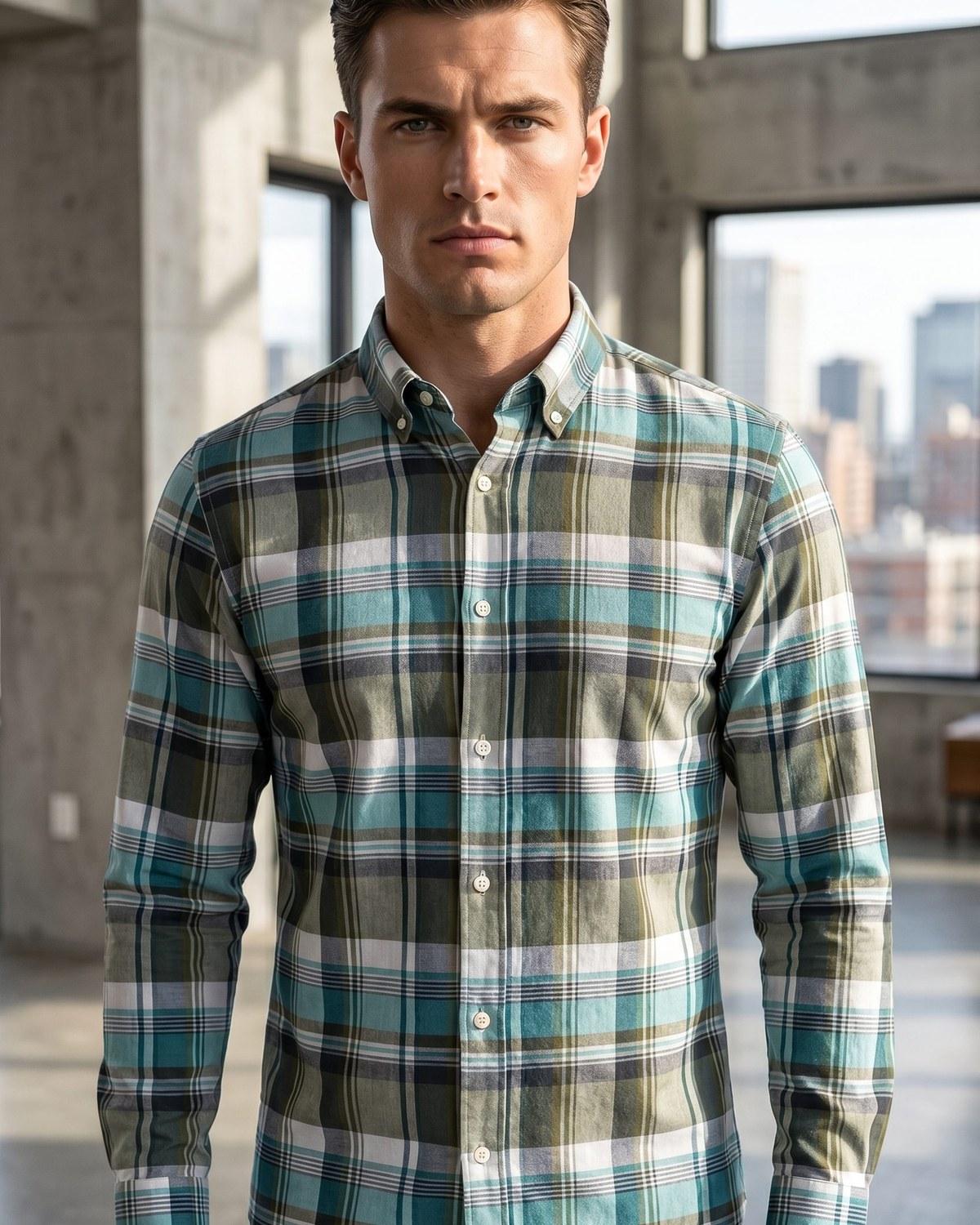
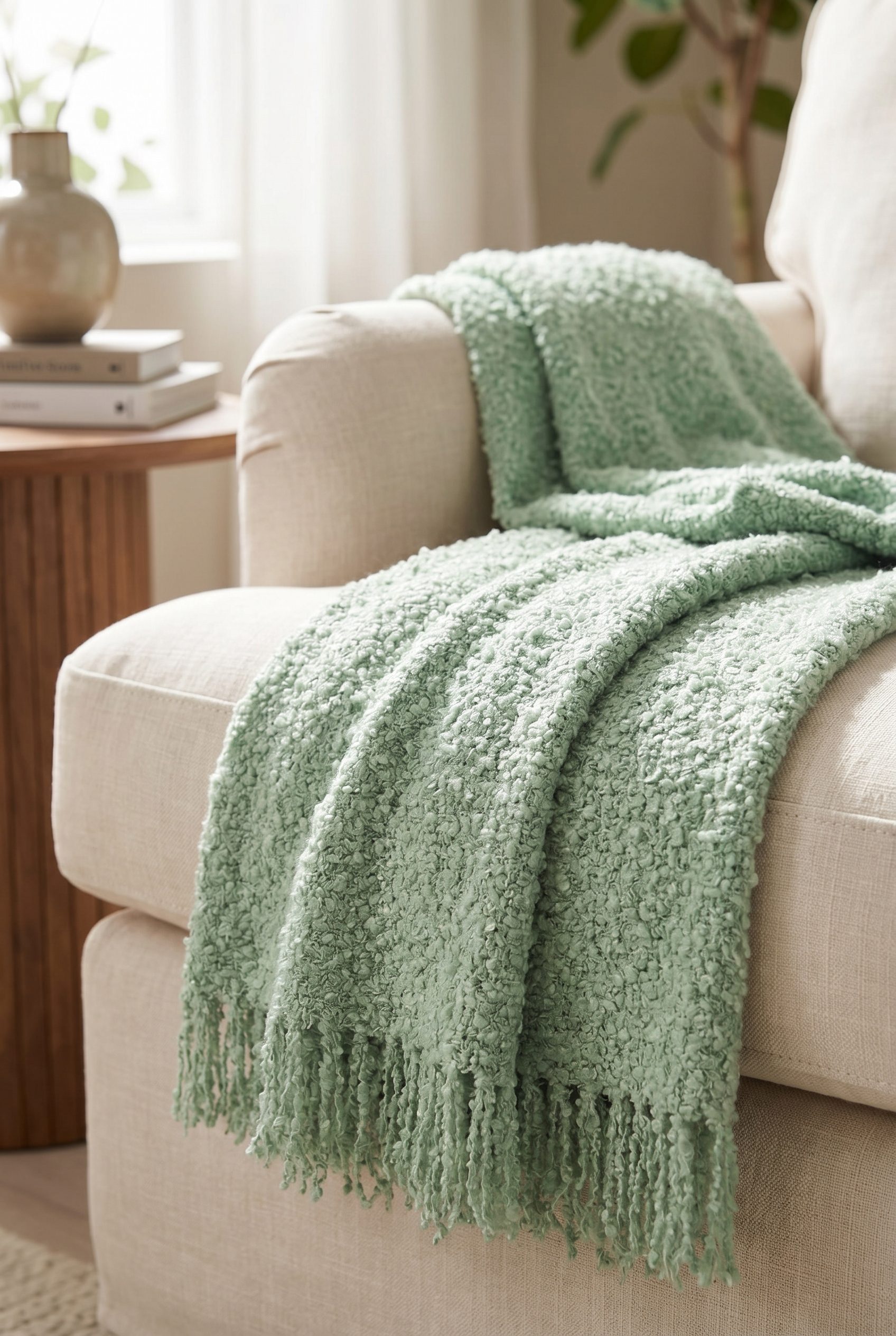


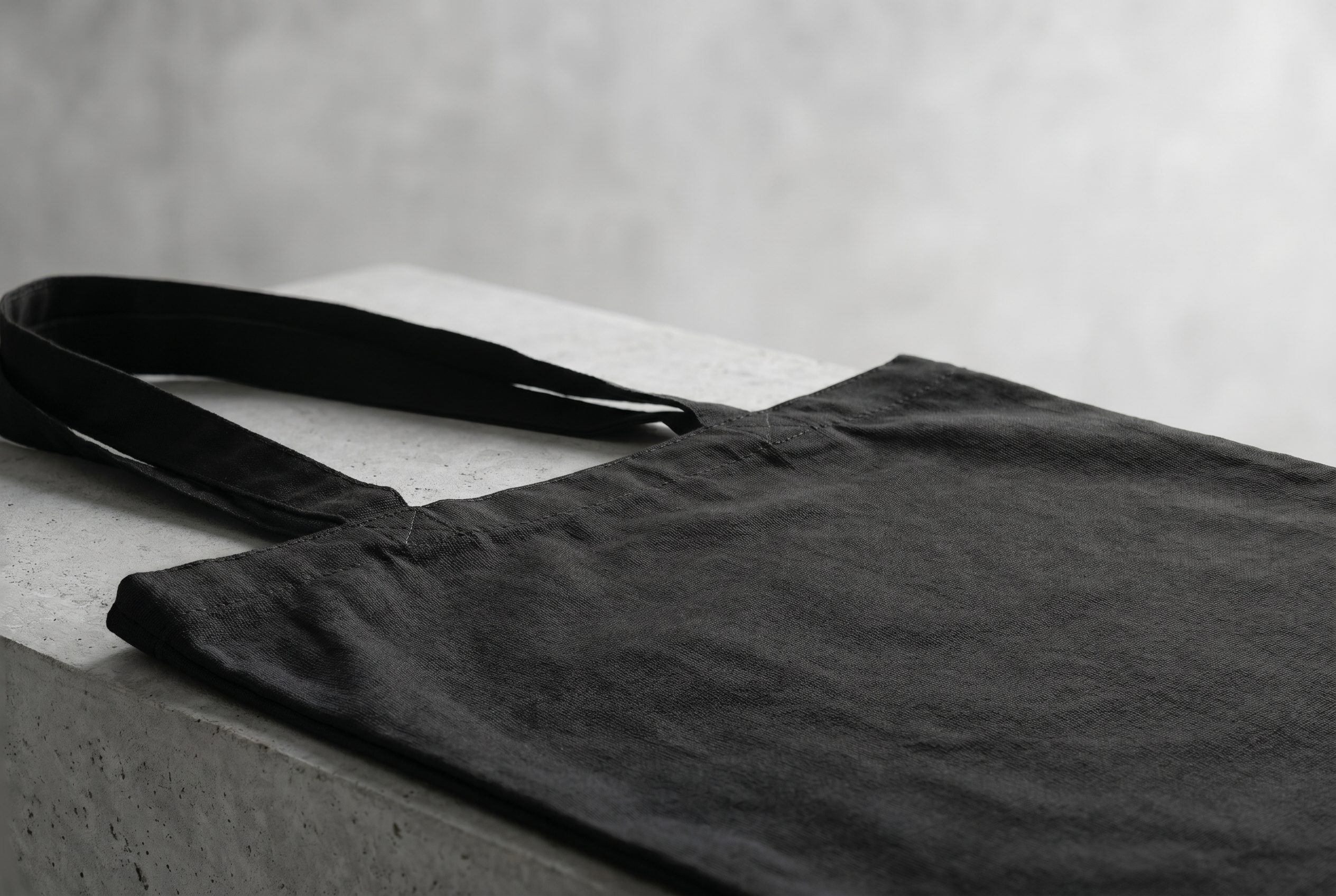
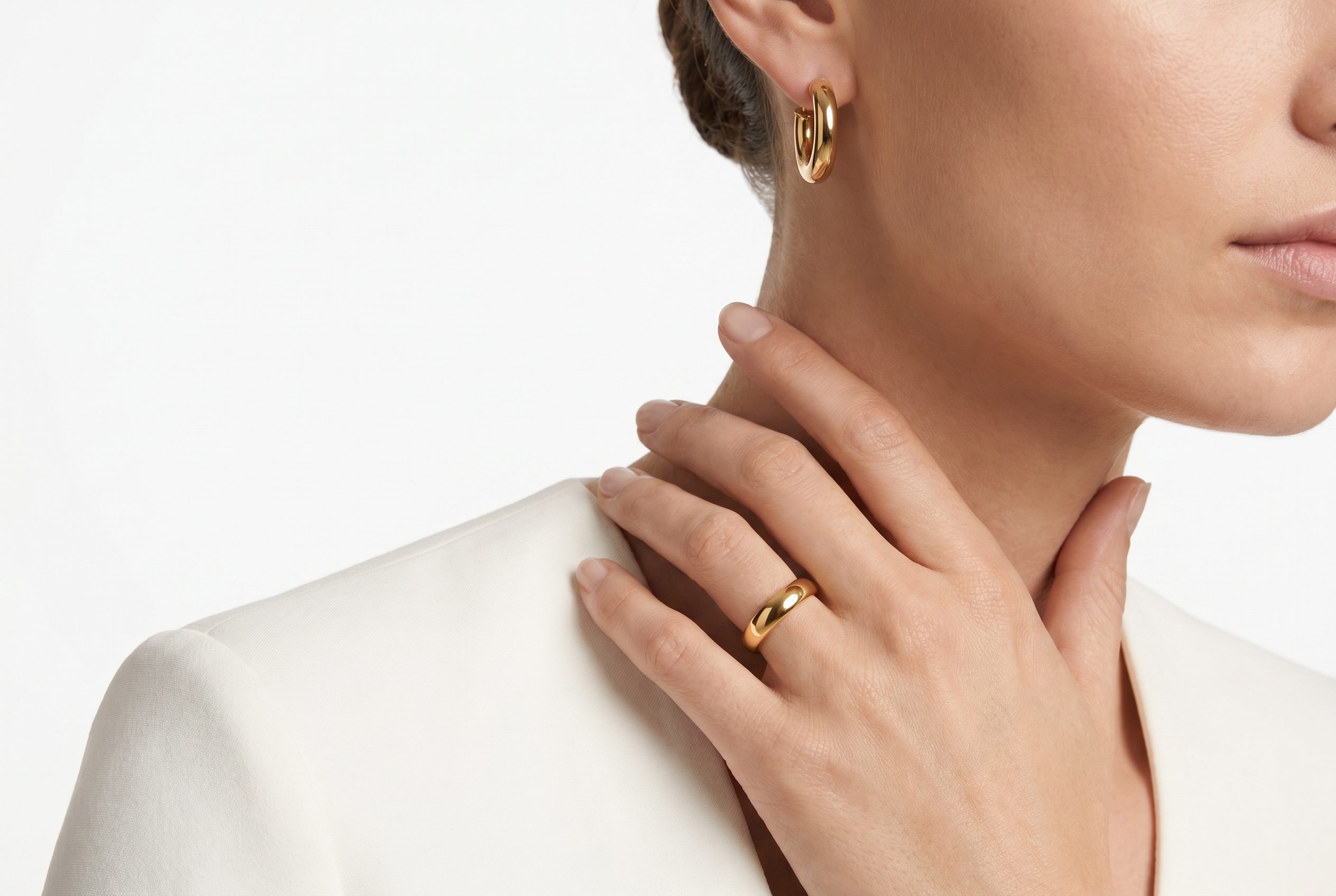
How it works
Choose an idea after the product brief is clear.
Approve a master visual first, then check claims, product fidelity, text-safe space, and continuity across variations.
-
Step 1
Define the product truth
Choose the product detail or use case the campaign will communicate without exaggeration.
-
Step 2
Choose the audience and formats
Write the audience problem, message, required crops, and text-safe areas before generating.
-
Step 3
Approve one master direction
Review product identity, claims, composition, and brand fit before making variations.
-
Step 4
Adapt and review each channel
Create only the needed formats and recheck crop, continuity, copy space, and product details.
How to use this collection
Choose an idea after the product brief is clear.
Approve a master visual first, then check claims, product fidelity, text-safe space, and continuity across variations.


Choose the next surface
Choose your next workflow.
Find the product tool, category, or use case that matches what you want to create.
Planning and review
Campaign Image Ideas FAQs
It connects one true product detail to one audience problem and a defined set of channel formats.
Test the workflow
Turn one approved product photo into a focused campaign direction.
Use one representative product, define the intended output, and review every generated option before expanding the direction.
- Use your own product
- Review every output
- No credit card required