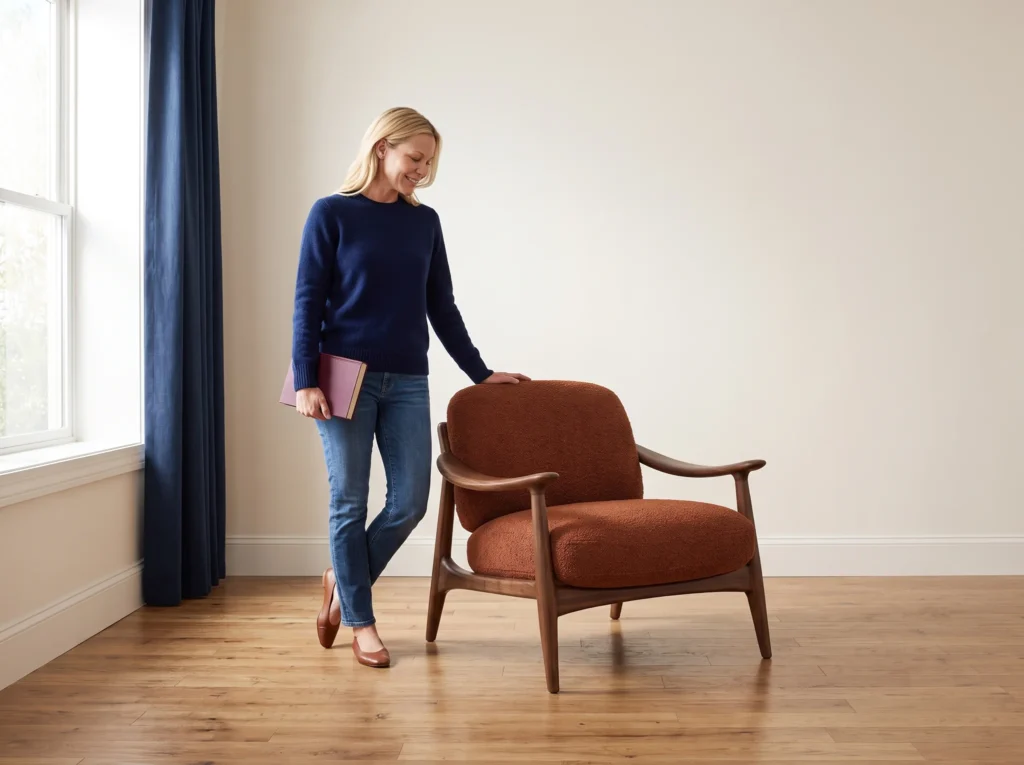
How to create consistent AI clothing photos
Use the same model reference and photo brief across garments, then adapt the look for your next campaign.
A clothing collection can look disconnected when every product photo has a different model, camera distance or lighting setup. In Fotogenic AI, start with one repeatable on-model setup. Change the garment reference for the next item while keeping the model image, inspiration and instructions together.
This workflow focuses on AI clothing photography for a coordinated catalog. It gives you a reusable starting point, not a guarantee of identical faces, exact fit or pixel-matched backgrounds. Keep real garment photography and measurements available for factual product information.
Start with the garments you want to sell
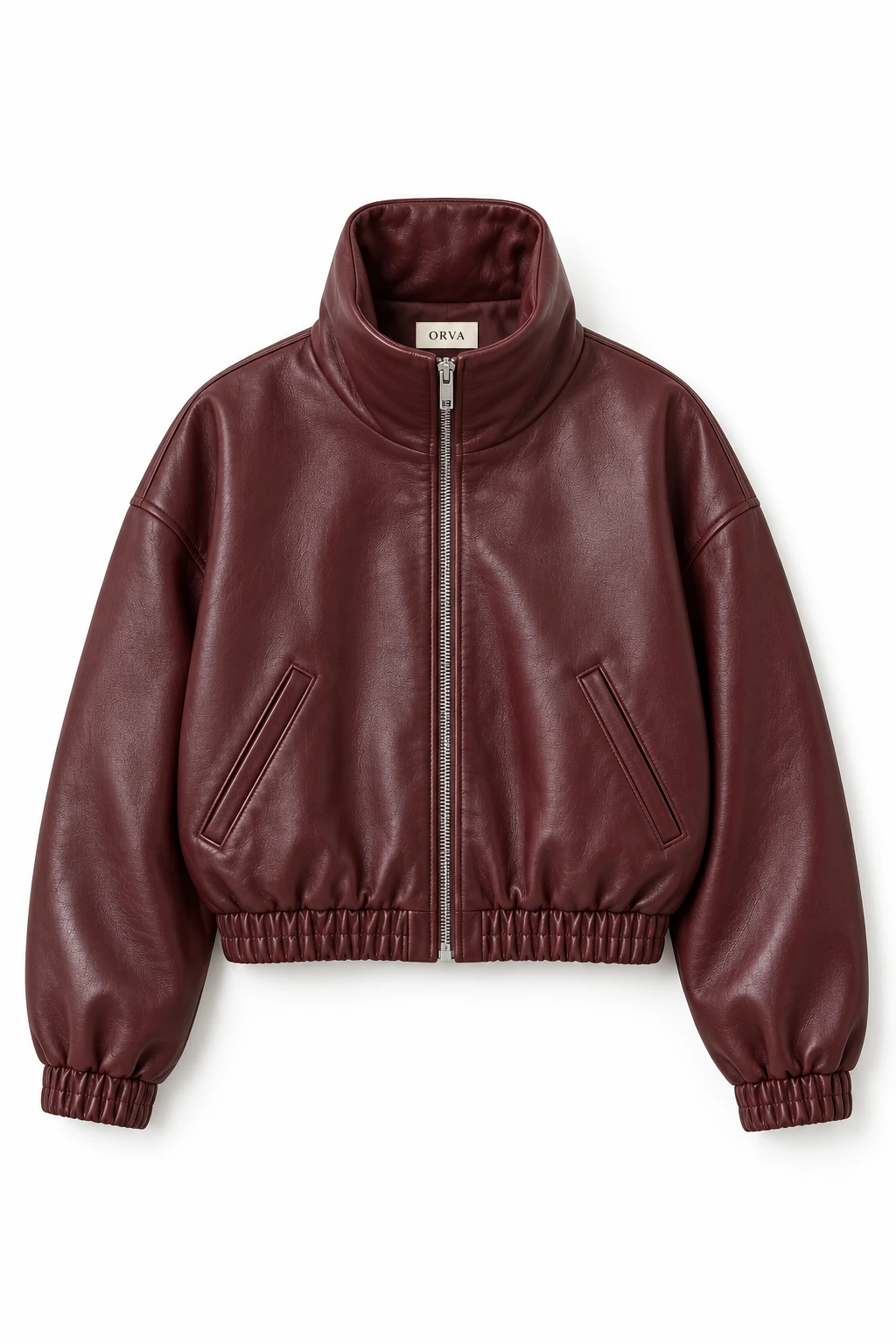
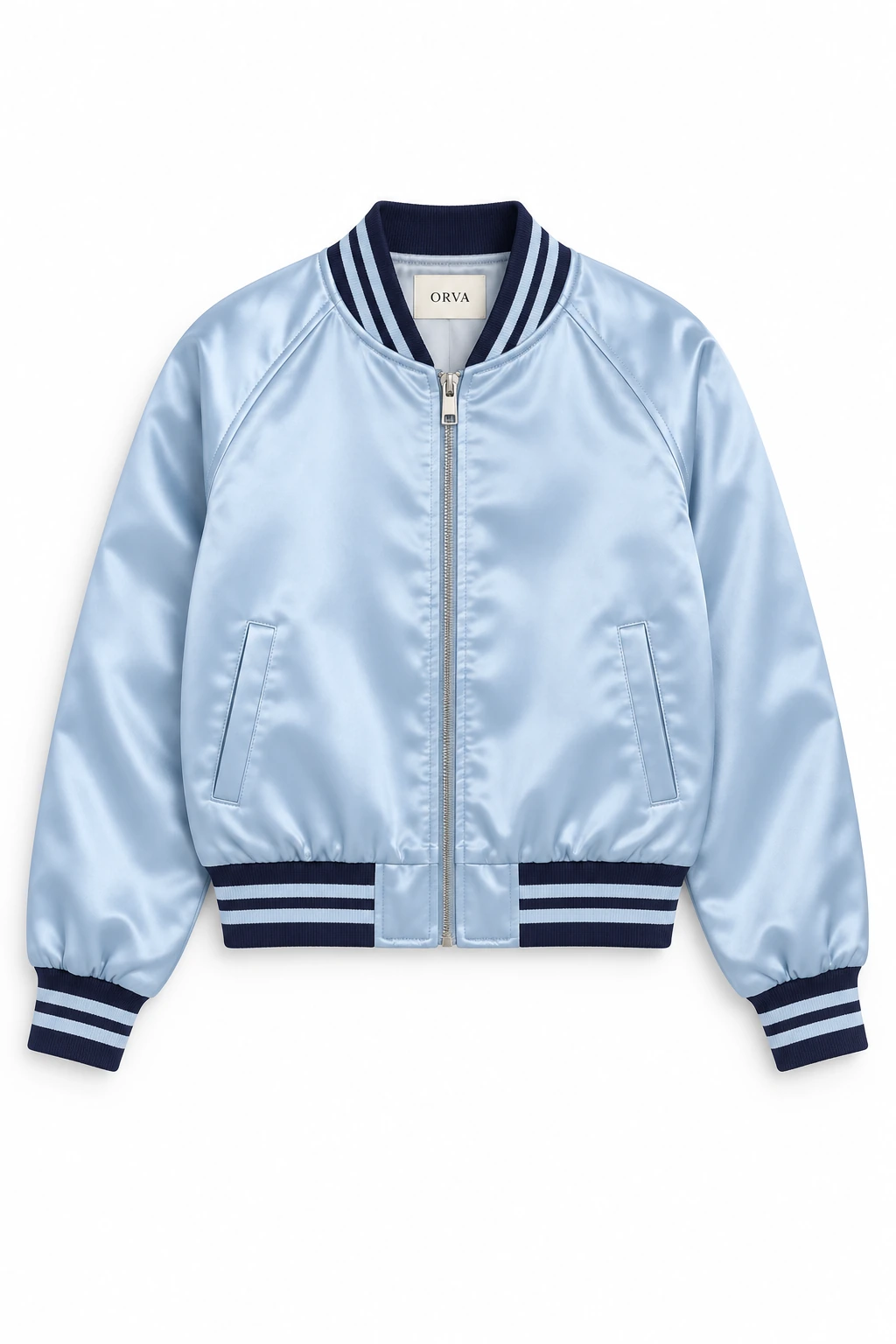
Use a clear photo of each actual garment, photographed from the front with the complete sleeves, collar and hem visible. Keep different products in separate runs. Uploading two different jackets together asks the tool to interpret both products in one scene; it does not assign one product to each output.
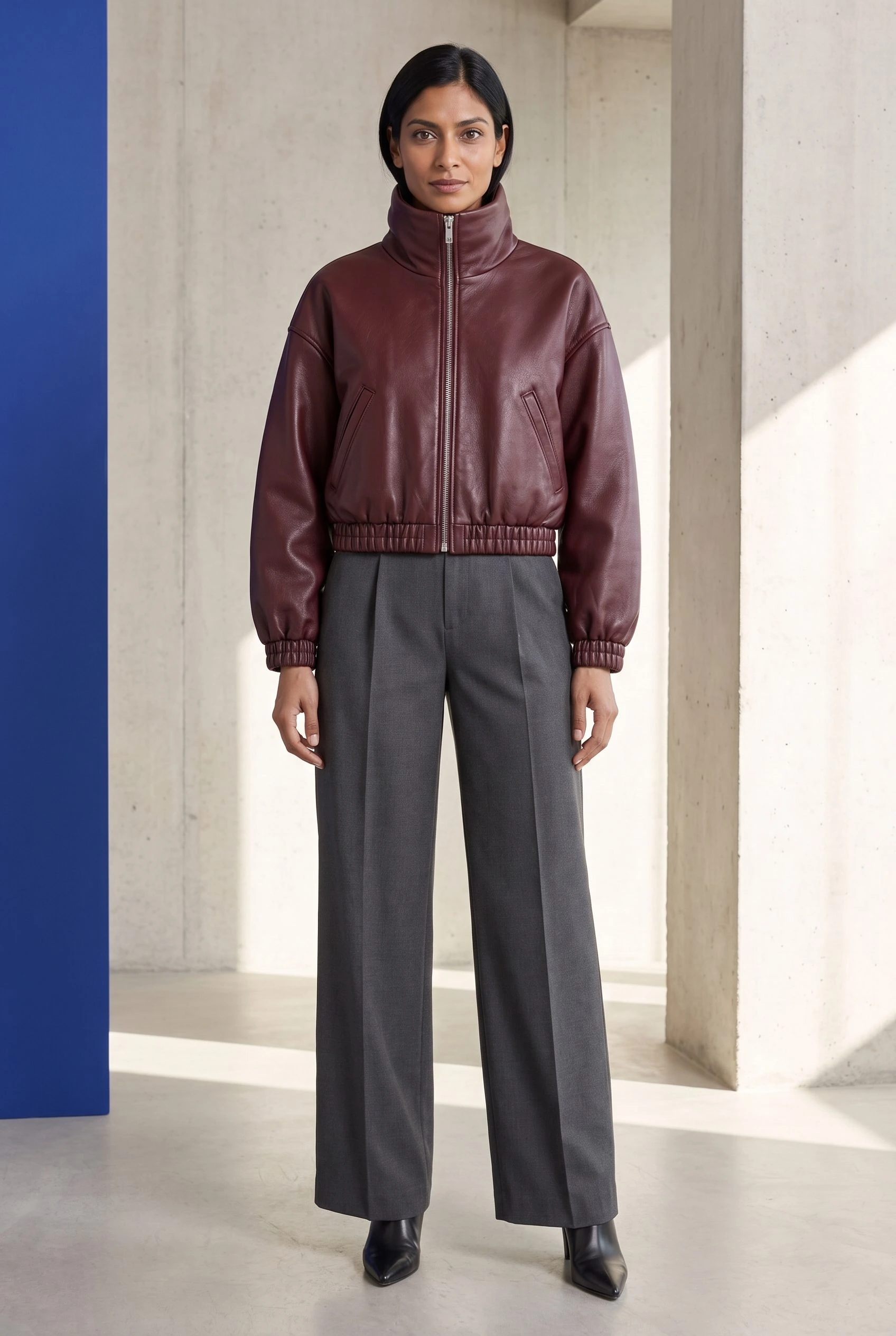
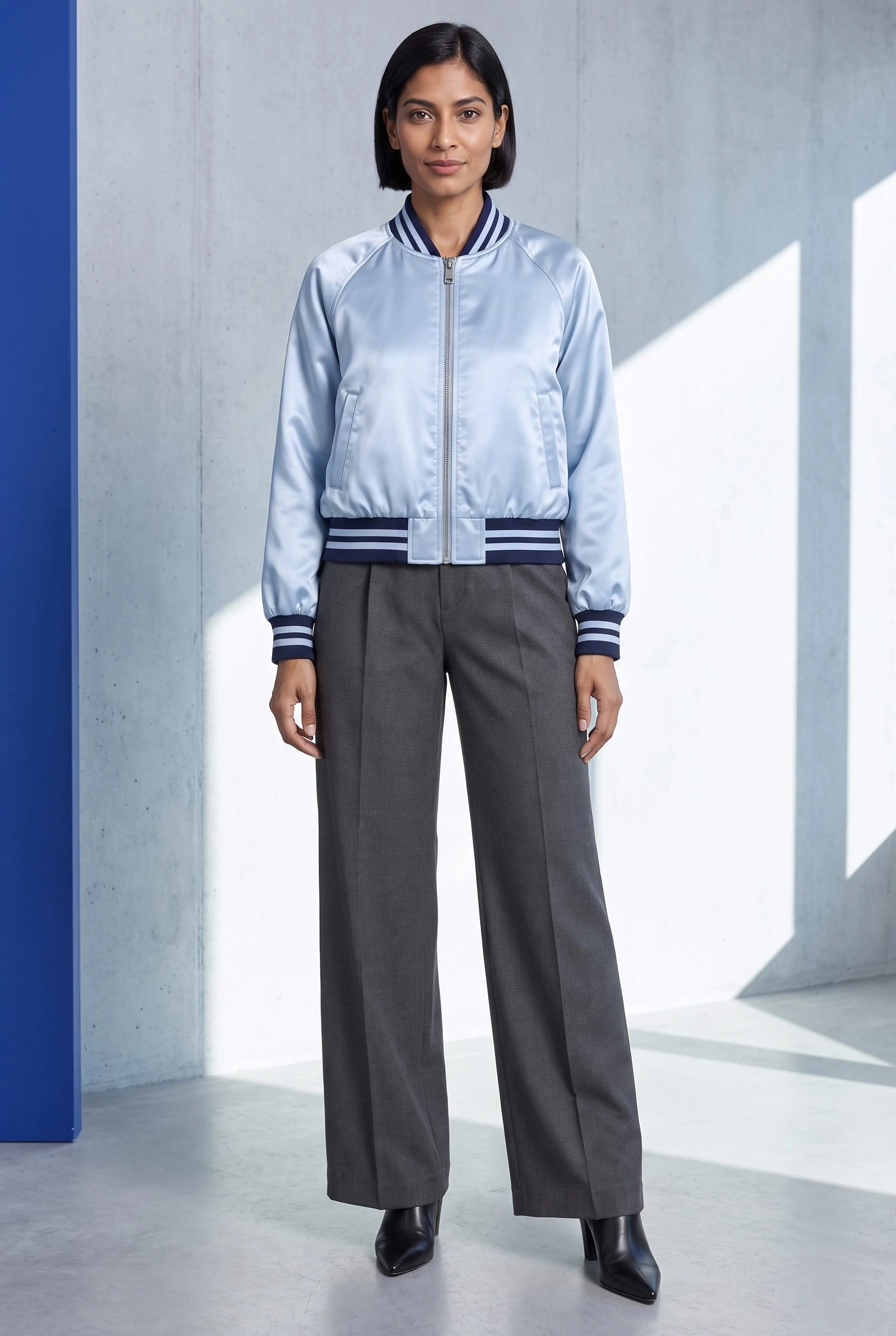
The two jacket concepts below have different collars, materials and proportions. That makes them useful for checking whether the photographic direction carries across a collection, rather than simply recoloring one item.
Set up your first clothing photo in Fotogenic AI
- Open Fotogenic AI and choose Create Photos. The composer heading is Create product photos.
- Click Product photos and upload the first garment. Add further views of that same garment if they clarify its construction.
- Click Model, then Upload your own image. Choose a model reference you have permission to use, with a clear face and visible body. Keep this exact file for the next garment.
- Click Add inspiration (optional) and upload a reference you have permission to use for the photographic look. Use it to communicate lighting, composition and styling. It is a different input from the model reference.
- Paste the brief below into Custom Instructions. For this setup, leave Environment and Photographic style unselected and Fine-tune unchanged so you are not adding conflicting directions.
- Set Aspect ratio to 2:3 Portrait, Quality to High and Images to 1. Check the displayed credit cost, then click Generate.
If you need a reusable model concept, Model also offers Create digital model. Choose that before building the catalog and keep the resulting reference consistent. The AI model generator page explains the separate model workflow; you do not need a new model for every garment.
Copy this clothing catalog brief
Custom Instructions
On-model clothing catalog portrait, full body with complete head and shoes. The supplied model wears the supplied jacket fully zipped with graphite wide-leg trousers and black pointed boots. Frontal standing pose, arms relaxed slightly away from the jacket so its shape and pockets remain readable. Architectural studio with pale cool concrete, one cobalt-blue wall panel at far left, crisp diagonal afternoon sunlight and soft fill revealing material texture. Eye-level fashion photography, subject centred at roughly 85% of frame height, strong clean silhouette. Use the inspiration for dimensional light and editorial polish; use the model reference for appearance.
The cobalt accent separates the clothing from a neutral studio without turning the product page into a busy set. Directional light gives leather and satin visible surface character. A front-facing pose keeps the closure and pockets readable; the same trousers and framing reduce distracting changes between items.
For your own brand, replace the color accent and supporting outfit once, then keep that version of the brief across the collection. If you need help choosing a pose or crop, use the model action and framing guide rather than adding several competing camera directions.
Repeat the setup for the next garment
Run the second item separately. In Product photos, remove the first garment and upload the second. Keep the same model file, inspiration image, Custom Instructions, aspect ratio and quality. Generate one image first so you can judge whether the direction carries over before making more.
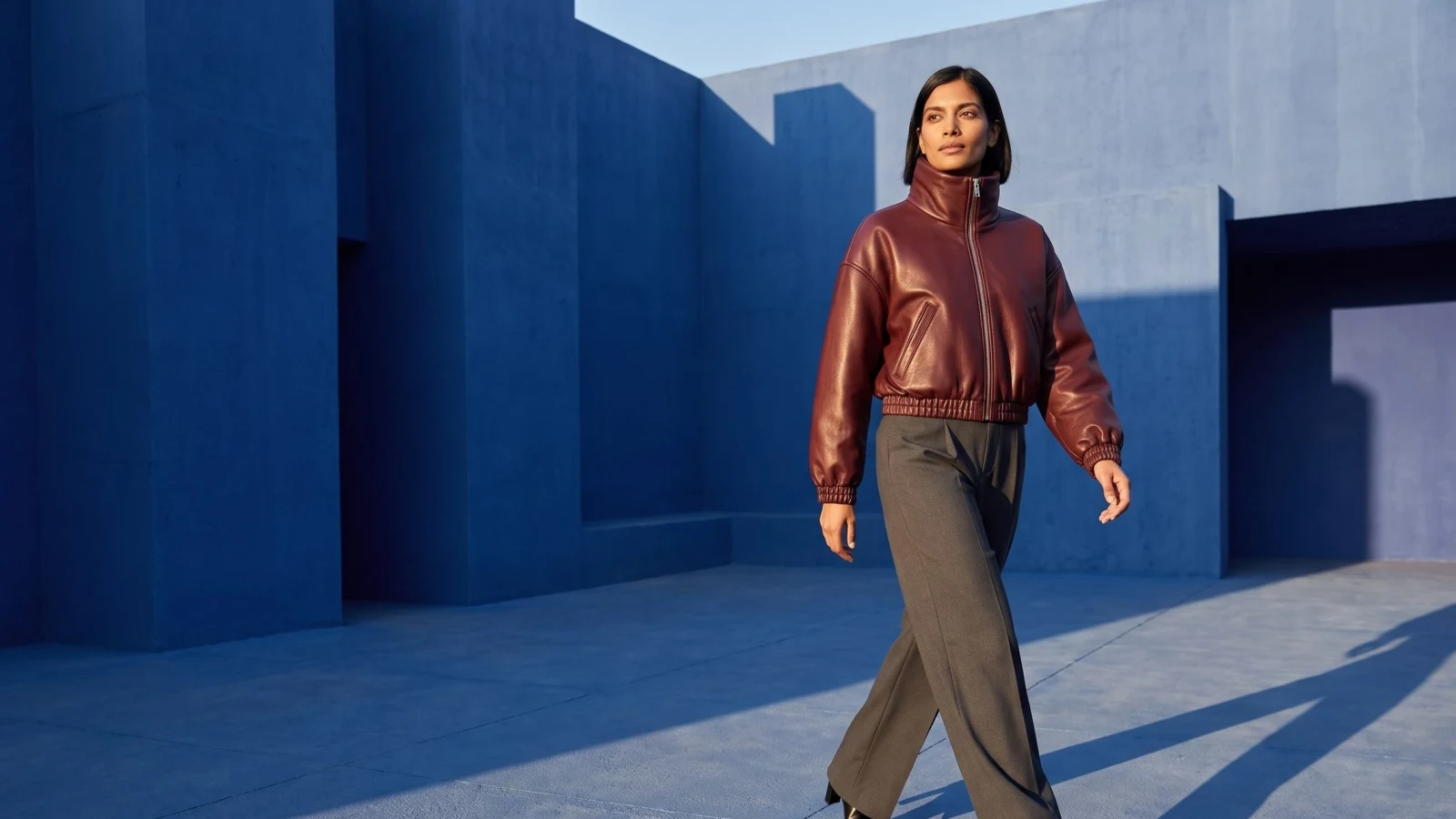
The leather-bomber result below and the satin-bomber results at the end share a front-facing outfit and cobalt accent, while the concrete background, camera distance and light still vary. Reusing the inputs guides a shared look; it does not lock the scene.
Keep the inputs together as a reusable catalog setup: garment-specific photos, one model reference, one visual reference and one brief. A consistent setup reduces the variables you change, but each output still needs a review against its own garment. AI-generated clothing on a model is not evidence of the garment's true fit or sizing.
Turn the catalog look into a campaign image
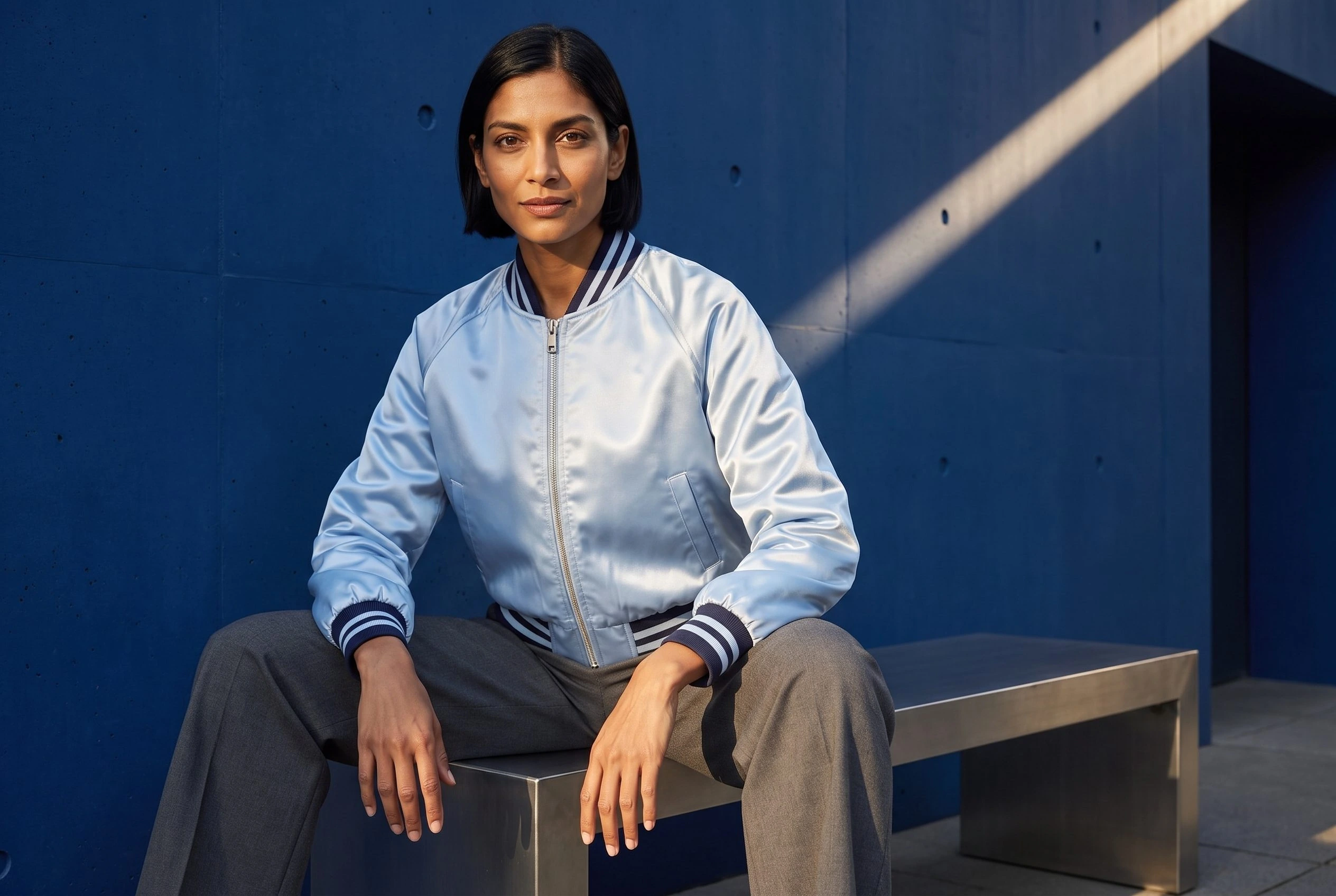
After choosing a catalog result, return to Create Photos with the same garment and model references. Change the aspect ratio to a landscape option for a collection banner, then replace only the composition instructions. Keep the material, outfit and lighting direction clear.
Campaign composition
Wide luxury outerwear campaign. The supplied model wears the supplied jacket fully zipped with graphite tailored trousers and black boots, taking a confident stride across a sculptural cobalt-blue courtyard. Hard afternoon sunlight draws diagonal shadows across the concrete and reveals the material texture. Show the full outfit and complete head and shoes, with the model right of centre and open space to the left for separately added copy.
Use Generate Campaign Set when the next task is several views of the same product. That is different from building a catalog across different garments. The Campaign Set Generator page covers that workflow. For a controlled change to an existing image, the Image Variations guide explains its composition and lighting options.
Choose the right image for each page
Use the clearest coordinated on-model view in the product gallery and the wider editorial composition on a collection or campaign page. Keep a real close-up for fabric, construction and other details that shoppers need to judge accurately. An attractive generated scene should not replace information it cannot verify.
Before uploading, compare each result with its own reference at full size. Check only claims you can actually see: the closure, collar, pockets, sleeve ends and overall silhouette. If the product has changed, do not use that output as a factual catalog view. Choose a different approved image or revise the inputs before proceeding.
For the handoff from approved files to products, use the bulk image workflow. It covers SKU organization and image roles without making the creative setup more complicated.
Build your next clothing image
Coordinate your catalog. Extend it into a campaign.
Your next product image starts here.
Turn a product photo into a new scene for your store.