AI Model Generator
Use model references and on model context for fashion, eyewear, accessories, and product imagery where model based visuals help shoppers understand fit and style.
- Model references
- Fashion context
- Accessory scenes
Visual direction
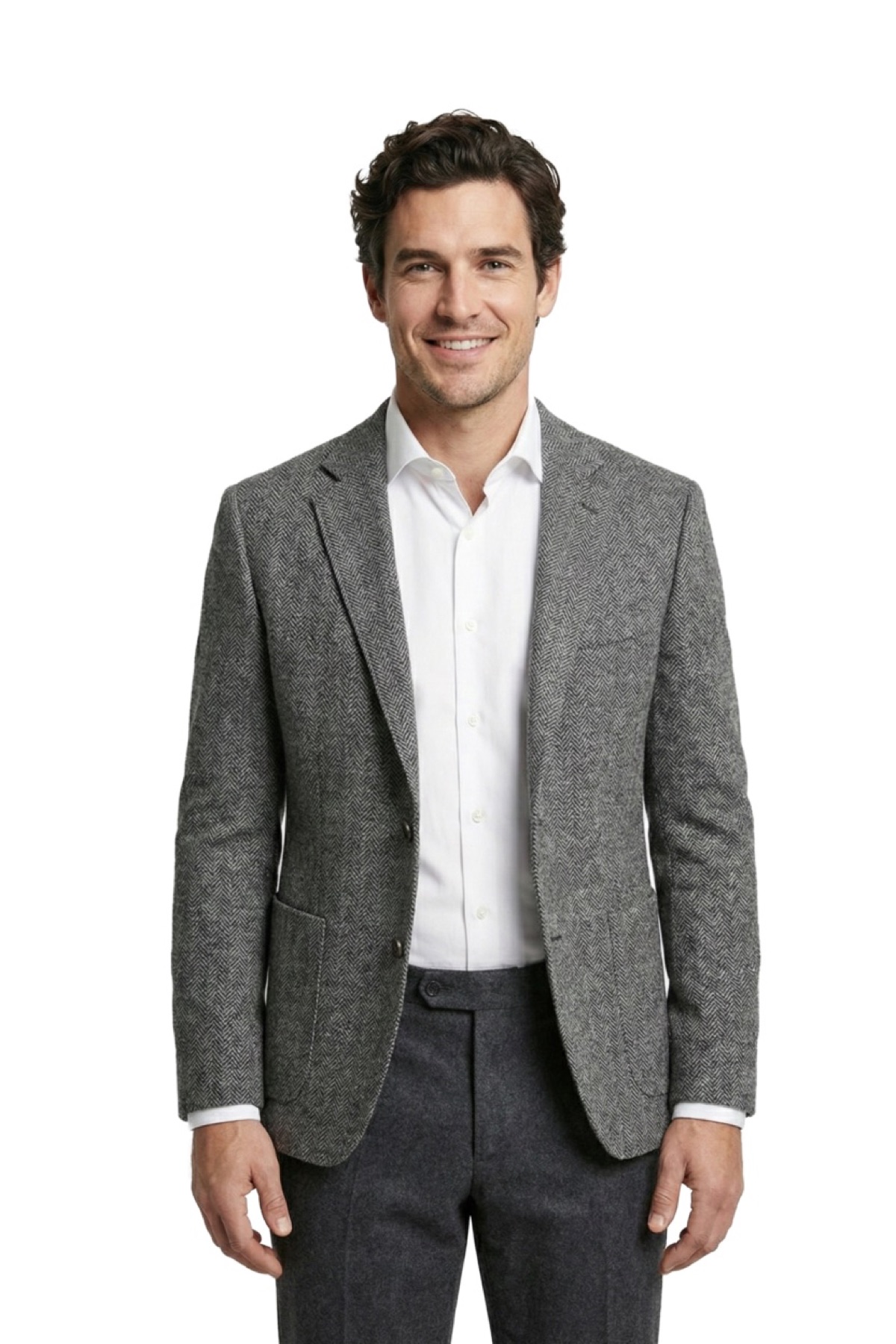
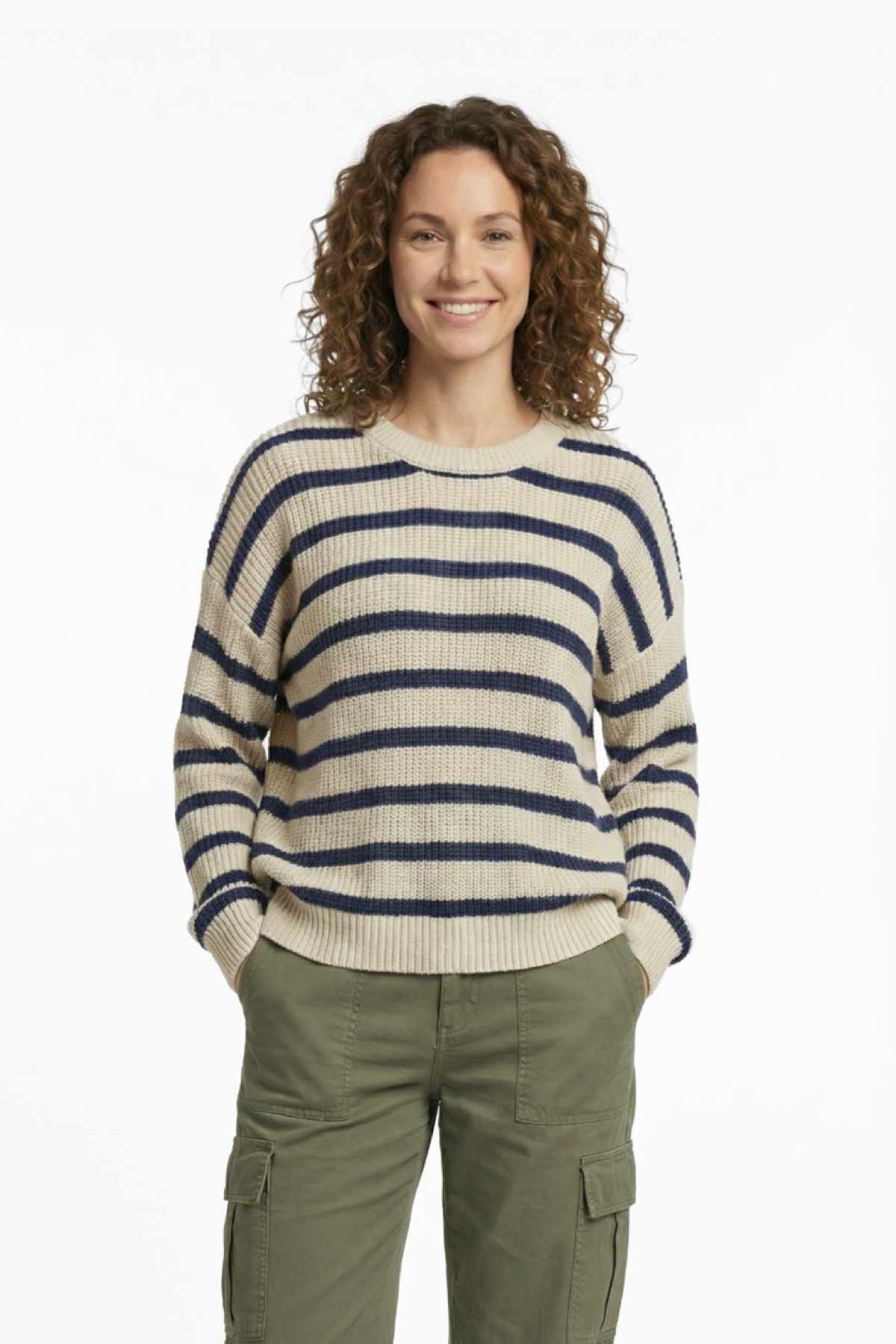
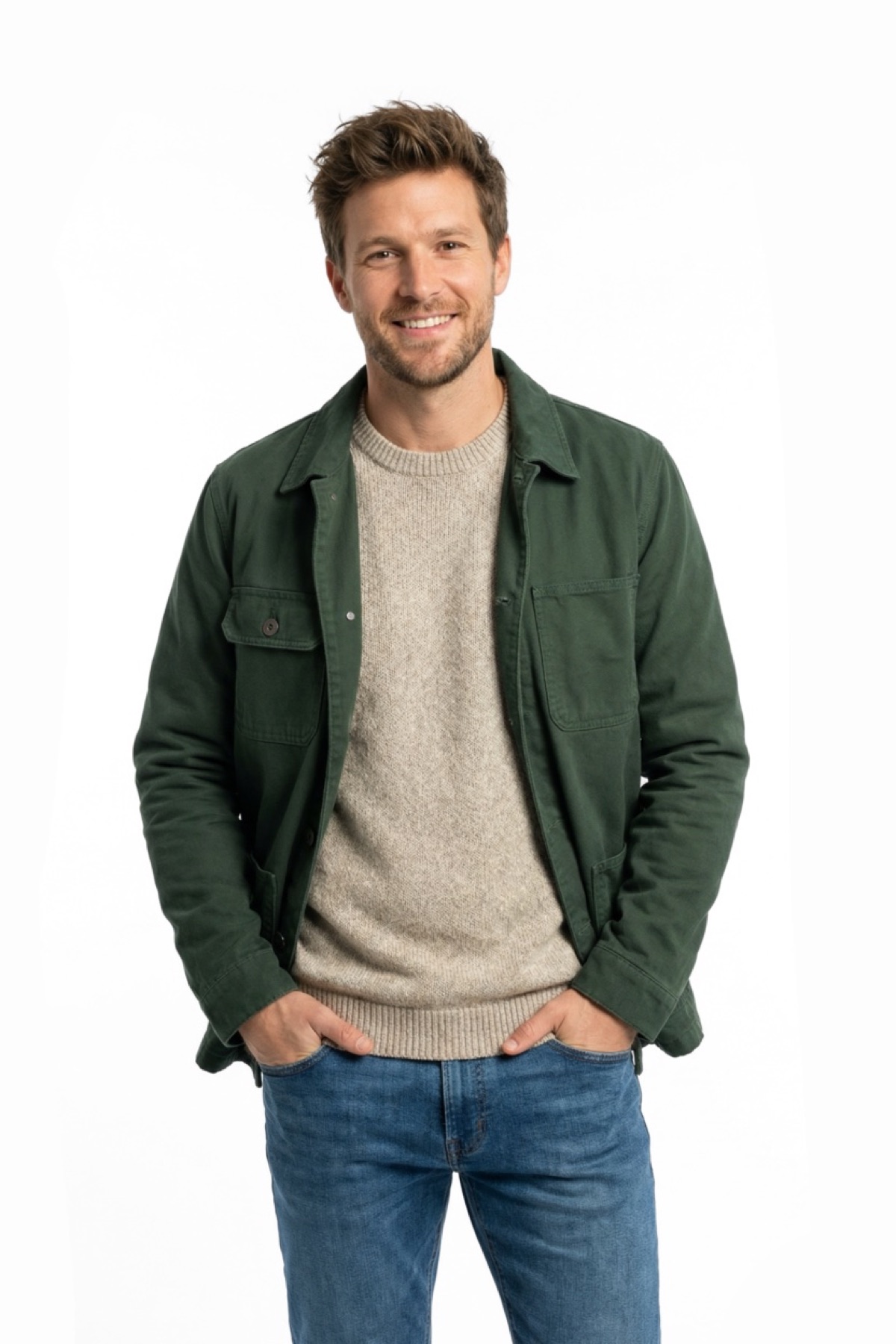
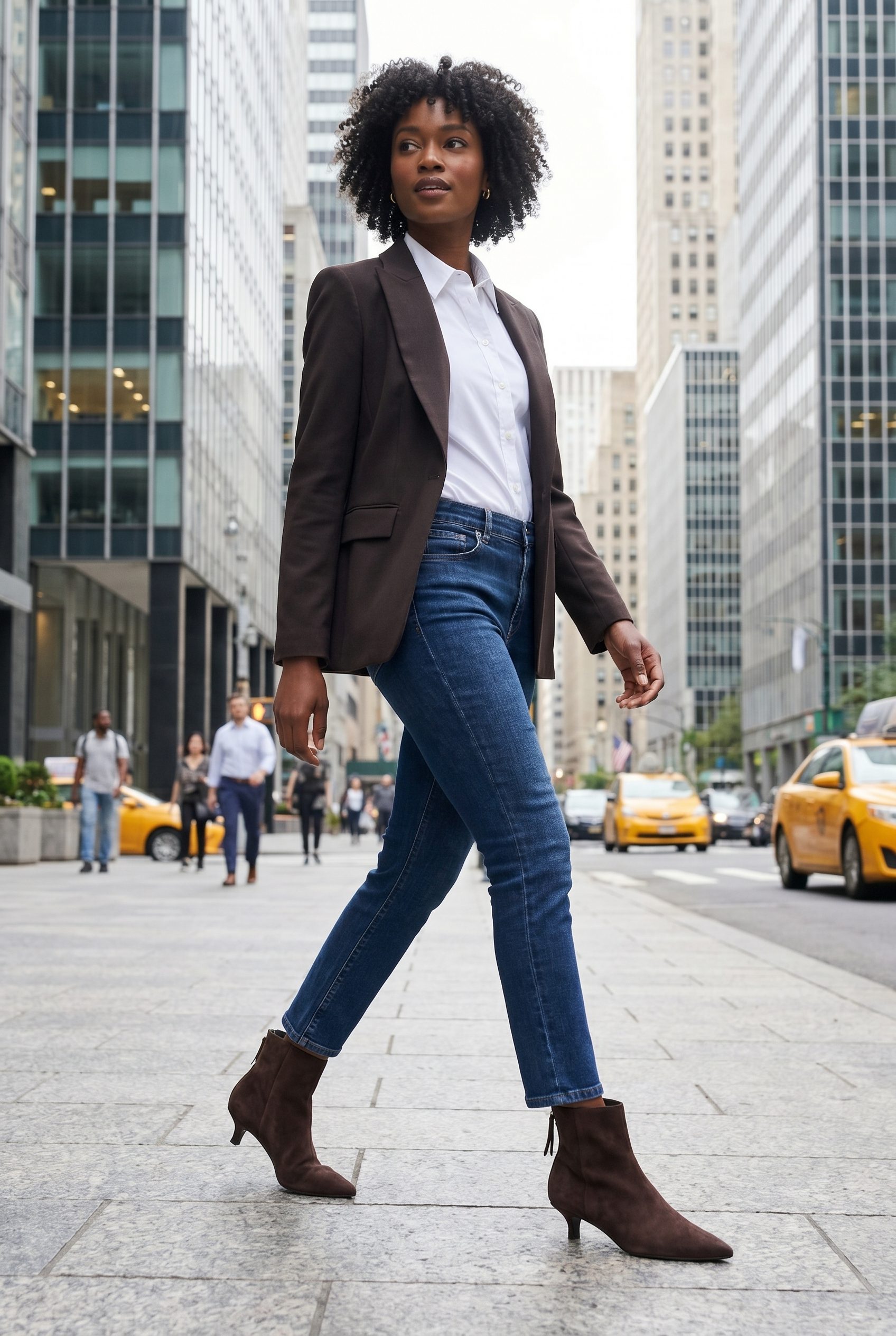
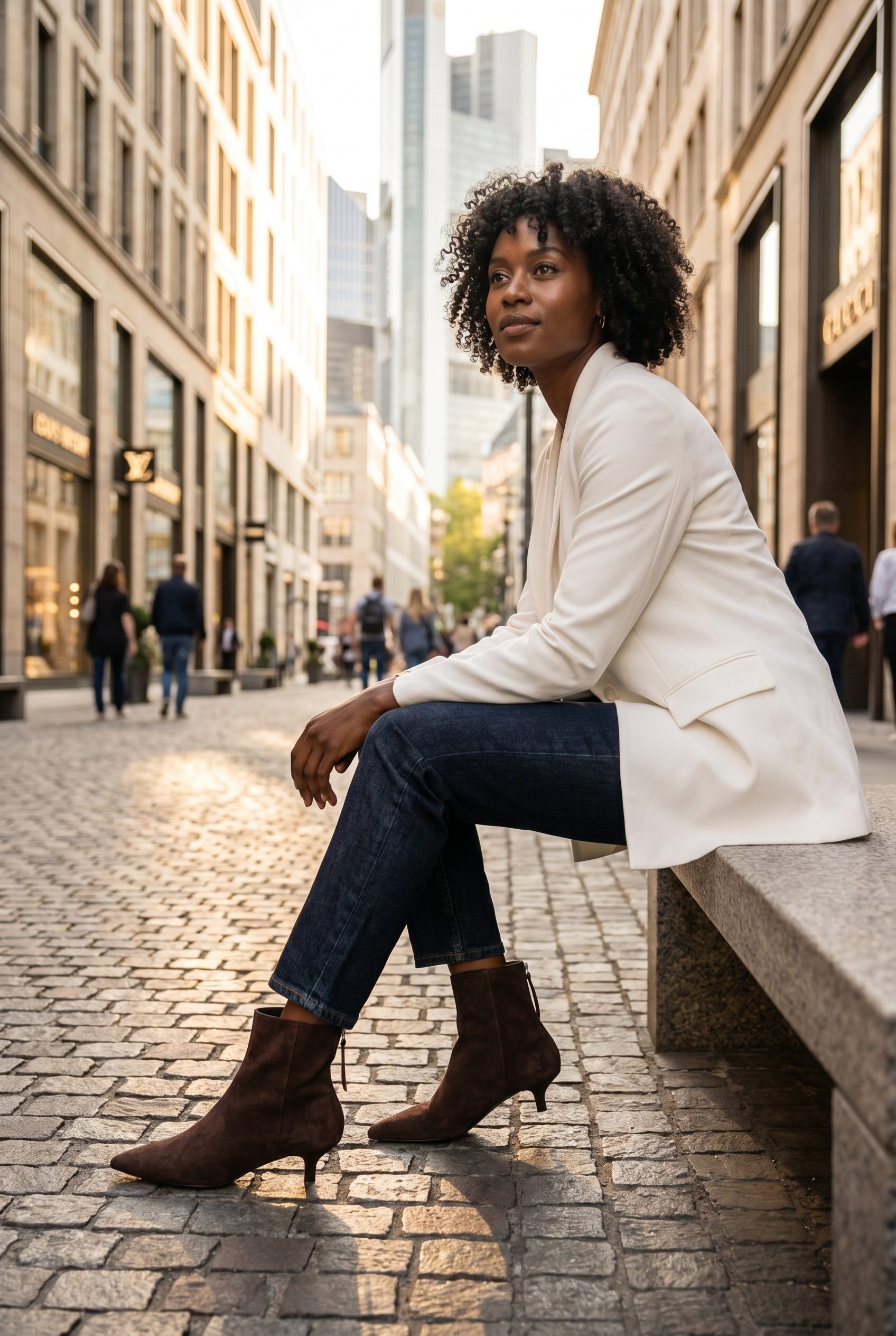
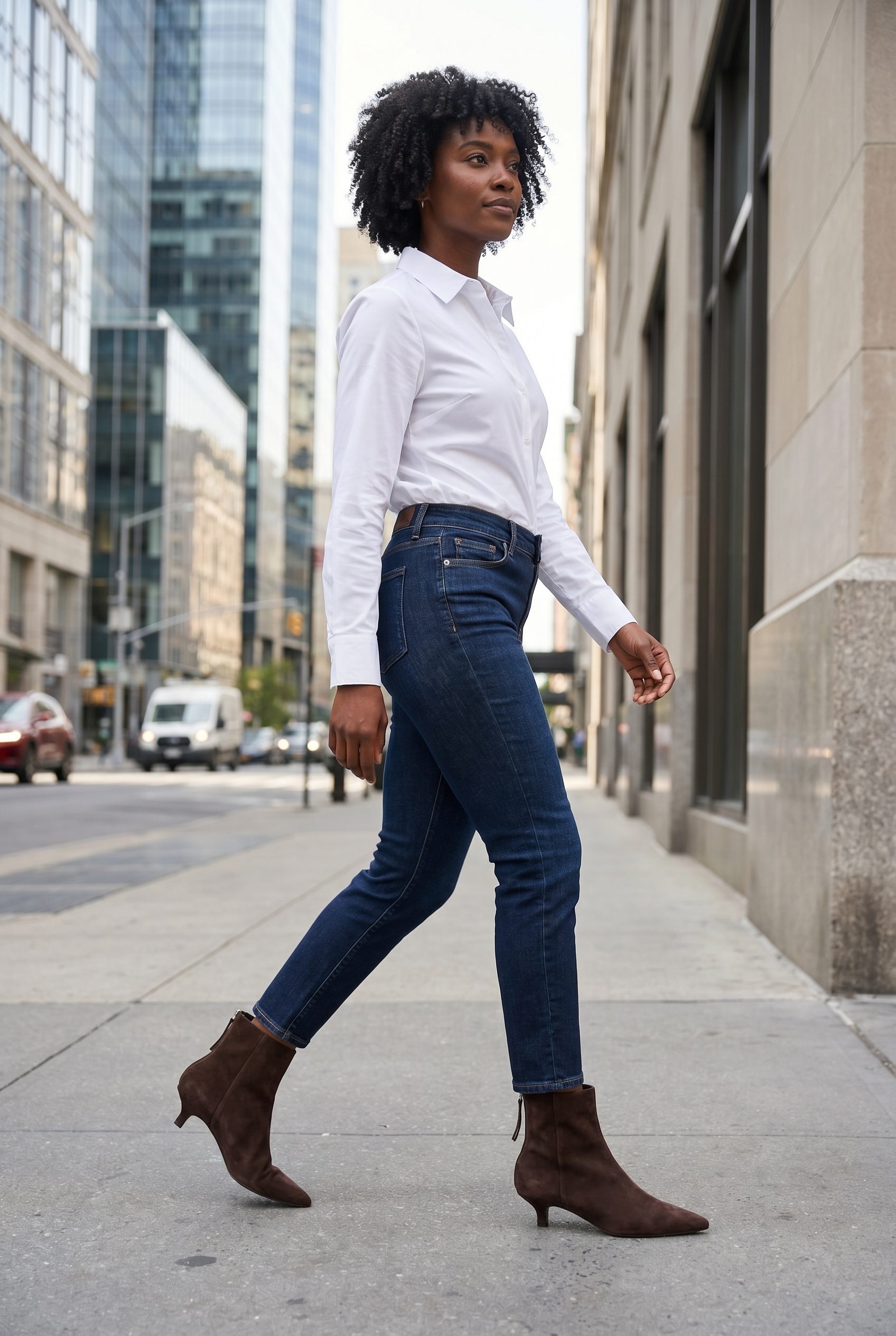
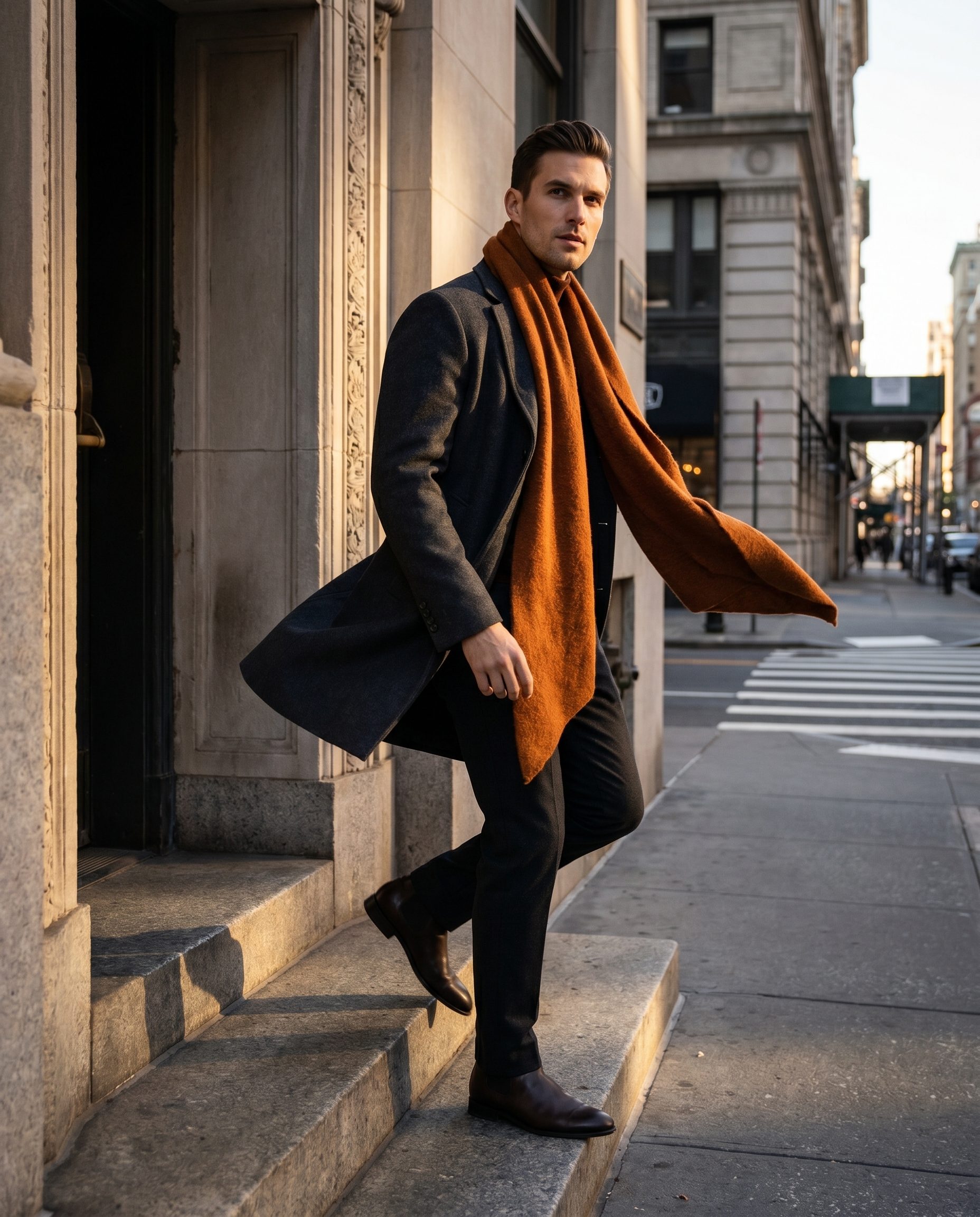
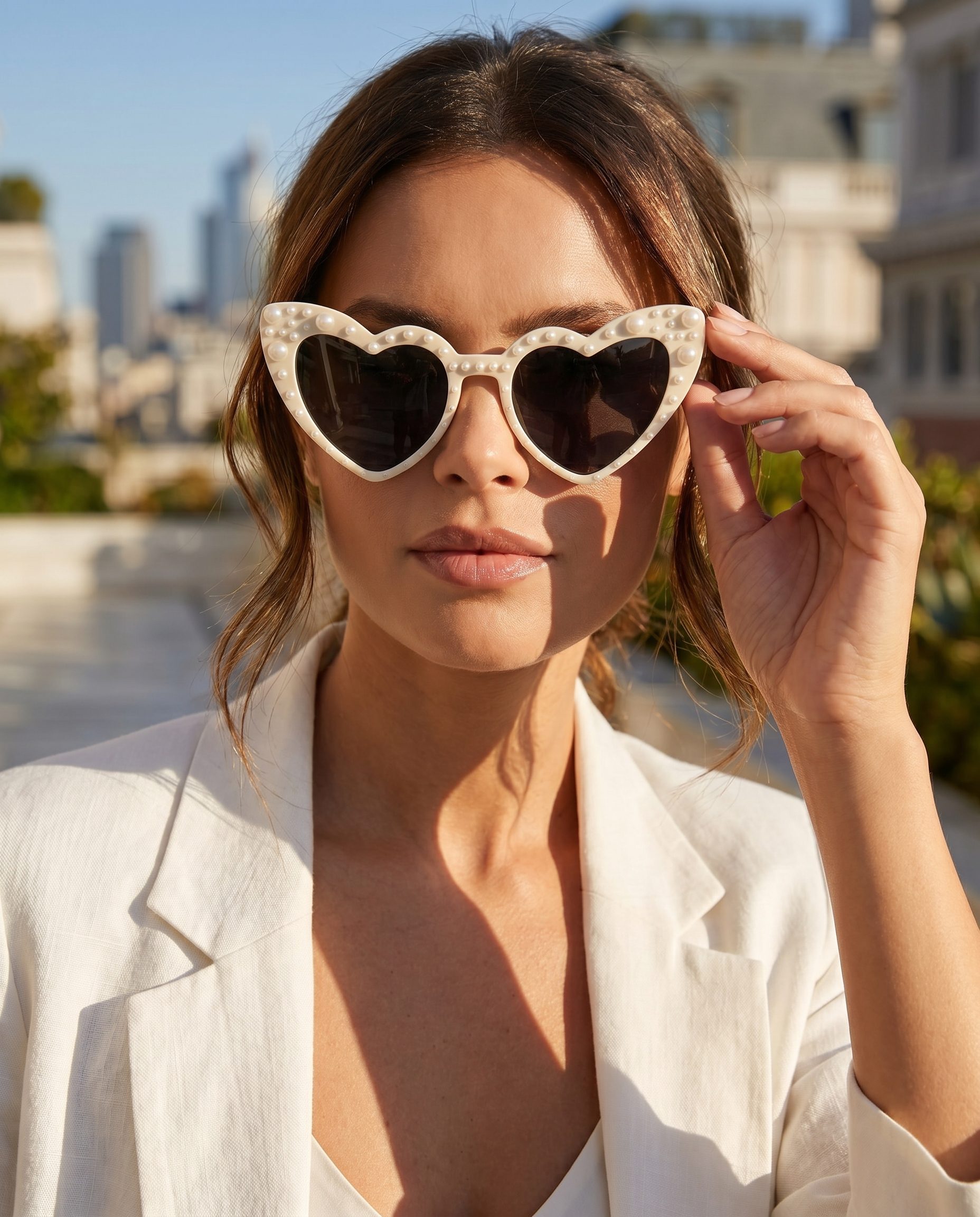
AI Model Generator output directions.
These slots are prepared for feature specific Fotogenic MCP images, so the final visuals can match this page instead of a generic gallery.
What it creates
Show products with people where that helps buyers decide.
Use this feature when a product benefits from fit, styling, scale, or human context.
How it works
From product source to model based visual.
The workflow keeps the product central while adding human context where it is useful.
-
Step 1
Add the product source
Start with the item that needs model or fit context.
-
Step 2
Choose model direction
Select model reference, styling, pose, or casting guidance where supported.
-
Step 3
Apply brand rules
Use BrandDNA when the model visual must match a store or campaign.
-
Step 4
Review fit and accuracy
Check product placement, scale, fit, and identity before publishing.
Where it fits
Use model visuals where human context matters.
Model based imagery should help explain the product, not distract from it.
Use case
Inputs
Start with product and model context.
This feature needs clear product details, model reference intent, styling direction, and brand rules.
Controls
Keep model context commercially useful.
The product still needs to be accurate, visible, and appropriate for the category.
Decision guide
Choose AI Model Generator when product context needs people.
Use this feature when apparel, accessories, beauty, or lifestyle products need model context without a new shoot.
Team workflow
Build a model direction your team can reuse.
A strong model direction can support campaigns, related products, and seasonal content.
More examples
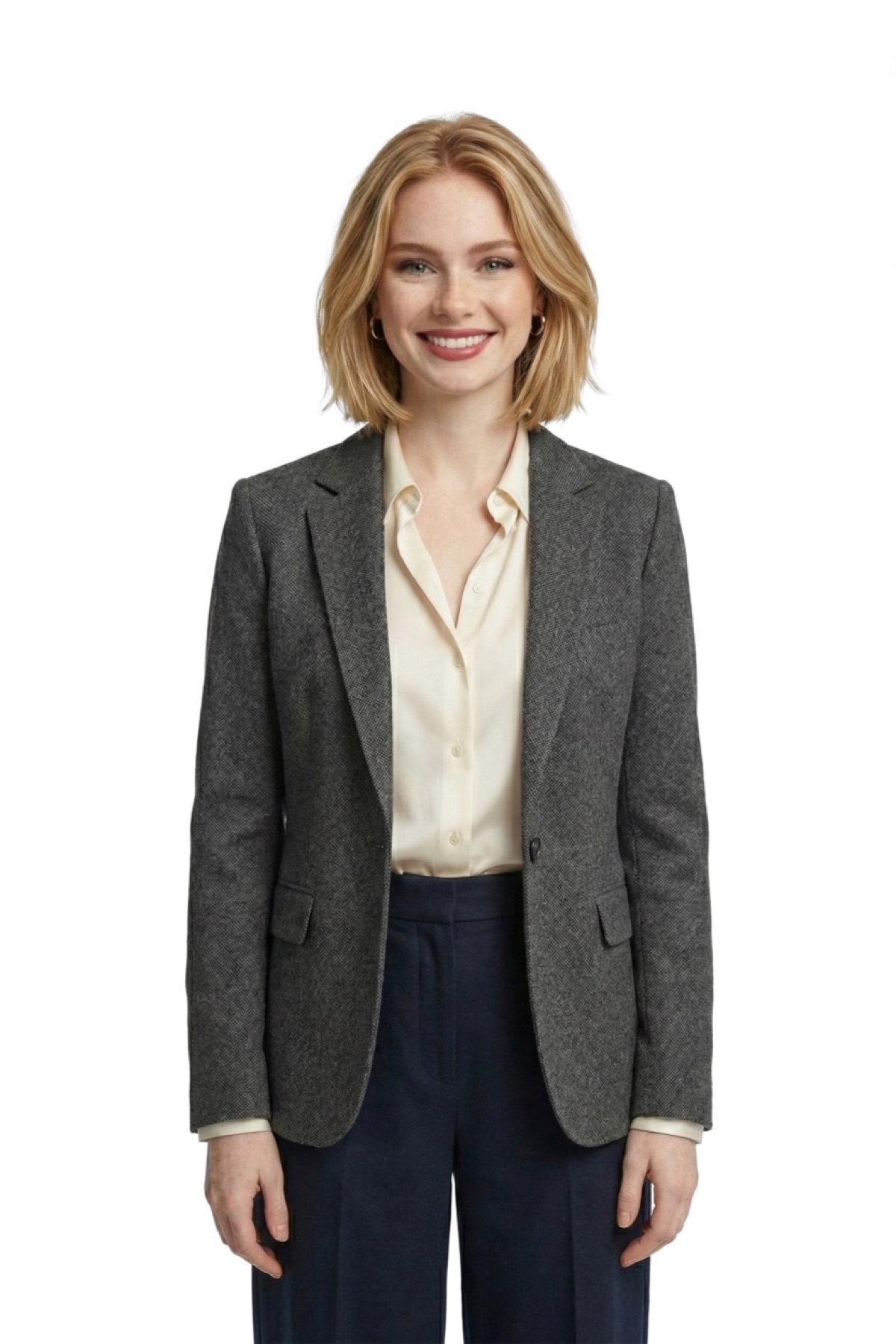
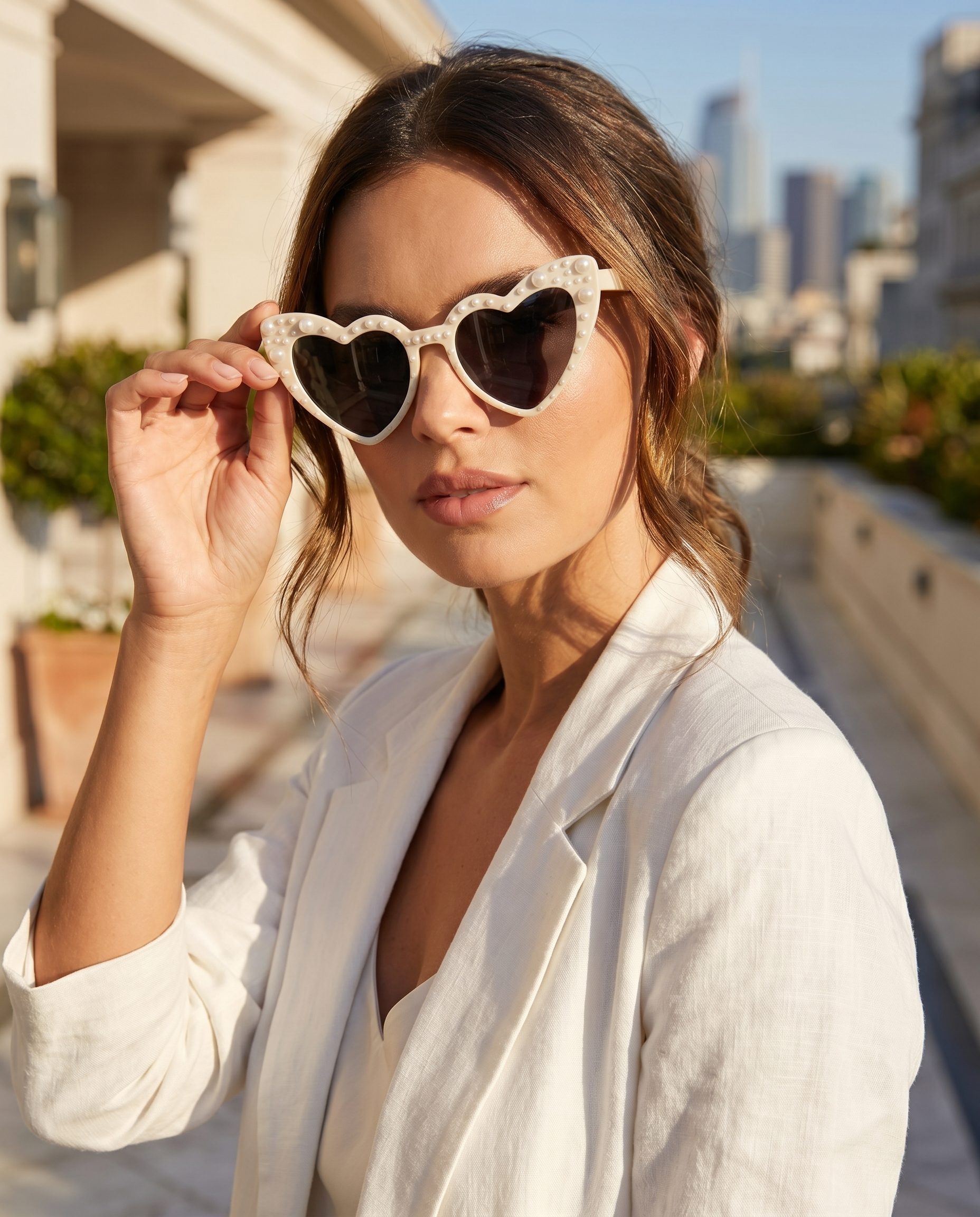
More AI Model Generator output directions.
Use this second visual row for a different angle on the same feature, not for unrelated product categories.
FAQ
AI Model Generator questions, answered.
Clear answers for buyers deciding where this feature fits in a real ecommerce workflow.
It creates model based product imagery where a human context helps show fit, scale, style, or campaign direction.
Fashion, eyewear, jewelry, accessories, and similar categories usually benefit most from model context.
Use model references where the workflow supports them, and keep the final result reviewed for product and brand fit.
No. Fashion is a strong use case, but accessories and products where scale matters can also benefit.
The main image generator focuses on product images. AI Model Generator focuses on product visuals with human context.
Yes. BrandDNA can help keep casting tone, lighting, styling, and scene direction aligned with the brand.
Review product accuracy, scale, fit, pose, styling, and whether the visual is appropriate for the product category.
Avoid it when the product needs precise technical inspection, compliance clarity, or a clean catalog view without human context.
Ready when your next product is
Place your product in model led context.
Choose the product, model direction, and styling goal, then review fit, scale, and product accuracy before using the image.
- Product context
- Human review
- Brand controls
- Pricing path