For Shopify sellers
Shopify Product photos
Create AI product photos for your Shopify store, from product-page shots to lifestyle and campaign images.
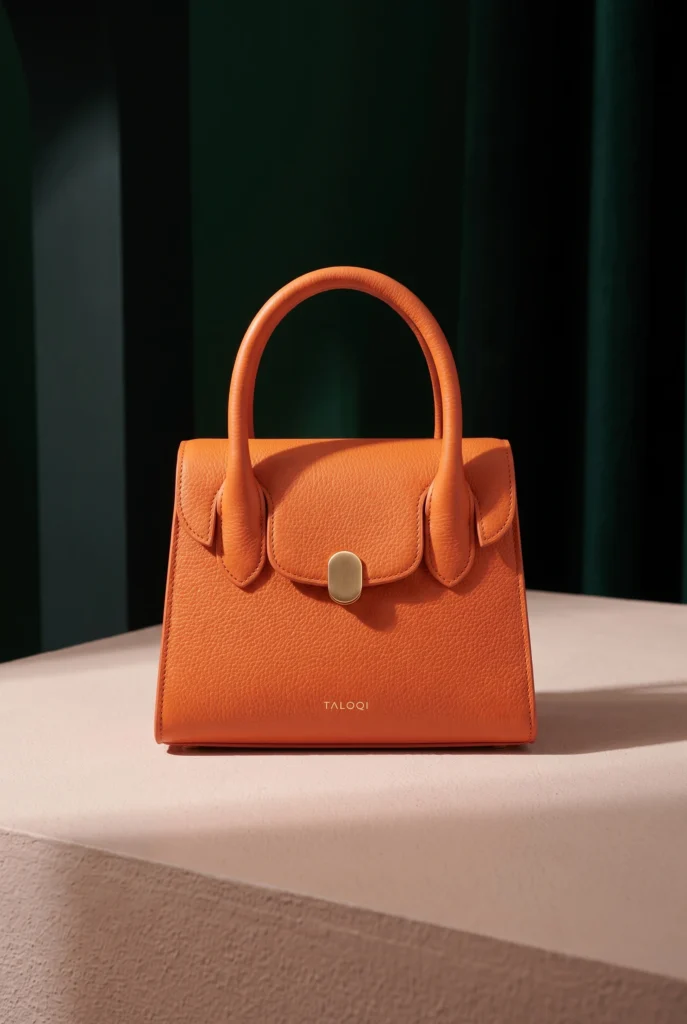
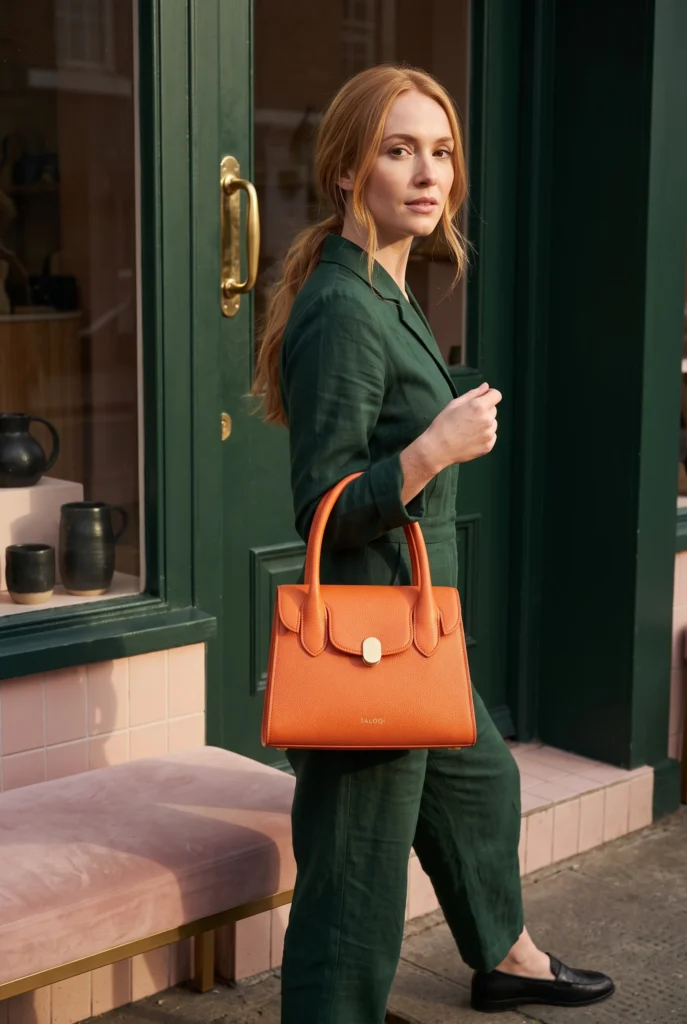
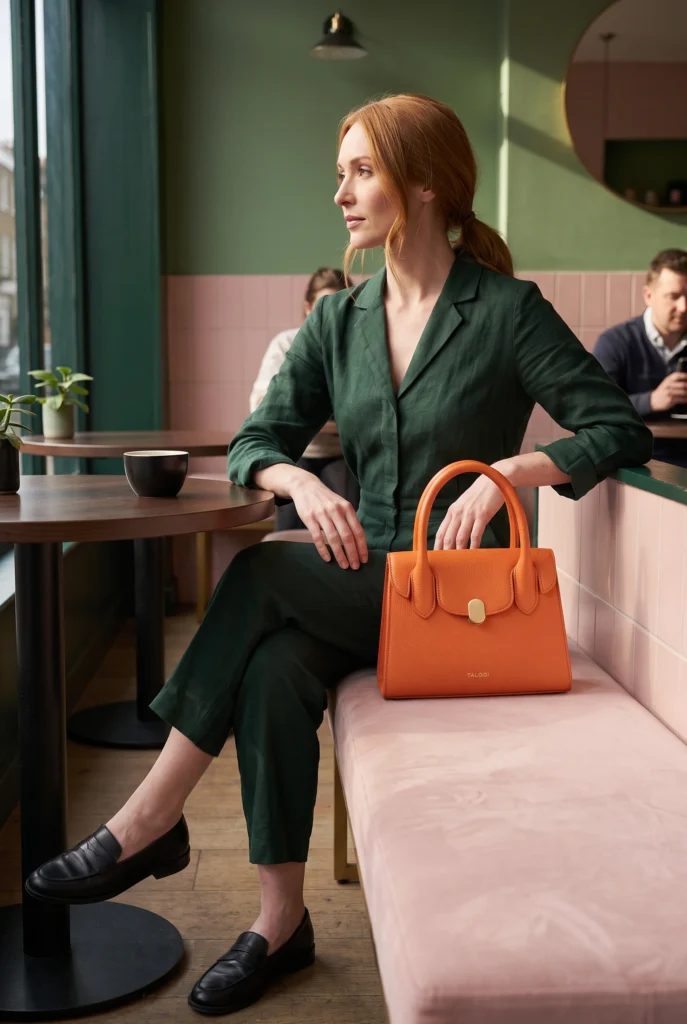
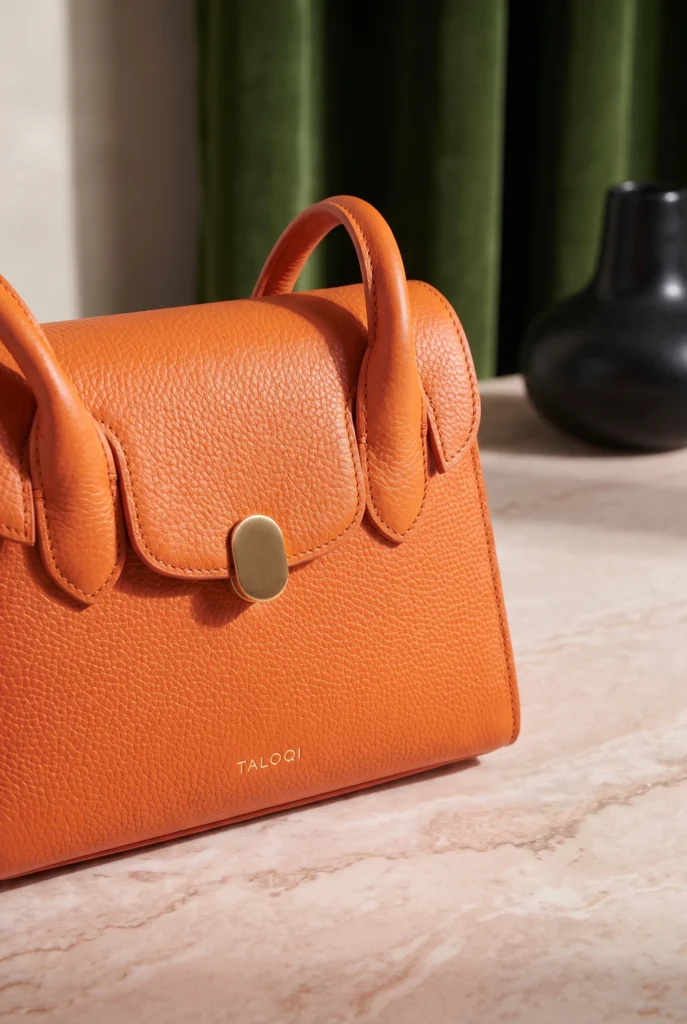
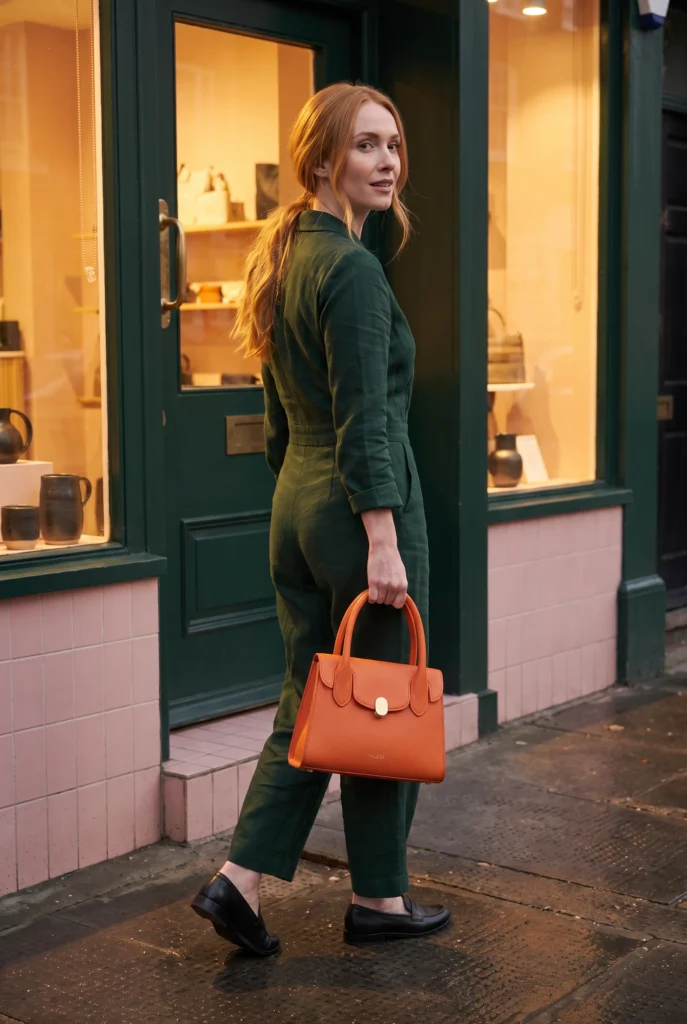
Every product category your Shopify catalog can cover
Explore product visuals for your Shopify storefront.
Beauty and skincare visuals for Shopify stores, ready for product pages, ads, and catalog refreshes.
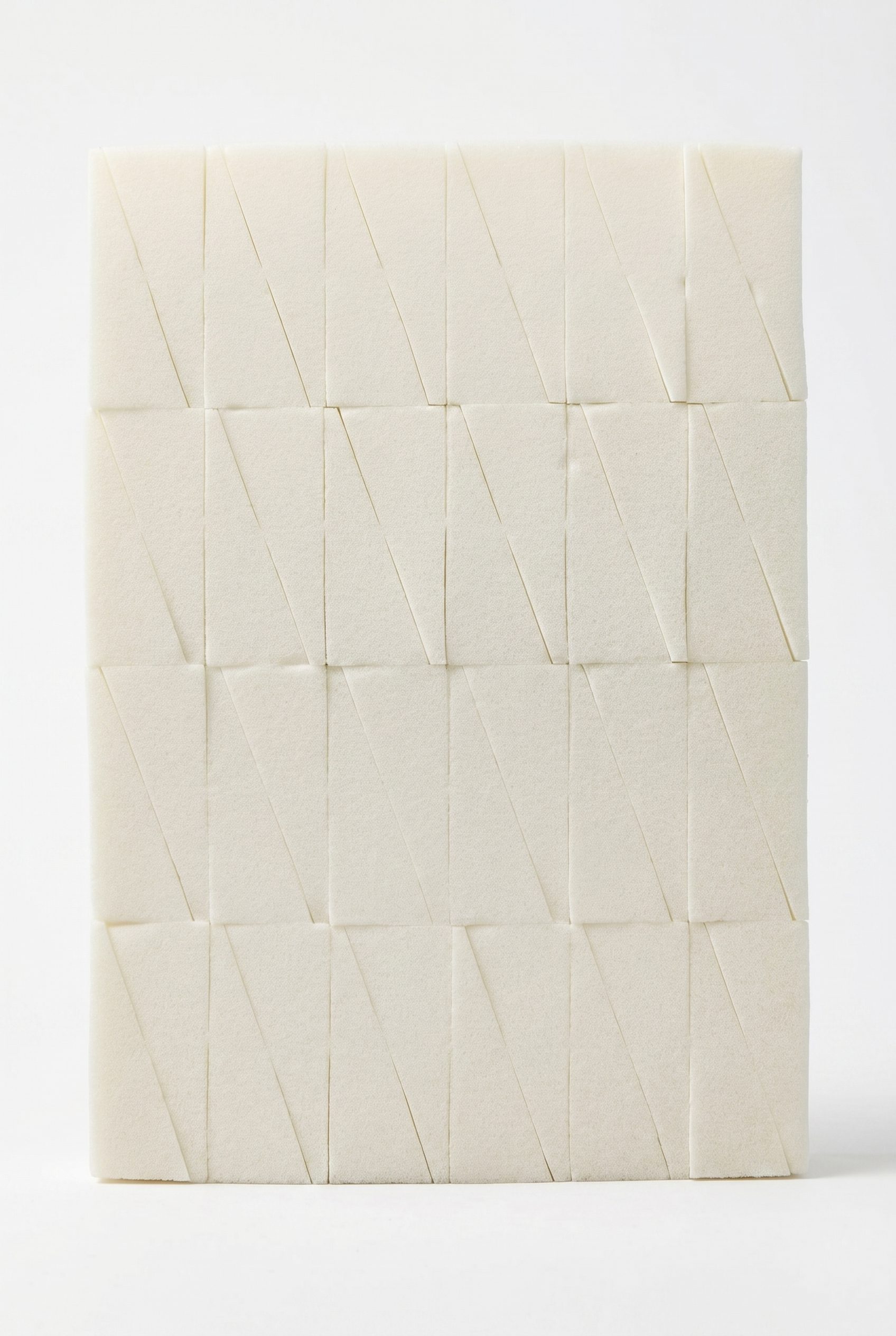
Cosmetic Wedges
Turn small beauty sponges into a clean Shopify gallery image with soft texture, scale, and a product-first crop.
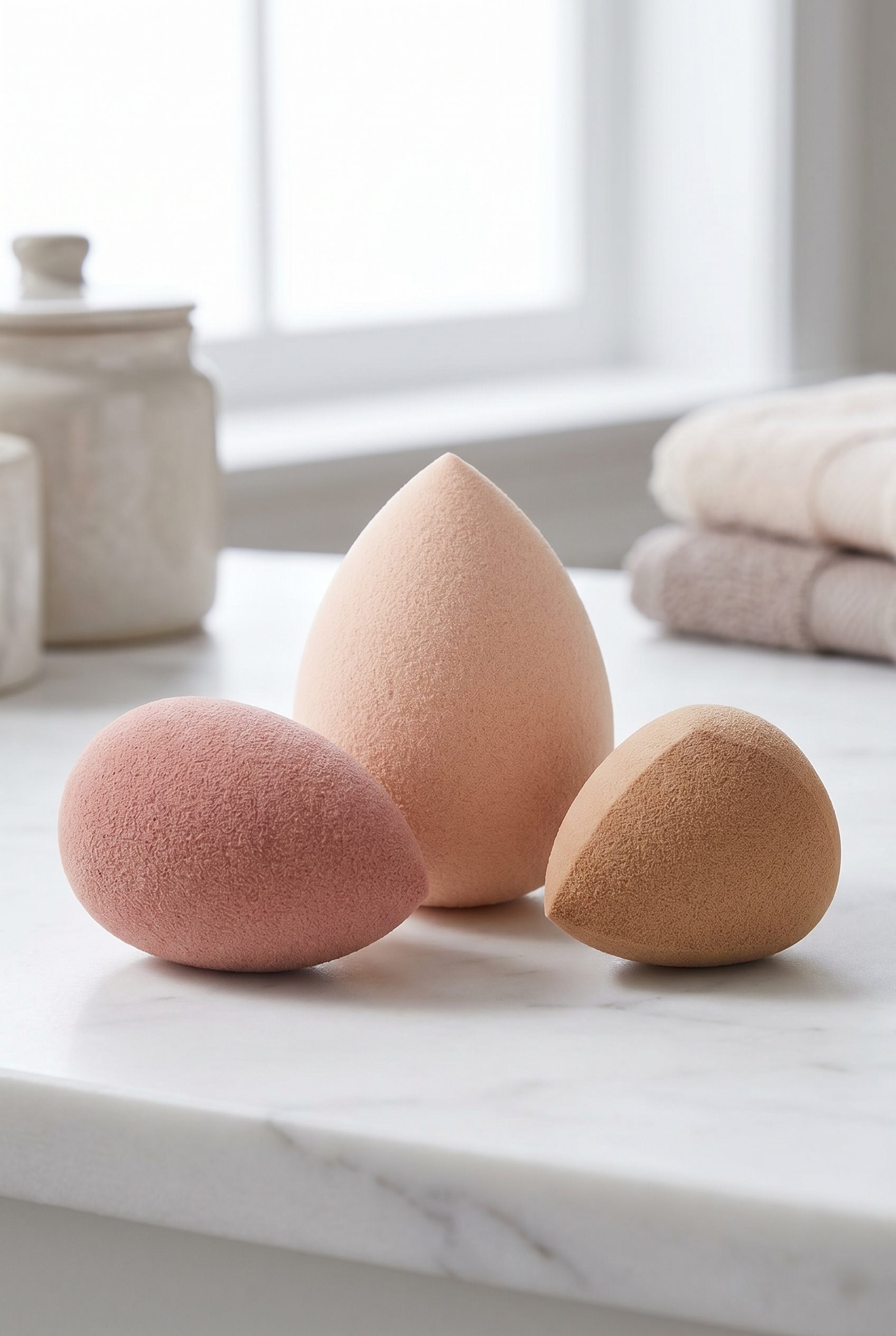
Makeup Sponges
Show makeup sponges with gentle styling and enough negative space for Shopify product-page and collection use.
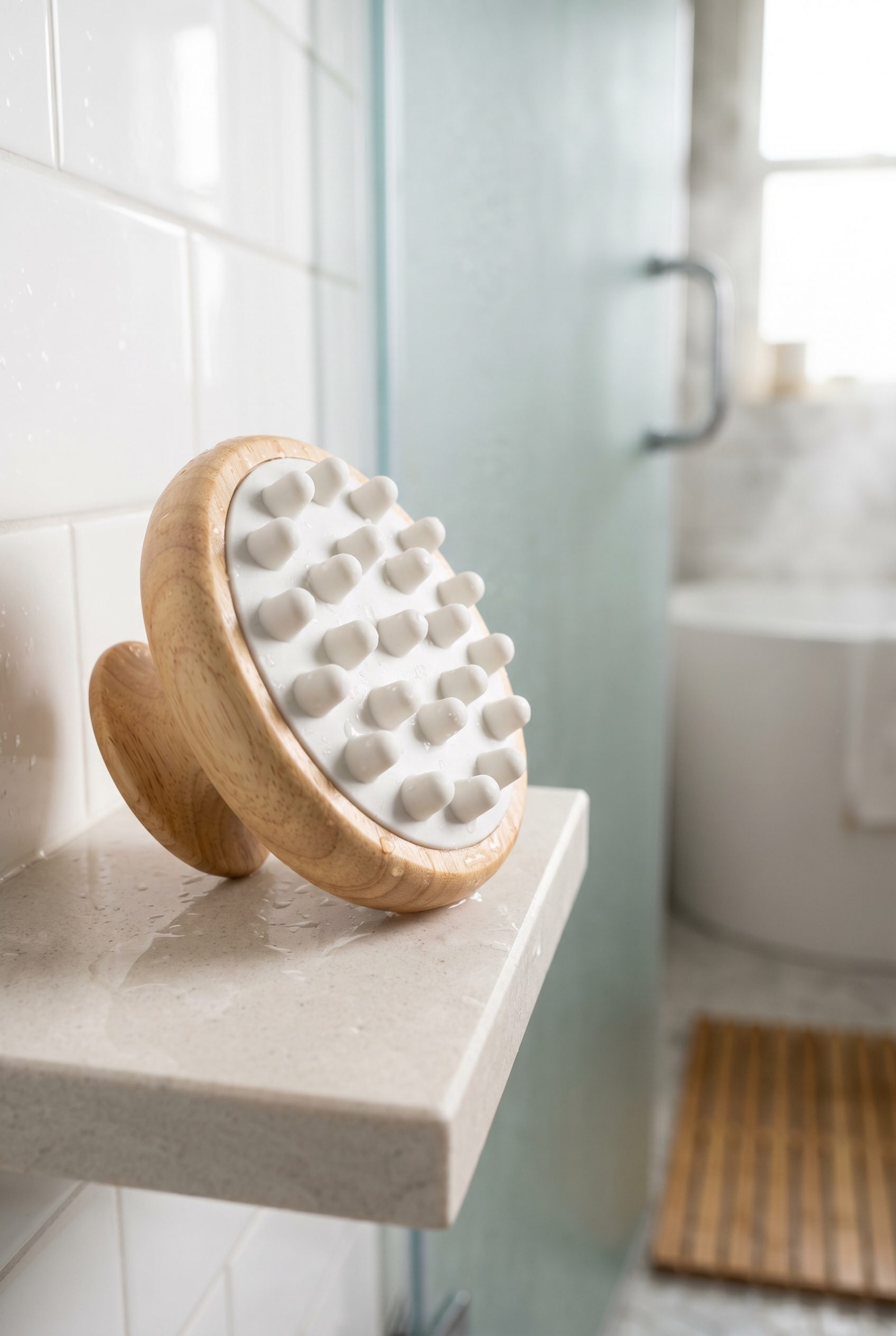
Wood Handle Scalp Massager
Create a tactile beauty-tool image where material, grip shape, and routine context are clear at thumbnail size.
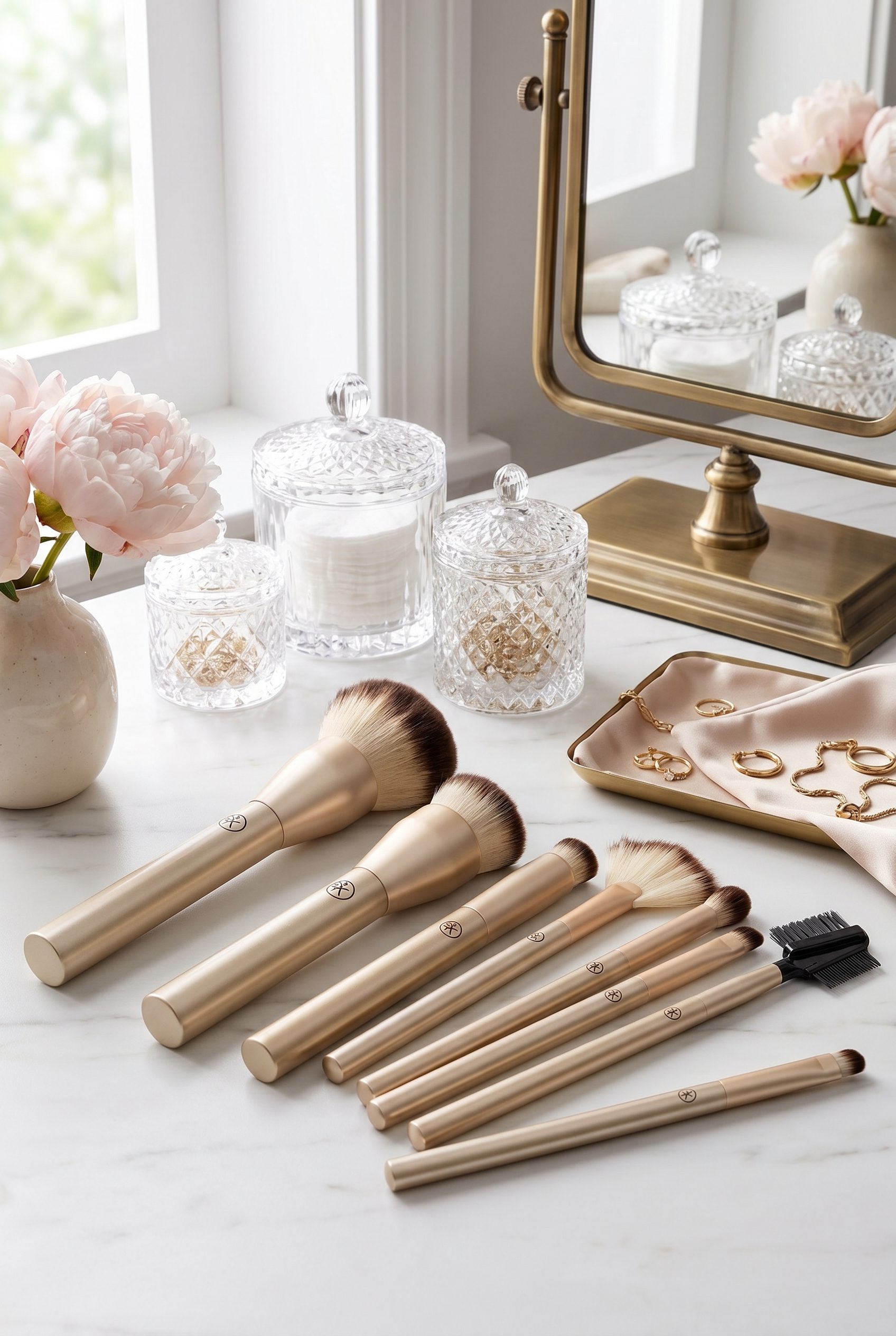
Black Handle Brush Set
Show a makeup brush set with clean arrangement, bristle detail, and a polished beauty-shop presentation.
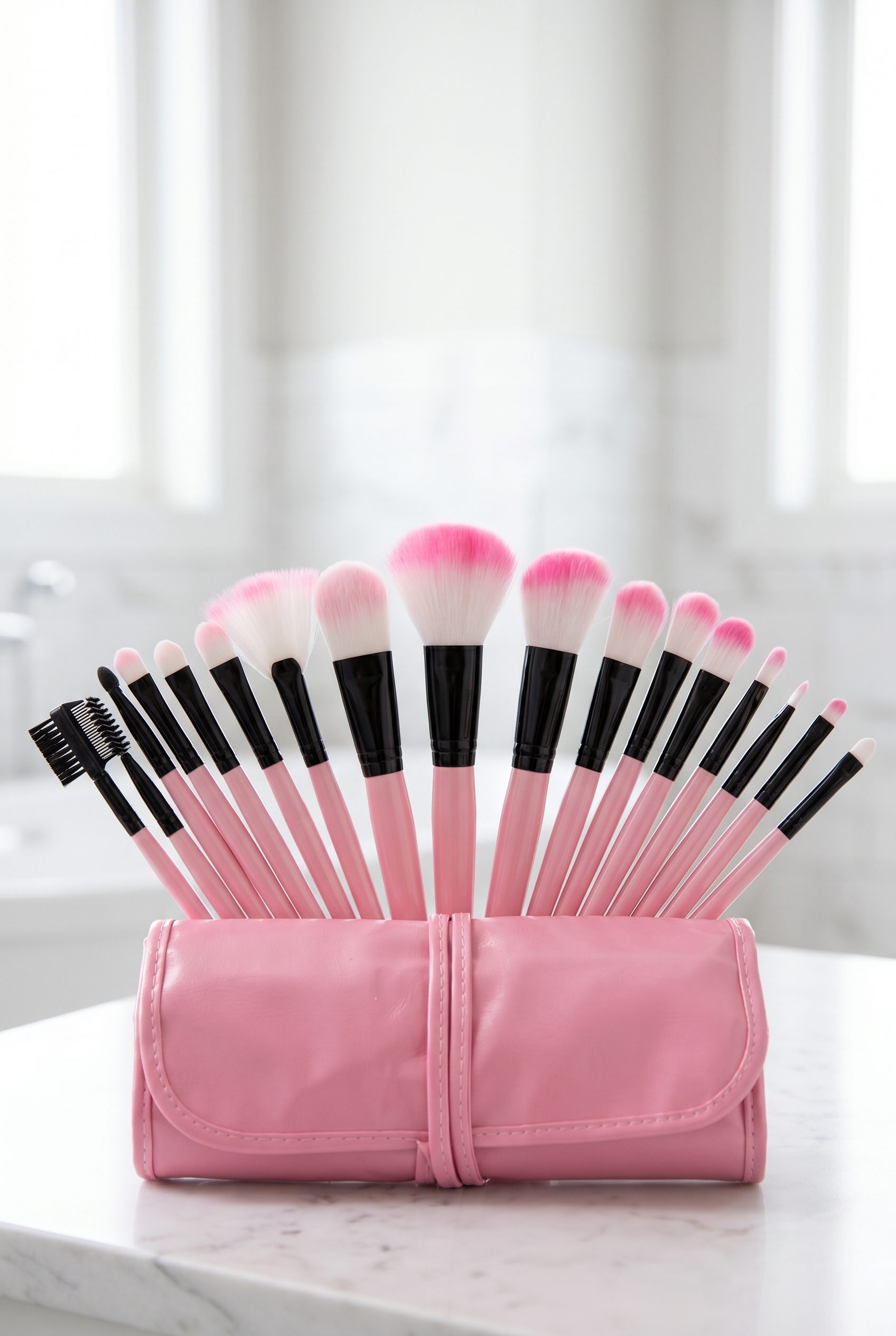
Pink Makeup Brush Kit
Make a colorful brush kit feel catalog-ready with clear product grouping and Shopify-friendly framing.
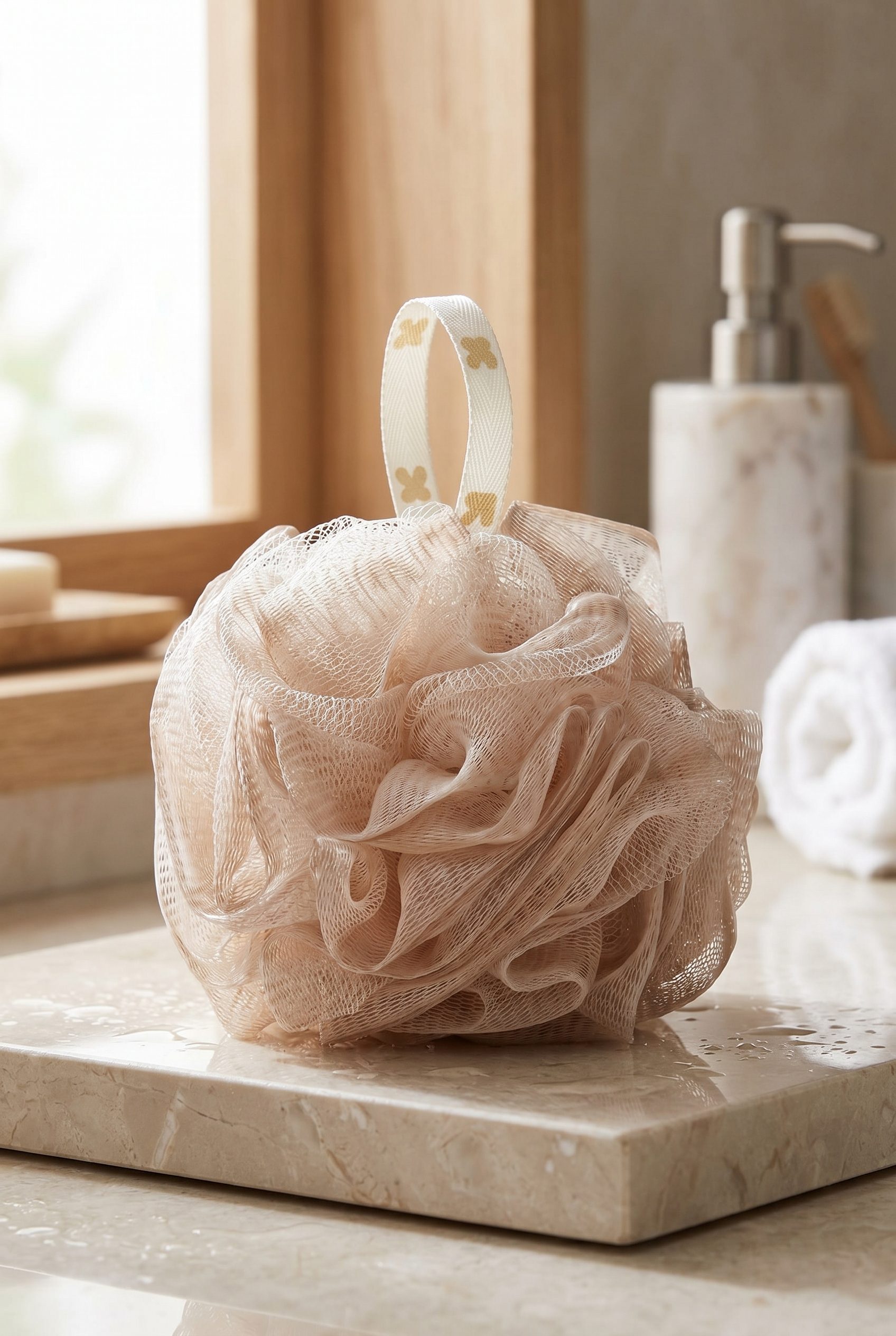
Natural Bath Loofah
Build a spa-style beauty image with texture, soft bathroom context, and a clear shoppable product focus.
Fashion and apparel examples for Shopify stores, ready for storefronts, listings, and seasonal drops.
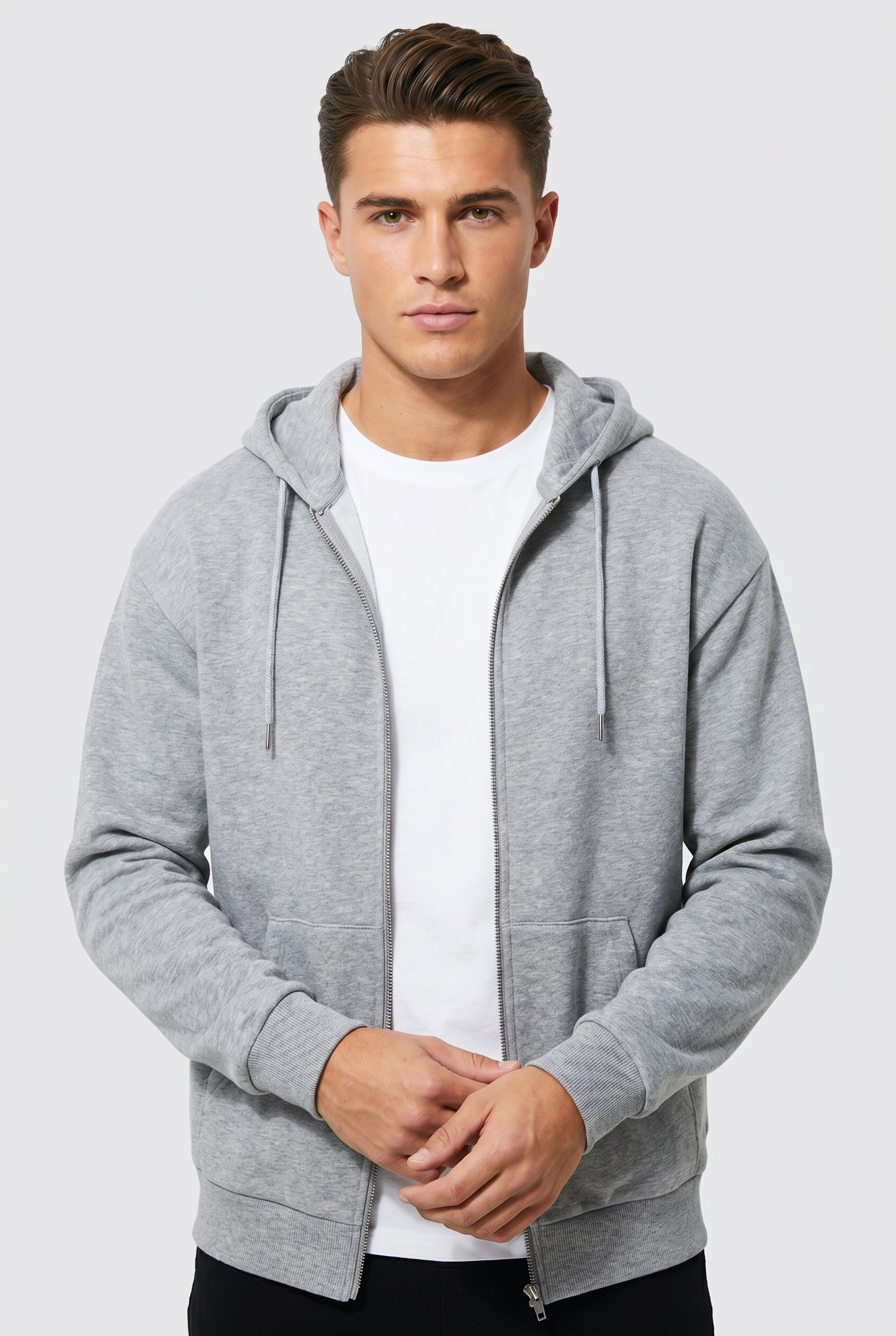
Gray Zip Hoodie
Show an apparel staple with model fit, zipper detail, and simple catalog styling for Shopify product pages.
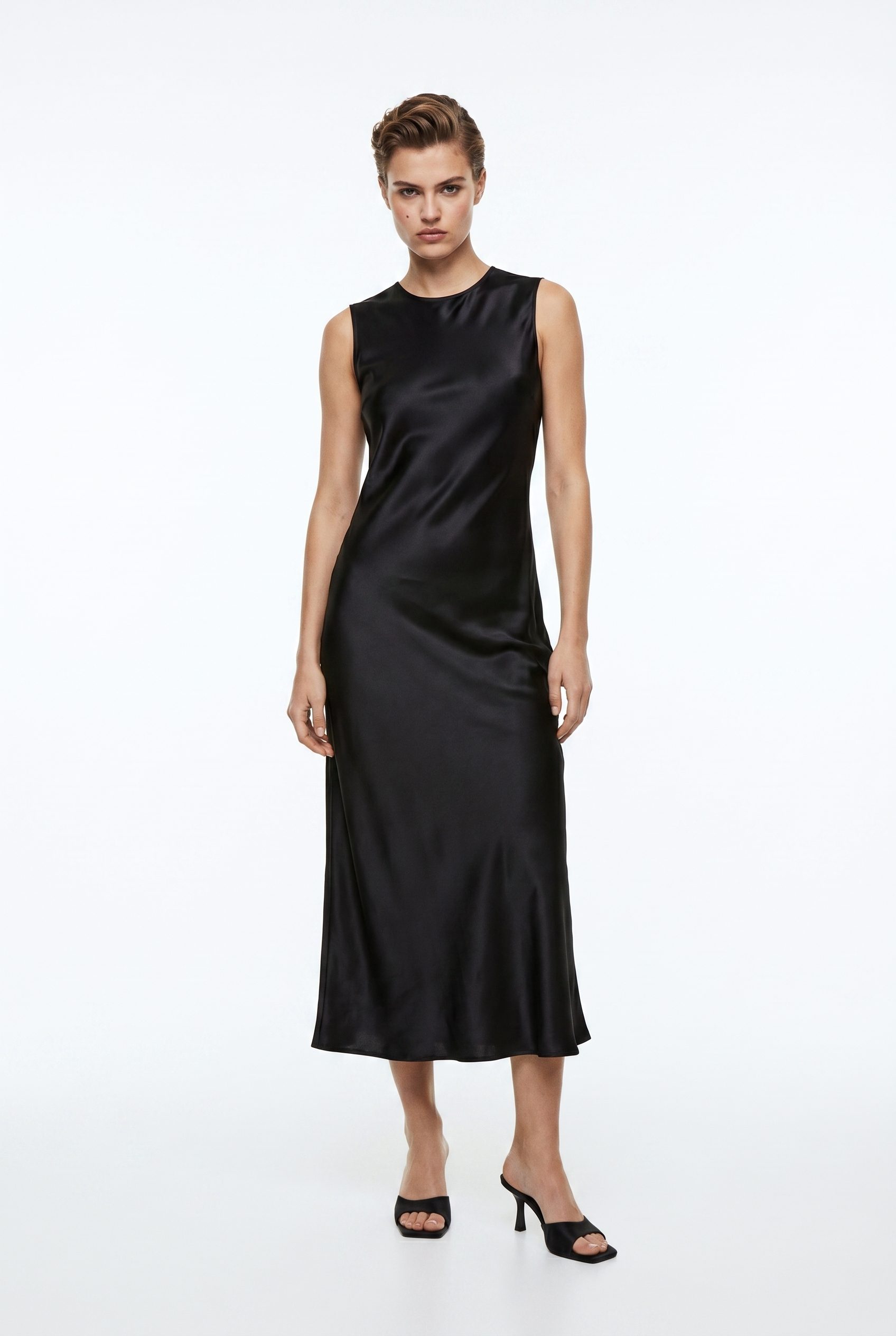
Black Satin Midi Dress
Turn a fashion item into a polished Shopify visual with full silhouette, fabric sheen, and model-led scale.
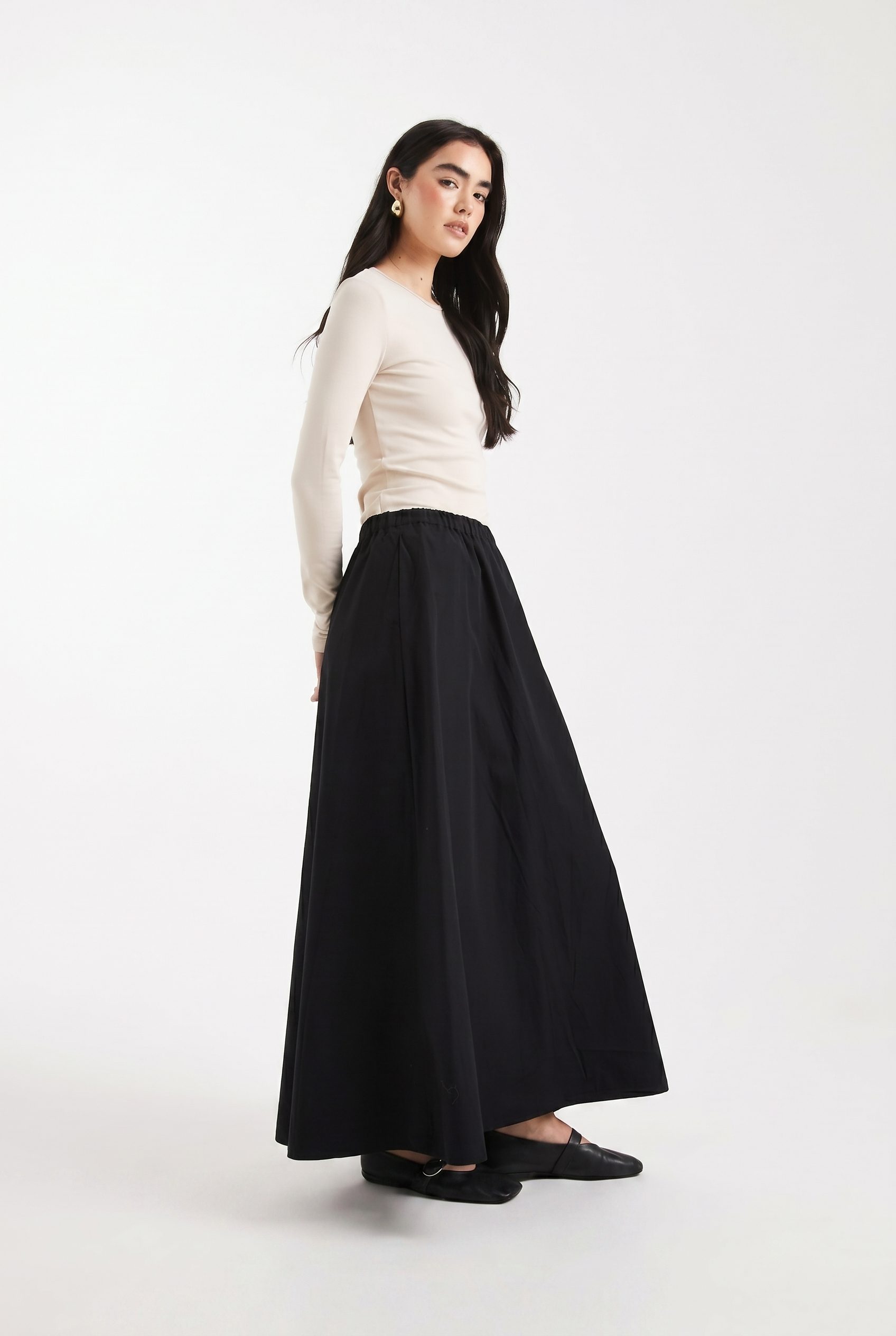
Black Maxi Skirt
Use a model-led apparel image to show skirt length, movement, and styling context without distracting props.
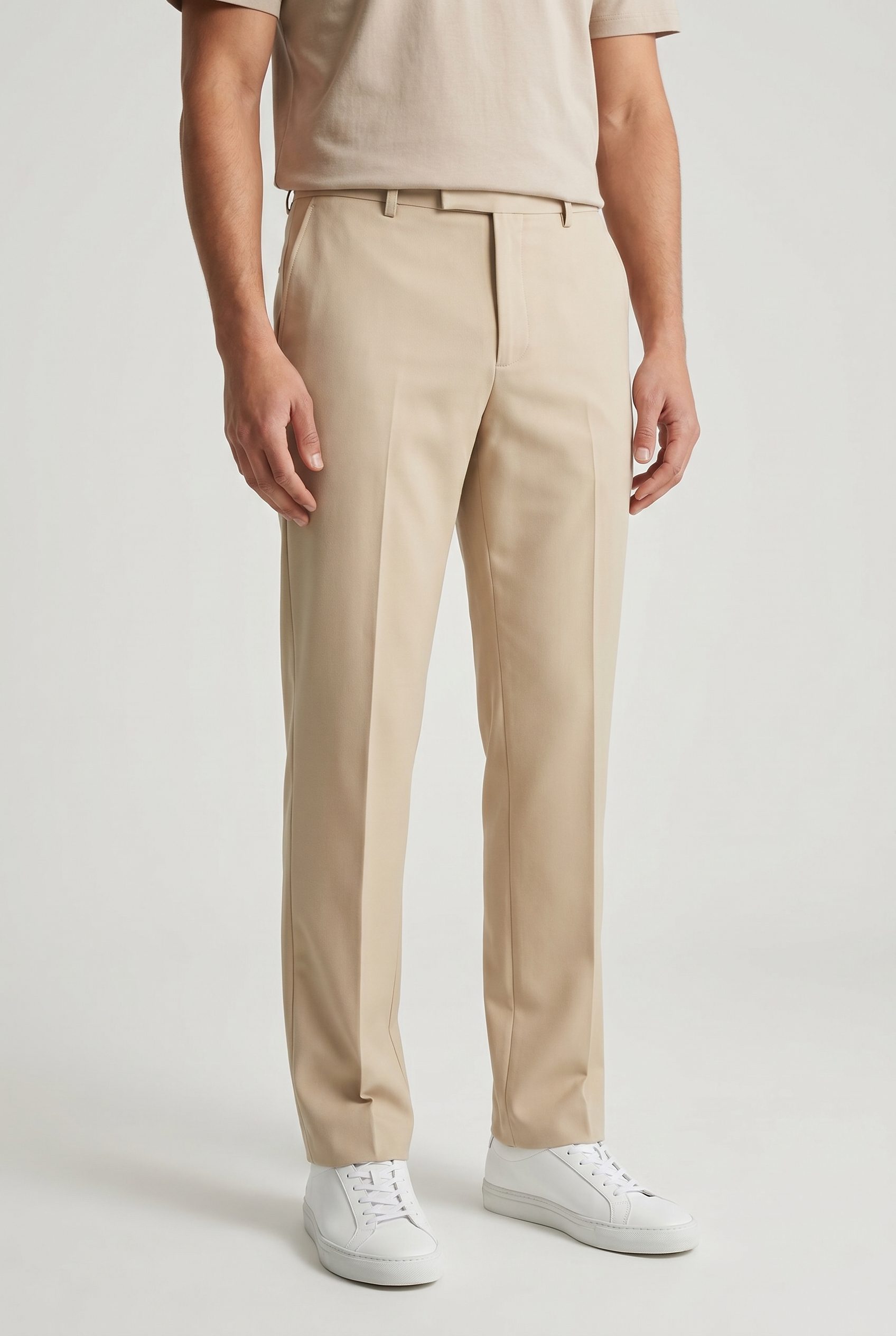
Stone Straight Leg Trousers
Show trousers with fit, fabric color, and lower-body crop controlled for fast Shopify comparison.
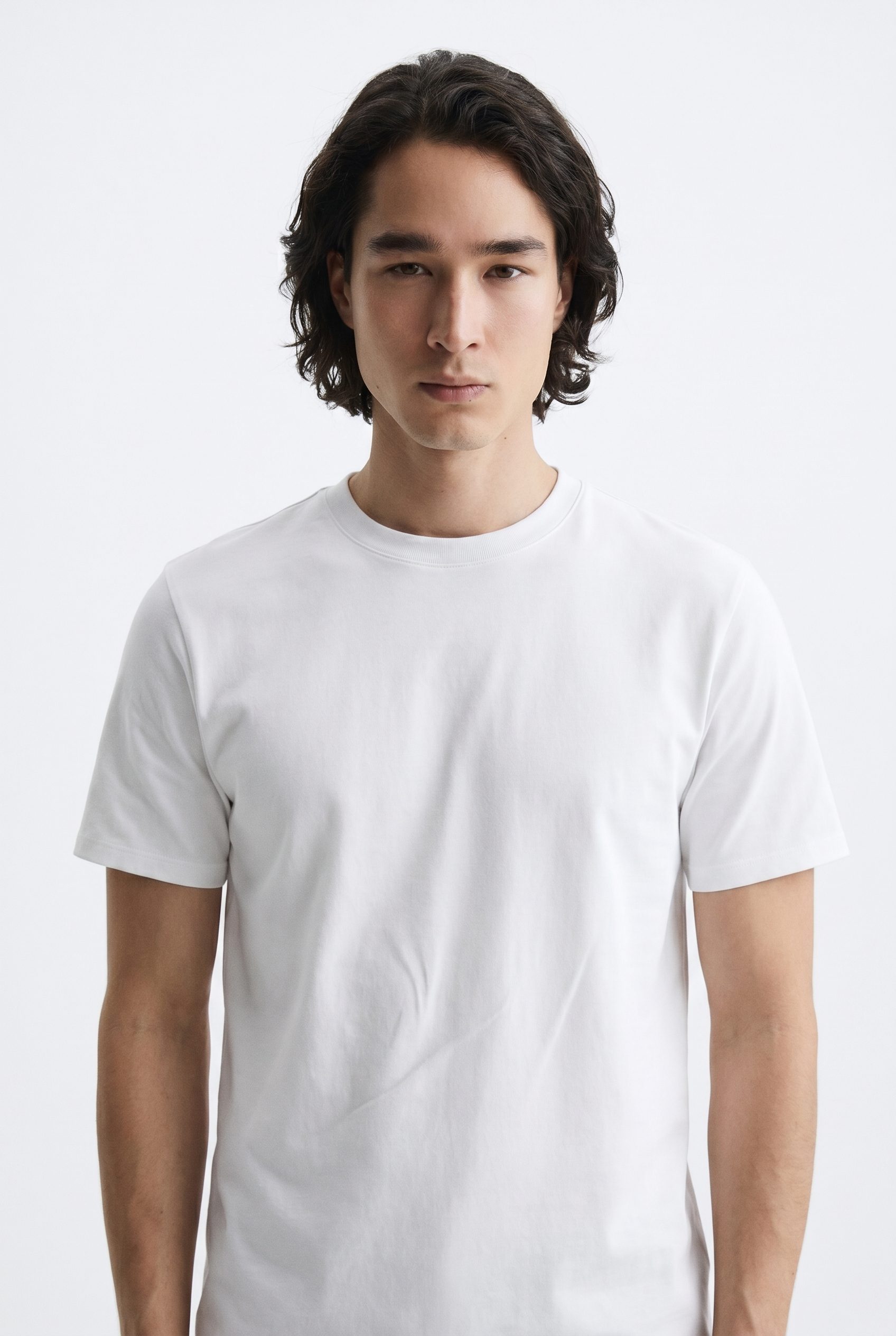
White T-Shirt
Create a simple apparel card where neckline, fit, and clean product color are easy to inspect.
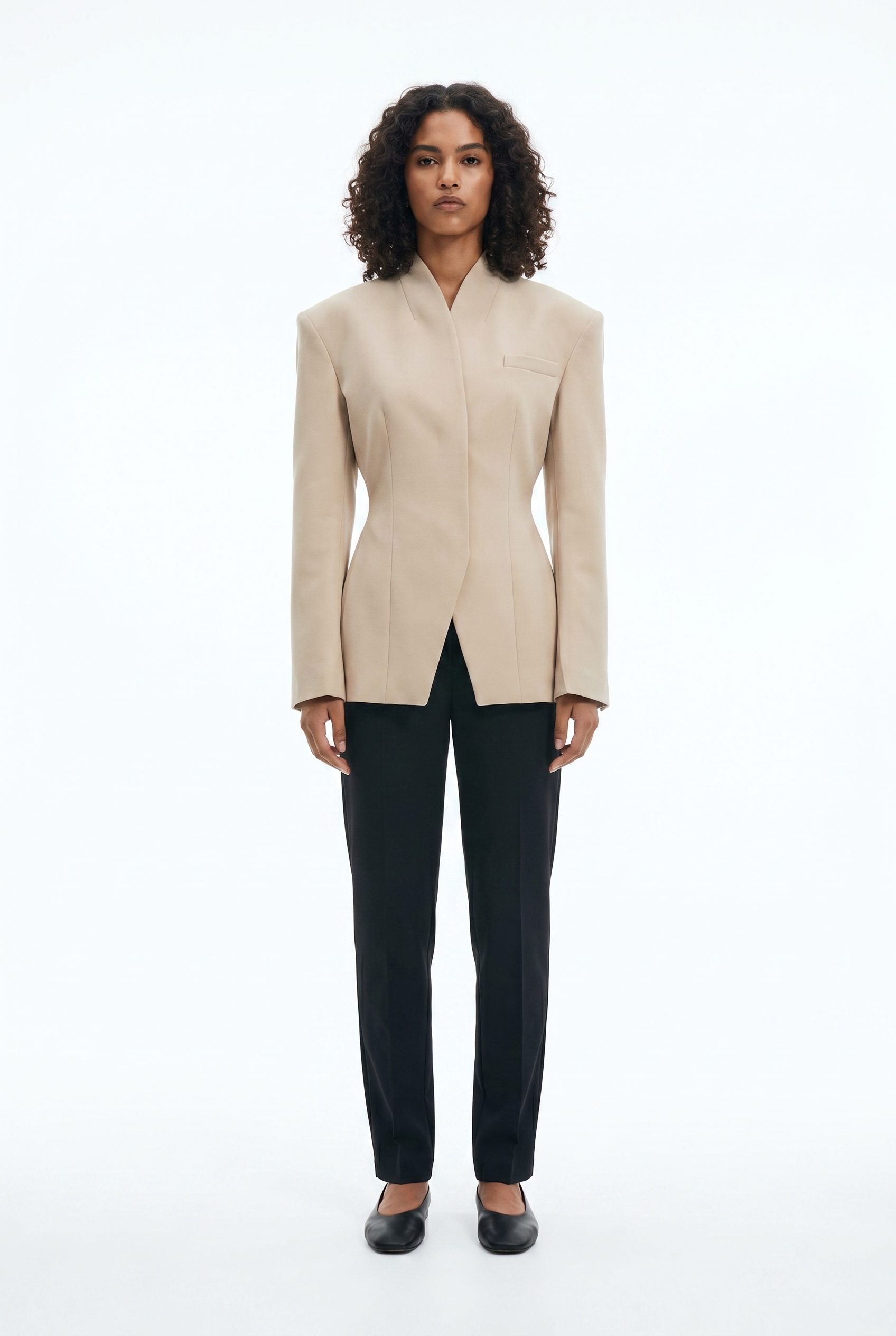
Beige Wrap Blazer
Present outerwear with shape, closure detail, and styling that fits a Shopify catalog refresh.
Home goods and decor visuals for Shopify stores, ready for catalog pages and lifestyle galleries.
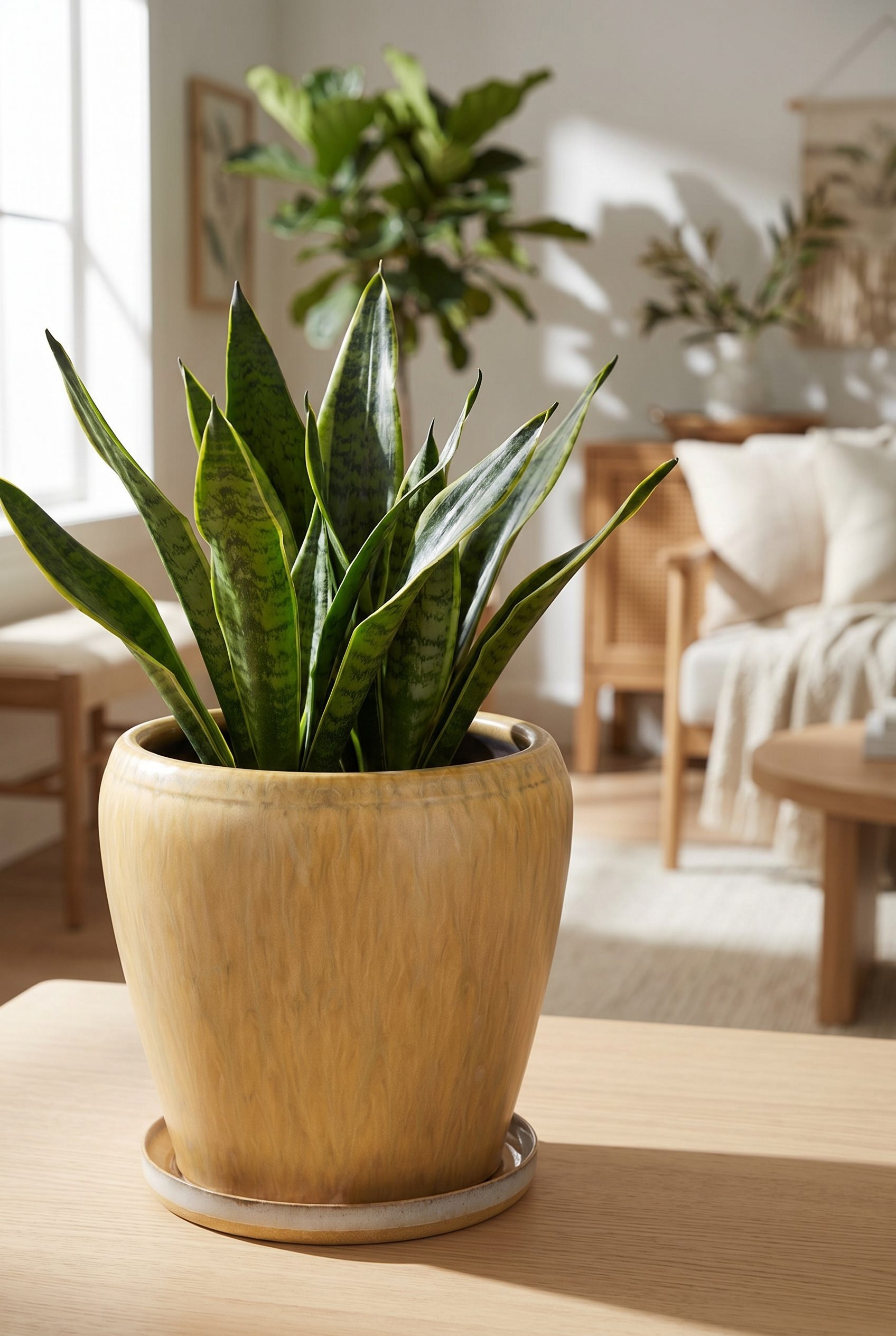
Ceramic Planter
Show a home-decor planter with plant scale, warm room context, and clear product boundaries.
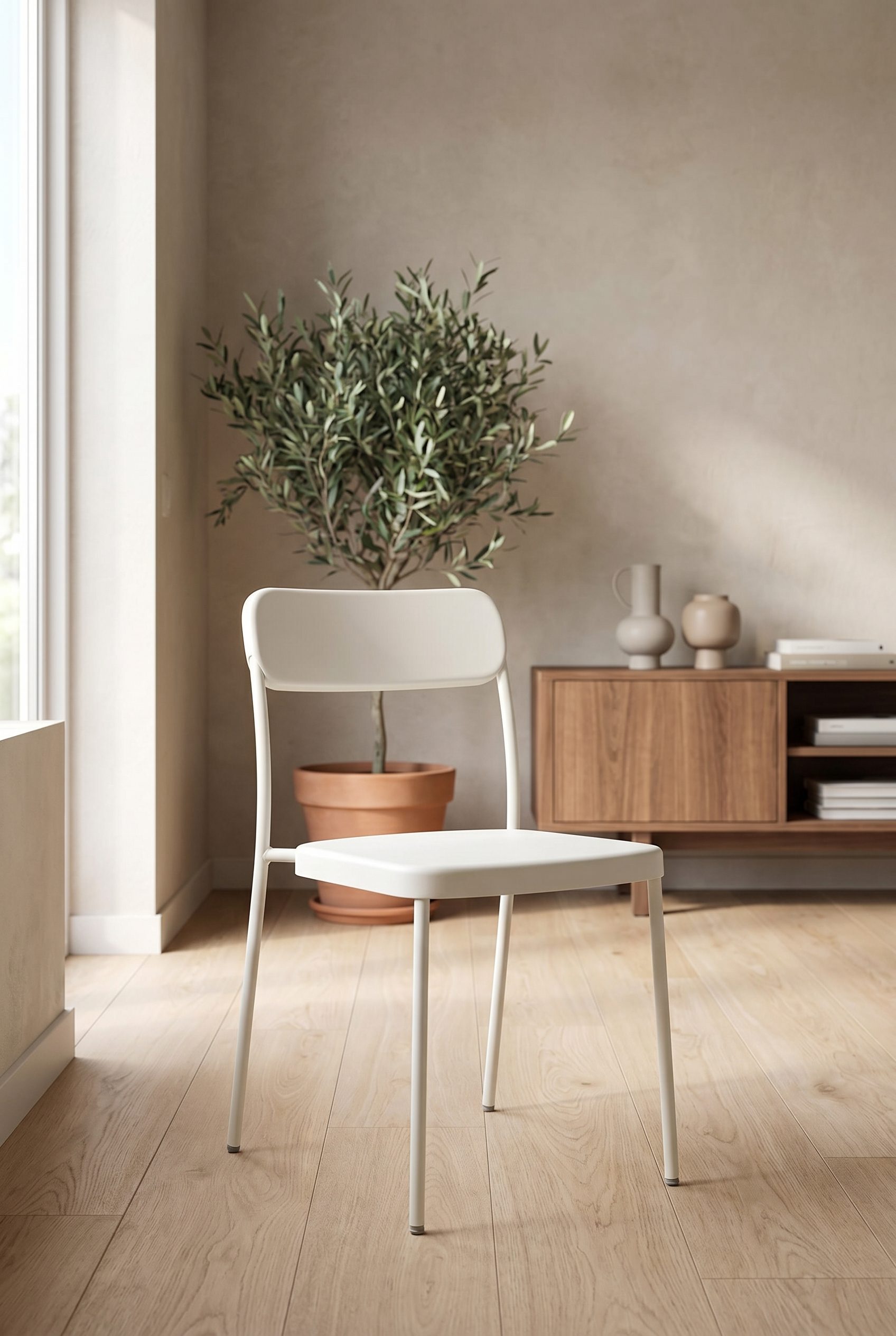
White Chair
Create a furniture listing image where chair shape, material, and room scale read clearly.
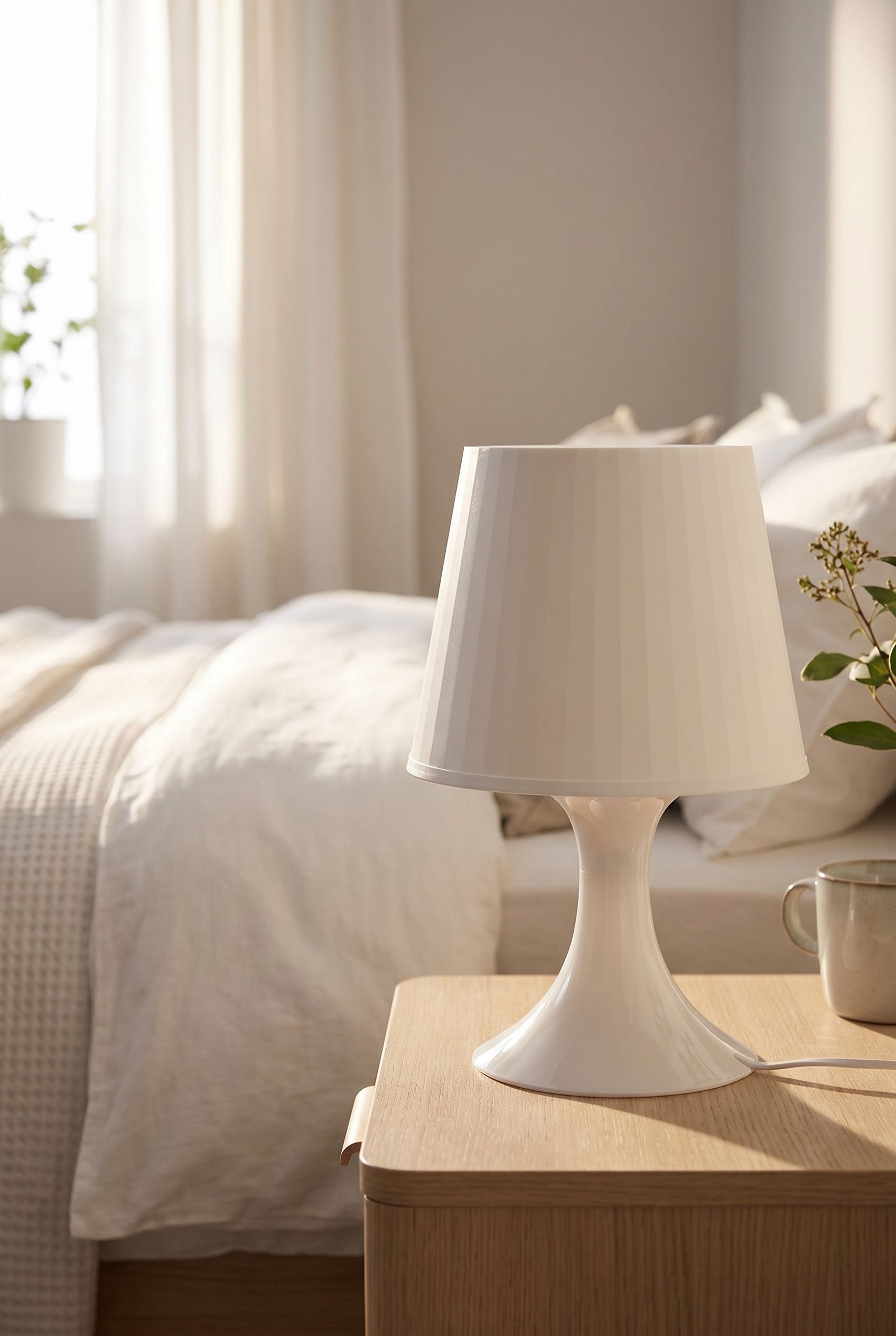
White Bedside Lamp
Show a bedside lamp with shade shape, base detail, and lifestyle context while keeping the item dominant.
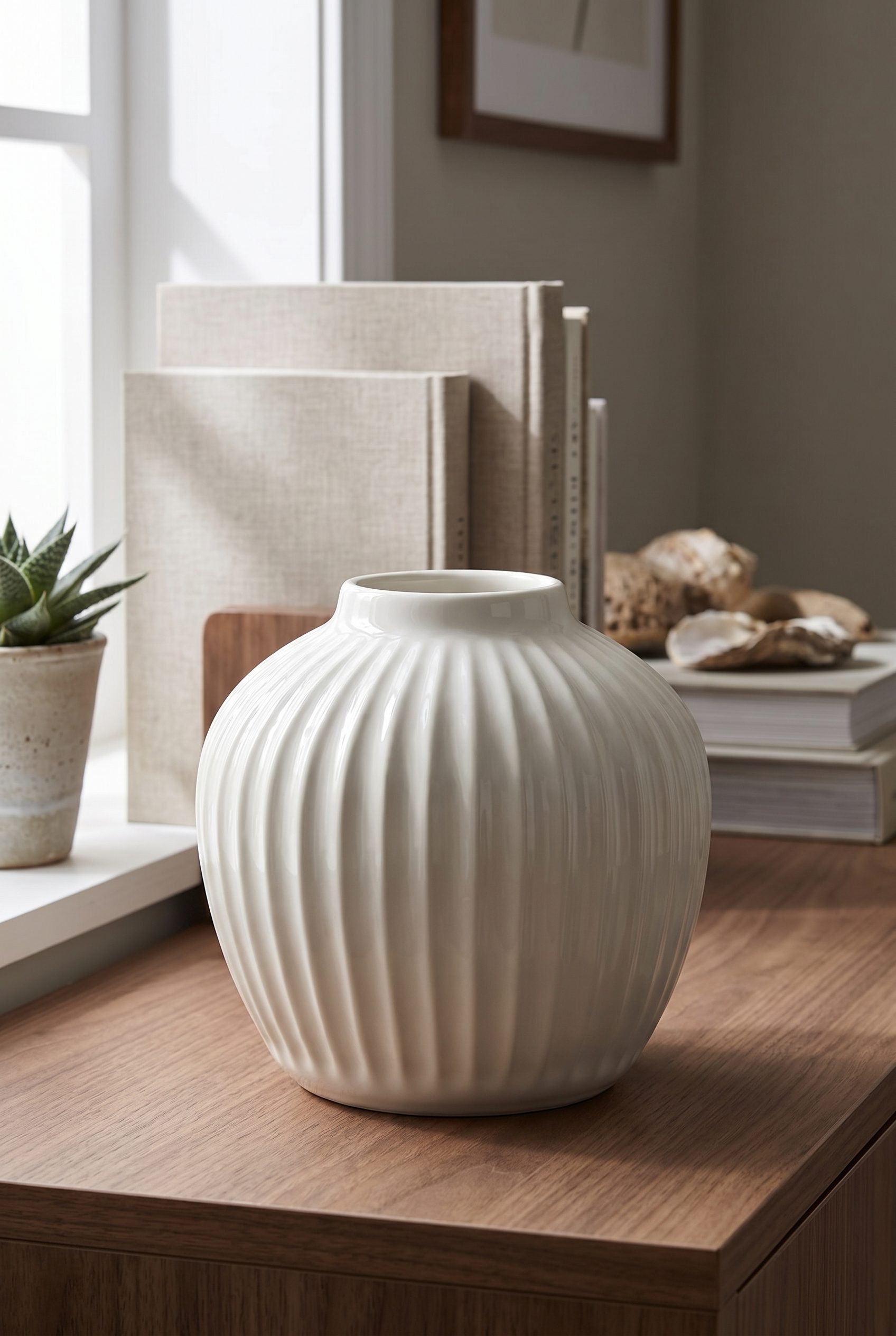
White Ceramic Vase
Highlight a ceramic vase with ribbed texture, tabletop scale, and clean home-decor styling.
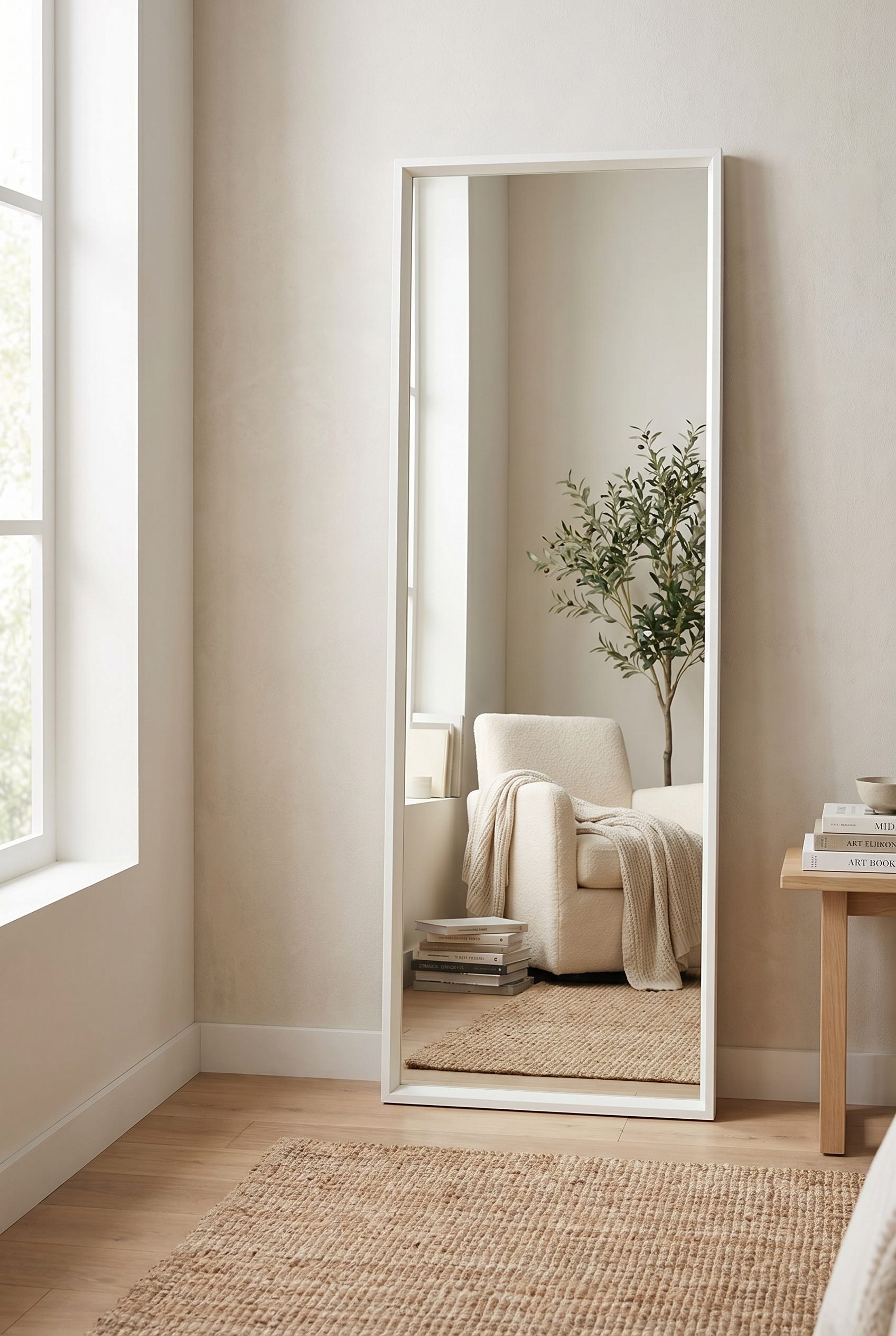
White Floor Mirror
Show a mirror in a room scene with height, reflection control, and product scale made easy to compare.
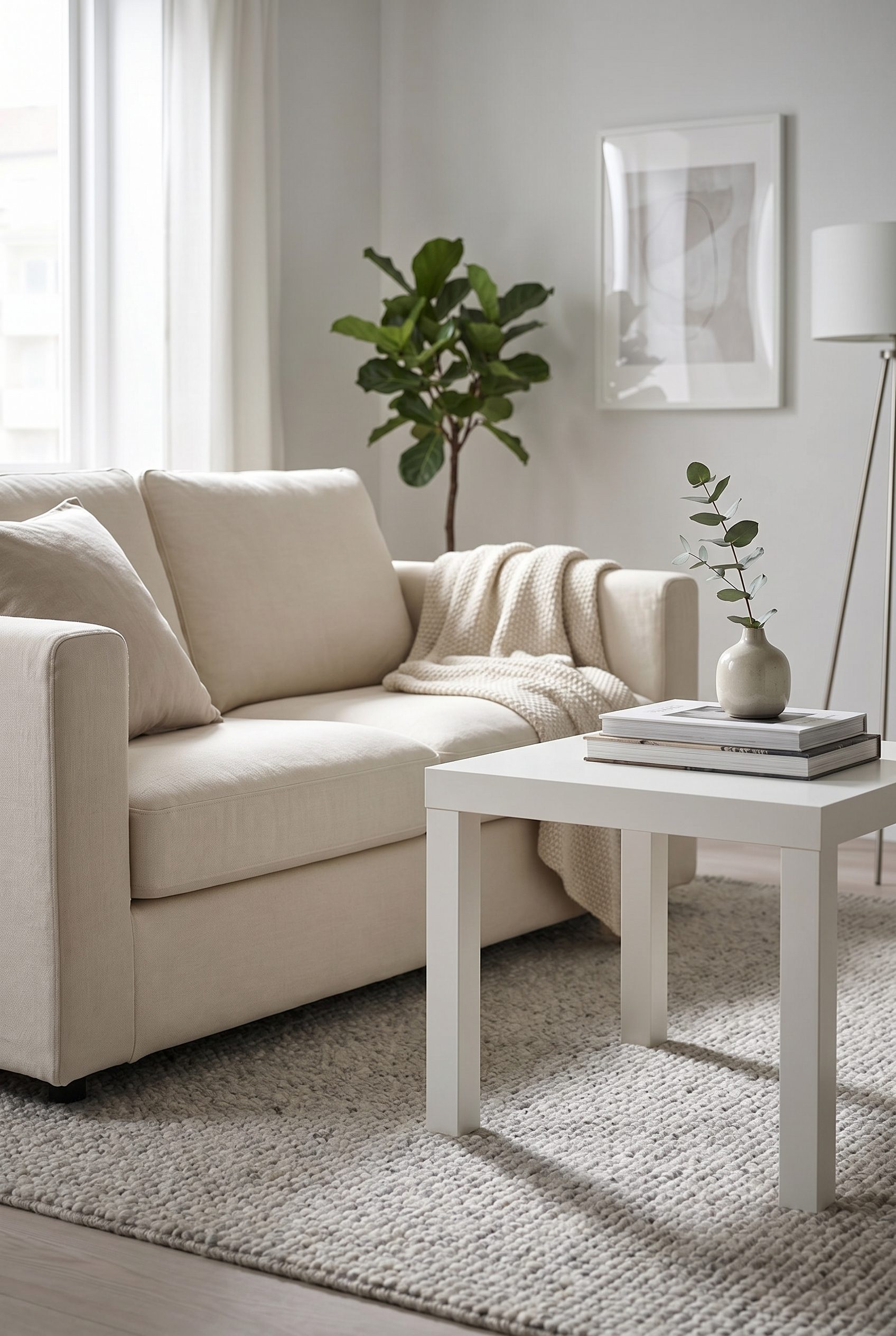
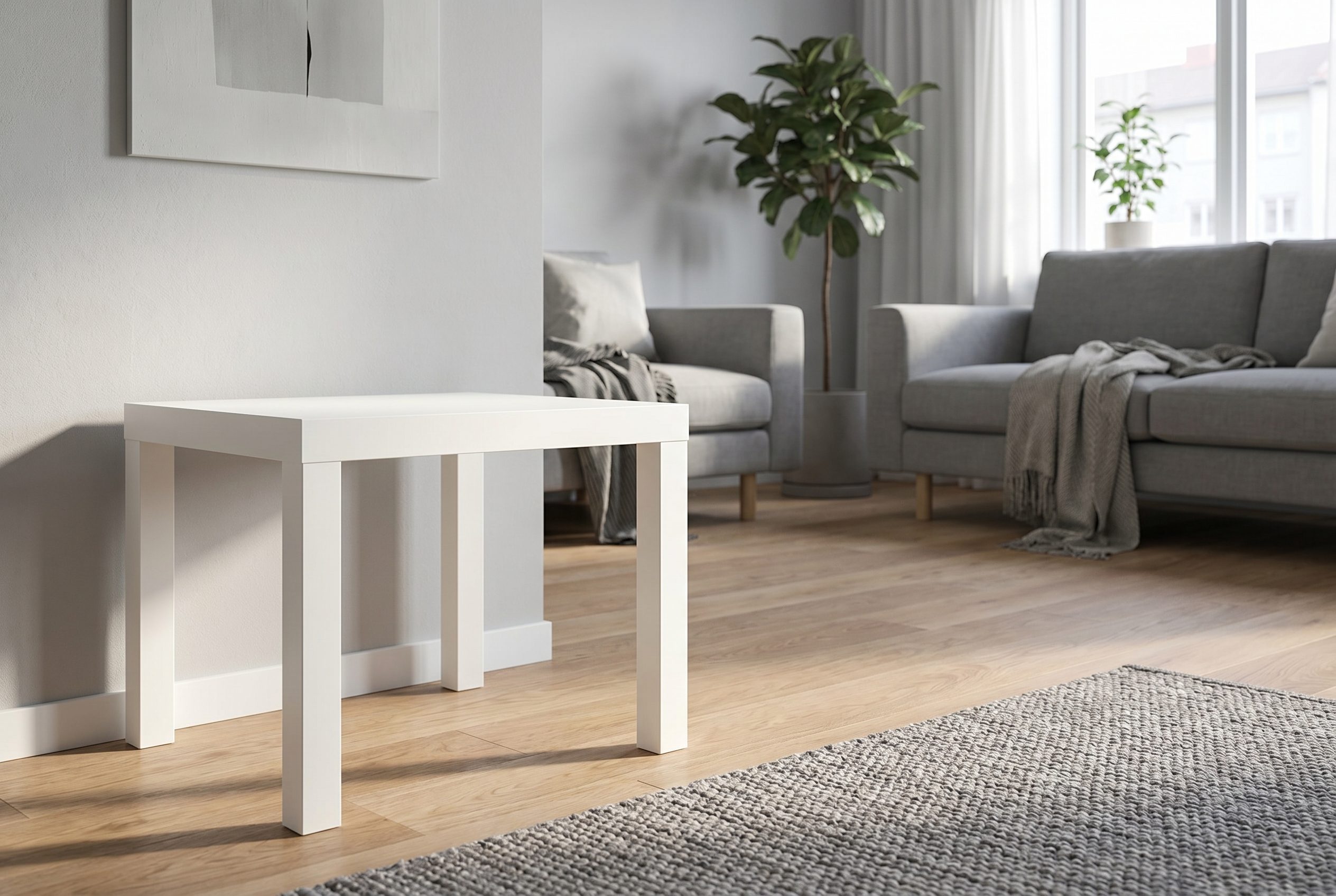
White Side Table
Create a home-goods card where table proportions, finish, and sofa-side use are immediately clear.
Food and beverage product visuals for Shopify stores, ready for listings, bundles, and promotions.
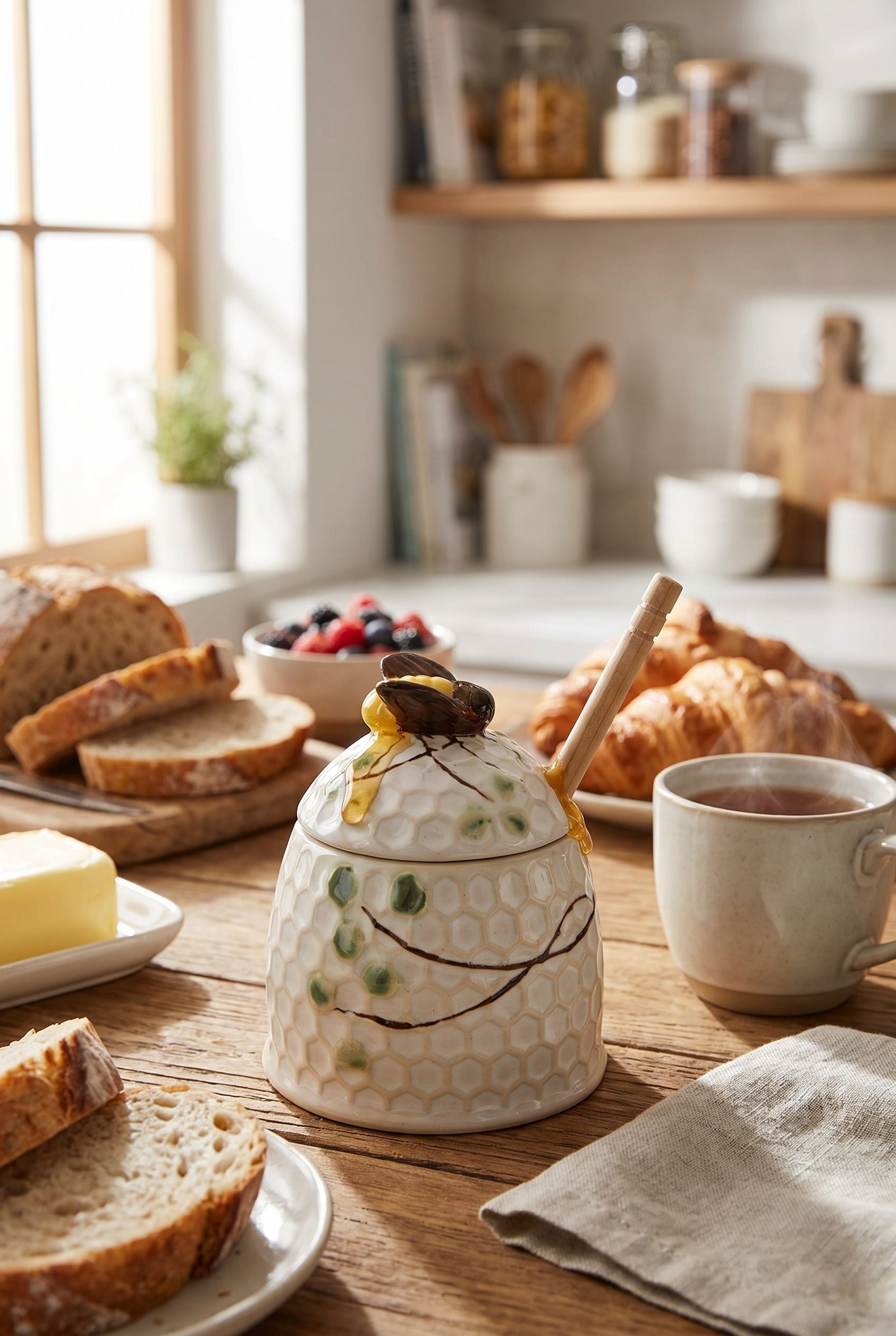
Honey Jar Pantry Scene
Show a food jar with pantry context, ingredient cues, and product-first framing for Shopify food listings.
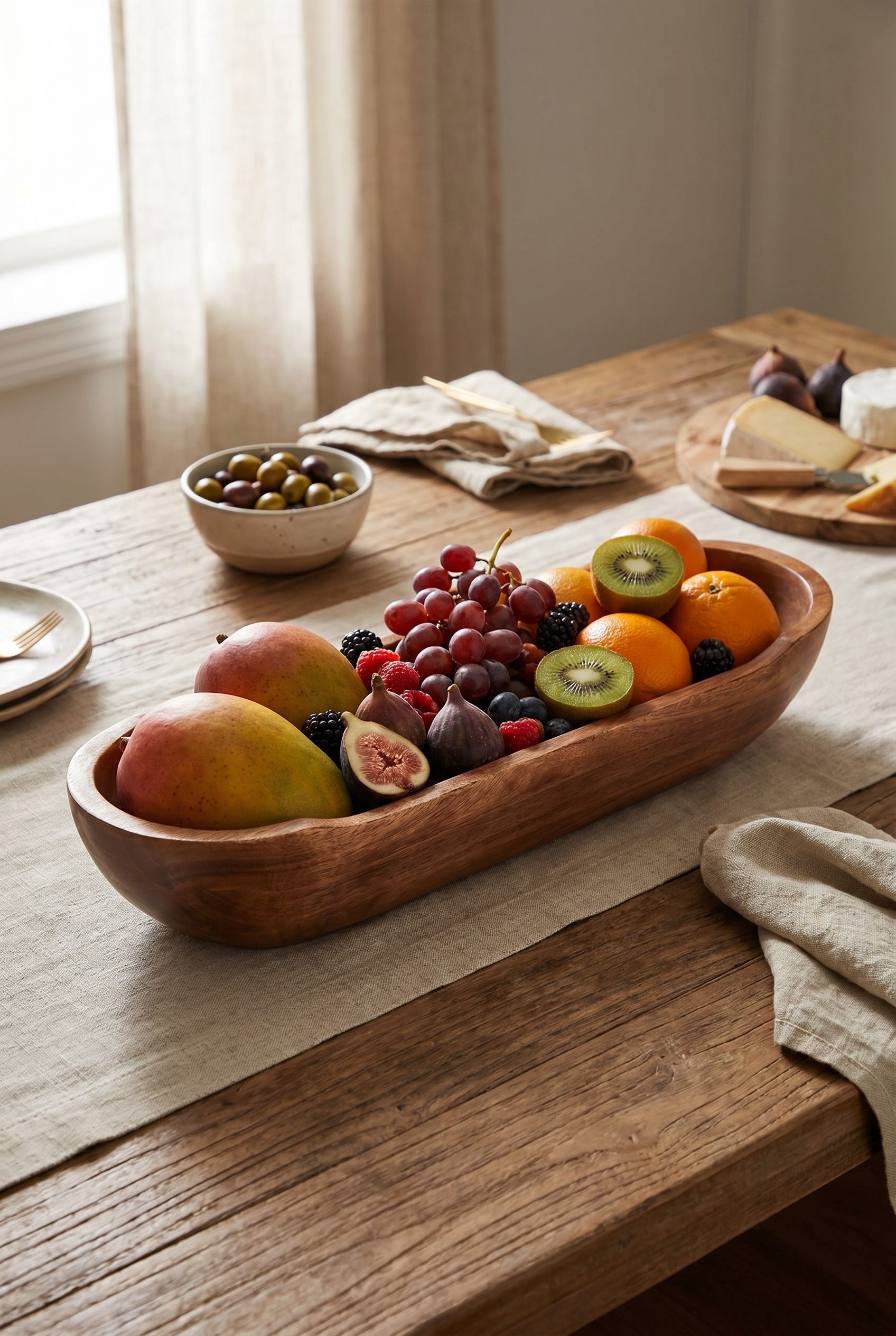
Mango Wood Serving Bowl
Turn a serving bowl into a warm kitchen image with material, size, and tabletop use clearly shown.
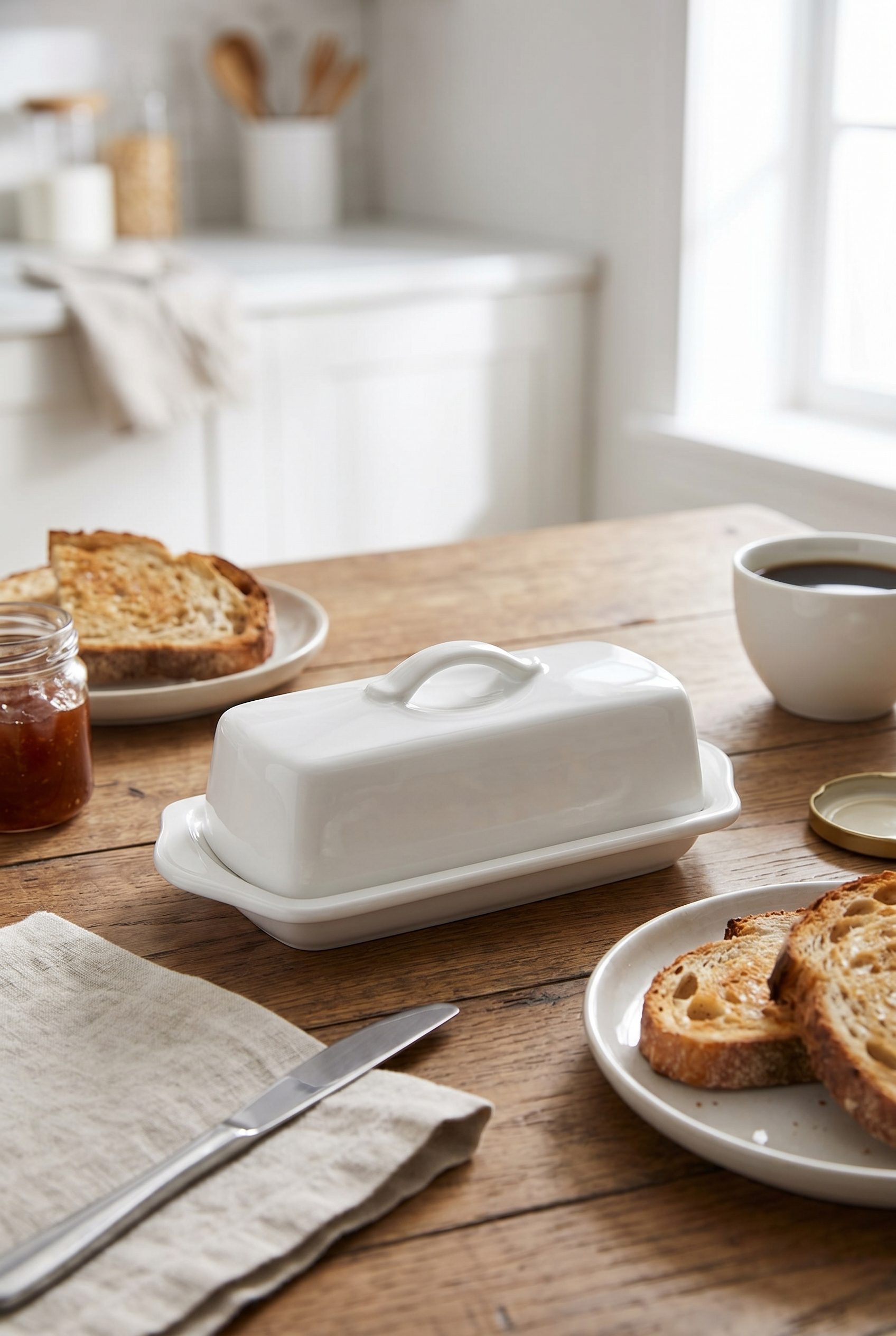
White Butter Dish
Show a butter dish with scale, lid detail, and serving context for a Shopify kitchen listing.
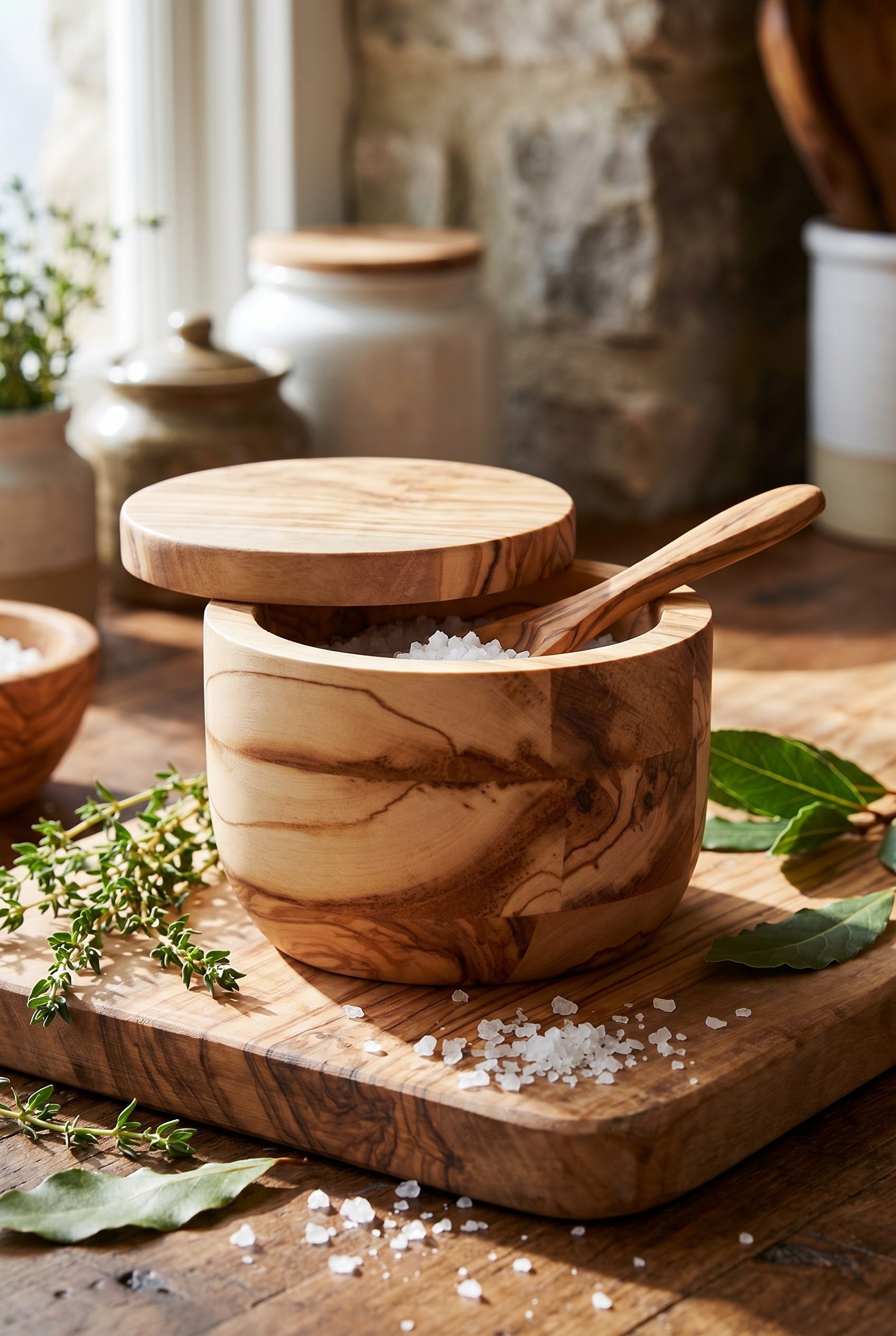
Wood Salt Cellar
Create a food-and-kitchen visual with wood grain, lid detail, and simple ingredient cues.
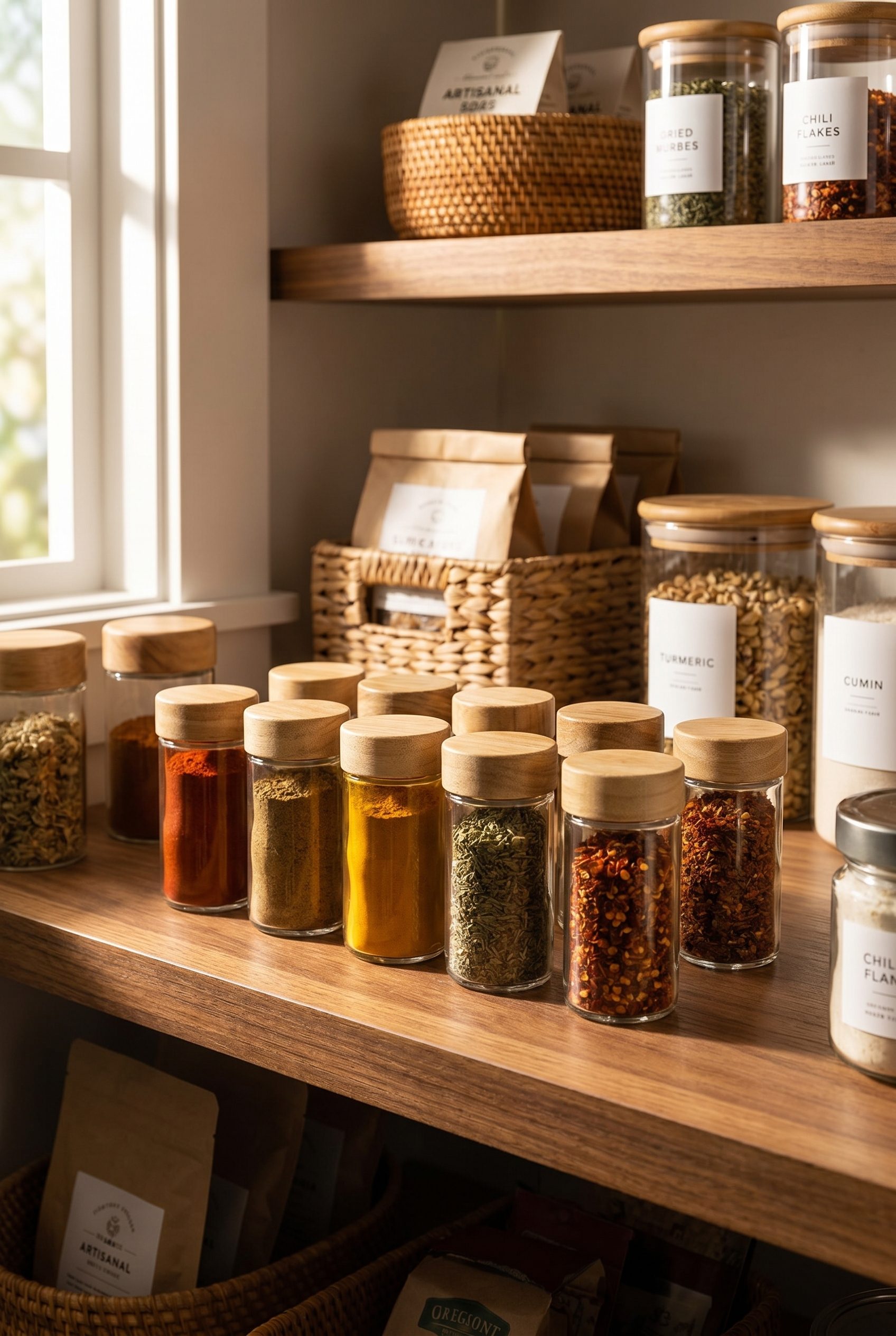
Glass Spice Jar Set
Show a pantry set with label-free jars, color variety, and shelf context that still keeps products readable.
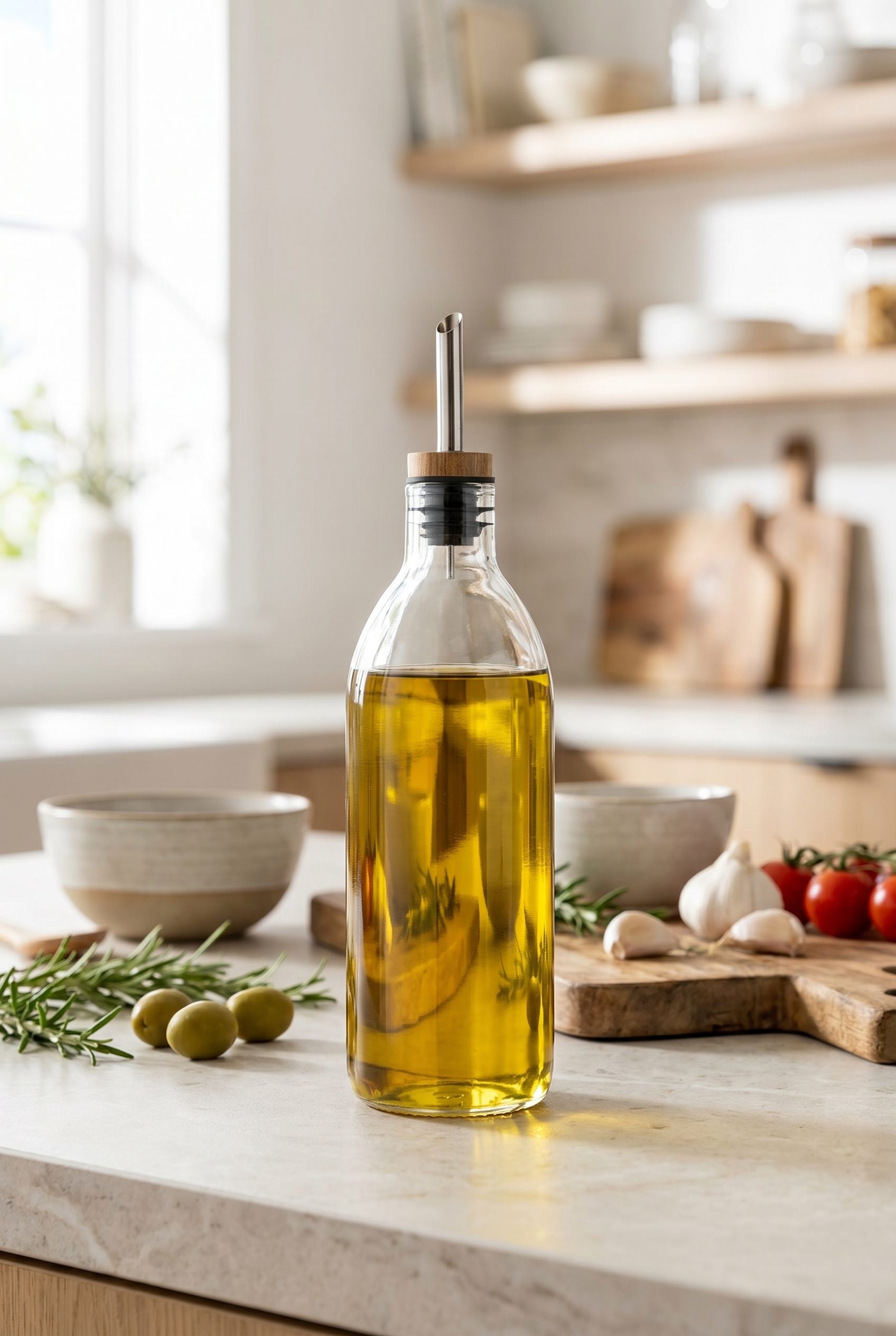
Clear Olive Oil Bottle
Make a bottle product feel Shopify-oriented with transparent glass, ingredient context, and clean marketplace framing.
Electronics product images for Shopify stores, ready for listings, feature galleries, and variants.
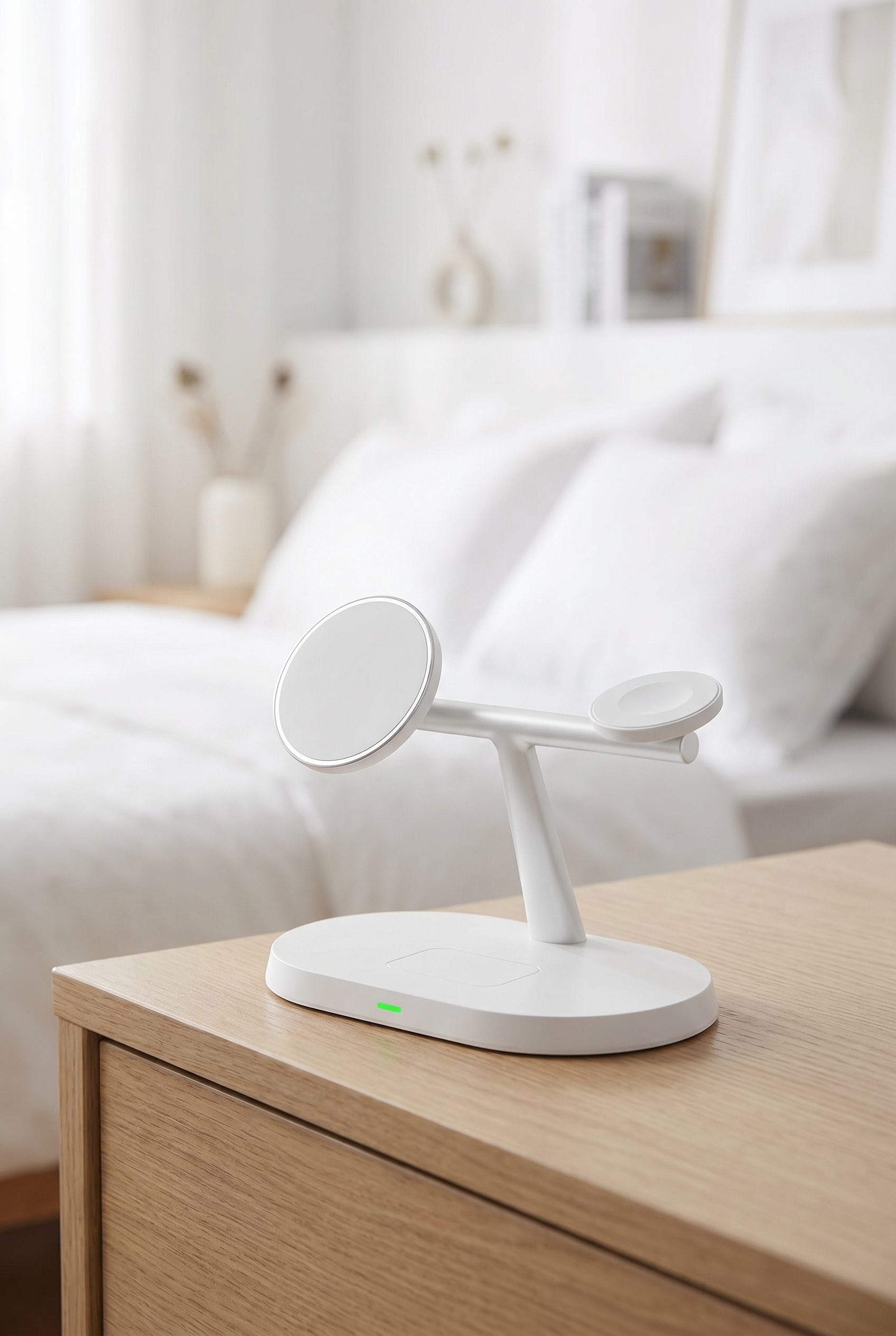
White Charging Station
Show an electronics accessory with clean shape, charging angle, and desk-scale context for Shopify listings.
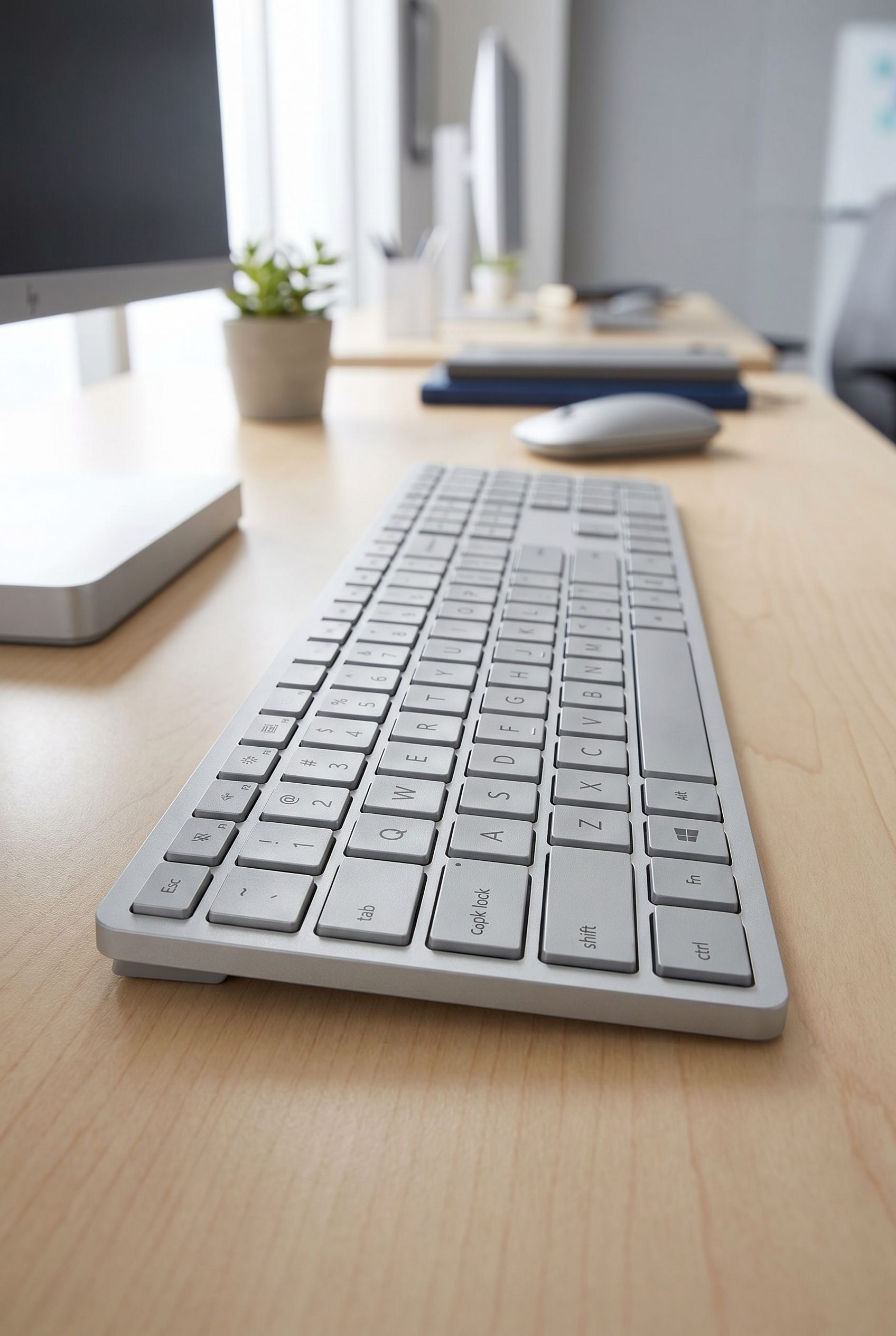
Silver Wireless Keyboard
Create a keyboard image where key layout, finish, and workspace use are easy to inspect.
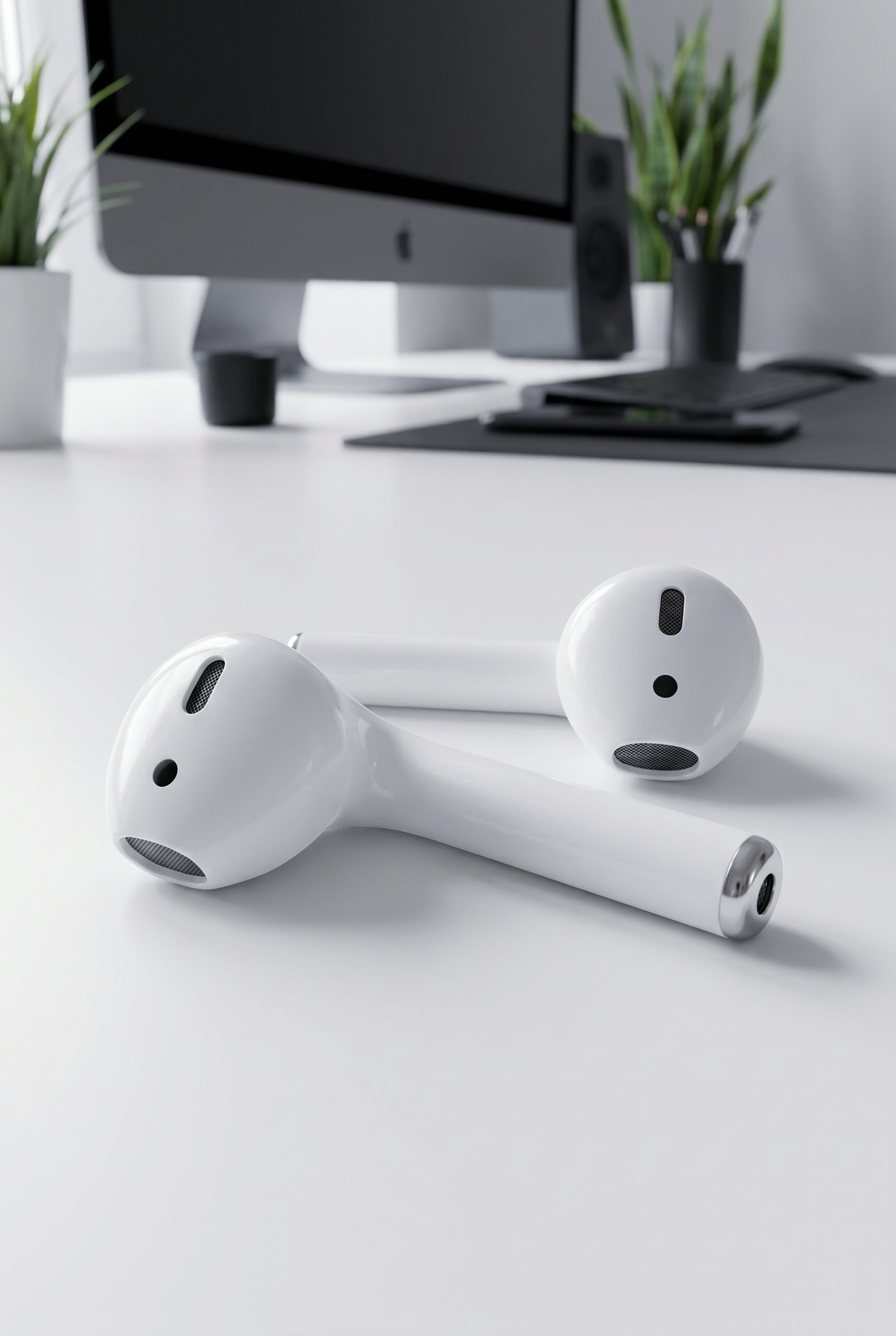
White Earbuds
Show small earbuds with clean product separation, case-free detail, and enough white space for catalog use.
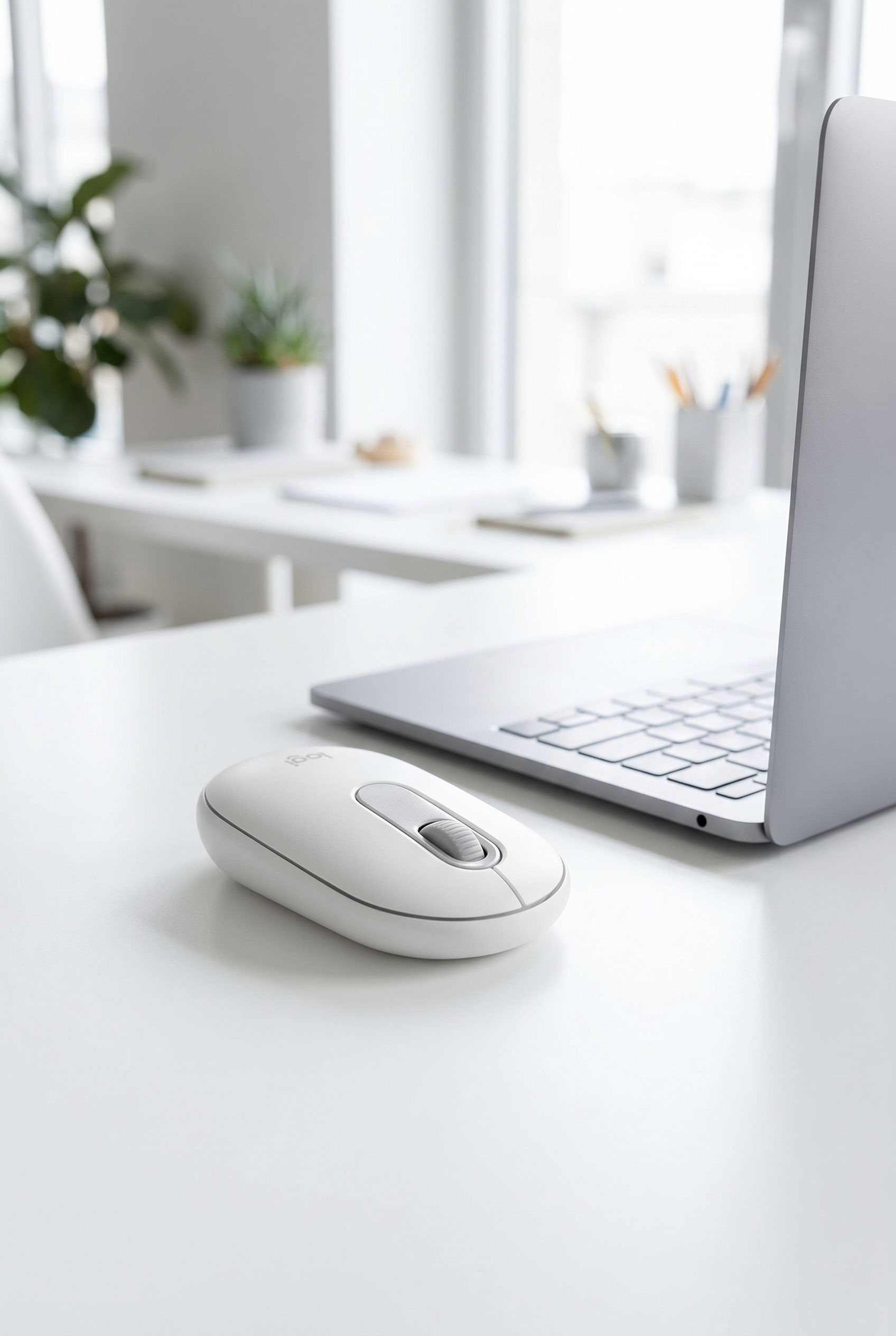
White Bluetooth Mouse
Make a mouse product card useful with shape, buttons, and desk context visible at card size.
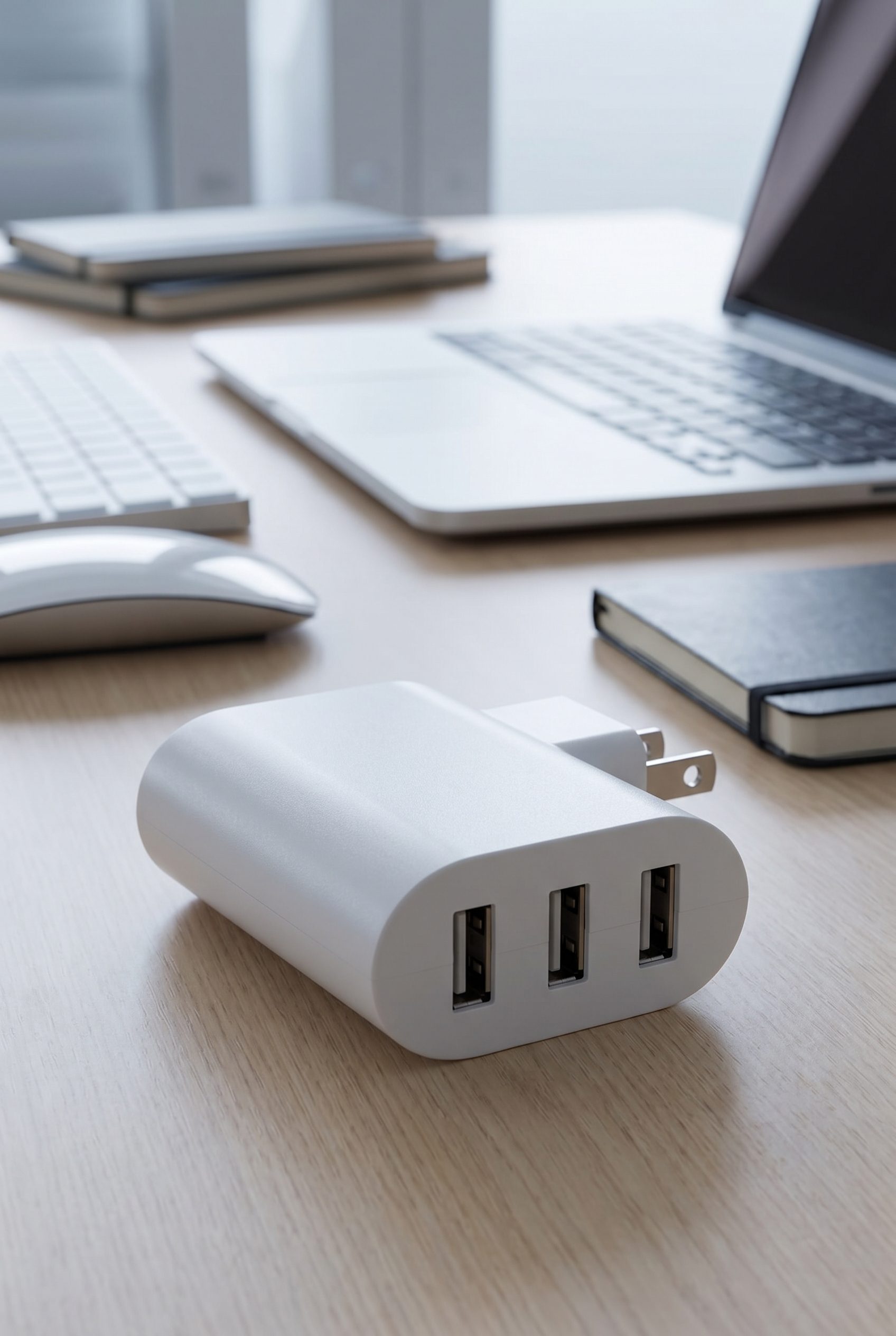
White USB Wall Charger
Show charger ports and body shape clearly so a small tech accessory still reads in collection grids.
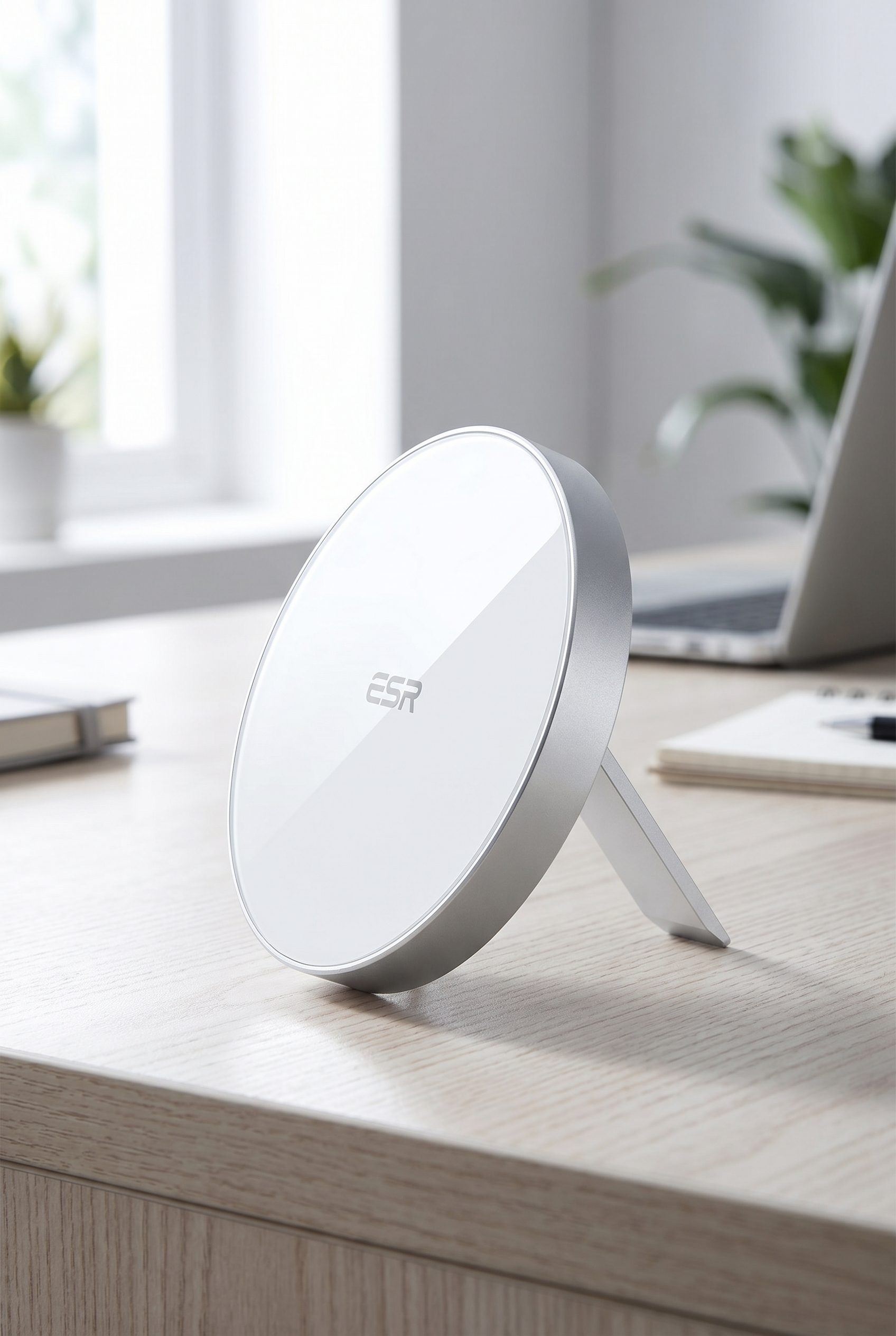
White Magnetic Wireless Charger
Create a charging-pad visual with product angle, surface detail, and clean electronics styling.
Accessory, footwear, jewelry, and bag visuals for Shopify stores, ready for product galleries and campaigns.
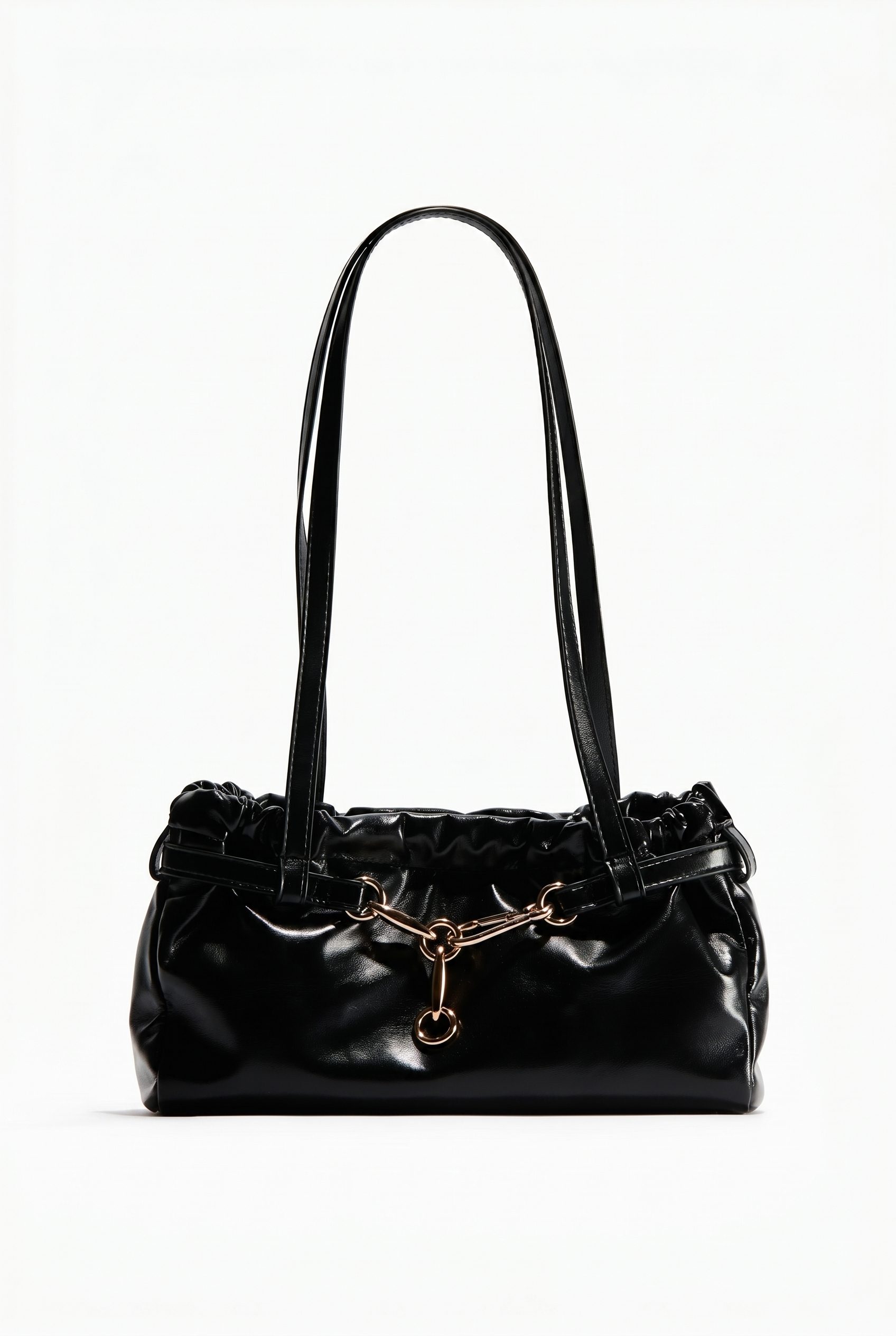
Black Shoulder Bag
Show a shoulder bag with handle structure, hardware, and a clean product crop for Shopify accessory pages.
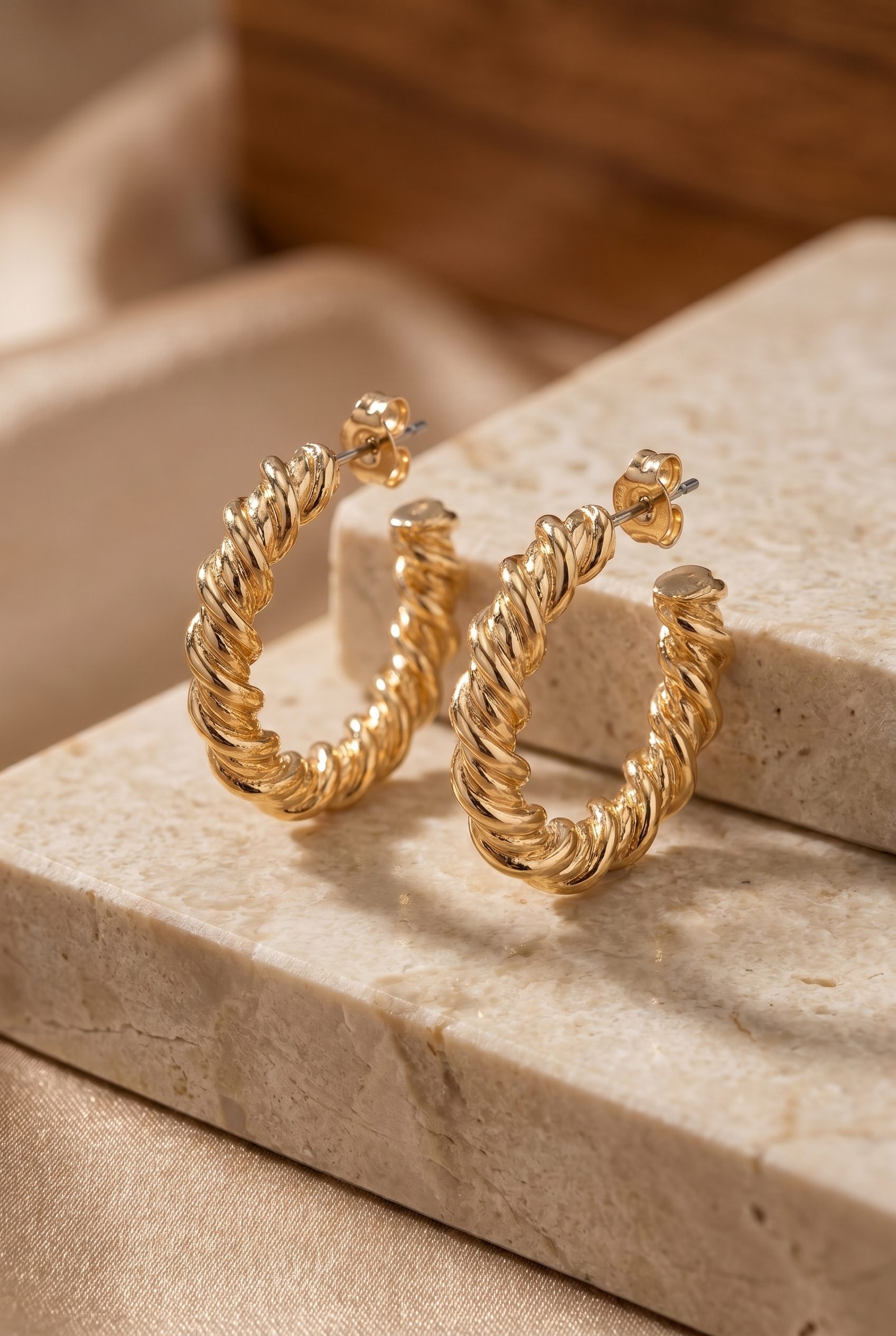
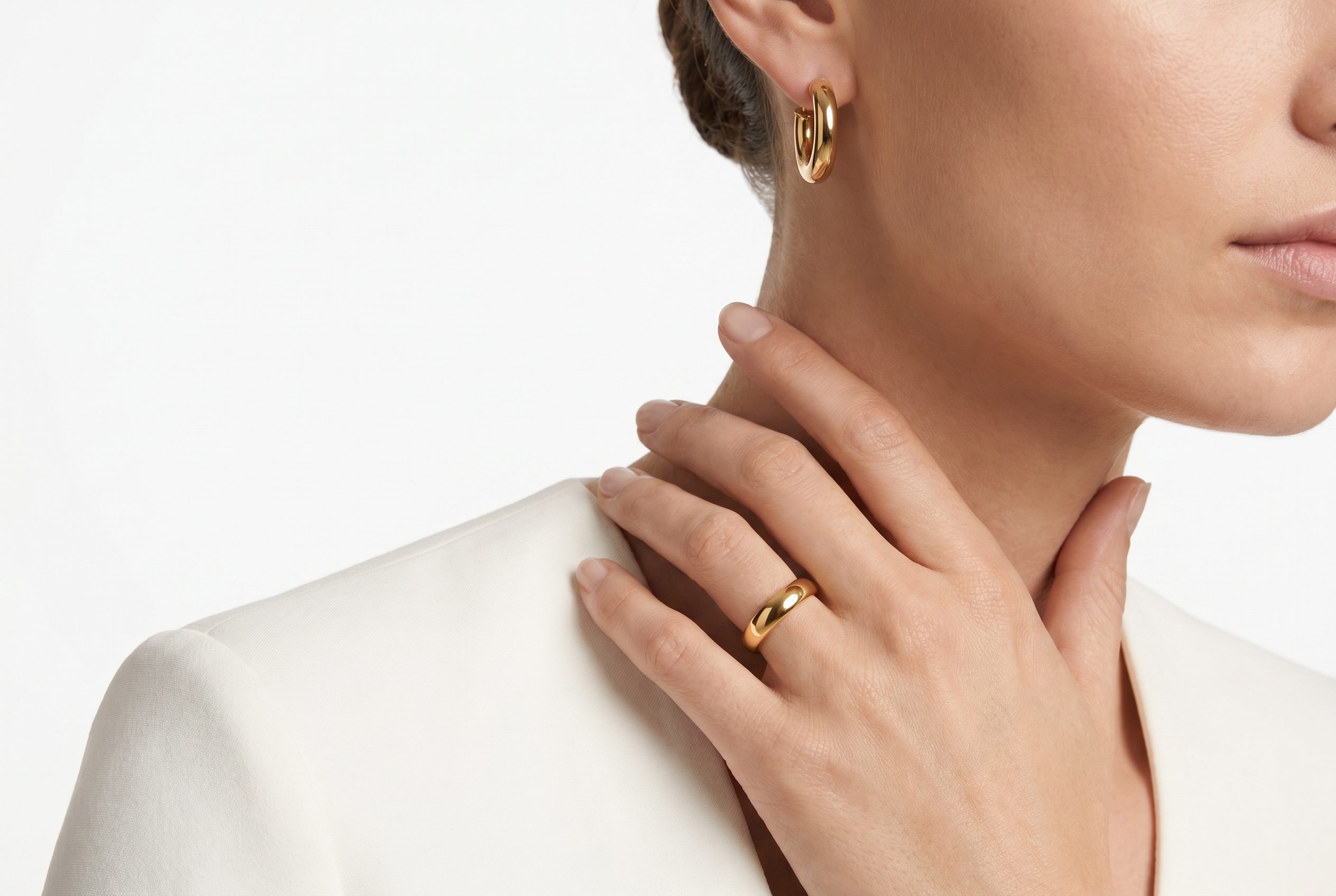
Gold Hoop Earrings
Create a jewelry card with metal finish, pair scale, and giftable styling while keeping the earrings dominant.
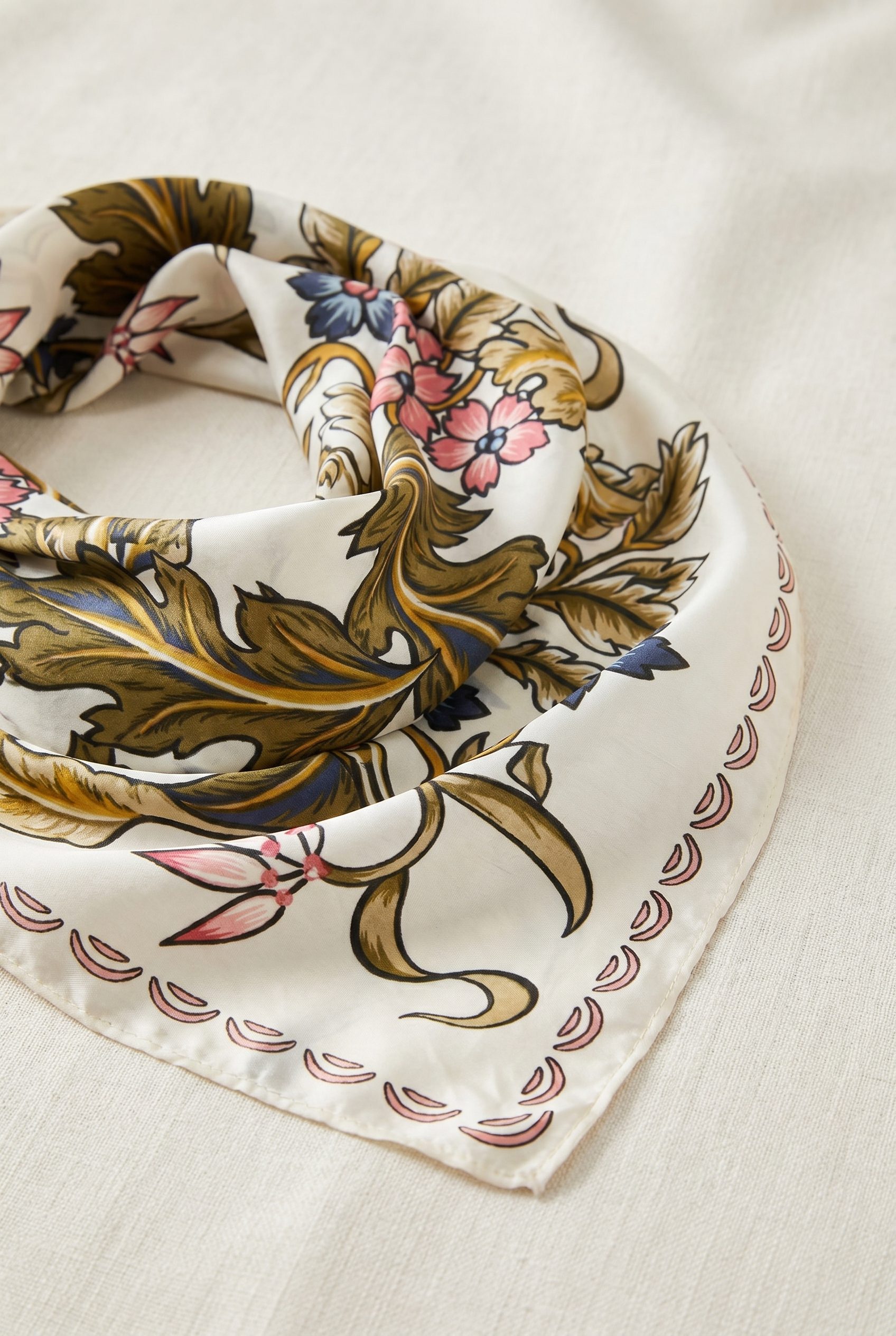
Green Floral Square Scarf
Show an accessory scarf with print detail, fabric fold, and enough space for quick color comparison.
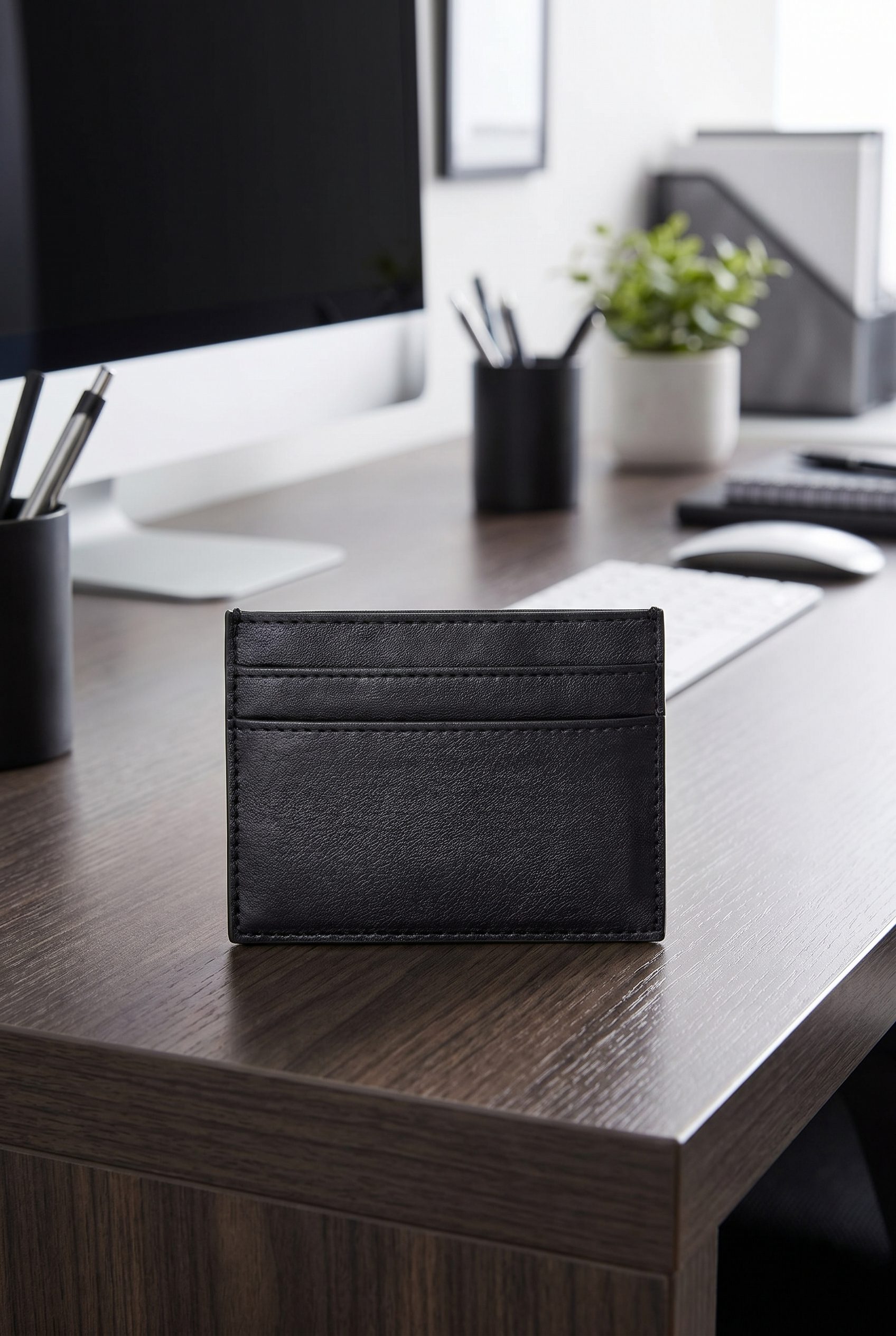
Black Card Case Wallet
Make a wallet listing useful by showing material, slot form, and compact desk-scale context.
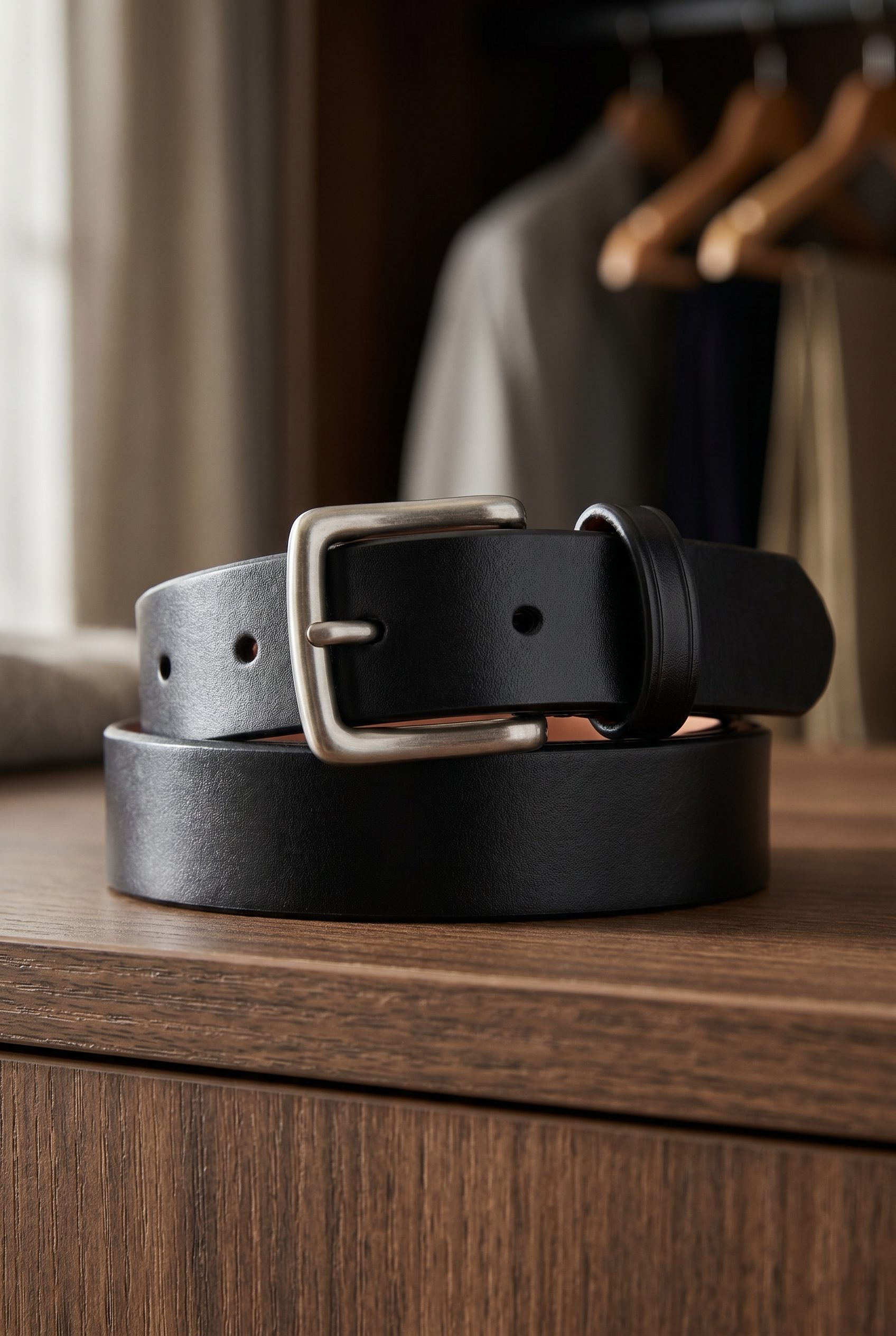
Black Leather Belt
Show a belt with buckle detail, leather texture, and wardrobe context for an accessory listing.
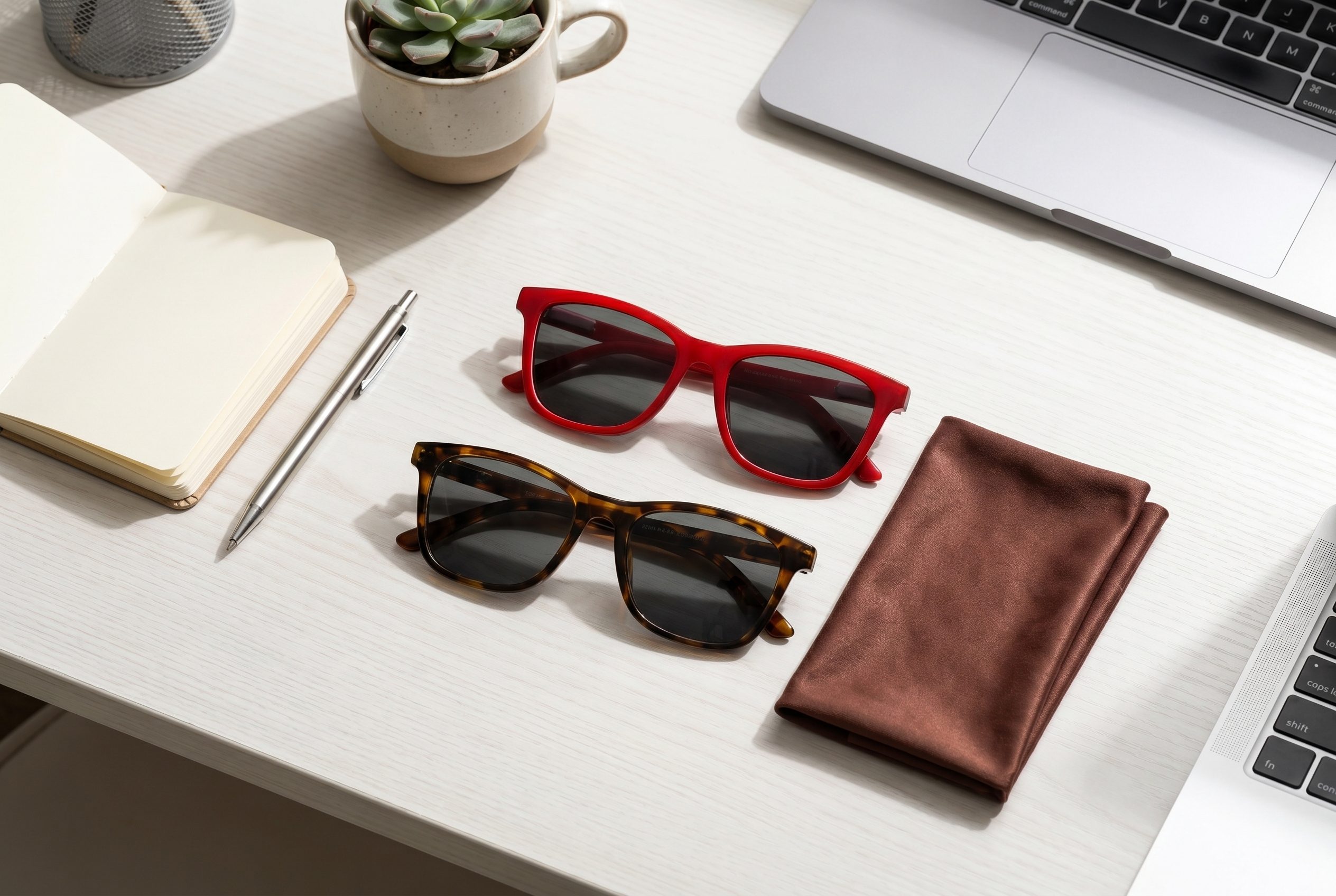
Sunglasses Social Flatlay
Add eyewear variety with frame shape, lens color, and lifestyle props arranged for a Shopify gallery.
How it works
From one product photo to a reviewed image set
Upload a clear source photo, choose the visual direction, generate options, then review product accuracy, crop, file preparation, and Shopify's current requirements before exporting or publishing.
-
01
Upload your product
Create Shopify product photos with Fotogenic AI, then download clean image sets for listings, product pages, feeds, galleries, ads, and catalog updates.
-
Step 2
Pick a Shopify-oriented preset
Pick hero shots, lifestyle scenes, infographics, and Shopify-oriented sizes for product pages, feeds, galleries, ads, and catalog updates.
-
Step 3
Generate variants
Generate multiple brand-directed options for listings, ads, feeds, galleries, and seasonal tests from one approved source photo, then review each result before publishing.
-
Step 4
Download & upload to Shopify
Download clean image sets and upload them to Shopify product pages, feeds, galleries, ads, and store updates.
Shopify listing visuals, made in Fotogenic AI
Examples show Shopify-oriented product visuals for PDP heroes, collection cards, ads, social posts, and seasonal drops.
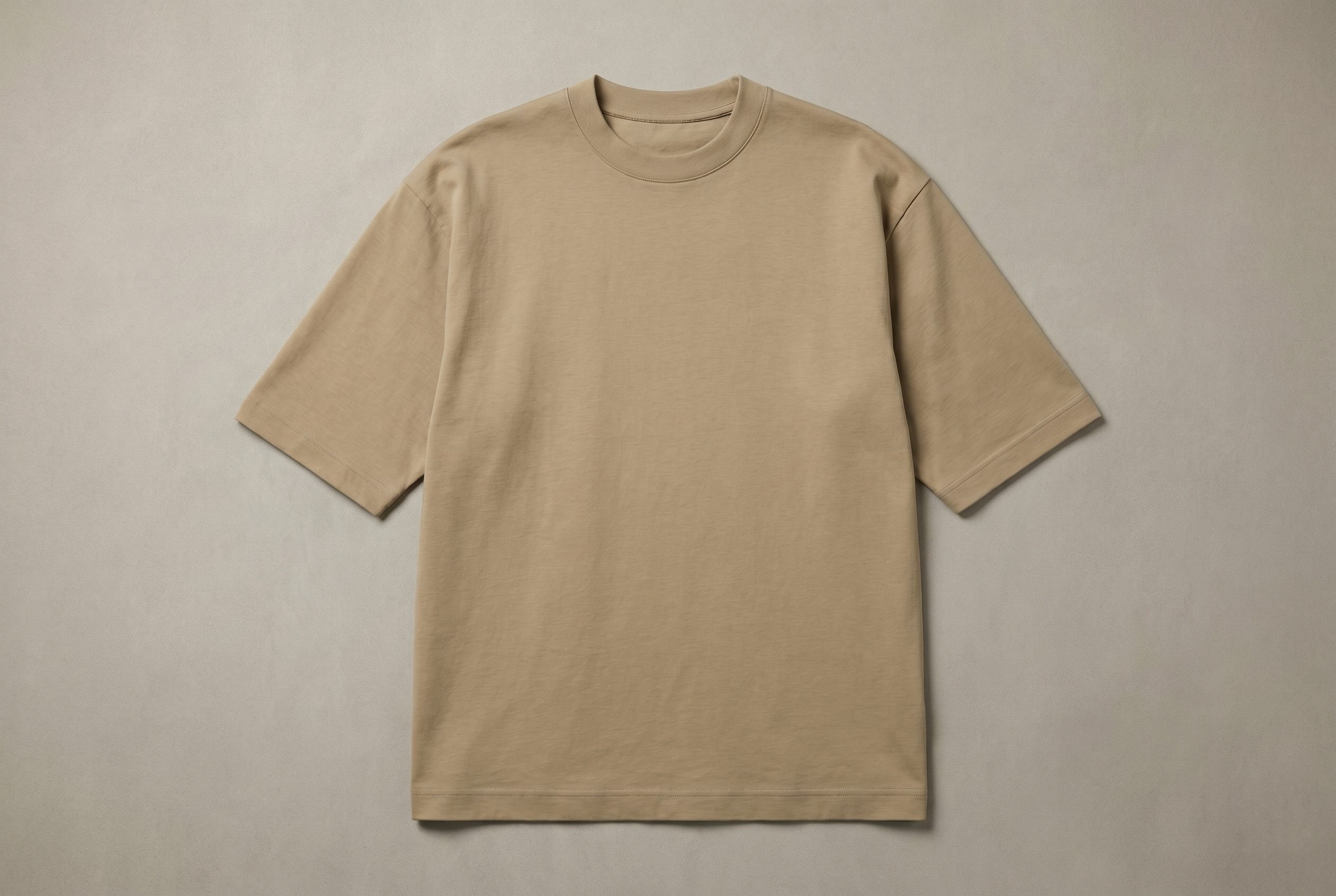
Apparel hero image for Shopify product detail pages.
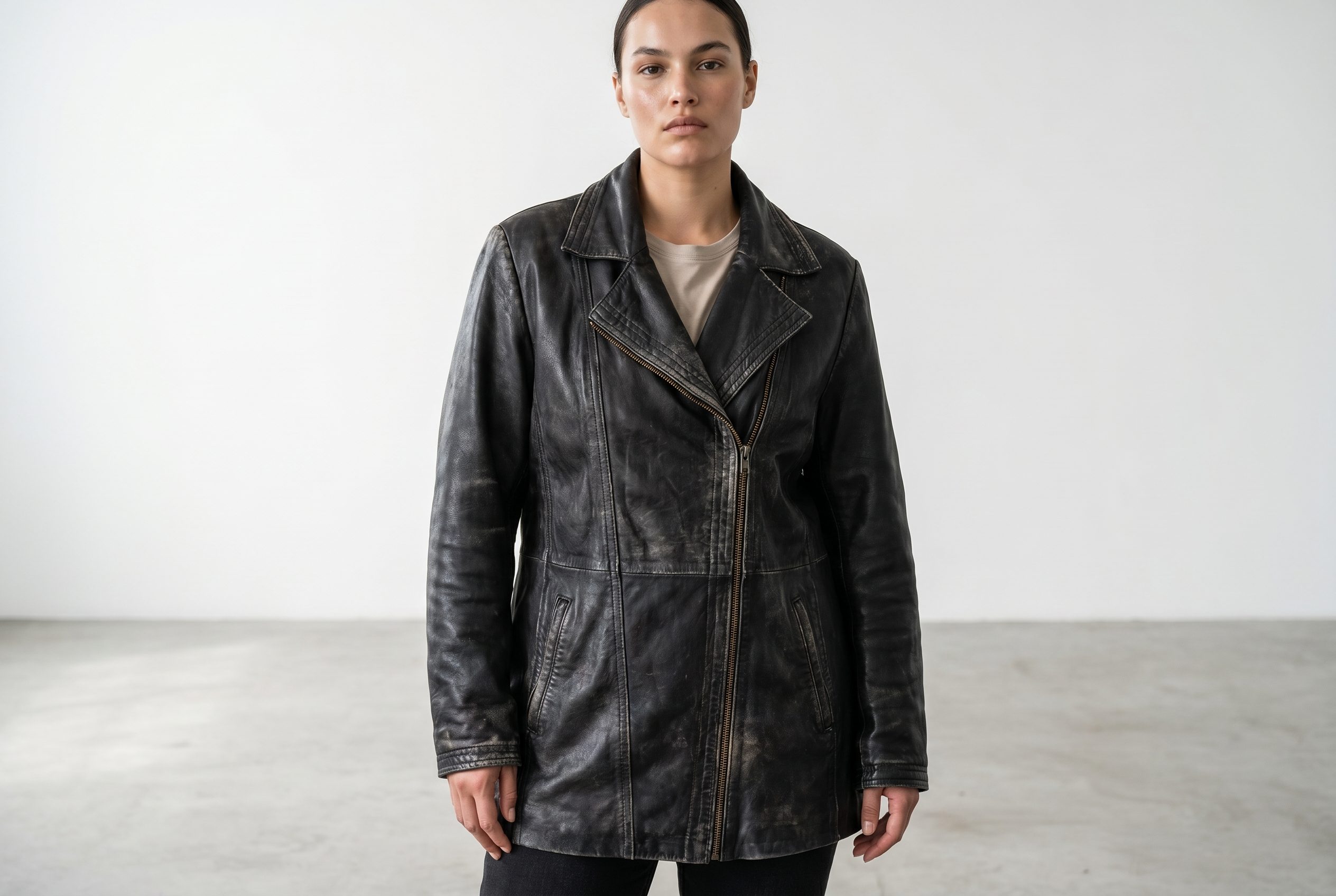
Fashion flat lay for Shopify collection and social slots.
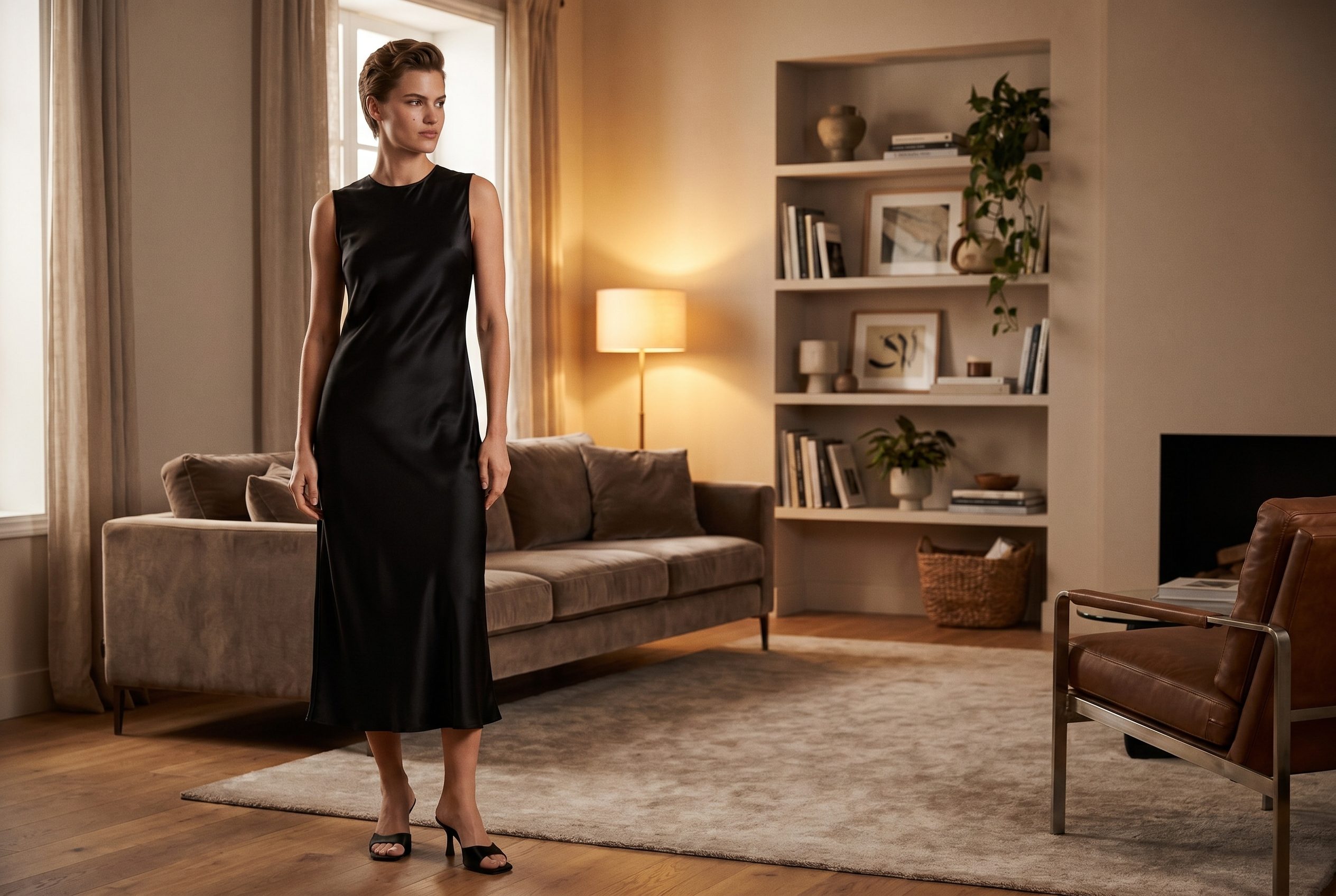
Seasonal apparel visual for Shopify launch campaigns.
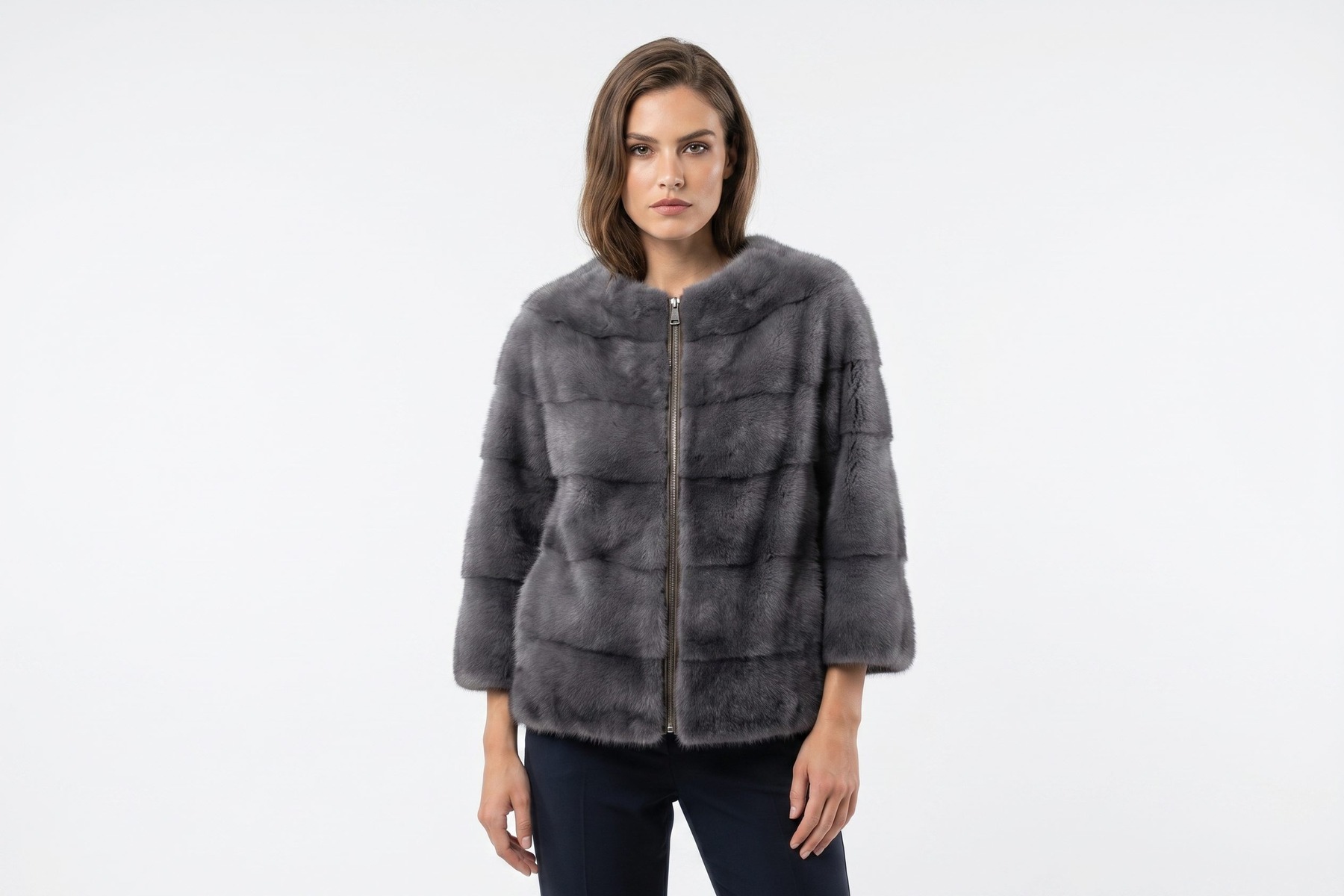
Polished product image for Shopify ads and product cards.
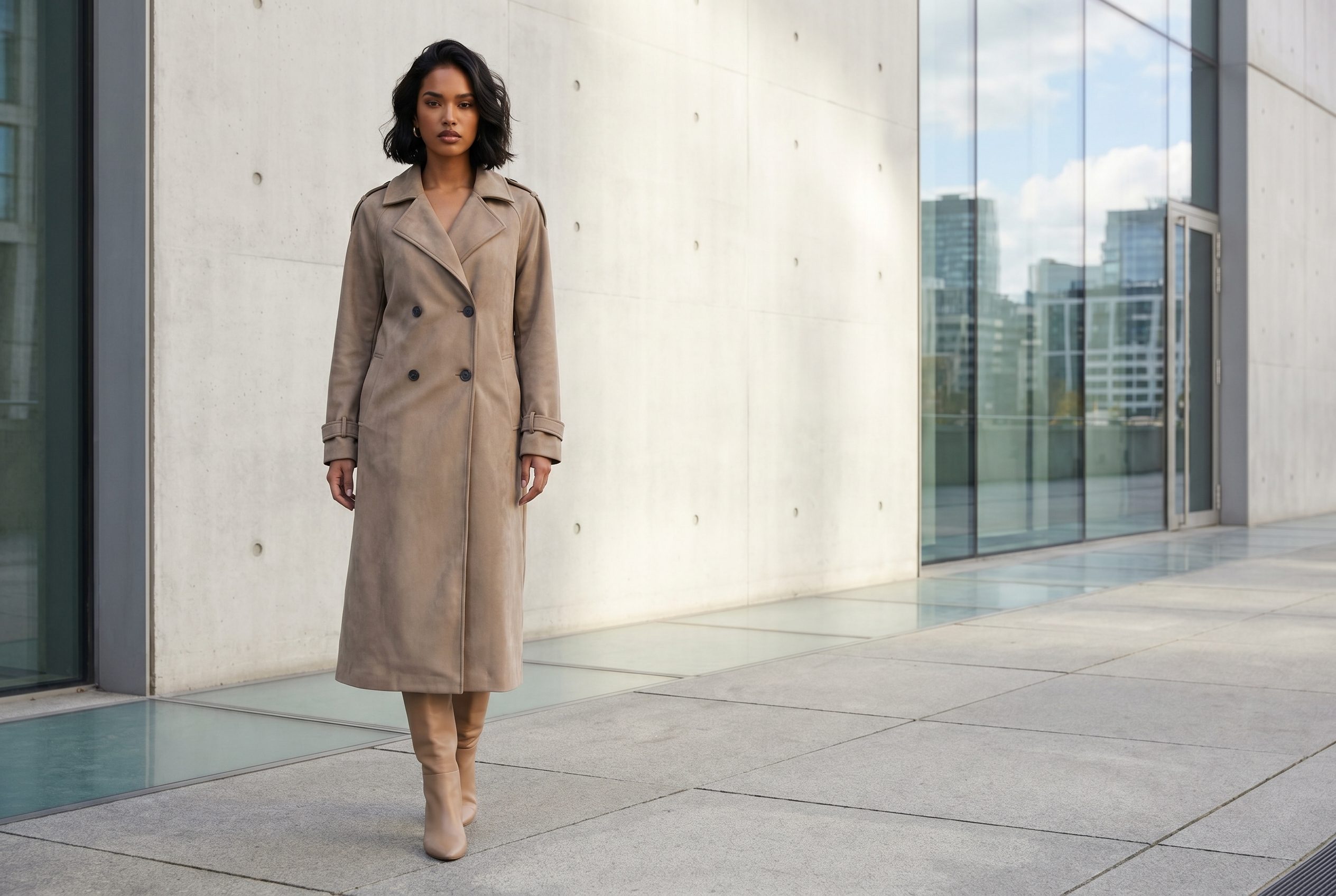
Lifestyle fashion image for Shopify storefront storytelling.
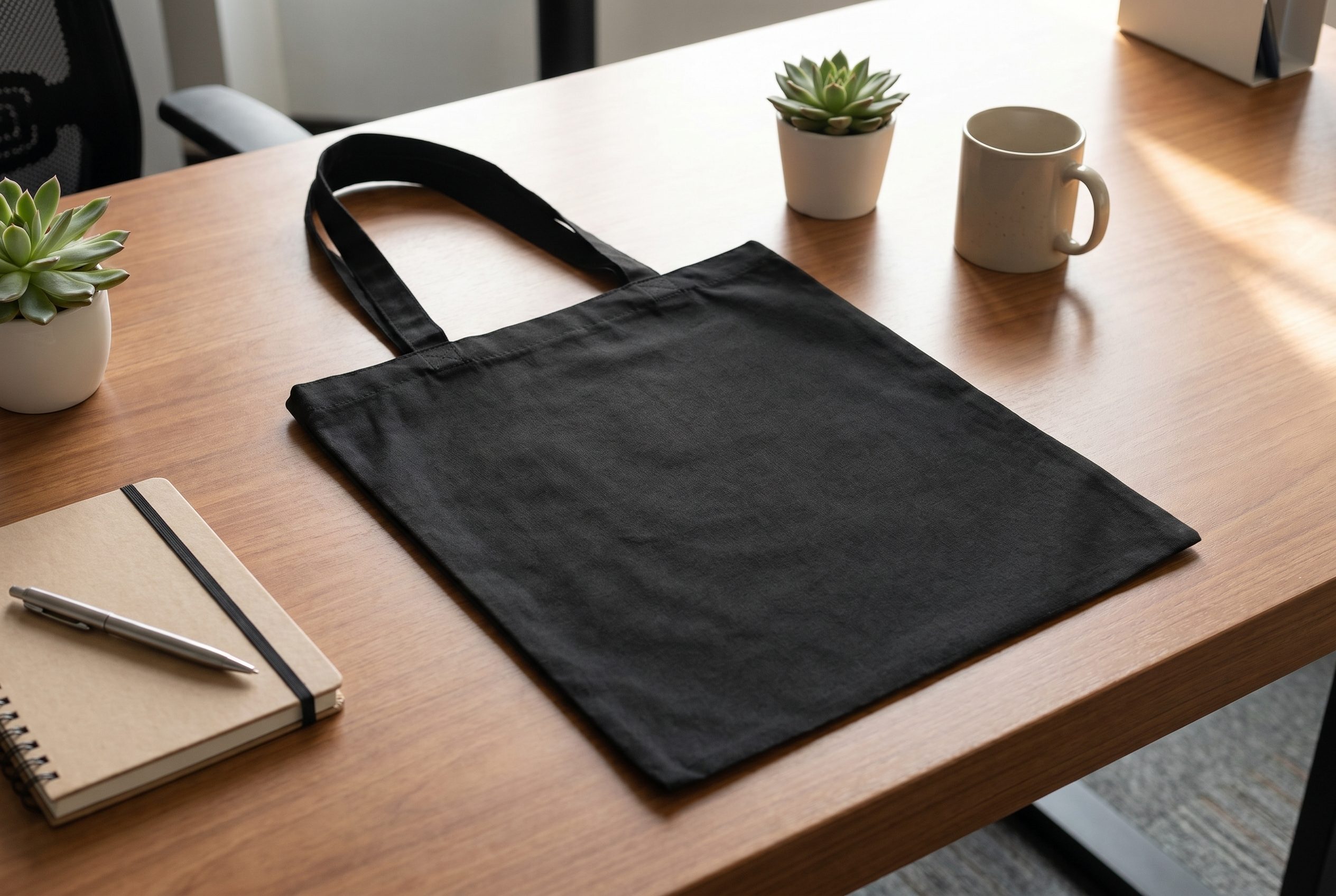
Accessory product visual for Shopify collection and ad placements.
Eyewear flat lay for Shopify social and product carousel slots.
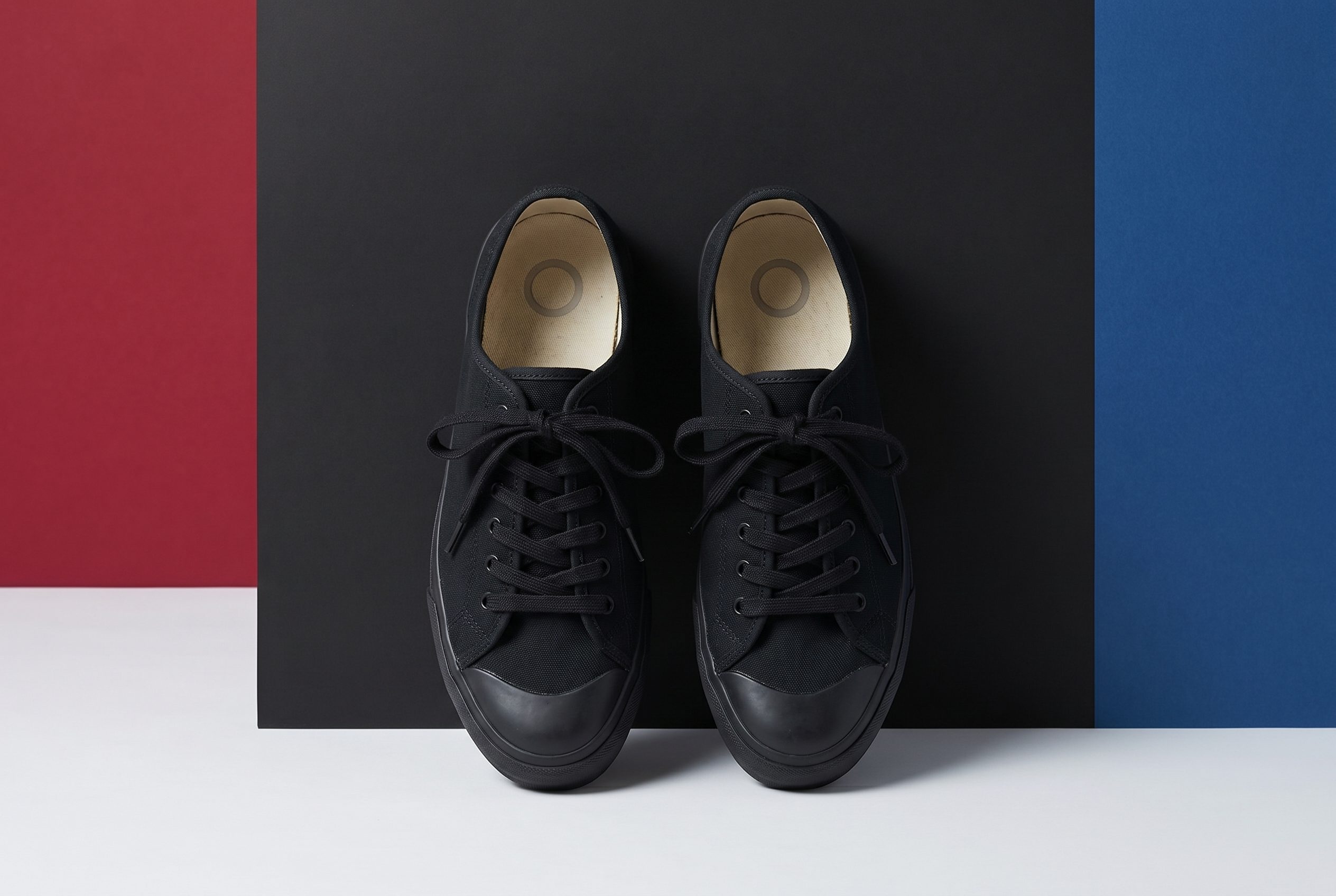
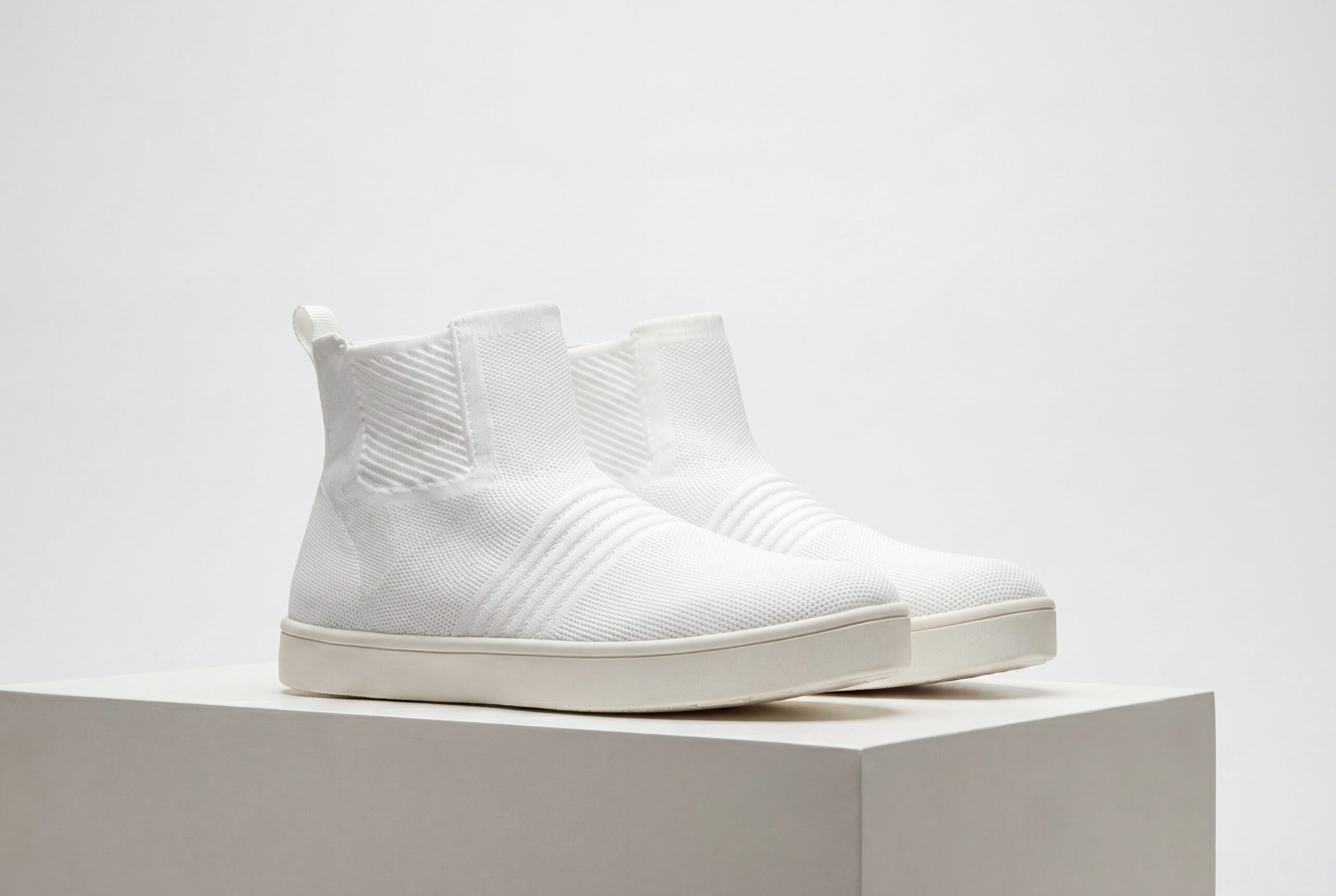
Footwear lifestyle scene for Shopify campaign and collection pages.
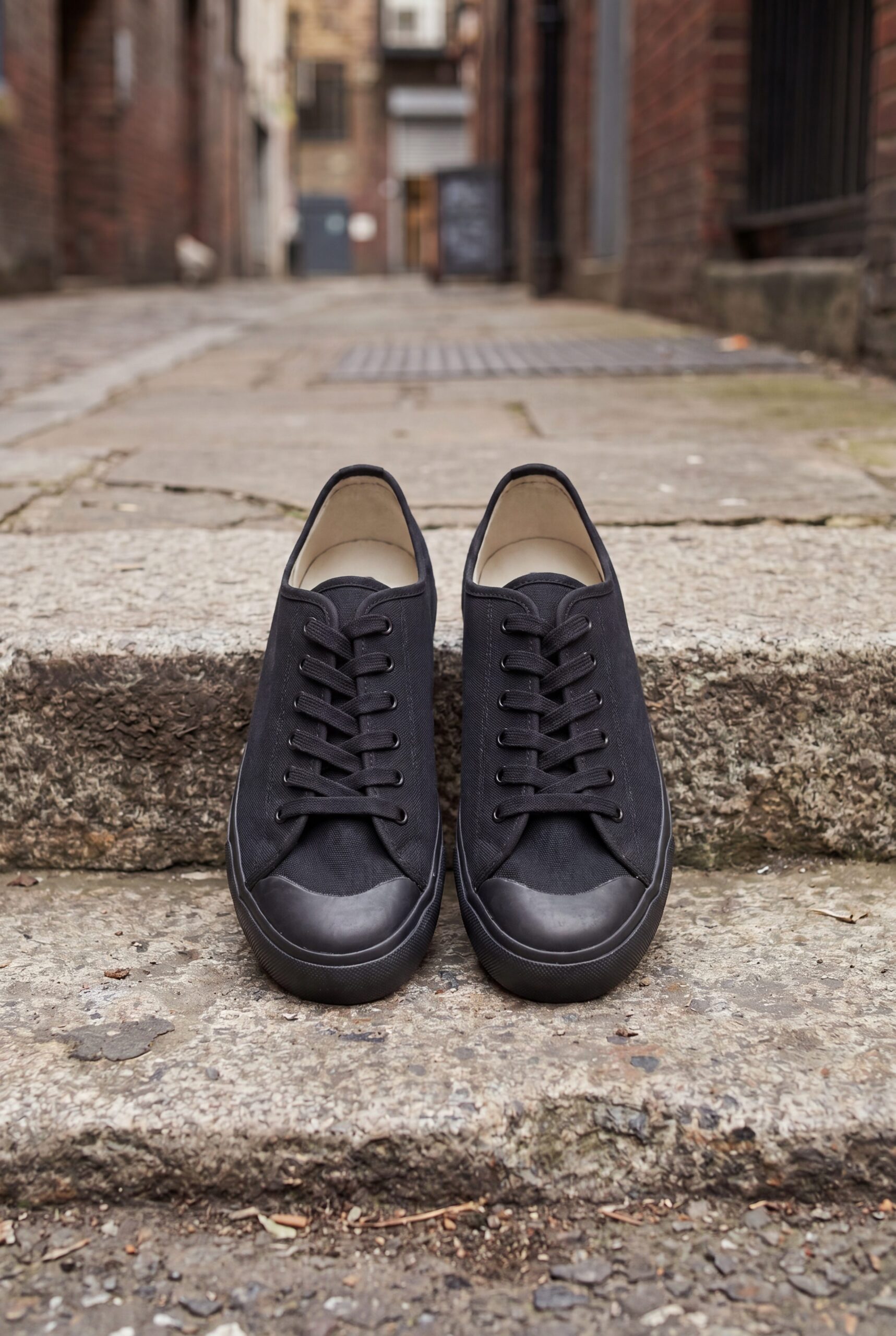
Detailed apparel image for Shopify gallery slots.
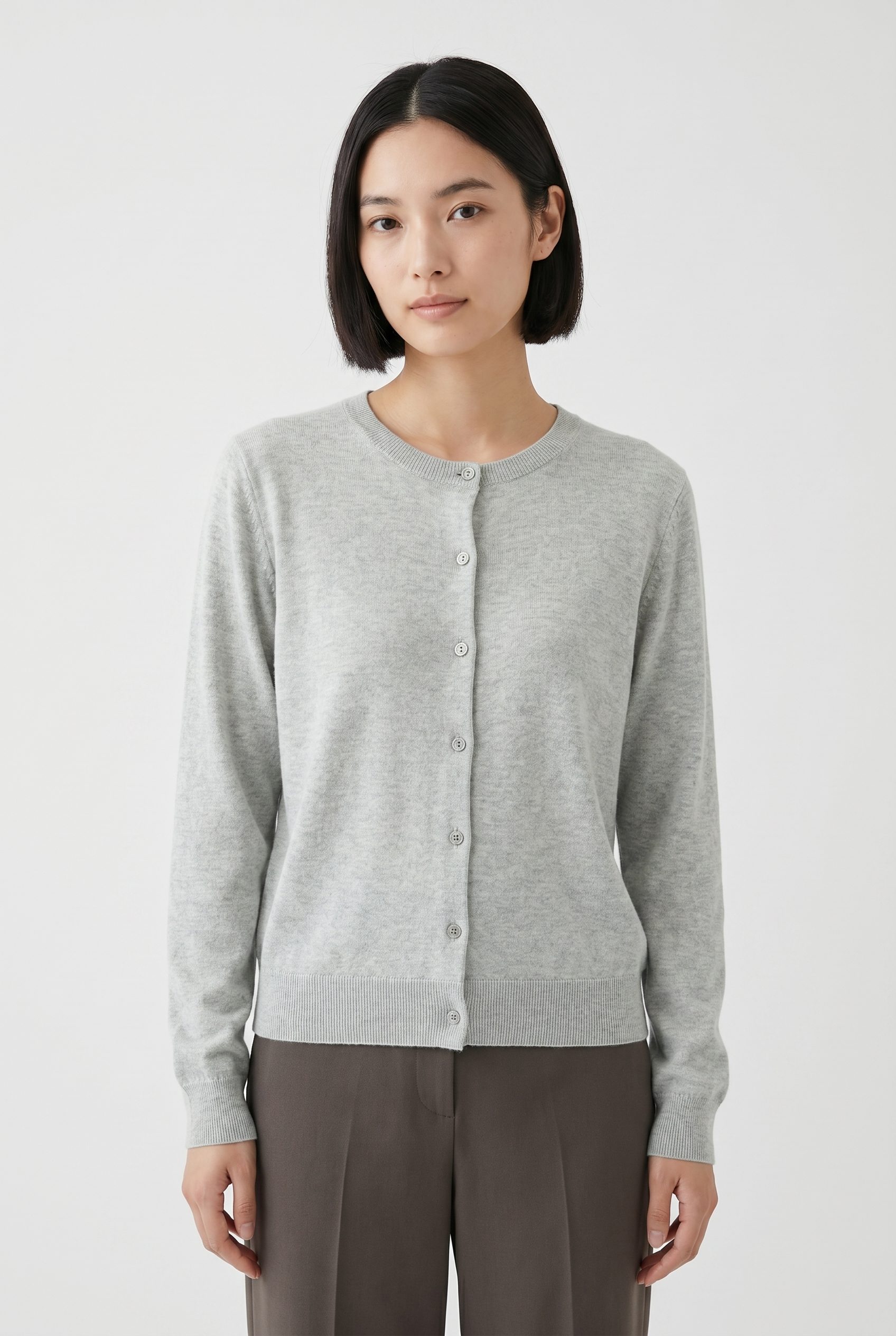
Soft apparel scene for Shopify seasonal collections.
From one product photo to a reviewed image set
Upload a clear source photo, choose the visual direction, generate options, then review product accuracy, crop, file preparation, and Shopify's current requirements before exporting or publishing.
- How it worksStep 01
Snap or upload
Phone photo, flat lay or existing image, all good starting points.
- 2Step 02
Generate in Fotogenic AI
Pick a preset, scene or brand style, output sized for Shopify.
- 3Step 03
Download files
Single image, ZIP or bulk export of your full listing set.
- 4Step 04
Upload to Shopify
Drop the files into your Shopify editor exactly the way you do today.
Who this workflow is for
Shopify Product Photography is a practical option for Shopify sellers who can provide a clear source image and review every result before publishing.
Solo Shopify sellers
Run your Shopify store on the side without paying for studio shoots. Snap, generate, list, all from your phone.

FAQ
Shopify Product Photography FAQs
Start with one clear, well-lit product photo where the item is fully visible and not obscured. Better source detail gives you a stronger basis for review.
Try it on your product
Try this workflow on your product.
Start with a clear product photo and explore a new scene for your store or campaign.