
AI product image generator for WooCommerce.
Create product photos from your store. One product or a whole collection.
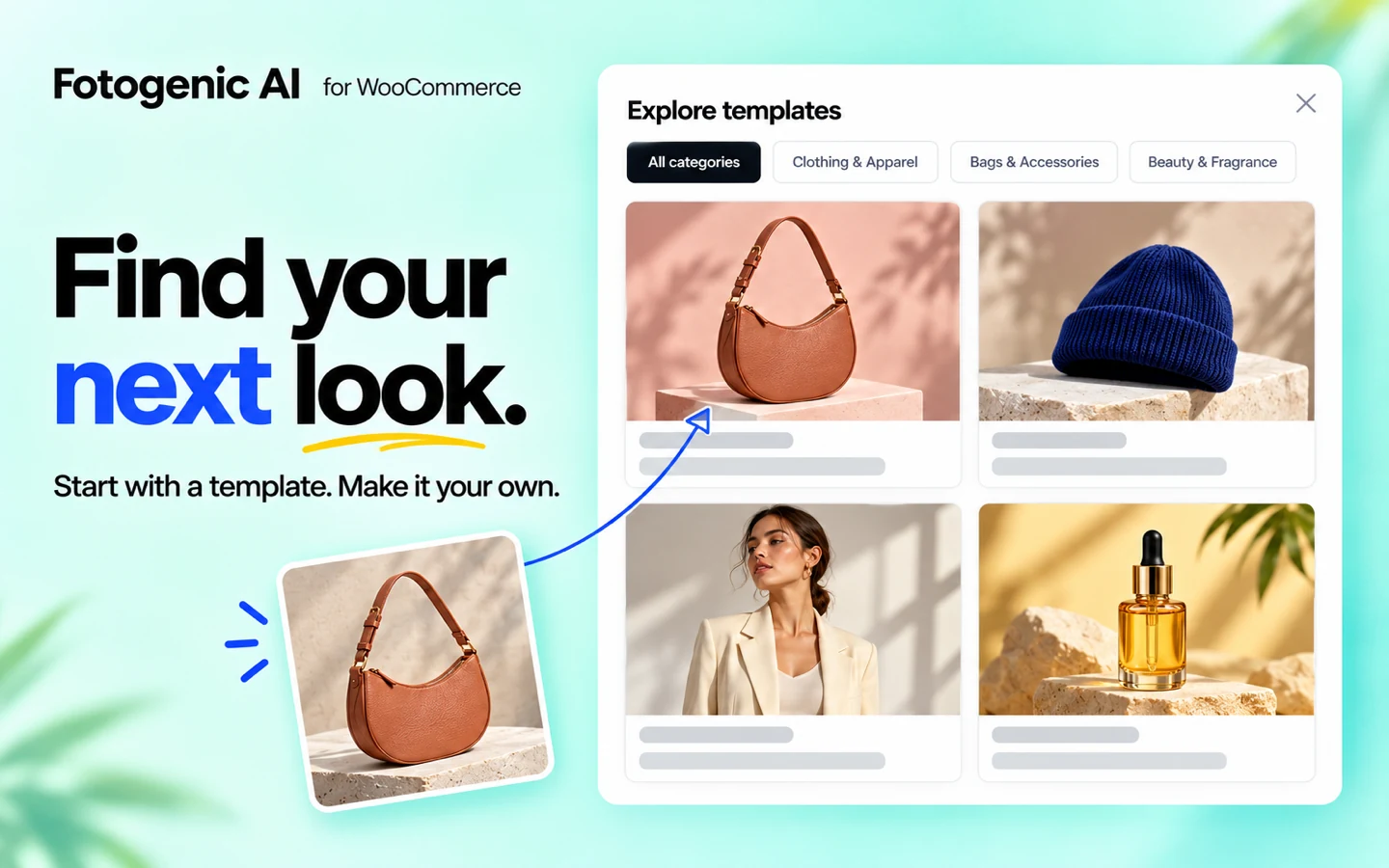
From your catalog back to your store.
Create new images from your catalog. Update your listings in the same place.
-
Start with your existing products
Use a product or variation and its featured image, gallery photos or both.
-
Choose one product or a collection
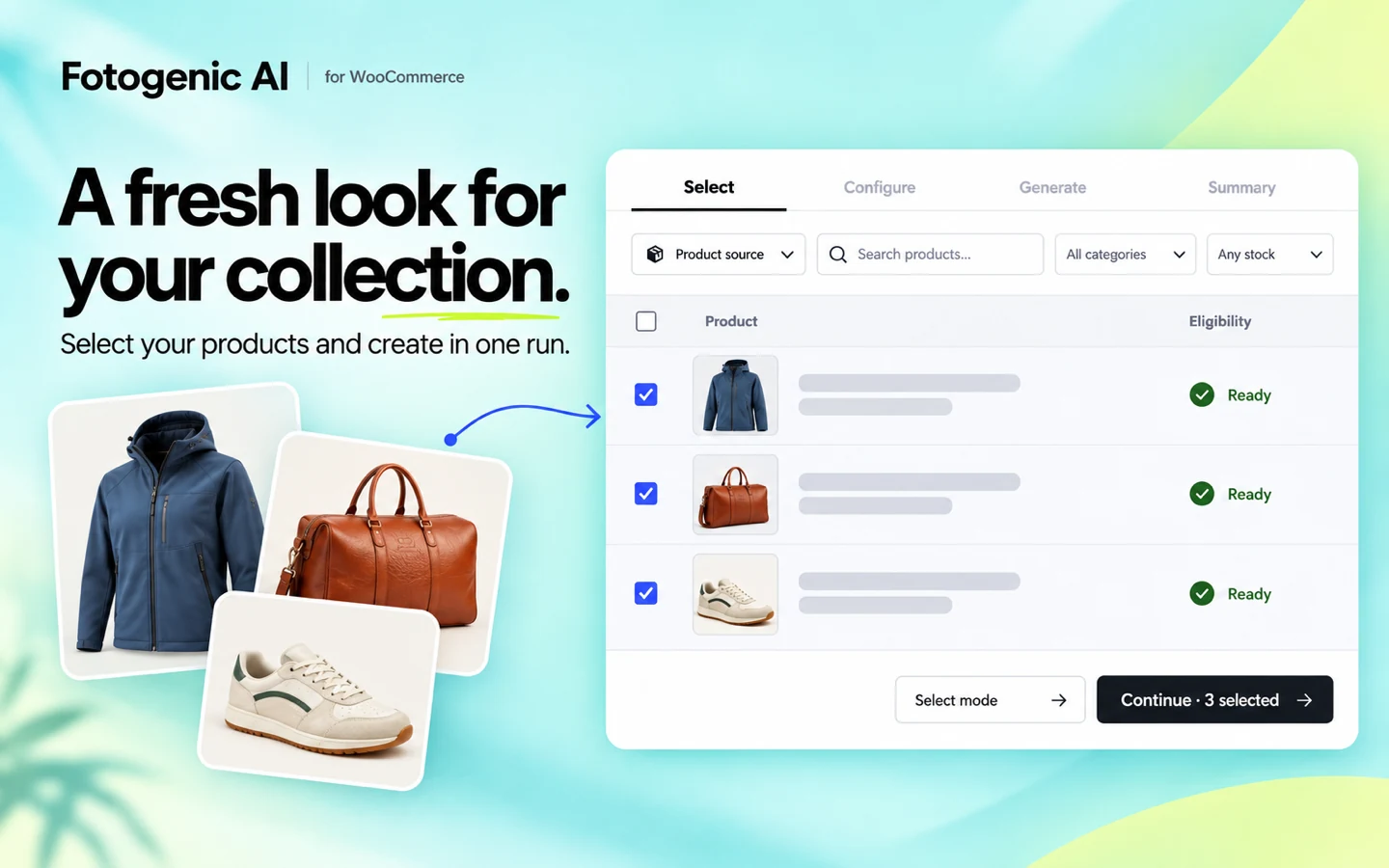
Find products by name, SKU or ID. Apply one setup to your selection.
-
Choose how your store updates
Review results first or enable automatic updates. Choose featured images, gallery updates or both.
-
Keep your original photos
New images save separately in your Media Library. Your original files stay intact.
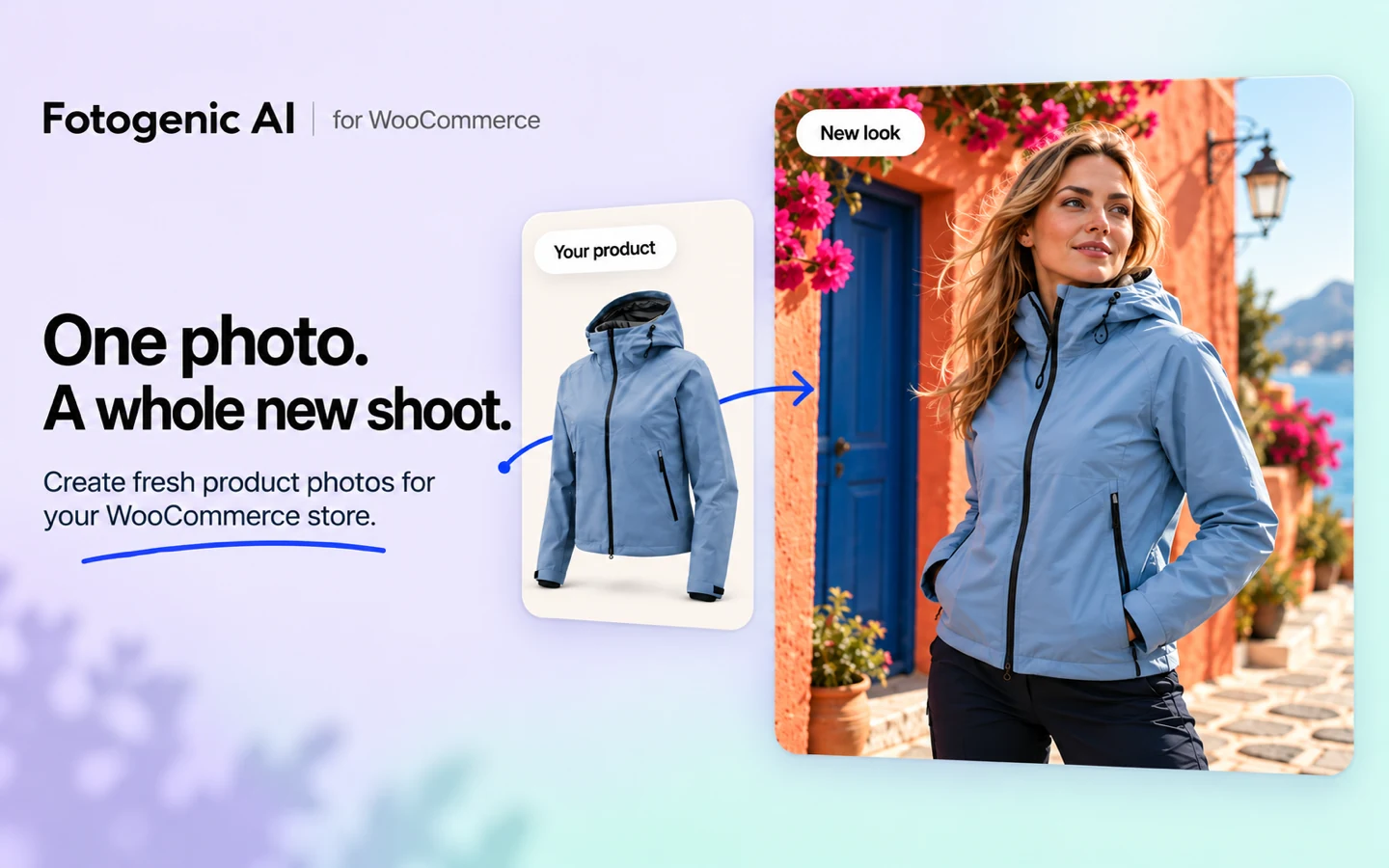
Picture your products in a new setting.
Find a new setting for your products. Create for your store, ads and social.
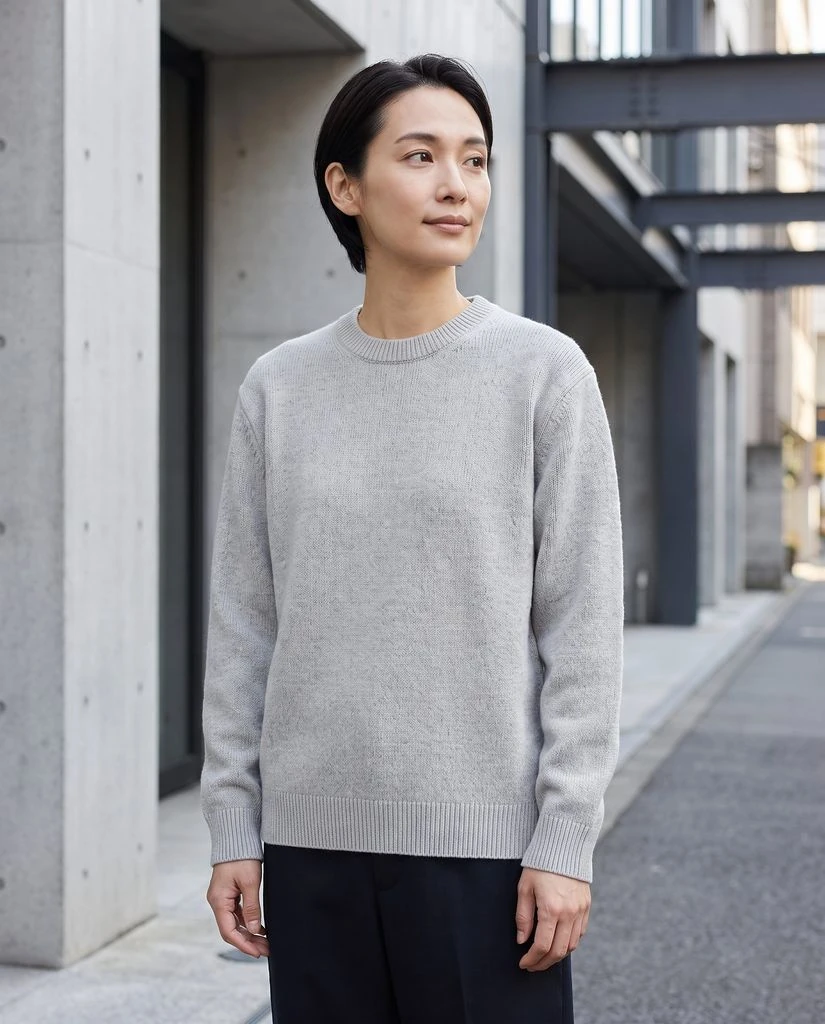
Apparel & Fashion
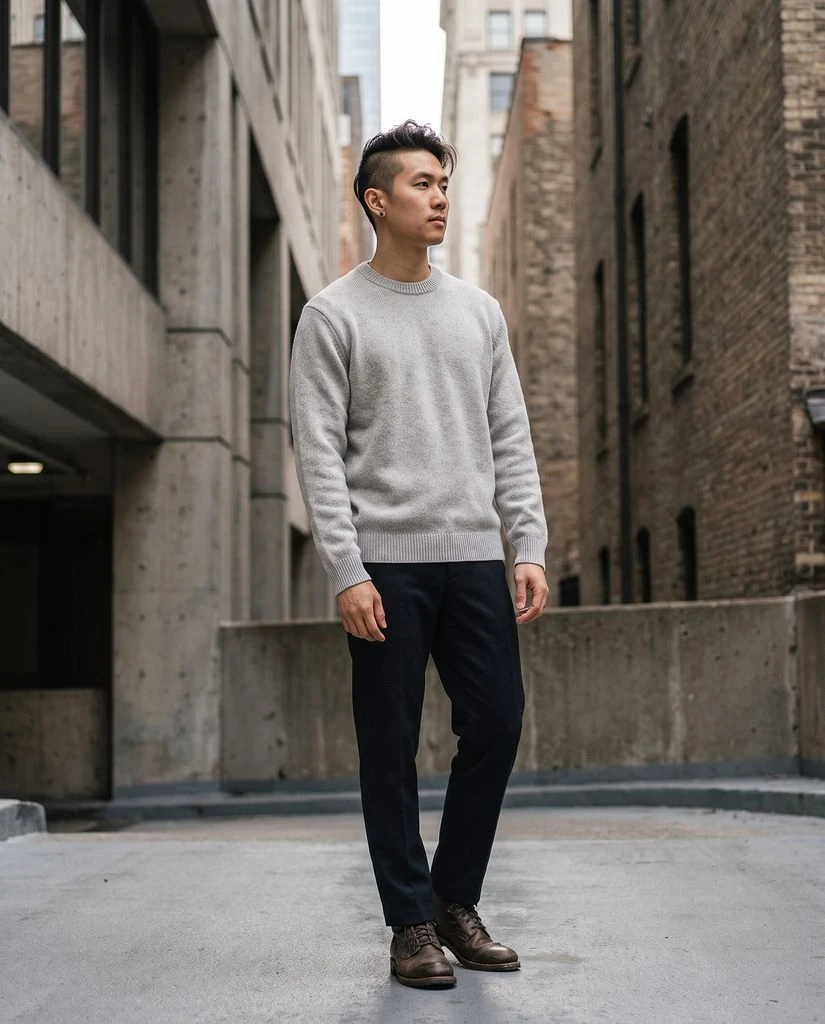
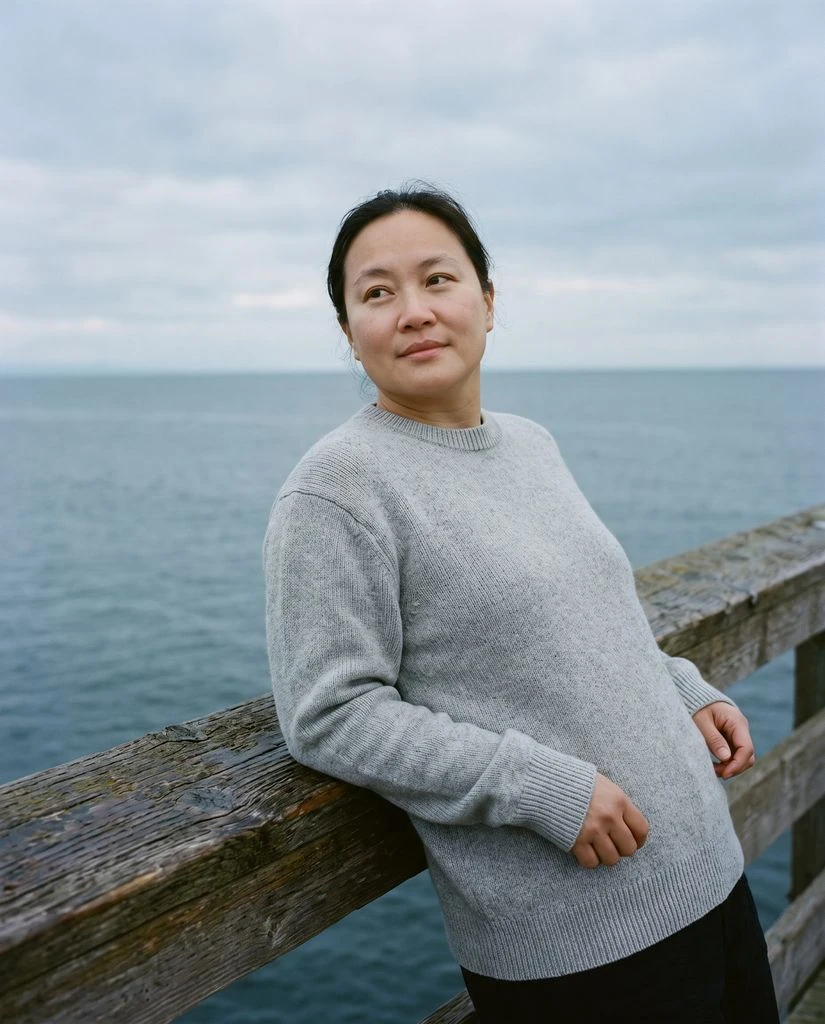
Show your garments on a model or in a new setting. Create images that fit your collection.
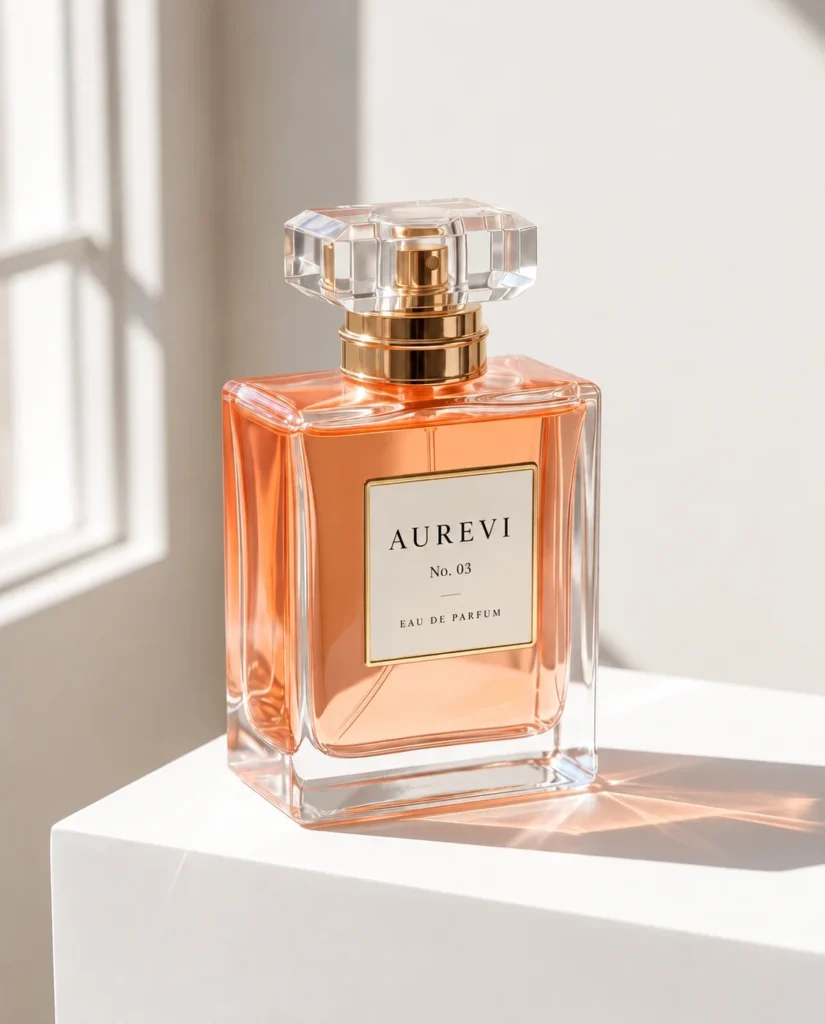
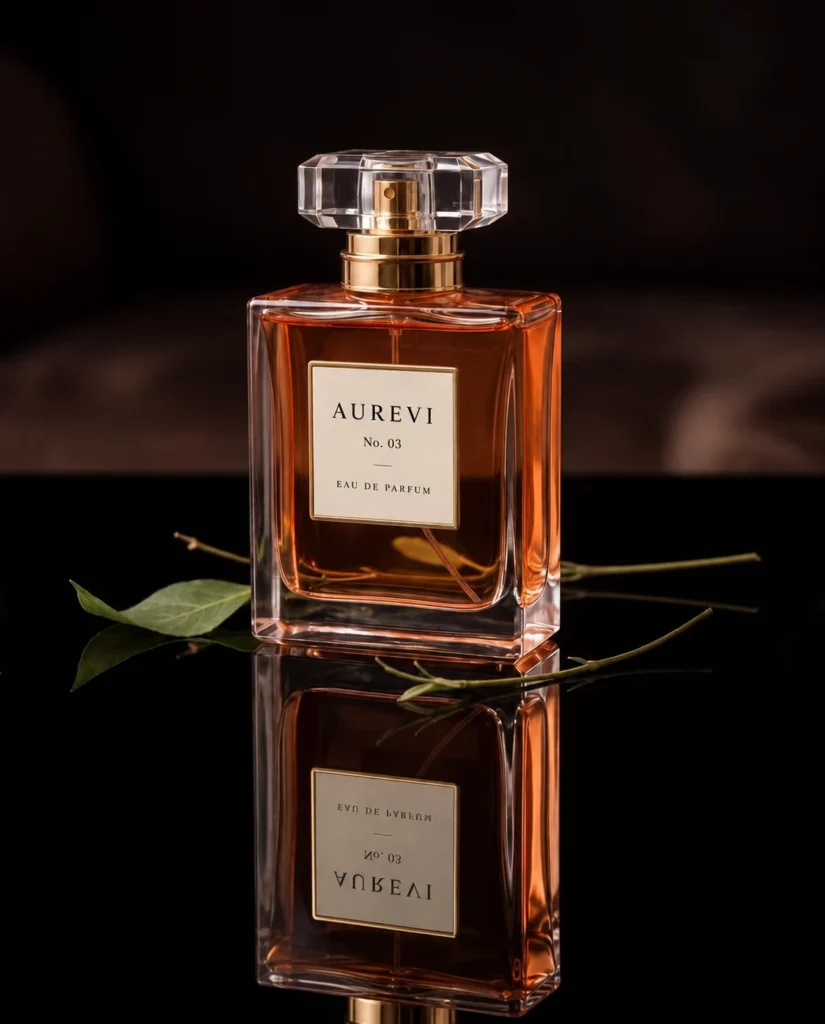
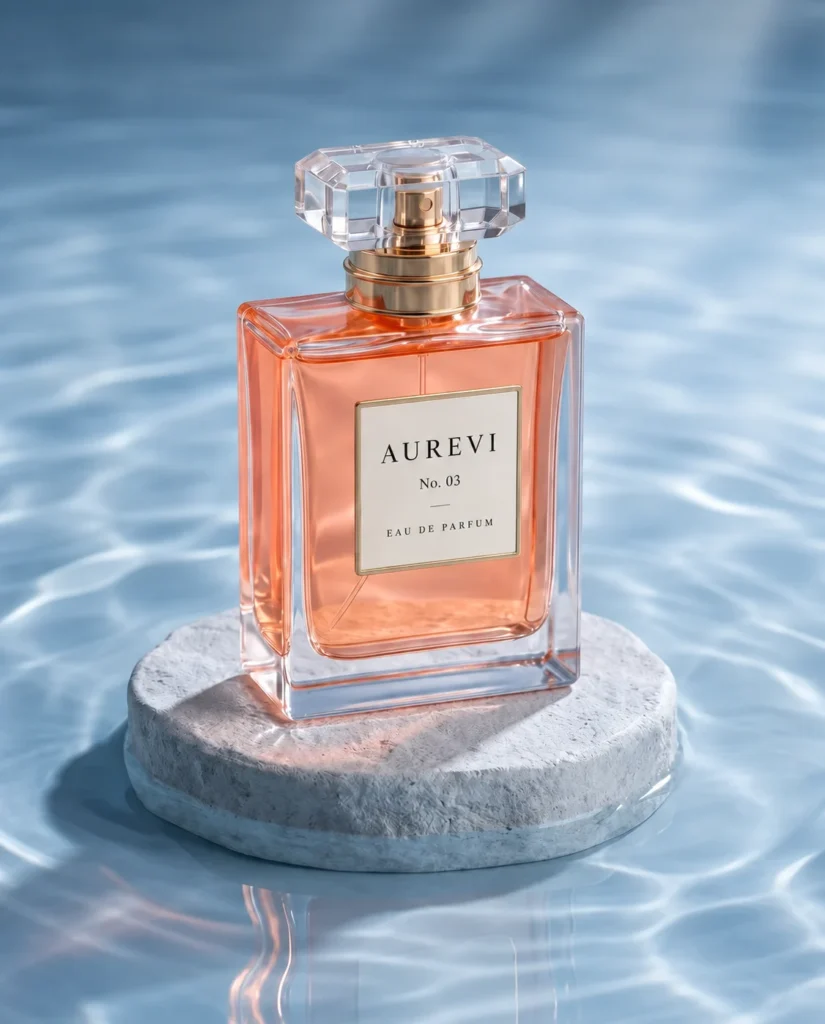
Beauty & Packaging
Take your product from a plain background to a sunlit scene. Find a setting for your next launch.
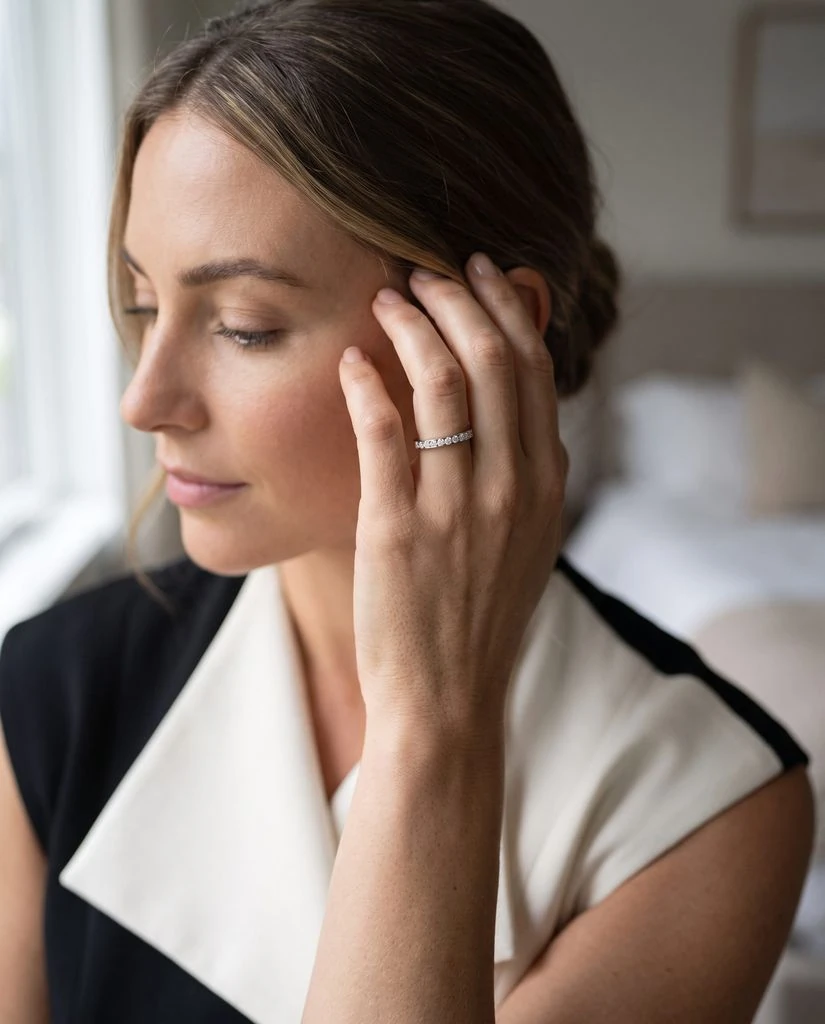
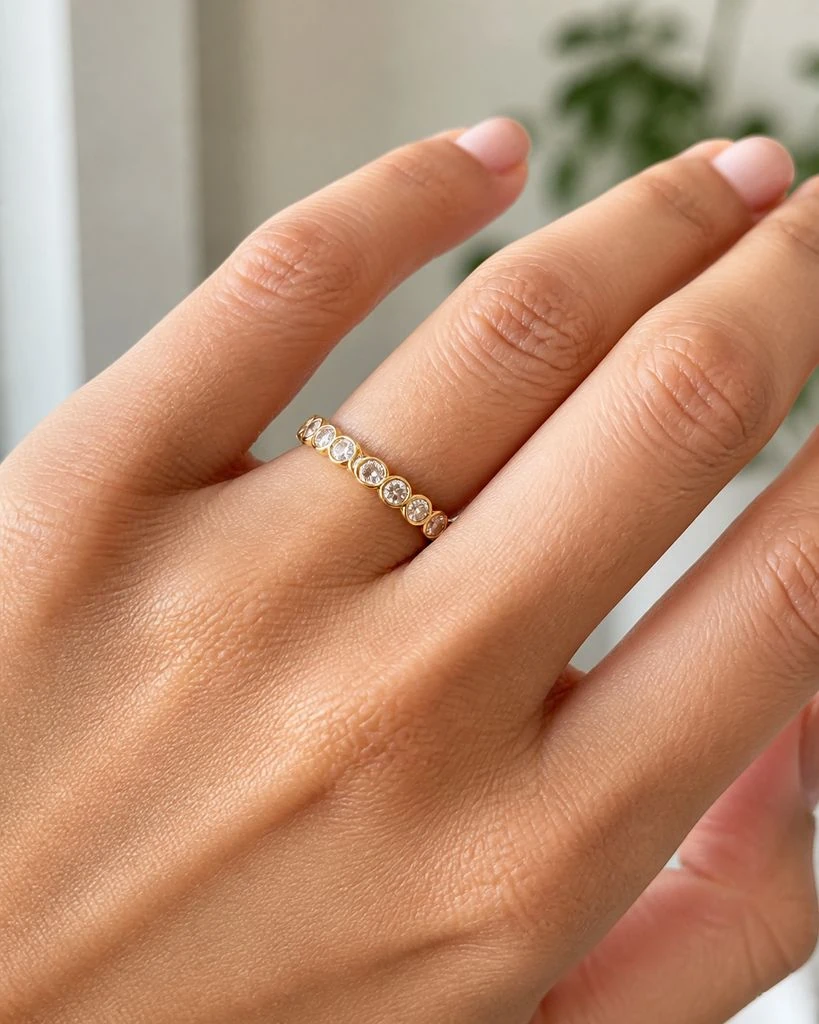
Jewelry & Accessories
Show your jewelry worn or in a lifestyle scene. Explore a new setting for your collection.

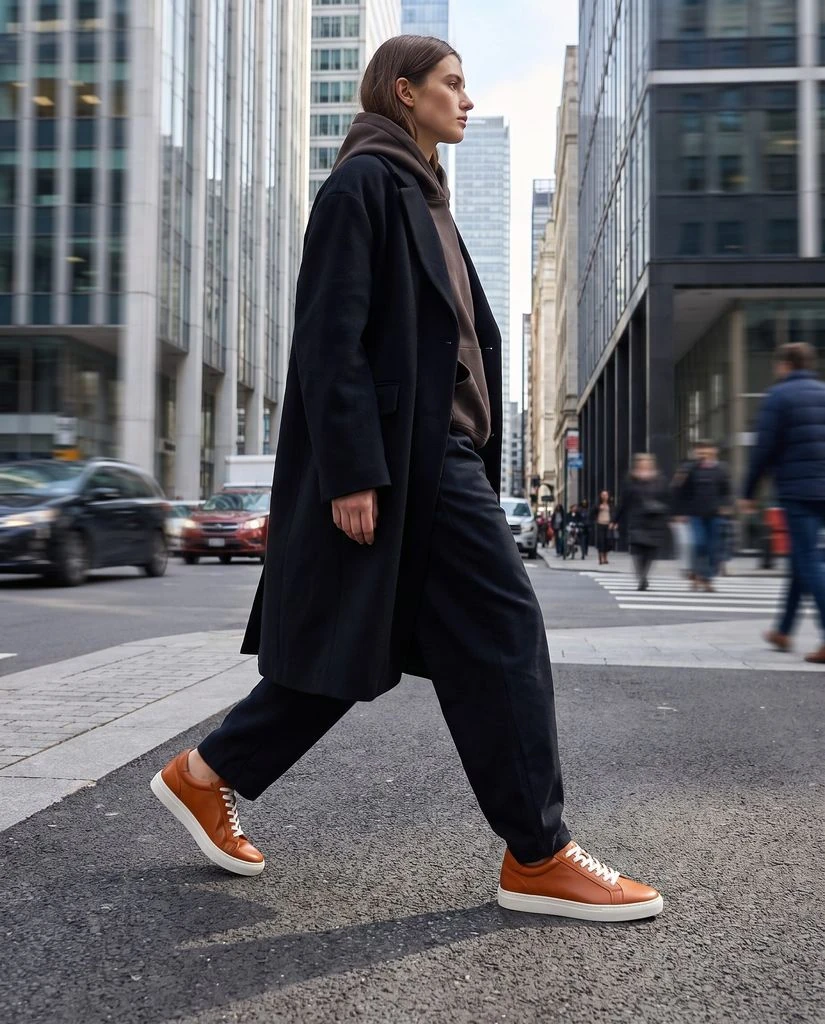
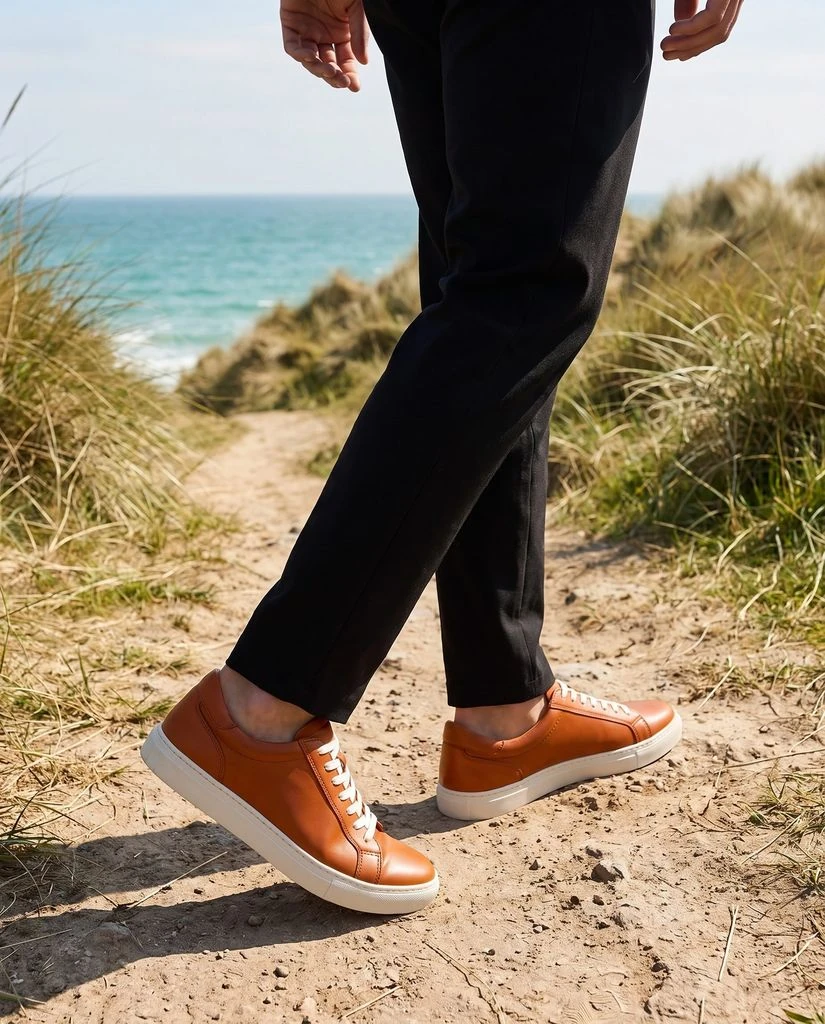
Footwear
Take your shoes from a studio shot to an everyday scene. Create different looks from the same pair.
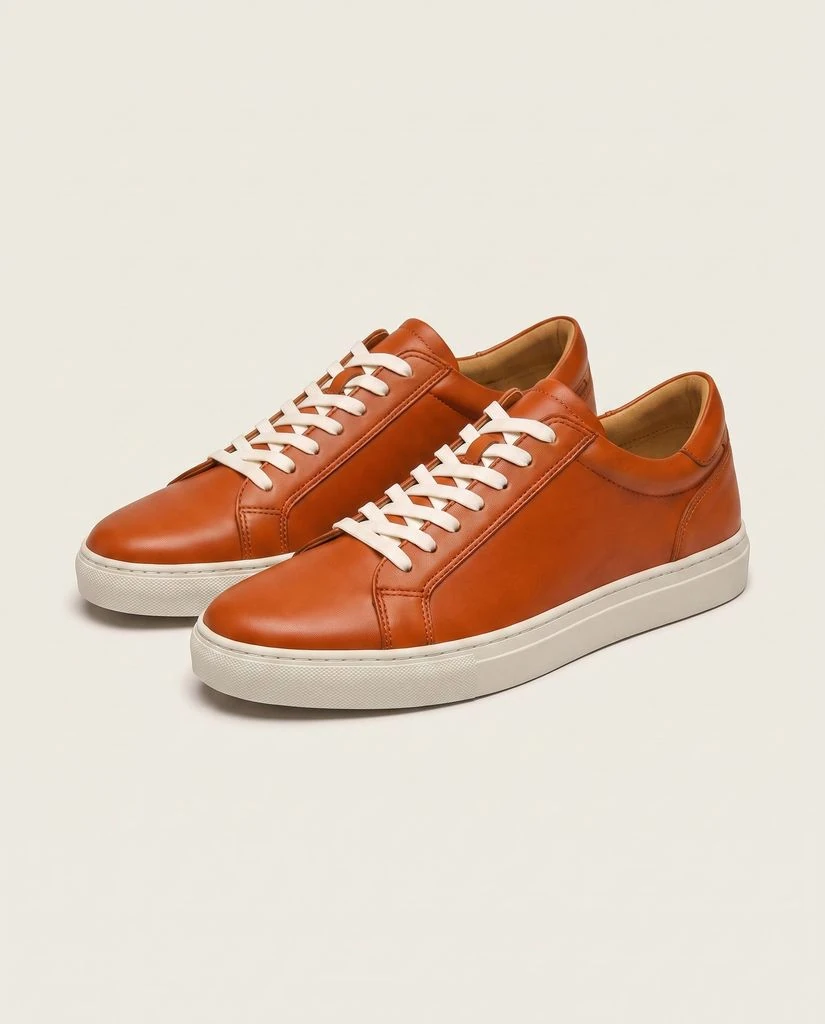
One product photo. More ways to use it.
Create scenes and campaigns from your photos. Upscale your favorites.
Generate Images
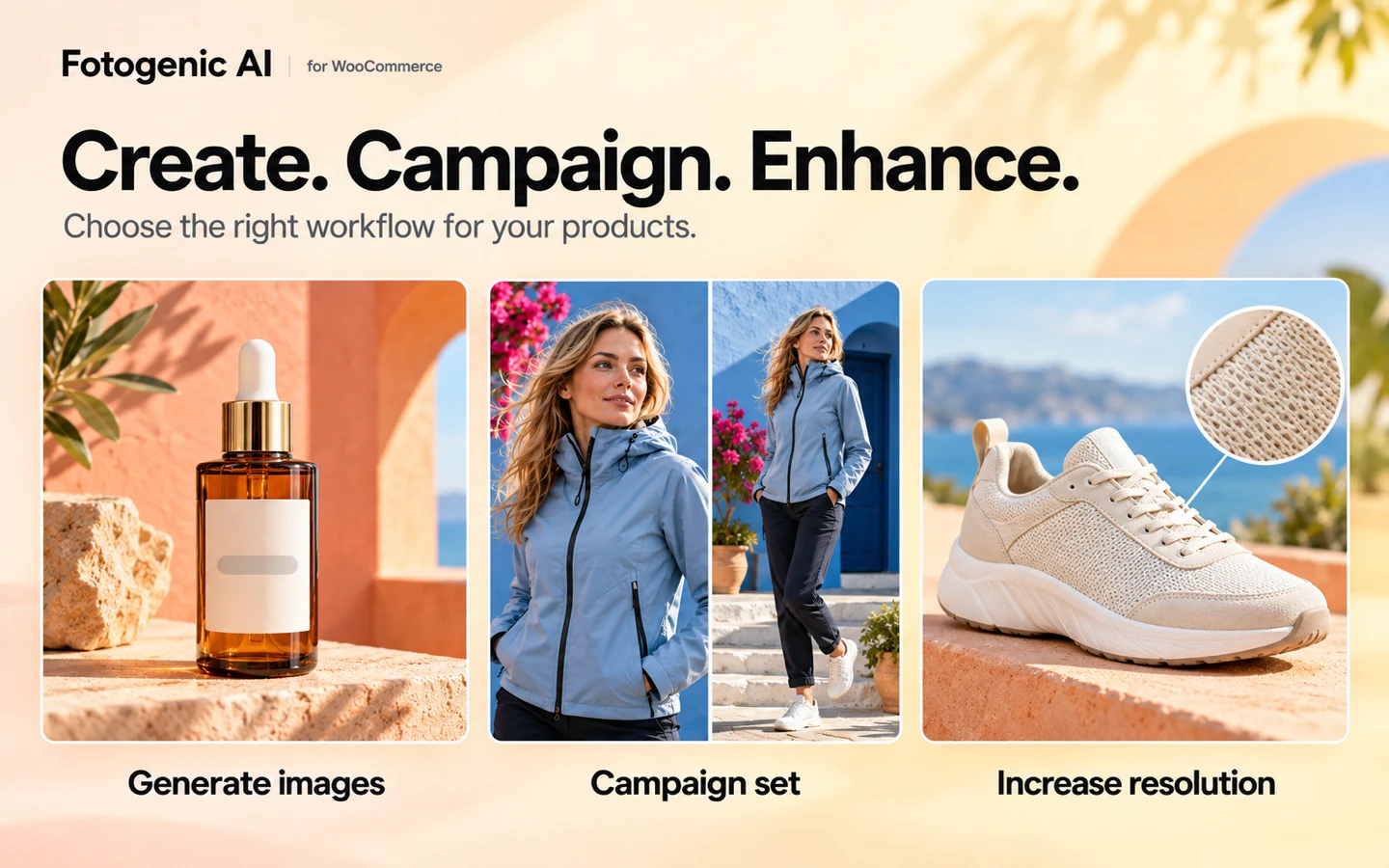
Create a clean studio shot, a lifestyle scene or an on-model image from your existing product photos. Start with a template or choose your own direction.
Campaign Set
Create 2 to 6 related images for a launch, promotion or social campaign. Choose a shared direction and the available style, model and output settings.
Increase Resolution
Already have the right photo? Create a higher-resolution version with Increase Resolution. The enhanced image is saved separately from your original.
Templates & saved looks
Find a look by product category, preview it and apply its settings. Save your own setup to reuse across selected products or your next collection.
Visual Intelligence
Need a starting point? Get suggested settings from your source image, then adjust the creative direction before generating.
Show products on a model
Choose a model from the library, reuse a saved reference or upload your own model photo for clothing and accessories.
Your first new look. Four simple steps.
Connect the plugin to your account. Open Studio to create your first images.
-
Step 01
Choose your product
Choose a product or variation and its reference photos. Add extra views when details matter.
-
Step 02
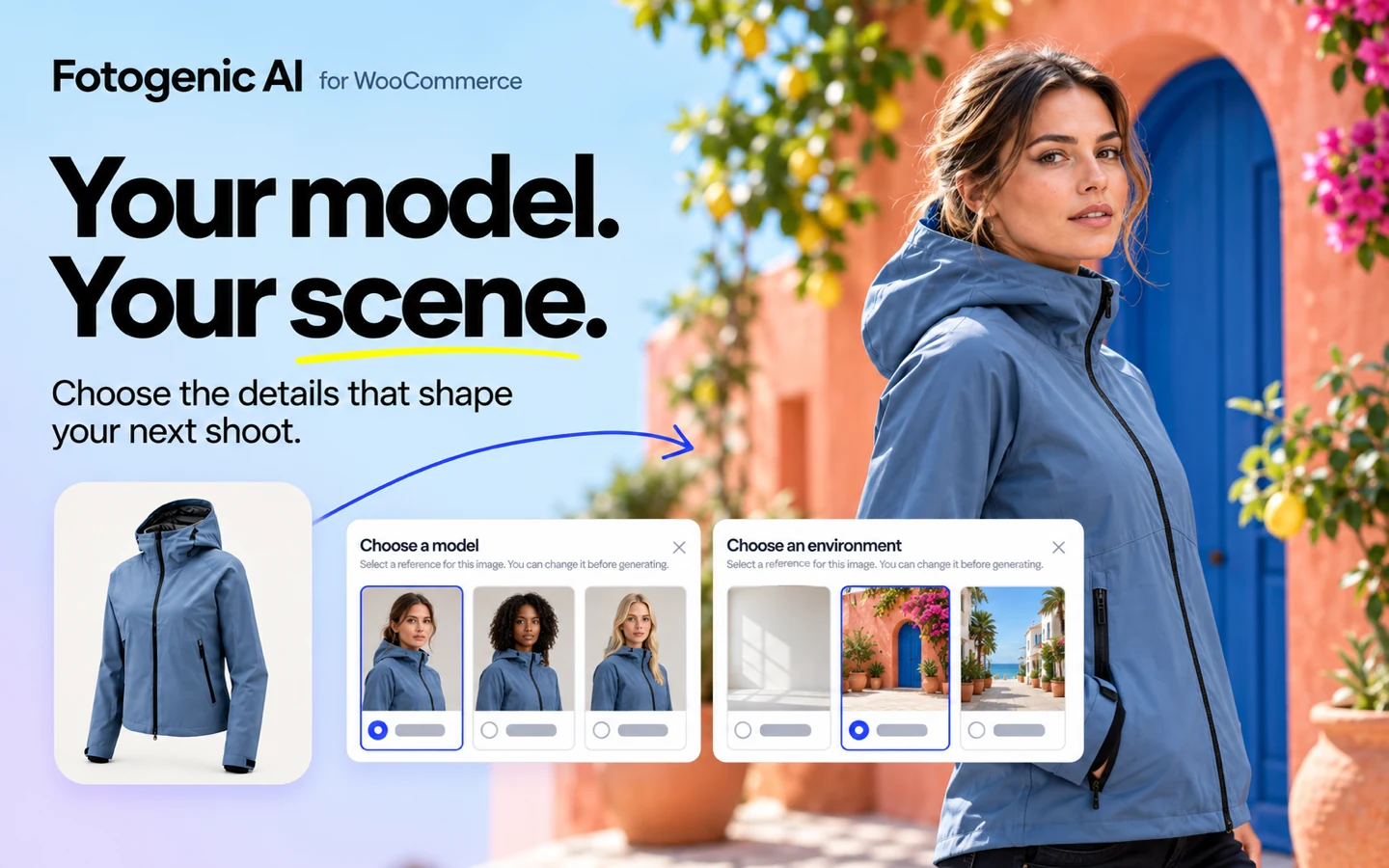
Choose your look
Use a template, a saved setup or your own settings. Choose the scene, model, lighting and composition.
-
Step 03
Check the cost and generate
Check the credit estimate, then start your generation. Follow progress in Studio while your images are created.
-
Step 04
Put your new images to work
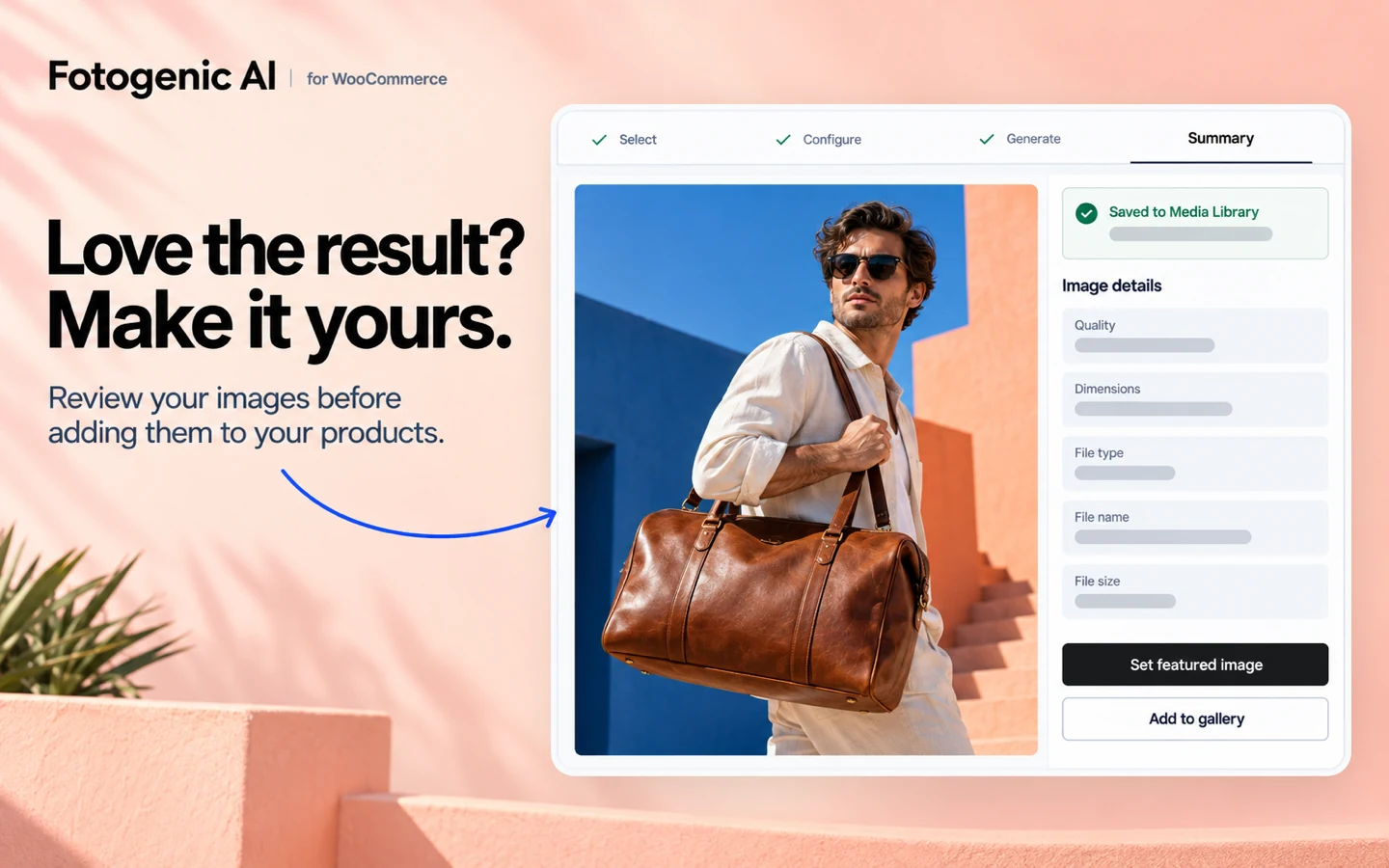
Review your images and apply the ones you want. Automatic updates follow the store settings you selected.
Refresh a collection. Keep your workflow.
Reuse your setup across a collection. Follow each result as it is created.
Follow live progress
See completed, failed and partial results as your batch progresses. Check finished images while other selected products continue processing.
Pause, resume, or stop
Pause, resume or stop supported product runs when priorities change. Completed results remain available to review.
Revisit your results
Return to saved runs and their results. Review what worked, then start a new run when you want a different direction.
New products. New seasons. New possibilities.
Build on your existing product photos. Create something new for your store.
Product launches
Prepare product-page images and a coordinated campaign for your next collection. Choose the results that tell its story.
Seasonal campaigns
Give existing products a seasonal setting. Reuse a creative direction across the items in your promotion.
Creative testing
Try different backgrounds or compositions for the same product. Run your own test to learn which images work for your audience.
Store, ads and social
Create images for product pages, ads, email and social posts. Choose the right crop and check the requirements of each channel.
Create for the rest of your WordPress site.
Create beyond your product catalog. Use images from posts, pages or your library.
WooCommerce products
Generate Images, Campaign Set and Increase Resolution work with selected products and variations, with direct product-image and gallery updates.
Posts
Create fresh visuals from images in selected posts using Generate Images. Build supporting content around your products.
Pages
Use Generate Images with selected page images to develop visuals for launches, promotions and other site content.
Media Library
Create new images, build campaign sets or upscale photos already in your Media Library. Save the results as new files.
WooCommerce is required for product sources and product image updates. Media Library, Post, and Page workflows are also available without WooCommerce.
"Seems simple, picked multiple products, set configurations which match my style and generated some photos."
Built for WooCommerce and WordPress.
Connect the plugin to your account. Create with your available credits.
Questions about the plugin.
Install Fotogenic AI, connect your account and open Studio. Select a product or variation, choose a template or custom settings, then check the credit estimate and generate. Review images first or use the automatic product updates you selected during setup.
Yes. Select multiple WooCommerce products or variations and apply a shared setup. Search by name, SKU or ID and filter by category or stock status. Larger selections use background processing, with progress and saved results available in Studio and History.
Yes. Start with an existing product photo and choose a template or custom scene settings. Create a studio background, a lifestyle scene or an image with a model. Fotogenic generates a new image, rather than editing only the background. Review the product details before publishing.
Only if you select automatic updates during setup. Choose Review images first to save results without changing your products. For supported product and variation results, you can replace the featured image, add images to the beginning or end of the gallery, or replace the gallery.
Yes. Generated and enhanced images are saved as separate files in your WordPress Media Library. Changing which image appears on a product does not delete the original file.
The plugin is free to install. Creating images requires a connected Fotogenic AI account and available credits or service access. Eligible new accounts receive free credits with no credit card required. Check your account allowance and the current plans and pricing before generating.
Fotogenic connects image creation to your WooCommerce catalog. Select products and variations, reuse a setup across a batch and apply results to featured images or galleries from WordPress. Generate Images, Campaign Set and Increase Resolution support different product-photo tasks.
Use a clear, well-lit photo of the actual product. Include additional reference views when shape or detail matters. AI can change colors, text, logos, materials or construction, so compare results with the product before publishing. Keep original detail photos when exact representation is essential.
Yes. Generate Images supports Media Library, Post and Page images. Campaign Set and Increase Resolution also support Media Library images. Direct product selection and product-image updates require WooCommerce 9.4 or newer.
Use WordPress 6.5 or newer, PHP 7.4 or newer and an internet connection. WooCommerce 9.4 or newer is required for product workflows. Connect a Fotogenic AI account to generate images. The plugin runs in wp-admin and adds no frontend blocks, shortcodes, widgets or tracking scripts.
Yes. Campaign Set creates 2 to 6 related images with a shared direction from WooCommerce products or Media Library images. Use the available style, model and output settings to prepare visuals for a launch, seasonal promotion or social campaign.
The WordPress plugin provides image generation, campaign images and upscaling. For product videos, use the Fotogenic AI web app workflow. Video creation is separate from the plugin workflows described here.
Your next product look. Start in your store.
Try a new look with your product. Get the free plugin.
Need help with setup or workflow fit? Contact Fotogenic support. Input and output usage rights are governed by the Terms and Conditions.