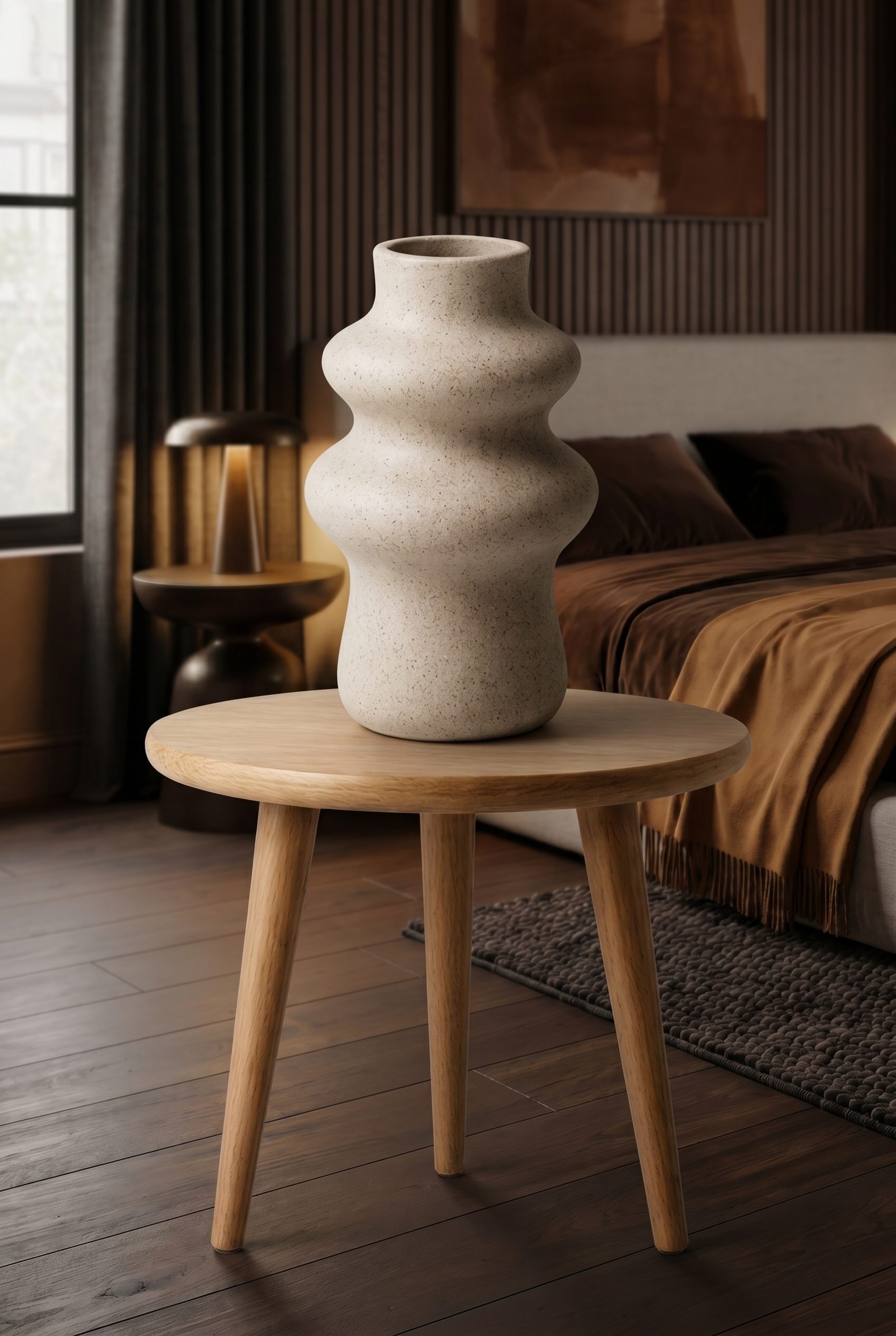
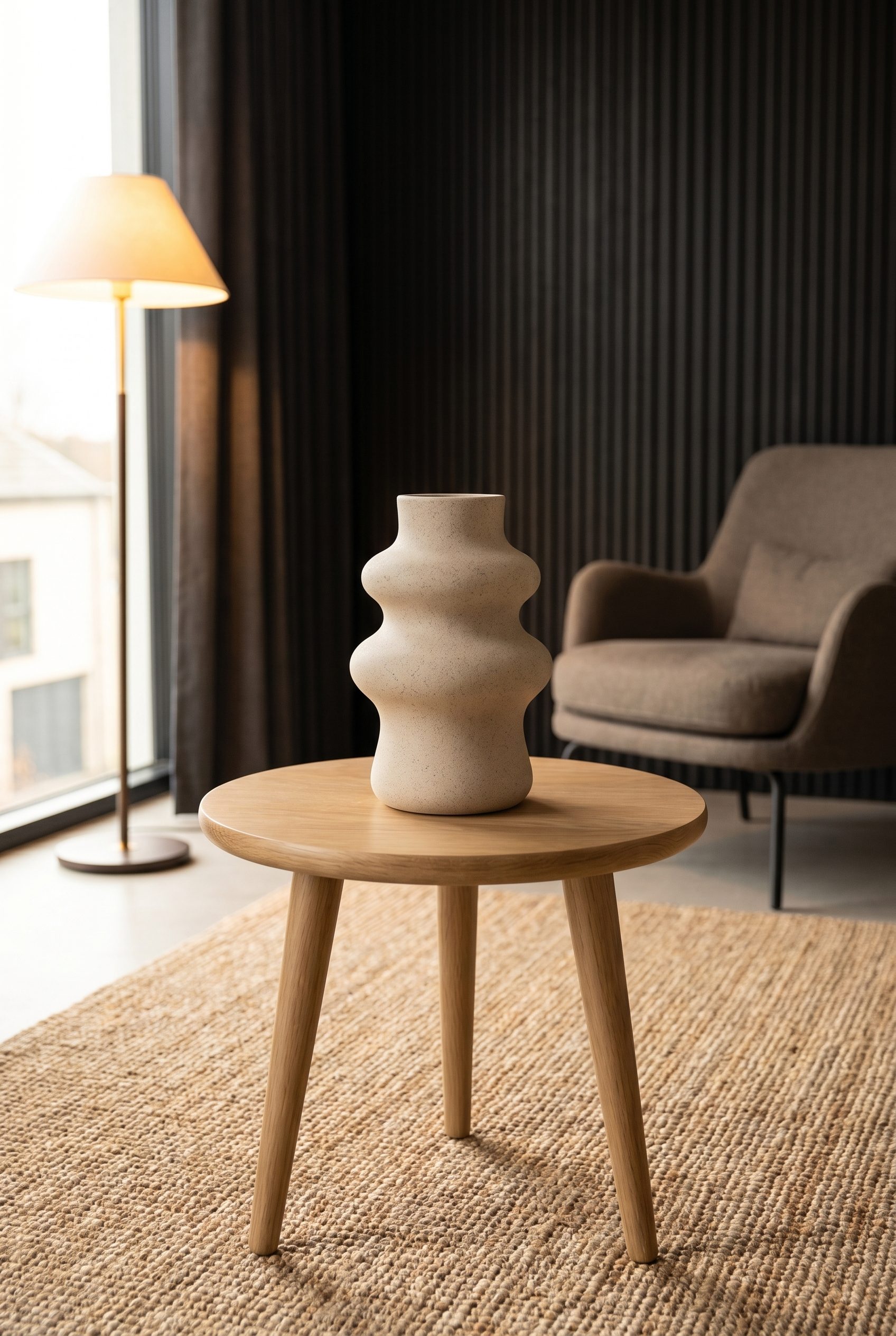
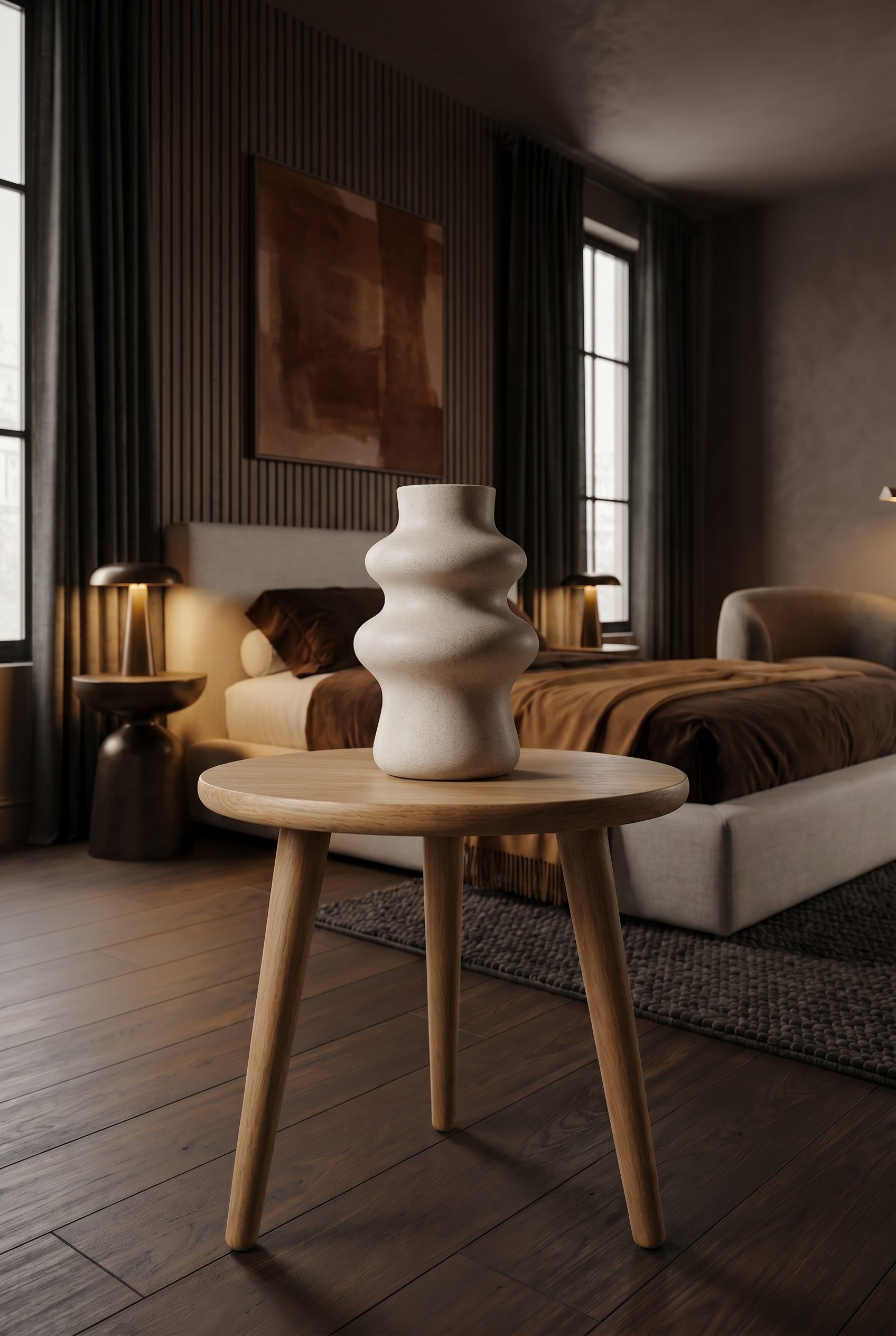
AI product video generator

Turn product images into short videos built to sell.

Use Fotogenic AI to create product stills, guide simple motion, and turn approved visuals into short ecommerce clips for product pages, launches, ads, and social content.

  • Product image to video
  • Autoplay-ready clips
  • Built for ecommerce

Product proof in motion

Show the product before you ask shoppers to imagine it.

A good product video should make the item feel more tangible. Use Fotogenic to move from clean stills into short clips that reveal texture, shape, styling, and use-case context without sending every SKU back to a studio.

What it helps you sell

Create product clips that support the whole buying journey.

This page is not here to decorate the site with video. It shows where Fotogenic product video fits: sharper product pages, faster campaign content, more useful social assets, and packages that combine stills with motion.

Video examples

Different products need different motion stories.

These examples keep the page focused on real ecommerce outcomes: wearable fit, close-up detail, and clean product context.

How it works

From product image to motion-ready content.

The workflow keeps product identity, creative direction, and review in the same Fotogenic path instead of treating video as a disconnected experiment.

  1. Step 1

    Start with the product visual you would actually publish.

    Use a clear catalog, lifestyle, or generated Fotogenic image where the product is already recognizable. Strong stills make stronger motion.

  2. Step 2

    Choose motion that sells the product, not the effect.

    Guide the camera like a creative director: reveal texture, show fit, add a slow push-in, or create a clean social preview.

  3. Step 3

    Generate the clip inside Fotogenic AI.

    Keep the video short, focused, and easy to reuse with the matching product images in your content package.

  4. Step 4

    Review identity, crop, and channel fit.

    Check that the product still looks like the product, then use the best clip on product pages, launch content, ads, and emails.

Start with better inputs

The best clips begin as product images you already trust.

Fotogenic works best when you treat video as a next step after product image quality. Build the still, approve the product story, then use motion where it adds confidence or attention.

Product detail proof

Motion is strongest when it reveals what the still image cannot.

Close-ups and material-led clips can help shoppers understand the product faster. Use them when texture, shine, scale, packaging, or finish is part of the buying decision.

Use video with intent

Do not generate a clip just because a clip is possible.

The strongest Fotogenic workflow chooses motion only where it can help a buyer, campaign, or content team. Use still images for precision, video for attention and product feel, and packages when you need both.

Where clips fit

Use short product videos where they can earn attention and support conversion.

Product video should have a job. These are the places where Fotogenic clips can support a store, a launch, or an ongoing content calendar.

Category range

A video page should prove range, not repeat the same product type.

Fotogenic can support different categories with different visual jobs: clean electronics context, lifestyle home decor, and footwear detail that still feels product-first.

Choose the right output

Product video works best as part of the full Fotogenic content system.

Most teams need a mix: still images for clarity, clips for attention, and campaign sets when a product launch needs several connected assets.

Comparison point Fotogenic product video Still product images Campaign content kits
Best job Short attention and product feel Precise product inspection Connected launch assets
Where it shines Social previews, product page motion, launch highlights PDP galleries, catalogs, variants Ads, landing pages, emails, social sets
Buyer value Faster understanding of fit, texture, or context Clear detail and accurate product view A consistent story across every channel
Fotogenic path Turn the approved still into guided motion Generate and approve the still first Package stills, clips, and branded directions together

Scale without losing direction

Video should make your content system stronger, not harder to manage.

Use Fotogenic to keep product visuals repeatable: save the brand direction, build strong stills, add clips where needed, and keep the package tied to real ecommerce use.

FAQ

AI product video generator questions, answered.

Clear answers for store owners, marketers, and ecommerce teams deciding how product video should fit into a Fotogenic package.

It is a tool that turns a selected product image into a short product-focused clip. In Fotogenic, the goal is practical ecommerce motion: a clip that supports a product page, launch, ad, social post, or content kit.

Yes. Start with a strong source image where the product is clear and accurate. Fotogenic can help generate the still image first, then you can use video where motion adds value.

Apparel, accessories, beauty, home decor, electronics, jewelry, personal care, and footwear can all work when the motion has a clear job, such as showing fit, texture, packaging, detail, or context.

Yes, when the clip helps shoppers understand the product. Keep it short, muted, product-first, and paired with still images that show the details buyers need.

This page is focused on product image to short product showcase clips, not broad UGC video ads. Use the clip as part of a campaign set when it fits the product story.

No. Use video when motion helps conversion or campaign performance. Use still images when detail, catalog clarity, marketplace rules, or variant comparison matter more.

Check product identity, crop, movement, proportions, texture, readability, and whether the clip fits the channel where you plan to publish it.

Choose a Fotogenic package based on the amount of product content you need: still product images, campaign assets, brand-consistent sets, and video-ready outputs for your store or marketing calendar.

Ready when your next product is

Create product images first. Add motion where it helps you sell.

Open Fotogenic AI to generate stronger product visuals, review the source image, and turn the best assets into a practical content package for your store, campaigns, and social channels.

  • Product image foundation
  • Short product clips
  • Brand-consistent packages
  • Pricing built for production