For skincare brands and sellers
AI skincare Product photos
Create AI skincare product photos with studio shots and lifestyle scenes for your store and campaigns.
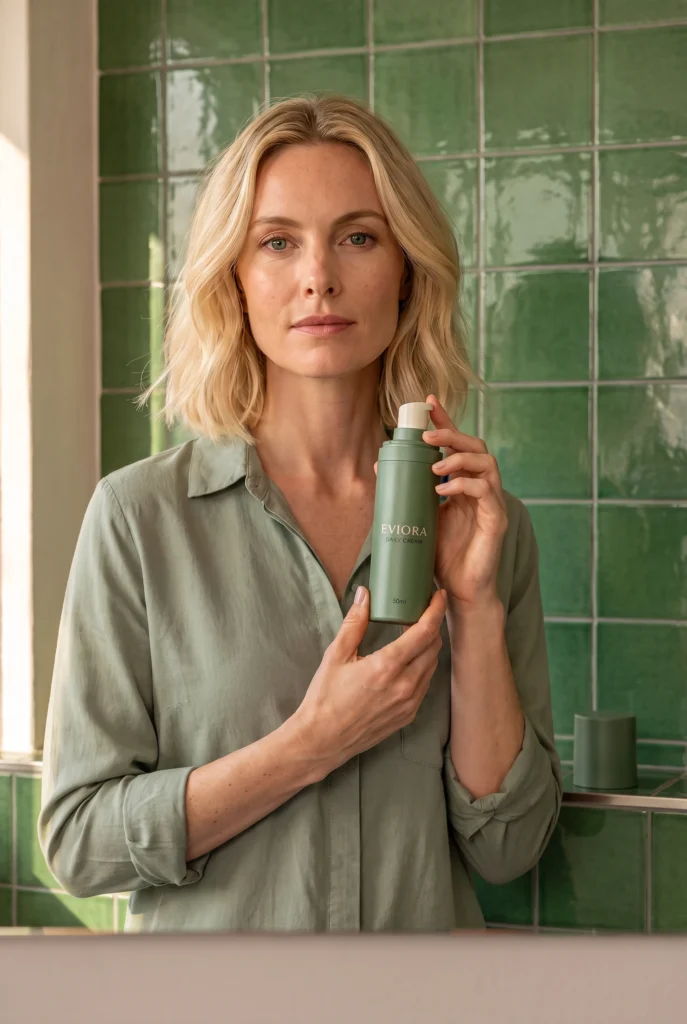
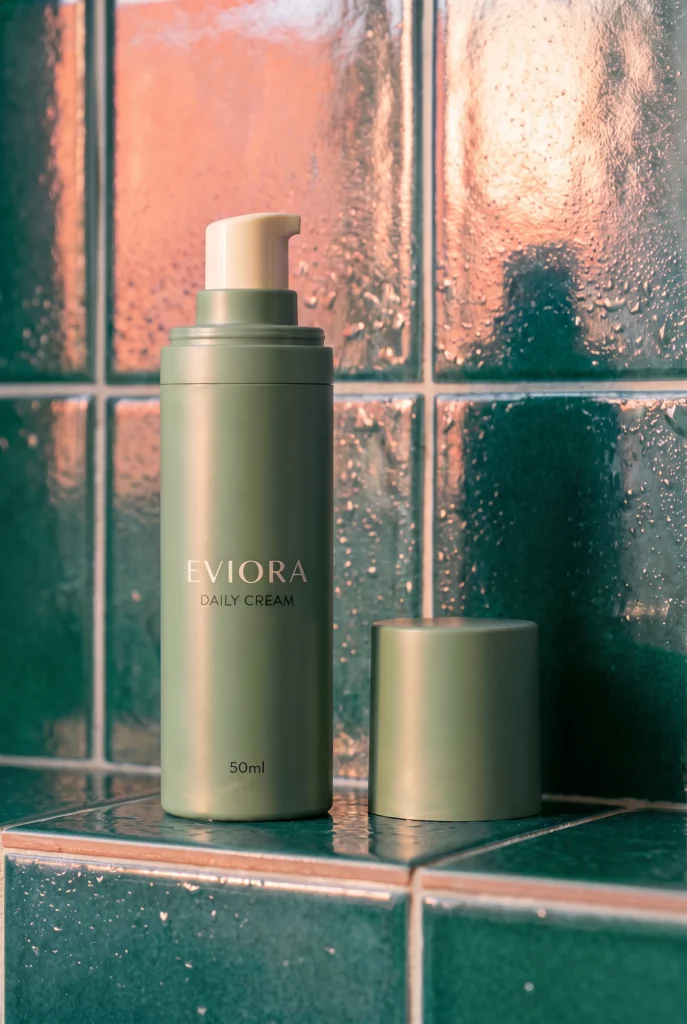
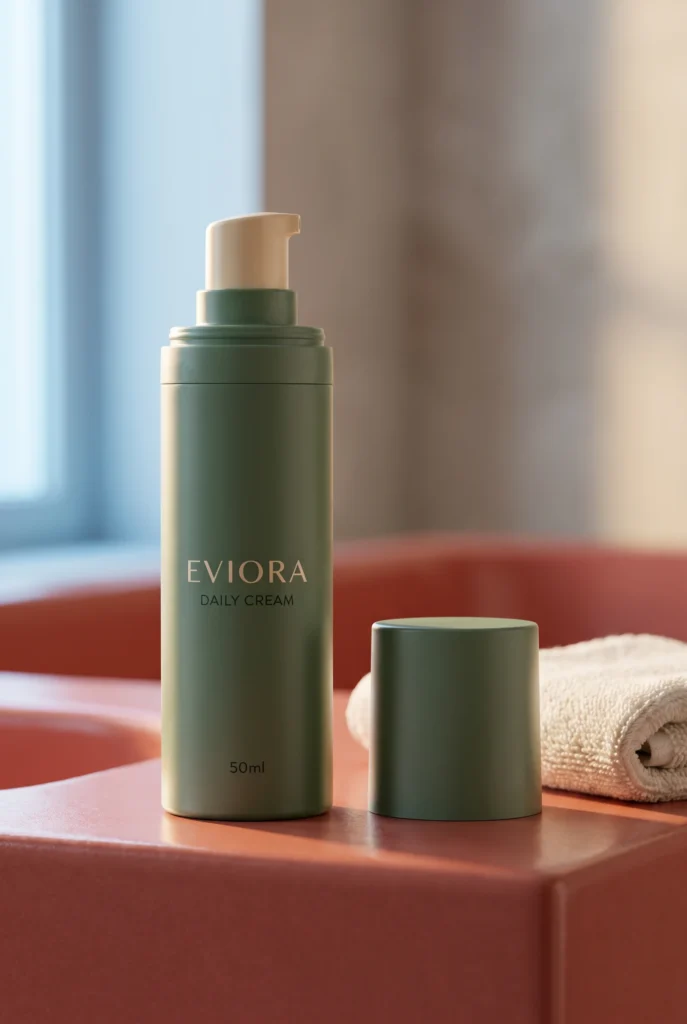
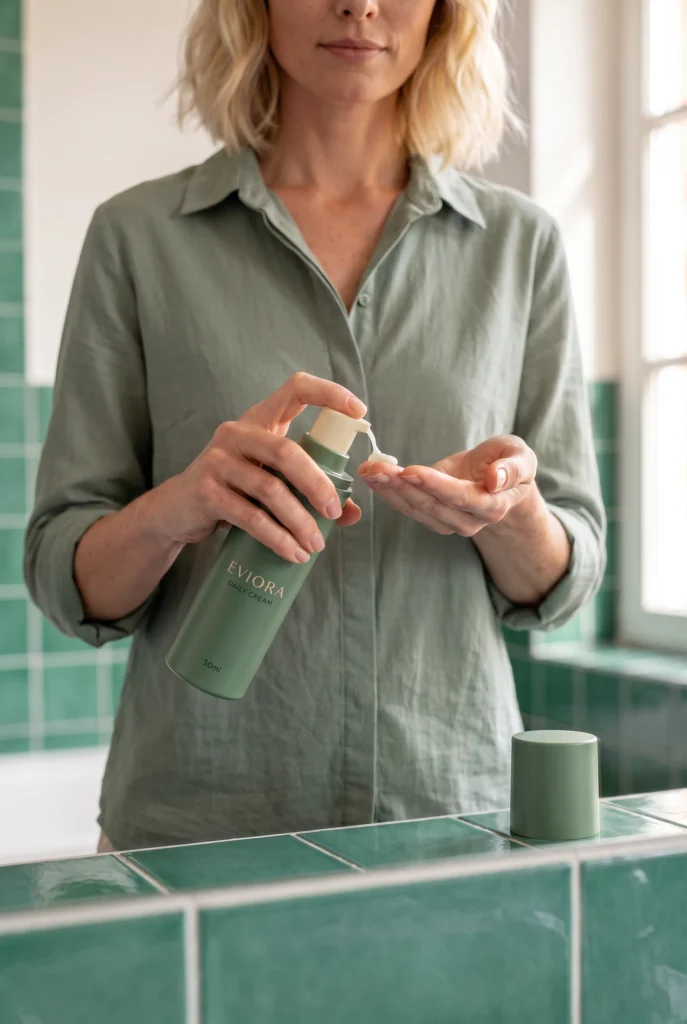
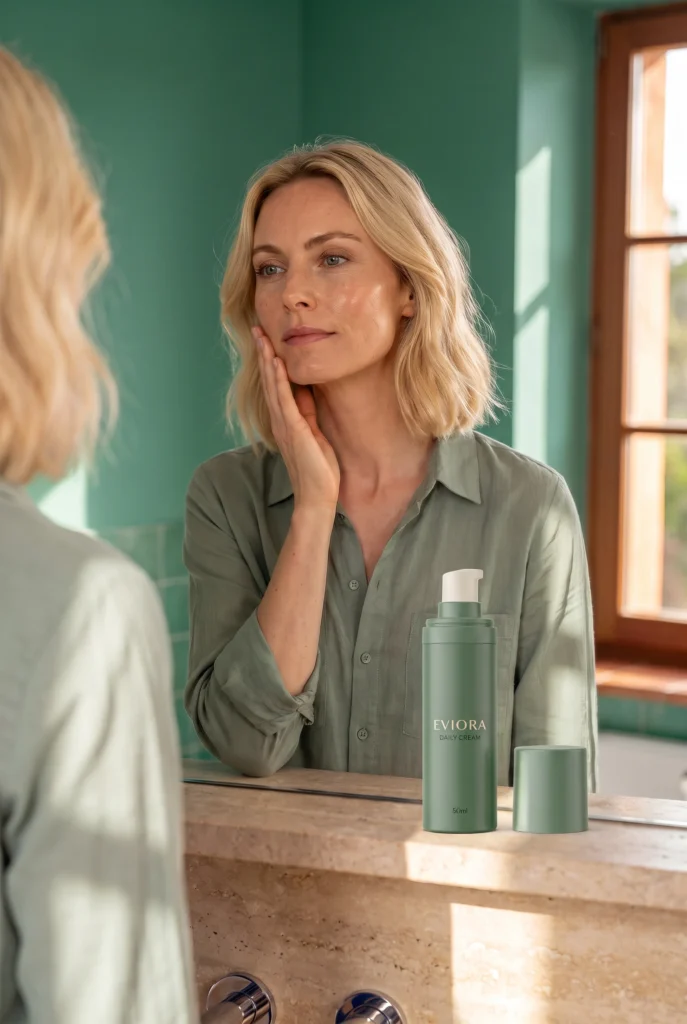
Examples
Skincare Product Photography examples
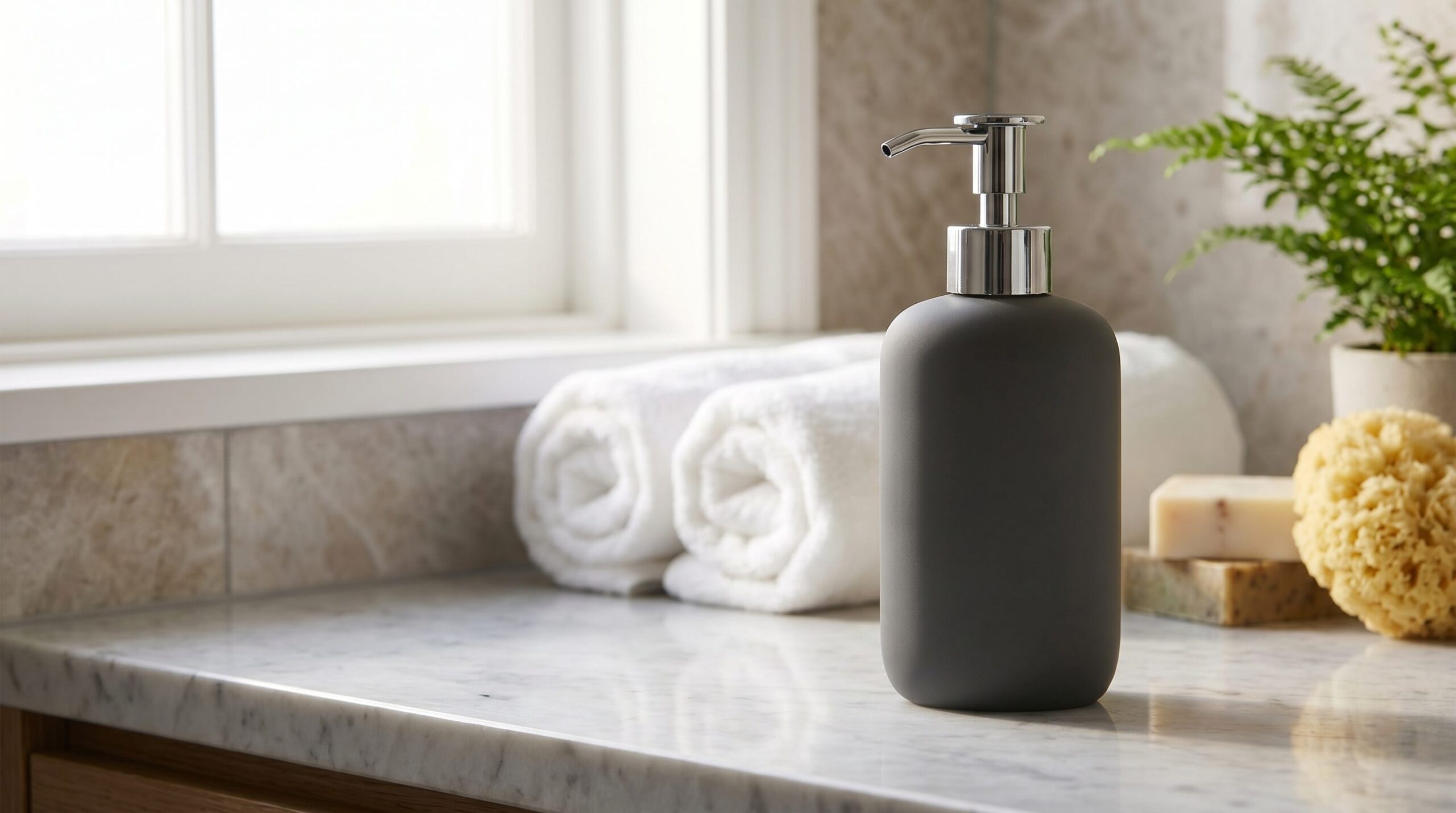
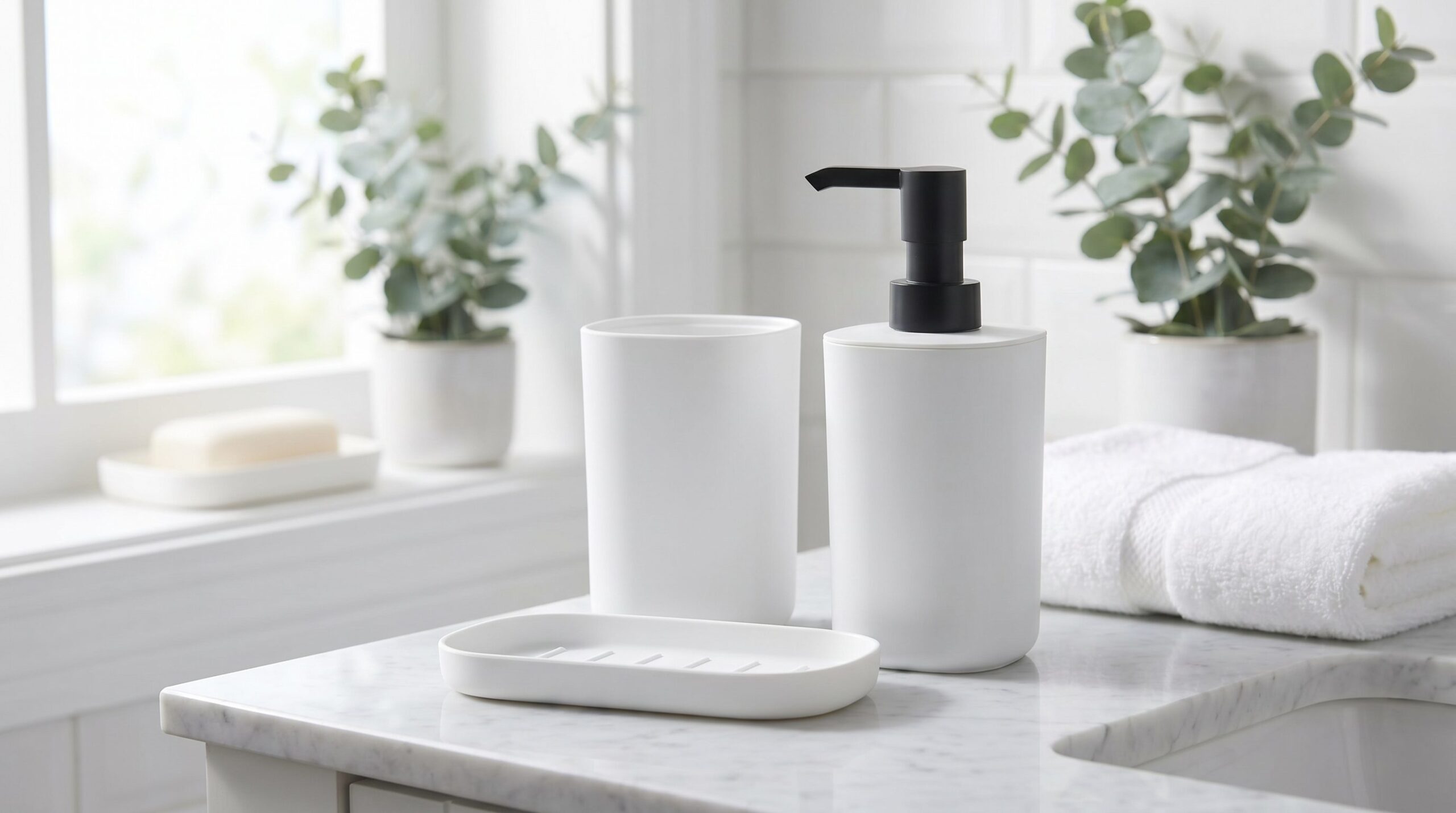
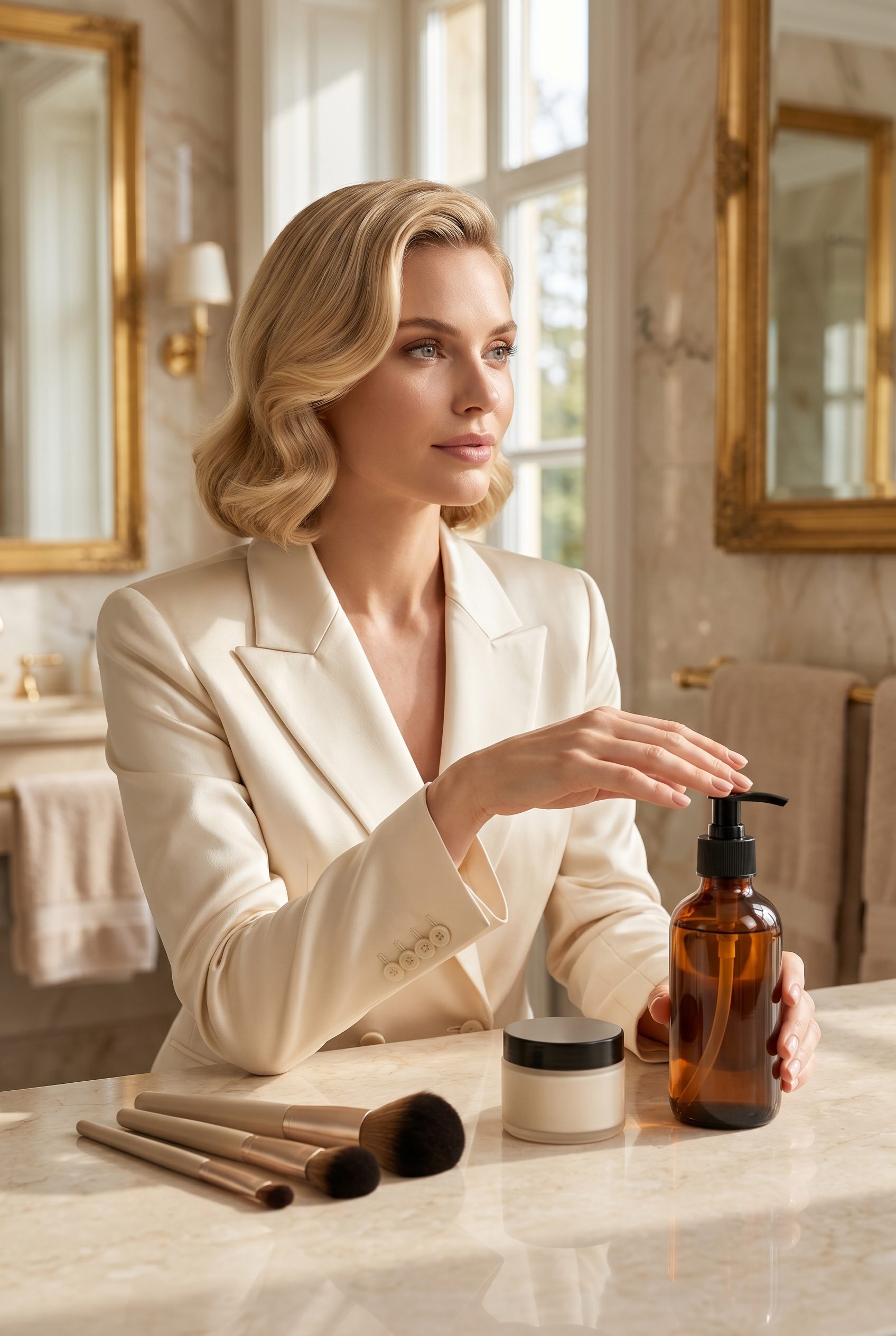
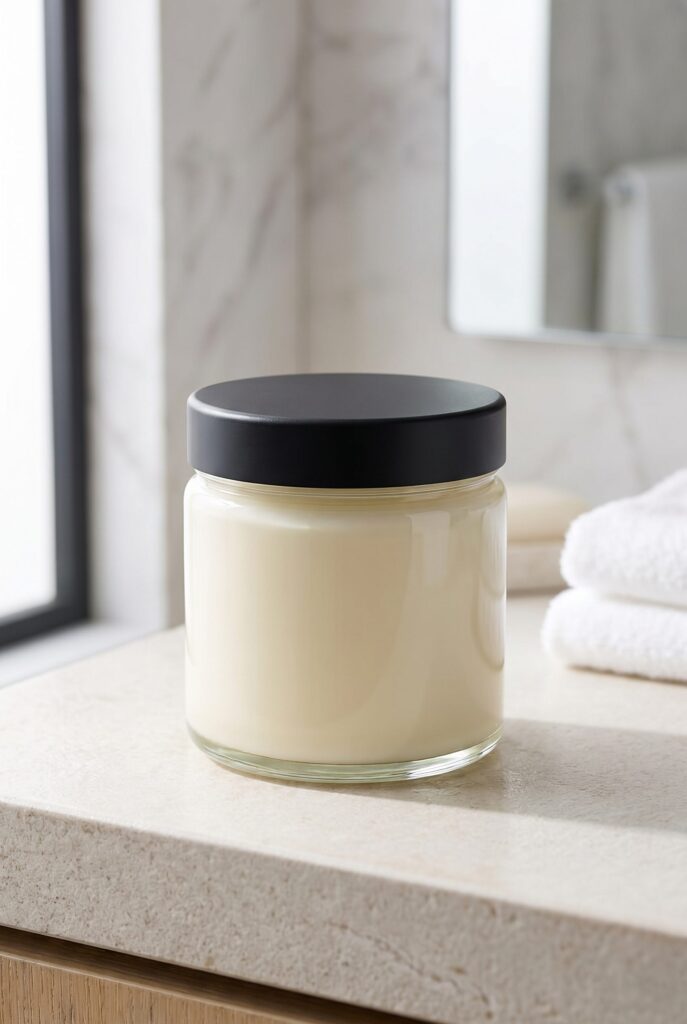
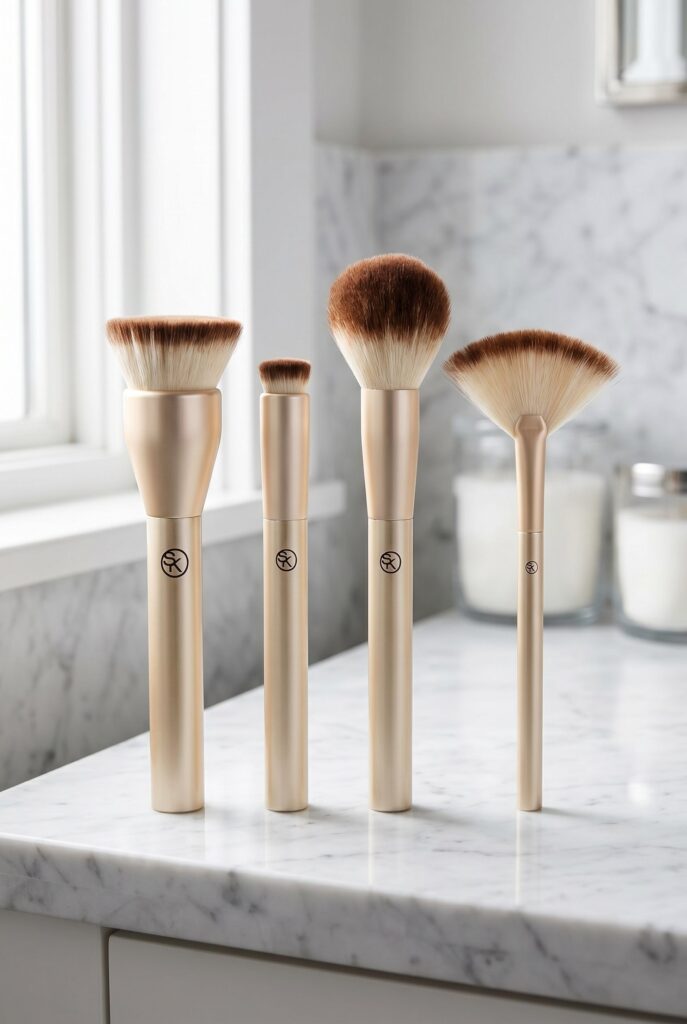
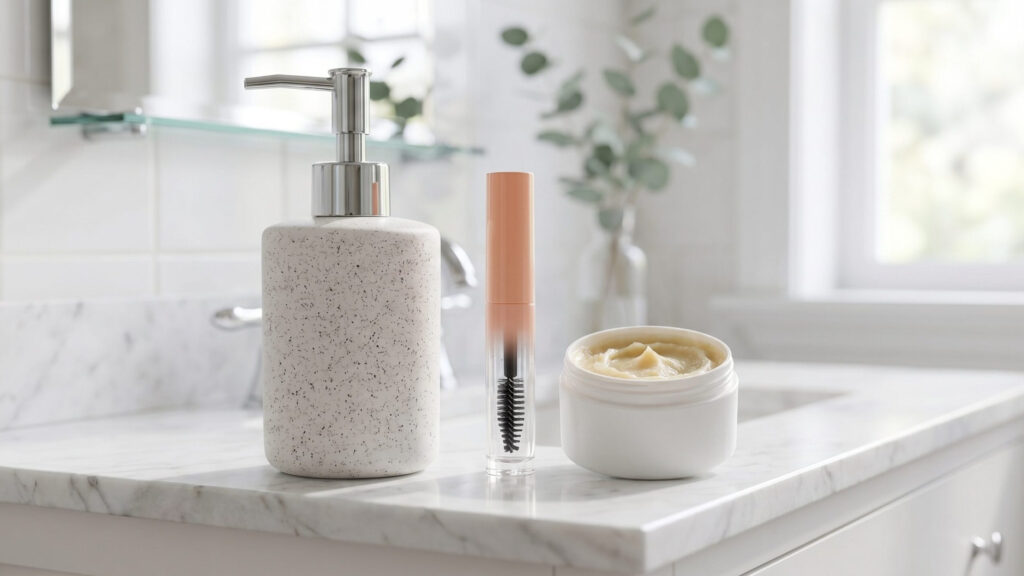
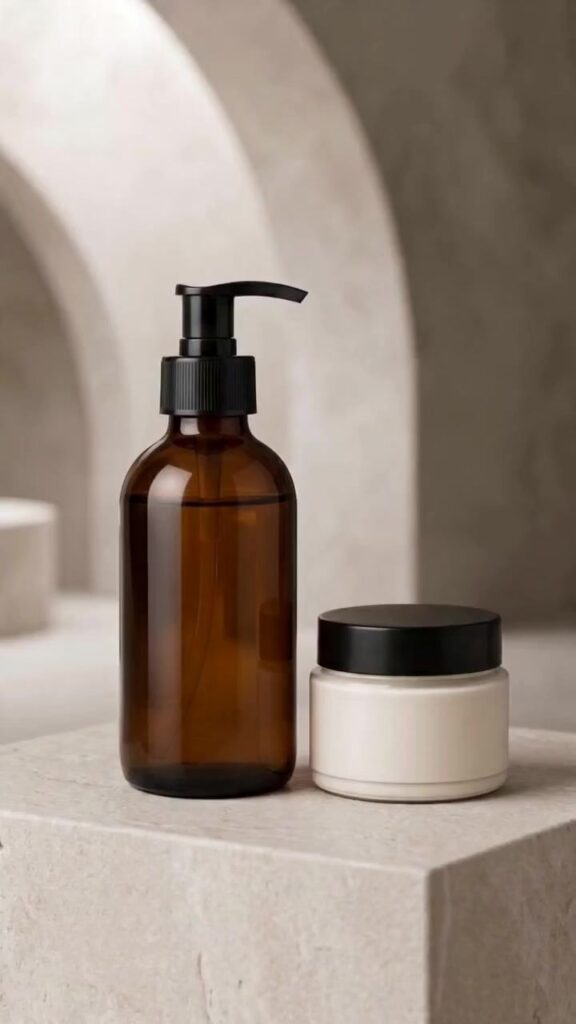
Review packshot, dispenser, texture, routine-order, ingredient, vanity, and campaign examples by the skincare fact each image communicates.
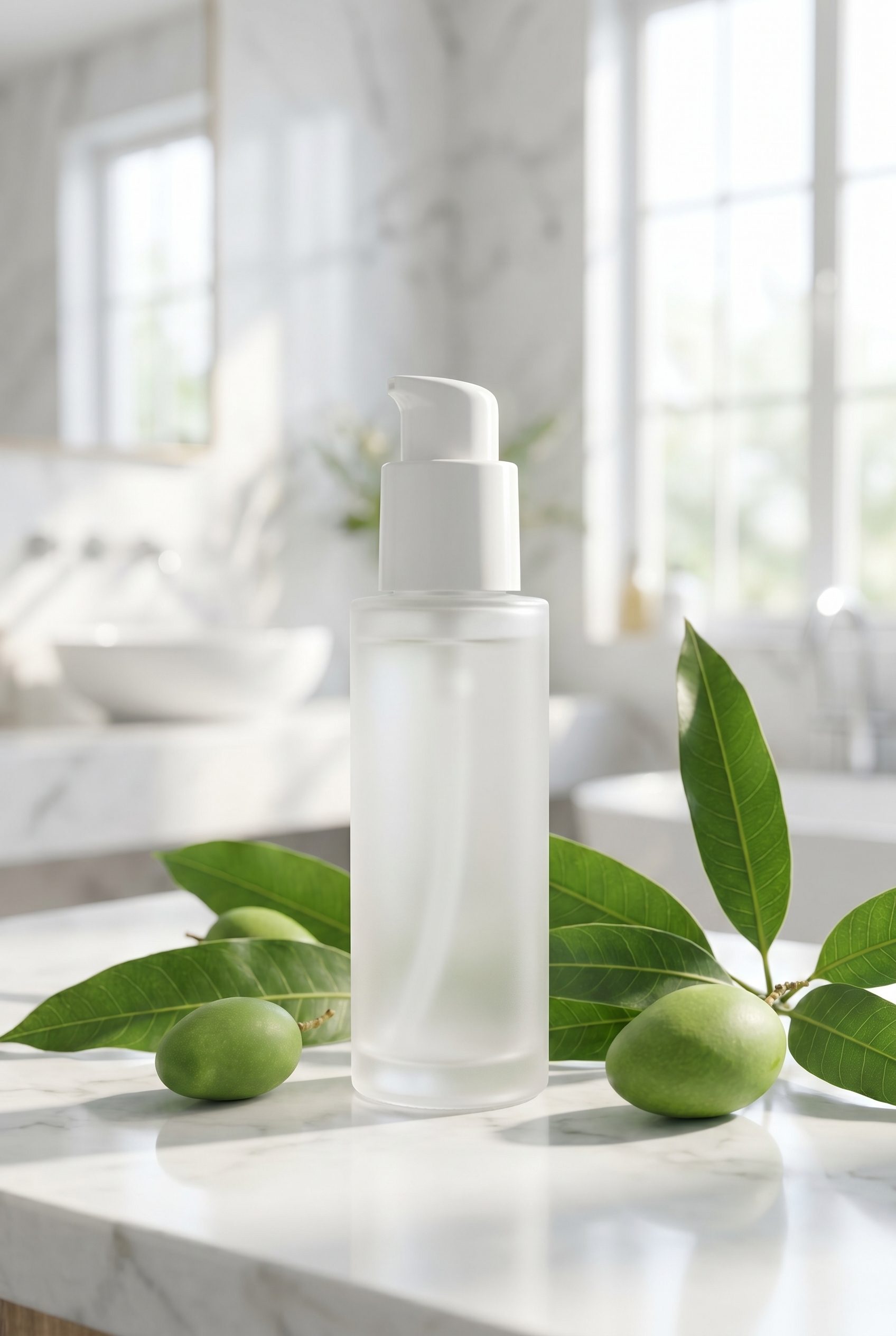
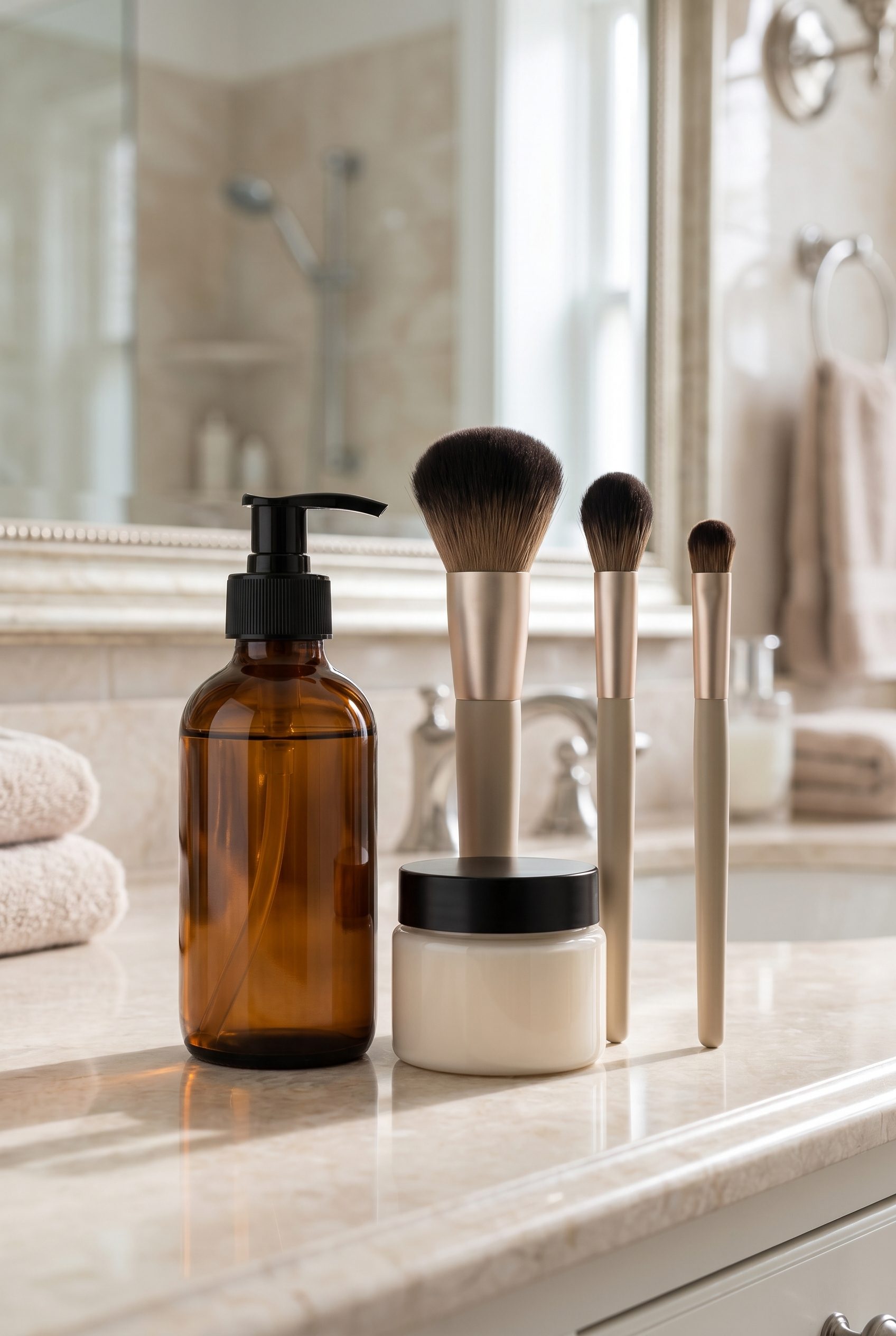
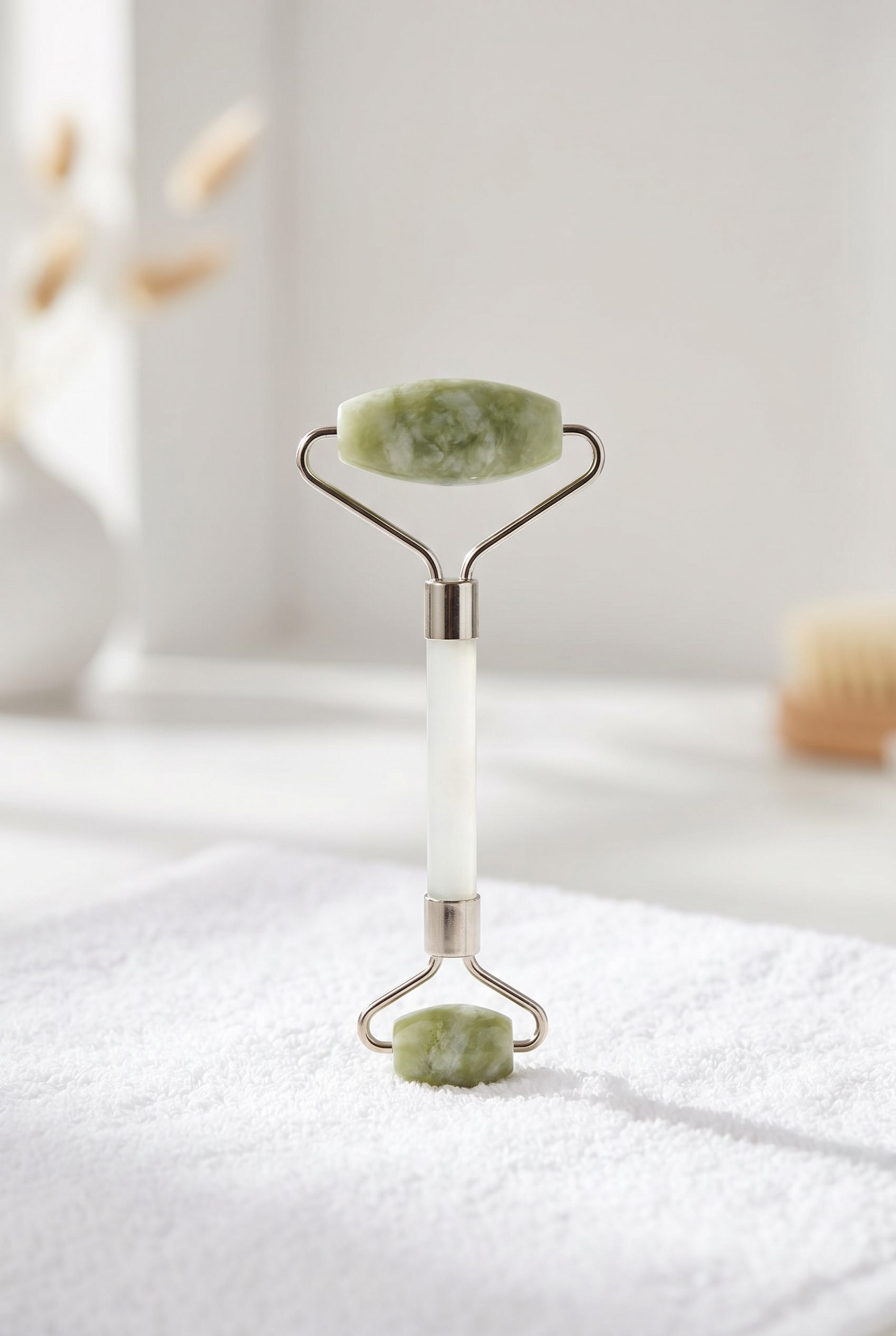
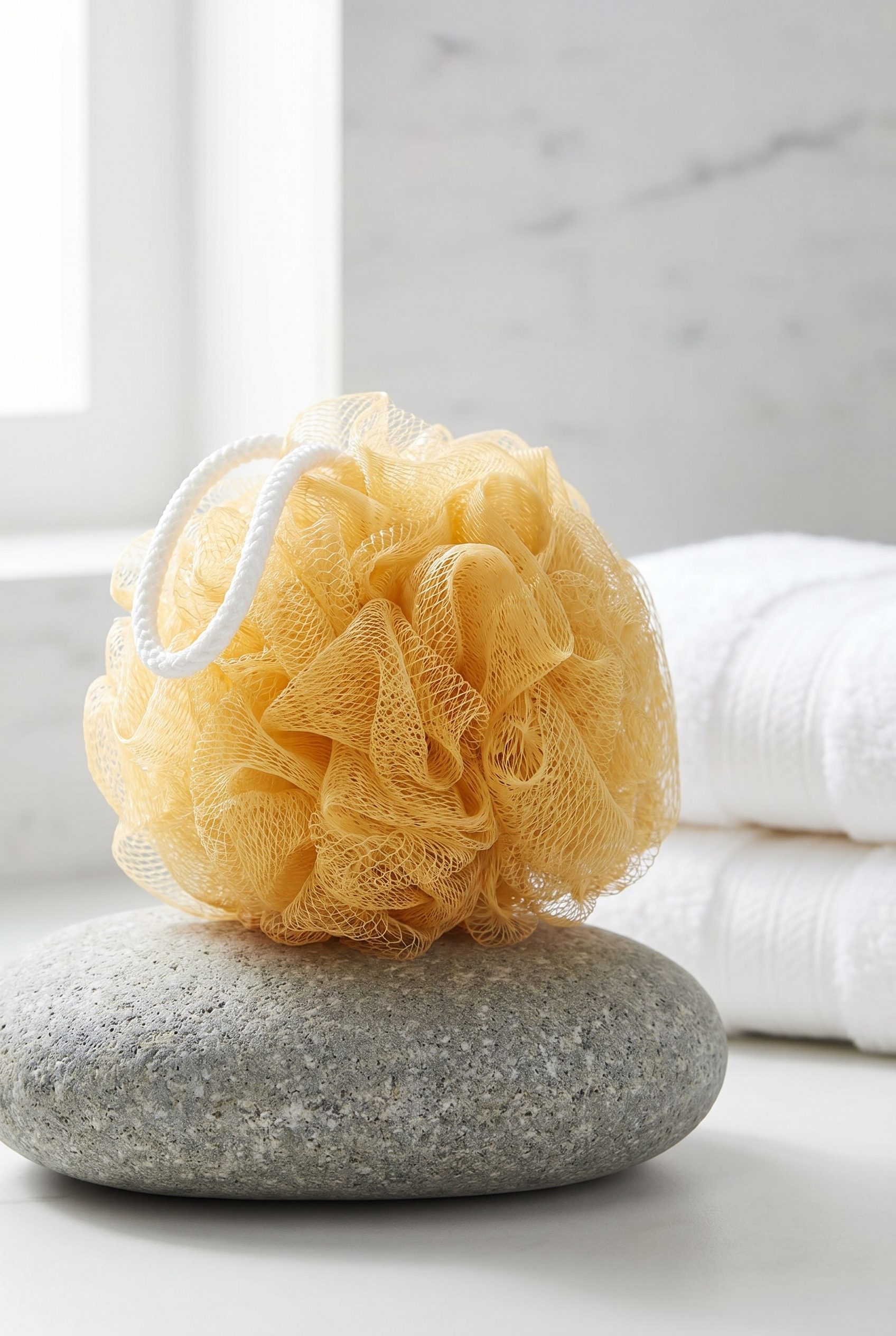
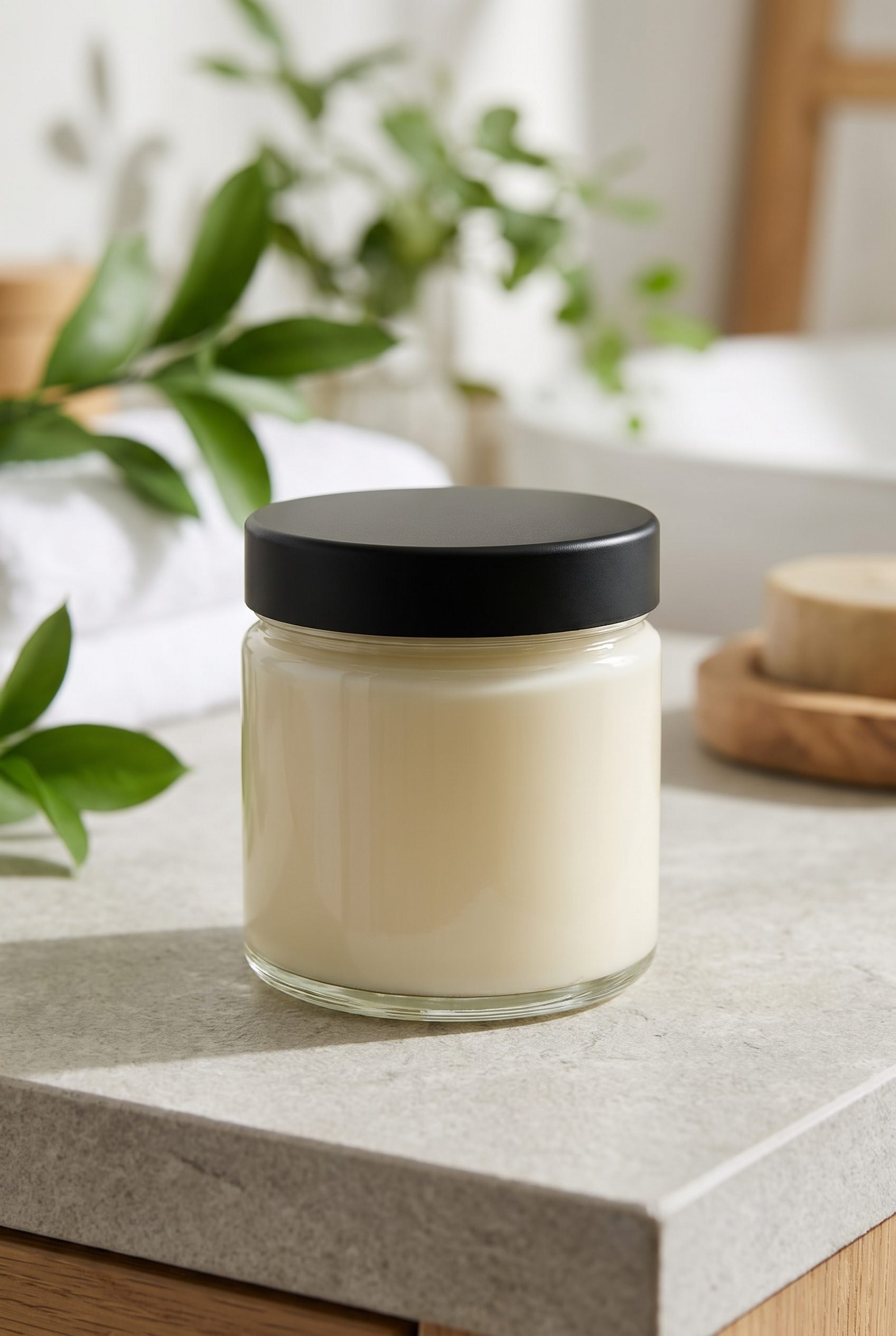
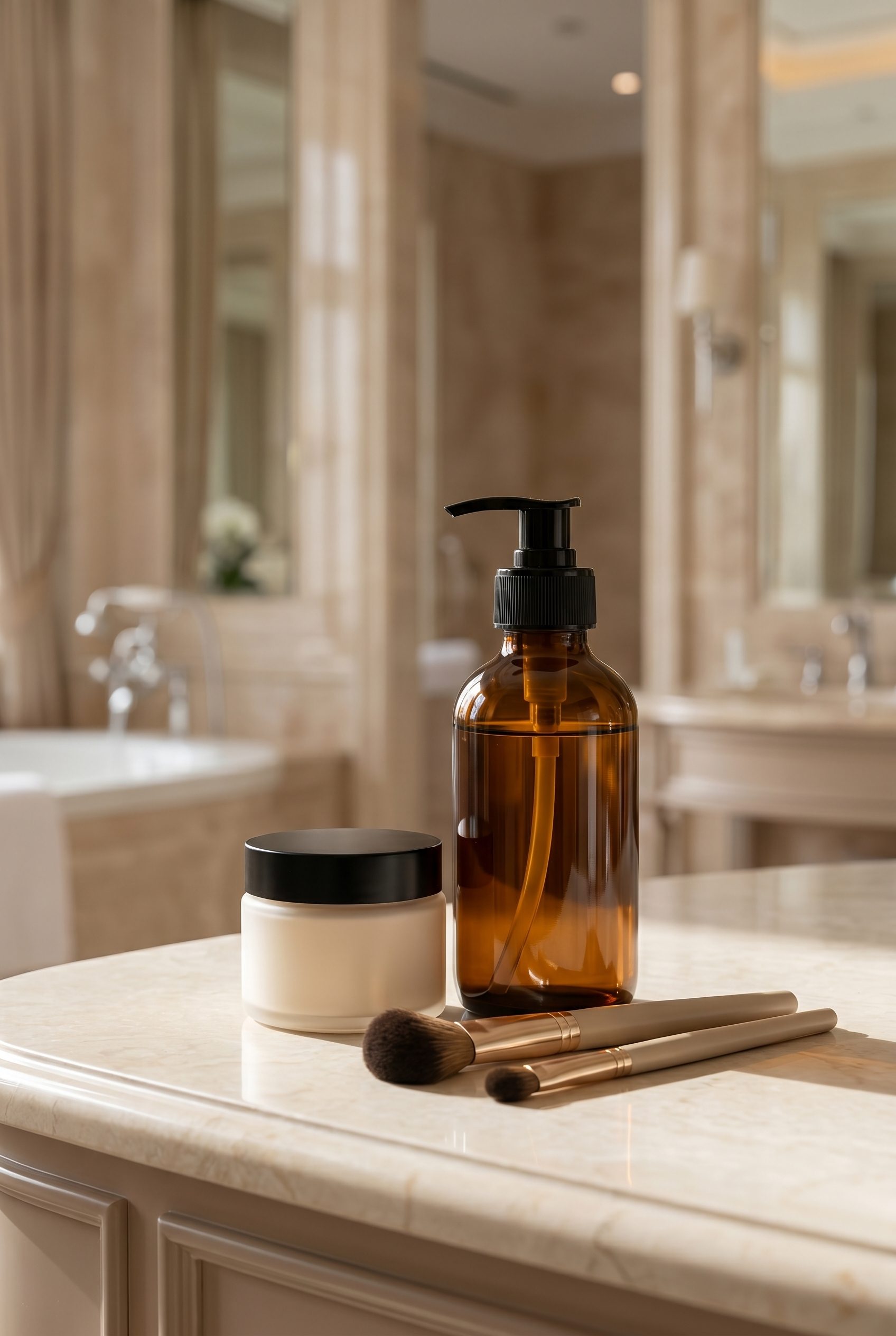
Show packaging, texture, and routine order without confusion
Skincare images must keep labels, pumps or droppers, texture, packaging color, and routine order understandable. Build those product facts first, then add ingredient or vanity context.
Apply one skincare direction across selected products, then review labels, dispensers, texture, and claims.
Choose the images you need, review the results, then reuse the direction for other products.
Explore studio, lifestyle and campaign scenes for the places you sell.
Build a skincare set from packshot to routine context
- Step 01
Bring in your products
Upload a clear source photo, choose the visual direction, generate options, then review packaging, labels, texture, reflections, skin contact, claims, and color before exporting or publishing.
- Step 02
Pick a preset or scene
Choose a marketplace-focused image direction or a lifestyle scene, then review the result against the current requirements of the destination channel.
- Step 03
Generate variants in one pass
Export the selected image, then prepare its crop, file type, and dimensions for each destination channel.
- Step 04
Export to your store
Download the images you approve, then add them to the store or channel you use.
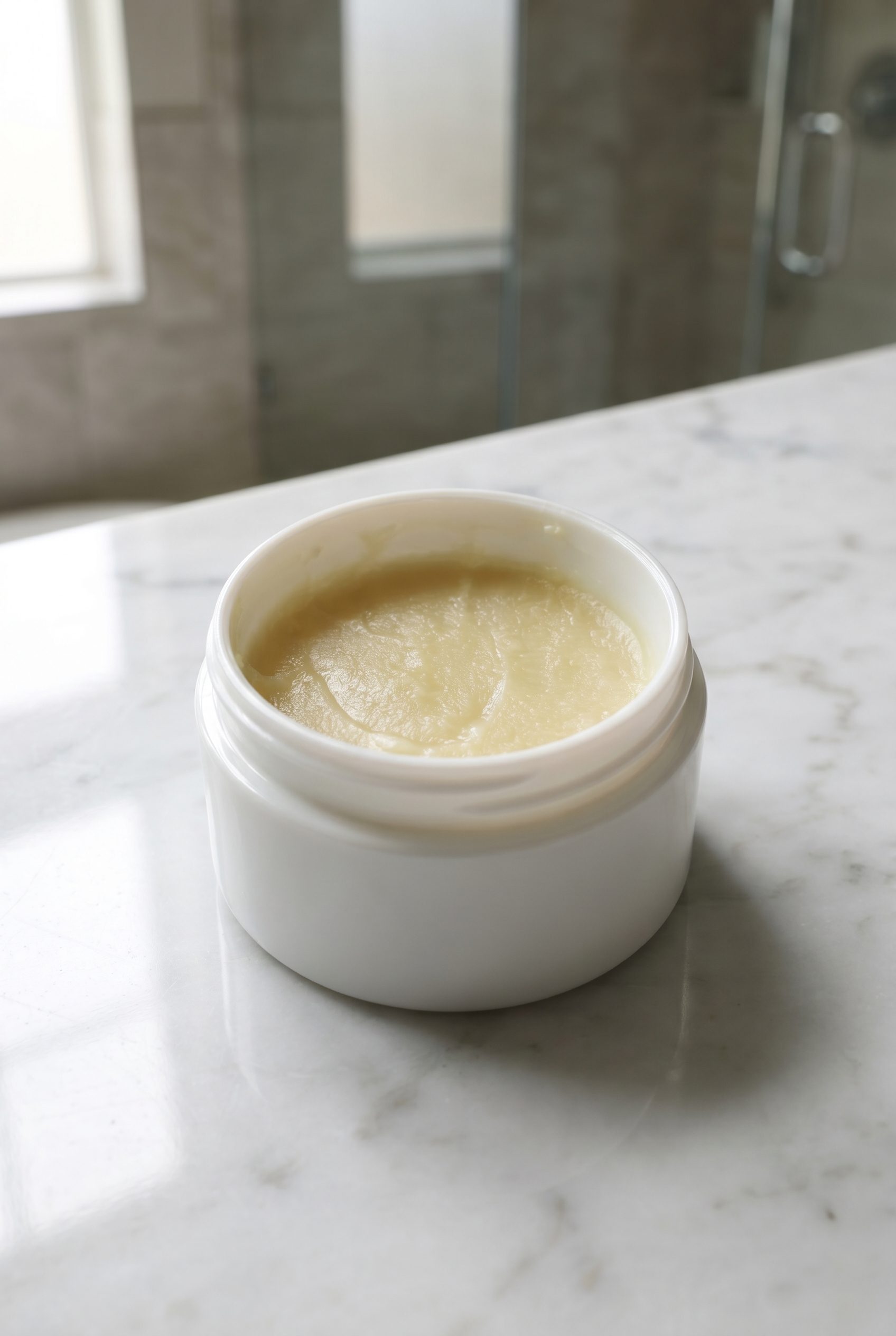
Review labels, dispensers, texture, and claims
Check label text, pump or dropper form, texture, packaging color, skin contact, claims, accessibility text, and current channel rules before publishing.
Amazon
- Publishing review
- Results and timing vary by product, source image, request, and review needs.
- No watermarks, logos or text
- Check the destination platform's current image, file, crop, and policy requirements before publishing.
Etsy
- Check the destination platform's current image, file, crop, and policy requirements before publishing.
- First image as horizontal 4:3
- No promotional badges
- Consistent lighting across listing
Google Shopping
- No promotional text or overlays
- Single product per image
- Image must match product title
- Results and timing vary by product, source image, request, and review needs.
Best for skincare routines and packaging-led catalogs
Create a complete skincare image set.
For independent skincare products sellers with a clear source image who want more product-page and campaign options while staying responsible for final review.
- Start with one clear product photo.
- Create white-background, detail, and lifestyle options.
- Compare results against the source product before publishing.
- Choose a plan based on the credits and workflows you need.
Generate options in one workspace, then review and export the images that fit.
You decide which images accurately represent the product.
FAQ
Skincare Product Photography FAQs
Use a clear skincare source that shows label text, packaging color, pump or dropper form, cap, texture cues, and approved claims.
Try it on your product
Try this workflow on your product.
Start with a clear product photo and explore a new scene for your store or campaign.