Skincare product photography
Choose the product state. Start with the right reference.
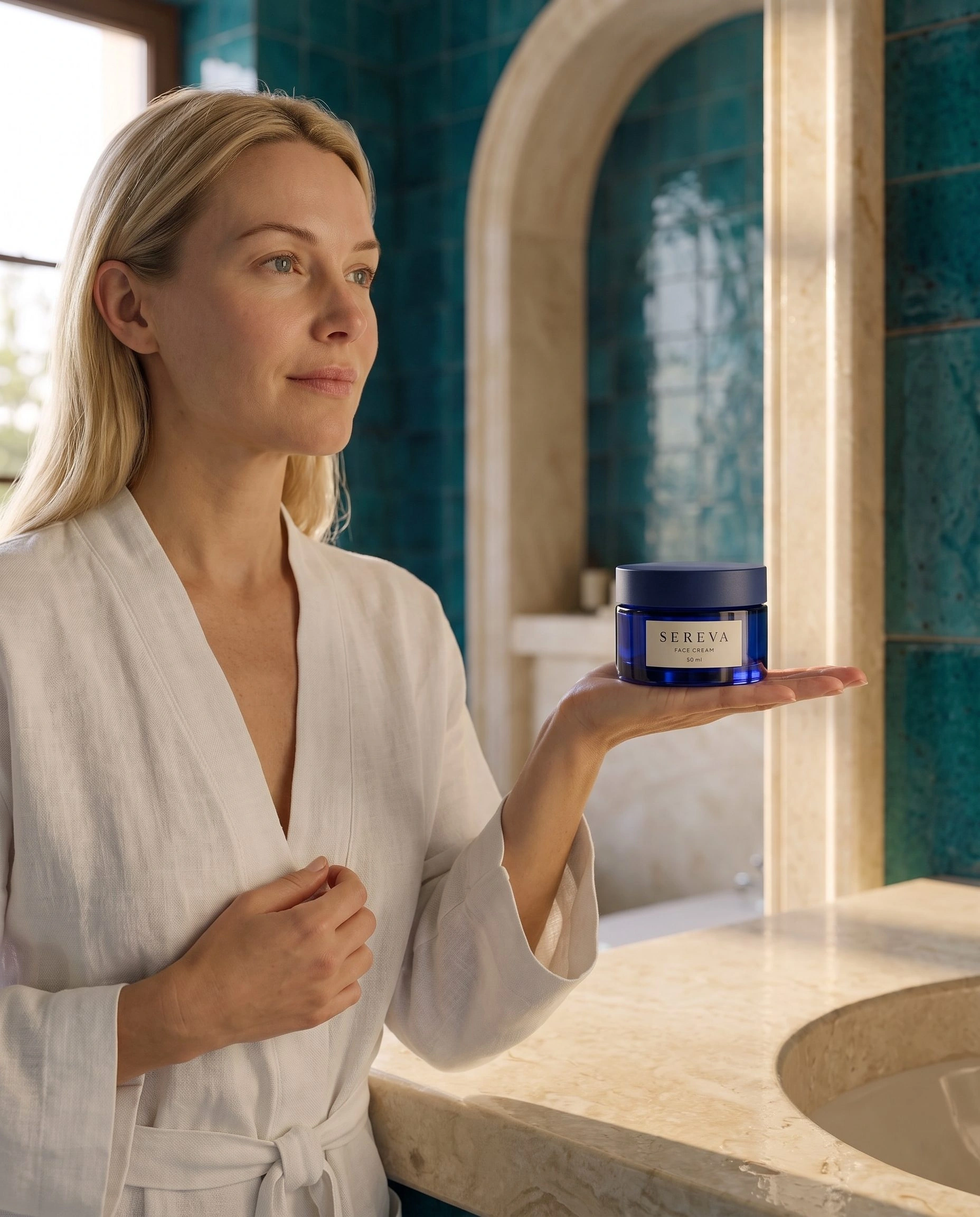
Choose your skincare source photo for the image you need to make. A closed jar can support a package scene or a routine setting with the lid fitted. To show the cream, an open container or application, start with accurate photographs of those details instead of asking the image generator to supply them.
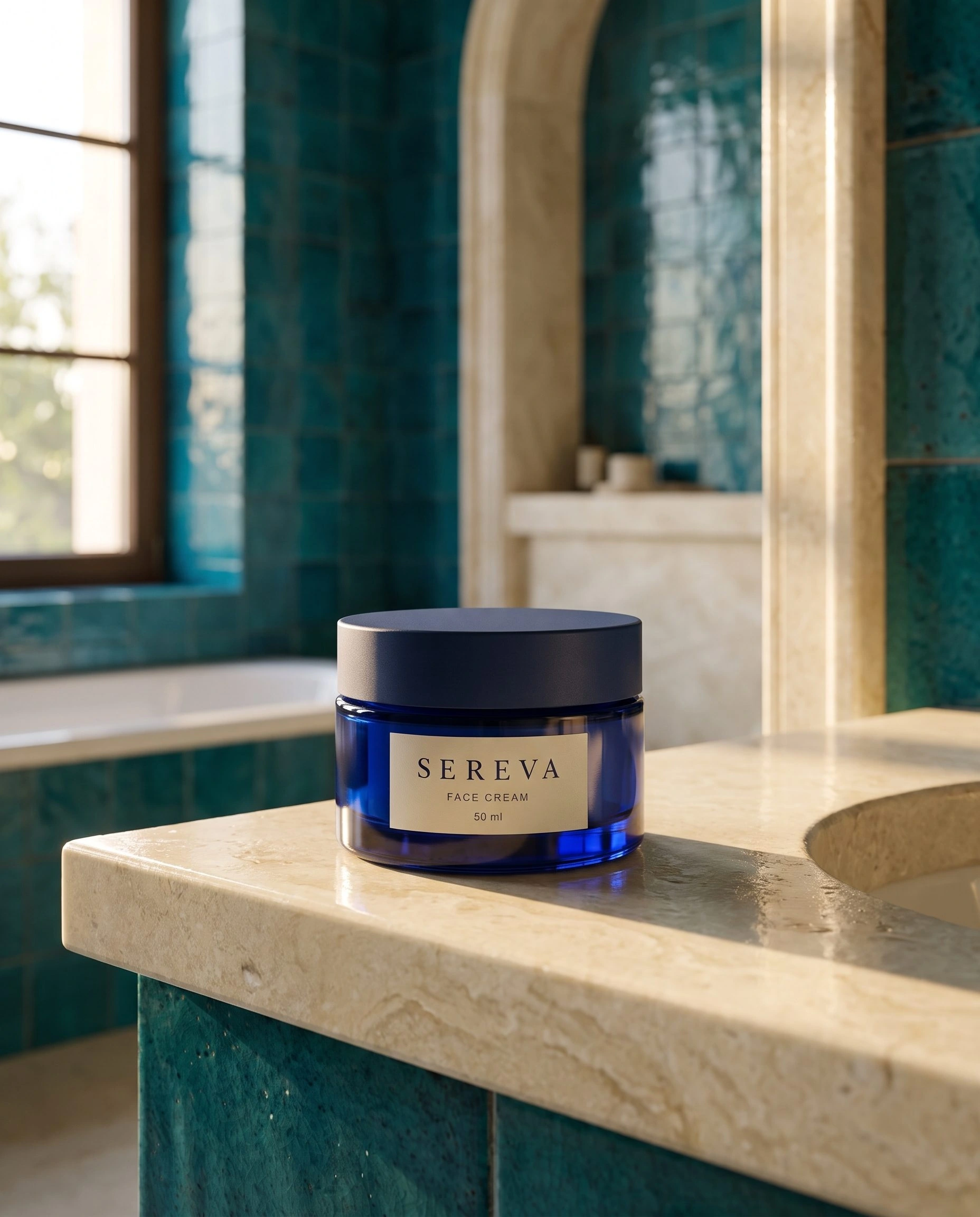
This example begins with a closed cobalt-blue jar. The useful output is a packaging-led scene: the complete jar on a bathroom surface, with a closer view and a wider setting serving different purposes.
Match the request to the product state
The reference shows the lid, the front label and the outside of the jar. It does not show the cream or the inside of the container. Treat those as different source requirements.
For a closed-package image, use the complete jar reference and ask for a fitted lid. For an open-product image, prepare a clear photograph of the actual open jar and formula. For application, add accurate product-use information and references appropriate to the request. A bathroom background cannot establish texture or a skin result.
Shopify's product photography instructions recommend source preparation, useful angles and a clear view of important details. For skincare, that means photographing the state and feature you need the buyer to inspect.
Copy this source-to-request decision
- Available source: one complete closed jar, with the front label visible.
- Image to create now: closed jar beside a bathroom basin in soft window light.
- Keep fixed in the brief: lid fitted, front label facing the camera and the complete jar visible.
- Separate source task: photograph the actual open jar before requesting an image whose subject is the cream.
- Information supplied outside the scene: actual contents, dimensions and supported product claims.
The same decision applies to other packaging. A pump bottle source should show the dispensing mechanism if that is the subject. A tube needs a useful nozzle reference for an opened-product request. Prepare the missing information instead of changing a closed-package prompt into a different demonstration.
Create the closed-jar scene in Fotogenic AI
Open Fotogenic AI → Studio in WordPress. Choose Media source, select the complete skincare reference and continue to Generate Images. In Configure → Guidance → Instructions for this run, adapt this brief:
Show the complete referenced cobalt-blue jar with its lid fitted on a pale bathroom counter. Front label facing the camera. Realistic teal tiles and soft window light, with the jar separate from the basin edge. No open lid, cream smear, spatula or application gesture.
In Results settings, check that the Media source workflow saves new images to Media Library for review. Review the current quality, image count and estimate. Open a saved result through Summary → Open image. The WordPress walkthrough covers the full setup and page insertion.
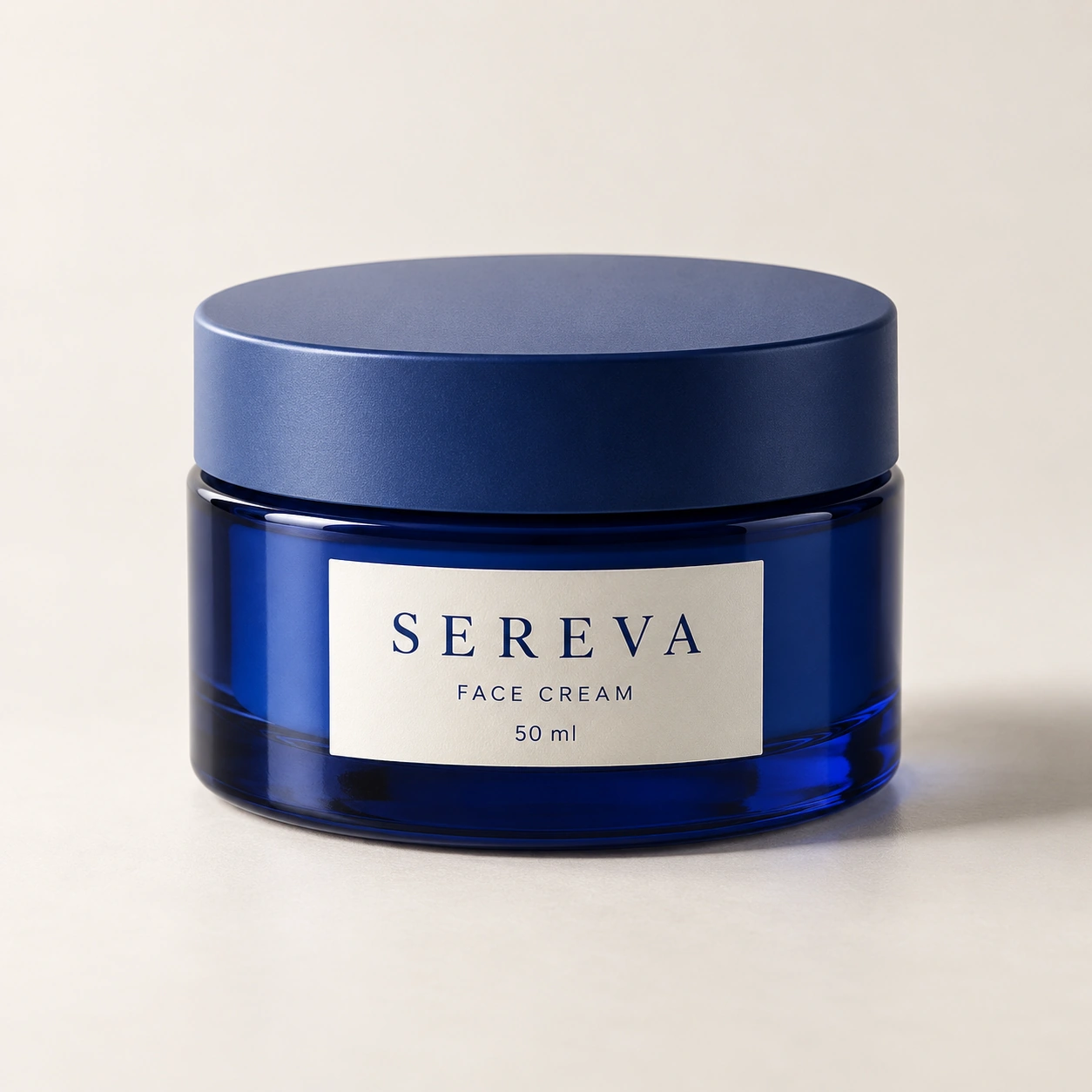
If you need a held-product scene next, keep the request tied to the closed jar. Specify an open palm supporting the base and fingers clear of the label. A generated hand adds a human relationship; it does not measure the jar's size.
Use distance to change the image's purpose
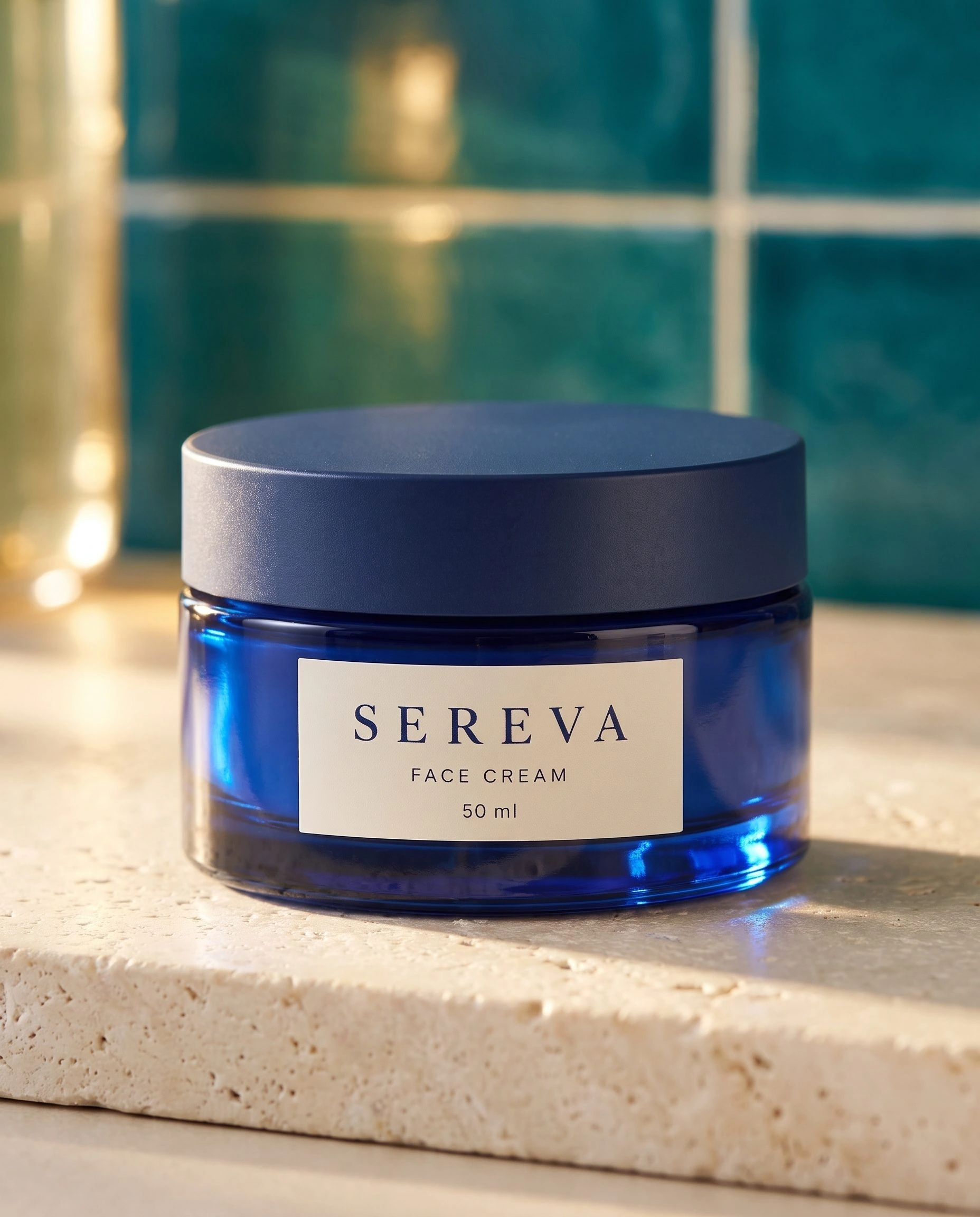
The closer result below puts the jar and front label first. The wider result steps back to show the basin and tiled room. Both keep the package closed, so they develop the setting without pretending to demonstrate the formula.
Use the closer image for the package introduction and the wider one for routine context. The skincare campaign study shows the larger production sequence, including the separately directed held view. Bring accurate product photographs back into the gallery wherever the buyer needs factual detail.
Start with the skincare image you have
Choose the product state. Build its setting.
Your next product image starts here.
Turn a product photo into a new scene for your store.