Ecommerce product image workflow: choose the right route
Decide where the image belongs first. Then choose how your clothing photos reach the store.
Choose your ecommerce product image workflow by the change you need to make. Use Media source in Fotogenic AI for a new WordPress image file. Use Product source when the task belongs to a WooCommerce product. If the accepted image already exists, assign it through the store editor instead of generating it again.
Creating a file, approving a scene and changing a live product gallery are separate decisions. Make the destination explicit before spending credits or allowing a store update.
One pair of jeans, several destinations
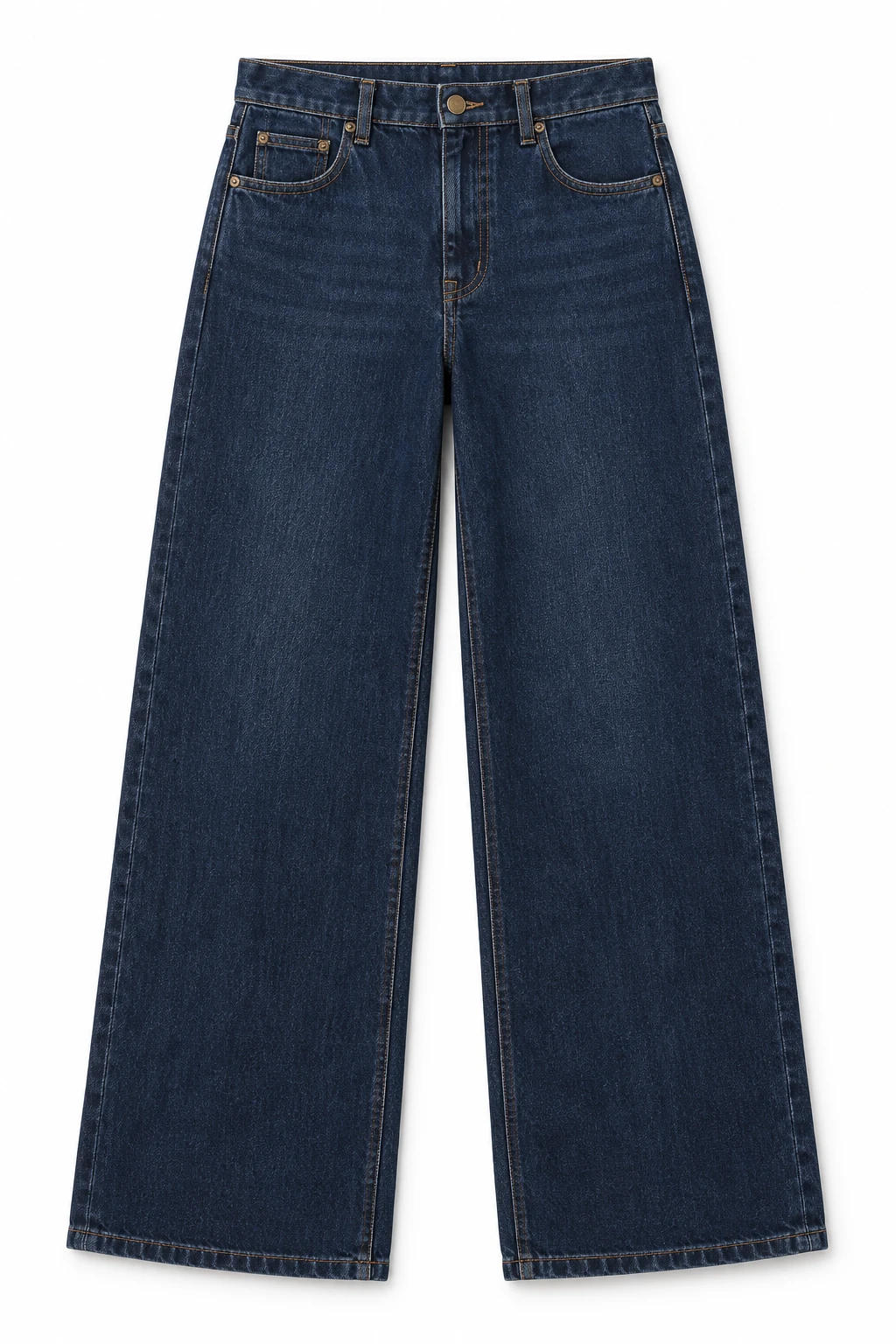
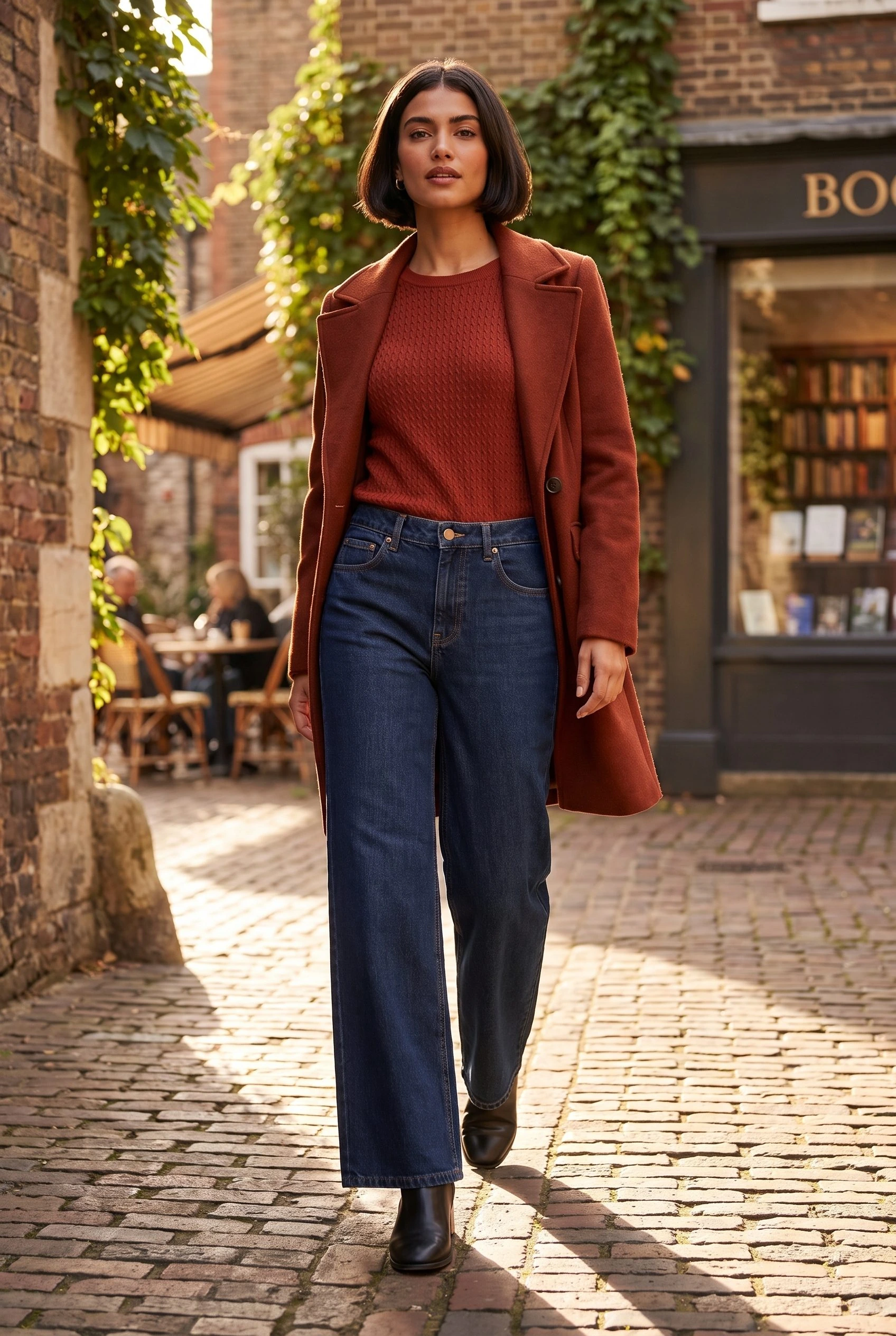
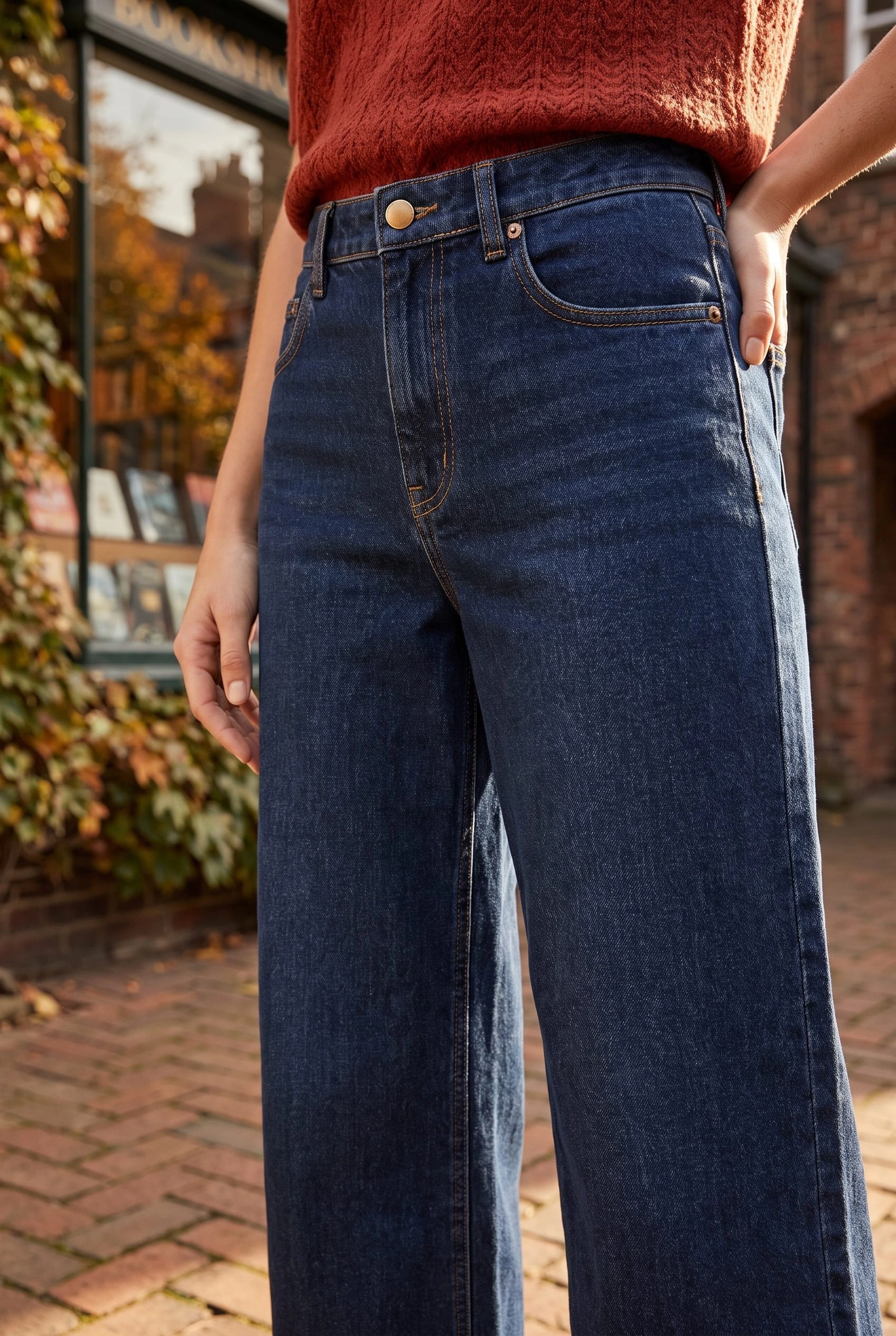
The reference below supplies the dark indigo wide-leg jeans. A street scene can support a clothing page or product gallery, while a closer creative view can support the campaign story. Neither replaces the real measurements or photographs needed to establish fit and construction.
The source alone does not tell the tool which page, product or variant should receive a result. A beautiful image saved in the Media Library can still be absent from the storefront because it has not been assigned to a placement.
Choose one of three routes
A clothing article or landing page needs a new scene
Choose Media source and the exact garment photo, then Generate Images. Under Results settings, check that new images will be saved to Media Library for review. This route creates a file for later placement; it does not decide which paragraph or banner should contain it.
Use the WordPress image walkthrough for the complete configuration and page-insertion steps. The opening street image is the kind of supporting scene this route can supply.
A WooCommerce product needs a supporting gallery image
Choose Product source in Studio and find the exact product by name, SKU or ID. Continue to Generate Images. In Results settings, start with Review images first so you can inspect the result before applying a store-image change.
For jeans with an accurate main photo, the intended change might be one accepted lifestyle image added to the gallery while retaining the featured image. Select the matching variation when the job belongs to a specific colour or size; a parent product is a different destination.
The WooCommerce tutorial explains the featured-image and gallery choices. Keep that detailed setup beside you when applying the result.
The image is already accepted and only needs assigning
Skip generation. In WooCommerce, open Products → All Products and edit the matching item. Use Set product image for its main image, or Add product gallery images for an additional view. Select the saved file and save the product. Do not add the main image to the gallery a second time.
For the native controls, see WooCommerce’s image and gallery documentation.
For a Shopify store, follow the Shopify clothing-image handoff instead. A WordPress Media Library file does not automatically update Shopify.
Copy a pre-generation task ticket
- Source: the dark indigo wide-leg jeans reference.
- Destination: the matching WooCommerce product gallery.
- Route: Product source → Generate Images → Review images first.
- Allowed change: add one accepted street scene, keeping the existing featured image.
- Stop condition: the wrong product or variation is selected, or the proposed update would replace a photo that should stay.
For a blog-page task, change both the destination and the route: use Media source, check the save-for-review summary in Results settings, then insert the image into the page manually. Reusing a scene direction does not carry the previous product assignment with it.
If you need a written direction for the scene, put it in Configure → Guidance → Instructions for this run. Keep destination decisions in Results settings rather than relying on a sentence in the prompt to control a store update.
Follow the result to the page
When the result is Saved, use Summary → Open image to inspect the complete file. Then follow the route you chose: insert the attachment into the page, review and apply the product-image change, or assign an existing file through the product editor.
Open the finished page on desktop and mobile. Confirm that the intended file appears in the intended slot and that a selected product option shows the right garment. An attachment record proves a file exists; it does not prove the live page is correct.
Use the clothing-image approval workflow when deciding whether a result is suitable.
If a back view, measured fit or physical material detail is missing, use the clothing shot plan to identify the photograph you still need. More scene generation cannot establish an unseen product fact.
For a collection that needs a shared visual direction, continue with the clothing catalog guide after the first product and destination work. Do not turn an unresolved routing choice into a large batch.
Choose the image and its destination
Choose the scene. Check its place.
Your next product image starts here.
Turn a product photo into a new scene for your store.