Amazon Product Photo Requirements
Separate Amazon’s MAIN image requirements from the secondary lifestyle, angle, and detail images that help explain the product. Verify the latest category rules before publishing.
- Examples
- Workflow
- Ecommerce-ready
Checklist
Check the MAIN image before creating the supporting set.
Confirm the product, background, crop, packaging, and label details match the listing role. Amazon requirements can change, so verify the current policy before upload.
Examples
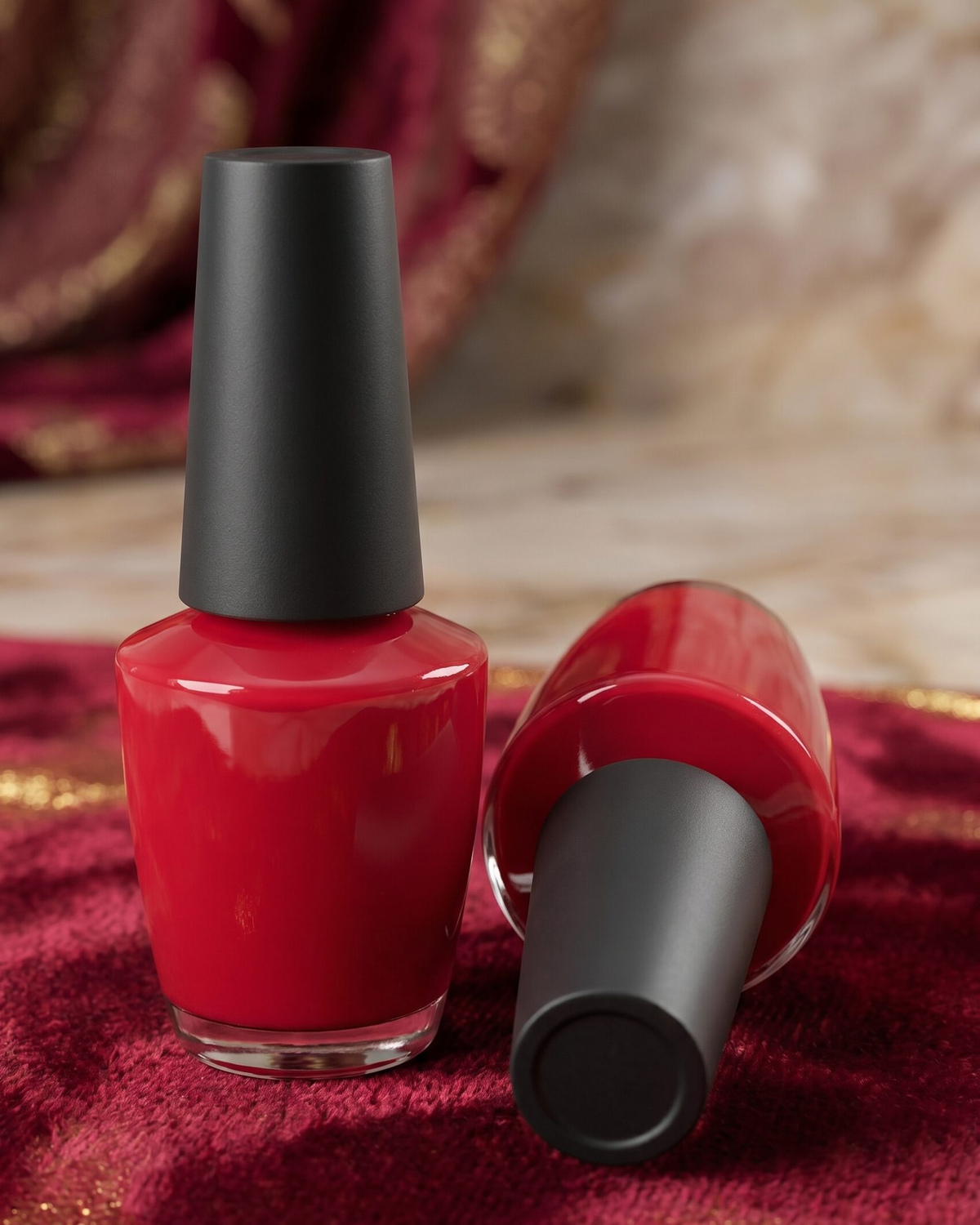
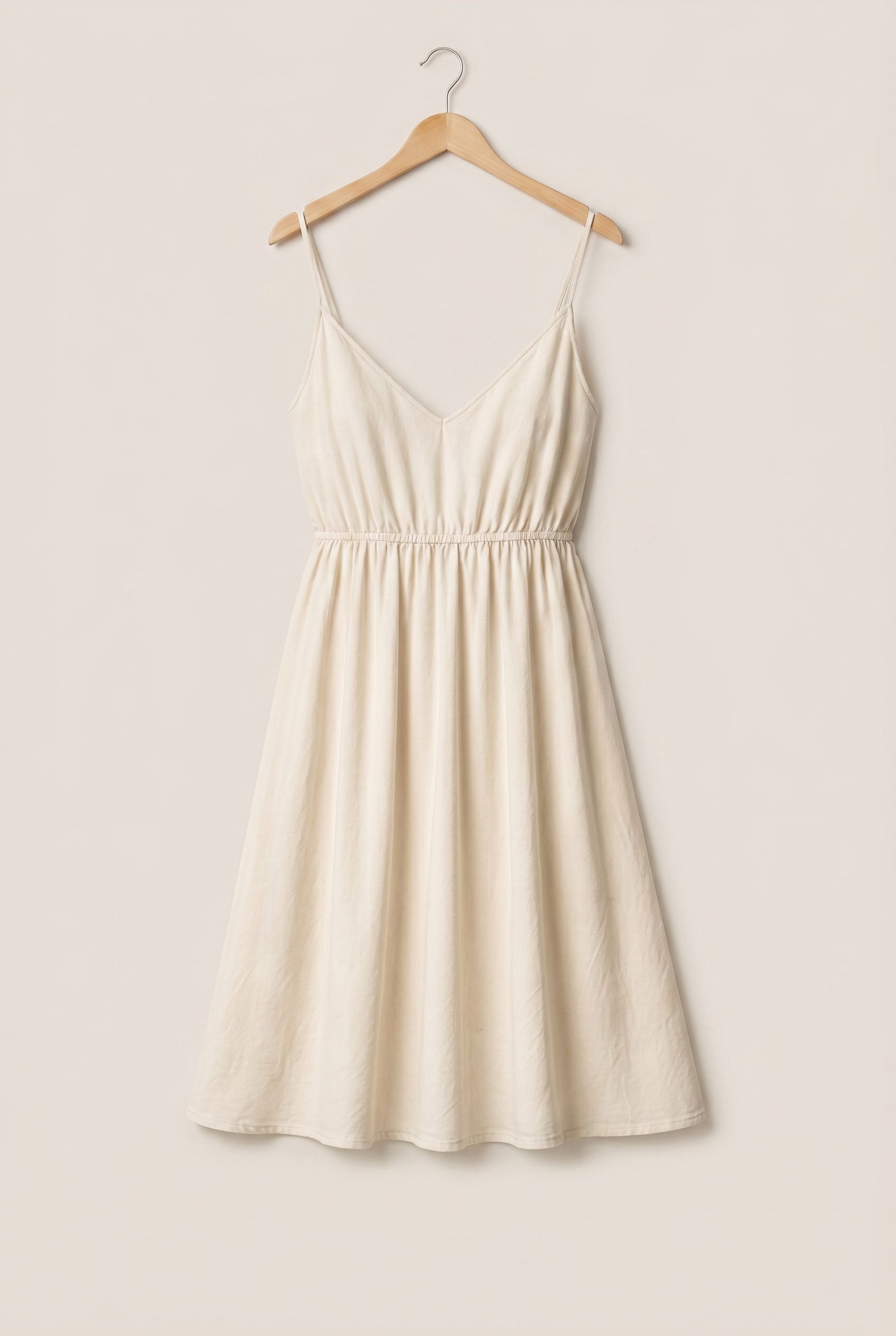
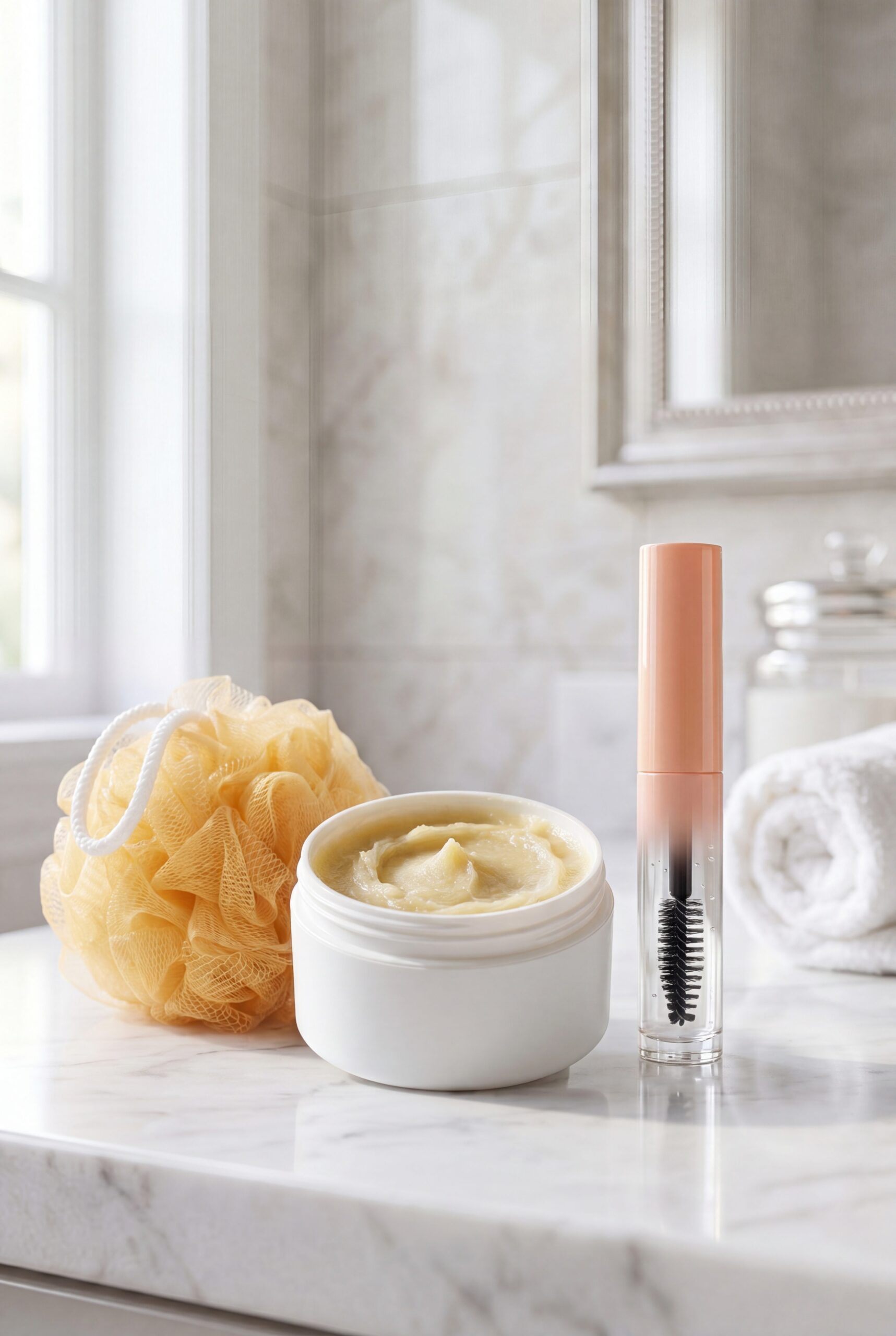
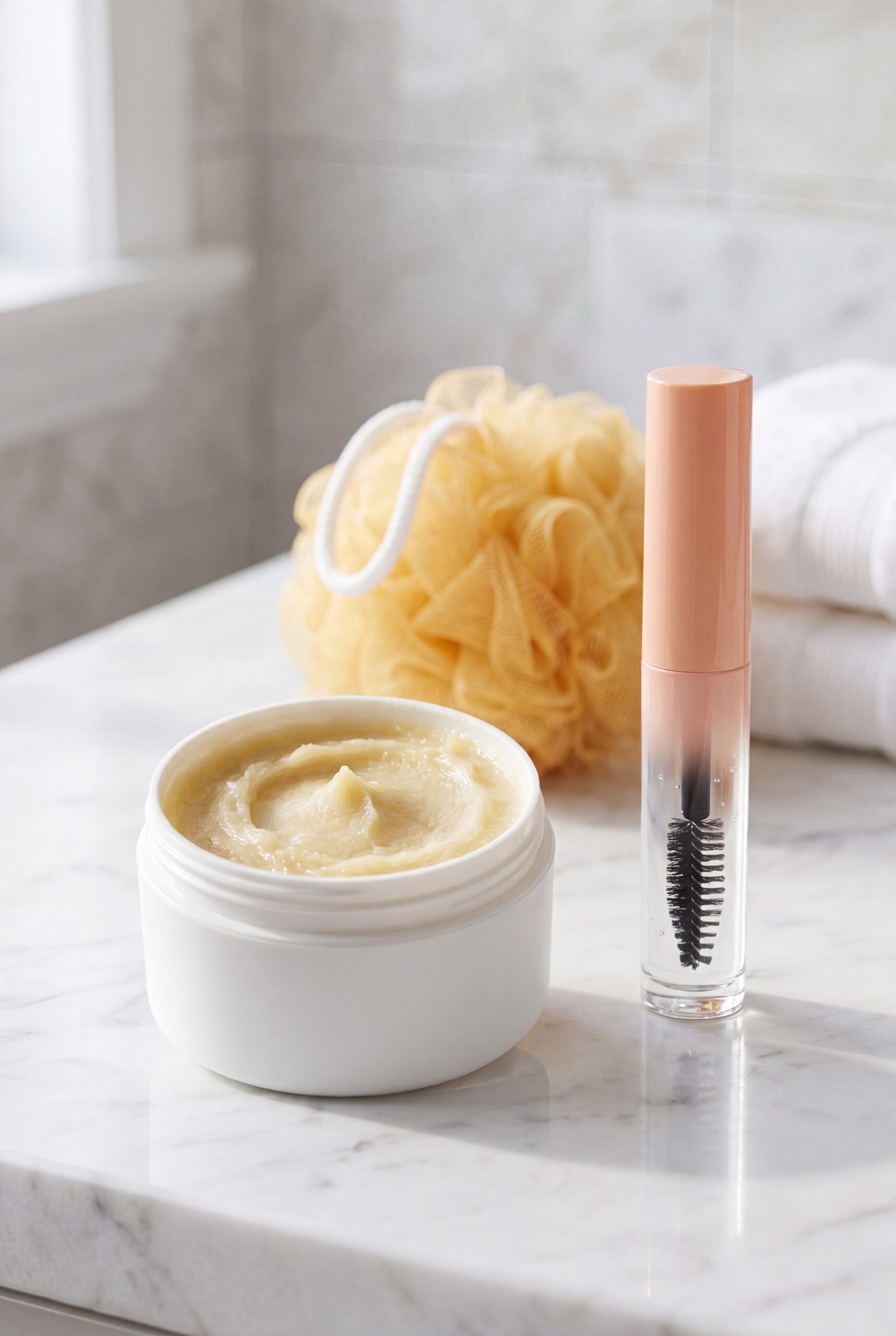
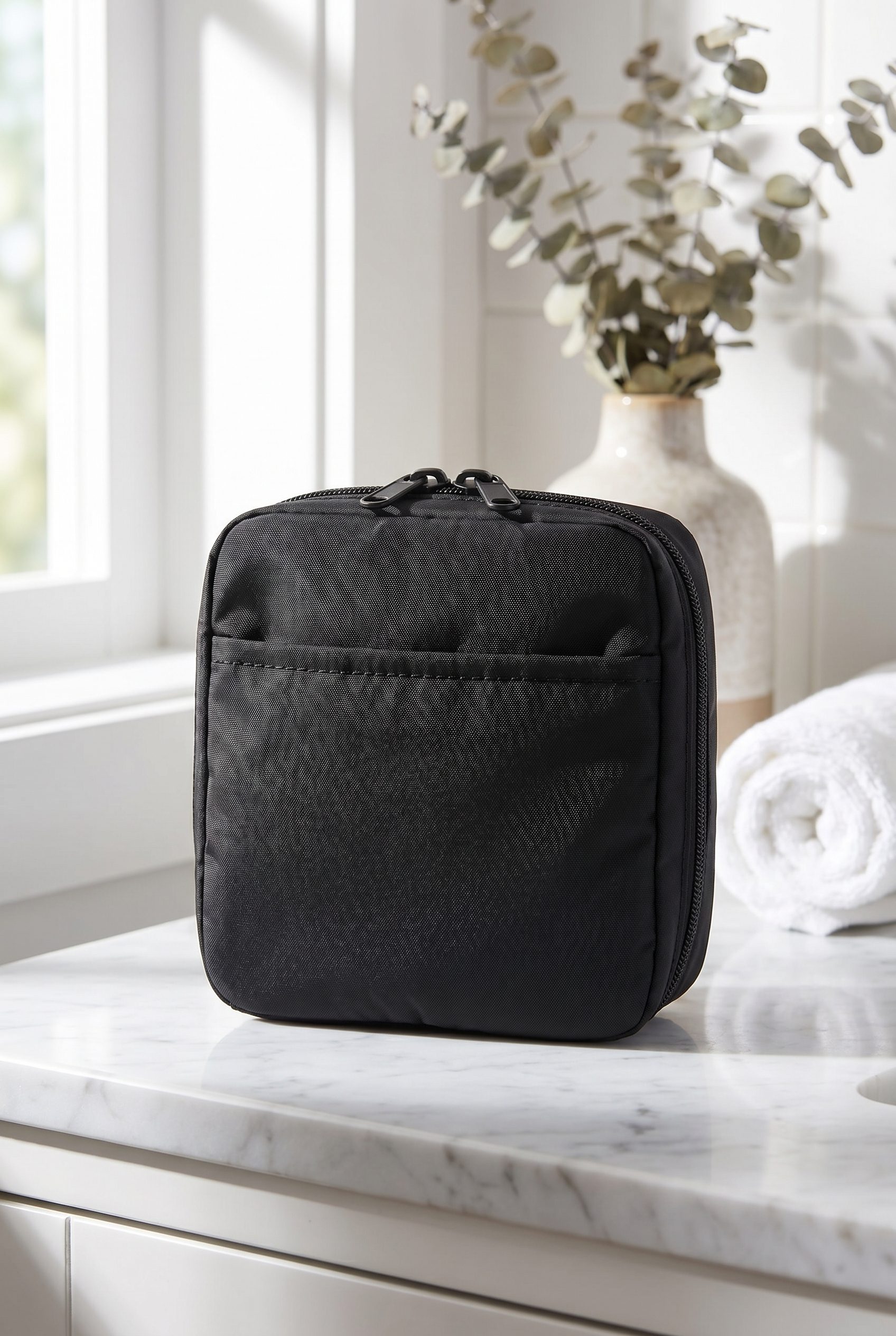
Visual examples that fit this guide.
Use these outputs to decide what style and channel rules to apply.








FAQ
Amazon Product Photo Requirements FAQs
It should help you decide how to approach amazon product photo, what outputs to create, and whether to continue in the Fotogenic AI web app or the WooCommerce plugin.
Create the next set
Create new visuals from your Amazon product photo.
Use this resource as the planning layer, then generate product photos, catalog visuals, ad creatives, and campaign assets in Fotogenic AI.
- Product photos
- Ads
- Catalogs