Home Goods Product Photo Examples
For home and decor stores that need clean product views plus room context: show how an item fits a space without misrepresenting its size, finish, assembly, or included parts. See the input, output set, review points, and limits before creating anything.
- One clear source
- Review before publishing
- No credit card required
Visual directions
Home Goods Product Photo Examples: outputs with a clear job
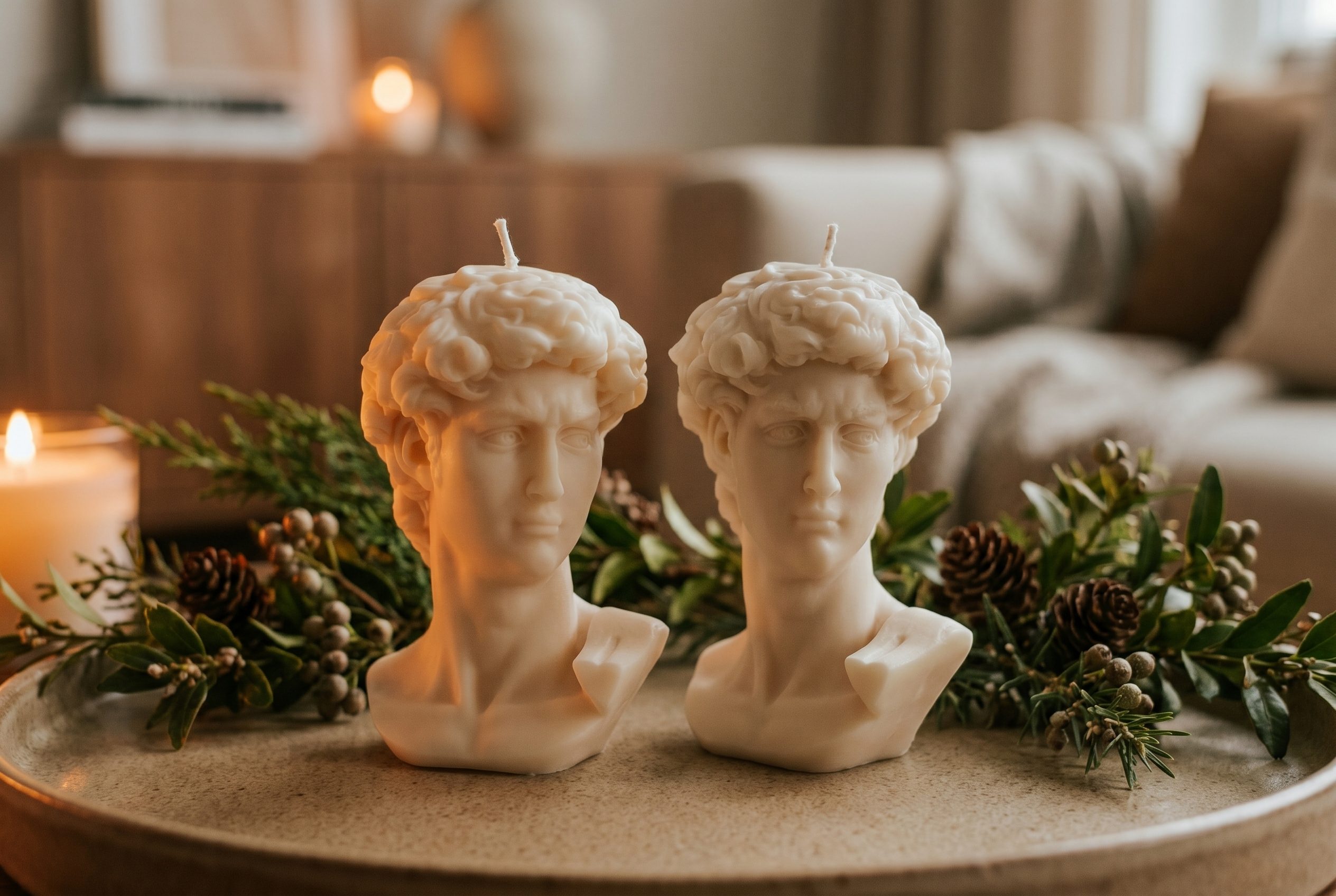
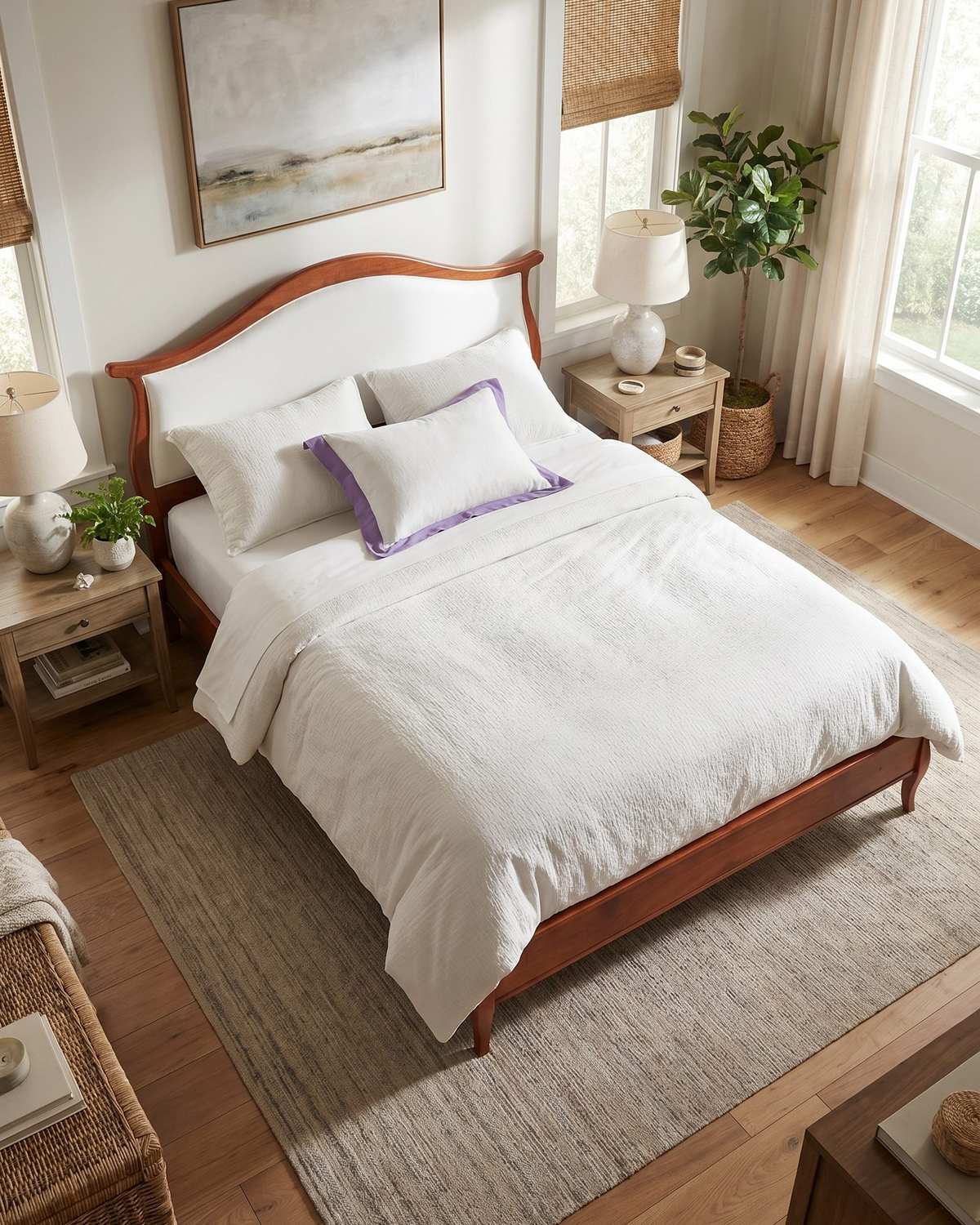
Plan clean product views, room-context scenes, material details, scale concepts, grouped sets, and campaign crops. Each approved image should answer a shopper question or fill a defined channel role.
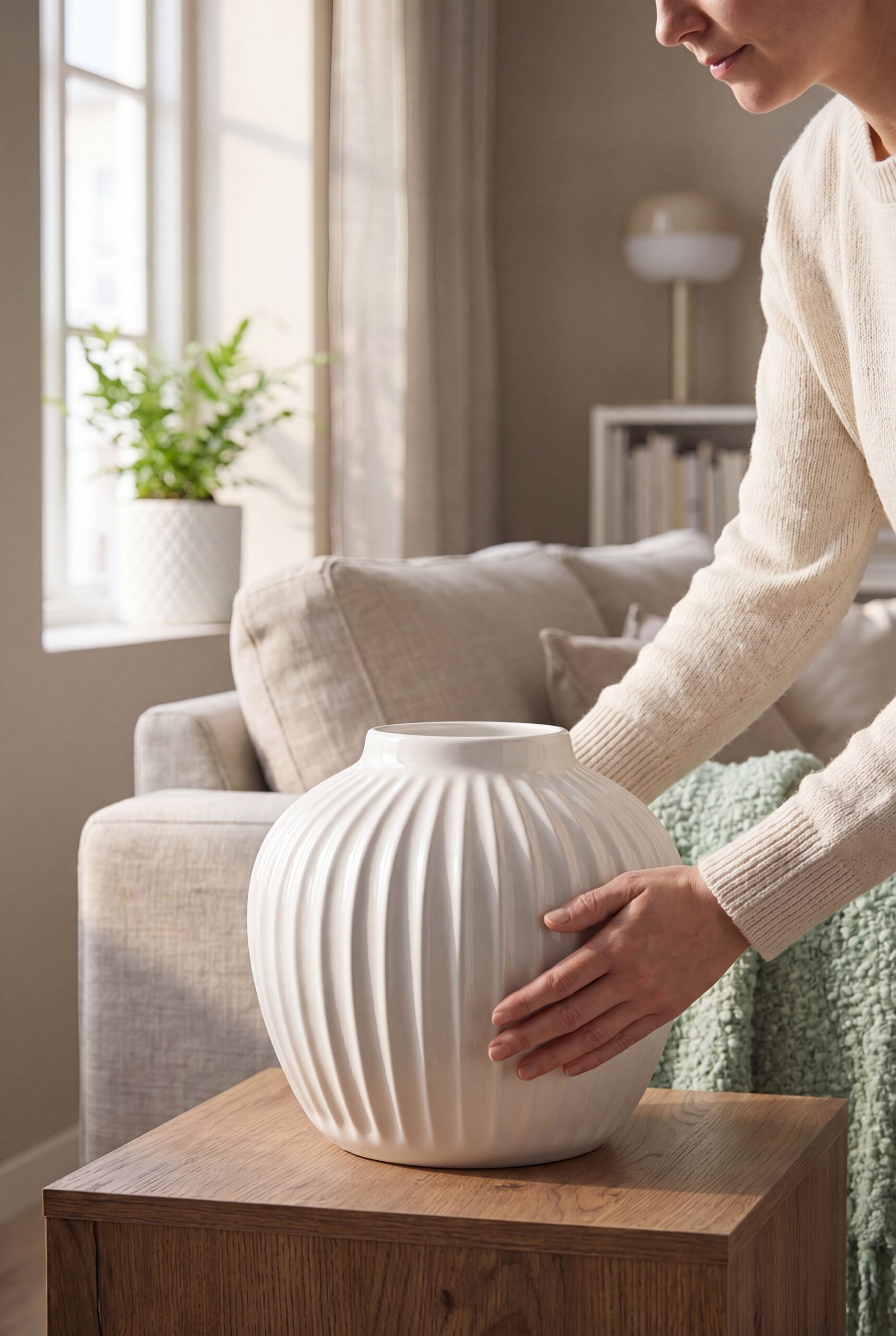
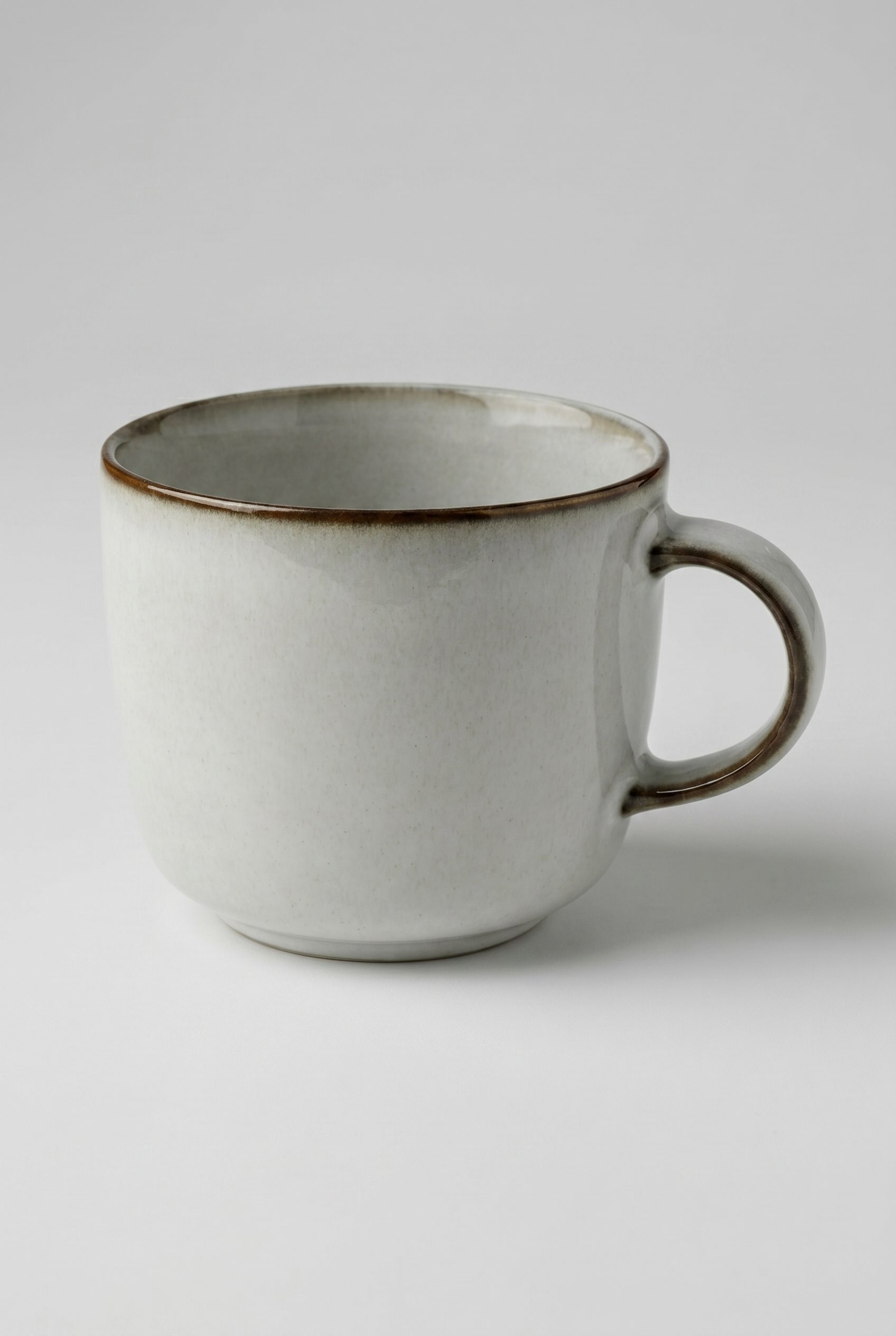
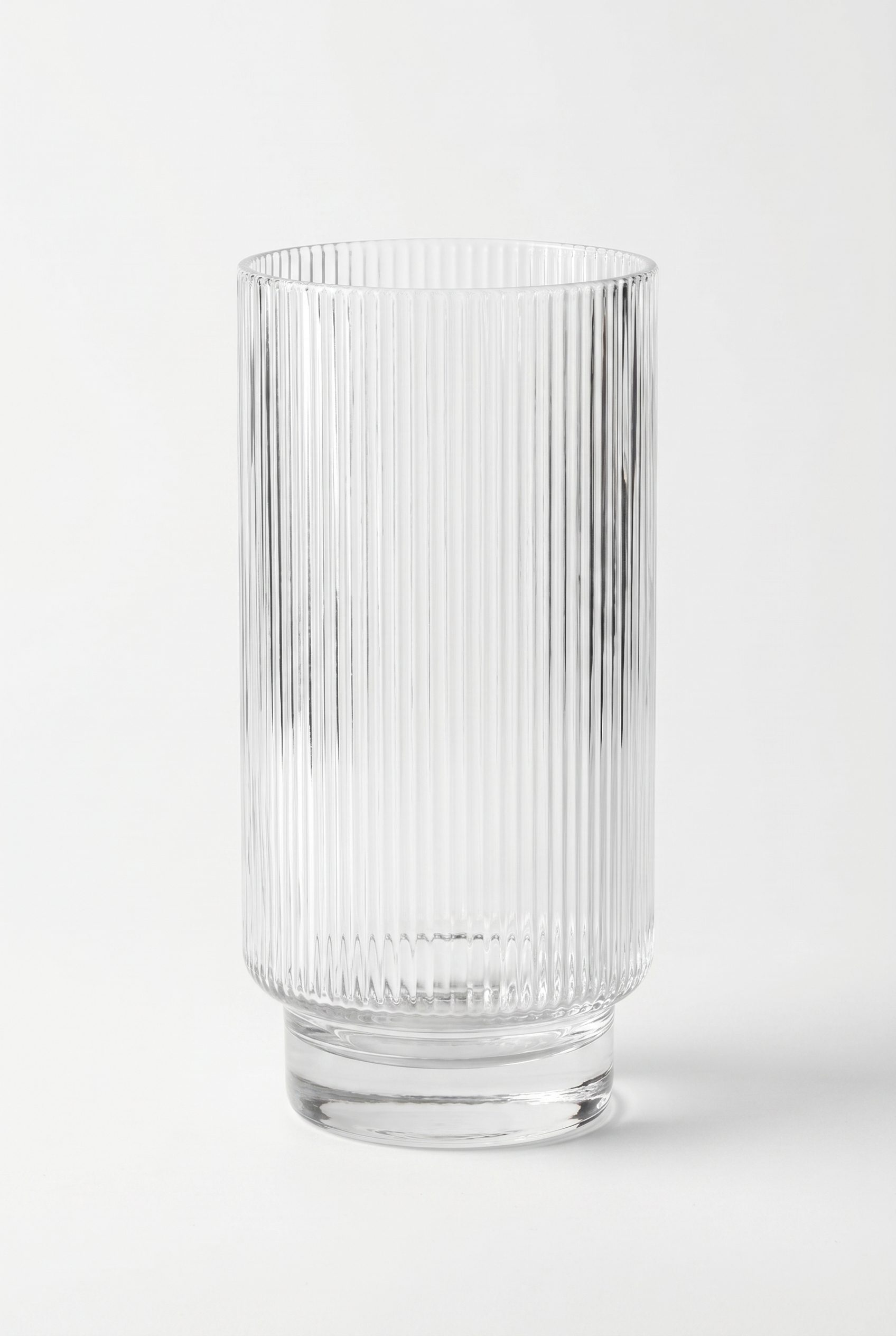
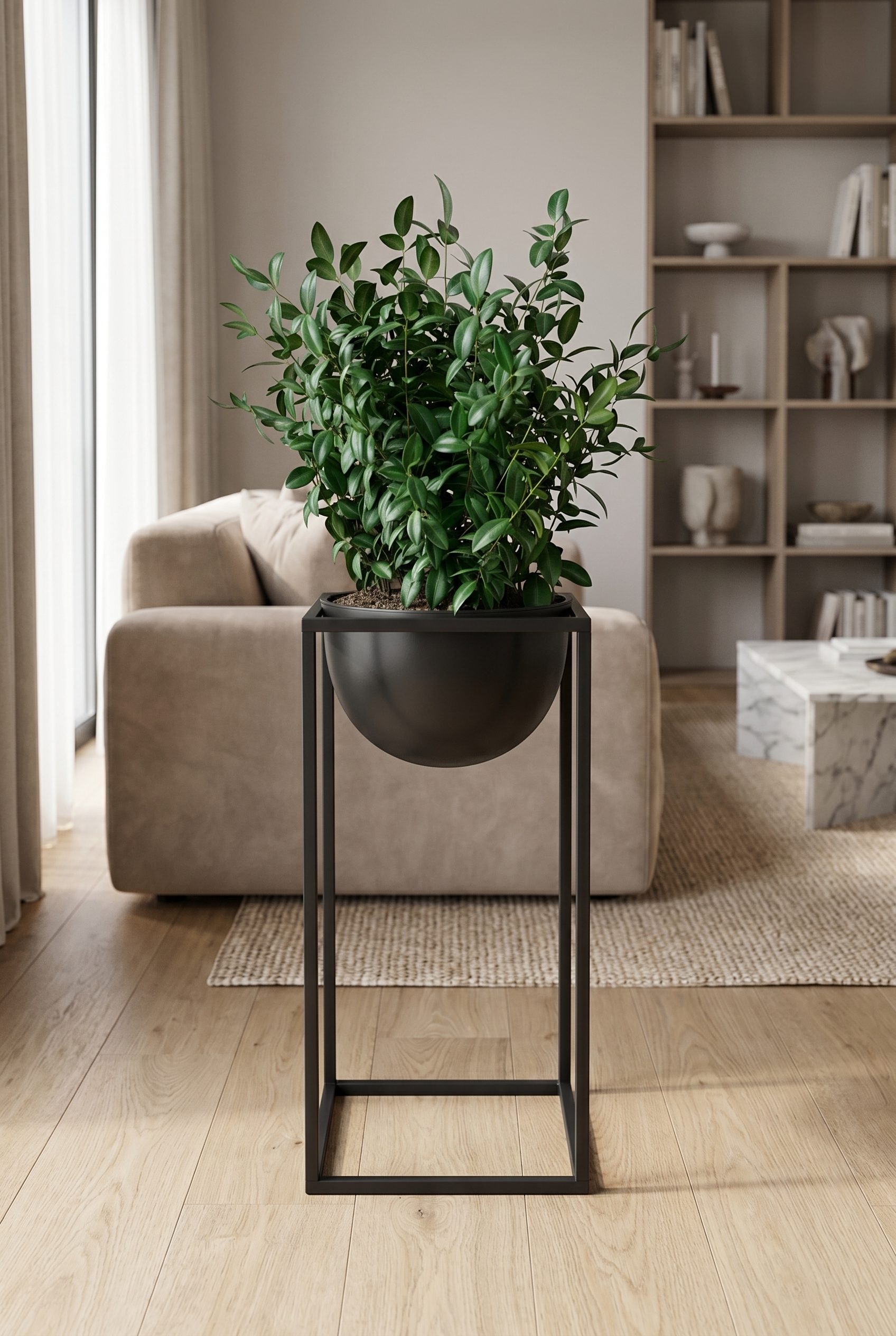
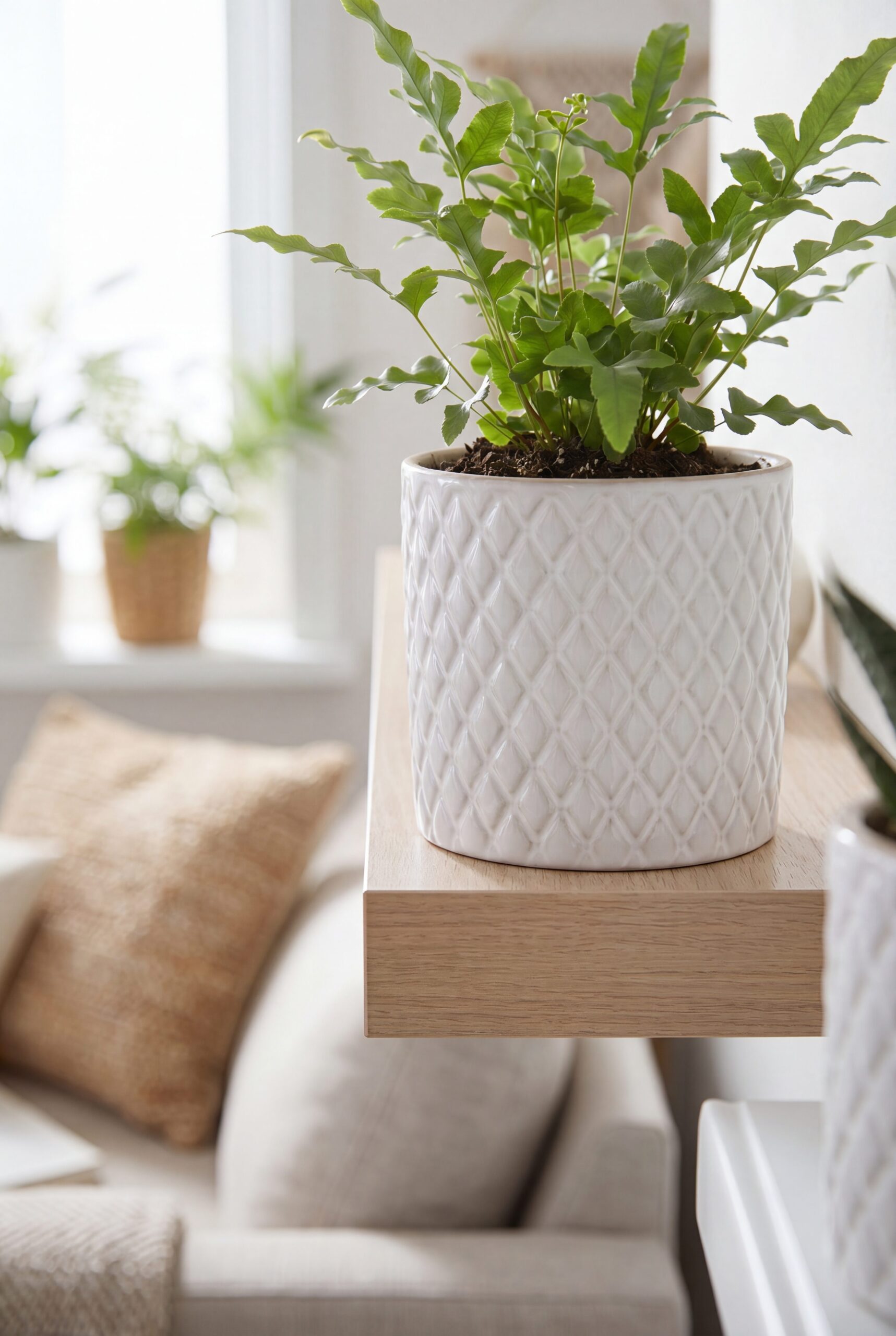
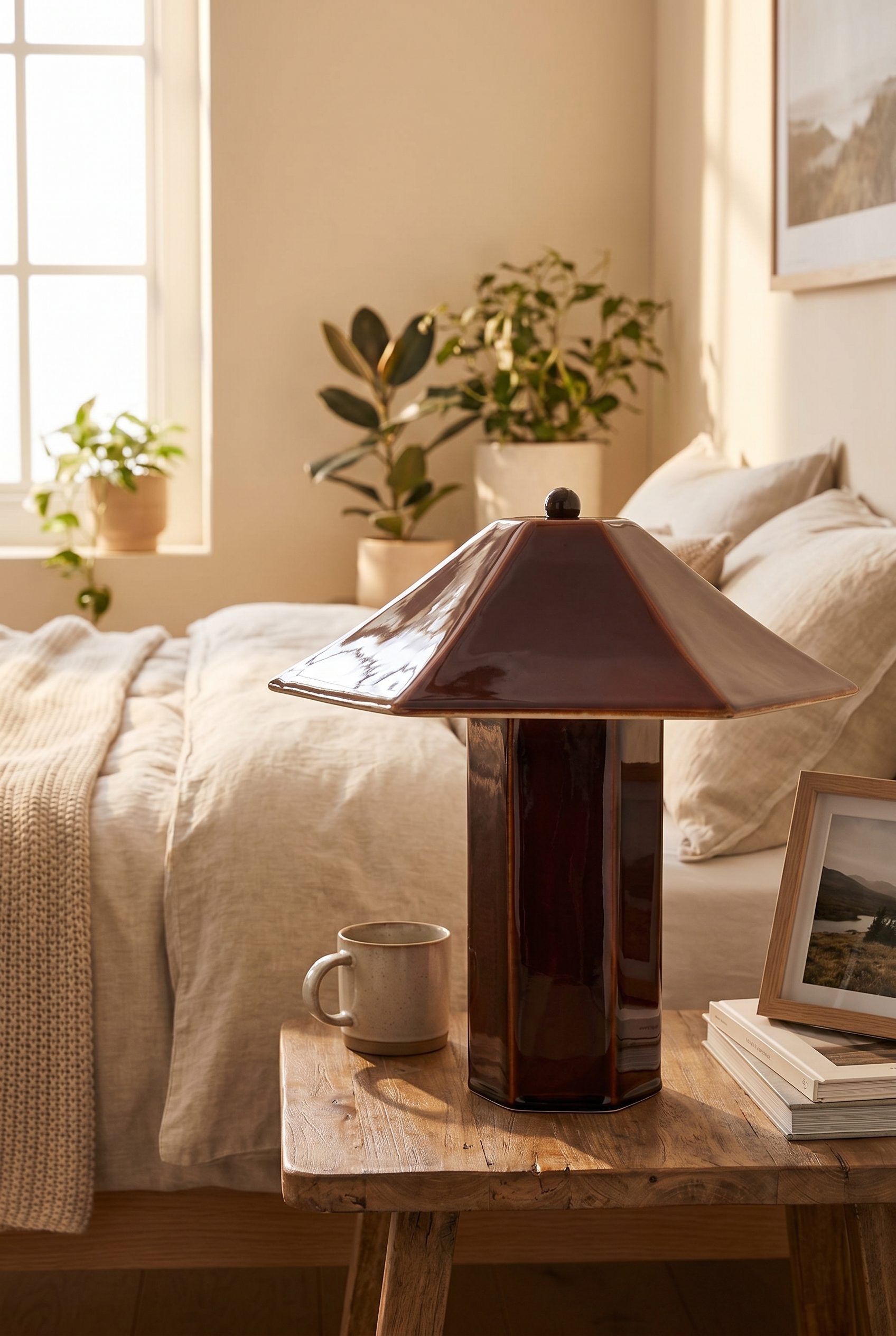
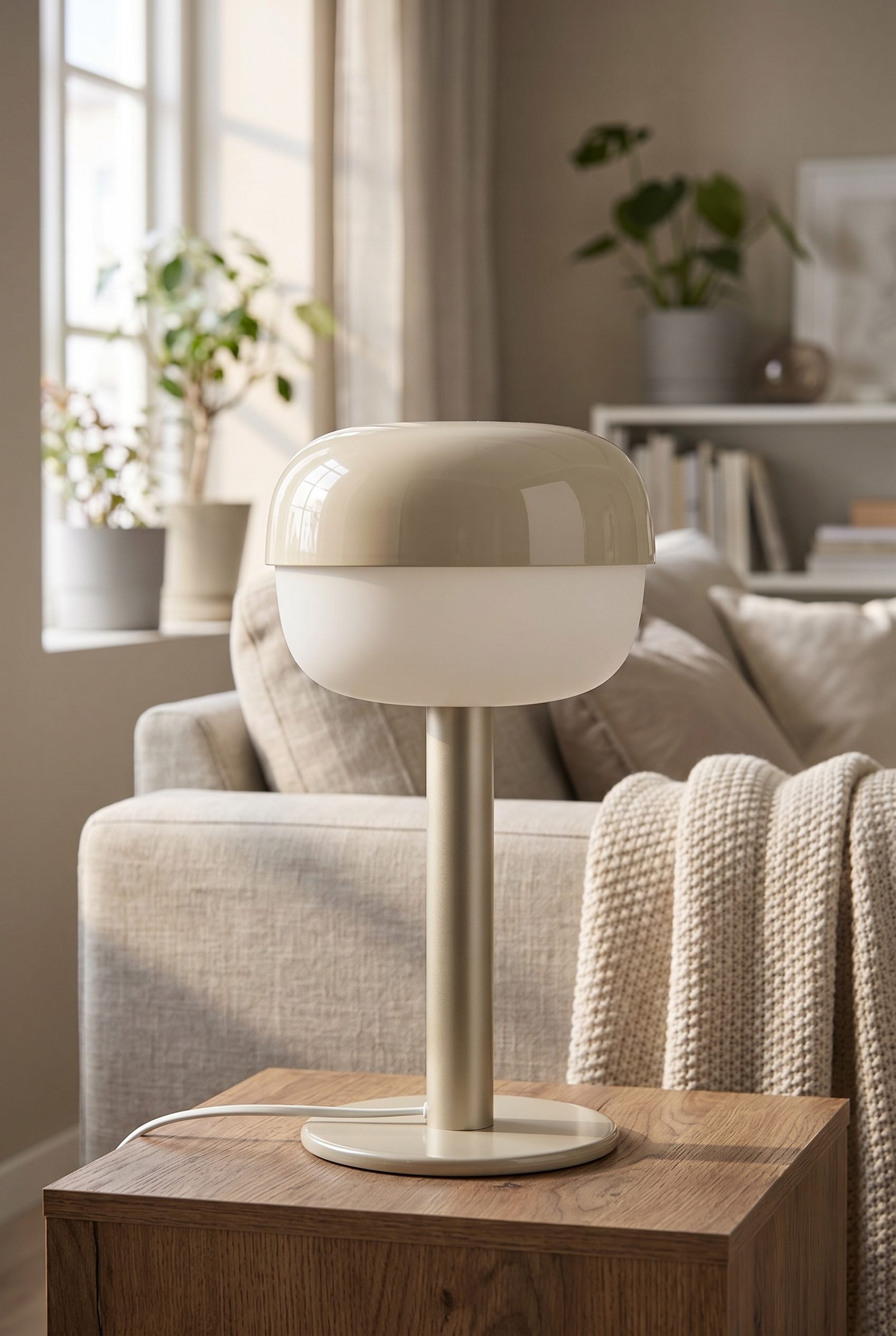
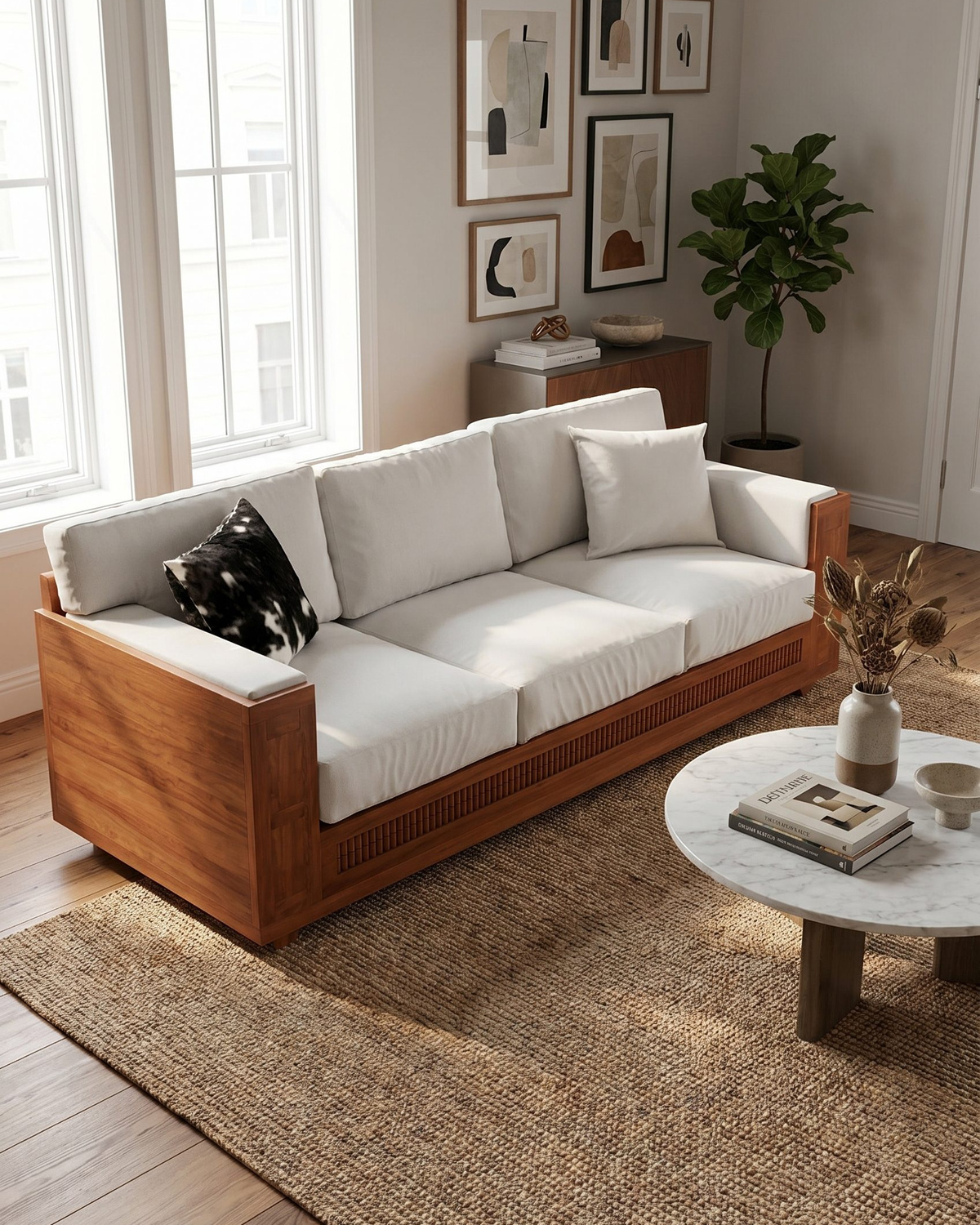
Plan the image set
Solve the buying problem before choosing the scene.
The core decision is to show how an item fits a space without misrepresenting its size, finish, assembly, or included parts. Start with the product-page need, then add context and campaign formats.
How it works
Create and review home-goods product images.
Start with a clear product image plus verified dimensions, finish, included pieces, and useful angle references. Approve one focused direction before applying it to more products or formats.
-
Step 1
Prepare the exact product input
a clear product image plus verified dimensions, finish, included pieces, and useful angle references
-
Step 2
Choose the image jobs
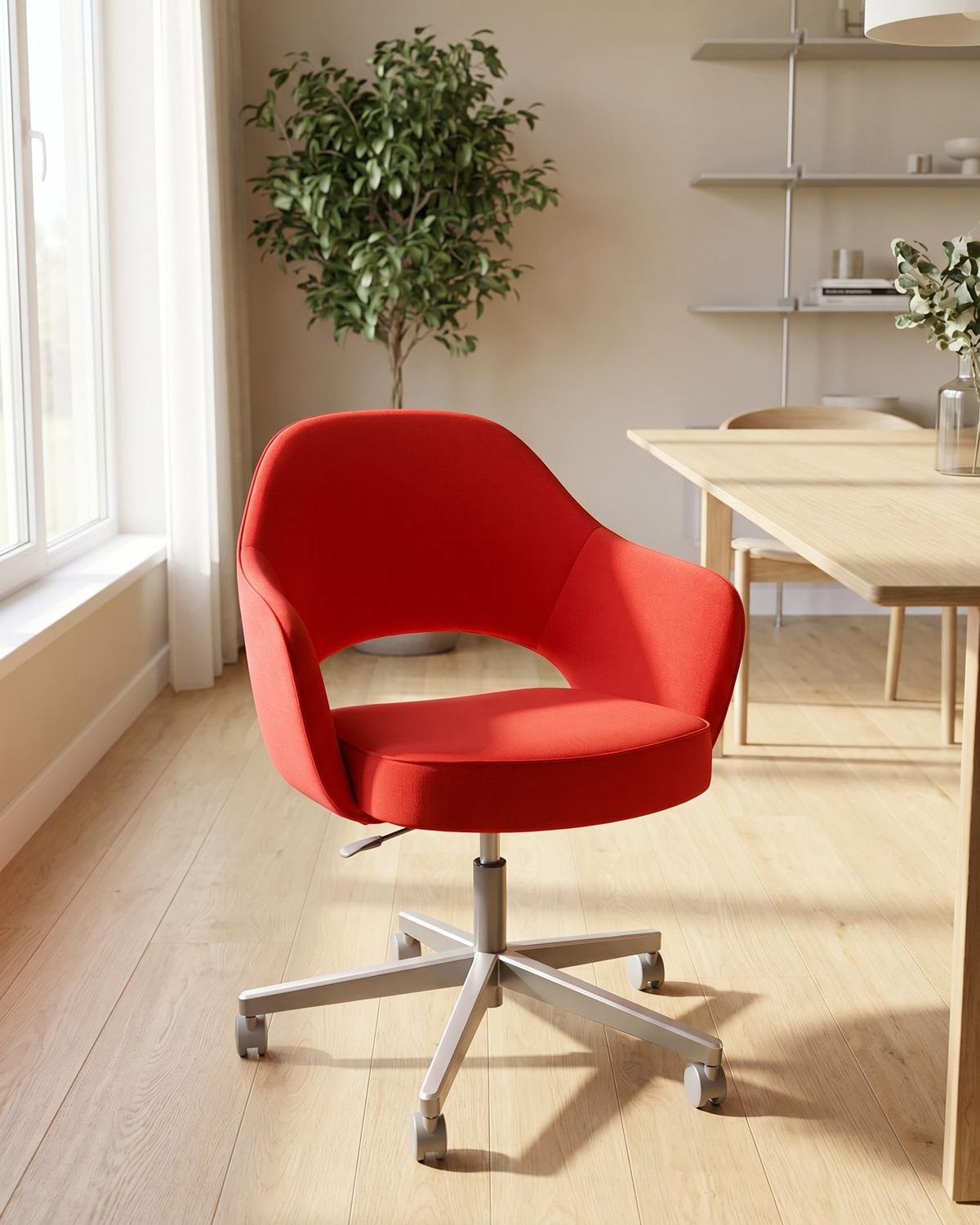
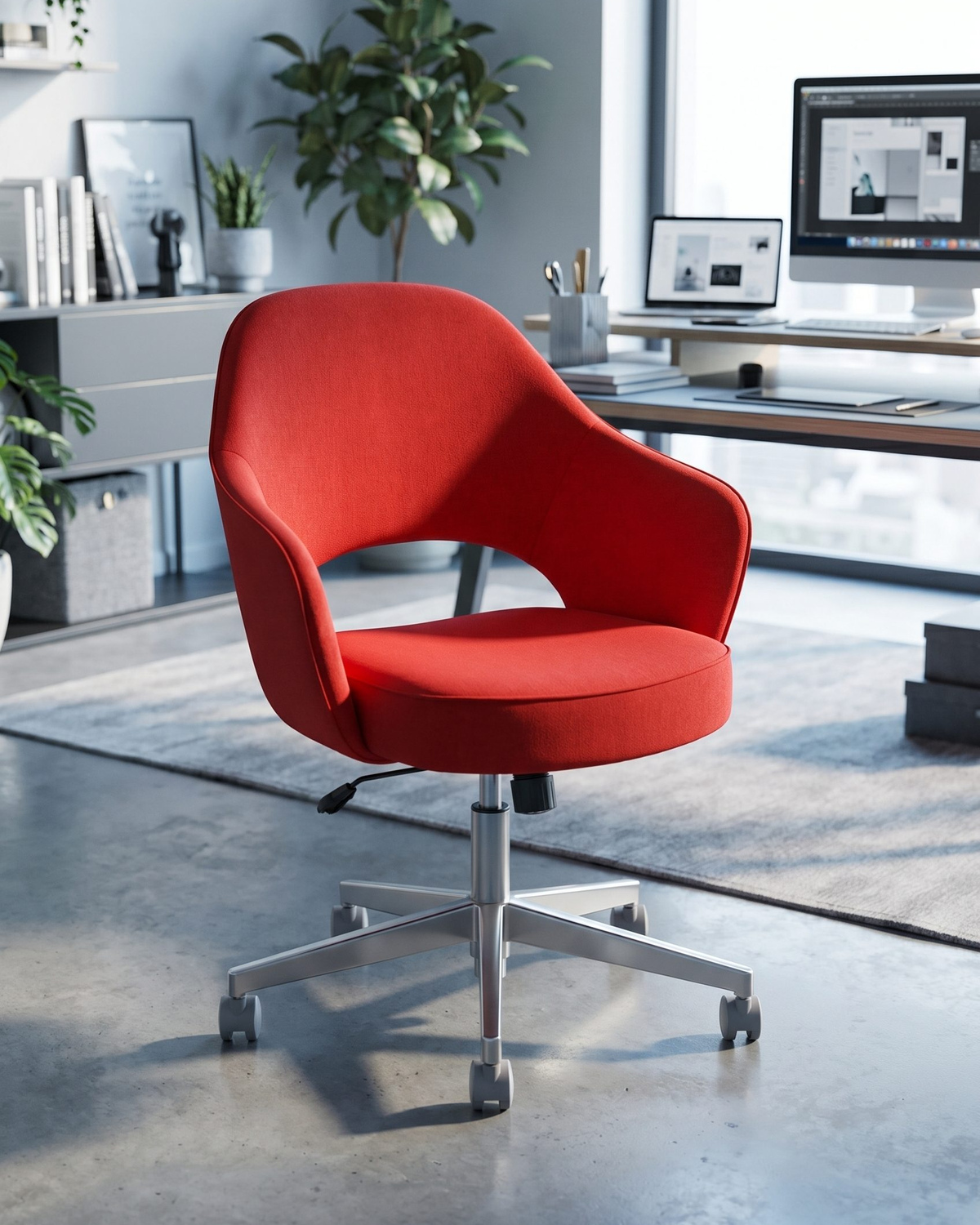
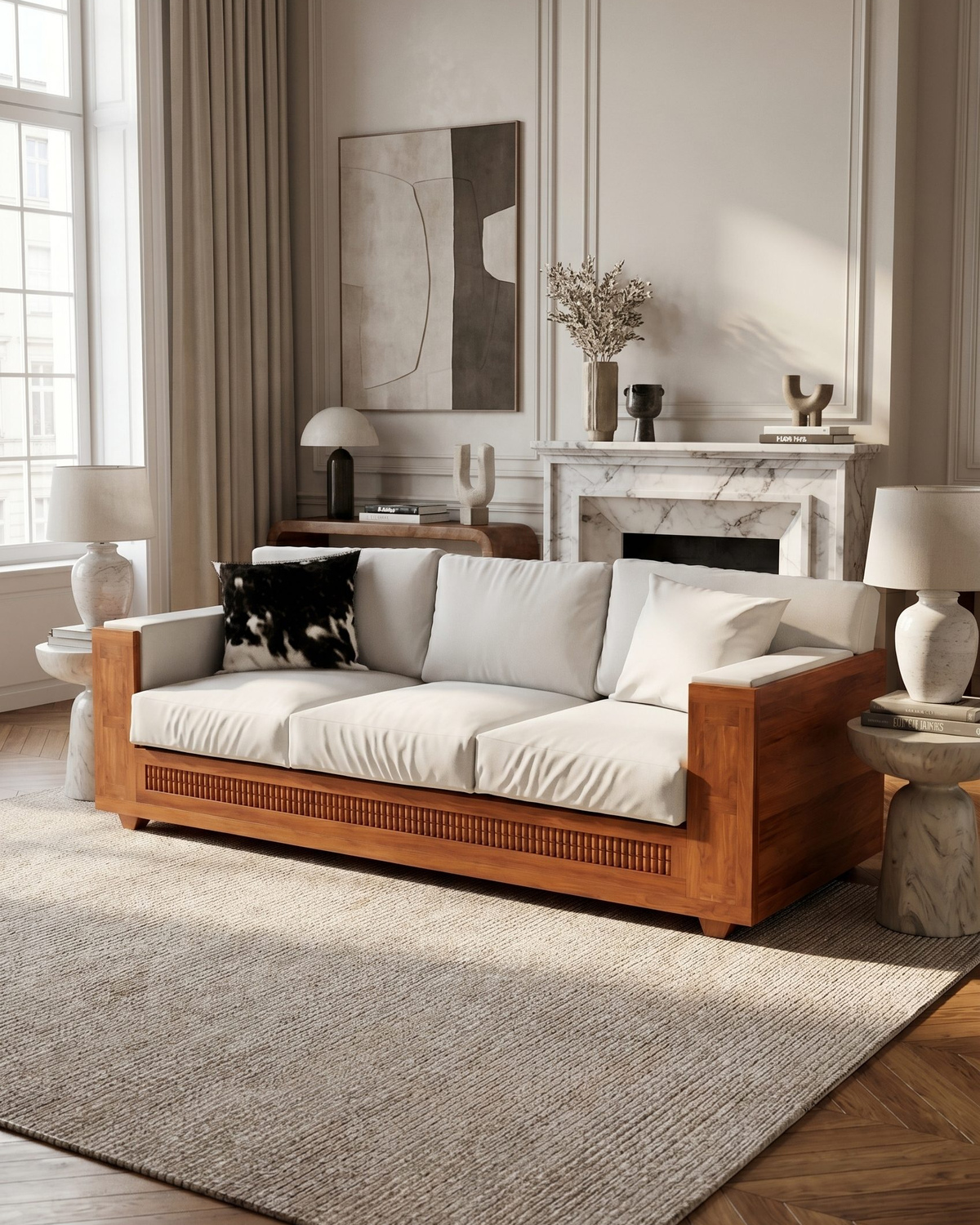
Plan clean product views, room-context scenes, material details, scale concepts, grouped sets, and campaign crops.
-
Step 3
Review against the source product
Check dimensions, proportion, finish, material, color, edges, assembly, included parts, reflections, and scene scale.
-
Step 4
Expand only the approved direction
Reuse the accepted treatment for additional products and crops, while reviewing each new output.
Choose the next surface
Choose your next workflow.
Find the product tool, category, or use case that matches what you want to create.
Planning and review
Home Goods Product Photo Examples FAQs
Use this resource to show how an item fits a space without misrepresenting its size, finish, assembly, or included parts. The goal is an useful image set, not more decorative variations.
Test the workflow
Try a home goods direction on your own product.
Use a clear source, generate a focused set, and publish only the outputs that pass the product and channel review. Generated room scenes do not verify dimensions, installation, weight, safety, or material performance.
- Use your own product
- Review every output
- No credit card required