Bulk product image generation for your SKU catalog
Turn one clear product photo into coordinated page, catalog, and campaign batches. Review every SKU before publishing.
Review the current Terms before publishing or licensing generated output, and confirm that your intended use has the necessary rights and permissions.

Preparing coordinated product-page, catalog, and campaign image batches through separate briefs, shoots, resizes, and revisions can slow launches and create an inconsistent catalog. Fotogenic gives catalog teams working across many SKUs a repeatable starting point from one approved product photo.
Bulk Product Image Generation output, end to end
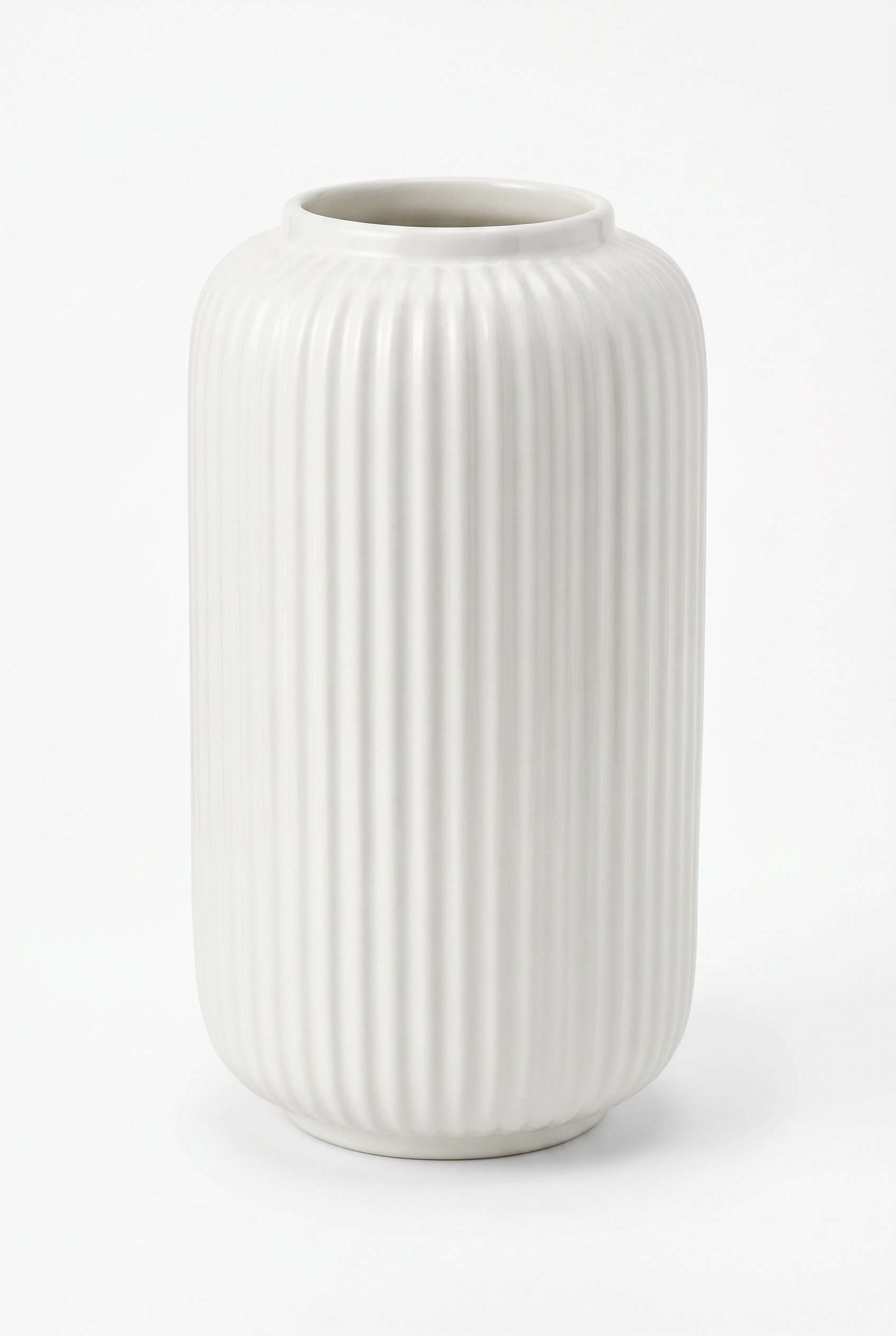
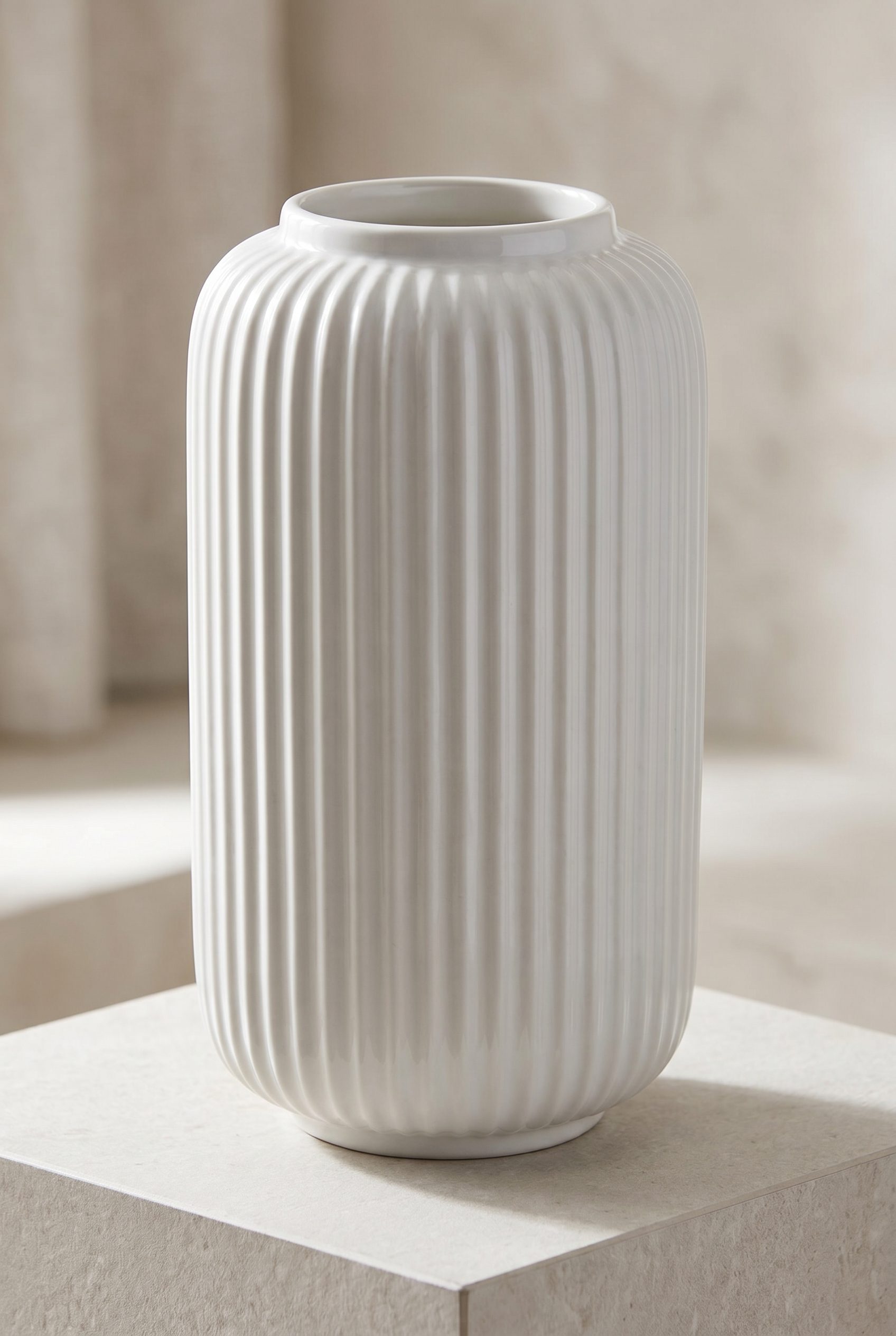
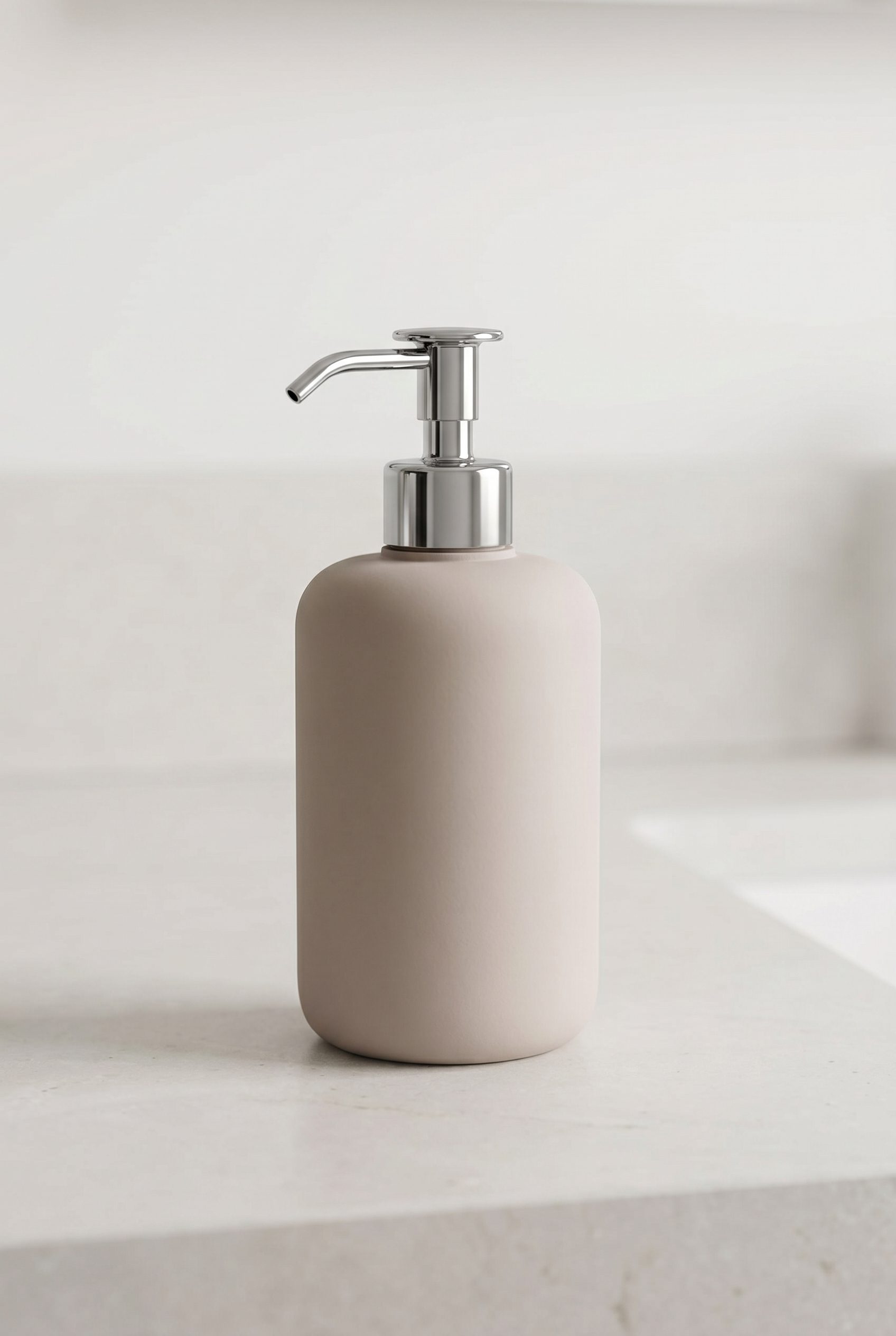
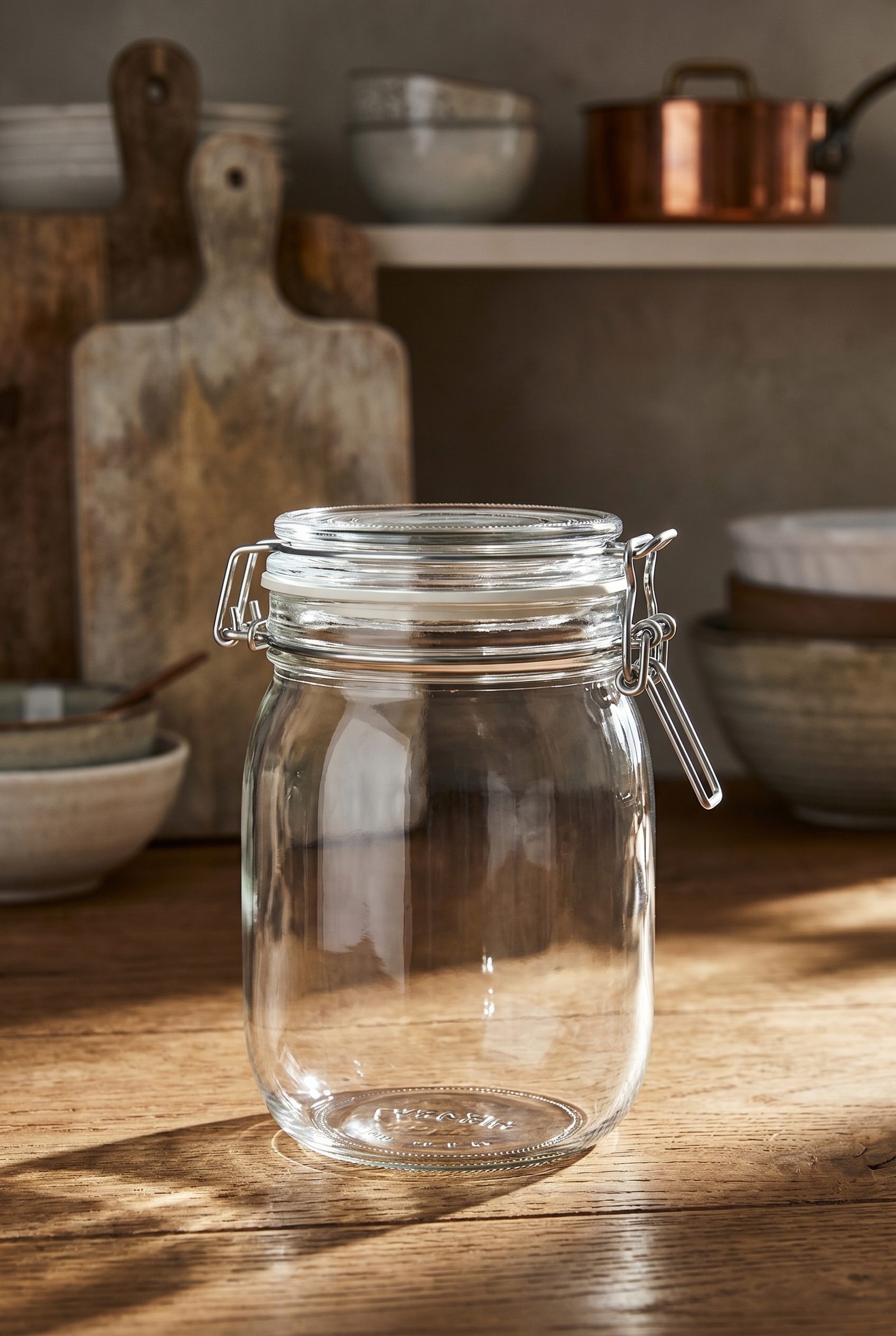
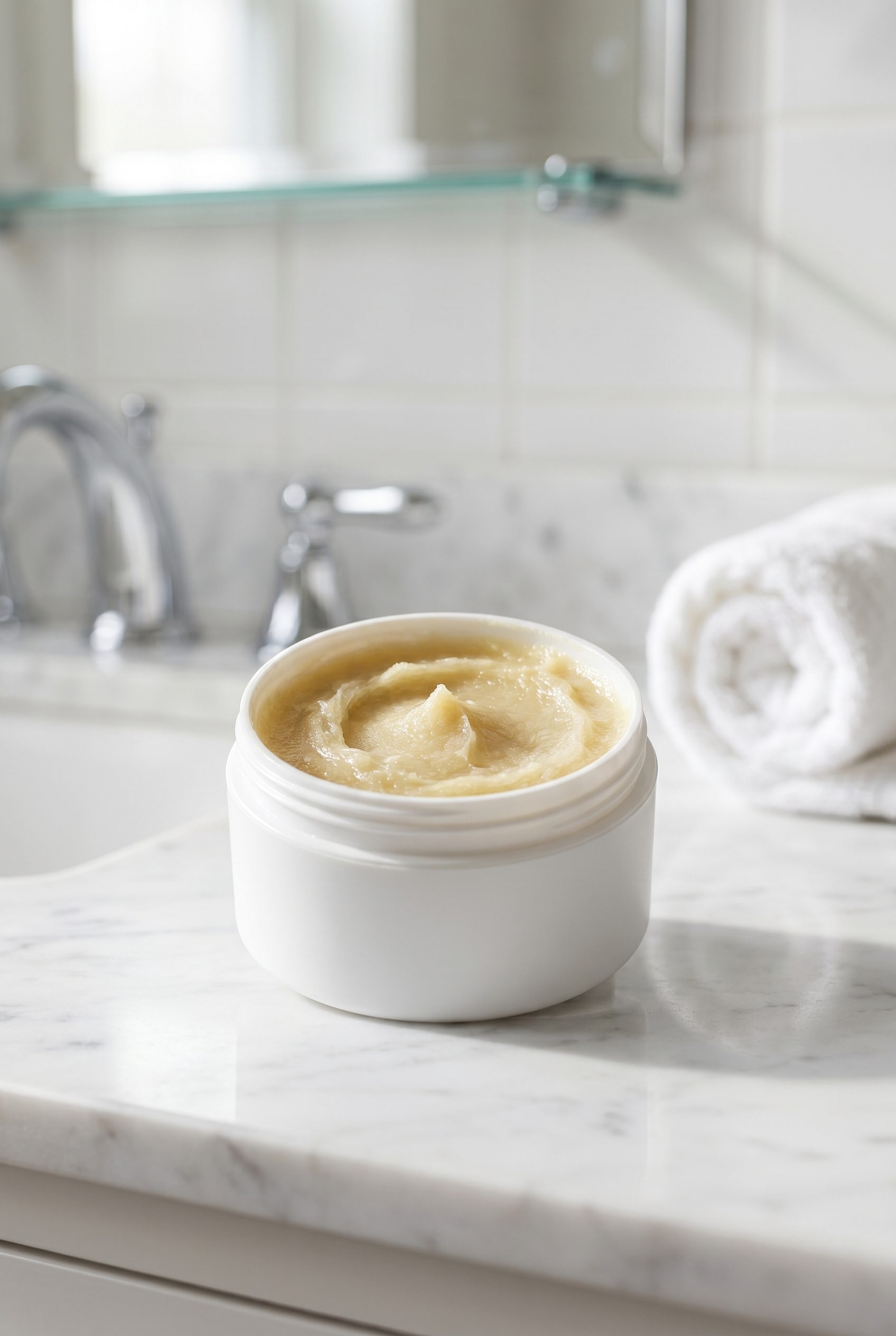
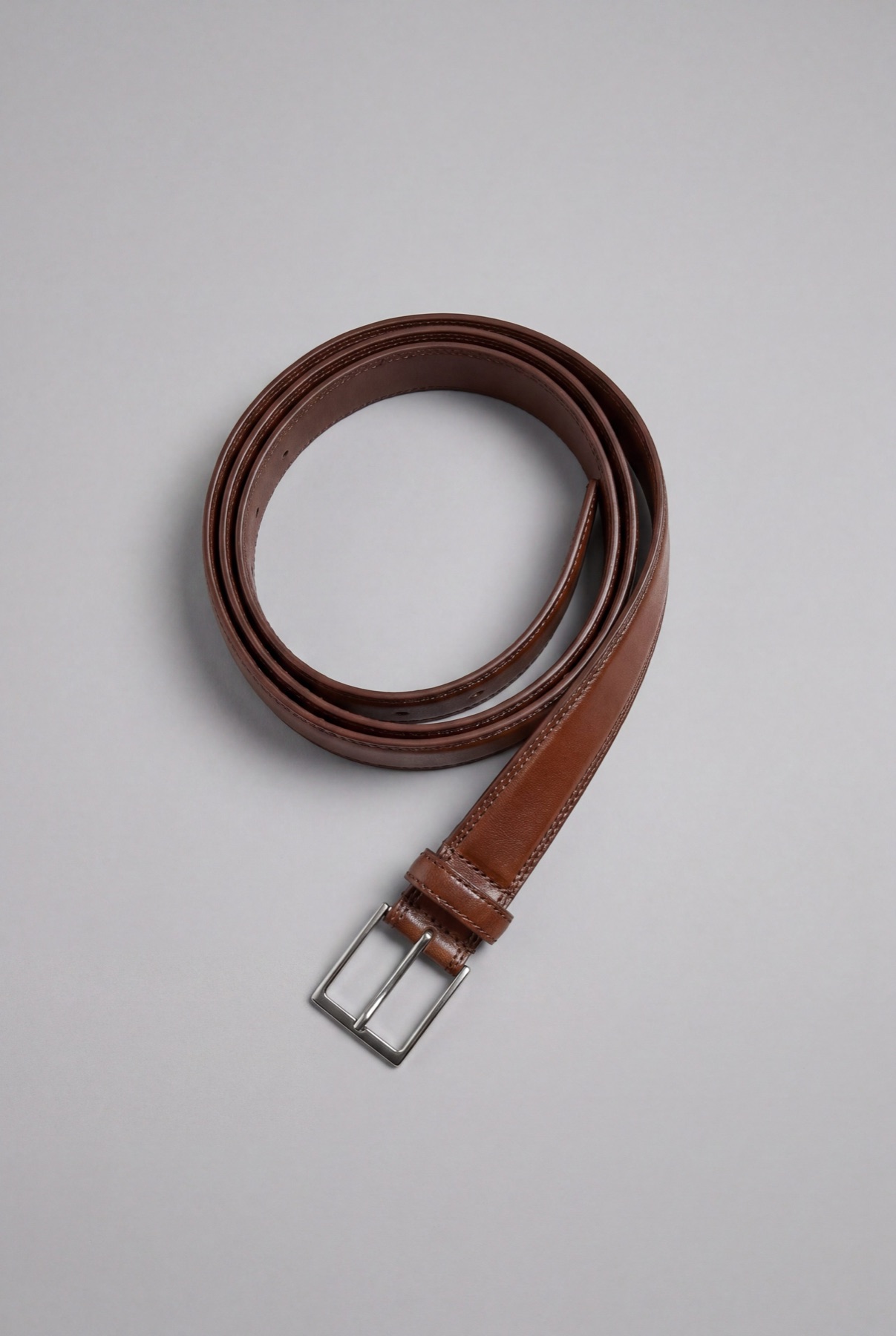
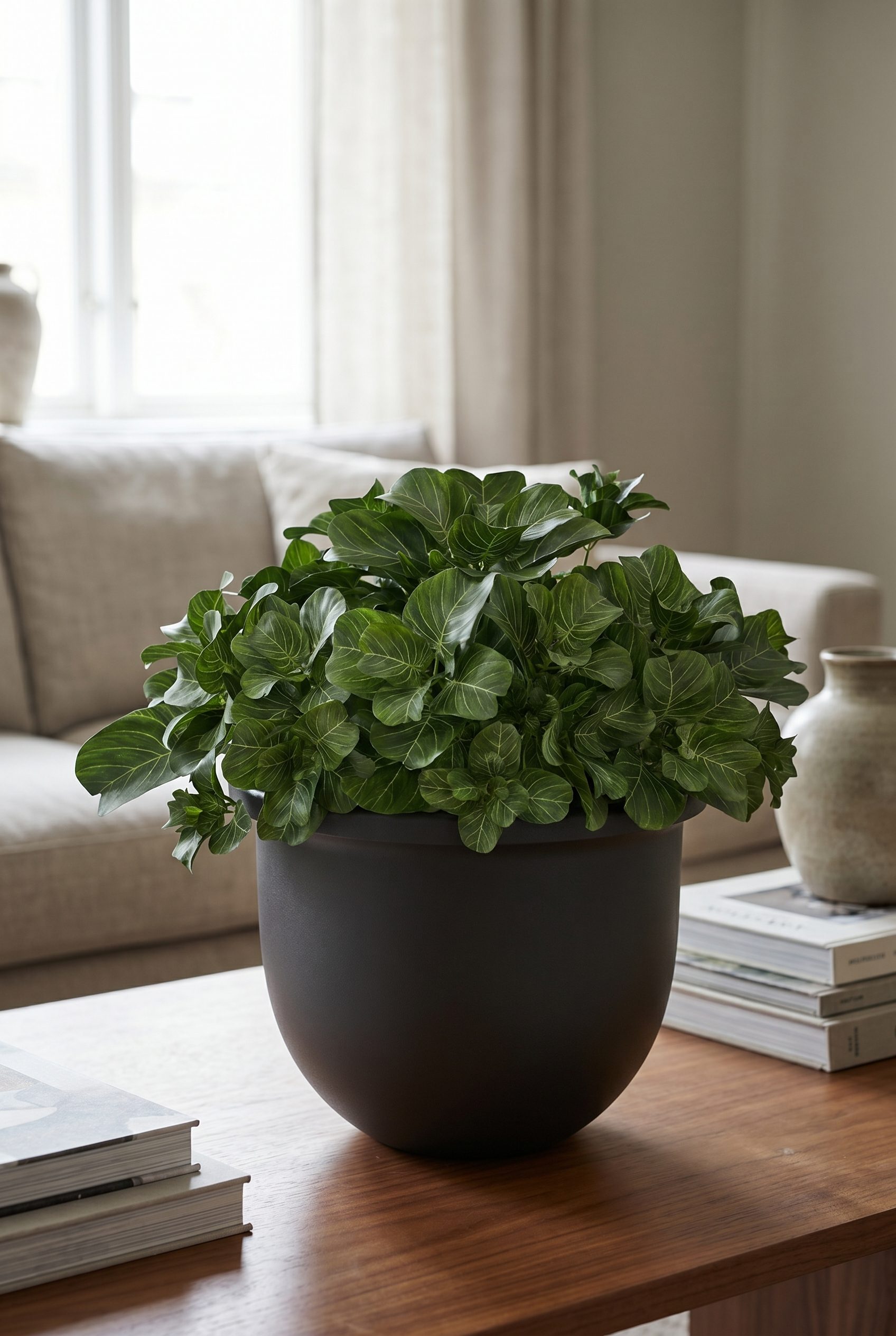
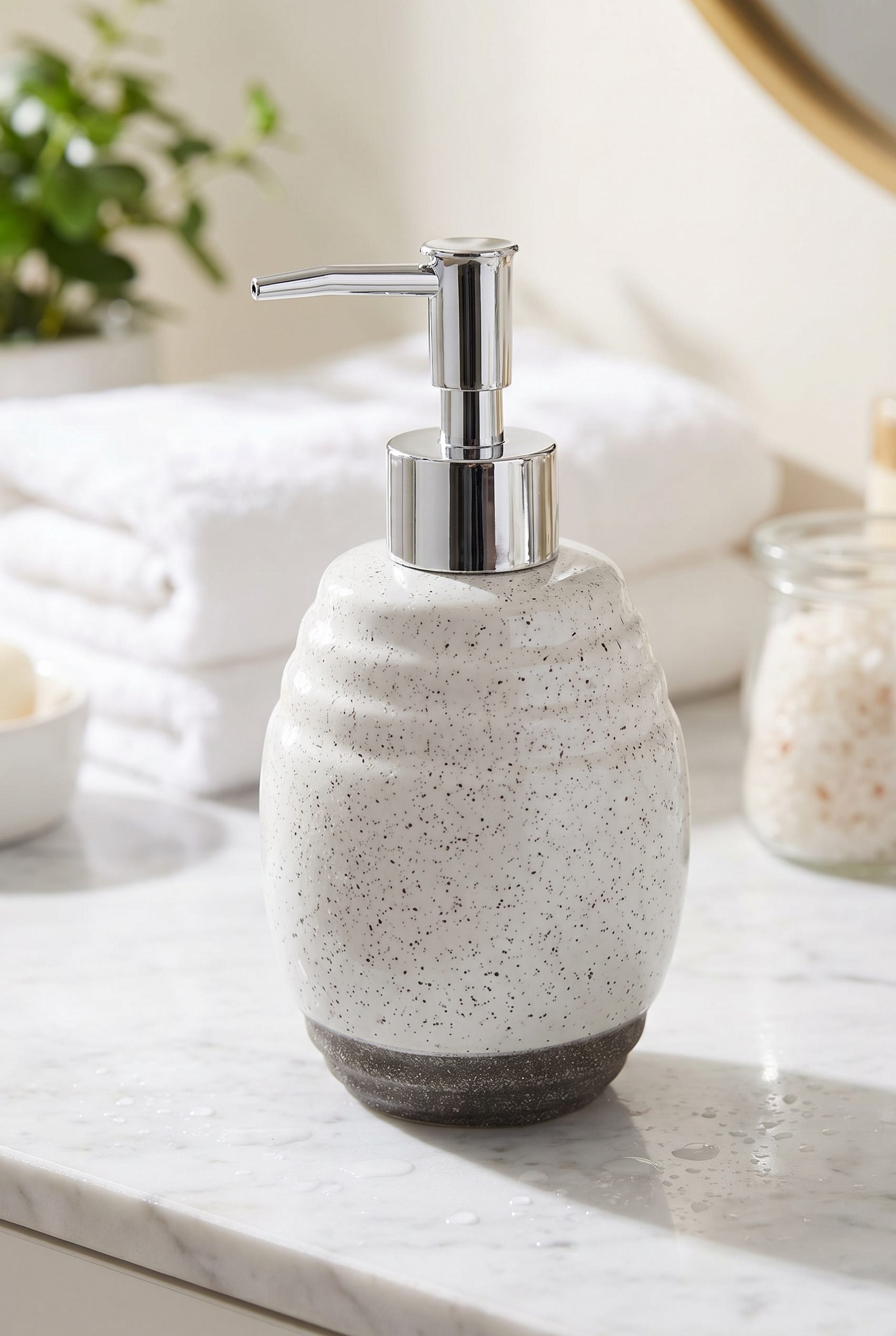
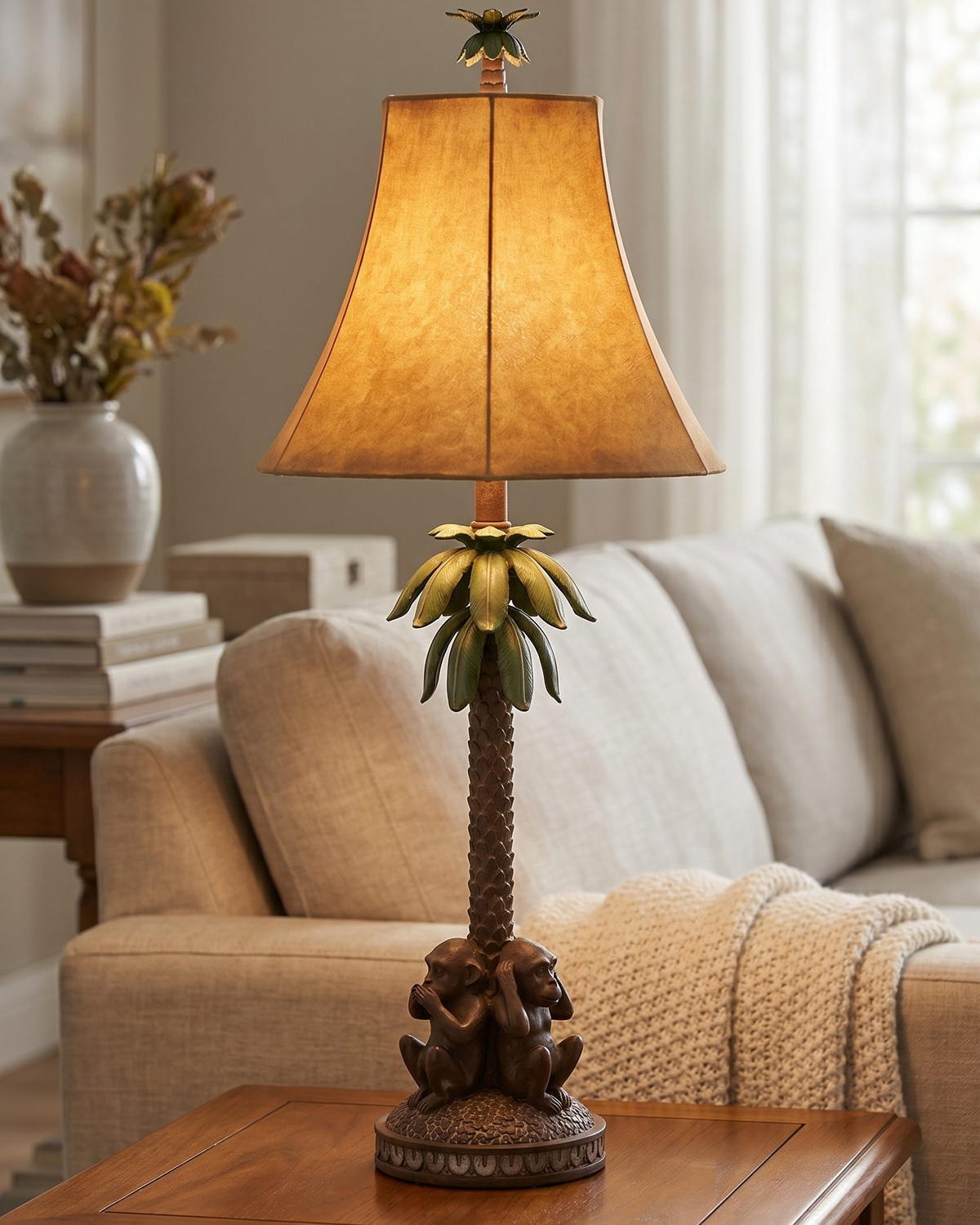
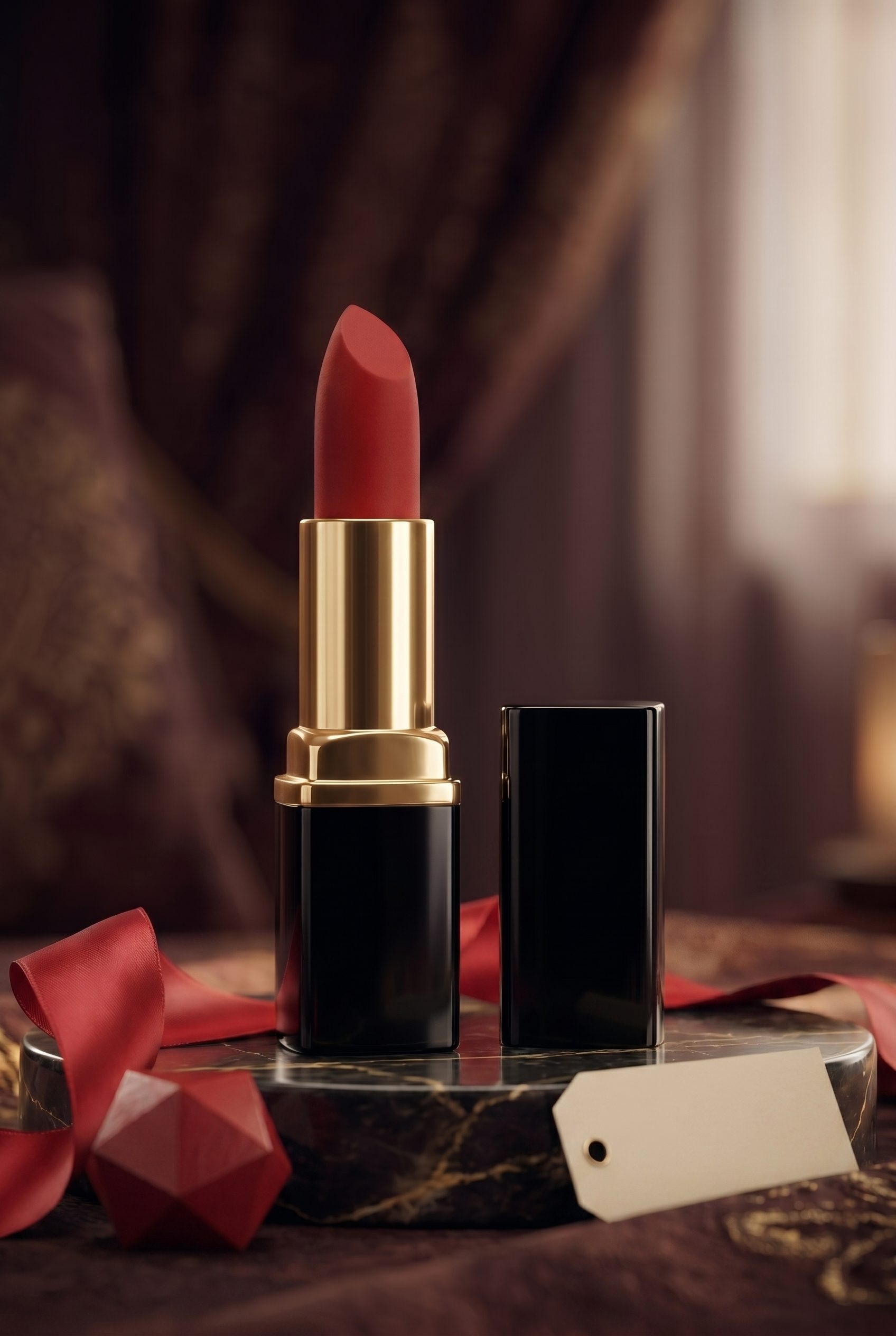
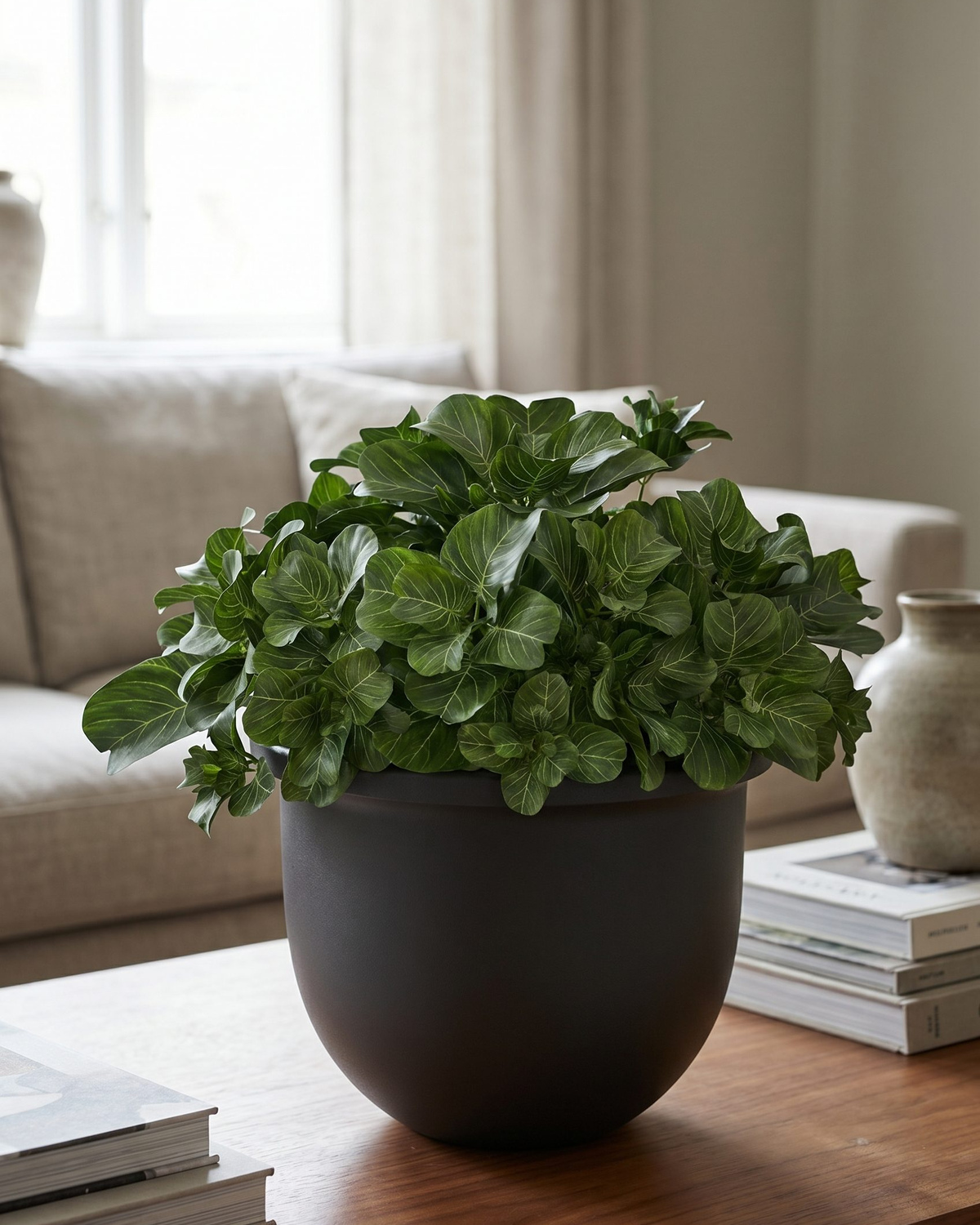
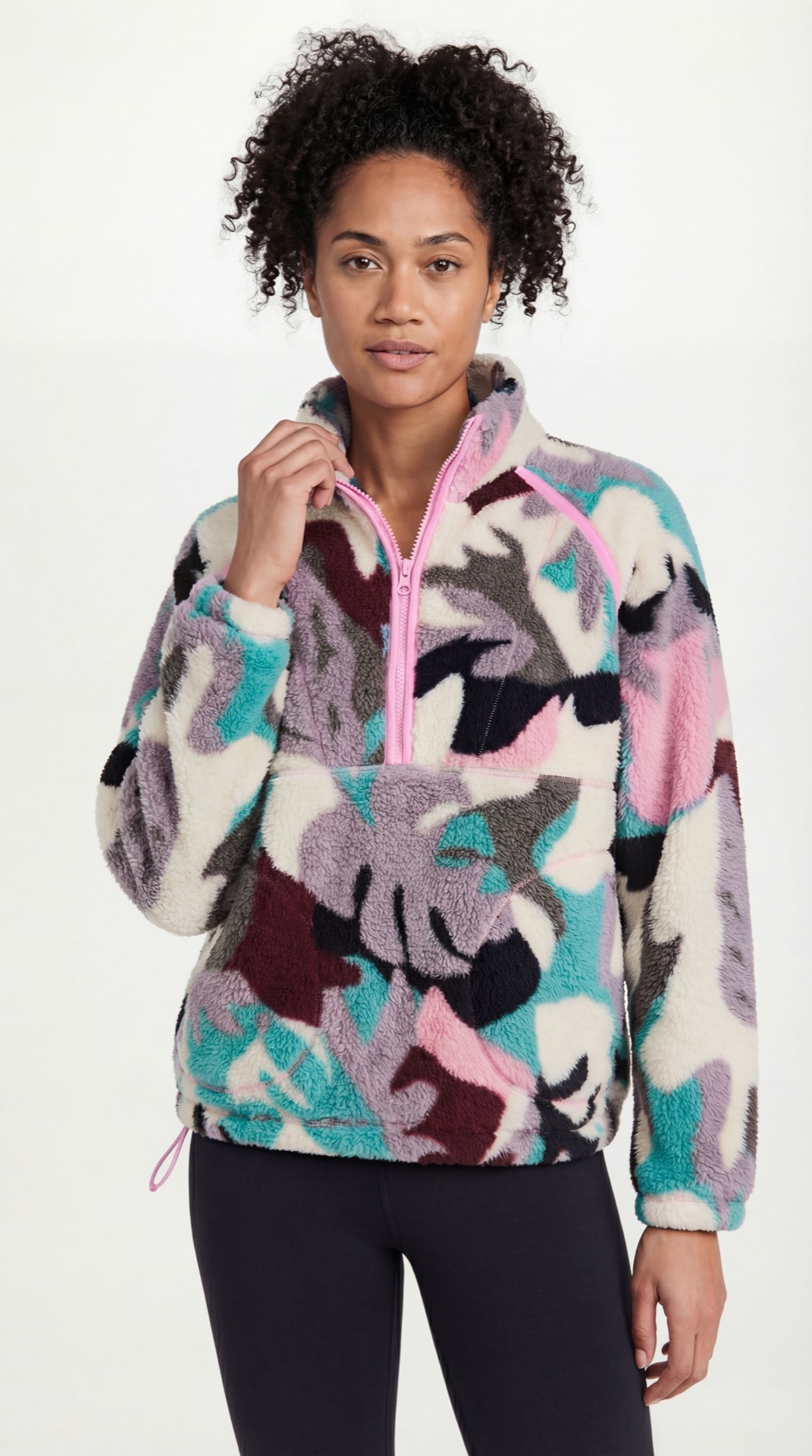
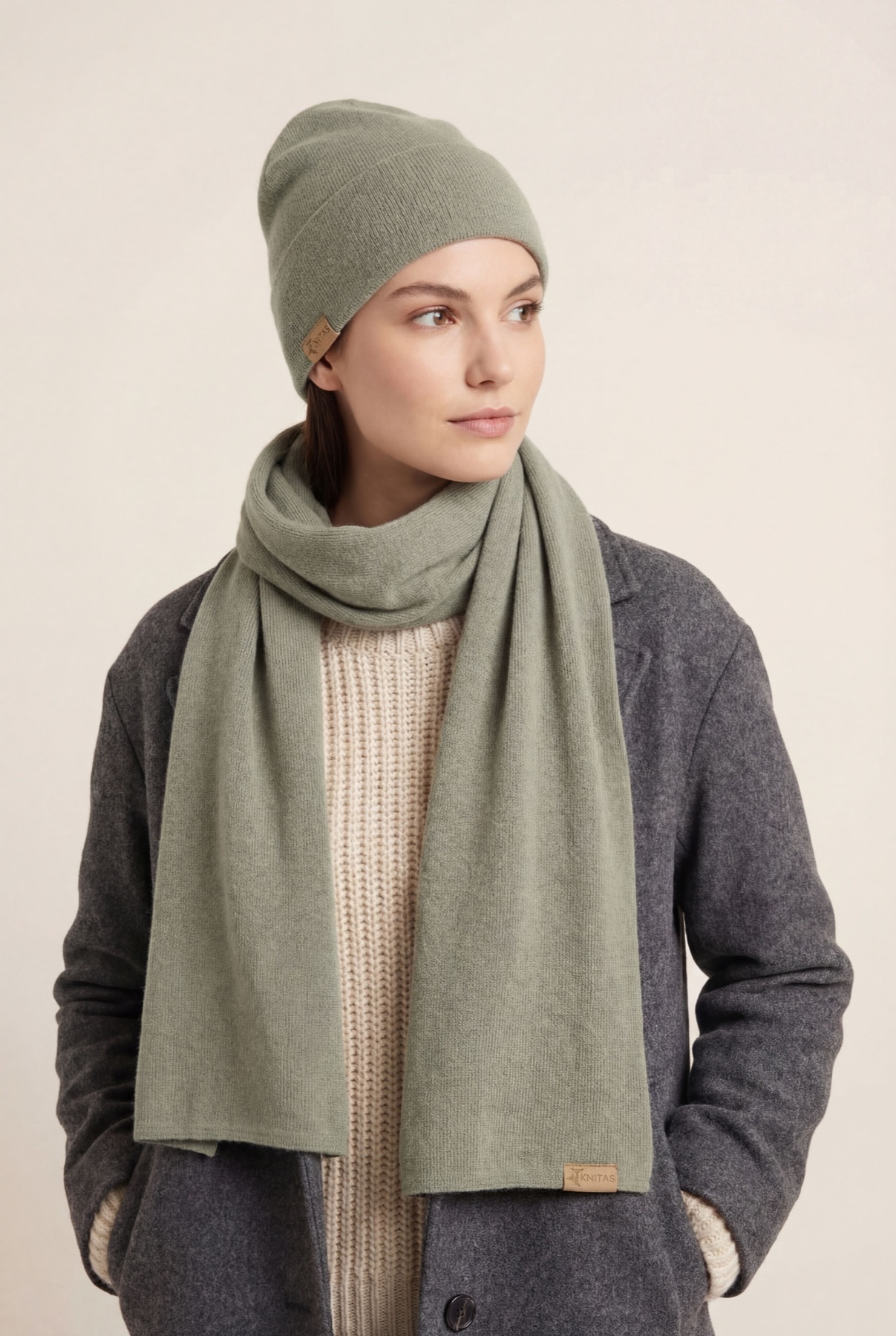
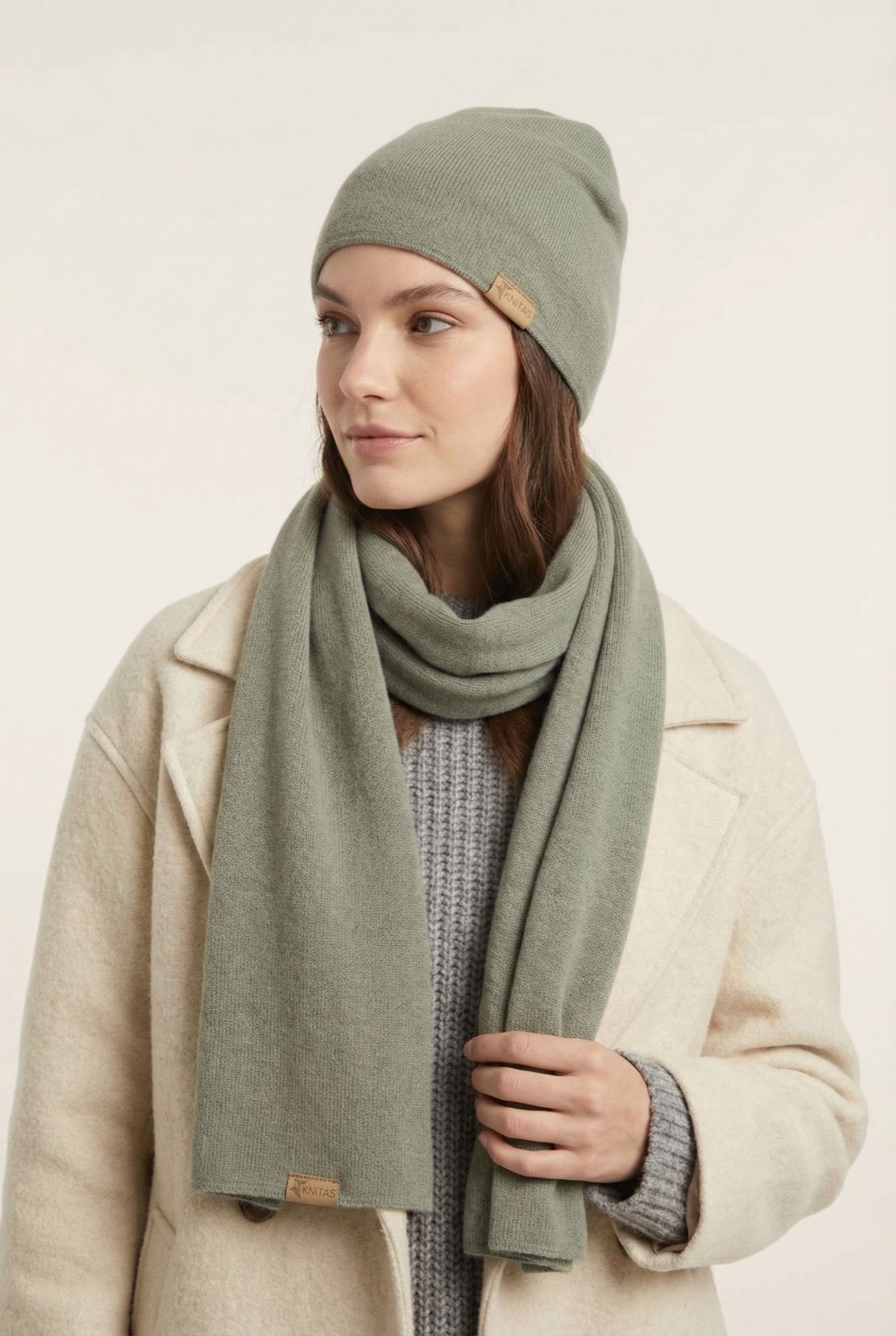
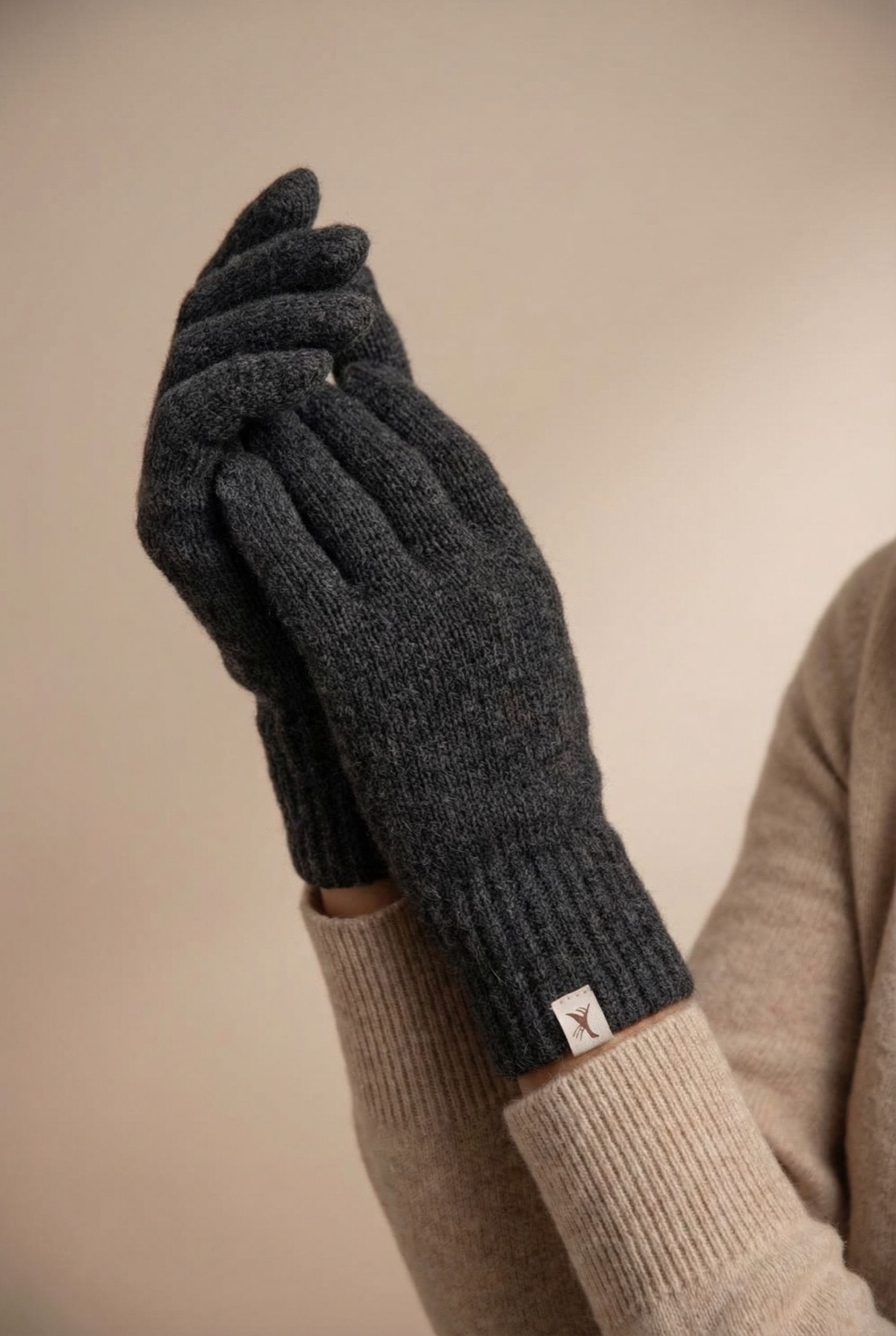
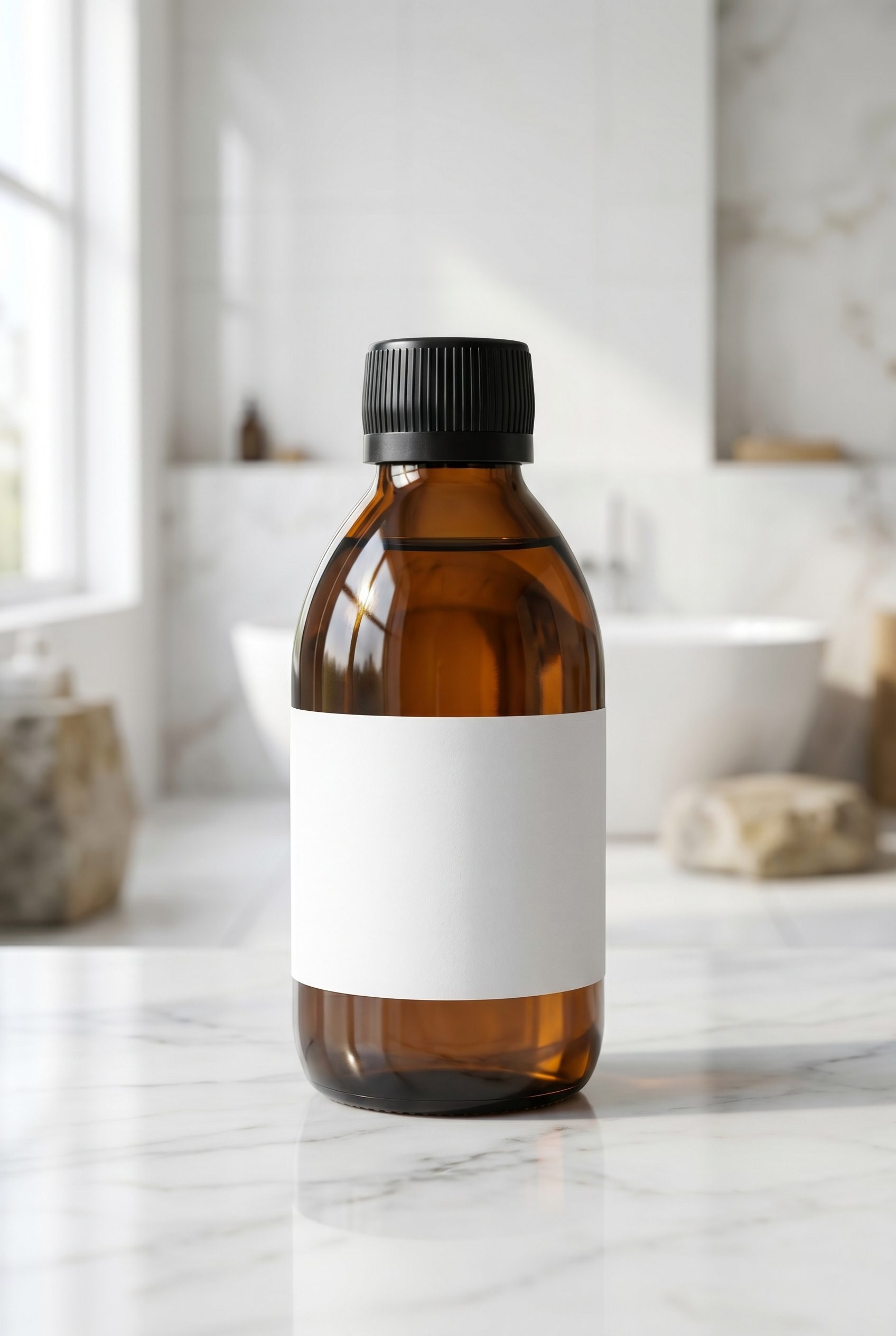
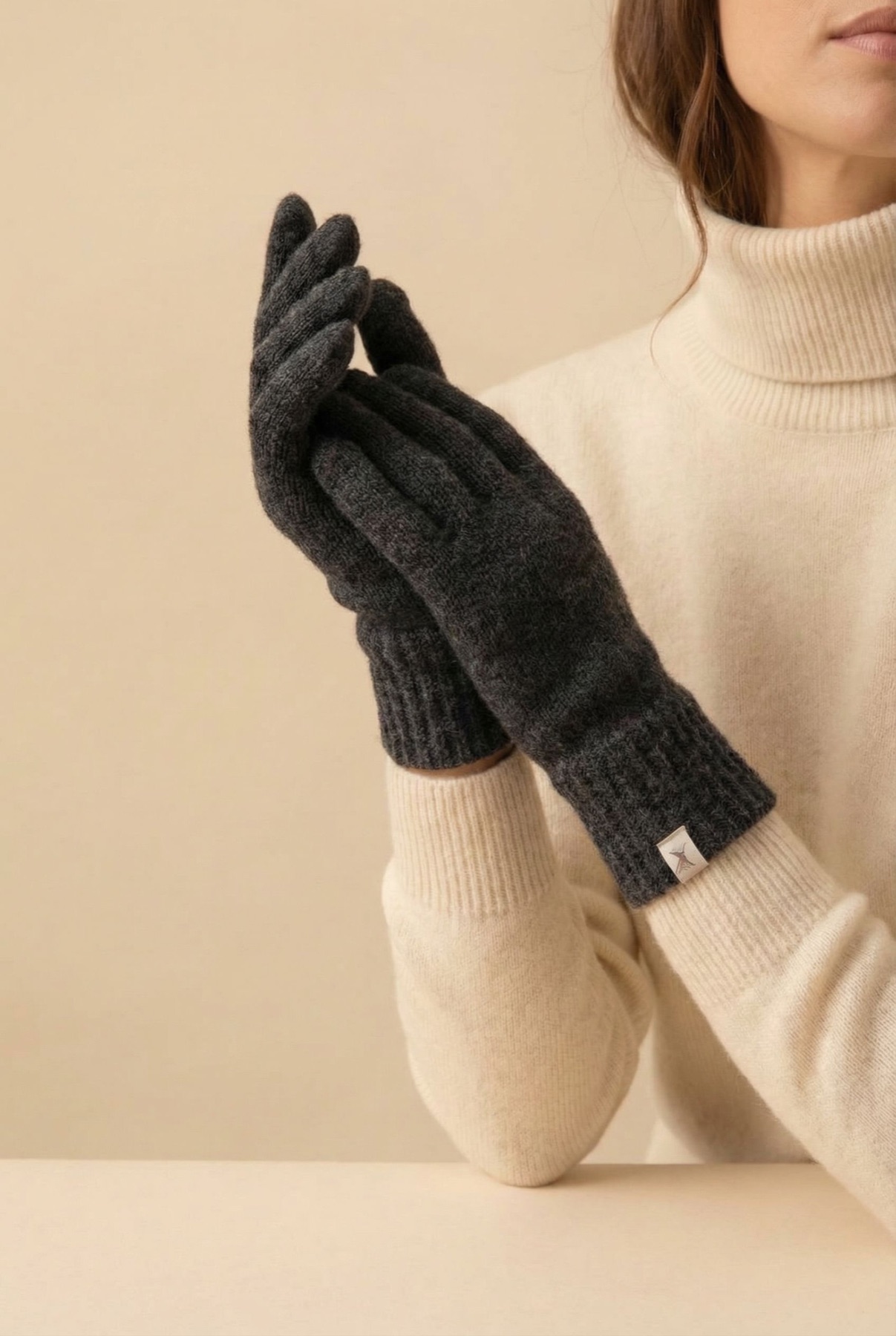
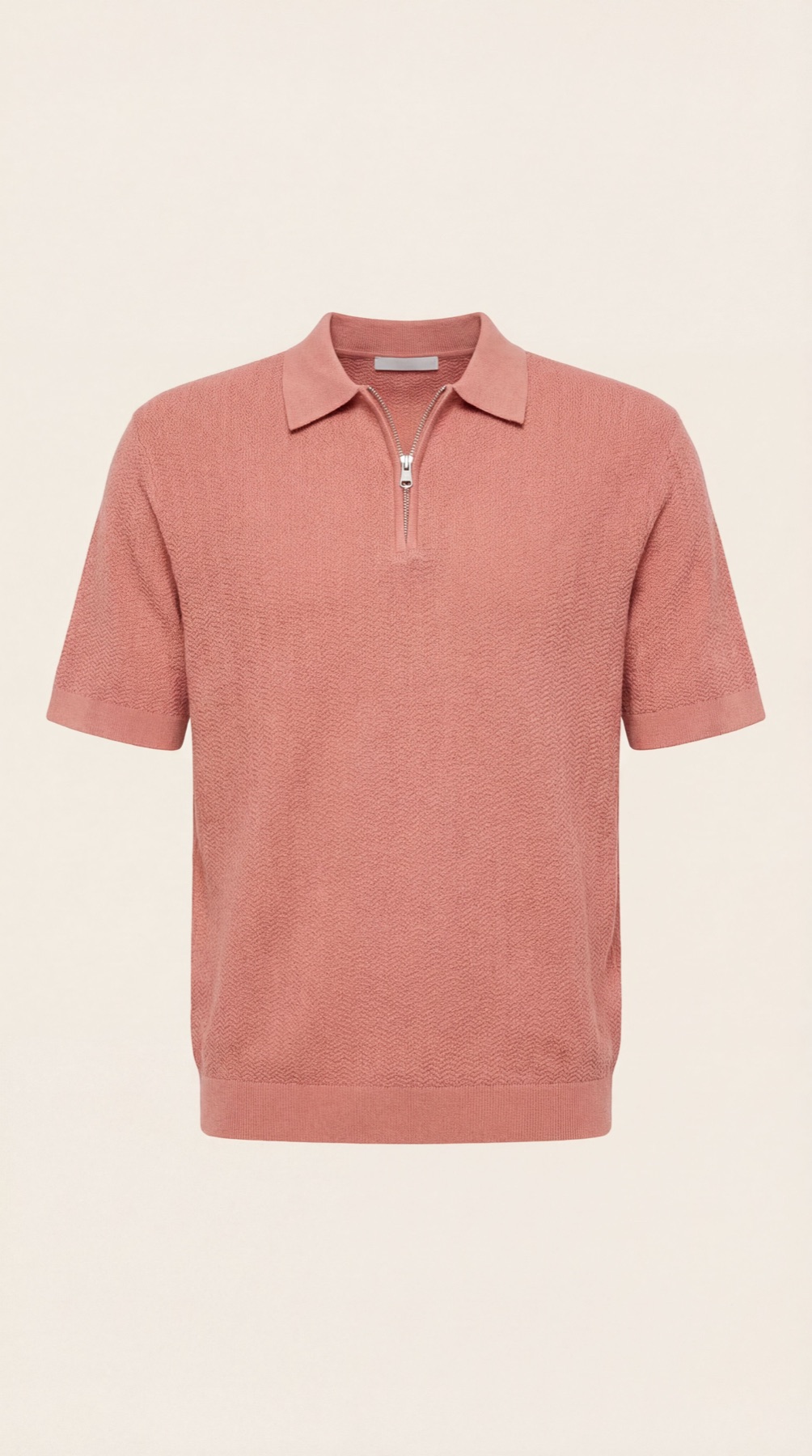
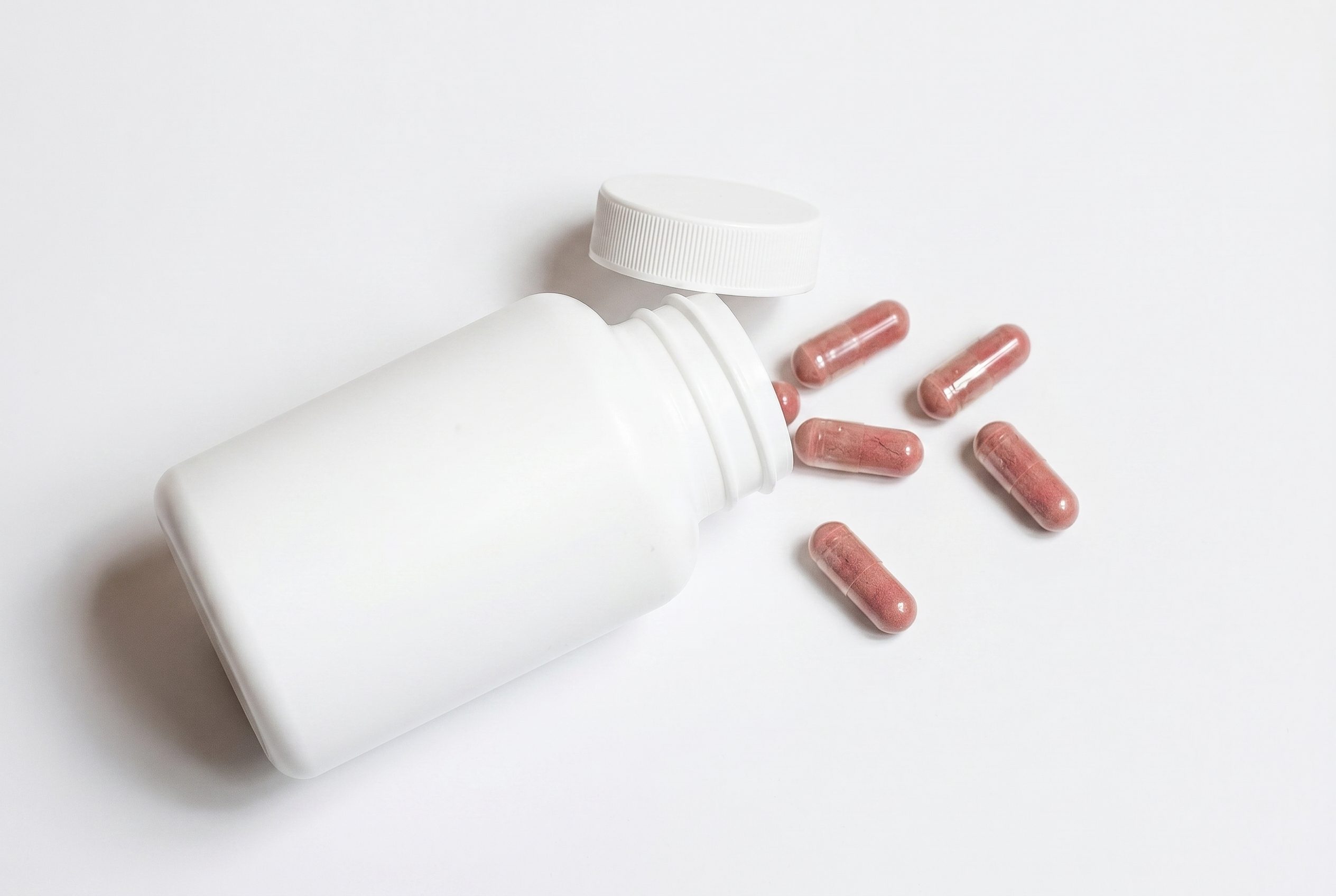
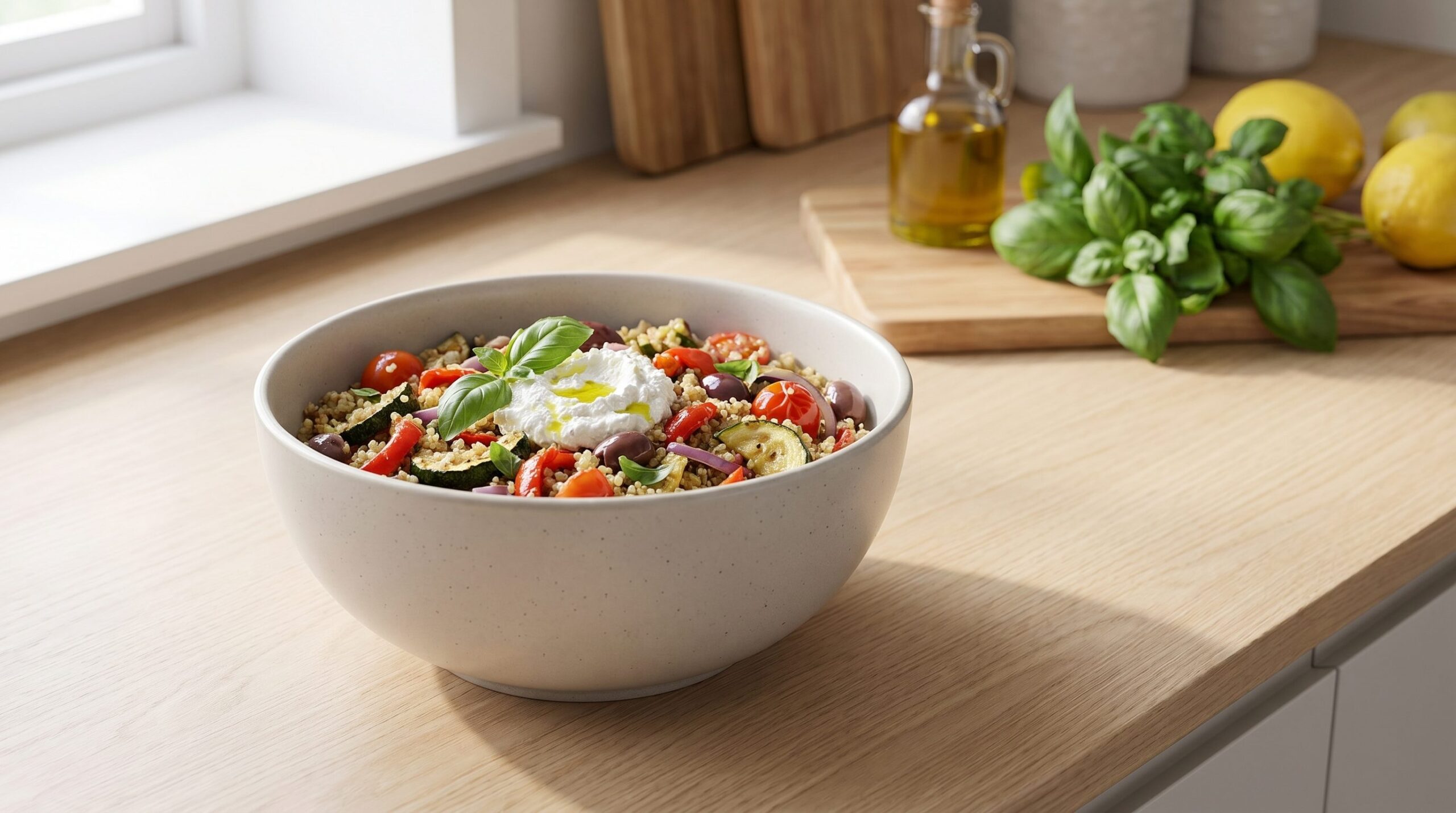
What a finished product photo looks like coming out of Fotogenic AI, ready for your review for your store.

Example output from Fotogenic AI
Examples
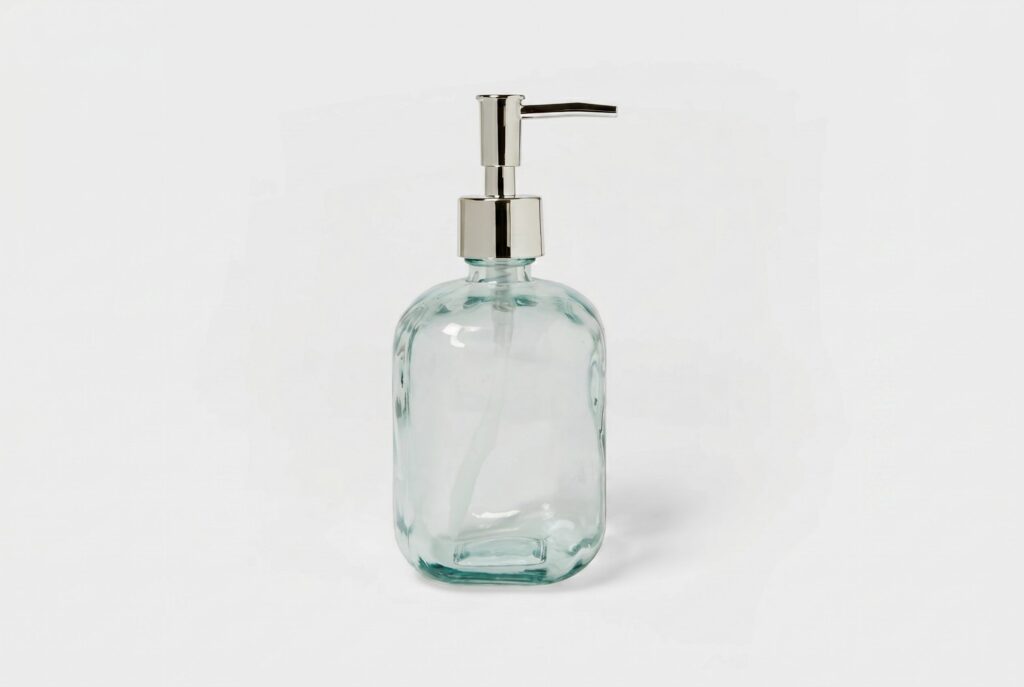
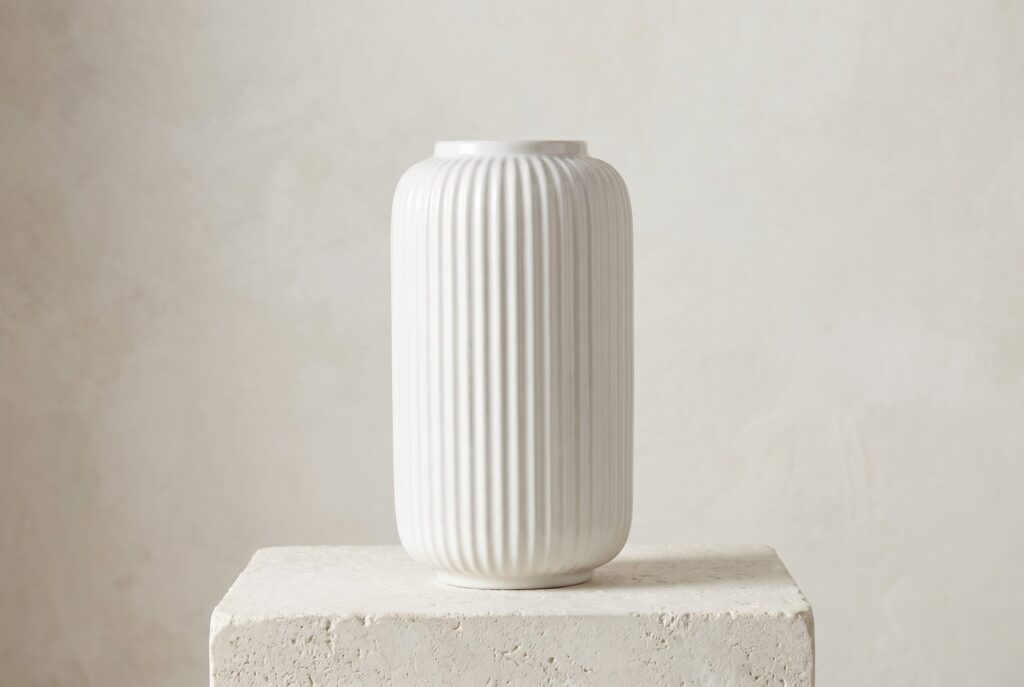
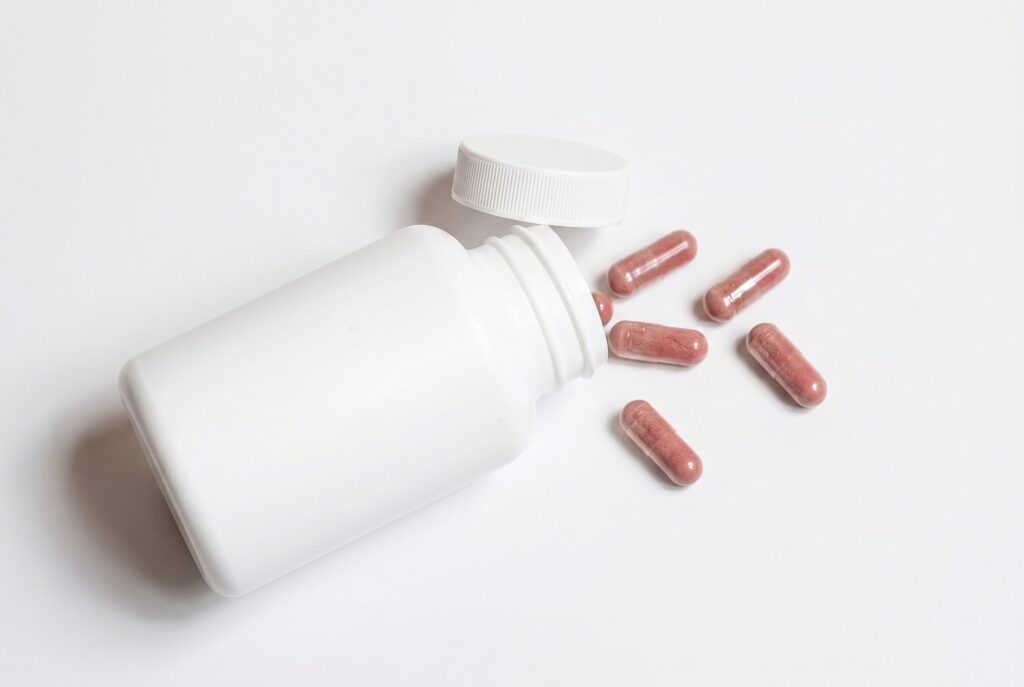
Example outputs for this workflow
Review visual directions before choosing the workflow or plan that fits your next product image job.











How it works
From one product photo to a reviewed image set
Upload a clear source photo, choose the visual direction, generate options, then review SKU identity, color, crop, naming, and exceptions across the batch before exporting or publishing.
-
01
Upload your product
Upload one product photo or product URL.
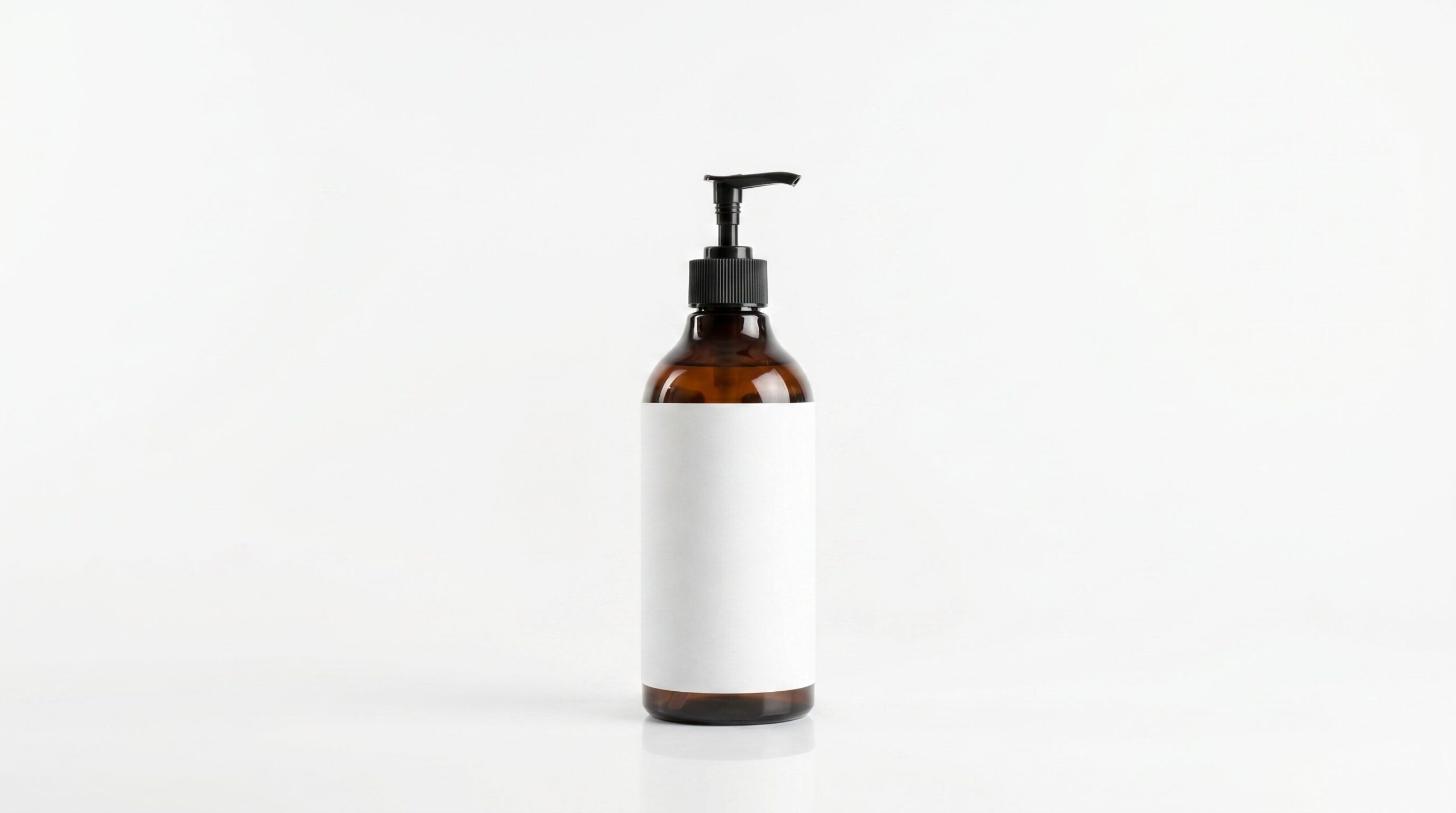
-
02
Describe the scene
Choose a preset or write one prompt for the scene.
-
03
Generate
Generation and review time varies. Test the workflow on one representative product before planning a larger batch.

-
04
Download & ship
Download each result, inspect the file, and check the destination channels current requirements before publishing.


FAQ
Bulk Product Image Generation FAQs
Find answers about source photos, results, review, credits, and next steps.
Test the workflow first
Try this workflow on your product.
Upload one clear product photo, generate coordinated product-page, catalog, and campaign image batches, and review SKU identity, color, crop, naming, and exceptions across the batch before publishing.
- No credit card required
- Use your own product photo
- Review before publishing