WordPress Product Image Generator
Create product image options from a clear source photo, then review and apply the selected images through the Fotogenic WooCommerce plugin or your normal WordPress media workflow.
WooCommerce workflow · Review before applying · Check current plan requirements

Store-ready product visuals
A realistic ecommerce product image for a WordPress store, with clean product copy and a polished marketplace-oriented layout.
AI product photography for WordPress sellers. Start with a clear product photo, create listing and campaign options, and review the selected images in the active store theme before applying them.
Every product category your WordPress store can cover
Beauty, apparel, home goods, food, electronics, and accessories examples generated as WordPress-oriented product visuals.
Beauty and skincare visuals for WordPress stores, ready for product pages, ads, and catalog refreshes.
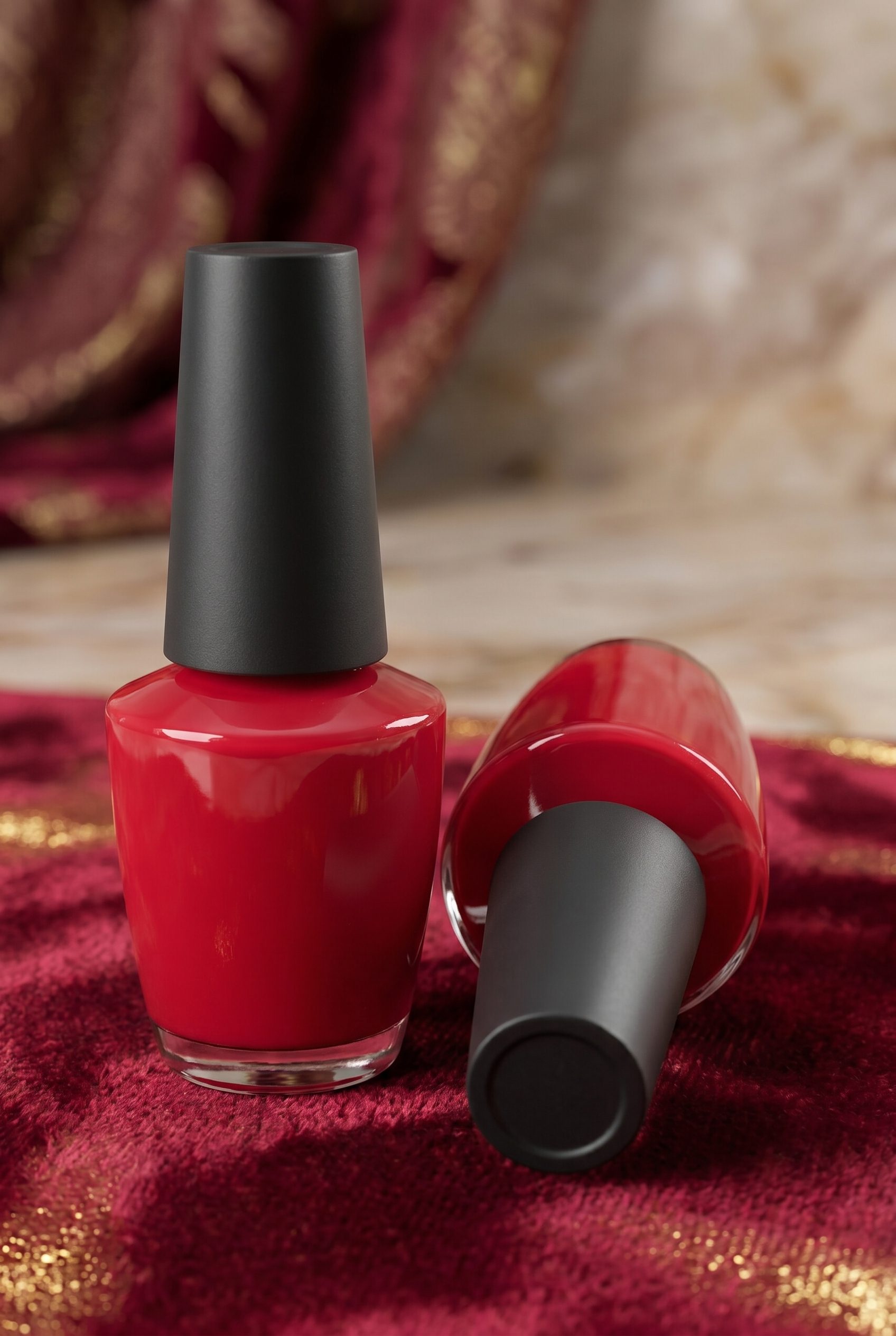
Red nail polish
Turn color cosmetics into crisp WordPress visuals with clean shine, accurate shade cues, and catalog-ready framing.
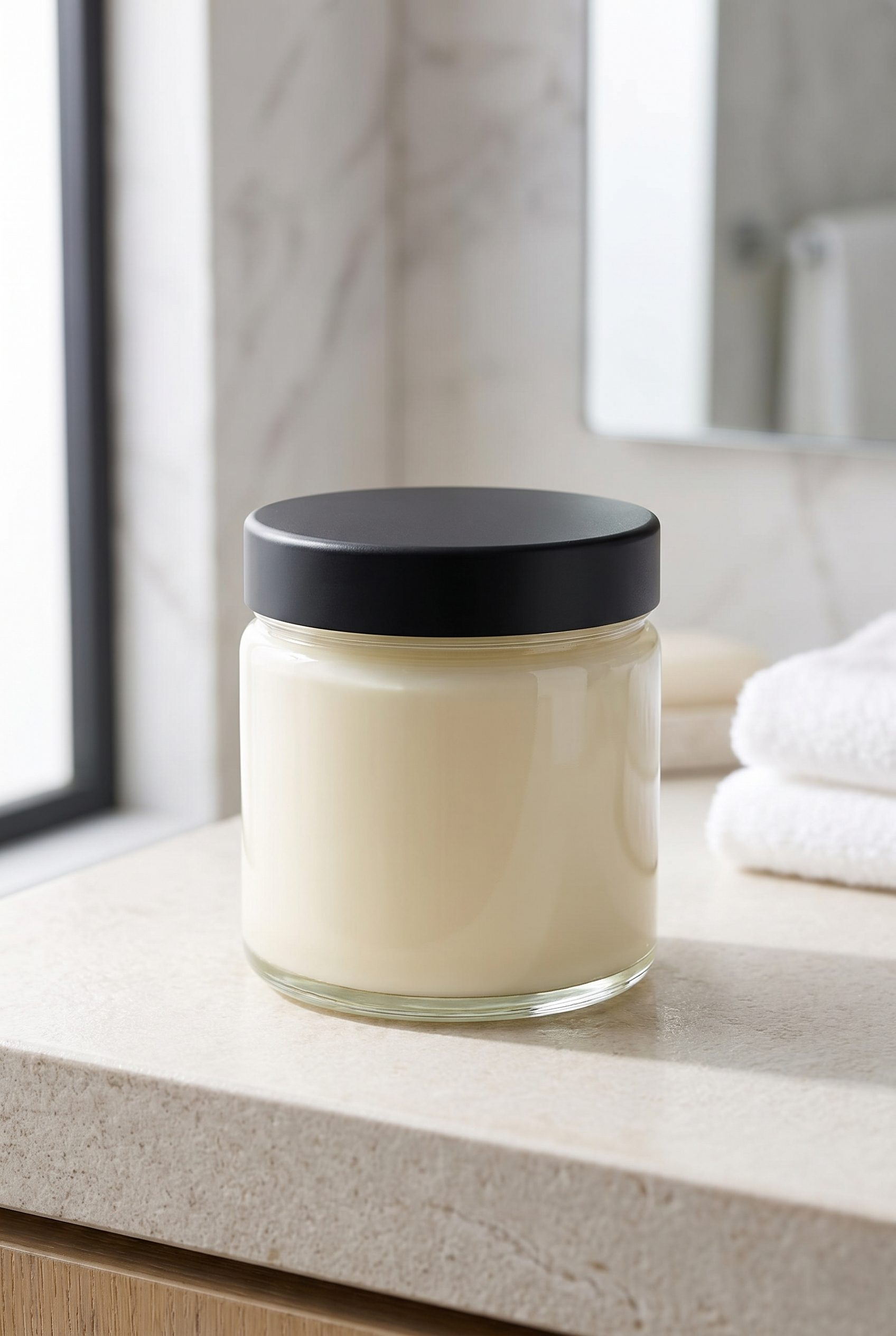
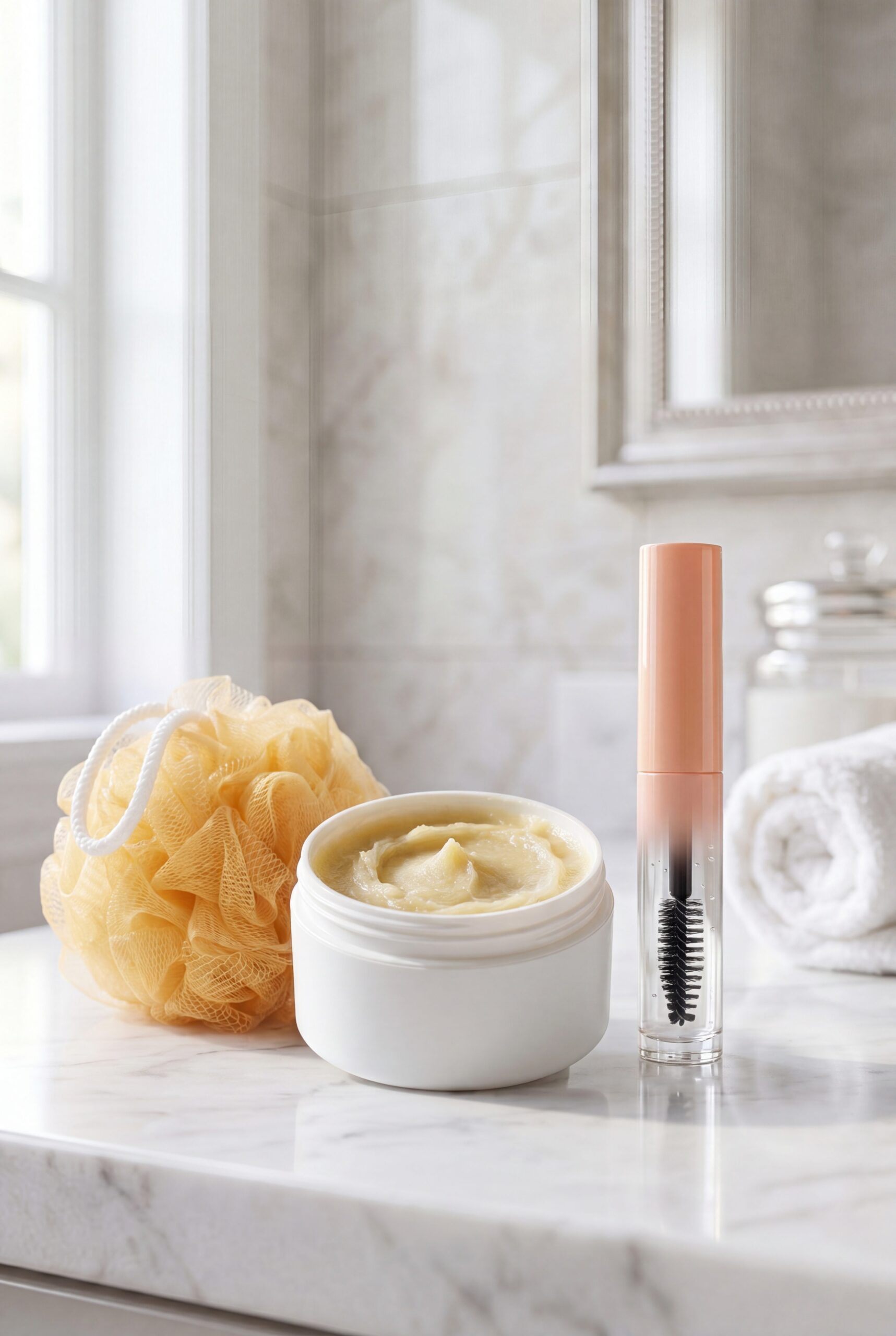
Label-free cream jar
Show skincare texture and packaging in a calm, logo-free scene that works for product pages, bundles, and launch images.
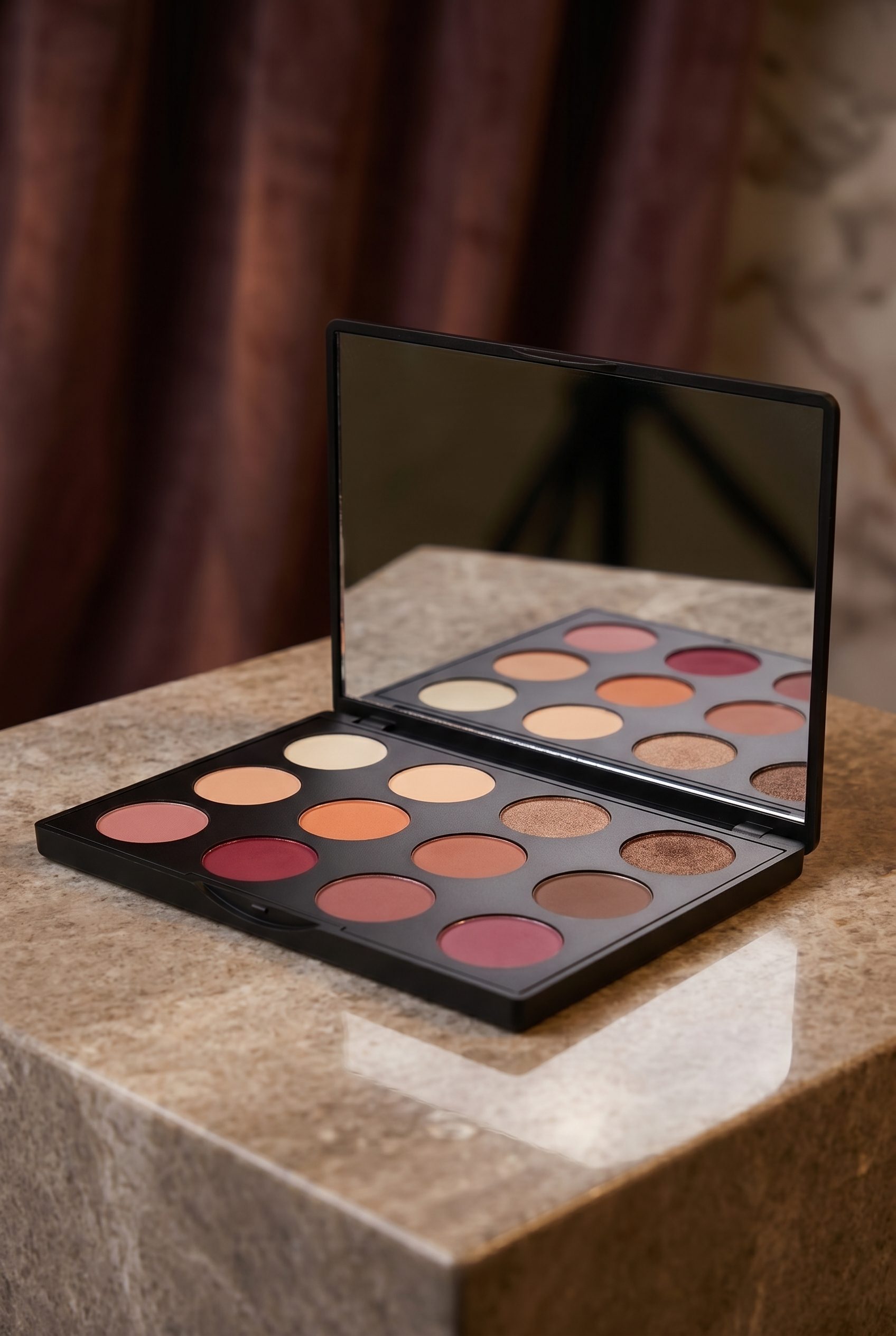
Eyeshadow palette
Build polished makeup-gallery images with color, mirror detail, and premium presentation from one product source.
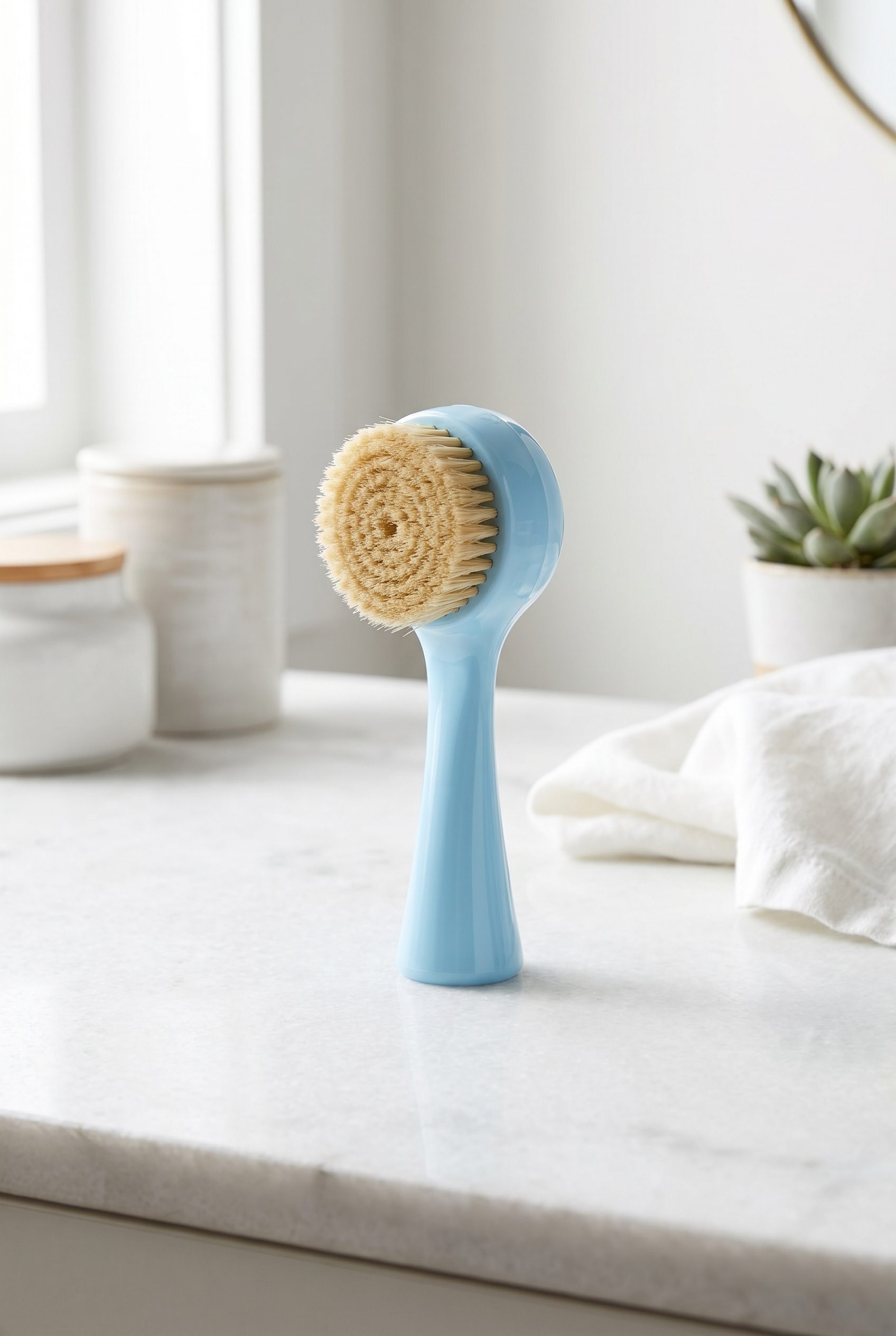
Facial cleansing brush
Show beauty tools in routine-ready context so shoppers understand shape, scale, and how the product fits daily use.
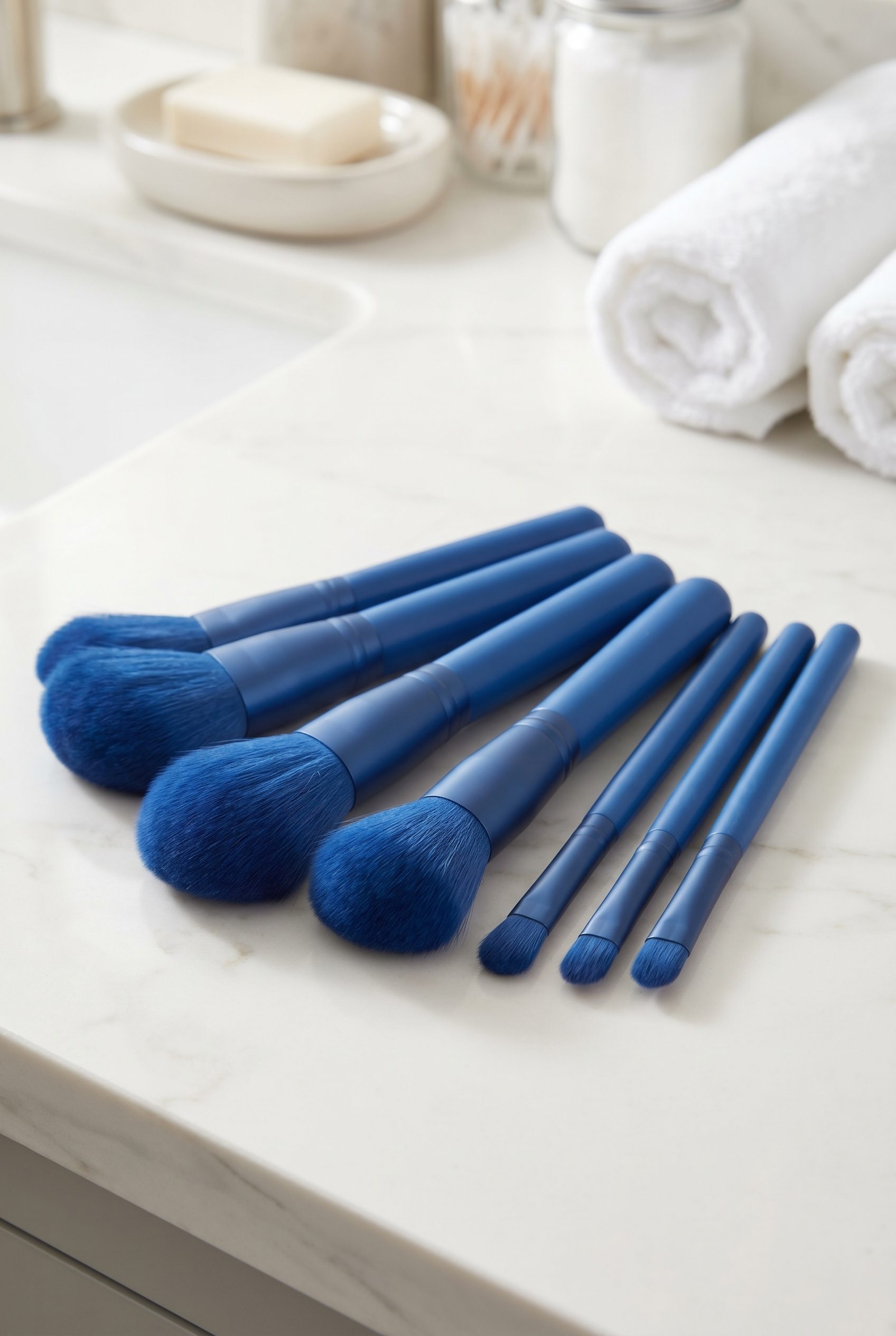
Makeup brush set
Create brush-kit visuals with organized tools, soft styling, and enough detail for product galleries and ads.
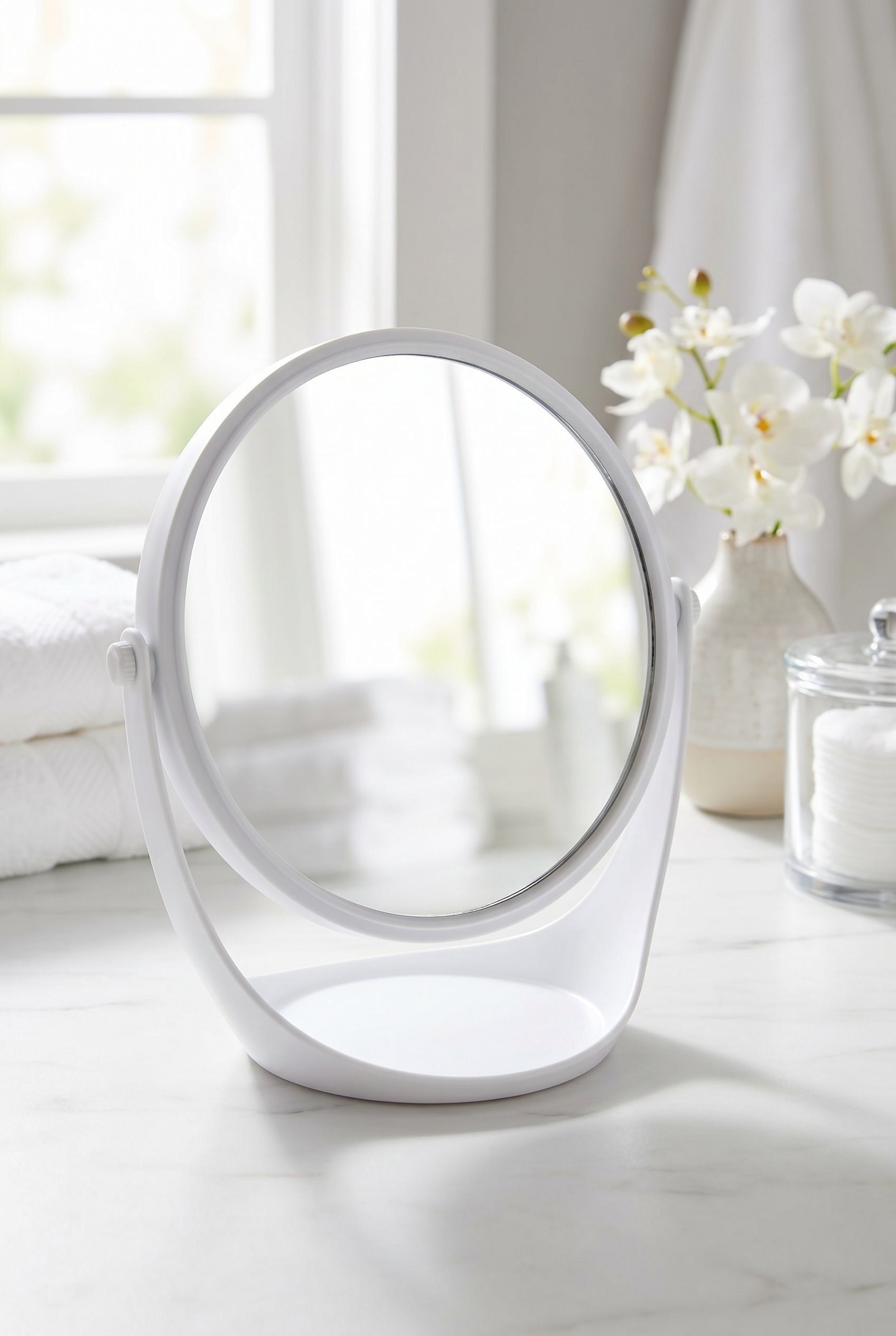
Vanity mirror scene
Present beauty accessories with clean vanity styling, realistic reflections, and store-ready product focus.
Fashion and apparel examples for WordPress stores, ready for storefronts, listings, and seasonal drops.
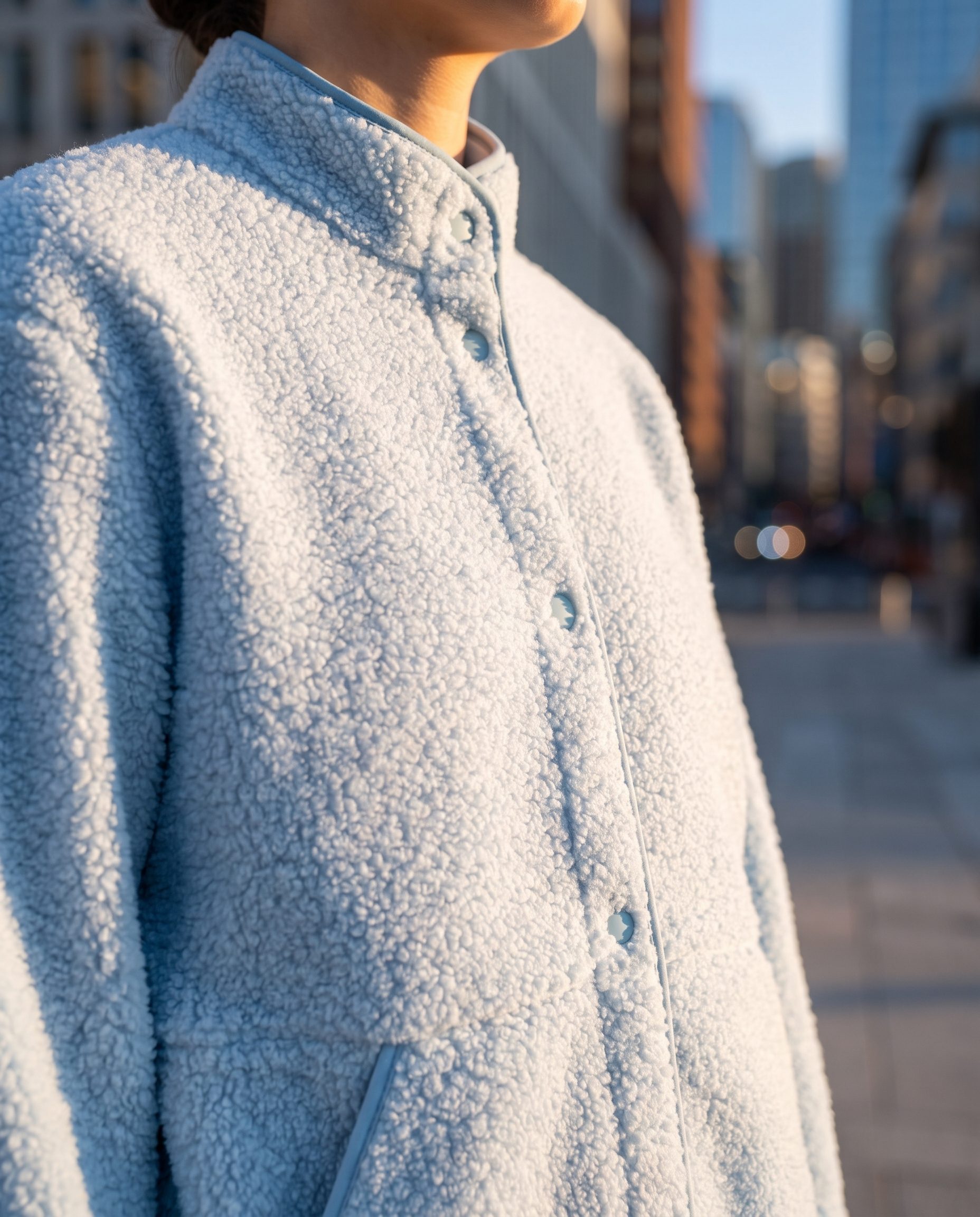
Black camisole catalog shot
Create apparel listing images that show fit, neckline, and fabric texture without needing a new studio shoot.
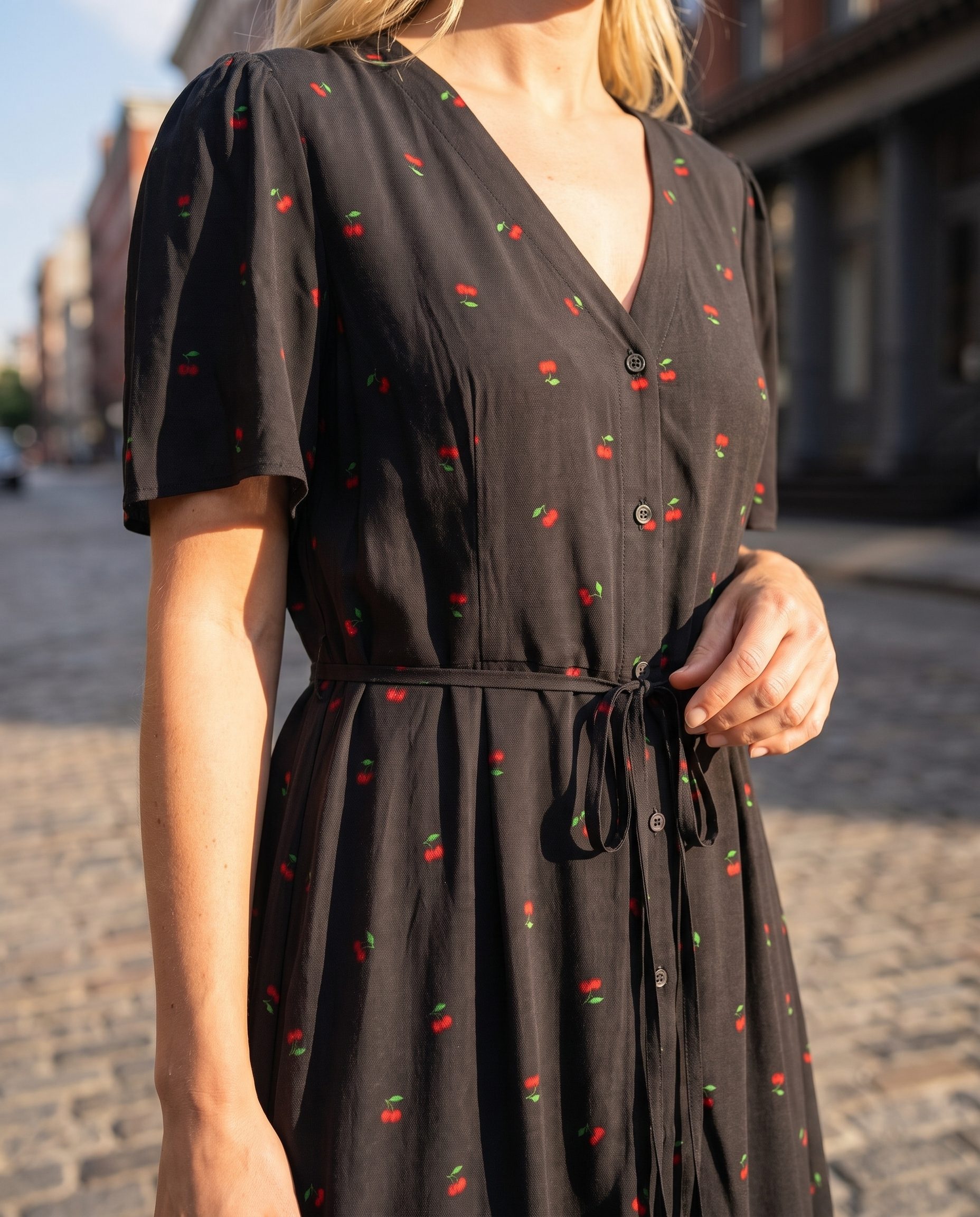
Black sequin dress PDP image
Turn a single dress source into a polished PDP visual with sequins, fit, and seasonal campaign energy ready for WooCommerce.
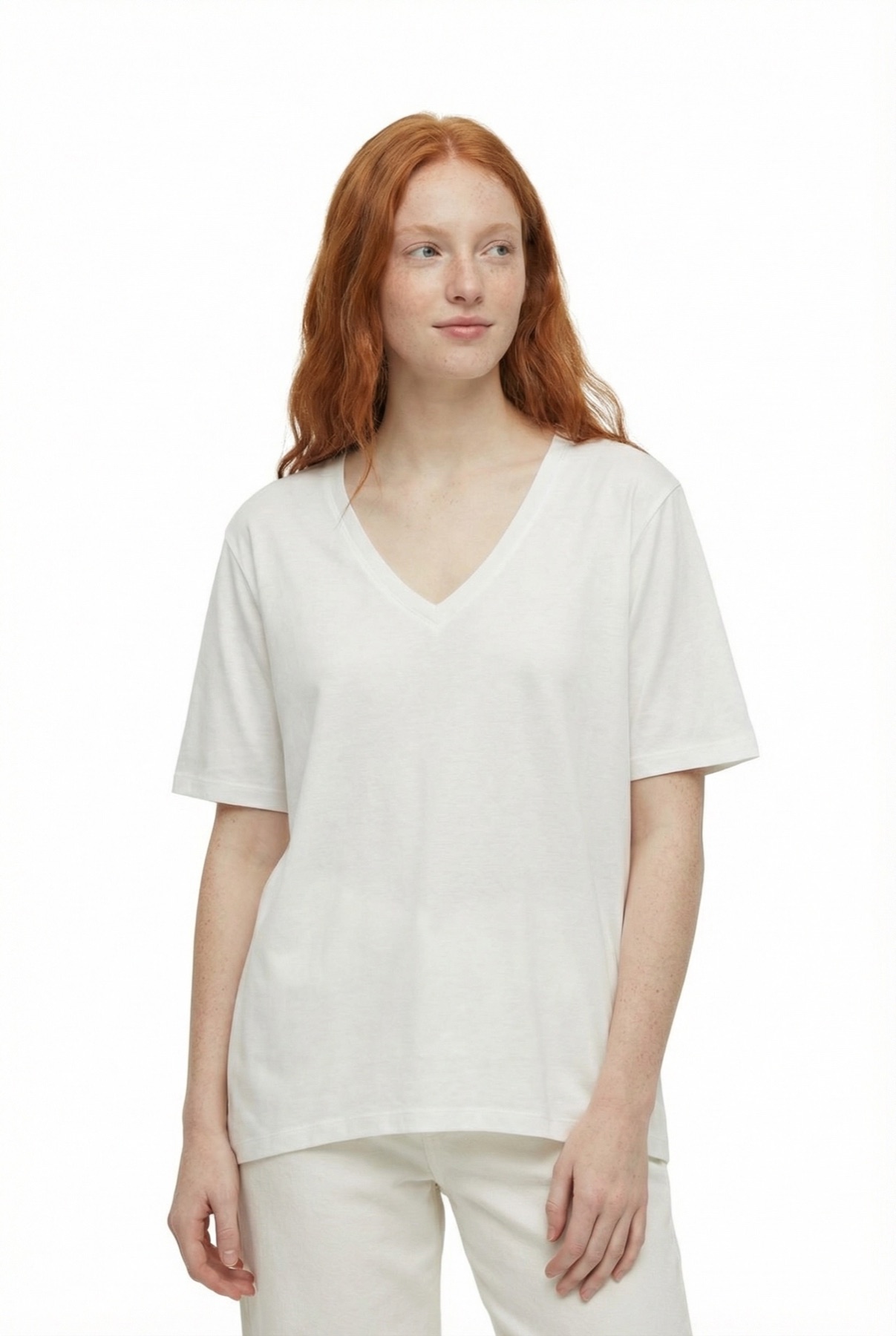
White T-shirt catalog image
Keep basic apparel SKUs clear with front-facing white-background framing for listings, size guides, and feed exports.
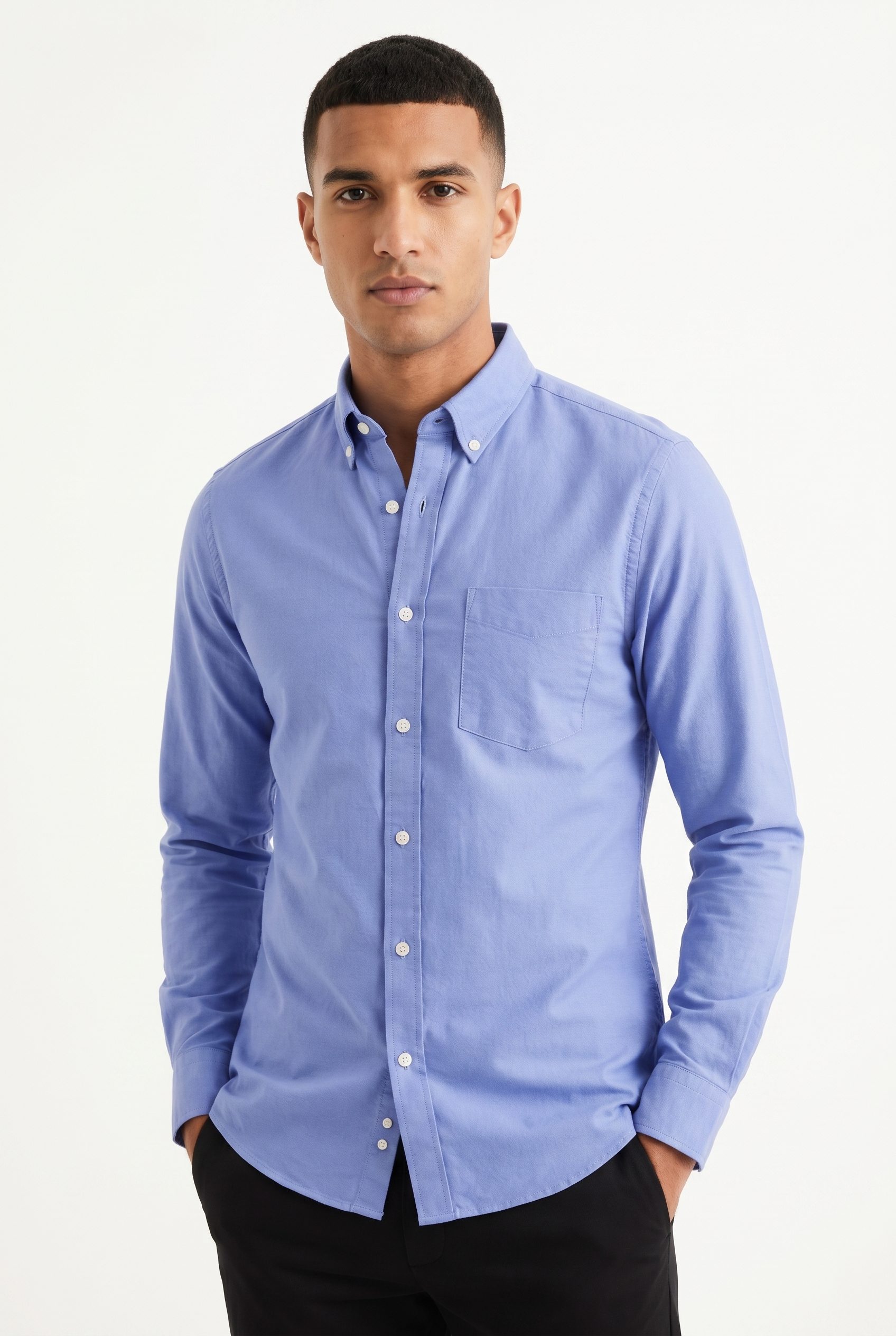
Blue Oxford shirt
Show woven shirts with clean fold, collar, and fabric detail so WordPress shoppers can compare styles quickly.
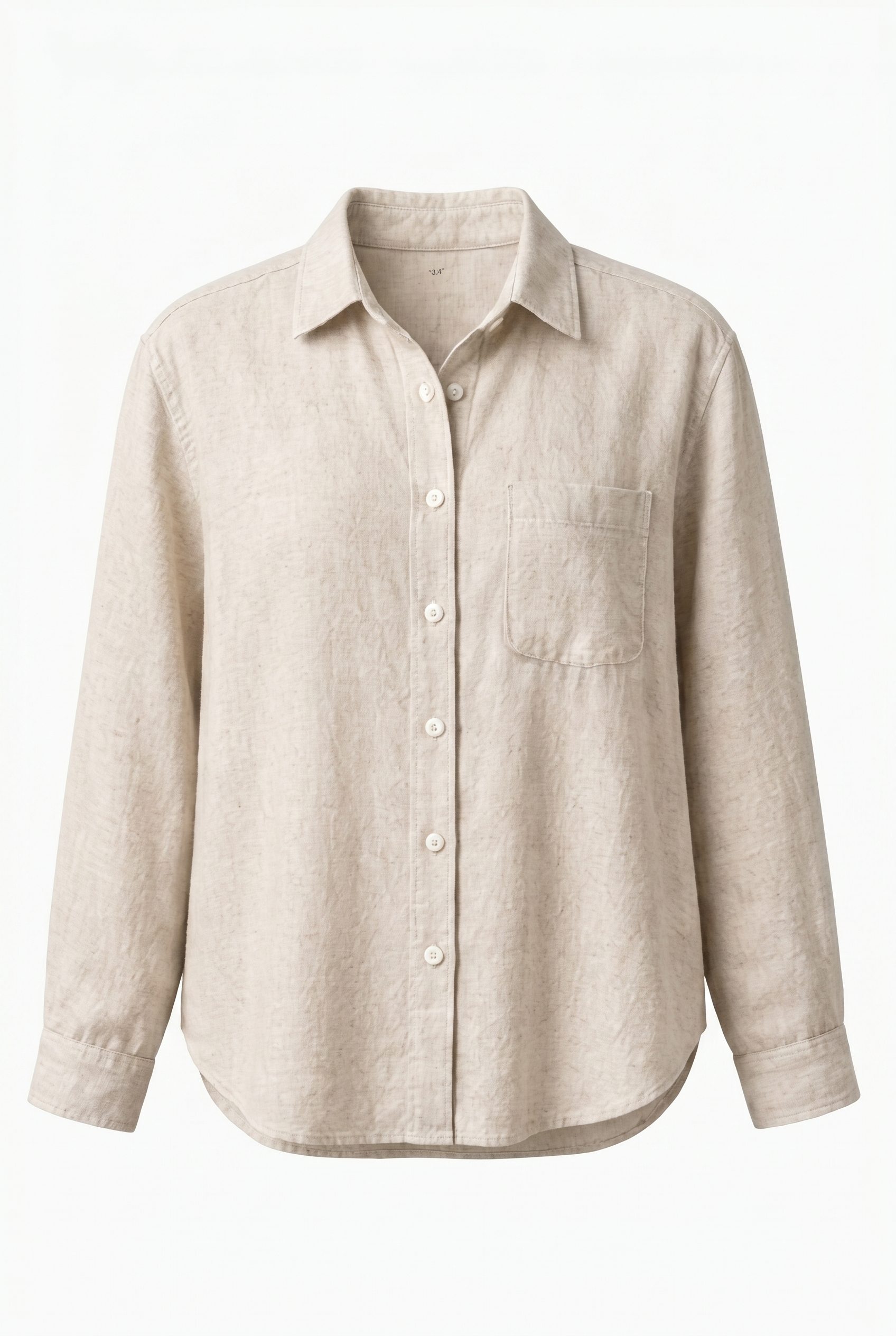
Linen shirt packshot
Create neutral shirt packshots that keep material texture visible for catalog refreshes and seasonal drops.
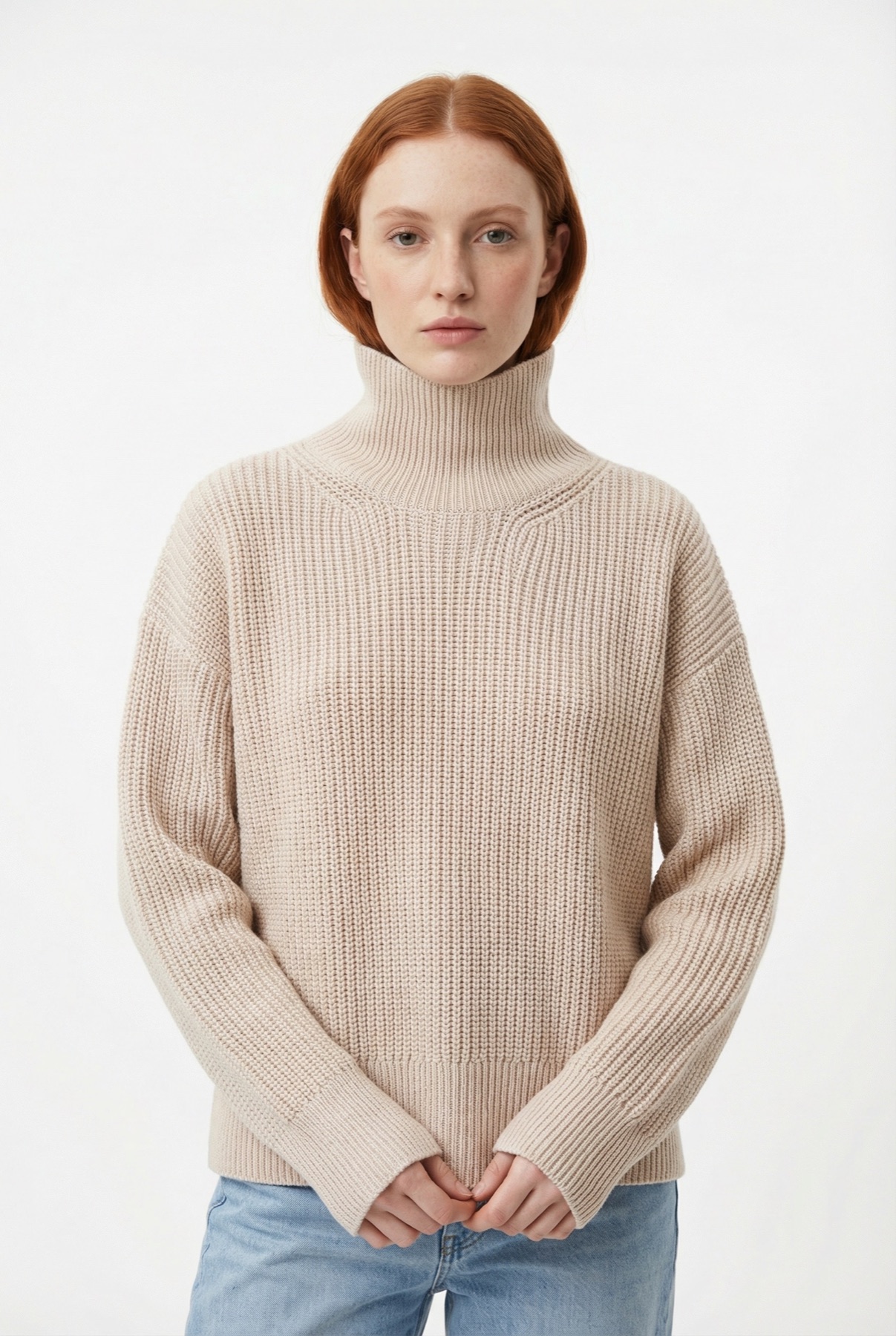
Beige sweater model image
Use model-led apparel visuals to show fit, knit texture, and lifestyle context without losing product clarity.
Home goods and decor visuals for WordPress stores, ready for catalog pages and lifestyle galleries.
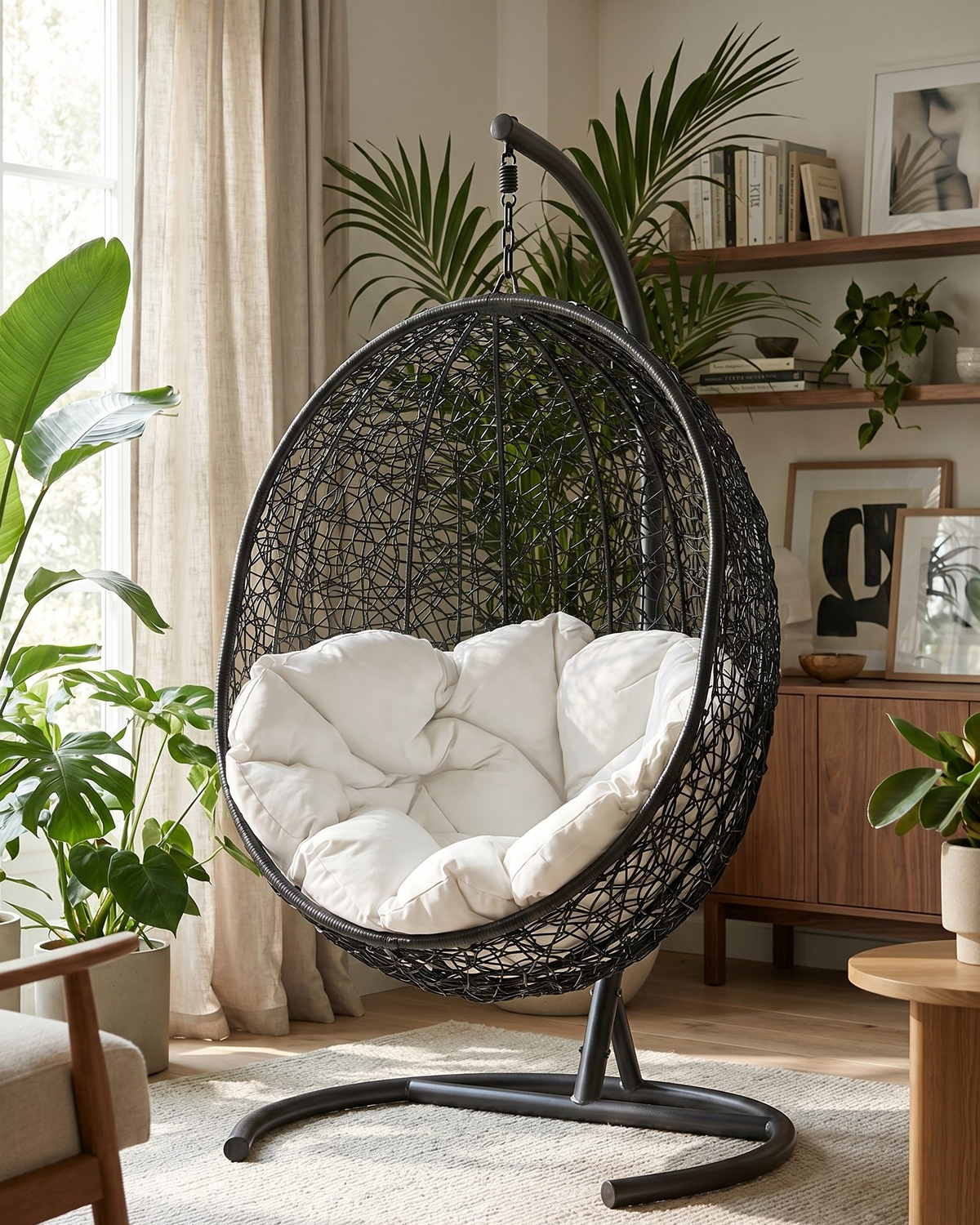
Hanging chair room scene
Show furniture in a styled room so shoppers understand scale, materials, and how the piece fits a real space.
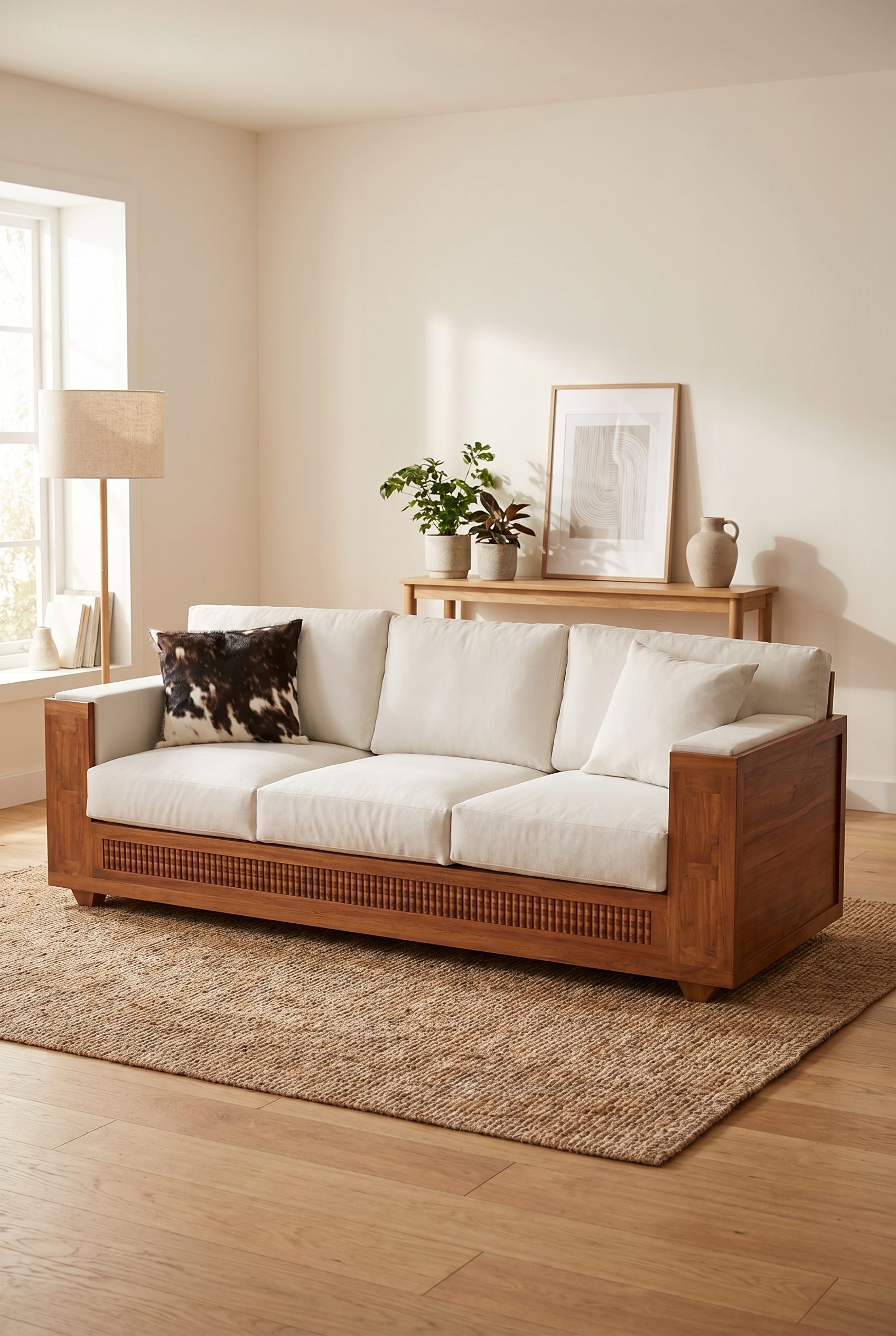
Wooden sofa room scene
Create home-goods imagery with lifestyle context, clean product framing, and enough room detail for category pages.
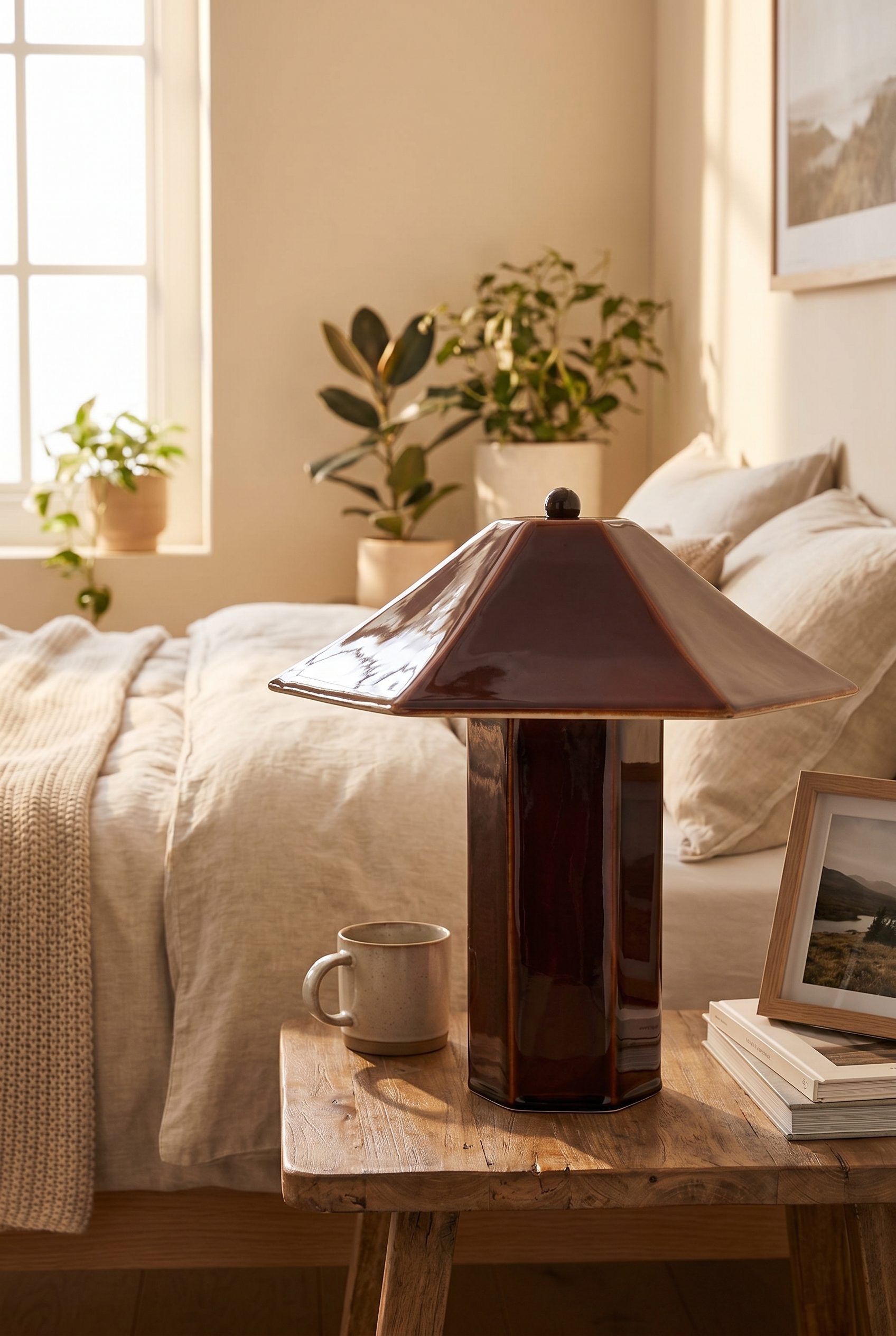
Ceramic table lamp bedroom
Turn decor products into polished room scenes with warm light, clear silhouette, and premium storefront appeal.
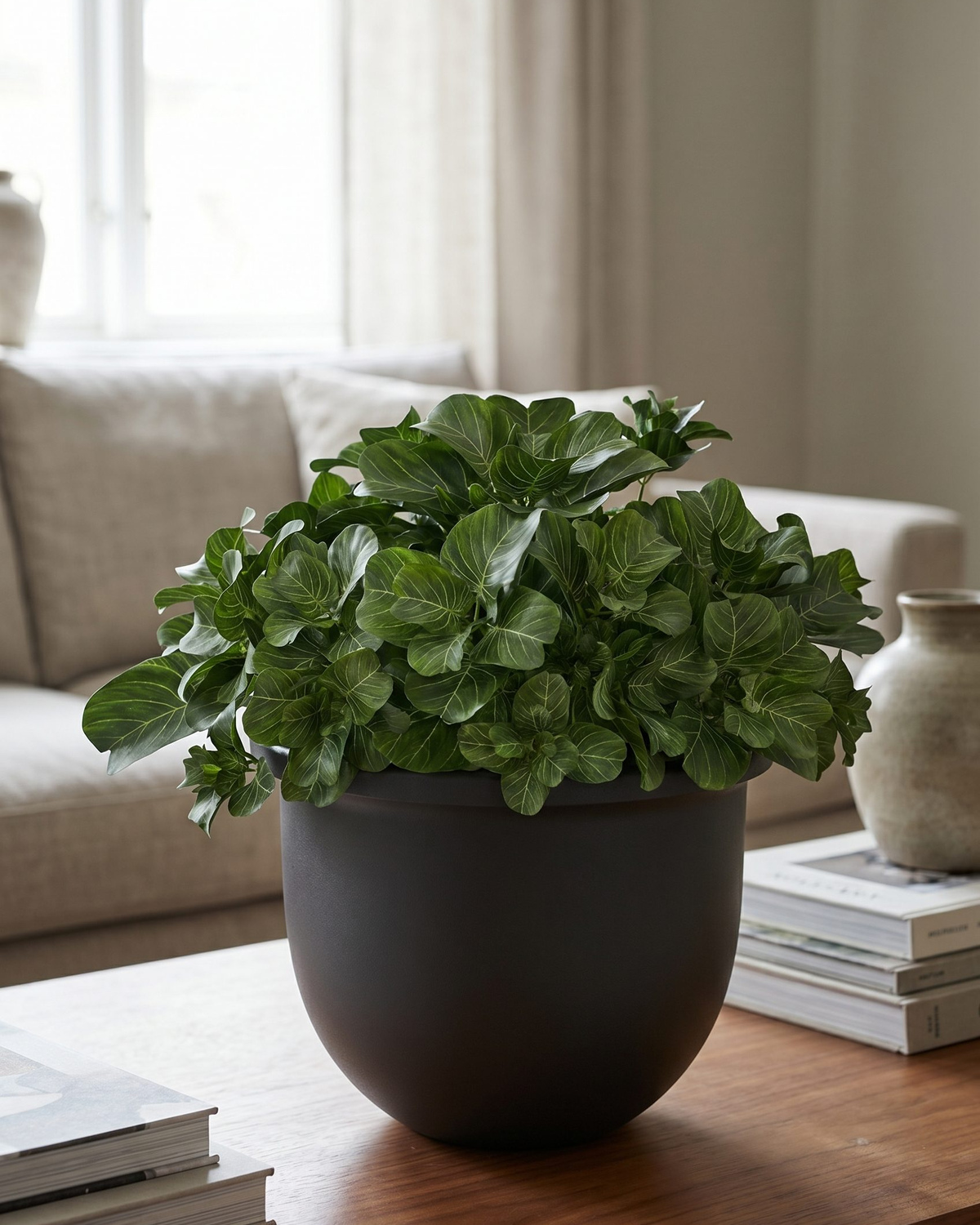
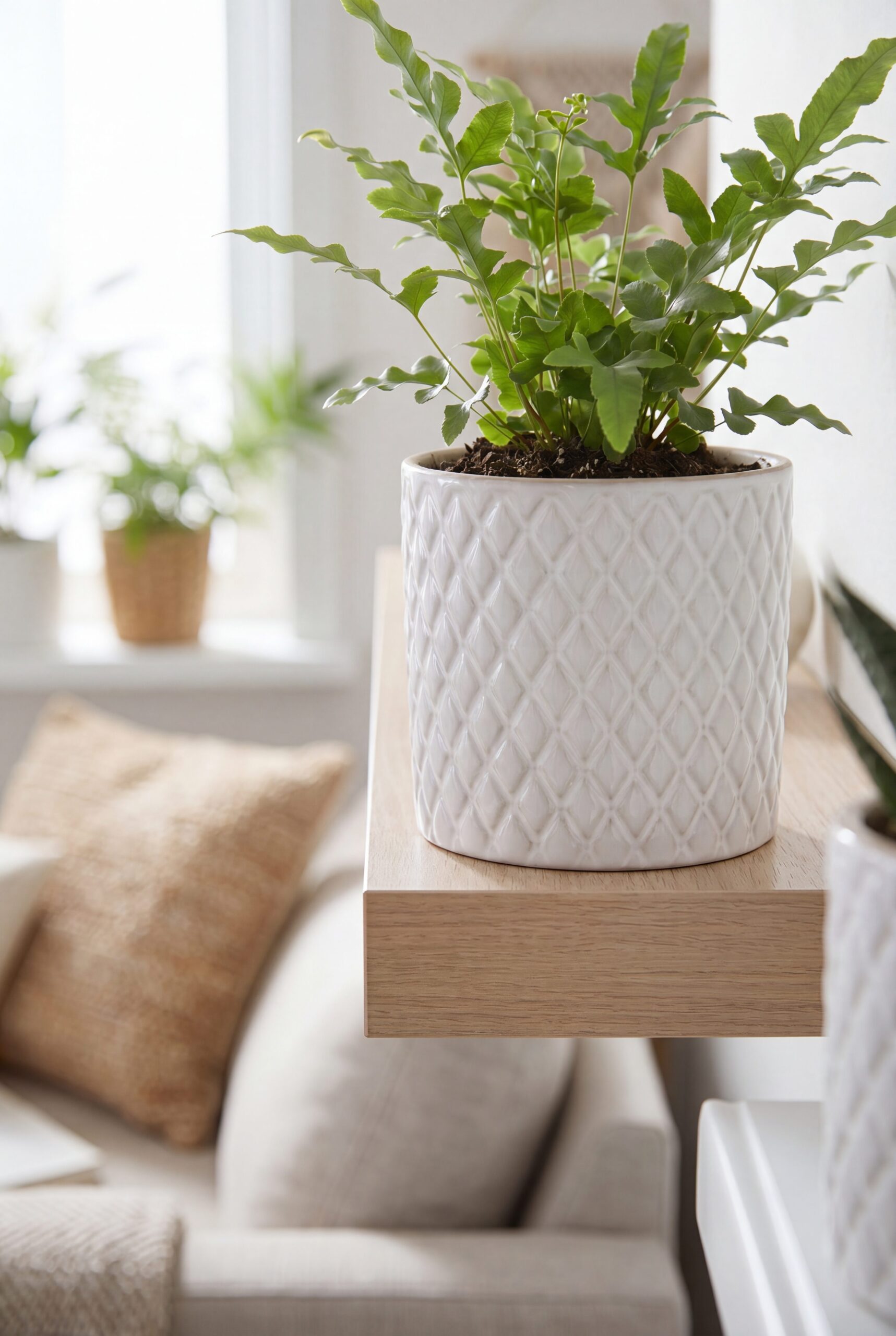
Plant pot shelf scene
Use shelf and plant styling to show decor scale, material, and placement ideas for WordPress product galleries.
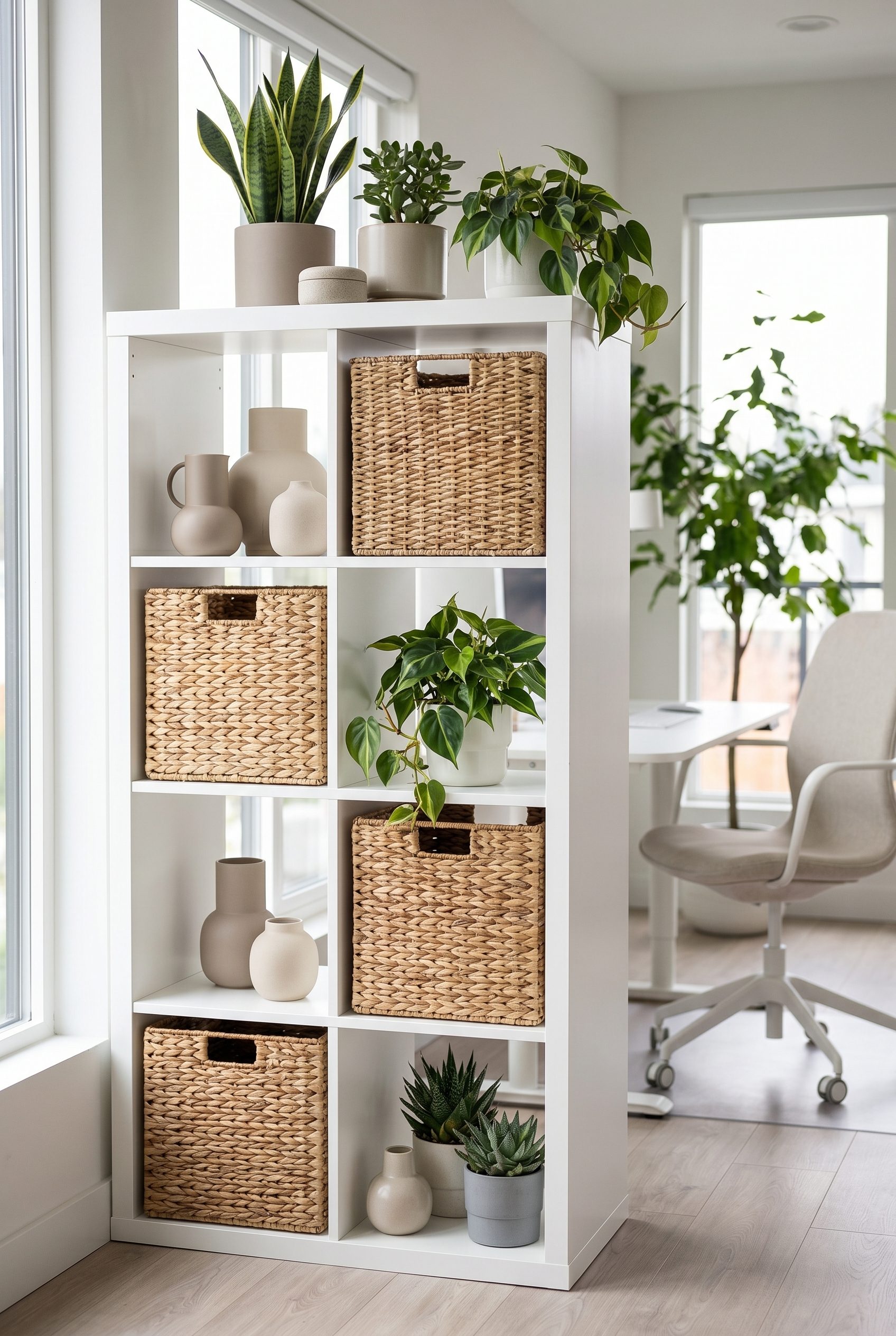
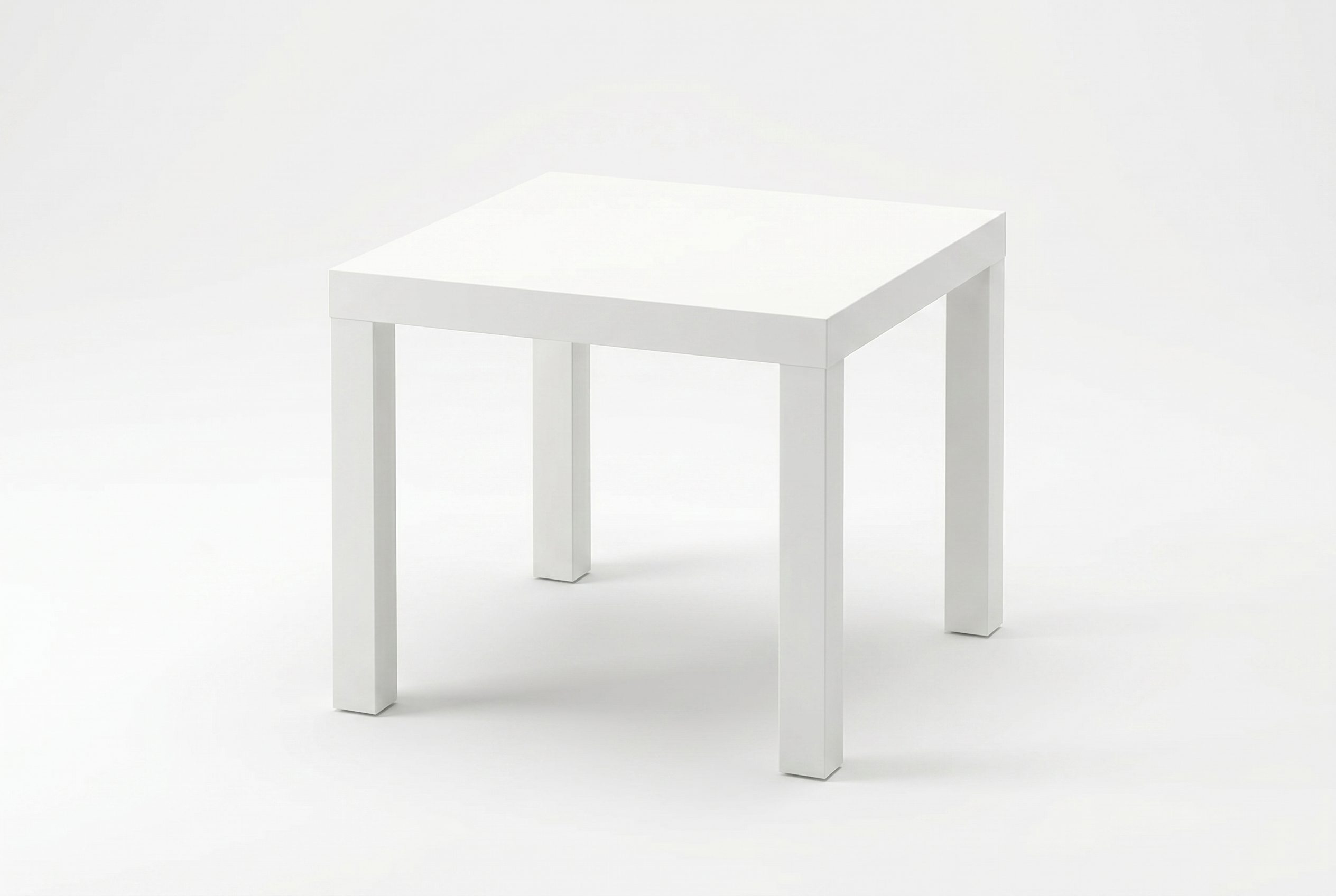
White shelf unit
Show storage furniture with clean composition and usable room context for catalog rows and collection pages.
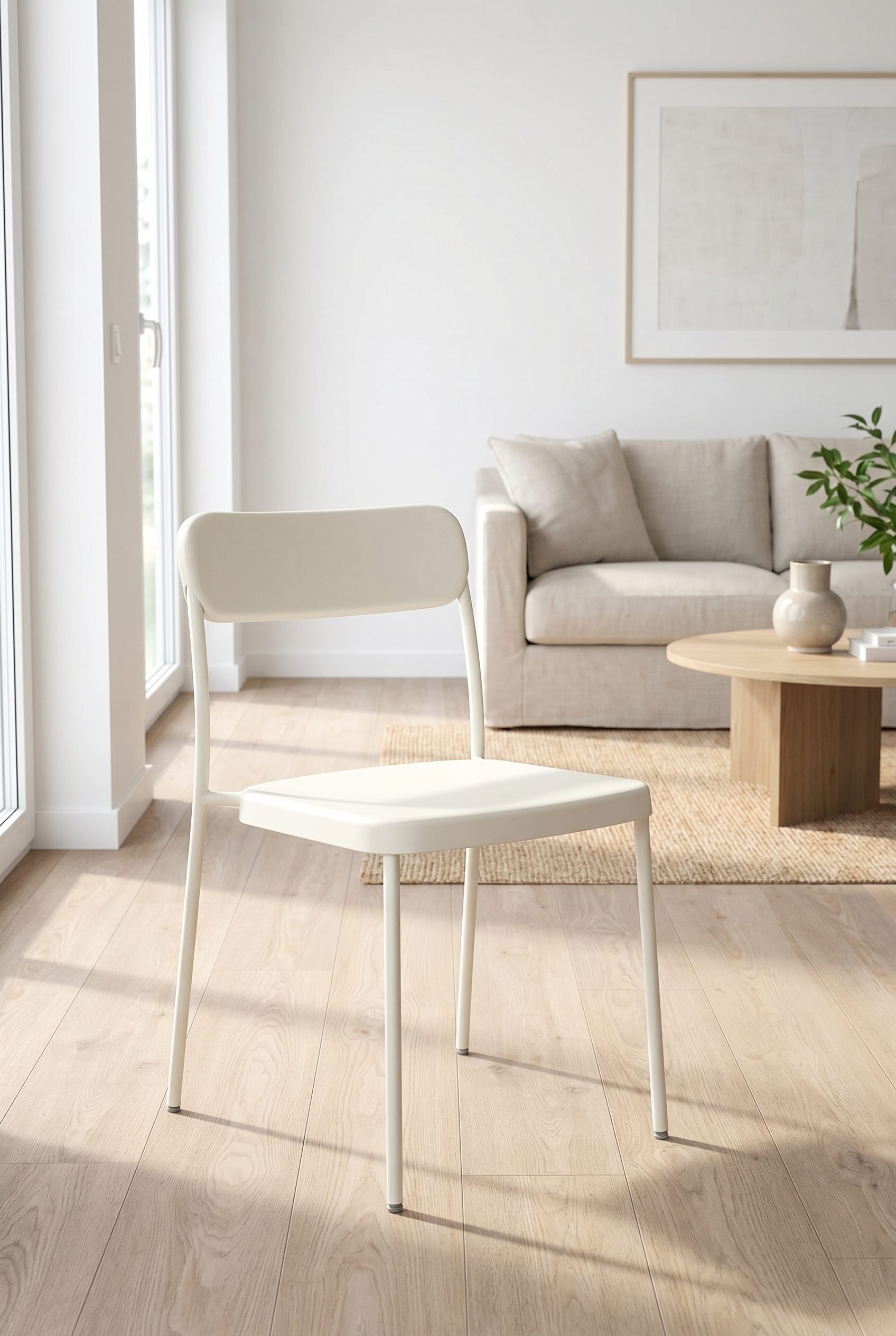
White accent chair
Create furniture visuals that show form, fabric, and room fit while staying clean enough for product-page use.
Food and beverage product visuals for WordPress stores, ready for listings, bundles, and promotions.
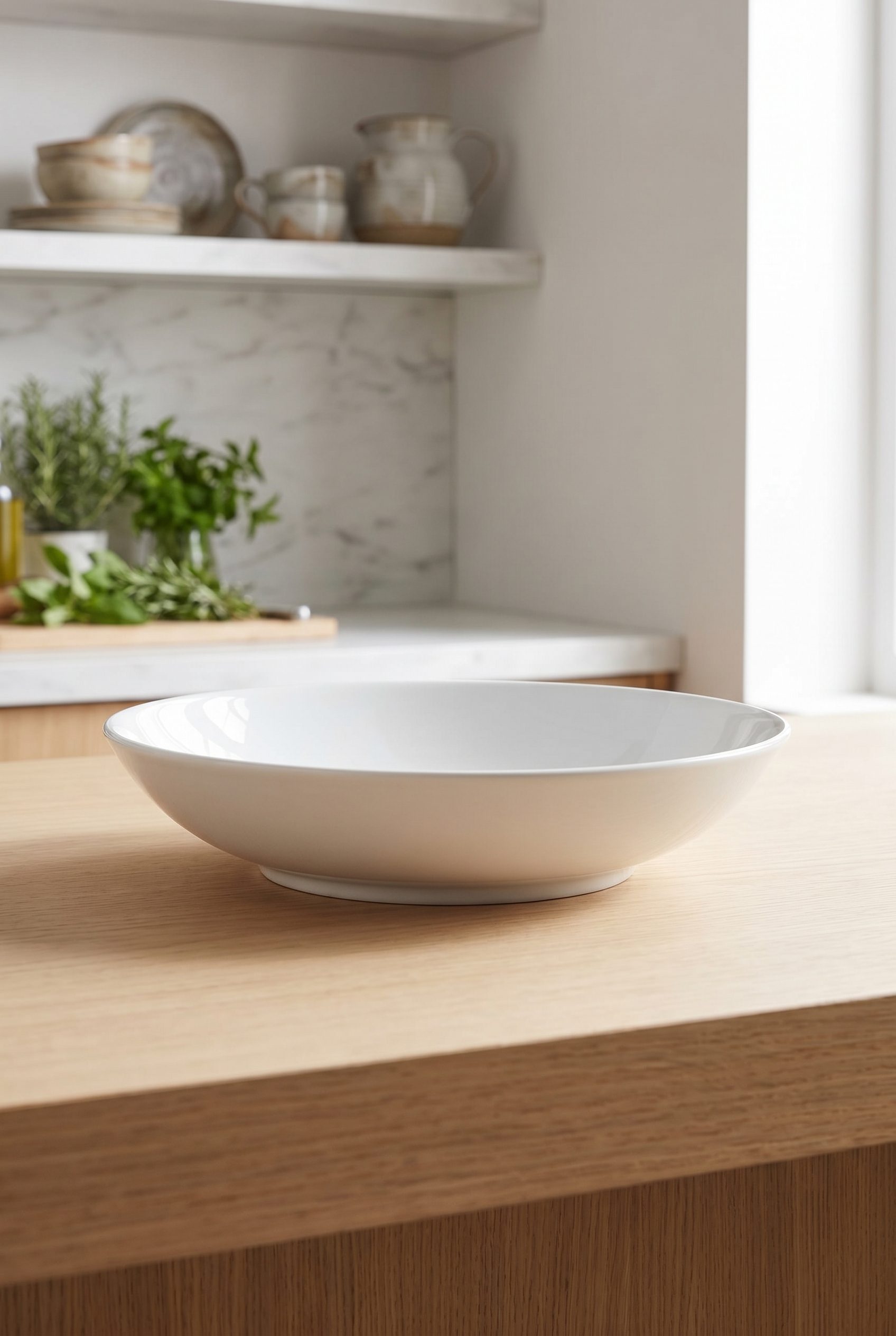
White bowl catalog image
Show tableware with clear shape, soft lighting, and kitchen context that still works in WooCommerce catalog grids.
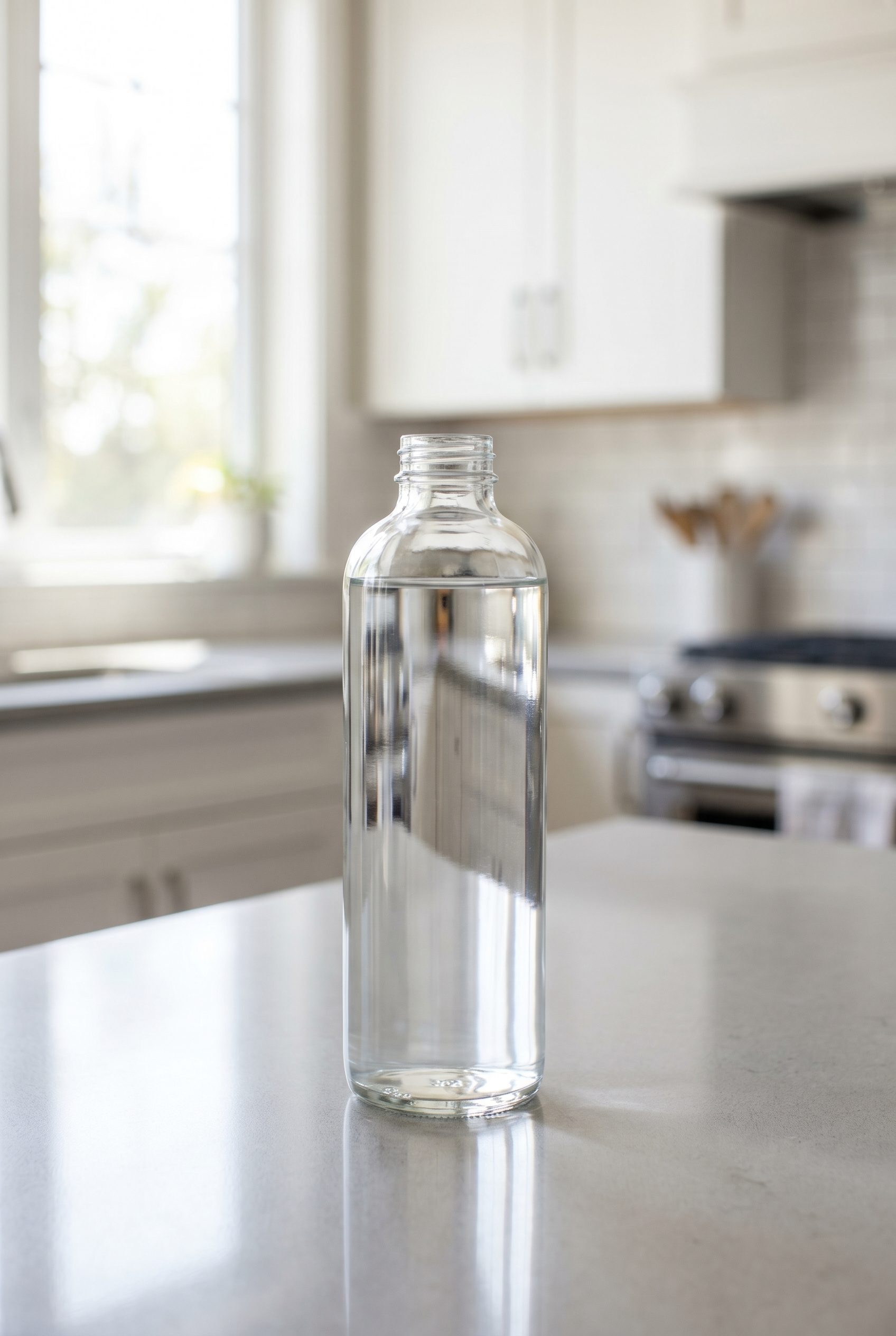
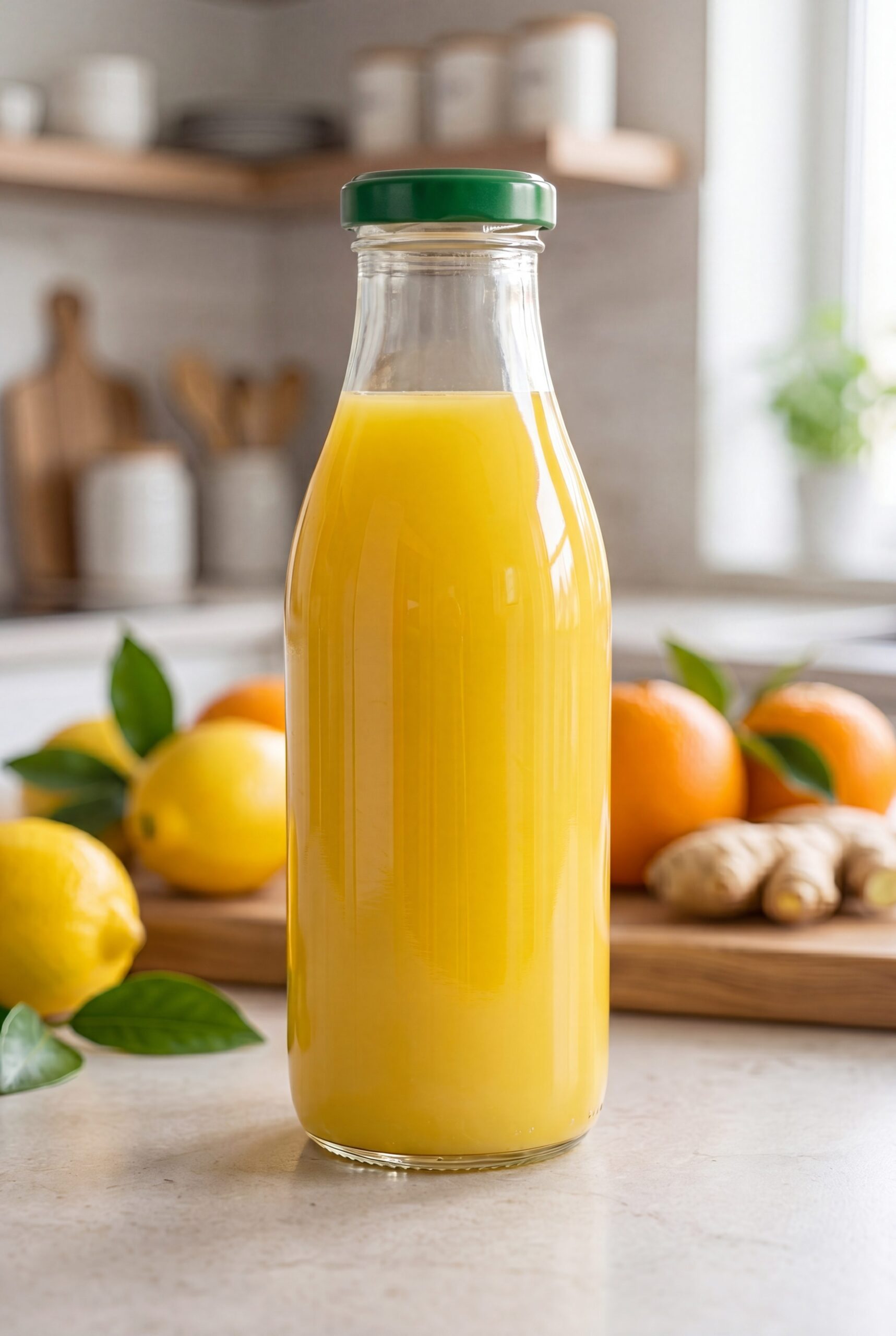
Clear beverage bottle feed shot
Create beverage product visuals with transparent packaging, clean lighting, and feed-ready product focus.
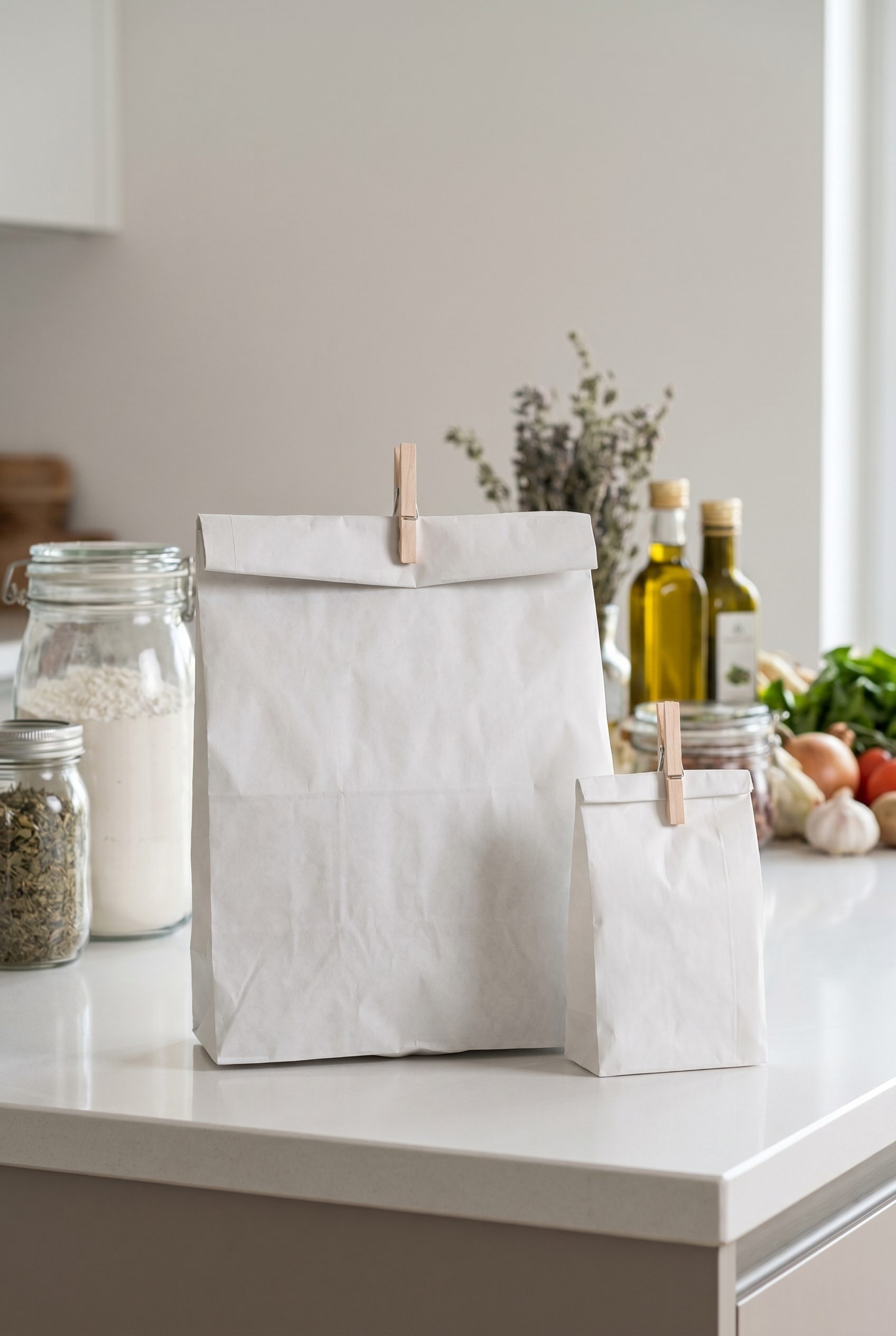
Paper pouch pantry packshot
Make pantry packaging look premium with brand-neutral styling, clear shape, and room for future label or variant work.
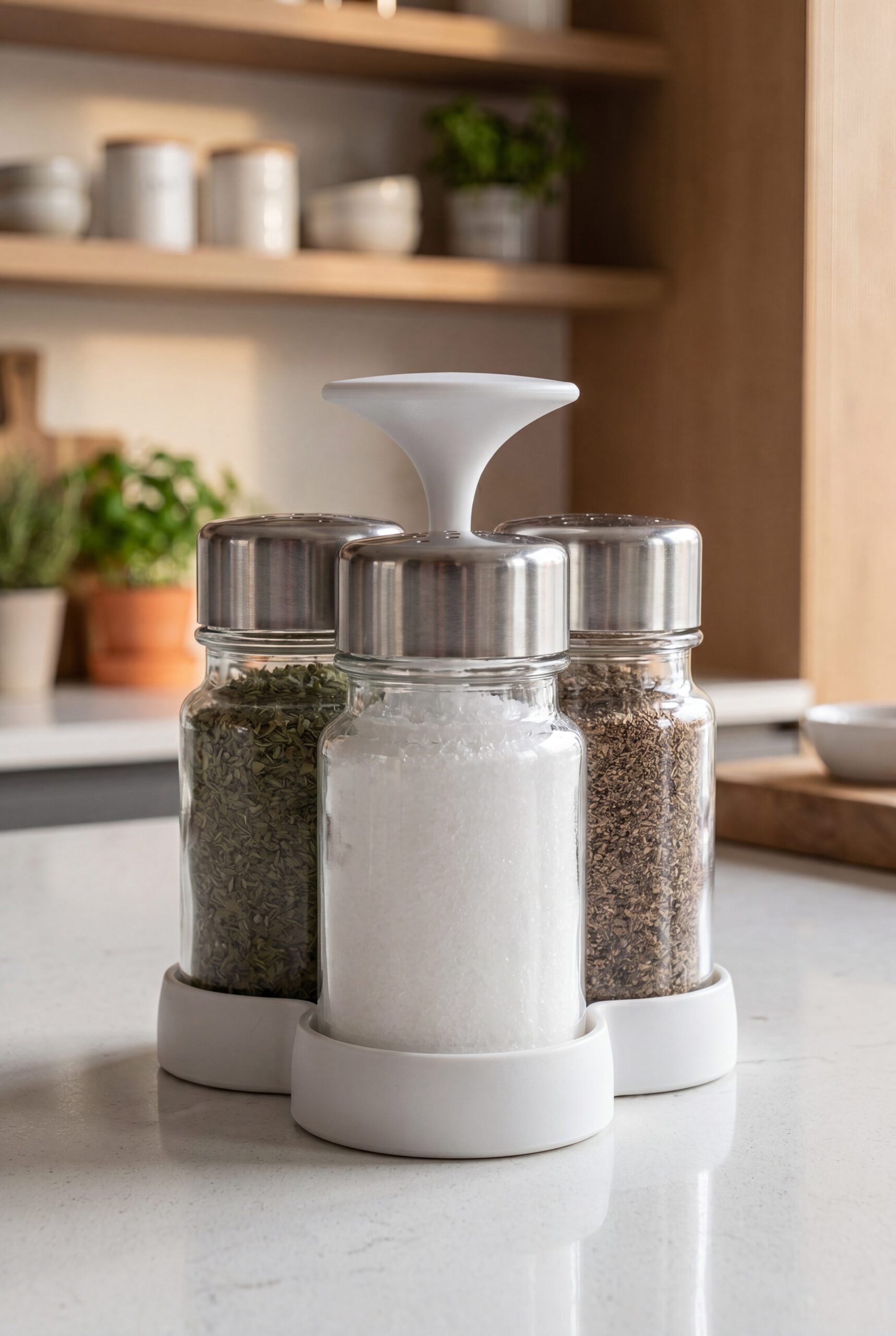
Spice jar set
Create seasoning and pantry visuals that group SKUs cleanly while keeping jars, lids, and texture easy to read.
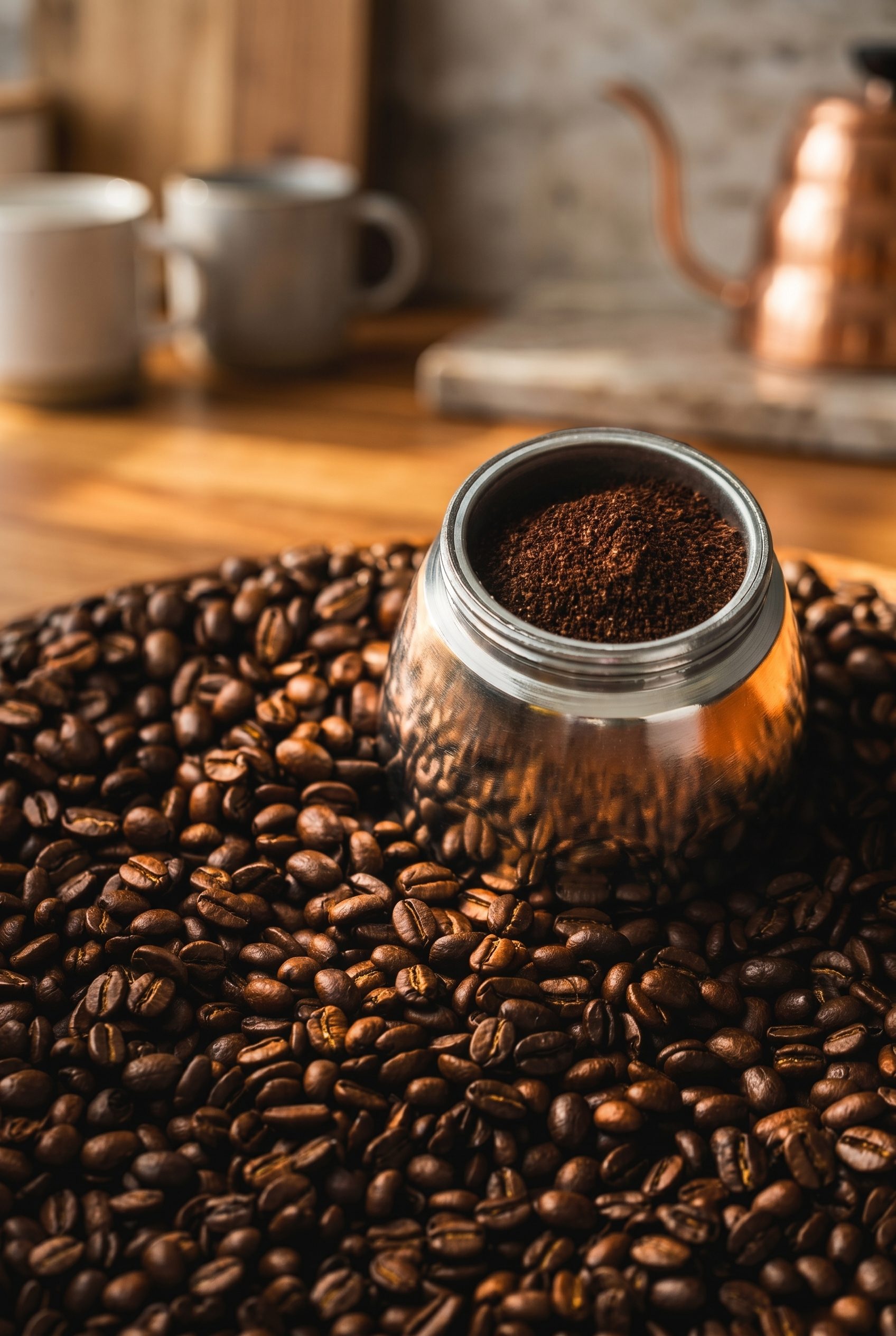
Coffee canister lifestyle scene
Turn coffee and pantry products into warm launch imagery for product pages, bundles, and social refreshes.
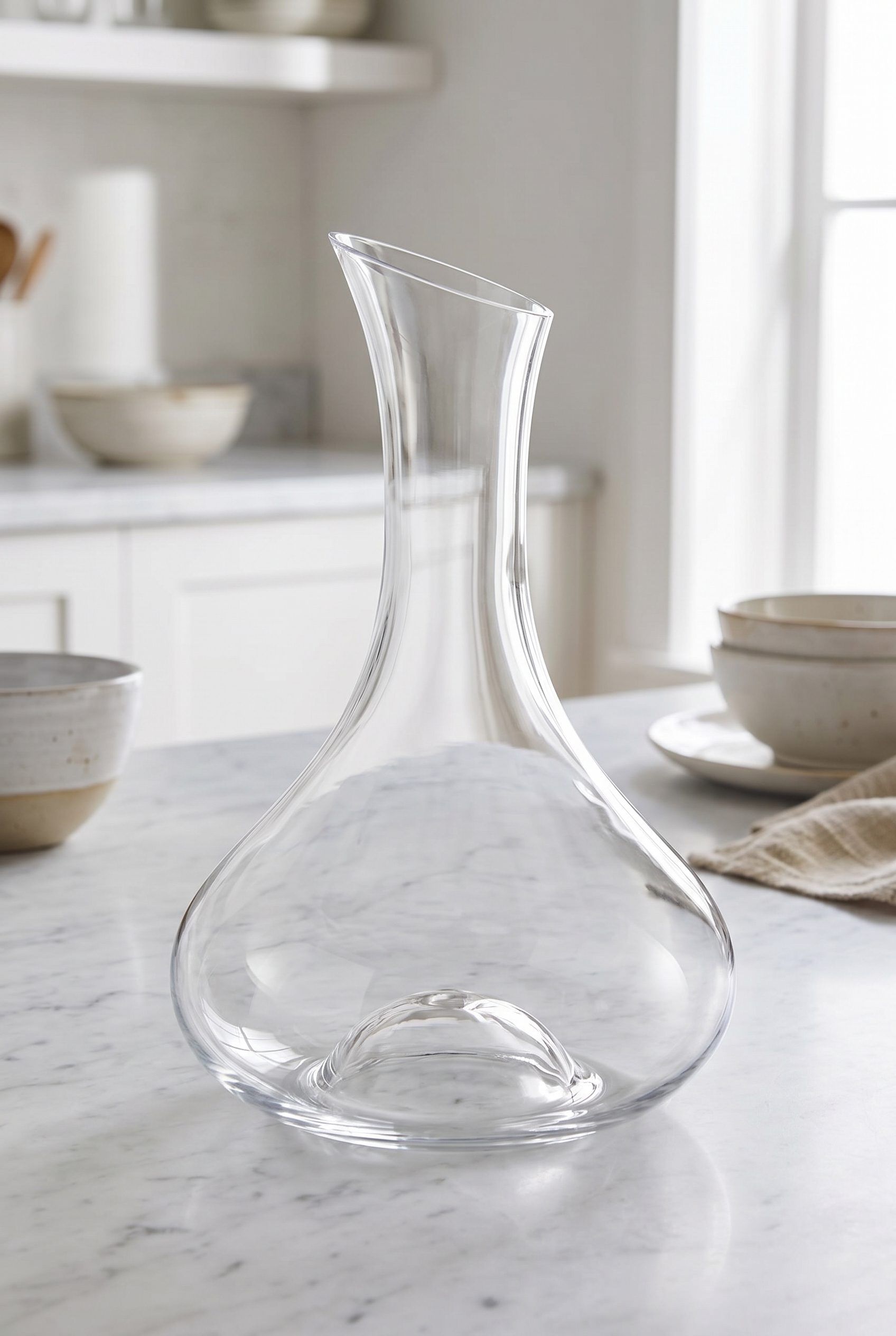
Clear glass carafe scene
Show transparent drinkware with clean refraction, useful scale, and product-page polish for food and beverage stores.
Electronics product images for WordPress stores, ready for listings, feature galleries, and variants.
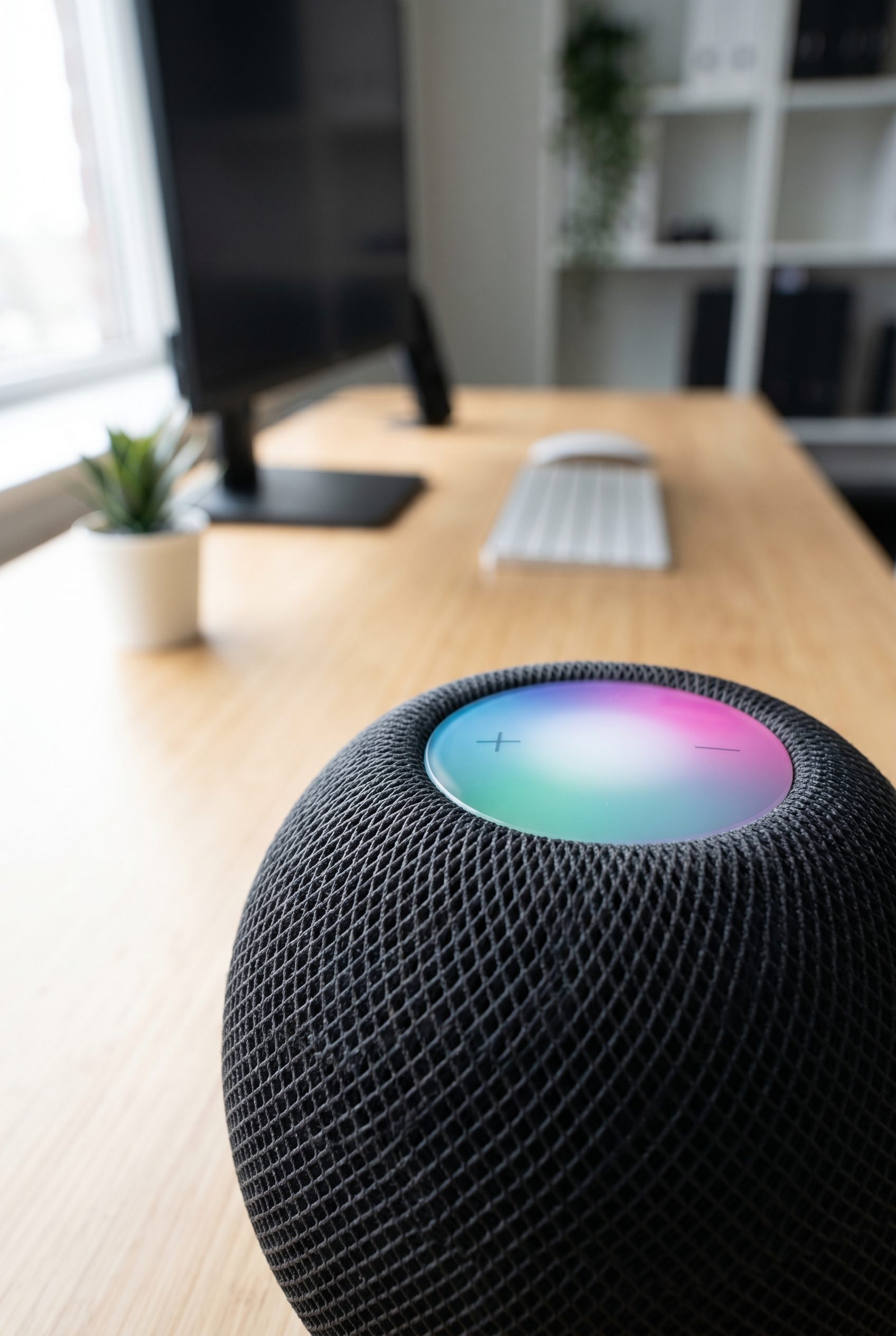
Smart speaker
Create electronics visuals that show compact form, texture, and desk-ready use without cluttering the product focus.
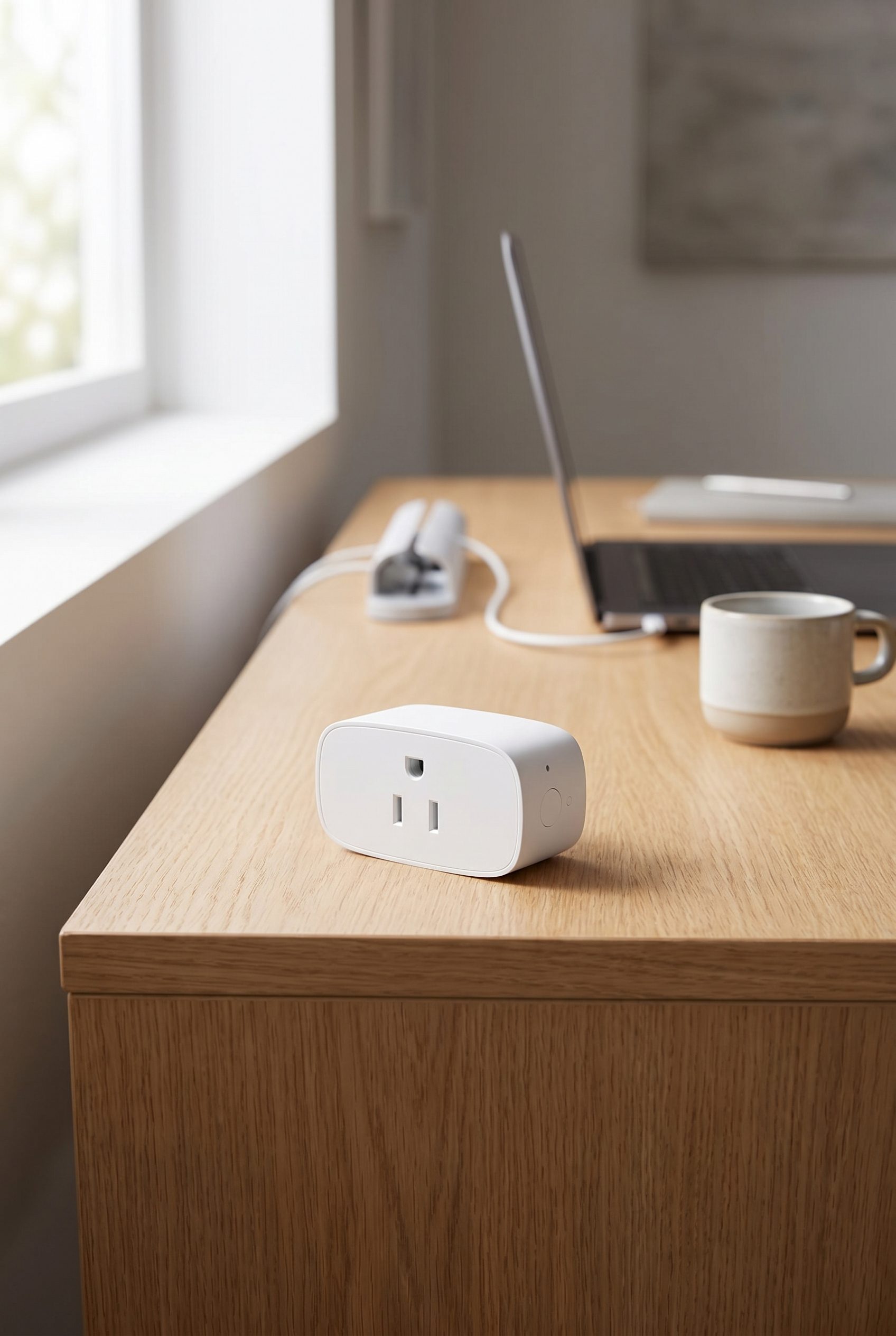
White smart plug
Show small electronics clearly with clean angle, readable shape, and enough context for WooCommerce gallery slots.

Wireless mouse
Create mouse visuals for product pages, comparison cards, and accessory bundles with clean desk context.

Black wireless headphones
Show audio accessories with premium finish, comfortable form, and product-page clarity for electronics stores.
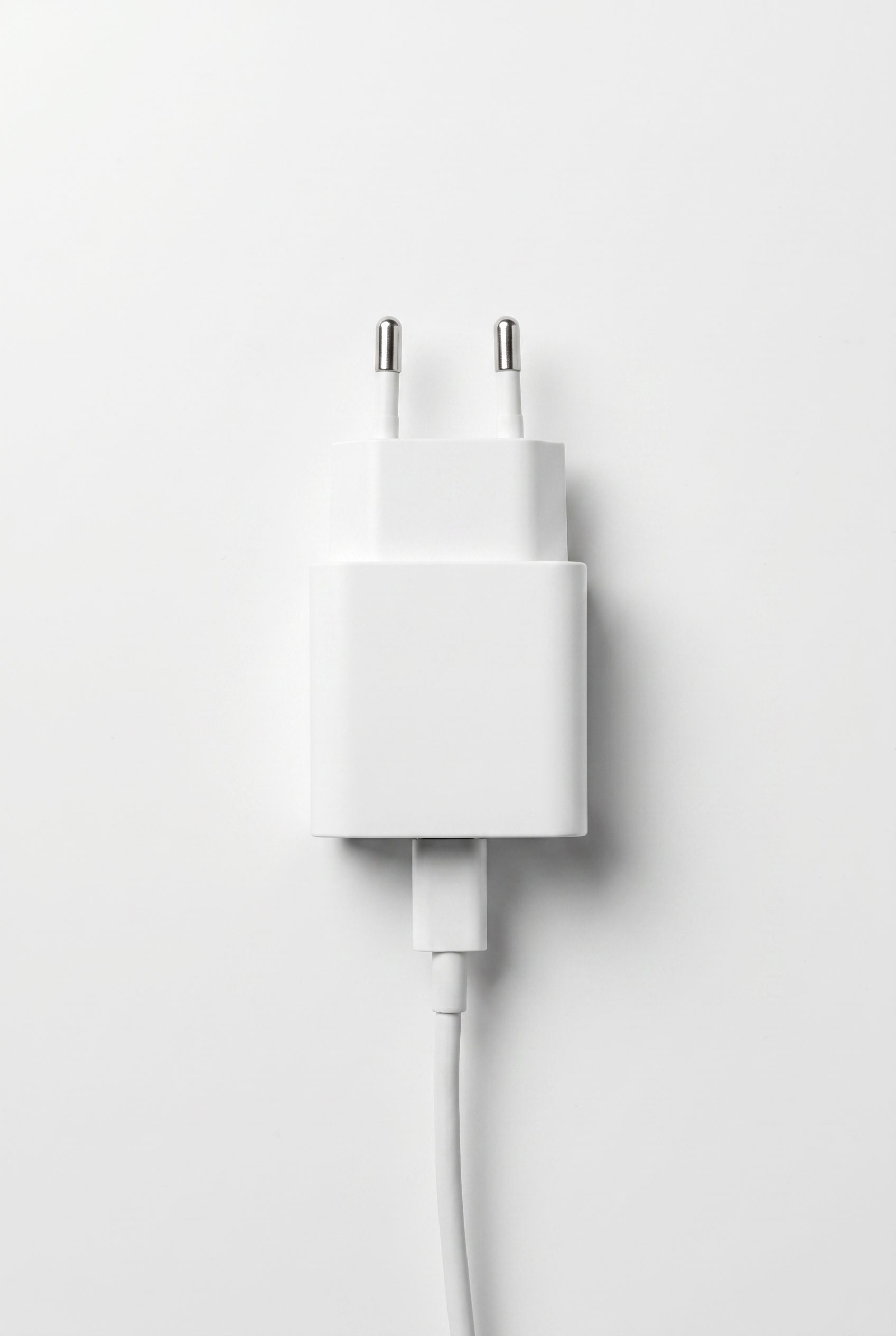
White USB charger
Turn small tech accessories into clean feed images with crisp ports, edges, and white-background readiness.
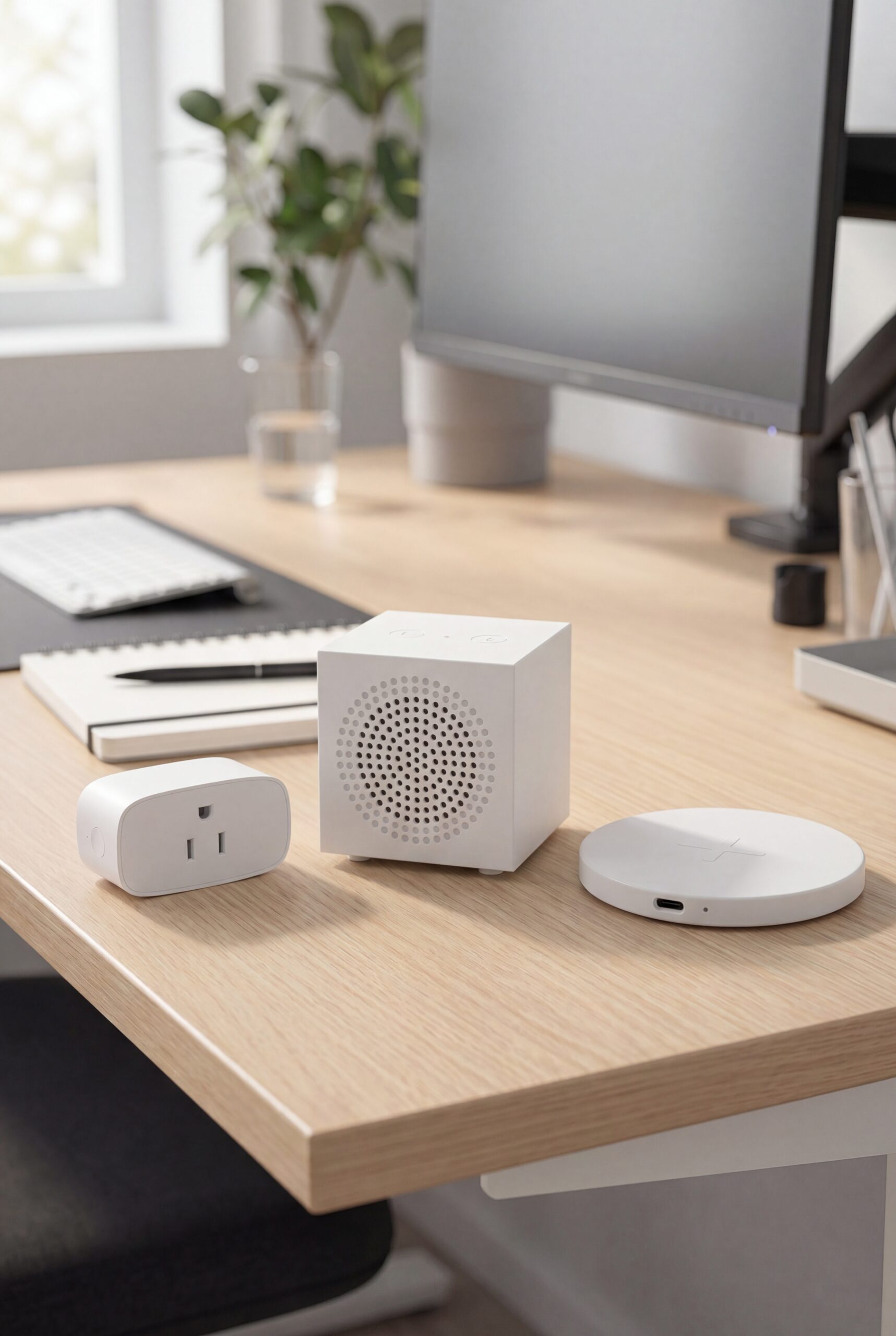
Desk tech bundle
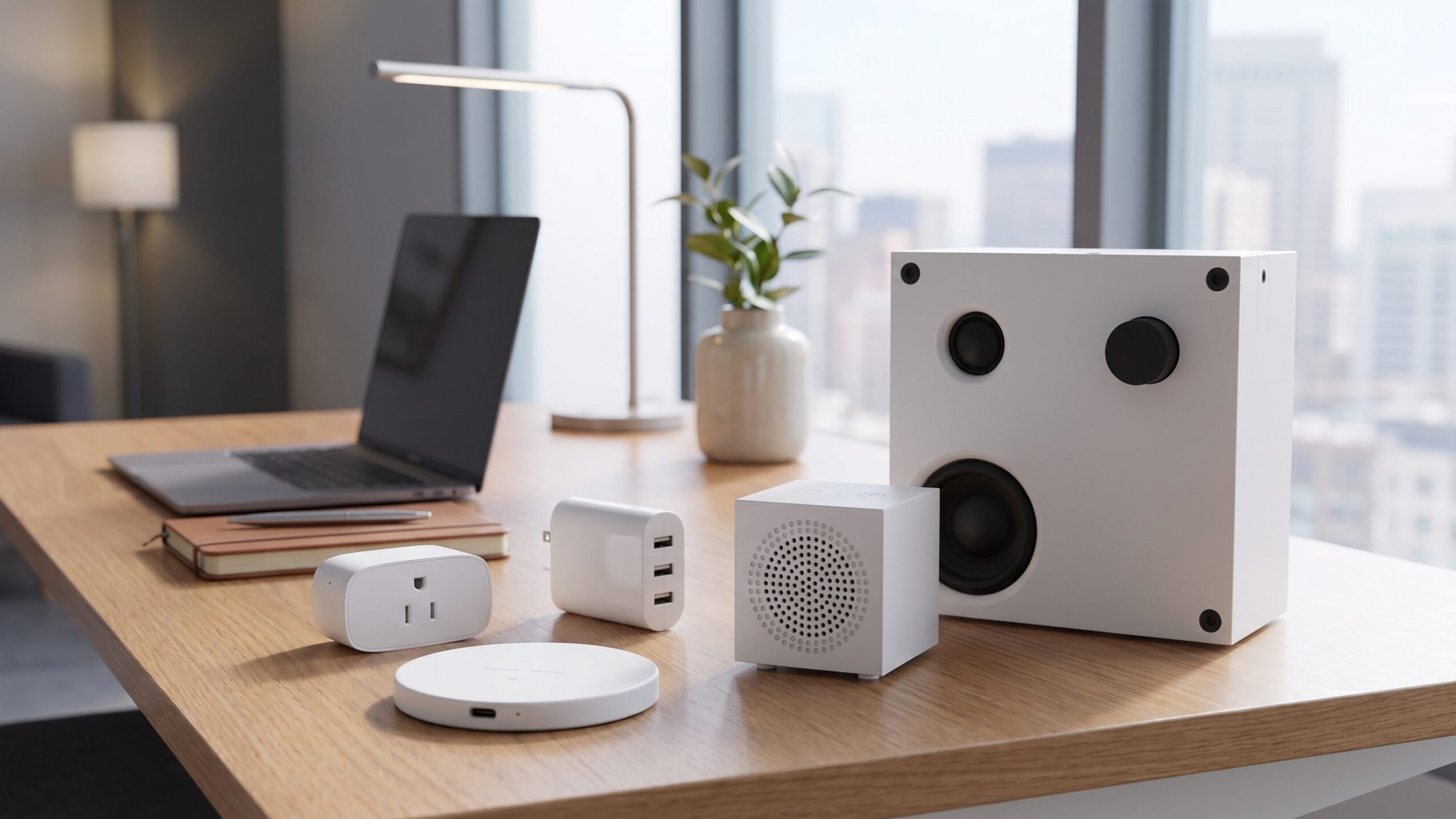
Build electronics bundle visuals that group devices cleanly for category pages, promos, and store refreshes.
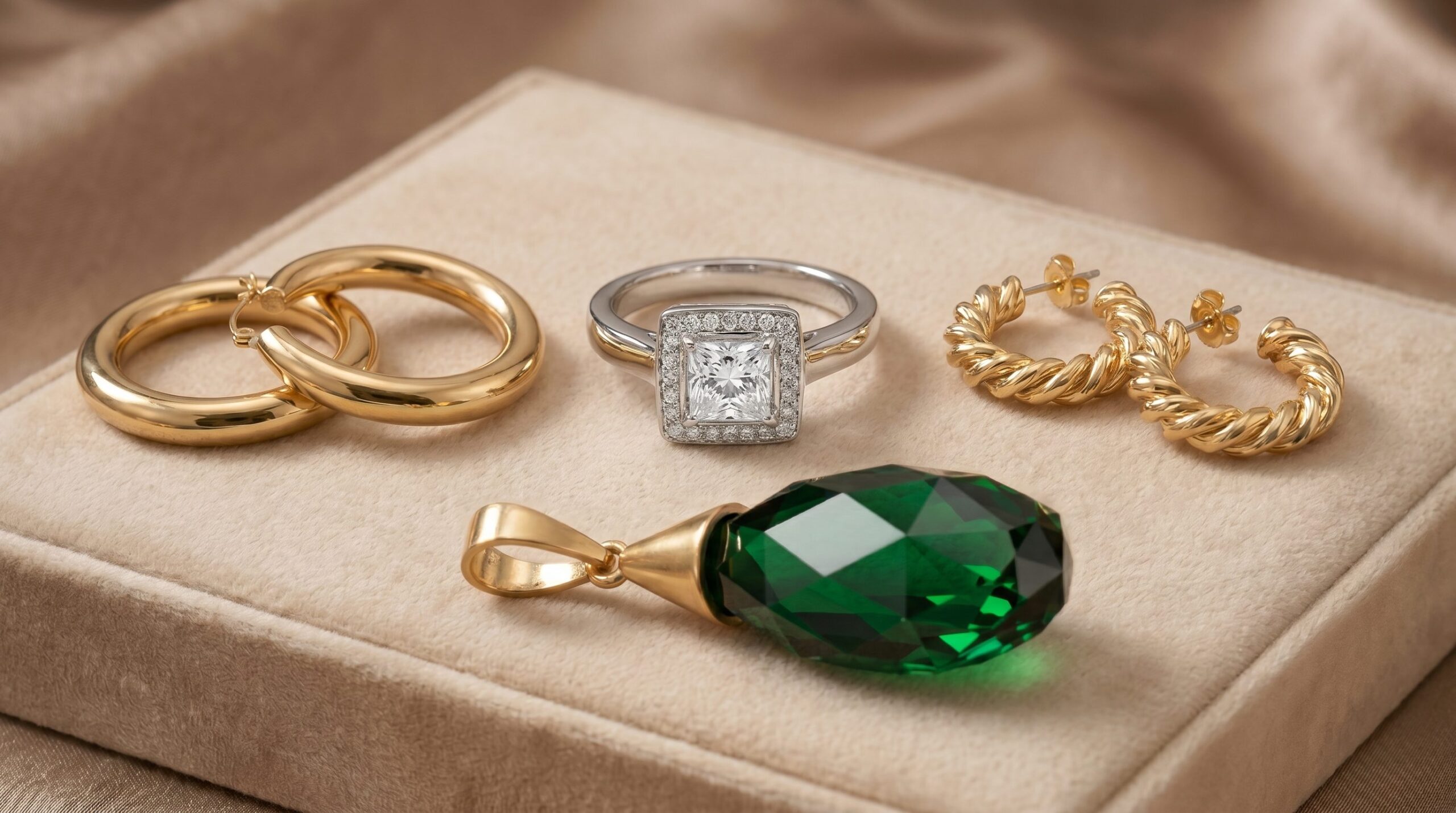
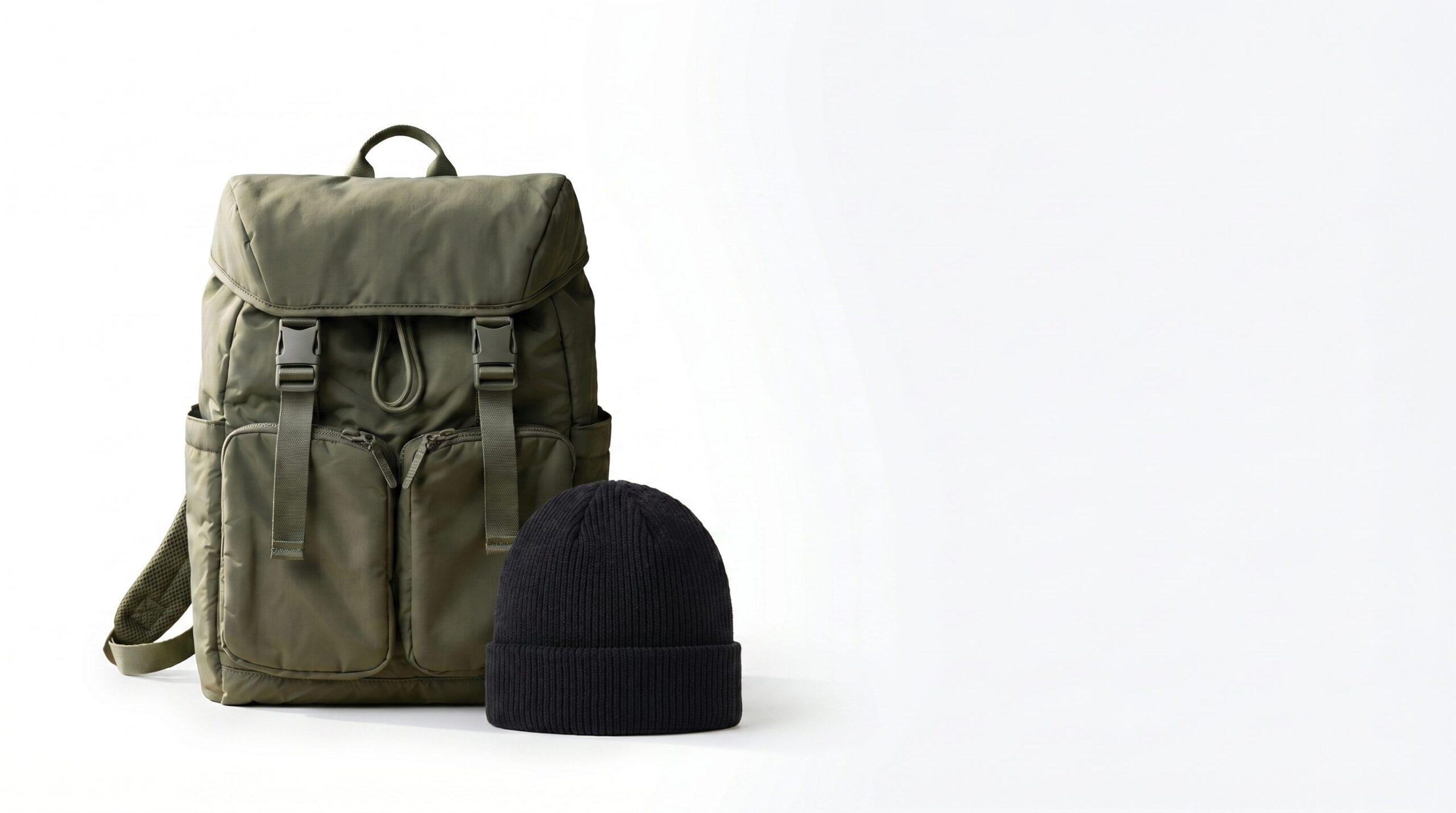
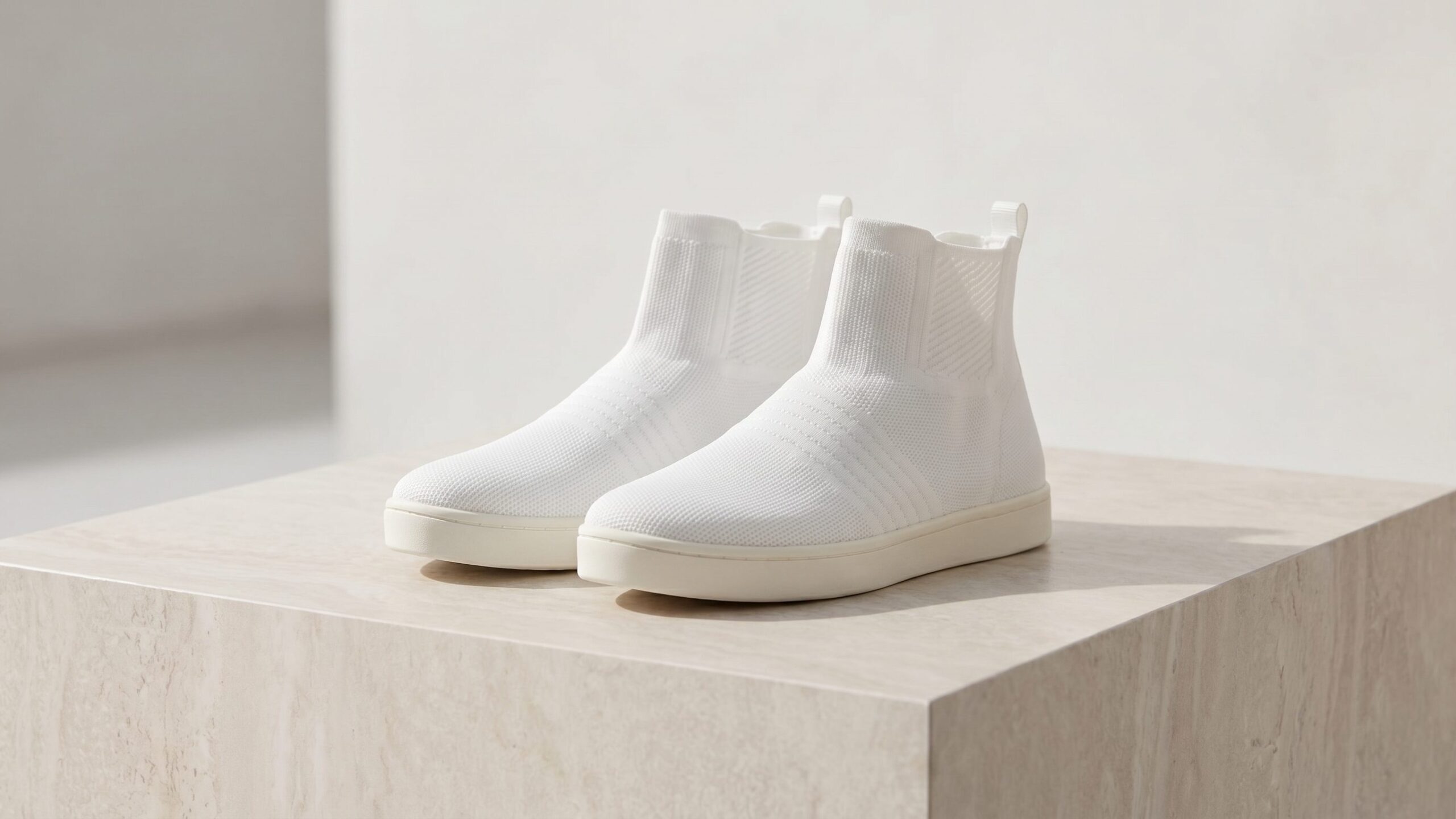
Accessory, footwear, jewelry, and bag visuals for WordPress stores, ready for product galleries and campaigns.

Black sunglasses
Create eyewear visuals with clear lens shape, frame finish, and ecommerce-ready detail for accessory listings.
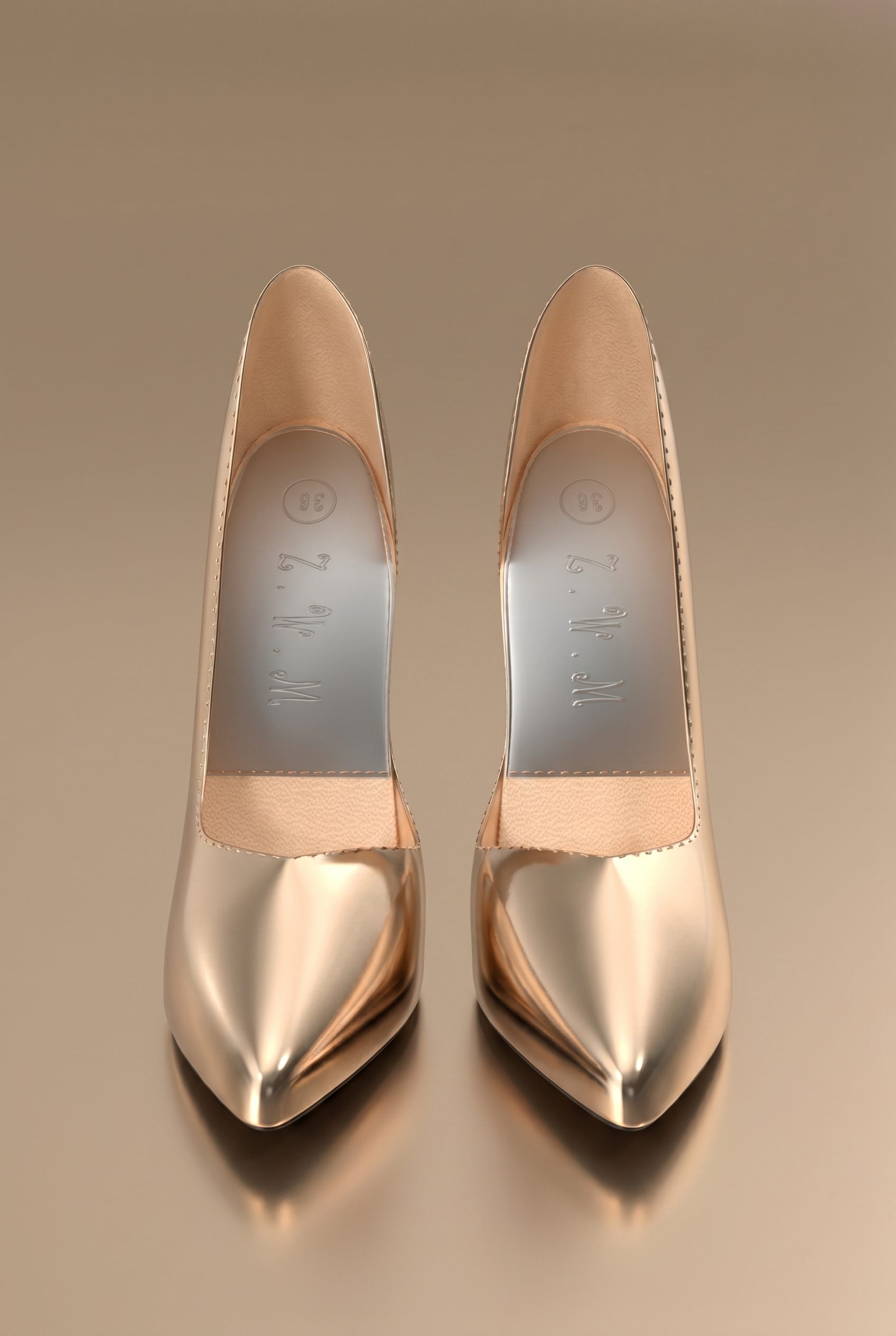
Gold pointed heels
Show footwear with strong silhouette, material shine, and premium styling for seasonal product pages.
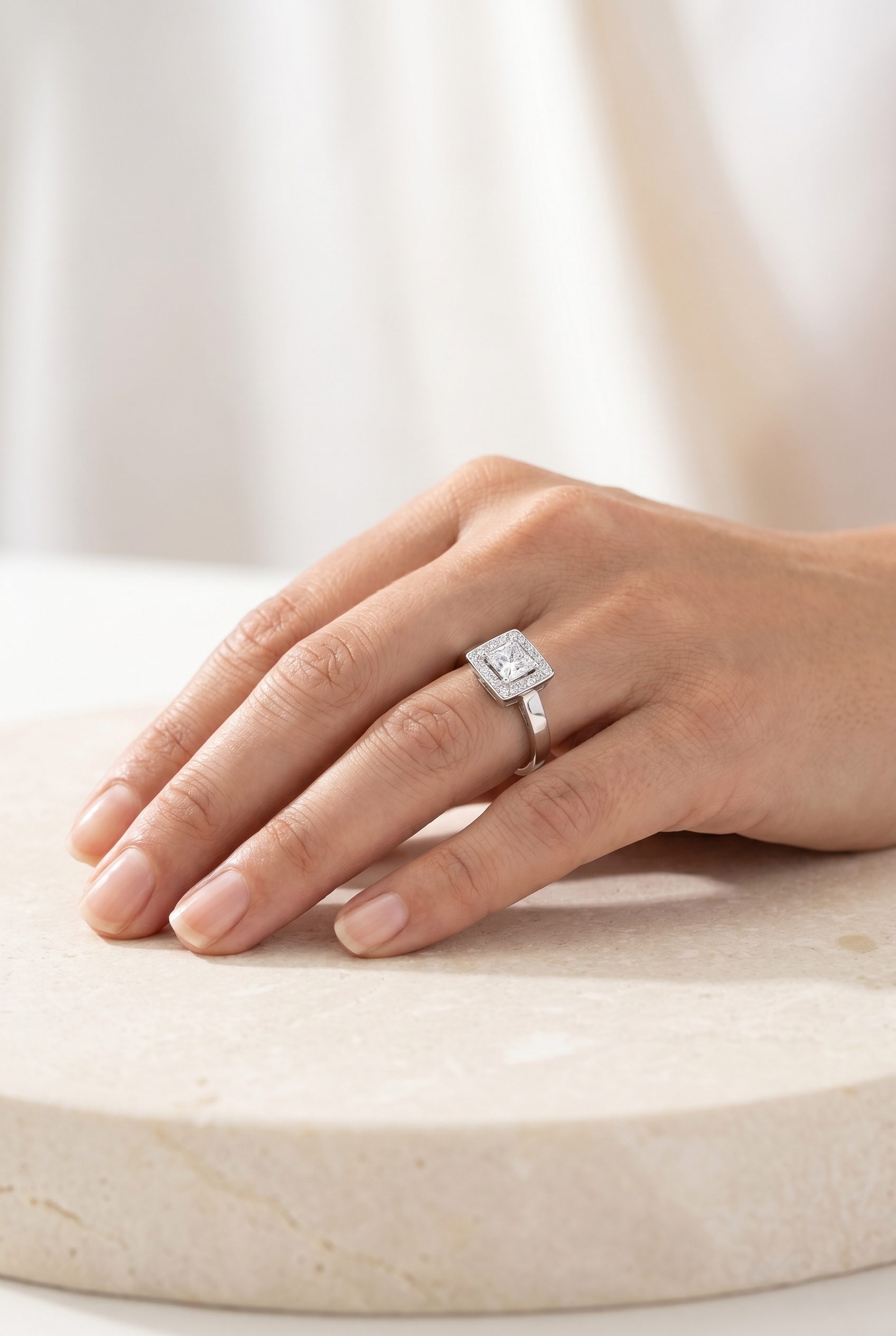
Silver ring on hand
Use hand-model jewelry visuals to show scale, finish, and gift-ready styling without relying on brand marks.
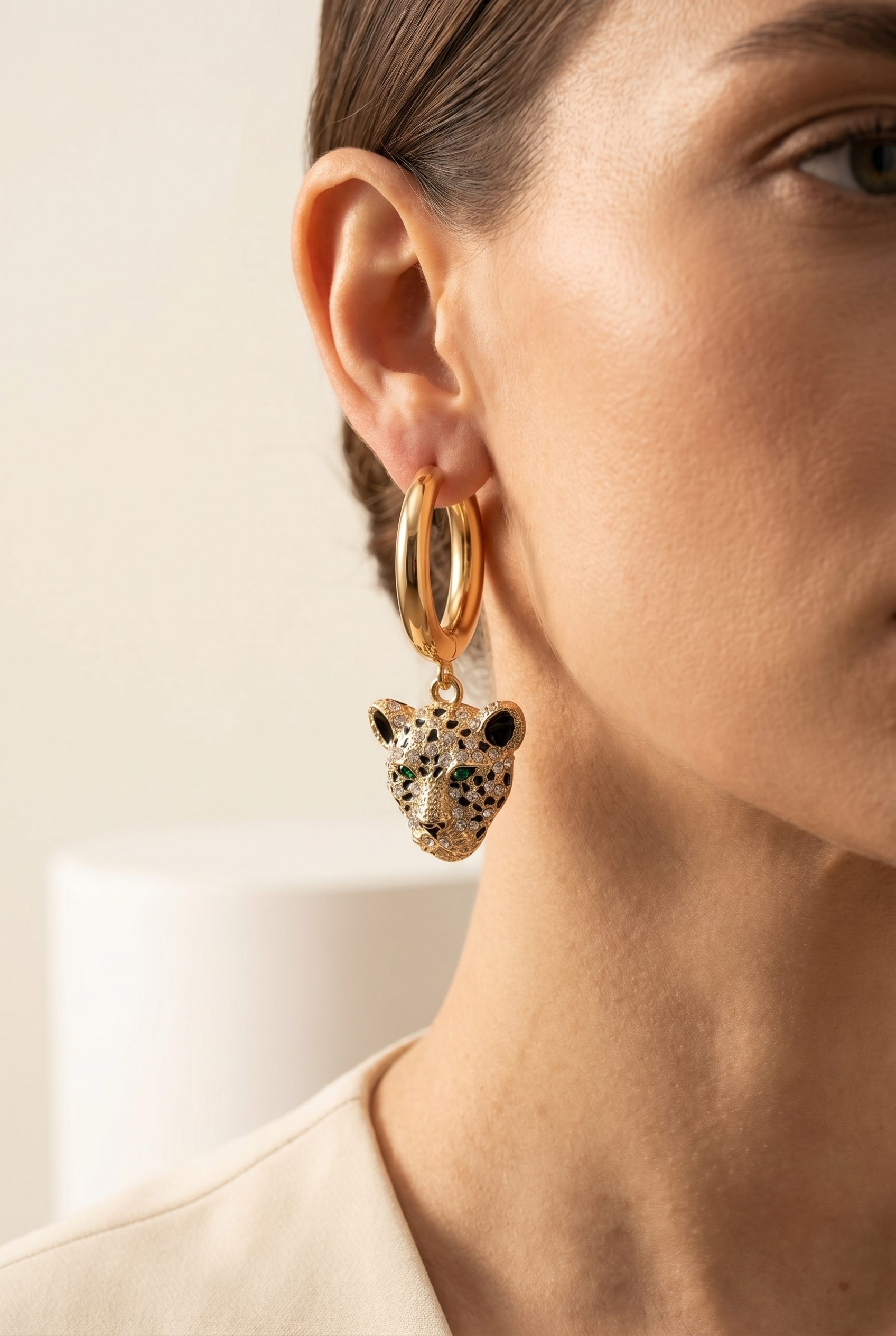
On-model statement earrings
Show earrings worn on a model so shoppers can judge scale, shine, and styling before opening the full gallery.
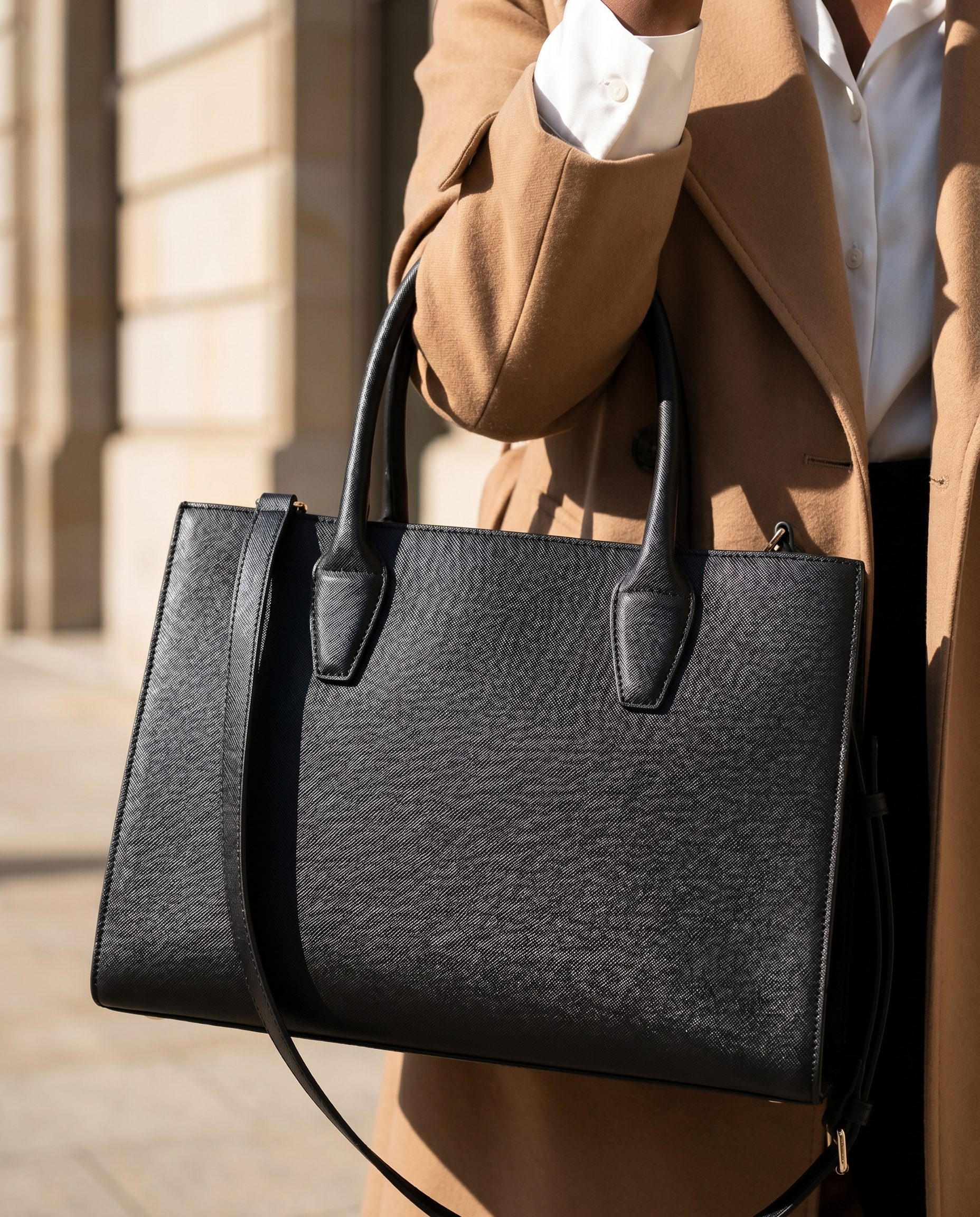
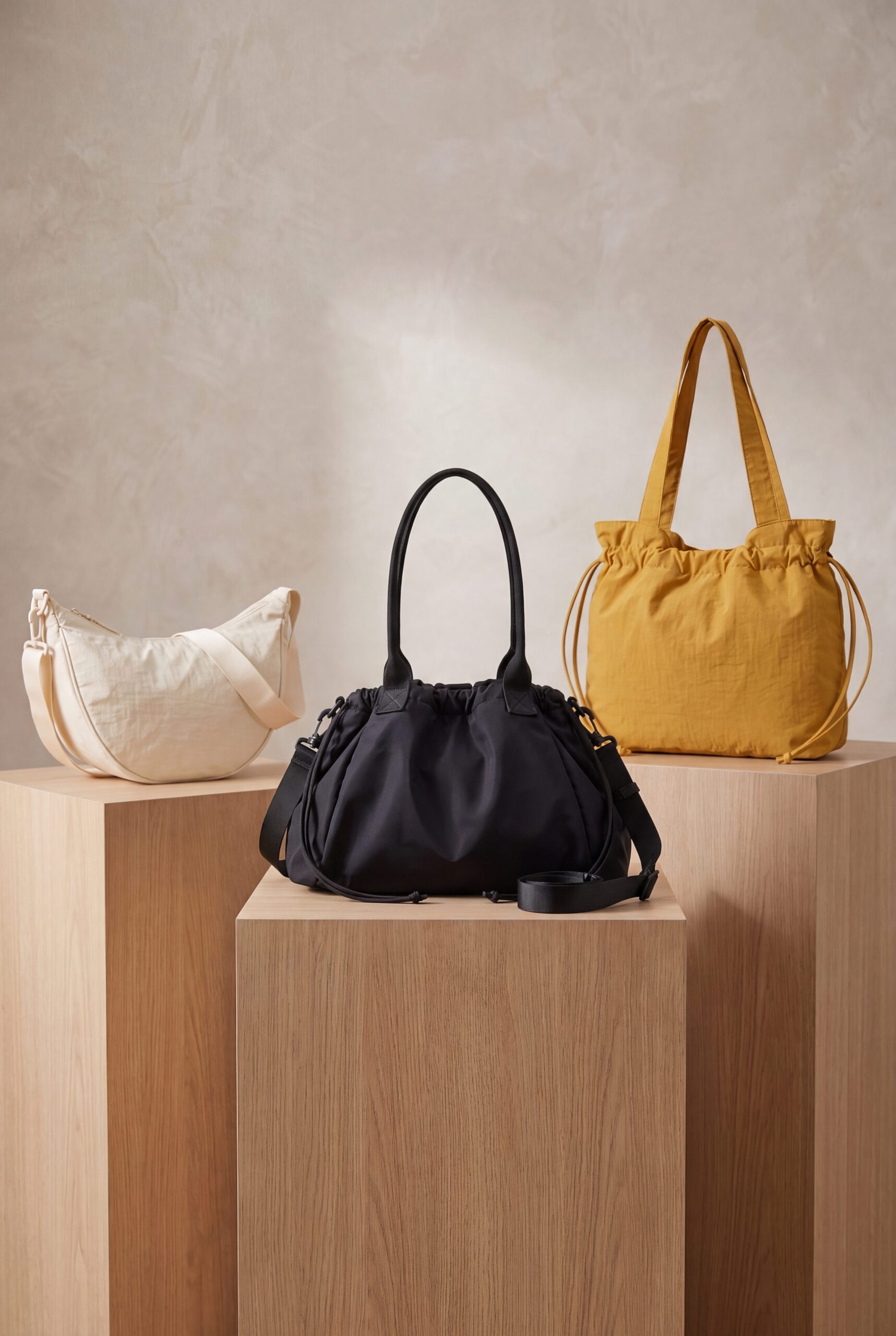
Black structured handbag
Show bags with clear shape, handle detail, and lifestyle context for WooCommerce collection cards.
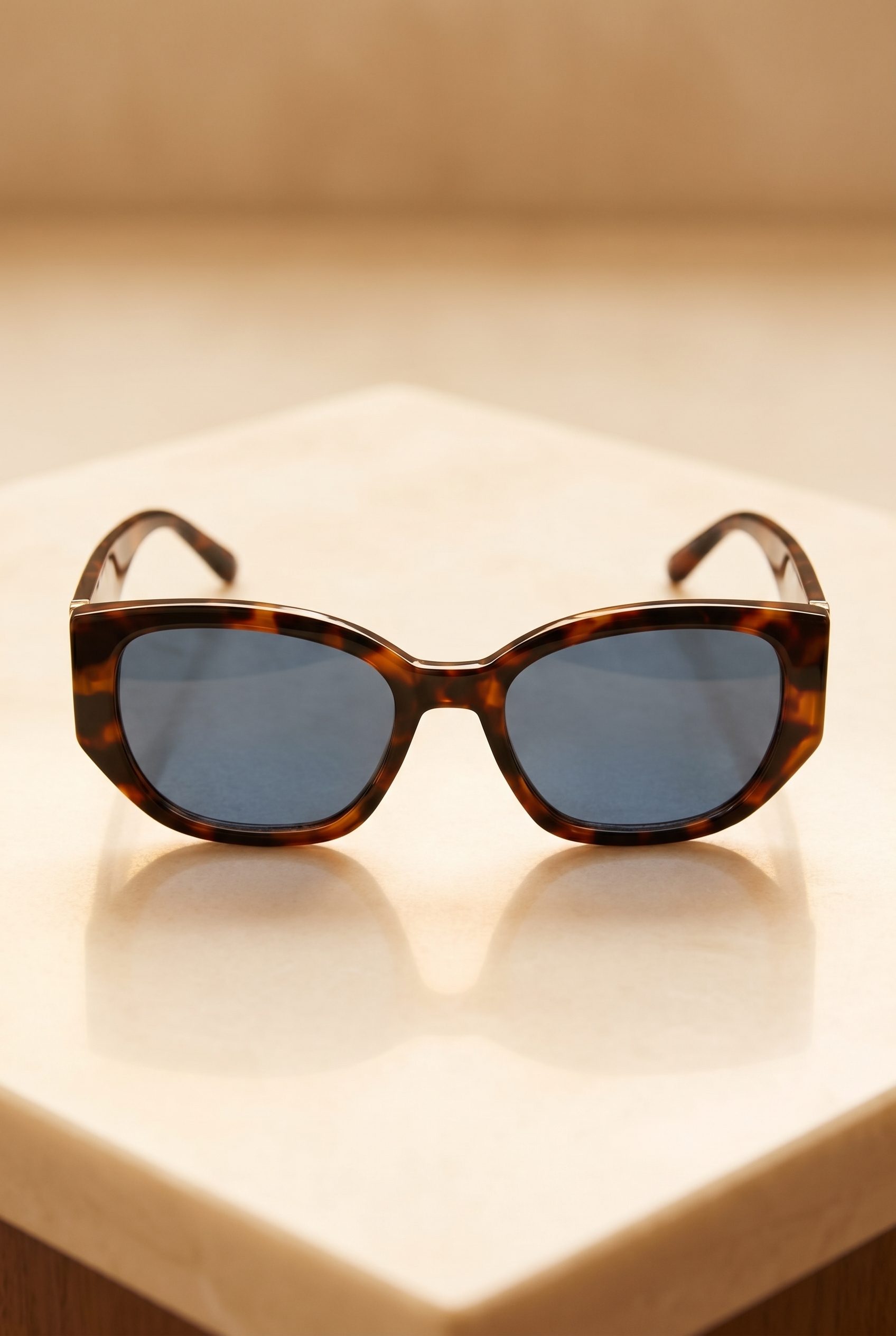
Tortoise sunglasses
Create accessory variations that help shoppers compare frame color, shape, and style in one gallery.
How it works
From phone snap to WordPress listing, in four steps
Fotogenic AI handles the visuals, you stay in control of your WordPress store.
-
Step 1
Upload your product
Create wordpress product images with Fotogenic AI, then download clean image sets for listings, product pages, feeds, galleries, ads, and catalog updates.
-
Step 2
Pick a WordPress-oriented preset
Pick hero shots, lifestyle scenes, infographics, and WordPress-oriented sizes for product pages, feeds, galleries, ads, and catalog updates.
-
Step 3
Generate variants
Generate multiple brand-directed options for listings, ads, feeds, galleries, and seasonal tests from one approved source photo, then review each result before publishing.
-
Step 4
Download & upload to WordPress
Download clean image sets and upload them to WordPress product pages, feeds, galleries, ads, and store updates.
WordPress listing visuals, made in Fotogenic AI
Examples show how WordPress store products can become product-page heroes, gallery details, collection tiles, and campaign visuals.

Use a clean hero image to make audio products feel polished before shoppers open the full gallery.
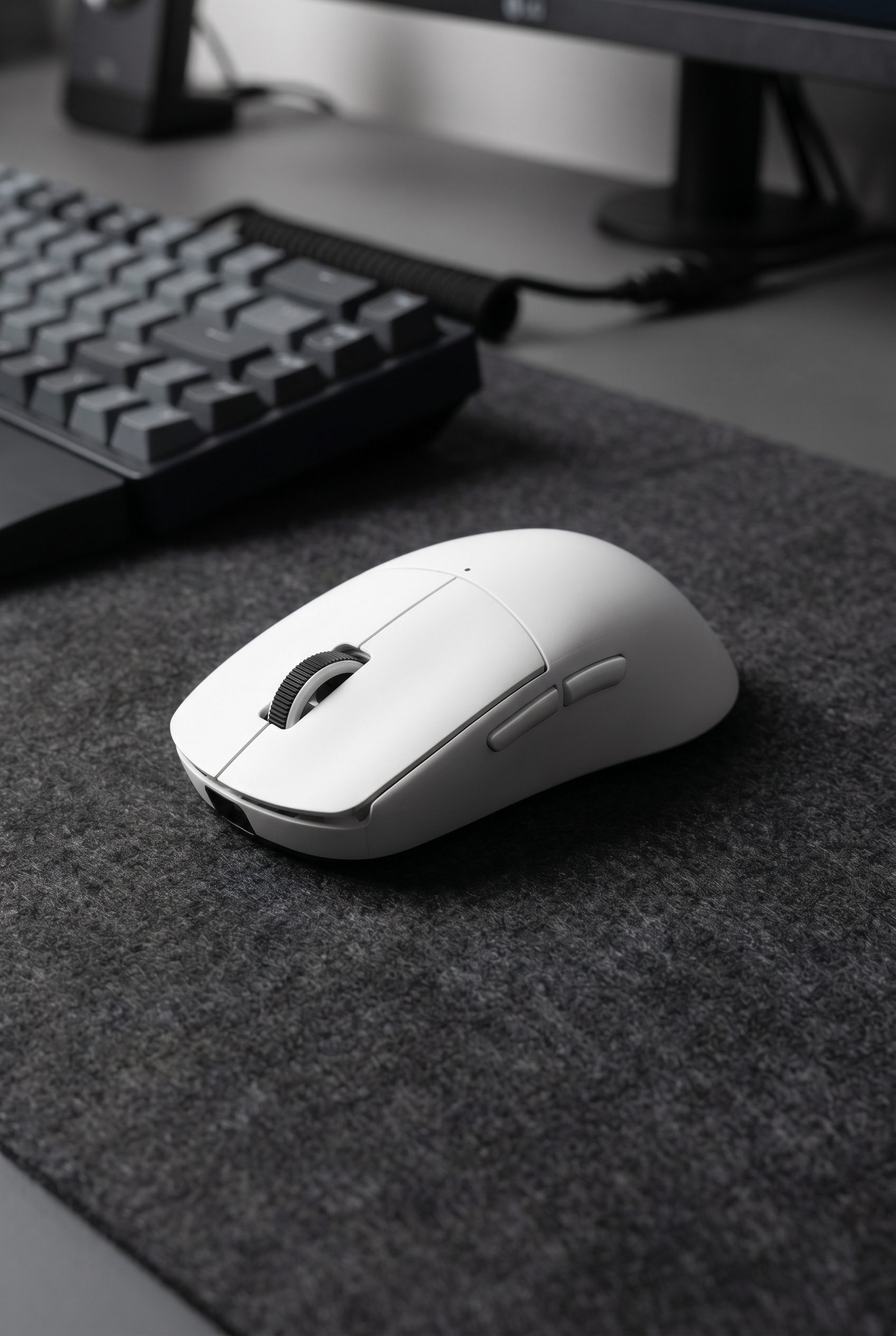
Add close, practical detail shots that help shoppers judge shape, surface, and desk fit.
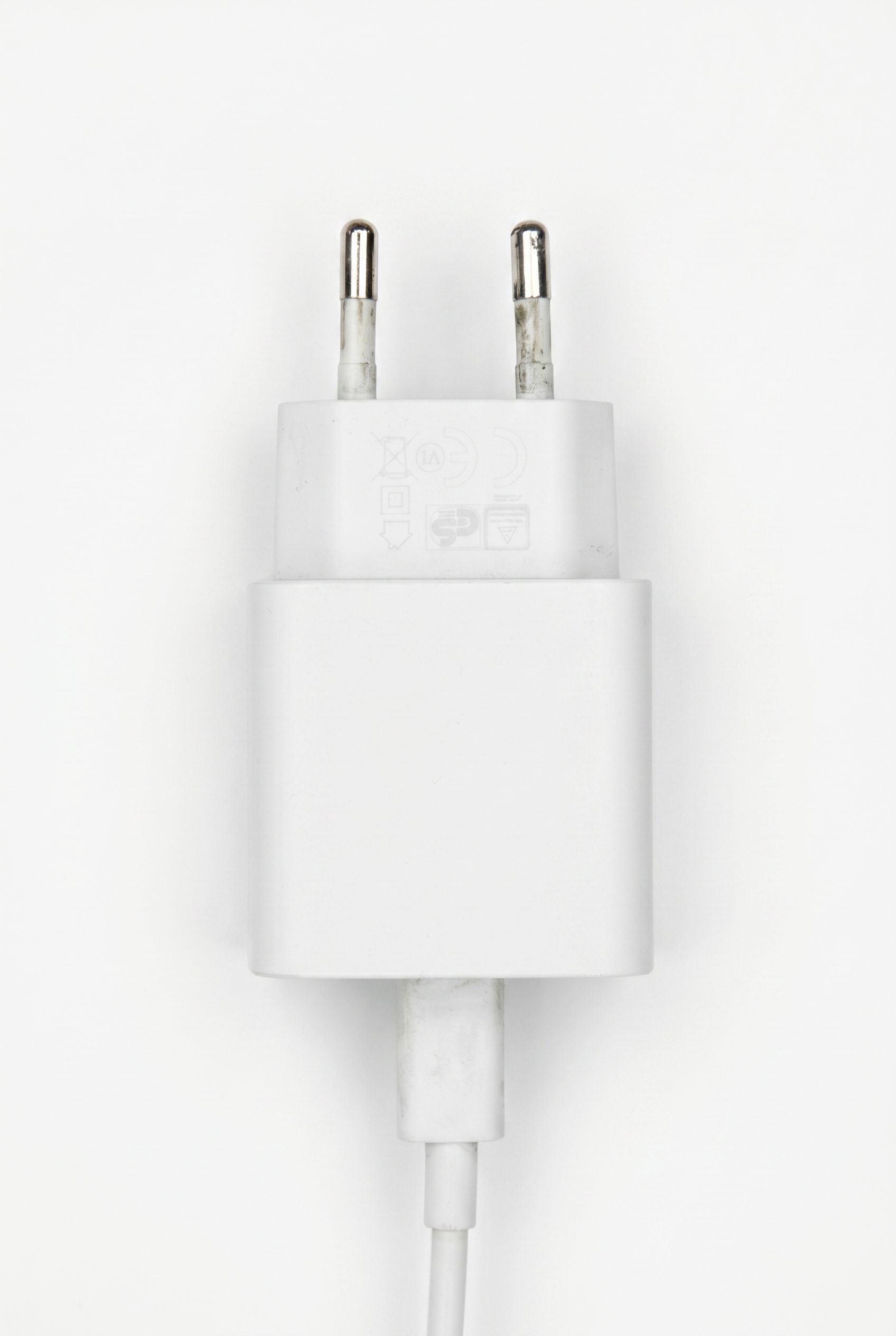
Keep small electronics simple and readable with a clean charger crop built for catalog rows.
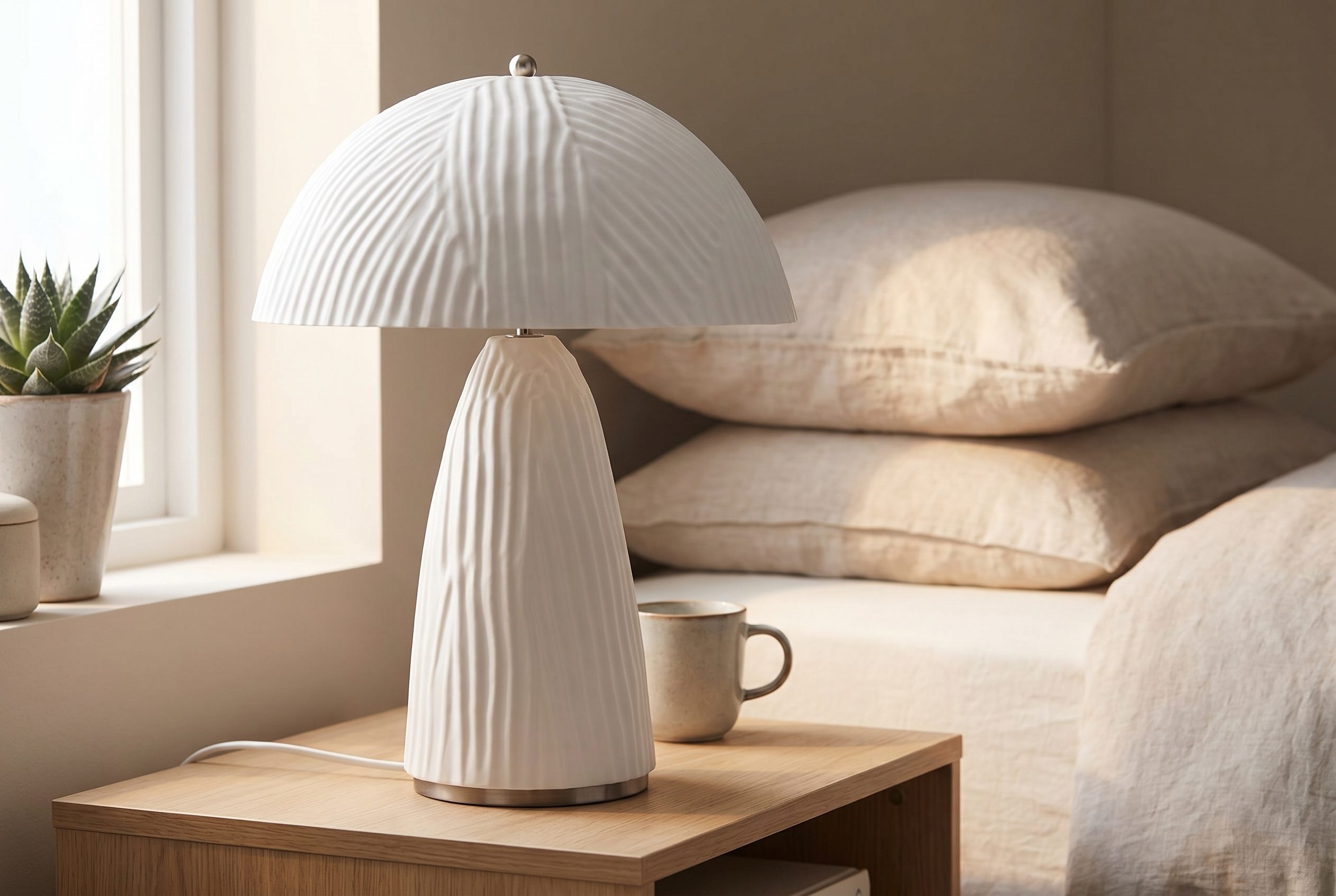
Show home-decor products in a styled room so buyers can understand scale and mood quickly.
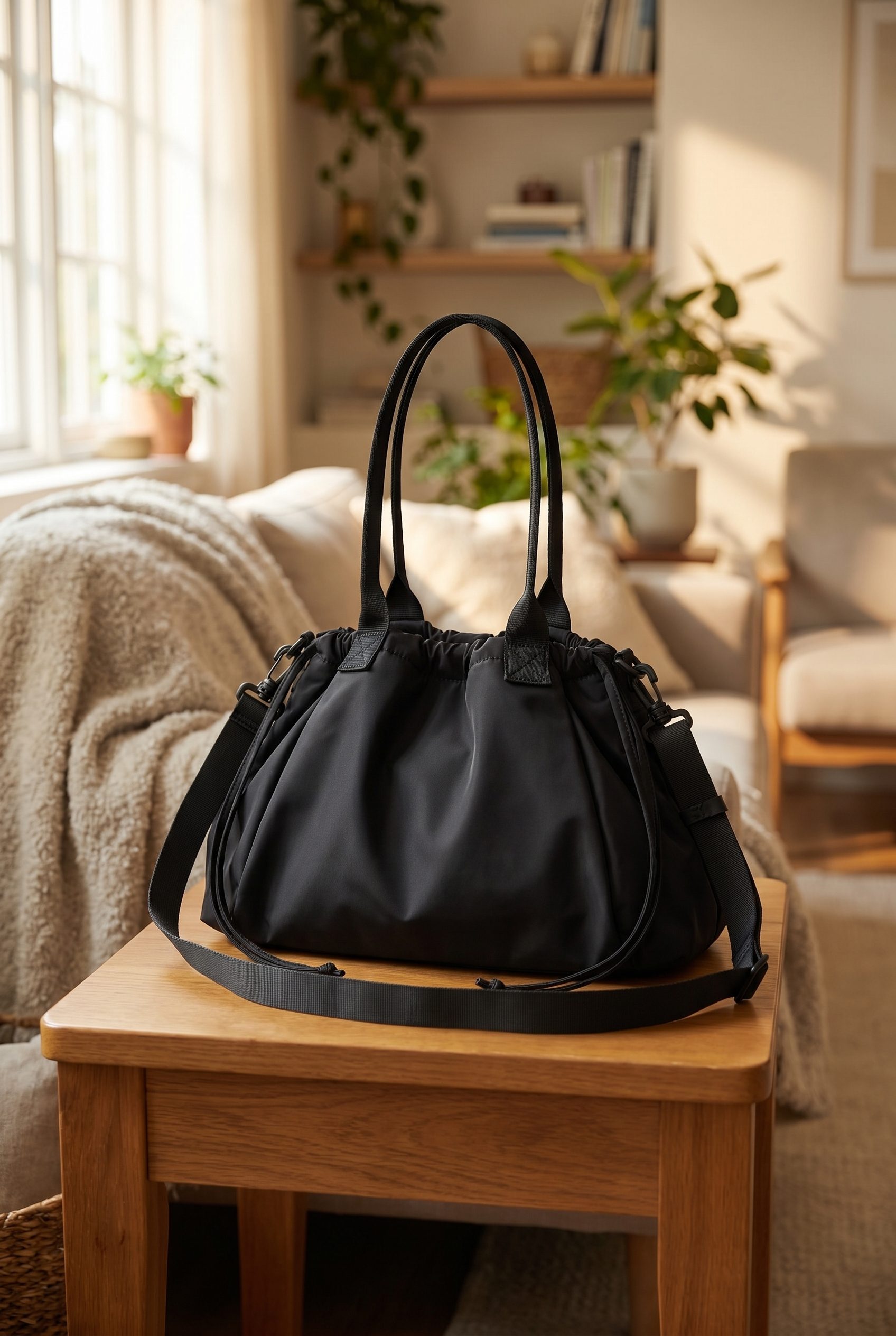
Use a structured accessories shot to show silhouette, handle detail, and premium lifestyle context.
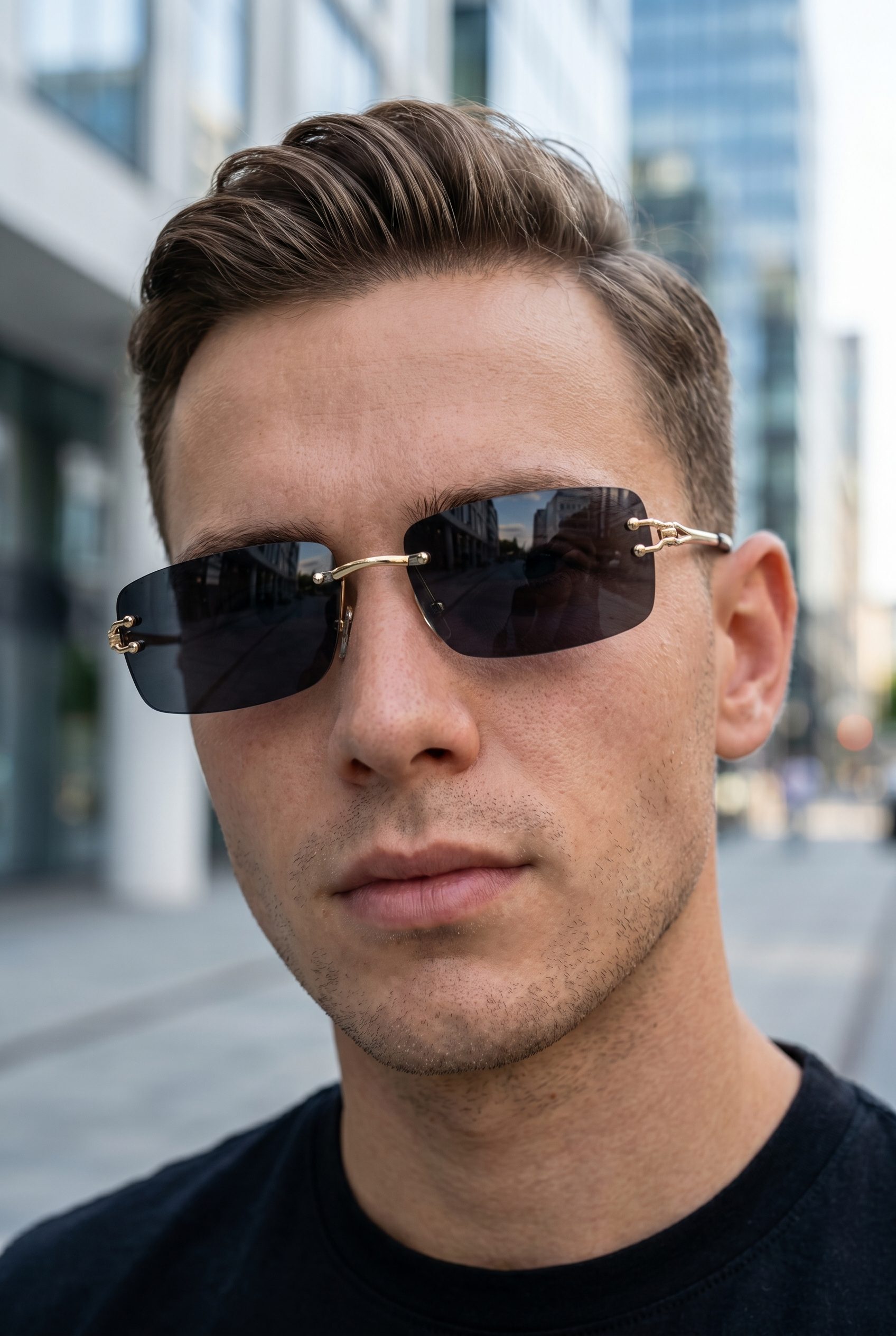
Create variant images that make frame shape, lens tone, and styling differences easy to compare.
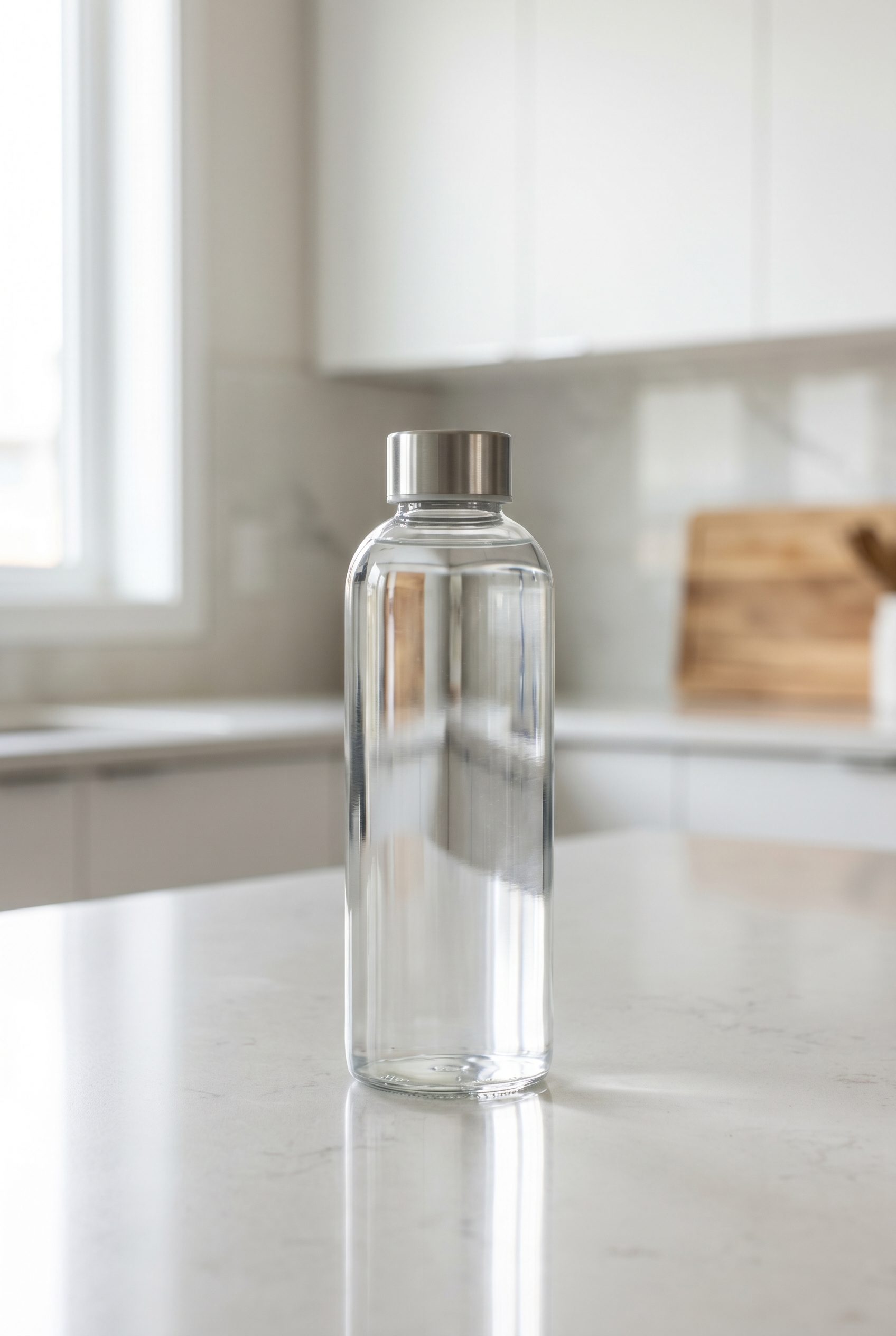
Show transparent packaging with clean light and enough context for food and beverage listings.
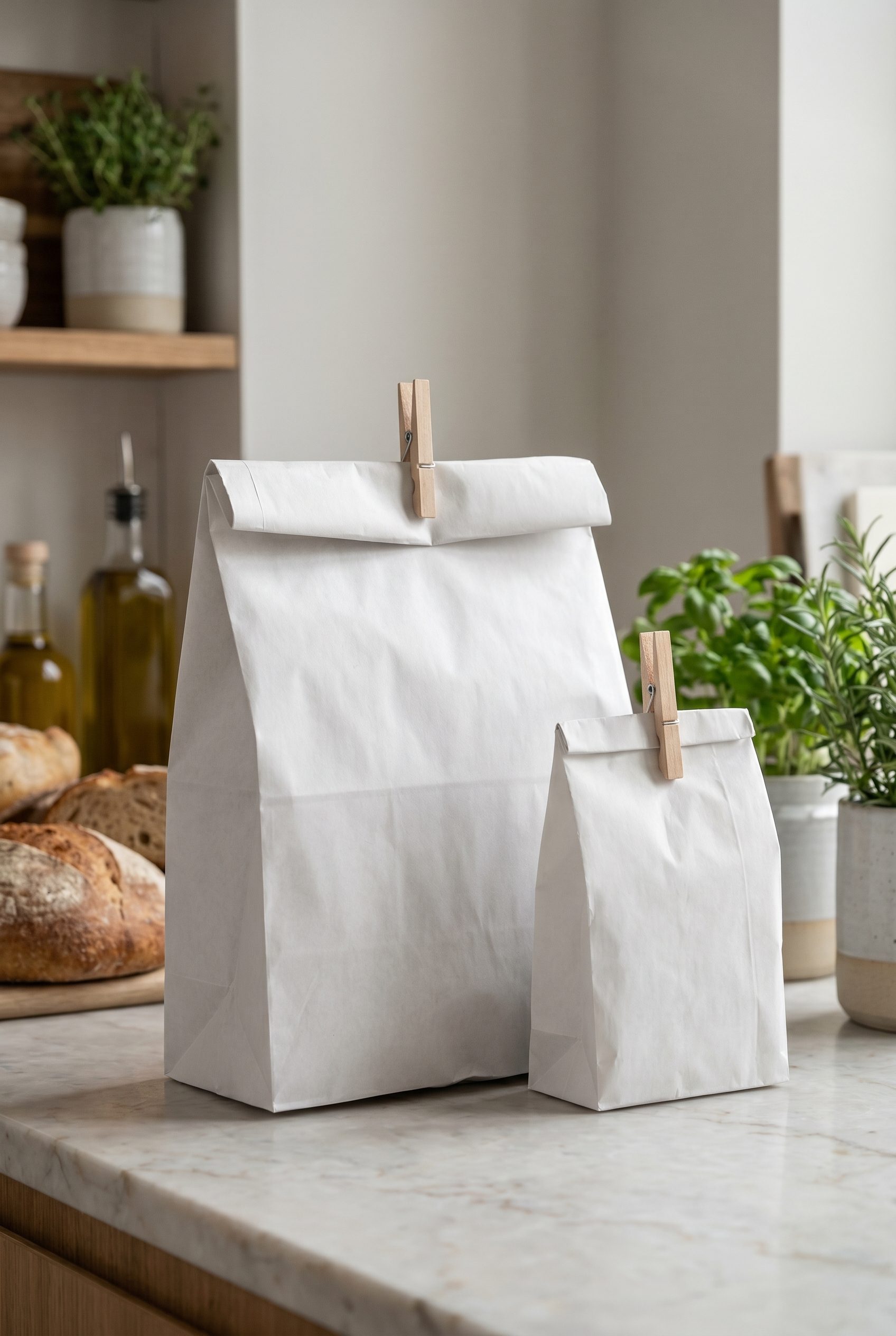
Turn plain food packaging into premium catalog imagery ready for bundles and seasonal launches.
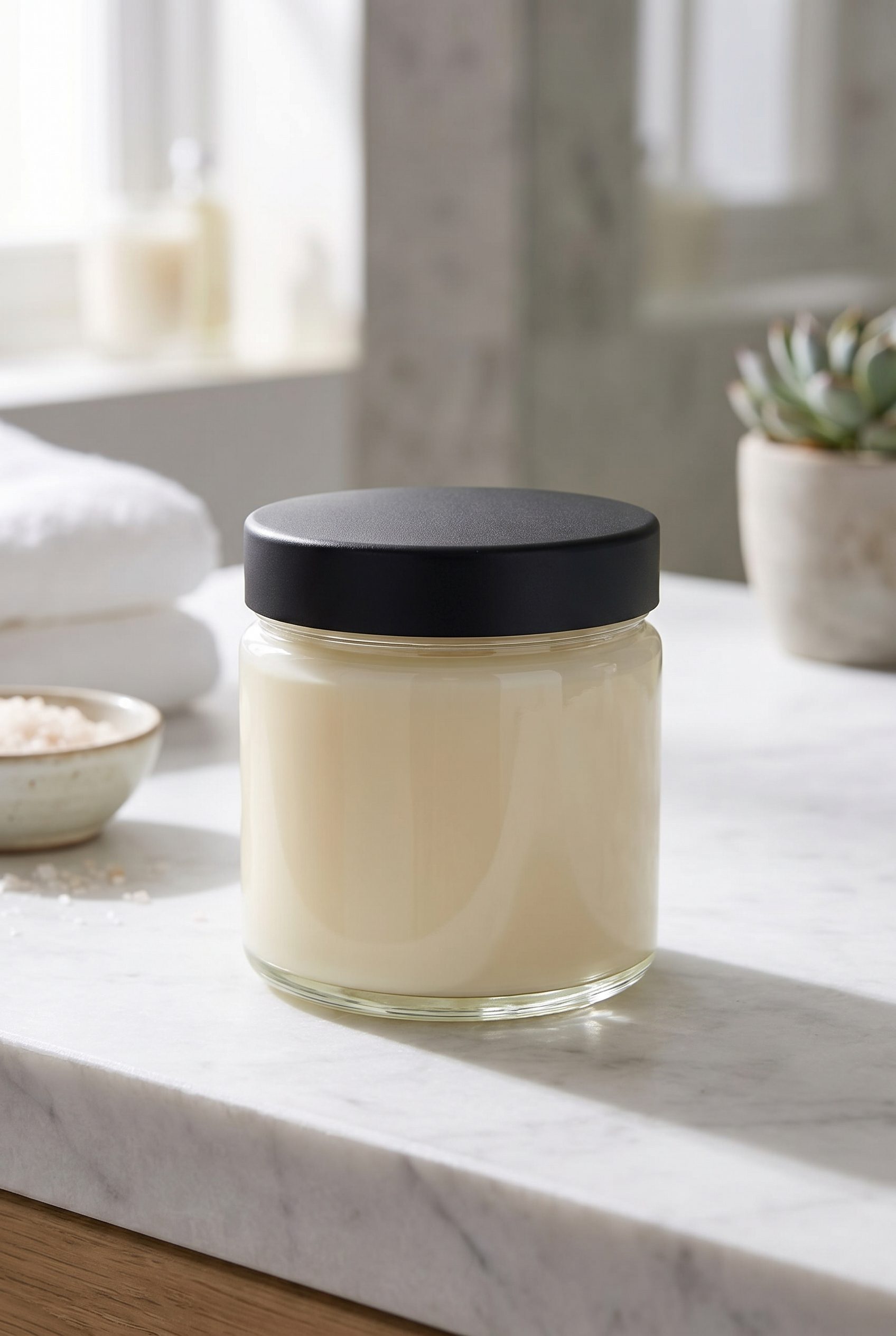
Show skincare texture and packaging in a calm product scene that works beyond a basic packshot.
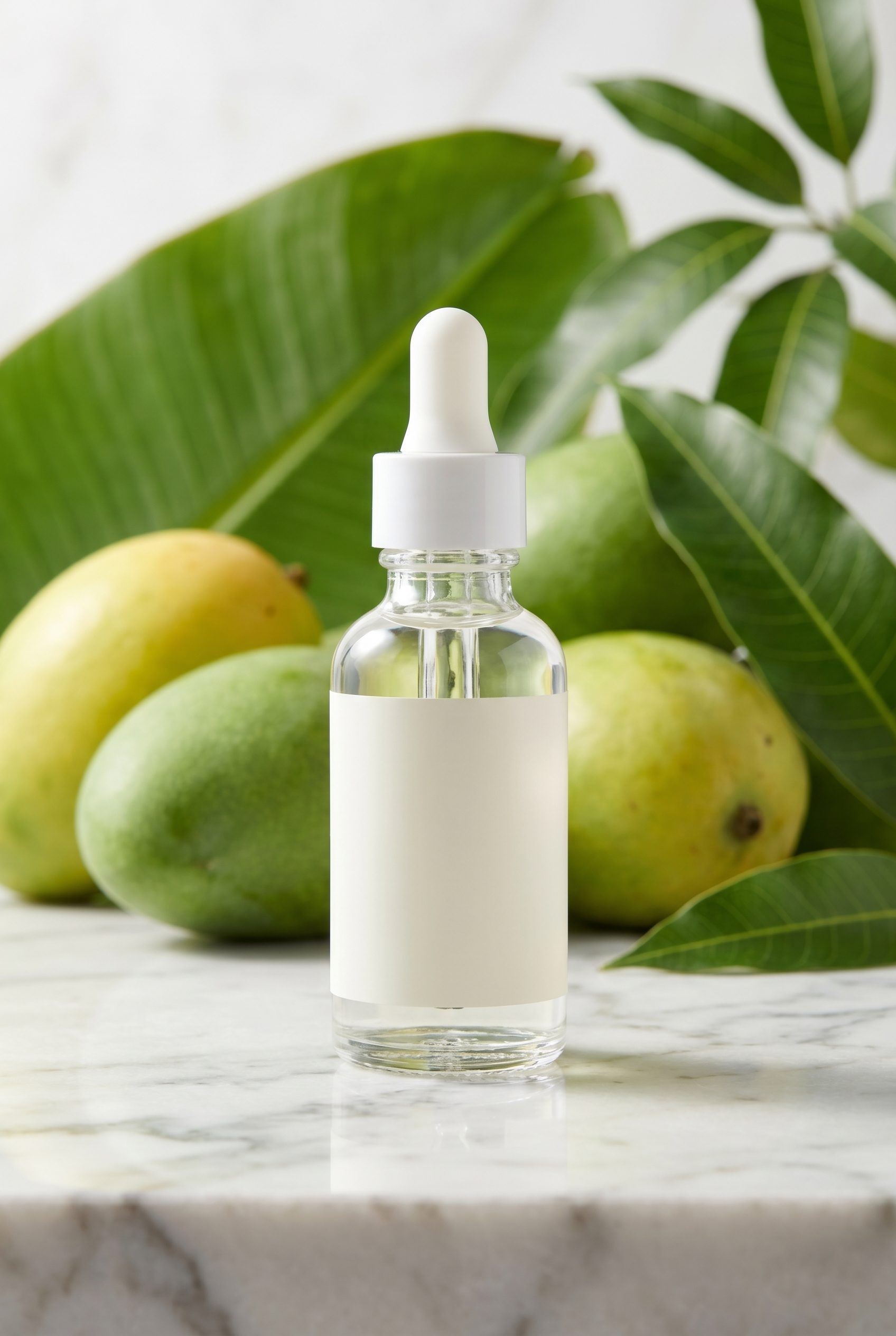
Use a close skincare bottle scene to show material, routine context, and clean catalog styling.
Works wherever you sell.
Fotogenic AI started on the web and is rolling out everywhere WordPress sellers actually work, your browser, your CMS, your phone, your stack.
See pricingInstall from the official plugin directory.
Generate from inside the WP editor.
Add approved exports through your normal WordPress product workflow.
Snap and generate from your phone.
Pipe generations into your own stack.
Per SKU folders for catalog uploads.
FAQ
WordPress FAQs
No. Fotogenic AI is a standalone web app. You generate and download images here, then upload them to your WordPress listings the same way you upload any product photo.
Test it on a real product
Create product visuals for your next workflow.
Open Fotogenic AI and create WordPress-oriented product visuals you can download and upload to WooCommerce.
- Review current use terms
- Store-ready images
- Repeatable workflow