Jewelry Product Photo Examples
For jewelry stores that need both fine-detail views and scale or styling context: show metal, stones, settings, and wear context without losing small construction details. See the input, output set, review points, and limits before creating anything.
- One clear source
- Review before publishing
- No credit card required
Visual directions
Jewelry Product Photo Examples: outputs with a clear job
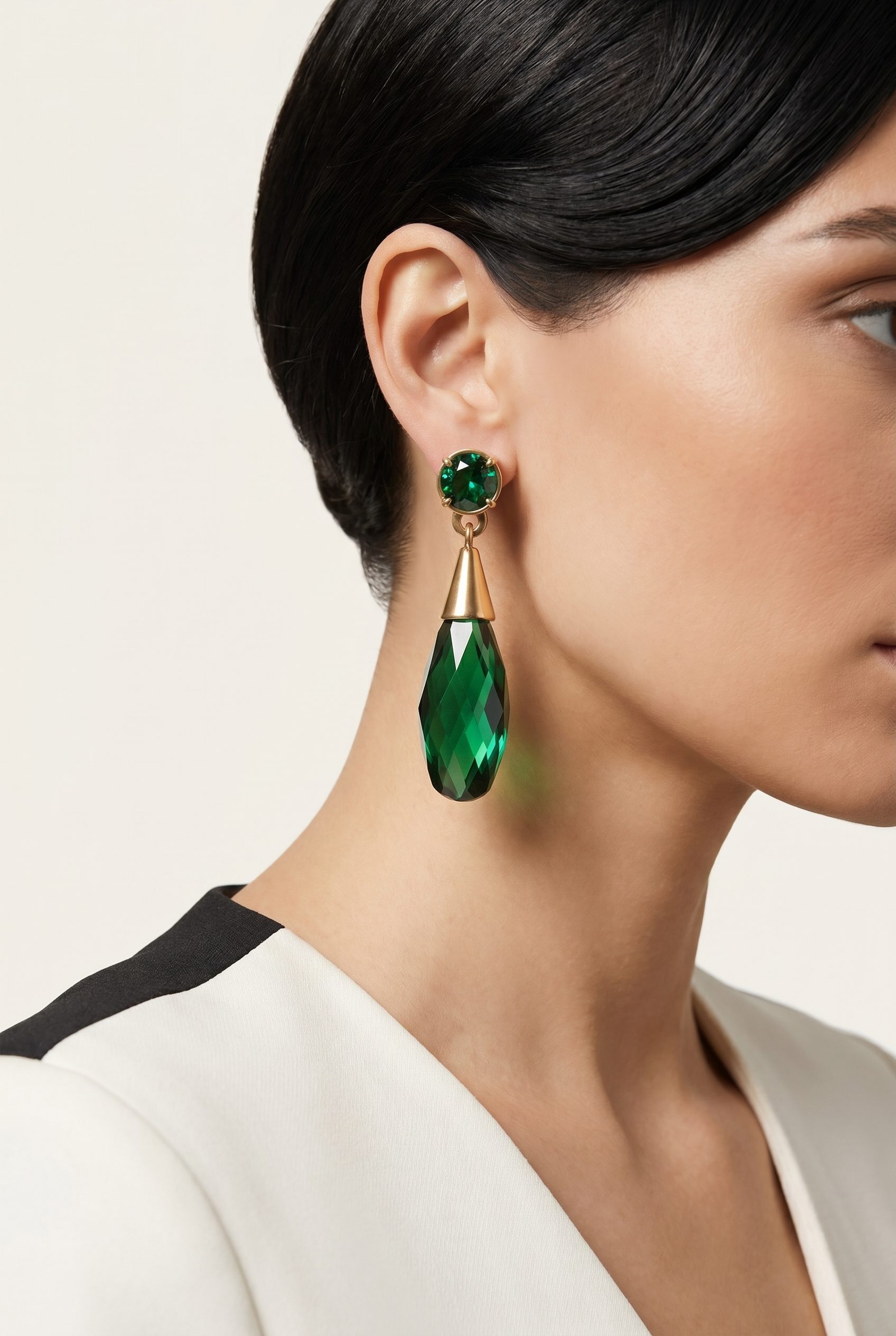
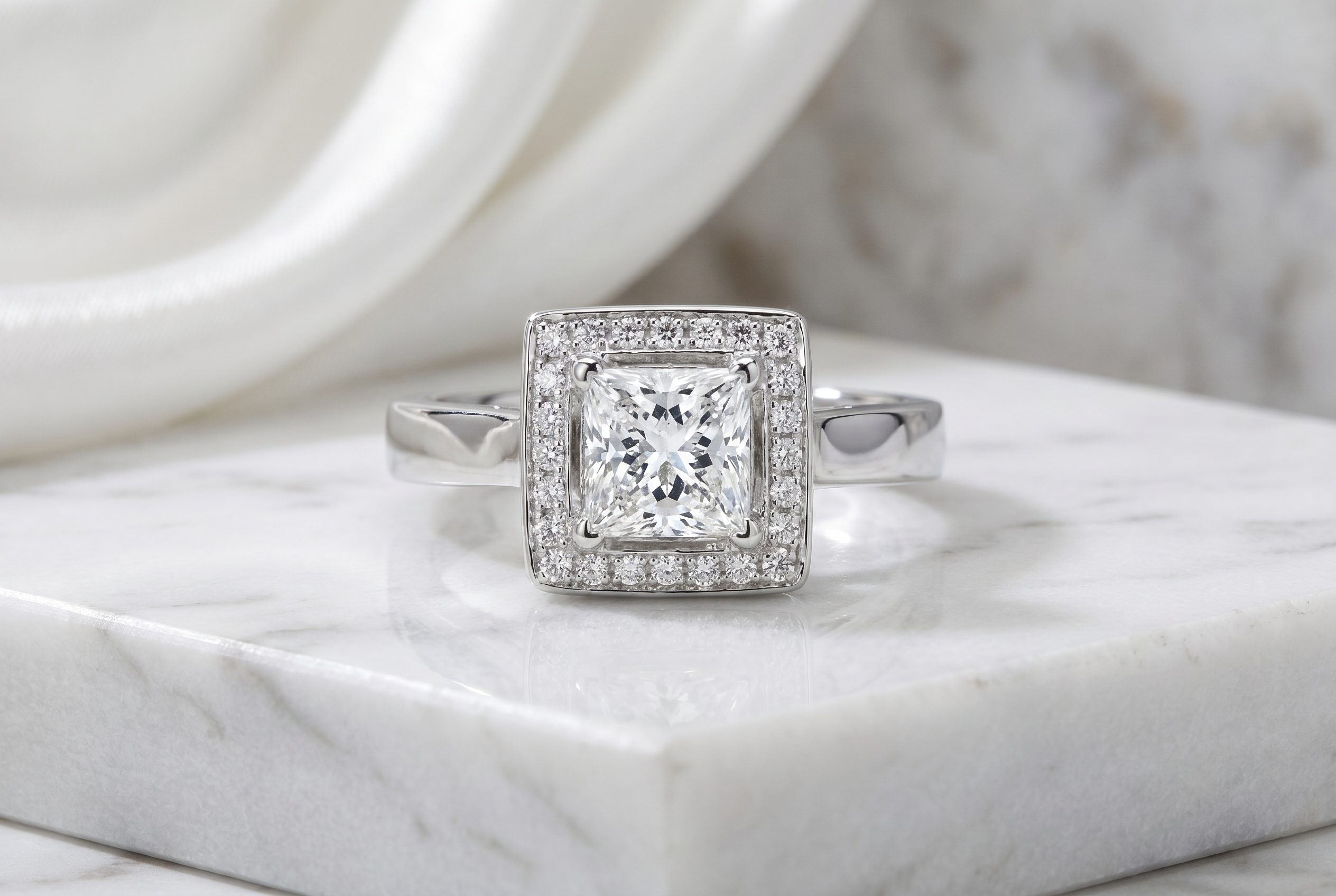
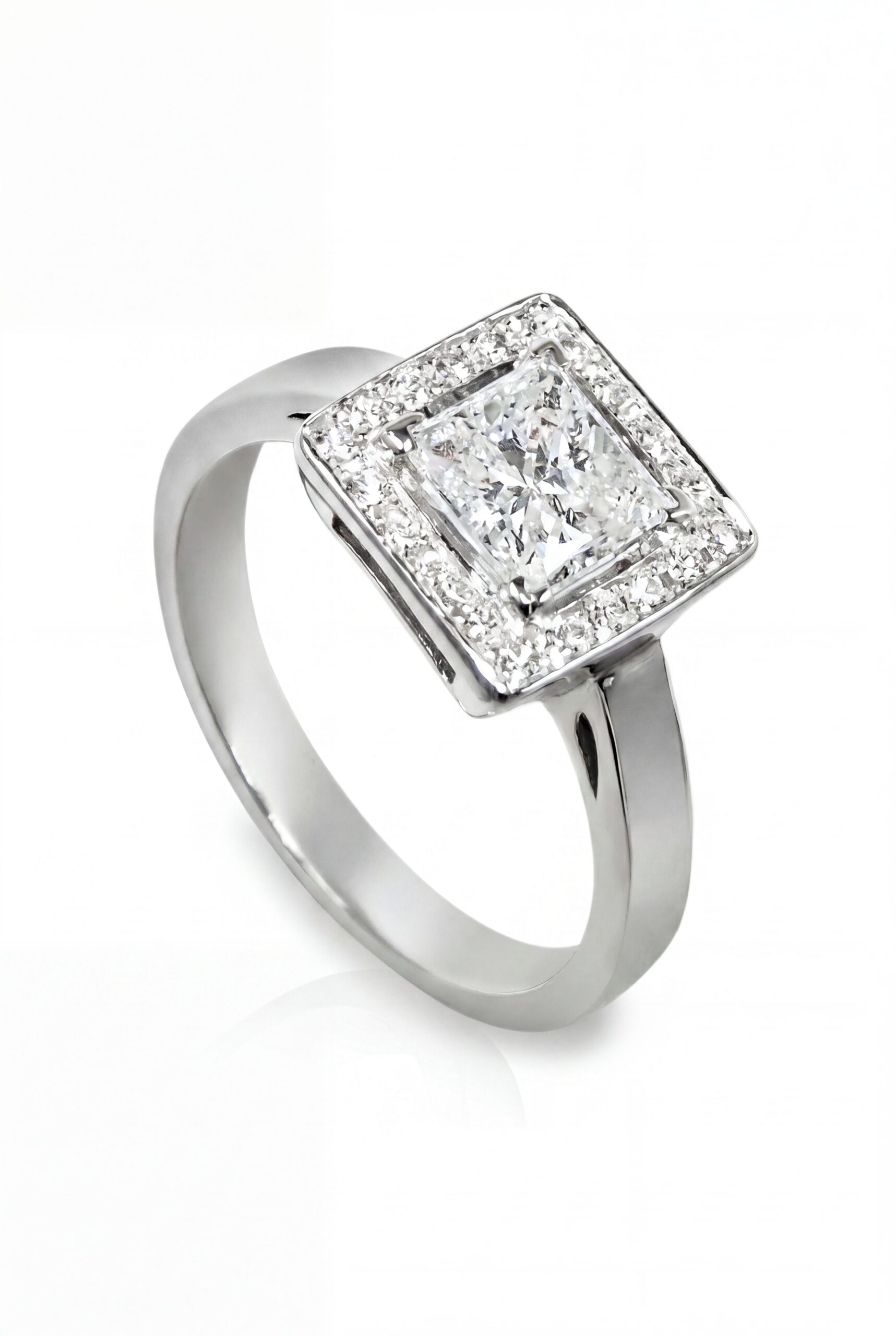
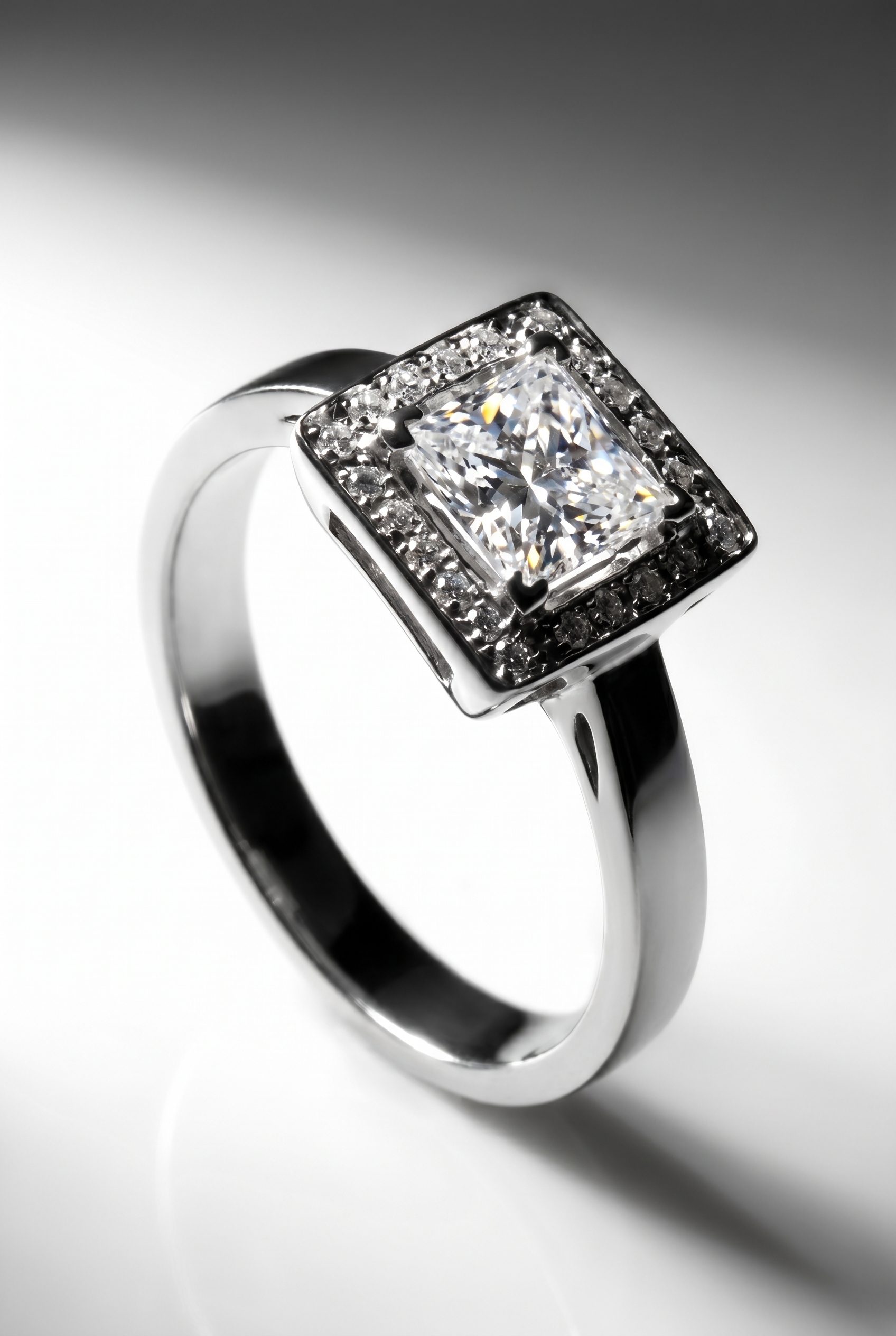
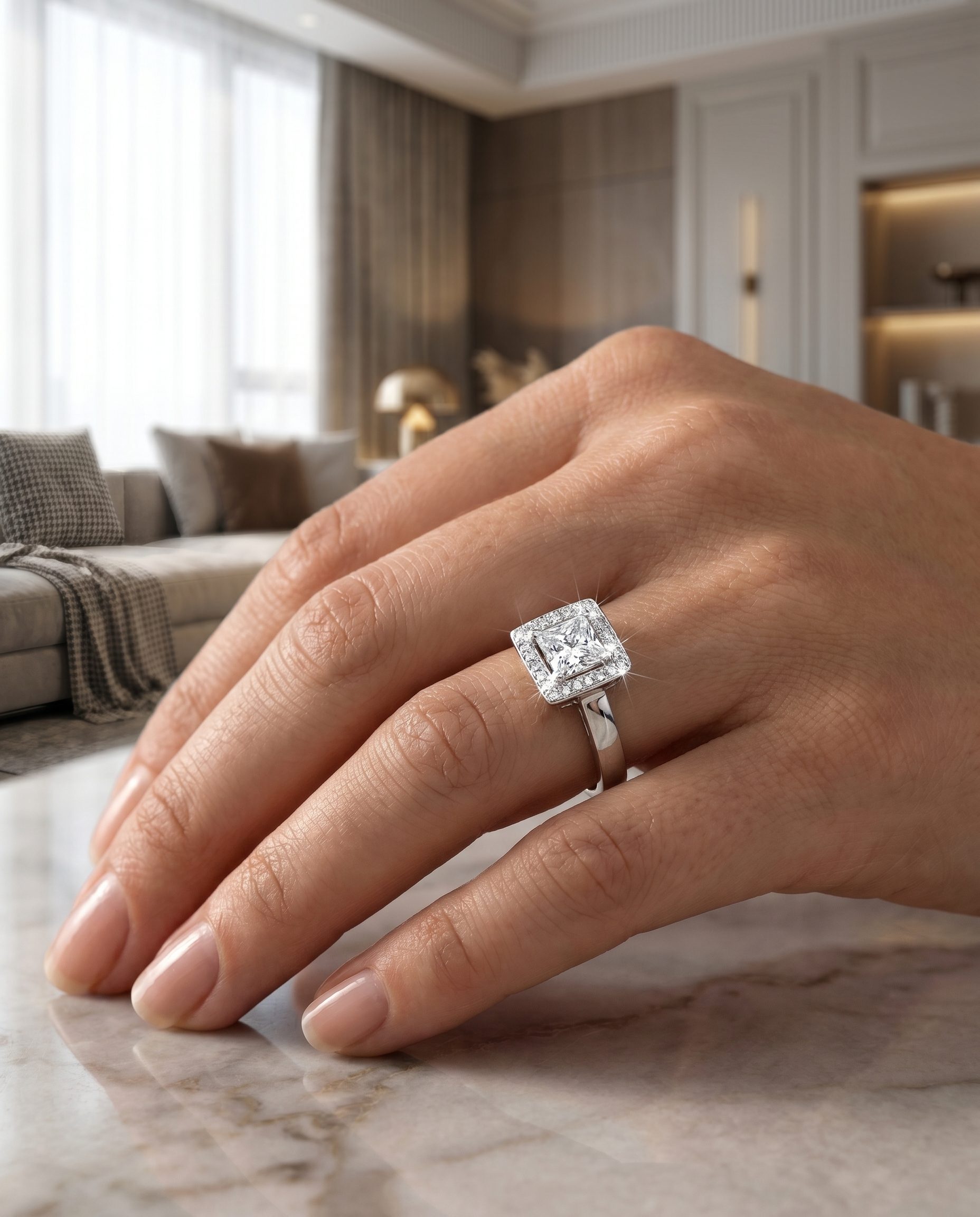
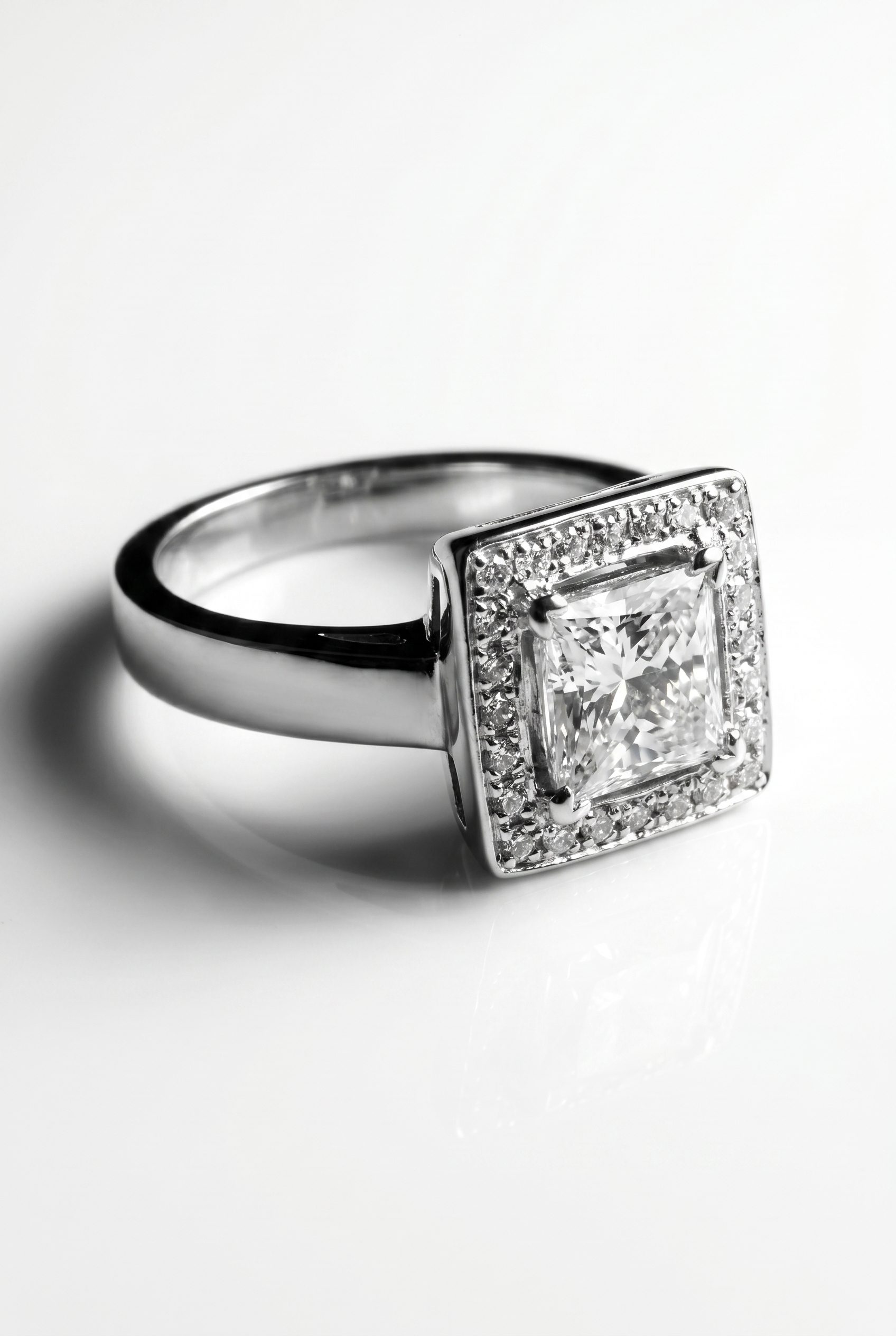
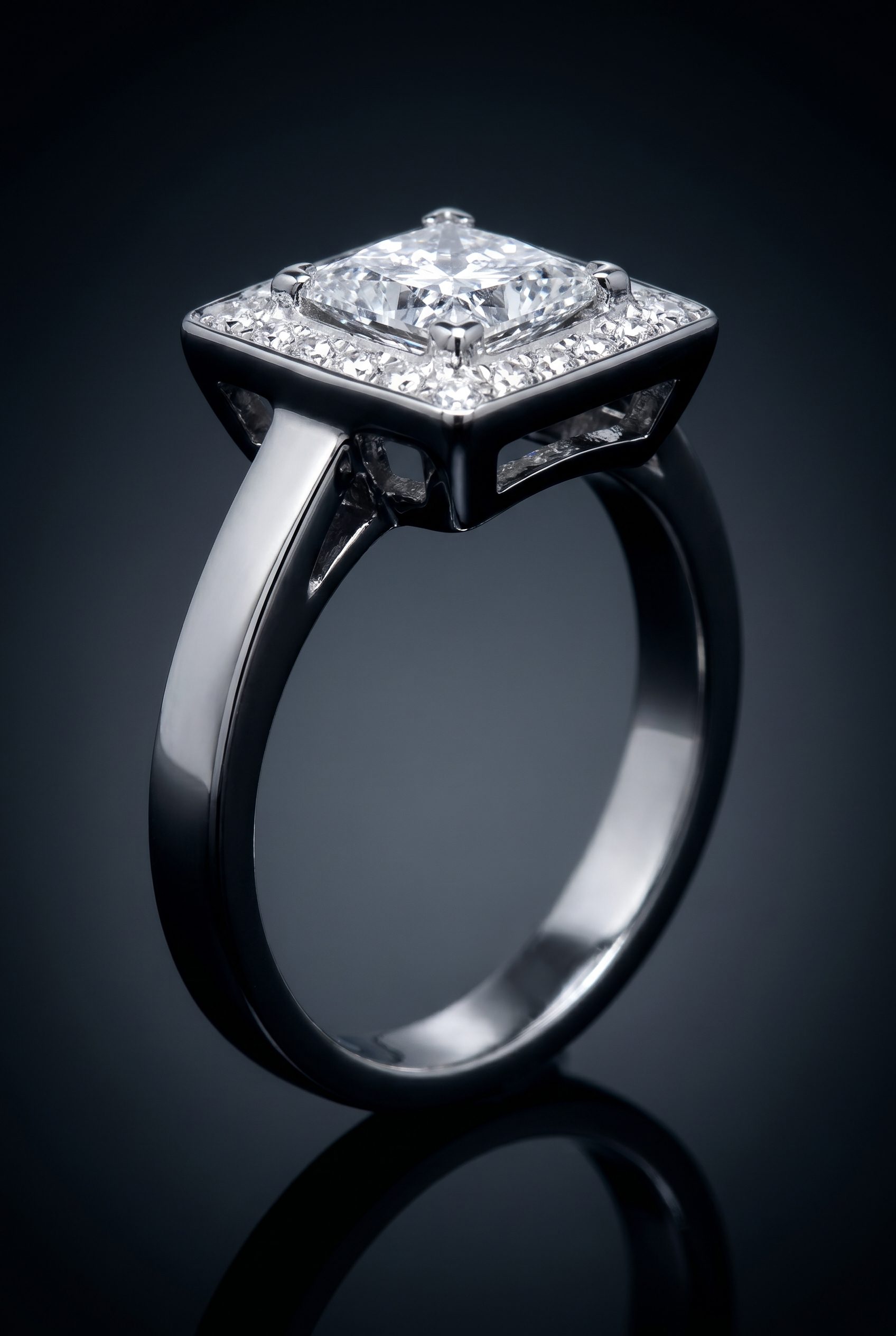
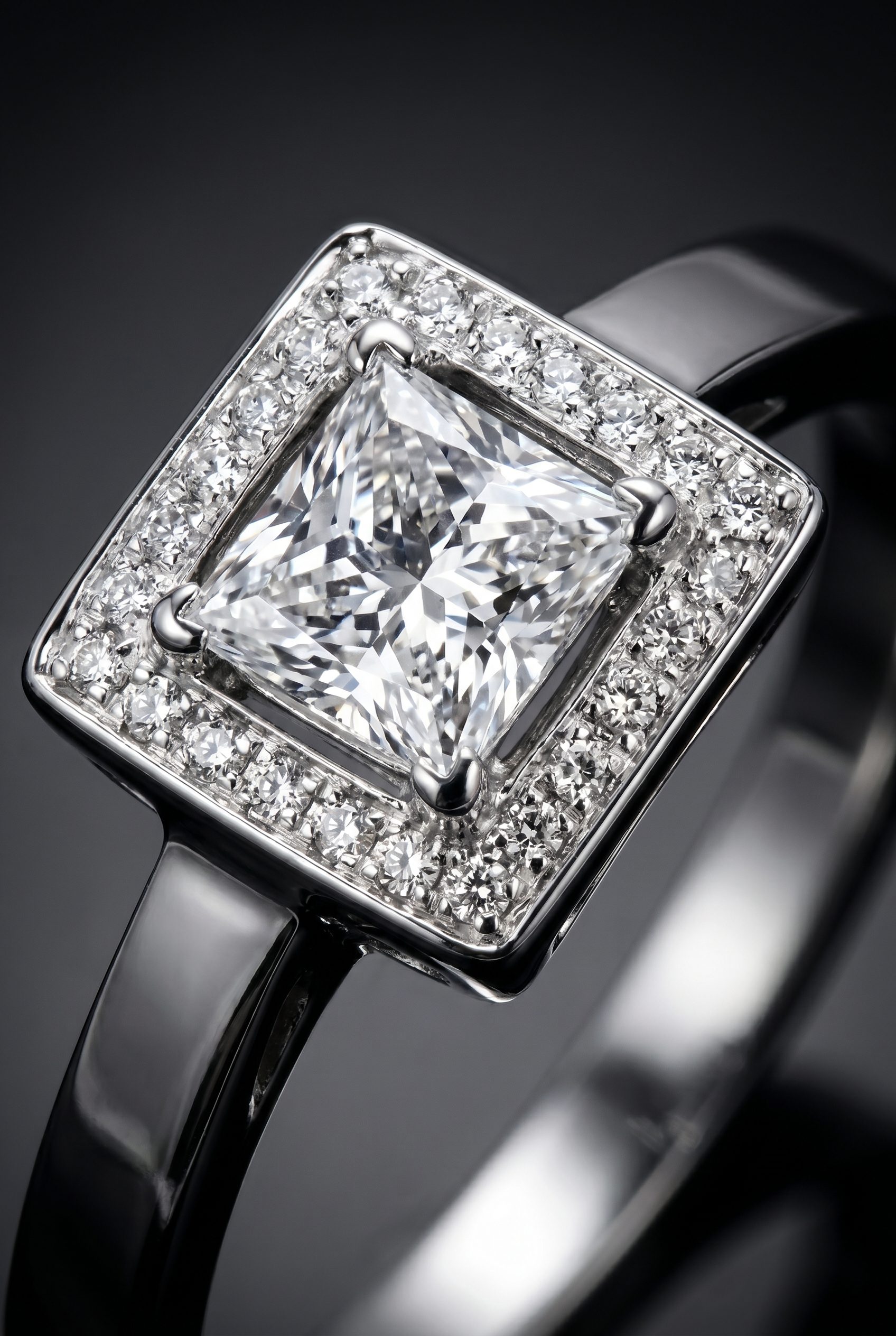
Plan clean product views, macro-style details, on-body scale concepts, gift scenes, and campaign compositions. Each approved image should answer a shopper question or fill a defined channel role.

Plan the image set
Solve the buying problem before choosing the scene.
The core decision is to show metal, stones, settings, and wear context without losing small construction details. Start with the product-page need, then add context and campaign formats.
How it works
Create and review jewelry product images.
Start with high-resolution front, side, and closure references when available, with the setting and surface finish clearly visible. Approve one focused direction before applying it to more products or formats.
-
Step 1
Prepare the exact product input
high-resolution front, side, and closure references when available, with the setting and surface finish clearly visible
-
Step 2
Choose the image jobs
Plan clean product views, macro-style details, on-body scale concepts, gift scenes, and campaign compositions.
-
Step 3
Review against the source product
Check stone count and cut, setting, metal color, clasp, chain, symmetry, reflections, scale, and skin contact.
-
Step 4
Expand only the approved direction
Reuse the accepted treatment for additional products and crops, while reviewing each new output.

Choose the next surface
Choose your next workflow.
Find the product tool, category, or use case that matches what you want to create.
Planning and review
Jewelry Product Photo Examples FAQs
Use this resource to show metal, stones, settings, and wear context without losing small construction details. The goal is an useful image set, not more decorative variations.
Test the workflow
Try this direction on your product.
Use a clear source, generate a focused set, and publish only the outputs that pass the product and channel review. Use macro and measurement photography for gem, hallmark, setting, and craftsmanship evidence.
- Use your own product
- Review every output
- No credit card required