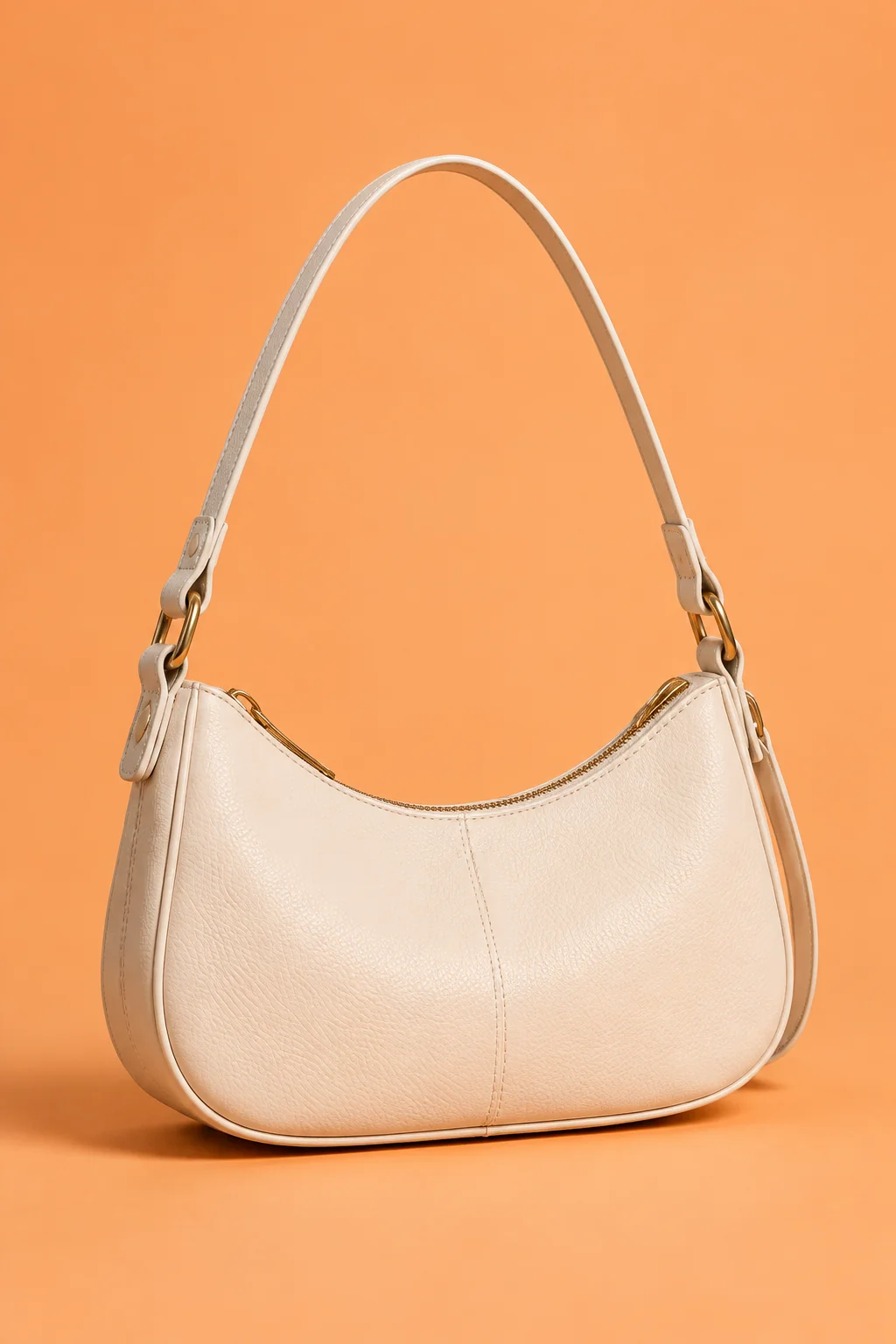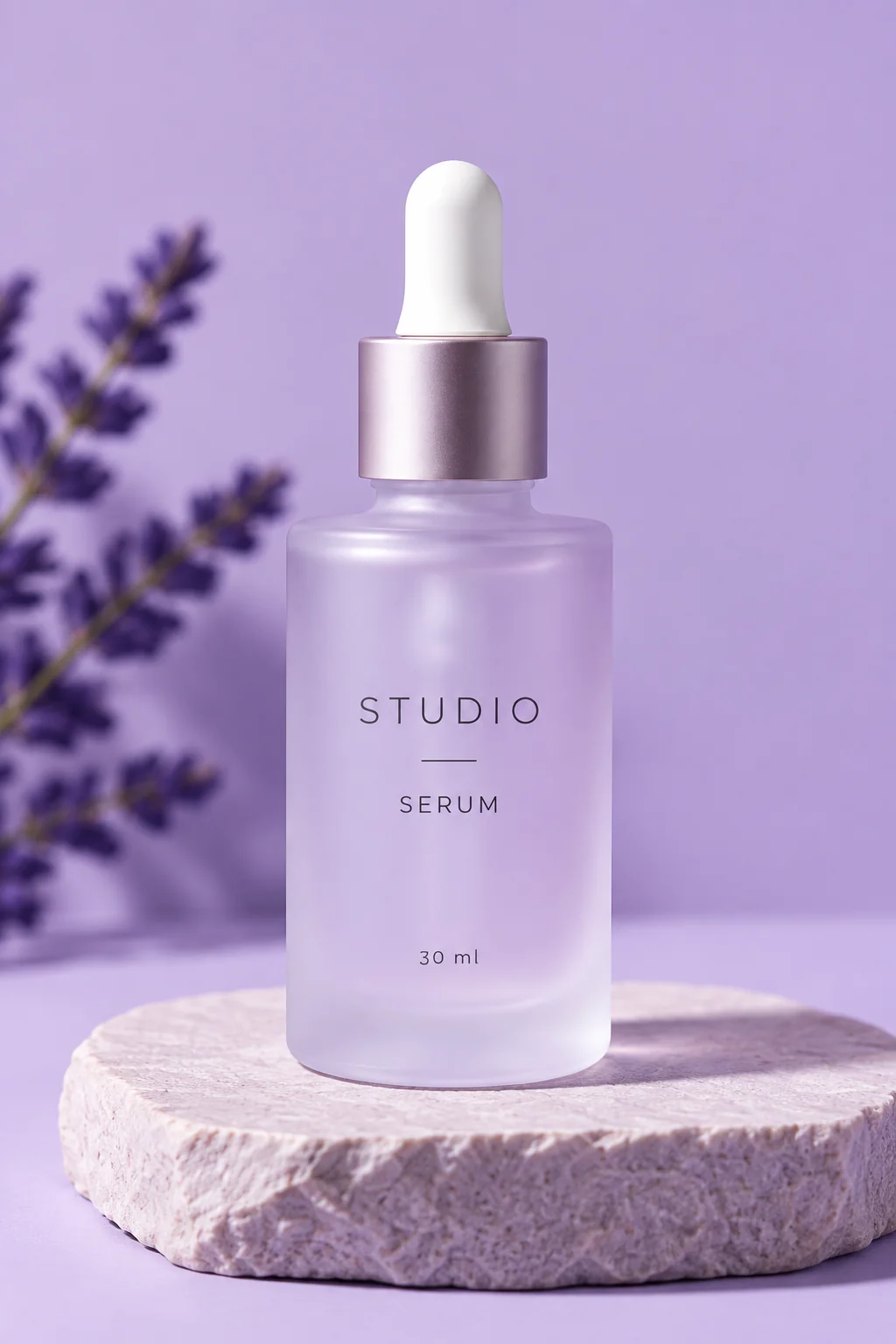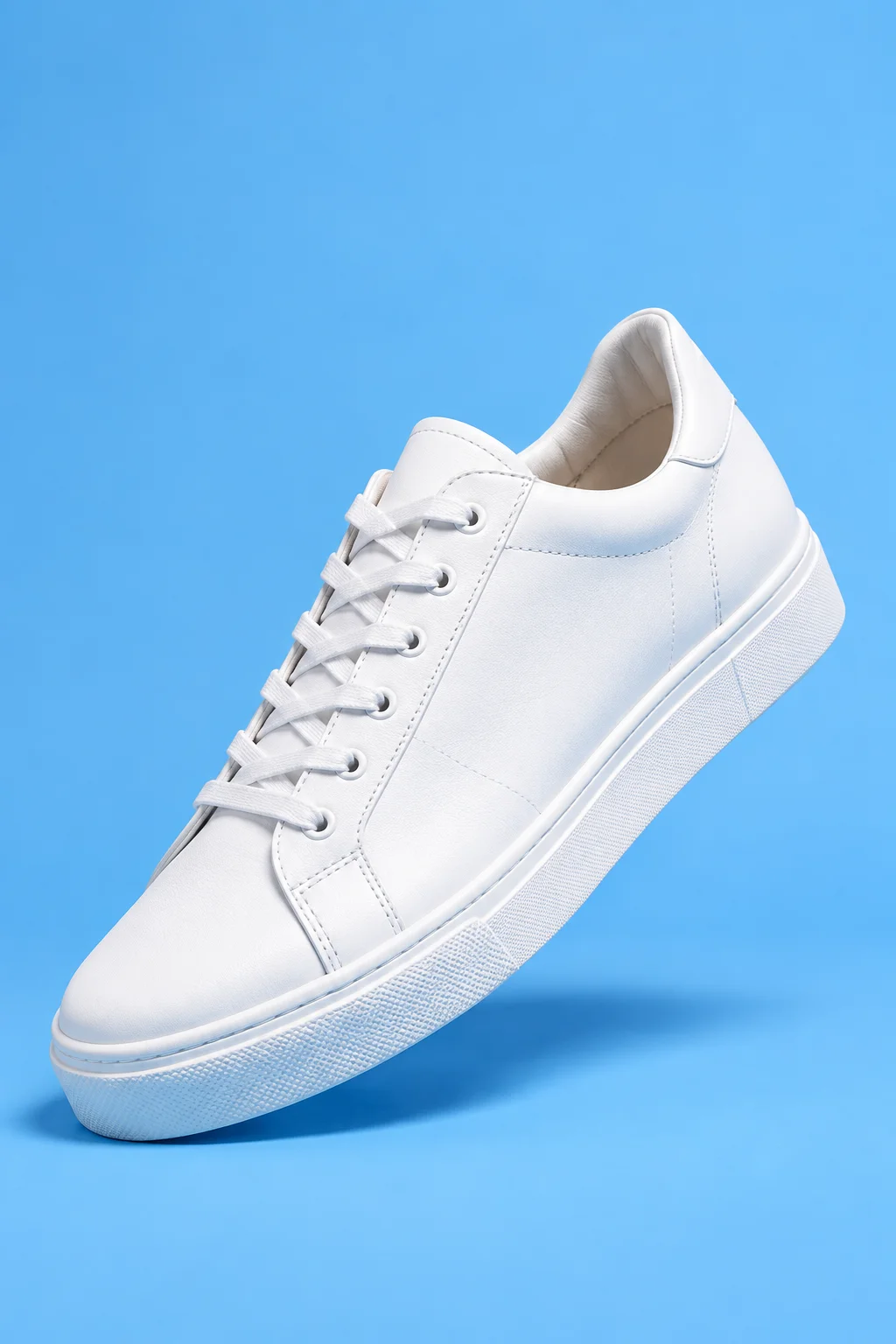
Latest article
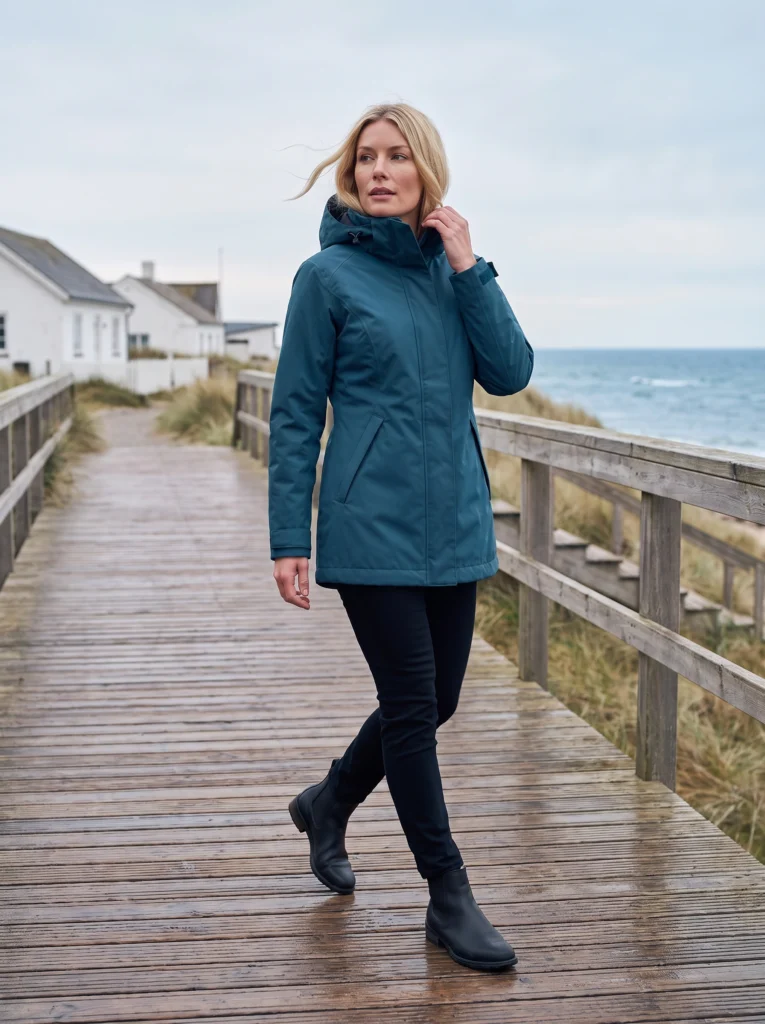
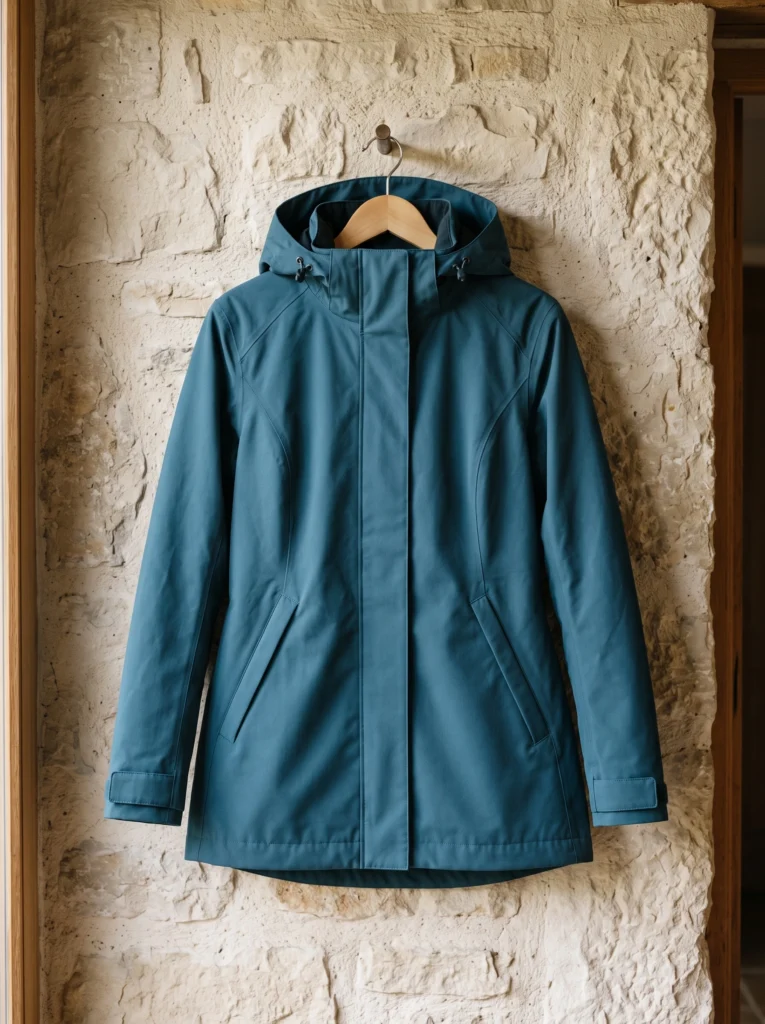
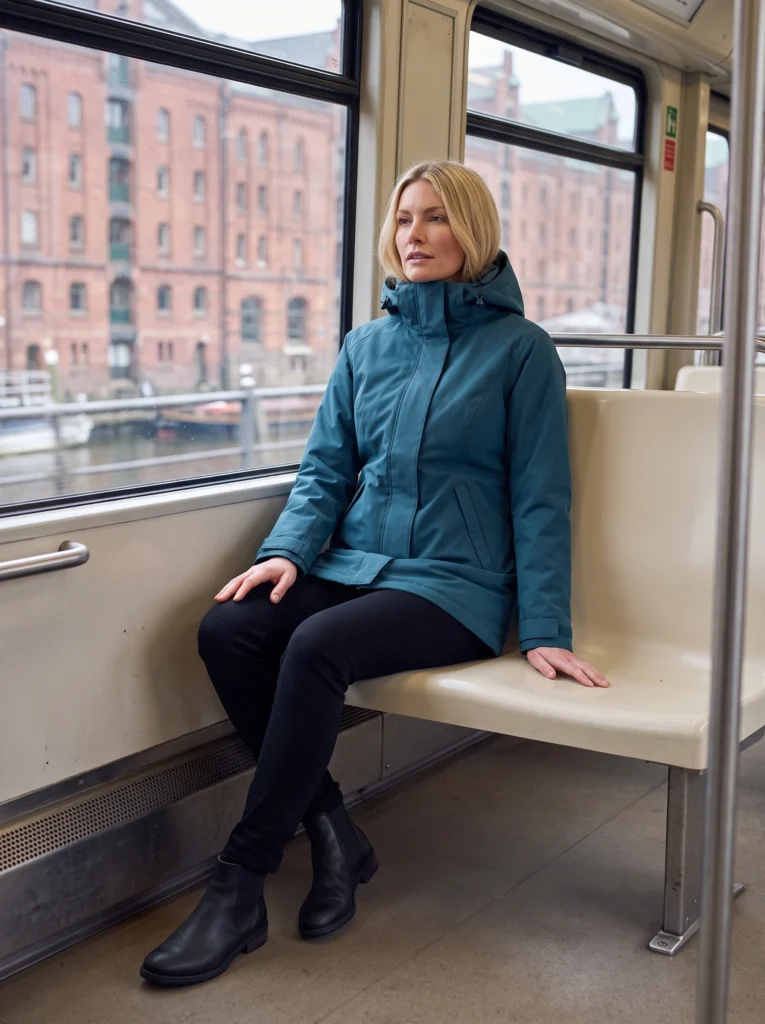
AI Raincoat Photography: One Coat, City to Coast
One petrol-blue coat across full-outfit, transit and coastal campaign scenes.
Read article
Latest article
One petrol-blue coat across full-outfit, transit and coastal campaign scenes.
Read articleWe couldn’t load the articles. Please try again.
Open archive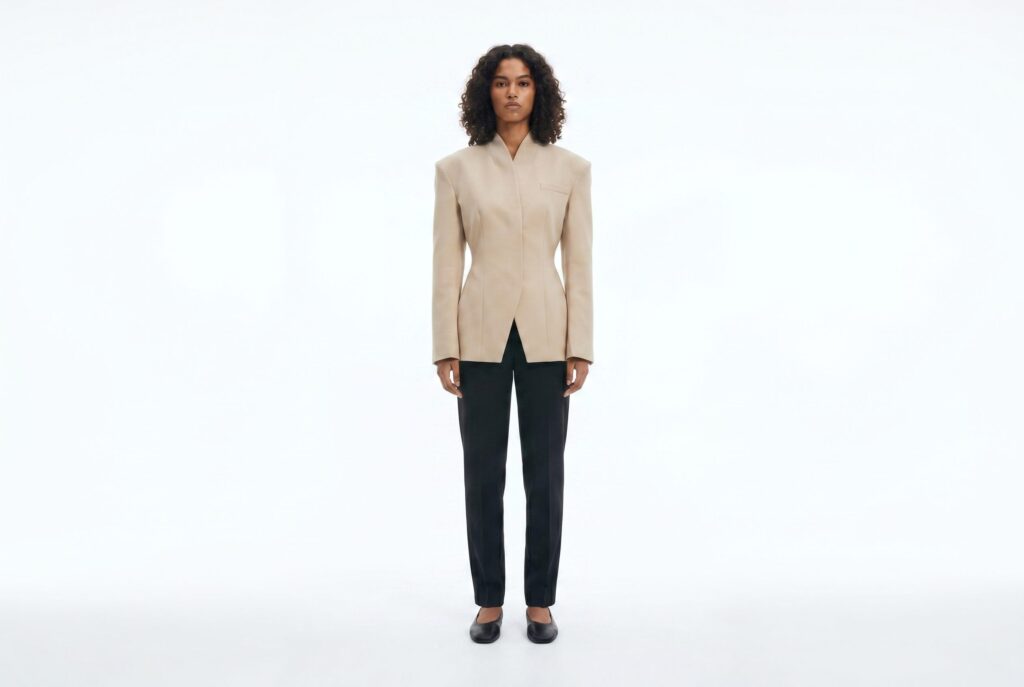
Comparison
Compare Fotogenic AI's image creation with Resleeve's team-workspace proposition, current access and approval responsibilities.
Comparison
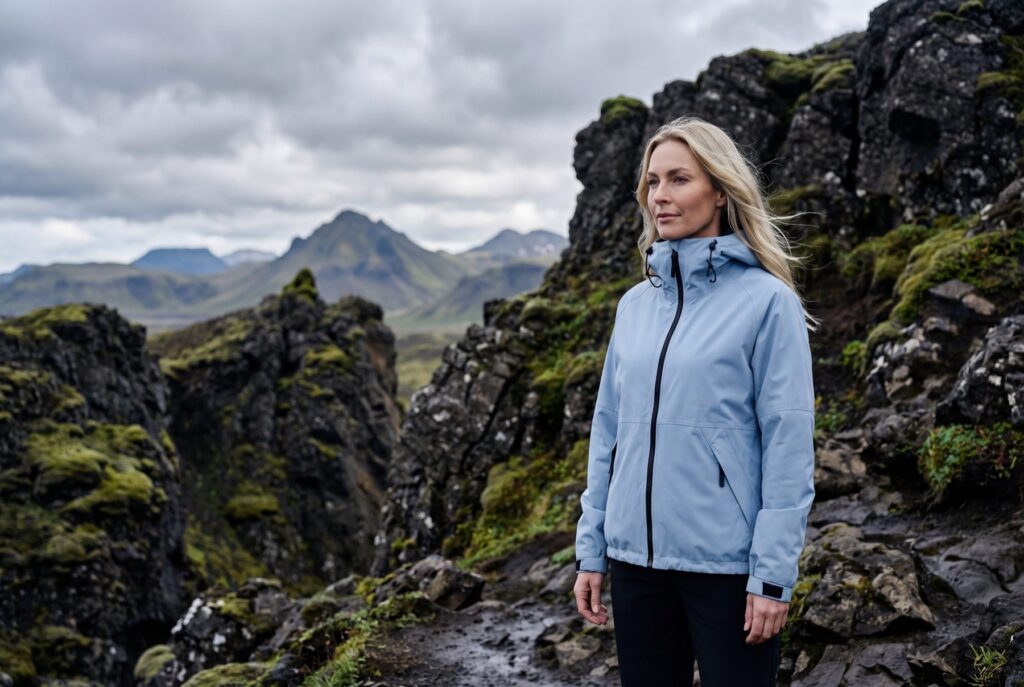
Compare product-image creation, VidCap animation and shopper-facing VTO. These are different purchases with different source requirements.
Comparison
Compare Fotogenic AI with Mokker's move to soona. Separate current membership, legacy access and physical production.
Comparison
Compare Fotogenic AI's merchant workflow with Bria's product-preserving operations, editable creative and production infrastructure.
Comparison
Compare product-image creation with presenter video and footage editing. Choose around the deliverable your campaign needs.
Comparison
Start with the product stage. Compare digital design work with Fotogenic AI's imagery for an existing product.
Comparison
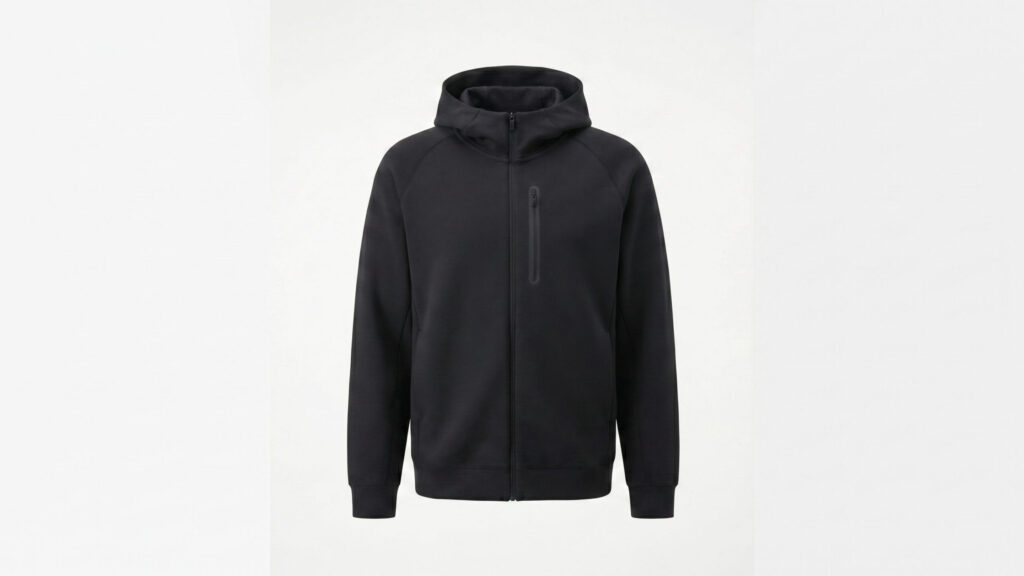
Compare shoot controls and output provenance with Fotogenic AI's reference-led creation and reviewed delivery.
Comparison
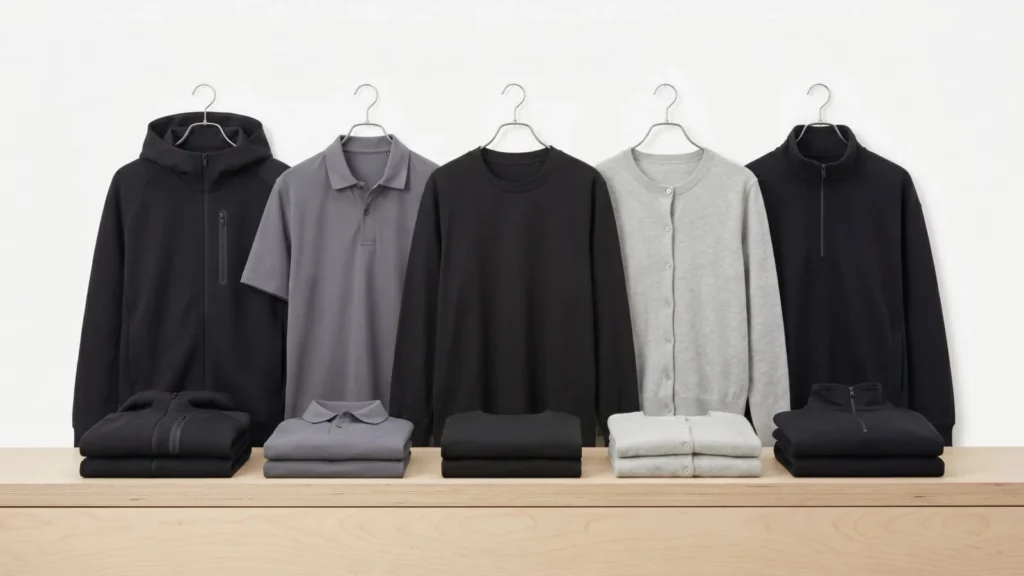
Compare automated review and credit ownership with Fotogenic AI's merchant-directed image creation.
Comparison
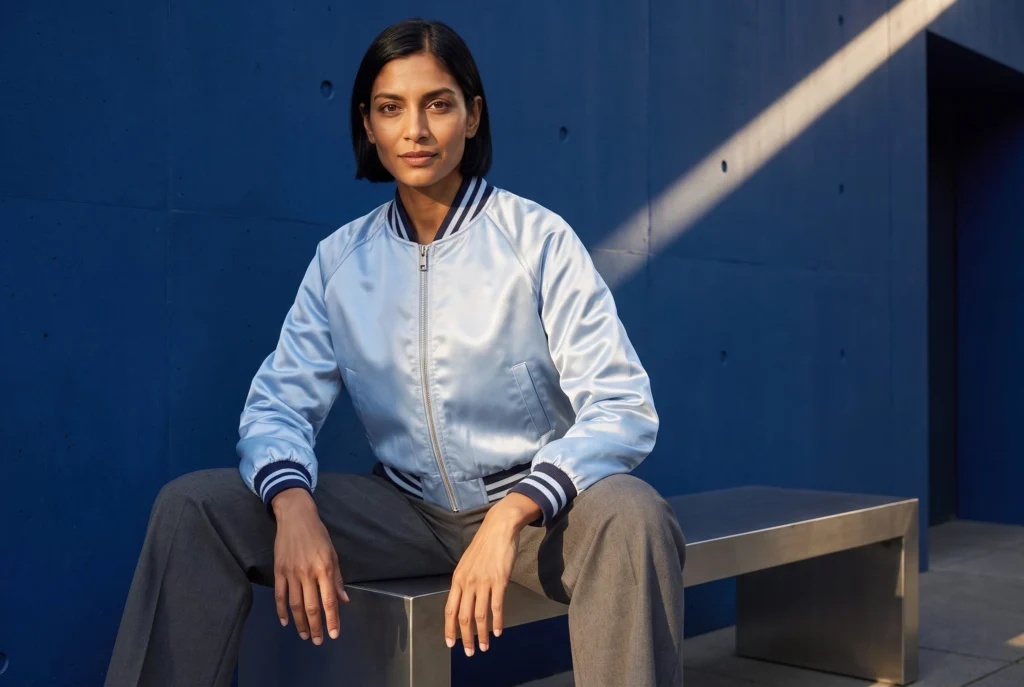
Compare outfit controls, active references and asset retention with Fotogenic AI's product-led creative workflow.
Make it yours
Turn a product photo into a new scene for your store.