Latest article
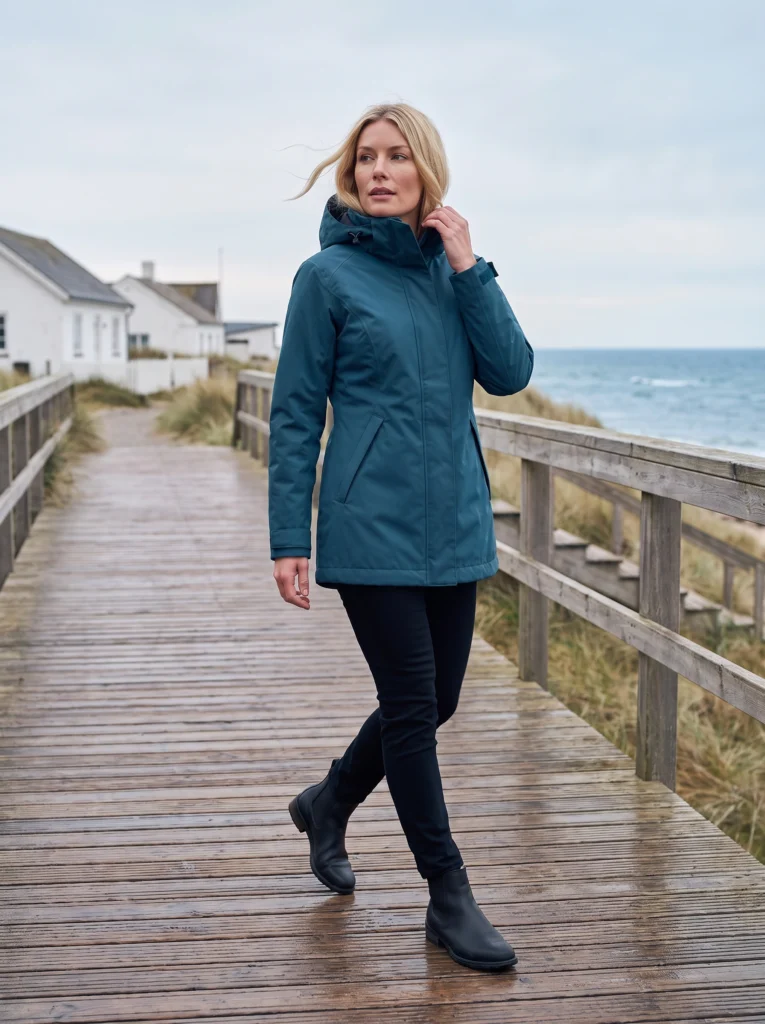
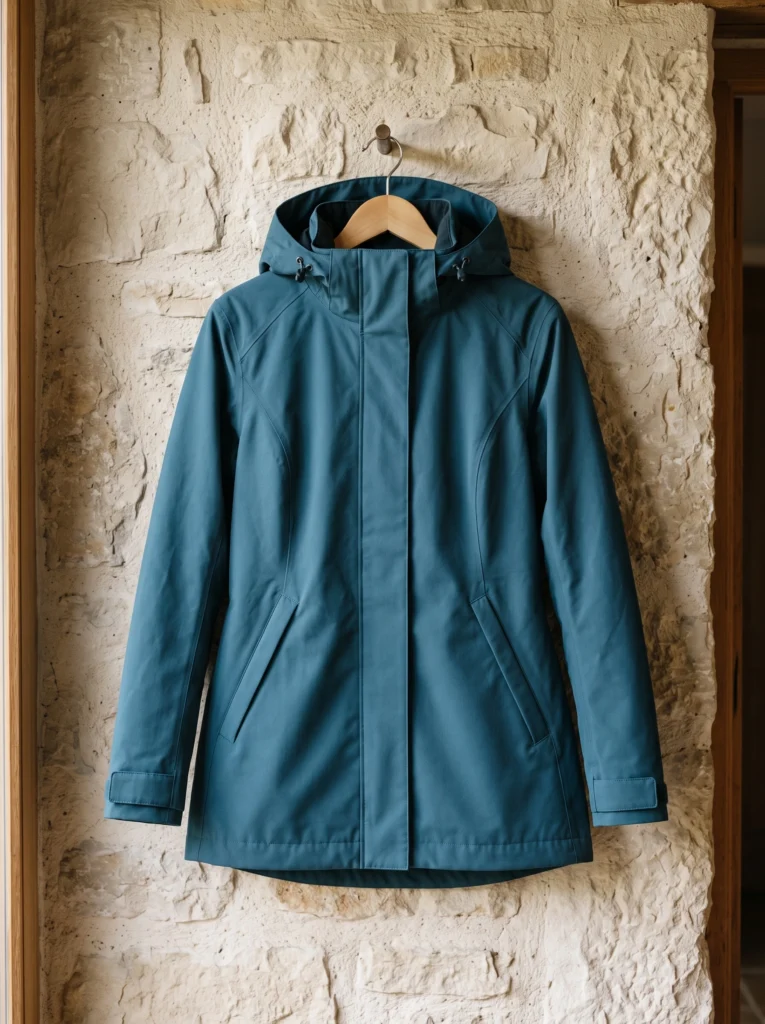
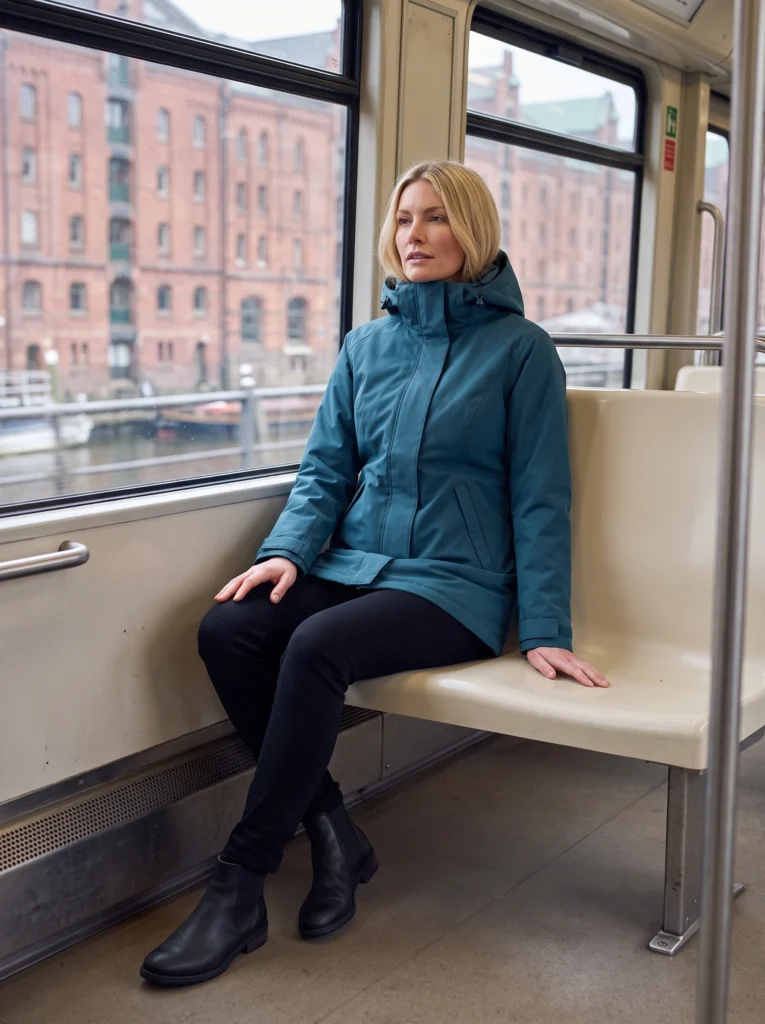
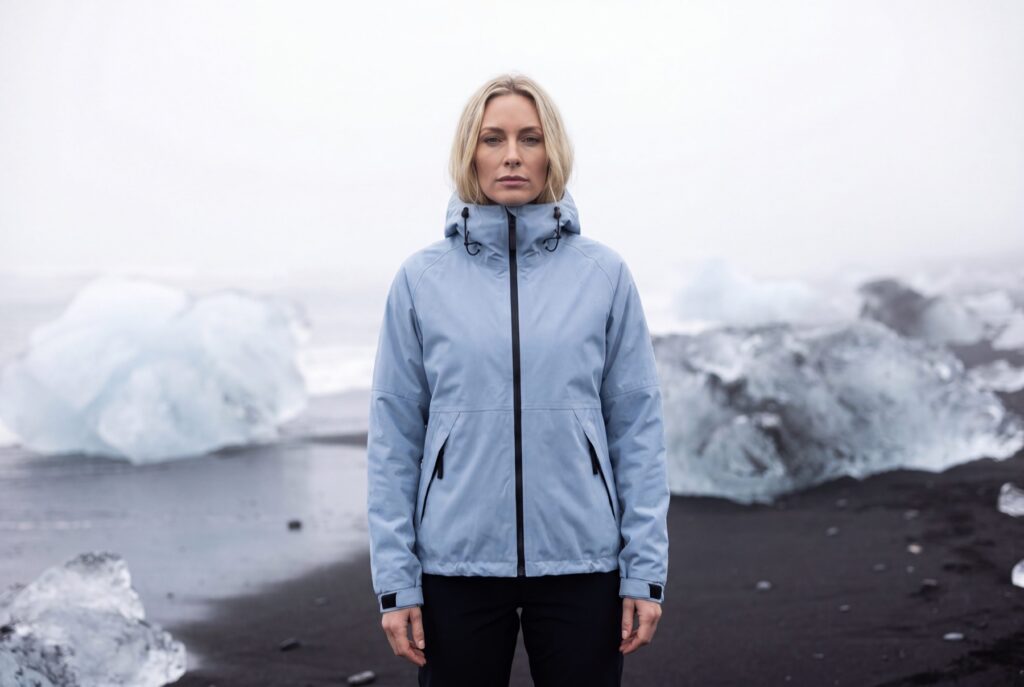
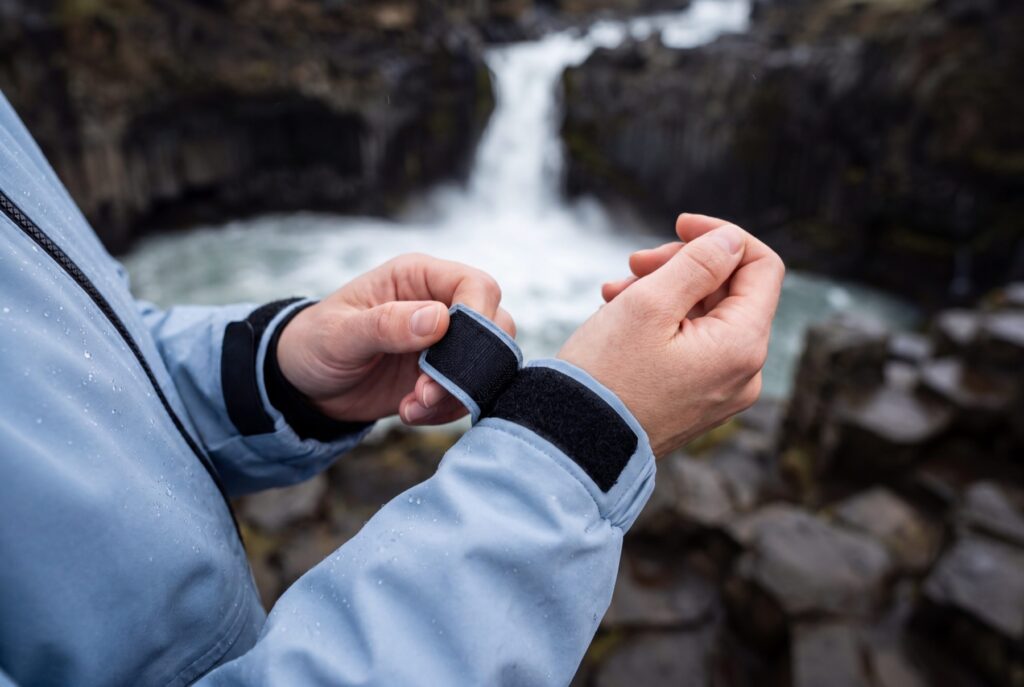
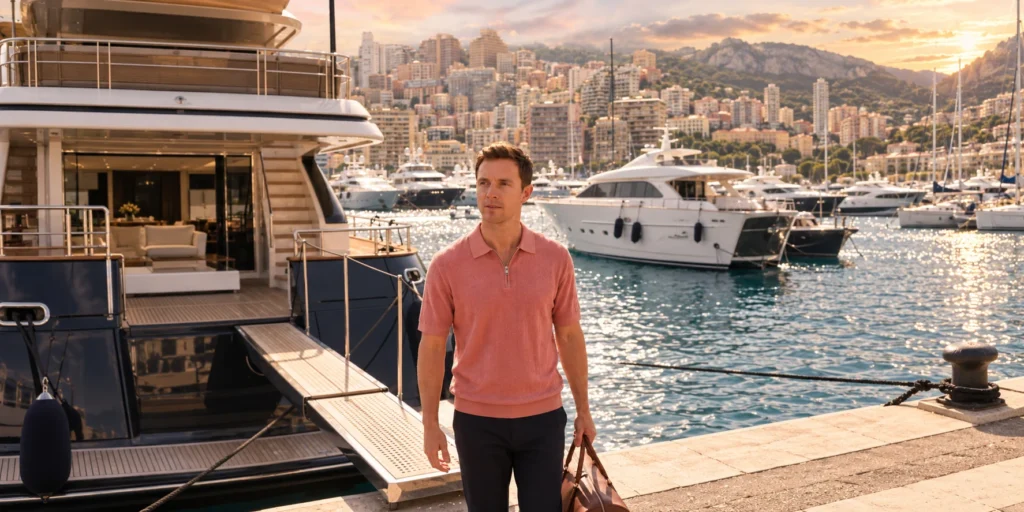
AI Raincoat Photography: One Coat, City to Coast
One petrol-blue coat across full-outfit, transit and coastal campaign scenes.
Read article
Latest article
One petrol-blue coat across full-outfit, transit and coastal campaign scenes.
Read articleWe couldn’t load the articles. Please try again.
Open archive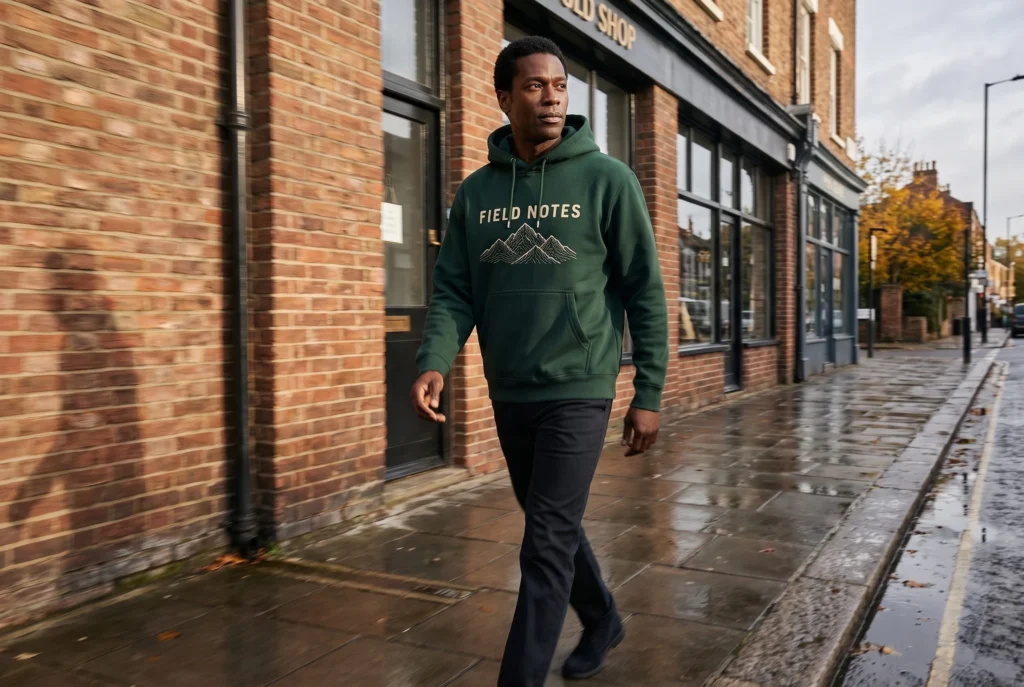
Product photography
Create a realistic on-model scene, then check that the print still represents the garment you sell.
Product photography
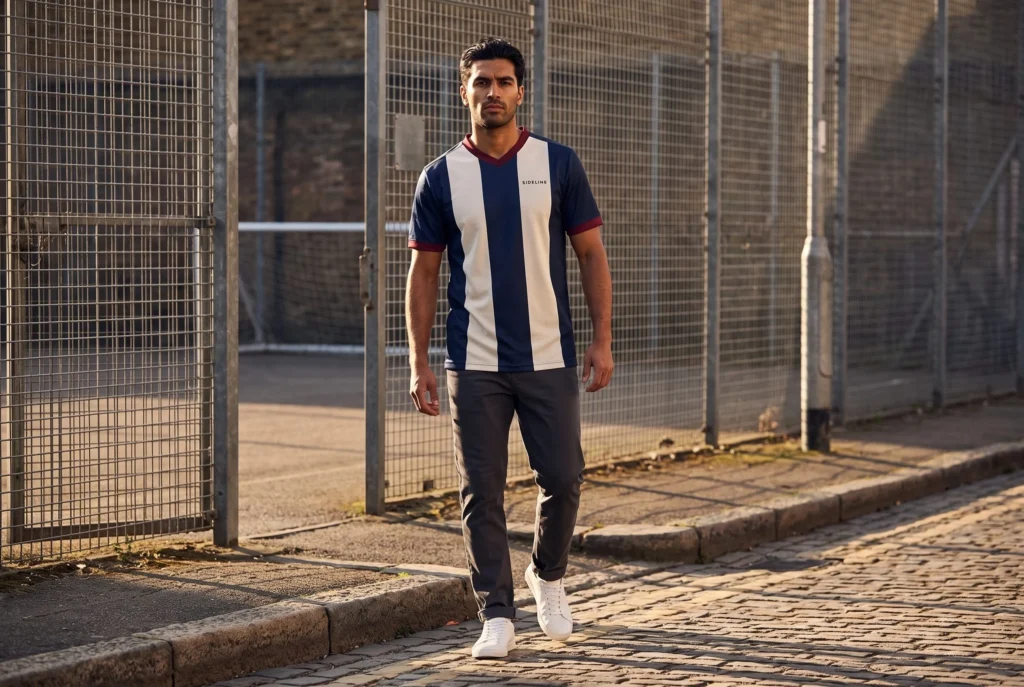
Turn a clothing launch idea into clear image instructions. Follow one jersey campaign from reference to finished scenes.
Guide
Photograph the details buyers need. Create a scene for the styling.
Workflow
Review the garment before the scene. Publish only the file you approved.
Campaigns
Keep the garment visible in every banner. Give the headline room on desktop and mobile.
Workflow
Map your garment photo to the right fields. Start with one useful scene.
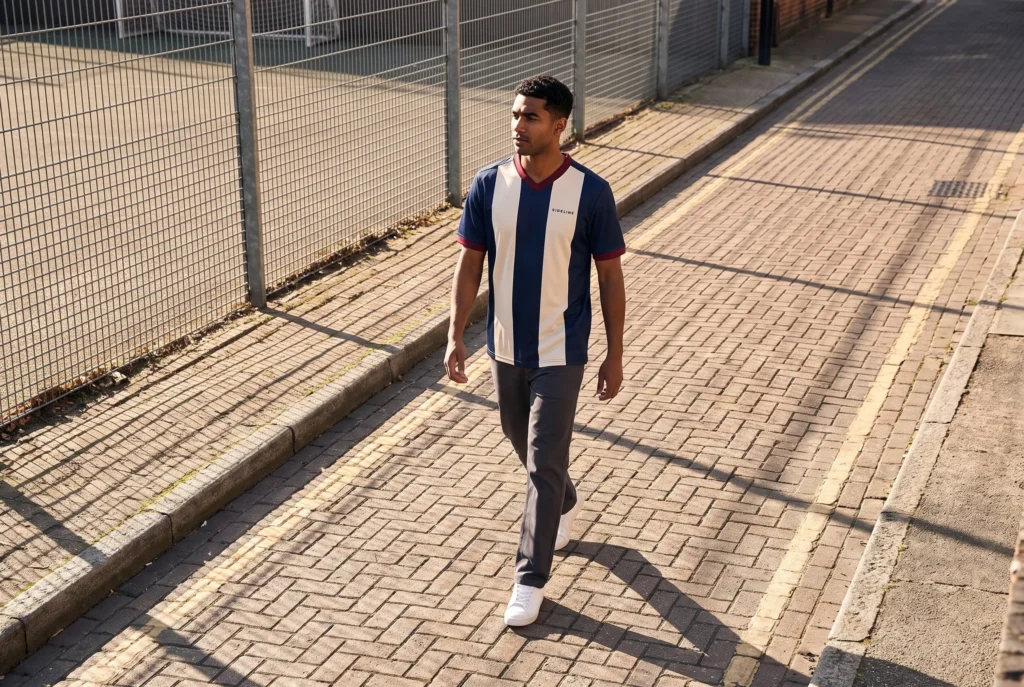
Campaigns
Connect each image to its clothing source. Give every file a clear place in the launch.
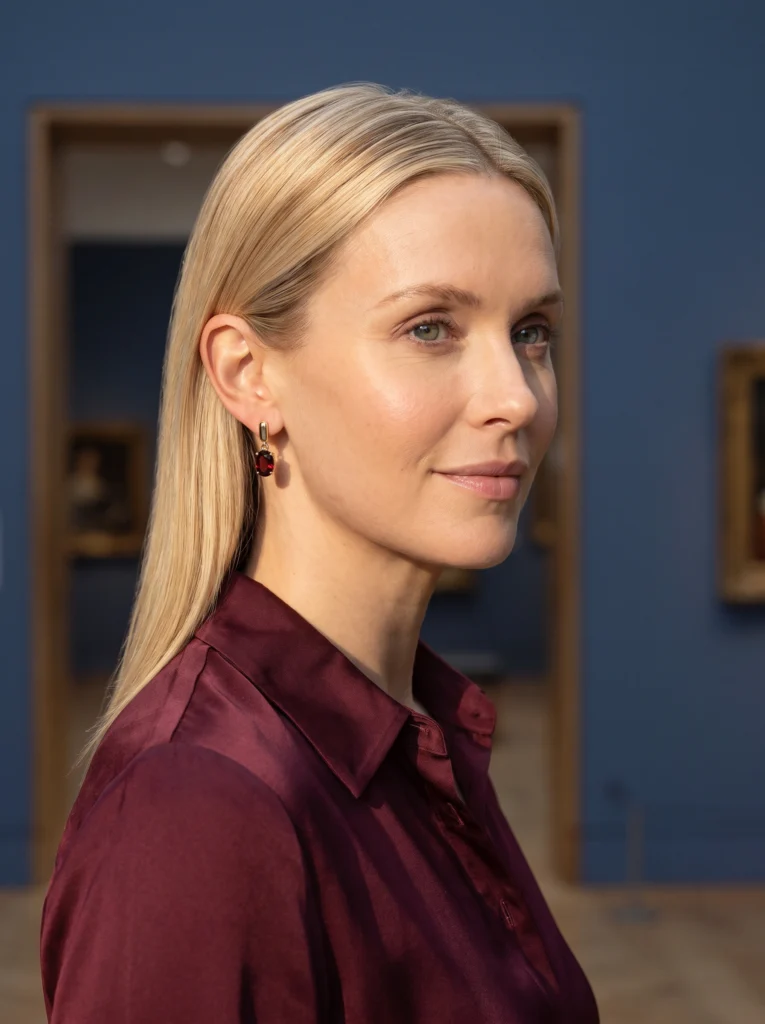

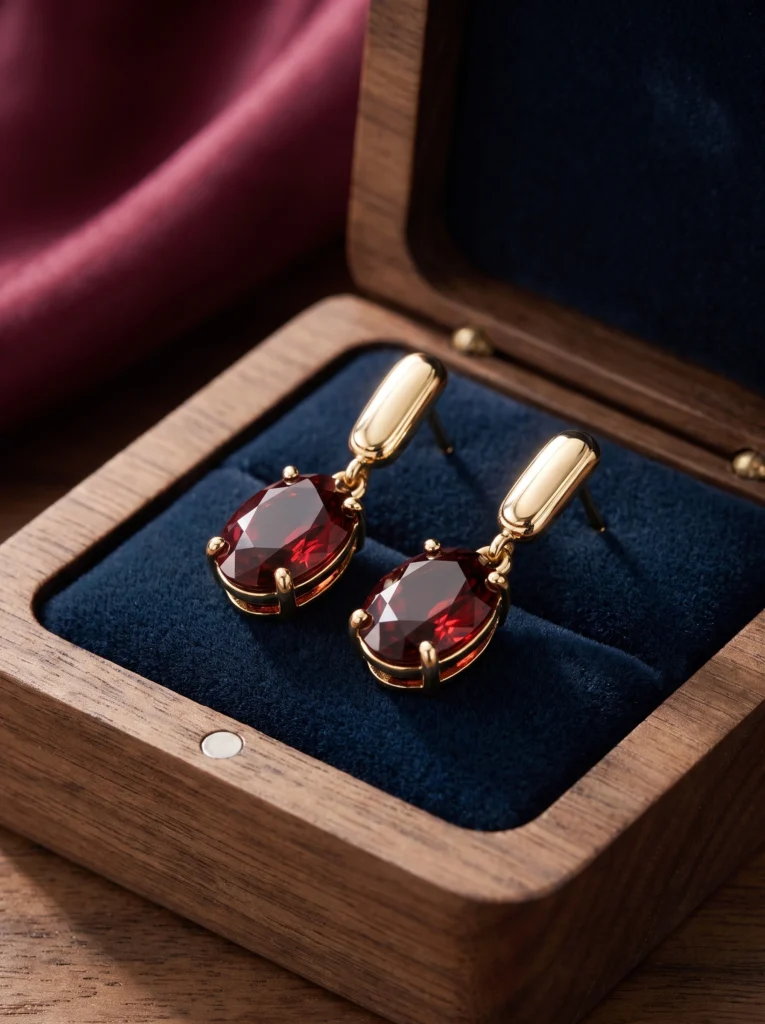
Jewelry
Gold-and-garnet earrings from complete pair to worn detail and evening occasion.
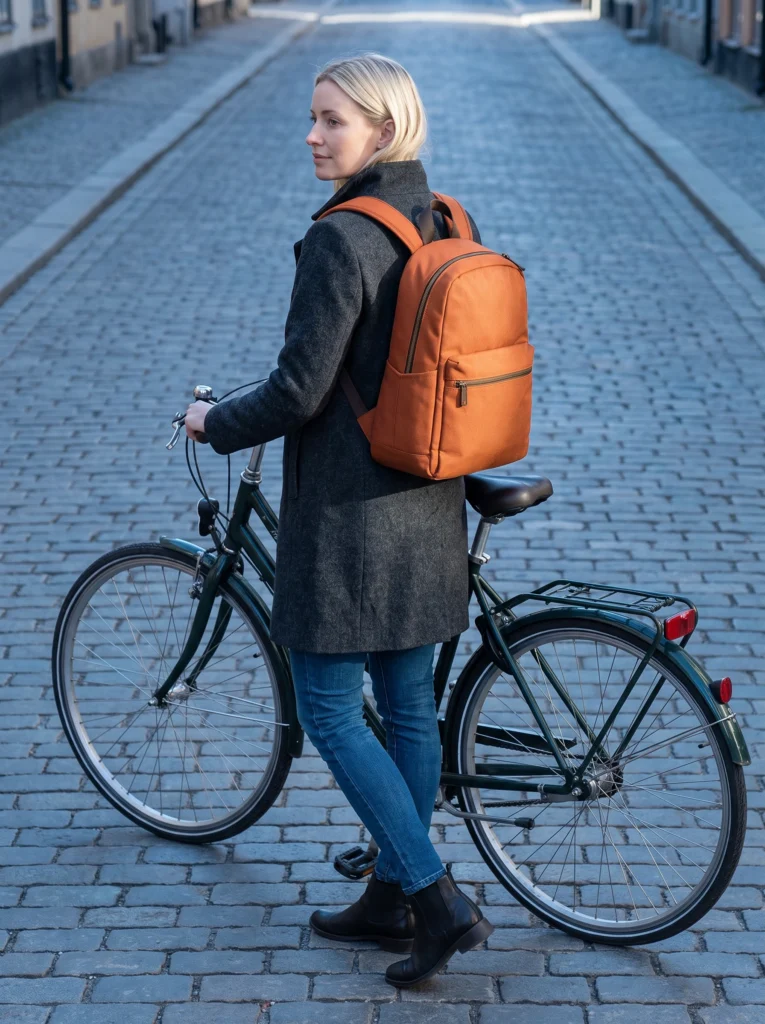

Bags
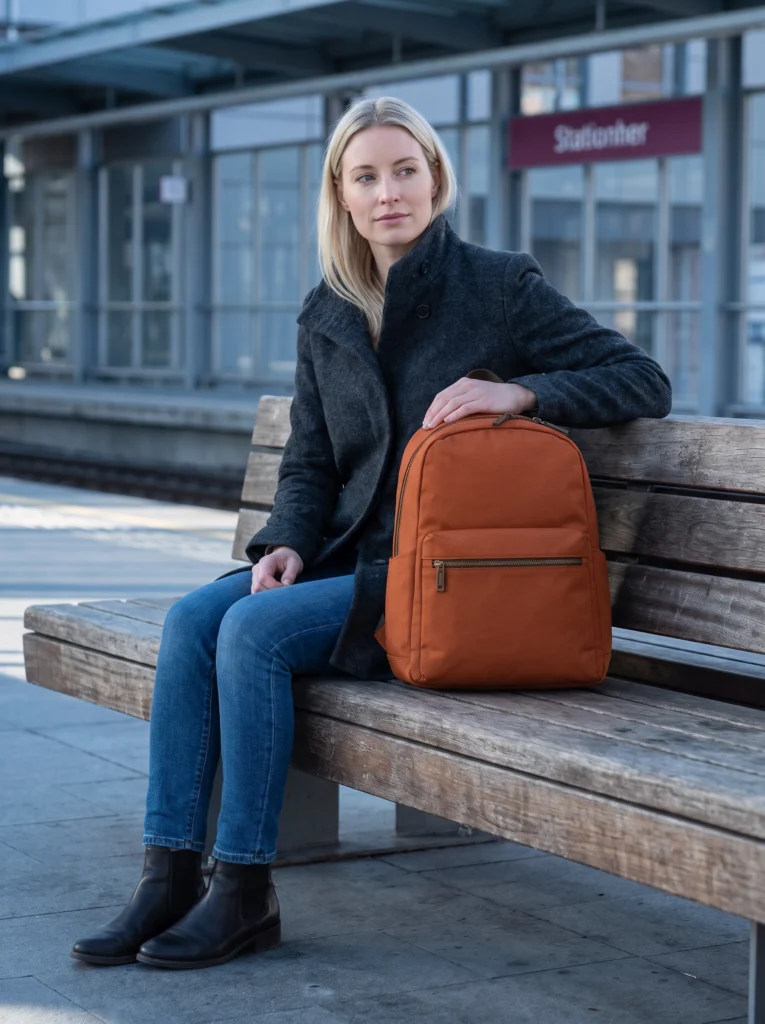
An orange backpack moves from a wide station lead to wearing, carrying and arrival.
Make it yours
Turn a product photo into a new scene for your store.