Latest article
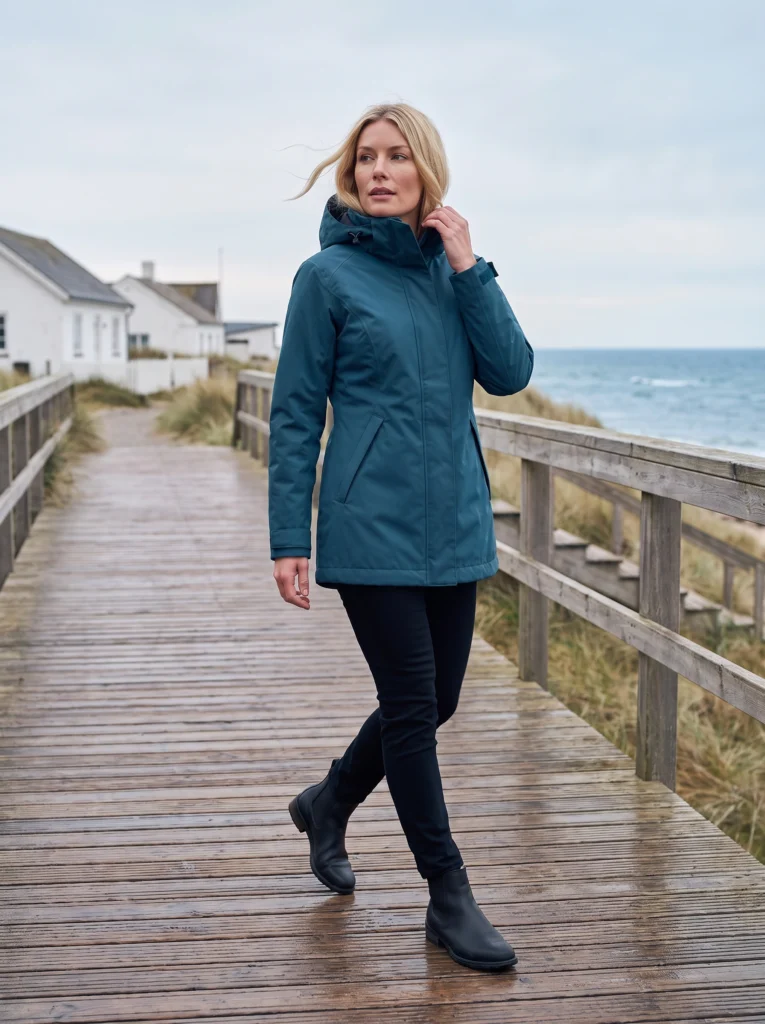
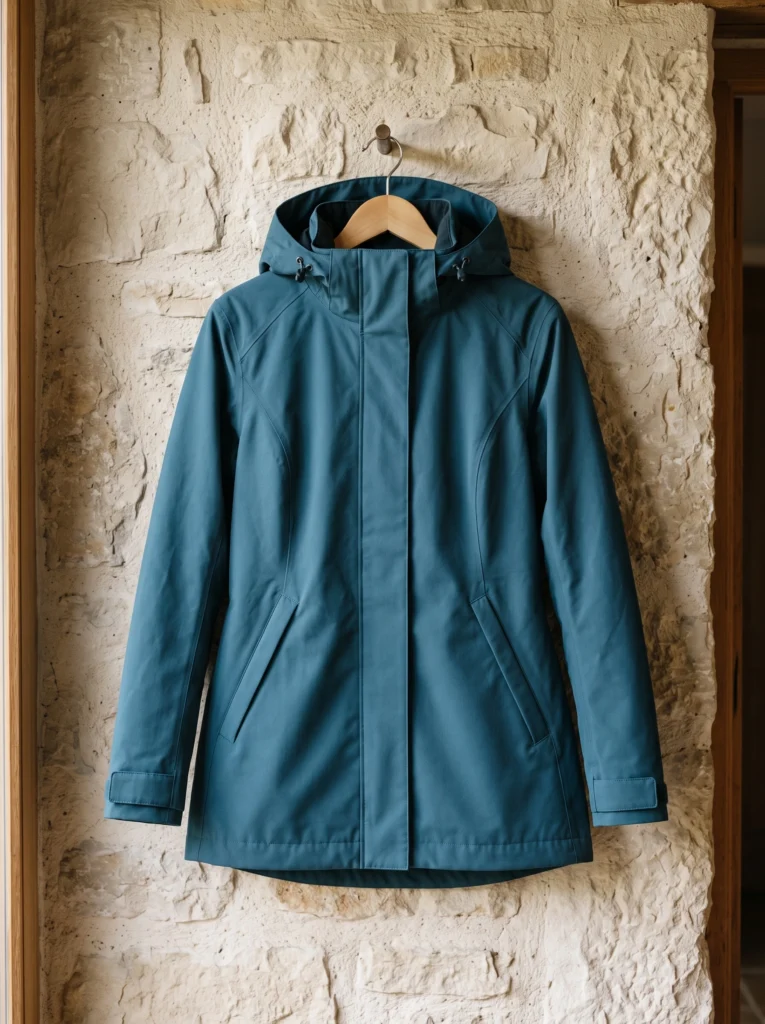
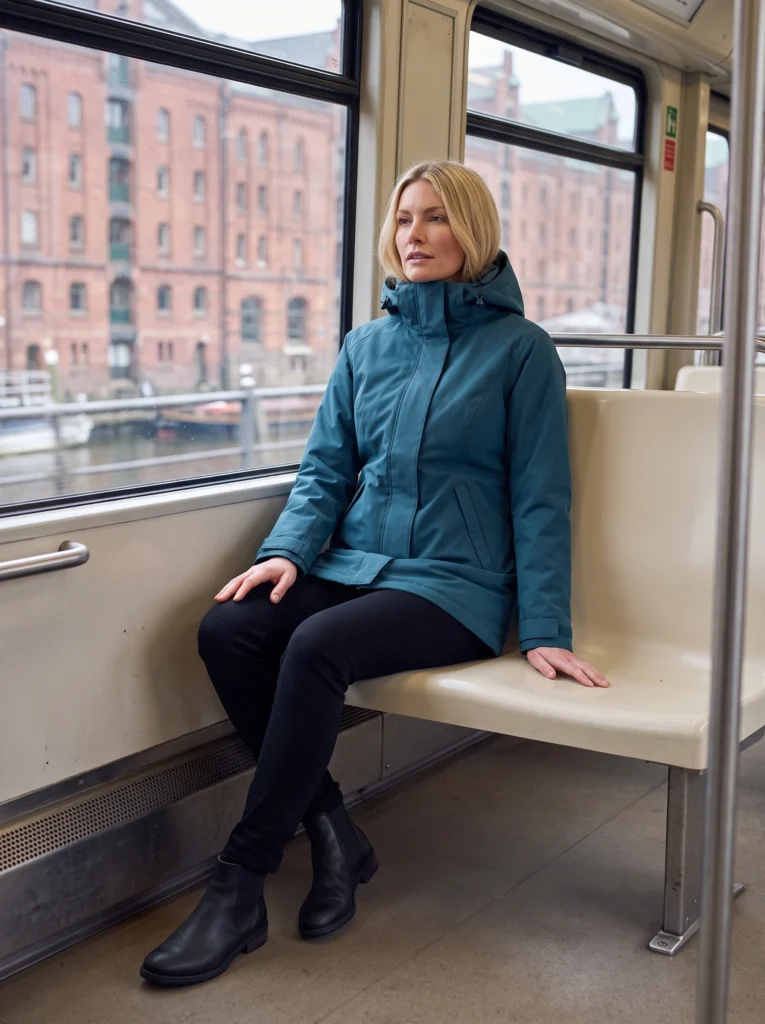
AI Raincoat Photography: One Coat, City to Coast
One petrol-blue coat across full-outfit, transit and coastal campaign scenes.
Read article
Latest article
One petrol-blue coat across full-outfit, transit and coastal campaign scenes.
Read articleWe couldn’t load the articles. Please try again.
Open archive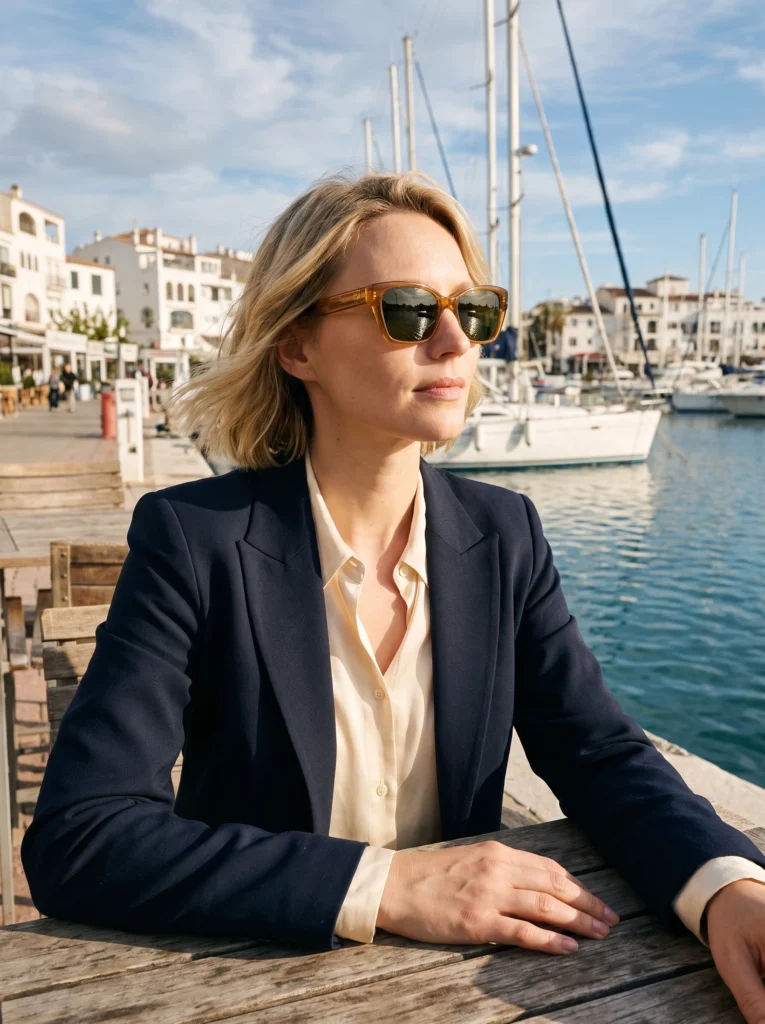
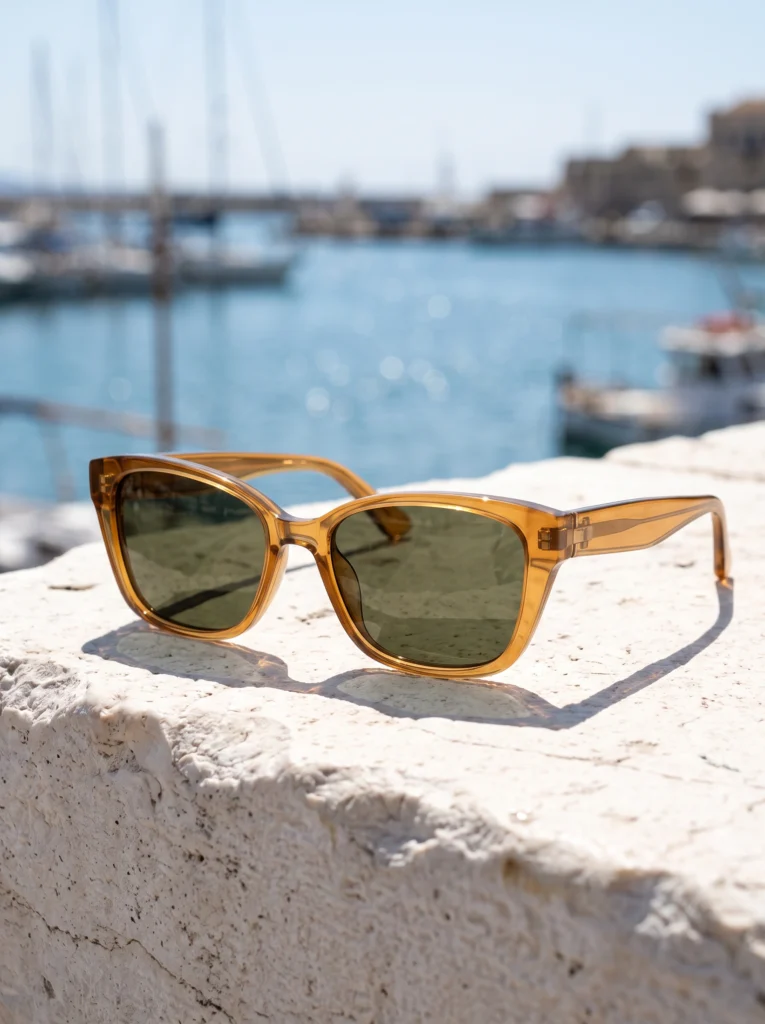
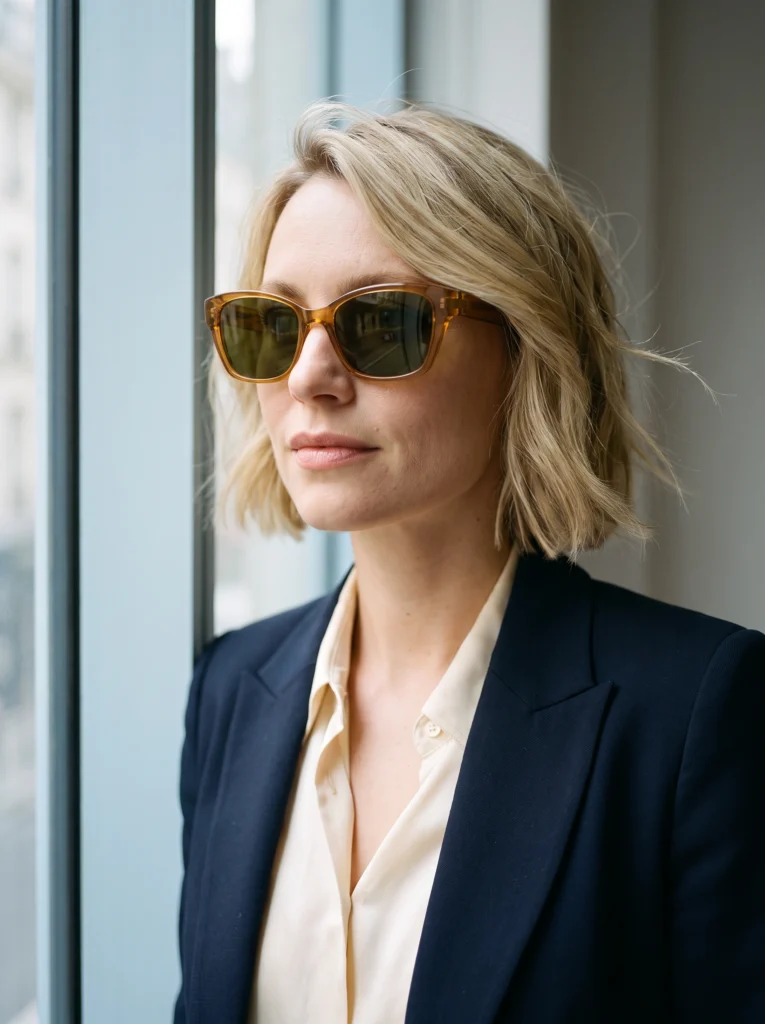
Eyewear
Amber eyewear across complete-frame stills, handling gestures and worn fashion scenes.
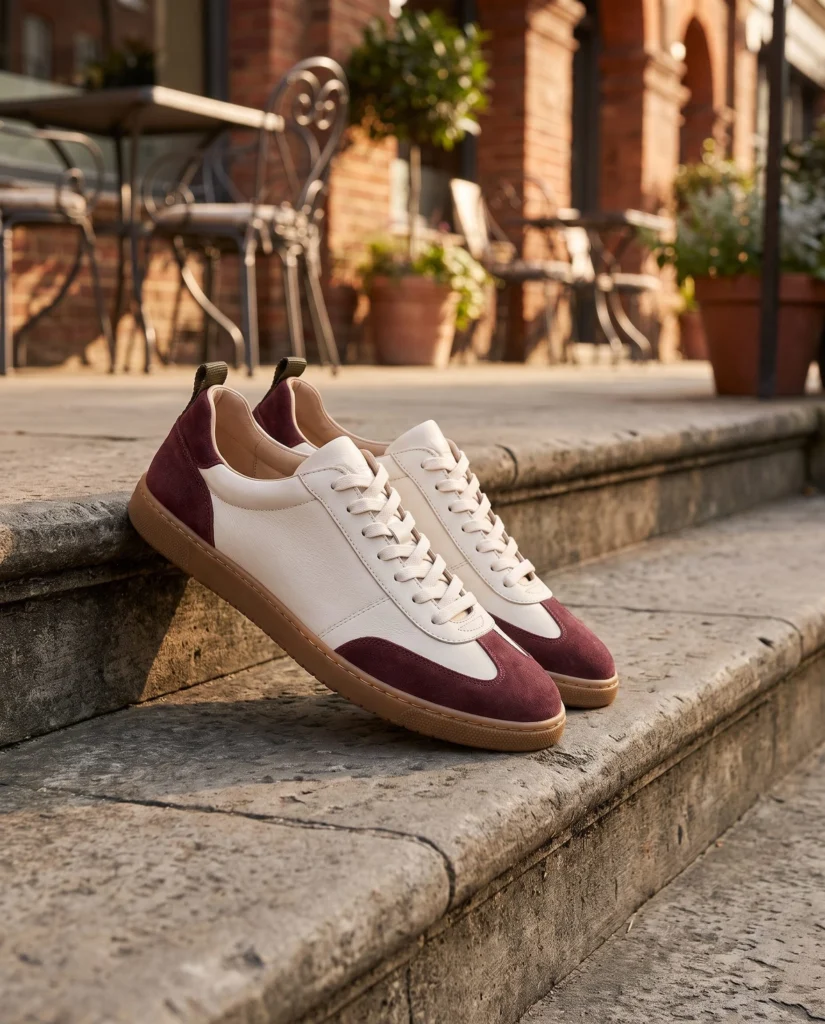
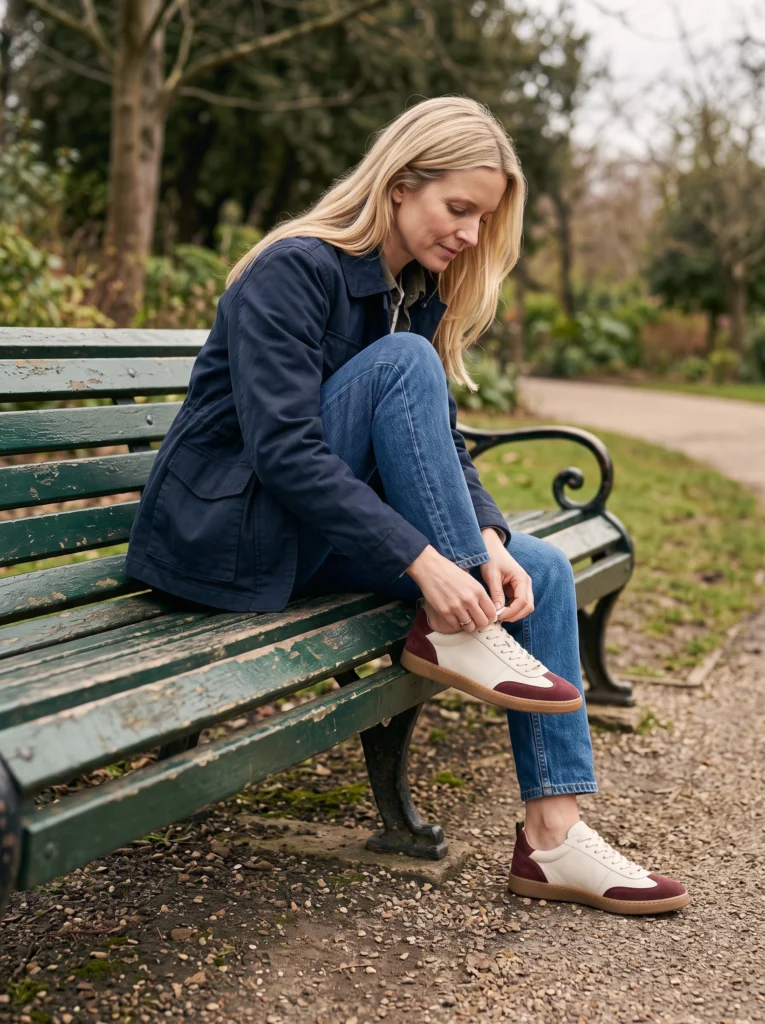
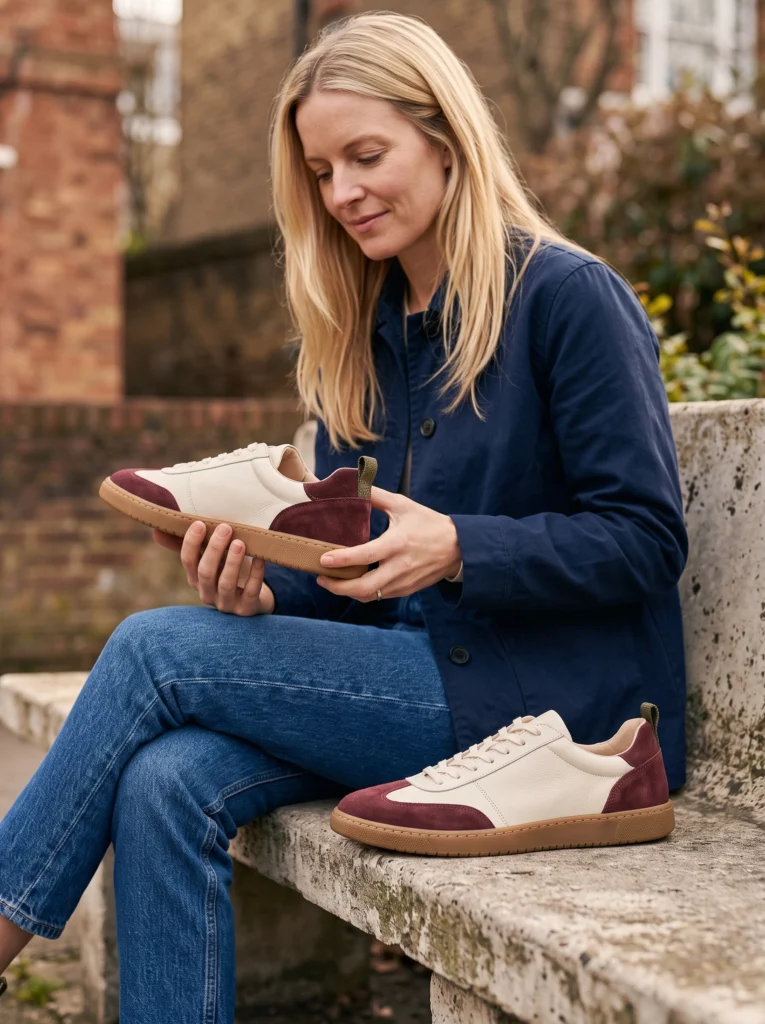
Footwear
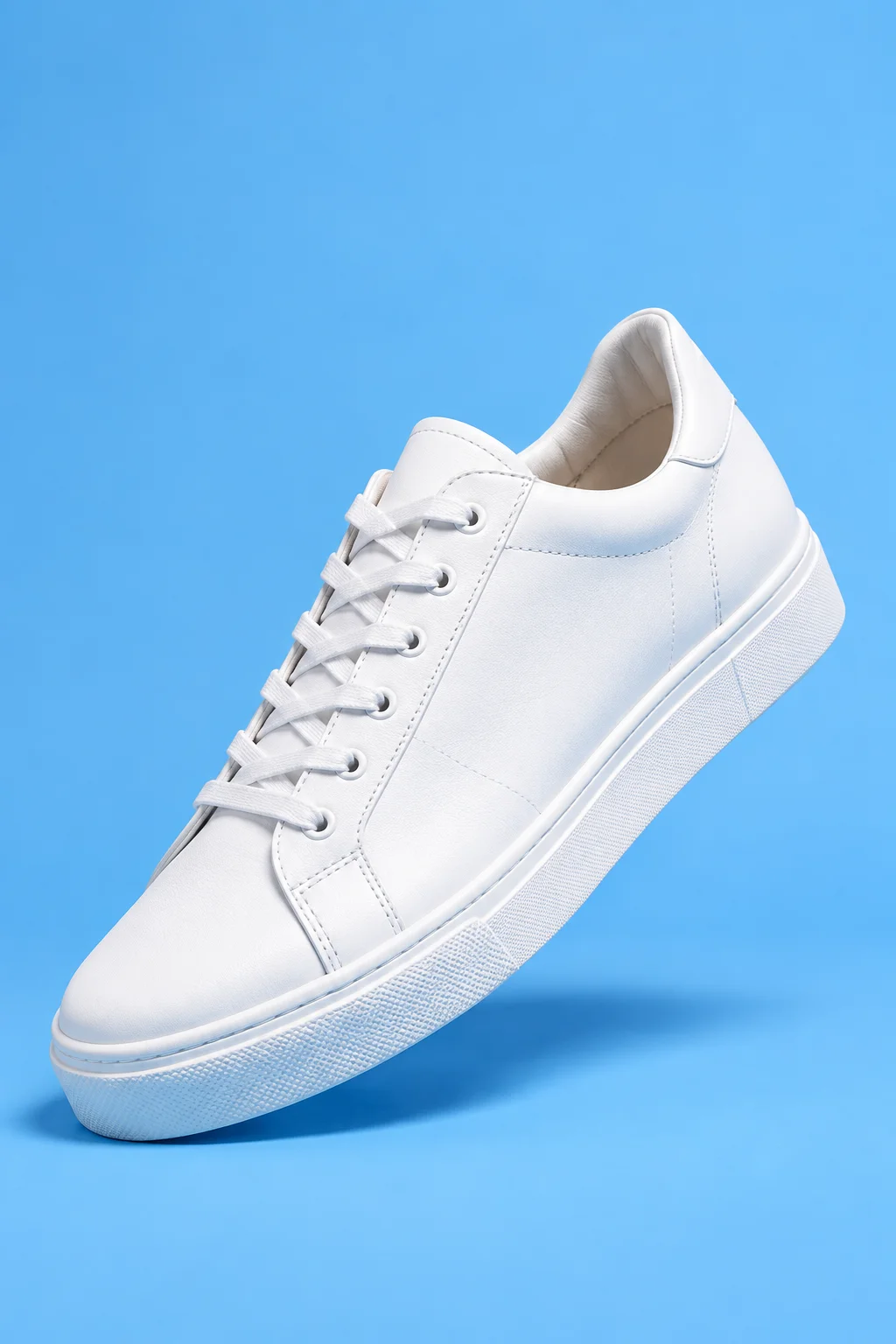
Complete pair, lacing and city outfits give the sneaker campaign several useful scales.
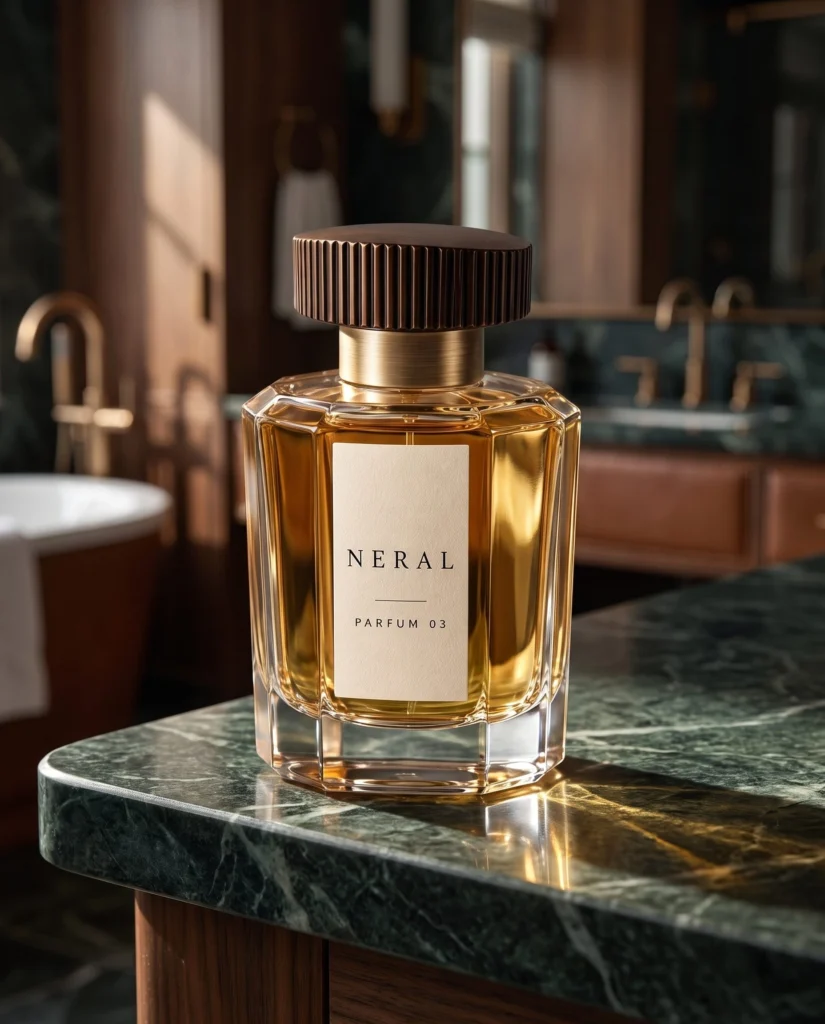
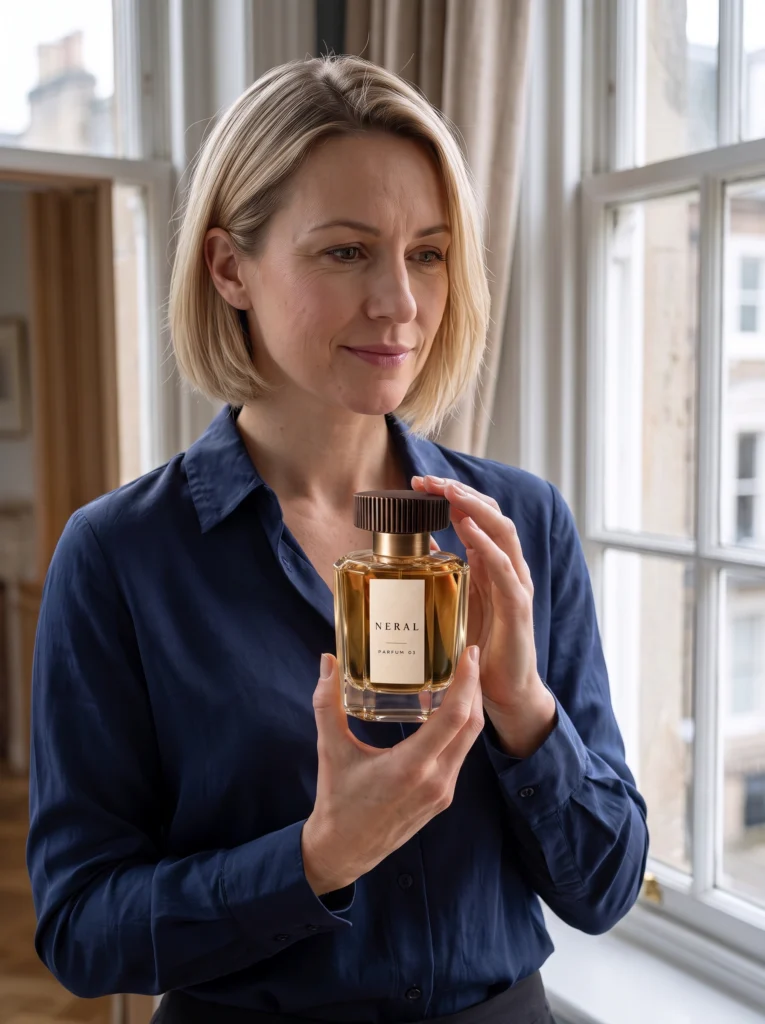
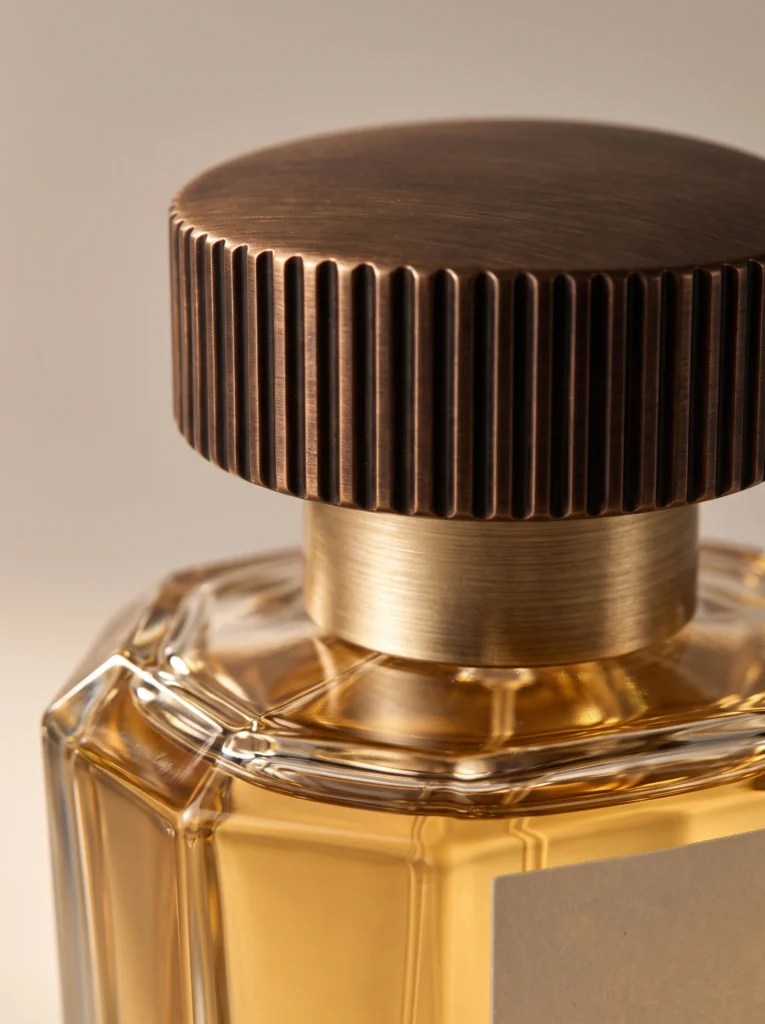
Fragrance
One fragrance bottle connects vanity, packing, personal gesture and evening scenes.
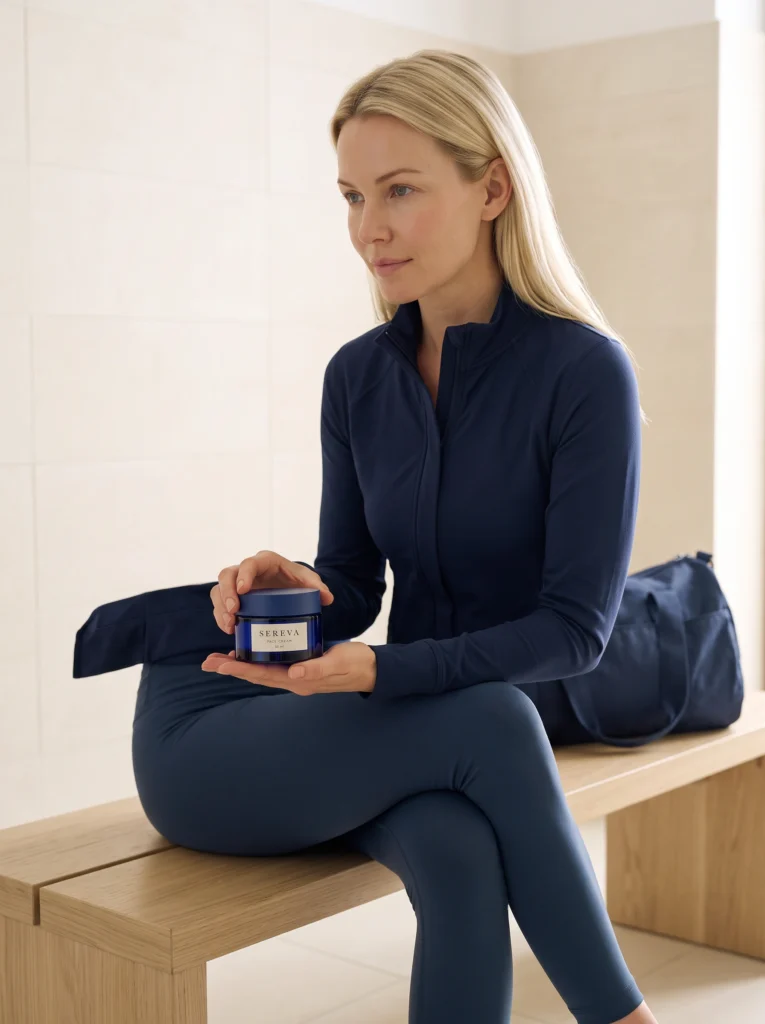
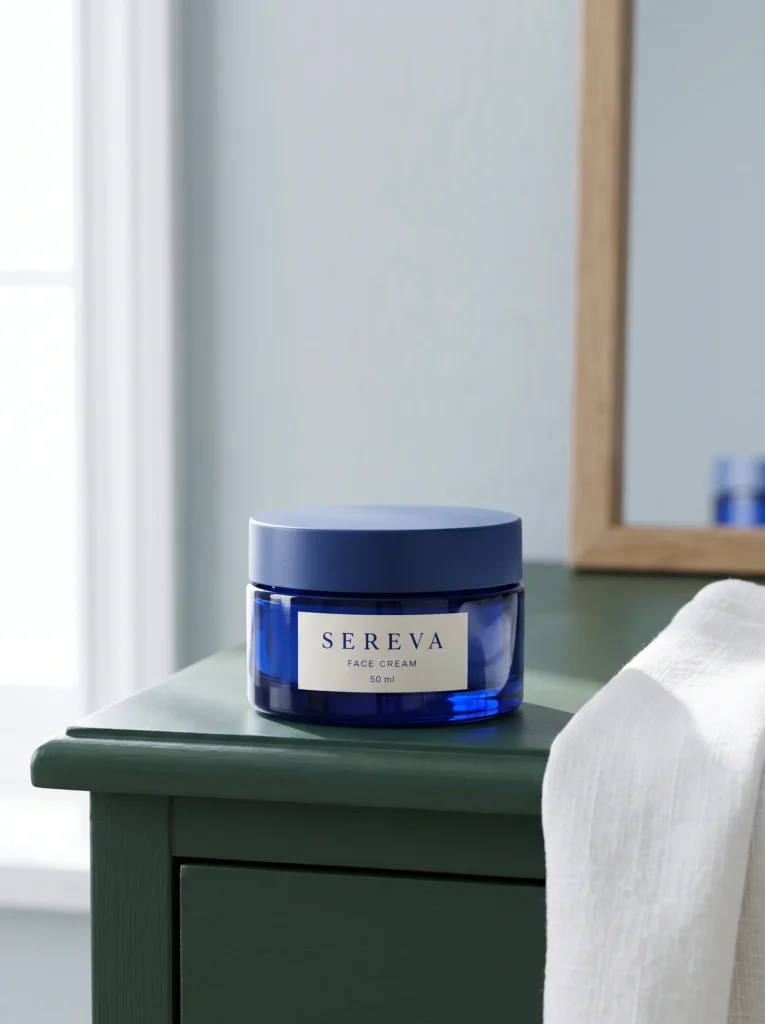

Skincare
One cobalt skincare jar across clear package views, morning routines and travel.
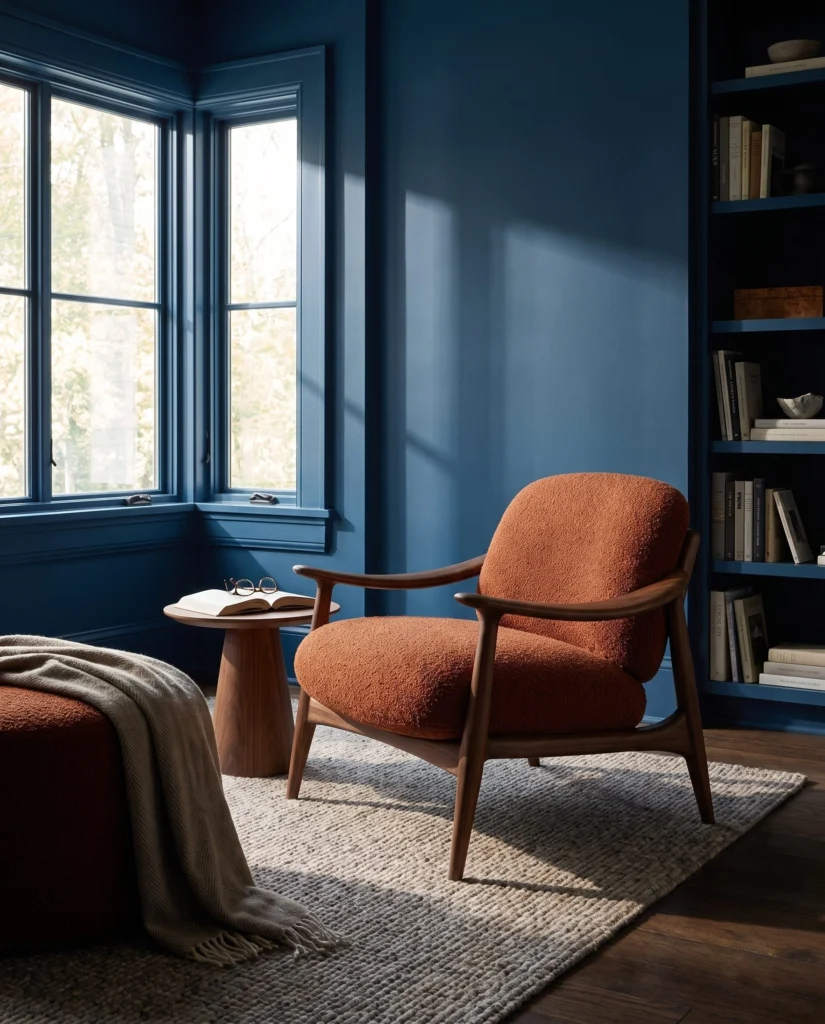
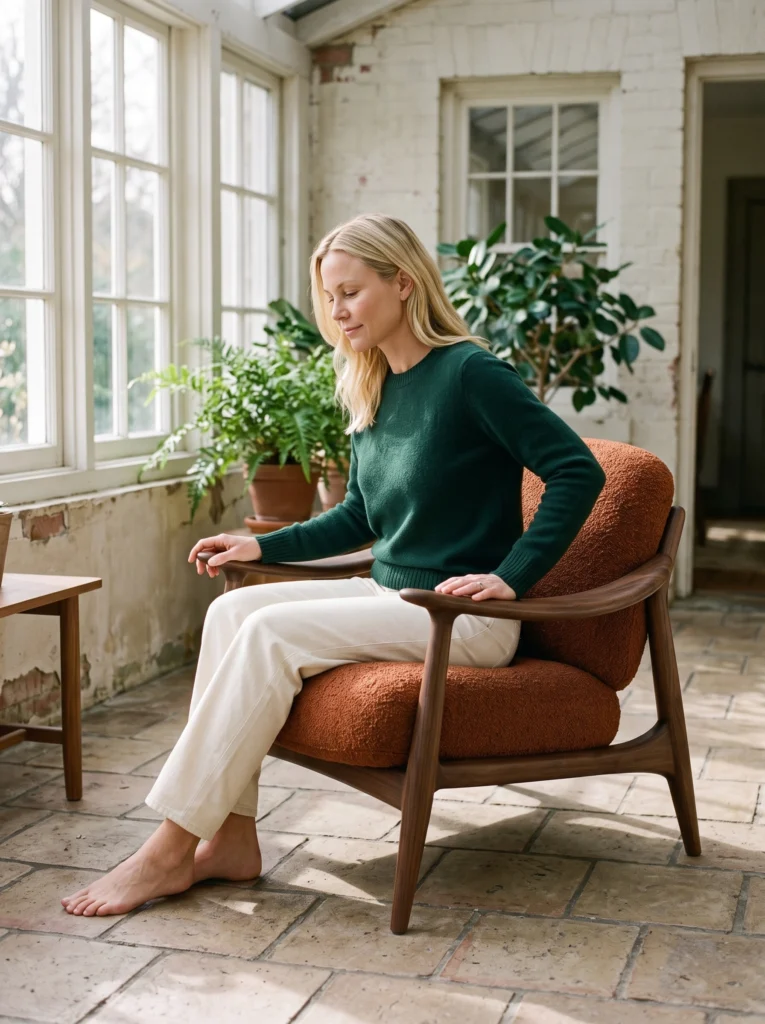
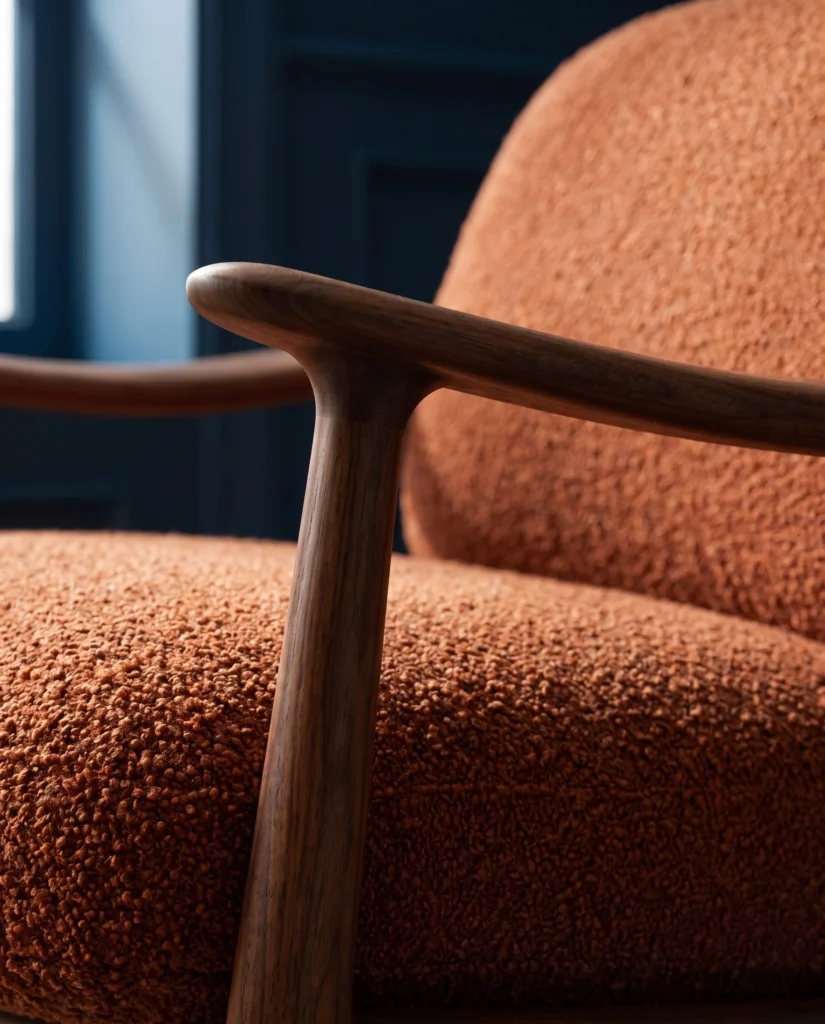
Furniture
A rust-and-walnut chair across brighter rooms, reading moments and material views.
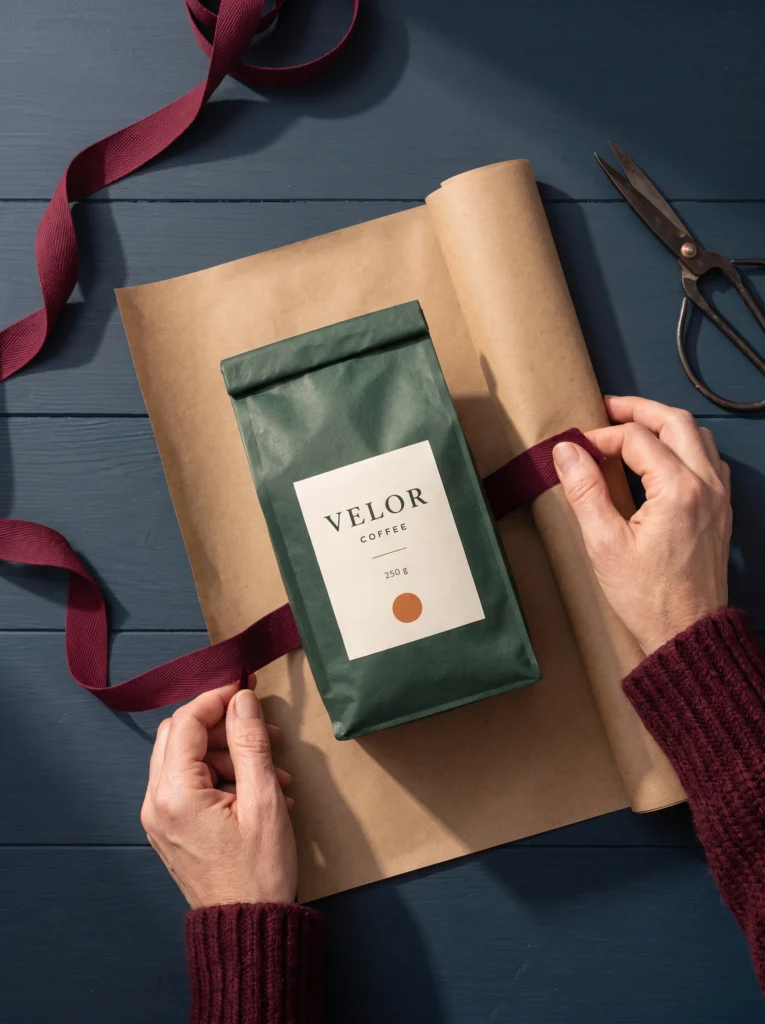
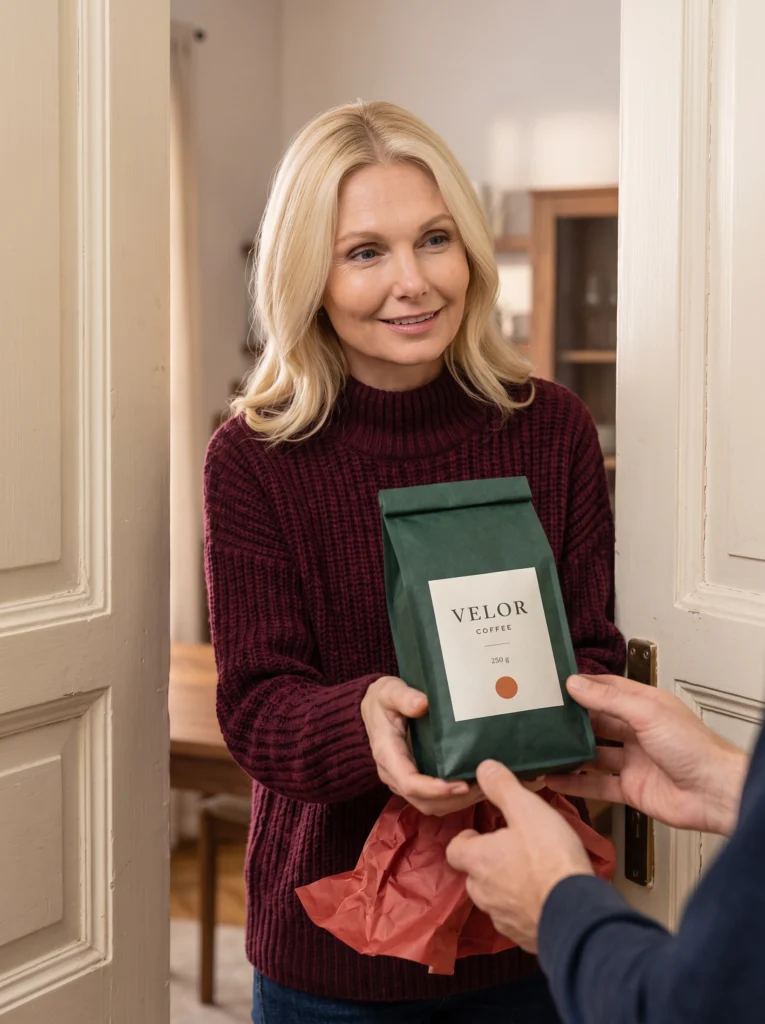
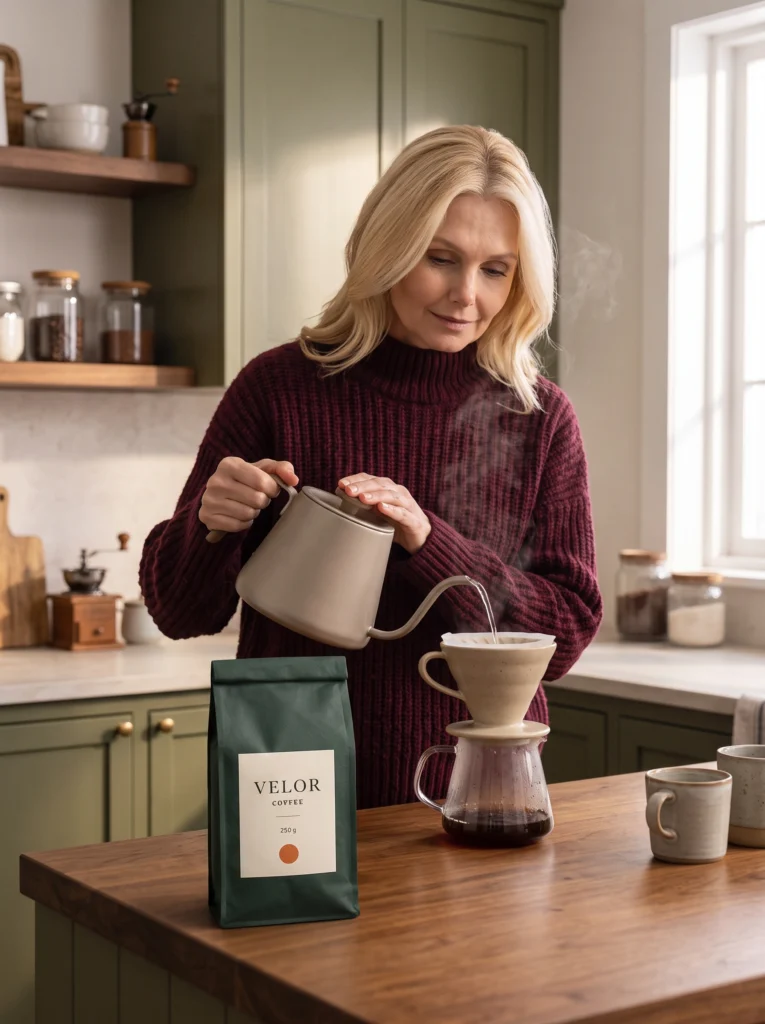
Coffee
A VELOR coffee pouch connects gift preparation, handover and morning routines.
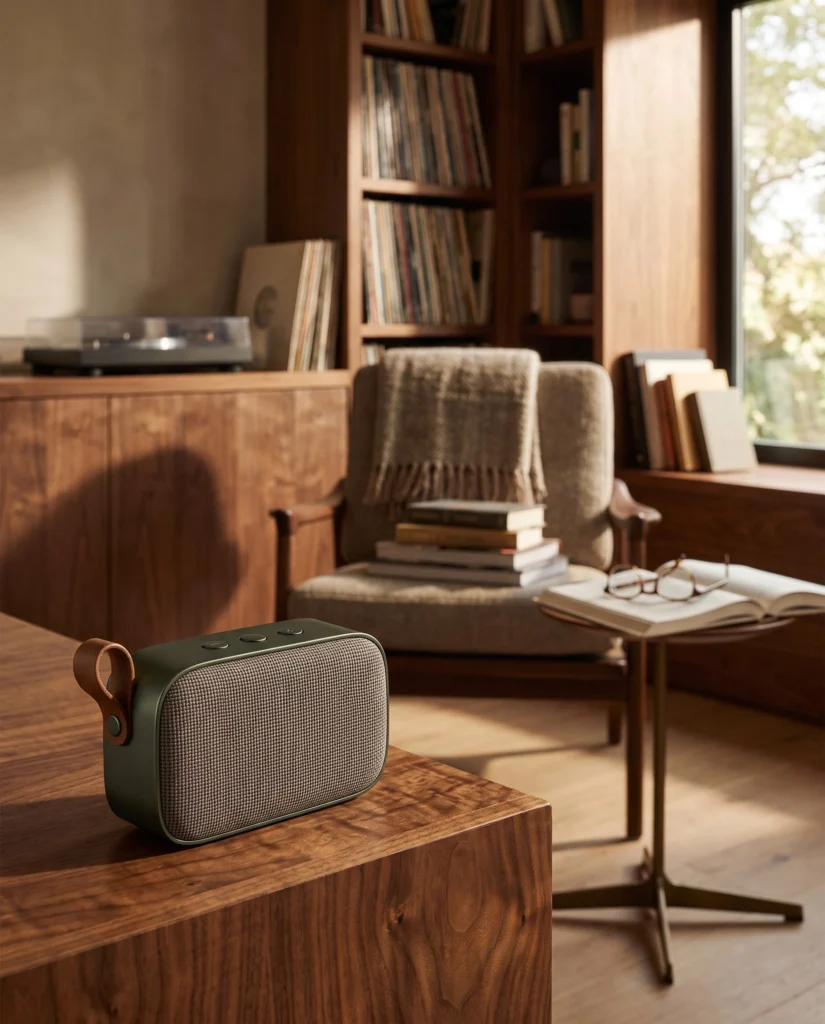
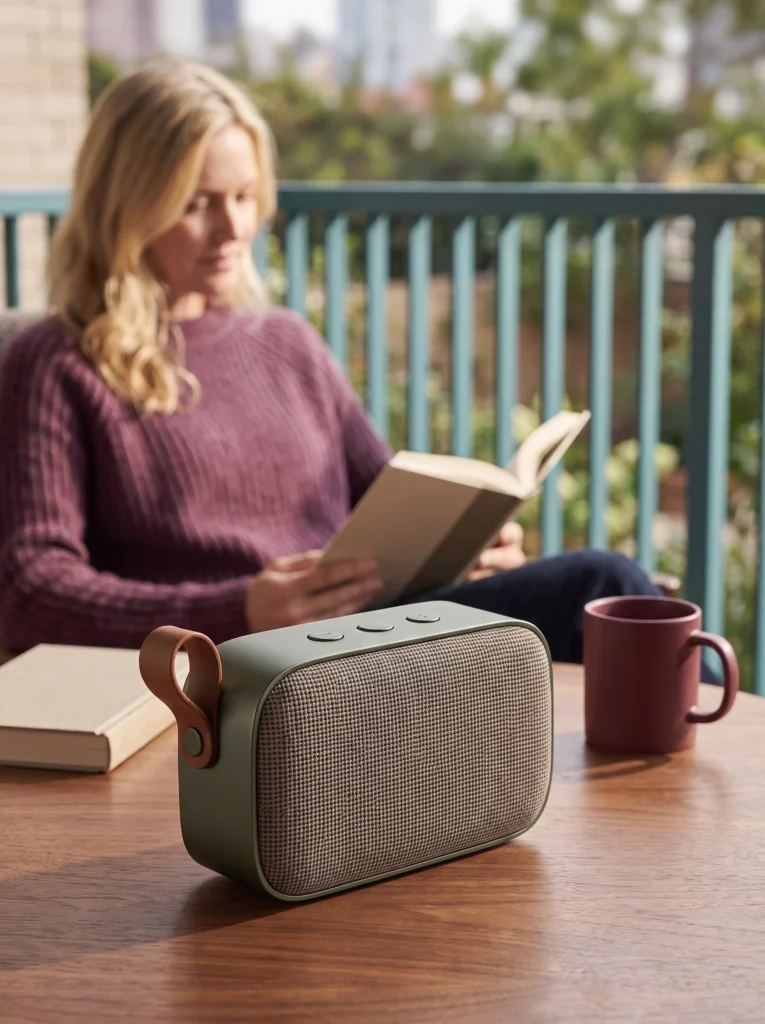
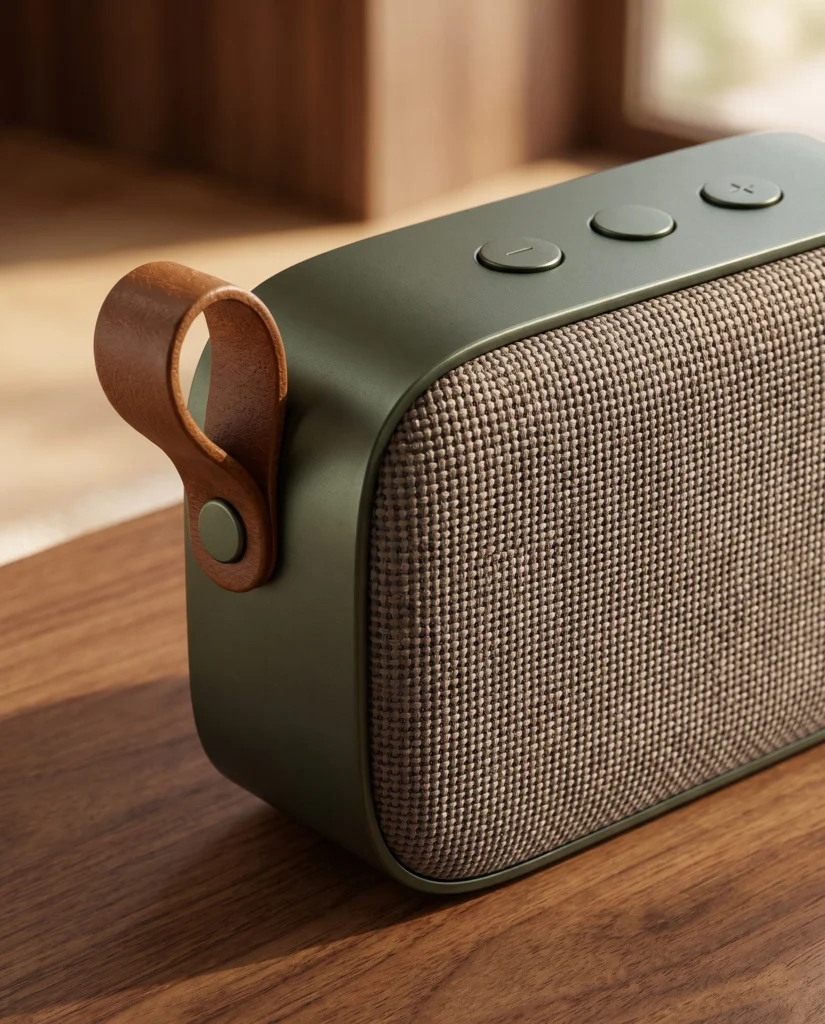
Electronics
A speaker stays prominent across room scenes, handling and an actual MCP reading brief.
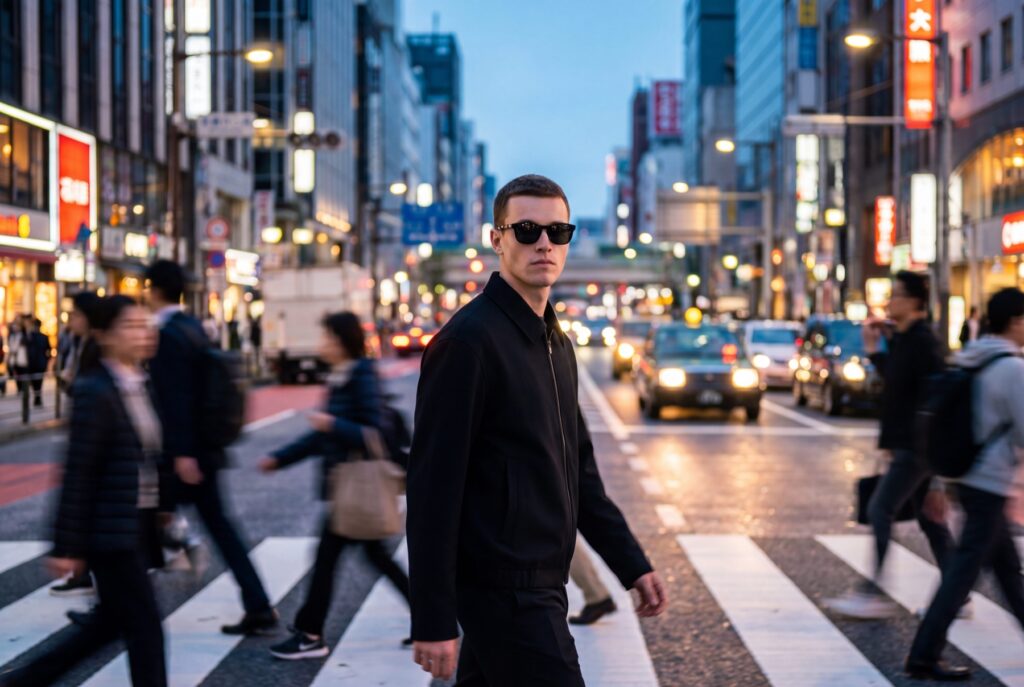
Comparison
Compare Fotogenic AI's creative workflow with VModel's browser and API operations, result retrieval and ownership.
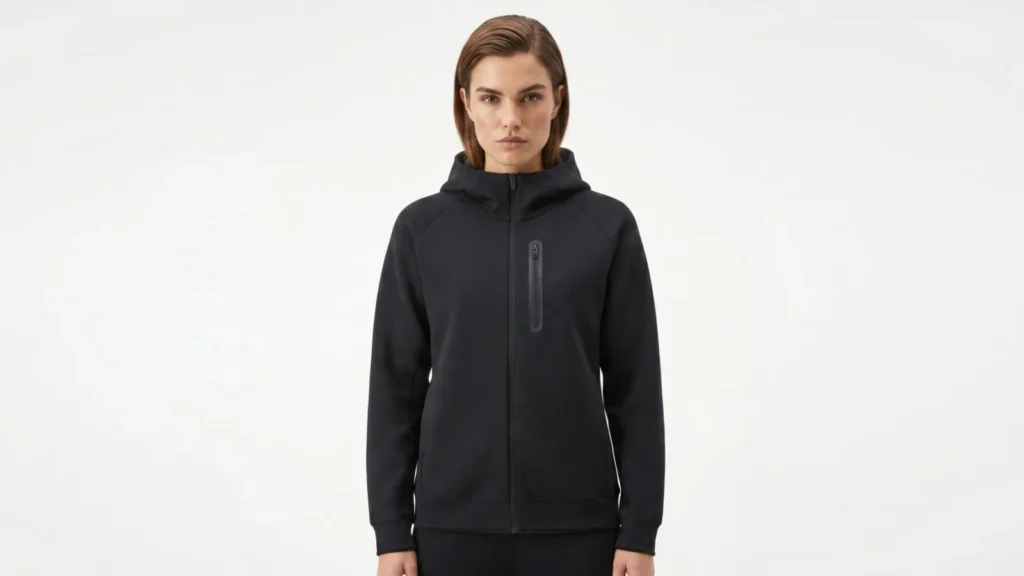
Comparison
Compare campaign imagery from garment photographs with Browzwear's digital-garment, model and creative tools.
Make it yours
Turn a product photo into a new scene for your store.