Black Friday: 20% off your first payment

Black Friday: 20% off now on all plans

  • 20% off
  • One photo, a full campaign
  • Model photos without a photoshoot
  • Turn product photos into videos
  • New scenes for every product
  • Bulk images for your whole catalog
  • 80+ AI models, 500+ templates
  • Start free, no card needed
Ends 2 DecemberEnding soonClaim 20% off now

AI product image generator for Shopify.

New AI product images from the photos in your store. Studio, lifestyle and on-model, without leaving Shopify.

From the photos in your store No photoshoot required You choose what goes live
1 photo
Is all you need to start
2 to 6
Matching images per campaign set
4K UHD
Sharp images for every channel
Auto
Main image and gallery updates

Ready-made templates

One product photo.
A whole new shoot.

Turn one photo from your store into images that sell. No photoshoot required.

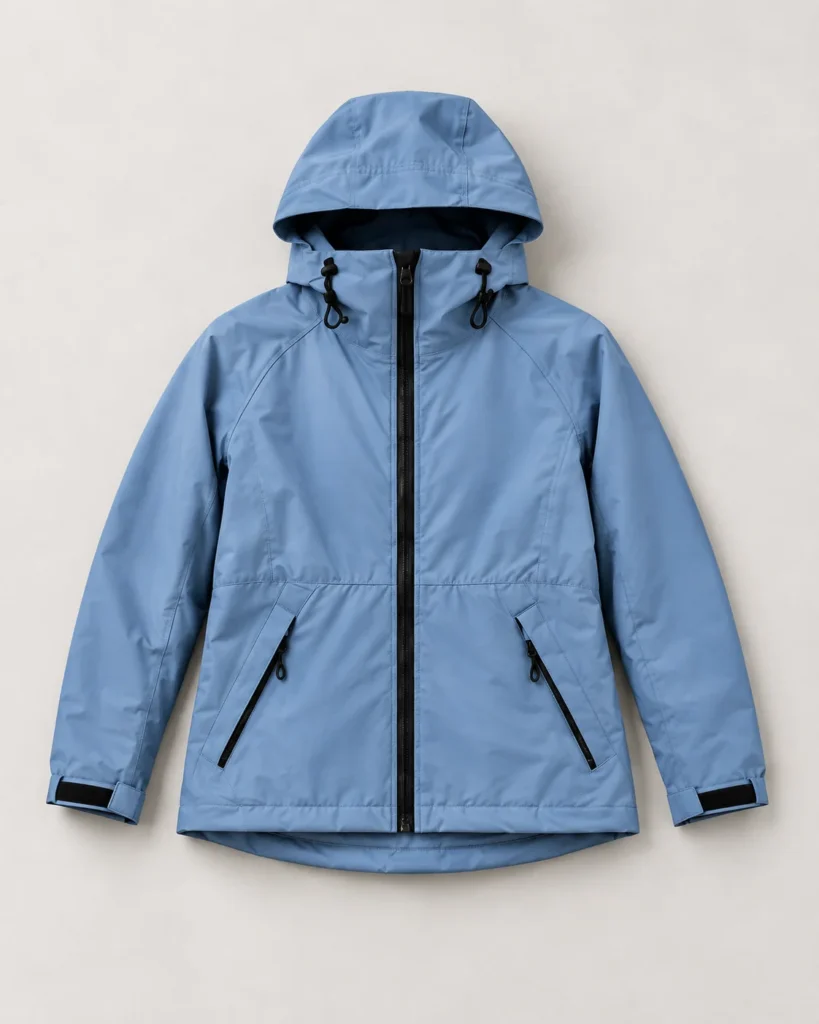
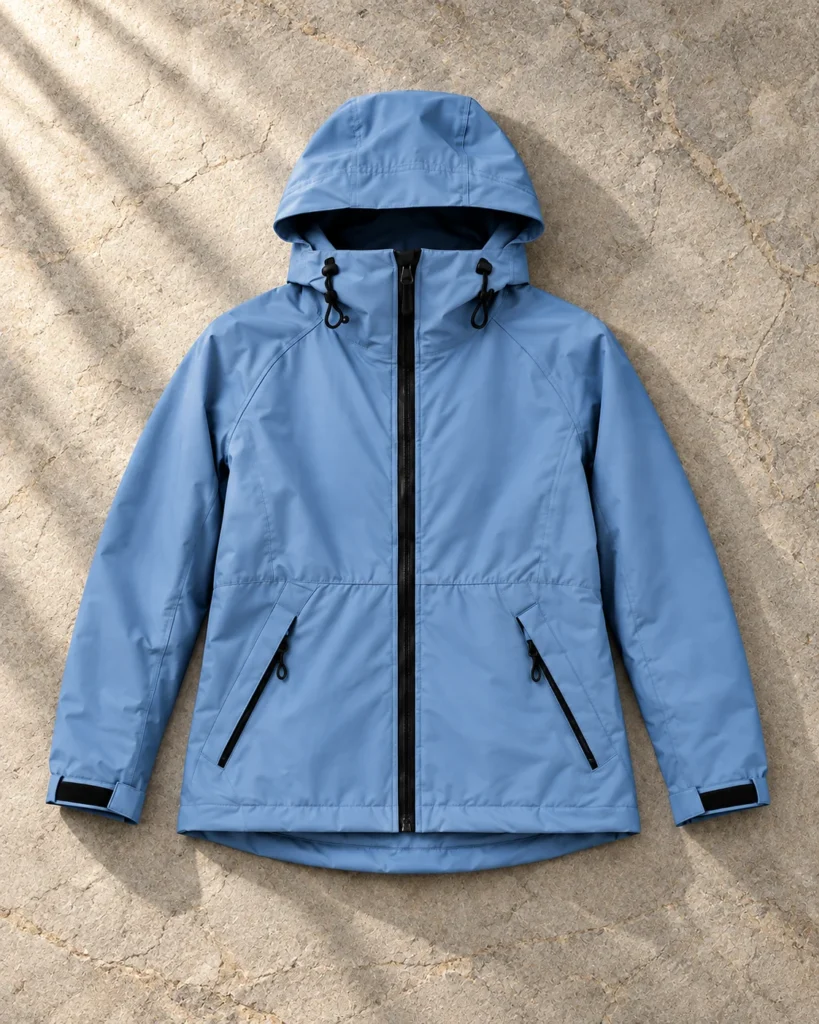
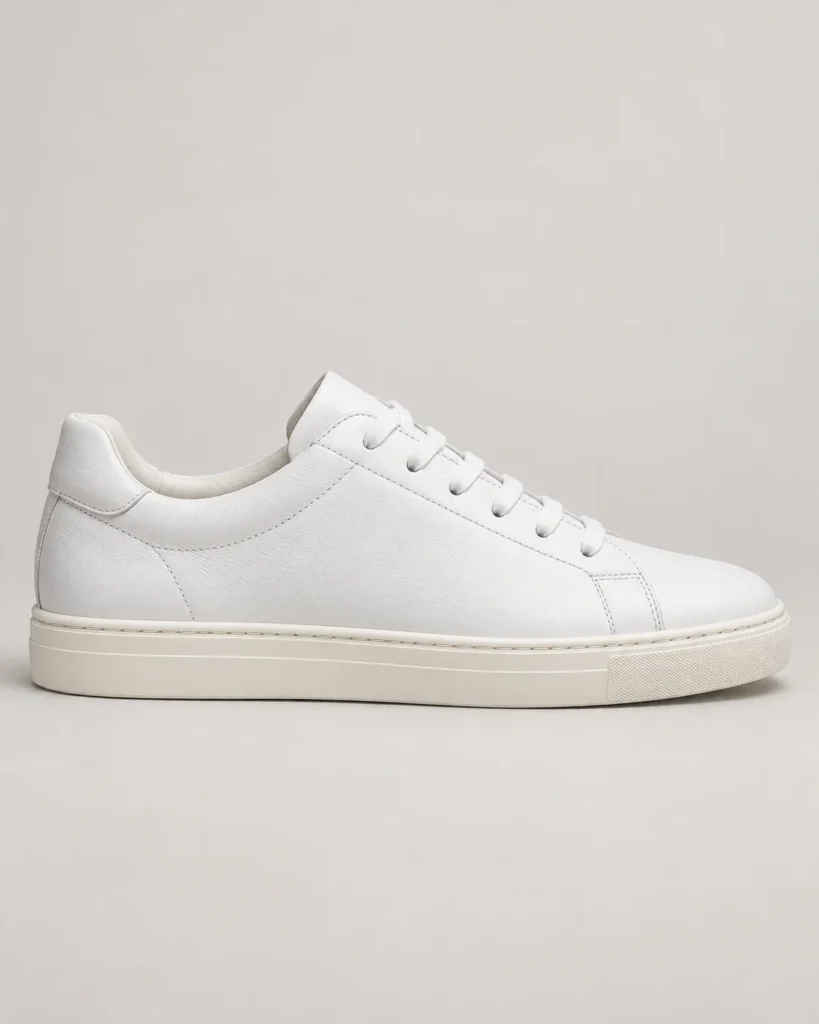
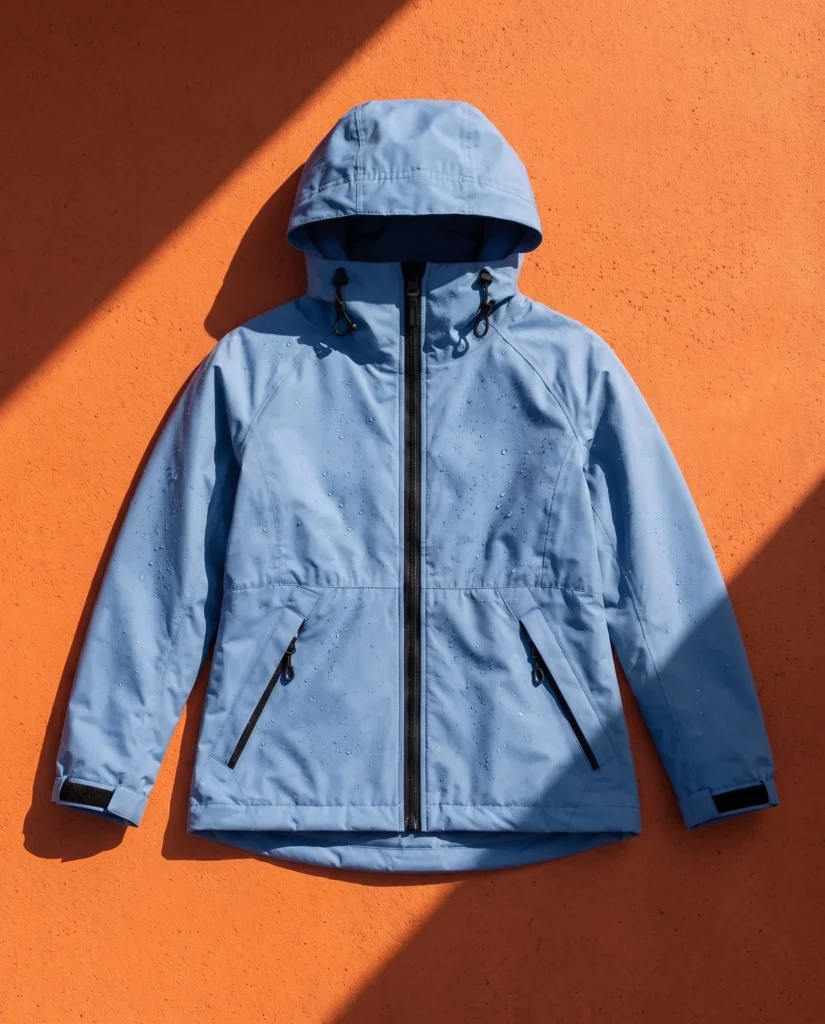
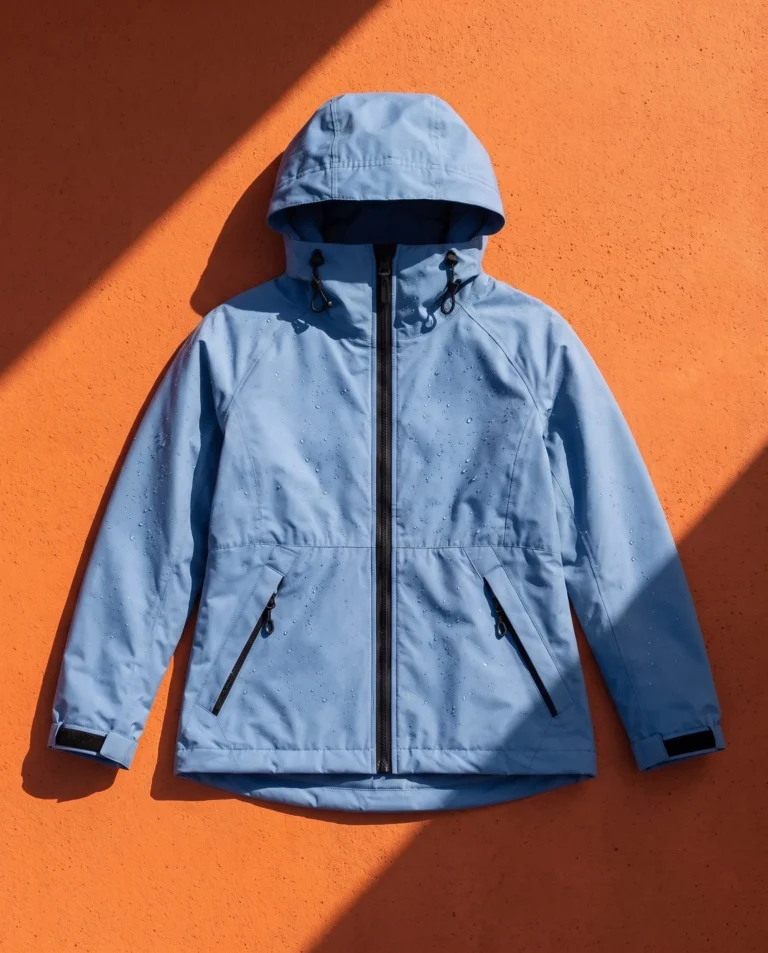
  1. Blue rain jacket laid flat on a light background
    your-product.jpg

    Add your product photo

    Any product, variant or image in your store.

  2. Clothing templates

    Clean Silhouette
    Clean Silhouette
    Front Fit
    Front Fit
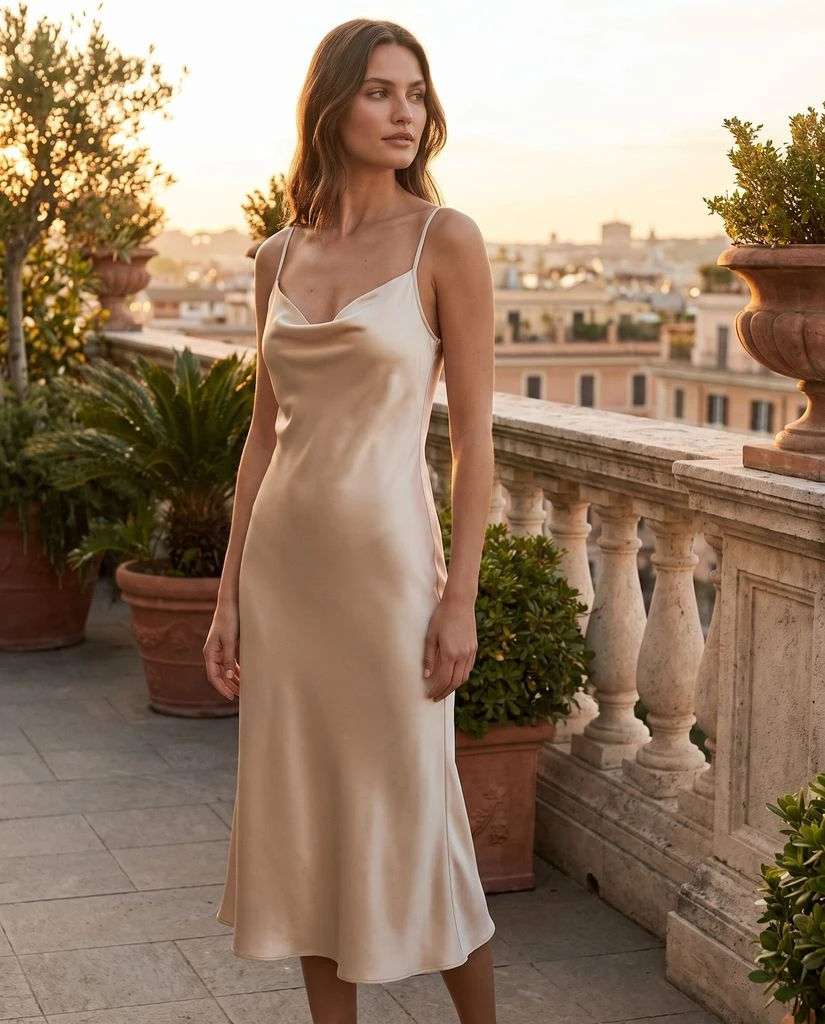
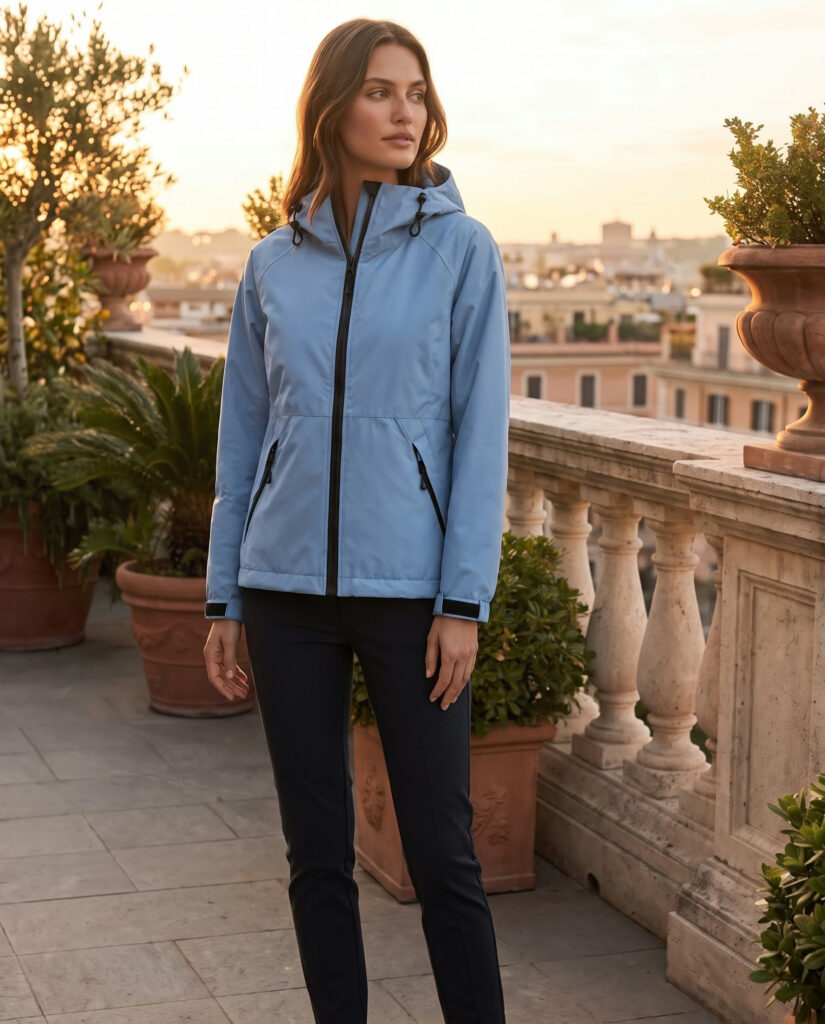
    Golden Terrace
    Golden Terrace
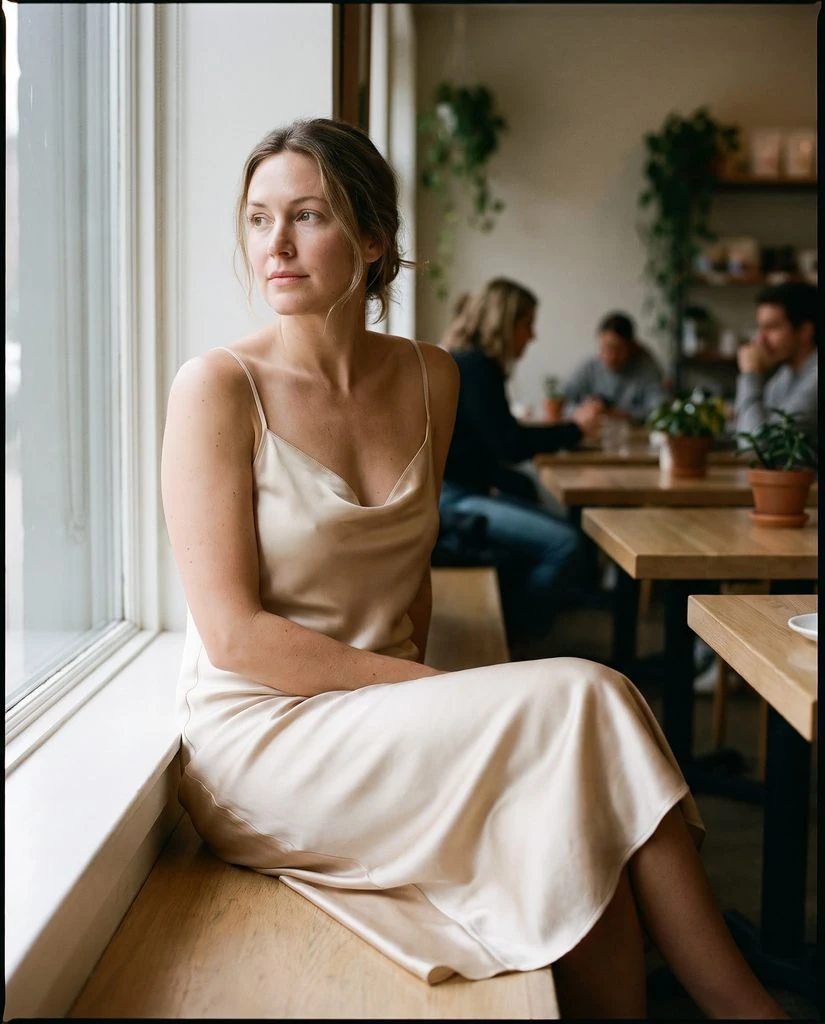
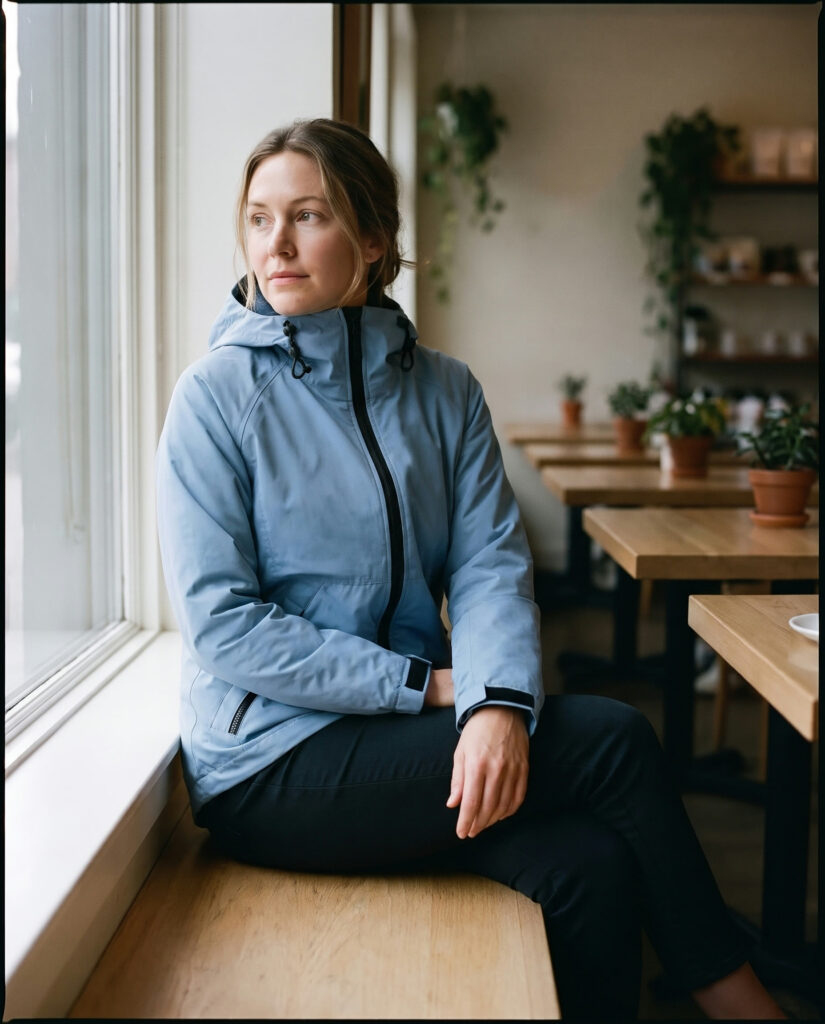
    Analog Cafe
    Analog Cafe
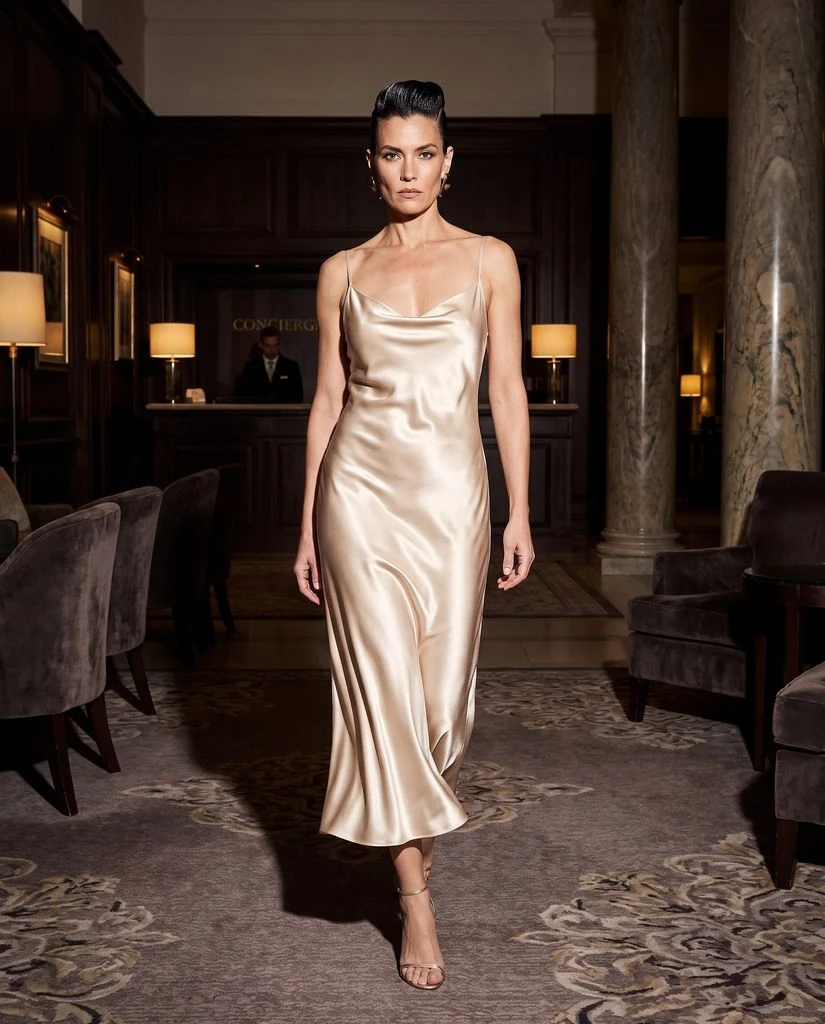
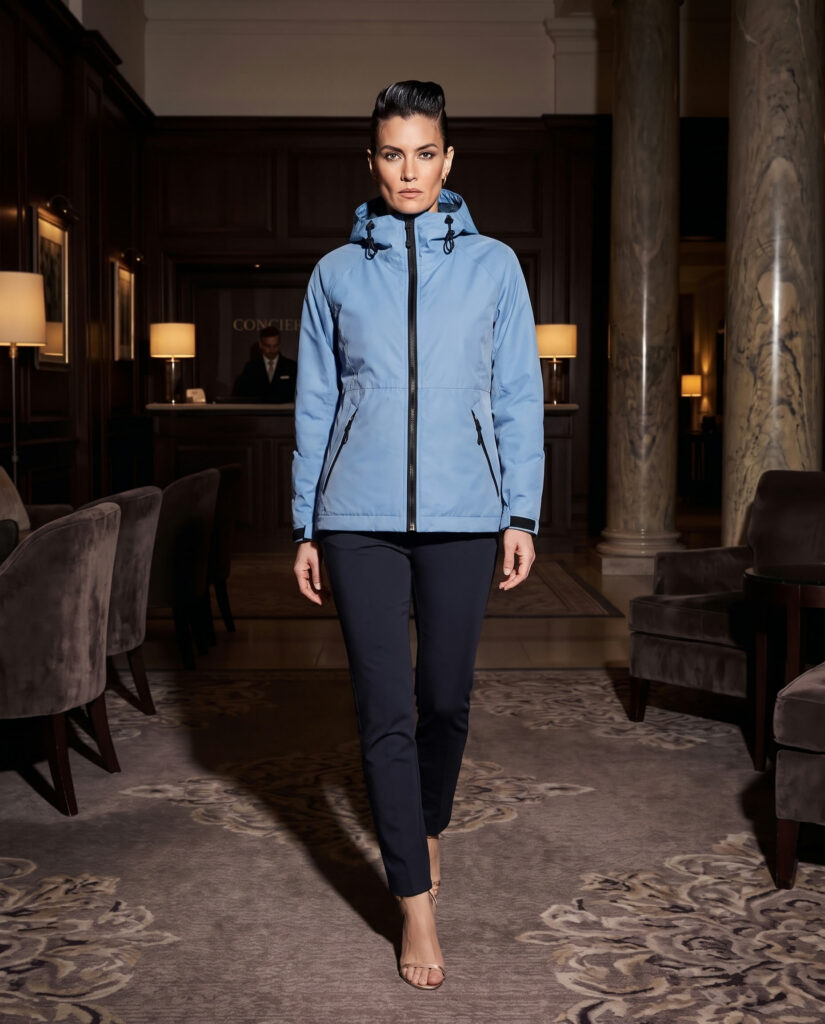
    Evening Flash
    Evening Flash
    Candid Mobile
    Candid Mobile

    Choose your templates

    From clean studio to city street.

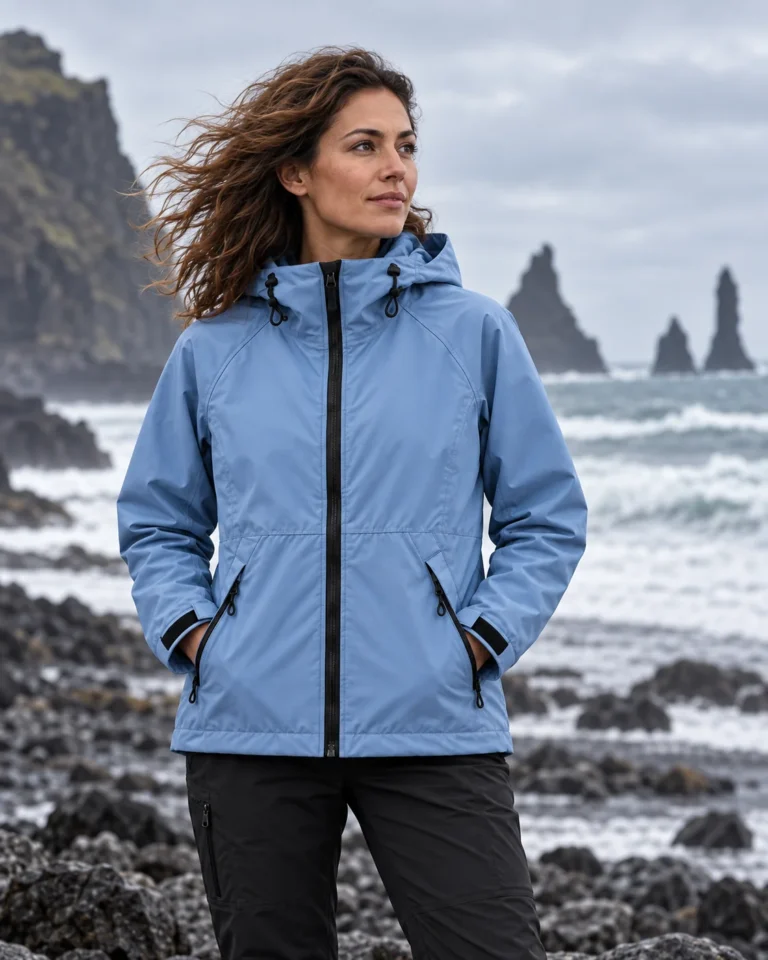
  3. Woman in the blue rain jacket on a stone terrace at golden hour
    Woman in the blue rain jacket sitting by a cafe window
    Woman in the blue rain jacket walking through a hotel lobby at night

    Get images that sell

    For your store, your ads and your social feed.

Inside your Shopify admin

AI product photos for Shopify. Straight from your catalog.

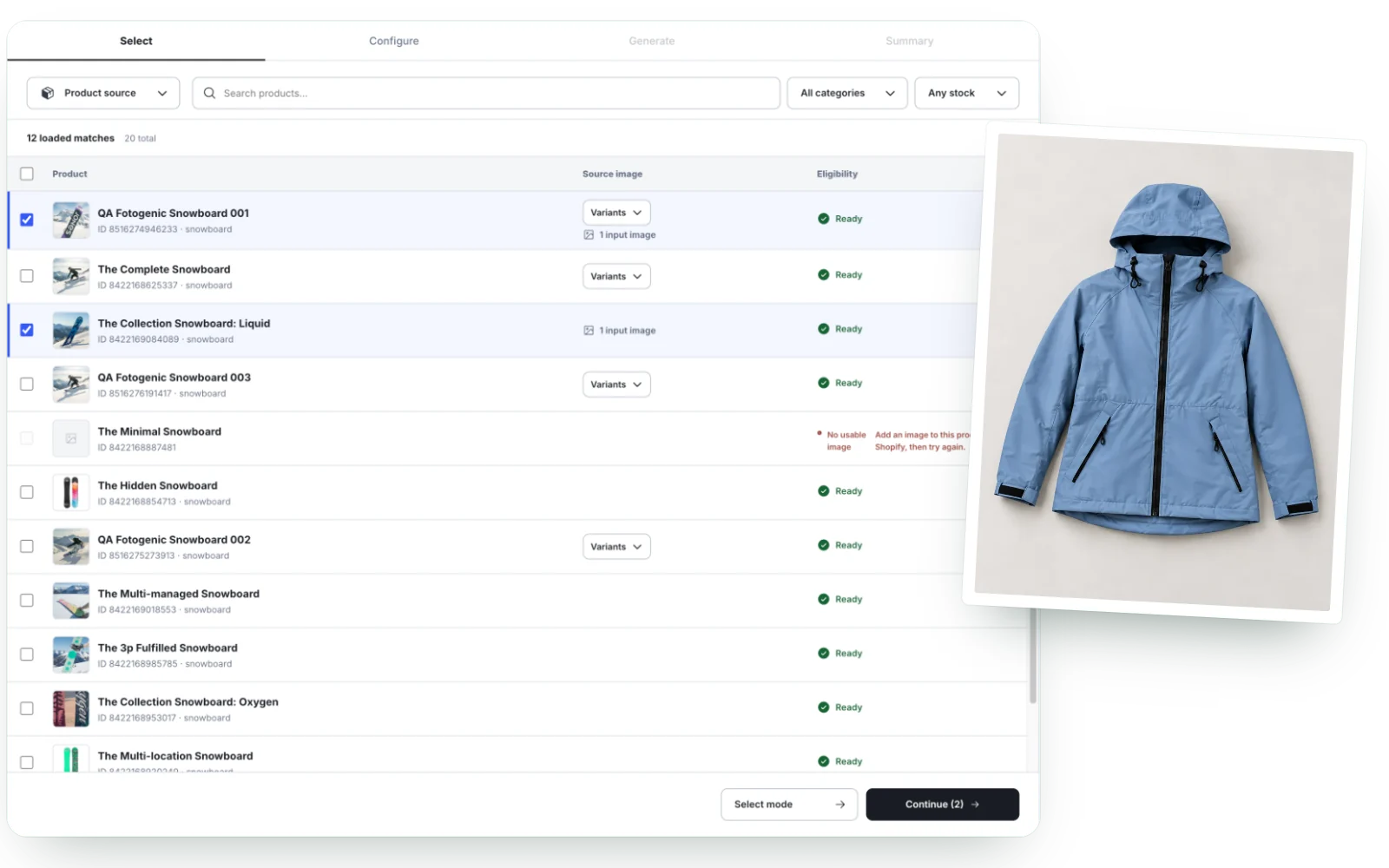
Pick products or exact variants from your catalog. New photos are saved in Shopify, ready for product pages.

  • Pick products and variants

    Search your catalog, filter by category or stock, and select one product or many.

  • Send photos to your store

    Add new photos to a product yourself, or let the app update the main image and the gallery.

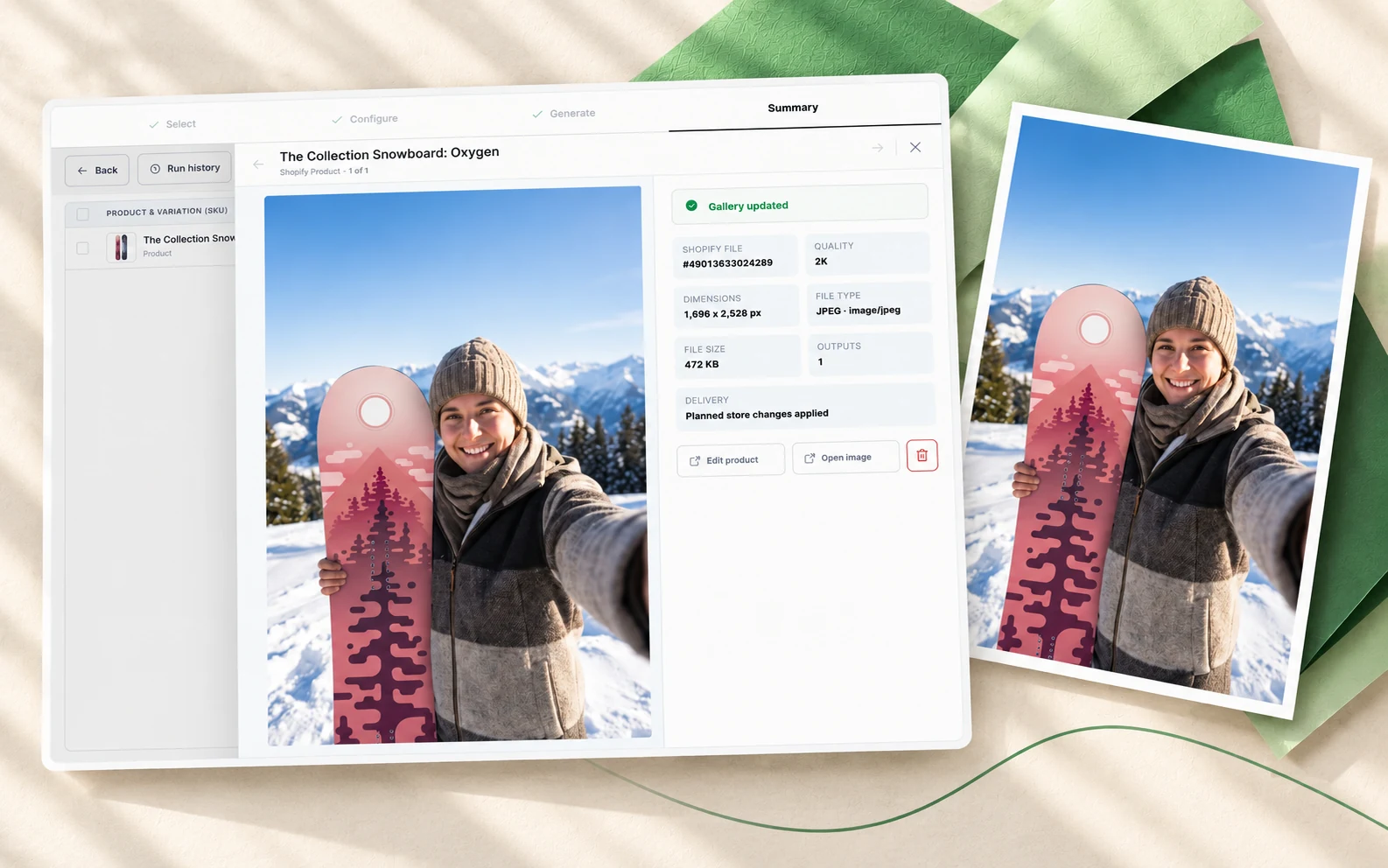
  • Saved as new files

    Every new image is saved as a new file in Shopify Files. Your original images stay there too.

By product type

Product photos for every category.

Clothing, beauty, jewelry, footwear and more. Start from the photos already in your store.

Clothing

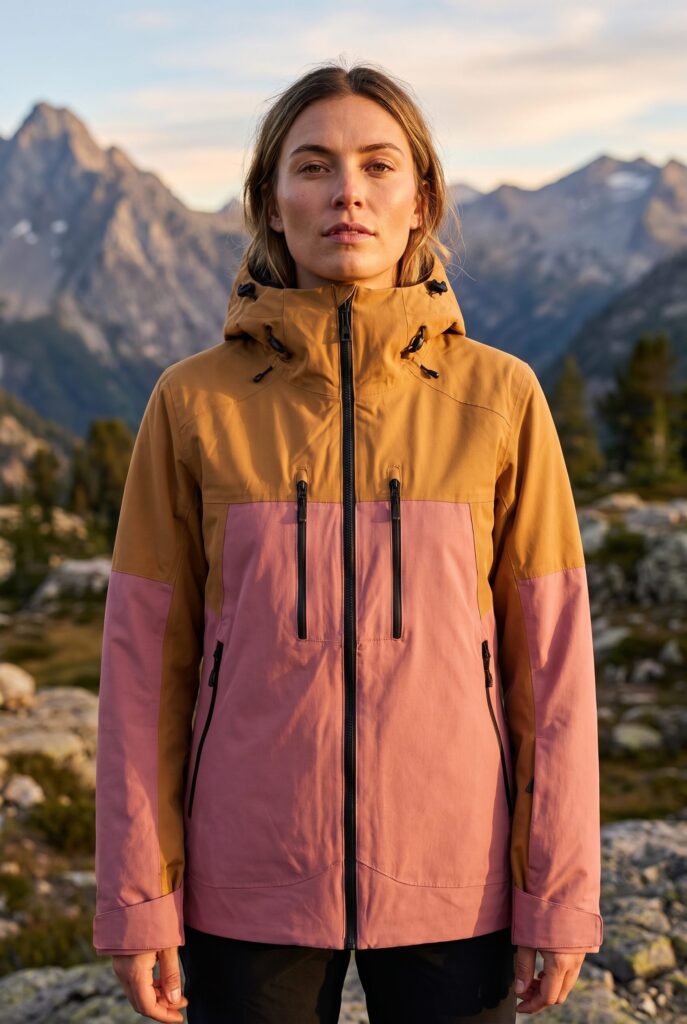
Clothing on AI models

Show how it fits and moves on a model. One product photo is enough to start.

AI models Your own instructions Lifestyle scenes
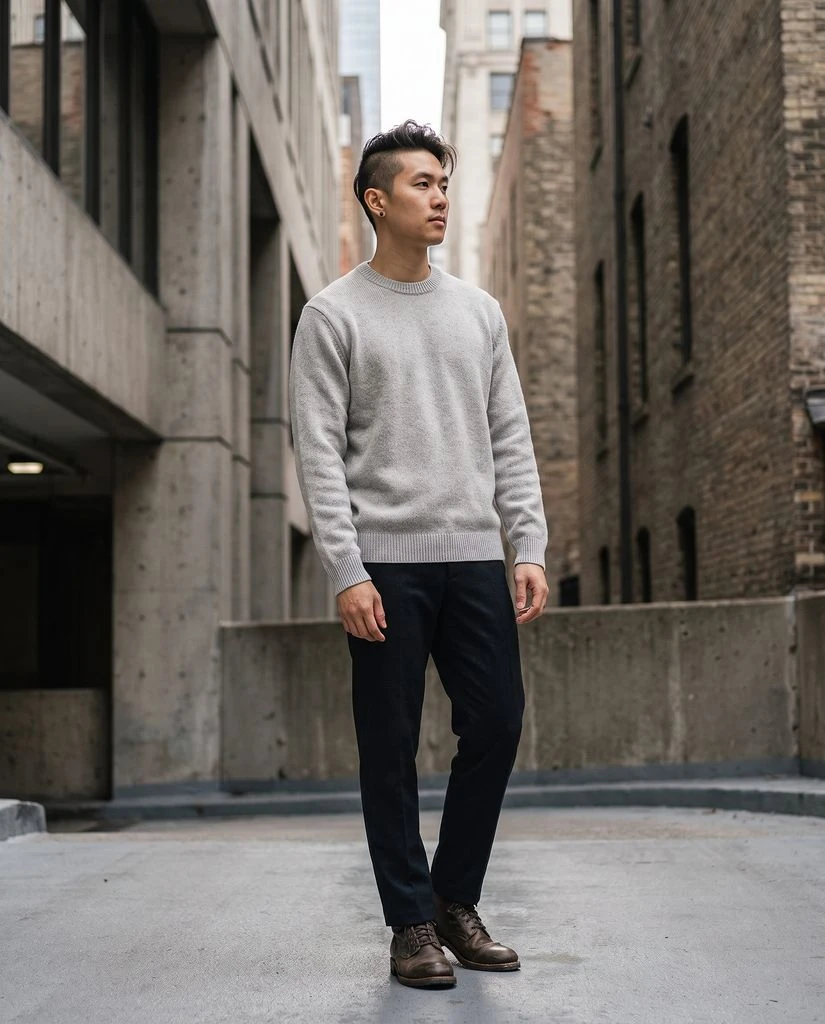
Man wearing a grey sweater in a city street
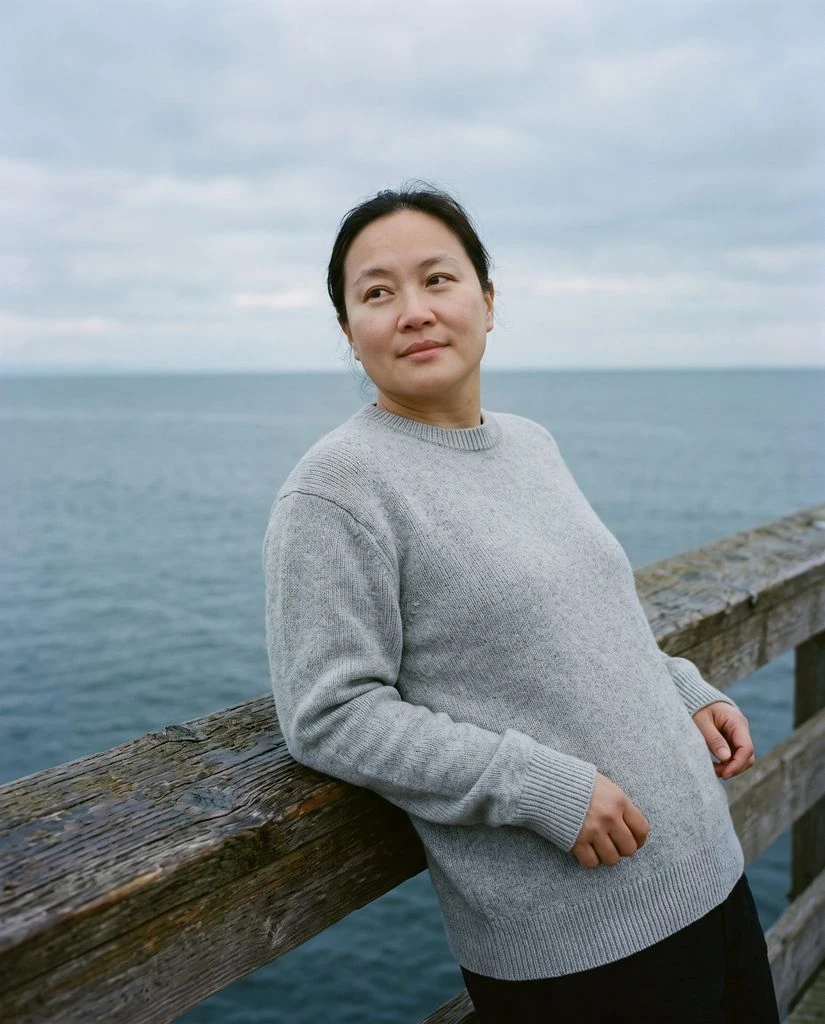
Woman wearing a grey sweater beside the coast
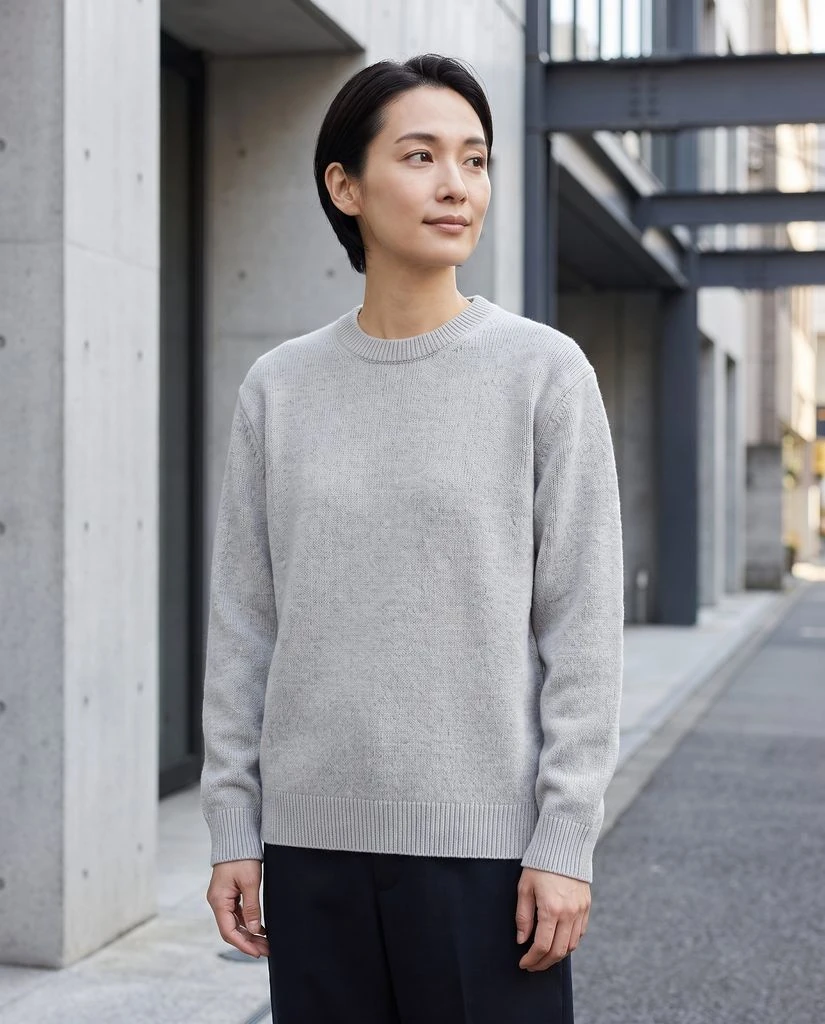
Woman wearing a grey sweater on a city street
Beauty

Beauty product photos

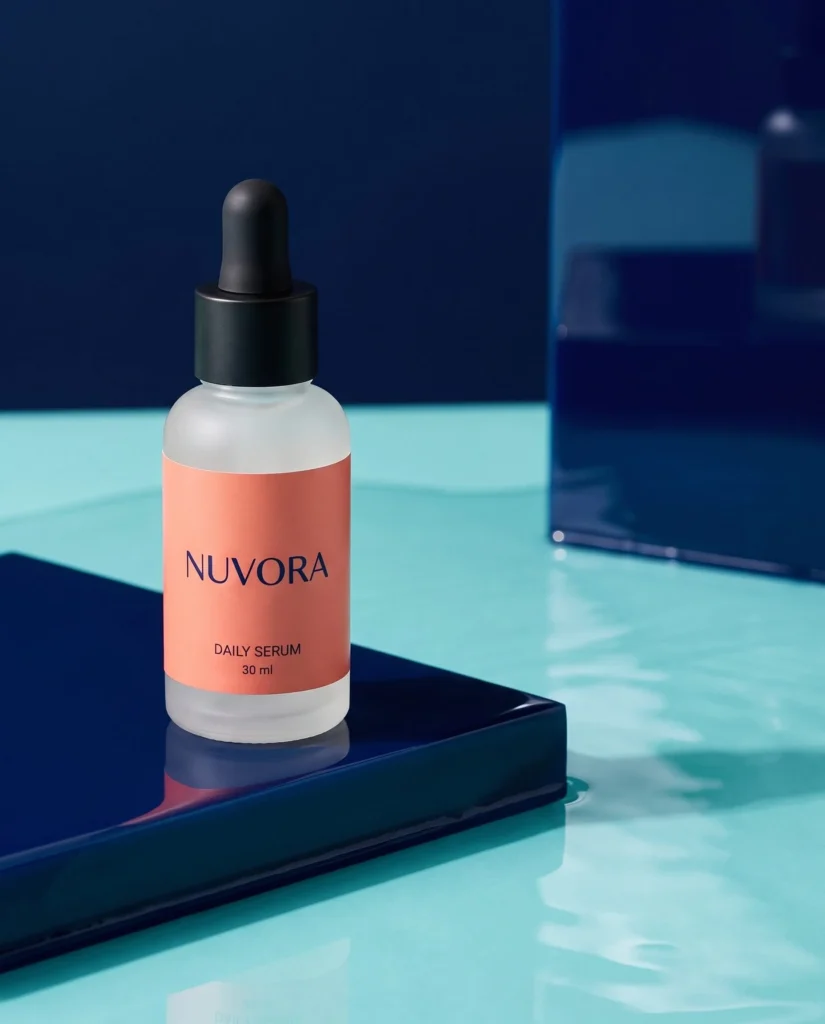
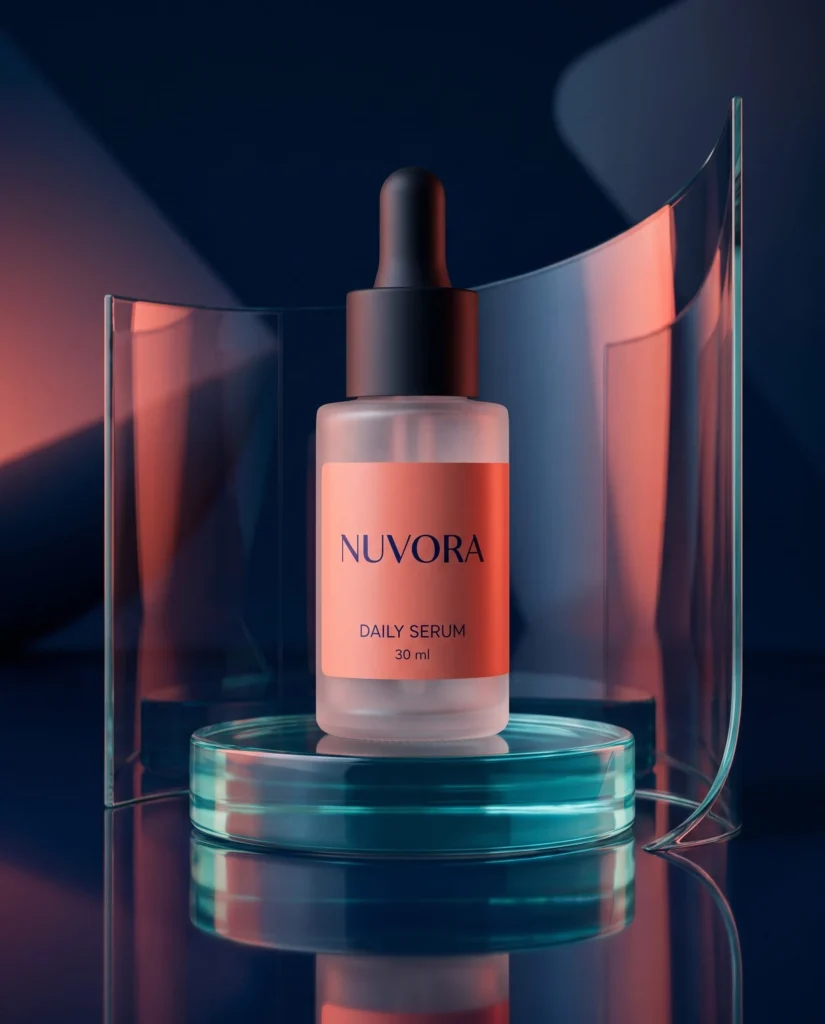
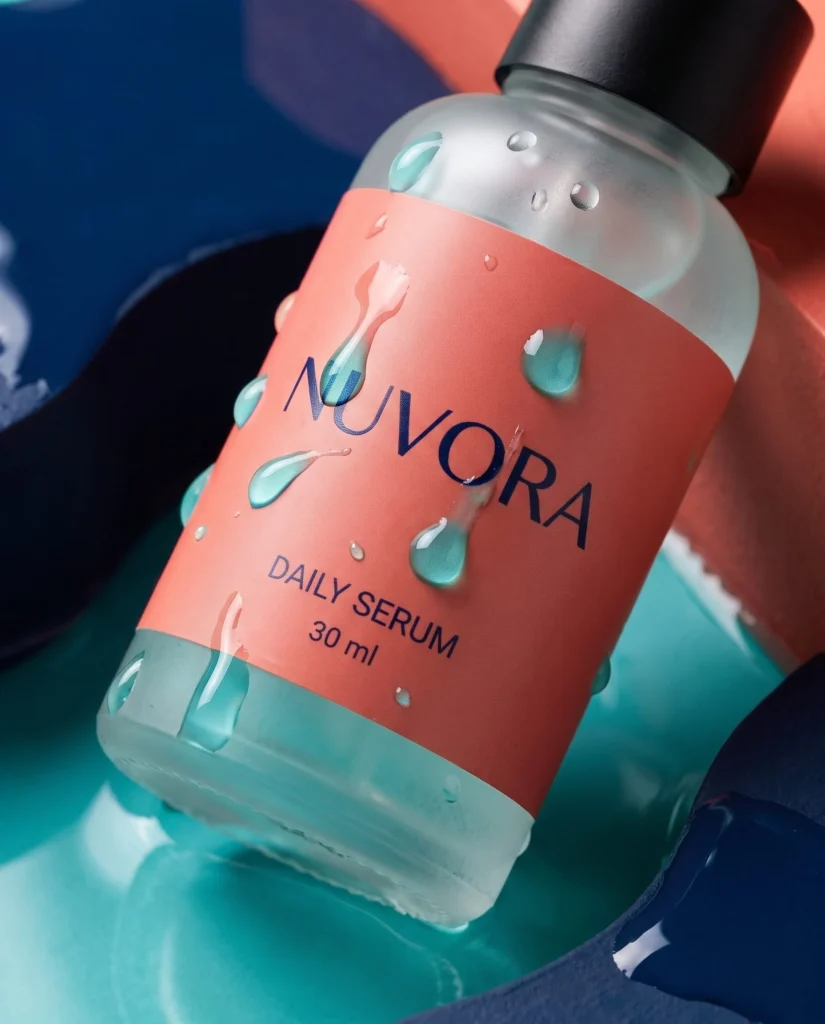
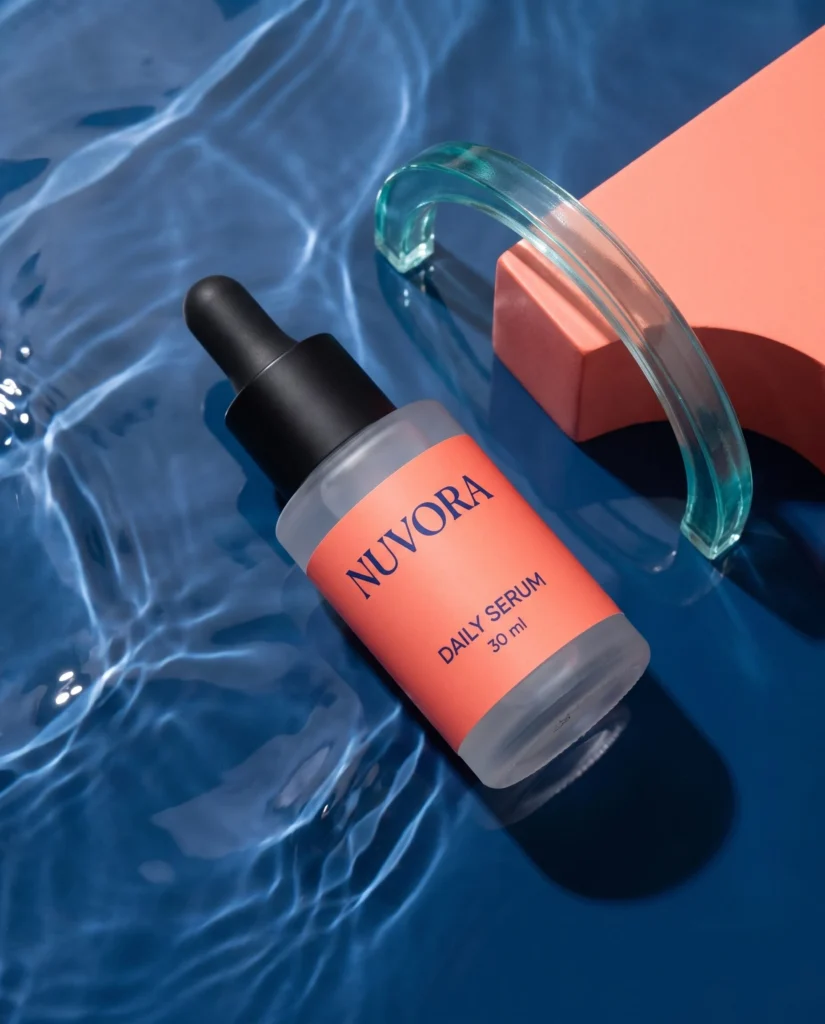
Put a fragrance or a serum in studio light or a lifestyle scene. Ready for your next launch.

Photo styles Your own instructions New backgrounds
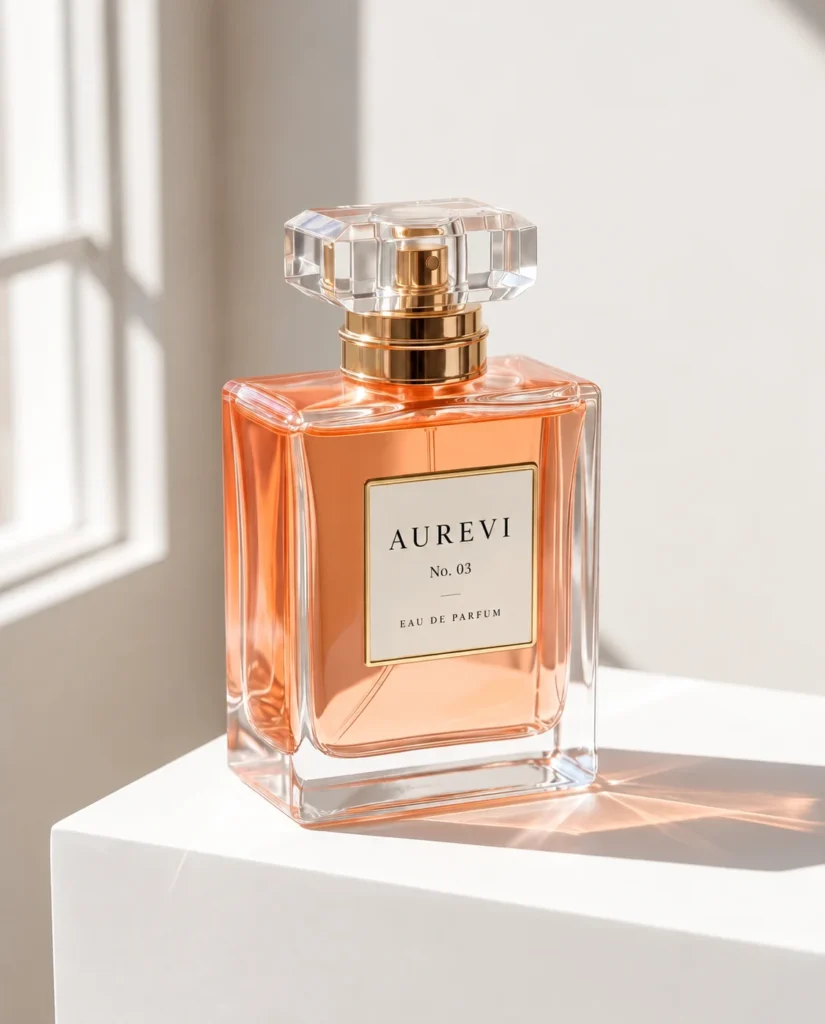
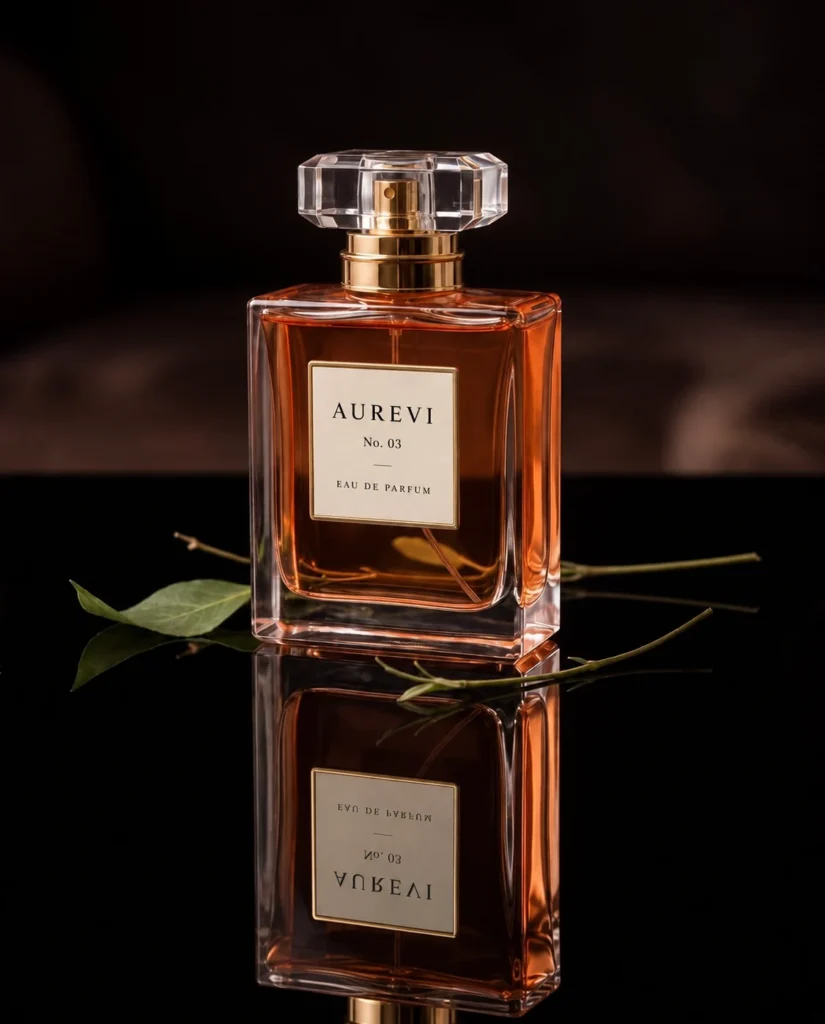
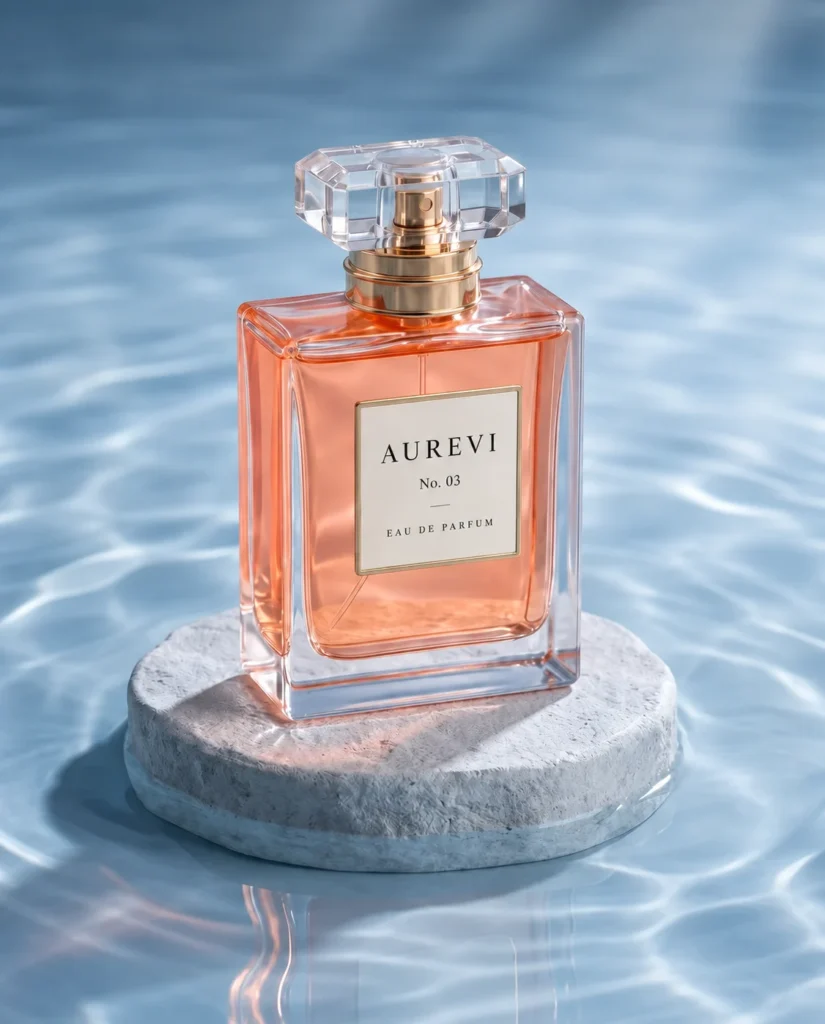
Aurevi fragrance bottle in sunlight on a white pedestal
Aurevi fragrance bottle with floral reflections on a dark surface
Aurevi fragrance bottle on a stone pedestal above water
Jewelry

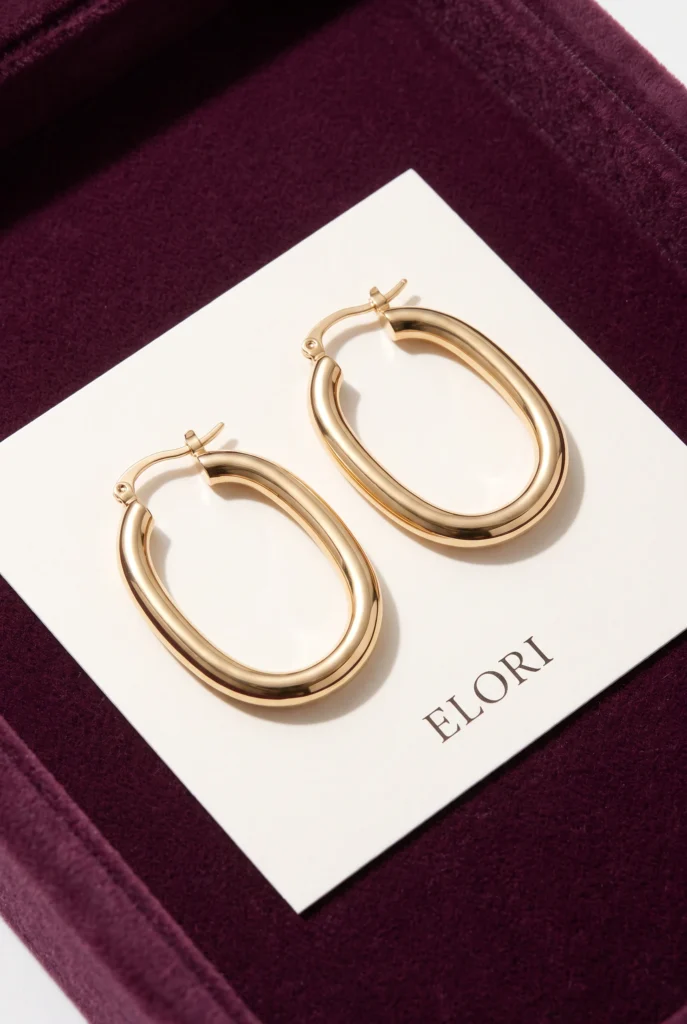
Jewelry in lifestyle scenes

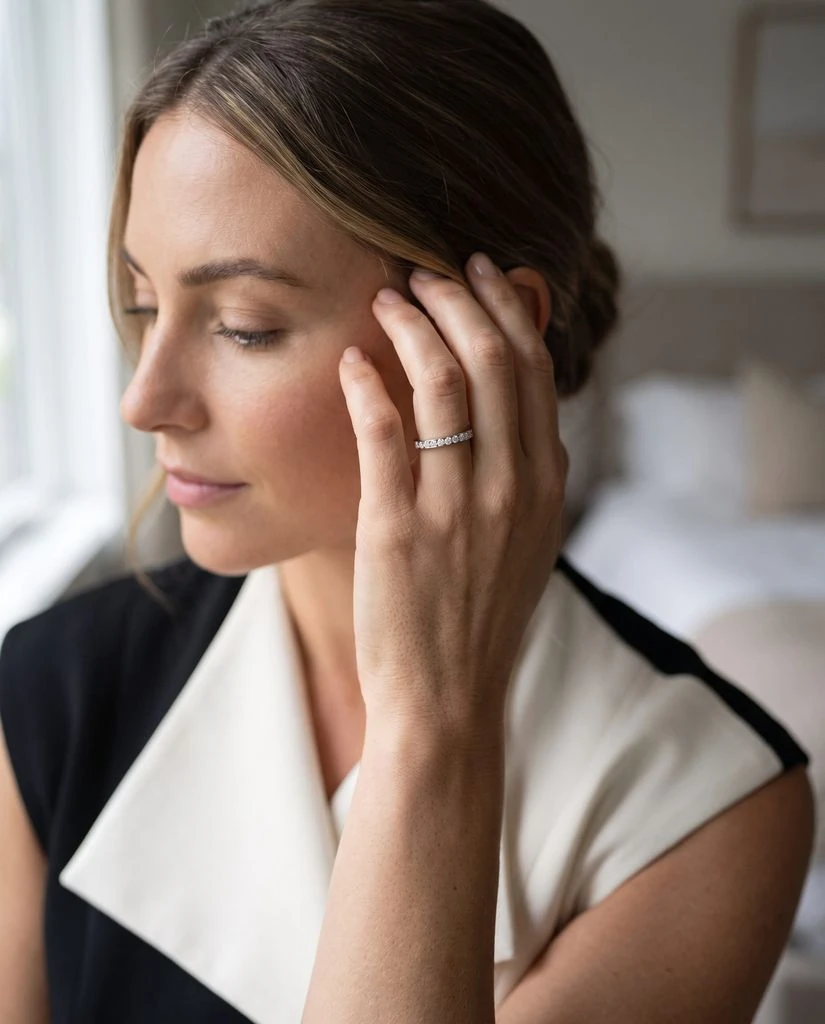
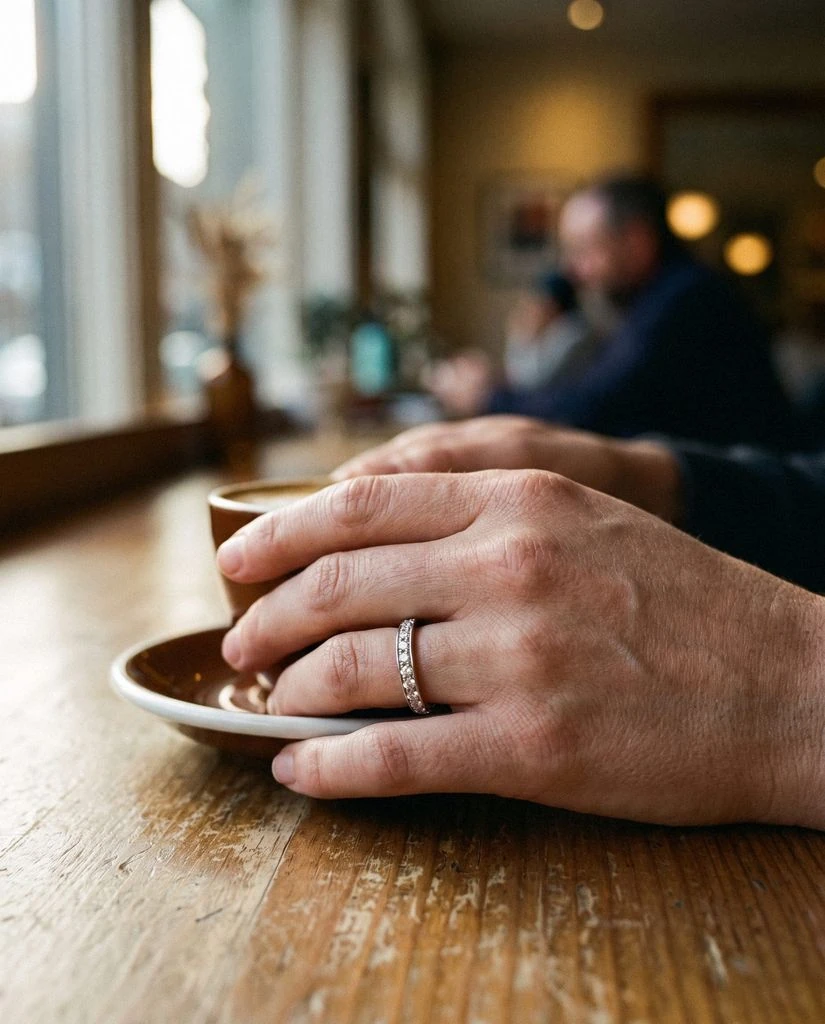
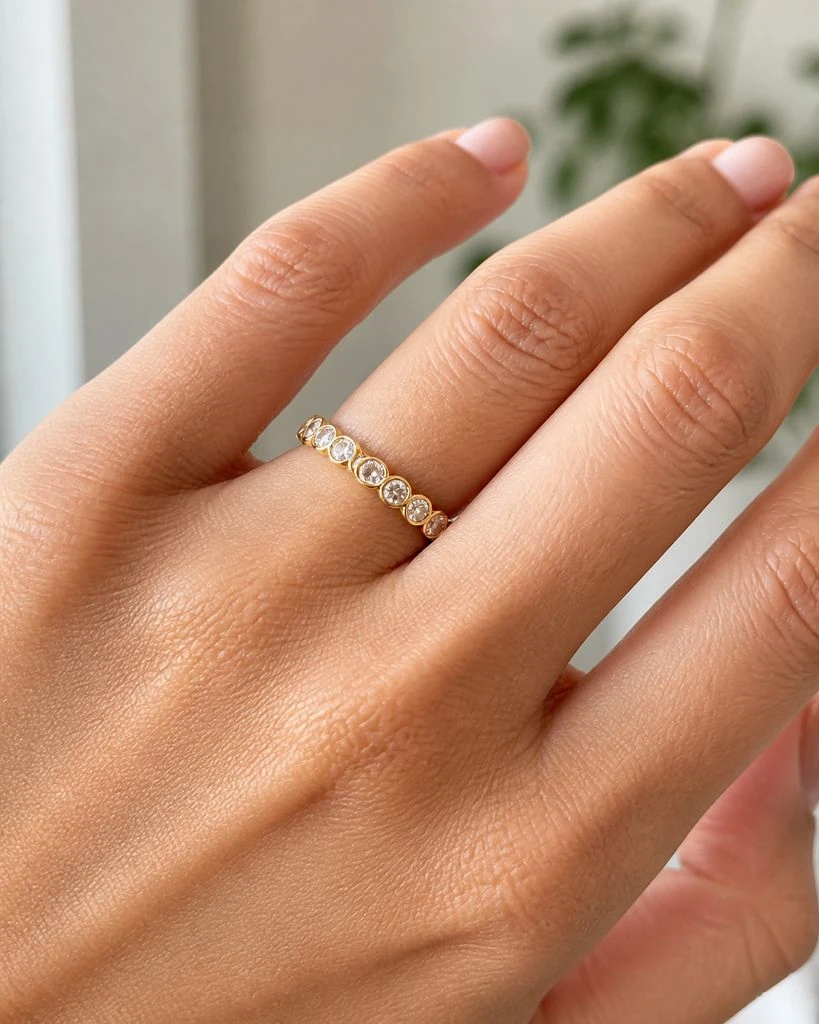
Show a ring worn, close up and in everyday moments. Pick the images your product page needs.

AI models Shot size Lifestyle scenes
Woman wearing a ring with her hand beside her face
Ring worn on a hand resting beside a coffee cup
Close-up of a ring worn on a finger
Footwear

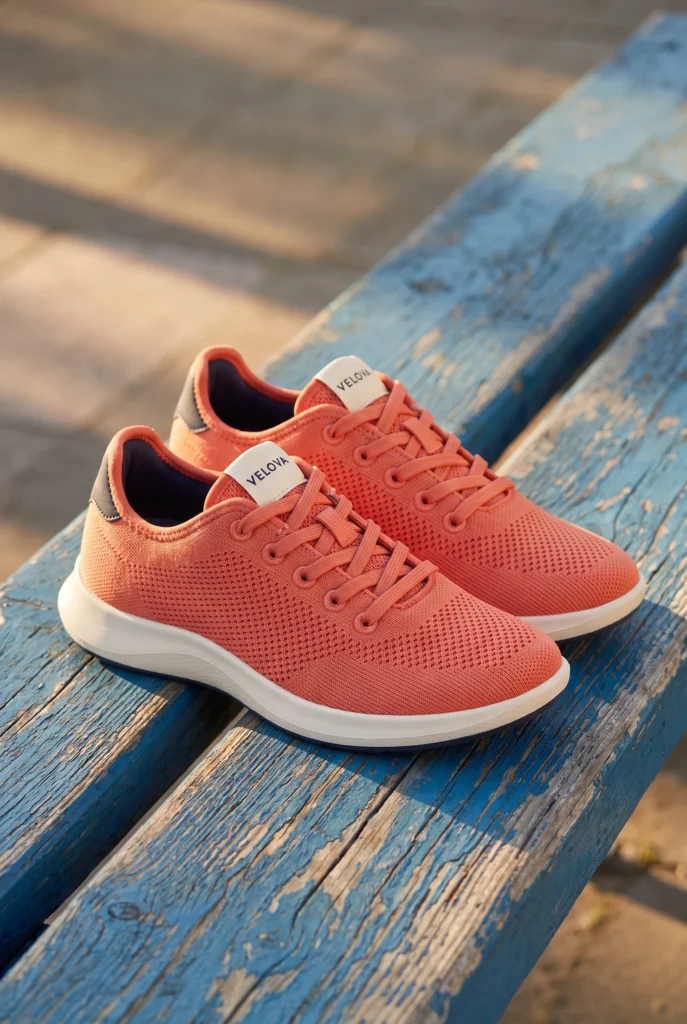
Footwear product photos

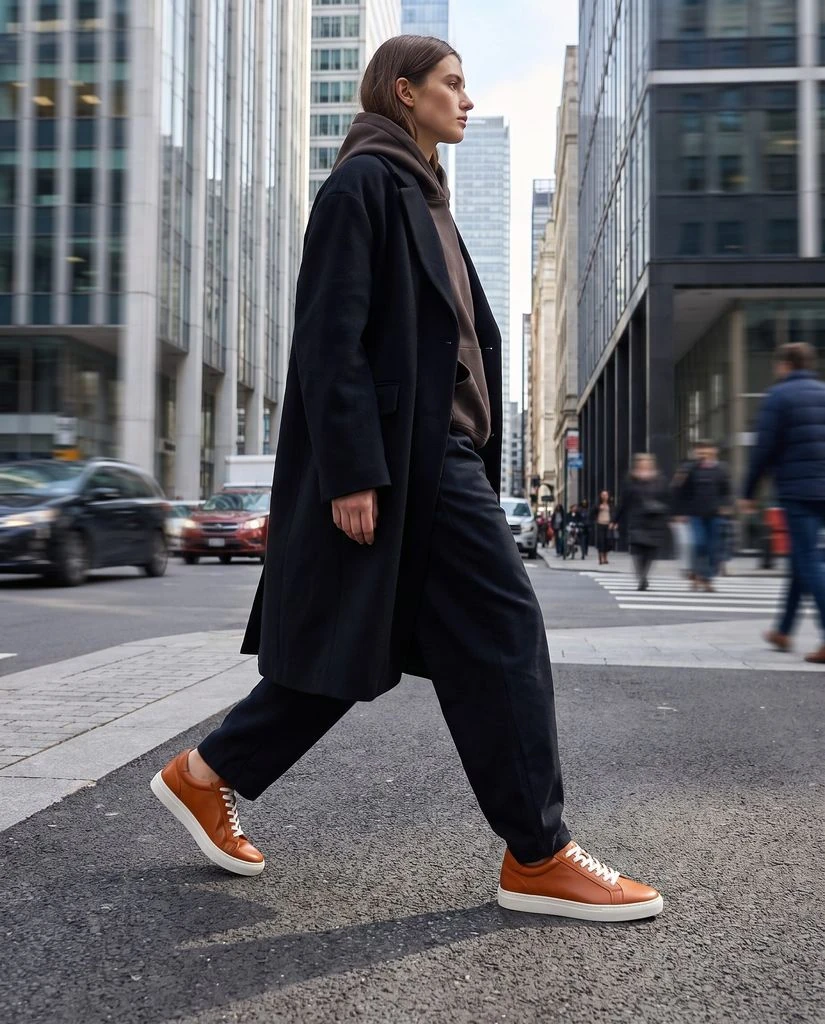
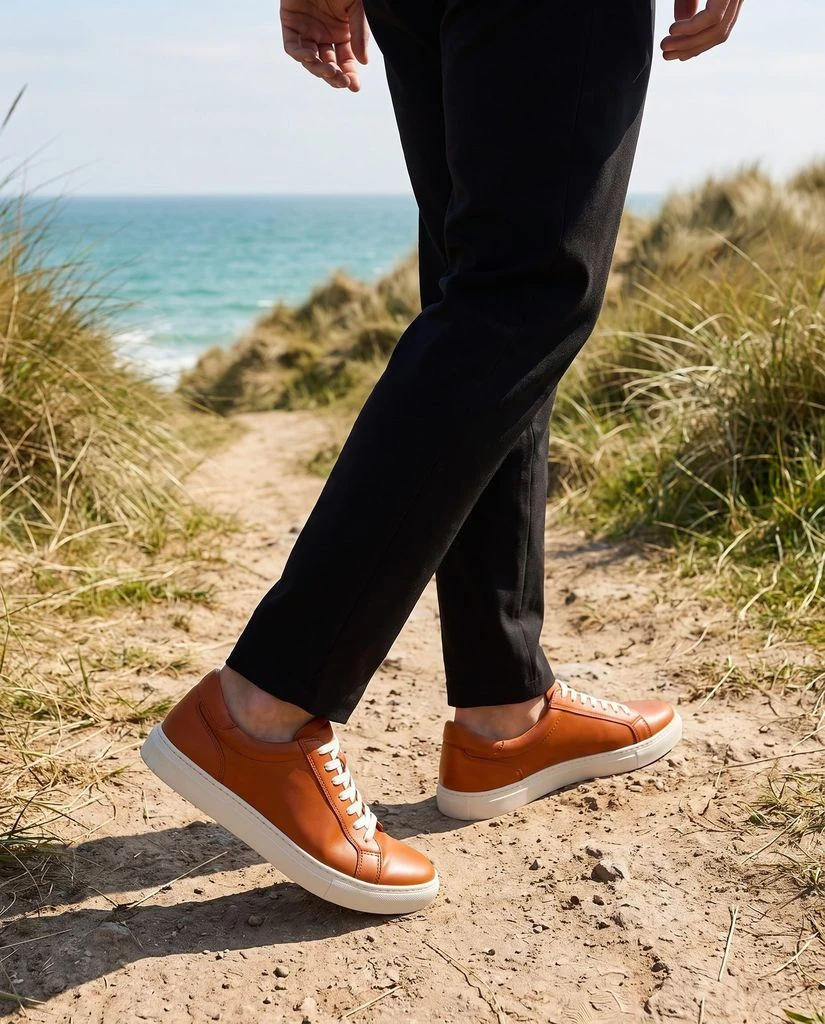
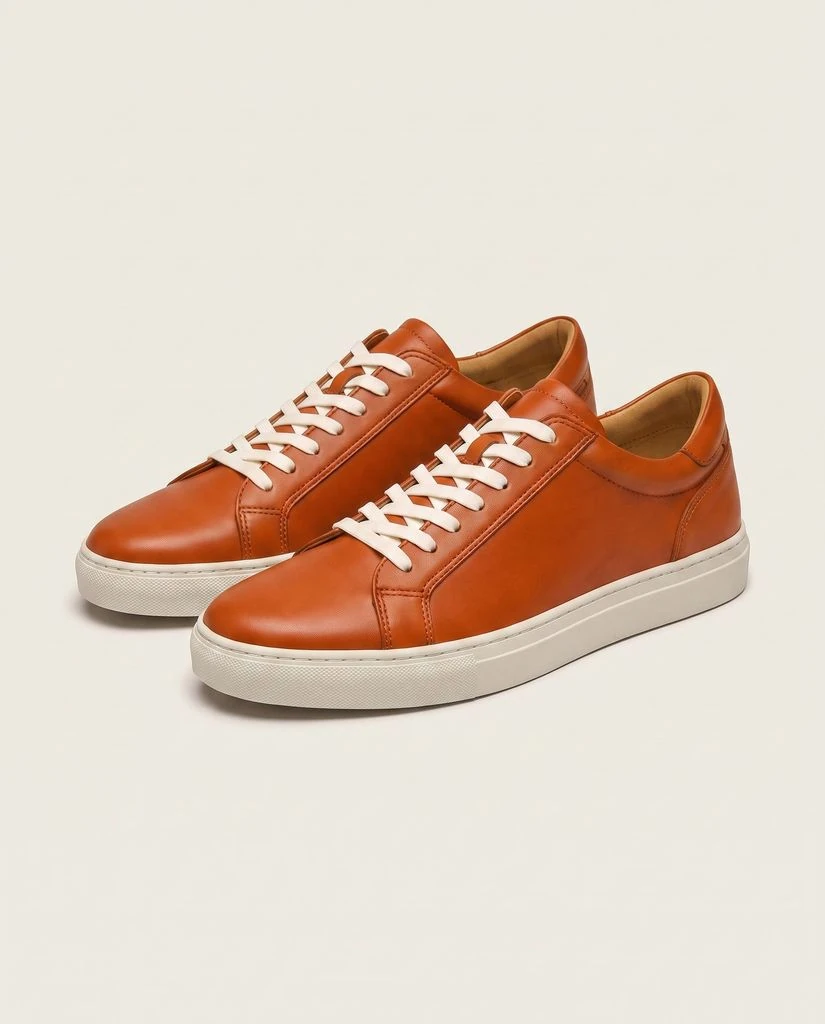
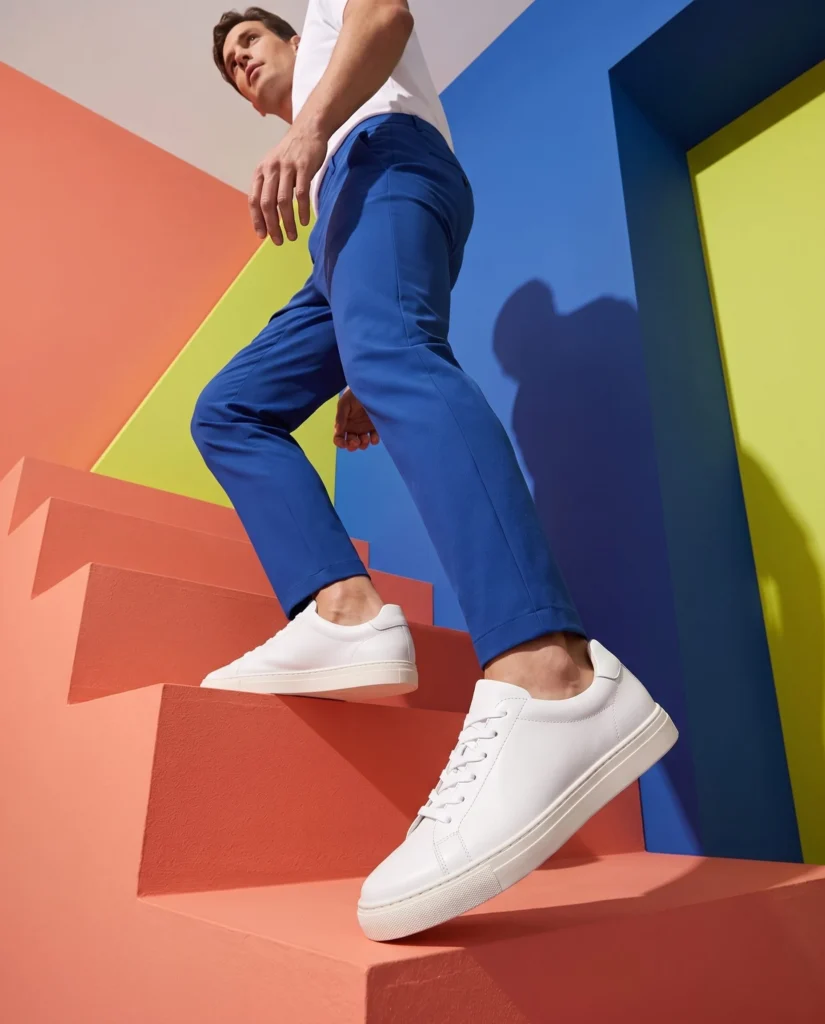
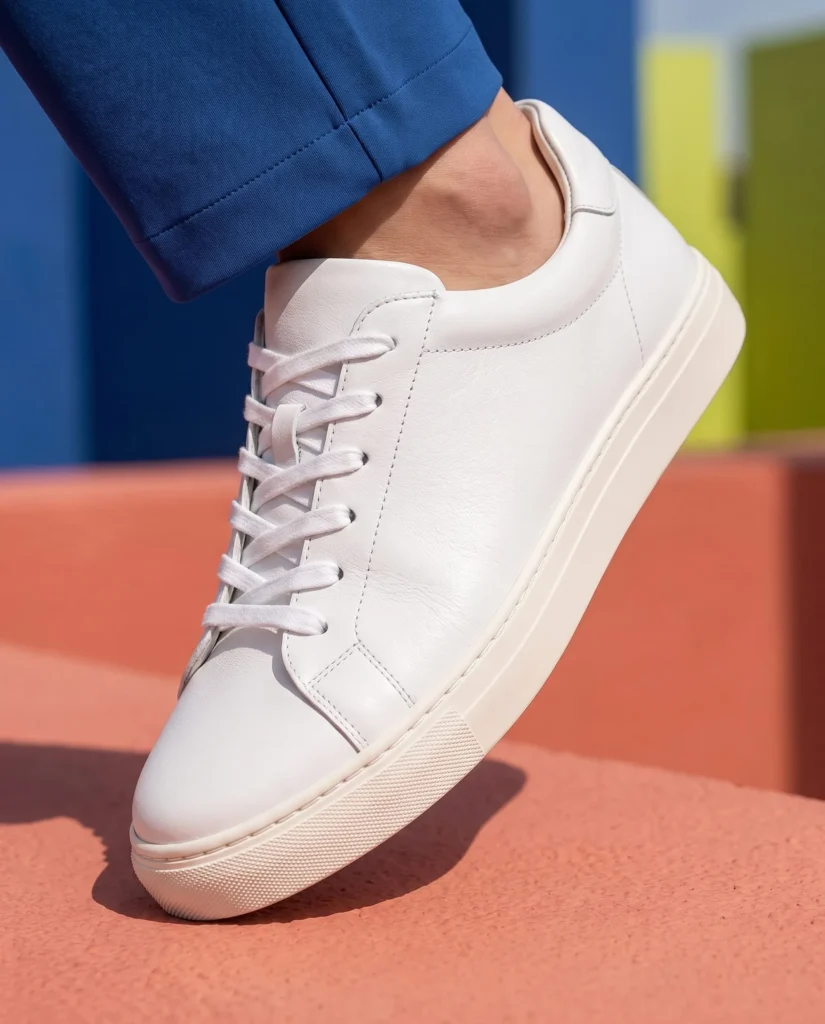
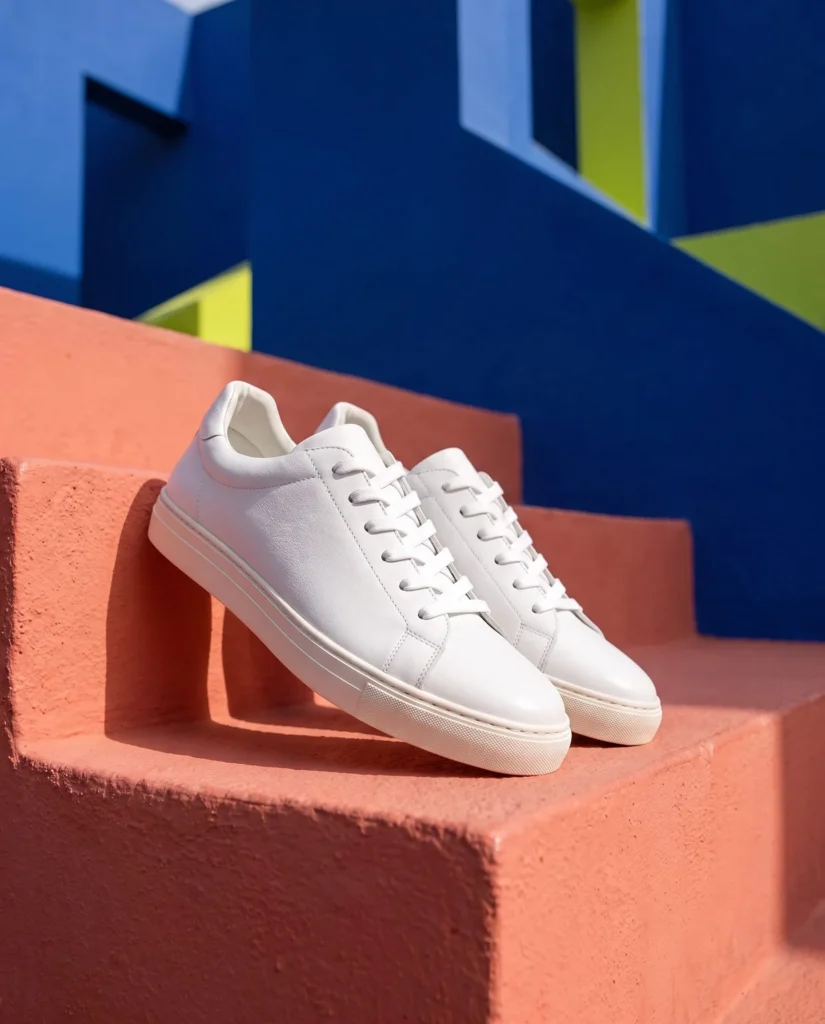
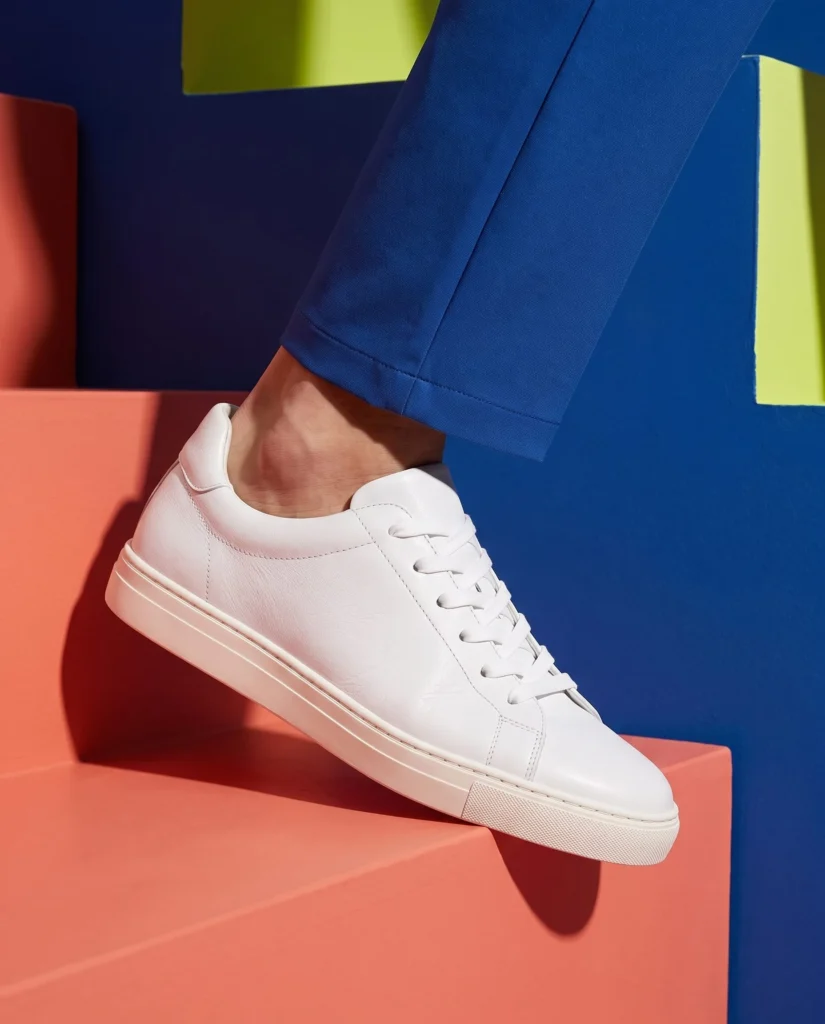
Take a pair from a plain studio shot to the street or the coast. Several looks from the same shoes.

Photo styles On foot New backgrounds
Woman wearing orange sneakers while walking on a city street
Orange sneakers worn on a coastal path
Pair of orange sneakers on a clean studio background
Three ways to create

Everything you can make. In one app.

Create new product photos, build a campaign set or make a photo sharper. Then shape the look your way.

AI product photos

Studio shots and lifestyle scenes from the photos already in your store.

Campaign image sets

Two to six matching images from one product, with one model through the whole set.

Sharper product images

Upscale a photo you already like and save the sharper copy to Shopify Files.

Photo styles

Studio, iPhone, Mirror Selfie, 2000s, Analog and more. Plus mood and lighting.

Your own instructions

Tell the app what you want for one shoot, or save instructions it uses every time.

Templates and saved presets

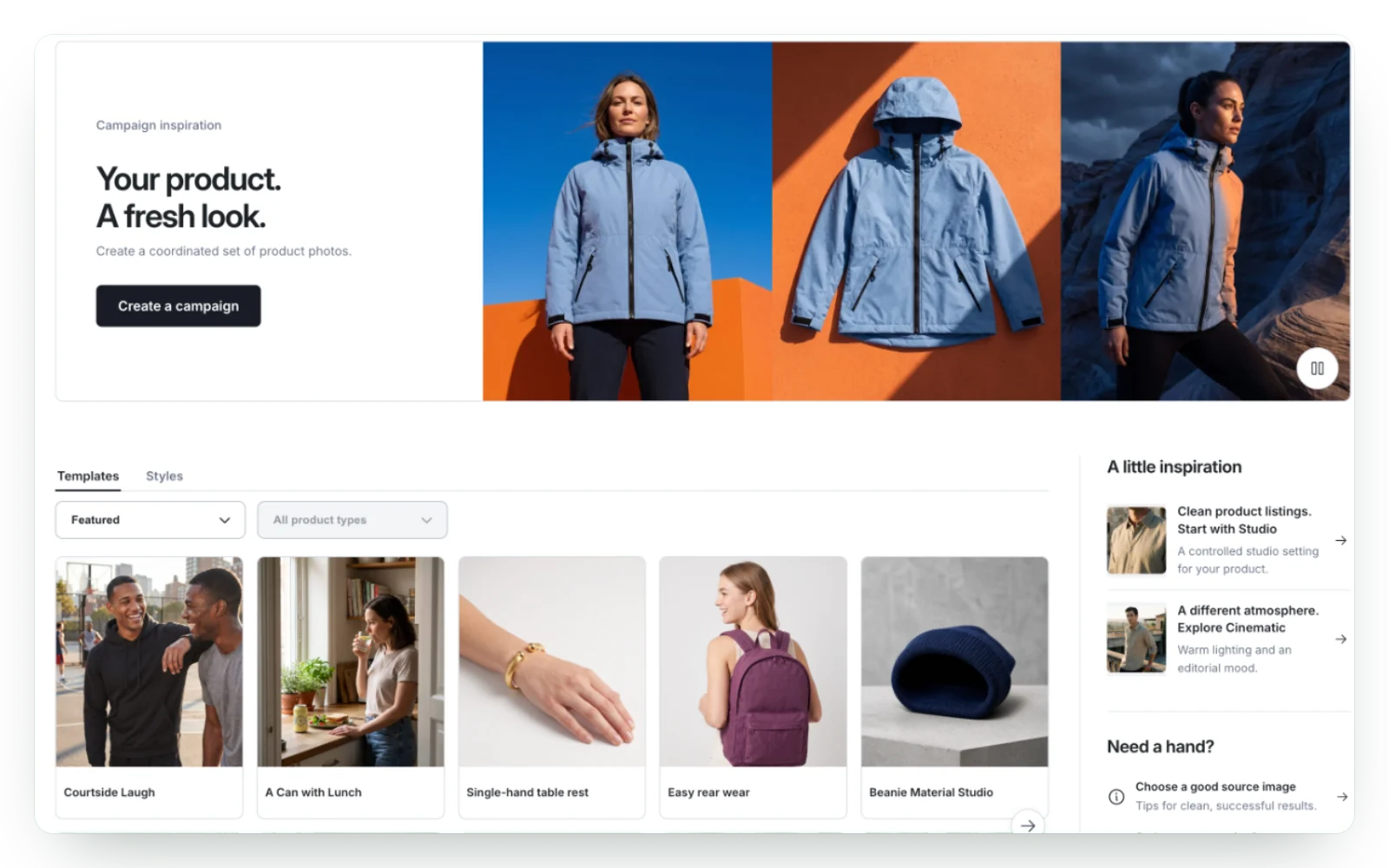
Start from a ready-made look for your product type, or save your own for next time.

Fotogenic AI Studio

Your photo studio.
Already in Shopify.

Pick a model and a place, then see the new photo in your product gallery. No studio to book.

Your product

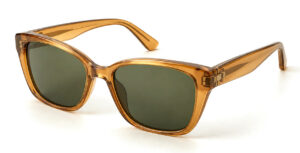
Amber sunglasses on a white background Amber sunglasses

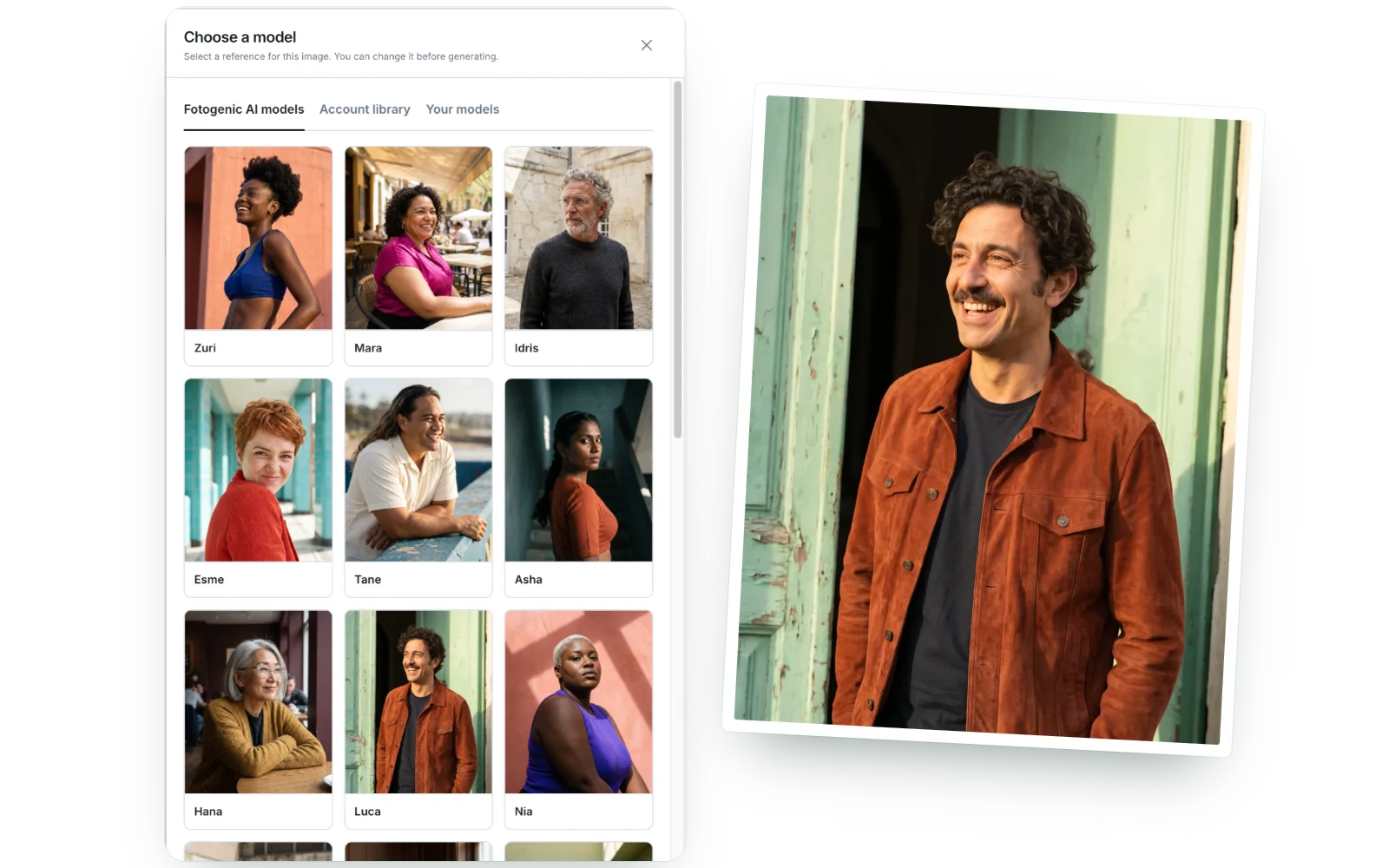
Choose a model

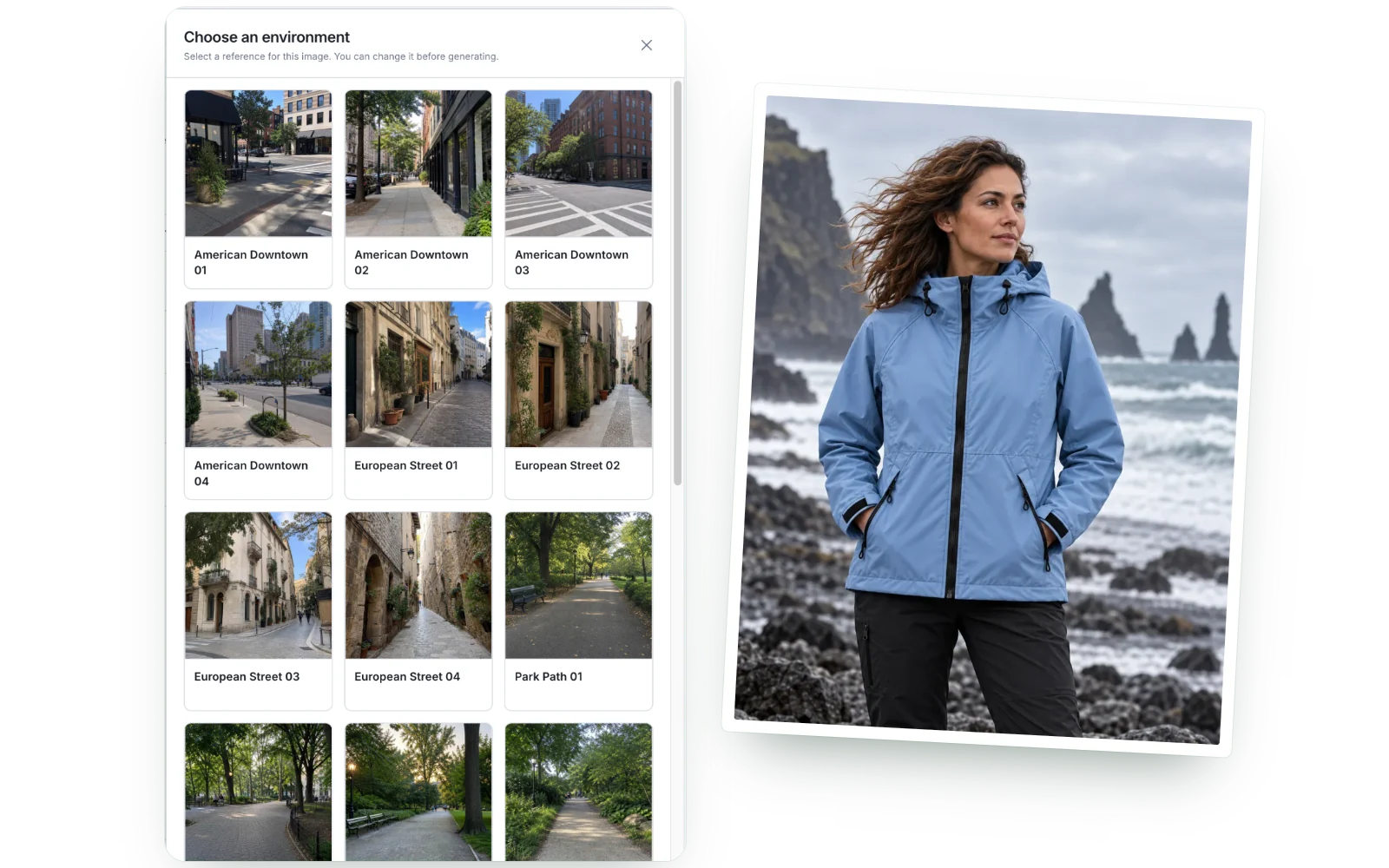
Choose a place

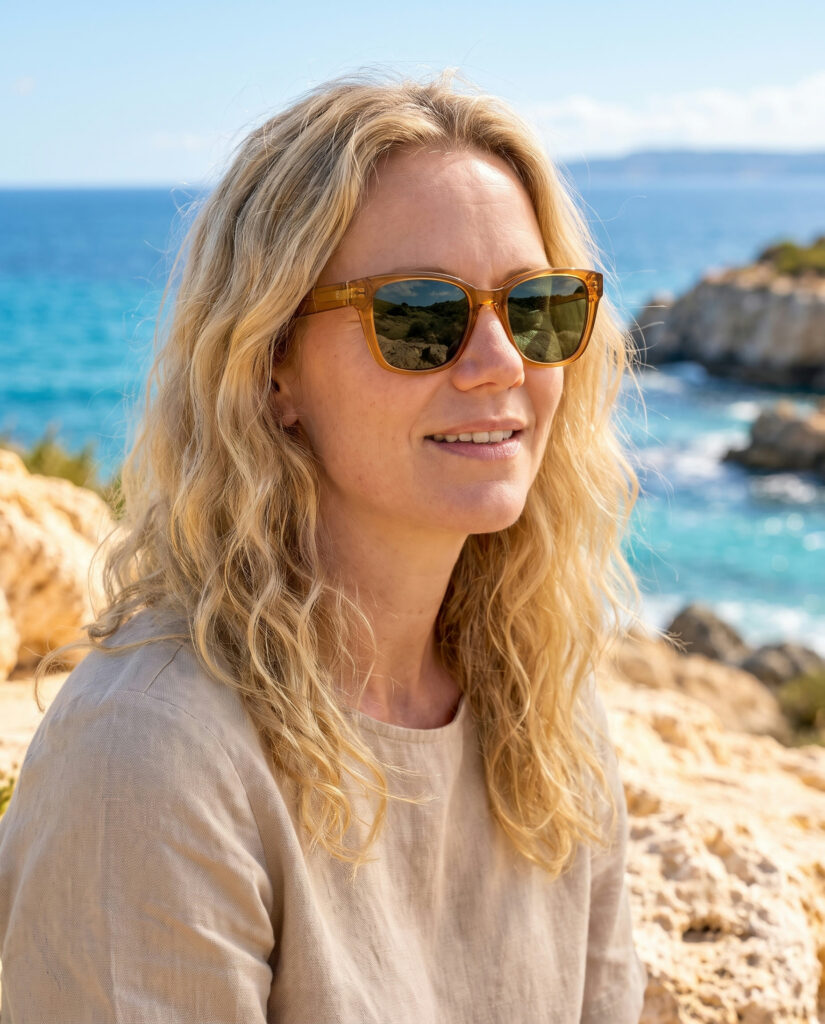
Blonde woman in amber sunglasses on a rocky Mediterranean coast
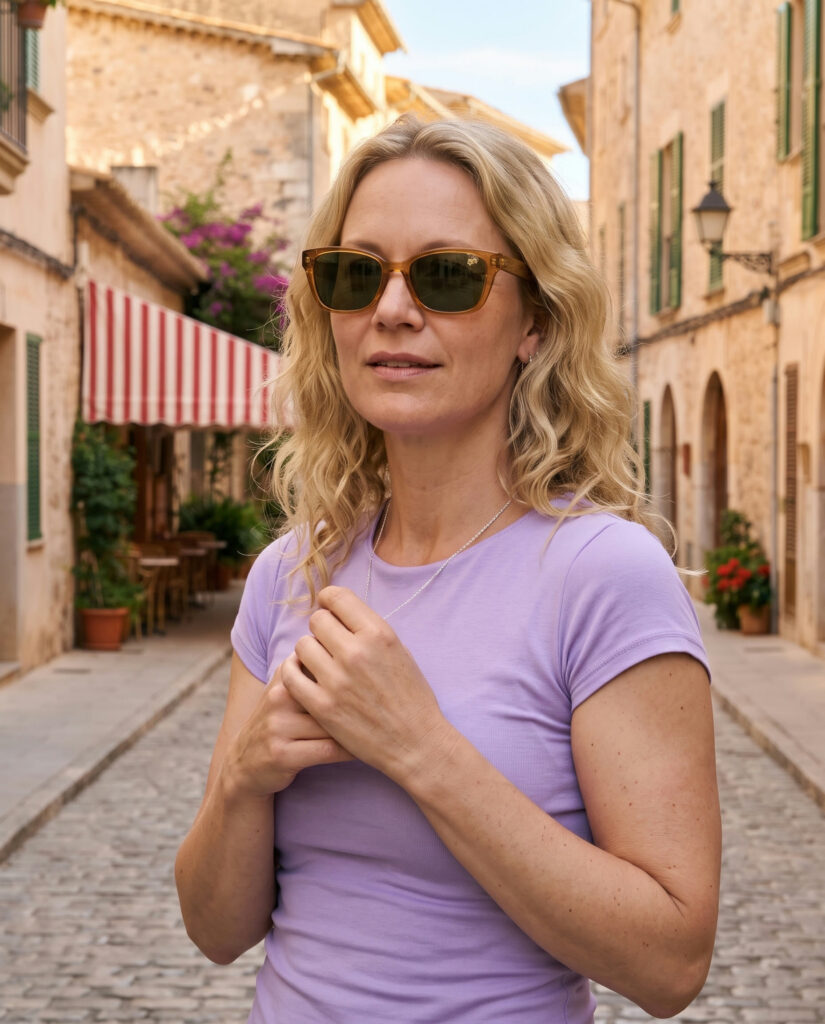
Blonde woman in amber sunglasses on a sunlit city street
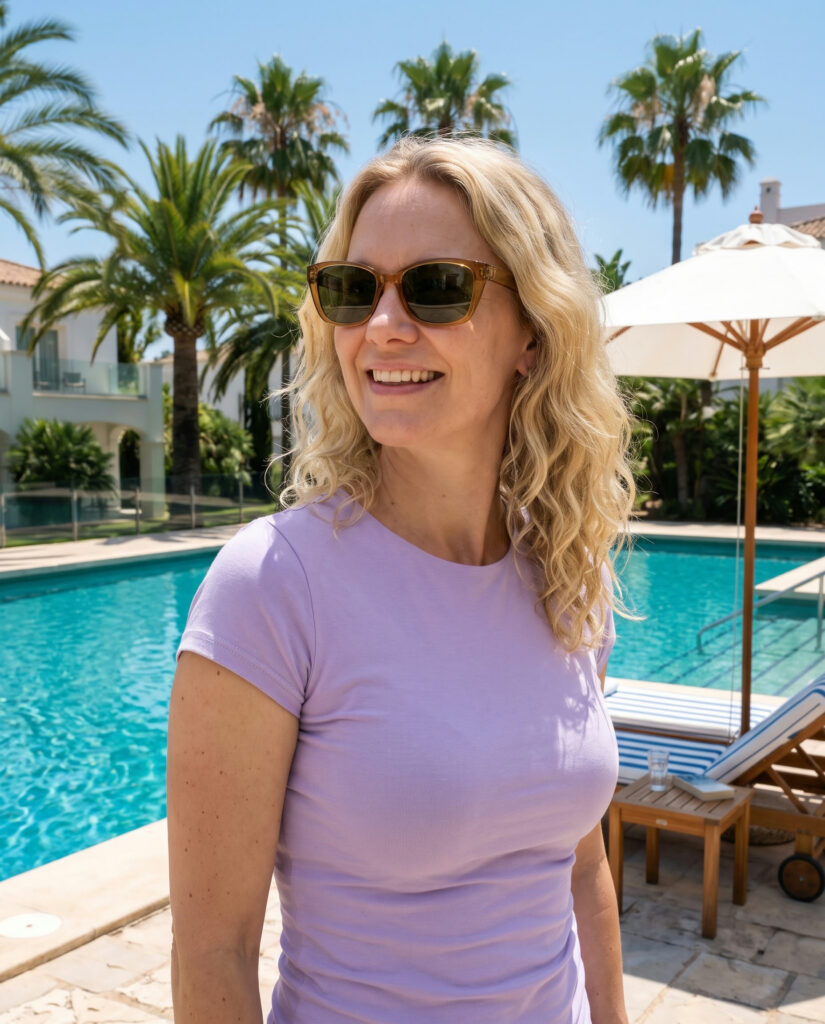
Blonde woman in amber sunglasses beside a hotel pool
Man with curly hair in amber sunglasses on a rocky Mediterranean coast
Man with curly hair in amber sunglasses on a sunlit city street
Man with curly hair in amber sunglasses beside a hotel pool
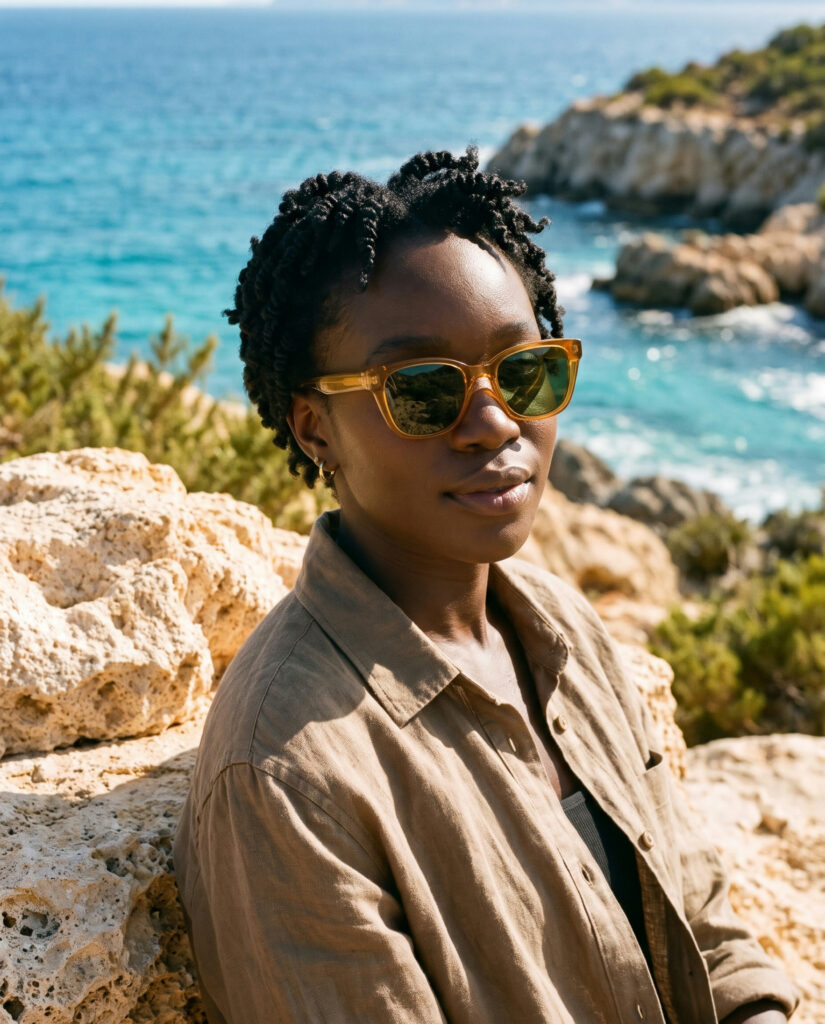
Woman with short twists in amber sunglasses on a rocky Mediterranean coast
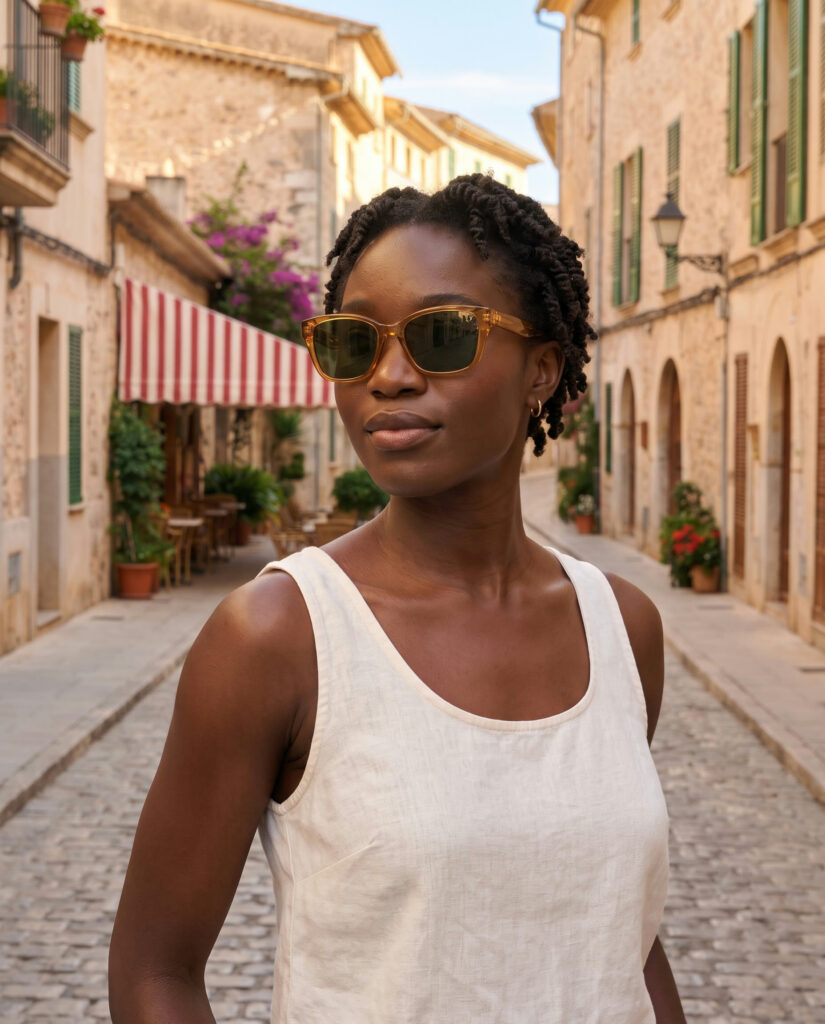
Woman with short twists in amber sunglasses on a sunlit city street
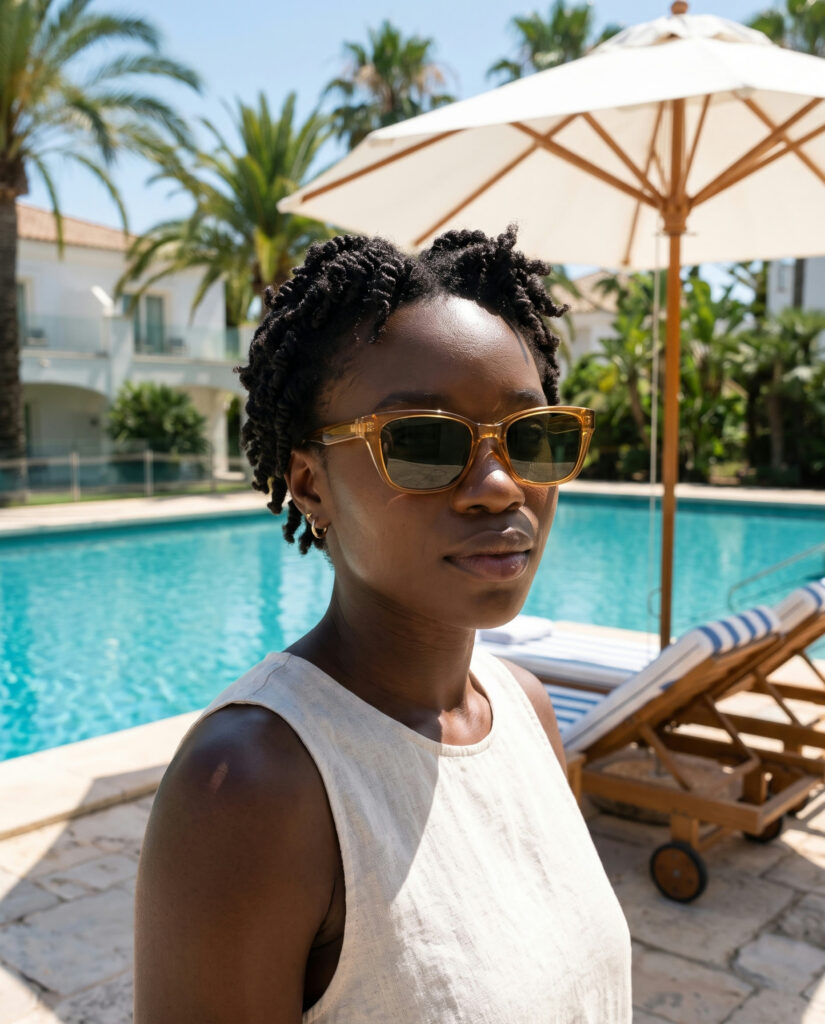
Woman with short twists in amber sunglasses beside a hotel pool

Freya Coast

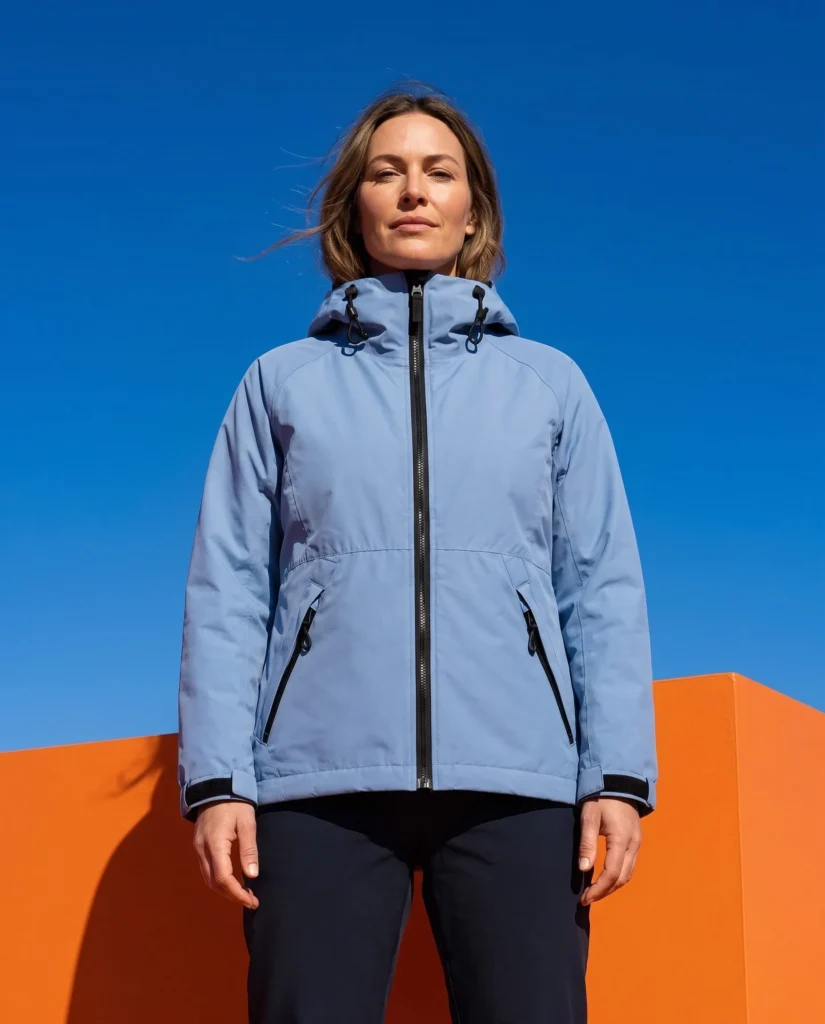
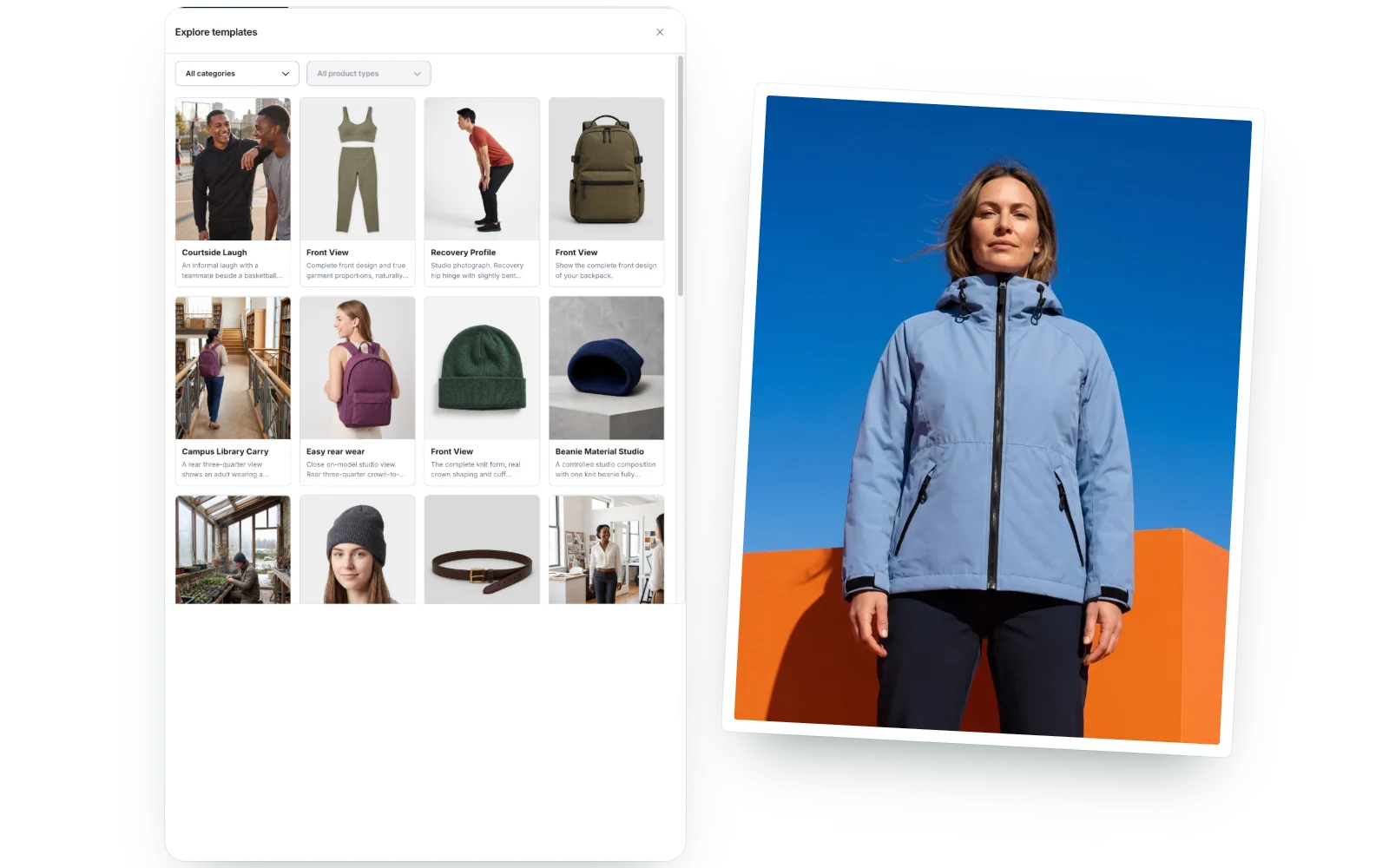
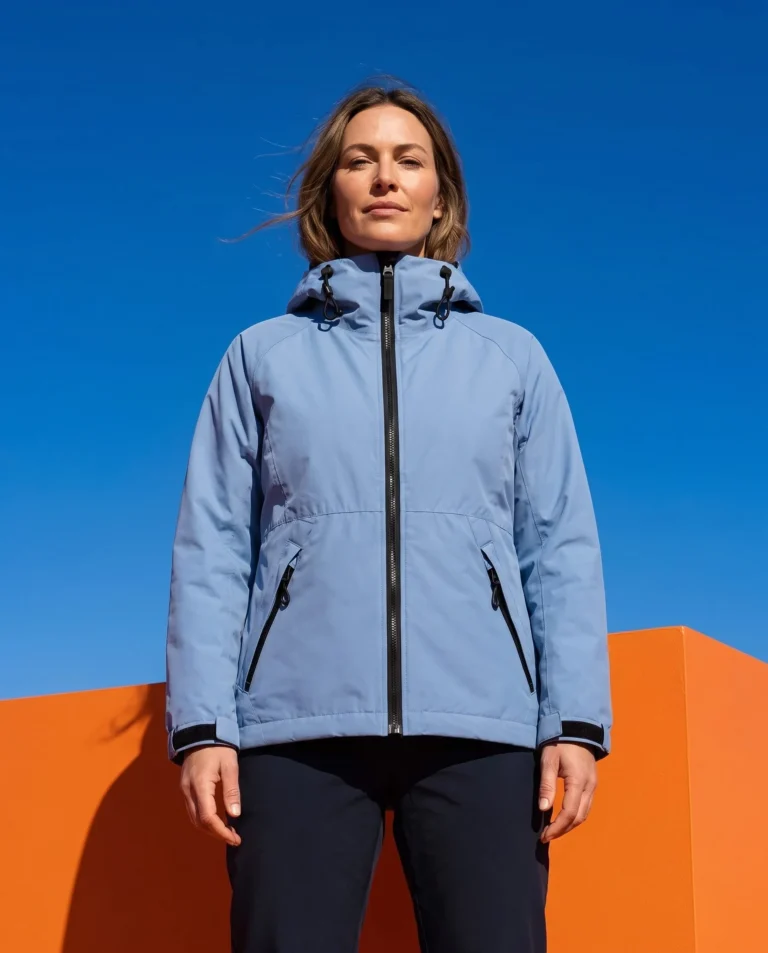
Woman in a blue rain jacket against a cobalt and orange studio set
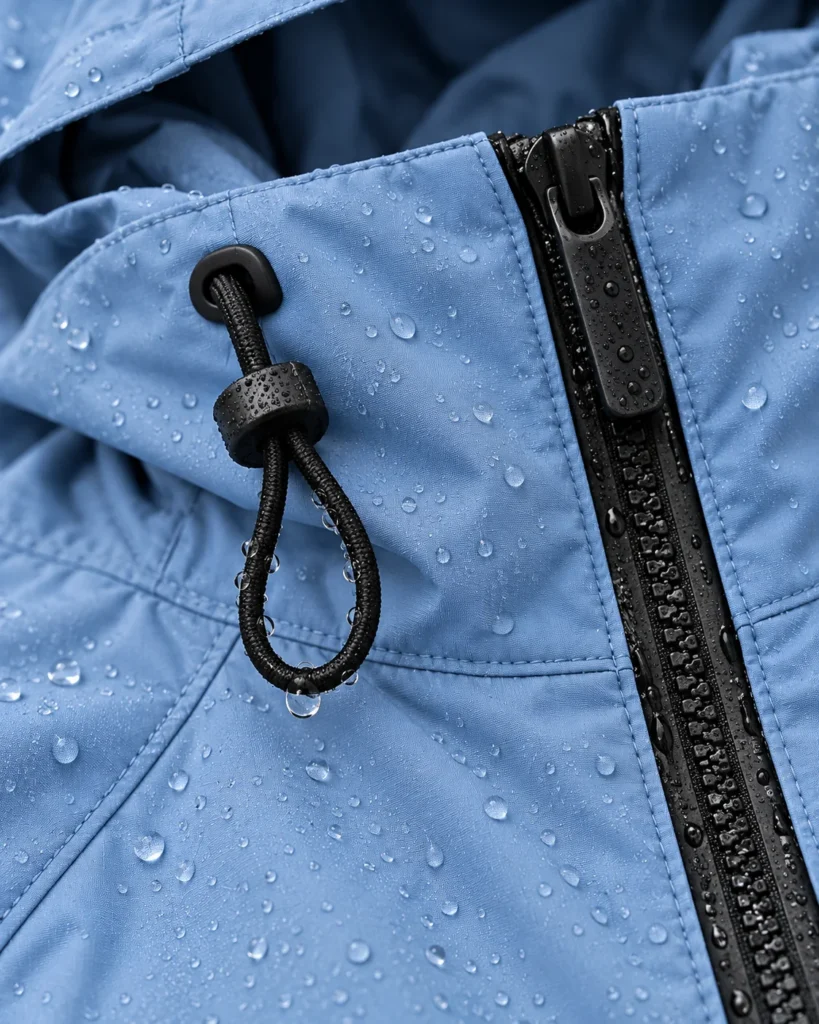
Close-up of the blue rain jacket zip and drawcord
Blue rain jacket laid flat in soft studio light

You stay in control

Set every detail
of your product photos.

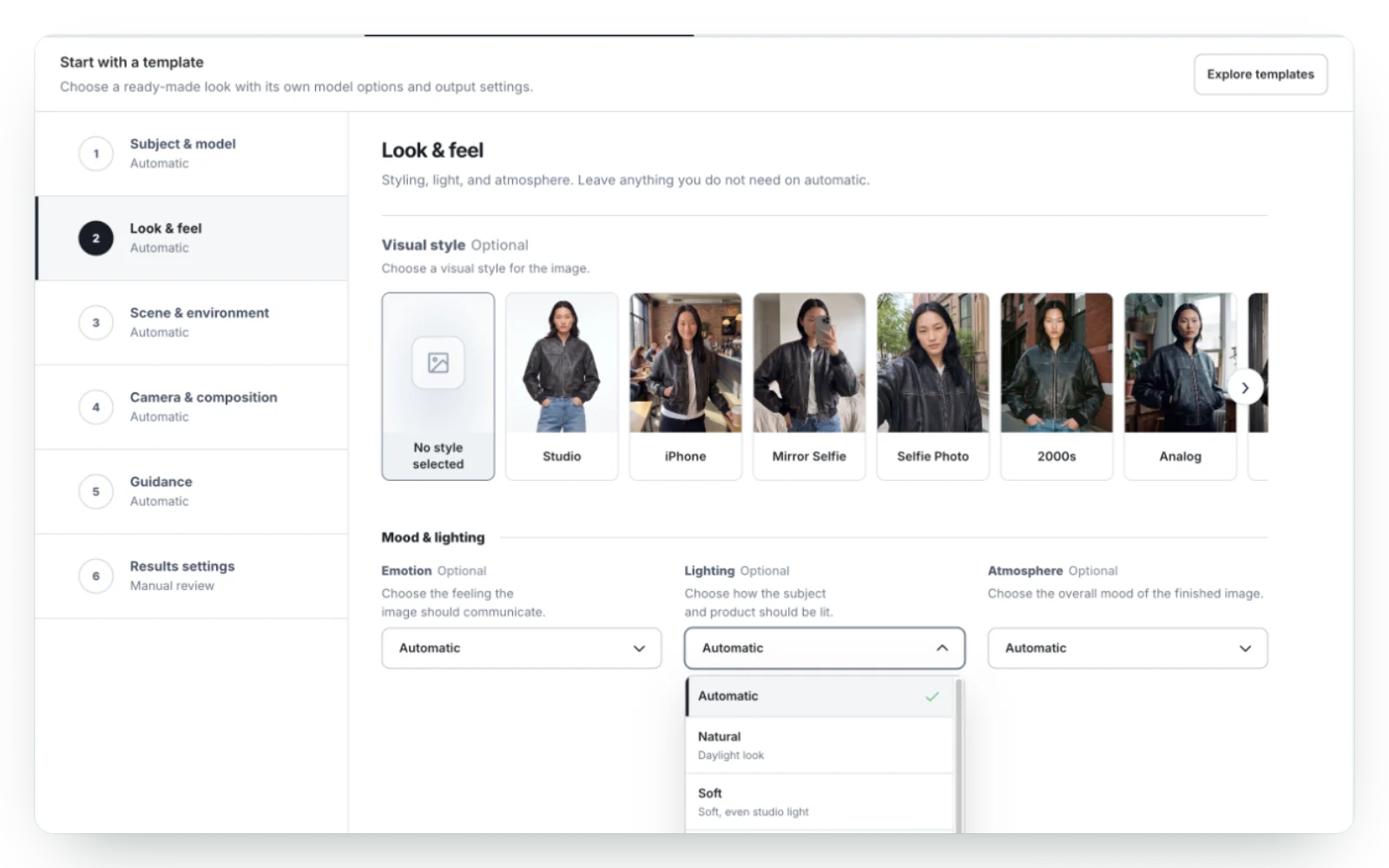
Photo style, mood, lighting, background and camera. Set each one yourself or leave it on automatic.

Style and mood

Studio, iPhone, Analog and more. Moods from Prestige to Playful.

Light and atmosphere

Natural, soft or cinematic light. Sunny, golden hour or minimalist.

Background and camera

A park, a bedroom or your own image. Framing, angle and focus.

Six steps

How the Shopify app works. From product to new photos.

From picking a product to new photos in your store. Every step happens inside your Shopify admin.

STEP 01

Pick your products. Variants and files too.

Choose products, variants or images from Shopify Files. Search your catalog and filter by category or stock.

  • Products, variants or Shopify Files
  • Search, category and stock filters
  • Many products in one batch

STEP 02

Pick a template. The look is set for you.

Browse ready-made looks for your product type. Pick one and the look is set for you.

  • Ready-made looks by product type
  • Preview a template before you use it
  • Save your own presets

STEP 03

Choose a model. Or go without one.

Let the app choose, pick one from the model library, or use a reference photo of your own.

  • A library of AI models
  • Your own model reference
  • Or no model at all

STEP 04

Choose a background. Or a lifestyle scene.

Pick a place such as a park, a bedroom or the mountains, or use a background image of your own.

  • Ready-made places to choose from
  • Your own background image
  • Mood, light and atmosphere

STEP 05

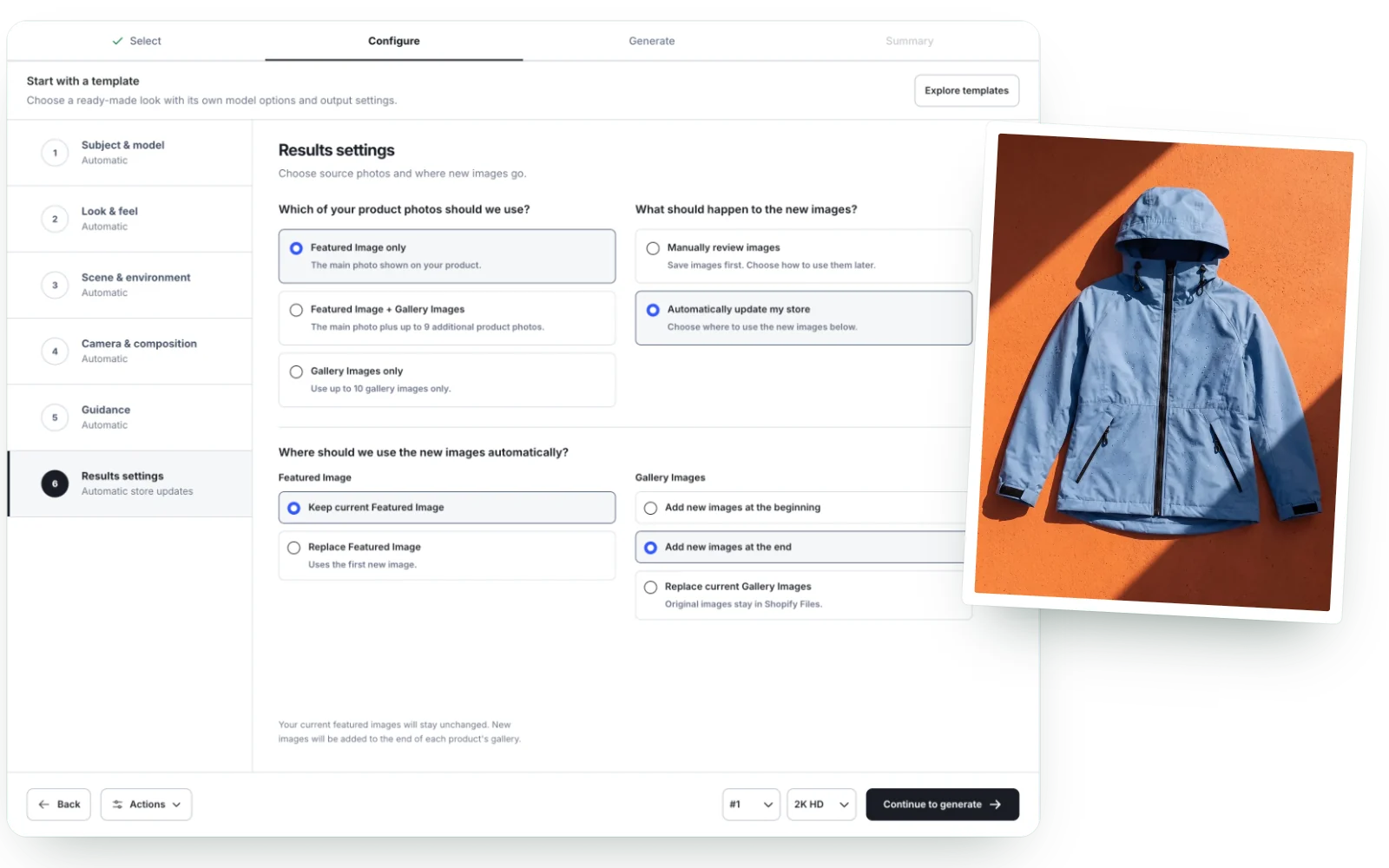
Review the photos first. Or let the app update your store.

Look through the images first, or let the app update the main image and the gallery for you.

  • Review first, or update the store
  • Keep or replace the main image
  • Add new images to the gallery

STEP 06

Press generate. Get your new photos.

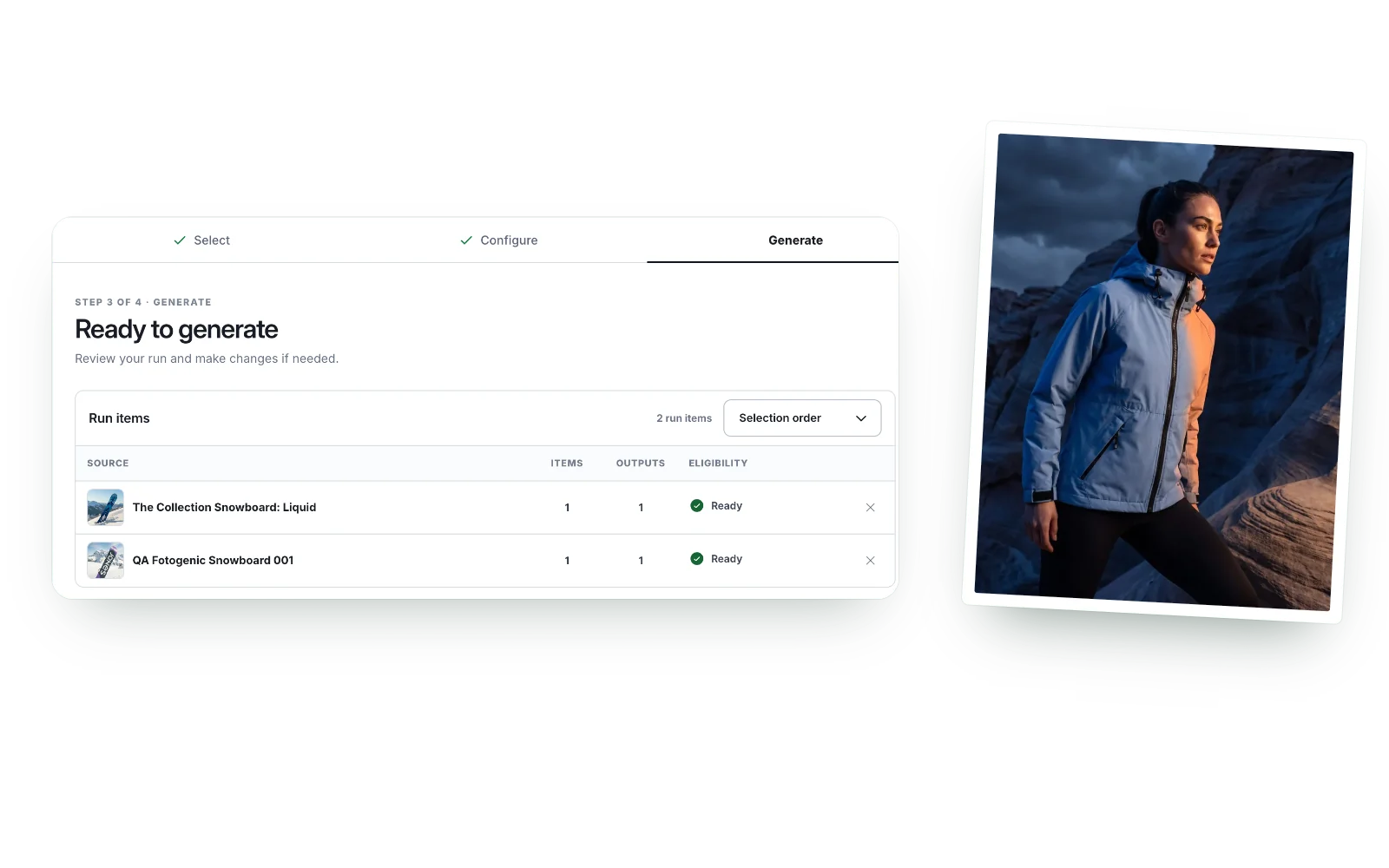
The app makes your photos. Every result is kept in History and saved to Shopify Files.

  • 1K, 2K HD or 4K UHD
  • Image shapes from 9:16 to 16:9
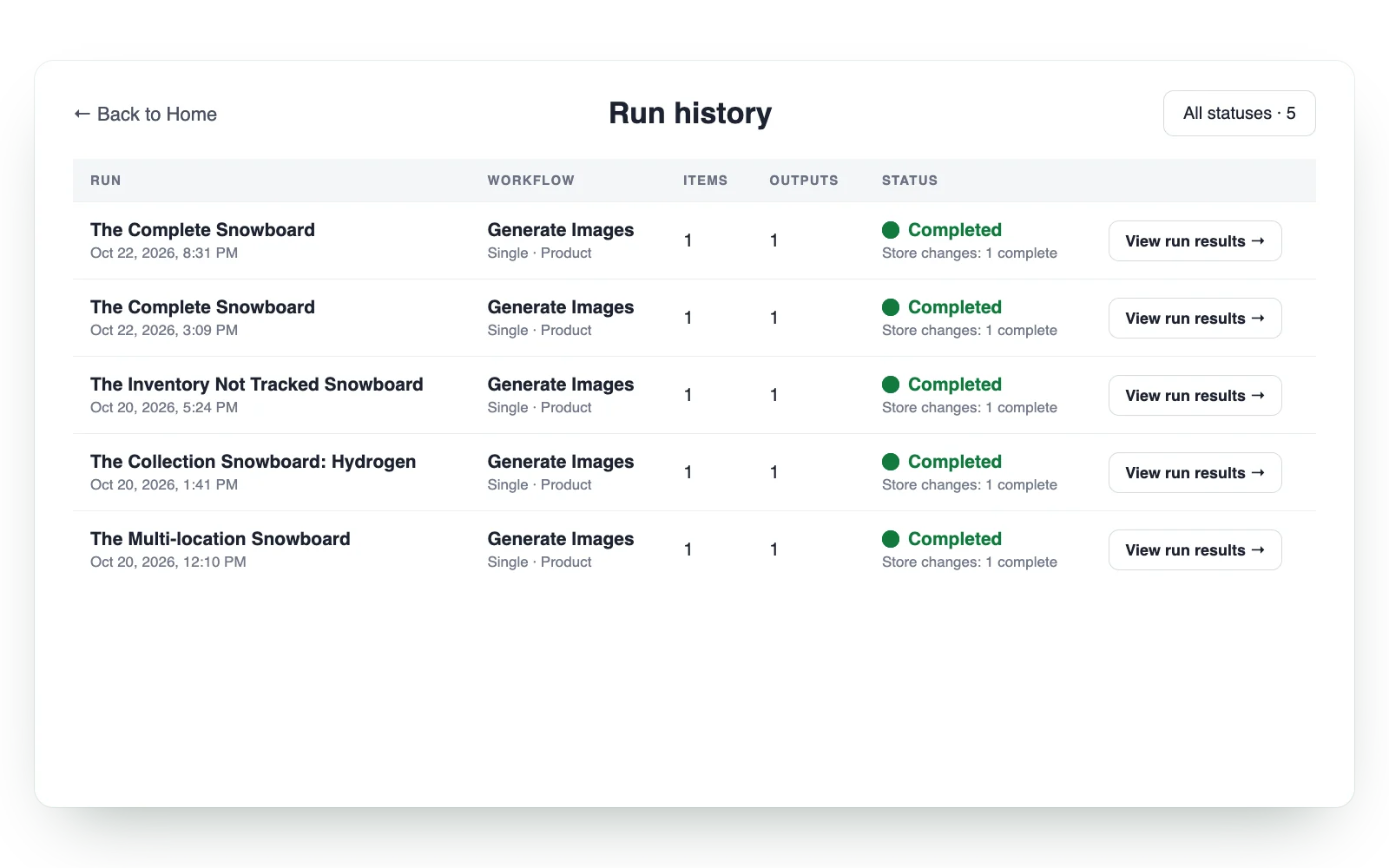
  • Every run kept in History
For big catalogs

Bulk product images. One style for every product.

Select many products at once and set the look once. Each product gets new photos in the same style.

Find the right products

Search by name and filter by category or stock before you start.

Save the look as a preset

Keep a look you like as a preset and use it again for the next products you add.

Everything in History

Every batch is kept in History, so you can come back to its images later.

The Fotogenic AI Shopify app run history with five completed runs
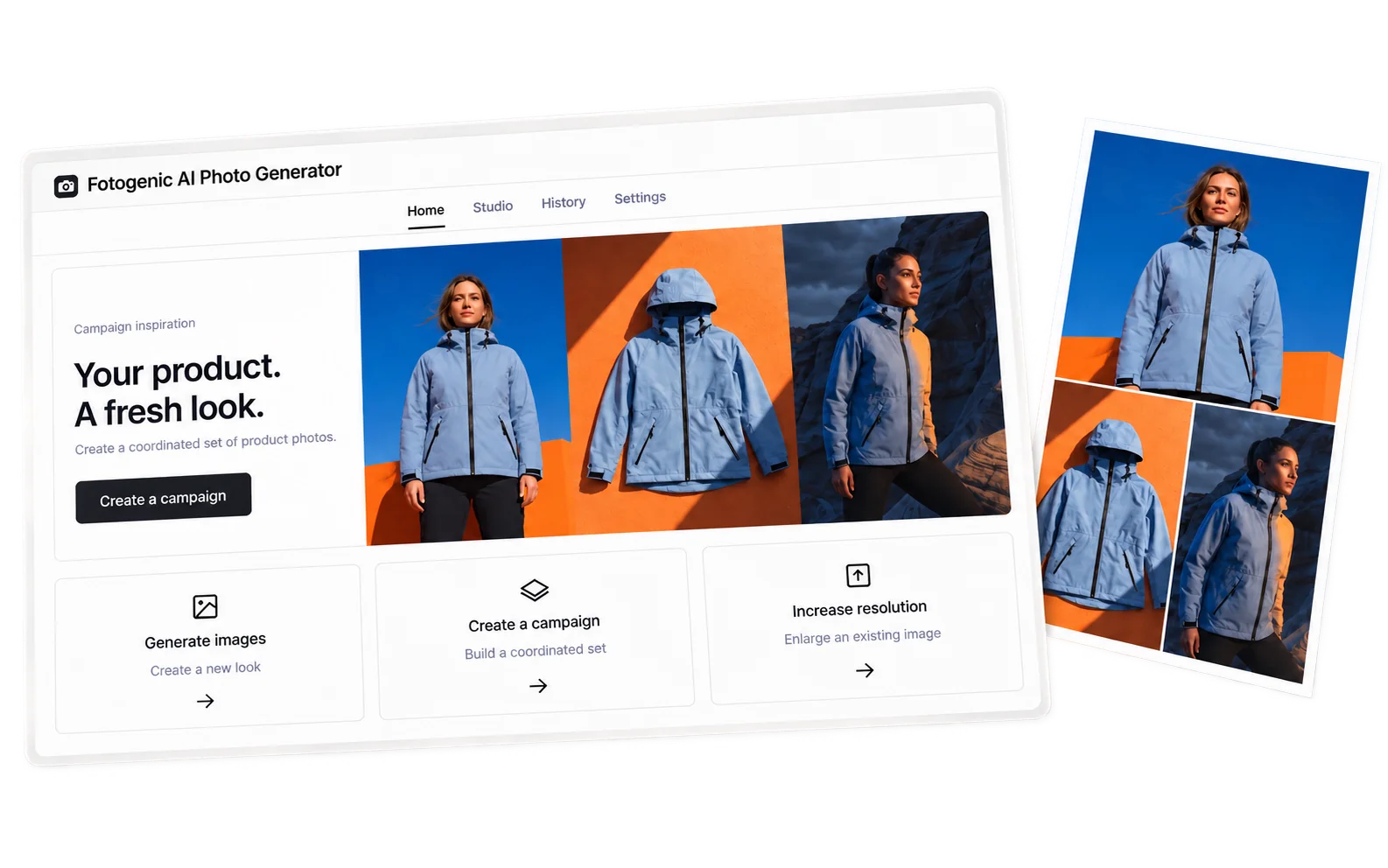
The Fotogenic AI Shopify app home with a blue jacket campaign and ready-made templates
The Fotogenic AI Shopify app look and feel step with photo styles and lighting choices

One product. A complete image set.

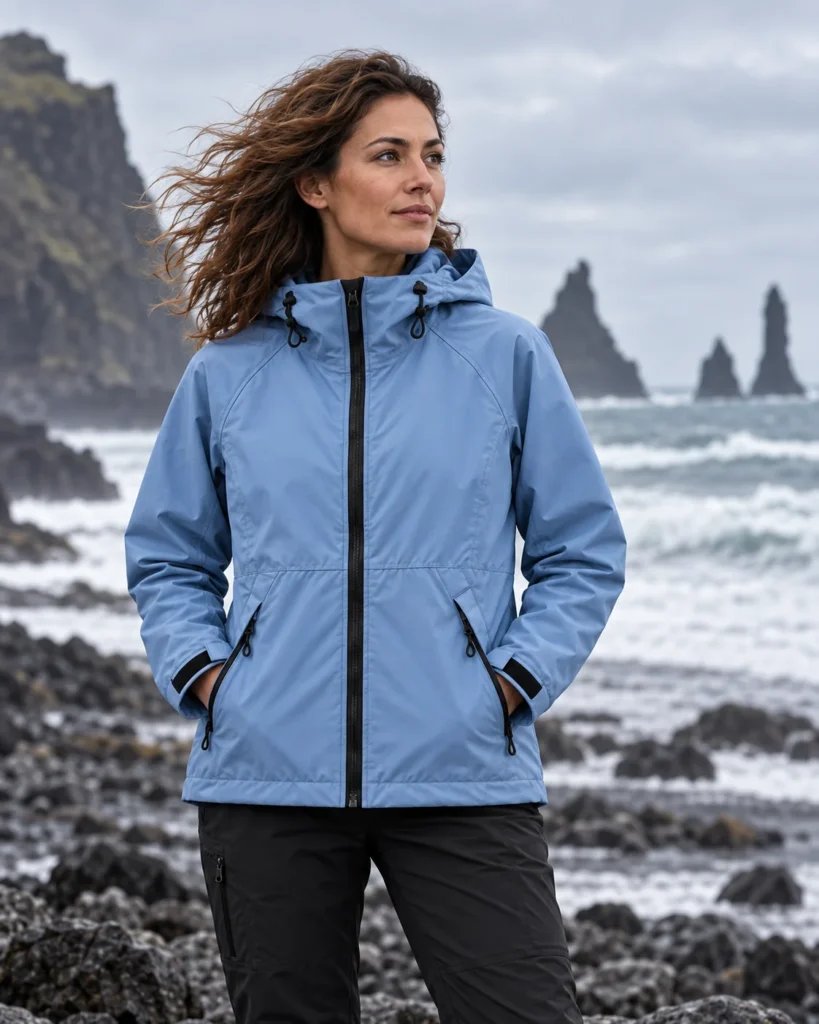
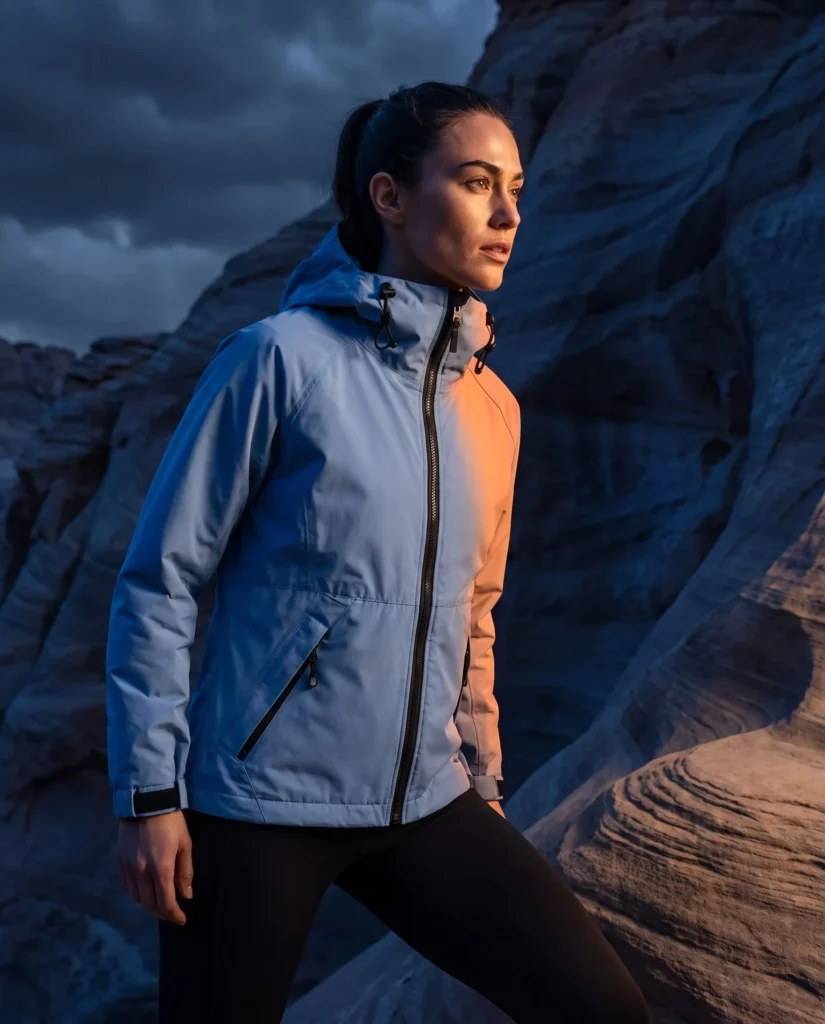
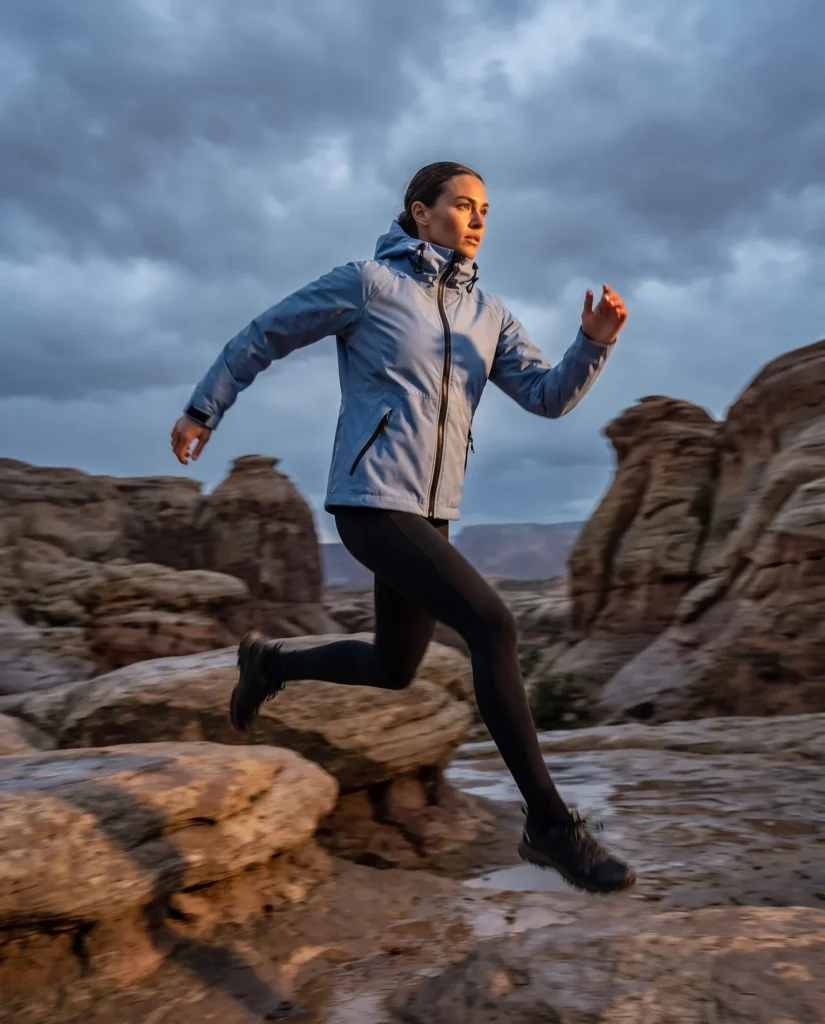
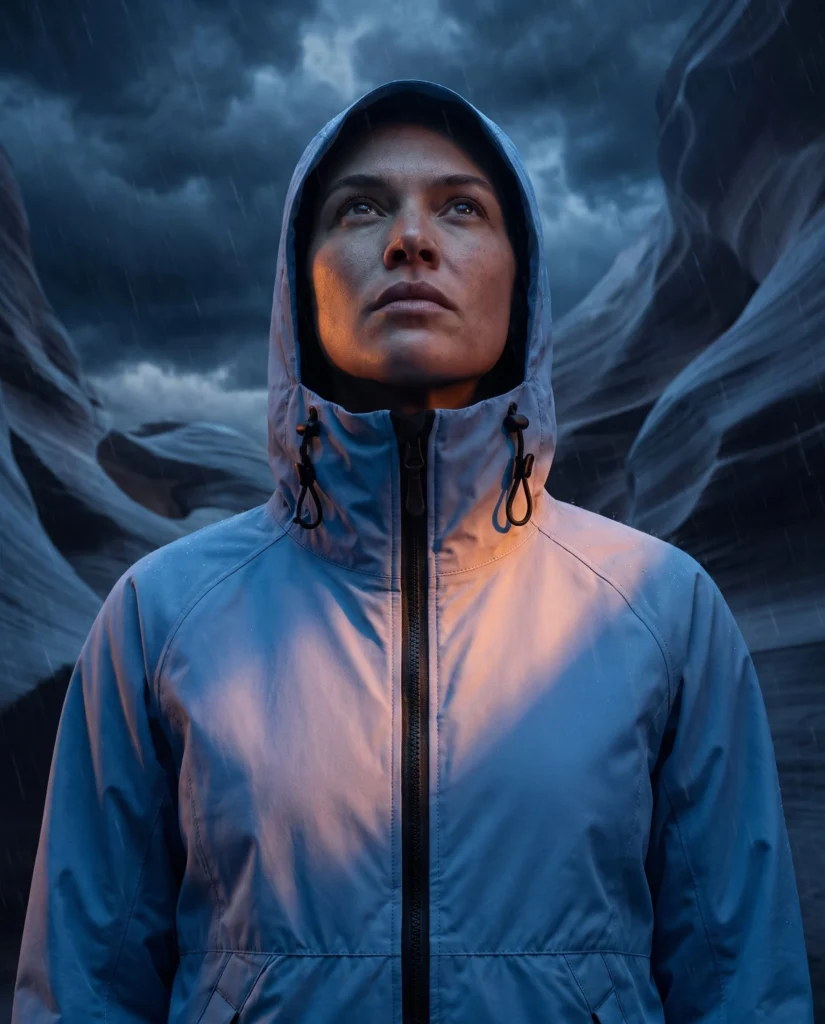
Two to six matching images from one product photo, with the same model in every shot if you want one.

Jacket original product photo

Explore another product

Blue jacket on a model against a cobalt and orange set
Blue technical jacket laid flat on an orange surface with diagonal shadows
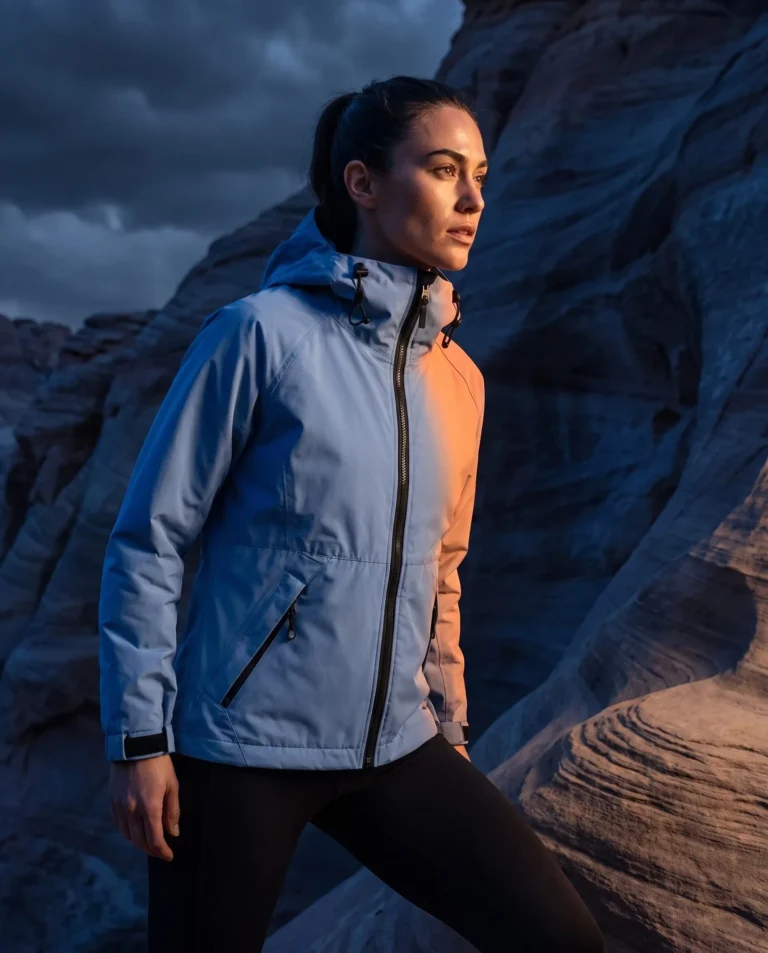
Blue rain jacket lit by blue and orange storm light
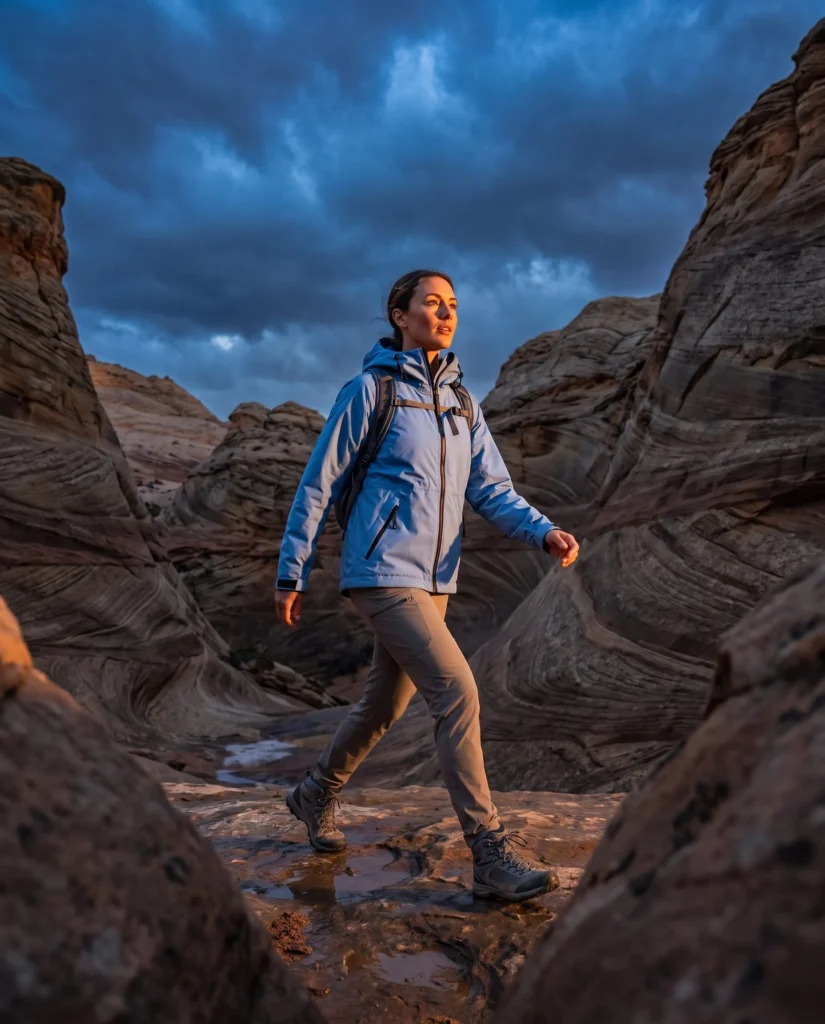
Hooded rain jacket portrait in a stormy canyon

When to use a set

Campaign images for every product launch.

New arrivals, seasonal offers, ads and social posts. One look across the whole set.

01

Product launches

Product and lifestyle photos that belong together.

02

Seasonal product photos

Give the products you already sell a summer, holiday or sale look.

03

Try different scenes

Test new backgrounds and light before your next campaign.

04

Product pages and social

Pick the image shape for your product page, ads or feed.

Images for every channel.
From the same product photo.

Your product page, collection pages, social posts, ads and email. All from one photo in your store.

Product page

Blue rain jacket laid flat on stone
Northline Blue rain jacket Add to cart

Conversion rate 3.4% 28%

Collection page

Blue rain jacket on a light background
Northline blue rain jacket New in Add to cart

Collection click-through 2.9% 31%

Instagram post

northline
Woman in a blue rain jacket against a cobalt and orange set
986 likes northline Rain or shine, sorted.

Engagement rate 5.2% 37%

Meta ad

NorthlineSponsored

The new rain jacket is here.

Woman in a blue rain jacket lit by blue and orange light
194 likes, 18 comments

Return on ad spend 3.8x 41%

Landing page

Hiker in a blue rain jacket in a rocky landscape
Weather-ready, every dayShop now

Bounce rate 38% 22%

For your store

Less shooting. More selling.

Keep your store and campaigns stocked with fresh images. No studio booking for every new product.

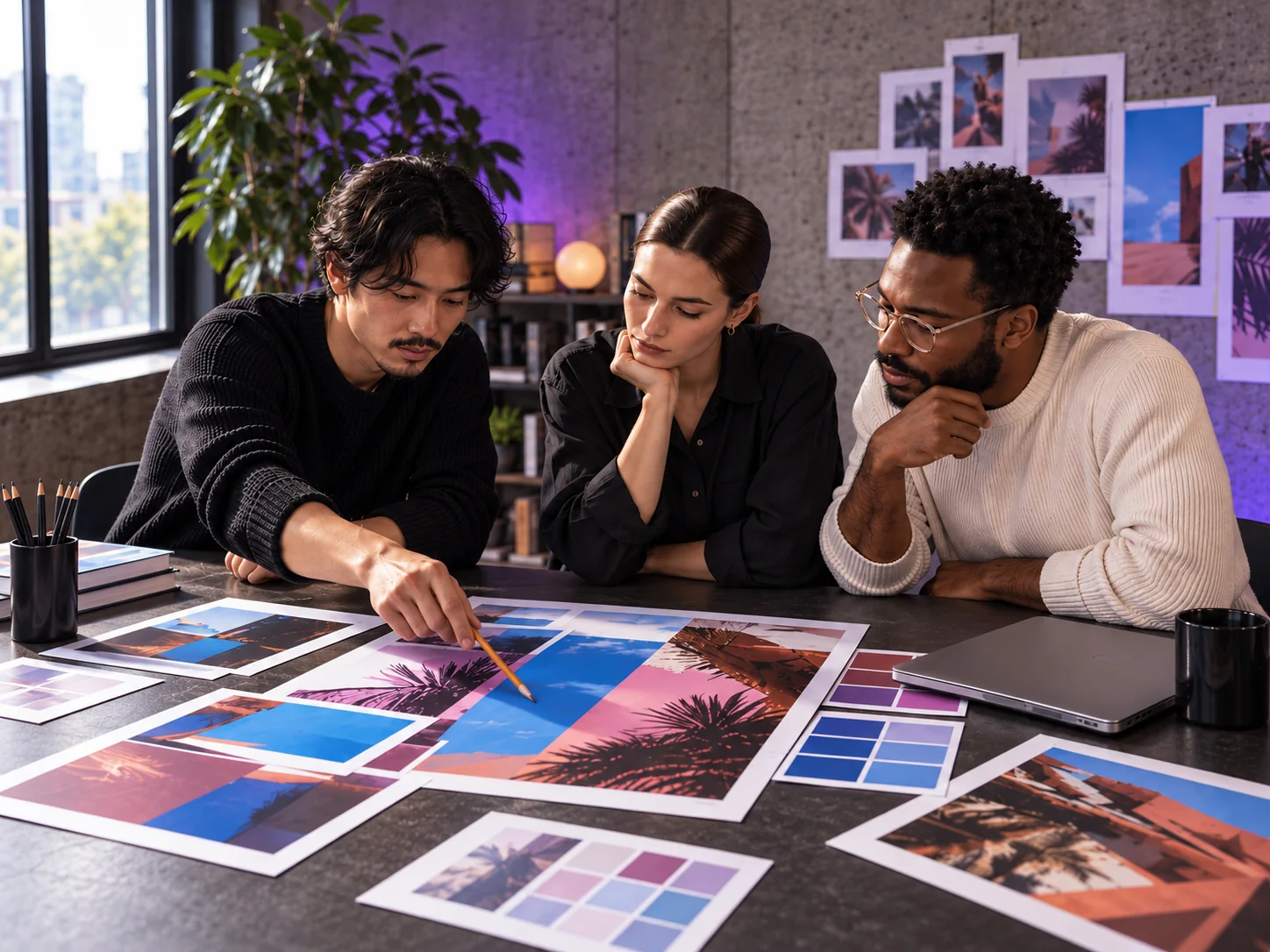
Team reviewing printed campaign images around a table
  • Skip the studio day

    Put the shoot budget into your next collection.

  • Launch new products sooner

    Make the photos for a new product from one picture, without waiting for a shoot.

  • Keep one look across your store

    Save a look once and use it for every new product.

Where photos come from

Start with the photos you already have.

Products, variants, Shopify Files or a new upload. One clear photo of the product is enough to start.

Catalog

Products

Use the main photo of a product, its gallery photos or both.

Exact item

Variants

Pick one exact variant, such as a color, and start from its photo.

Your library

Shopify Files

Use any image in Shopify Files as the start.

New photo

Upload a photo

Upload a new photo to Shopify Files and use it straight away.

Your images. Your choice.

Check each image before it goes live, or let the app add it for you. Each result is saved as a new file.

Look before you publish

Look through every image before it goes on a product page.

Choose what goes live

Add the images you like to the product and leave the rest in Shopify Files.

Keep it for later

Leave new images in Shopify Files and come back to them in History.

Product categories

Examples for
your kind of product.

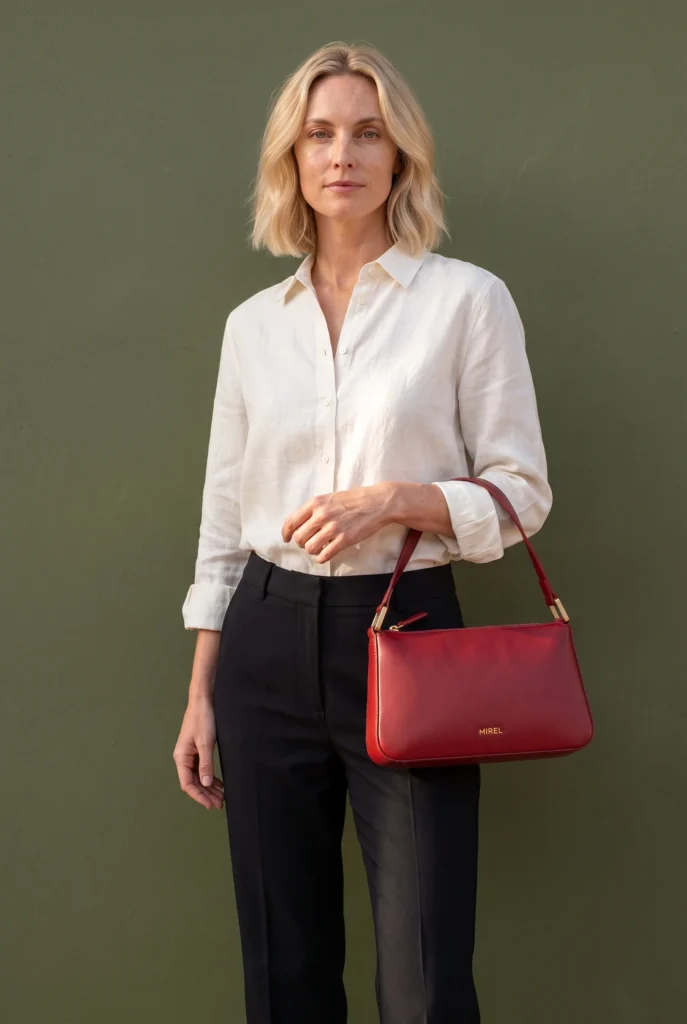
Fashion, footwear, jewelry, bags, beauty, skincare, home goods and food. Each has its own page of examples.

Start here

Get the Shopify app from the App Store.

Install it and try it on your products. On the App Store, look for Fotogenic AI Photo Generator.

Step 1
Install from the App Store
Add the app to your store from the Shopify App Store.
Step 2
Open the app
Open it in your Shopify admin. Your products and their photos are already listed.
Step 3
Pick a product
Pick a product whose photo shows the whole product clearly.
Step 4
Add photos to your store
Look through the results and add the ones you like to your products.

FAQ

Questions about the Shopify app

What the app makes, how it works with your catalog and what happens to the photos in your store.

Yes. It is an AI product image generator that works inside Shopify and starts from the photos already in your store. It turns them into studio shots, lifestyle scenes and on-model images, and saves each one as a new file in Shopify Files.

No photographer or studio needed

Shopify AI photo generator for your products.

Turn the photos in your store into studio, lifestyle and on-model images.
  • From one product photo
  • 2 to 6 images per set
  • Up to 4K UHD