AI Furniture Photography: One Chair, Three Image Roles
Create room scenes, close details and seated views with Fotogenic AI.

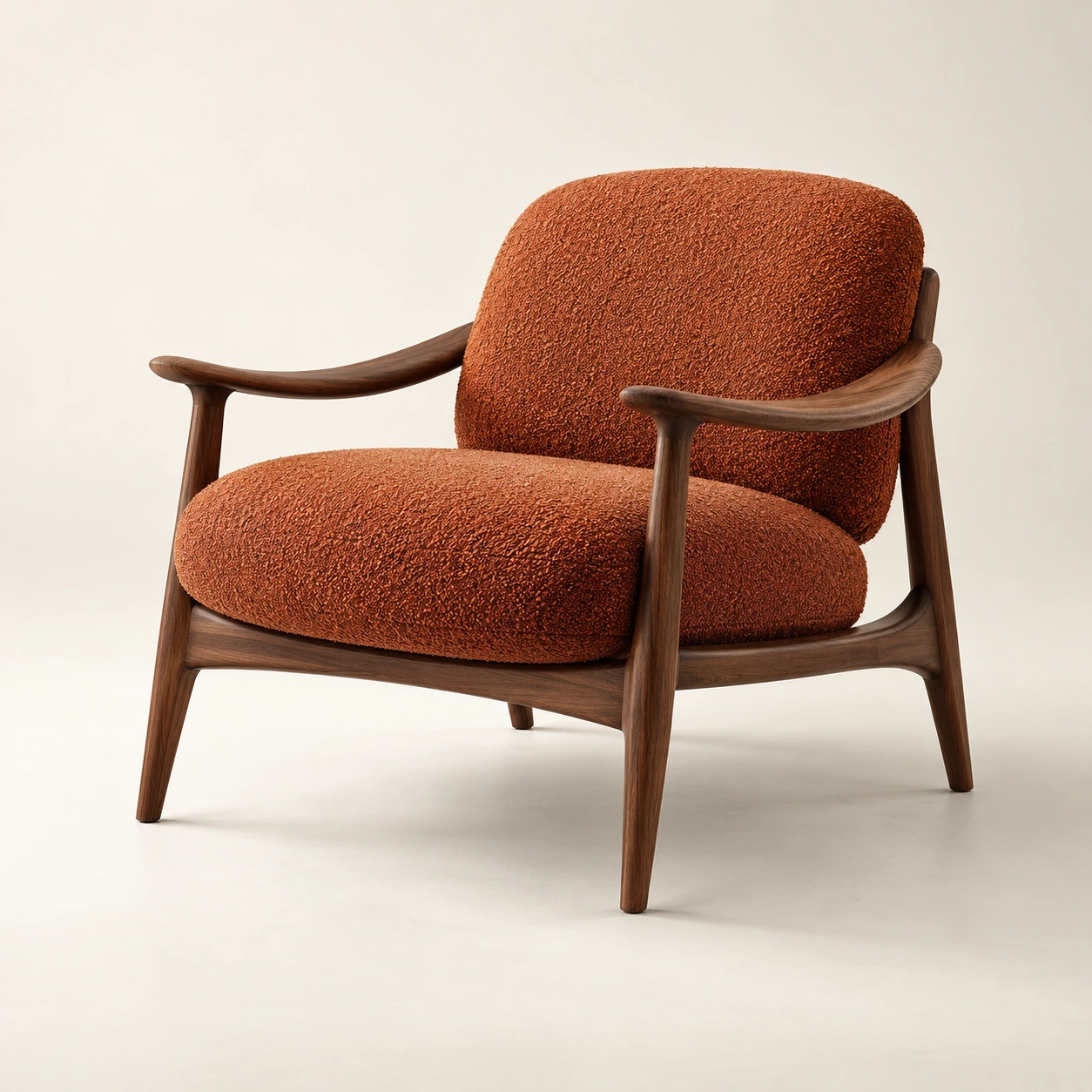
Sell the chair within a room
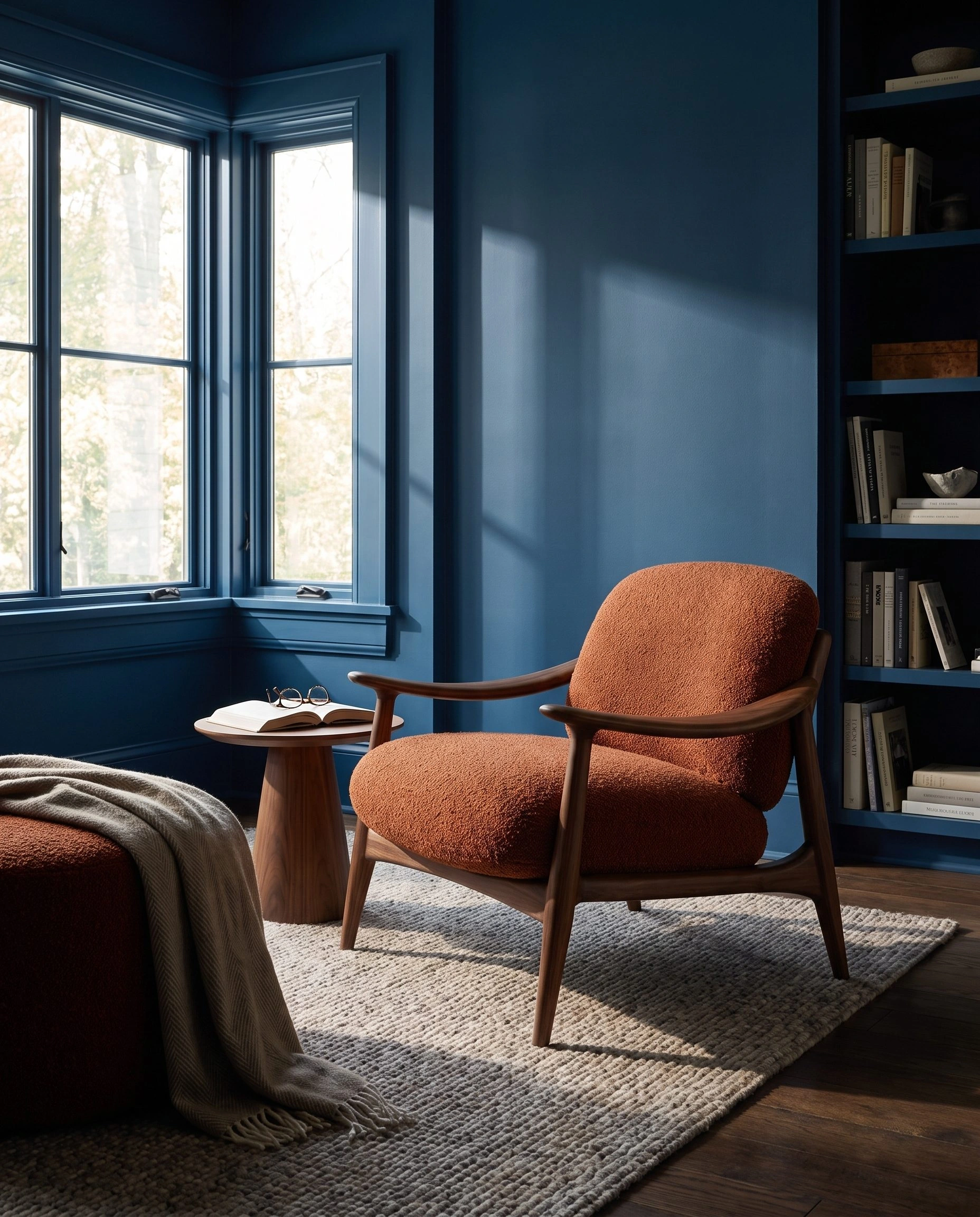
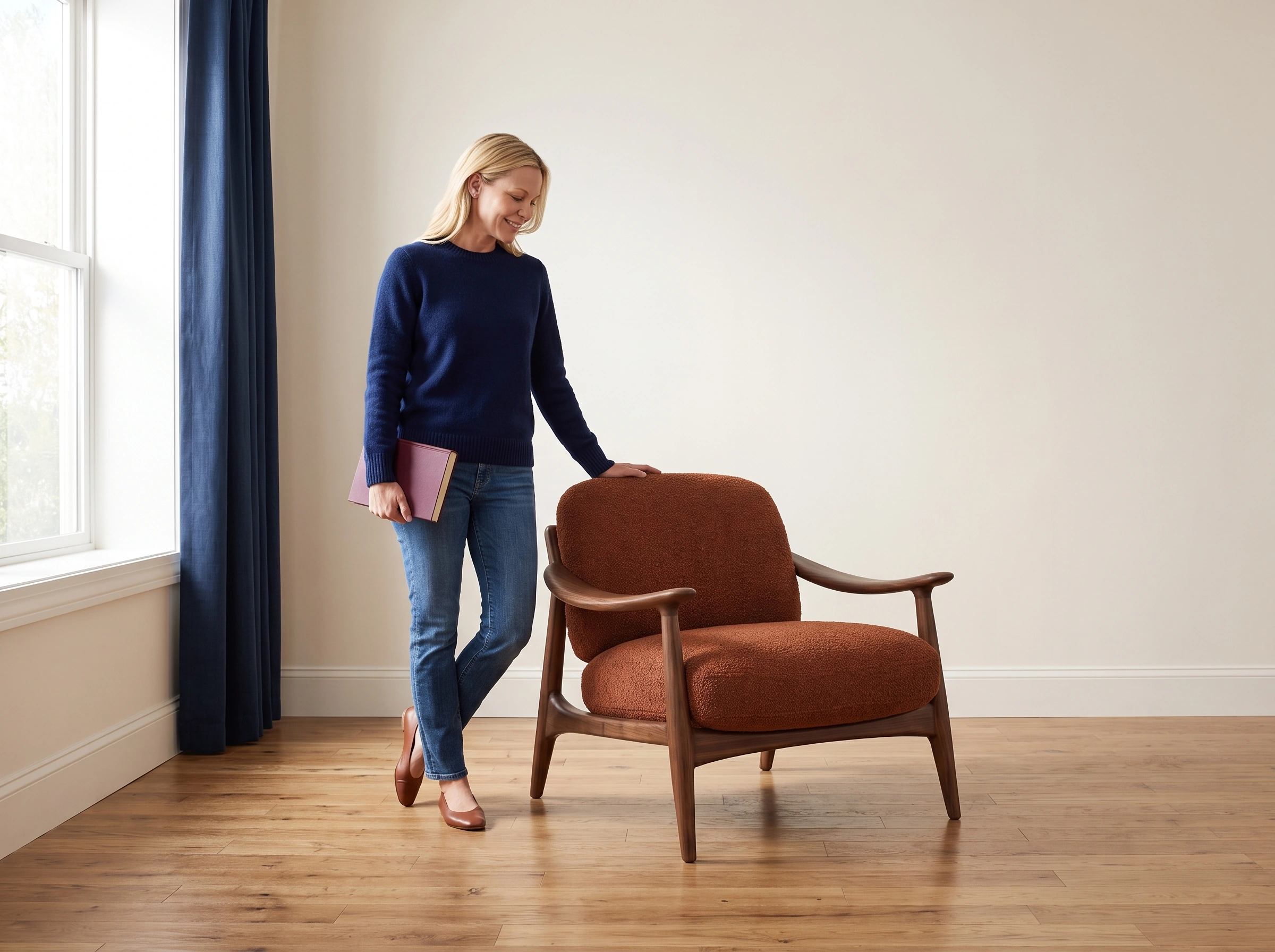
Furniture shoppers need to see the object clearly and imagine how it contributes to a space. Our brief gives one rust-and-walnut armchair three kinds of coverage: a complete environmental view, a material detail and a person using it.
The reference defines a rounded upholstered back, separate seat cushion, sculpted walnut arms and tapered legs. Rust fabric provides a warm focal point within cooler interiors. The product page needs that recognizable silhouette before a wider room or a seated person changes how much of the chair can be seen.
Establish the furniture in Fotogenic AI
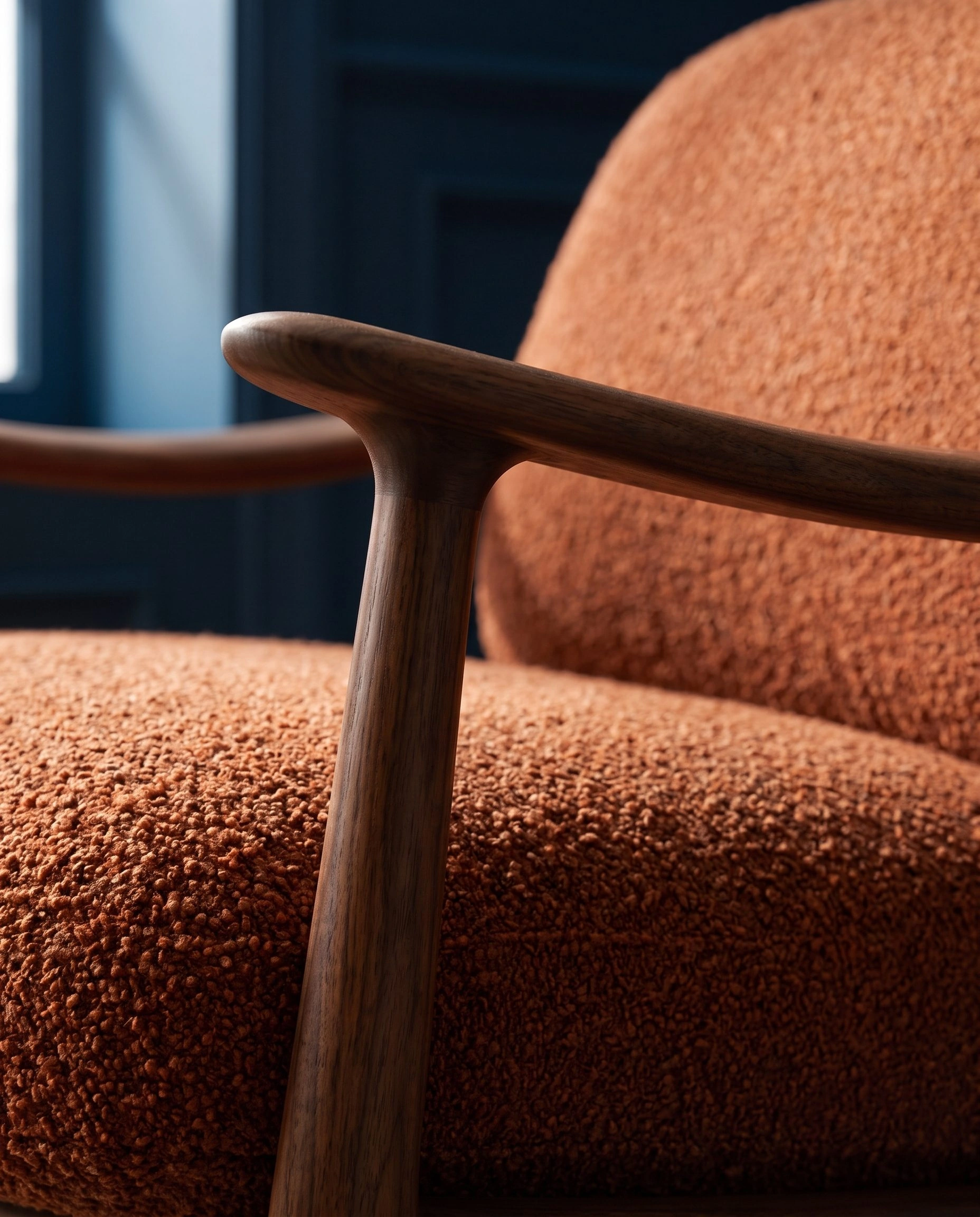
We supplied the chair reference to Fotogenic AI Campaign Sets, requesting four 2K, 4:5 images. The brief called for a blue reading room, a wider window corner, construction detail and a seated reading moment. The job completed with four outputs.
The reading-room and walnut-and-upholstery photographs in the opening come from this run. The unoccupied room keeps the seat, arms and base available to inspect; the closer material view shows information the wider room cannot carry at the same distance. Explore home goods photography for related product directions.
Use a room reference for the occupied view
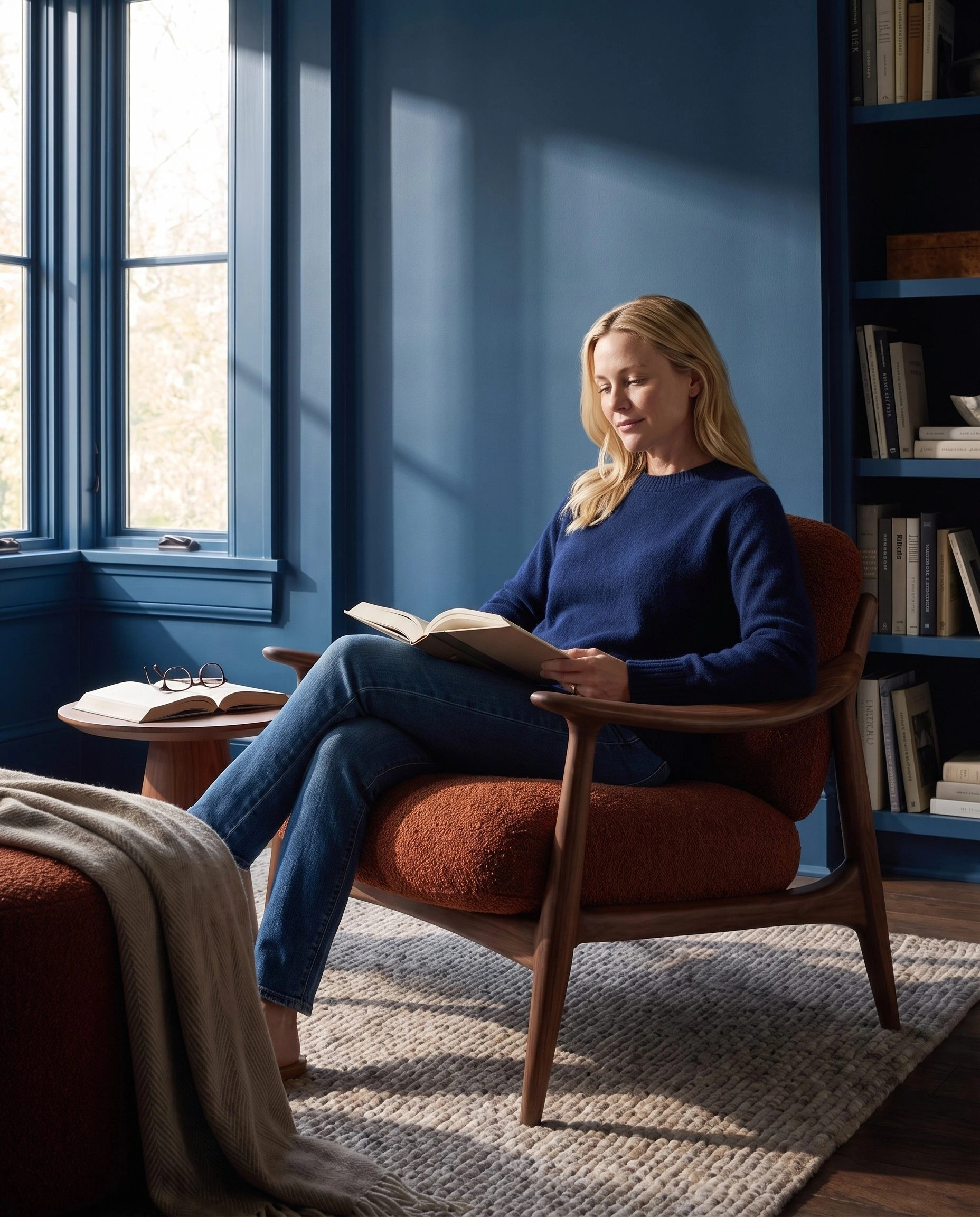
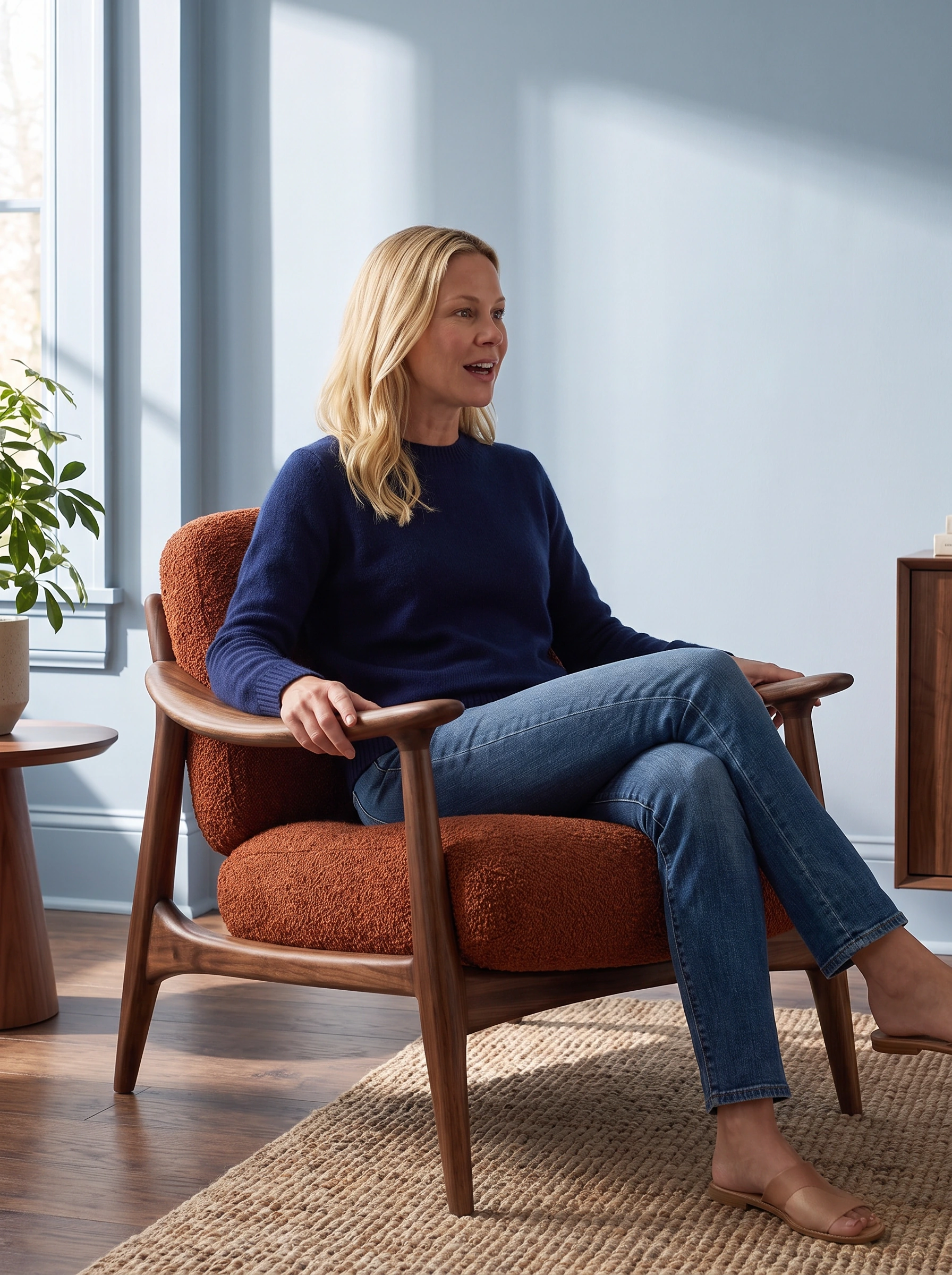
A completed individual Fotogenic AI request supplied both the original chair and an environment reference. The brief placed an adult blonde woman in navy knitwear in the chair with an open book, retaining the complete head and chair inside the frame.
The resulting reading image carries the blue room into an occupied scene. The visible timber arms and front base keep the furniture involved in the photograph instead of allowing the portrait to take over. This is the useful workflow decision: use the room as a reference when adding the human moment, then inspect what the person has obscured.
Keep people and materials in supporting roles


Reaching for a cup or notebook changes the seated posture. A hand on the backrest introduces contact without covering the seat. Unoccupied views restore the walnut arms, separate cushion and base.
Change the room without losing the focal point
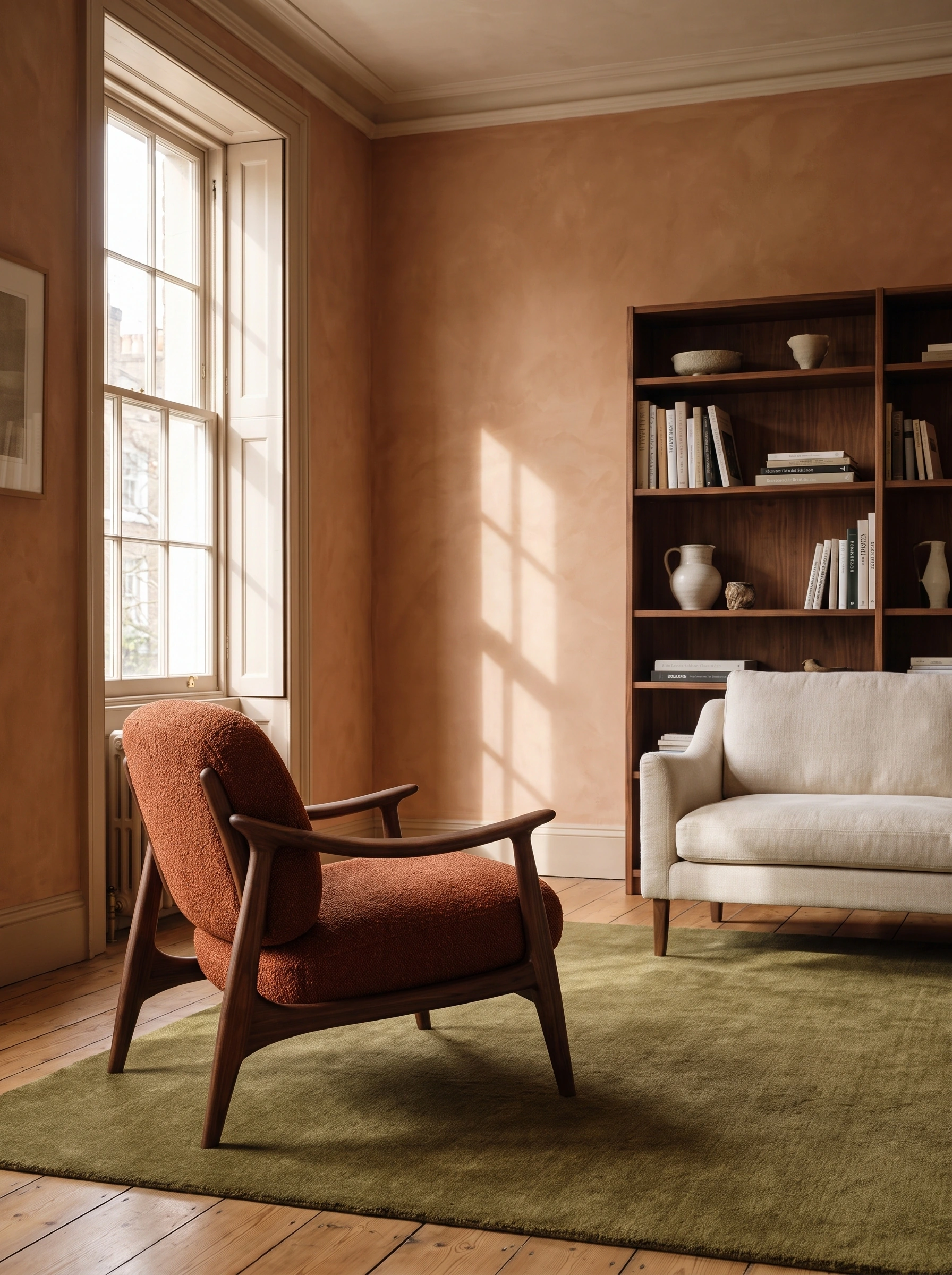


Cream curtains, a lilac wall and a terracotta apartment give the rust fabric different surrounds. Closer reading and linen-folding actions sit beside complete-chair views. The room-reference guide explains working with supplied interiors.
Warm rooms with different placement questions
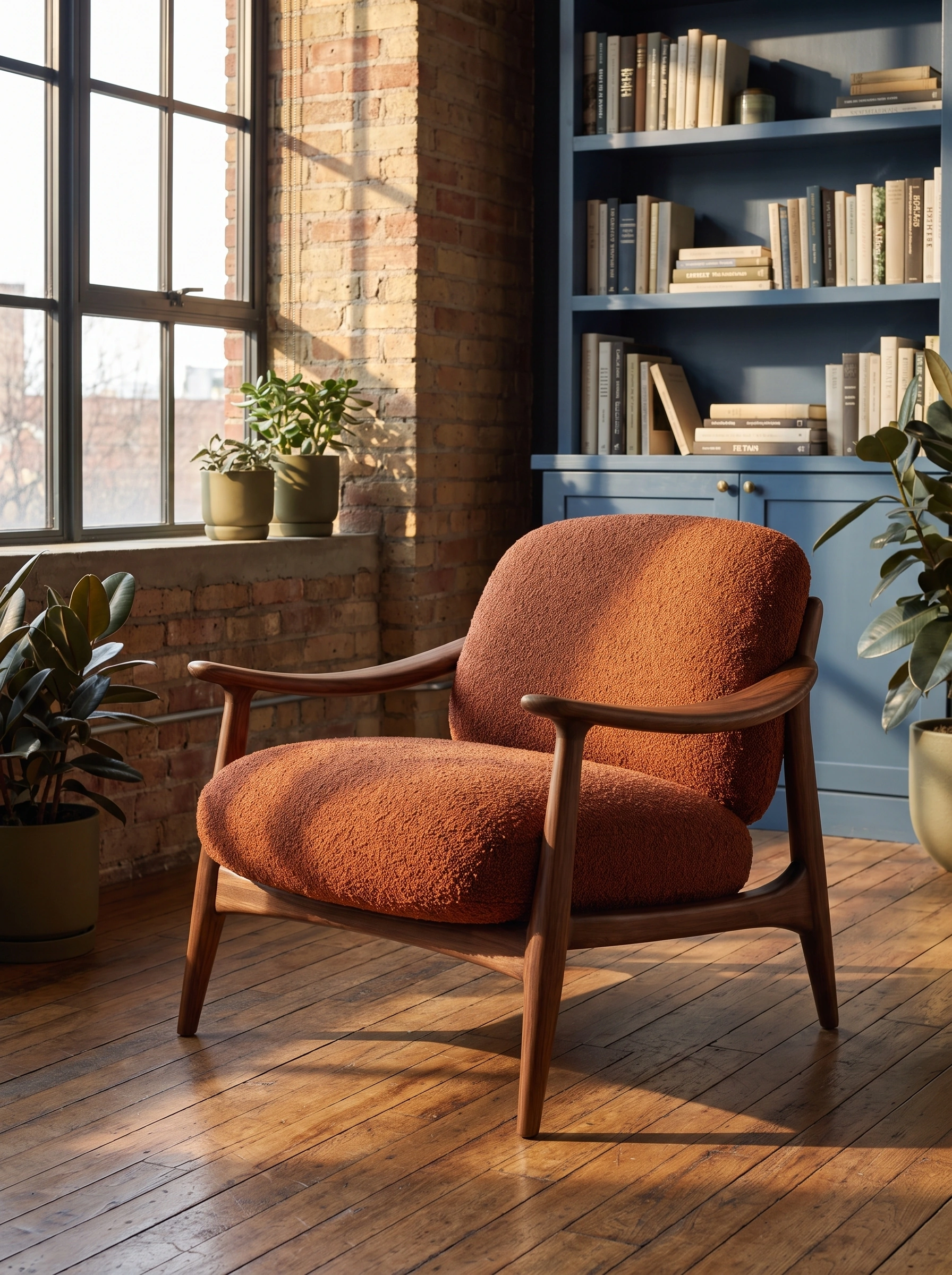

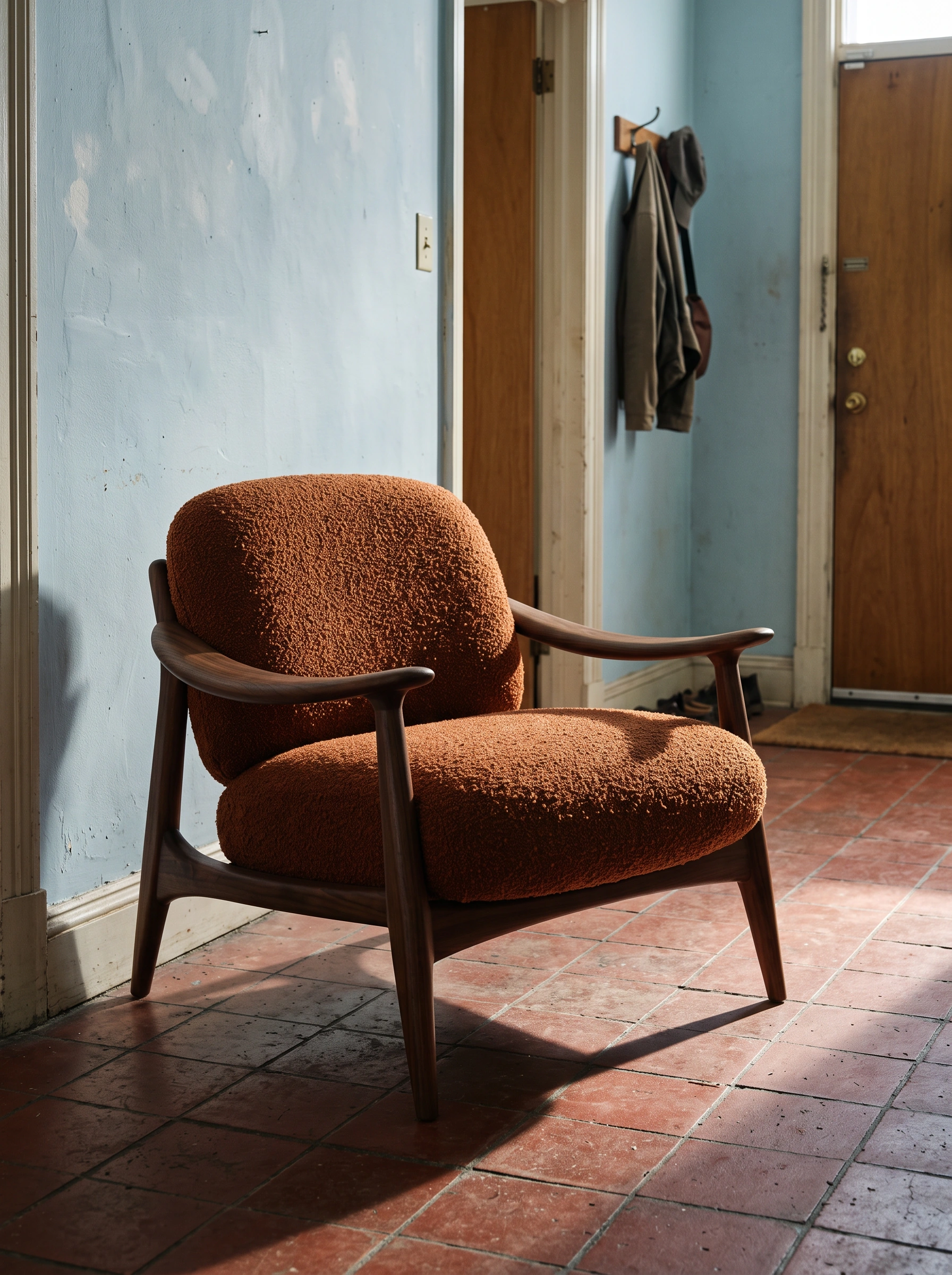
Peach walls and terracotta flooring warm the upholstery; blue shelving changes the contrast in the brick sunroom. The quieter entryway leaves clear space around the walnut arms and tapered feet.
A conversation and a pause by the window

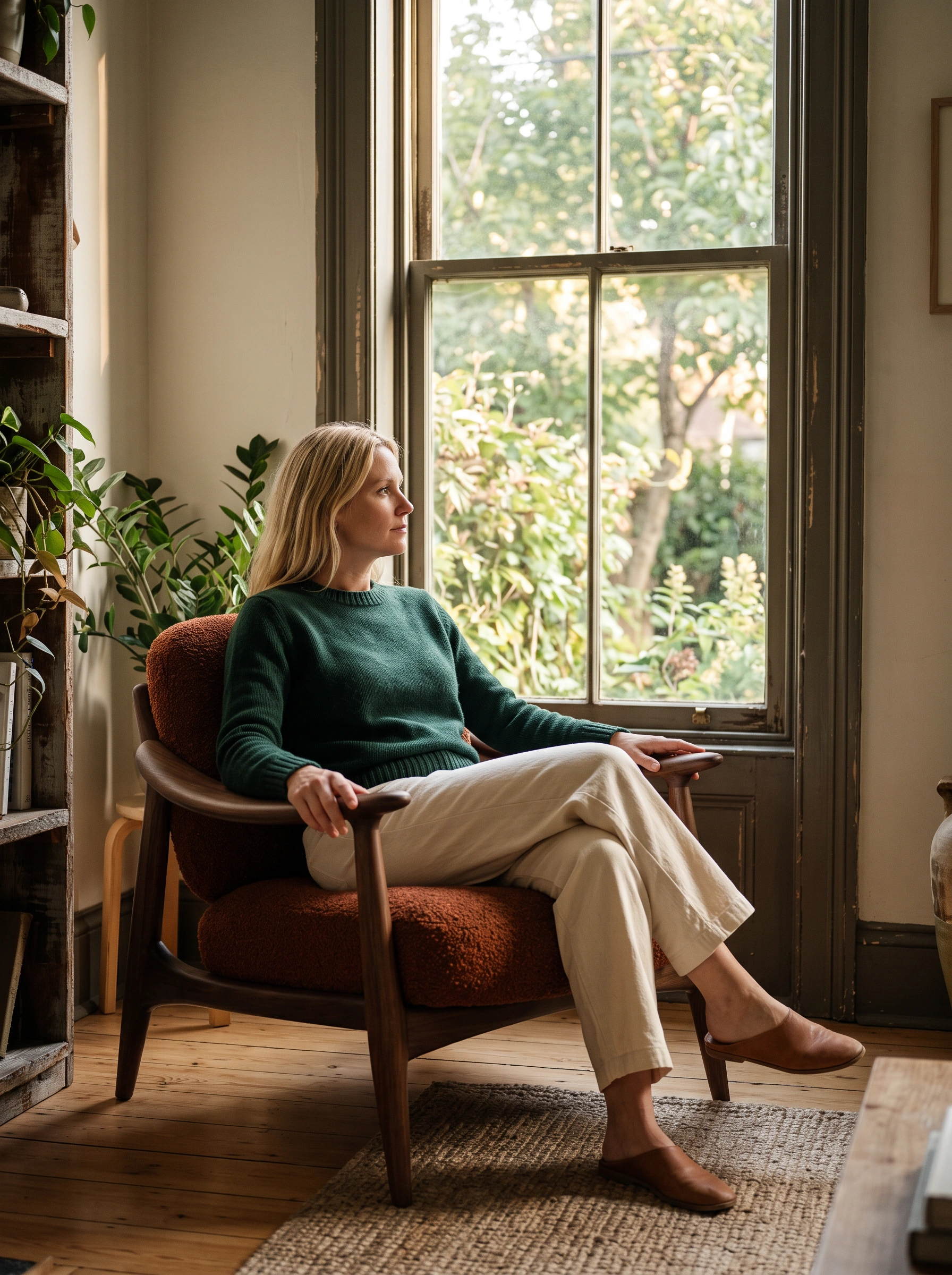
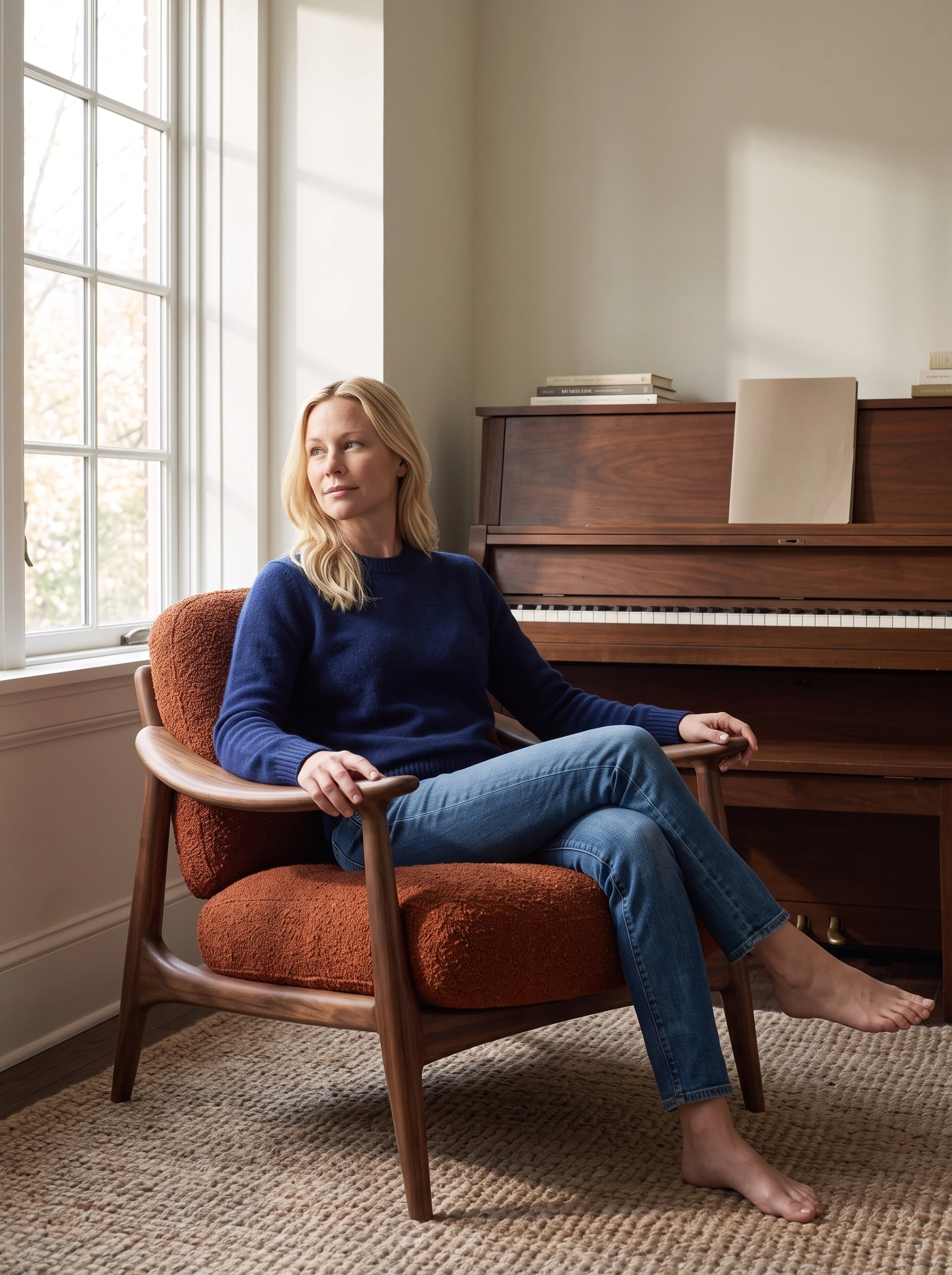
Conversation and a window pause share bottle-green knitwear and cream trousers. The music alcove changes to navy and denim, with relaxed hands on the walnut arms. The room and outfit change, while the chair remains the common object.
Let blue hour change the room
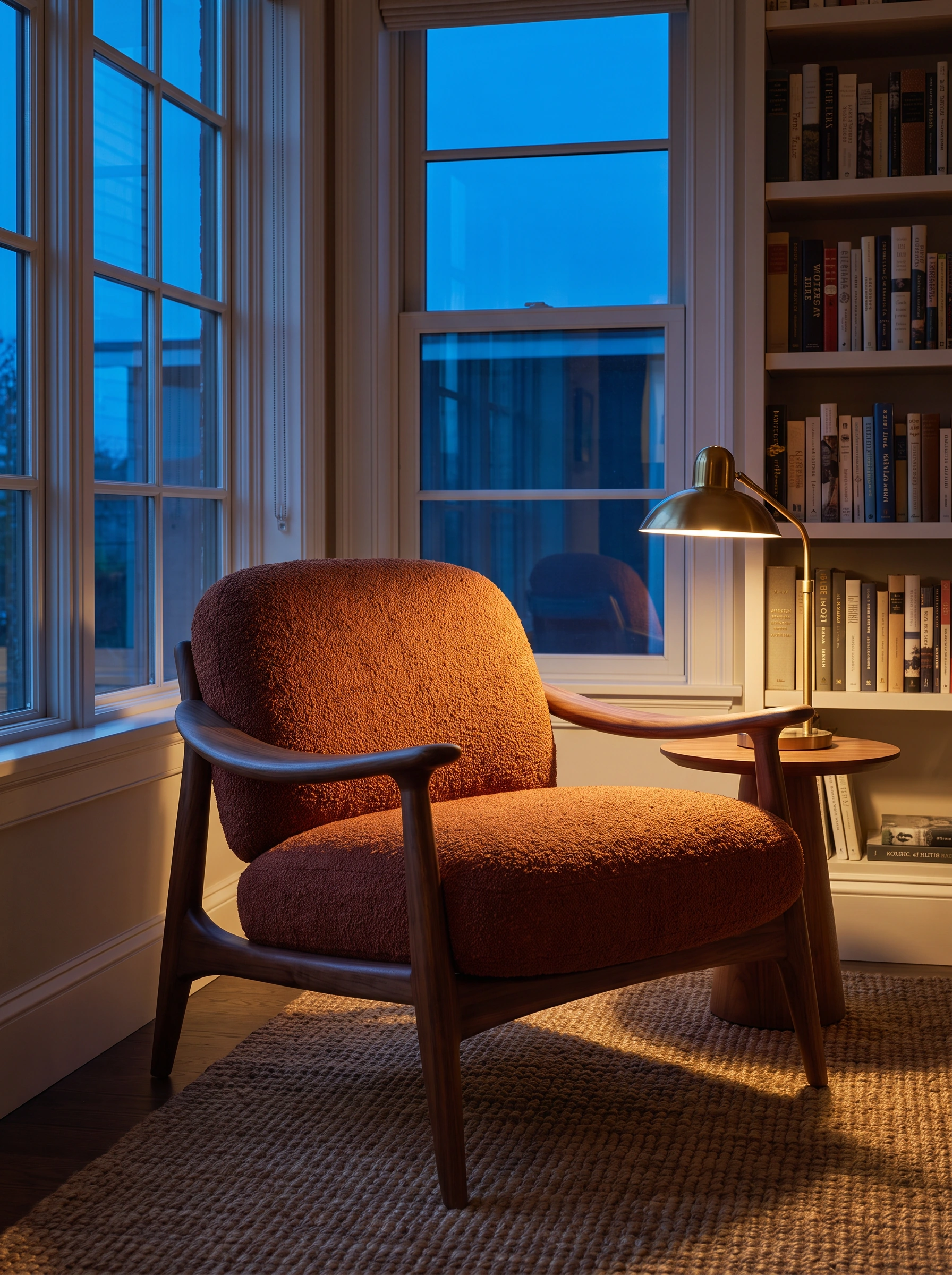

Blue window light meets a warm reading lamp and olive bookcase. The diagonal, unoccupied chair keeps its arms and separate cushion visible, giving the evening chapter a quieter opening than another portrait.
Build the product-page handoff
This Fotogenic AI project combines Campaign Sets for initial coverage with an individually directed room-reference image. The deliverable is a curated furniture story with separate roles for silhouette, surface and use. The home goods photo guide develops those decisions across a broader range.
- Product introduction: complete unoccupied chair and visible floor contact.
- Room context: wider sunroom, apartment or evening library.
- Material consideration: walnut grain, curved arm and rust upholstery.
- Occupied view: supported posture paired with a clearer furniture photograph.
Plan your furniture images in Fotogenic AI
Bring your chair and room reference to Fotogenic AI. Connect the complete product, material detail and an occupied scene.

An in-house campaign study by Fotogenic AI.