AI Sunglasses Photography: From Worn to Held
Show the frame on the face and in hand with Fotogenic AI.
Make the frame easier to evaluate
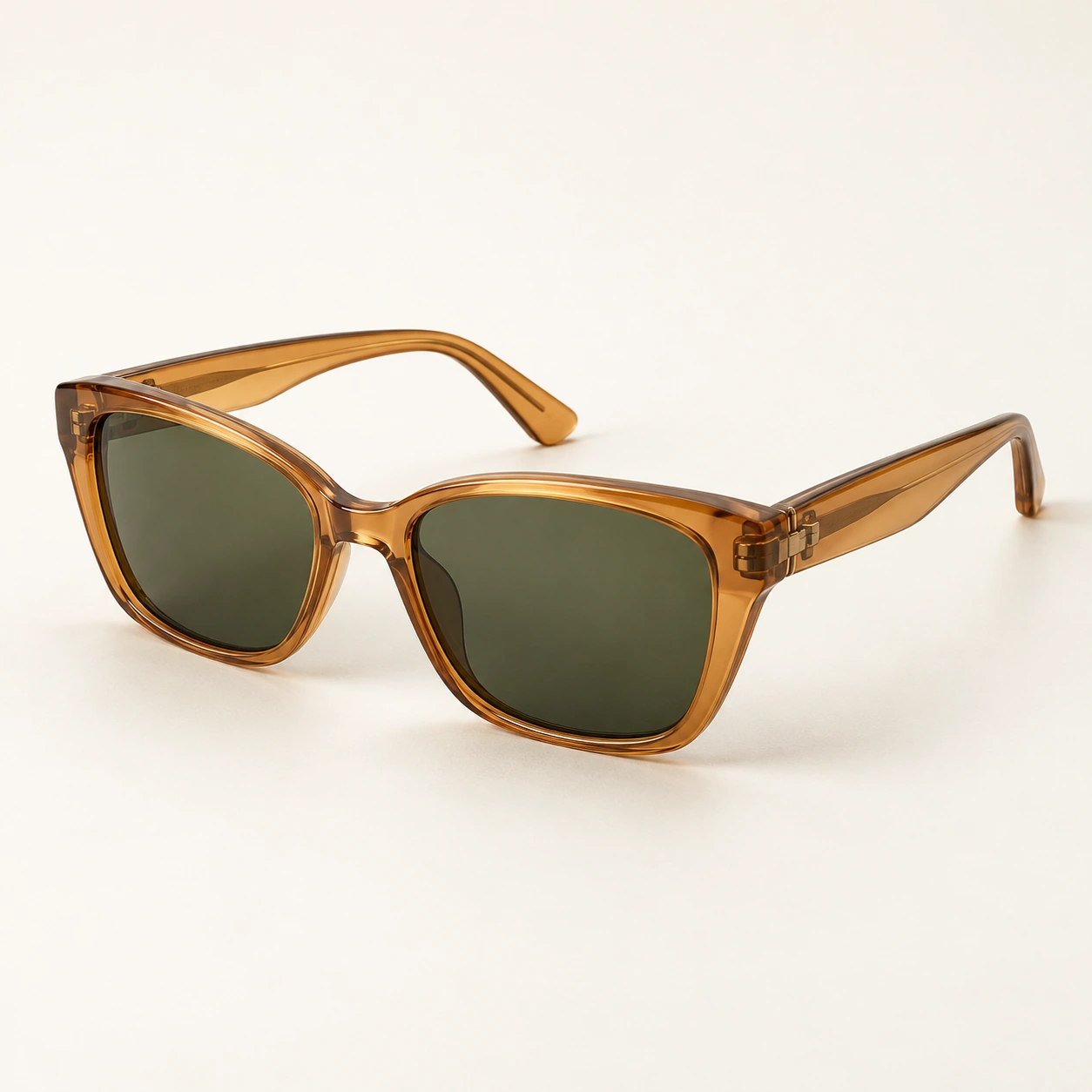
A sunglasses campaign can collect attractive portraits while leaving the accessory difficult to inspect. This study gives an amber frame three separate roles: worn within an outfit, visible away from the face and complete as an object.
The source defines translucent acetate, upswept rectangular rims, a clear bridge and dark olive lenses. Navy tailoring and a cream blouse provide a consistent outfit around the warmer frame. The merchant task is to connect fashion appeal with enough product visibility to support a considered choice.
Start with a recorded Fotogenic AI campaign
The initial Fotogenic AI Campaign Sets request used the product reference, 4:5 framing and 2K quality. Its brief called for worn, tabletop, held and wider café views, with natural daylight and different camera distances.
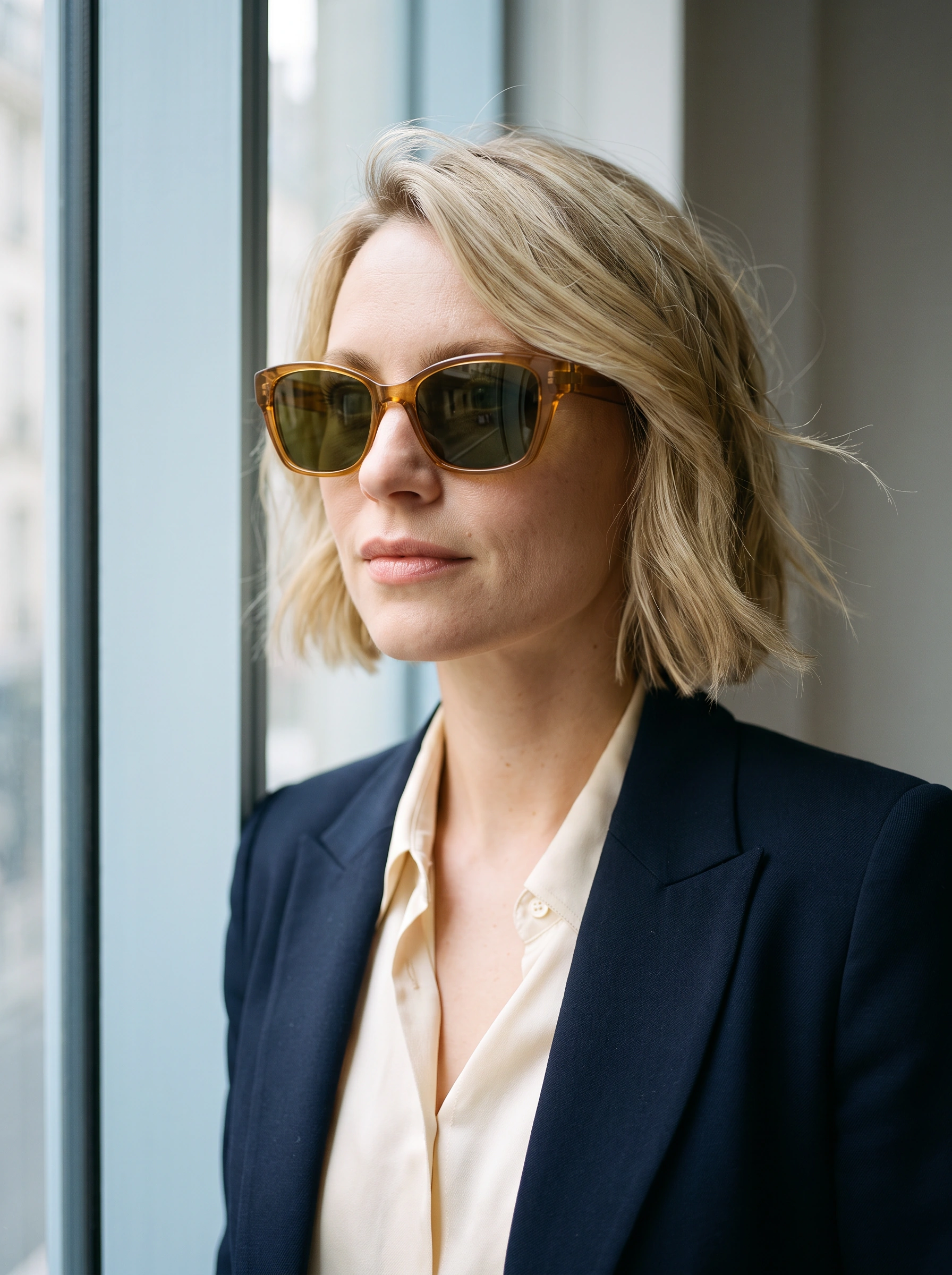
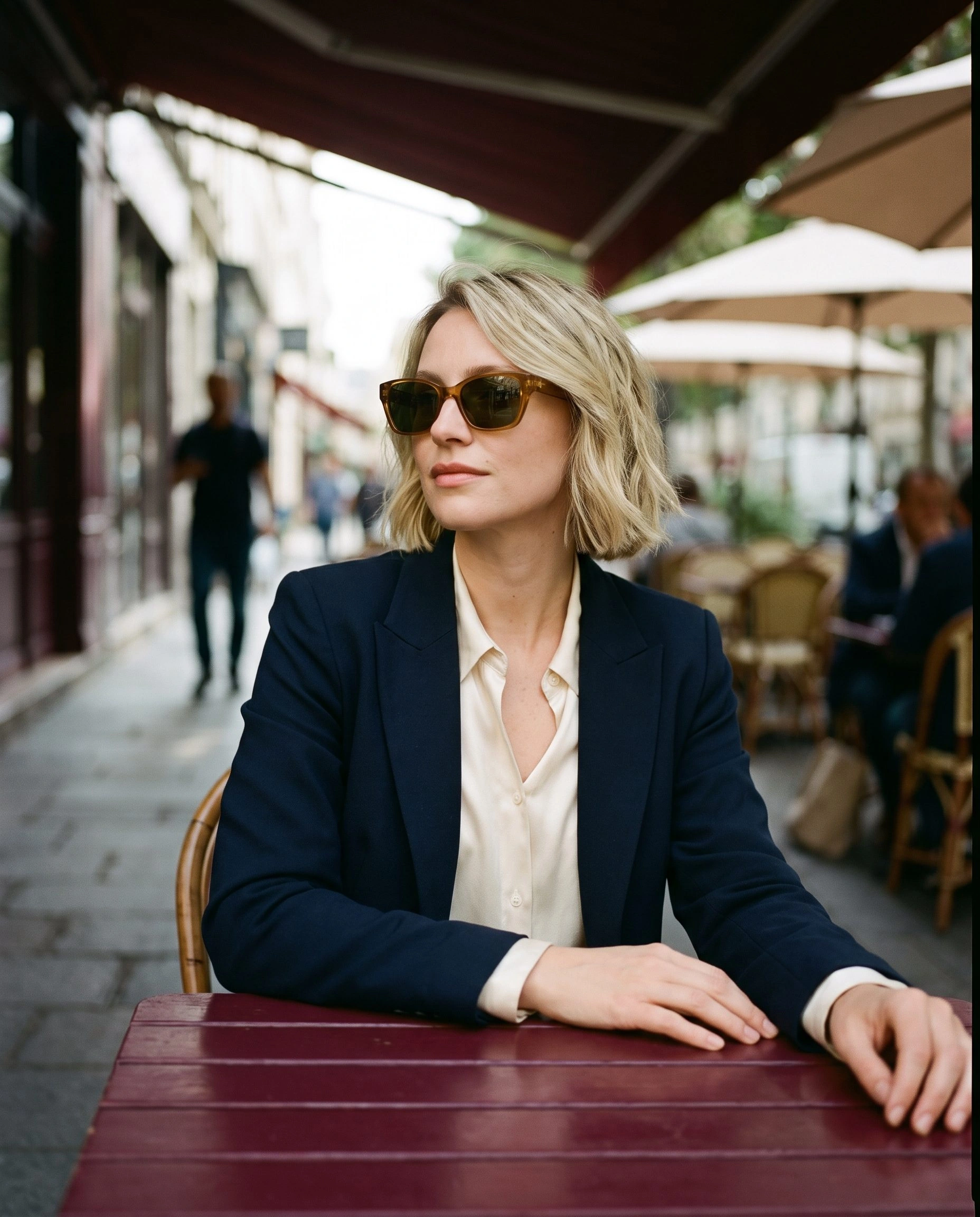
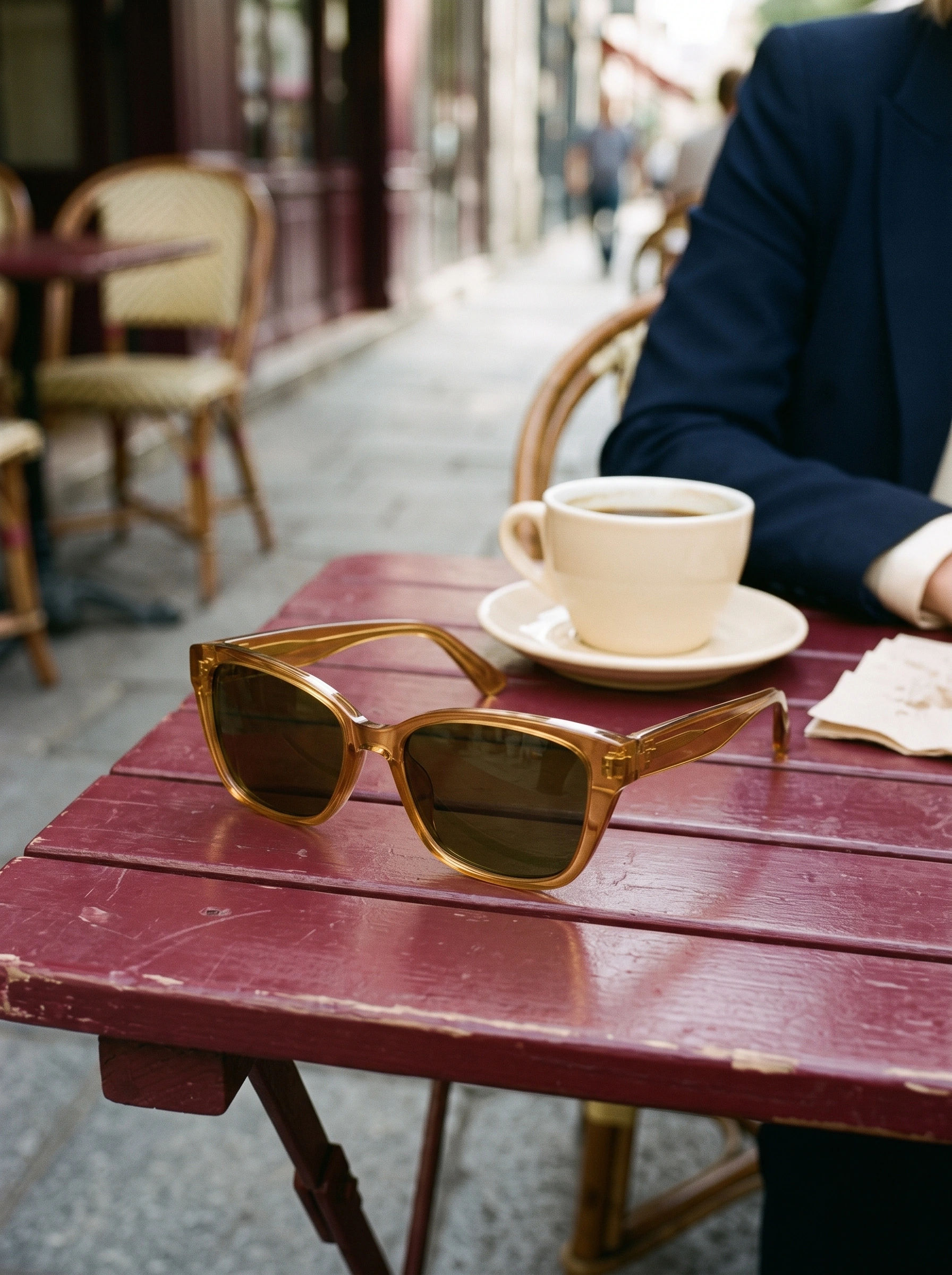
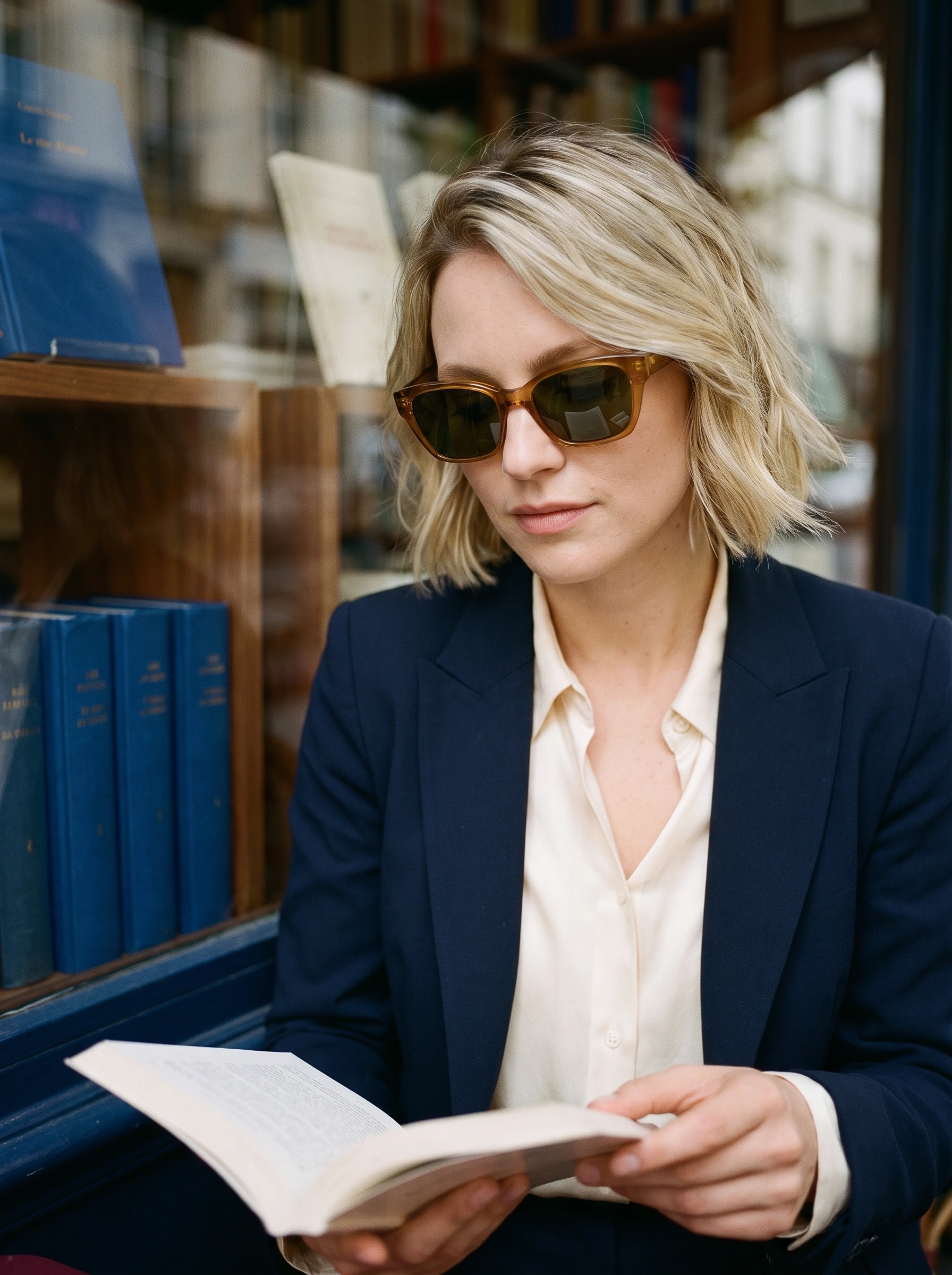
Three images completed. We retained the shaded café portrait in this edit because the whole head, jacket and worn frame remain visible together. The scene establishes the styling; it cannot carry the complete product explanation on its own.
The frame as a complete object
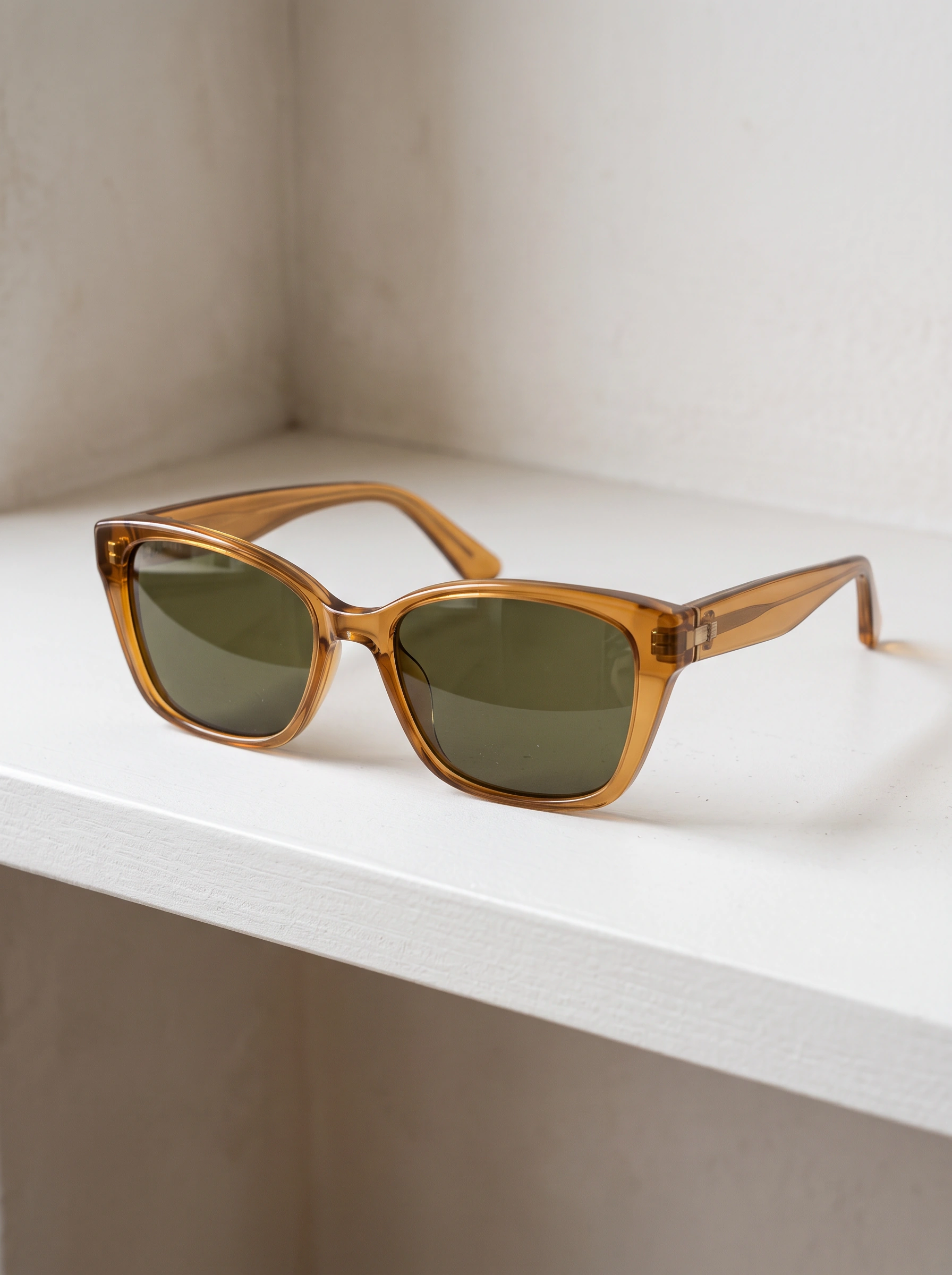
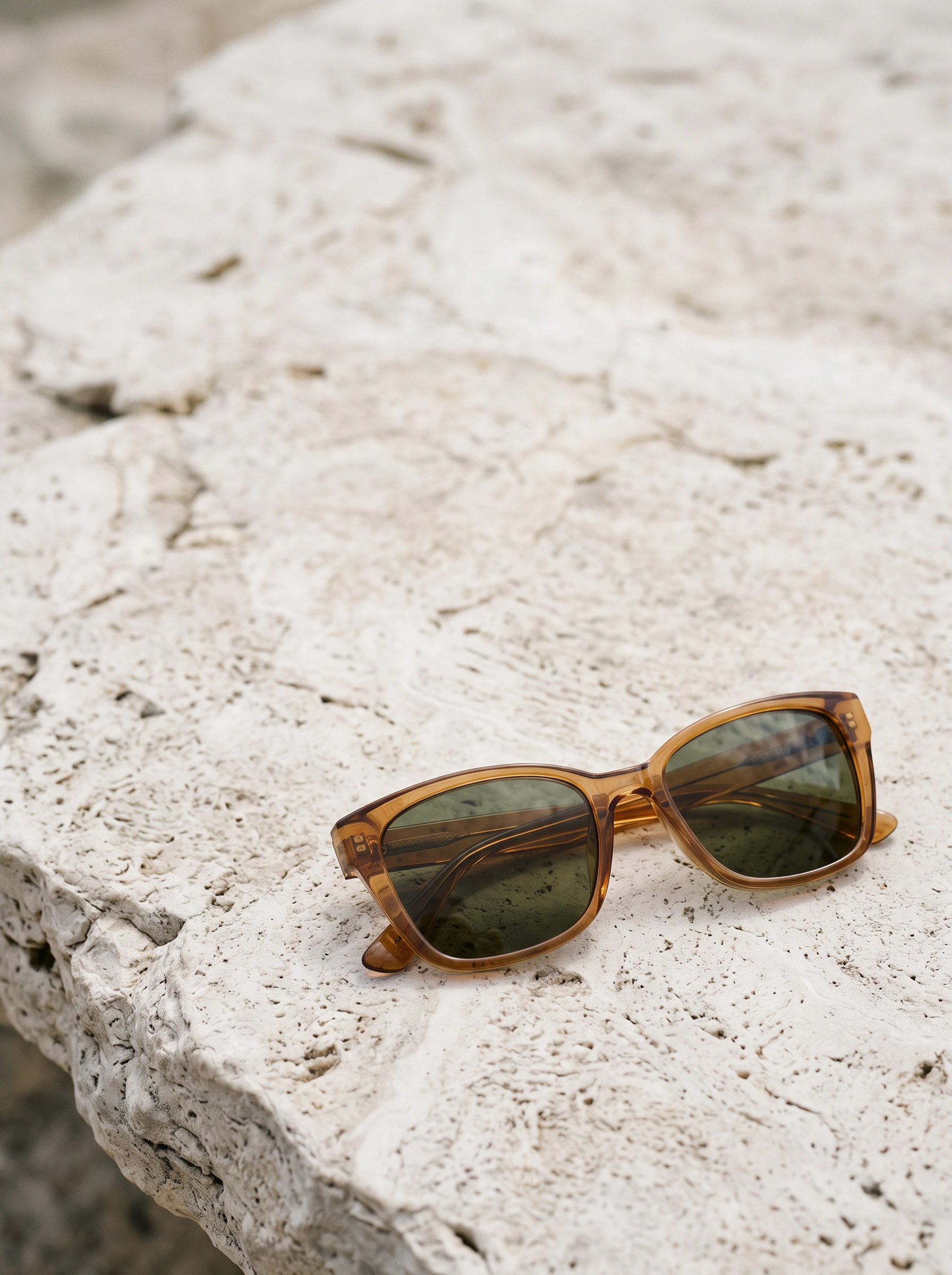
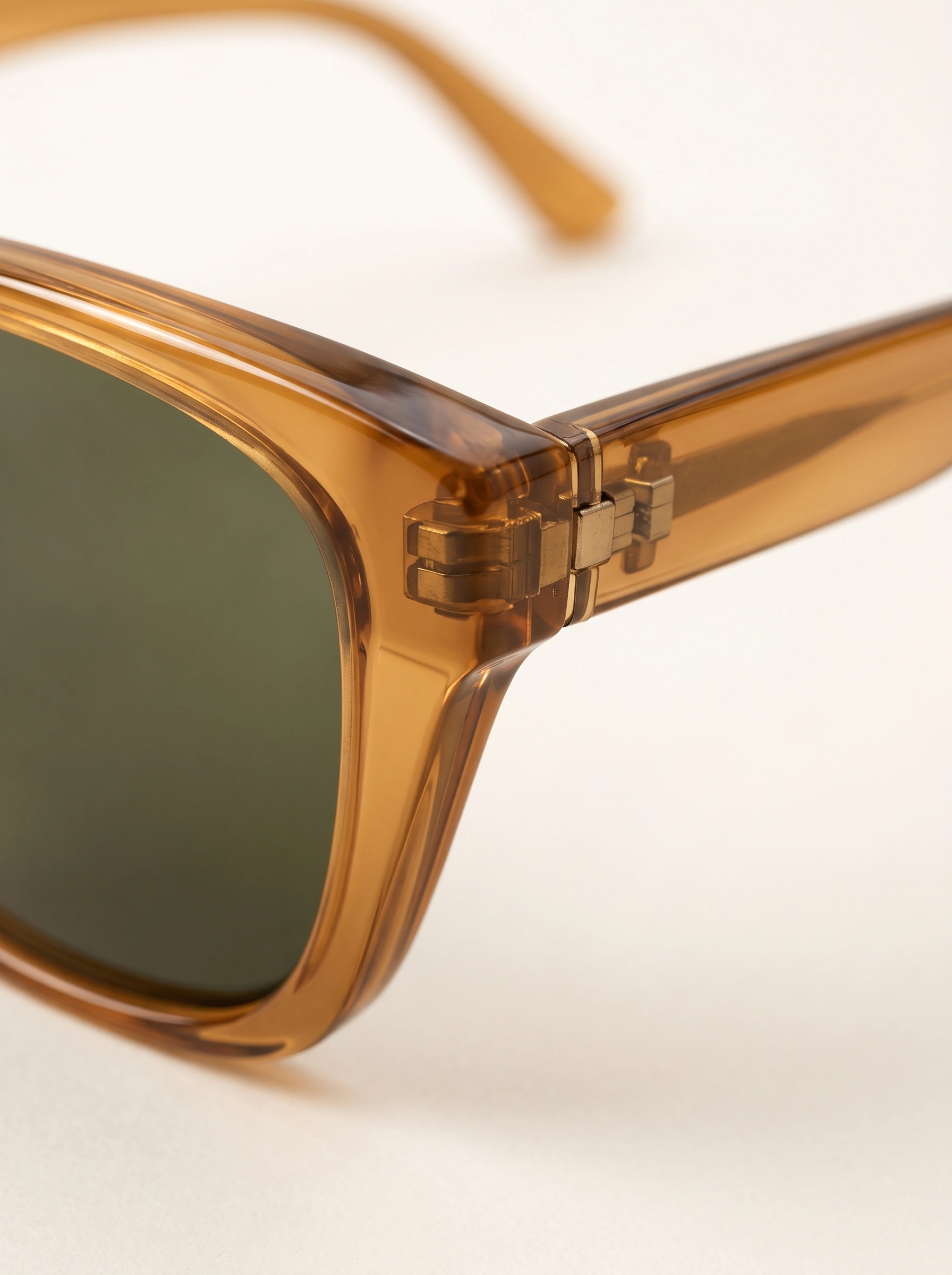
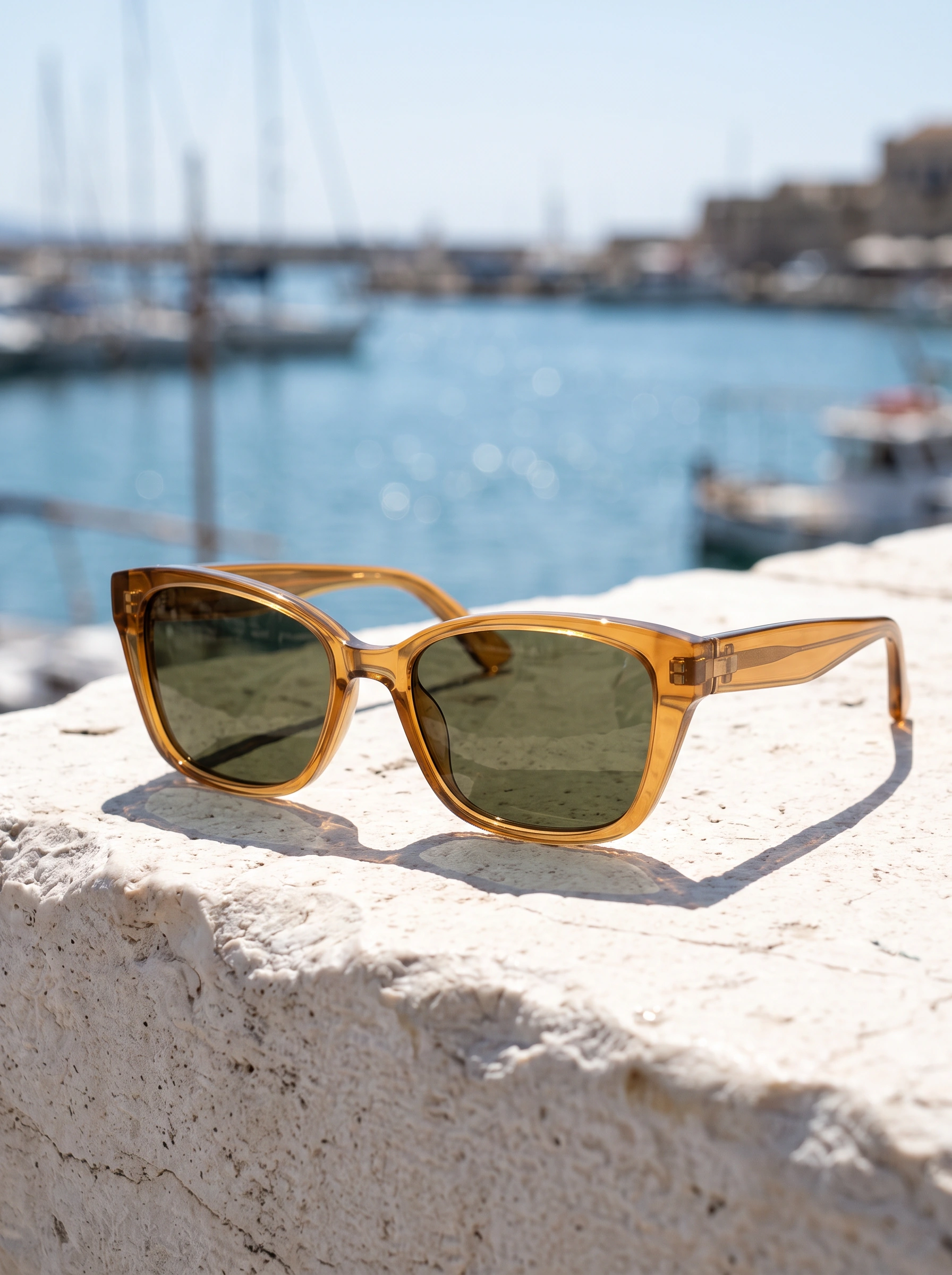
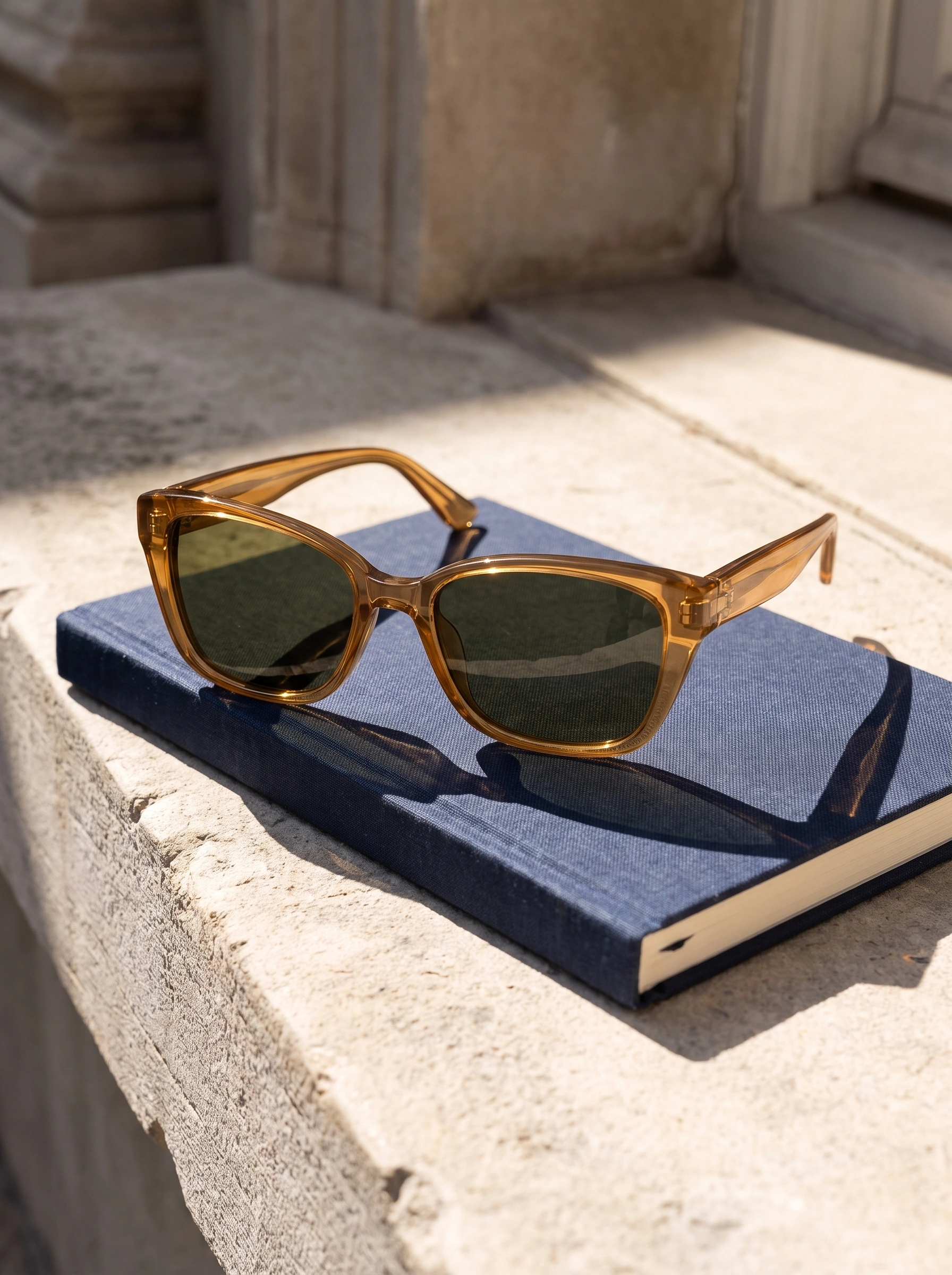
Pale stone separates the amber front and open temples from the surroundings. The hinge detail brings the metal joint into view through translucent acetate; a lower composition leaves more space around the complete object.
The frame between wearing moments

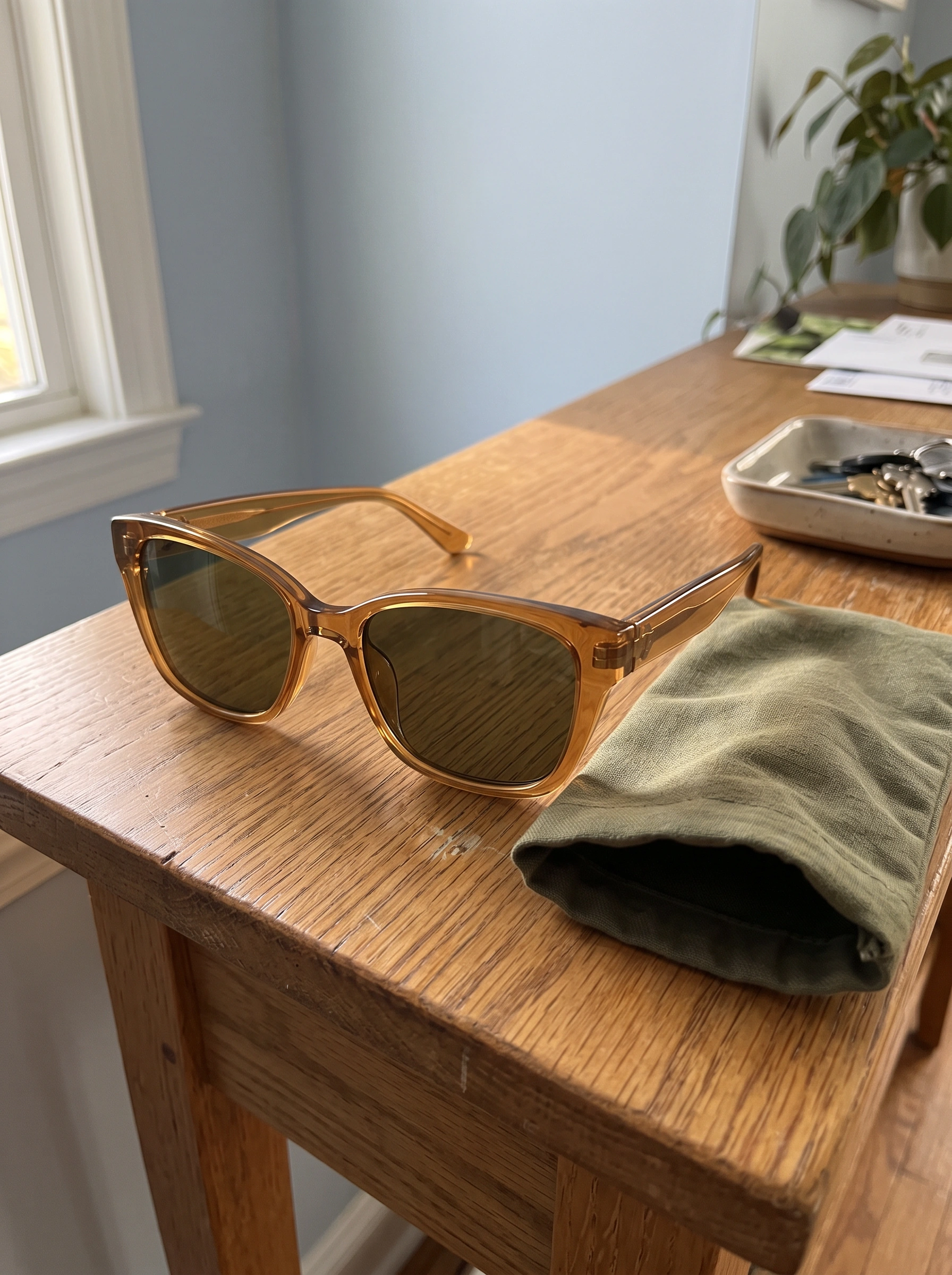


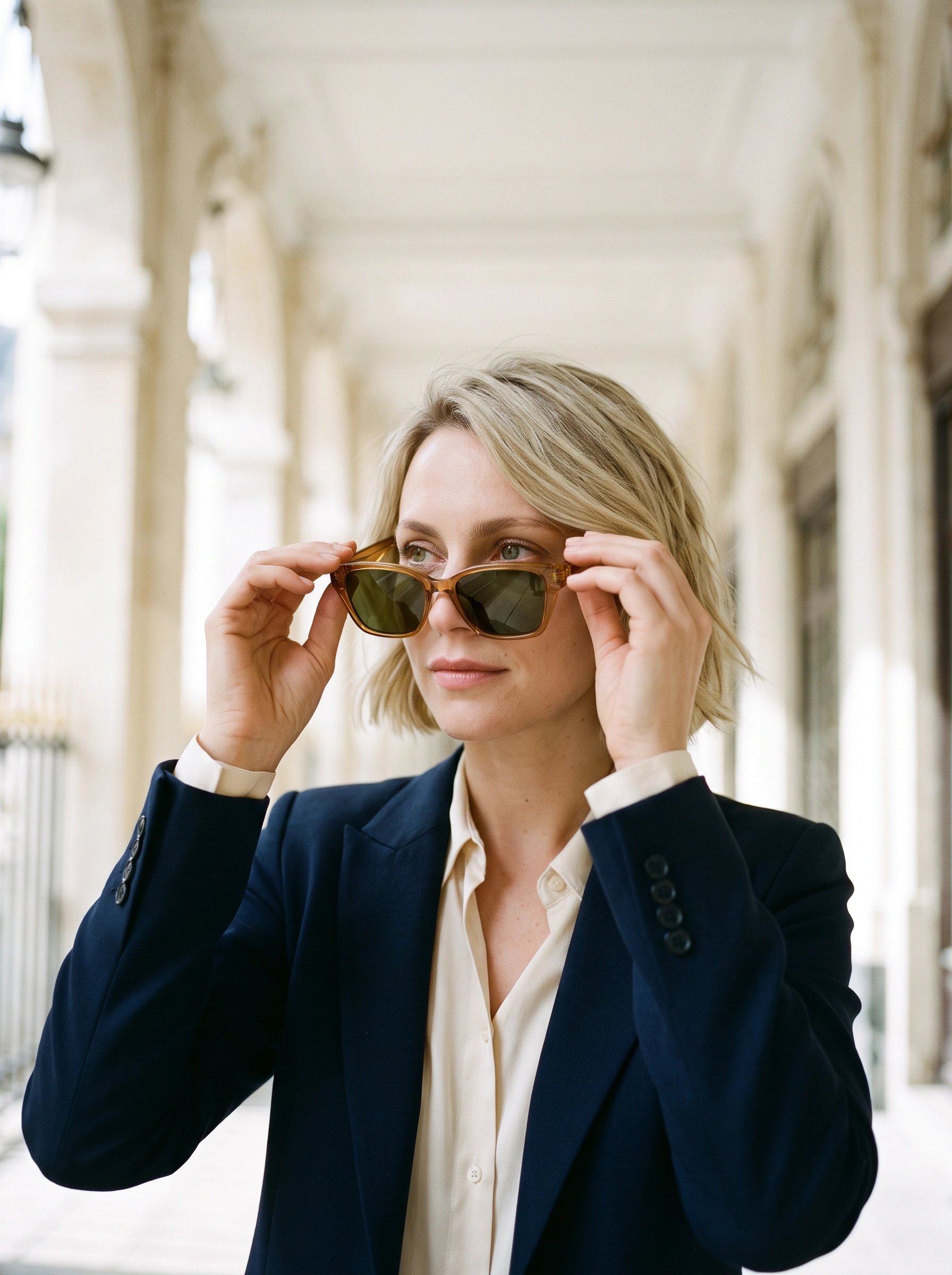

Touching a temple, lifting the frame and setting it on a notebook form a short handling sequence beneath the arcade. Tabletop and fabric-sleeve stills pause the action with the amber outline unobstructed.
The tram stop and the sea wall
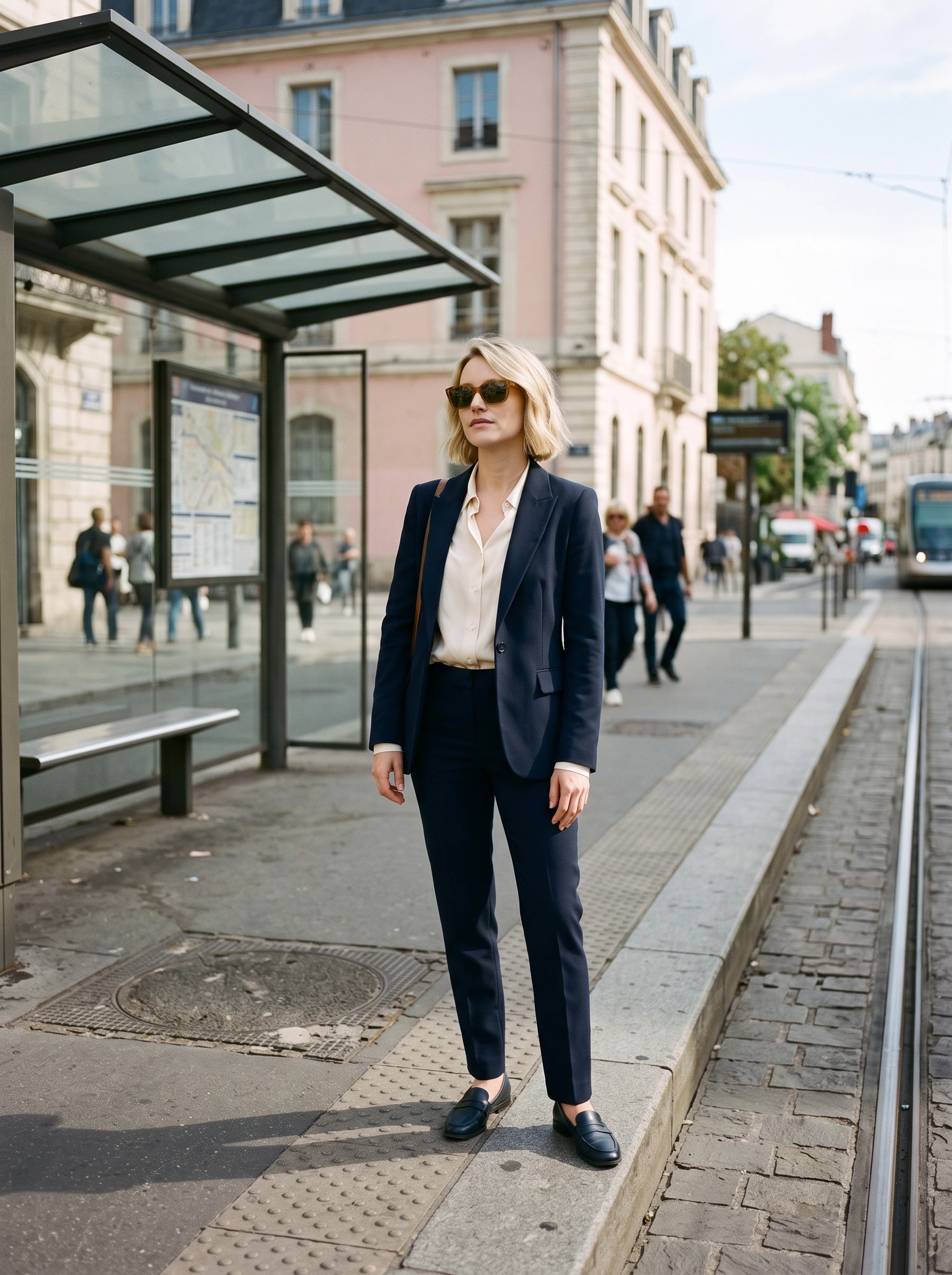

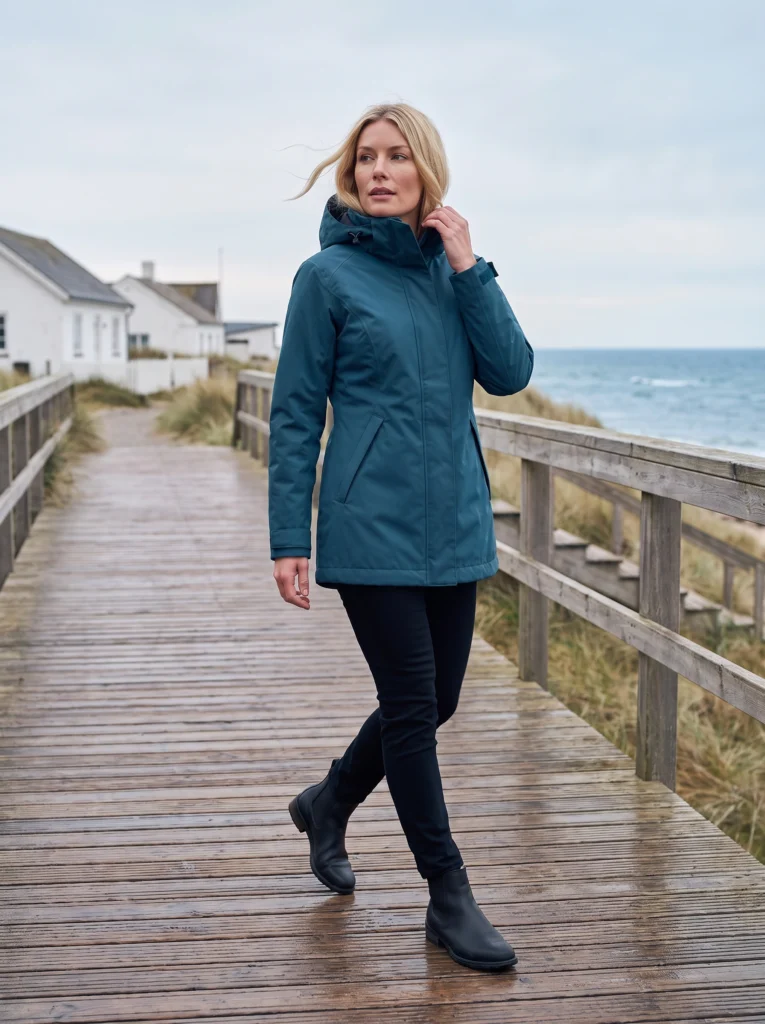
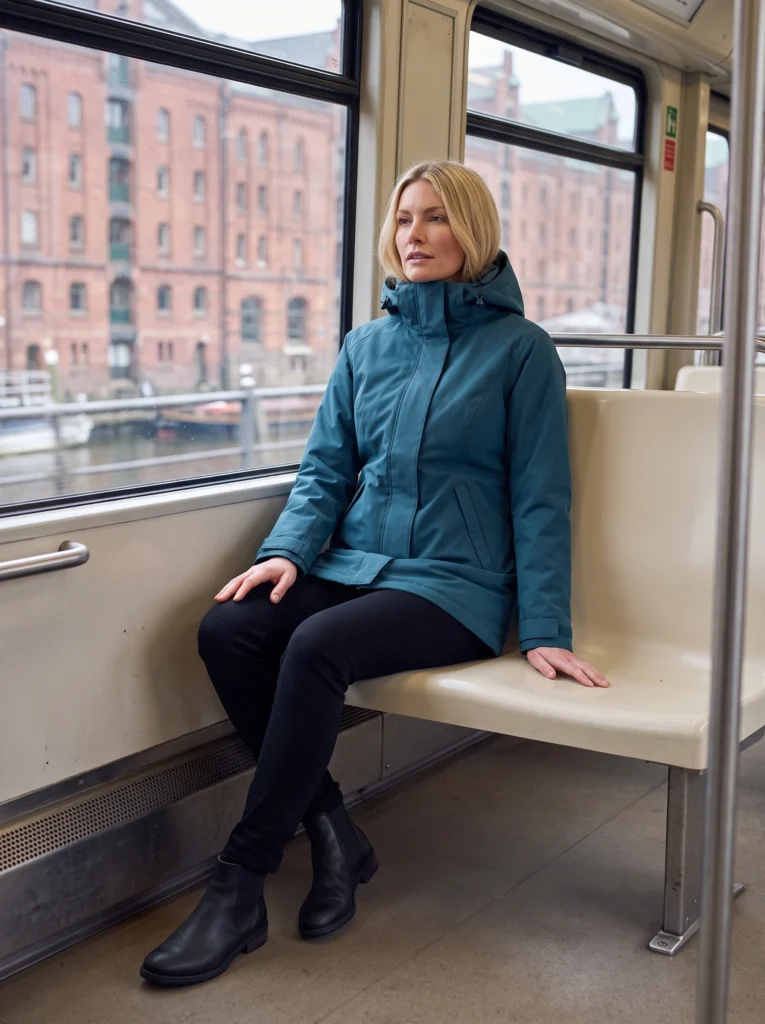
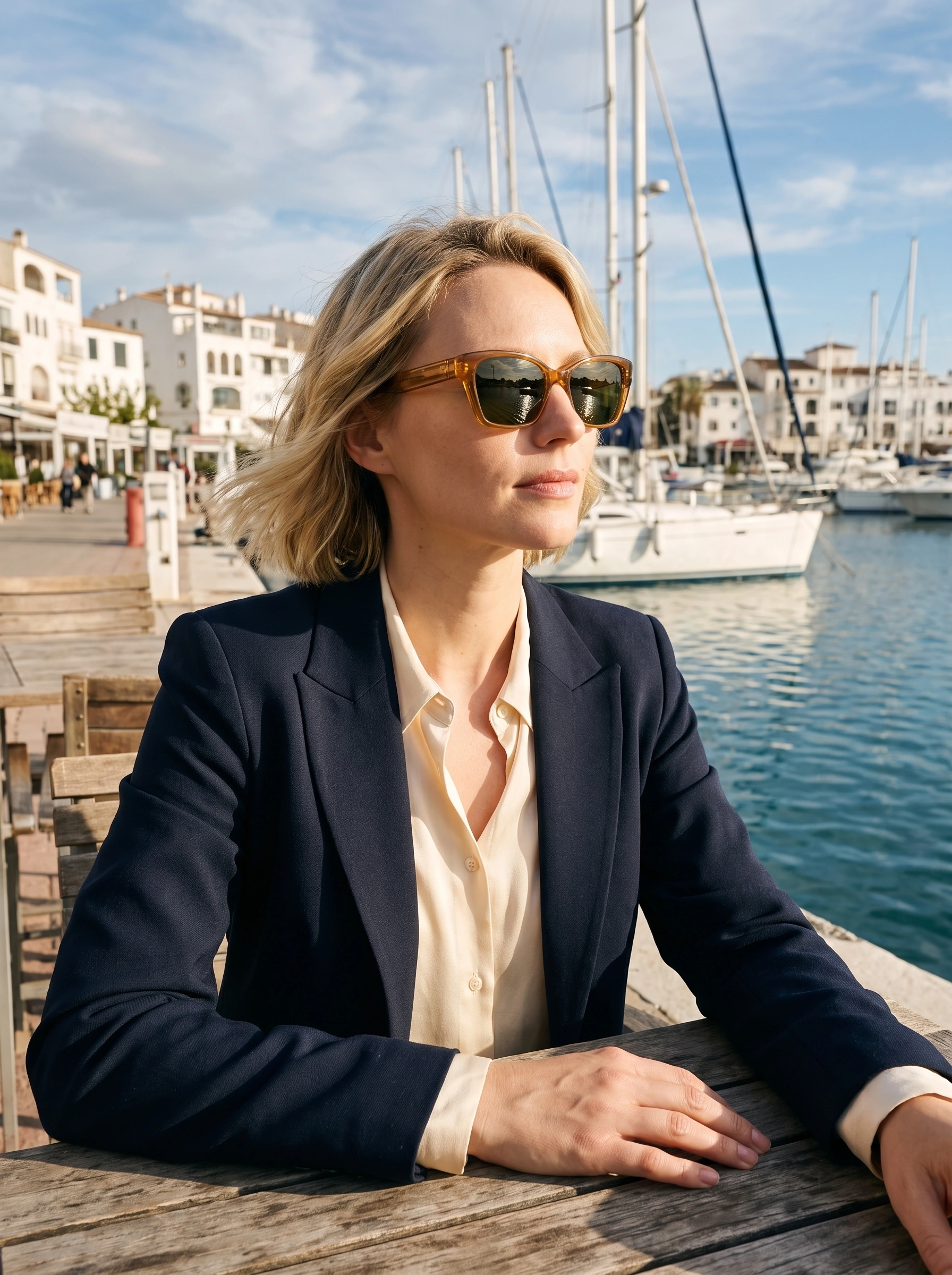
The transit view gives the navy outfit its full length. At the sea wall, a nearer portrait brings face and eyewear forward. The same cream blouse connects the city and seaside settings.
City, coast and garden shade
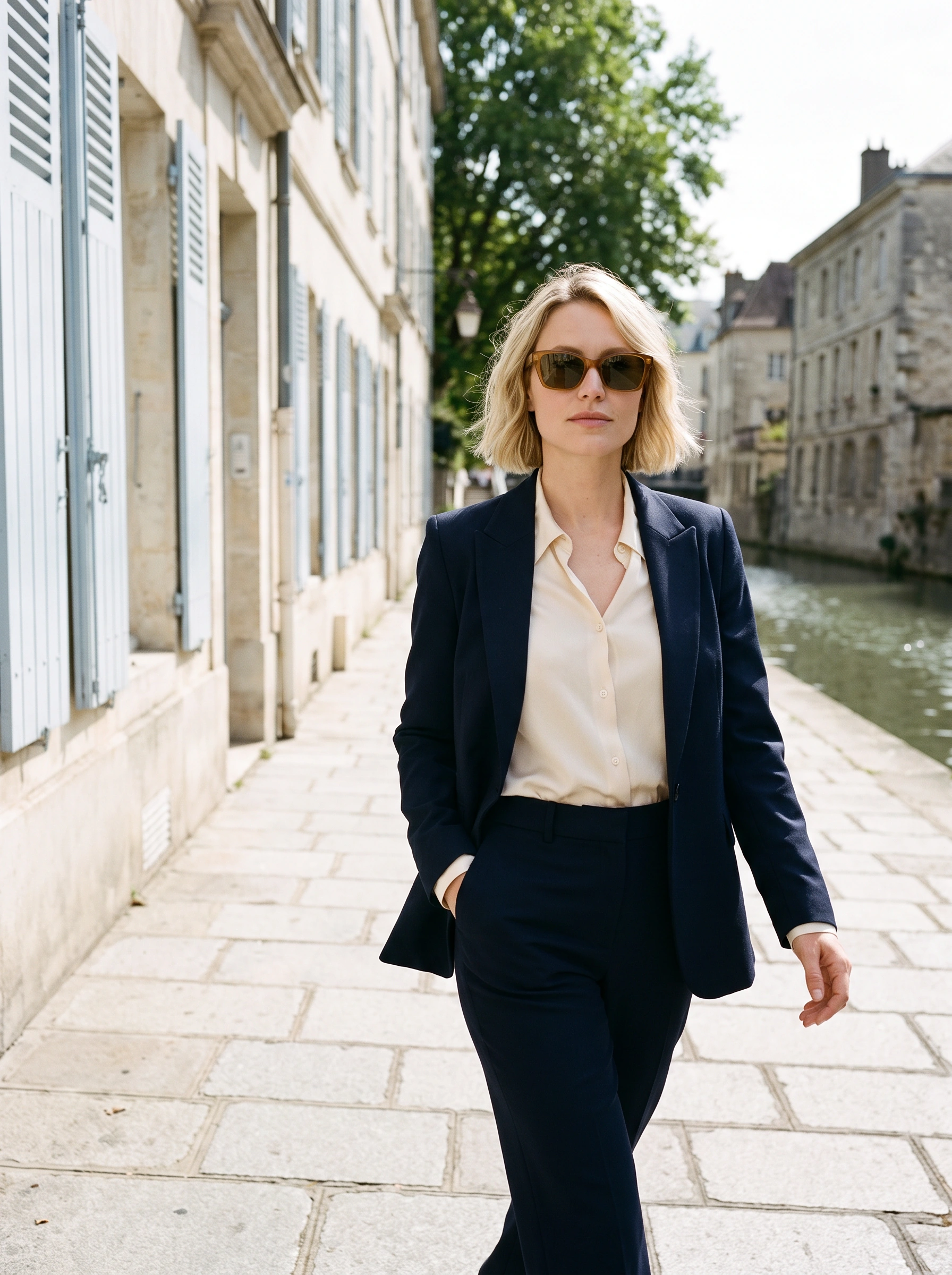


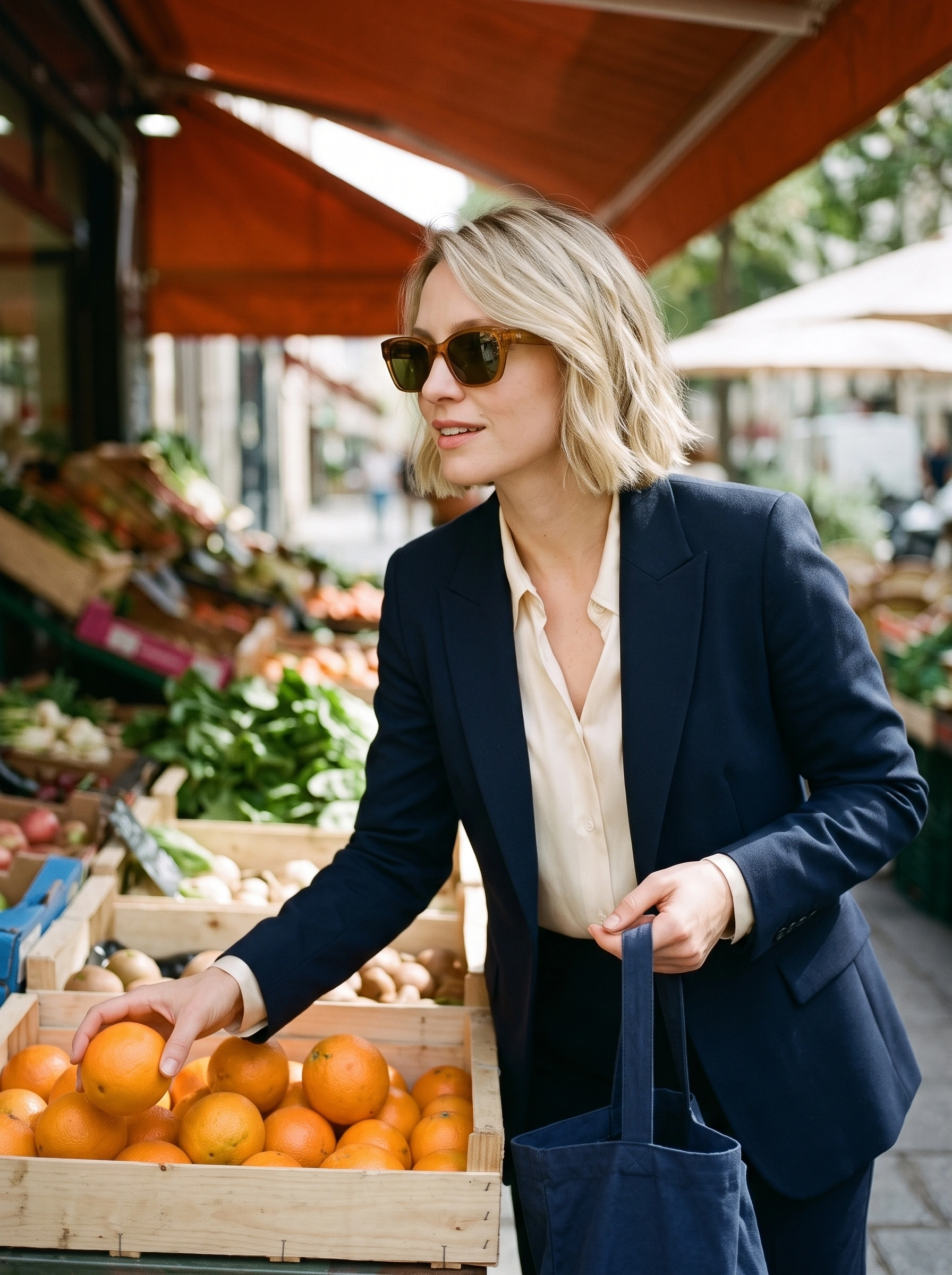
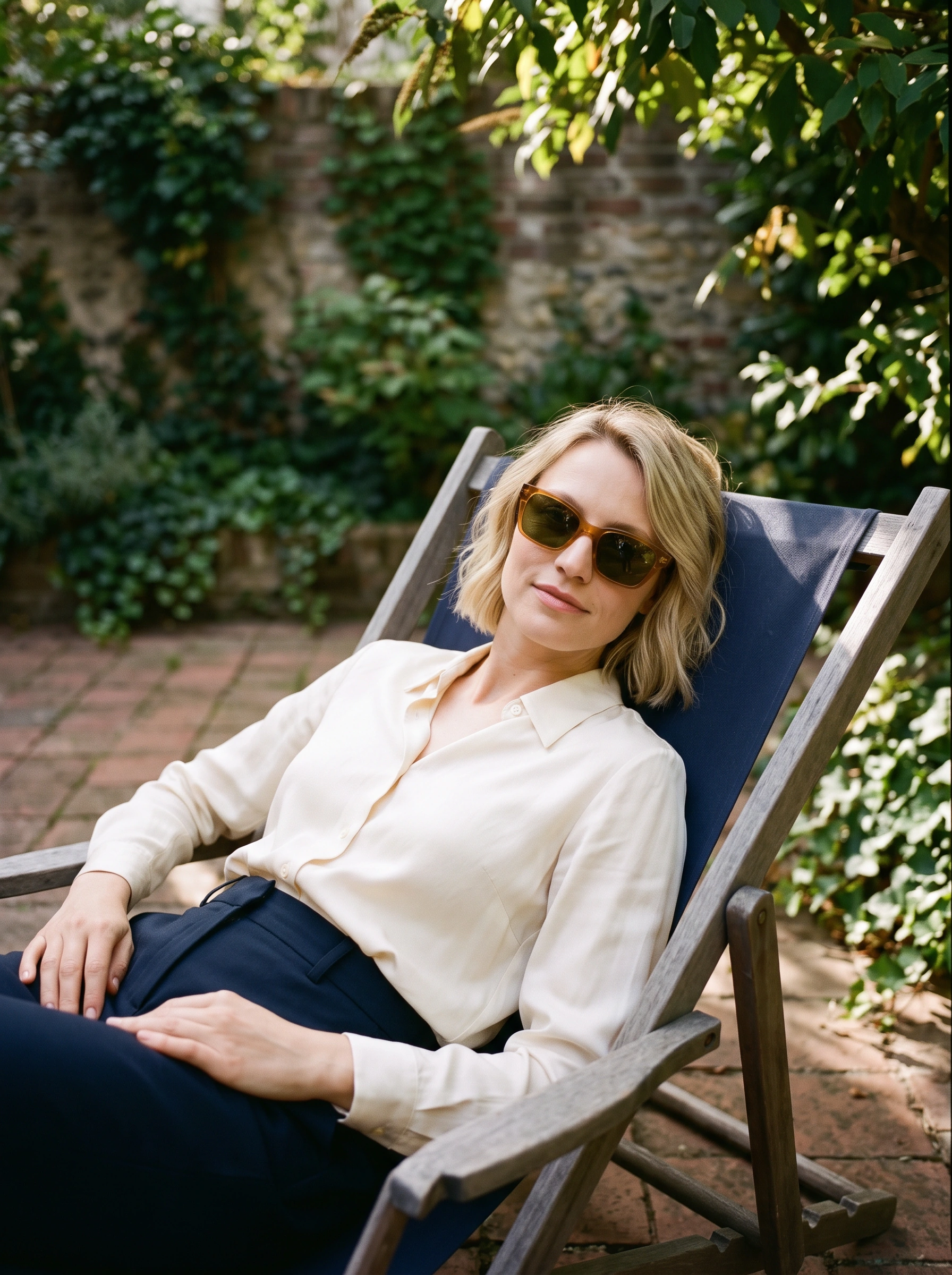
A harbor rail establishes arrival; pale steps provide a seated pause and the canal adds movement. Selecting an orange introduces a forward lean at the market. On the garden chaise, reclined shoulders and a higher diagonal camera bring the face and amber frame closer.
Use the worn view for the outfit
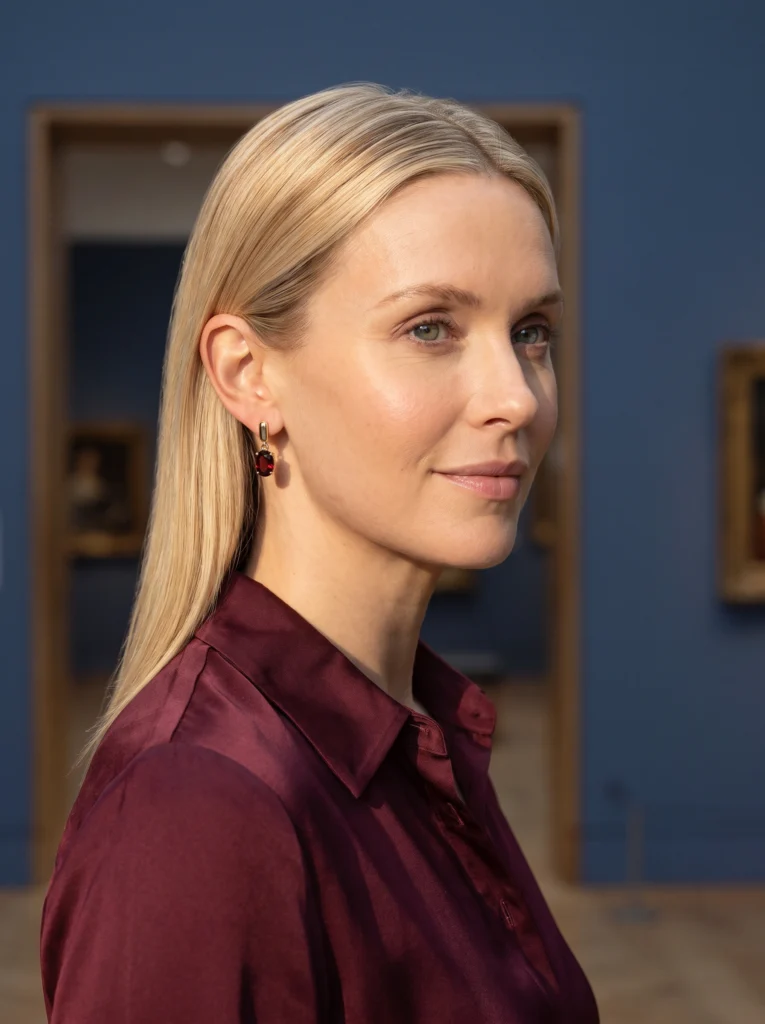
In the café result, the amber eyewear sits within the face and navy jacket rather than competing with a busy background. The burgundy table gives the hands somewhere to rest and grounds the scene in a recognizable place.
This photograph answers how the frame participates in a look. Review the bridge, rim shape and temple position against the source, then inspect reflections at the intended display size. The eyewear photography guide covers those reflection and worn-view decisions in more detail.
Add a product-in-hand follow-up
To bring the accessory forward, we made a separate Fotogenic AI request with both the product and a subject reference. The instruction specified sunglasses off the face, held by one temple at chest height, with the whole amber front and both lenses visible.
The instruction gives the held view a specific job: leave the front, lenses and near temple available together, with the source's unmarked lenses preserved. Review that relationship before selecting an image. It adds a different connection between person and product instead of another seated wearing pose.
Finish with a frame-led selection
Keep each image's purpose in the handoff: object inspection, worn styling or human context. Link the model interaction guide when briefing a different gesture, rather than repeating that tutorial inside this campaign. Explore eyewear photography for the wider category.
- Object view: complete front, bridge and temples without a face behind them.
- Worn view: plausible face fit and readable amber rim.
- Human interaction: one held frame with both lenses unobstructed.
- Fashion context: a wider outfit or destination that changes the scale.
Build your eyewear edit with Fotogenic AI
Bring your frame to Fotogenic AI Campaign Sets. Brief a worn look and a distinct held view, keeping the rim, bridge and lenses clear.
An in-house campaign study by Fotogenic AI.