AI Sneaker Photography: From Pair to Full Outfit
Create pair shots and full outfit scenes with Fotogenic AI.


Make the shoes clear before the story expands
A footwear launch has two immediate questions to answer: what does the pair look like, and how does it work within an outfit? Our brief starts with ivory-and-burgundy sneakers, then follows the footwear through a city afternoon.
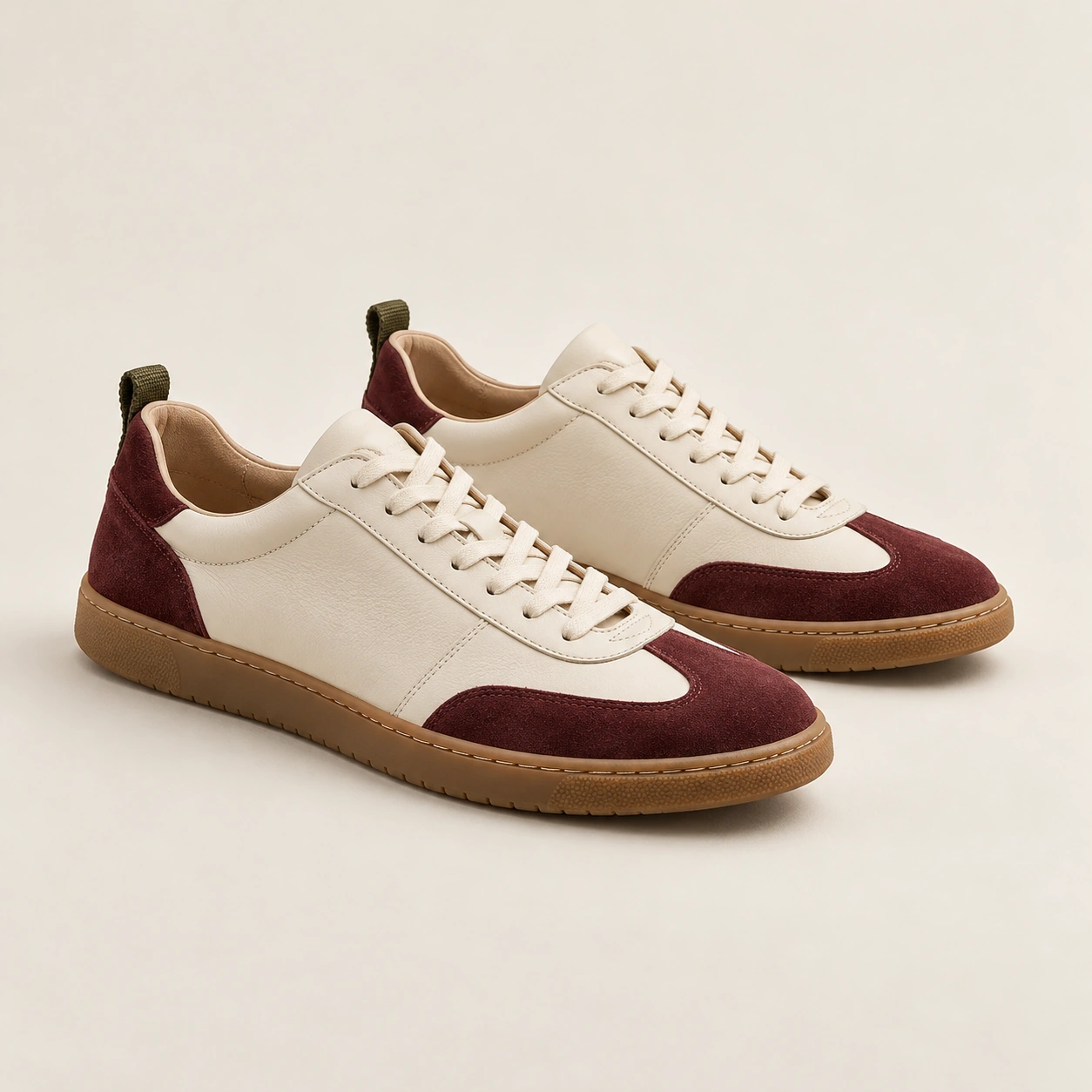
The reference defines ivory laces, burgundy toe and heel panels, olive pull tabs and gum soles. Indigo jeans and a pale knit keep the wardrobe quiet around them. The launch edit needs a readable pair, a full outfit and an interaction tied to the shoes, rather than a row of ankle crops.
Produce the pair and walking views in Fotogenic AI
We supplied the shoe reference to Fotogenic AI Campaign Sets for four 2K, 4:5 images. The requested roles were a full-body city walk, the pair on café steps, seated lacing and a complete-shoe detail. The job completed with four outputs.
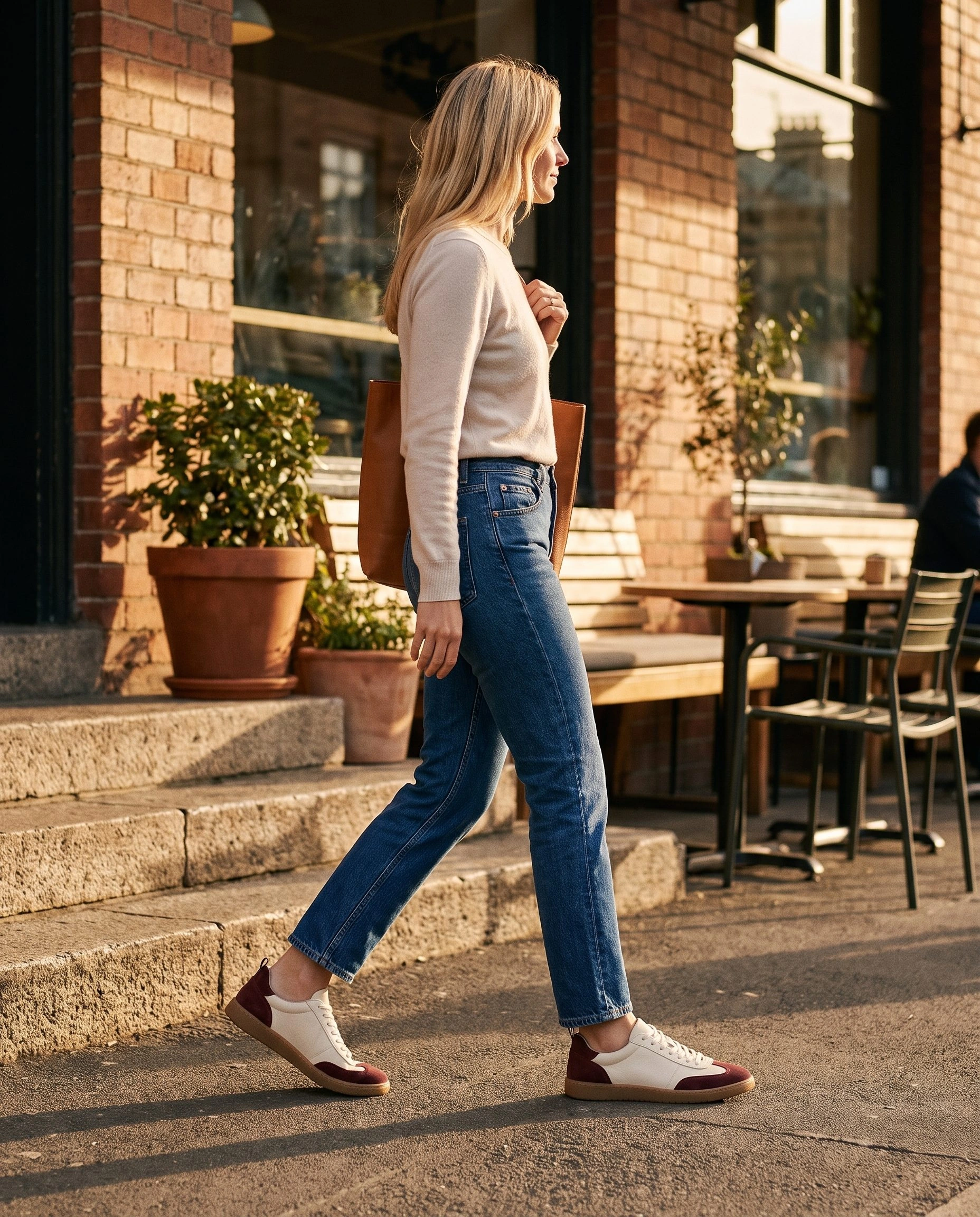
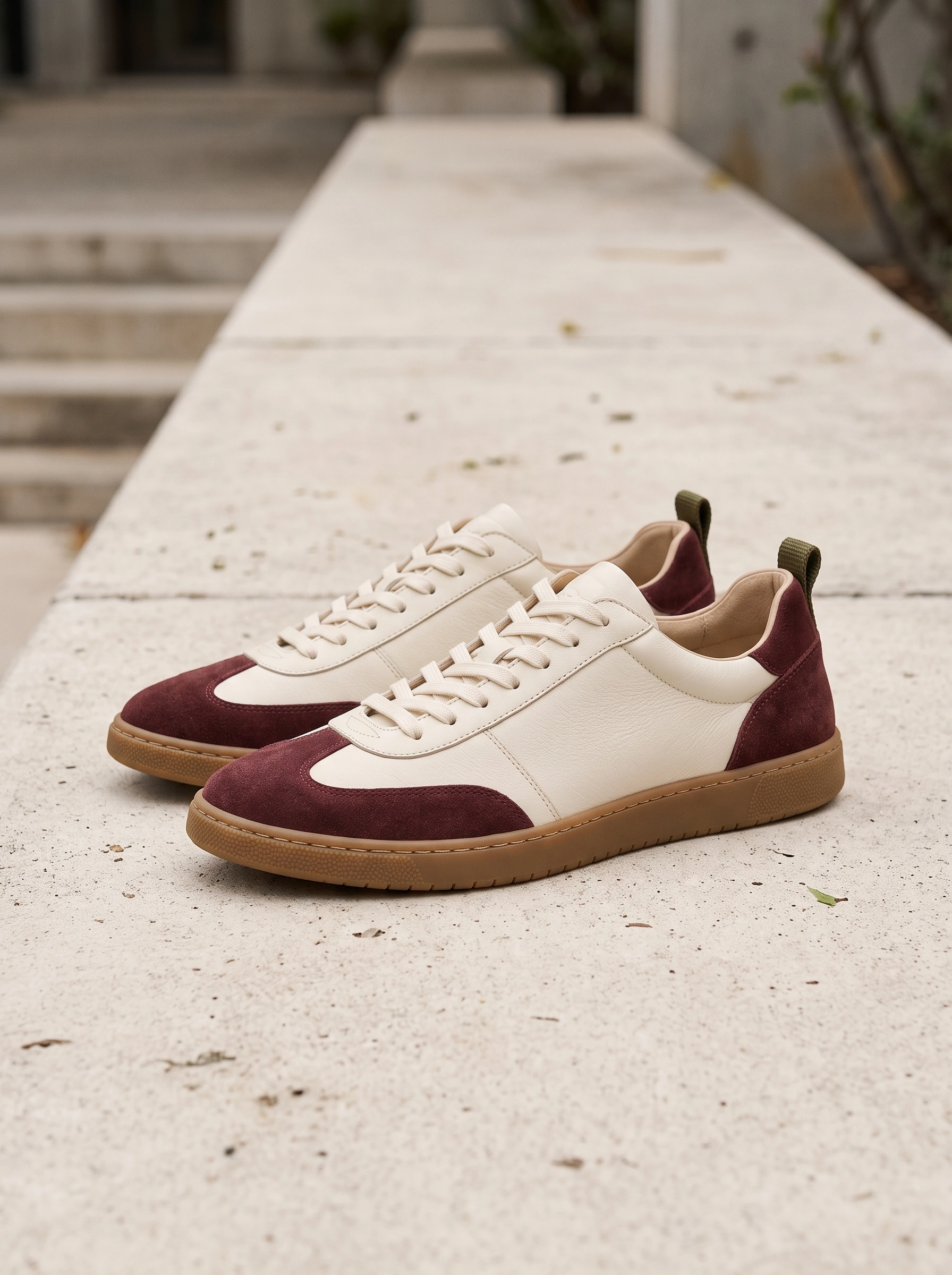
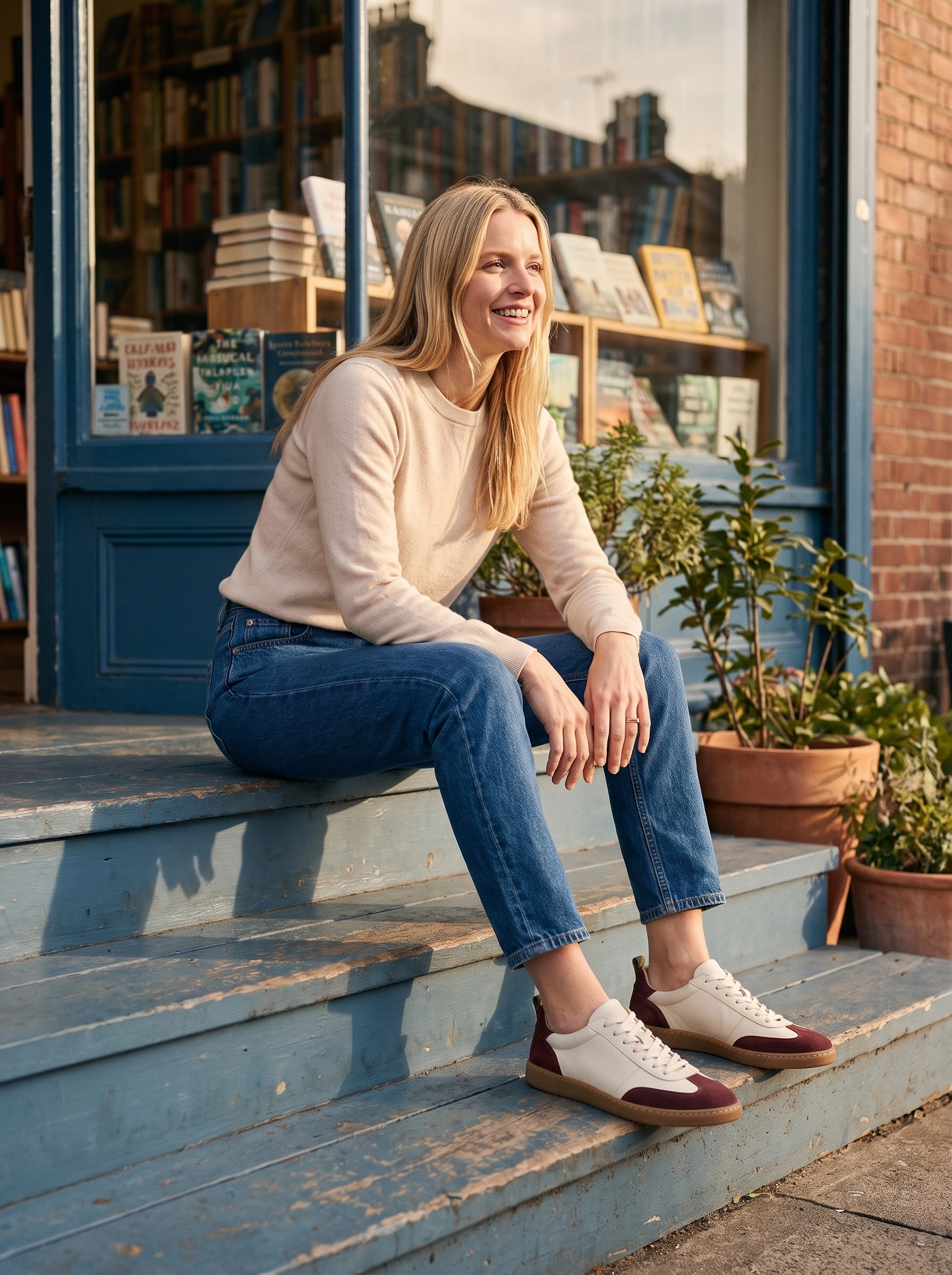
The retained pair photograph places both shoes on stone, with room to inspect toe, heel and sole. The retained walking image carries those colours into an outfit with the complete head and both shoes visible. This gives the campaign a product anchor and a human view from one recorded production brief.
Bring the design forward again

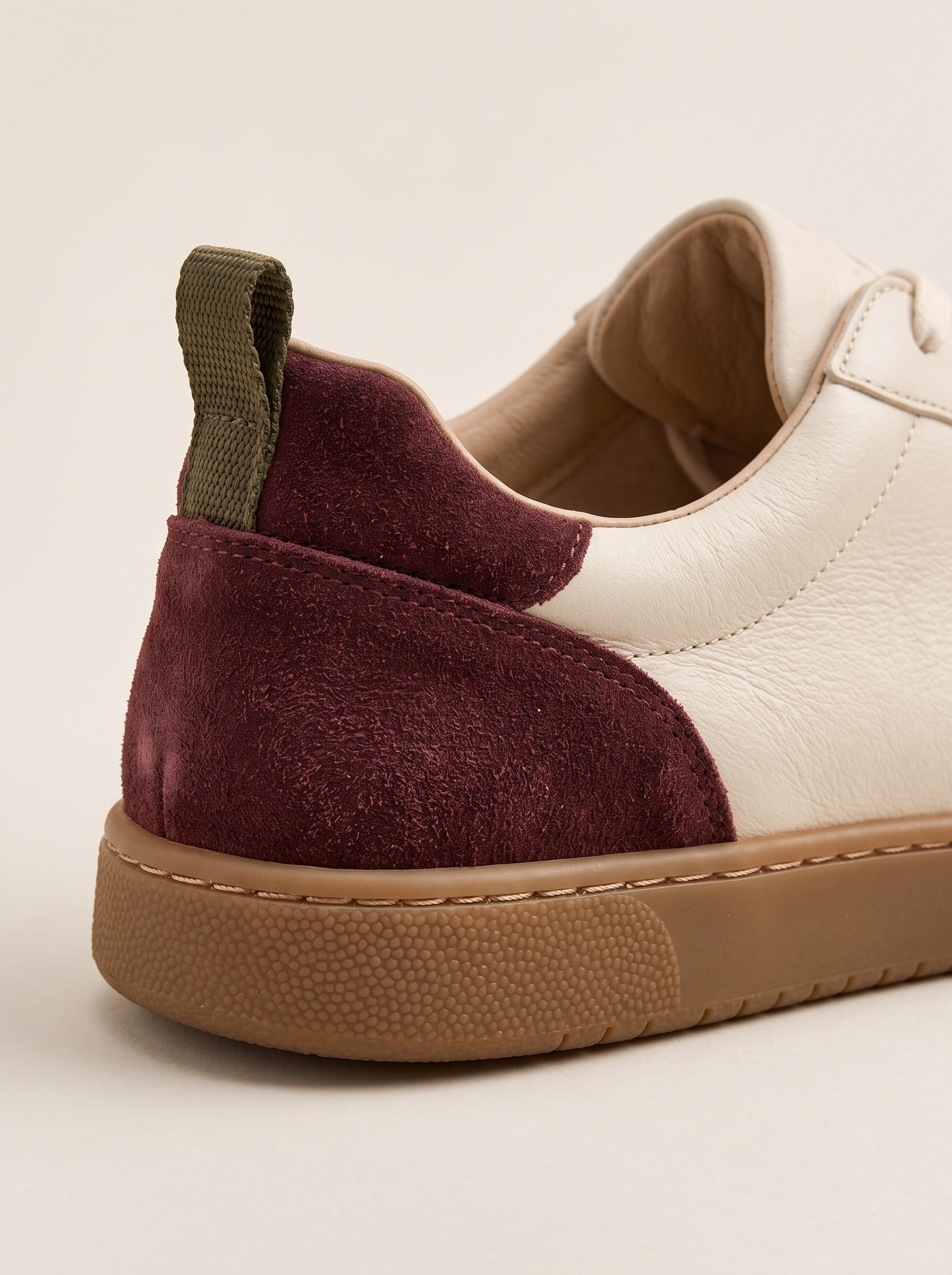
Burgundy suede, ivory leather, an olive pull loop and gum sole meet in the heel detail. A higher pair view and lower-body doorway composition connect that construction with the shoes at different distances.
Give the city scenes different actions
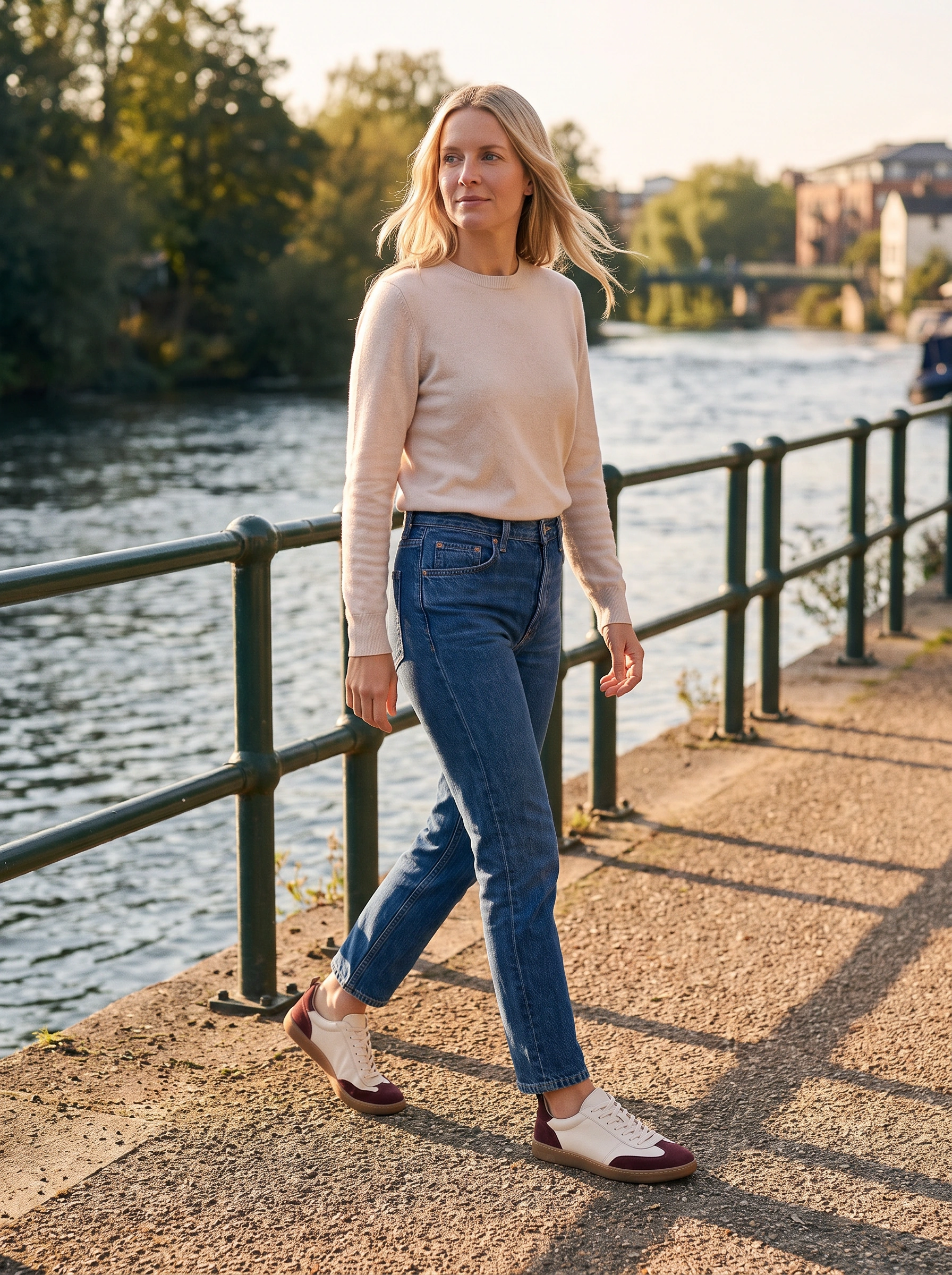

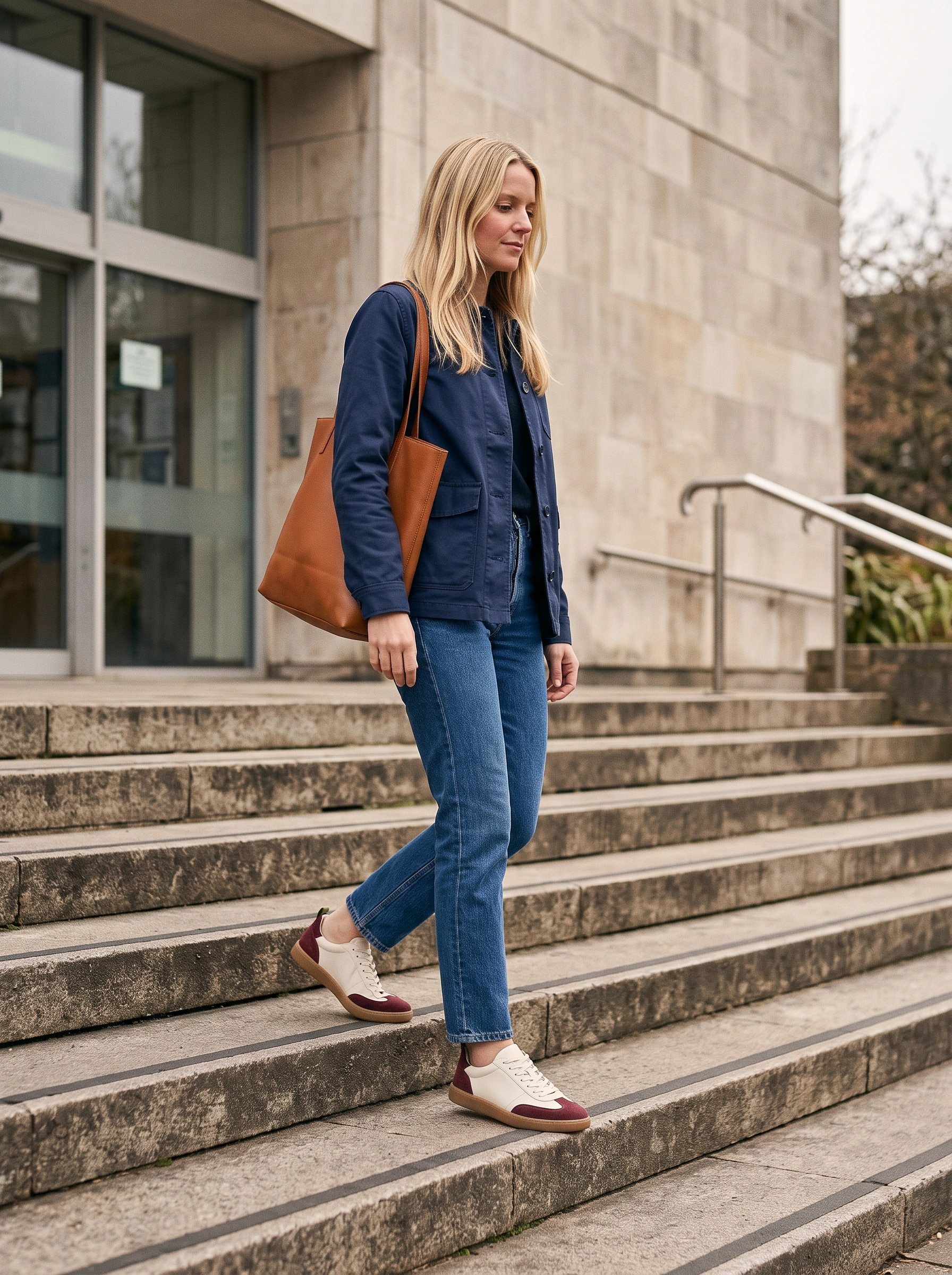
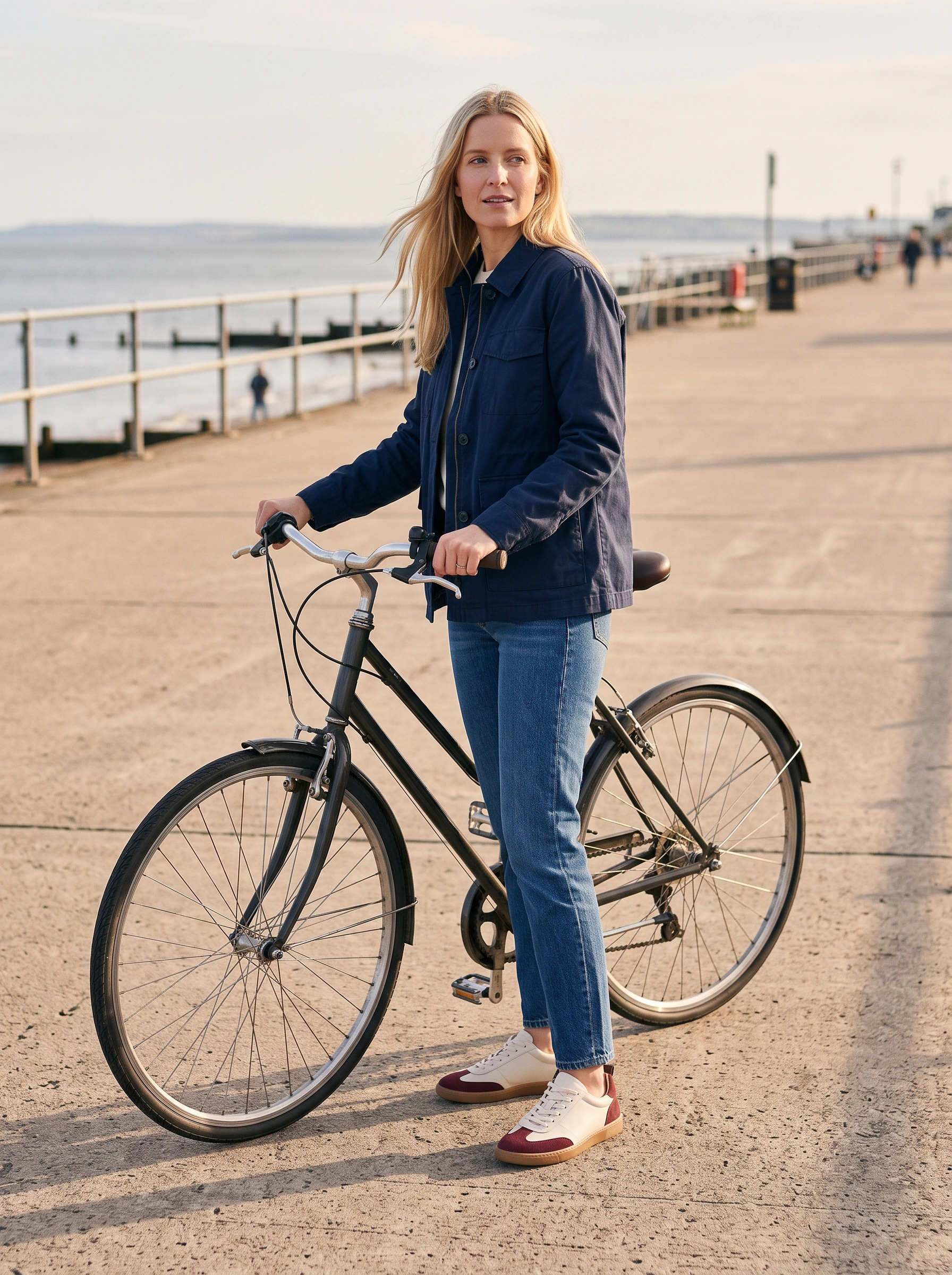

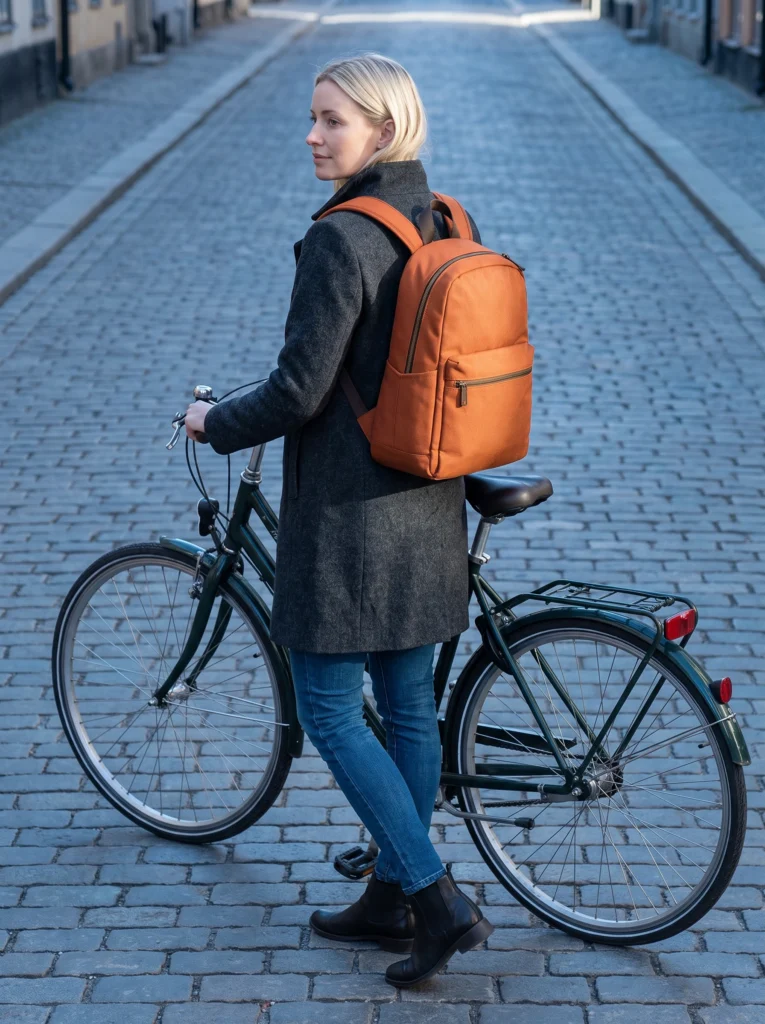
A riverside walk, curb step and stair descent change stride and balance. At the flower stall, a low crouch brings the gum sole and burgundy panels closer as a bouquet meets the tote. The bicycle pause settles the outfit again.
Lacing, steps and seaside styling
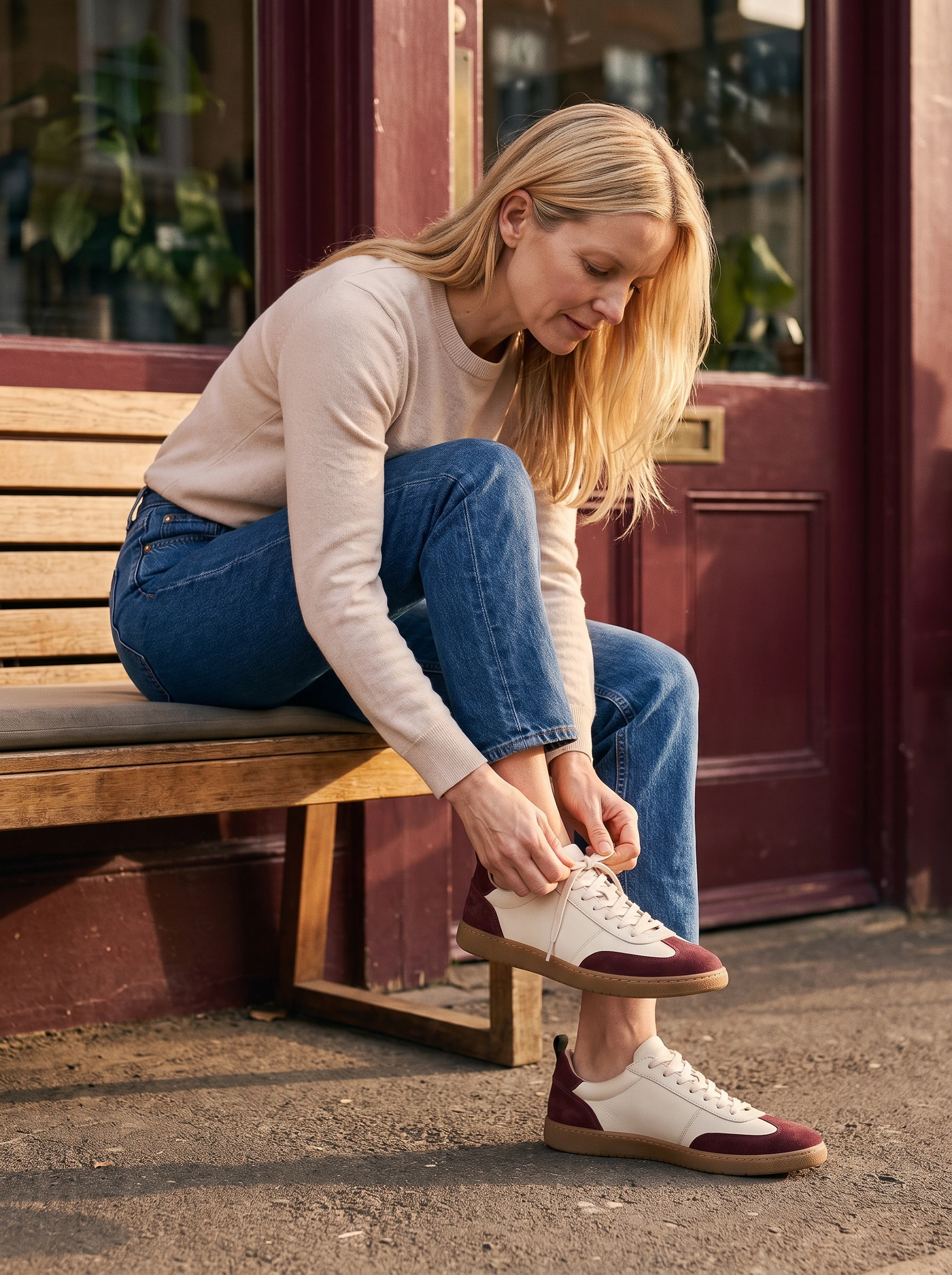

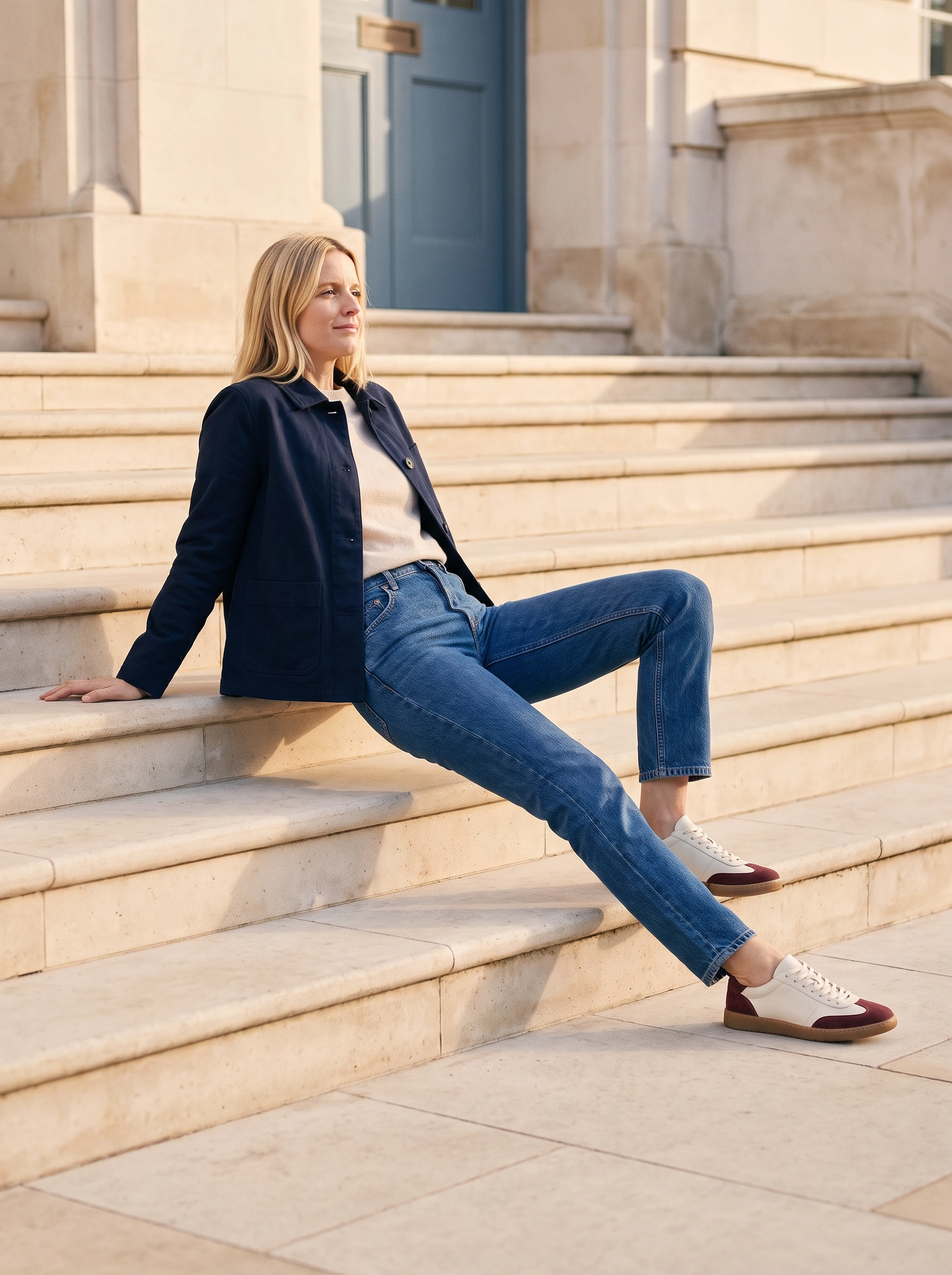
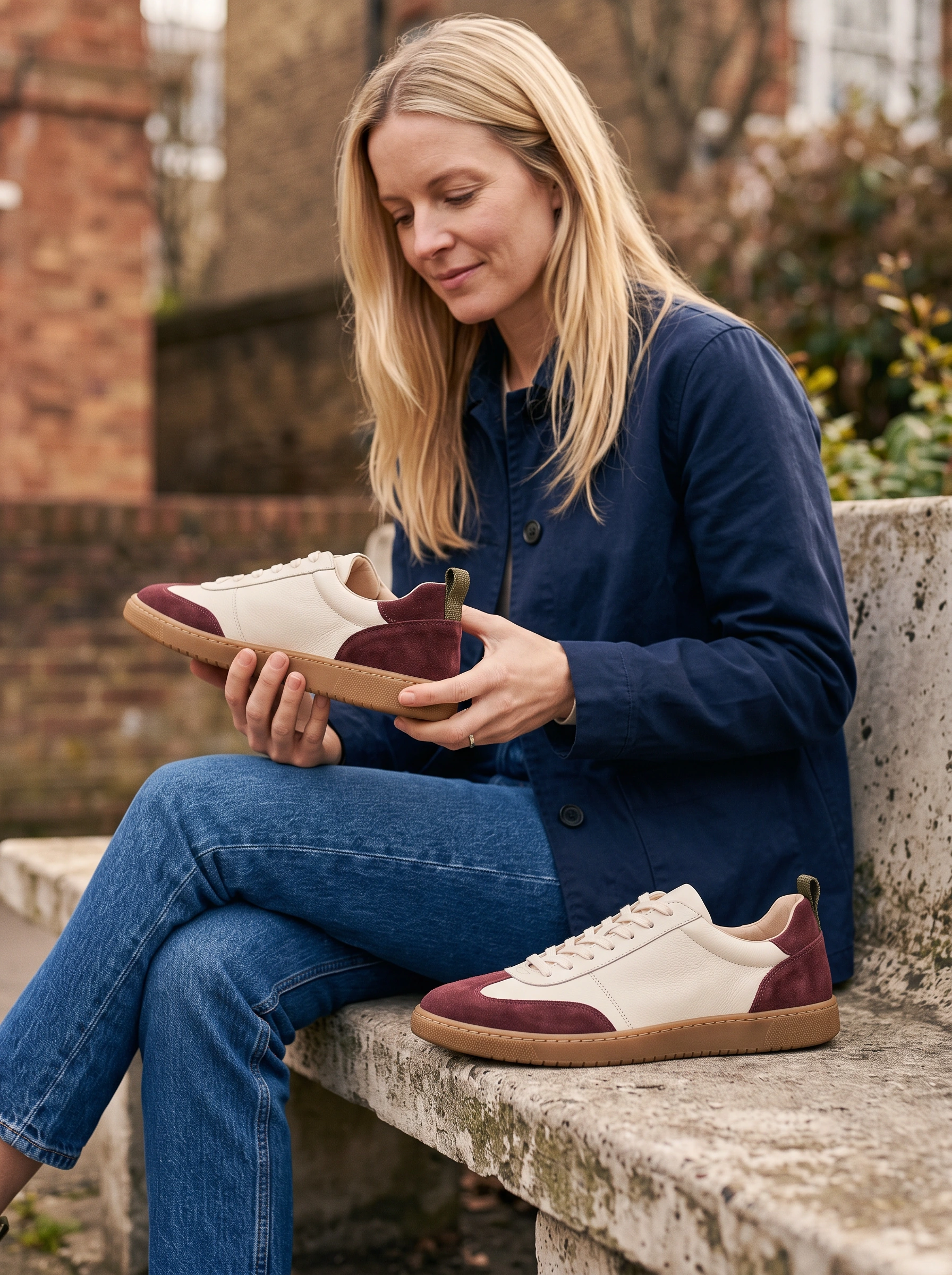
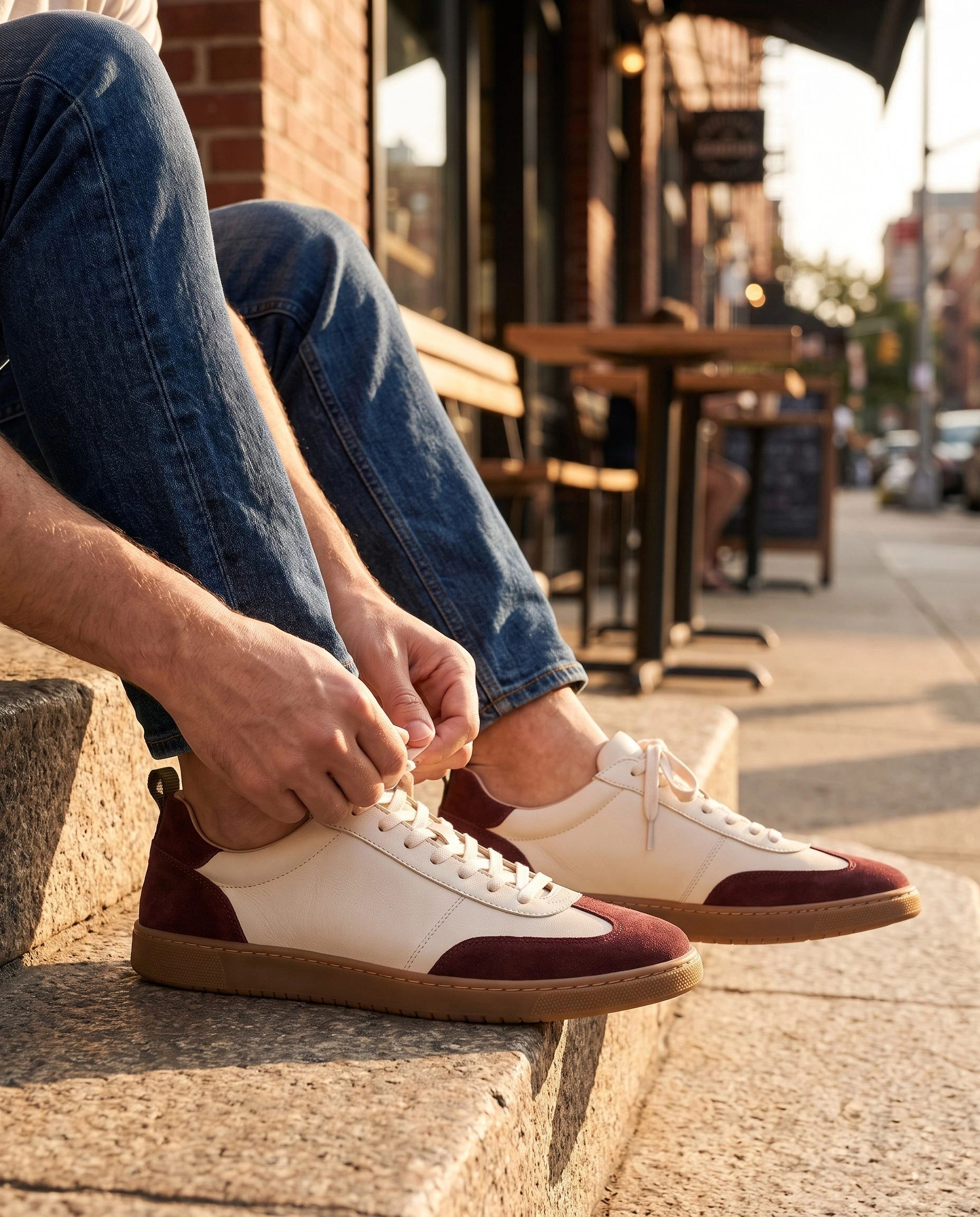
Hands tying a lace bring the action down to the café bench. On pale civic steps, a backward lean with a planted rear palm brings the complete pair forward at different depths. The seaside path opens the outfit against a railing, keeping the complete pair visible.
Use evening as the closing chapter

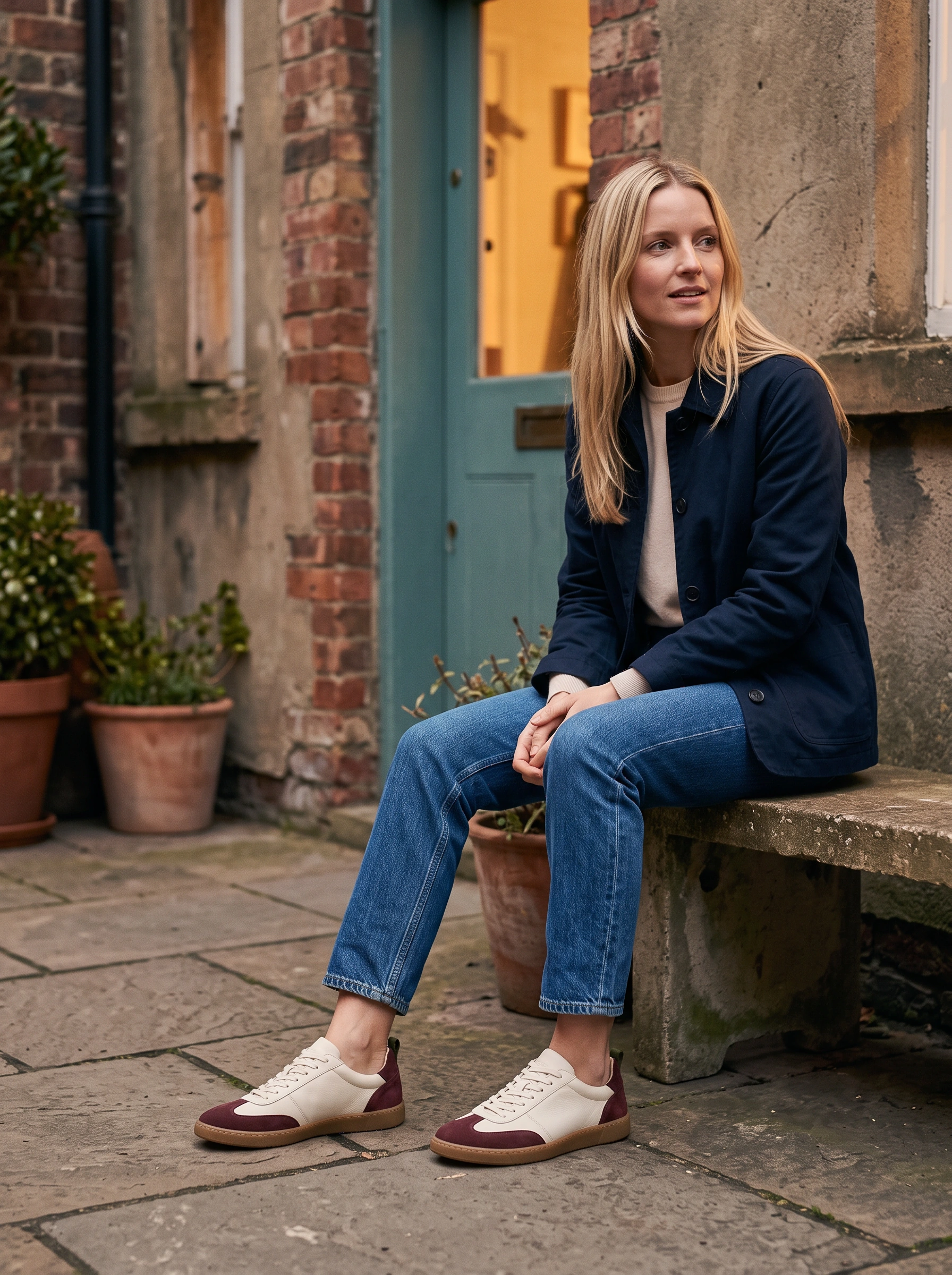

A bookshop departure turns one foot toward the street. The tram rail, teal doorway and courtyard gate extend the city setting, moving from seated stillness to a step through the entrance.
Check panels and soles at both distances
In the pair view, burgundy suede separates the toe and heel from the ivory upper, while the stone setting makes the gum sole line clear. A closer lacing result from the same completed set brings the panels, stitching and sole edges forward. It supplies product detail alongside the wider walking view.
Those views need different review criteria. Inspect panel shapes, laces, pull tabs and sole proportions in the closer photograph. In the wider image, check that jeans, feet and framing leave the shoes available to recognize. The footwear image guide covers the broader mix of product-only and worn coverage.
Hand off a footwear launch edit
Fotogenic AI Campaign Sets gave this project a concrete four-role production request. Start your own brief with the views the launch actually needs, then review footwear visibility before choosing for mood. Explore footwear photography for related directions.
- Pair introduction: both complete shoes with contrasting side and front angles.
- Outfit styling: whole person with both toes and heels available.
- Product action: lacing or a deliberate curb step.
- Closer consideration: faithful panels, stitching, pull tabs and gum edges.
Launch your footwear story with Fotogenic AI
Bring your pair and outfit direction to Fotogenic AI. Brief a complete product view, a worn look and a shoe-focused action.

An in-house campaign study by Fotogenic AI.