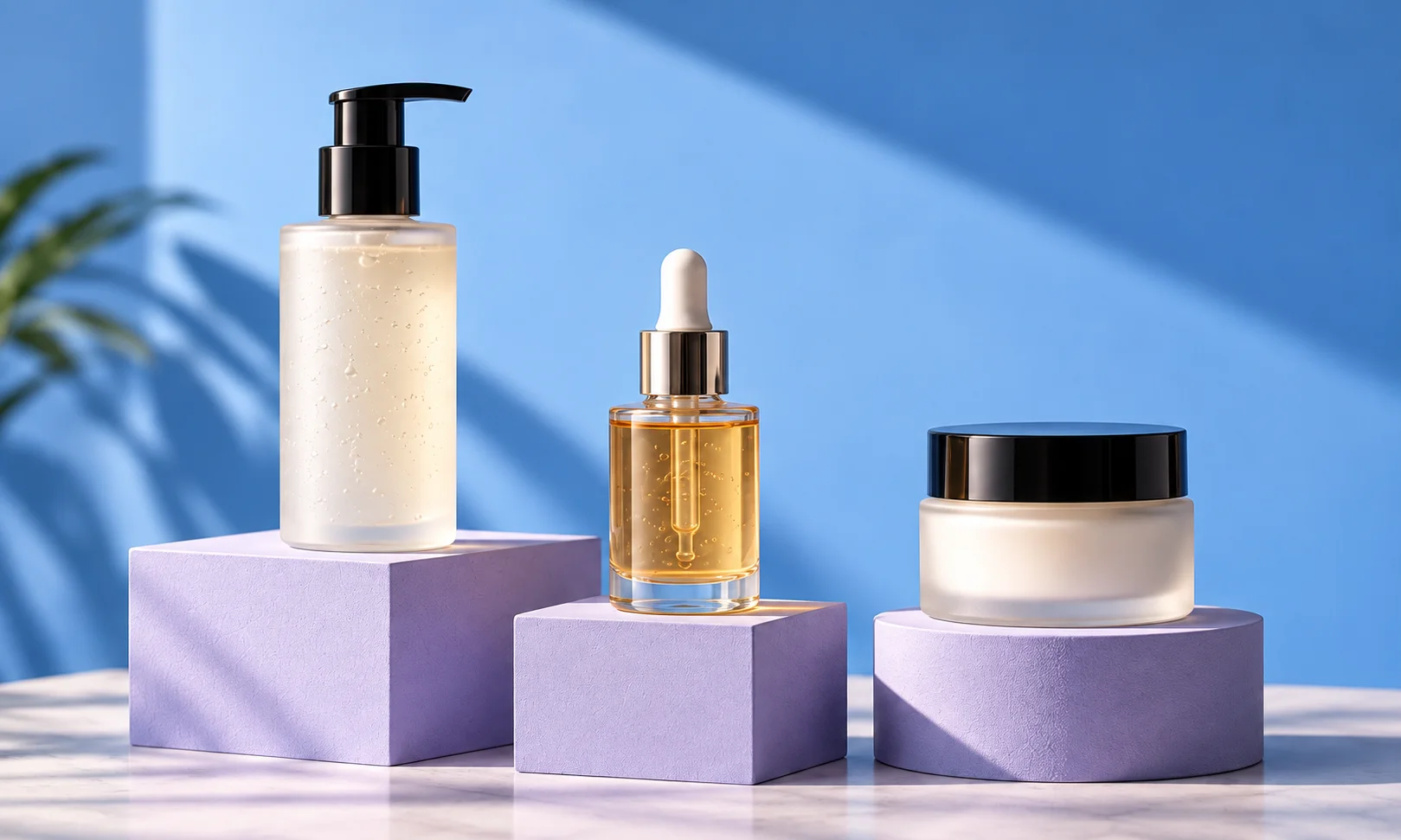
Best AI tools for jewelry product photography
Create product scenes, worn looks and campaigns from your jewelry photos.
The short answer
Start with Fotogenic AI for jewelry product scenes, worn looks and coordinated campaigns from clear photos of your pieces. Build the image set around one direction, with distinct views for product pages and promotions.
Try Fotogenic AIOur pick for jewelry campaigns

Fotogenic AI
Create worn-jewelry looks and related product campaign images.
Plans and buying checks
Starter includes product images and campaign sets for $20/month, with 220 credits.
Why choose Fotogenic AI
Create worn and campaign views from an existing piece. Keep physical macro photography for fine construction and a real dimensional reference for size-critical jewelry.
Start with your product
Check ring size, clasp contact and earring attachment against a factual size reference.
A macro listing without a usable source

Soona
Arrange physical capture when no usable macro source exists.
Plans and buying checks
Soona’s Studio pass starts at $149 per booking plus $39 per selected photo. Six photos start at $383 before extras. Photoshop is $22.99/month with an annual commitment.
The tradeoff
Book physical photography when the source cannot show settings, engraving or clasps. Buy editing software later if a clear reference still needs cleanup.
What to check
Specify macro views and ask about reflective finishes, styling and model fees before booking.
A styled campaign still life

Flair
Art-direct a jewelry still life for a campaign.
Plans and buying checks
Pebblely Basic is $19/month; Flair Pro+ is $35/month.
The tradeoff
Use a scene tool for an intact cutout, or a composition canvas for deliberate props and placement.
What to check
Reject softened prongs, invented engraving or an altered finish.



Inspect the metal contours
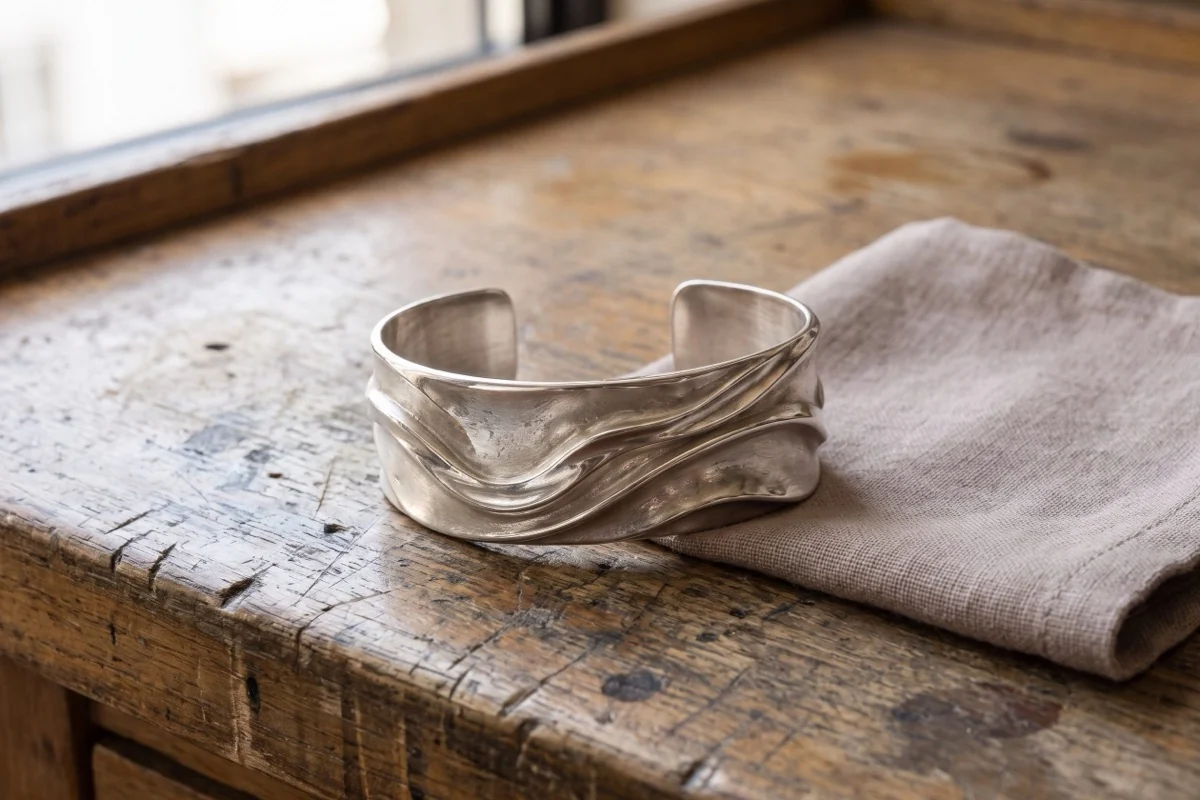
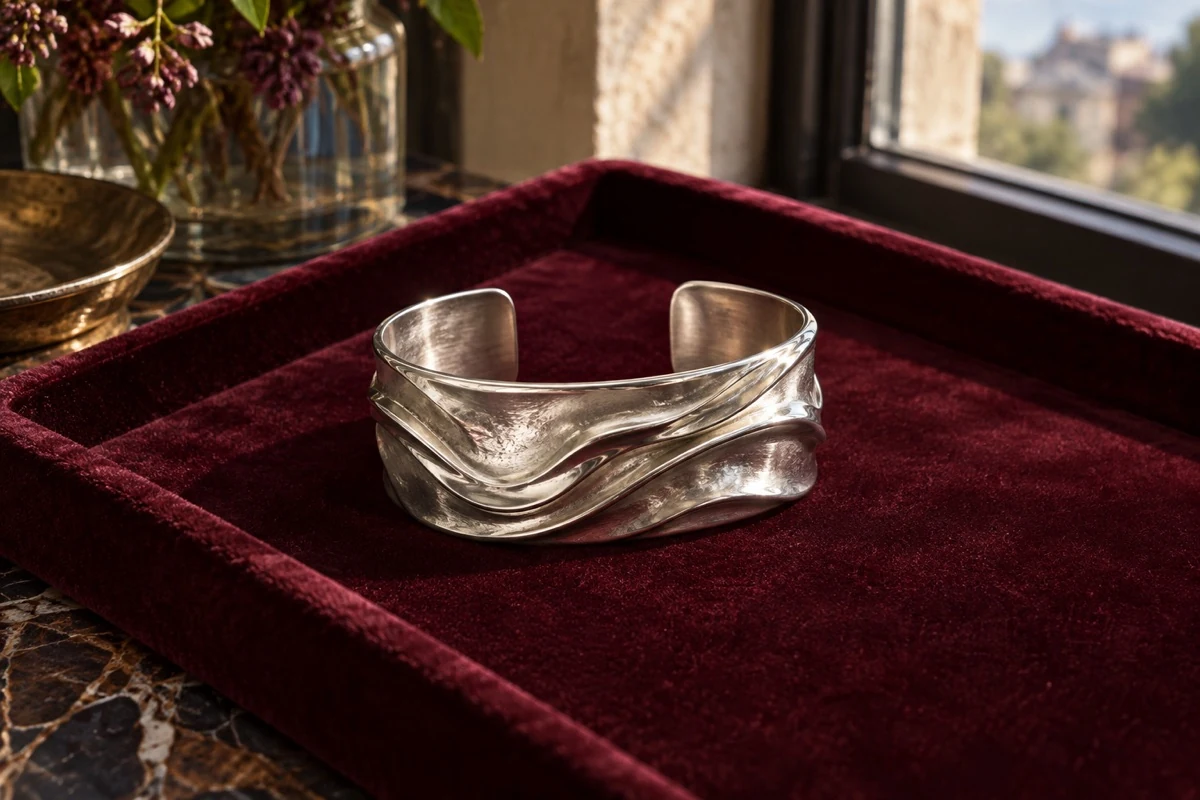
Compare the fictional reference below with the Fotogenic AI scene at the top of this guide.
Check the opening and sculpted ridges. Softer reflections change the apparent finish; a real listing still needs physical references for polish, engraving and scale.
Choose macro, worn or campaign imagery
Macro photos show construction. Worn images suggest scale and styling. Campaign scenes set a mood. Choose the image’s job first: a campaign tool may not preserve the detail needed for a close product view.
Keep real photographs of stones, hallmarks, clasps and engraving in the listing. Generation cannot verify a detail missing from the source.
Three checks before you choose
Construction
Count stones, links and settings
Material
Inspect finish and reflections
Worn scale
Check attachment and proportions
Fotogenic AI
Jewelry product scenes and worn campaigns
Fotogenic AI creates jewelry product scenes, worn looks and campaign images from clear source photos. Start here to show styling and context across a collection, then reuse your creative direction for product-page and promotional views.
Strengths
- Product-scene and worn-jewelry image options.
- Related campaign sets from a shared creative brief.
- Reusable scene and lighting directions across selected pieces.
- Preset or custom settings for product and lifestyle views.
$20/month, Starter
220 monthly credits. Creator includes 520 credits for $40/month; Pro includes 1,200 for $80/month.
Product images and campaign sets are included on Starter. Video and ad-ready visuals start on Creator. Costs vary by operation; credits do not roll over.
Plan and billing detailsBefore you start
Provide sharp references for stones, clasps and engraving.
Check worn attachment and scale against actual dimensions; keep real macro views.
Try Fotogenic AIAdobe Photoshop
Controlled editing around exact jewelry
Photoshop lets an experienced editor work around a verified jewelry photo using layers and selective edits. It suits pieces whose engraving or stone settings must stay unchanged while the background, lighting treatment or campaign layout changes.
Strengths
- Keep the product on a separate layer.
- Review background and layout edits without rebuilding the piece.
Limitations
- Fine chains, prongs and reflections need careful masks and finishing.
- Results depend on editing skill; this is not one-click product preservation.
$22.99/month, annual commitment
Photoshop on desktop, web and mobile, with 100GB cloud storage. Annual plan, billed monthly.
Plan and billing detailsBuying details
Budget specialist macro retouching separately from generated edits.
Soona
Physical product photography with optional AI editing
Soona photographs physical products, making it useful before AI editing when a jewelry team lacks a clear reference. Ship samples for a booked shoot, join remotely and buy selected photos. Include the required macro views in the brief.
Strengths
- Physical photography captures the actual piece, stone placement and reflections.
- Choose photographs from a booked shoot.
Limitations
- Models, styling and upgrades cost extra.
- Confirm macro, reflective-finish and hand or model requirements before booking.
$149 studio fee + $39/photo
Studio pass is charged per booking. Basic membership is $13/month billed annually, with the studio fee waived; purchased photos remain $39 each.
Plan and billing detailsBuying details
Six photos with the $149 Studio pass start at $383 before upgrades. Basic membership is $13/month billed annually and waives the studio fee; photos still cost extra.
Models, styling and upgrades cost extra. Studio pass and Basic premium edits start at $9 each. Physical samples and shoot scheduling are required; membership does not include photo production.
Flair
Art-directed and on-person jewelry scenes
Flair’s jewelry tools create composed campaign and on-person scenes. It suits teams that want to direct props, placement and a broader fashion setting around a piece. Keep a verified close-up alongside the styled image for construction and material detail.
Strengths
- Direct product and prop placement.
- Create still-life and on-person jewelry scenes.
Limitations
- On-person scenes need separate scale and attachment checks.
- Stone settings and clasps can change even when the body looks convincing.
$10/month, Pro
Pro+ is $35/month with 80 generated images and three videos; Scale starts at $55/month with 150 images.
Plan and billing detailsBuying details
Pro does not specify an image allowance. Instant image and ad generation use four times the image quota, so price those separately from ordinary still-life attempts.
Pebblely
Product-focused jewelry environments
Pebblely creates scenes around existing jewelry photos, with templates for product and accessory settings. It suits teams that already have clear source photography and want new still-life presentations. Start with product-only scenes before trying worn compositions.
Strengths
- Scene templates provide a starting setting.
- Bulk generation is available on Basic or higher.
Limitations
- A necklace result does not validate rings, earrings or watches.
- Thin chains, engraving and body contact need item-specific checks.
$9/month, Lite
30 images per month. Basic is $19/month for 200 images and bulk generation; Pro is $39/month for 500.
Plan and billing detailsBuying details
Lite suits a few still-life experiments. Bulk generation requires Basic or higher. Allowances cover attempts; fine-chain and engraving repair may add work.
Photoroom
Cutouts and catalog presentation
Photoroom removes and edits backgrounds for jewelry listing images. It suits teams preparing a consistent clean catalog from existing photography, rather than fully reimagining the piece. Inspect cutouts on light and dark backgrounds to catch fine-edge problems.
Strengths
- Prepare cutouts from existing product photos.
- Use catalog editing for a consistent presentation.
Limitations
- Fine chain links, prongs and internal openings may need mask repair.
- Check reflections and color fringes on both light and dark backgrounds.
$7.50/month, Pro, annual billing
8,000 AI credits and 1,000 exports per month. Max is $20.99/month with annual billing, 25,000 credits, 3,000 exports and Shopify integration. Ultra starts at $82.50/month with annual billing.
Plan and billing detailsBuying details
Budget fine-edge mask repair separately from exports.
Editor, batch and Shopify saves share the export allowance. API usage is priced separately. Shopify integration requires Max or higher.
Check stones, settings and fine geometry
Count stones, prongs, links and openings. Compare the setting outline, band thickness and closure with the reference.
Inspect defining details in close crops. A sharp export can still show the wrong construction; resolution alone does not prove accuracy.
Preserve the metal finish
Check highlights and finish against the real material. Polished metal should not become brushed, or silver appear gold because of the scene lighting.
Use product specifications and the source photo together. If lighting obscures the finish, keep that scene for a campaign and show a clear listing view. Generated sparkle does not prove stone quality or metal value.
Check worn scale and attachment
Check how rings, earrings and necklaces meet the body. Look for floating pieces, objects passing through skin, incorrect pressure or size changes between views.
Keep actual dimensions in the listing. For size-critical pieces, add a verified worn photo or dimensional reference; a generated body is not a measurement.
Use our jewelry photo examples to plan macro and worn views. The Fotogenic AI jewelry workflow pairs generated context with factual detail photos.
Keep pairs and sets complete
Check every included item. Earrings sold as a pair must match; sets must retain each component. Reject missing, duplicated or invented accessories.
List the included pieces in the brief. Keep props from suggesting a bundle the customer will not receive.
Try difficult pieces before the full collection
Try a prong-set stone, fine chain, reflective band and earring pair. Keep macro and real worn-scale references. Use the same crop per tool and track construction errors separately from lighting changes. Stone count, chain pattern and the complete pair must remain correct.
Prepare separate listing and campaign images
A Google Merchant Center main image should show the actual item unobstructed, without promotional text or calls to action. Use alternative angles and lifestyle images in their appropriate feed roles.
Google requires generative-AI image metadata to be retained. Preserve it during export; a visible AI label does not replace embedded metadata. These rules apply to the destination feed.
Include detail review in the cost
Include generation, masking, correction, detail review and export. Small jewelry errors can take time to find and fix, making a cheap image allowance expensive per usable result.
Pebblely Lite offers 30 images for $9; Basic offers 200 plus bulk generation for $19. More attempts do not replace macro finishing. Photoshop’s $22.99 monthly plan requires an annual commitment, even for a one-month project.
FAQ
Questions before you choose
AI can create detailed-looking images, but verify settings, stones, links and engraving against real photos.
Put your next idea to work
Your next product image starts here.
Turn a product photo into a new scene for your store.