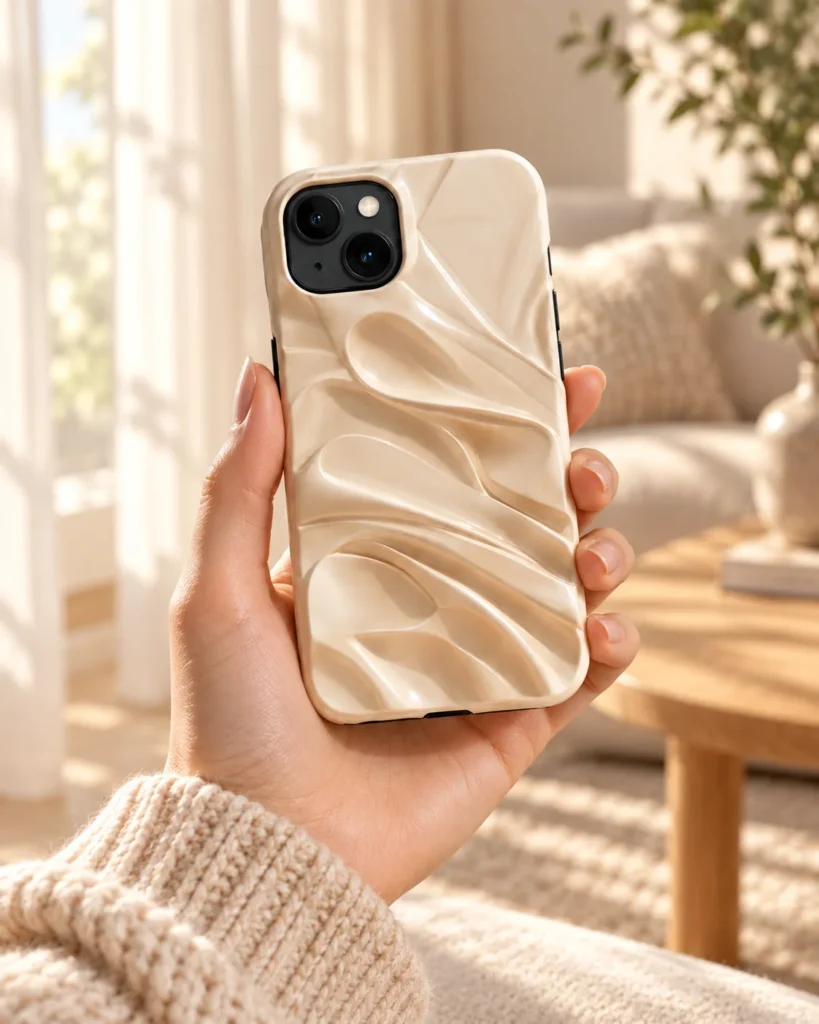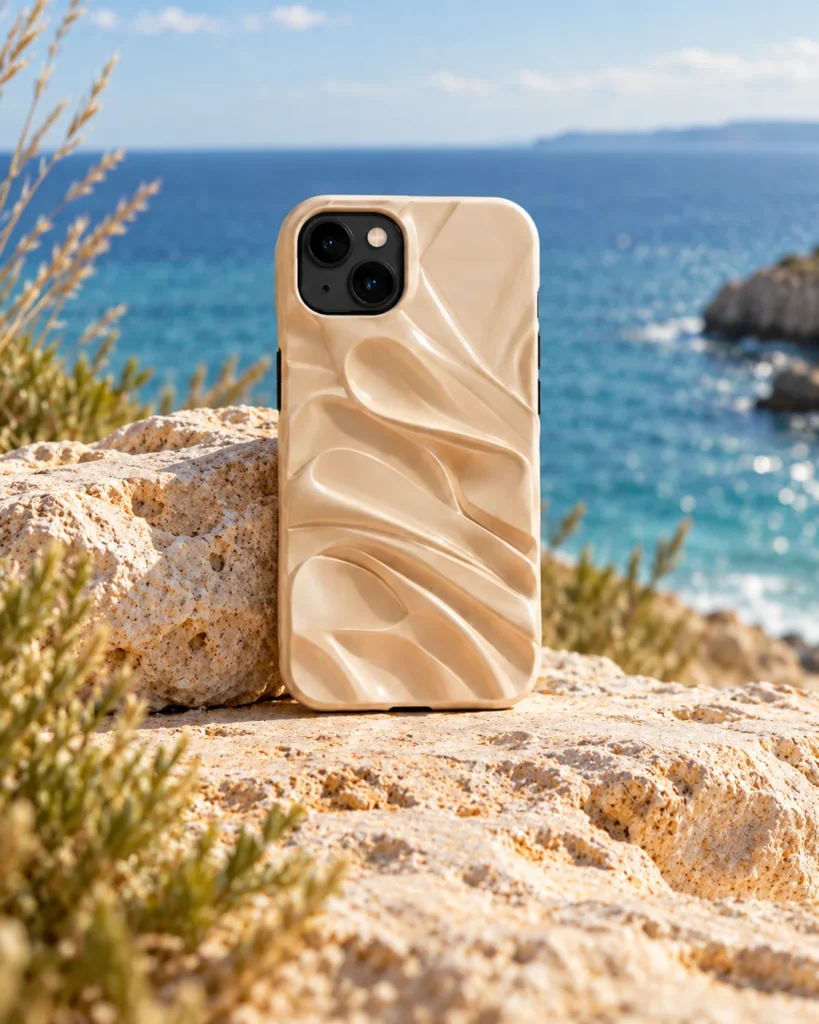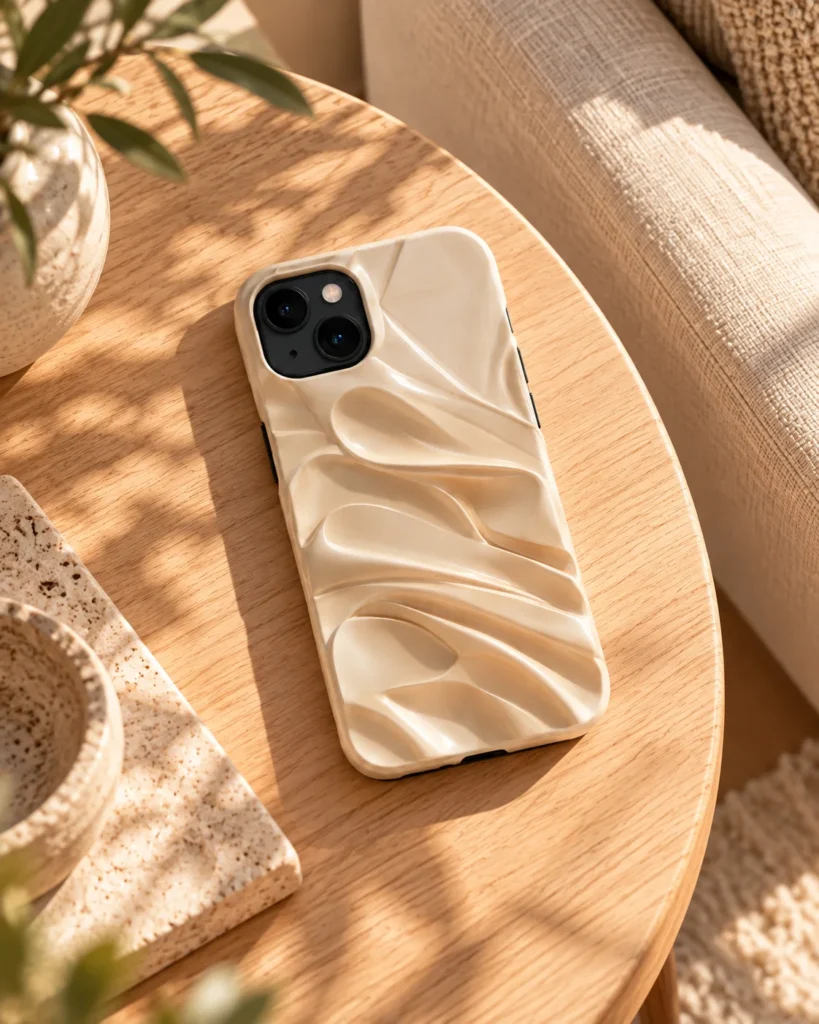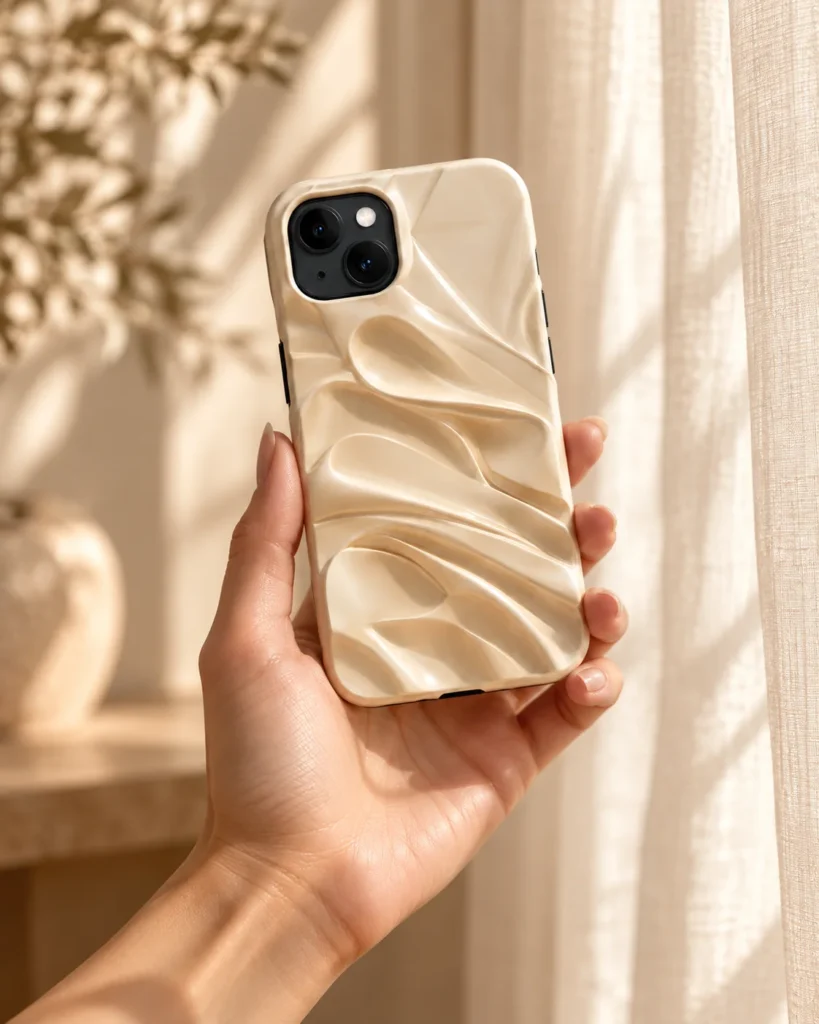
Starter
For product photos
$7/week
Up to 10 images
or 0 videos
60 credits / week
Product images
- Campaign sets
Pricing
Plans for product photos and videos. Try before you subscribe.

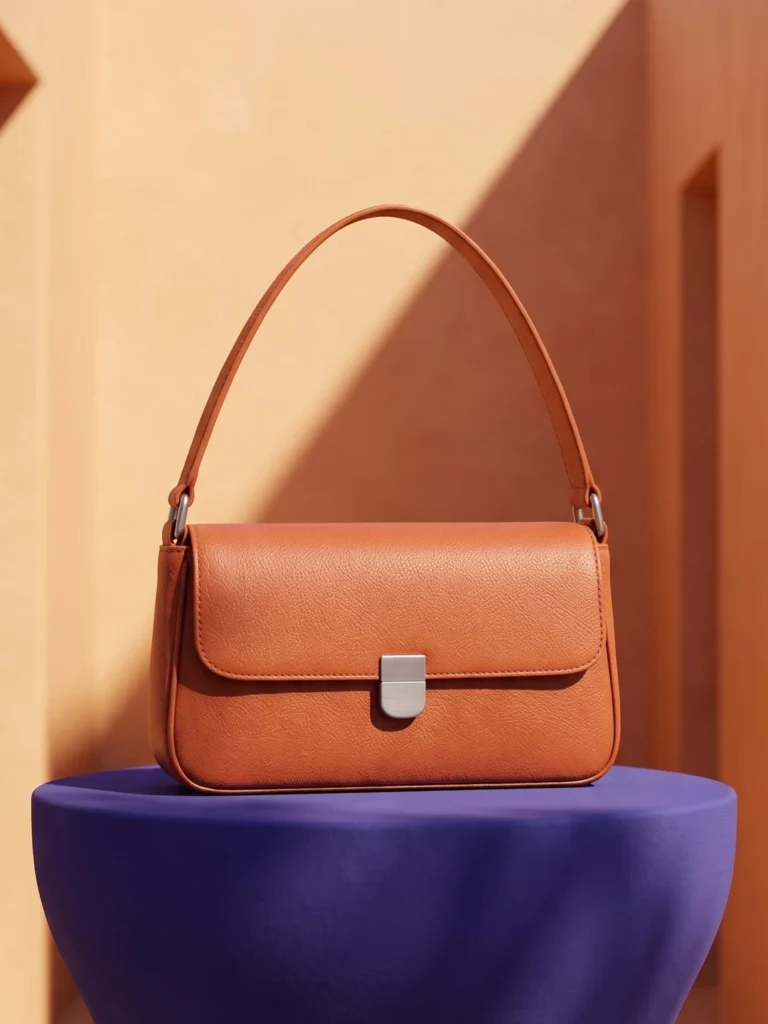
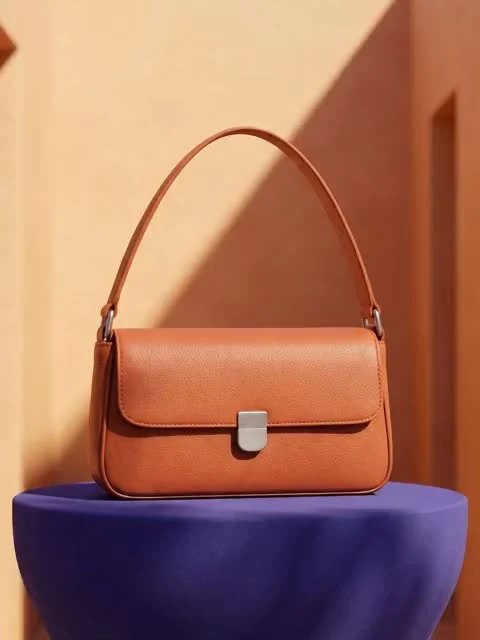
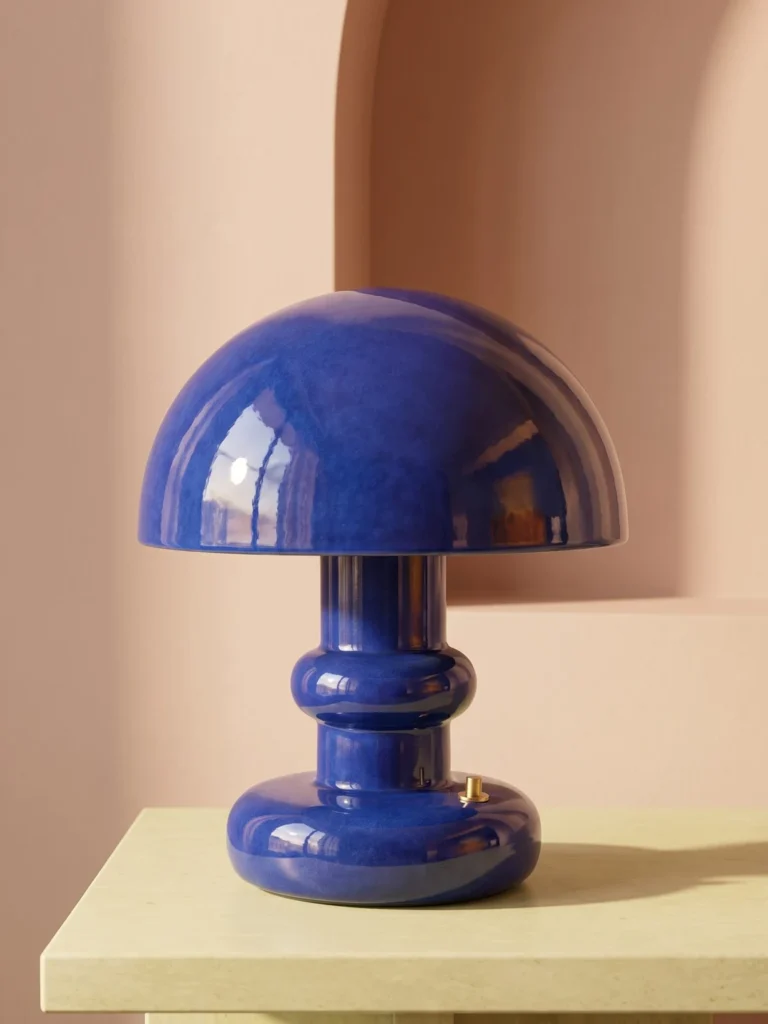


For product photos
Up to 10 images
or 0 videos
60 credits / week
Product images
For photos and videos
Up to 40 images
or 5 videos
160 credits / week
Product images
For regular content
Up to 90 images
or 10 videos
360 credits / week
Product images
For higher output
Up to 220 images
or 30 videos
900 credits / week
Product images
Cancel anytime. Credits refresh each billing cycle and don’t roll over.
Explore the tools and find the plan for your next project.
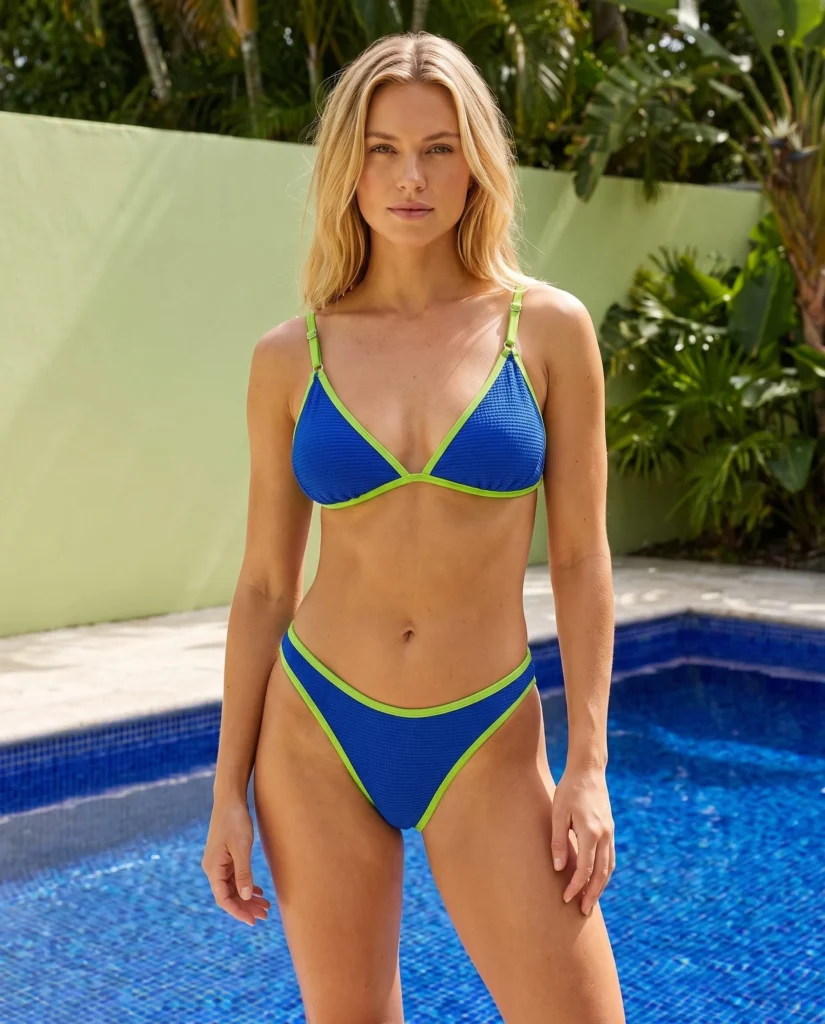
Fashion
Show your product on a model in a setting that brings your brand to life.
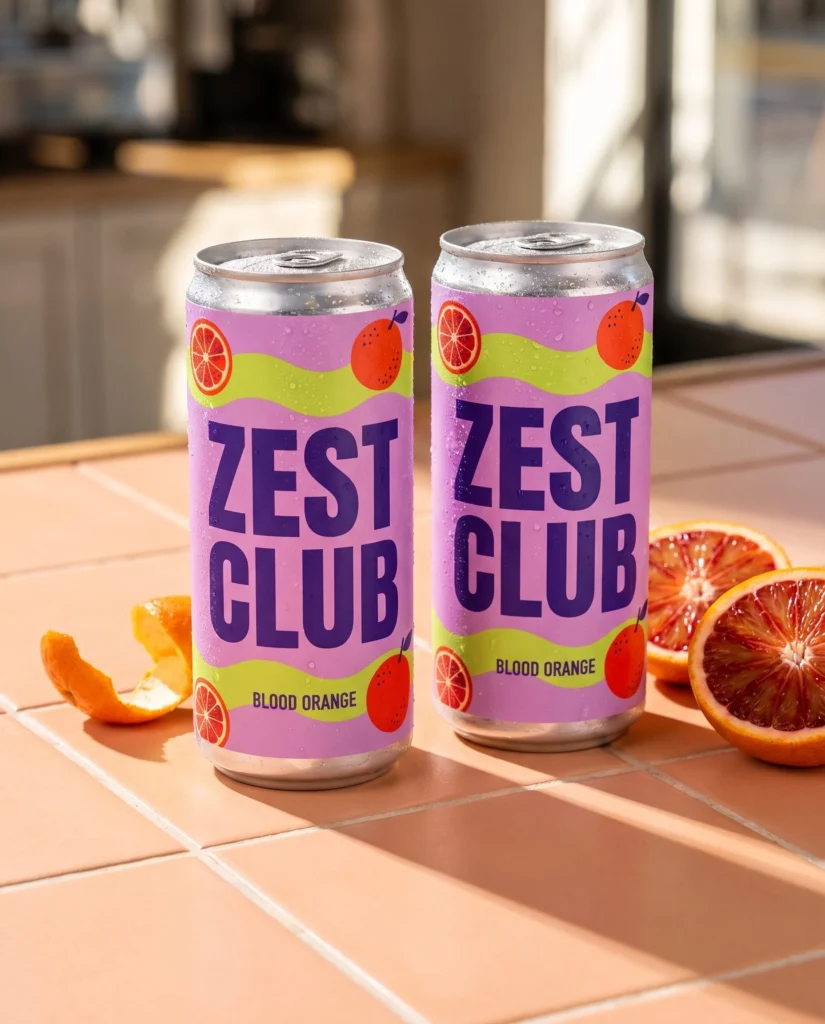
Campaigns
Create a coordinated set of product images that gives your launch a shared look.
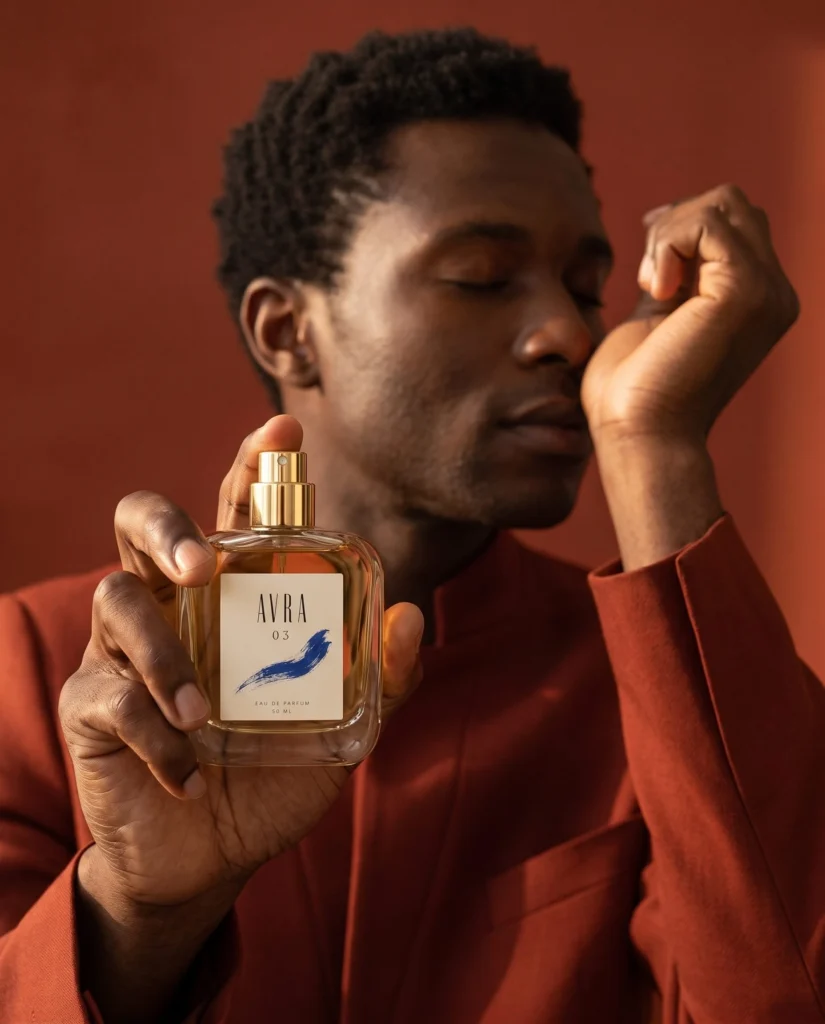
Beauty
Bring your product closer with detailed images that set the mood for your brand.
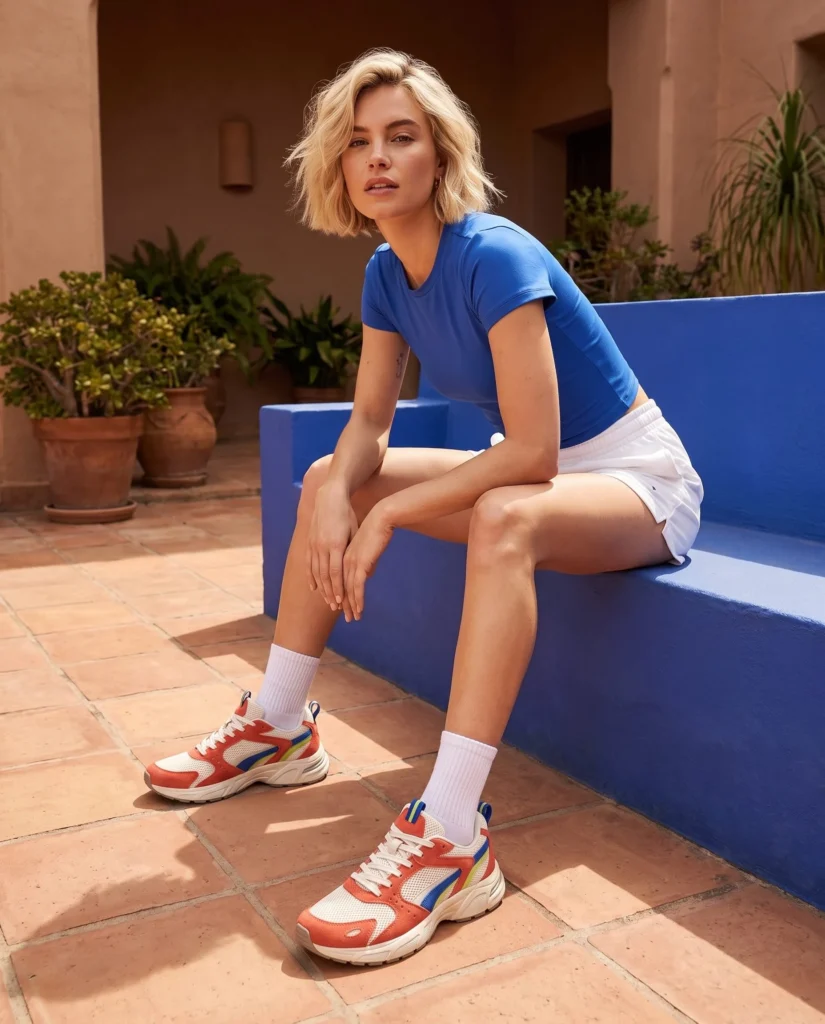
Lifestyle
Show your product in a new setting that helps shoppers picture it in their lives.
| Workflow | Starter | Creator | Pro | Business |
|---|---|---|---|---|
| Campaign sets | Included | Included | Included | Included |
| Ad-ready visuals | Not included | Included | Included | Included |
| Video generation | Not included | Included | Included | Included |
Upload your product. Choose a direction. Review your new photos.
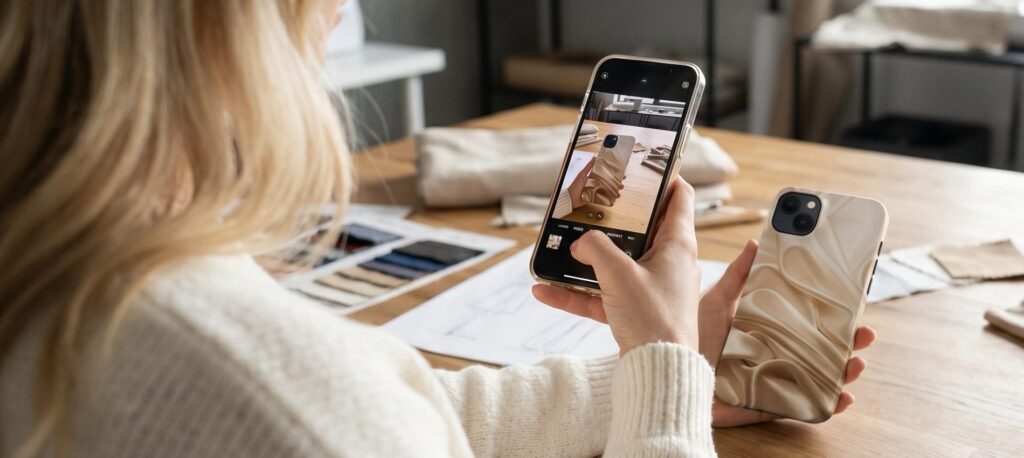 Your Product
Use a clear photo that shows the shape, color and details you want to keep.
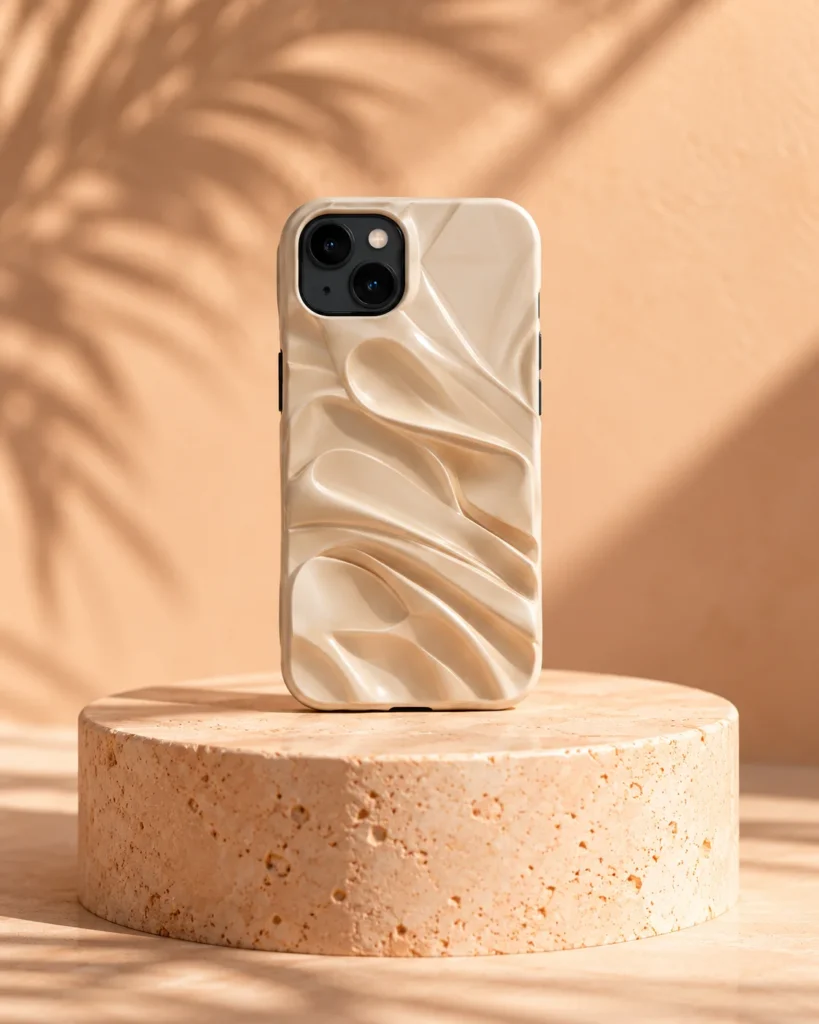
Choose your scene, model, lighting and camera angle.
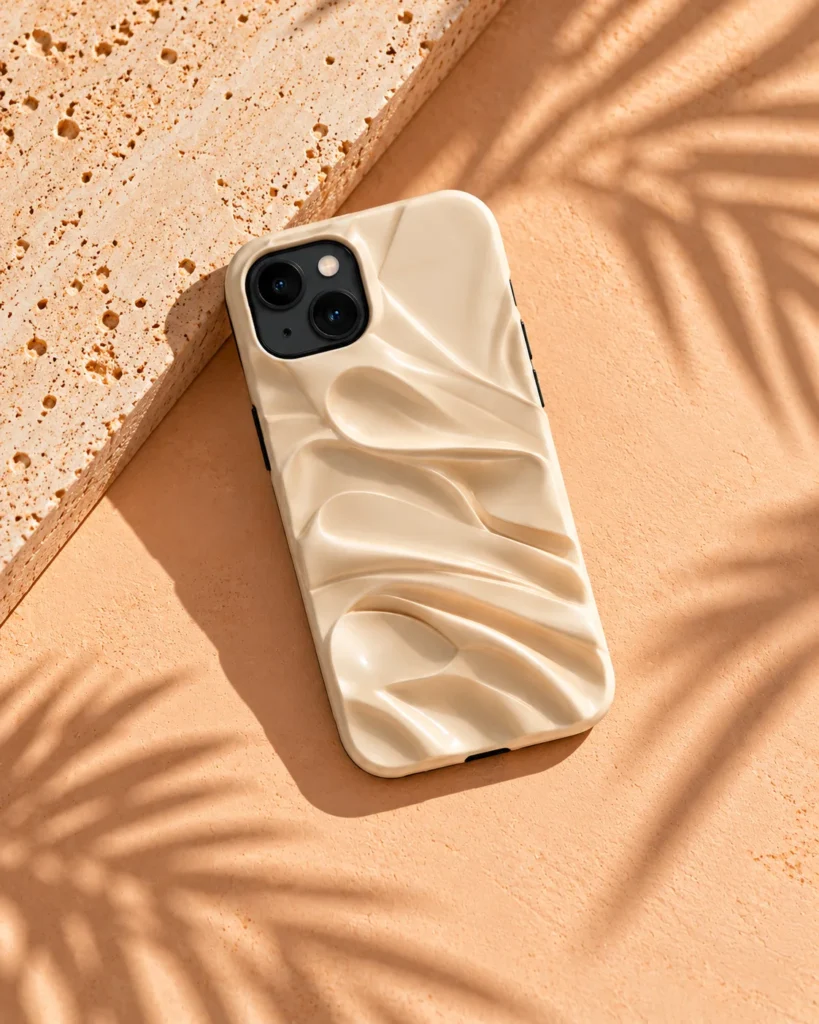
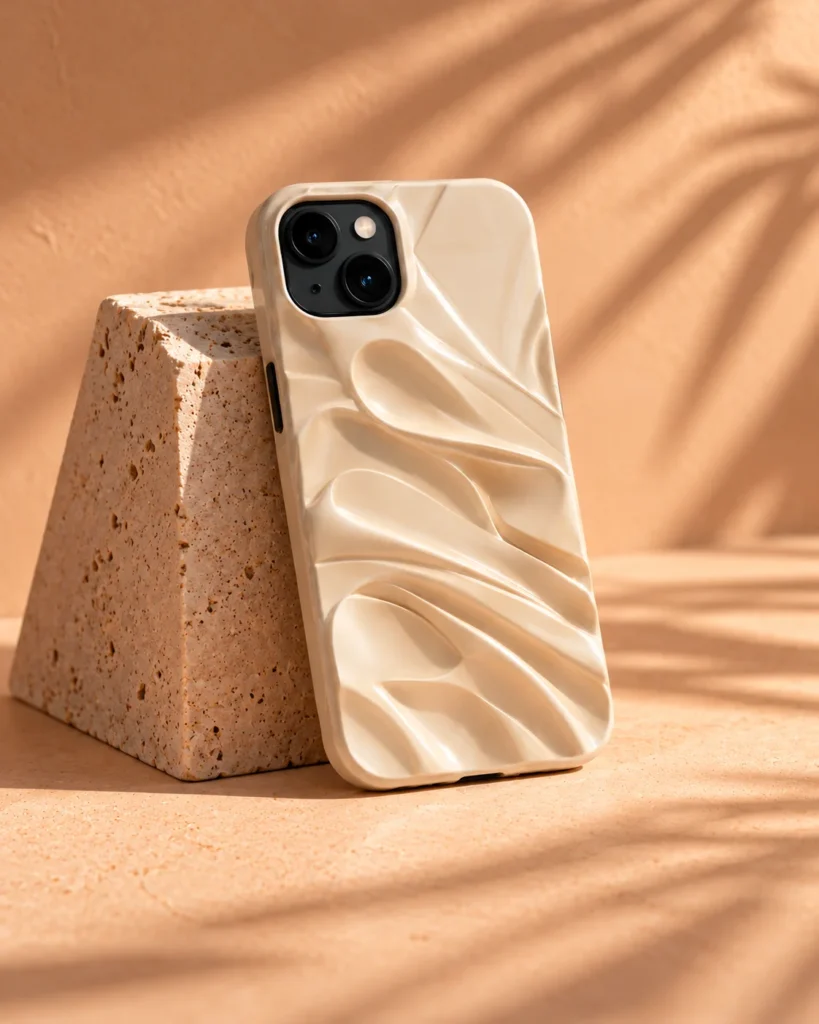
Check your product details, then download the images you want to use.
Estimate your plan against a fixed photography benchmark.
Photo estimates use standard monthly pricing.
Estimated costs are based on the stated benchmark per traditional product photo.
Create new visuals and compare the tools in each plan.
Create studio shots, lifestyle scenes and on-model looks from your product photos. Start with a template or choose your own direction.
Generate images for a selection of WooCommerce products together. Review each result before adding it to your store.
Choose a model for your visual direction, with full-body, half-body and close-up previews to guide your selection.
Create several views of one product in a coordinated style. Build a set for a product launch, store update or social campaign.
Explore layouts for product ads in common social and display formats. Check the text and crop before launching your campaign.
Turn a product image into a short video for your store, ads or social channels. Available on video-enabled plans; this feature is experimental.
Try a different composition, setting or lighting for an image you like. Compare each variation with your product before using it.
Increase image resolution for larger placements. Check the final detail and your channel’s image requirements before publishing.
Before you choose
Yes. Use the included Studio trial credits to try Fotogenic with your own product photo. No credit card is required for the trial. Choose a paid plan when you want to keep creating.
Try a new look with your product before choosing a plan.