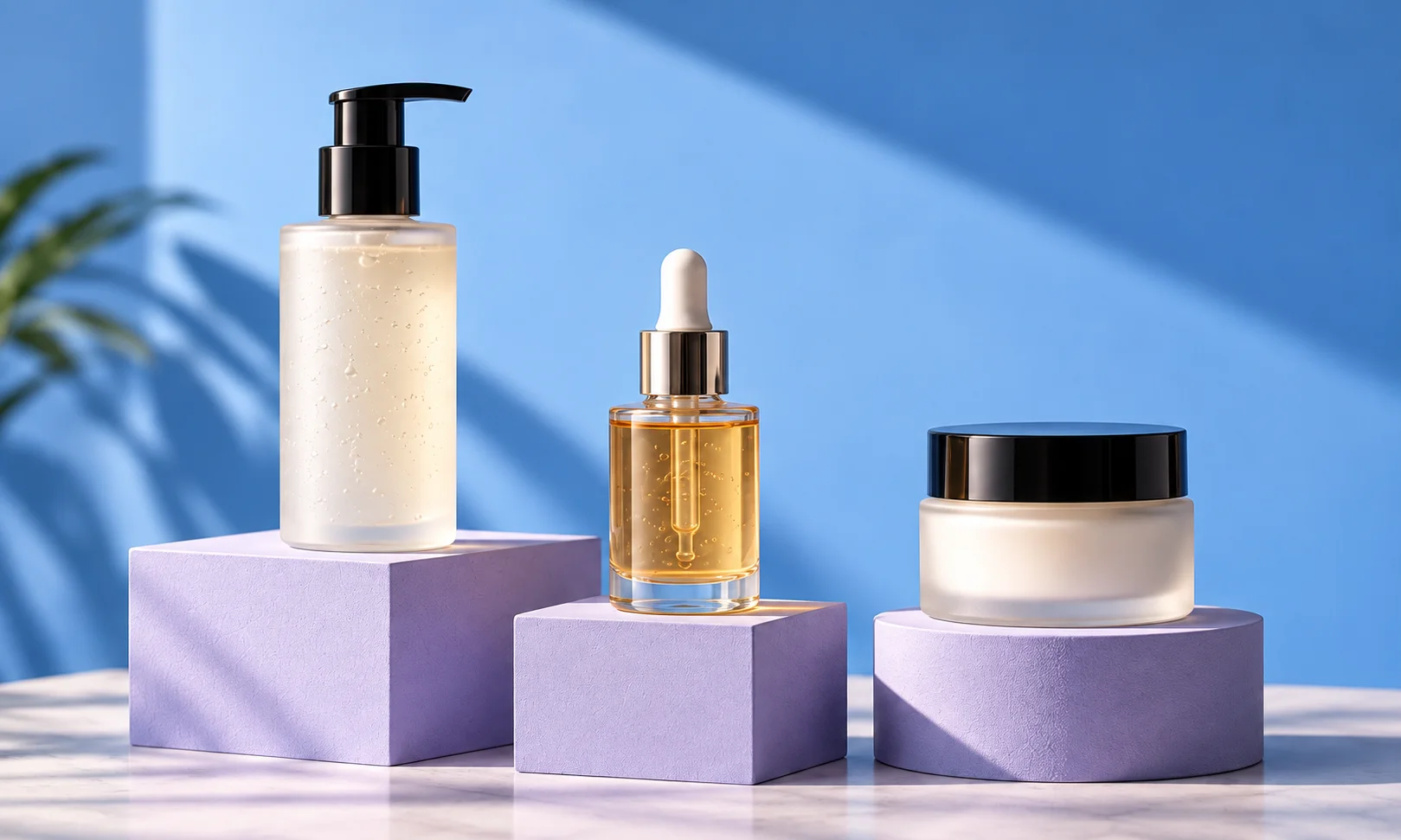
Best AI tools for cosmetics and skincare photography
Create beauty product scenes and coordinated campaigns from your existing photos.
The short answer
Start with Fotogenic AI for beauty product photos, lifestyle scenes and coordinated launch images from your existing packaging photos. Choose the visual direction, create options and reuse the approved look across your range.
Try Fotogenic AIOur pick for beauty campaigns

Fotogenic AI
Create product-page, lifestyle and campaign images around your beauty products.
Plans and buying checks
Starter includes product images and campaign sets for $20/month, with 220 credits.
Why choose Fotogenic AI
Create related beauty scenes from existing product photos. Use a canvas editor for precise prop placement or a packaging mockup when samples are not available.
Start with your product
Compare pump height, cap shape and transparency with the package.
Product listing cleanup

Photoroom
Clean up backgrounds and prepare consistent product listings.
Plans and buying checks
Photoroom Pro is $7.50/month with annual billing. Photoshop is $22.99/month with an annual commitment.
The tradeoff
Use background editing for cleanup and Photoshop for precise label repairs.
What to check
Read brand, volume and shade text at the final display size.
Mockups before samples arrive

Pacdora
Place approved artwork on a matching package model.
Plans and buying checks
Pacdora requires Business for commercial use; Lite and Pro are personal-use plans.
The tradeoff
Start from approved artwork and a matching model. A photo editor needs a photograph of the finished product.
What to check
Match closures, panels and dimensions; check print color, finish and formula against physical samples.



Separate packaging from styling
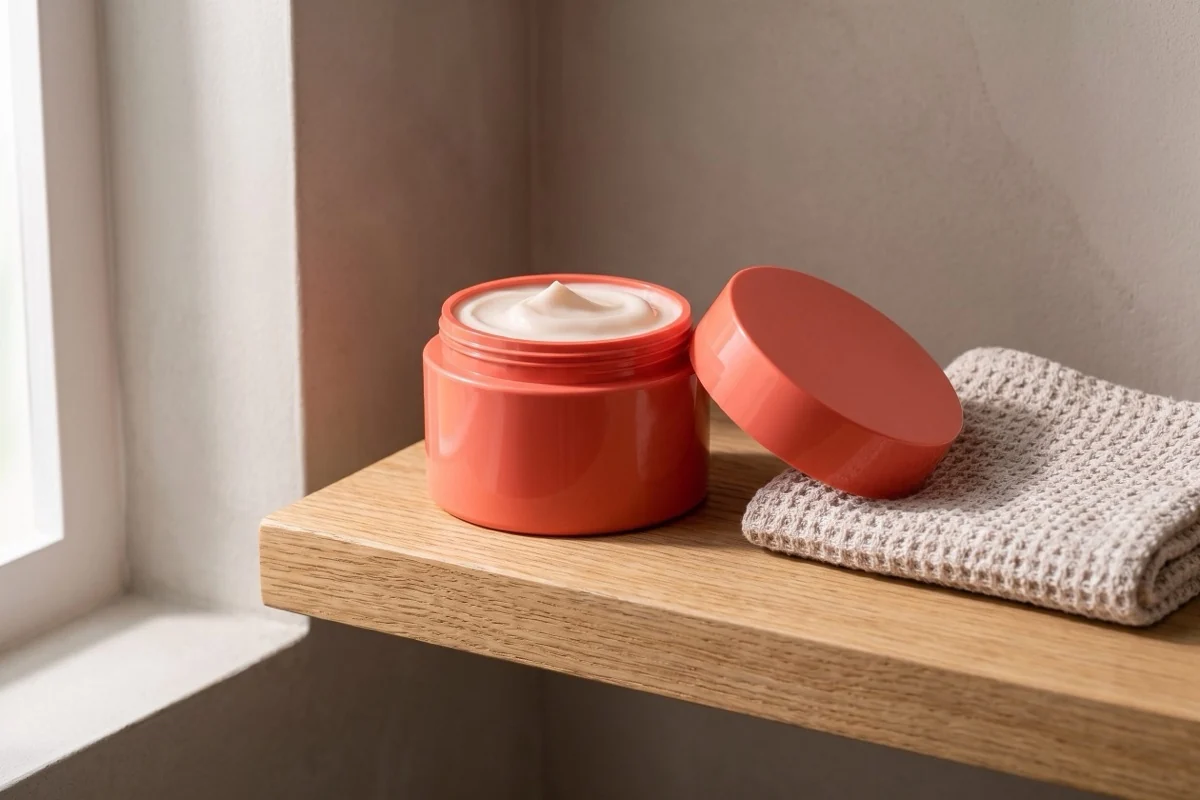
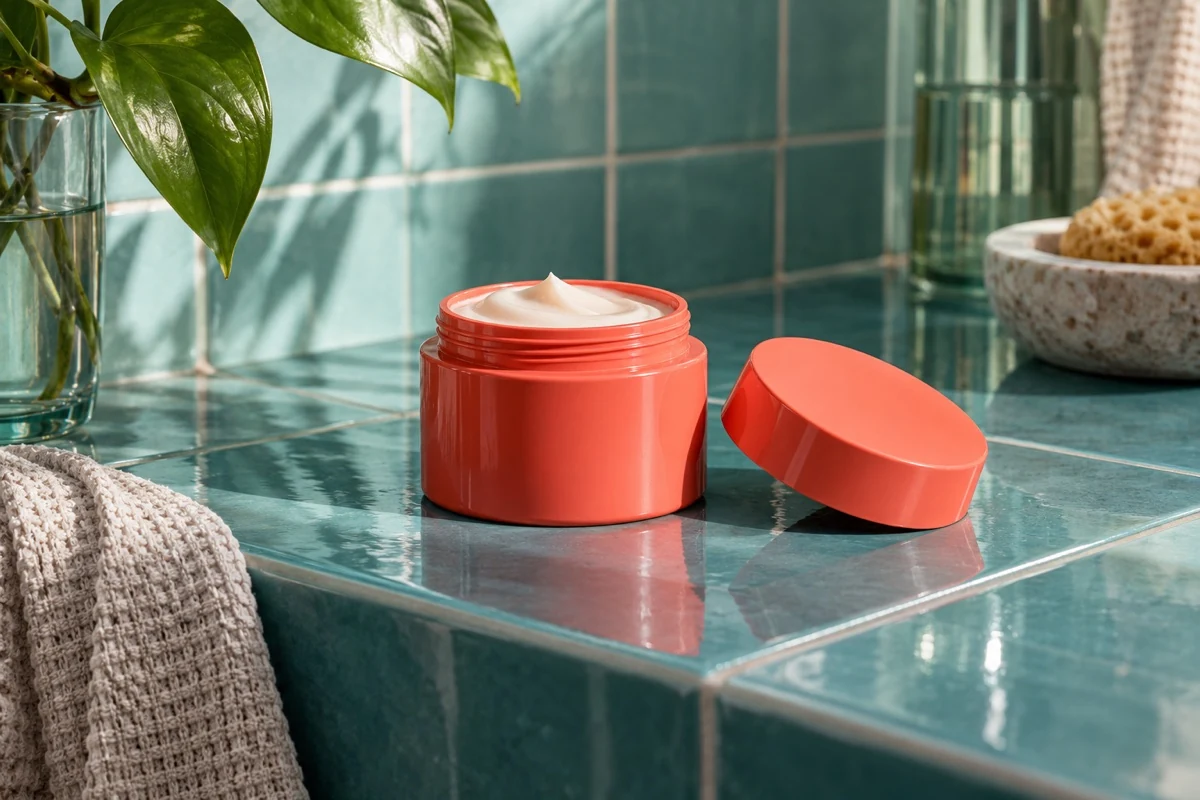
Compare the fictional reference below with the Fotogenic AI-generated scene at the top of this guide.
Check the threaded rim, lid and cream surface. This unlabelled jar cannot show label accuracy or preservation of required package text.
Pick the right kind of beauty image
Use a packshot to show packaging, a campaign scene to set the mood and application imagery to show a routine. Hands, liquids and skin contact need closer review than a jar on a surface.
Use real photographs to show formula texture or treatment results. Generated cream, skin or model imagery cannot substantiate those properties.
Three checks before you choose
Package
Label, closure and shape
Formula
Shade and texture references
Context
Props and product expectations
Fotogenic AI
Beauty product scenes and campaign sets
Fotogenic AI turns clear beauty product photos into product-page, lifestyle and campaign images. Start here when a launch needs several related views, then reuse your chosen direction across jars, tubes and bottles in the range.
Strengths
- Product-page and lifestyle scenes from existing photos.
- Coordinated campaign sets for launches and promotions.
- Reusable scene, lighting and crop directions across related products.
- Preset or custom creative directions in one workspace.
$20/month, Starter
220 monthly credits. Creator includes 520 credits for $40/month; Pro includes 1,200 for $80/month.
Product images and campaign sets are included on Starter. Video and ad-ready visuals start on Creator. Costs vary by operation; credits do not roll over.
Plan and billing detailsBefore you start
Start with clear packaging photos and readable label references.
Review shade, finish and labels before export; keep real formula evidence.
Try Fotogenic AIPhotoroom
Beauty catalog cleanup
Photoroom removes backgrounds, creates scenes and processes beauty images in batches. It suits ranges of jars, tubes or bottles that need consistent framing, with campaign options alongside clean catalog views.
Strengths
- Background removal and replacement for product packshots.
- Batch formatting for a consistent catalog.
Limitations
- Small labels, pumps and clear packaging need close review.
- Web plans and API processing have separate allowances.
$7.50/month, Pro, annual billing
8,000 AI credits and 1,000 exports per month. Max is $20.99/month with annual billing, 25,000 credits, 3,000 exports and Shopify integration. Ultra starts at $82.50/month with annual billing.
Plan and billing detailsBuying details
Allow time for label correction and masked compositing.
Editor, batch and Shopify saves share the export allowance. API usage is priced separately. Shopify integration requires Max or higher.
Flair
Composed beauty campaigns
Flair lets you arrange products and props on a visual canvas before generating the scene. The canvas suits beauty launches that need deliberate package placement, supporting materials and space for campaign copy.
Strengths
- Drag-and-drop placement of products and props.
- Reusable templates for related campaign layouts.
Limitations
- Labels and applicators can still need correction.
- Generated textures must match the actual formula.
$10/month, Pro
Pro+ is $35/month with 80 generated images and three videos; Scale starts at $55/month with 150 images.
Plan and billing detailsBuying details
Budget for the selected mode and each campaign variation.
The rendered Pro card does not specify an image allowance. Instant image and ad generation consume four times the image quota. Do not price every action as one image.
Pebblely
Template-led beauty scenes
Pebblely builds backgrounds around an existing product photo, with scene templates and bulk generation on higher plans. It suits small beauty brands that want vanity, bathroom or studio settings without arranging a detailed composition from scratch.
Strengths
- Scene templates give you a starting direction.
- Basic adds bulk generation for a product range.
Limitations
- Busy scenes can hide the package base or cap.
- Clear bottles and reflective finishes need closer inspection.
$9/month, Lite
30 images per month. Basic is $19/month for 200 images and bulk generation; Pro is $39/month for 500.
Plan and billing detailsBuying details
Use Basic for a jar or tube batch; budget damaged-label correction separately.
Bulk generation is a Basic-or-higher purchase. These are attempt allowances, not a promise that every image is publishable.
Adobe Photoshop
Selective label and package edits
Photoshop combines Generative Fill with selections, masks and layers. An editor can keep exact packaging or label artwork tied to the original photo while changing the background, layout or surrounding details.
Strengths
- Selective edits leave the original image available.
- Layered files support repeated packaging layouts.
Limitations
- Needs editing skills for masks, reflections and lighting.
- Translucent edges and reflective caps still need finishing.
$22.99/month, annual commitment
Photoshop on desktop, web and mobile, with 100GB cloud storage. Annual plan, billed monthly.
Plan and billing detailsBuying details
An annual plan is a larger commitment for a single launch.
Claid
Automated catalog processing
Claid offers background removal, enhancement and generation APIs. It suits beauty catalogs with a technical owner who can connect image processing to product records and review outputs, rather than a small team making occasional manual edits.
Strengths
- Background and enhancement APIs for repeated processing.
- Separate scene-generation options for creative images.
Limitations
- Needs development and a clear review process.
- Nearly identical bottles require reliable variant mapping.
$15/month, Essentials
500 credits per month; 2K output. Pro is $49/month for 2,000 credits with premium models and 4K options.
Plan and billing detailsBuying details
A 500-credit balance covers up to 125 standard Photoshoot attempts or 50 Studio attempts before other operations.
The $9 and $35 headline rates require yearly billing. Standard Photoshoot and AI Fashion use four credits; Studio uses ten. API plans are separate.
Pacdora
Packaging artwork and 3D mockups
Pacdora places approved artwork on 3D packaging mockups. Use it to compare cosmetic box, tube or bottle layouts before physical samples arrive. Start with a model that matches your package, rather than a photo of the finished product.
Strengths
- Preview label placement on a packaging model.
- Compare layouts before arranging a physical shoot.
Limitations
- A similar model may have the wrong closure or dimensions.
- Mockups do not verify print color, materials or the formula.
Business commercial-use plan
Business includes commercial use, 10,000 monthly AI credits and up to 8K mockup-image exports. Lite and Pro are personal-use plans. Credits reset each billing cycle.
View Business planBuying details
Supply matching package artwork and a suitable mockup model. Use photographs of the manufactured product or actual food when the buying decision depends on its physical details.
Keep labels readable and correct
Check brand, product name, quantity and instructions against the original. Keep accurate label artwork available; plausible lettering is still wrong if it changes the wording.
Preserve tiny text, icons and certification marks from a readable source. Use a better photograph or selective editing when generation cannot keep them intact.
See our skincare photo examples for package and routine ideas. Explore beauty photography and skincare photography for the Fotogenic AI options.
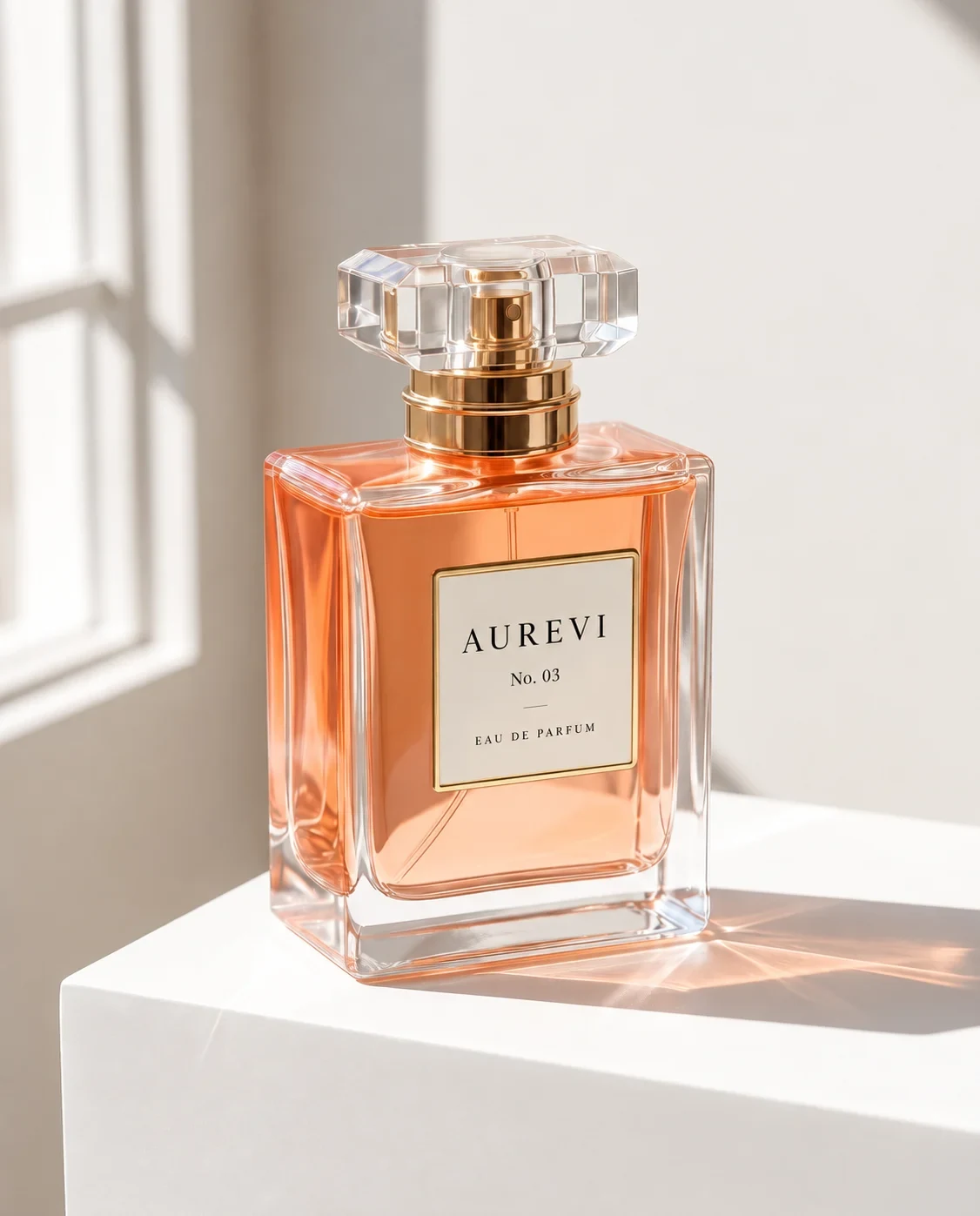
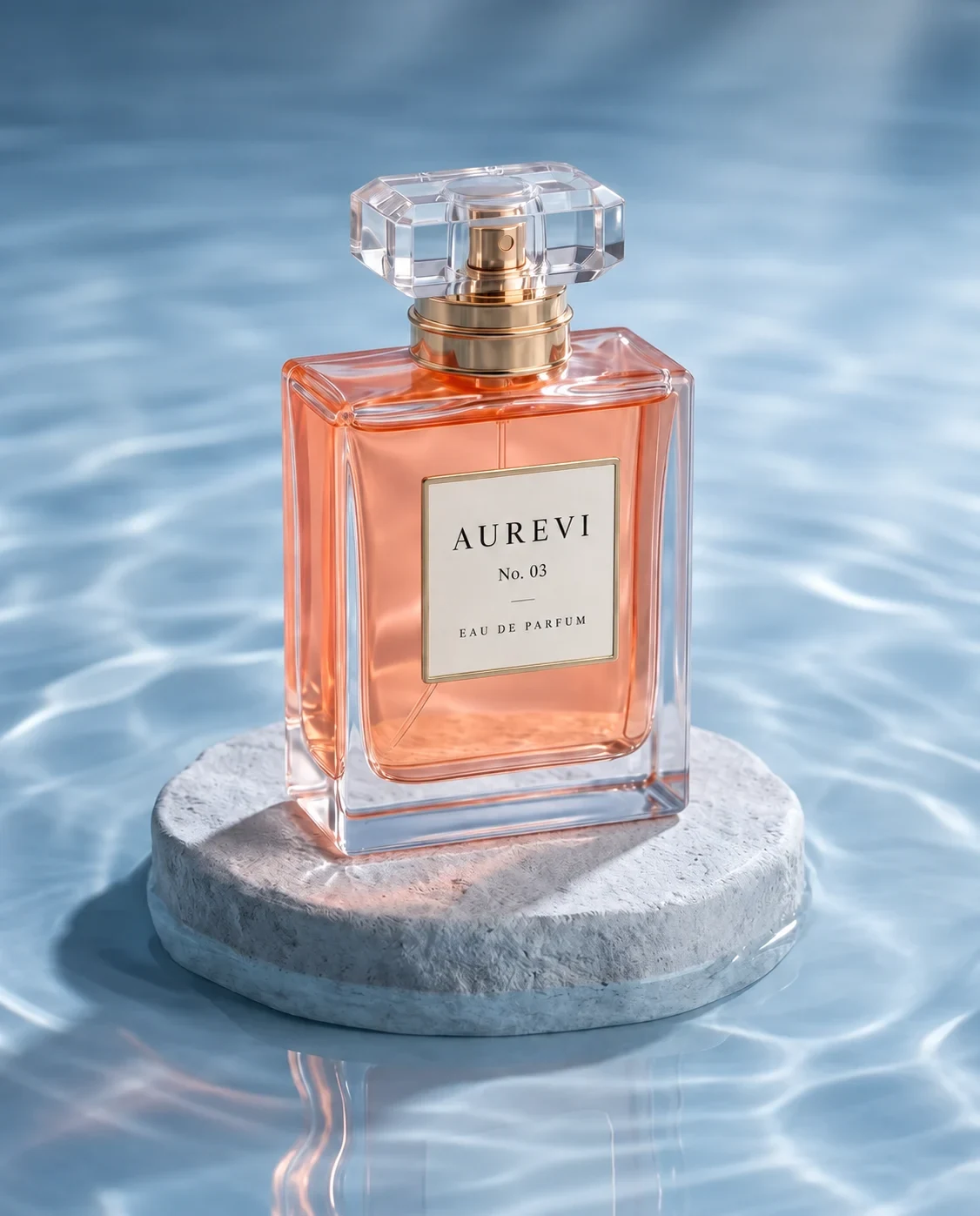
On the illustrated AUREVI bottle, compare the brand, No. 03 and EAU DE PARFUM text, then the closure and base. These fictional illustrations show what to review; they are not a measured tool comparison.
Check glass and reflective packaging
Check liquid level, glass thickness, neck and base. Transparent bottles can keep their outline while gaining impossible reflections or a different formula color.
Try clear and opaque packaging separately. If glass keeps failing, retain real detail photography for that package.
Keep shade colors true to the product
Warm lighting can change perceived shade and finish. Use consistent reference lighting for color selection and keep expressive campaign scenes separate from factual shade images.
Match every output to its shade variant. Similar packaging can hide a wrong color or an image assigned to the wrong product.
Choose props that match the formula
Flowers, fruit and botanicals can imply ingredients or fragrance. Use them only when that implication matches the product.
Brushes and applicators may look included. Keep purchase contents clear in the image sequence and listing.
Test four packaging types
Try a printed tube, opaque jar, clear bottle and metallic cap. Keep readable artwork, a shade reference and a product-only photo for each. Request a packshot and a campaign crop; log label failures separately from styling changes.
Budget for label correction
Add preparation, generation, label review, correction and export time. A scene with damaged packaging is unfinished until it has been corrected.
For a 30-package campaign, Pebblely Basic includes 200 image attempts at $19/month. Flair Pro+ includes 80 generated images at $35/month; Instant image and ad generation use four times the quota. Compare the operation you need and allow for label correction.
FAQ
Questions before you choose
Start with Fotogenic AI for product-page and campaign scenes from your bottle photos. Use Photoshop for exact label retouching, and keep verified references for clear glass, reflective caps and factual shade selection.
Put your next idea to work
Your next product image starts here.
Turn a product photo into a new scene for your store.