
Templates549 looks to explore
FIND YOUR NEXT LOOK.
Choose a look. Add your product photo. Create photos for your store, ads and social.
Bags & Accessories
159 templates
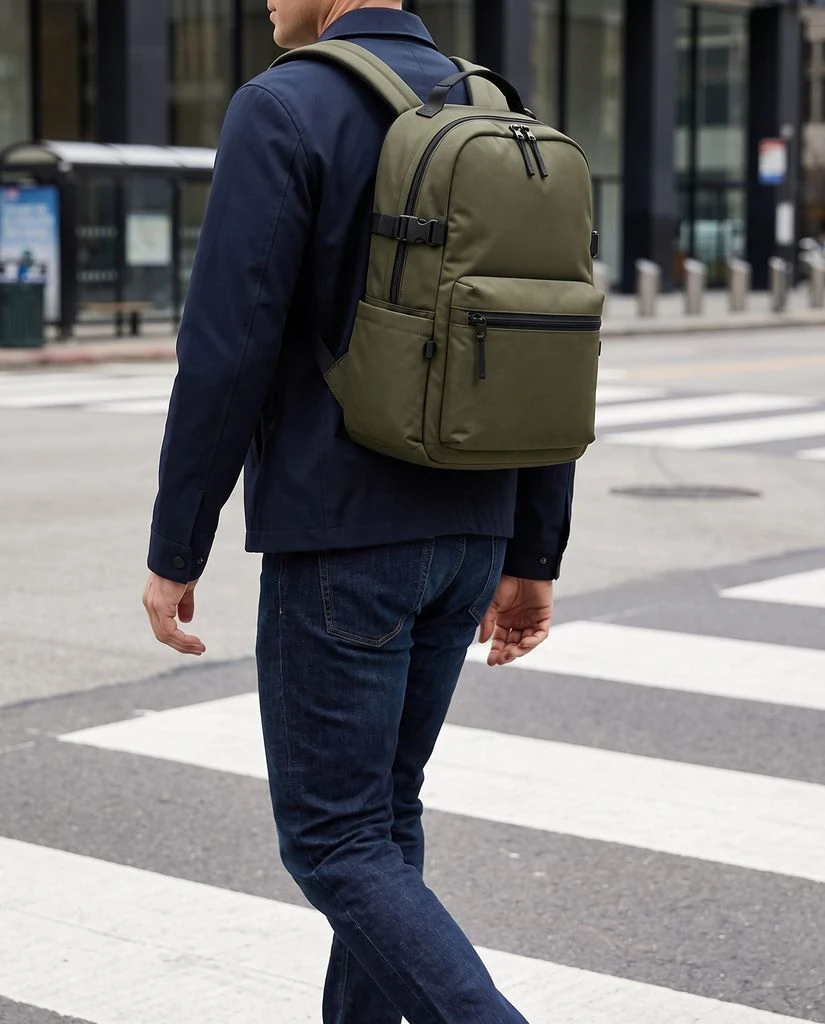
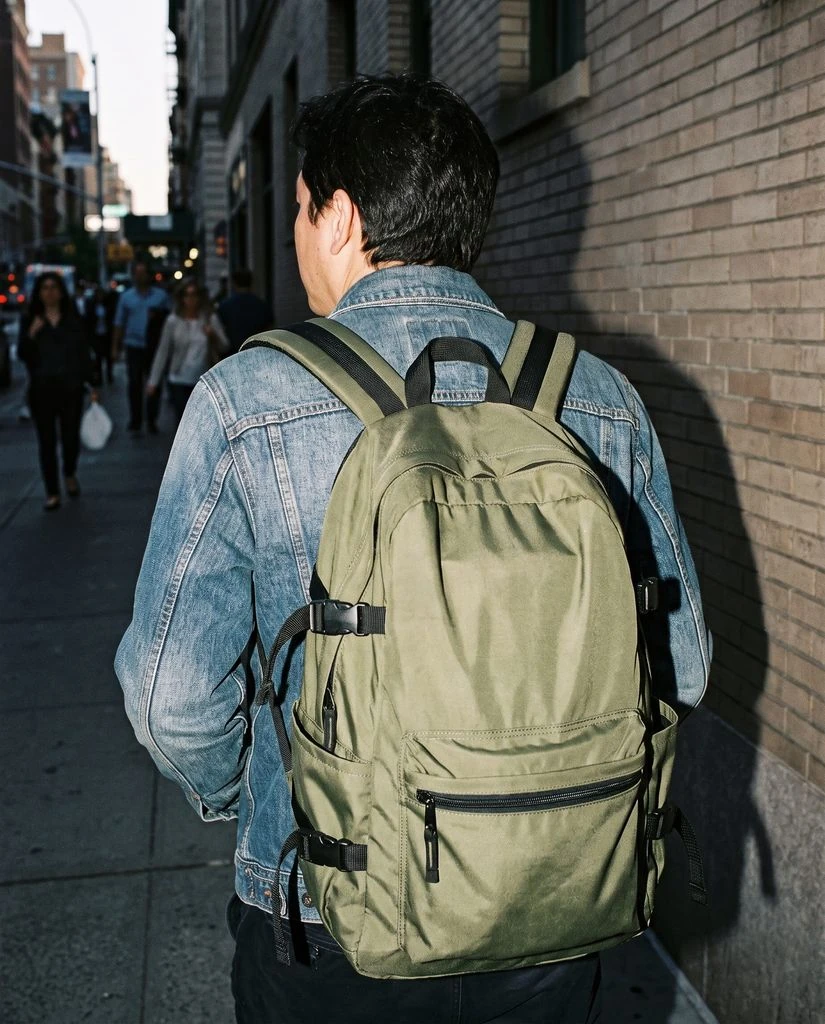
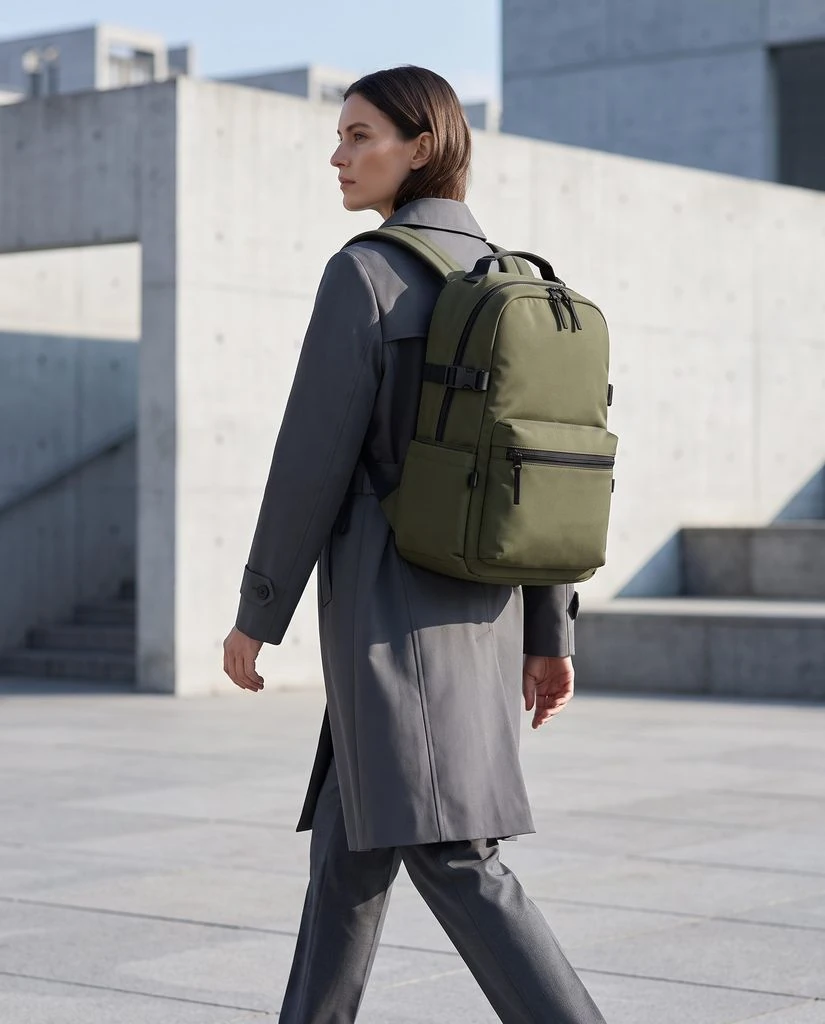
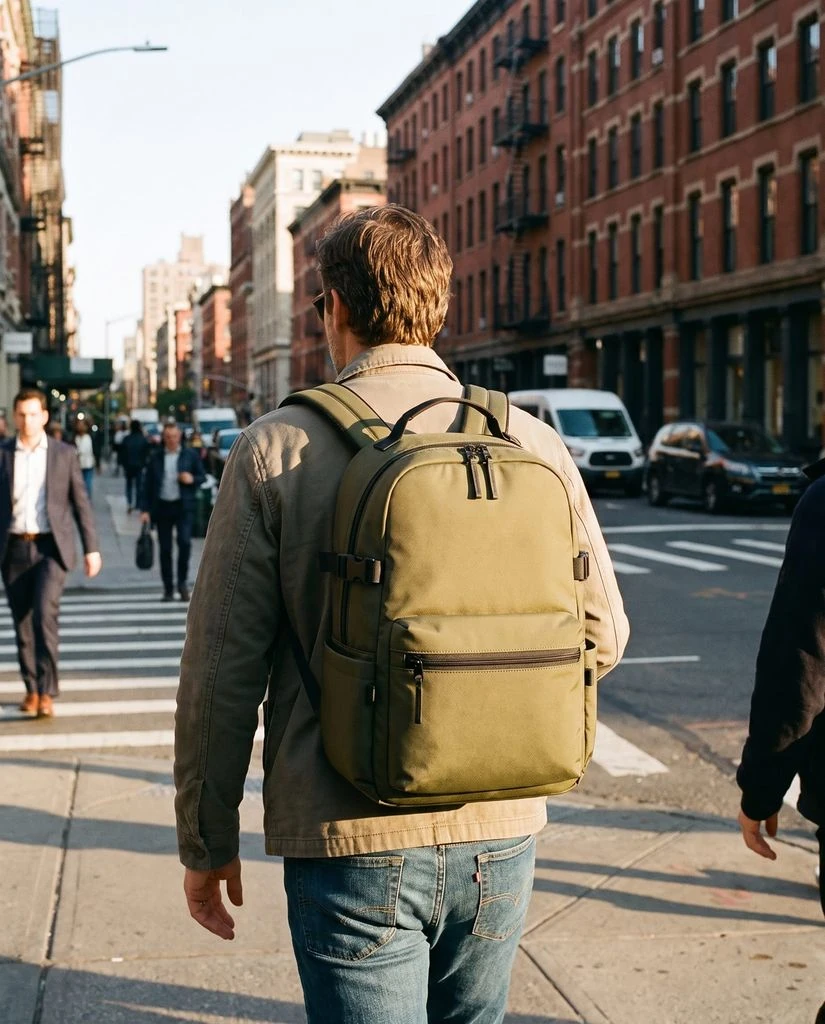
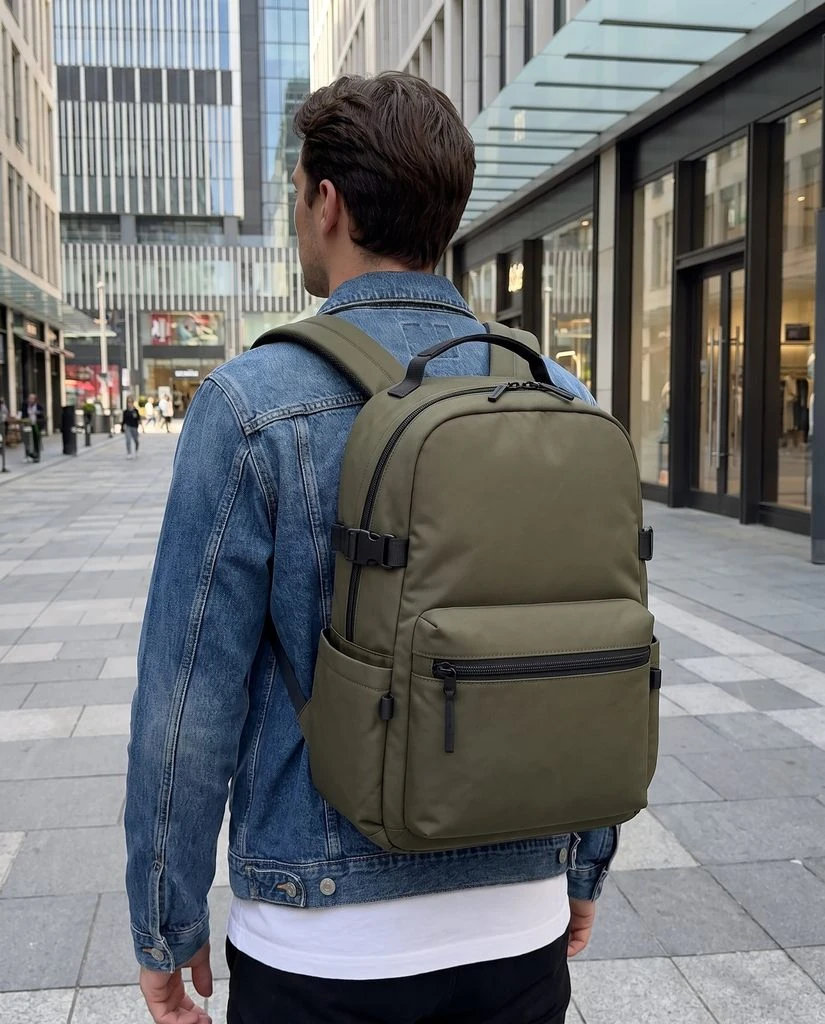
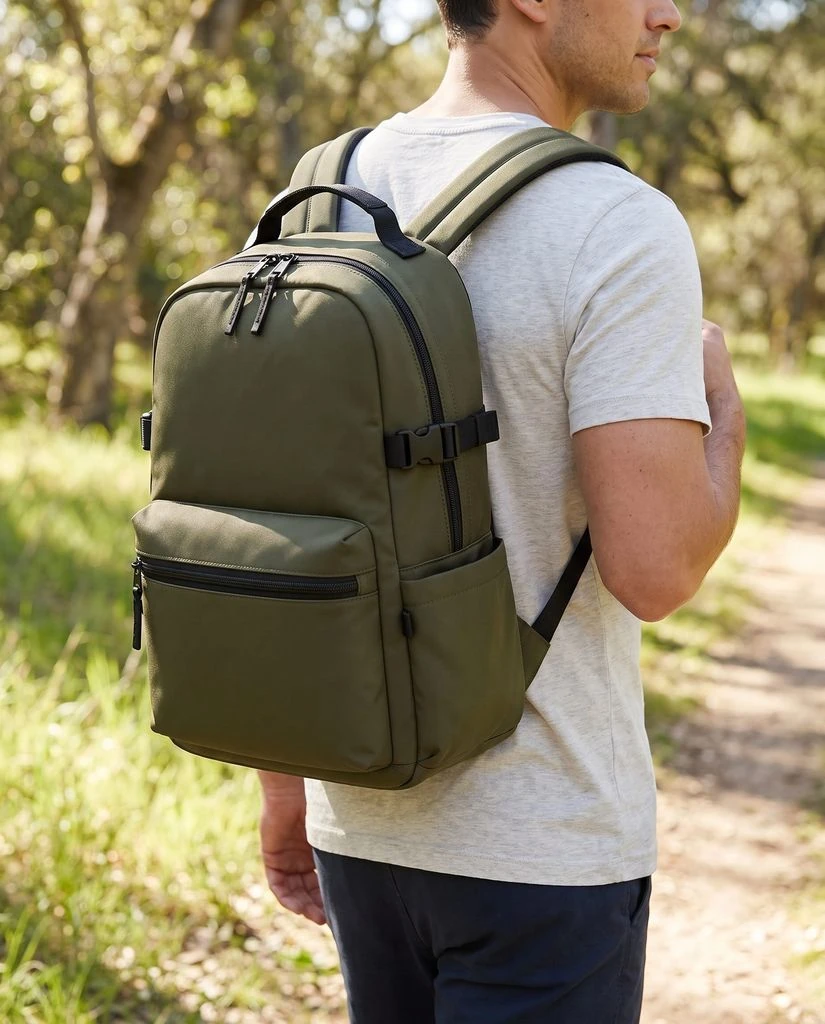
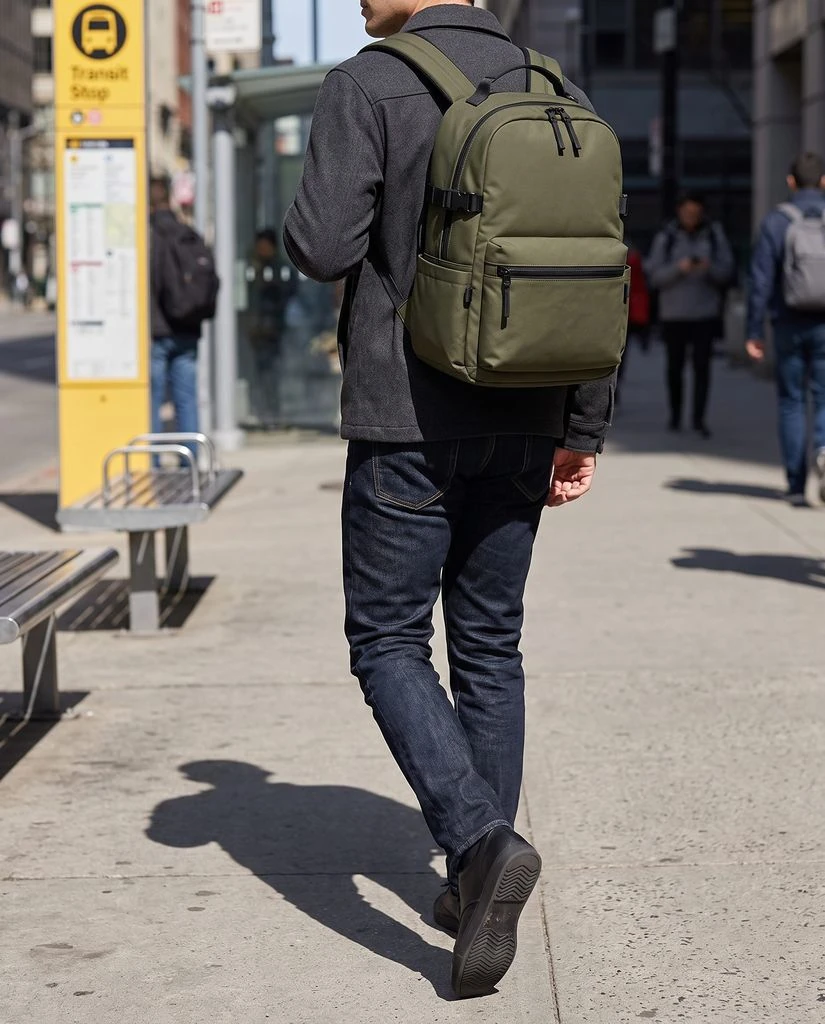
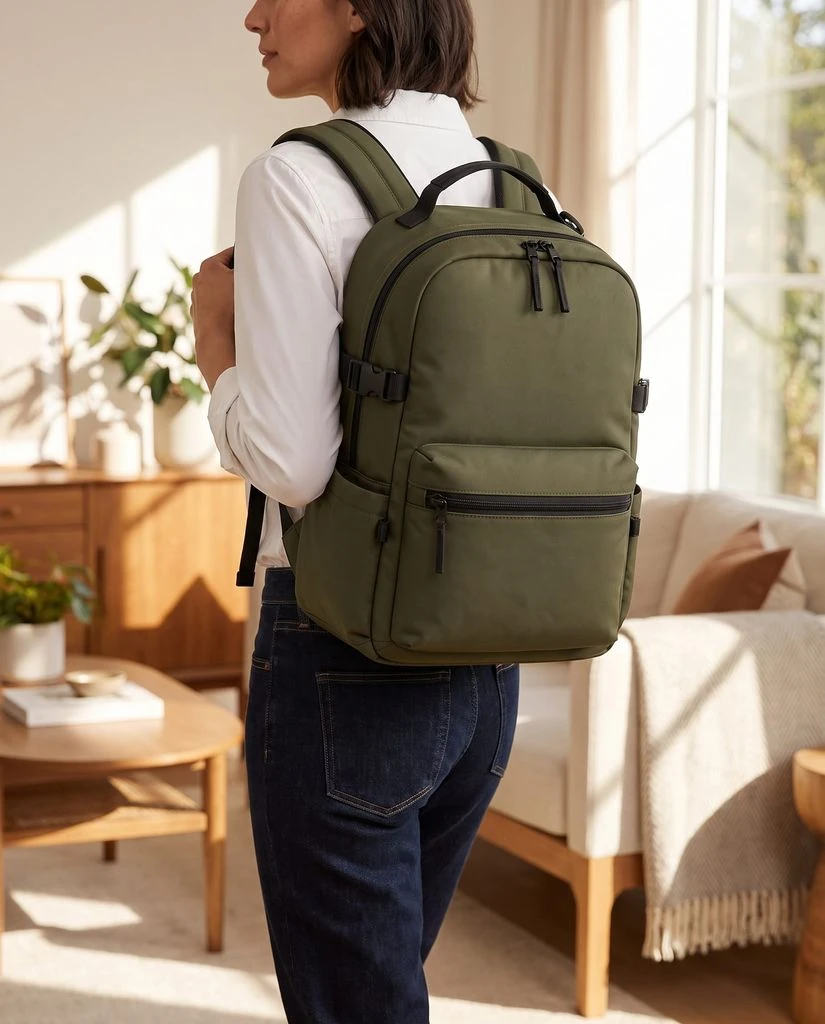
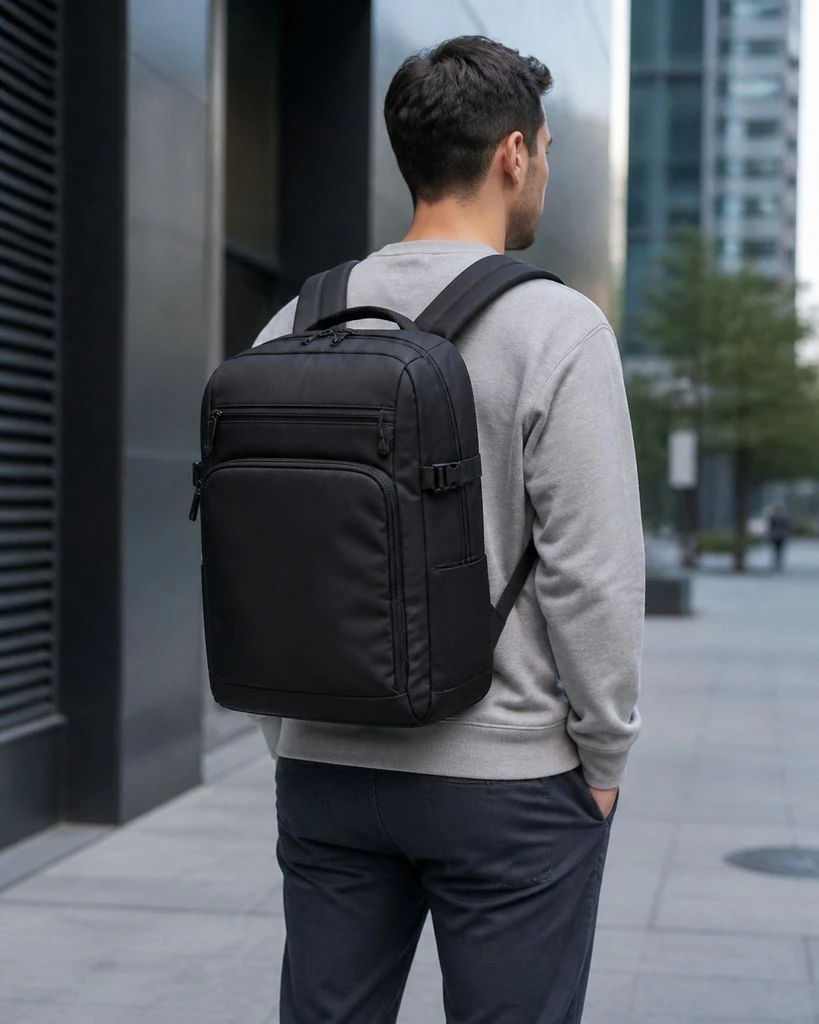
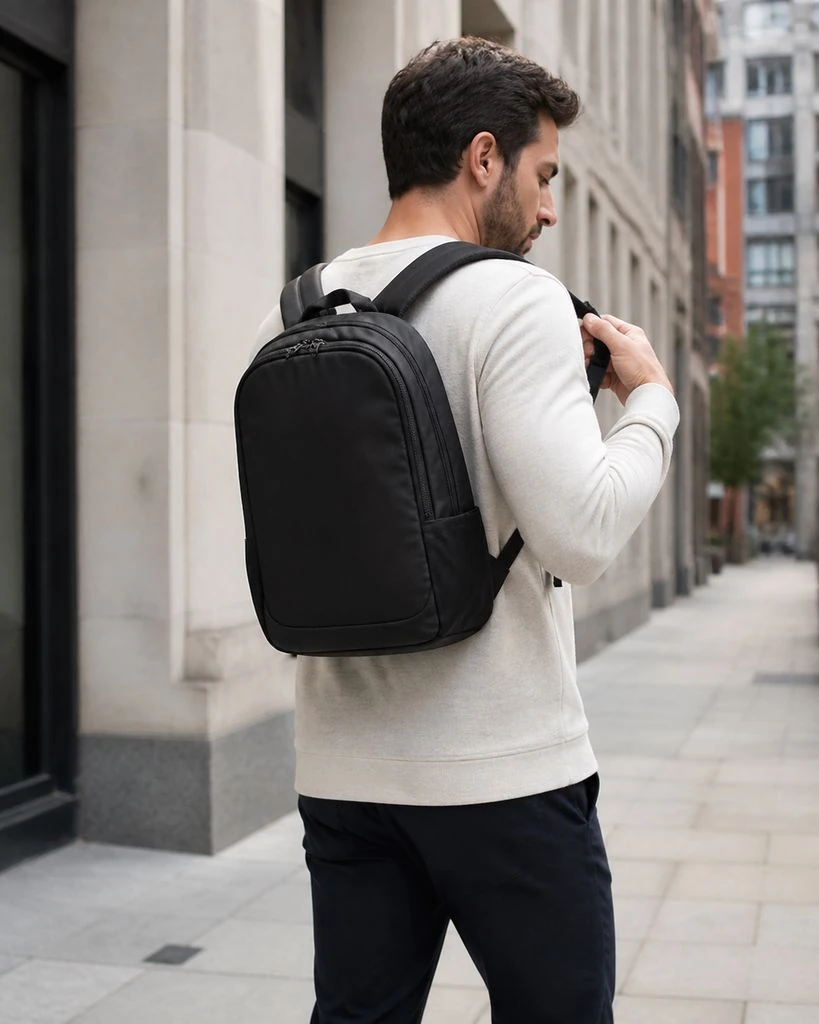
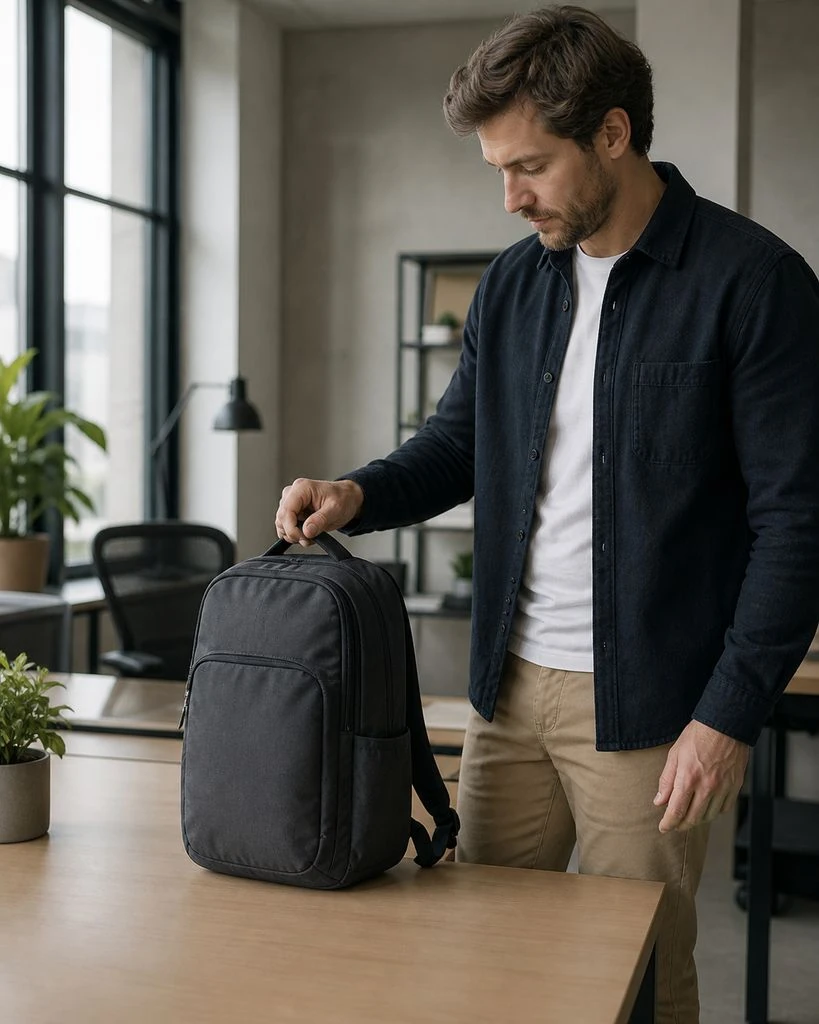
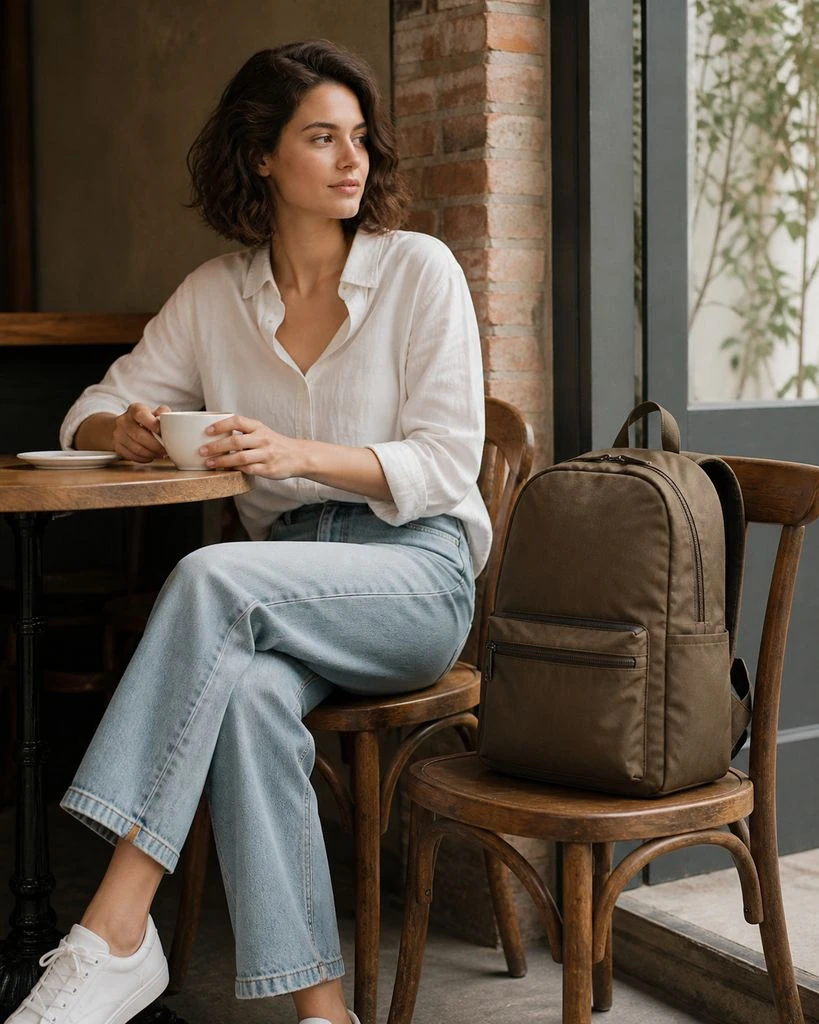
Backpacks · On-model & Lifestyle
Eyewear · On-model & Lifestyle
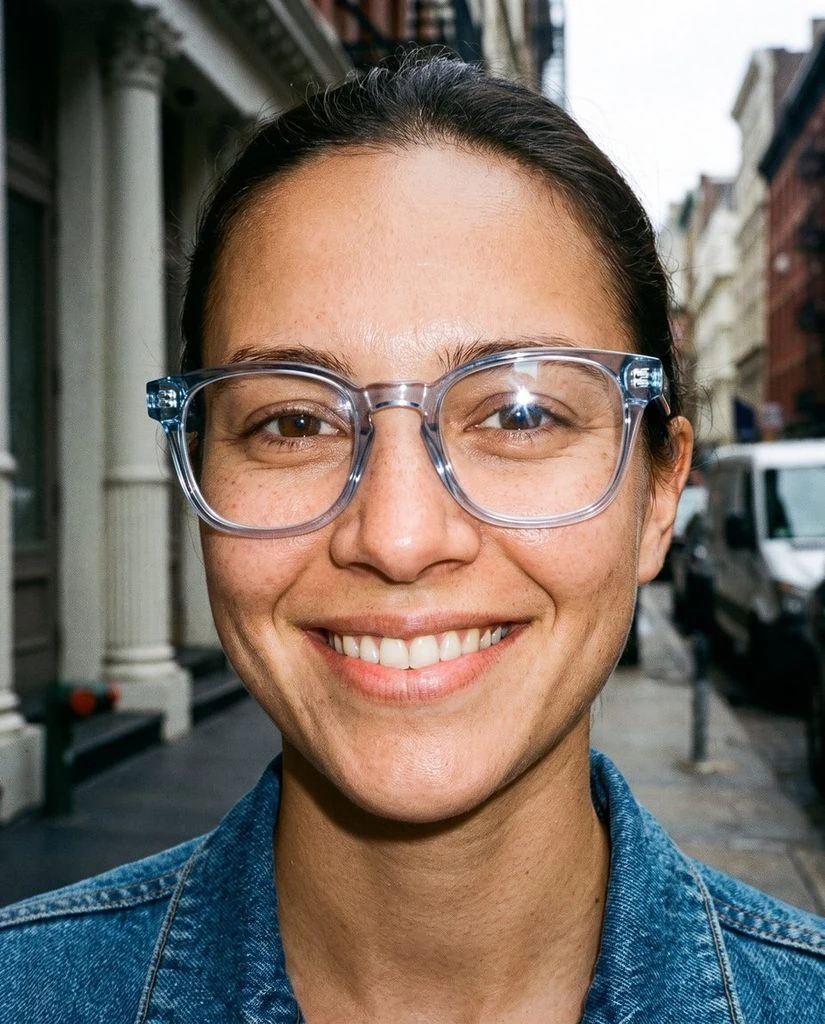
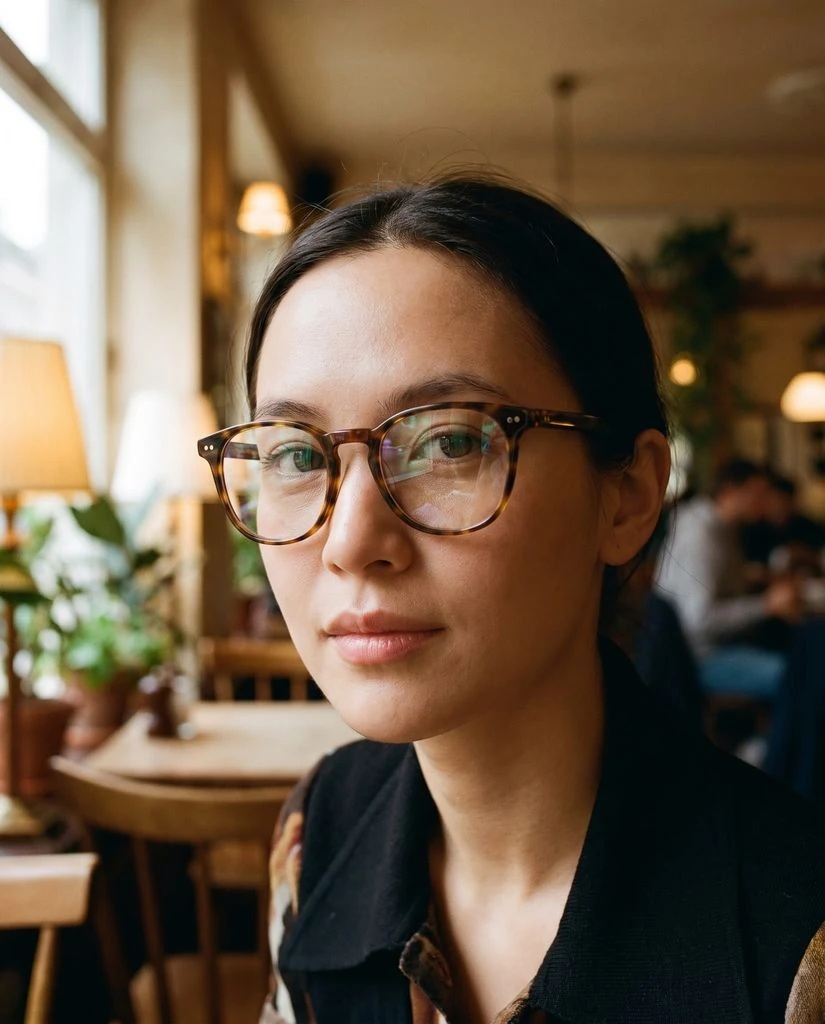
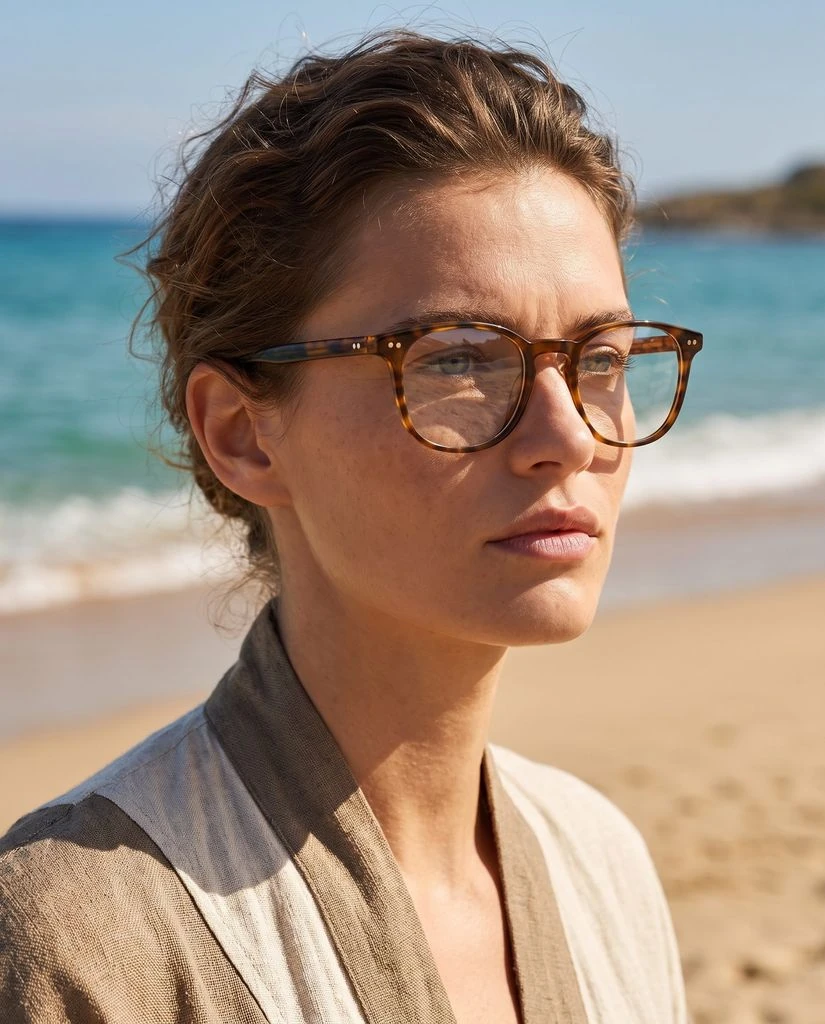
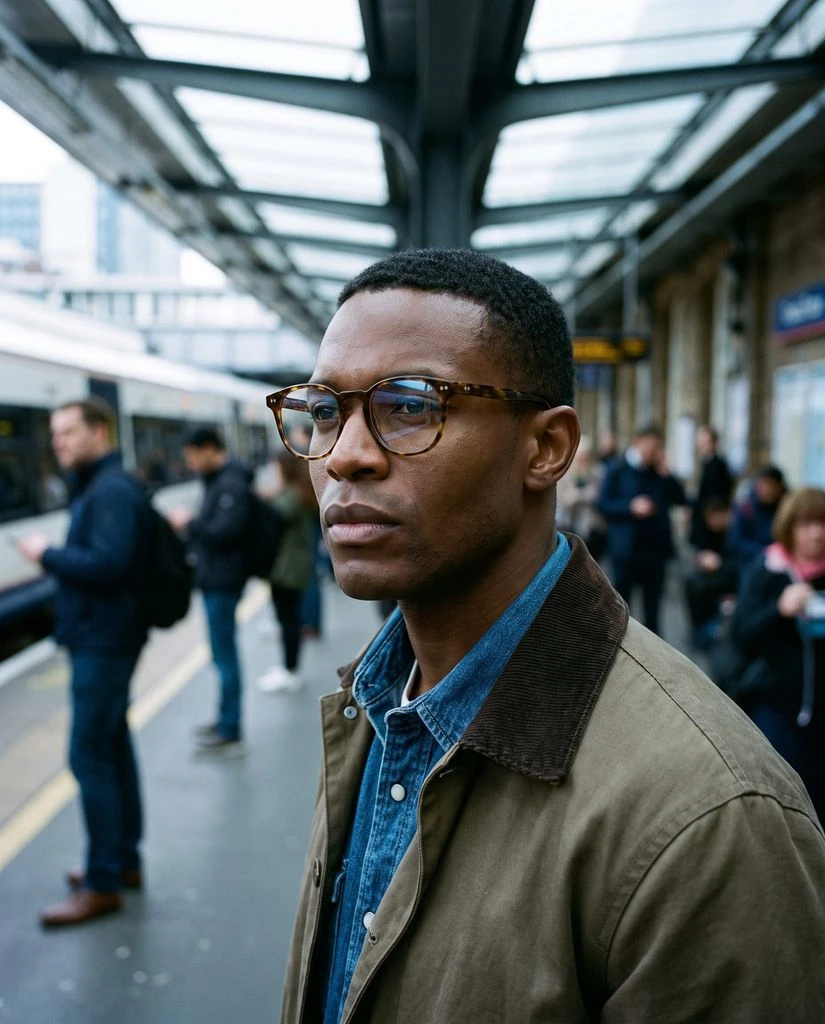
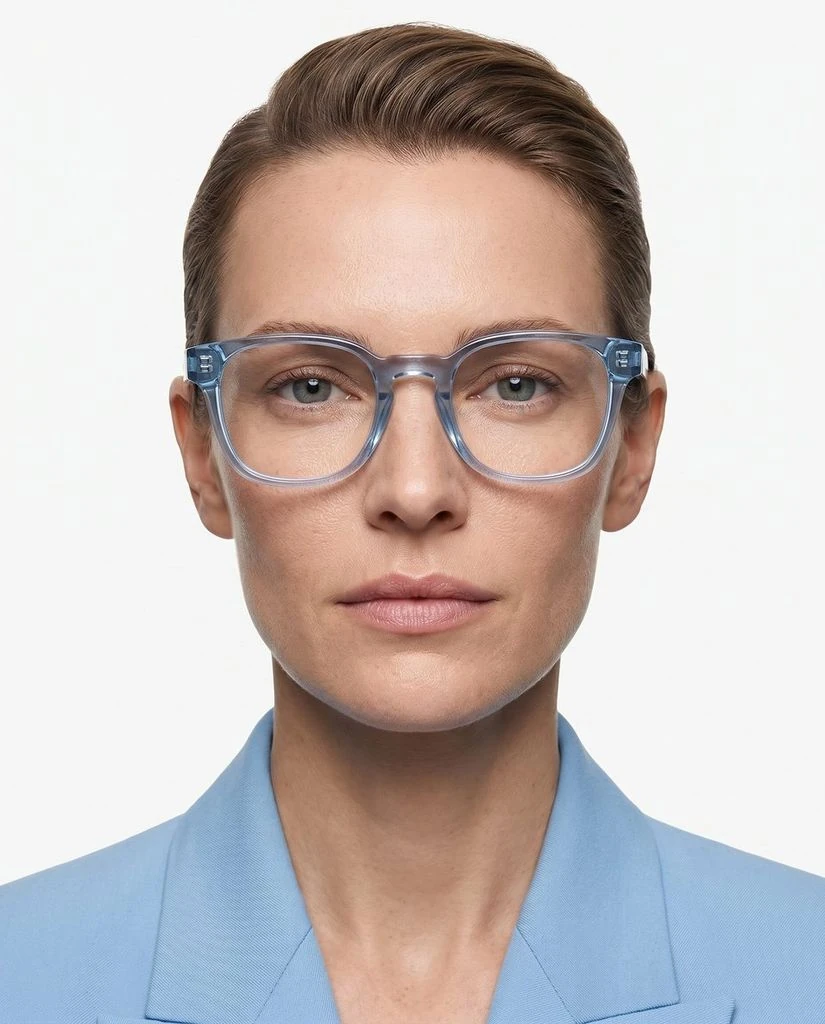
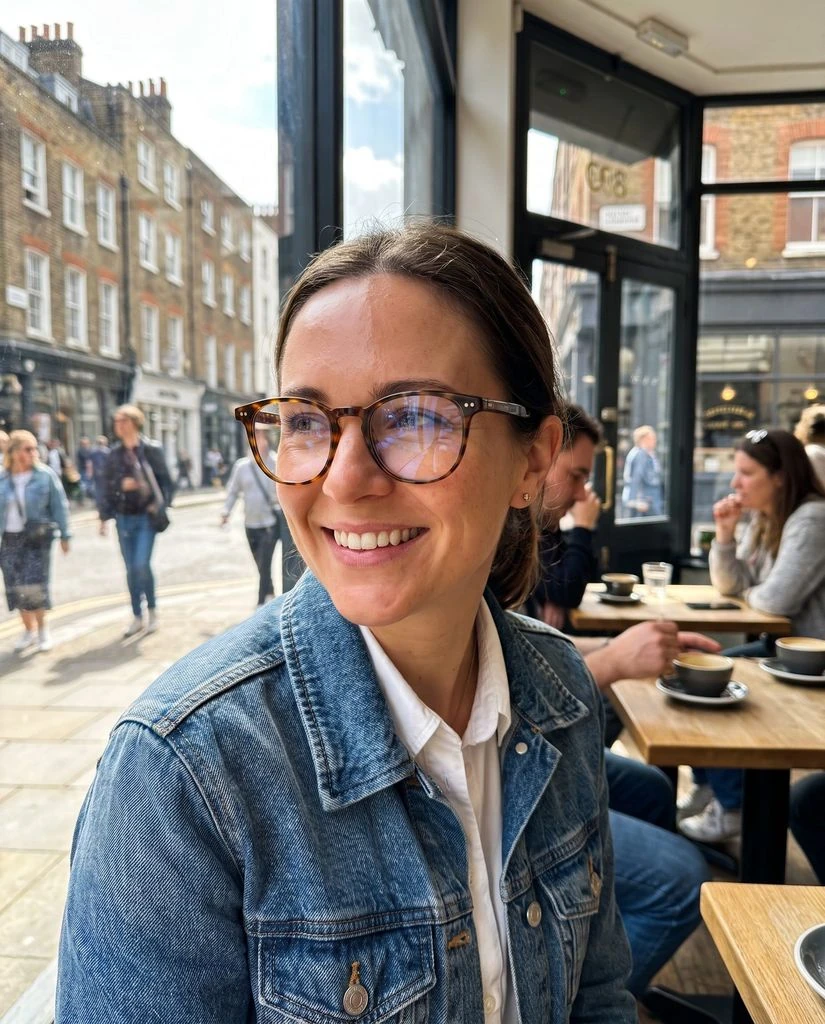

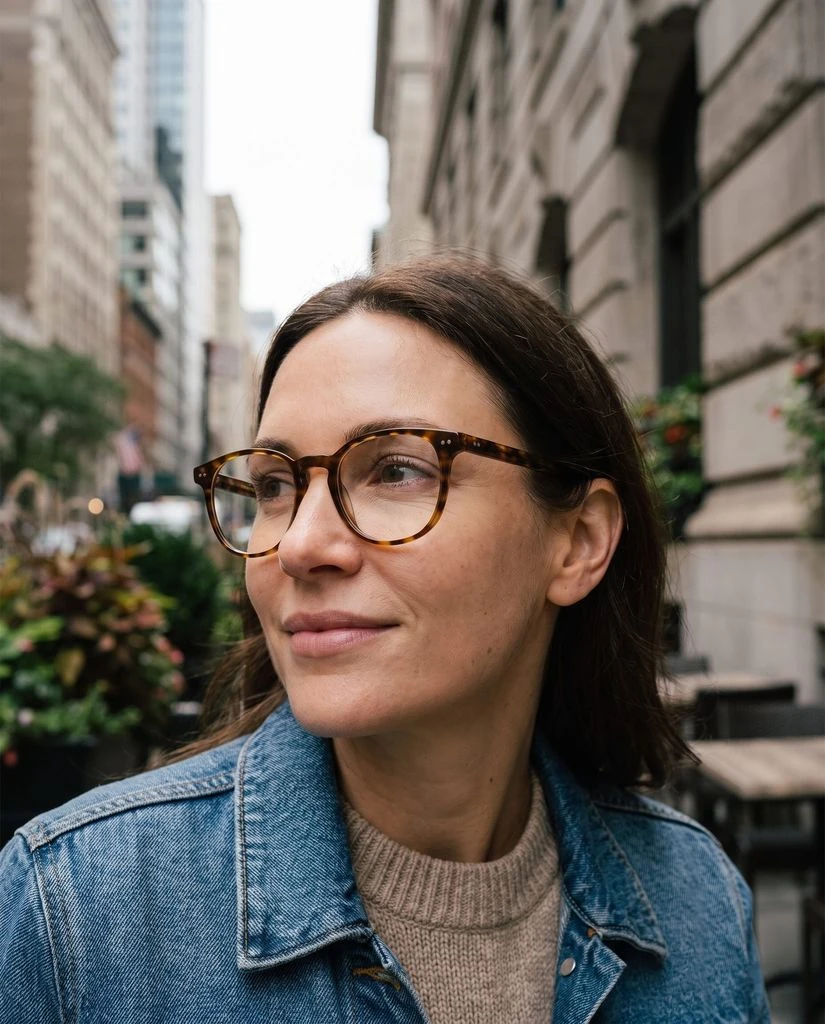
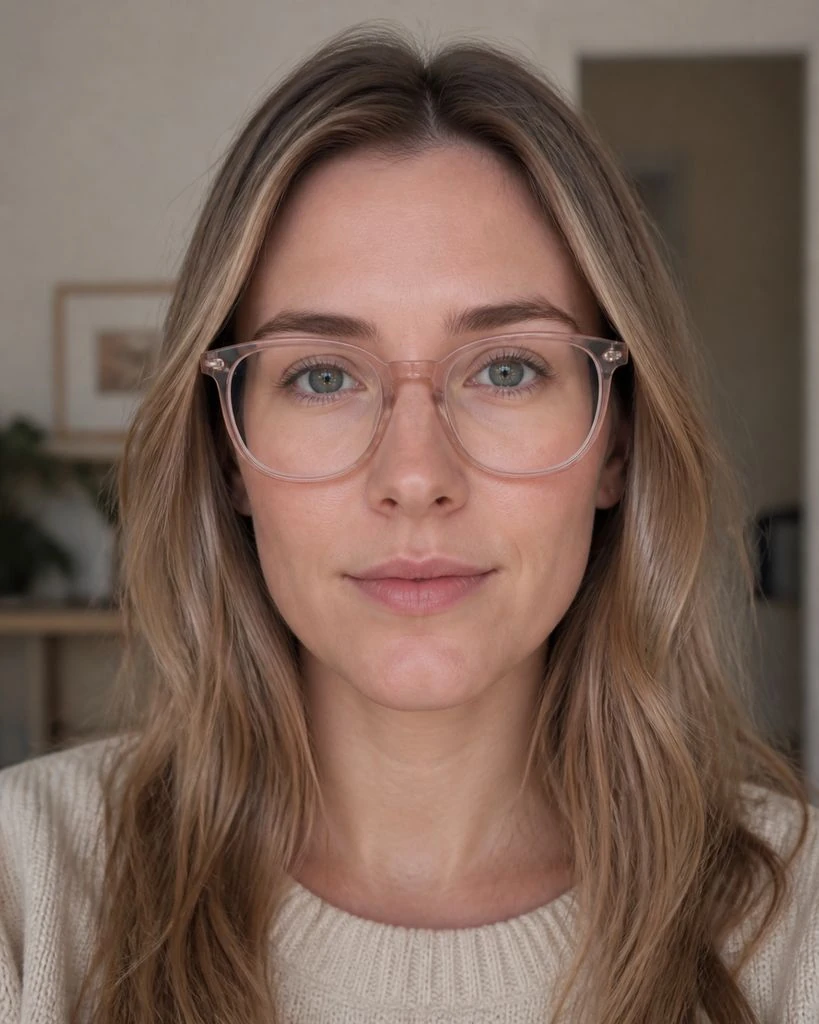
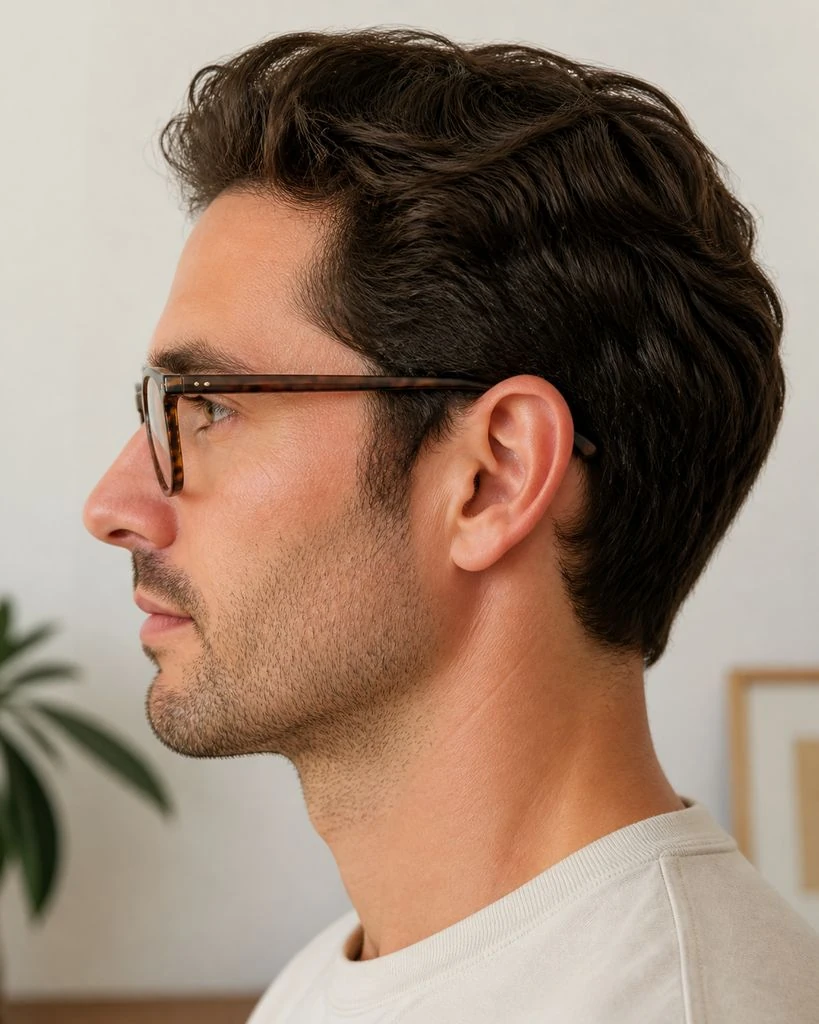
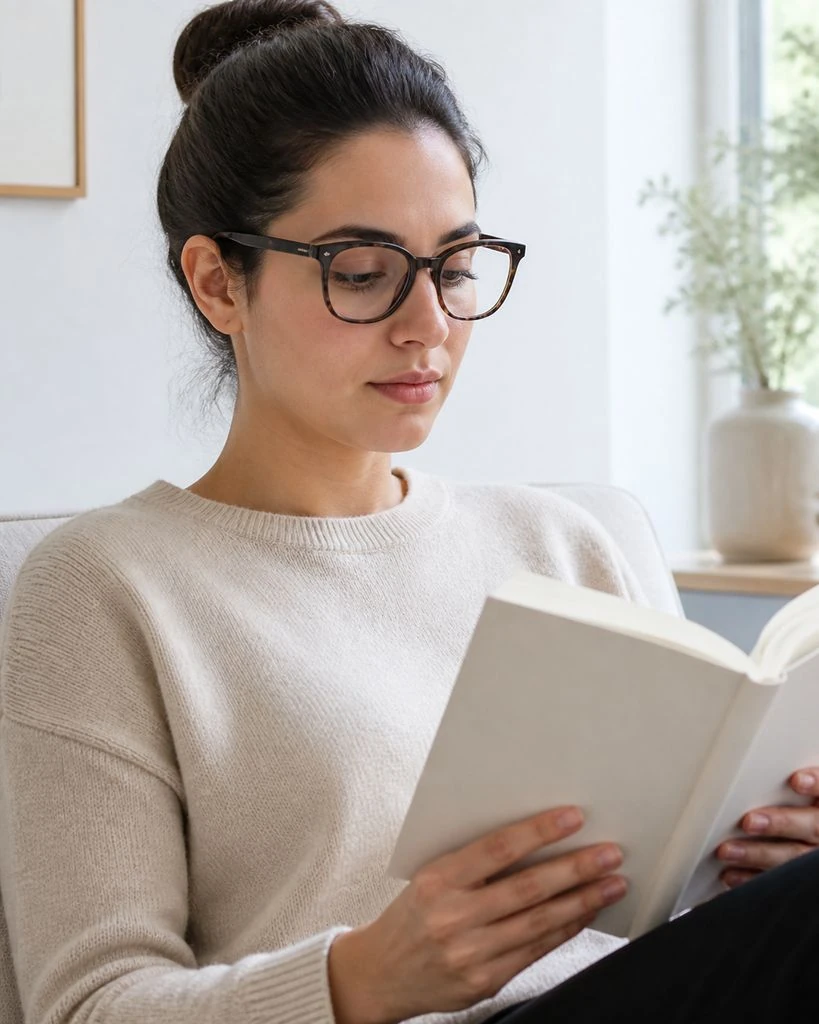
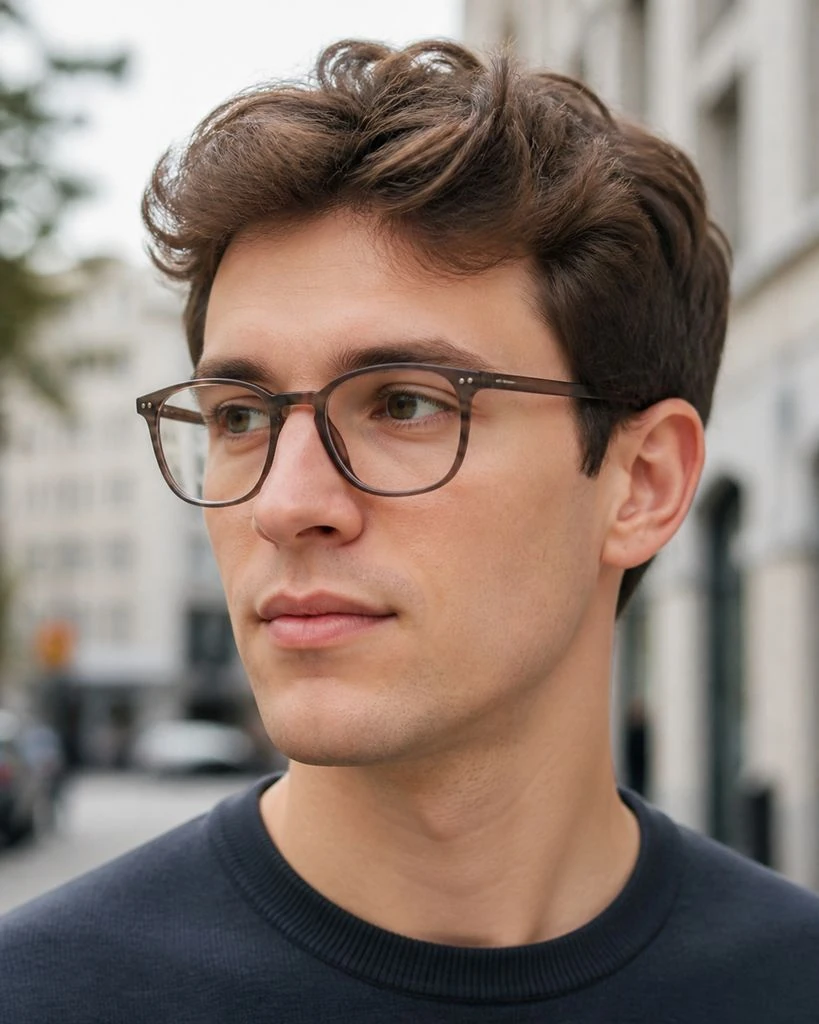

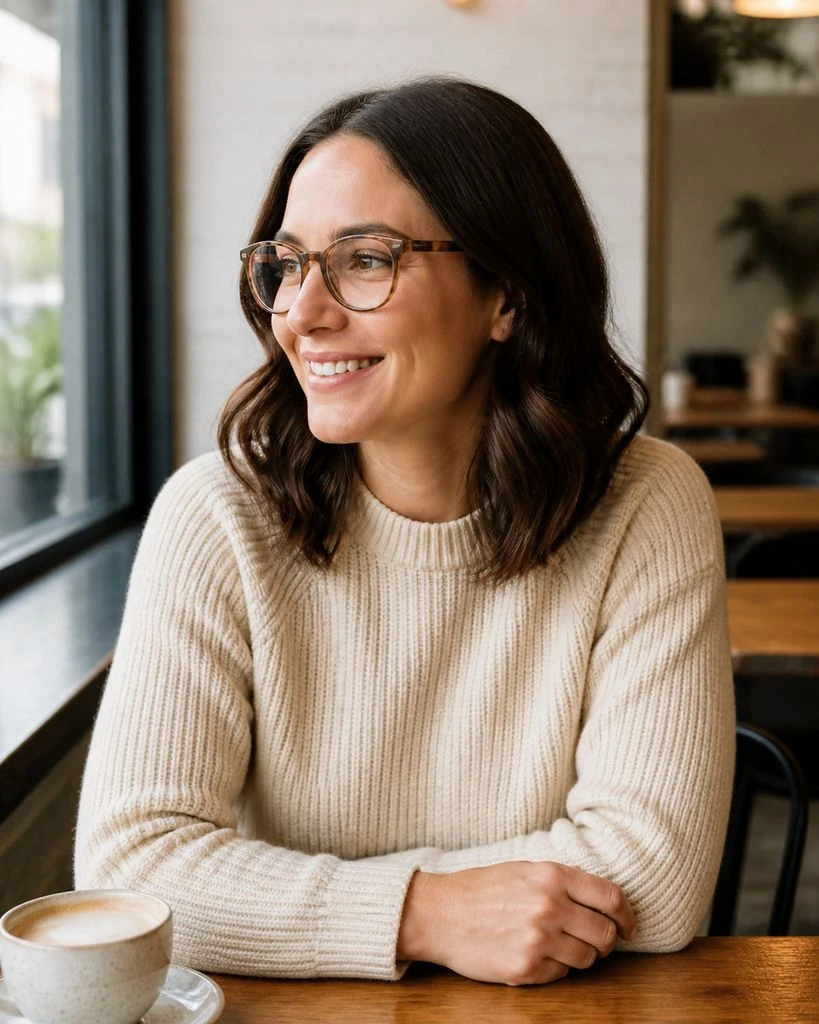
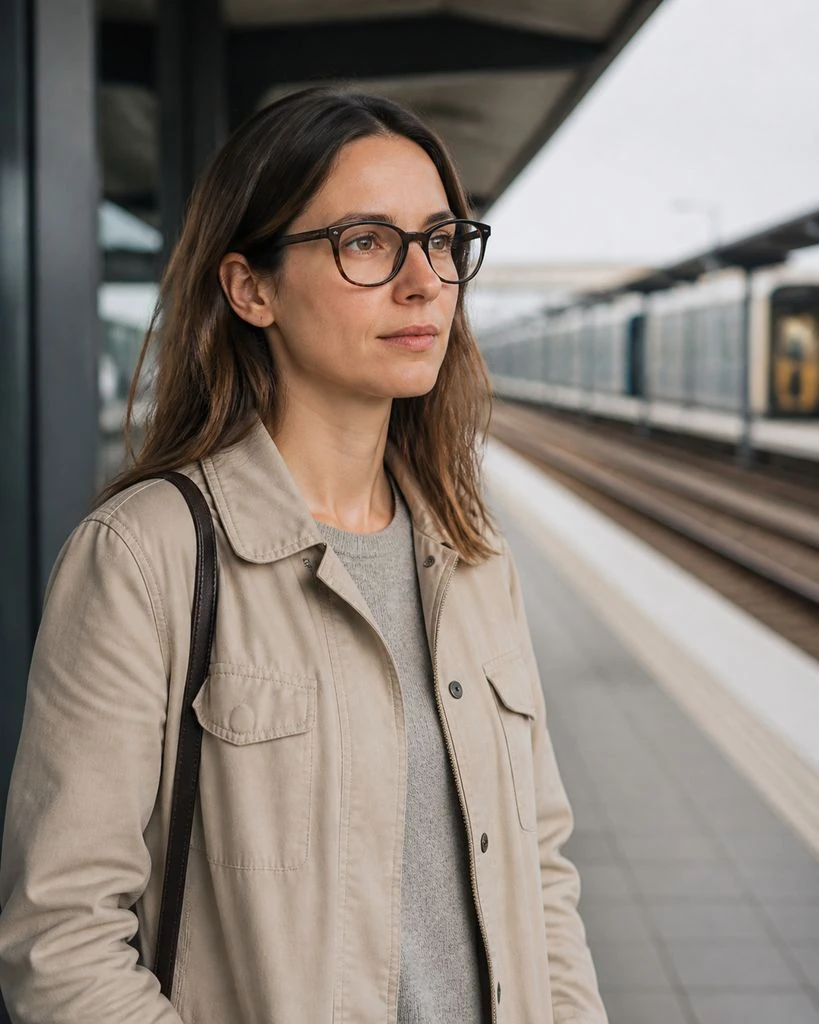
Eyewear · Essential & Detail Shots
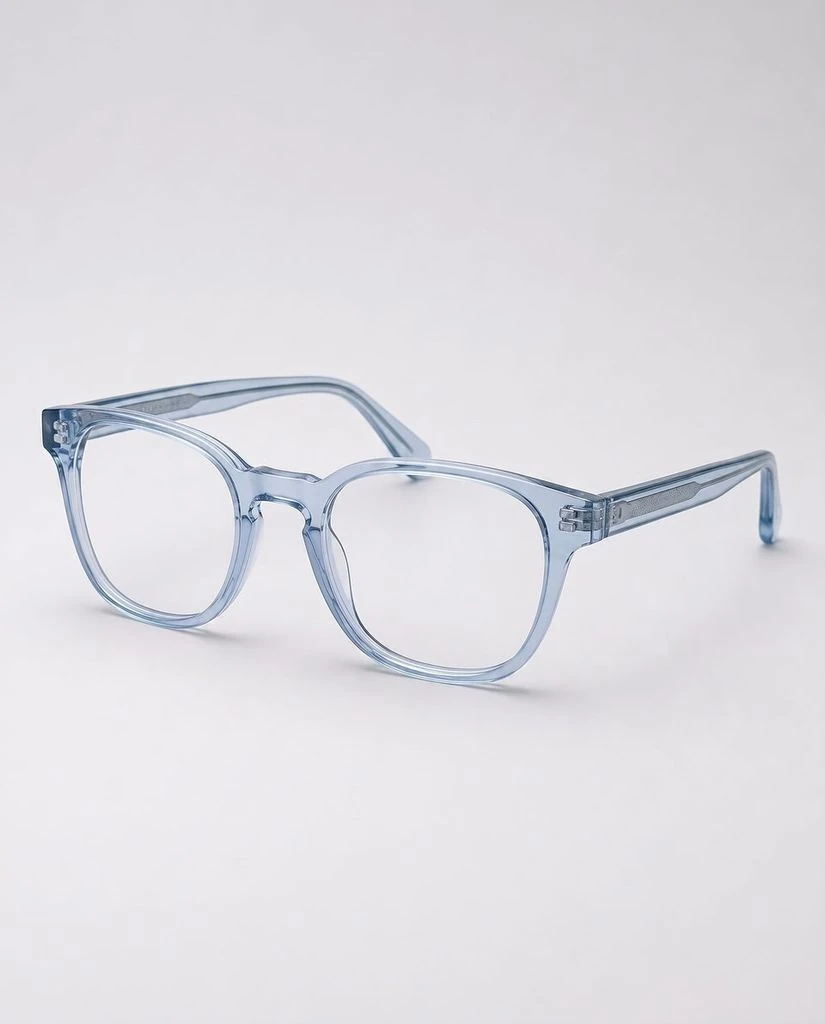
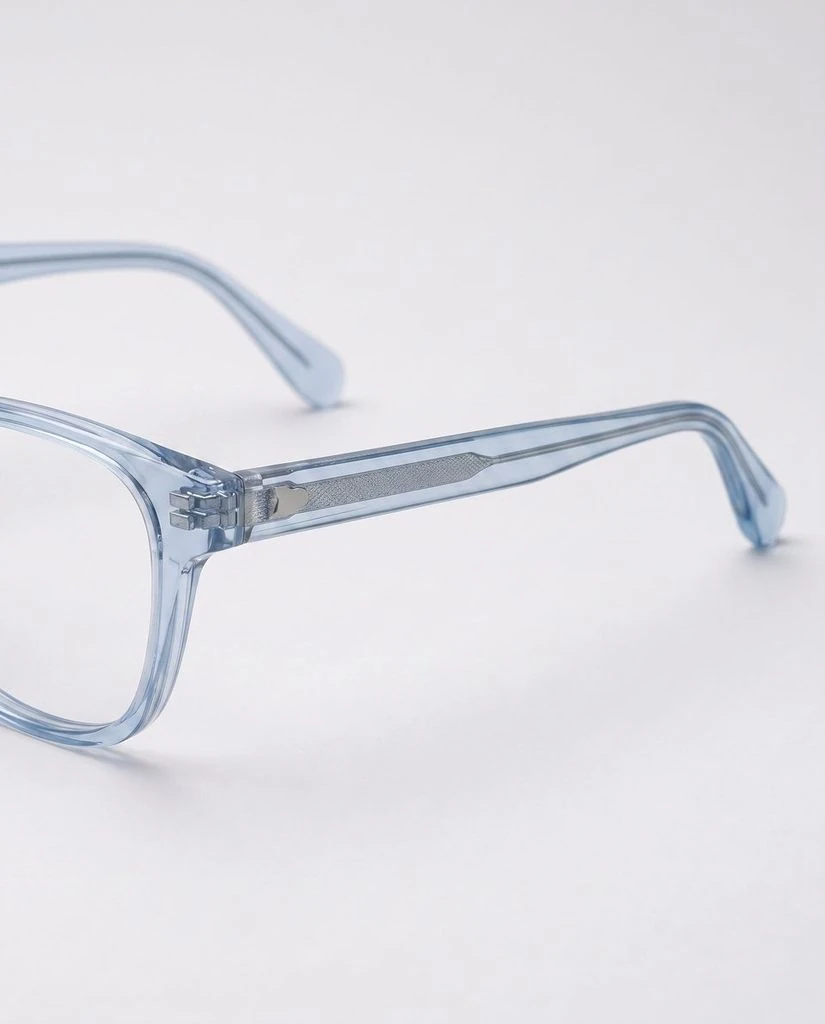
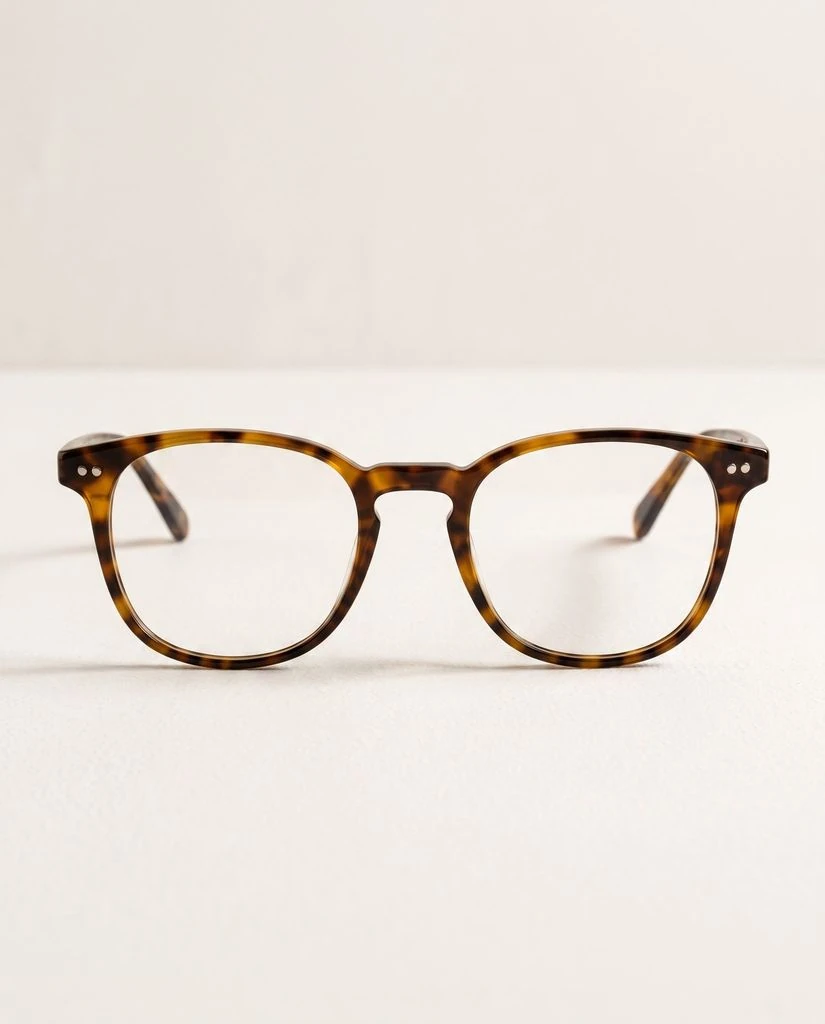
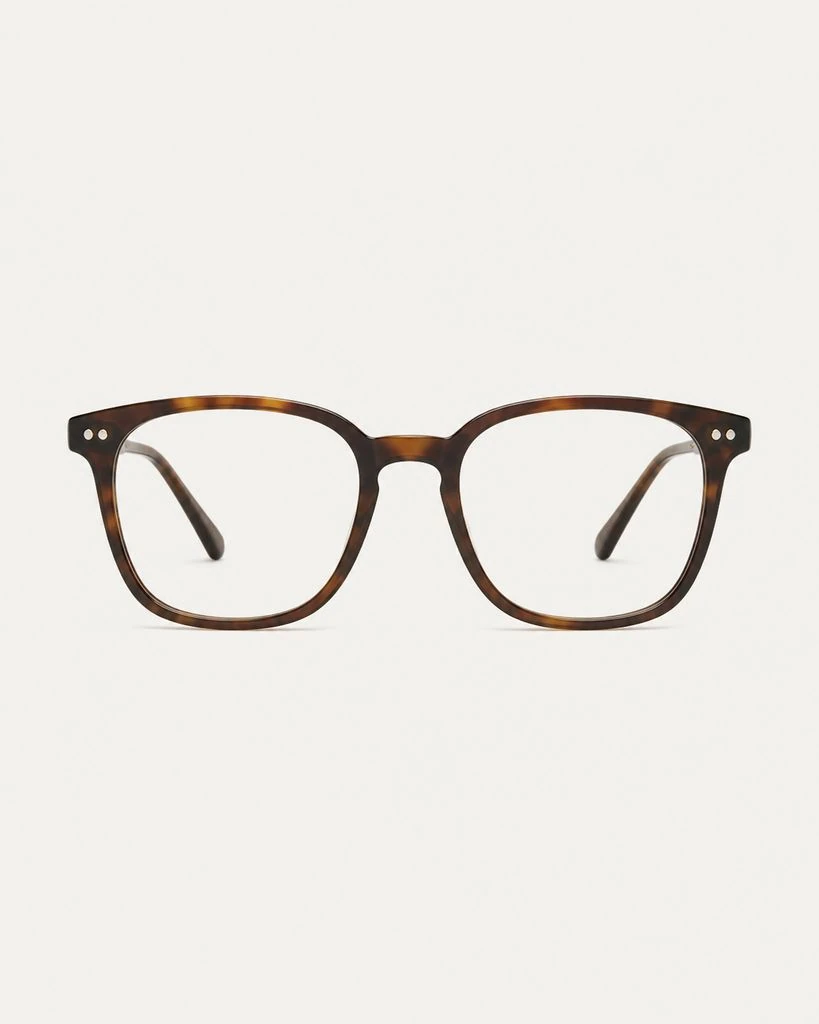
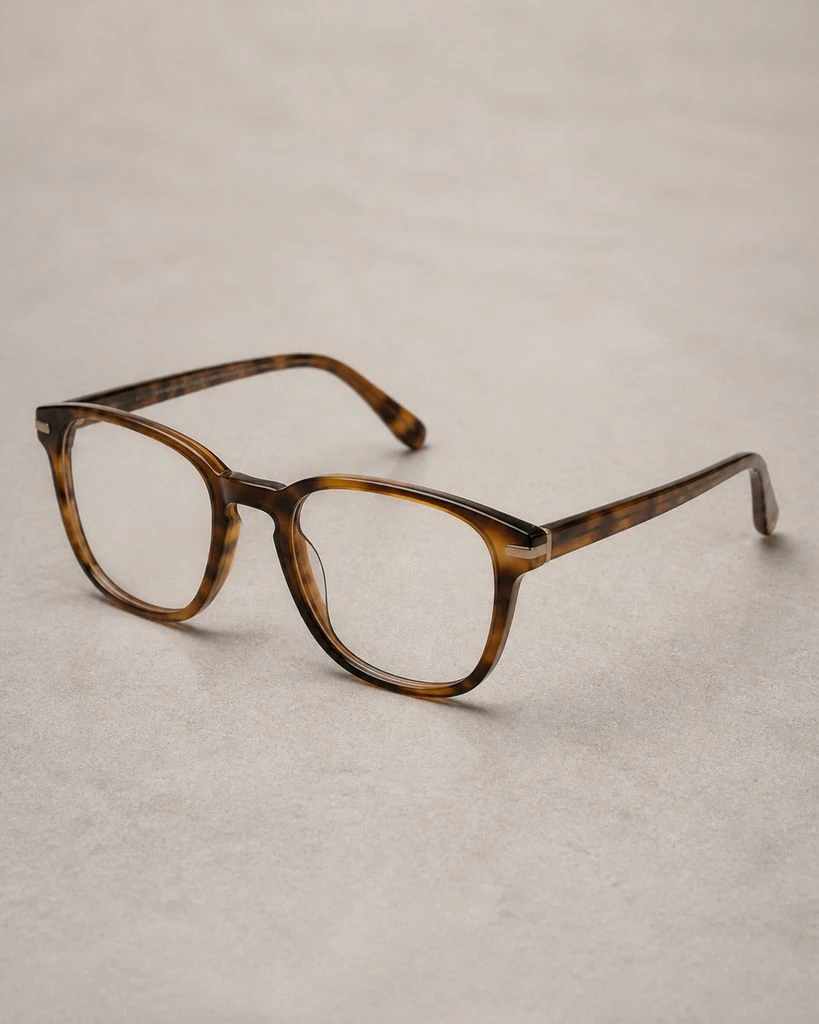
Eyewear · Creative Studio
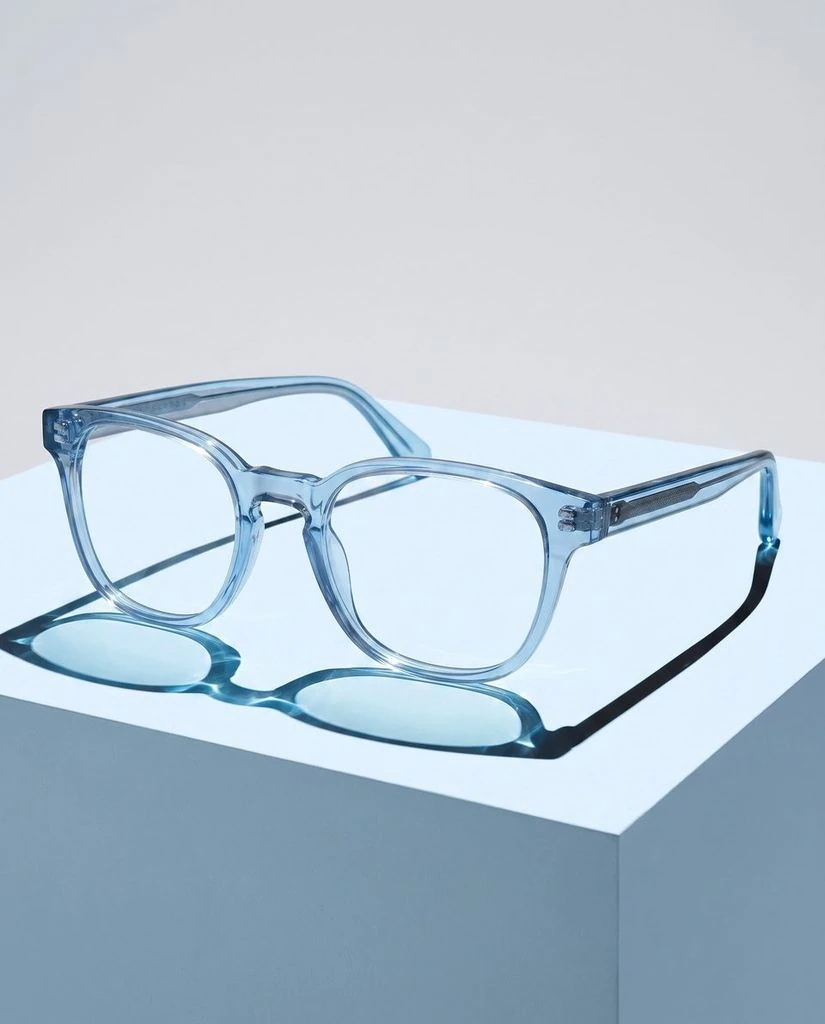
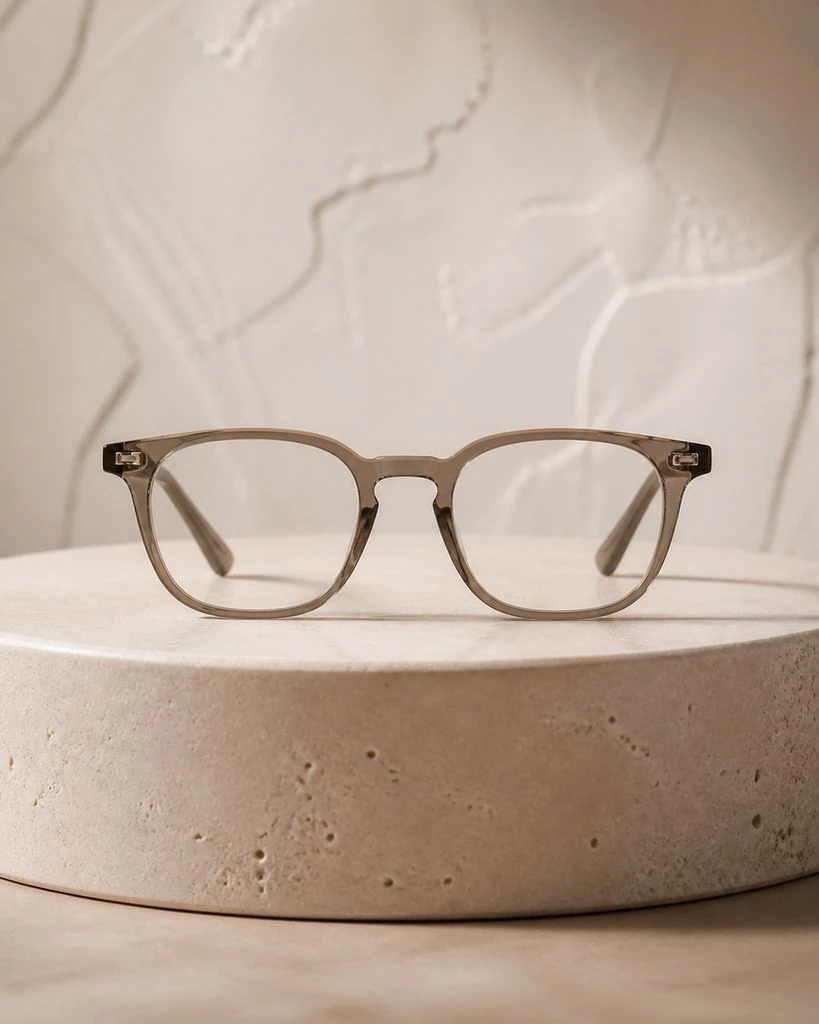
Handbags · Essential & Detail Shots
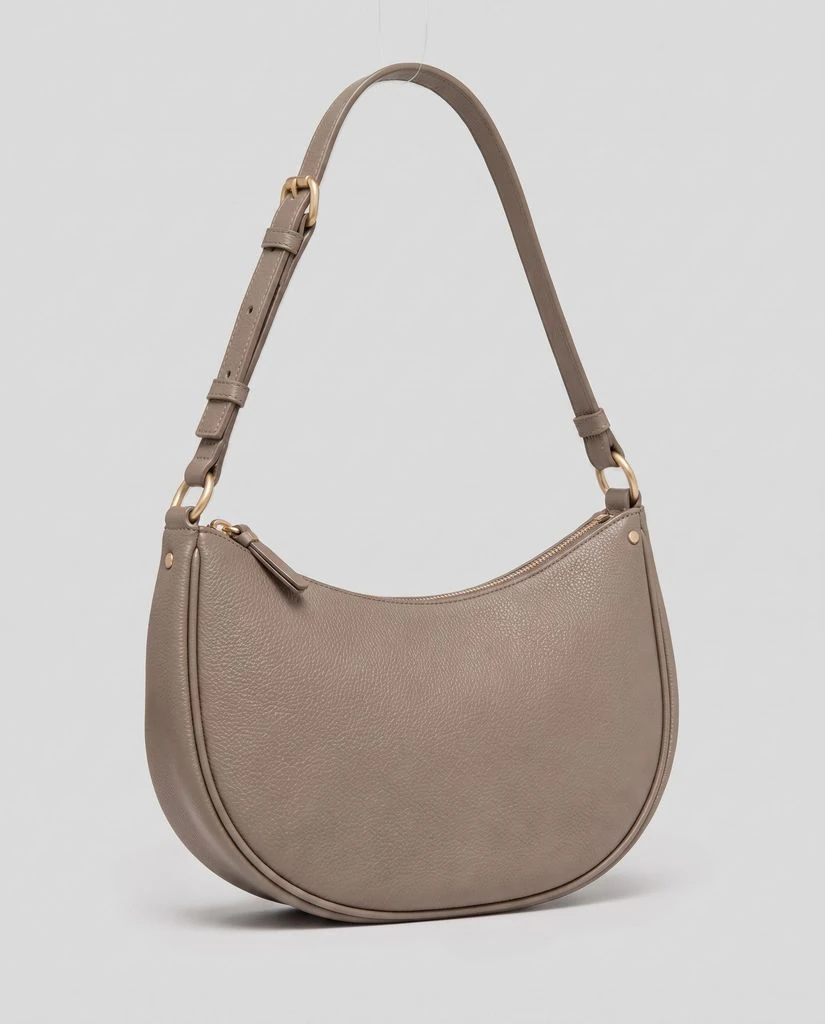
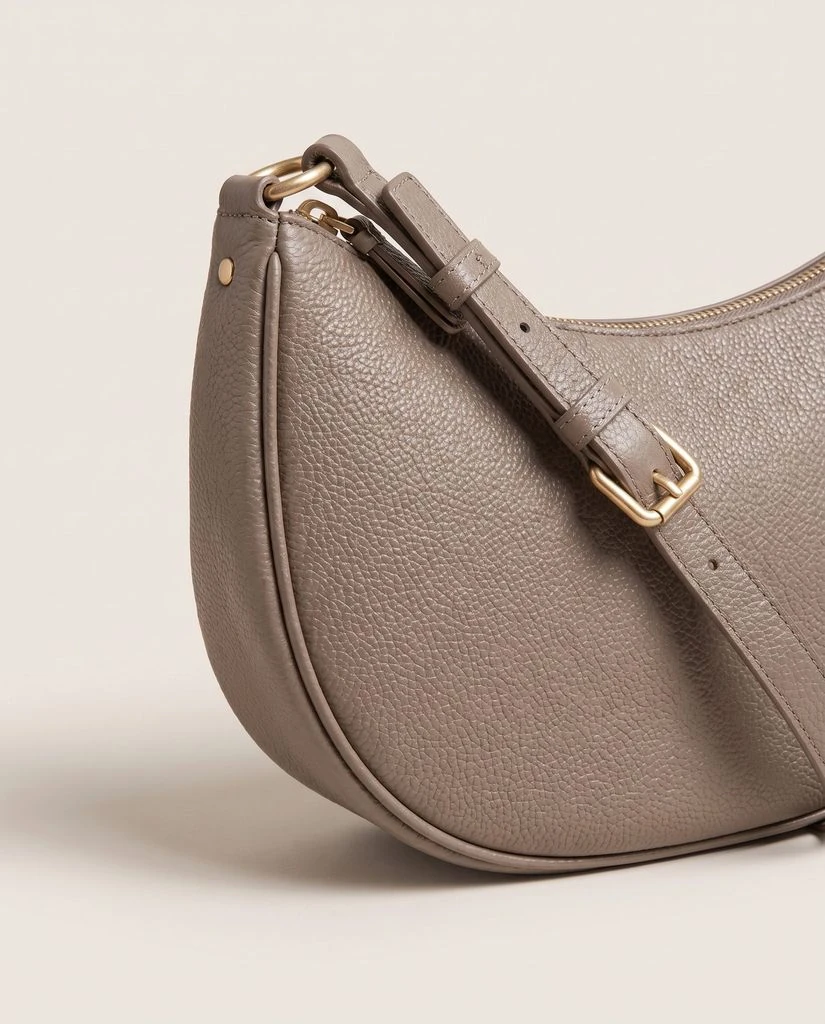
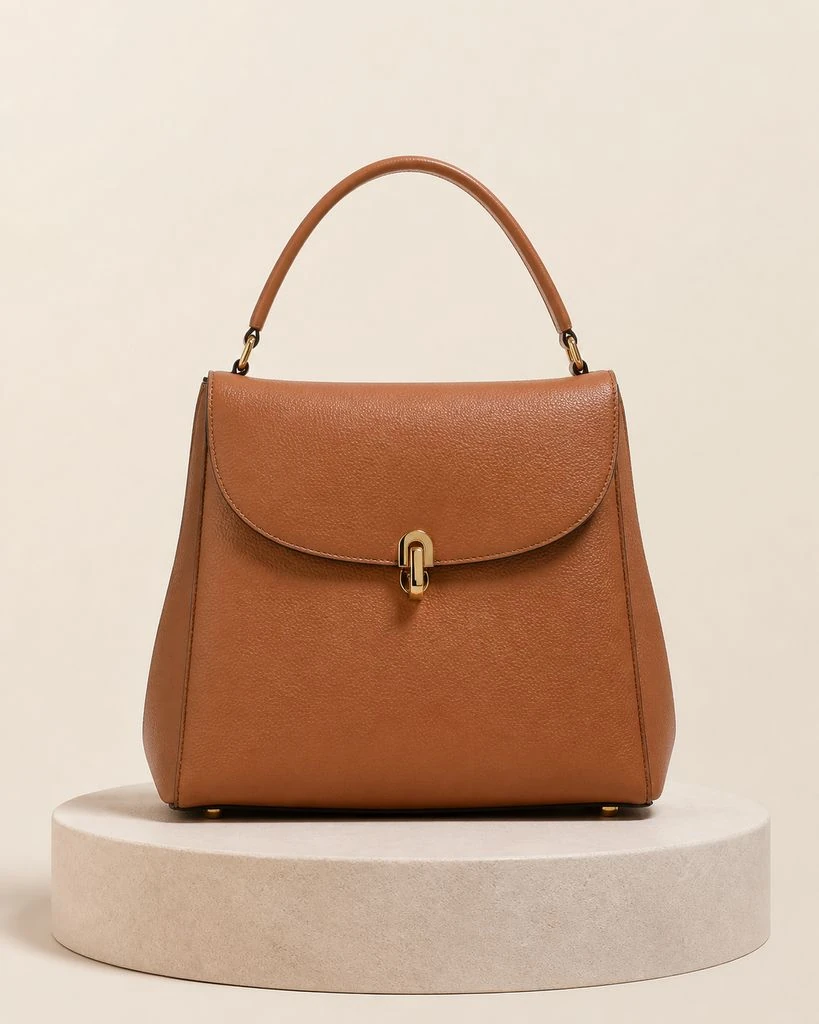
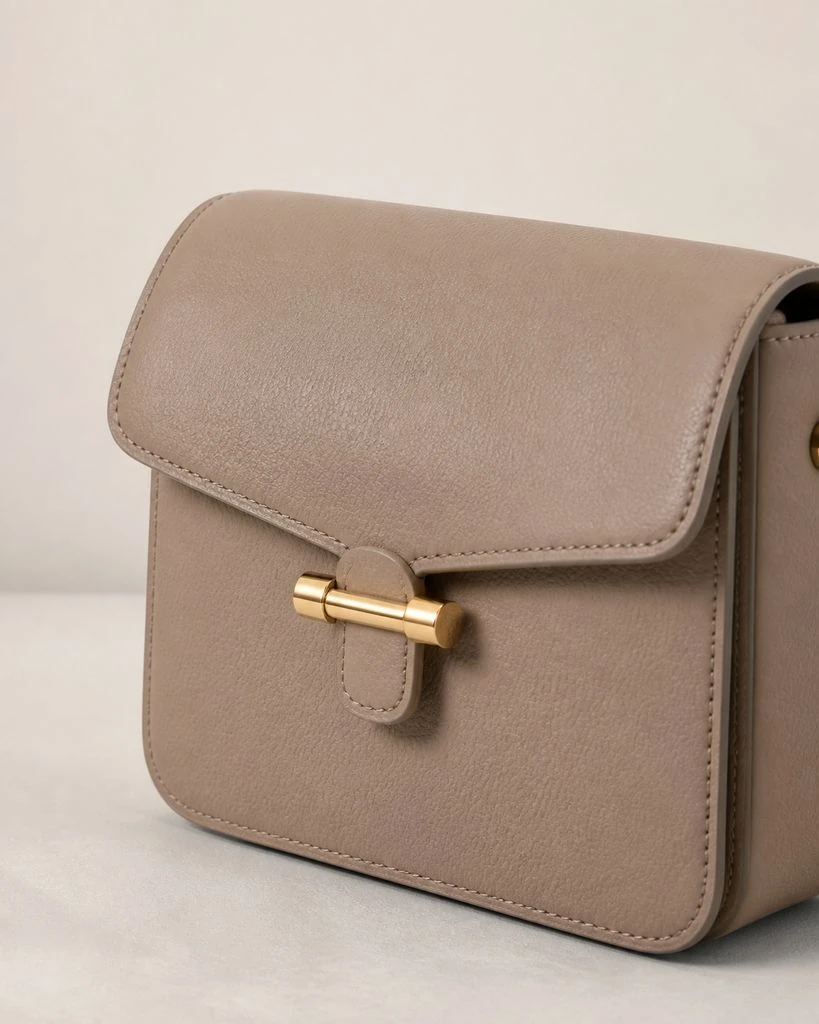
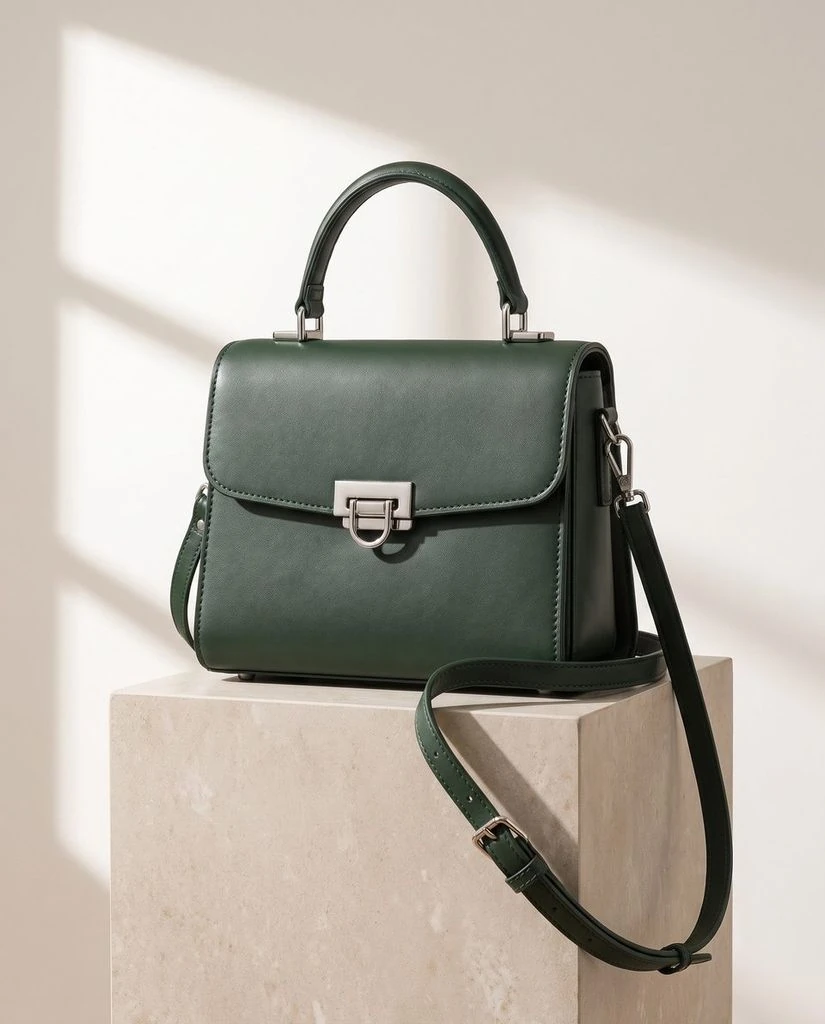
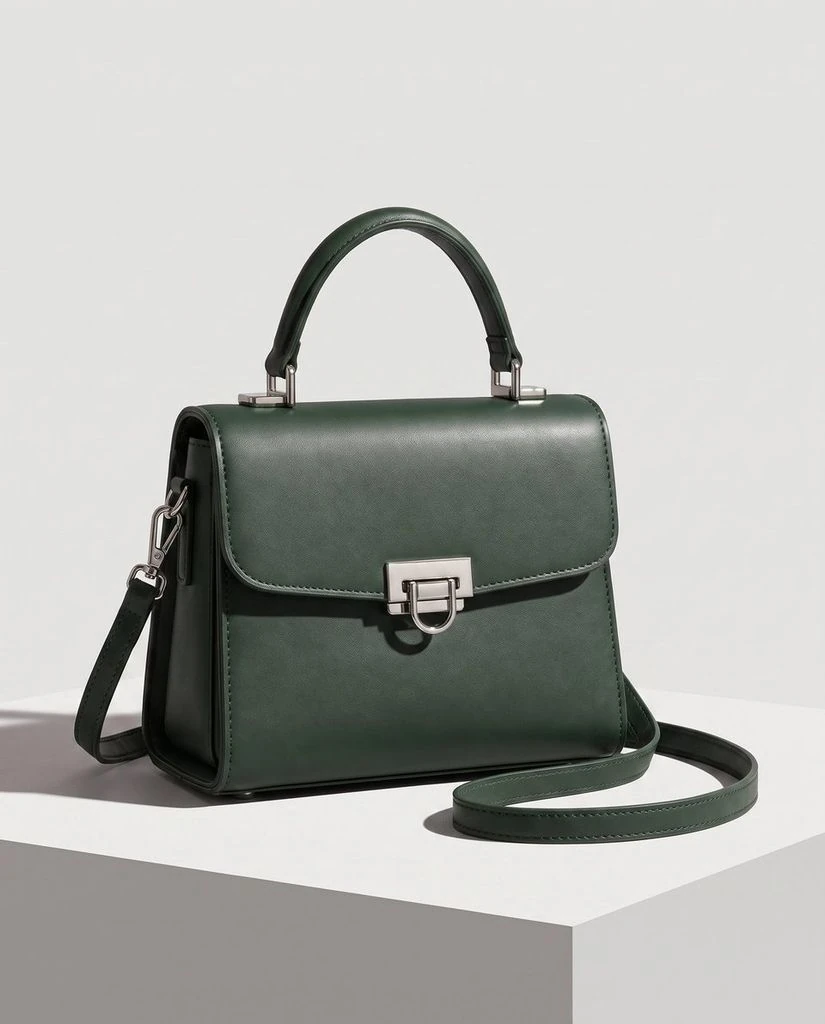
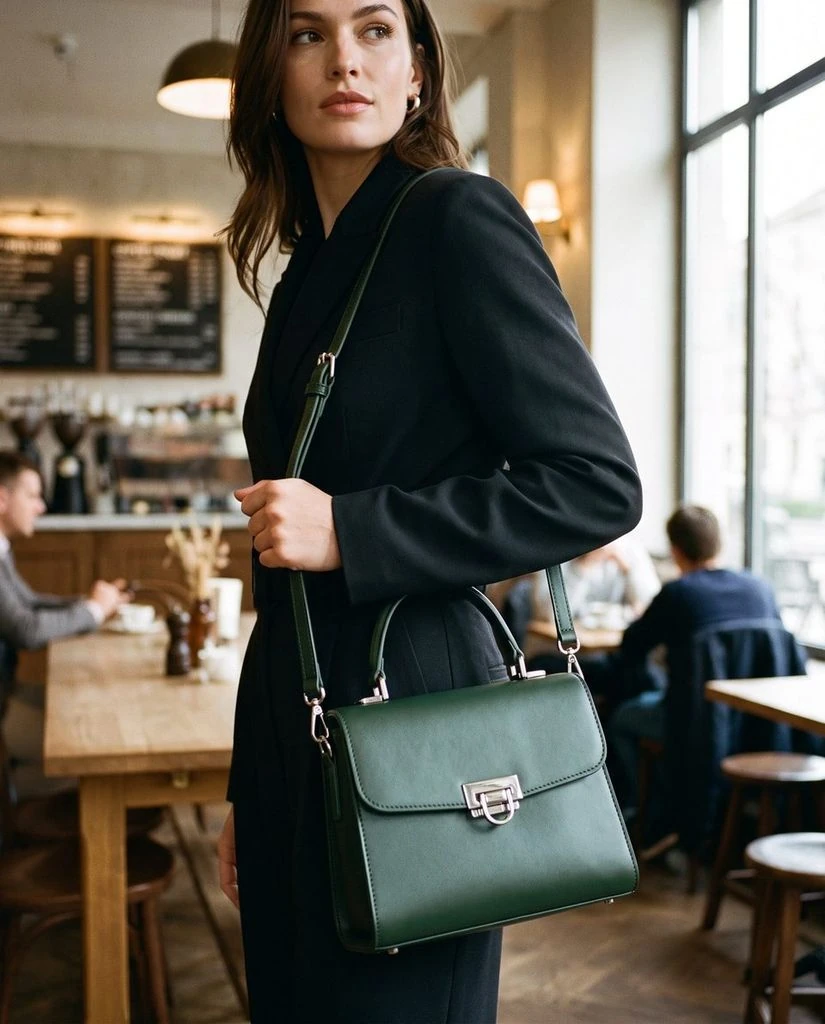
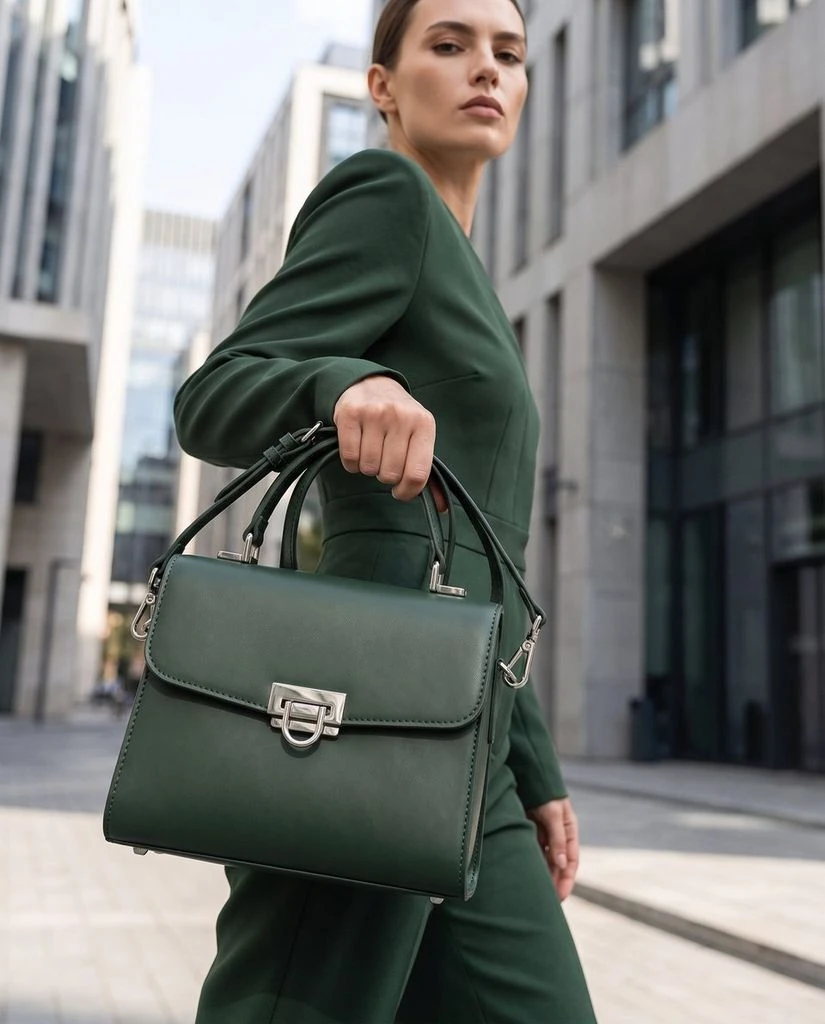
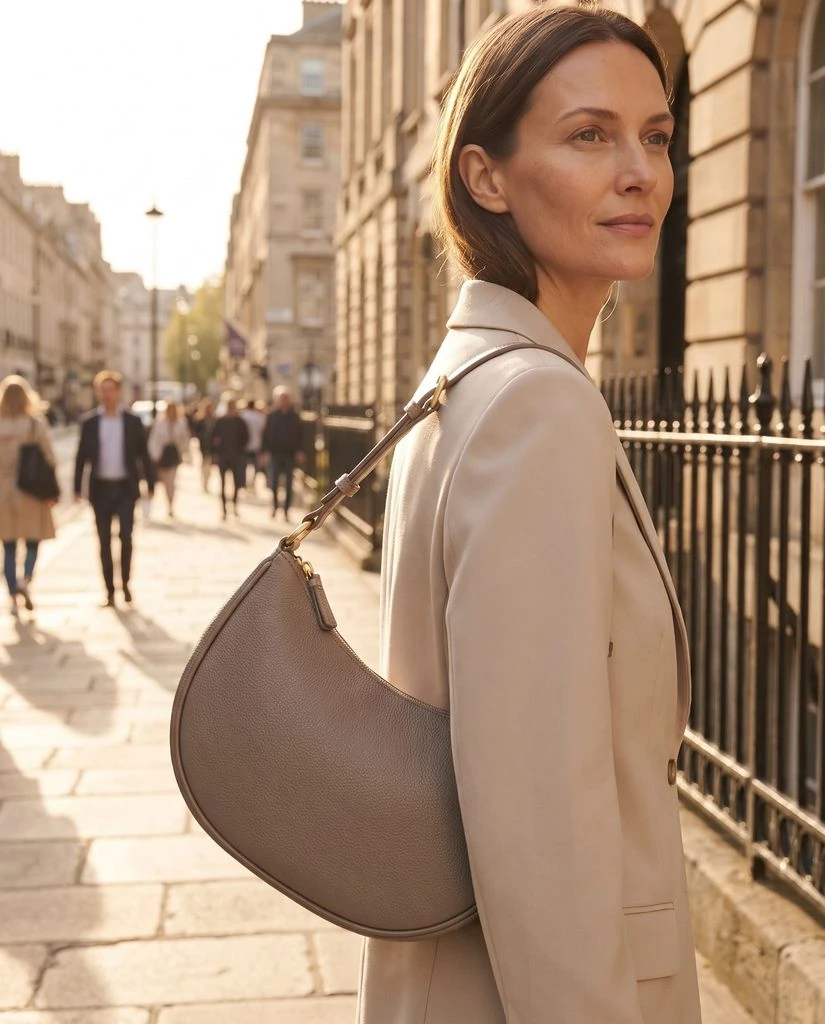
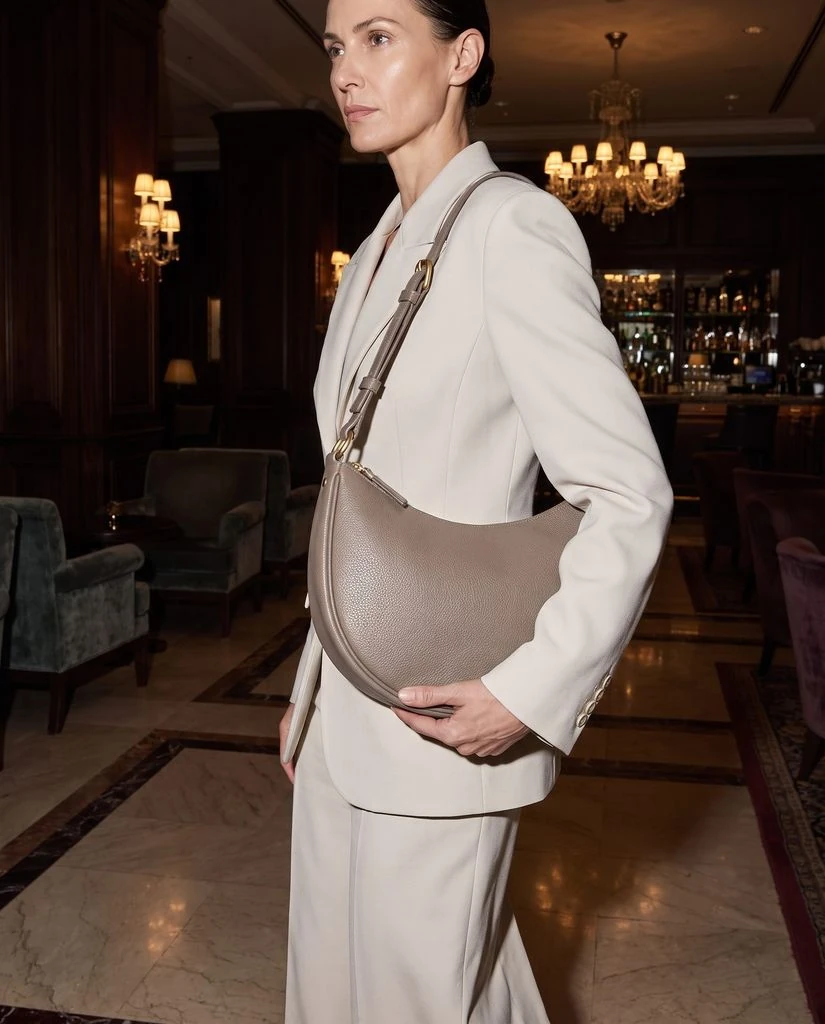
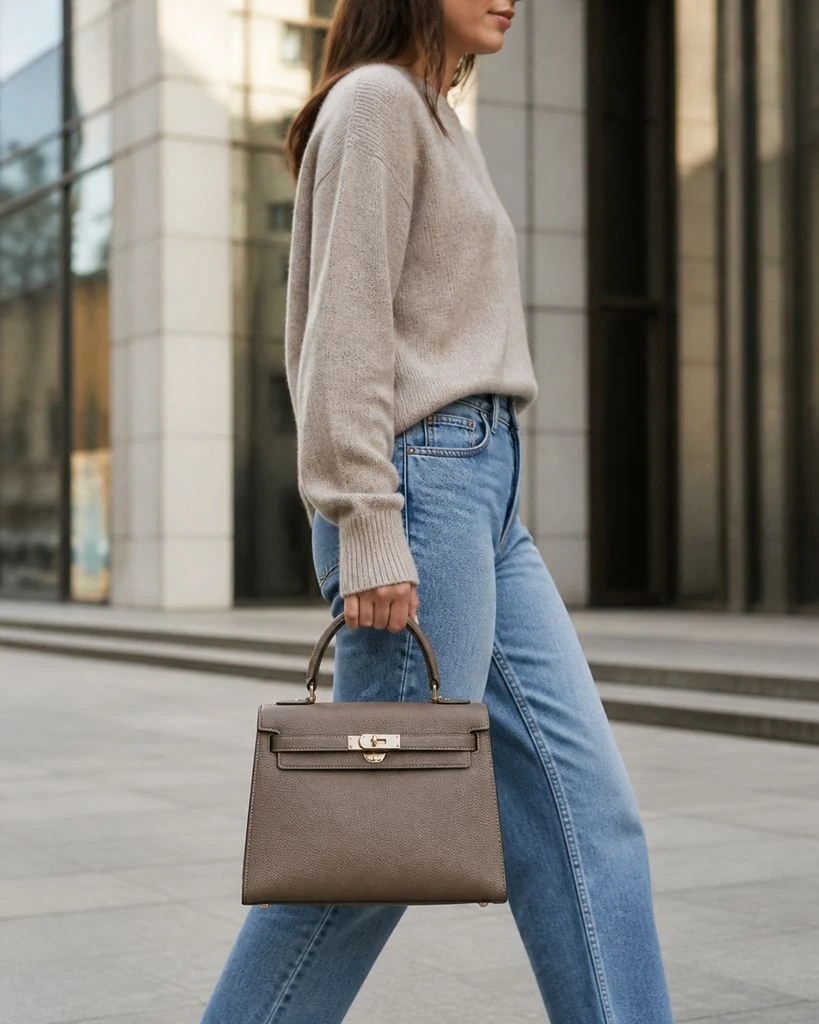
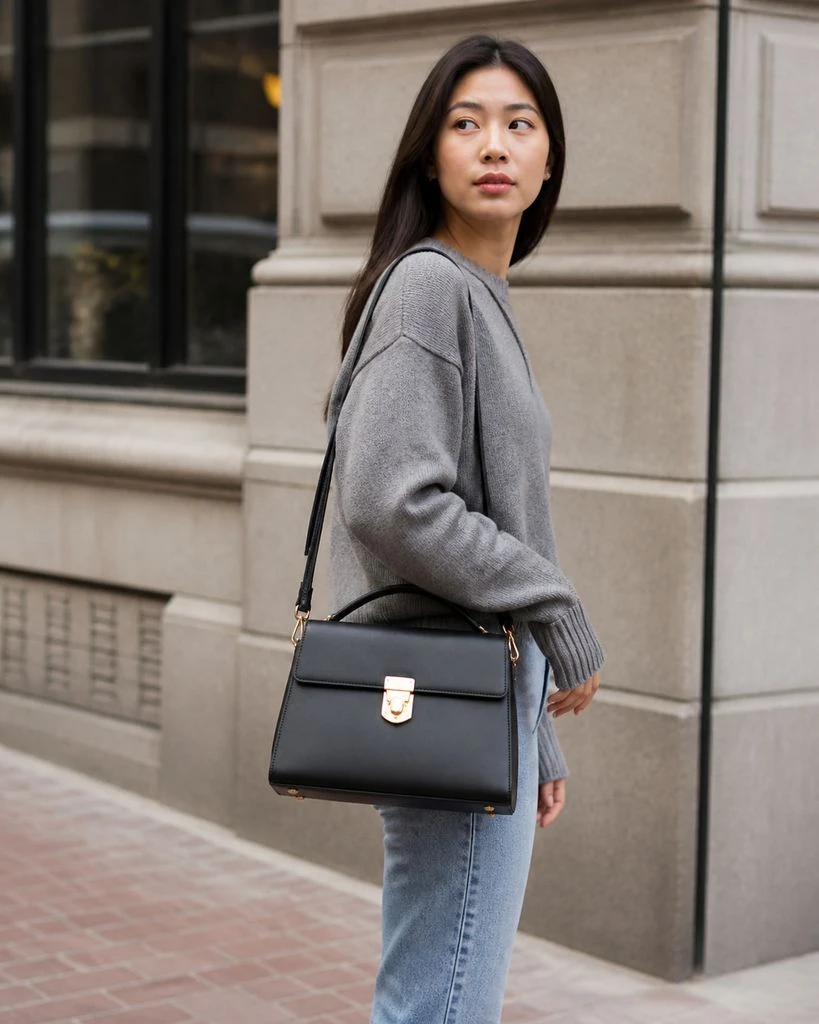
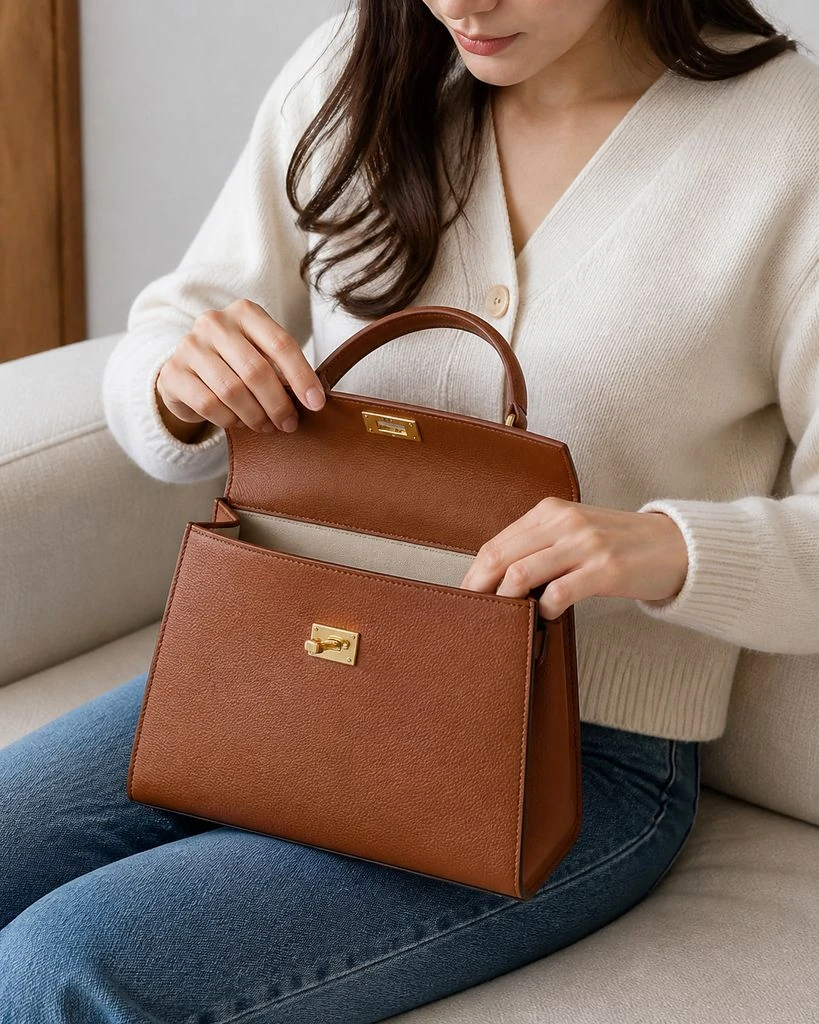
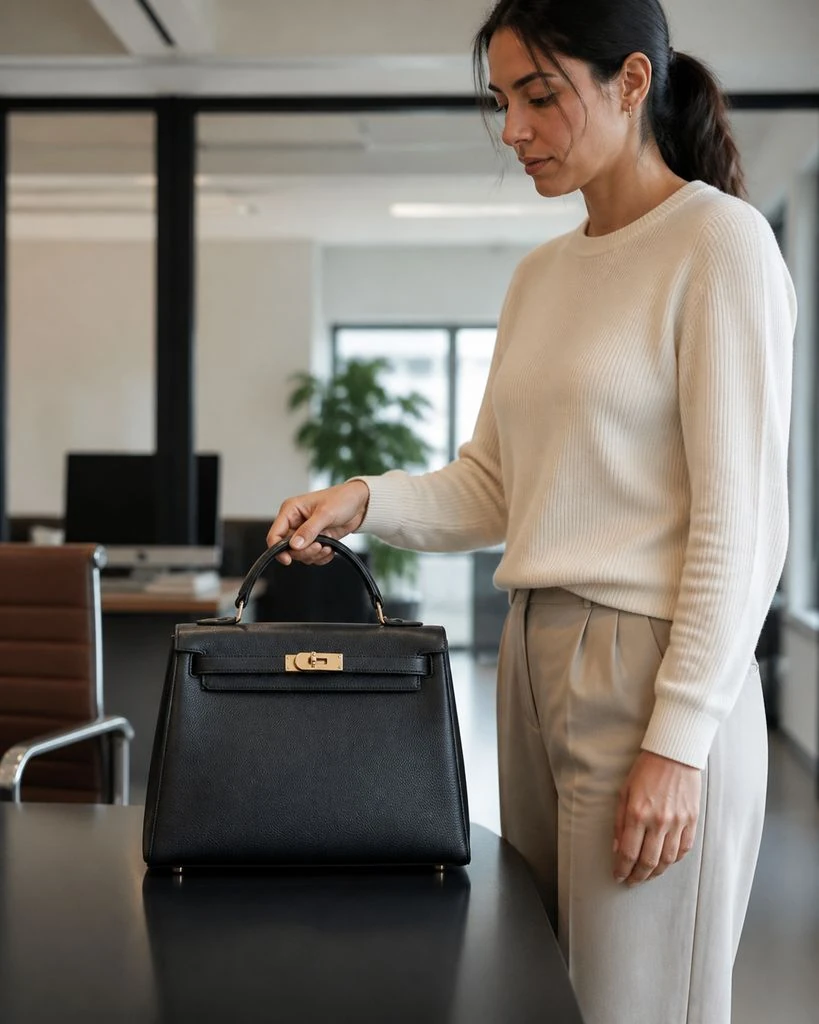
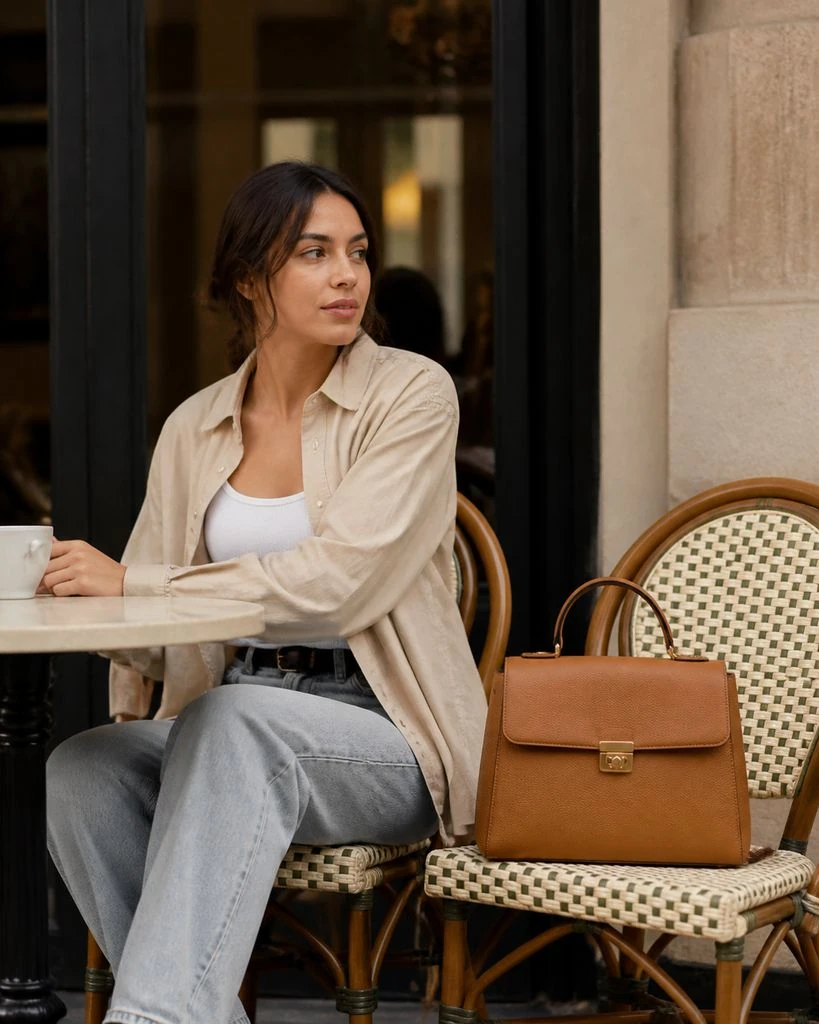
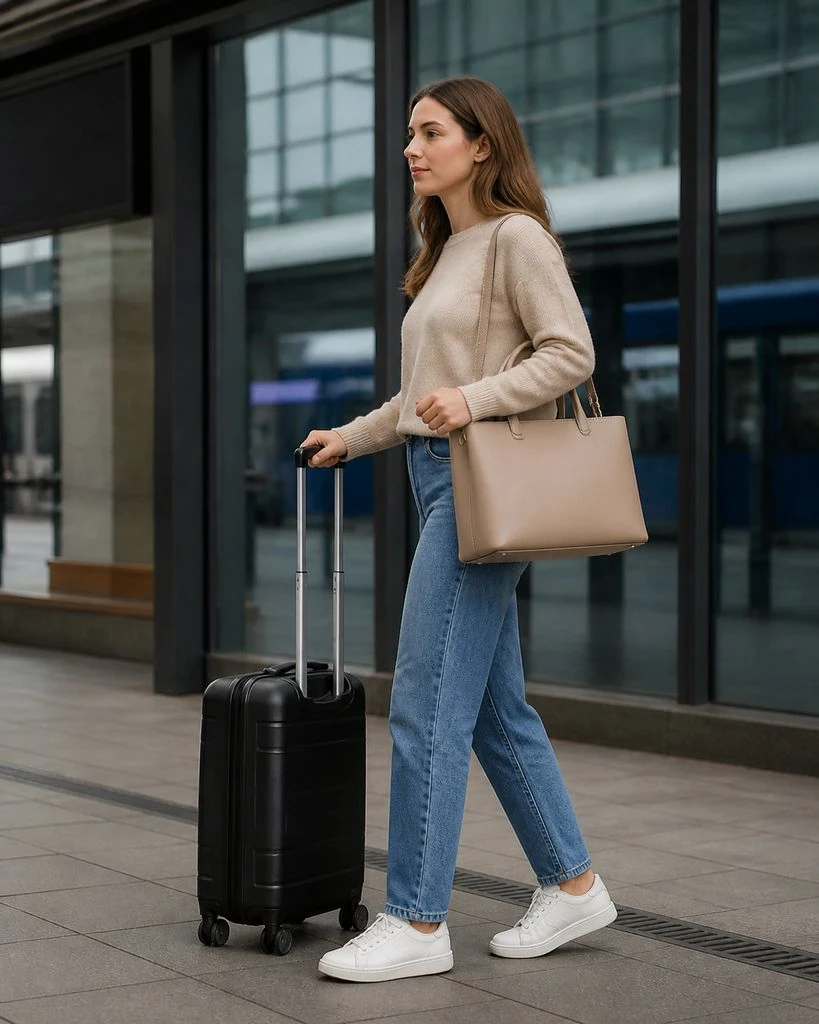
Handbags · On-model & Lifestyle
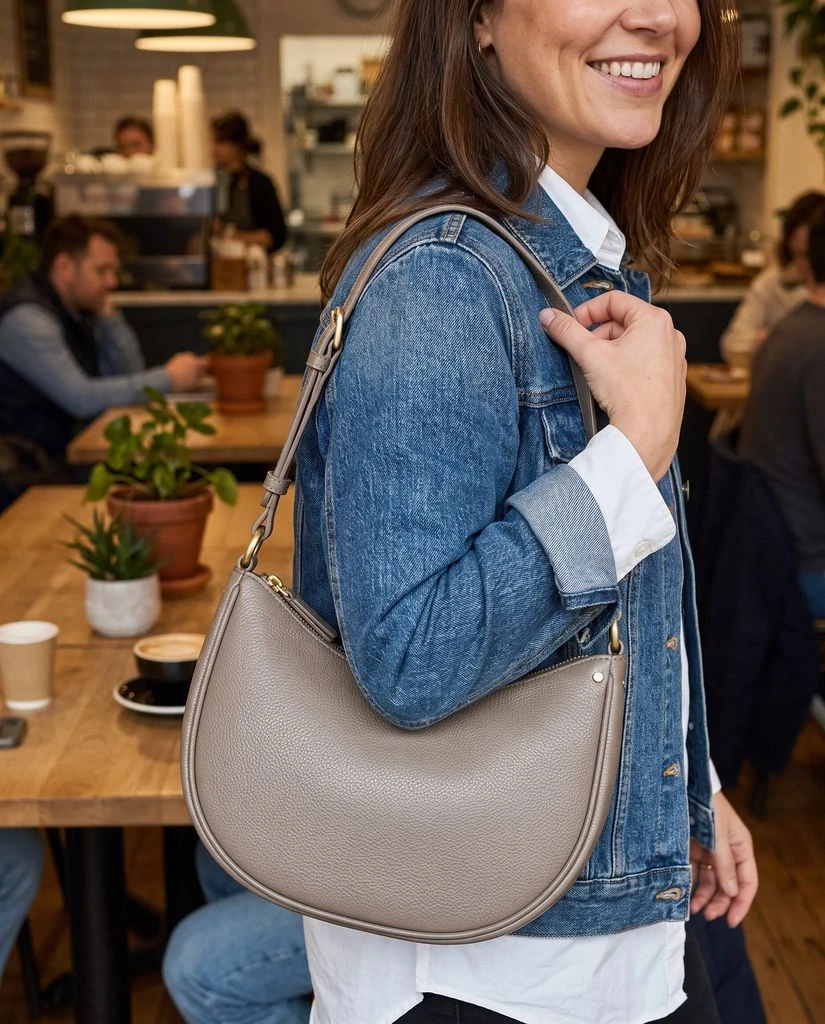
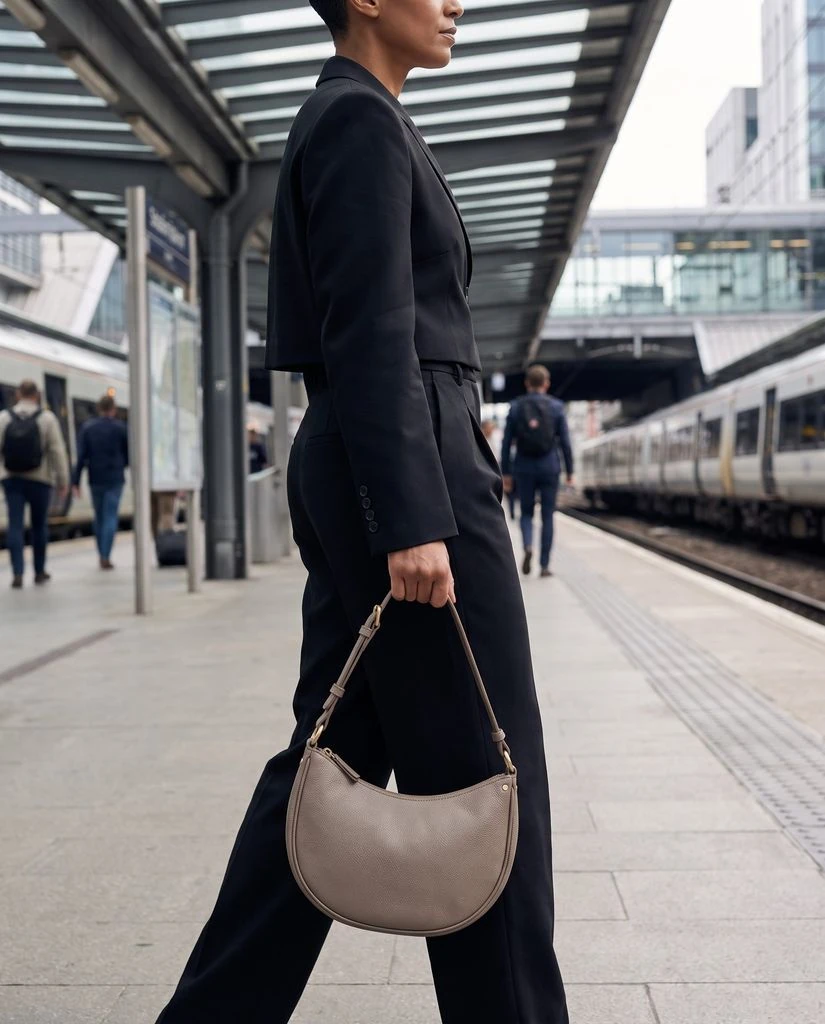
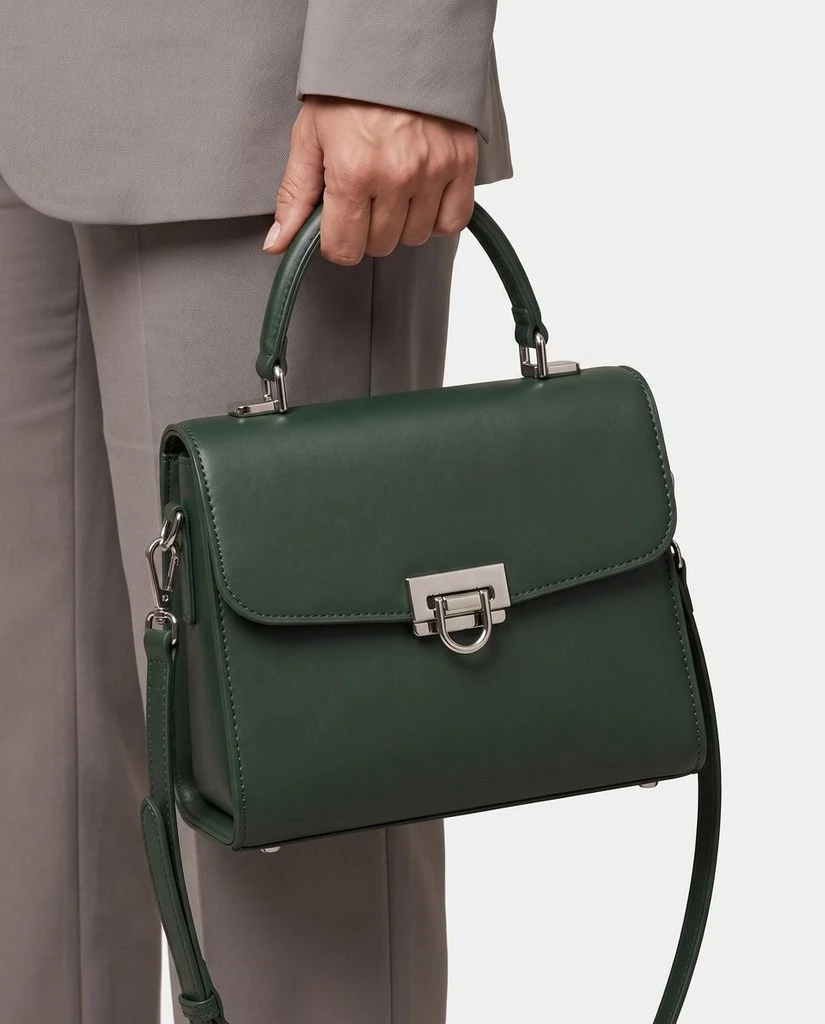
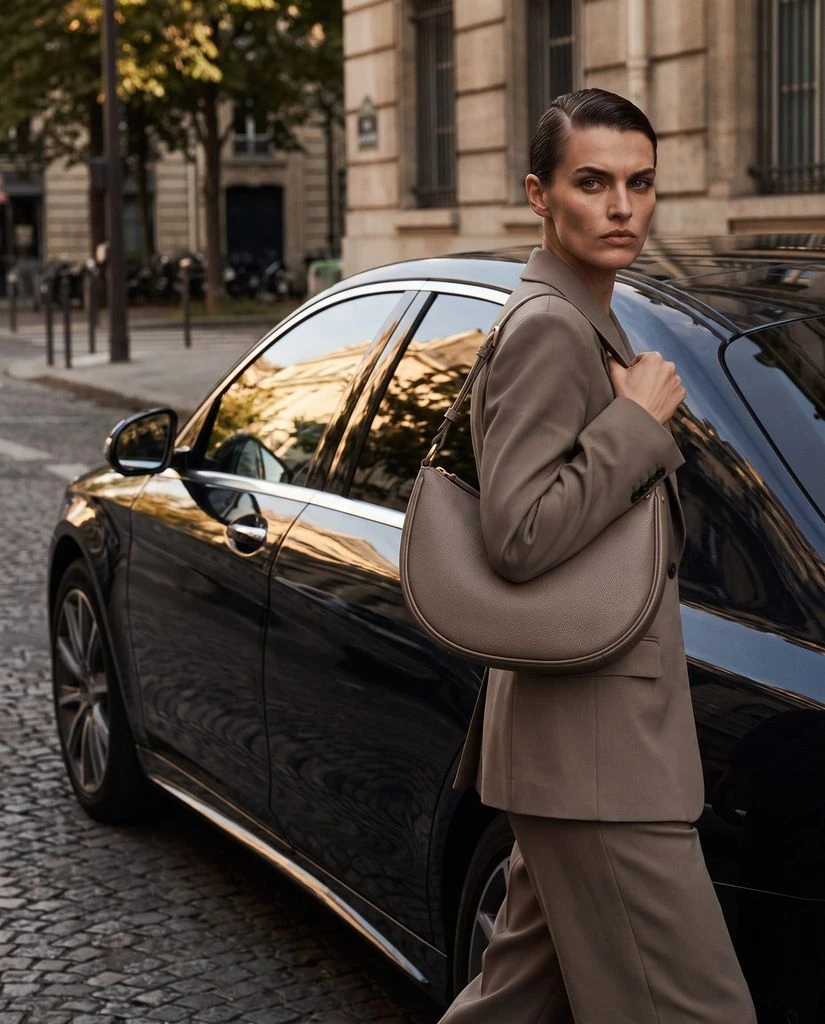
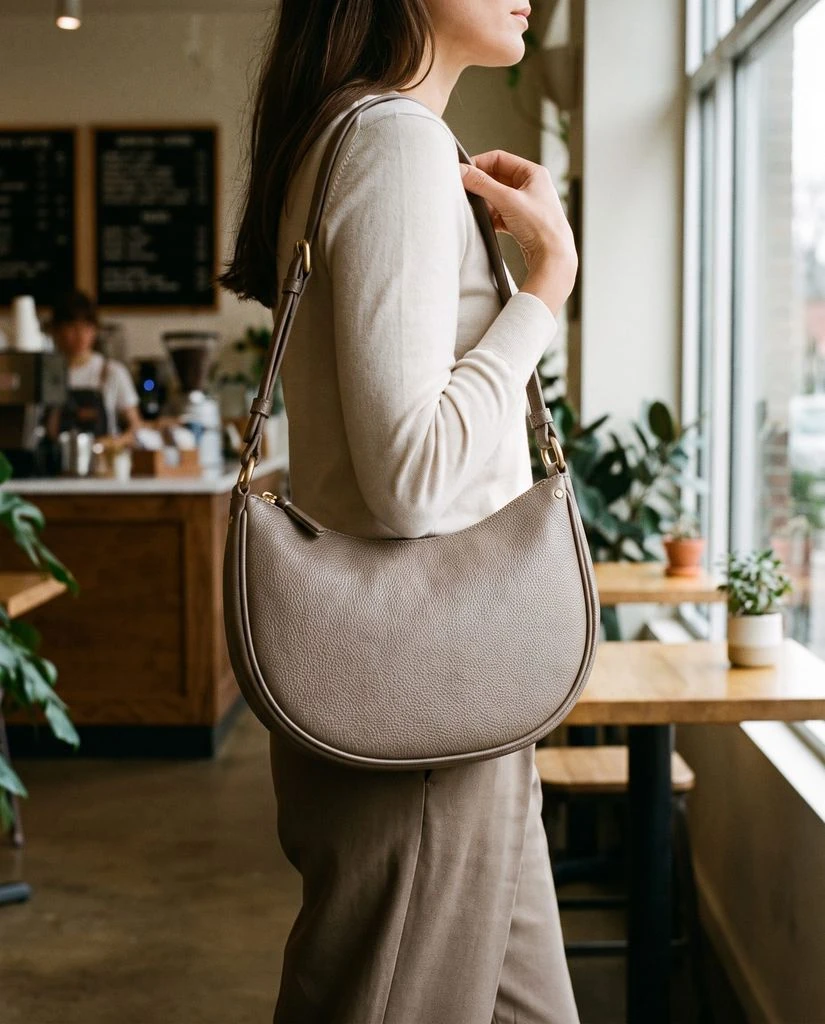
Backpacks · Essential & Detail Shots
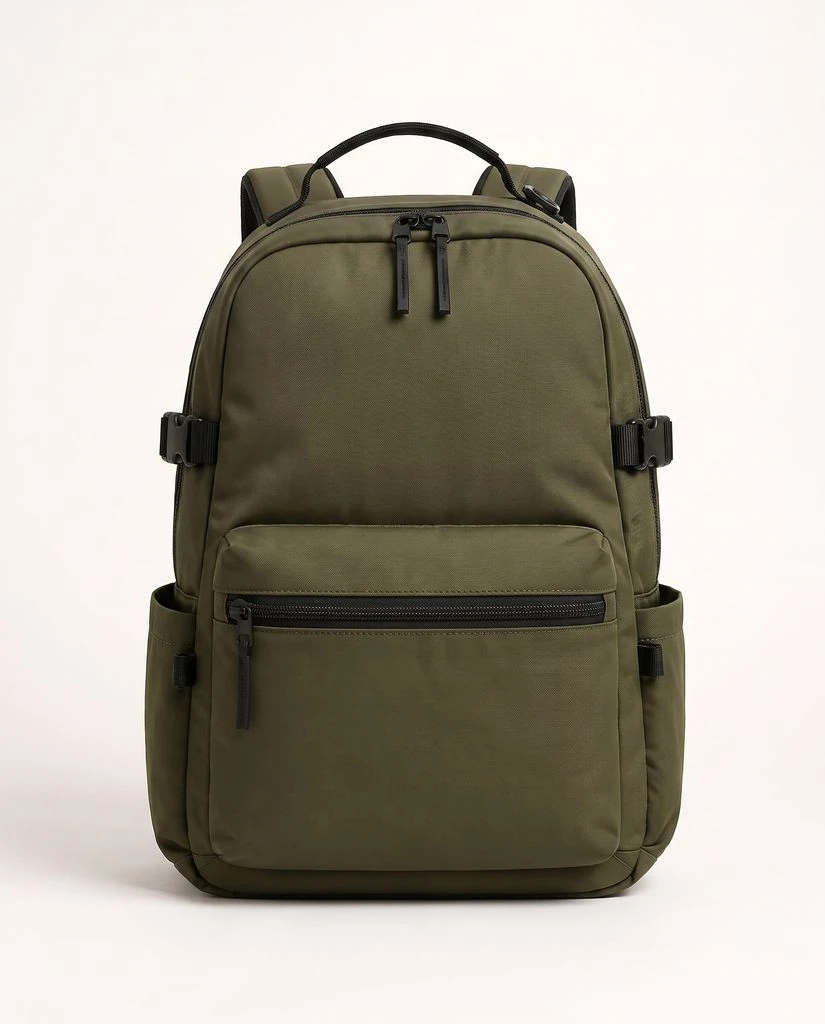
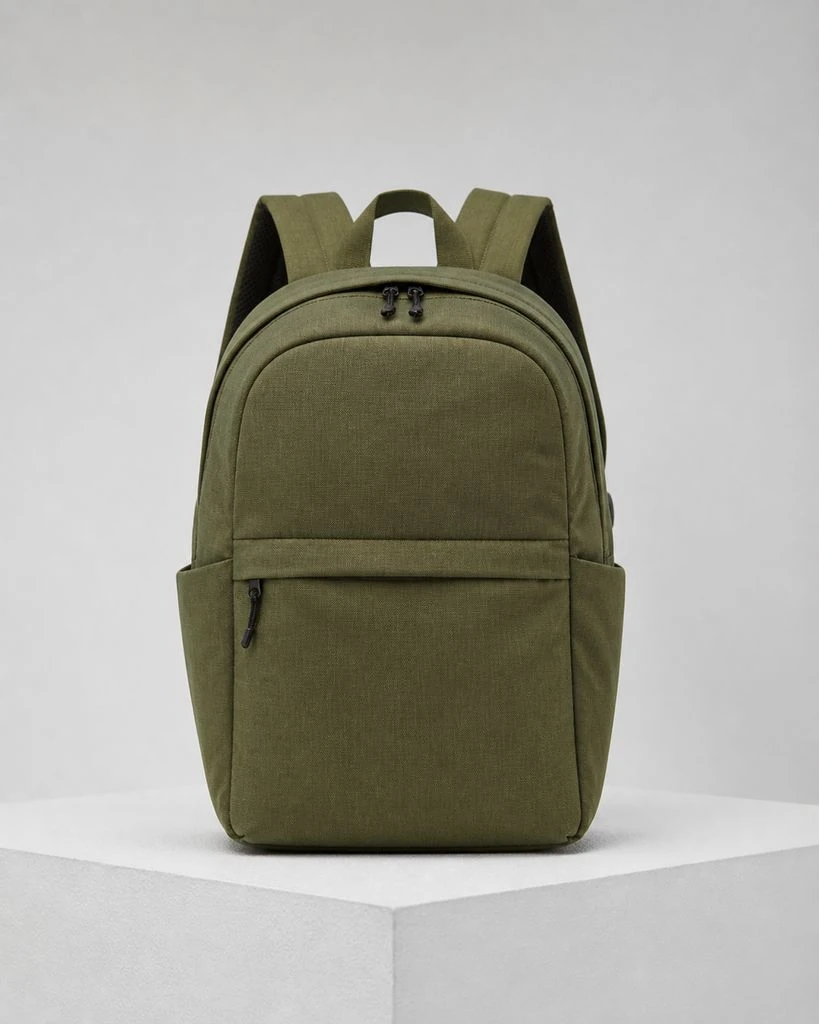
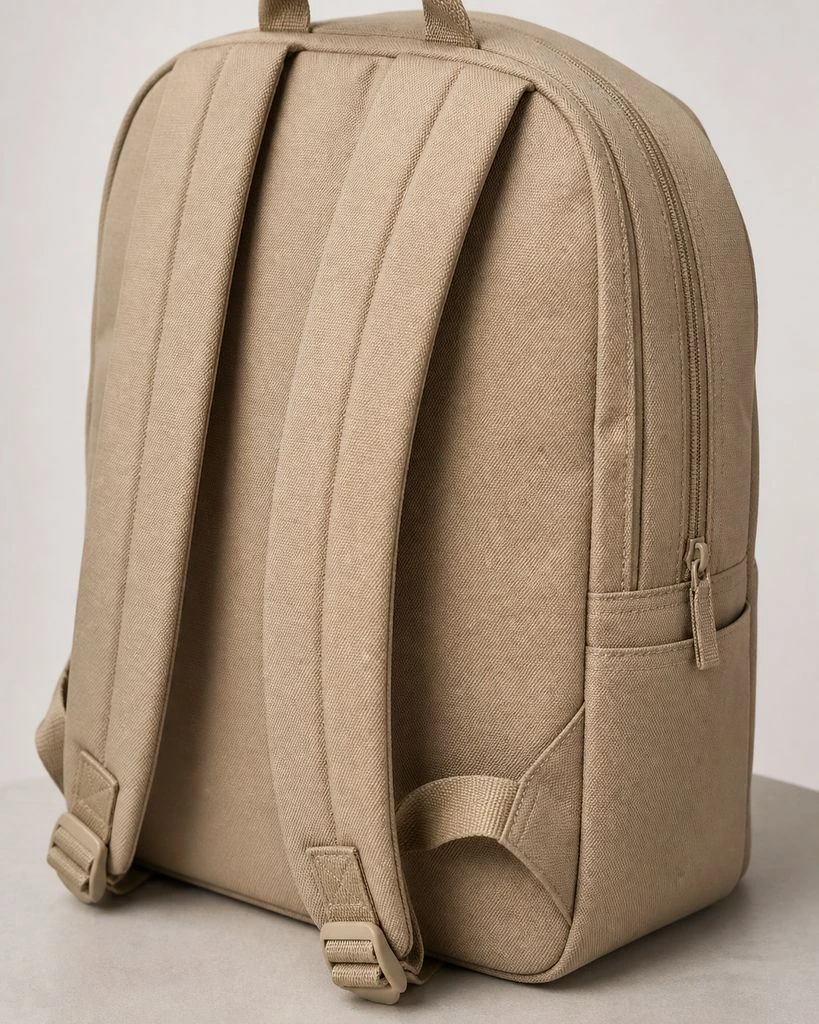
Wallets & Cardholders · On-model & Lifestyle
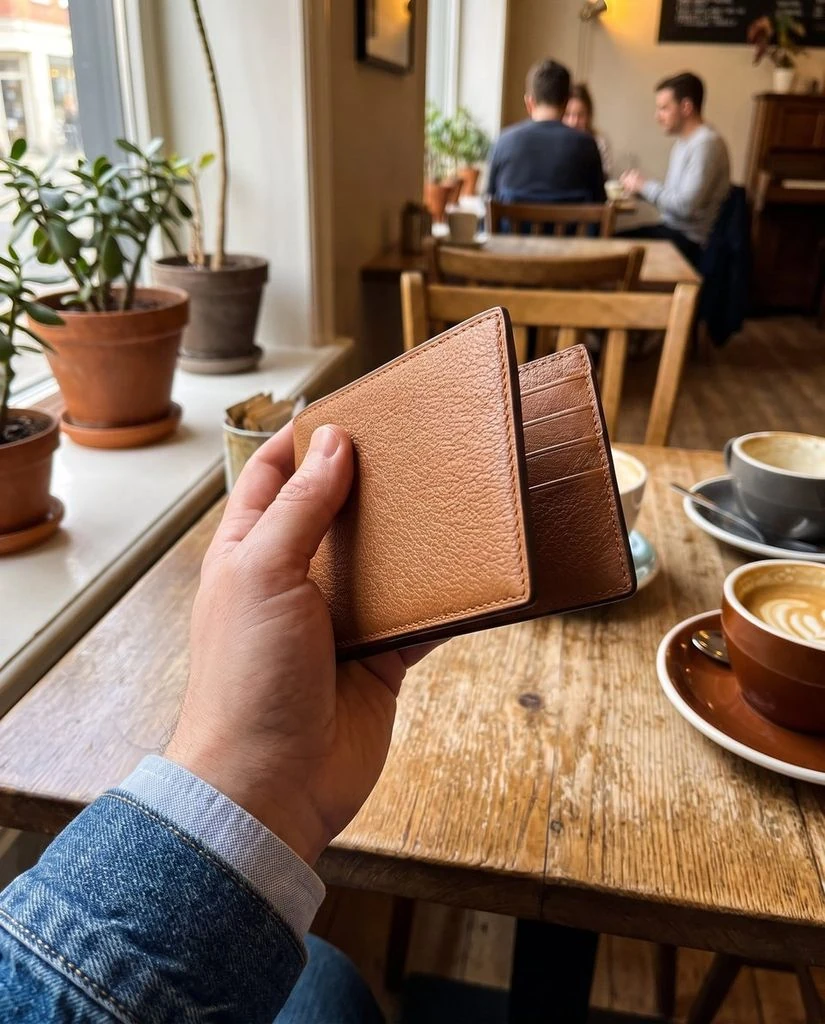
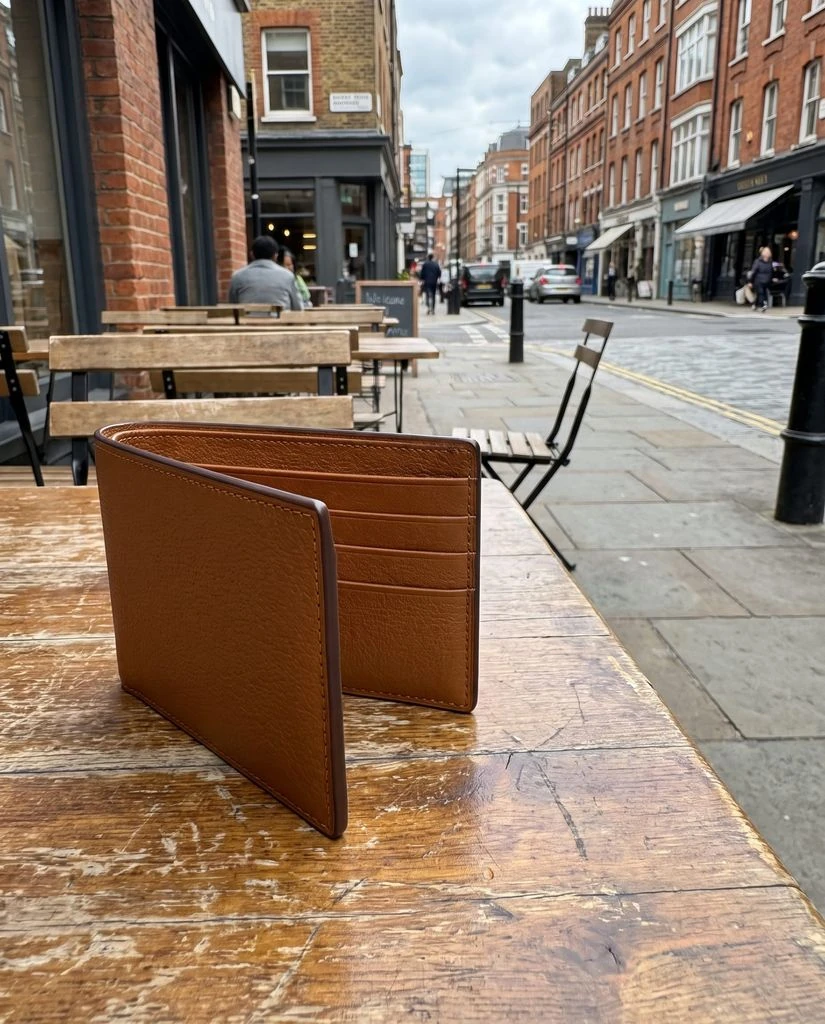
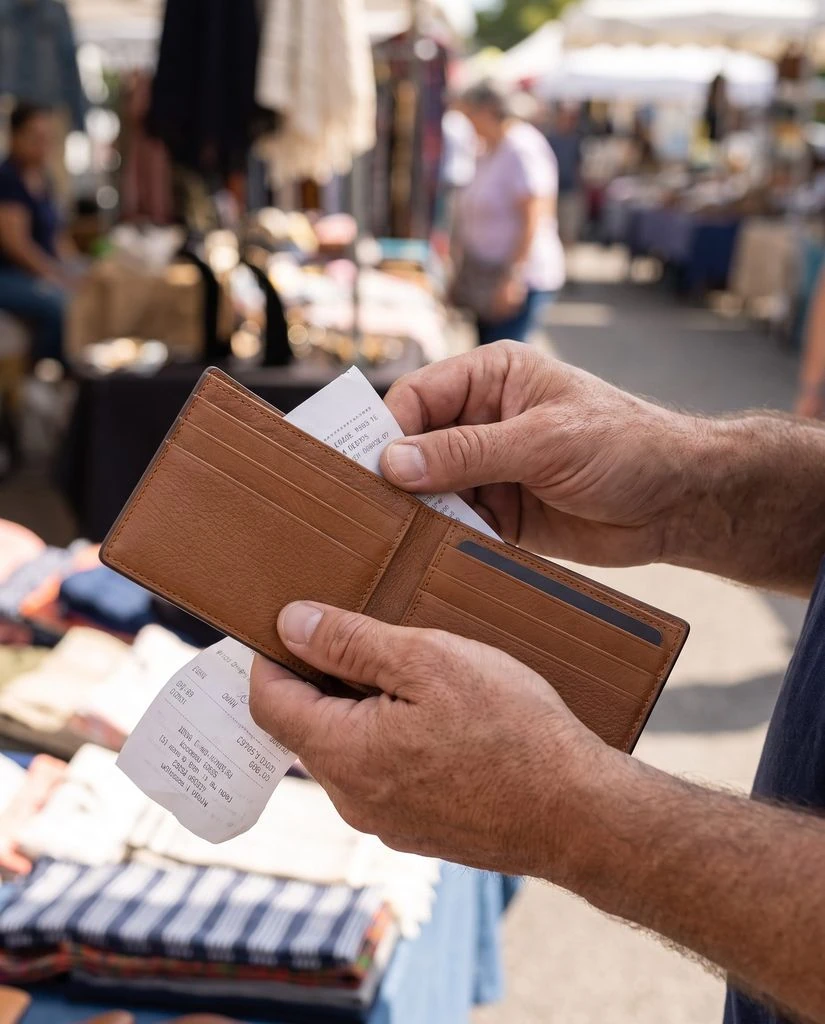
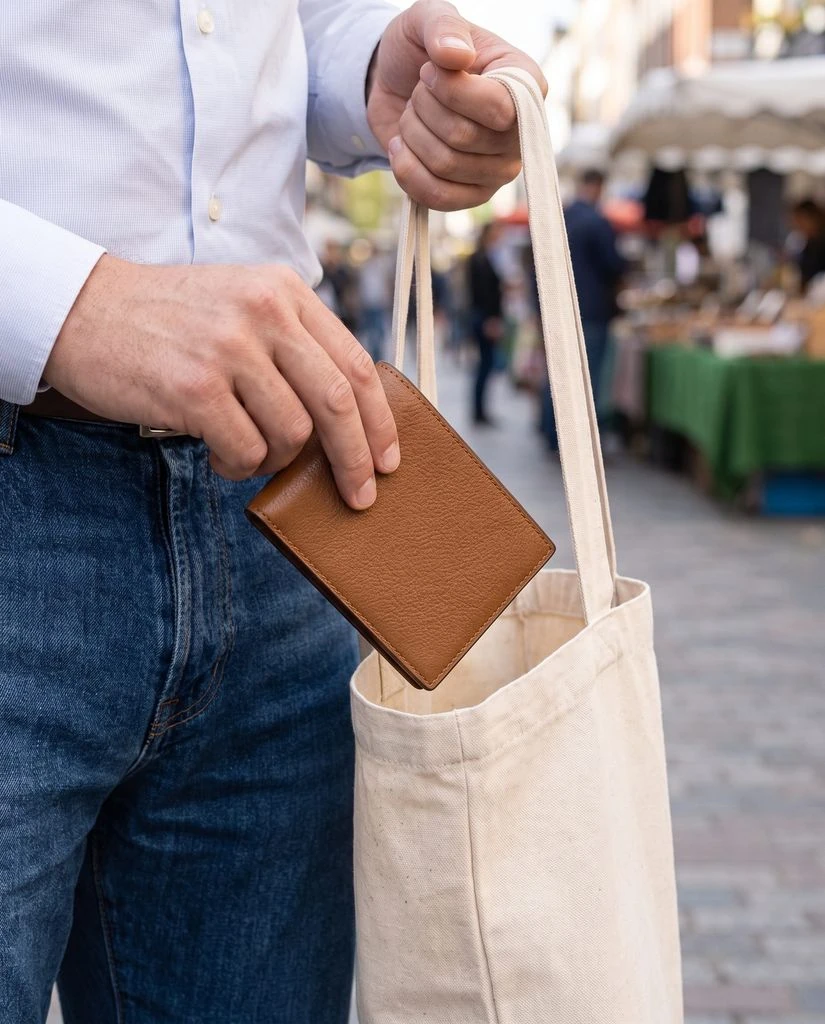
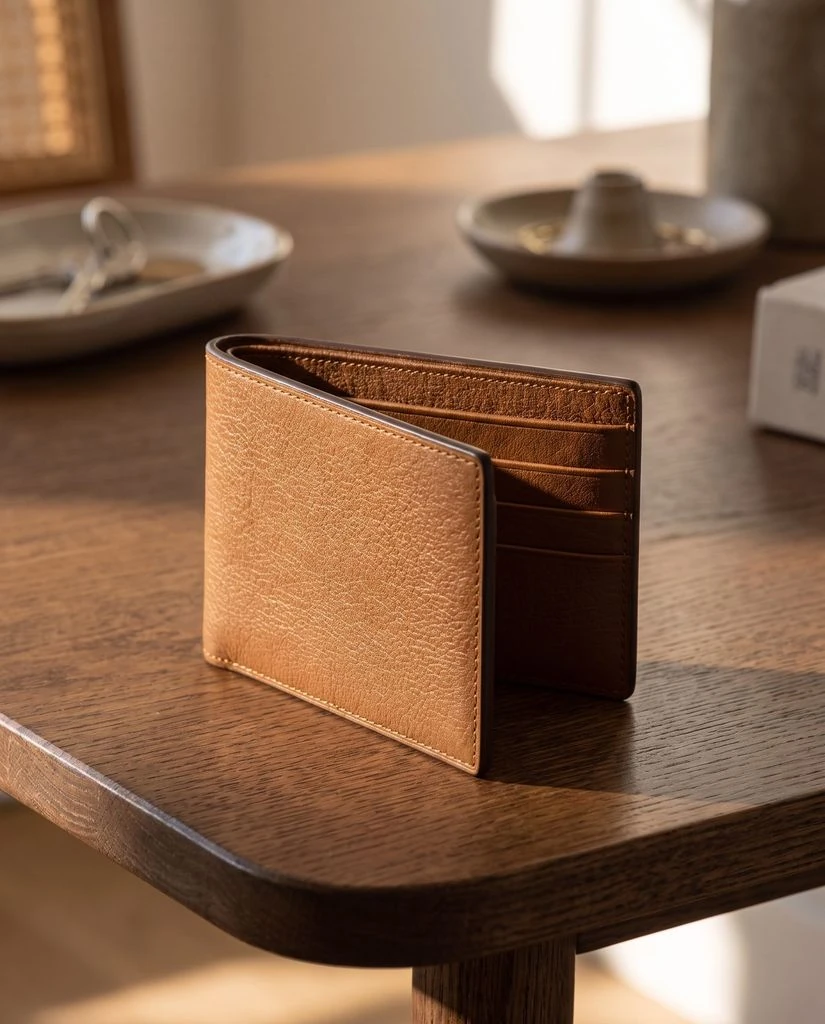
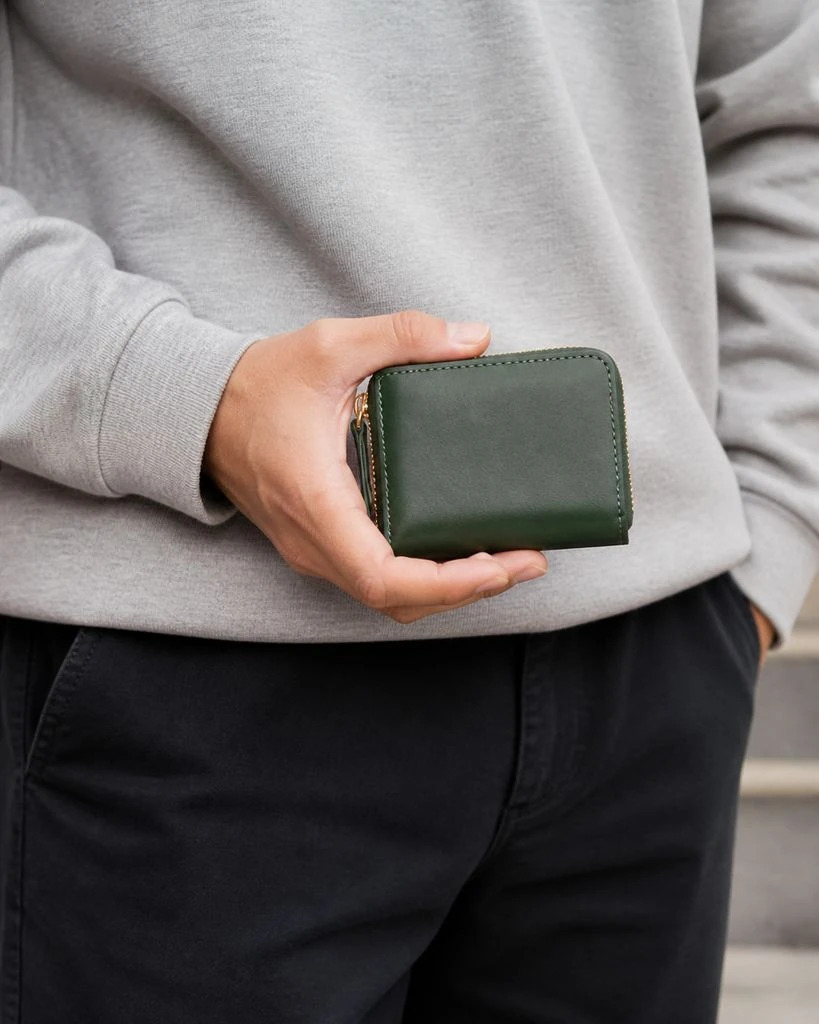
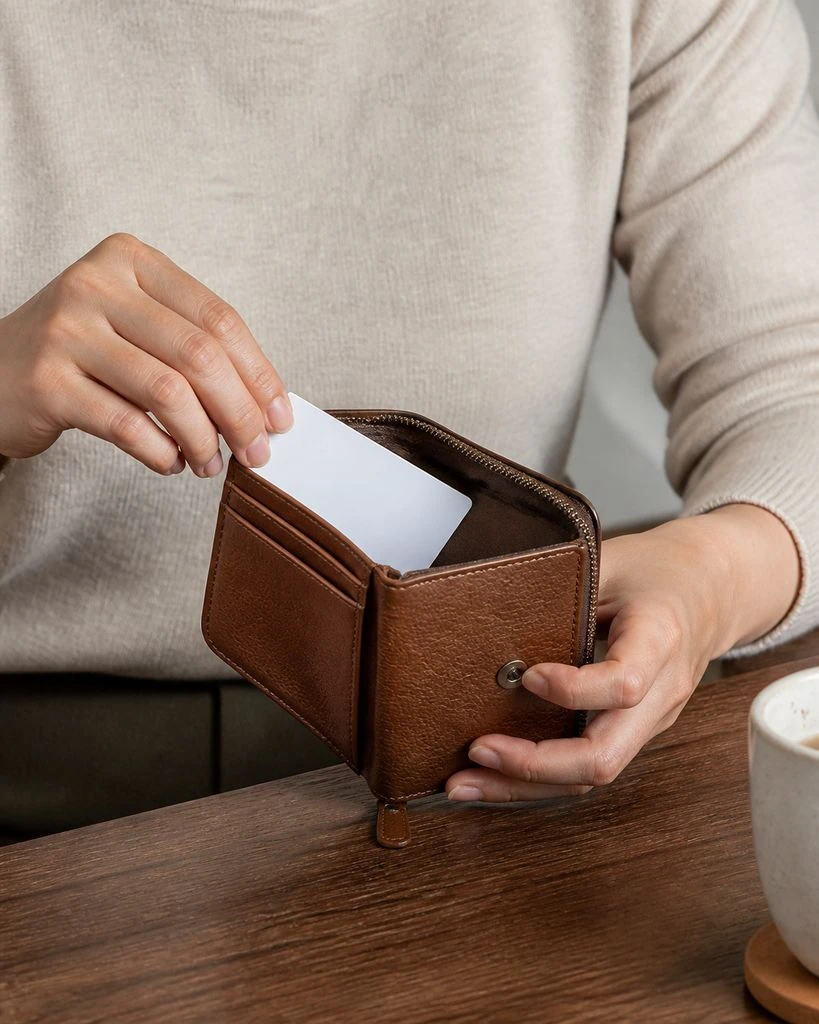
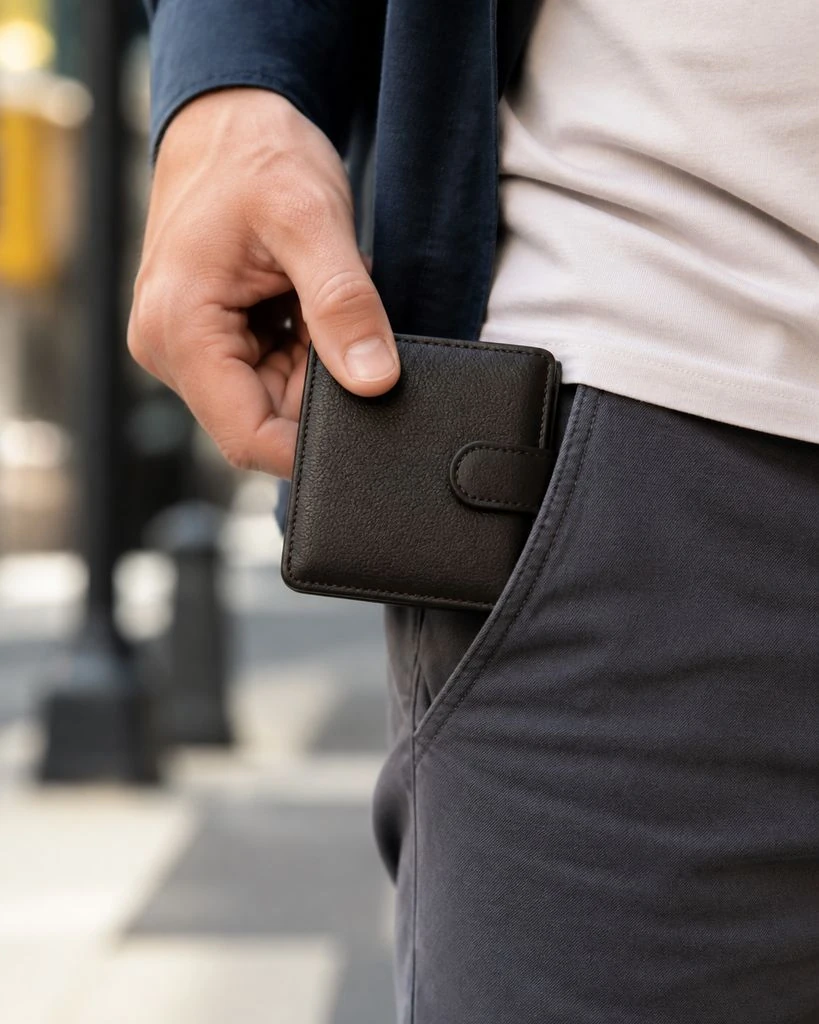
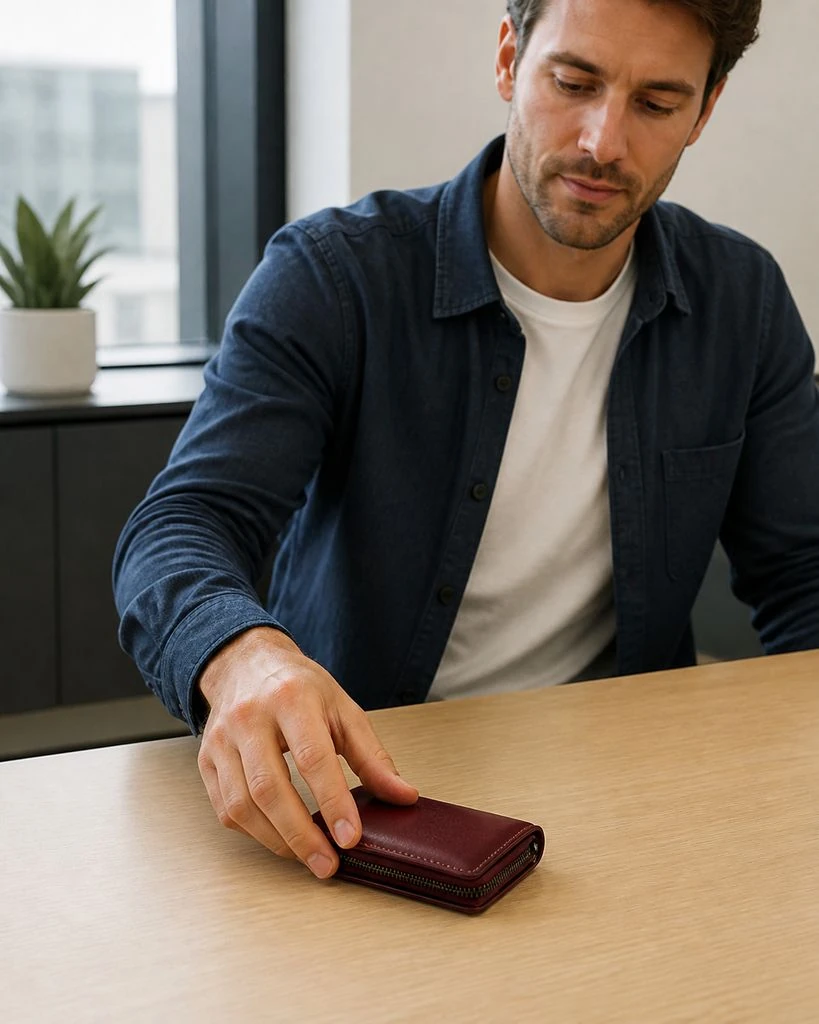
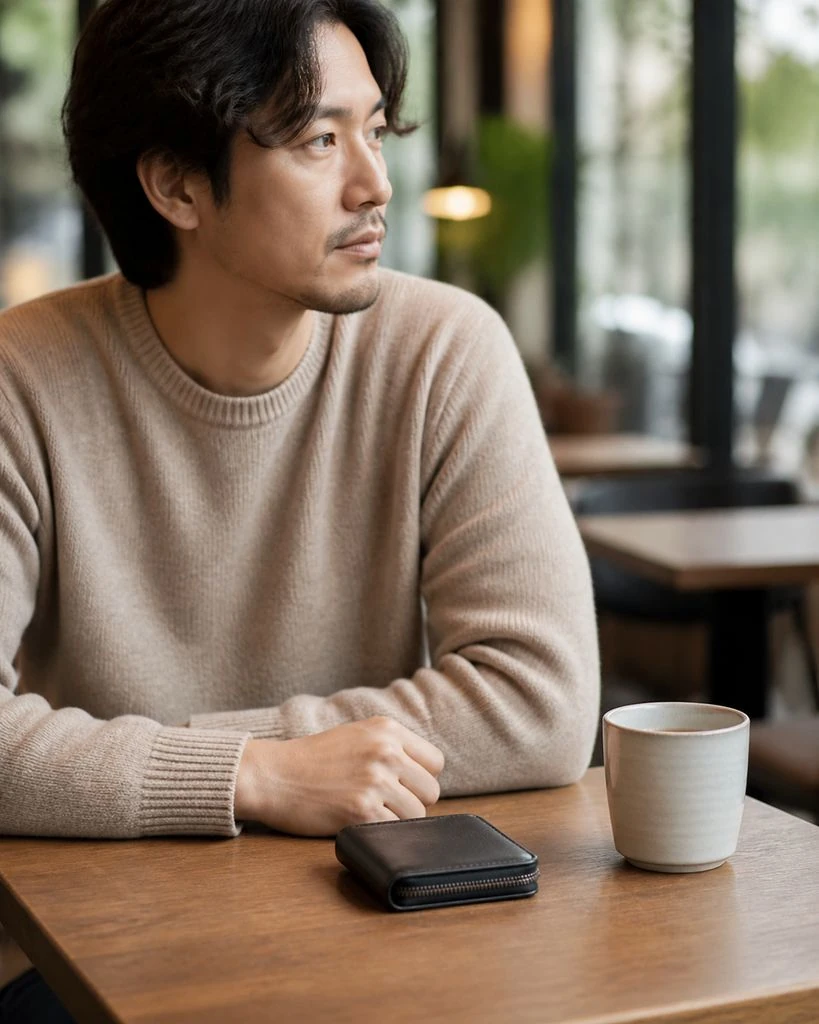
Wallets & Cardholders · Essential & Detail Shots
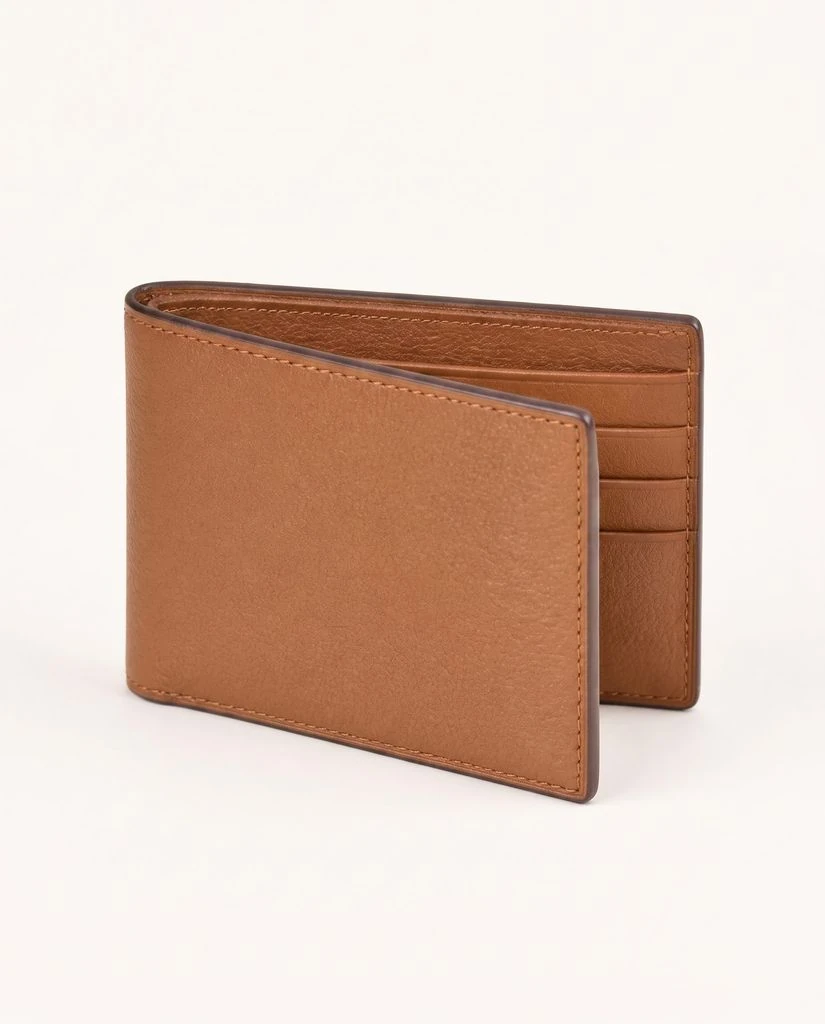
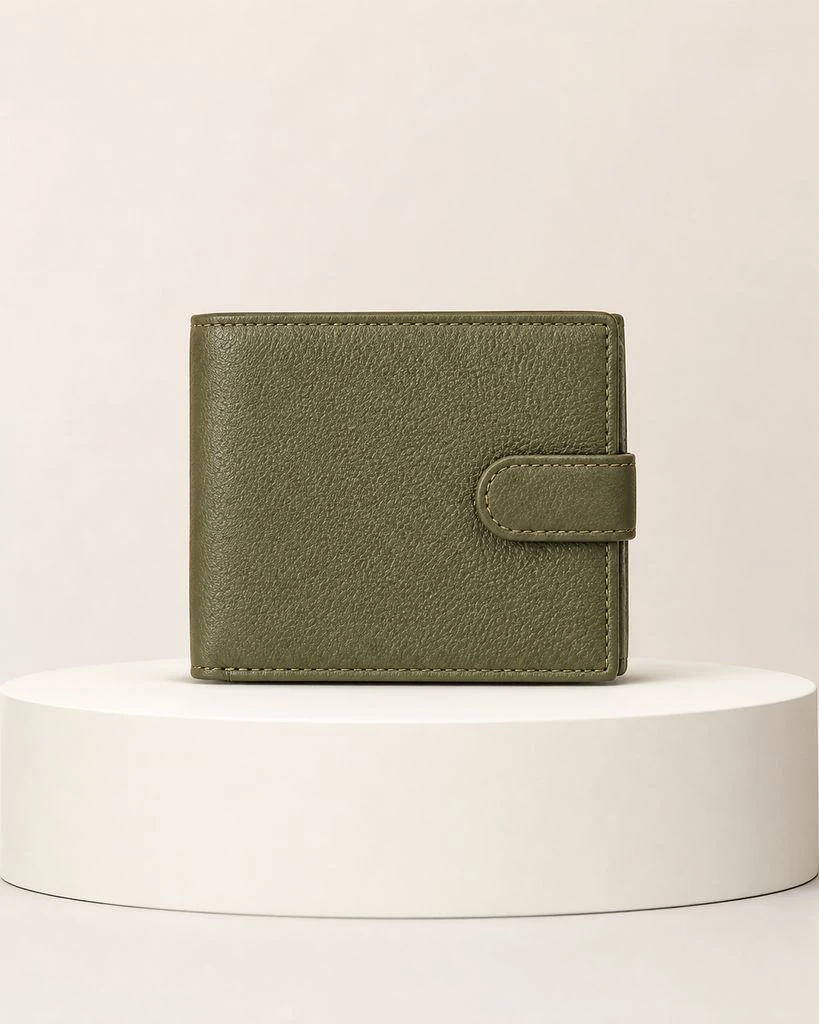
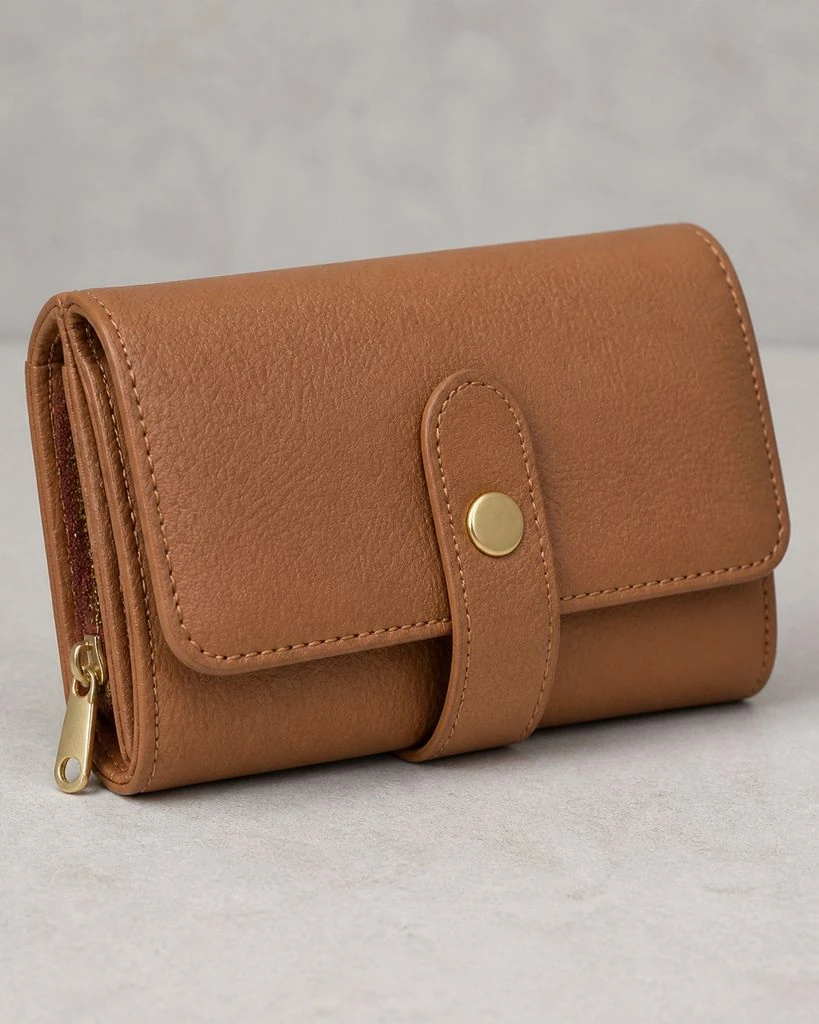
Wallets & Cardholders · Creative Studio
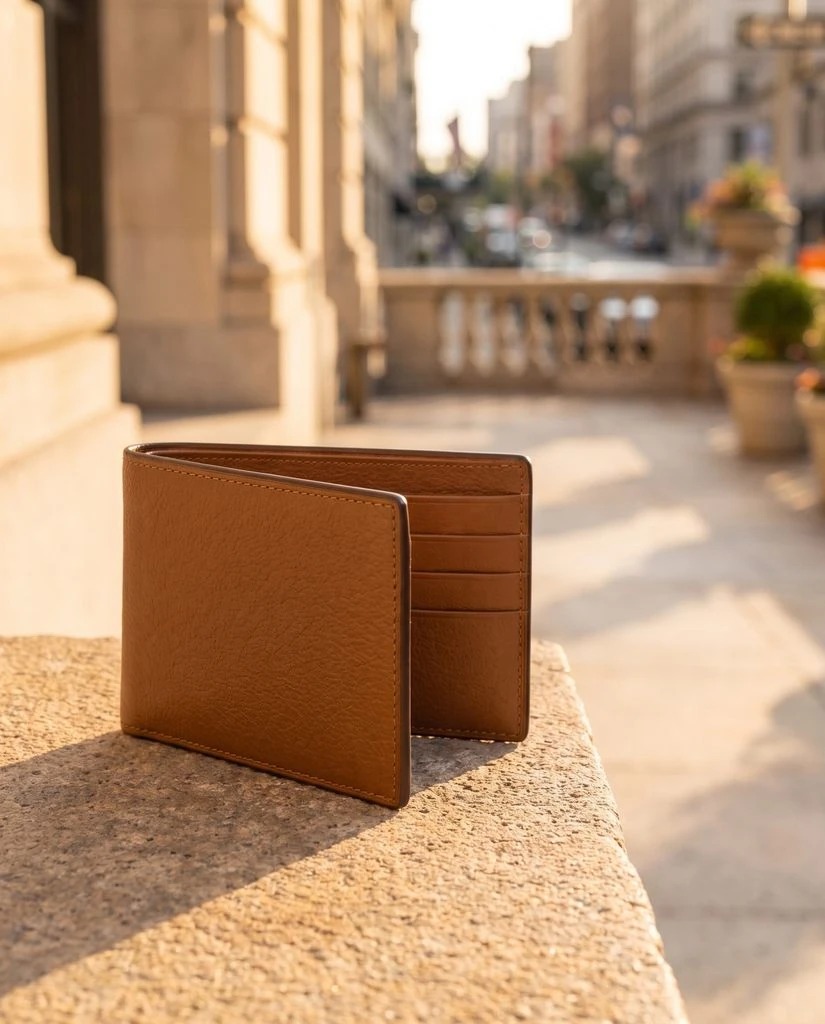
Phone Cases · In-use & Lifestyle
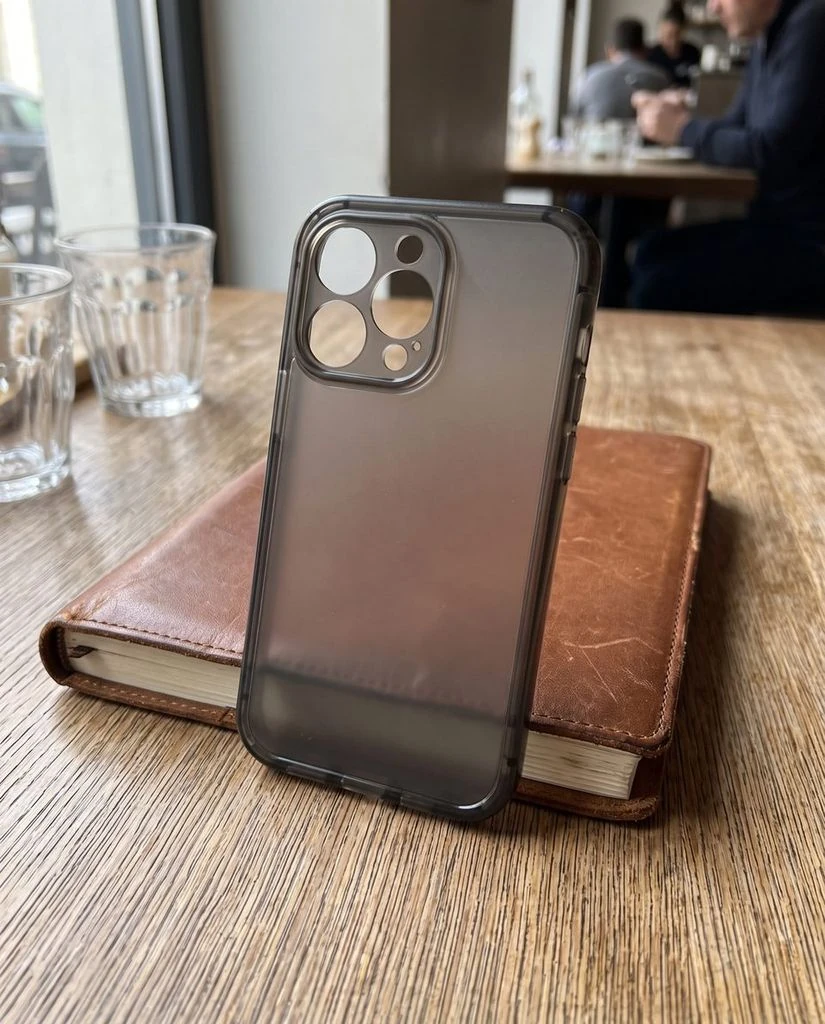
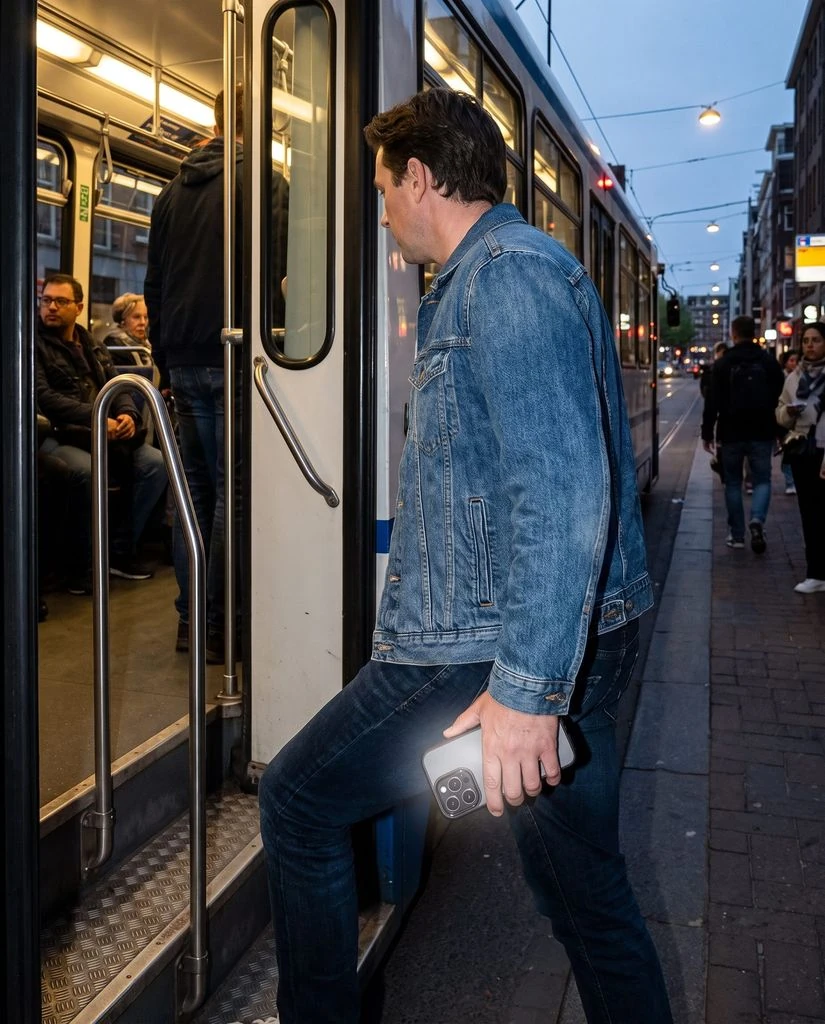
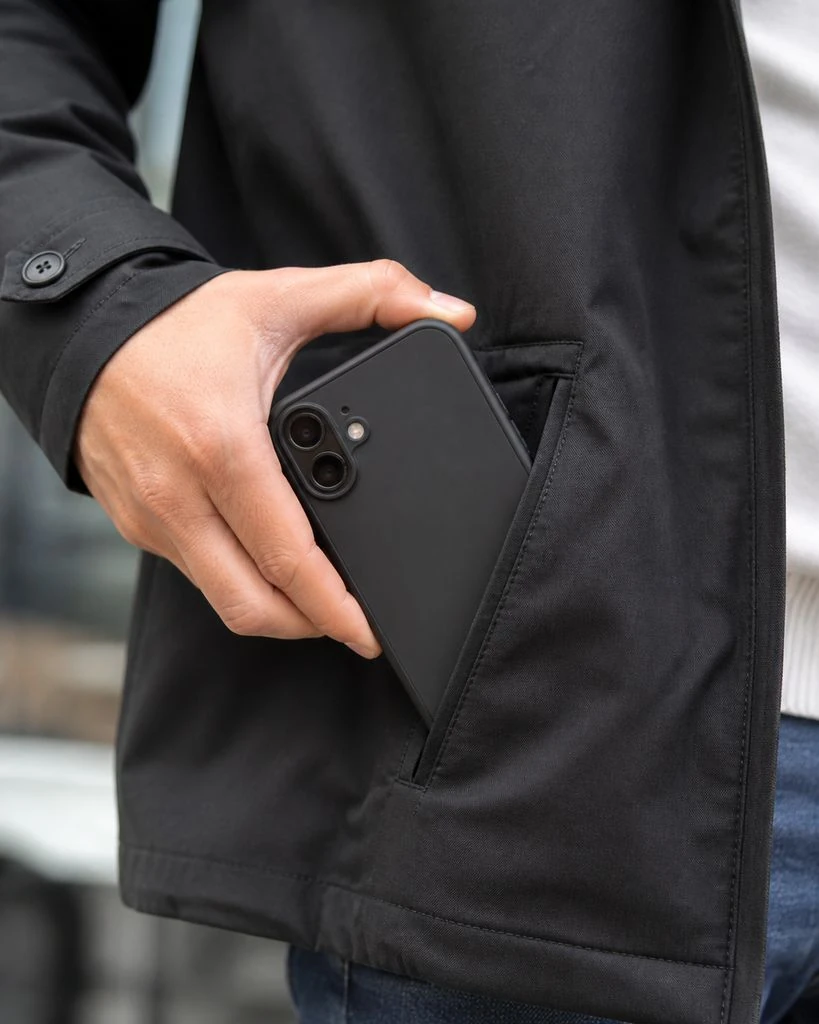
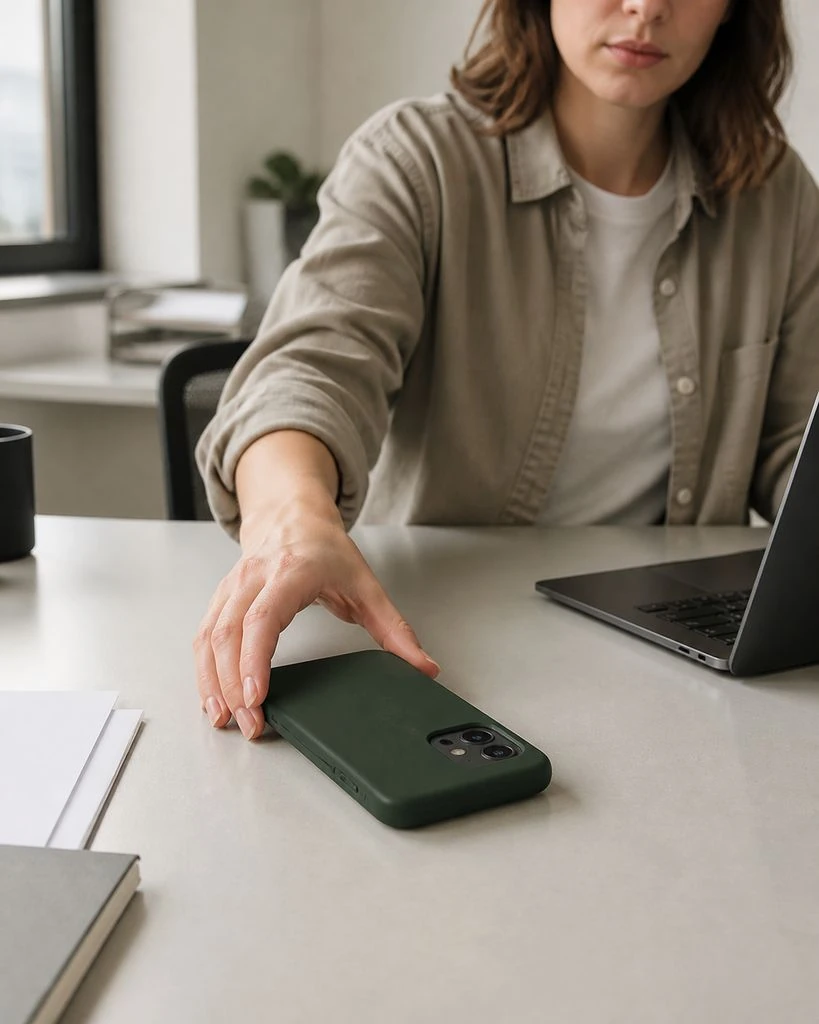
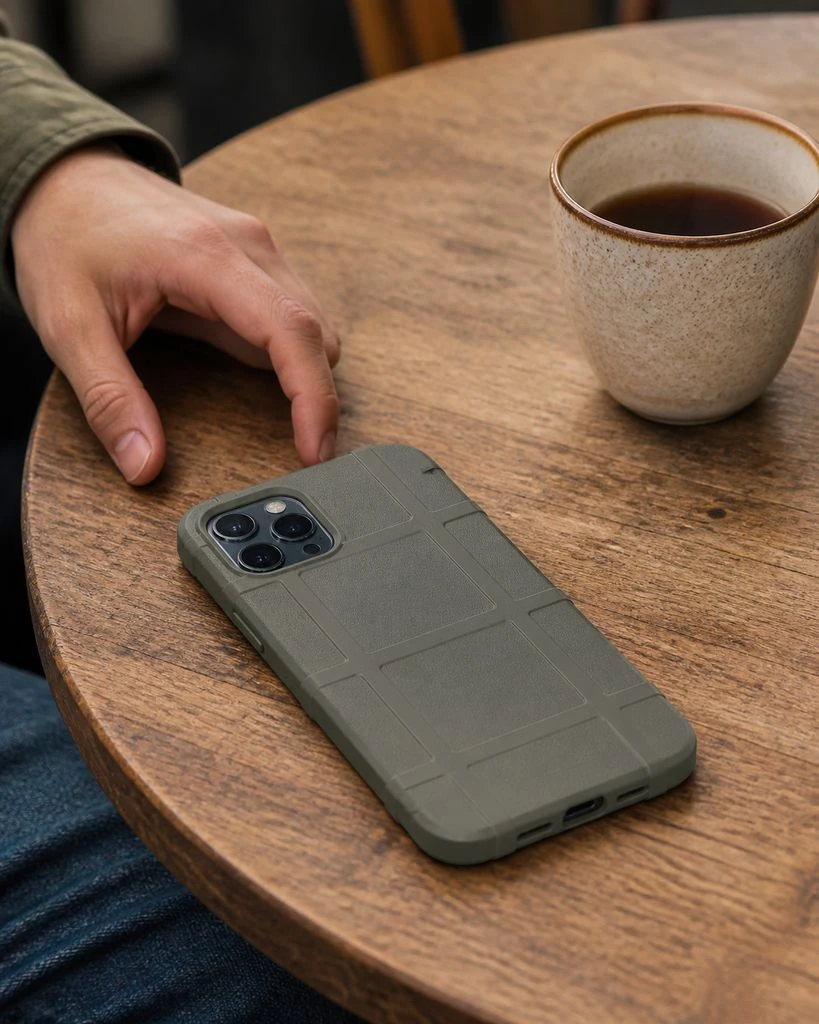
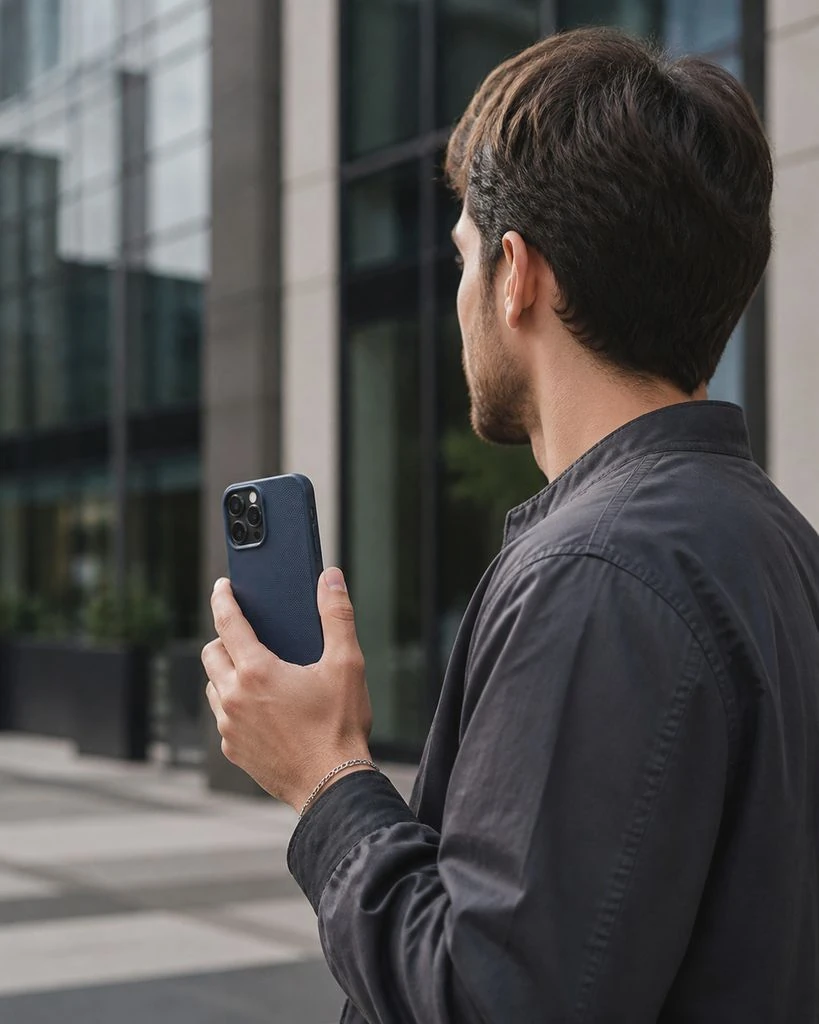

Phone Cases · Essential & Detail Shots
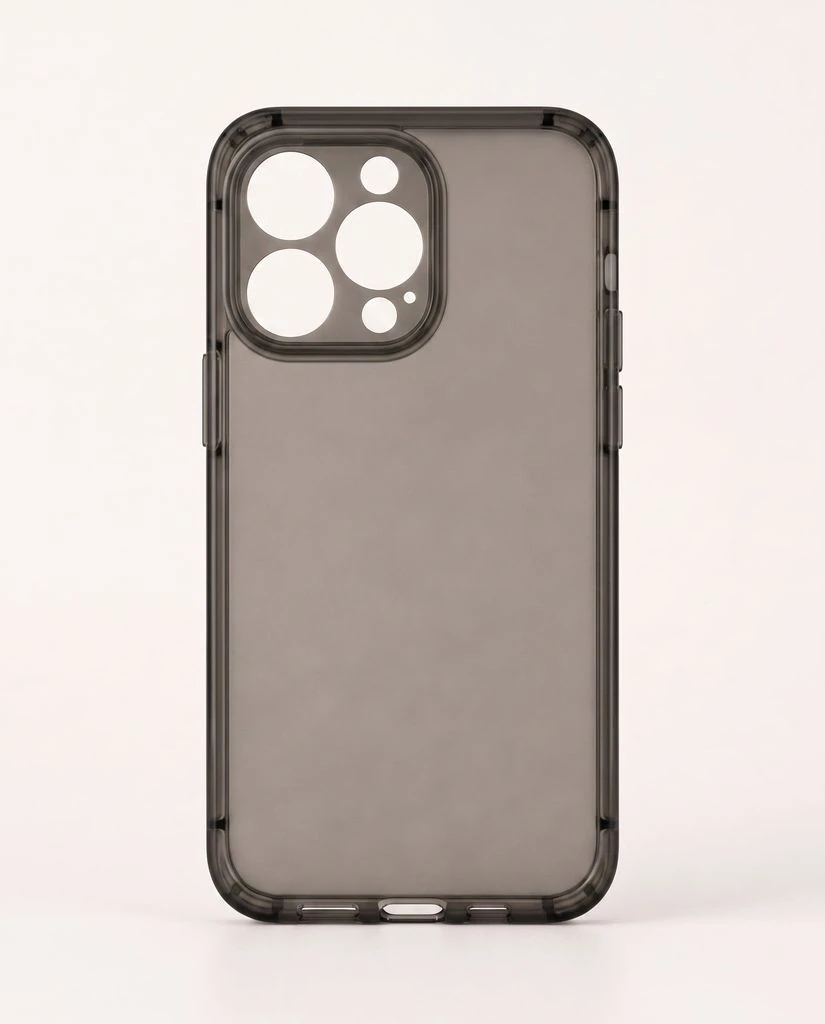
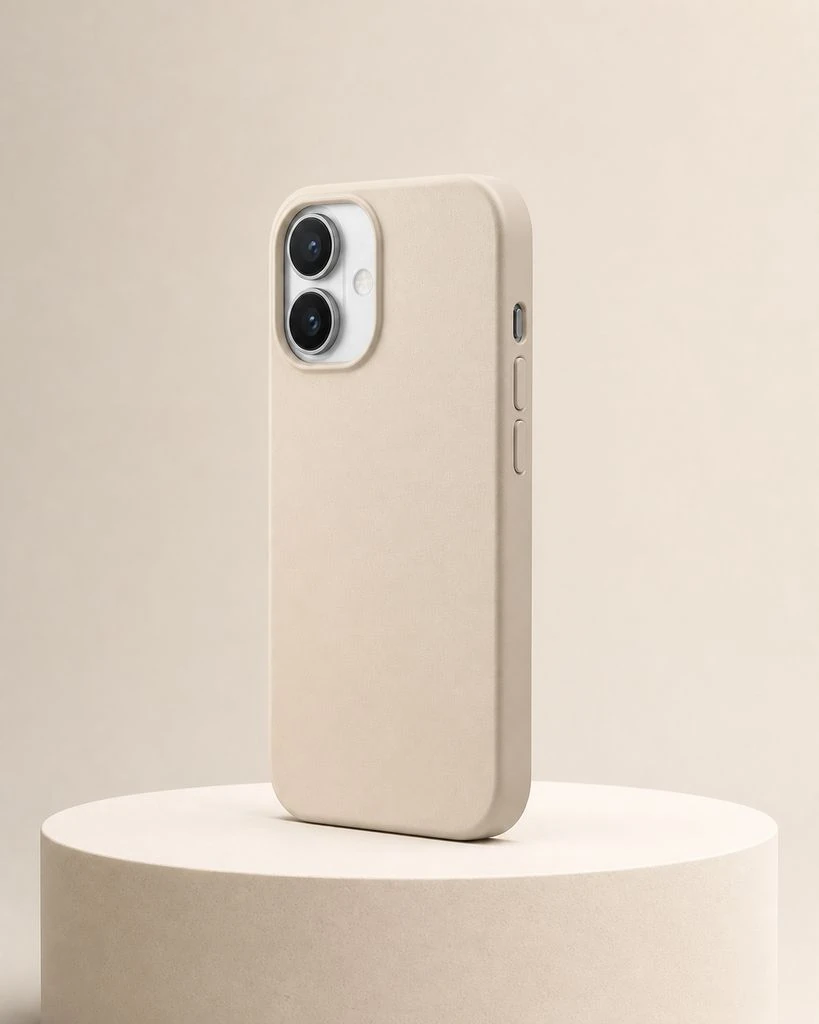
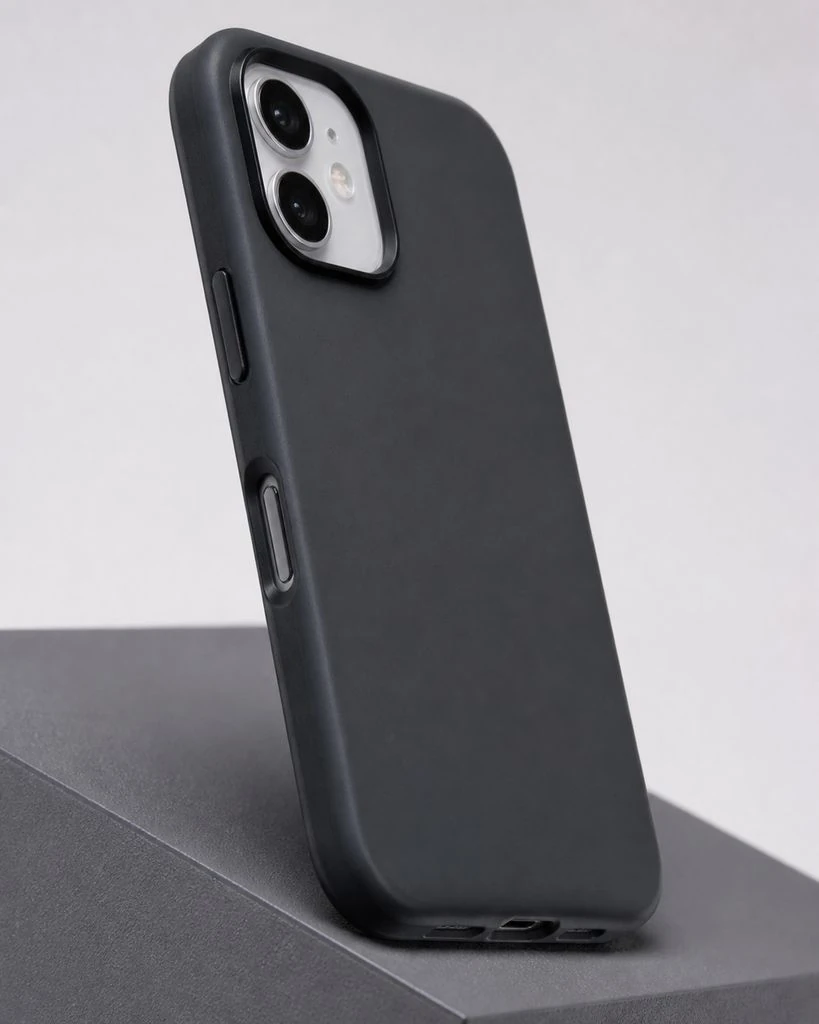
Phone Cases · Creative Studio
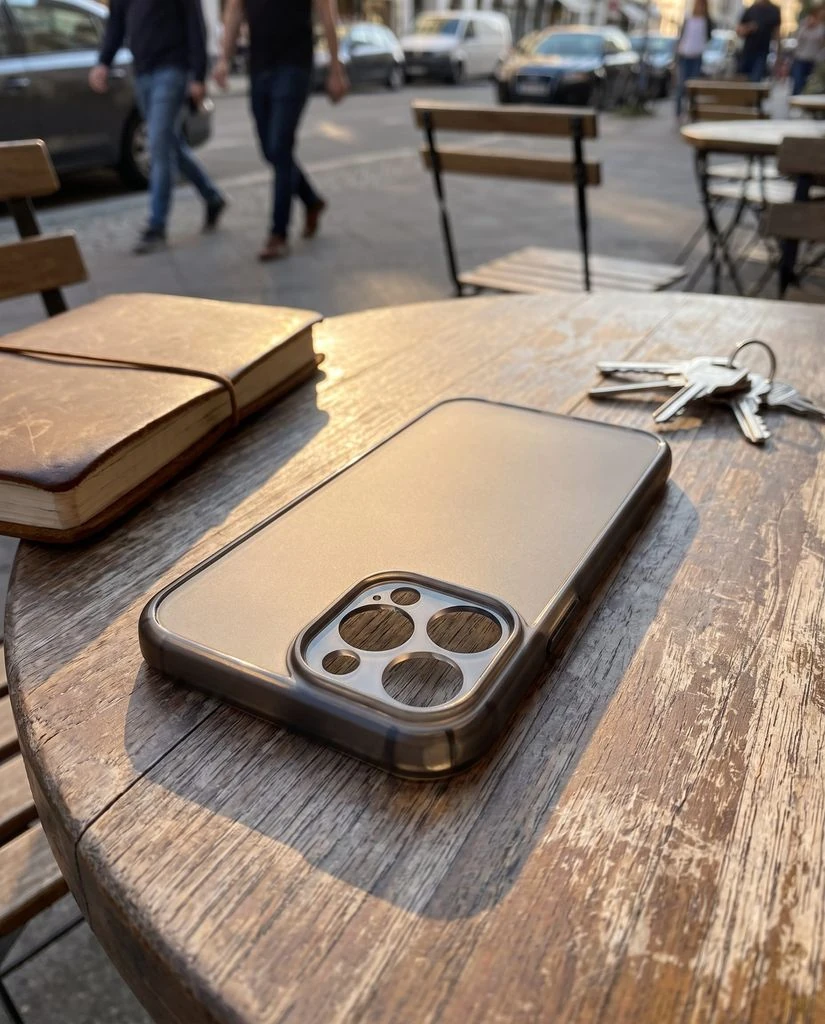
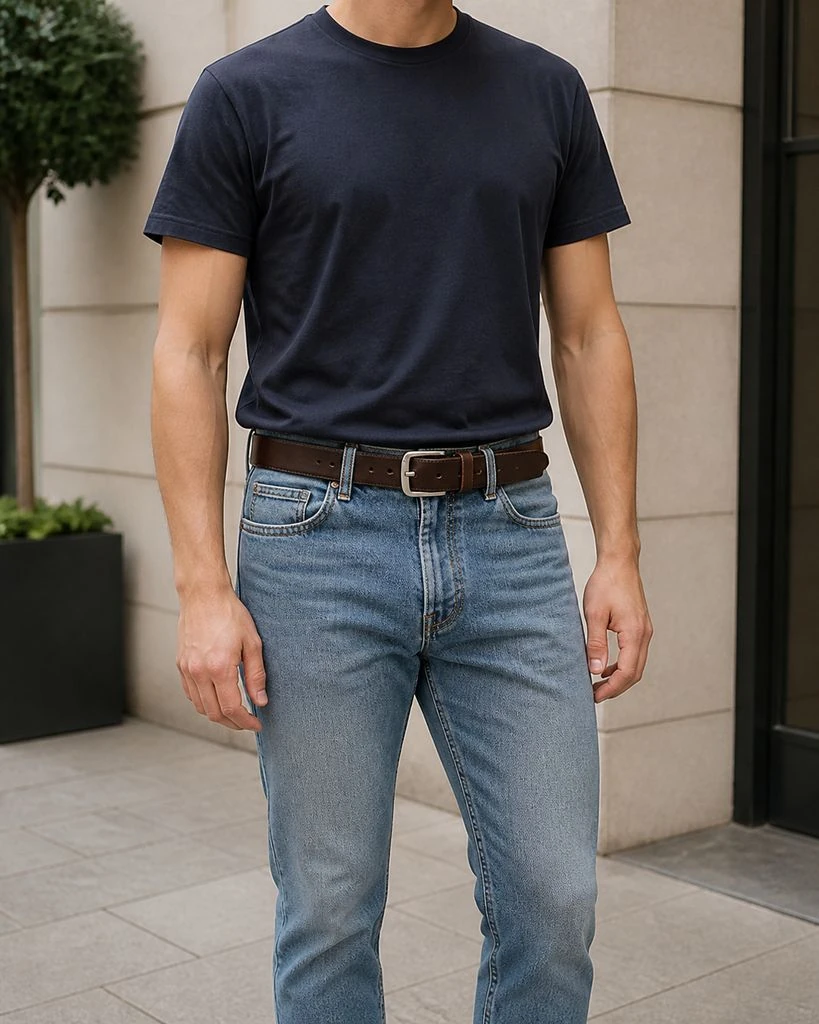
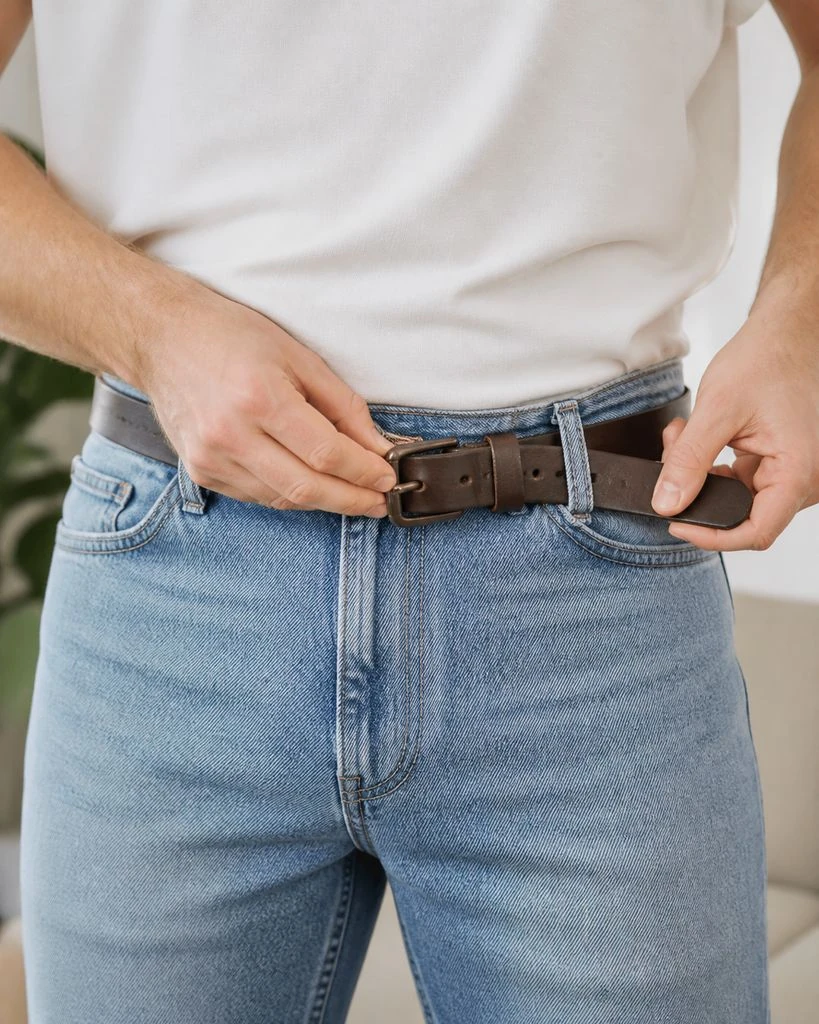
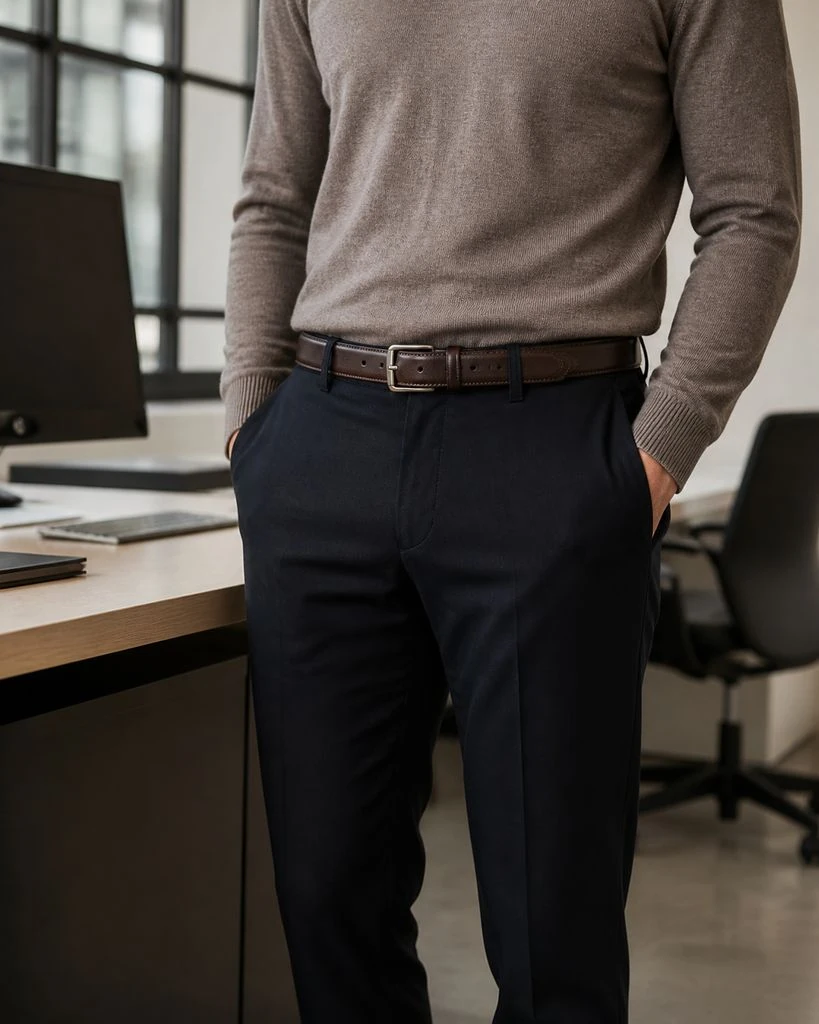
Belts · On-model & Lifestyle
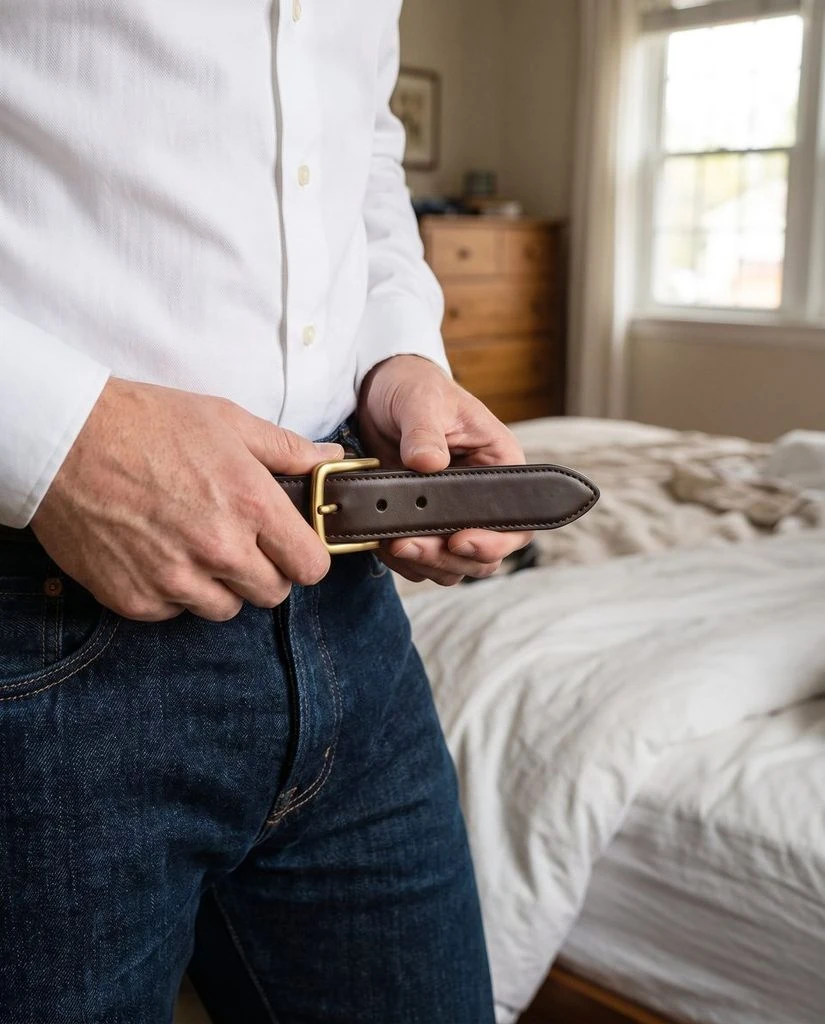
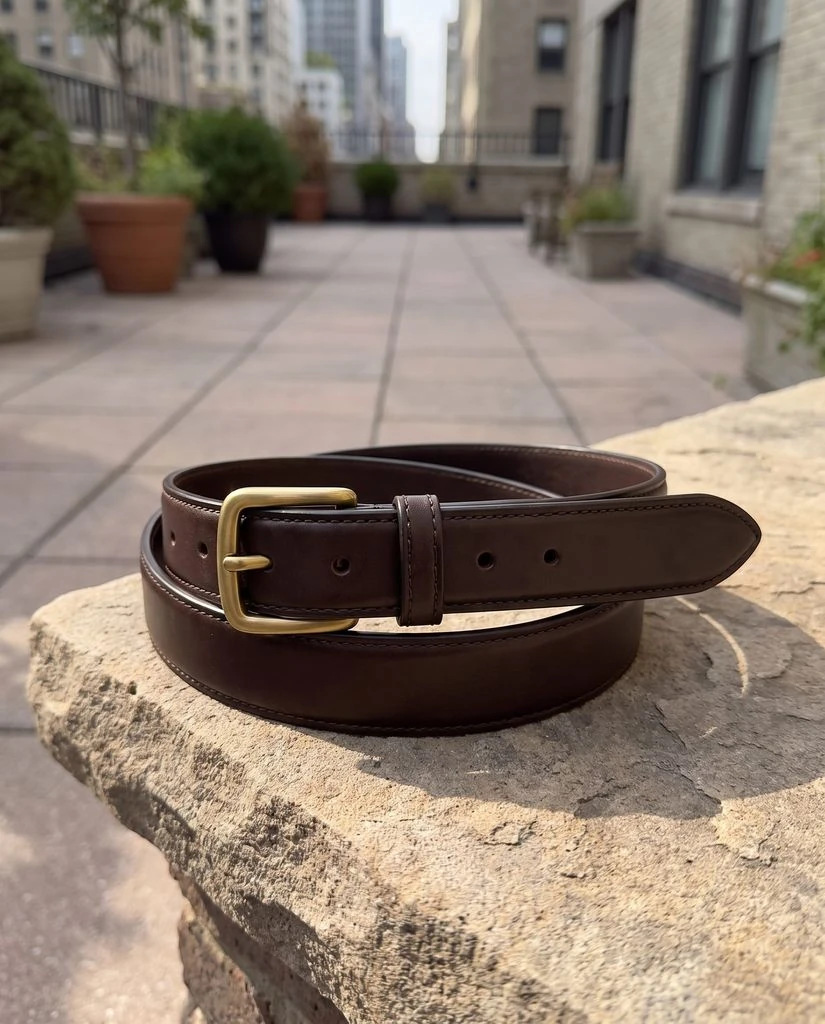
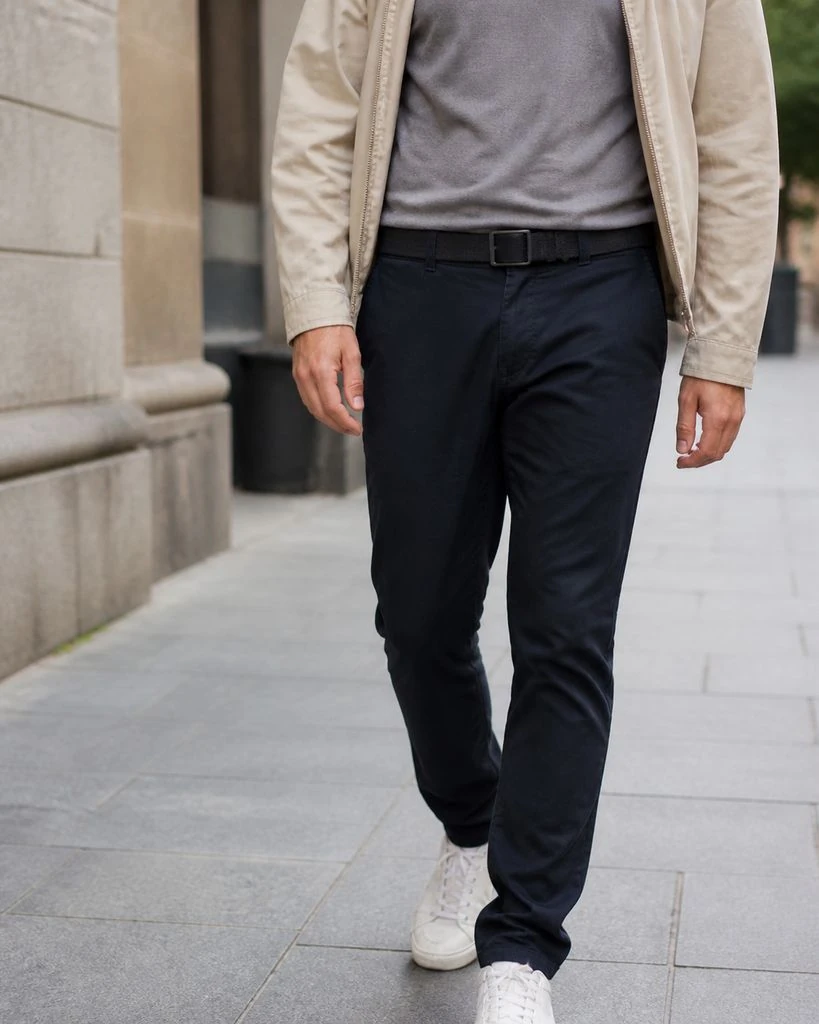
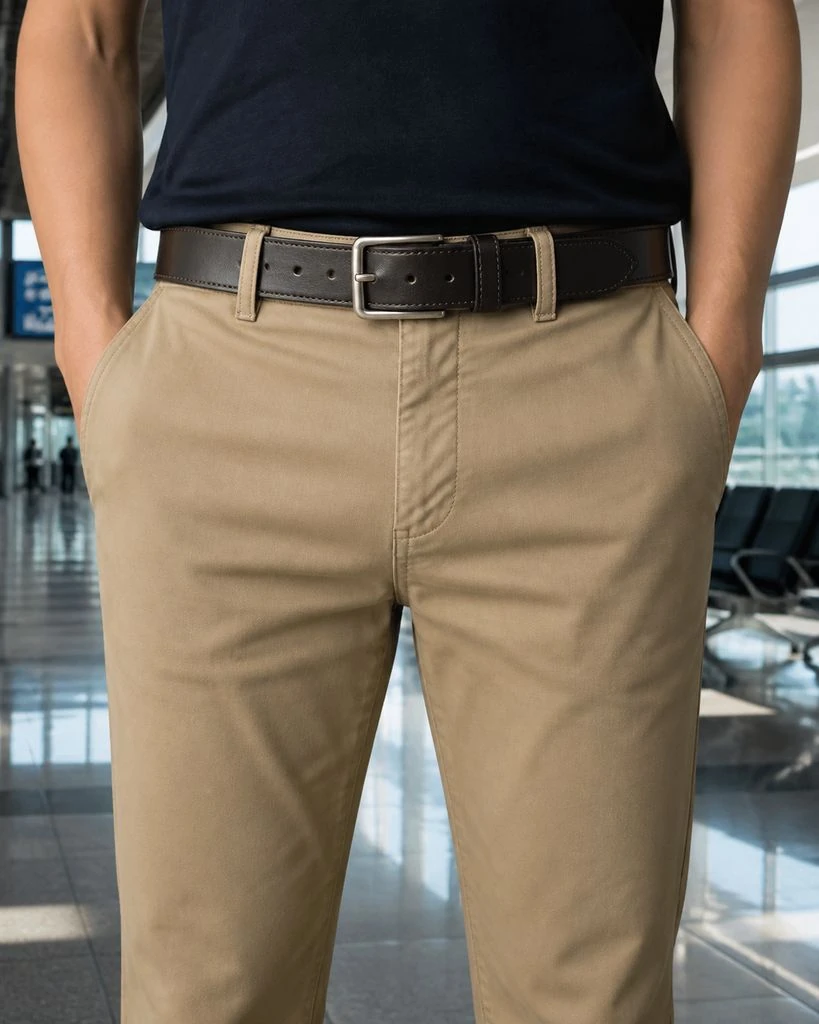
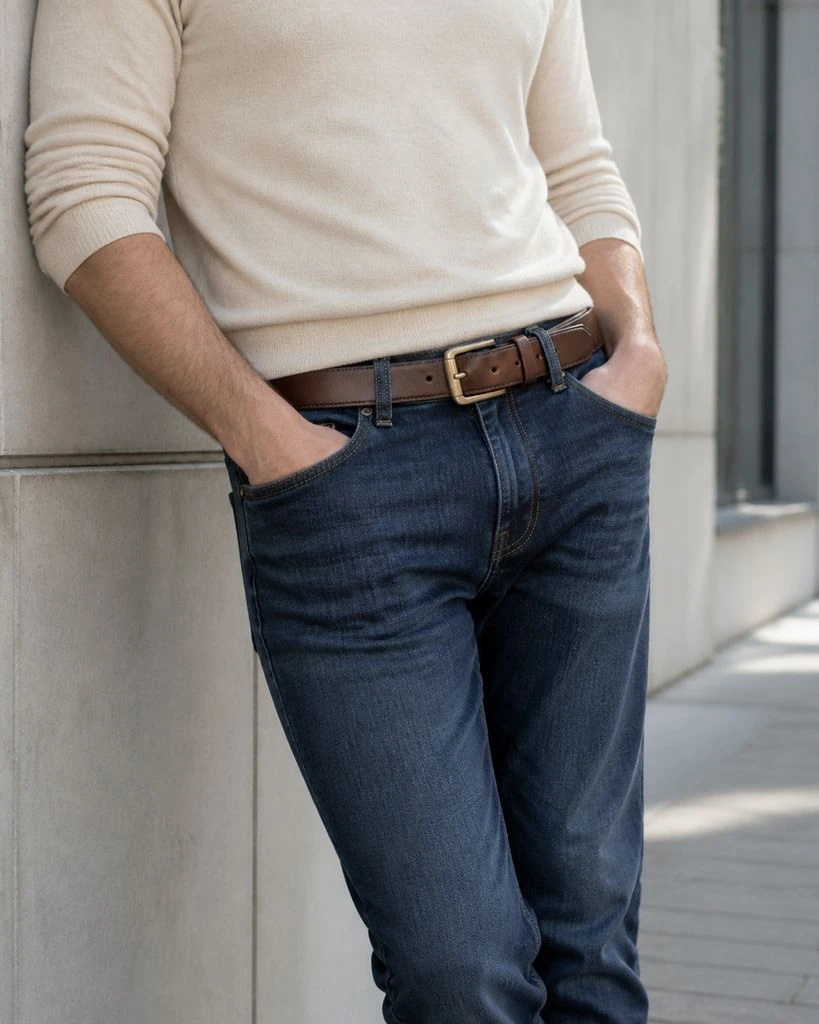
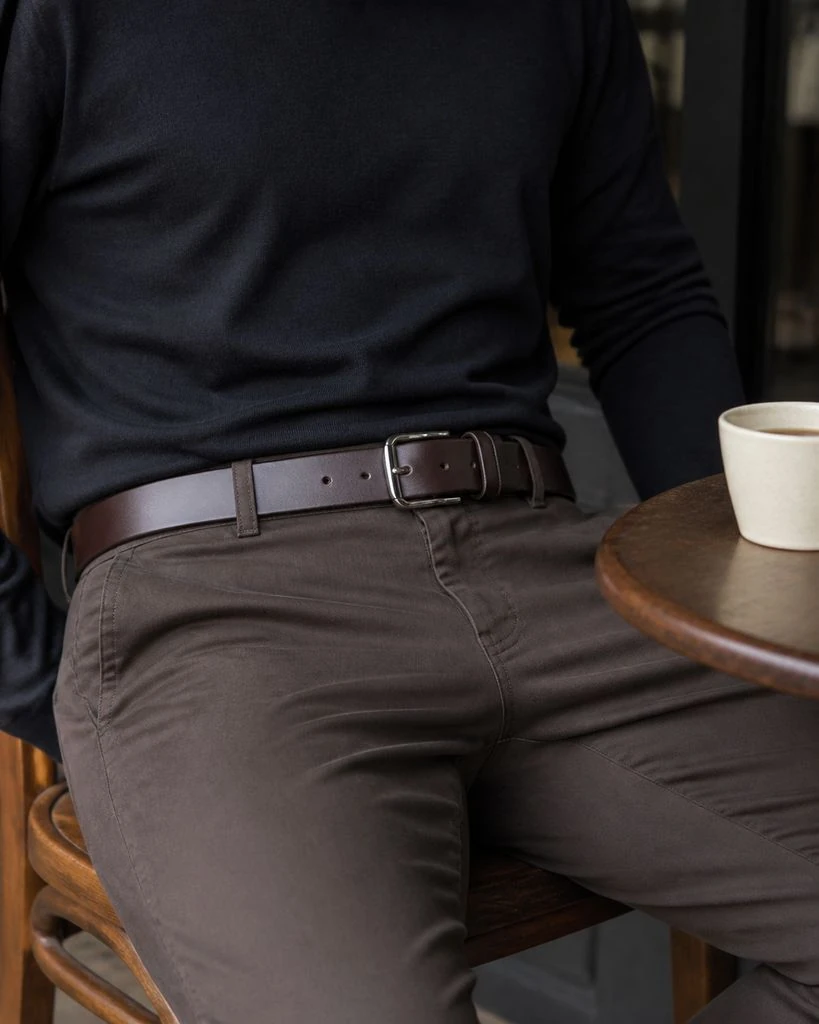
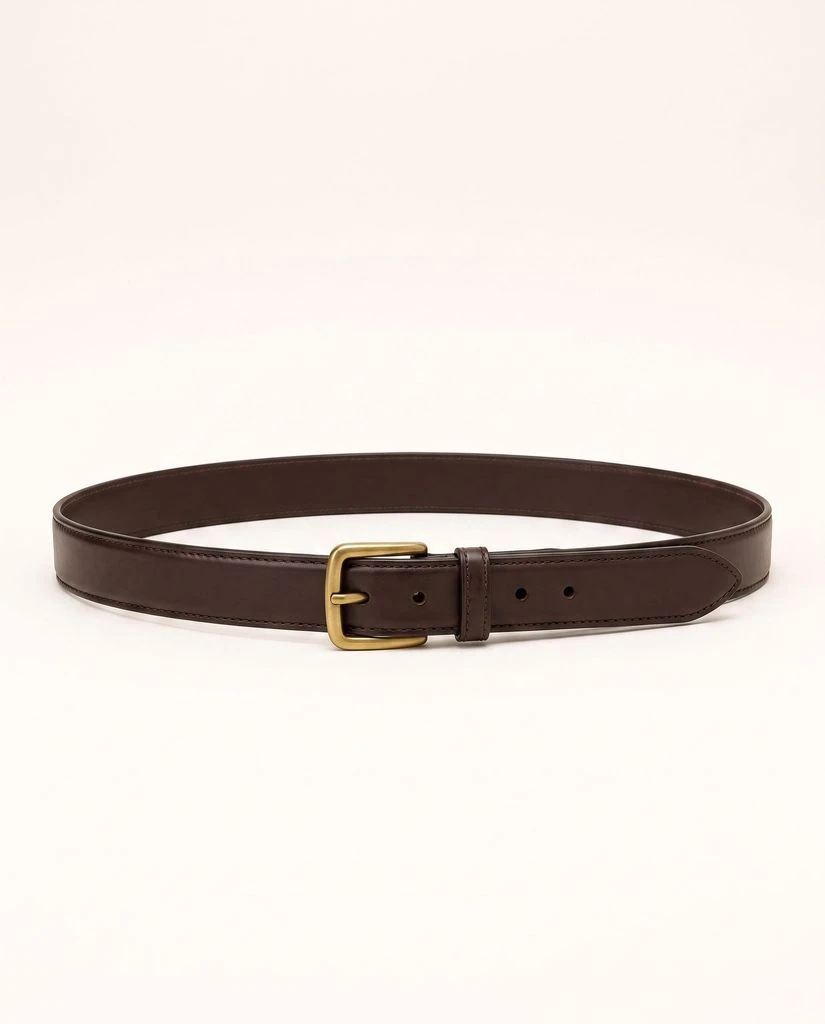
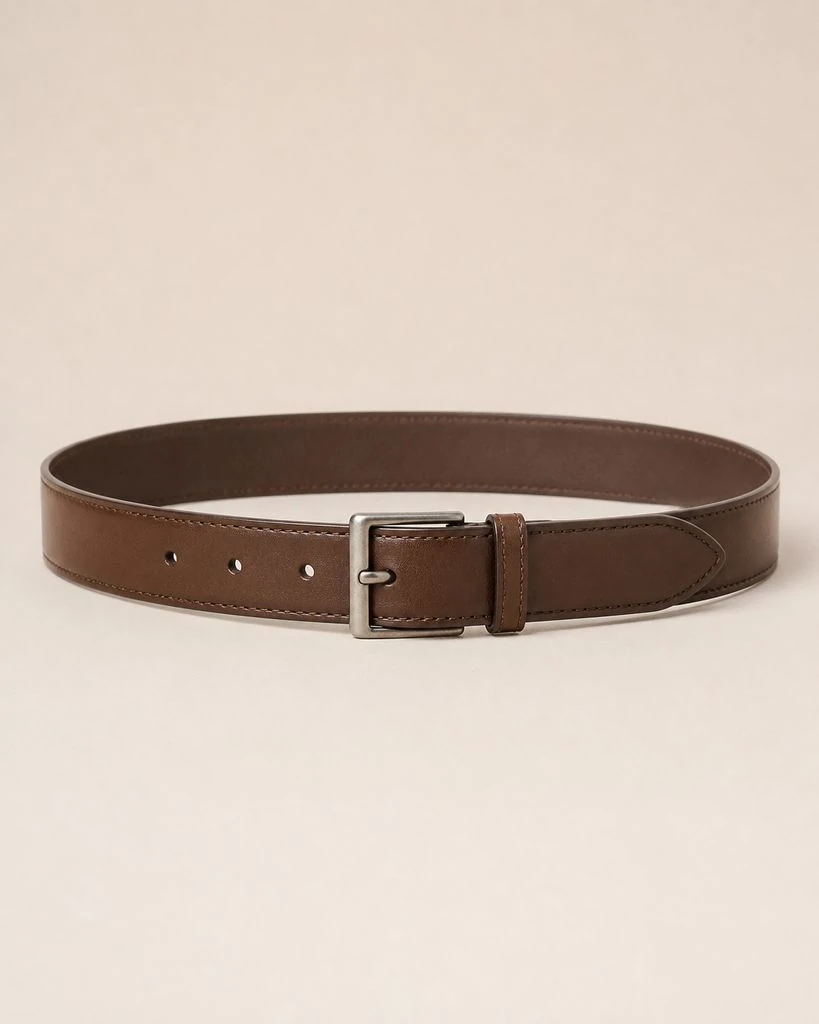
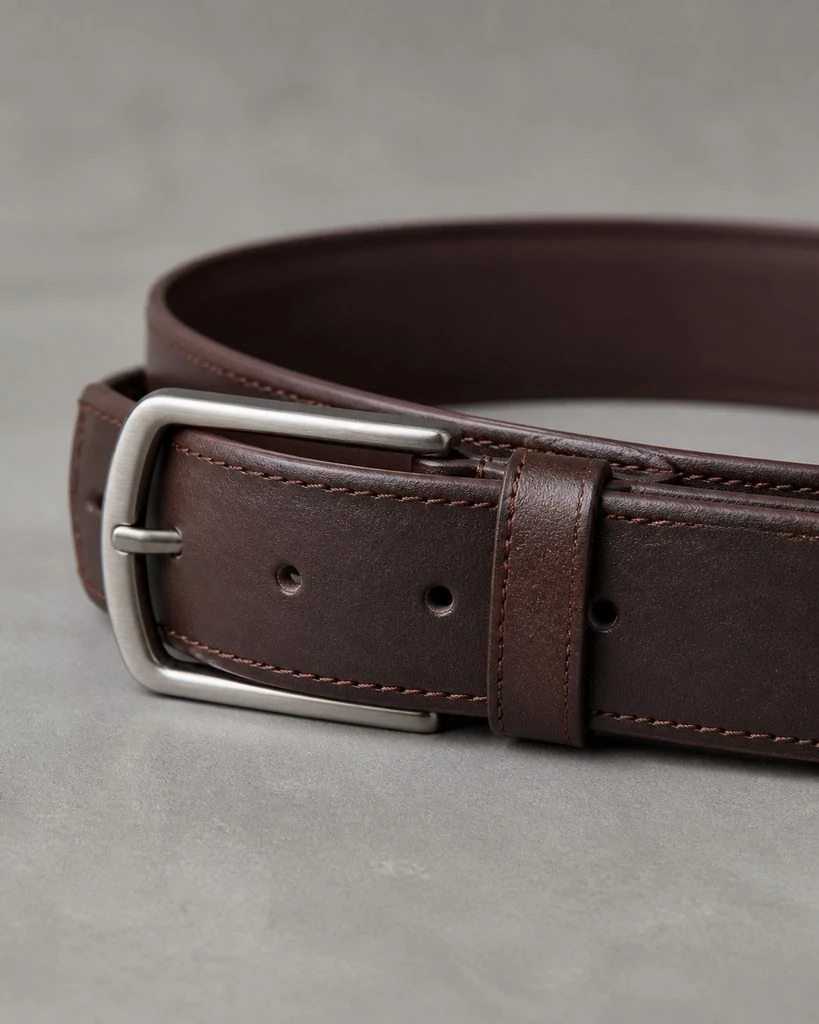
Belts · Essential & Detail Shots
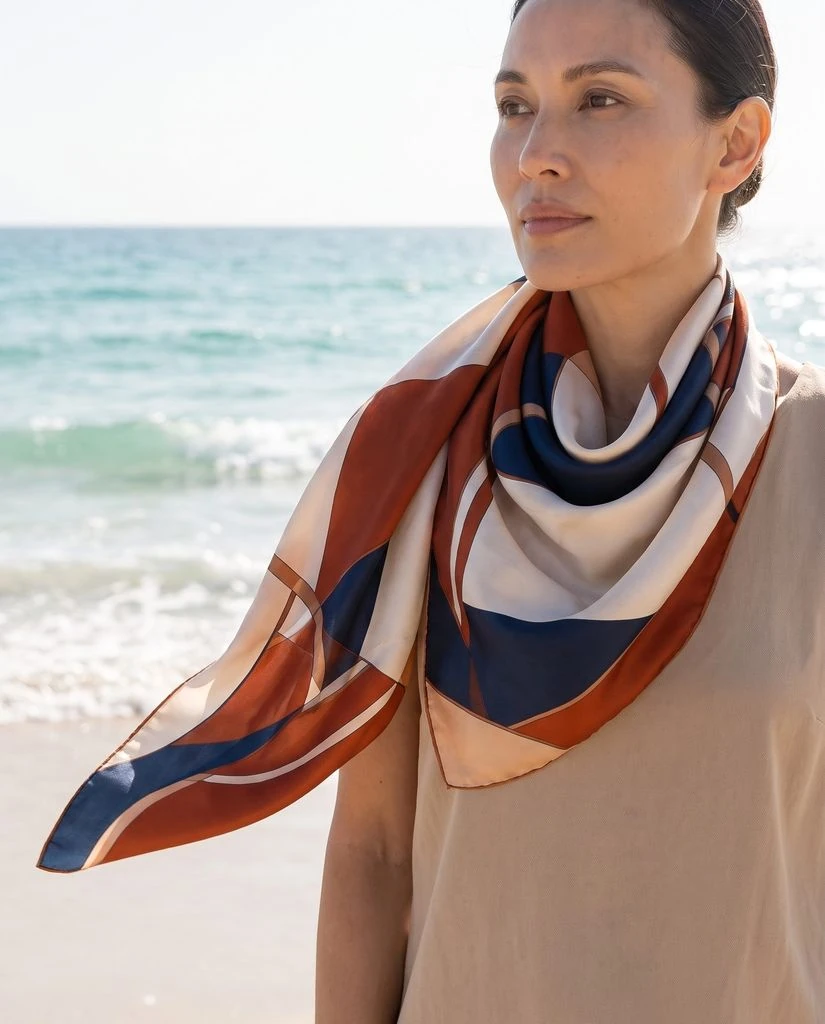
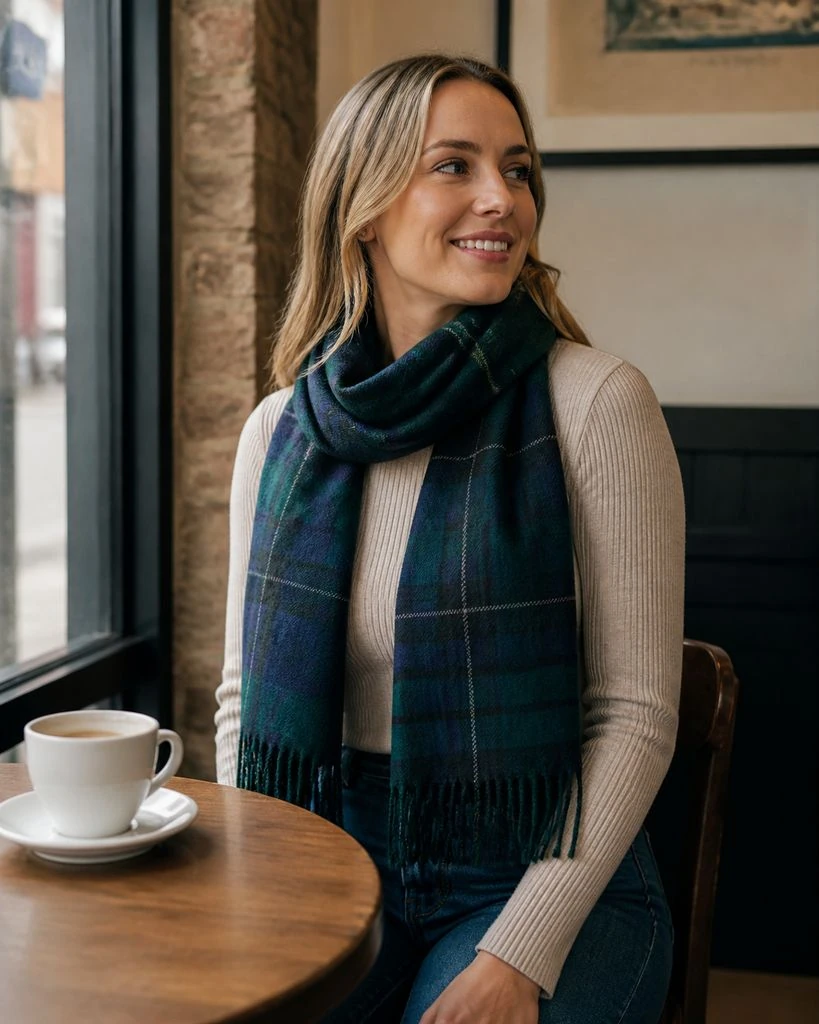
Scarves · On-model & Lifestyle
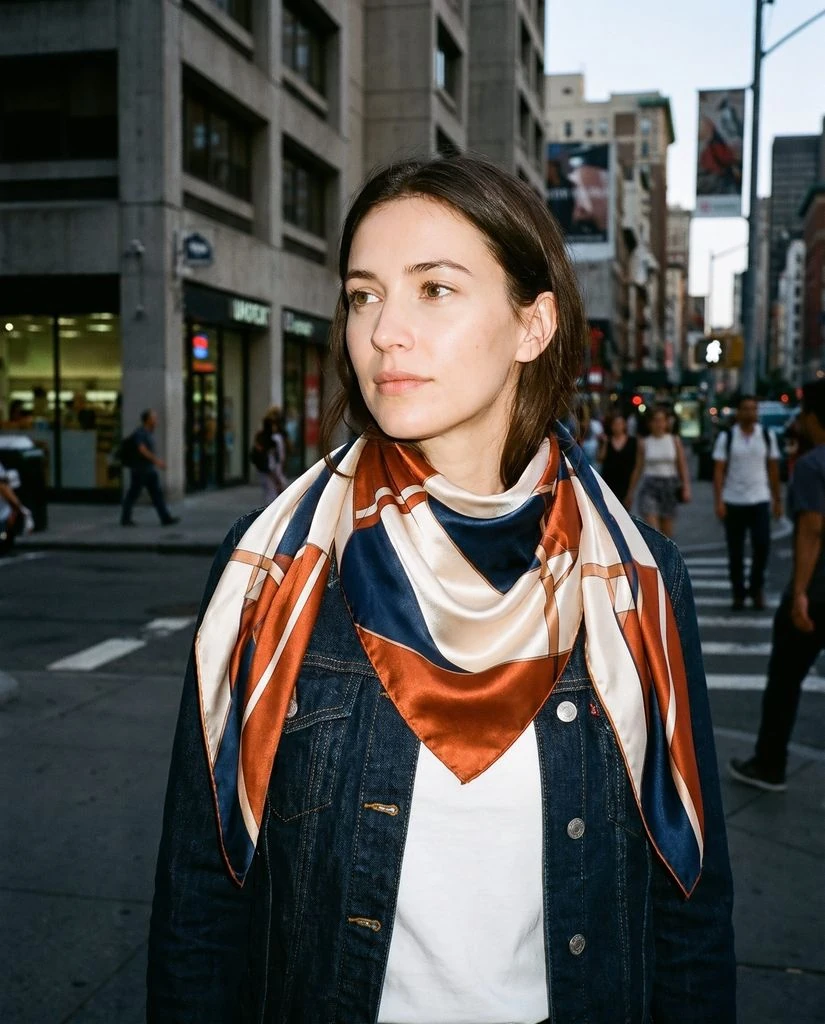
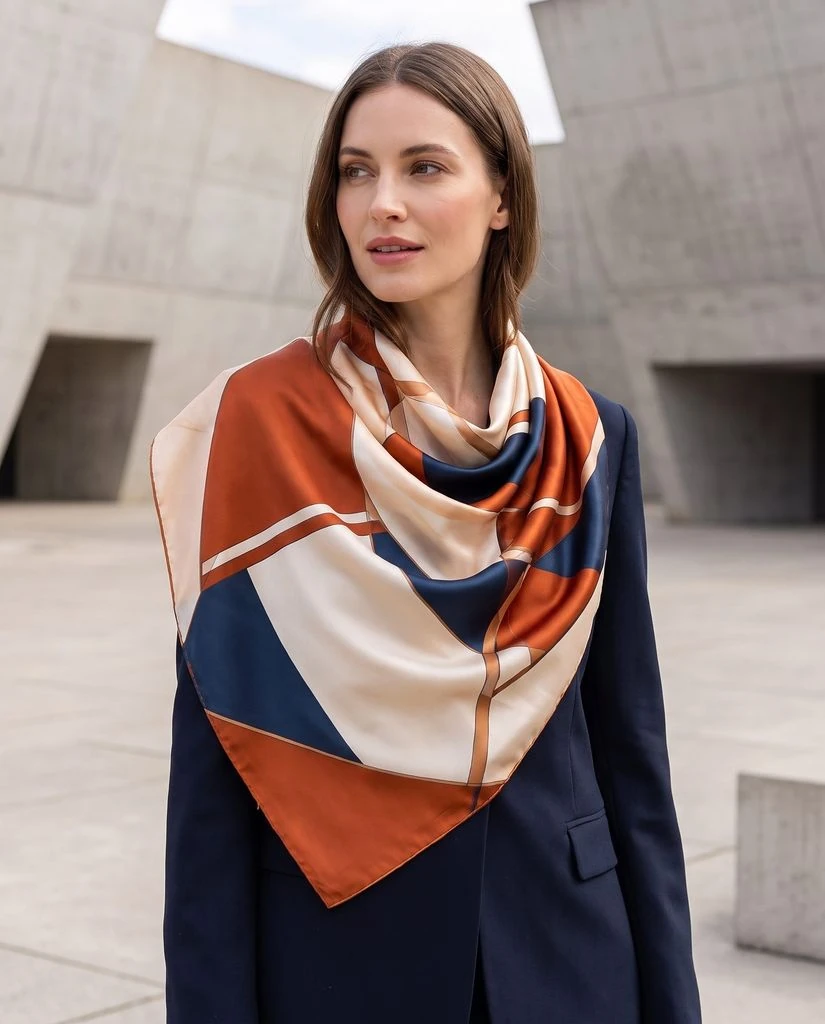
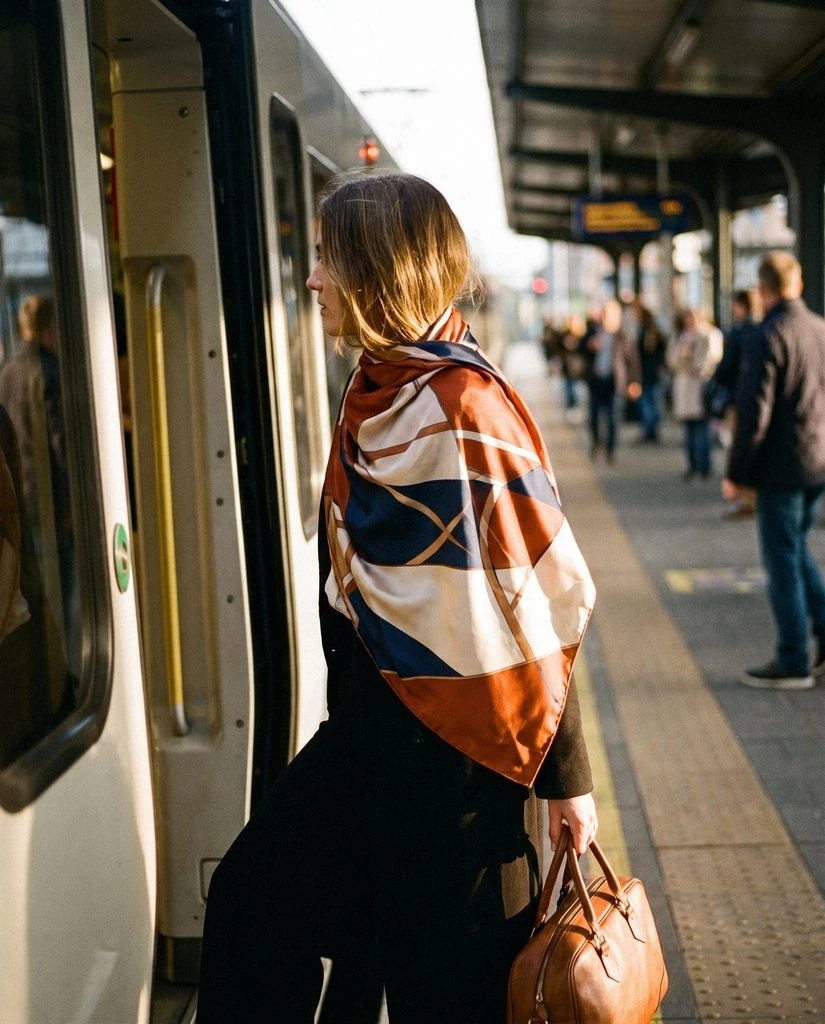
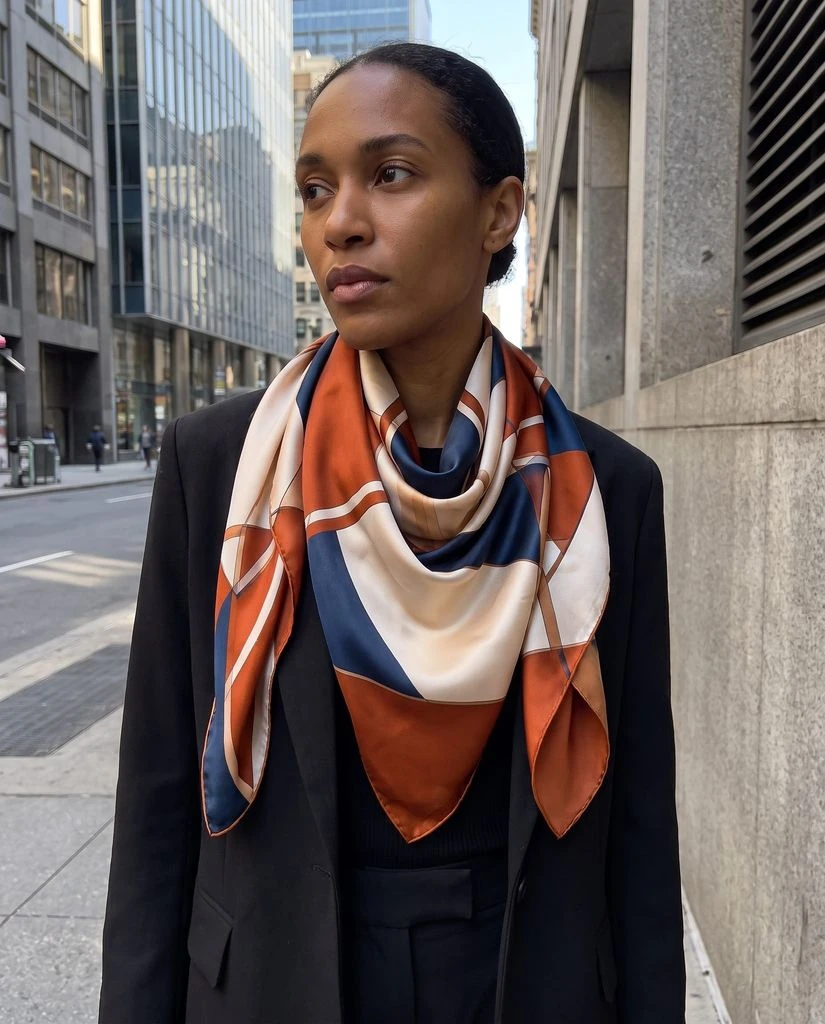
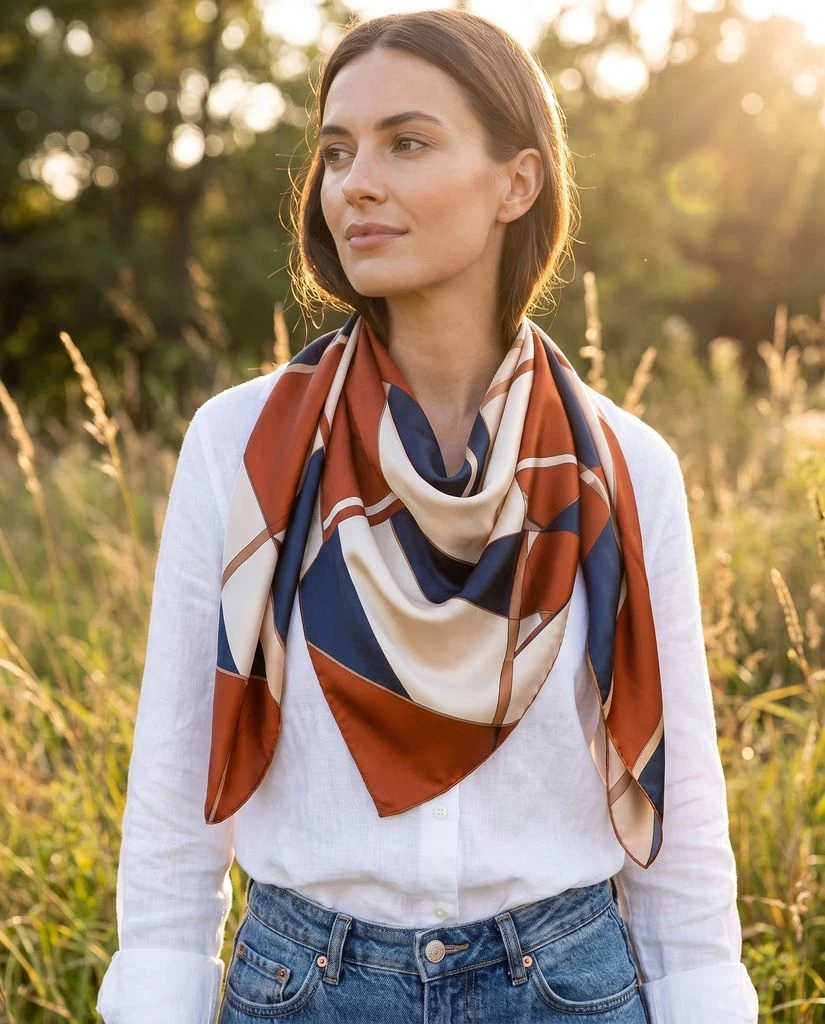
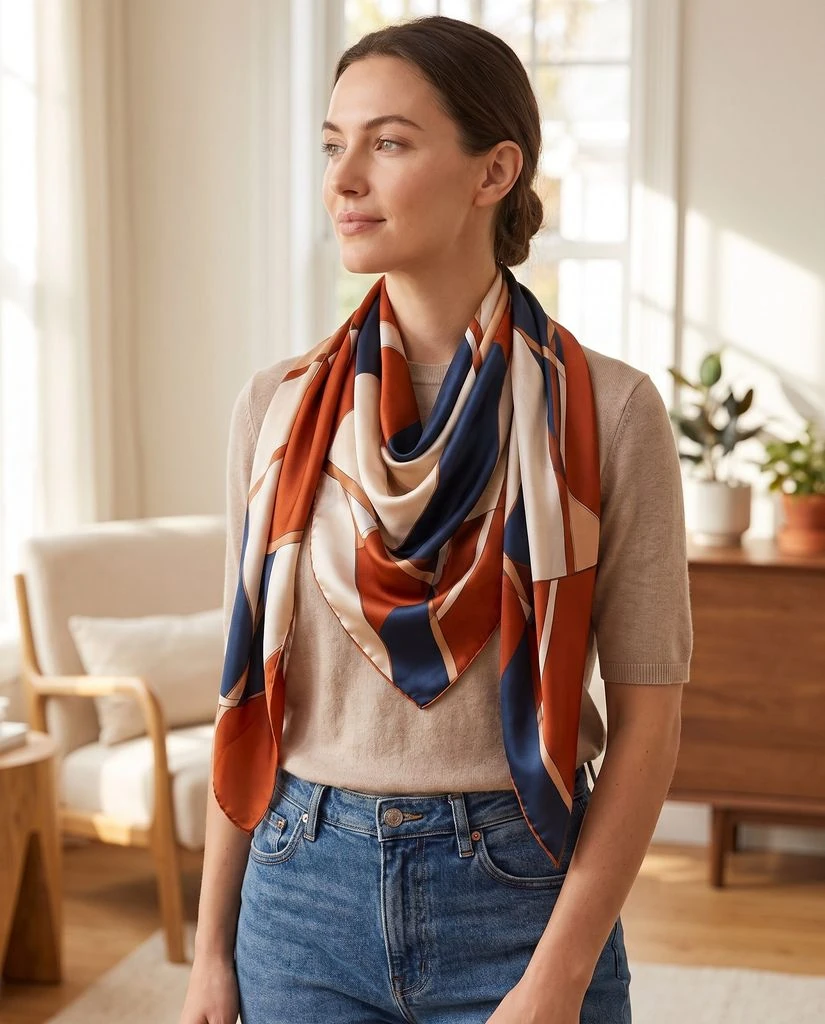
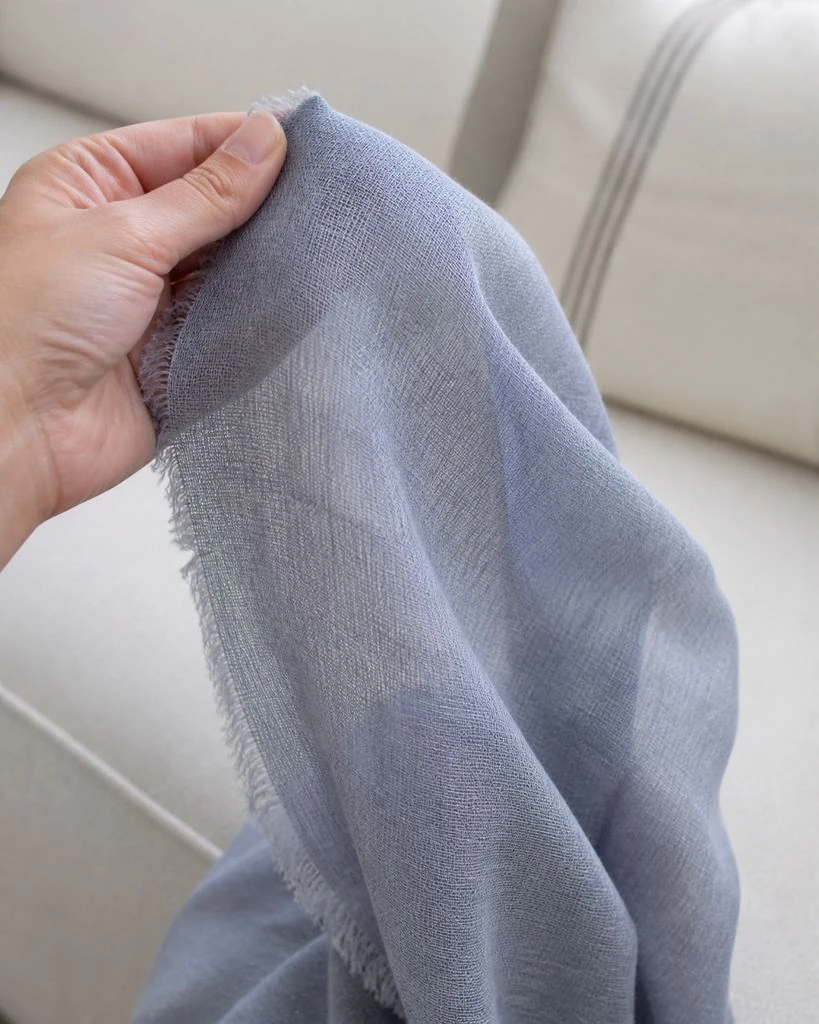
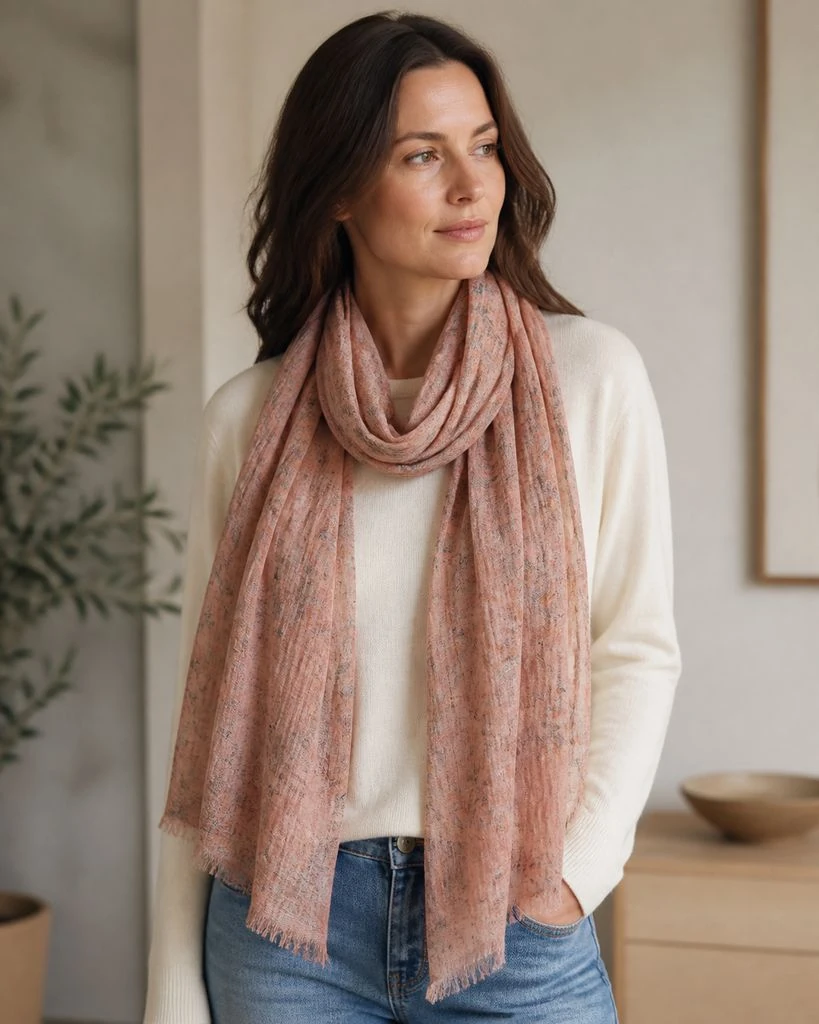
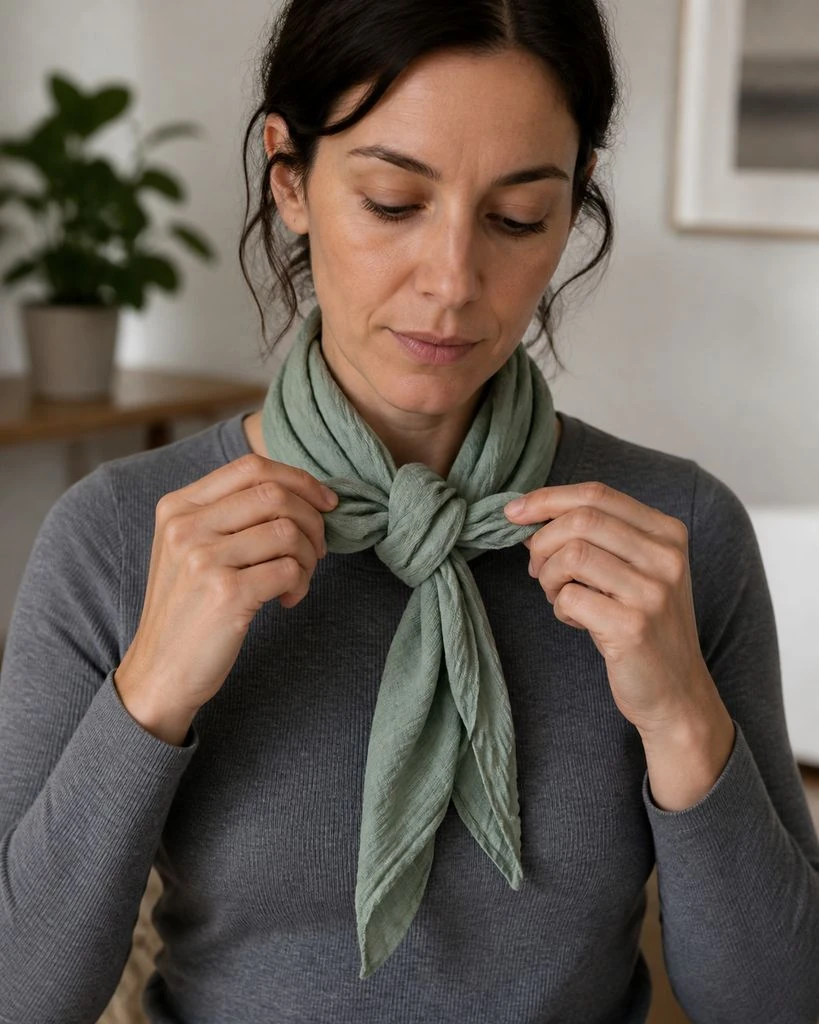
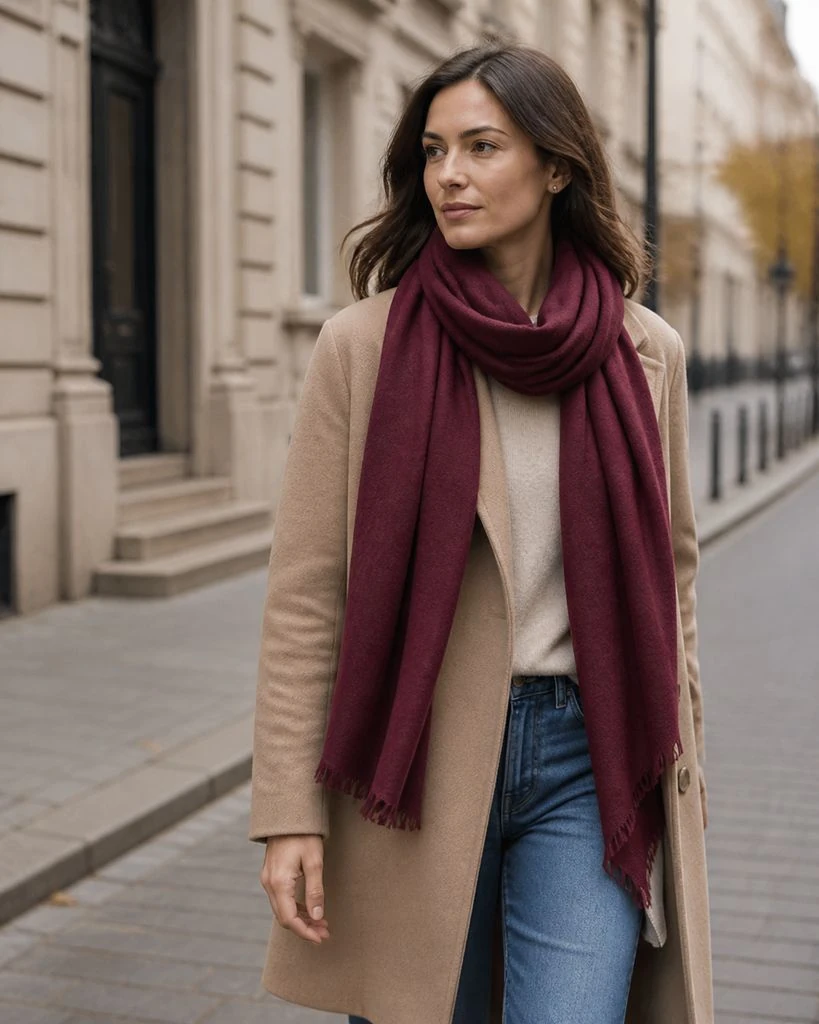
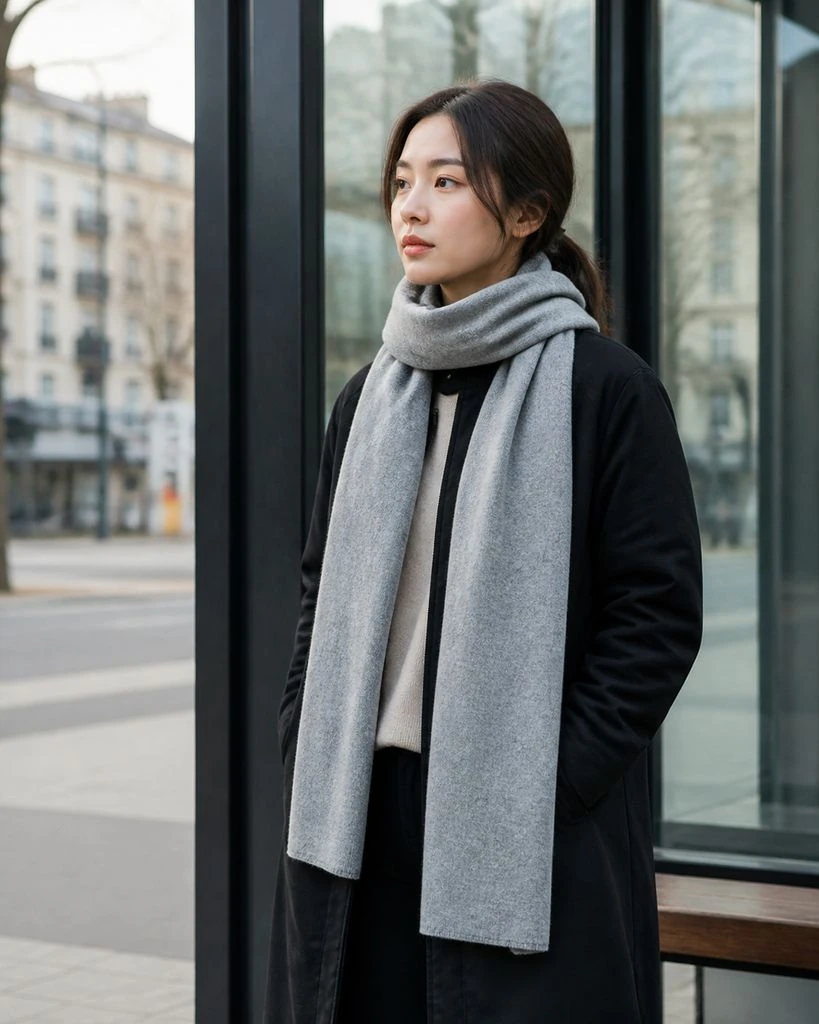
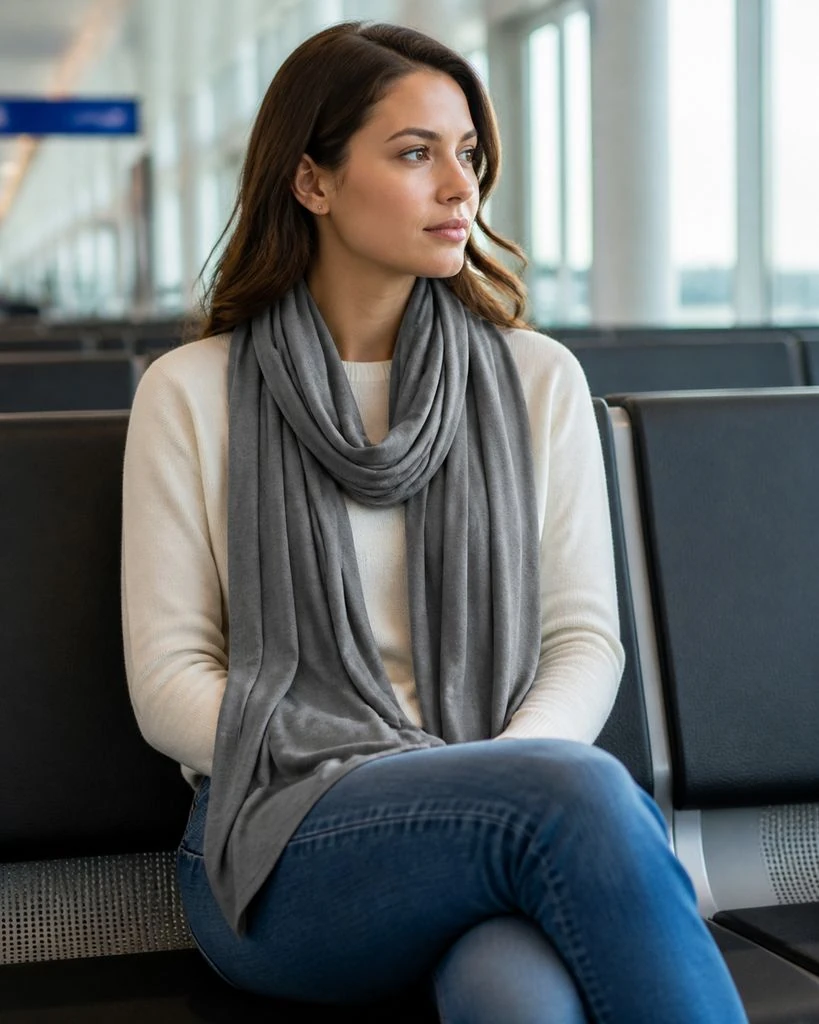
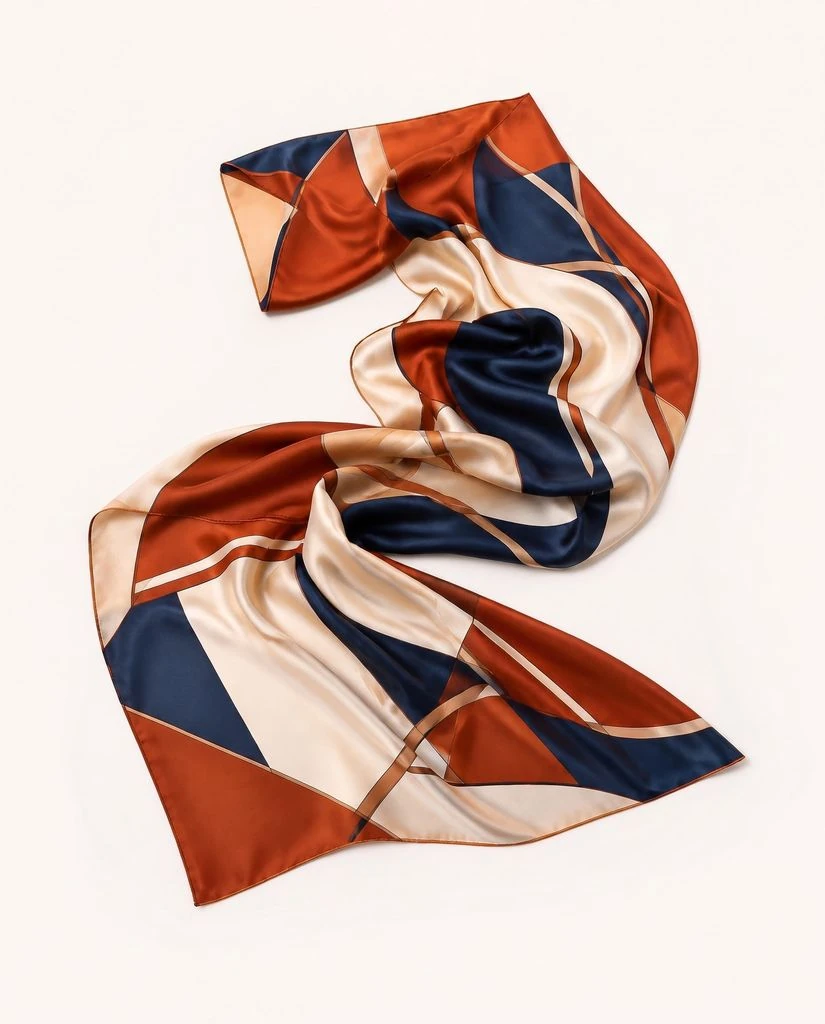
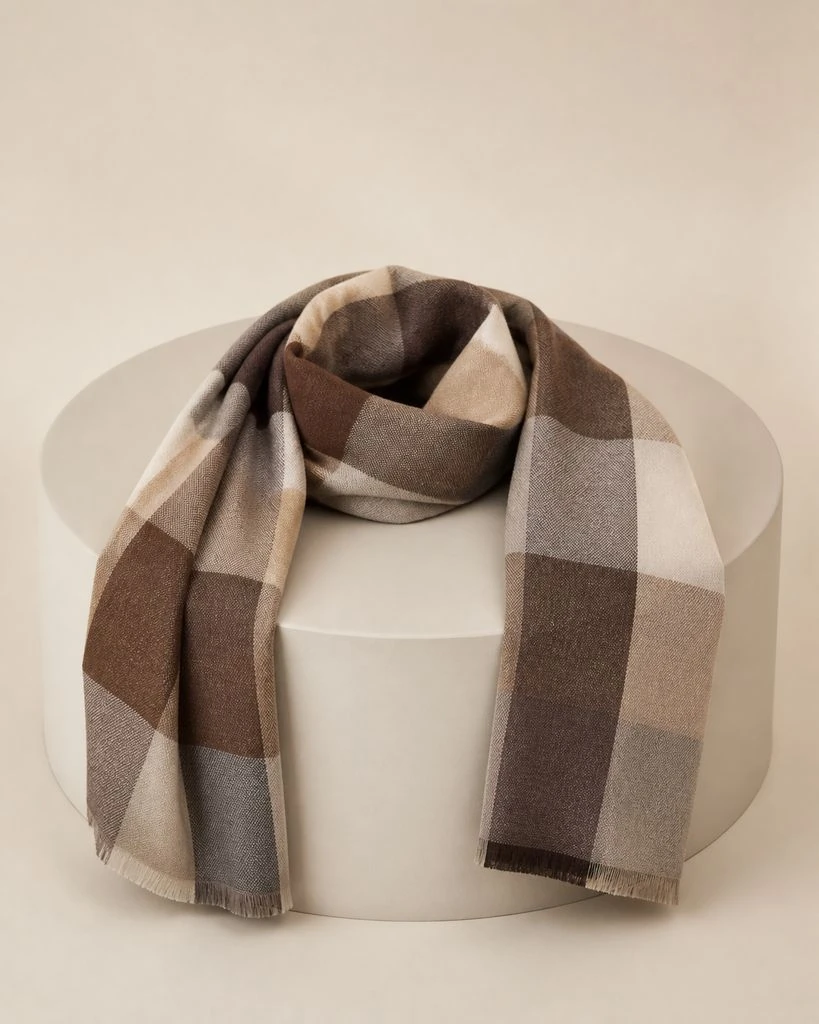
Scarves · Essential & Detail Shots
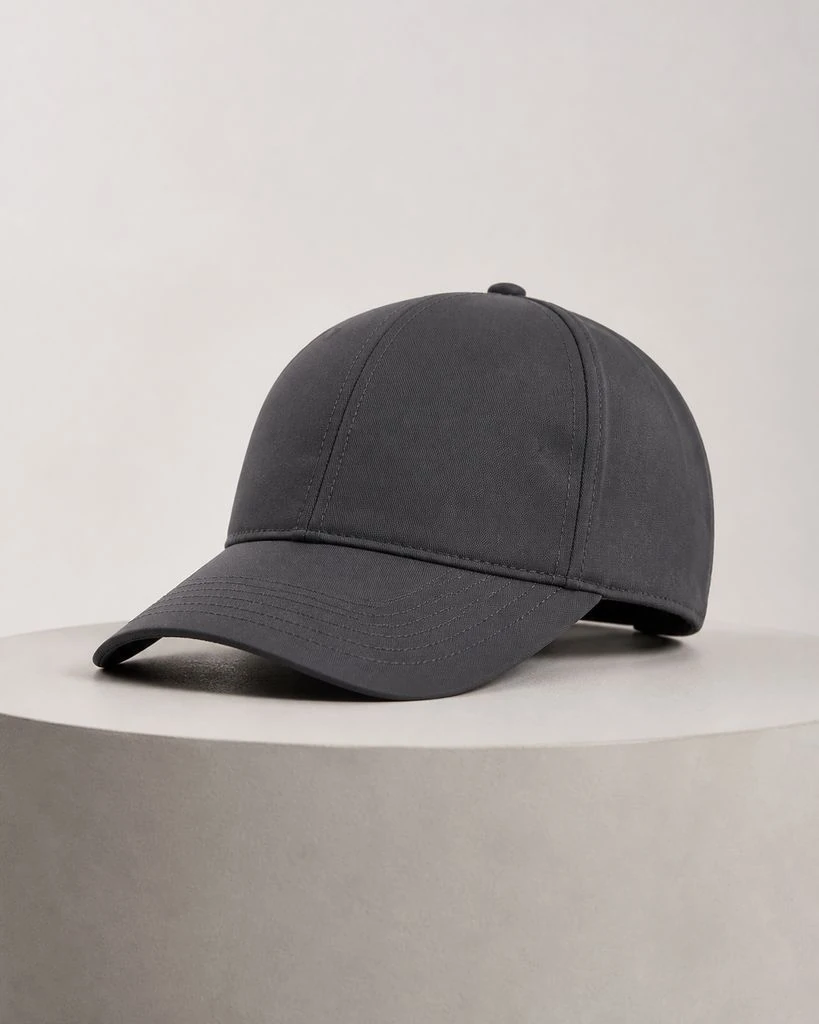
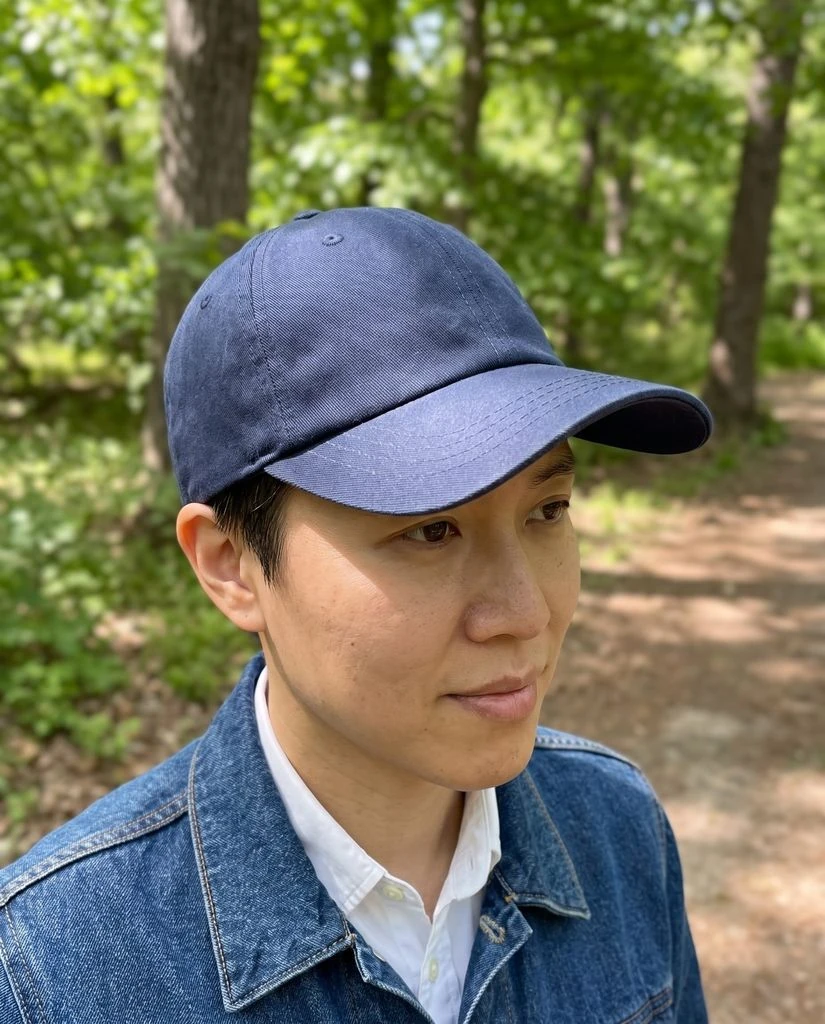
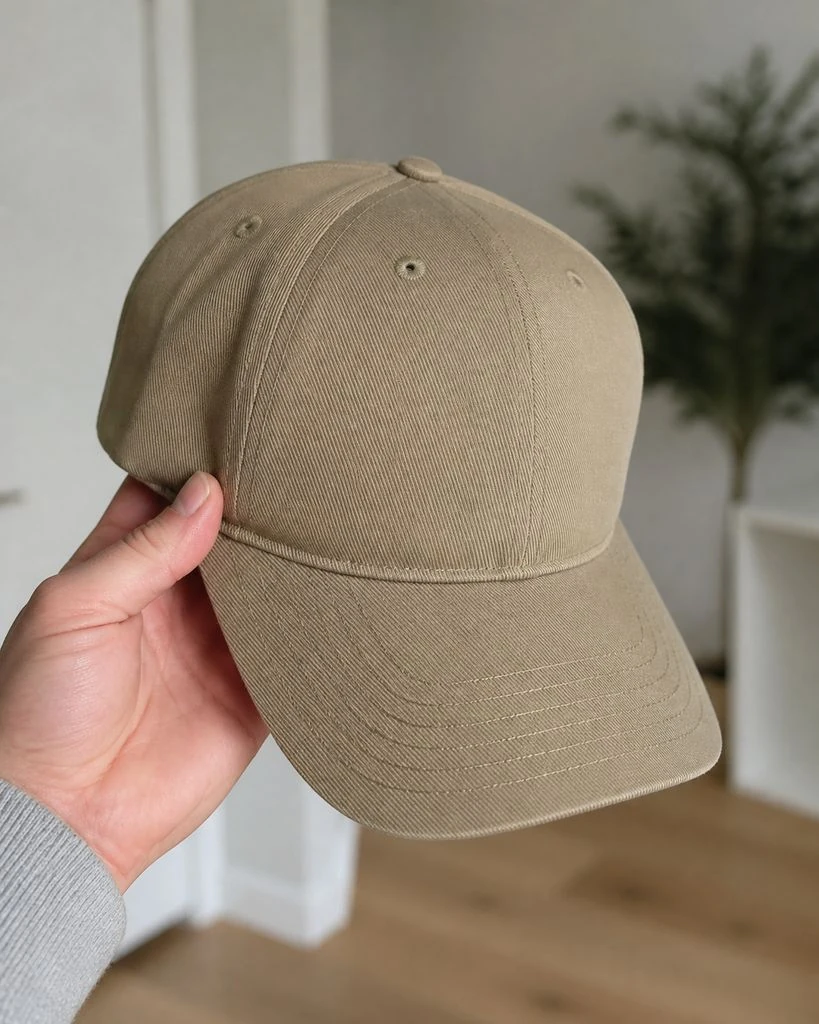
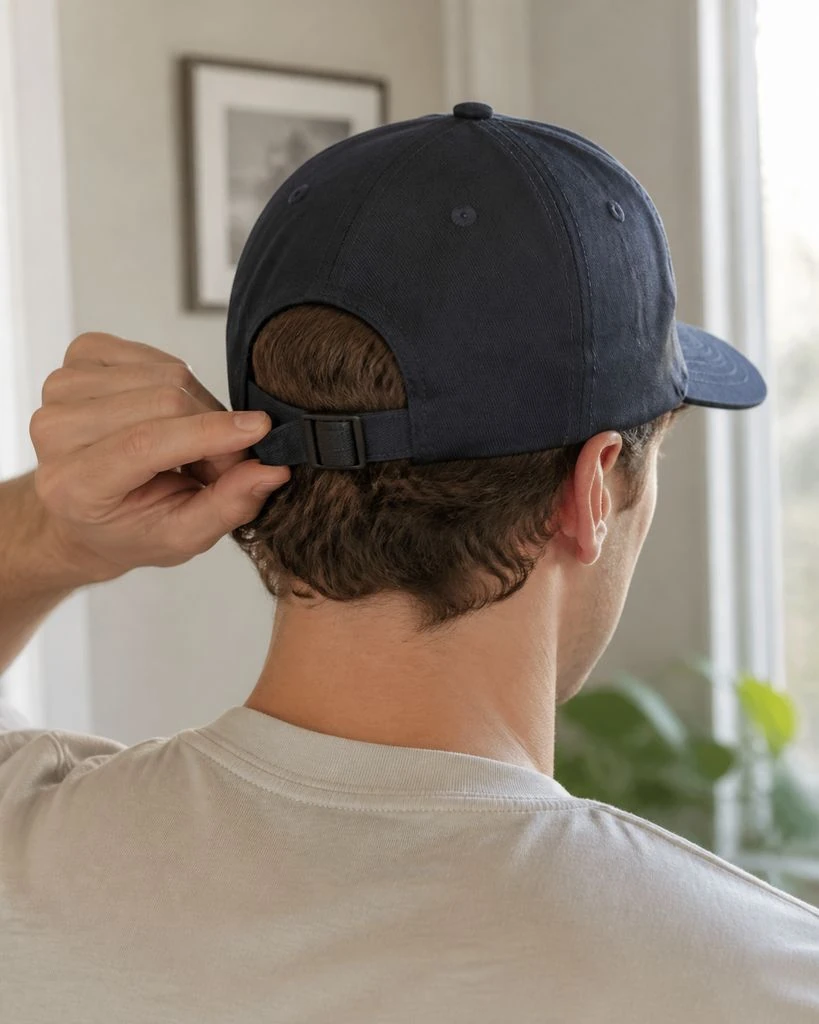
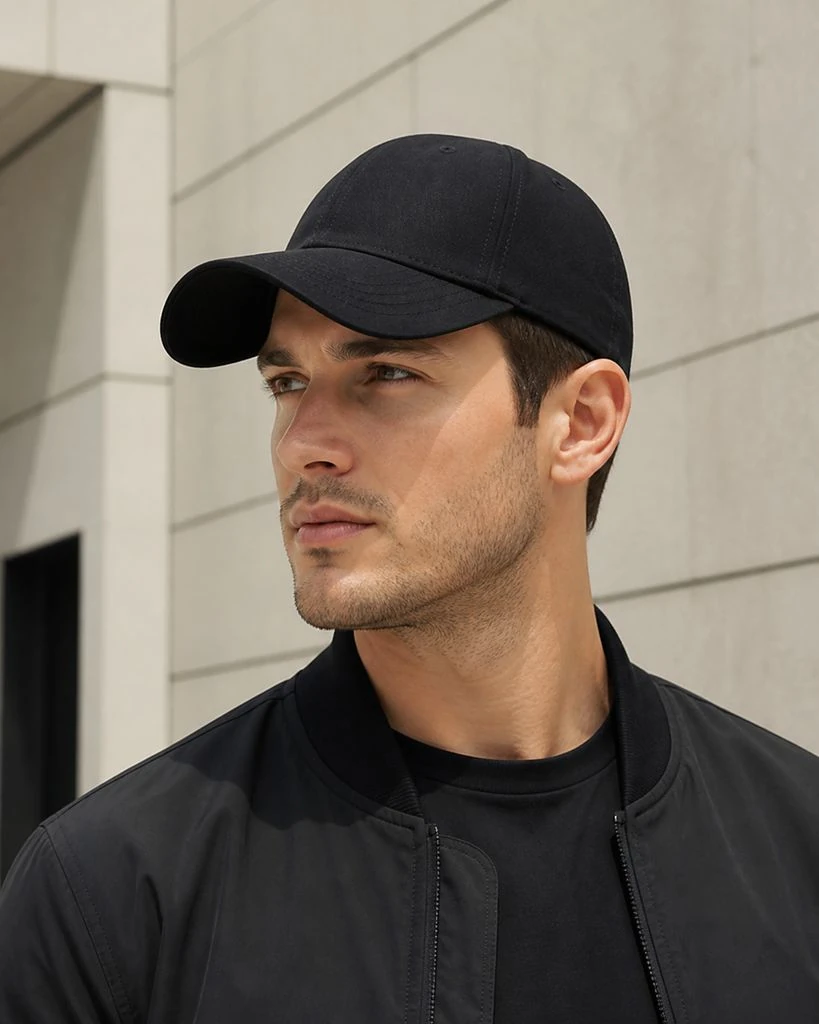
Caps · Essential & Detail Shots
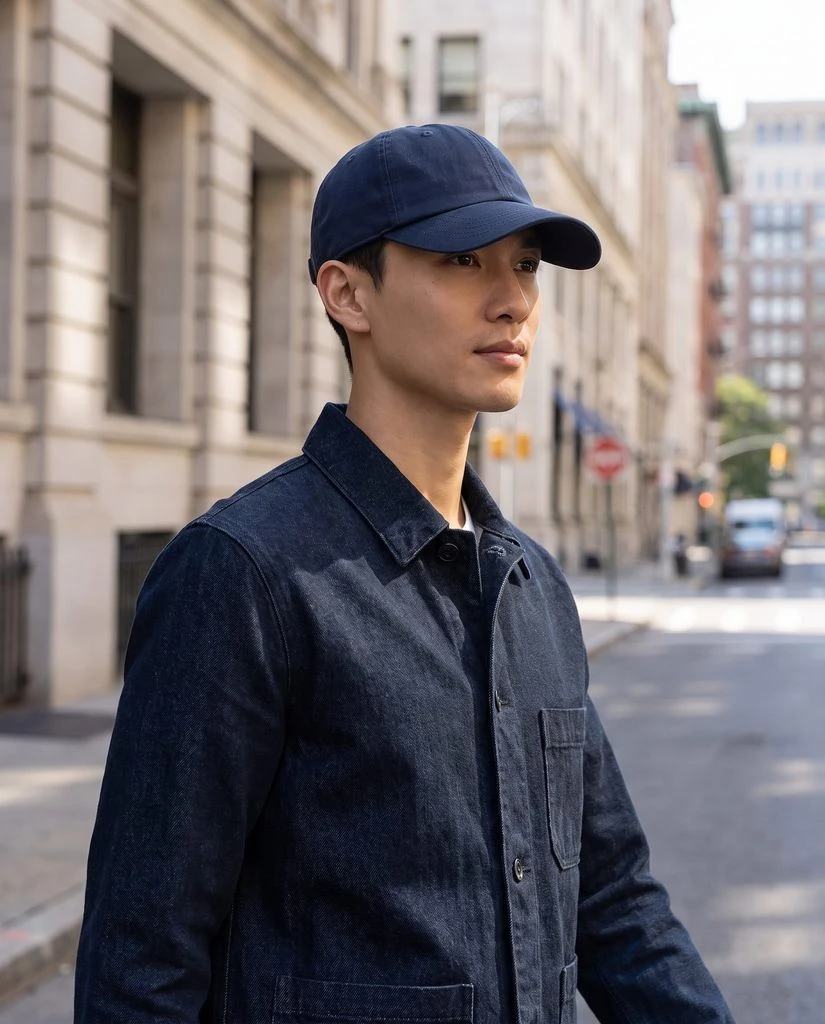
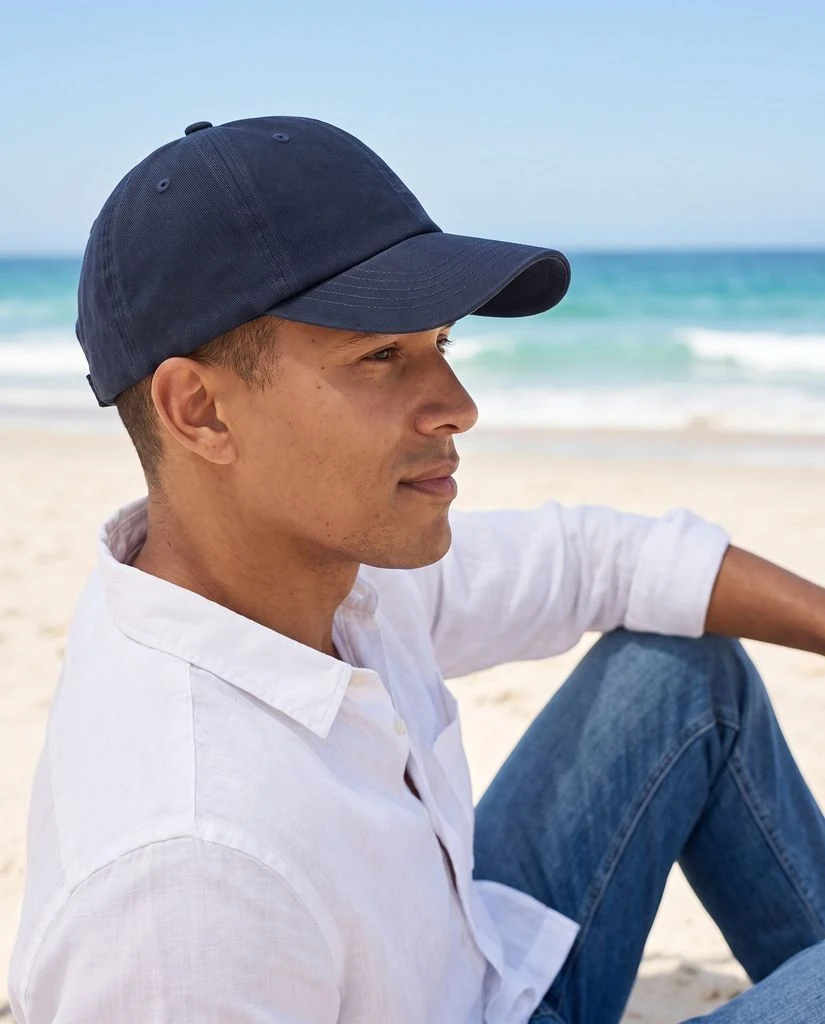
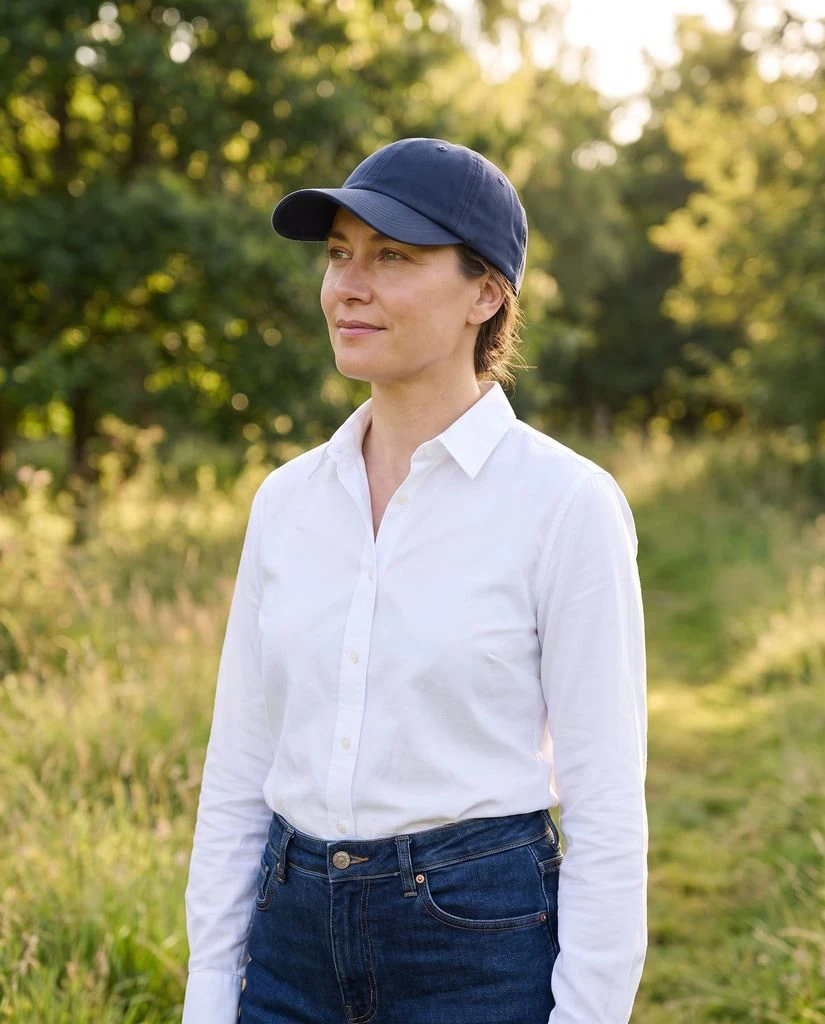
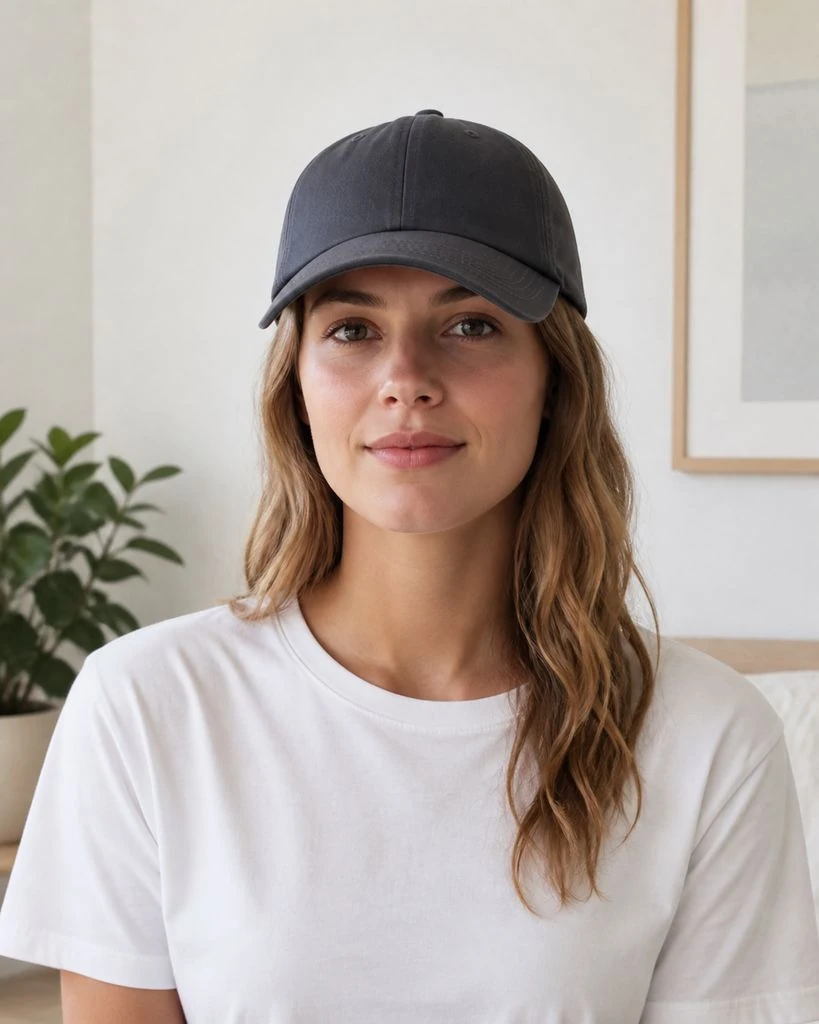
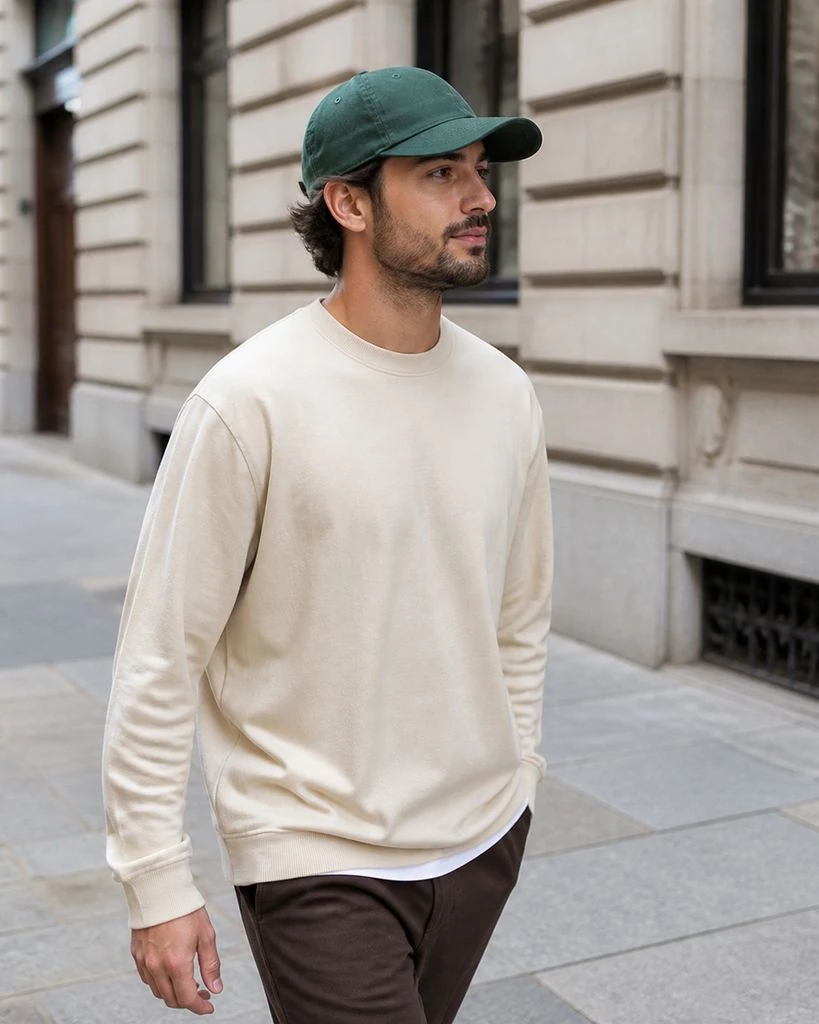
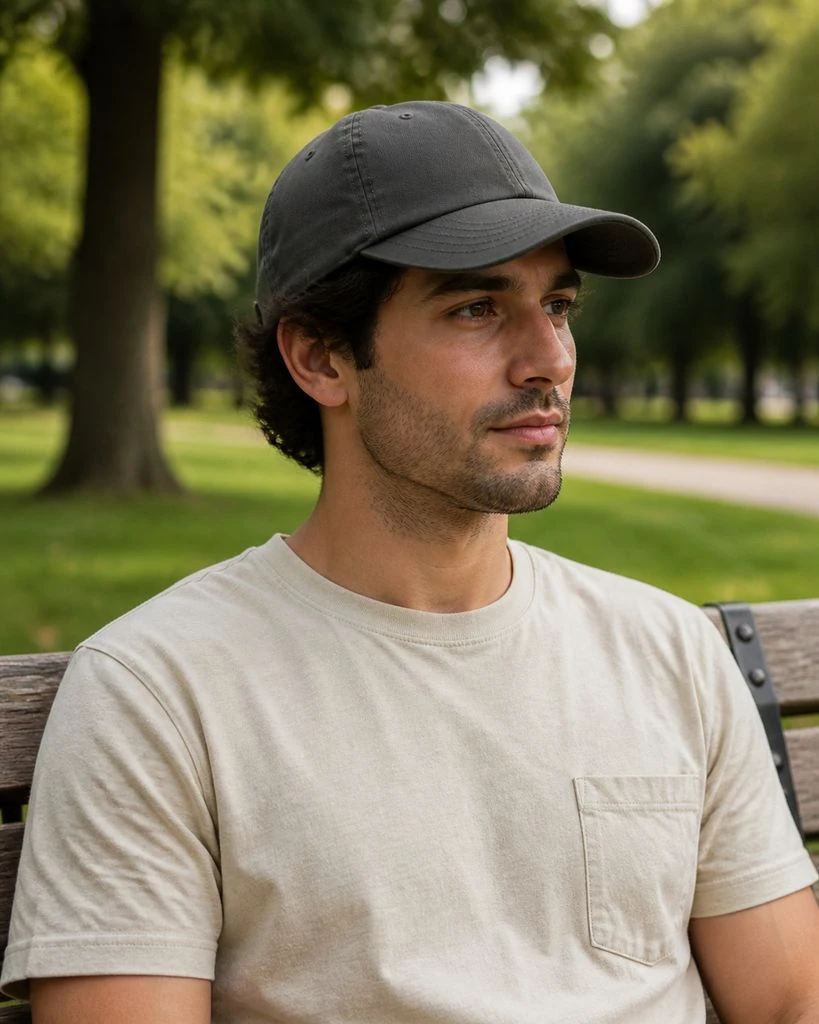
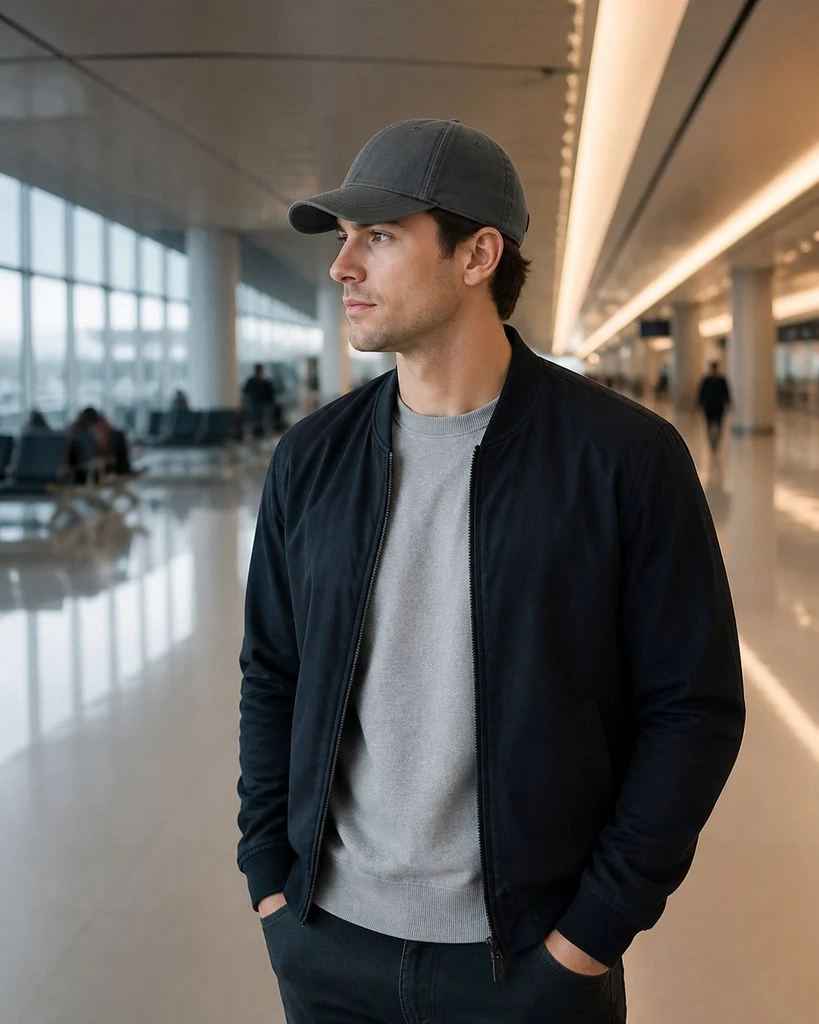
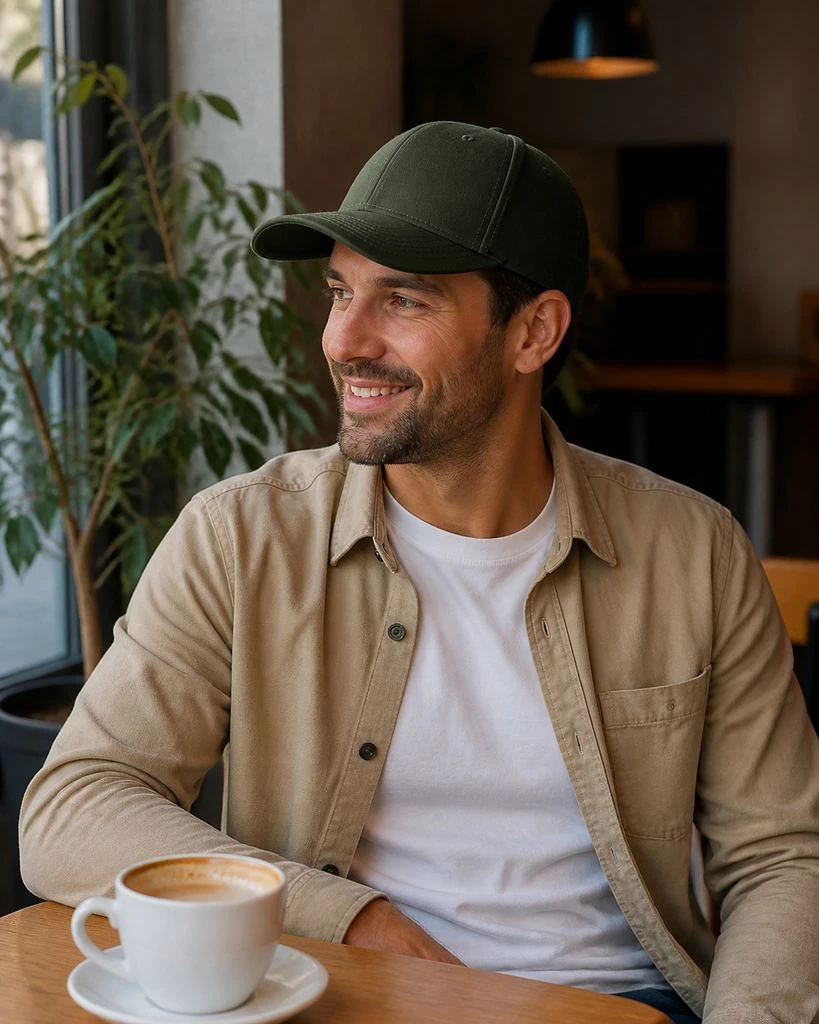
Caps · On-model & Lifestyle

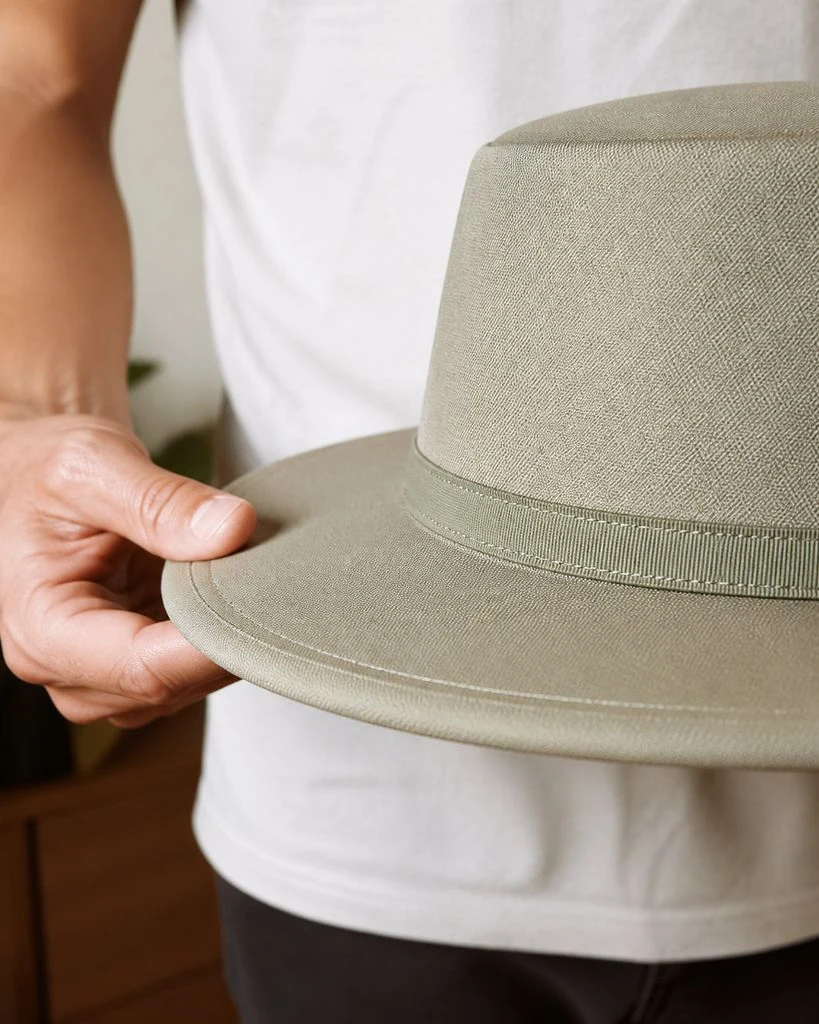
Hats · Essential & Detail Shots
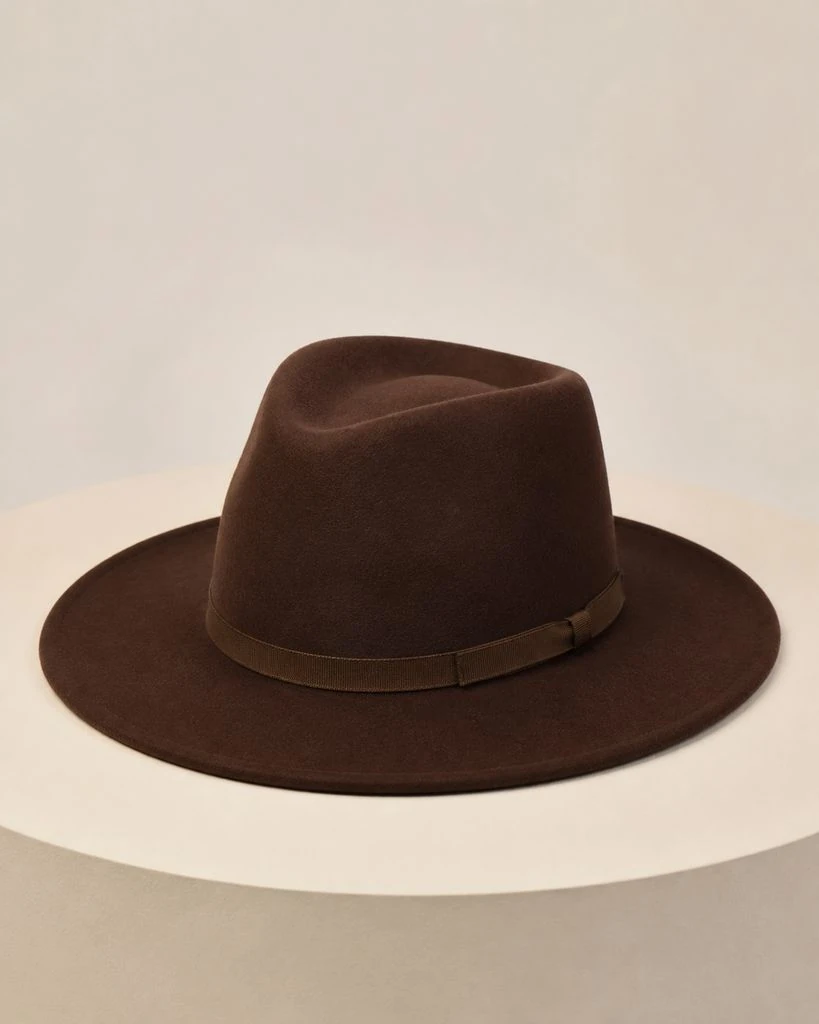
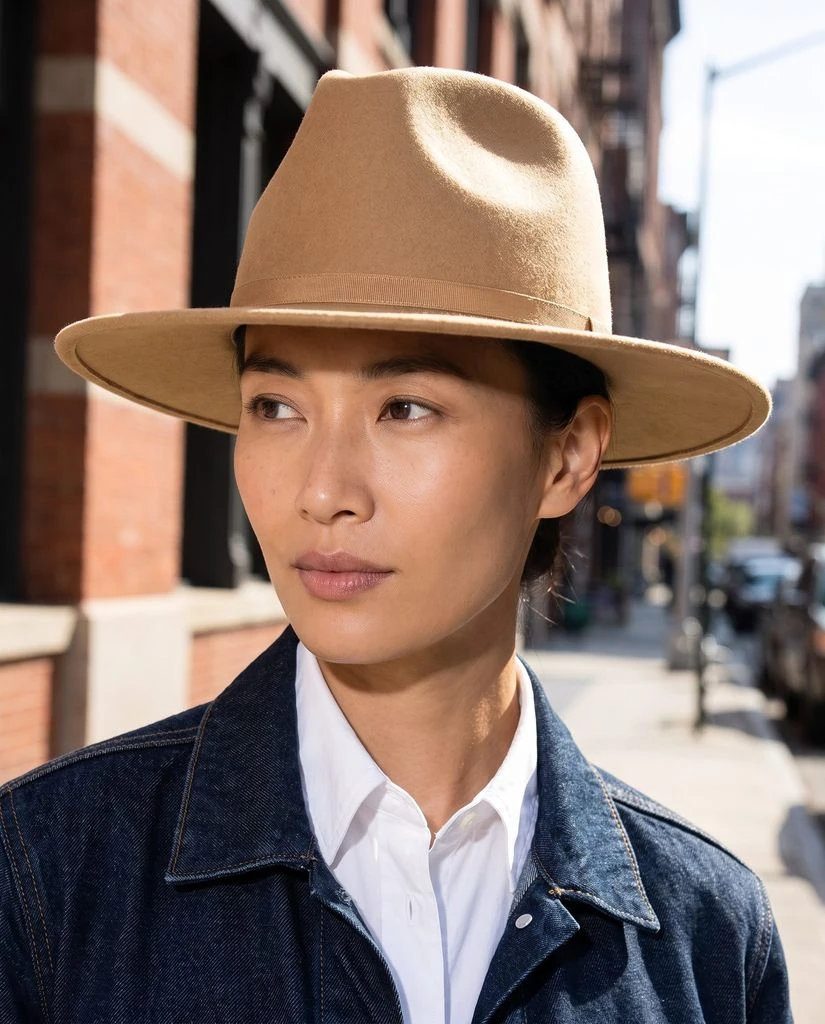
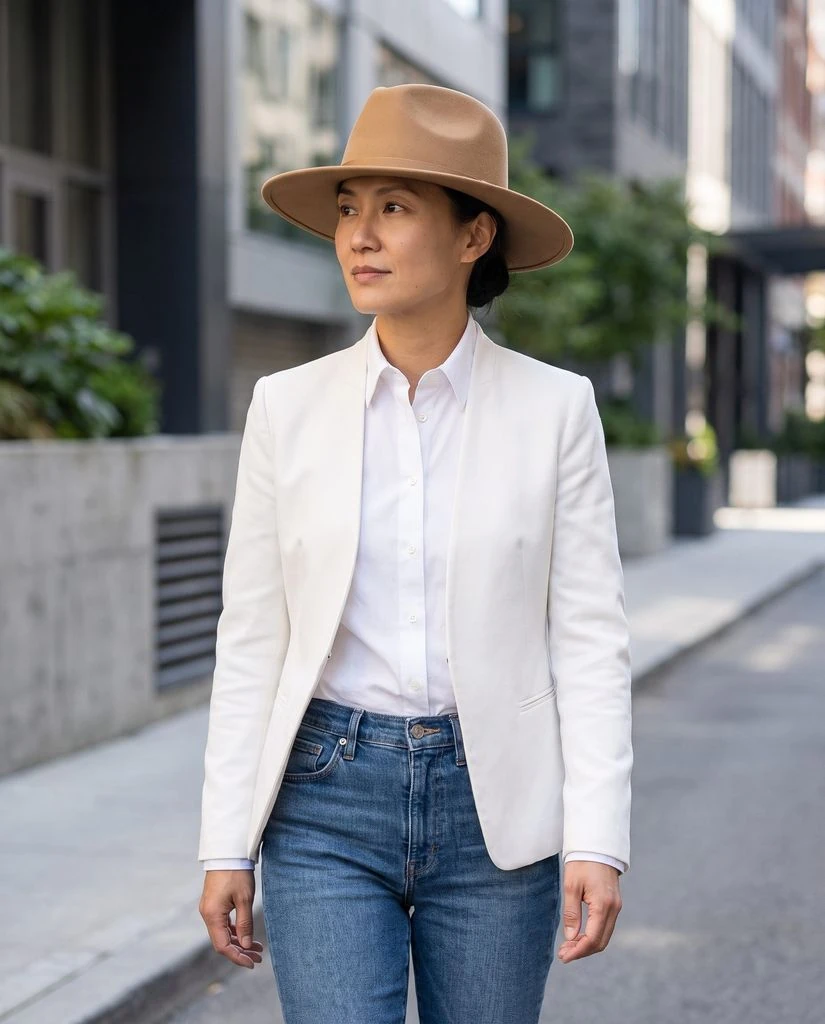
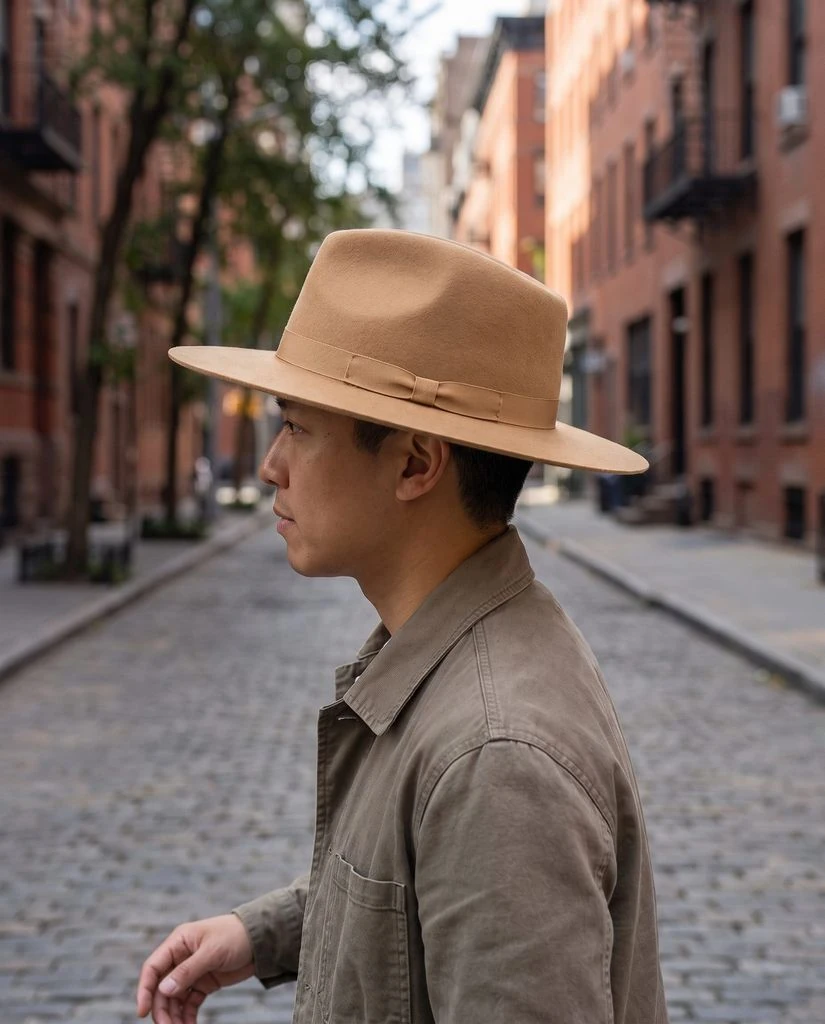
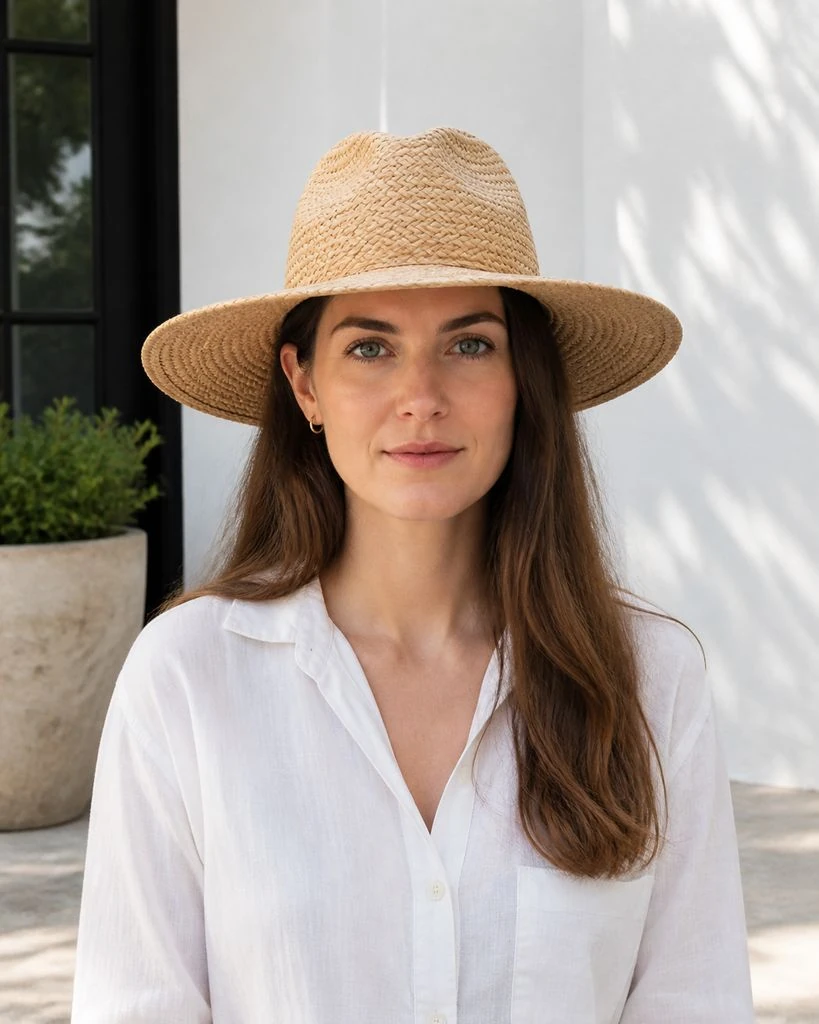
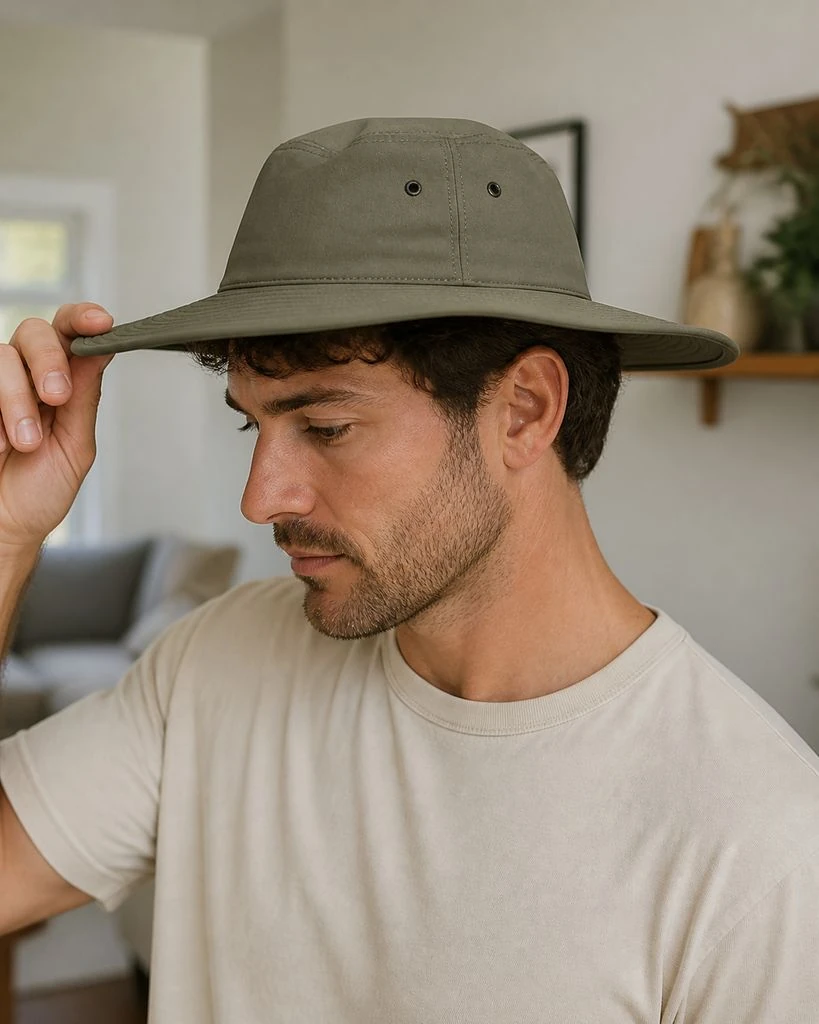
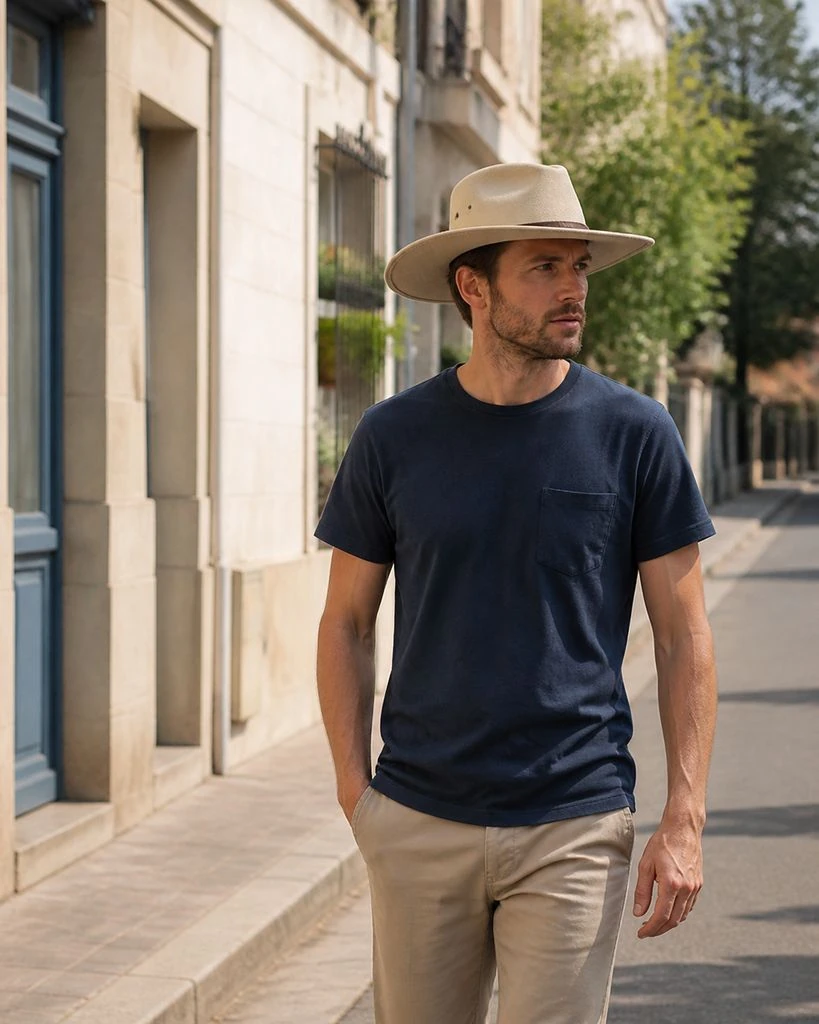
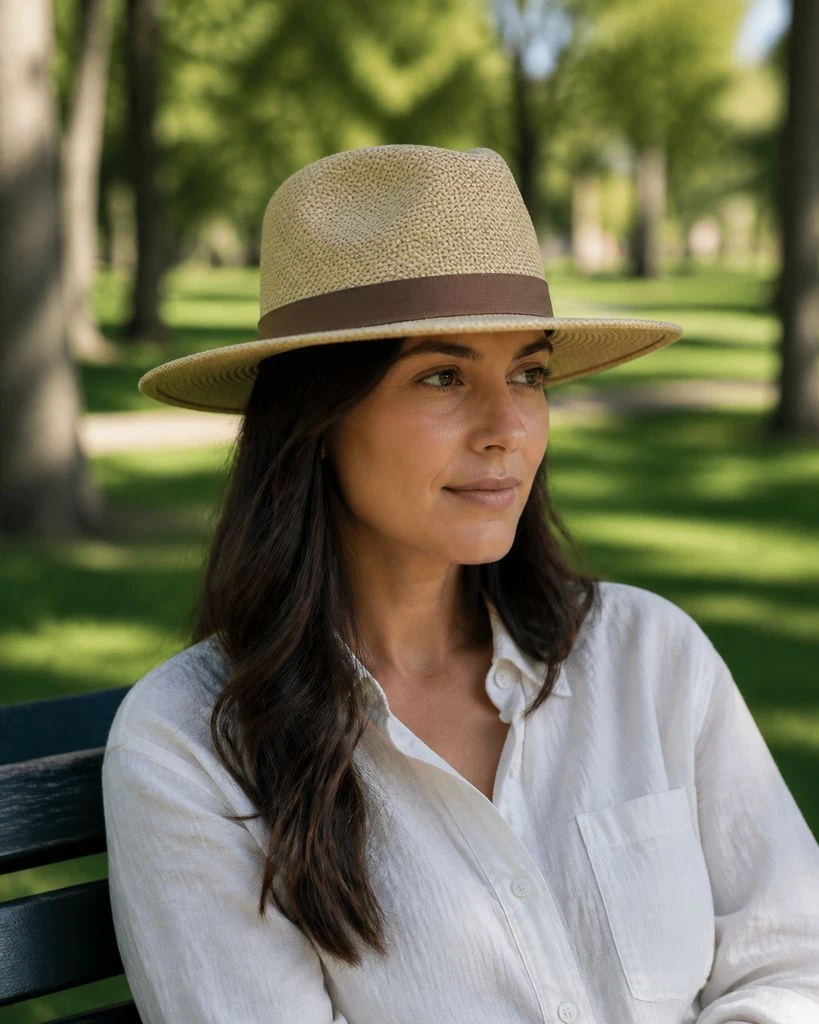
Hats · On-model & Lifestyle
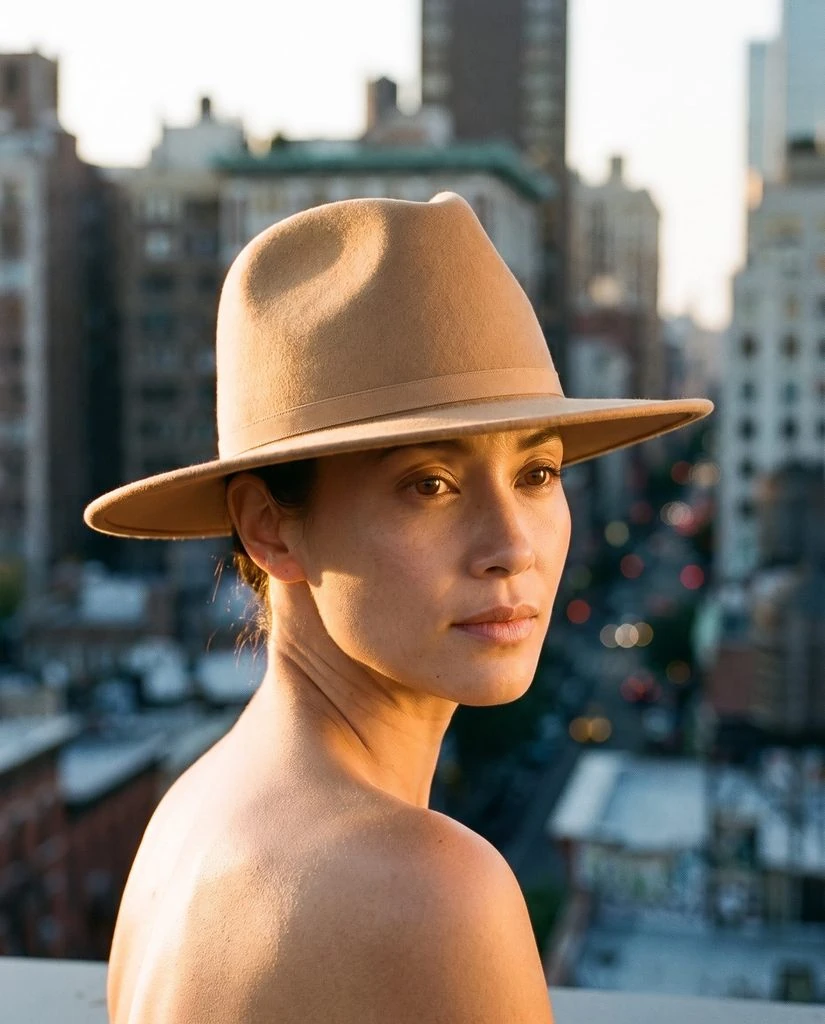
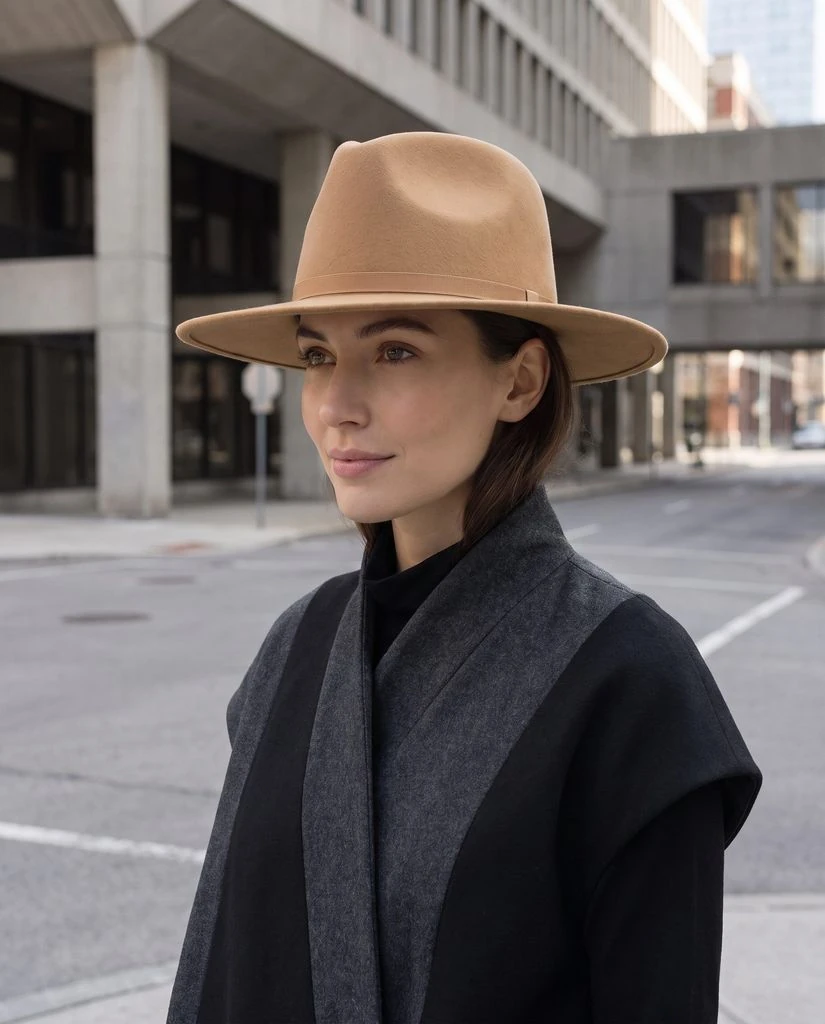
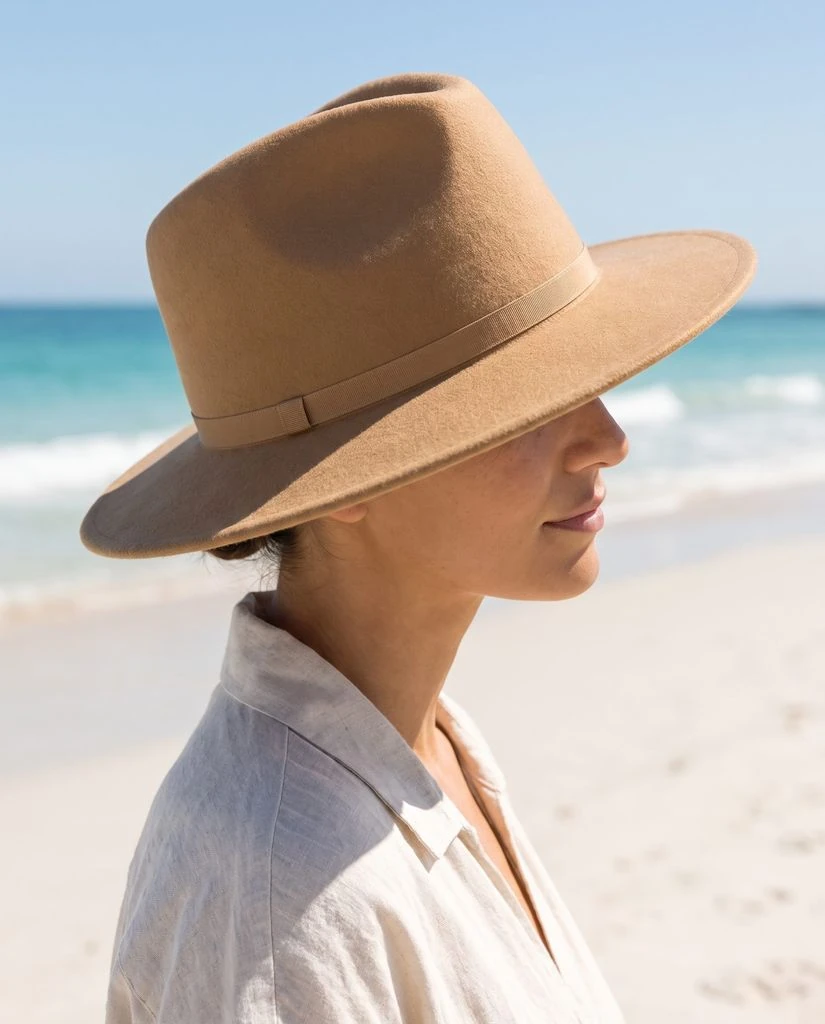
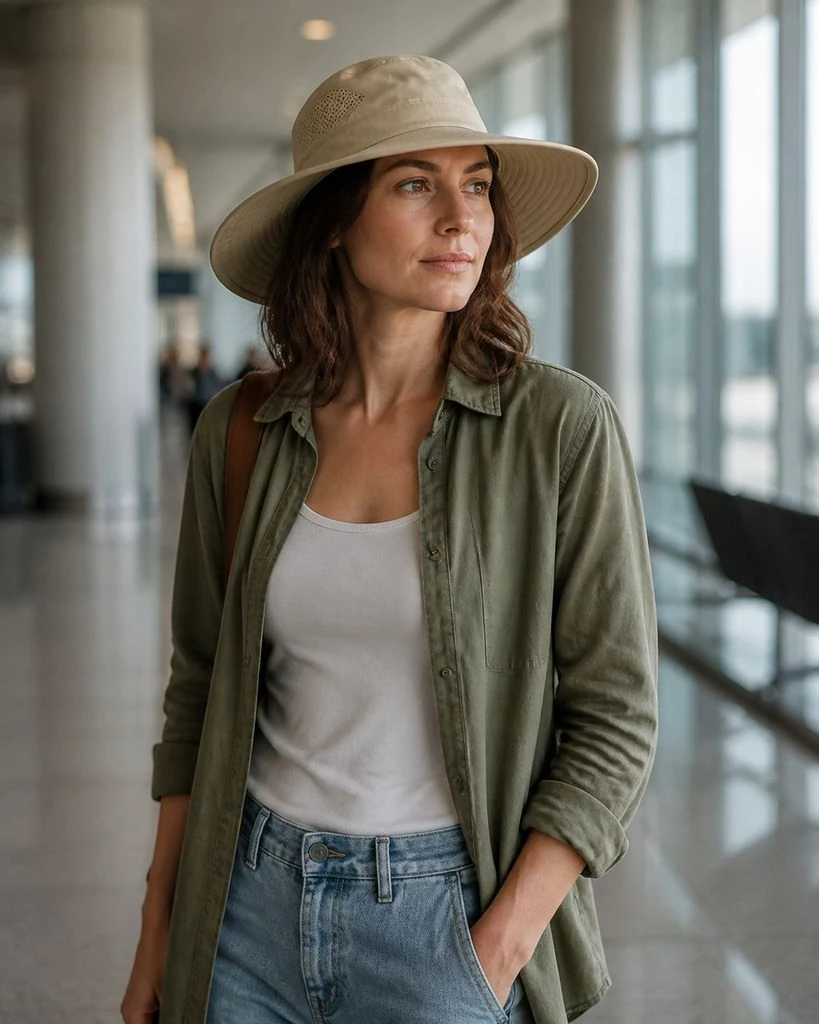
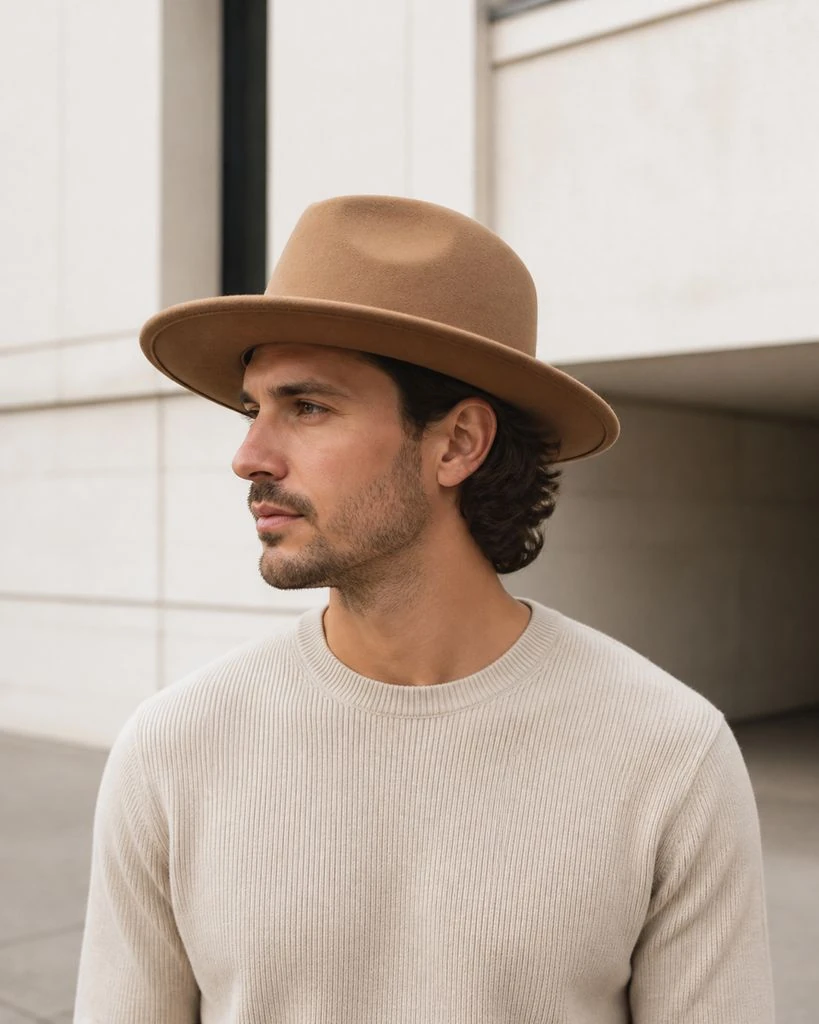
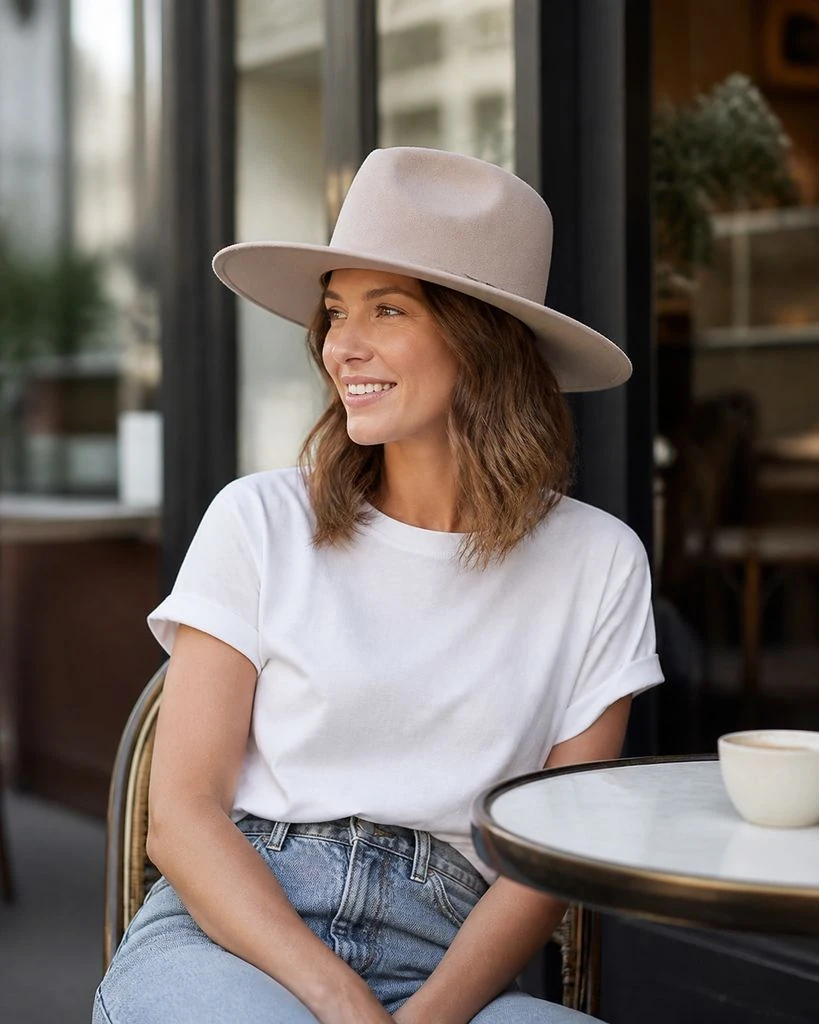
Beanies · Creative Studio
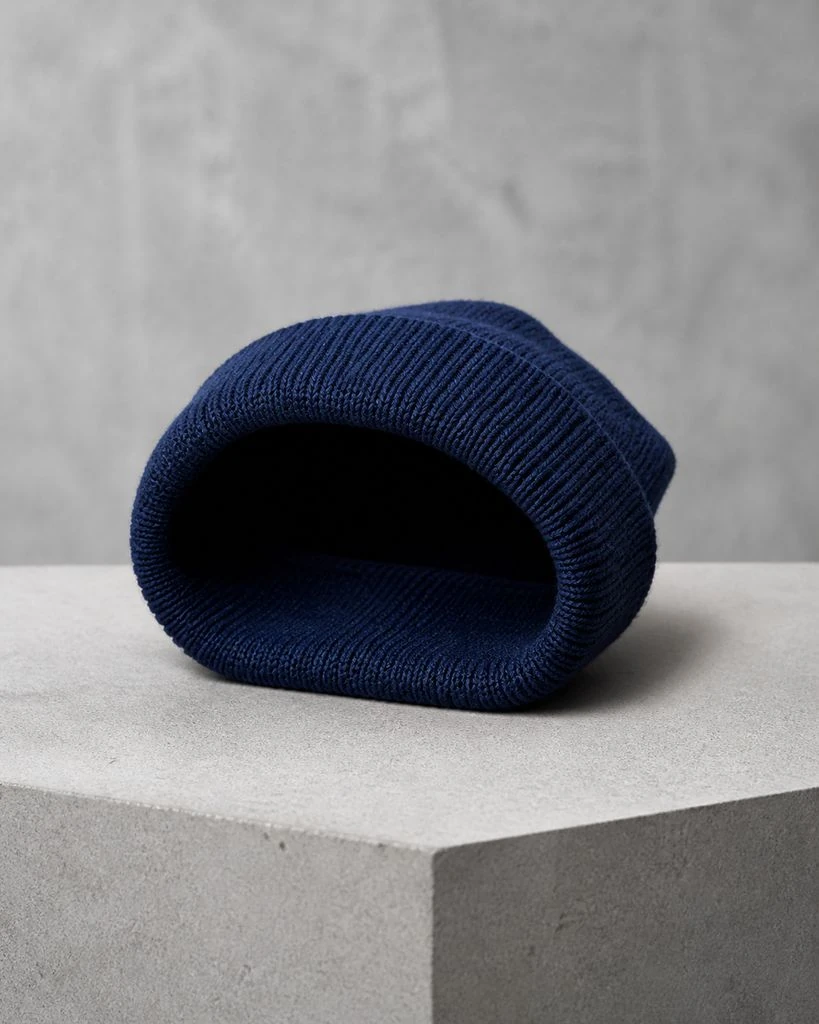
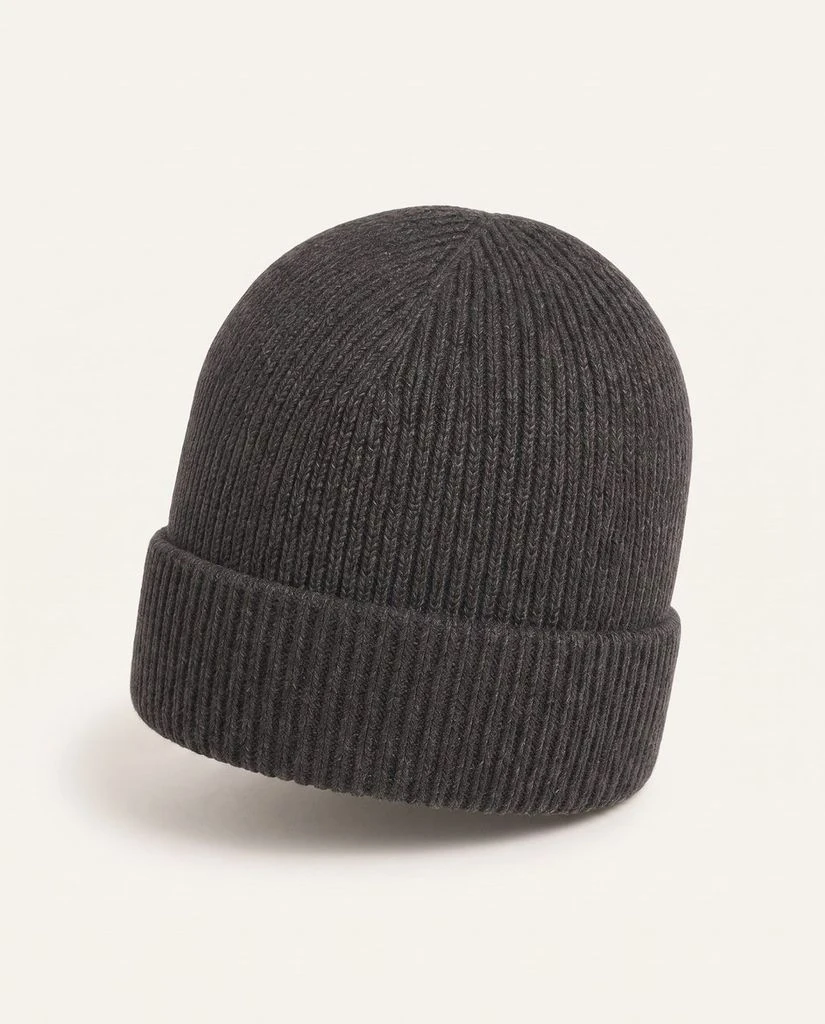
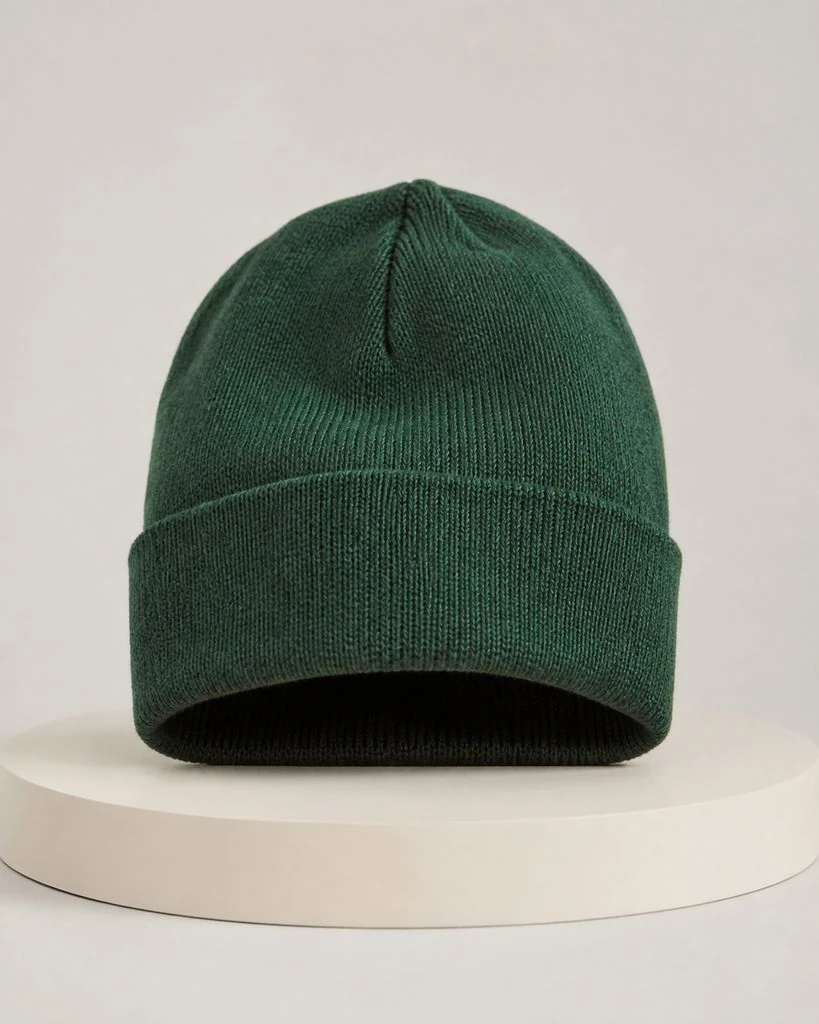
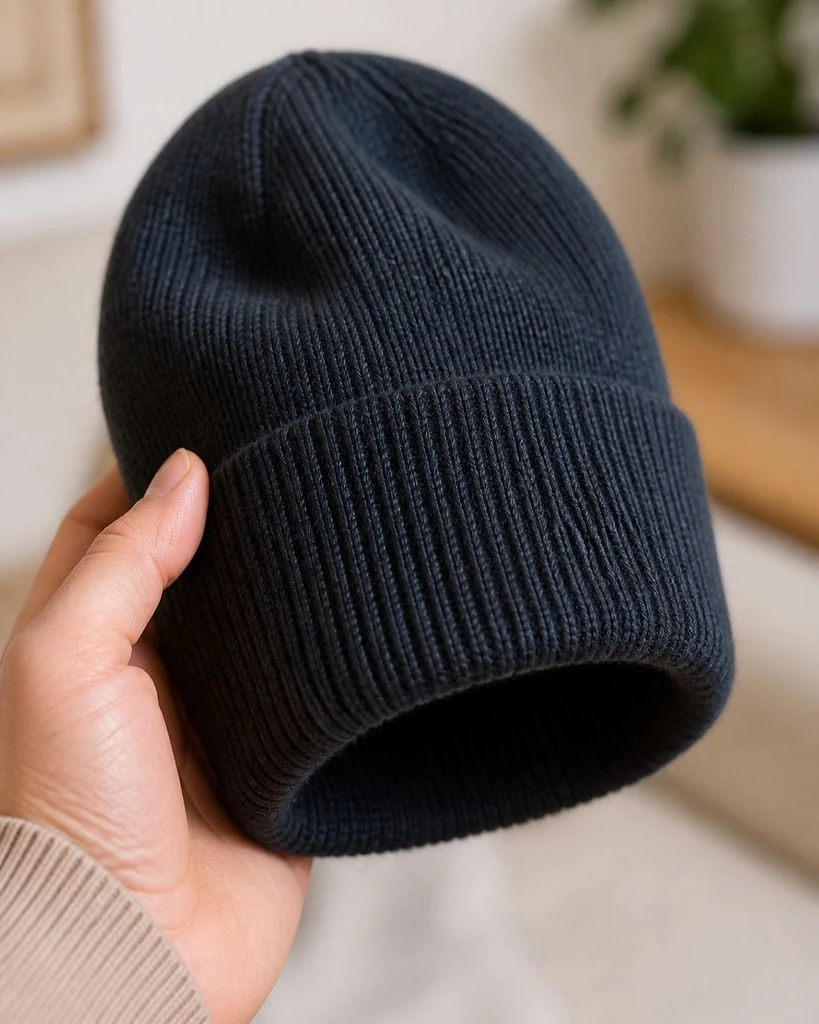
Beanies · Essential & Detail Shots
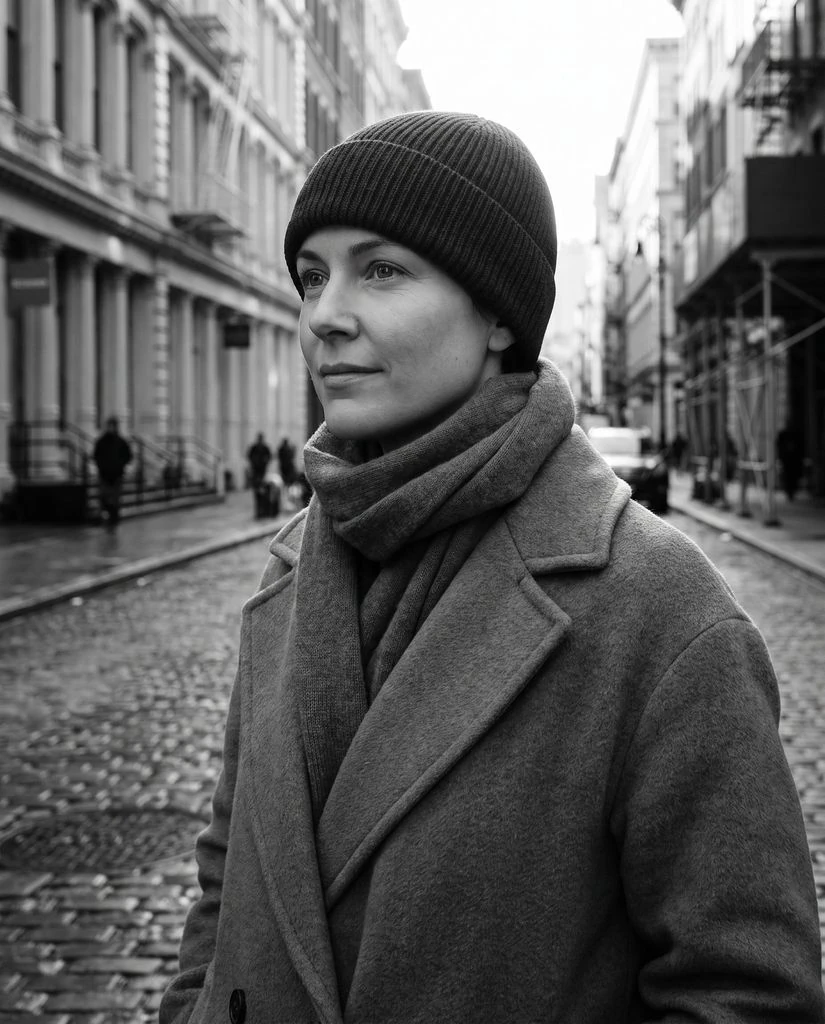
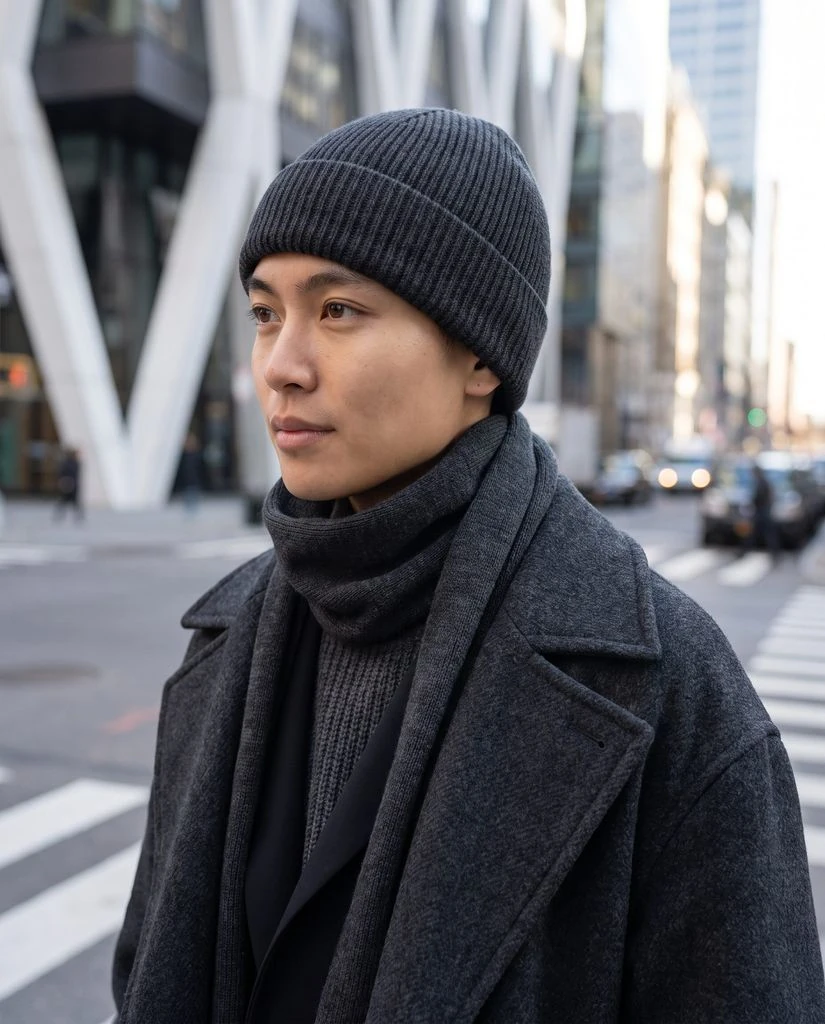
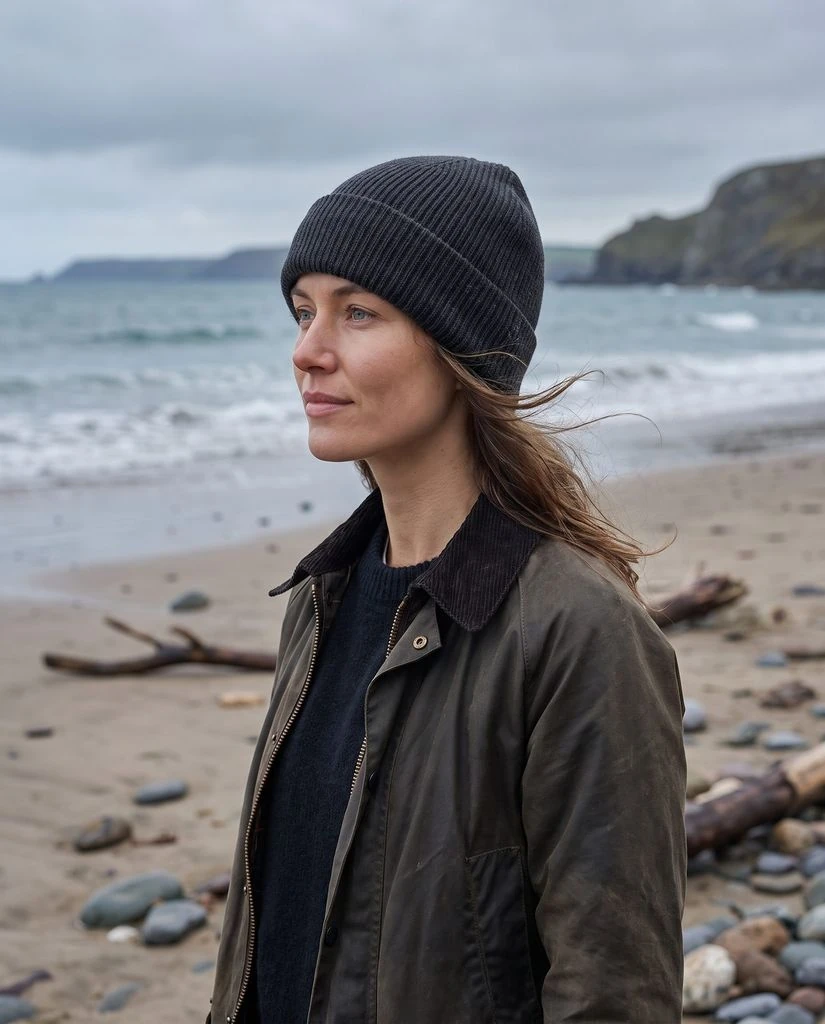
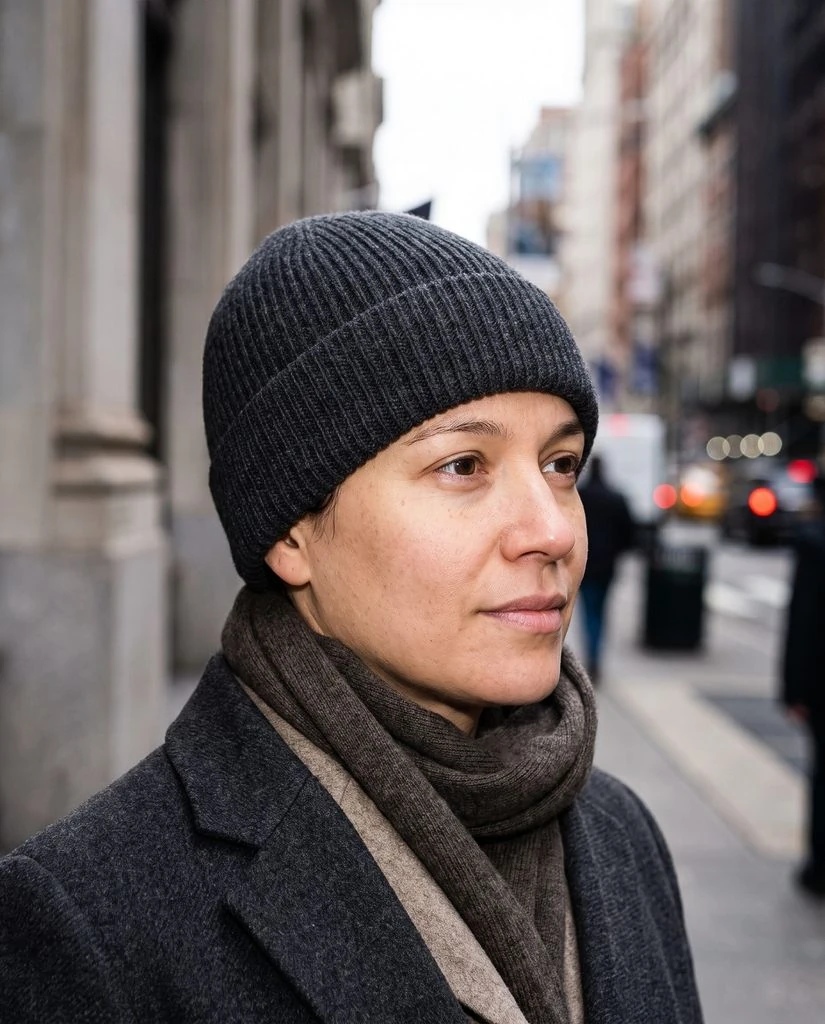
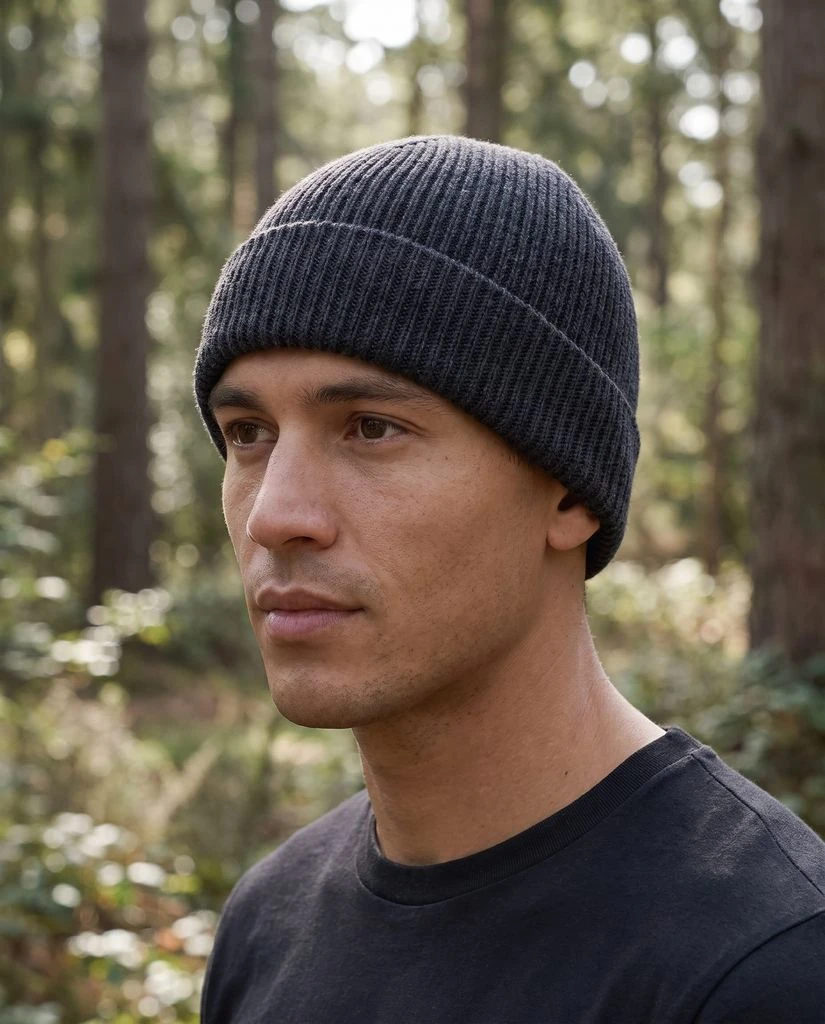
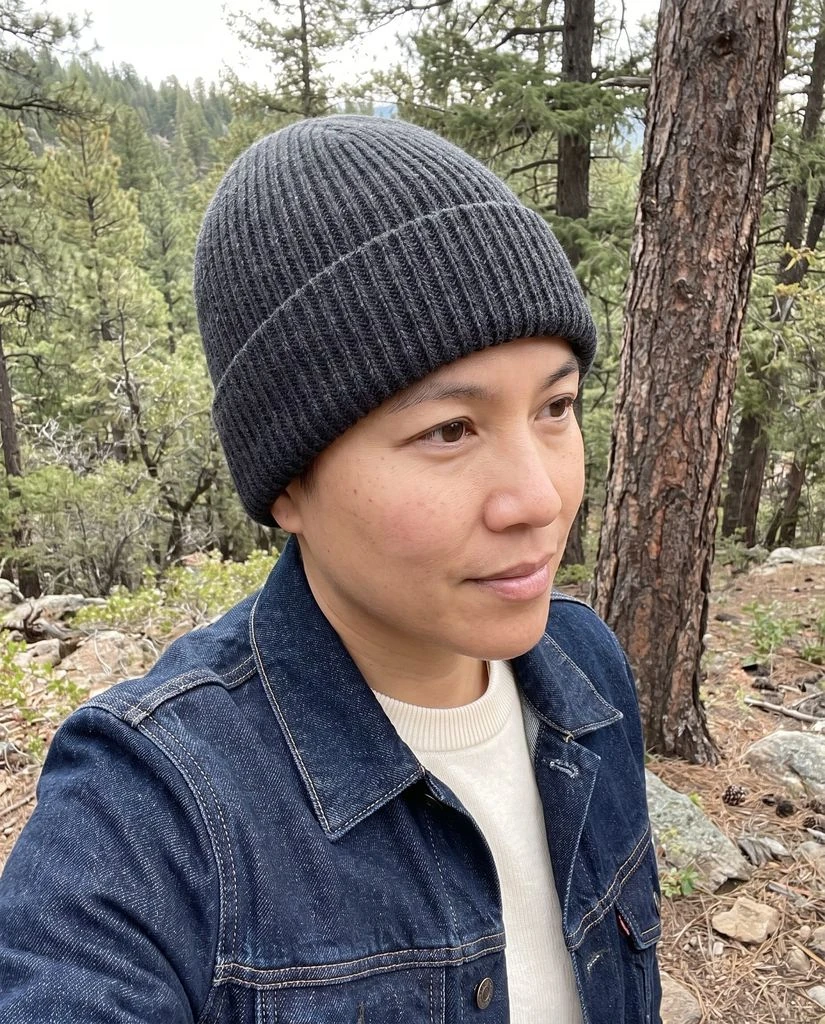
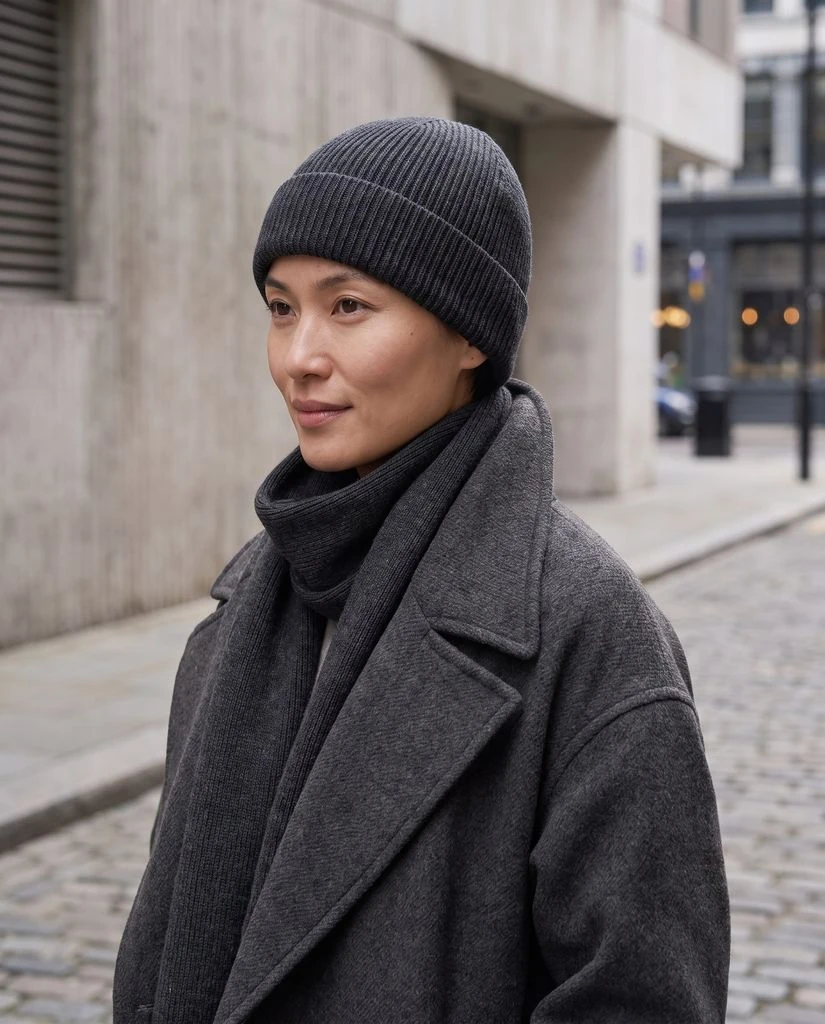
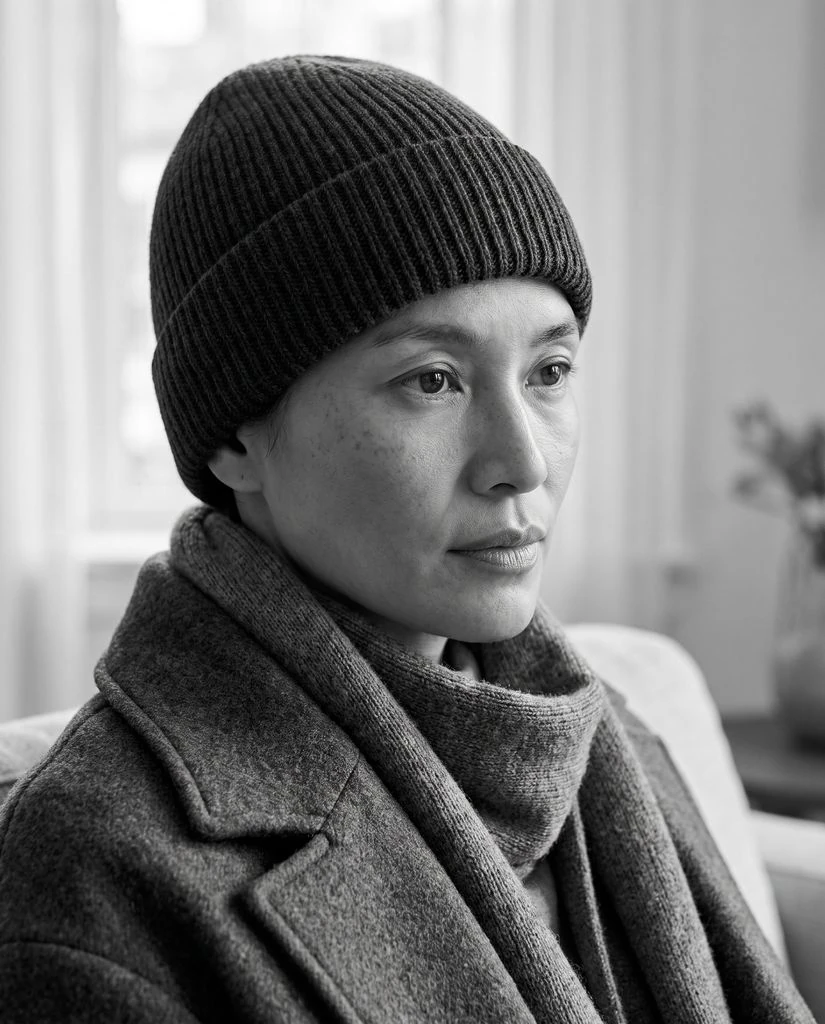
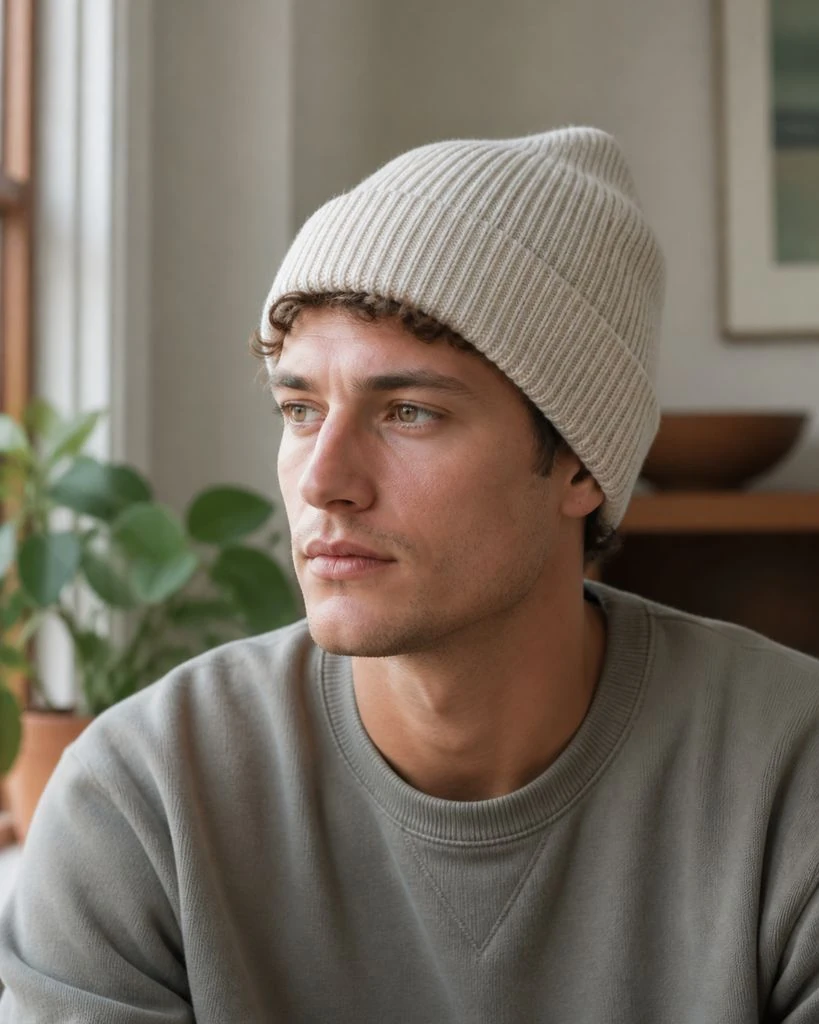
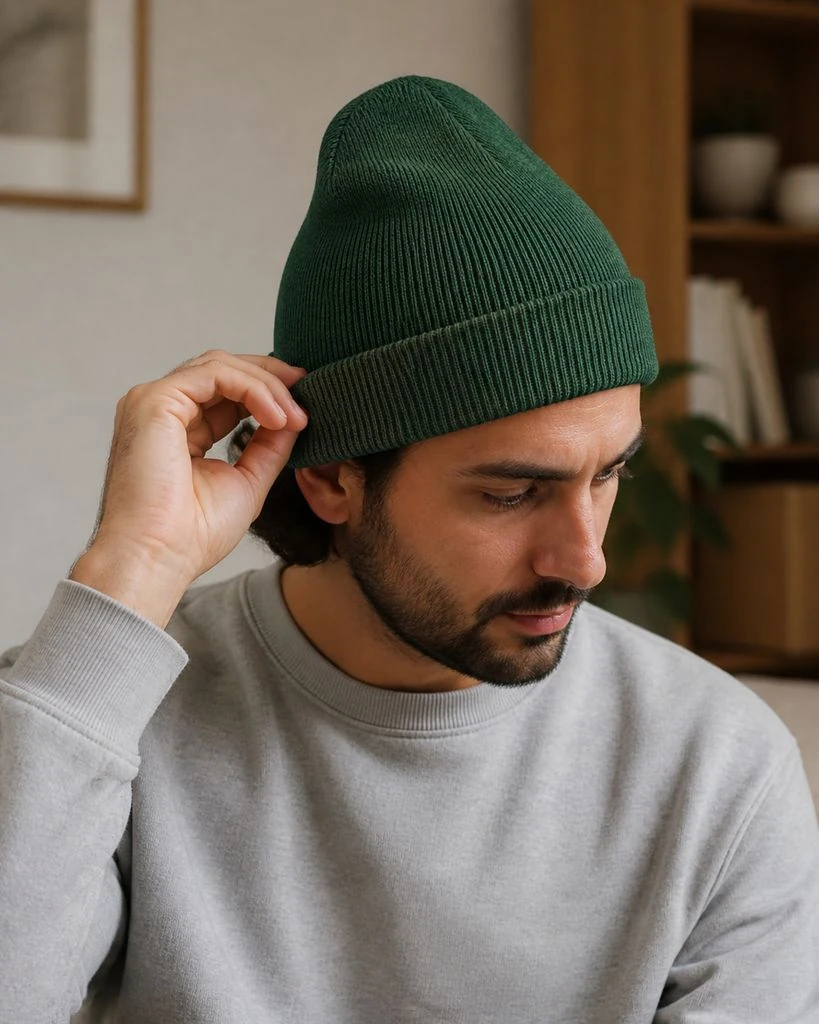
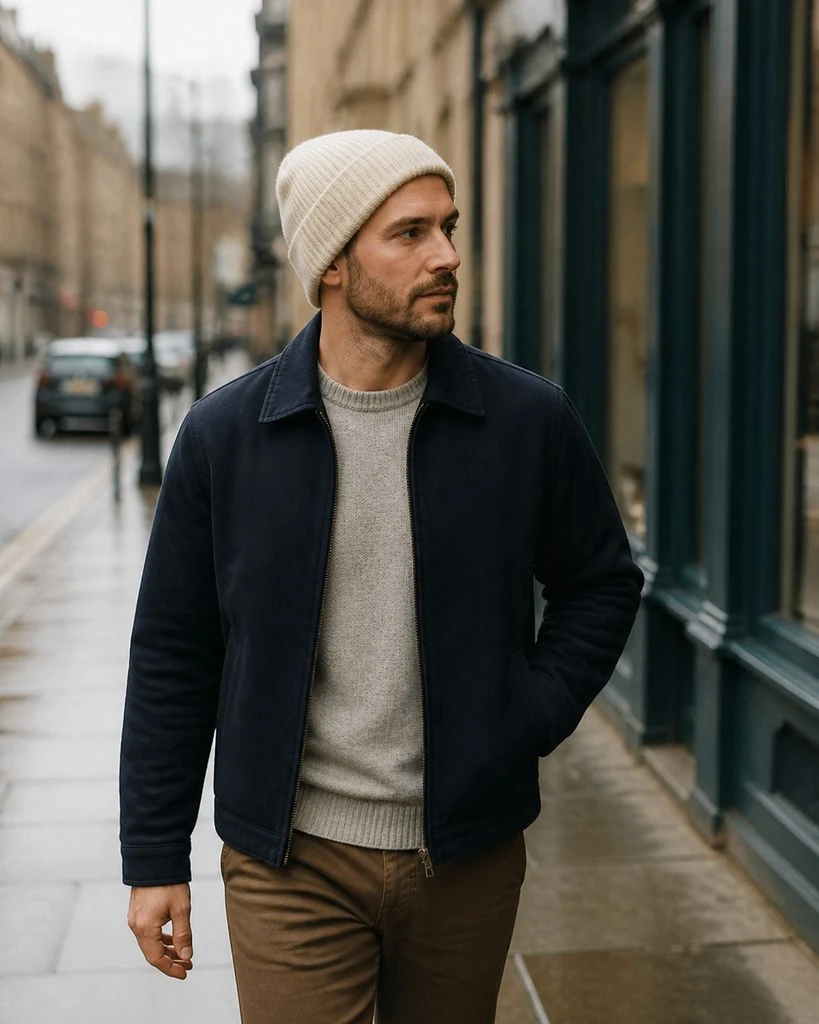
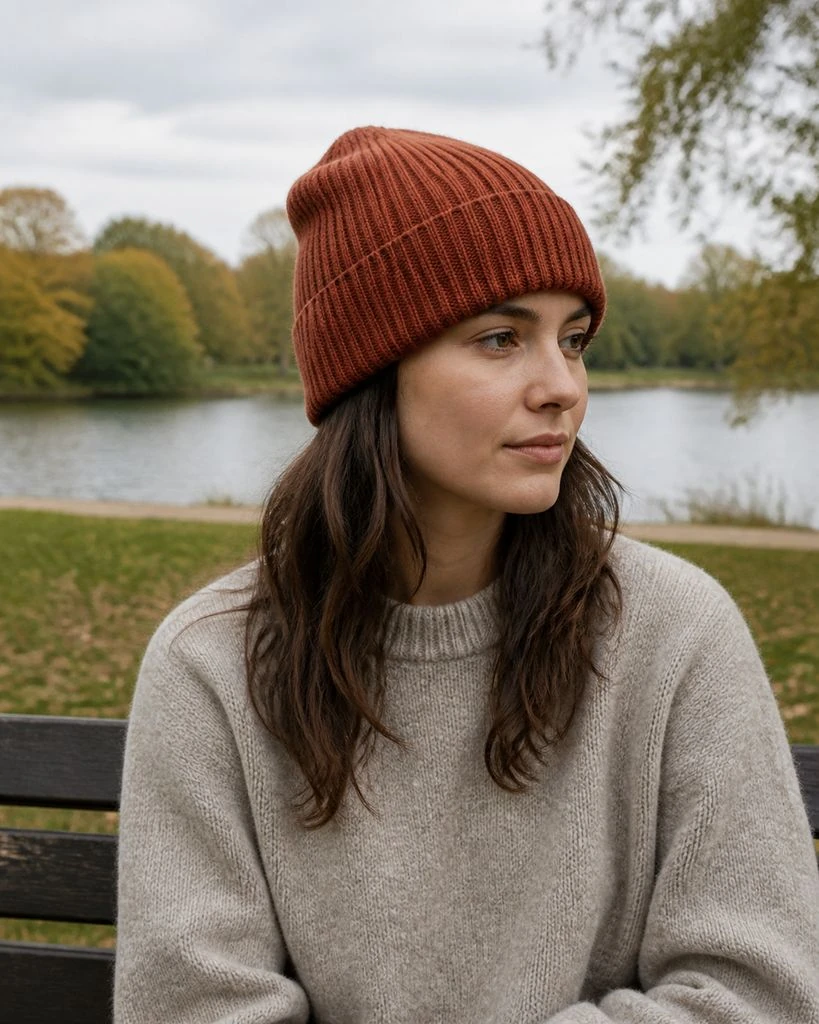
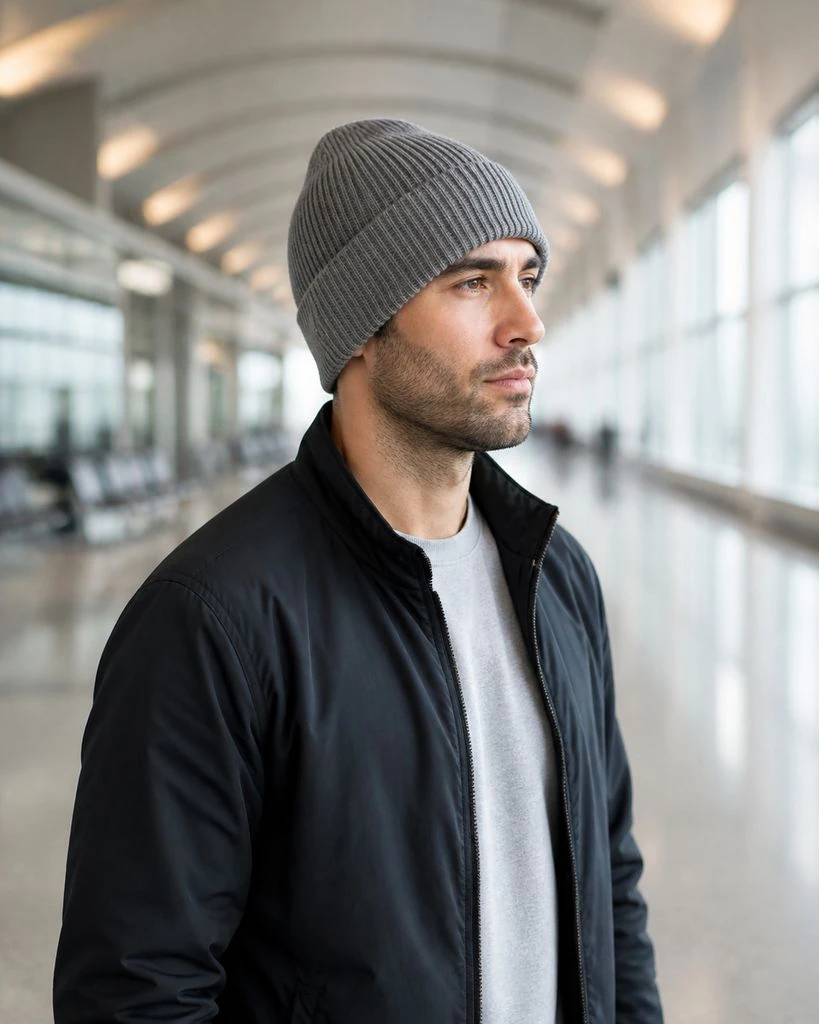
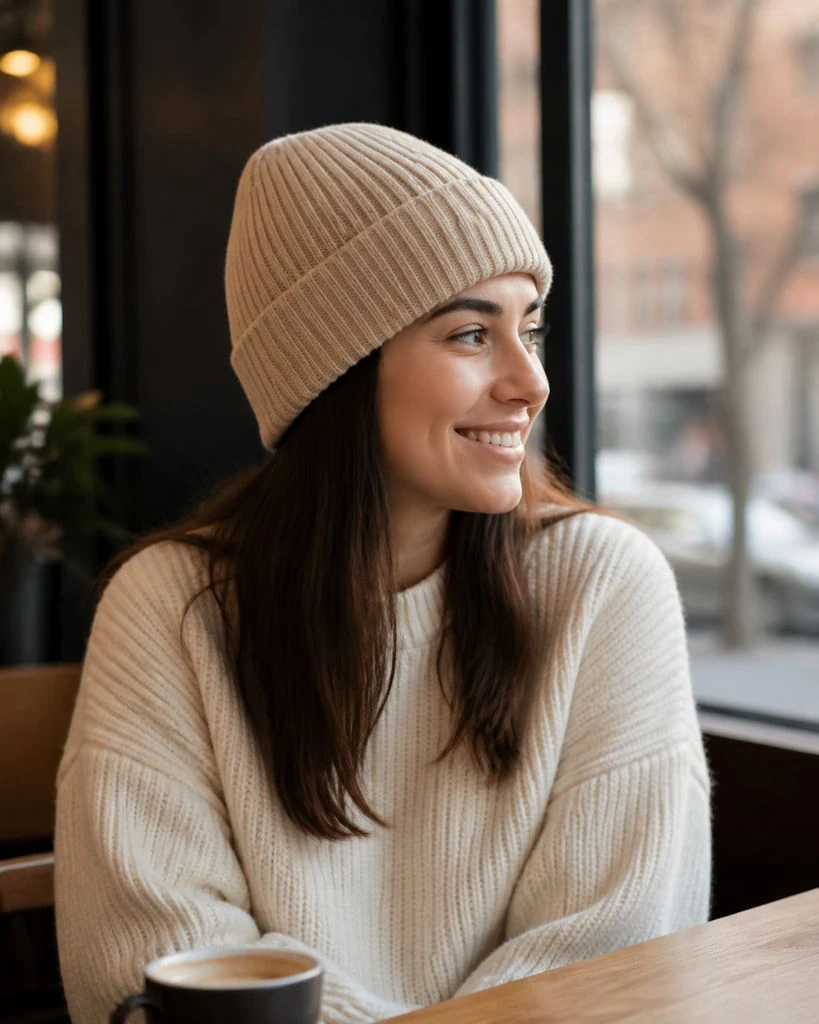
Beanies · On-model & Lifestyle
Bags & Accessories
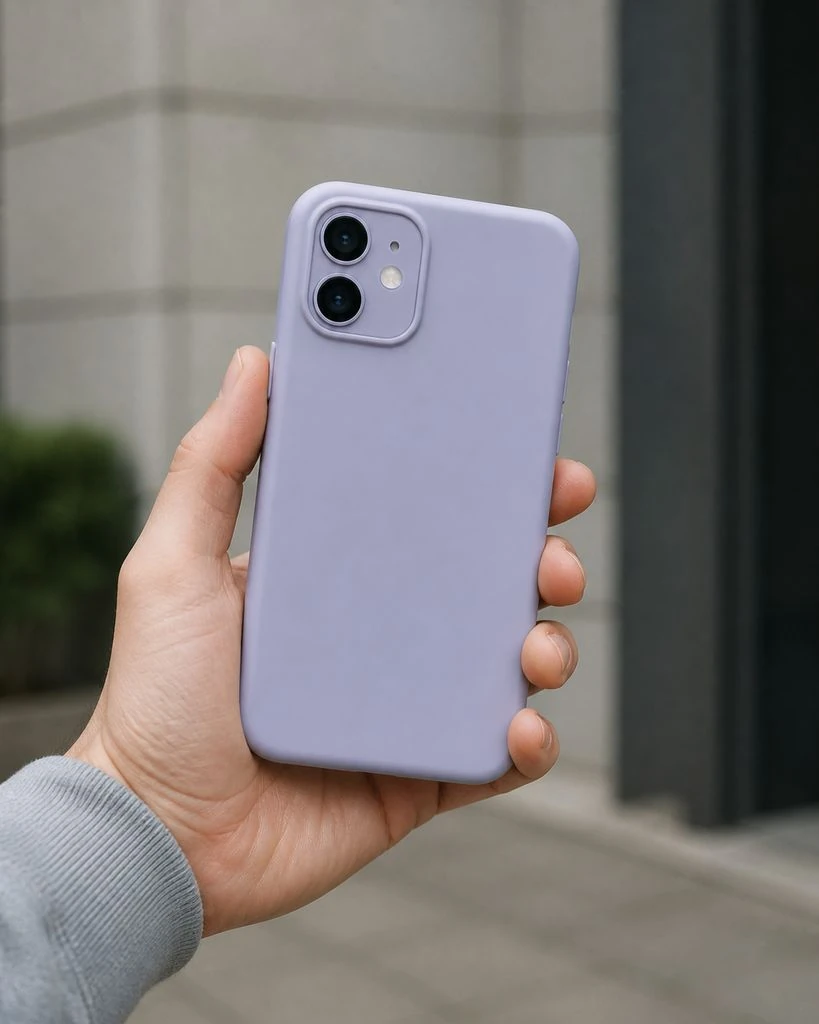
Natural One-Hand Case Scale
A clear hand-scale view of a fitted case on one phone with normal grip and button geometry.
Try Fotogenic AITry this look with your product in our app.
Back to libraryFAQ
From a look to your own photo.
Open Fotogenic AI, go to Templates and find the look by its name or product category. Add your product photo, adjust the available settings and generate. Review the result, then download the images you want to use.
Create with your product
Make this look yours.
Bring your product photo to Fotogenic AI. Choose a template and create your next store, ad or social image.
- Start with your photo
- Choose your look
- Review and download